Customer Ratings & Reviews
- Model:
- GA05756-US
- SKU:
- 12110653
Rating by feature
- Battery Life
Rating 4.2 out of 5 stars
- Durability
Rating 4.6 out of 5 stars
- Comfort
Rating 4.7 out of 5 stars
Great Up Grade
||Posted . Owned for 3 weeks when reviewed.This reviewer received promo considerations or sweepstakes entry for writing a review.This is an upgrade for me. I had a Vesa 2 Fitbit. I am enjoying all this watch can do and still learning. It has a lot of watch faces, and the wrist band is comfortable.
I would recommend this to a friendSmart Smartwatch, but not long lasting
||Posted . Owned for 2 months when reviewed.This reviewer received promo considerations or sweepstakes entry for writing a review.This watch was purchased as it says it detects falls for my mom. It seems accurate with vitals. The battery life is short usually lasting almost one day. My fitbit lasts 5 times as long. It's not very user friendly for the elderly, but to be fair I don't think that is its targeted audience.
No, I would not recommend this to a friendBrand response from Google Team
Posted .Thanks for sharing with us, Christy. While we’re glad you’re happy with tracking vitals on the Pixel Watch 3, we hear your concerns with battery life — here are some tips to get more daily use out of the watch:
1. Shorten the screen timeout: Swipe down > tap Settings > Display > Screen timeout, and choose a shorter time, like 15 seconds. This means your watch goes to sleep more frequently when you're not using it.
2. Turn off Tilt-to-wake feature: Swipe down > tap Settings > Gestures > turn off "Tilt-to-wake".
3. Reduce the screen timeout period: Swipe down > tap Settings > Tap Display > turn off "Always-on Display".
If you need any more support, reach out here: https://support.google.com/googlepixelwatch/gethelp?sjid=1168929876280557452-NC
Great Design with minor flaw
||Posted . Owned for 2 weeks when reviewed.This reviewer received promo considerations or sweepstakes entry for writing a review.Great Design. Feels good on hand. But I noticed that, even when I took off my watch, it is displaying the heart rate for good 3-4 minutes.
I would recommend this to a friendPixel watch
||Posted .This reviewer received promo considerations or sweepstakes entry for writing a review.Very useful in everyday life and just what I was needing!
I would recommend this to a friendGoogle watch
||Posted . Owned for 3 weeks when reviewed.This reviewer received promo considerations or sweepstakes entry for writing a review.Best purchase I've ever made. I have access to ask my phone apps. Love it!
I would recommend this to a friendOkish
||Posted . Owned for 5 months when reviewed.This reviewer received promo considerations or sweepstakes entry for writing a review.Worked for a while then randomly locked home screen. Was nice until then
No, I would not recommend this to a friendBrand response from Google Team
Posted .Hey there, CodyP. Sorry you’re having trouble getting into your Pixel Watch 3 — this is definitely unusual. A factory reset will help resolve multiple issues — here’s how:
1. Press and hold both the crown and side button for approximately 20 seconds. A dark screen with a 'G' logo will display, or a colorful 'G' logo on Pixel Watch 3. If the watch is off, press the crown briefly to power it on.
2. Upon seeing the 'G' logo, simultaneously tap the upper-left and lower-right edges of the watch face to enter 'Fastboot' mode.
3. Navigate by pressing the side button next to the crown to scroll downwards.
4. Select 'Recovery mode' by highlighting it and pressing the crown. The display will show 'No command.'
5. Activate a debug screen by pressing and holding the crown while swiping up on the screen simultaneously.
6. Scroll down to 'Wipe data or factory reset.'
7. Initiate the reset by swiping right, which will also reset your PIN.
8. Once the data wipe is complete, highlight 'Reboot system now' and swipe right or press the crown to restart the watch.
If you’re still running into any issues, reach out to us here: https://support.google.com/googlepixelwatch/gethelp?sjid=1168929876280557452-NC
Great watch!
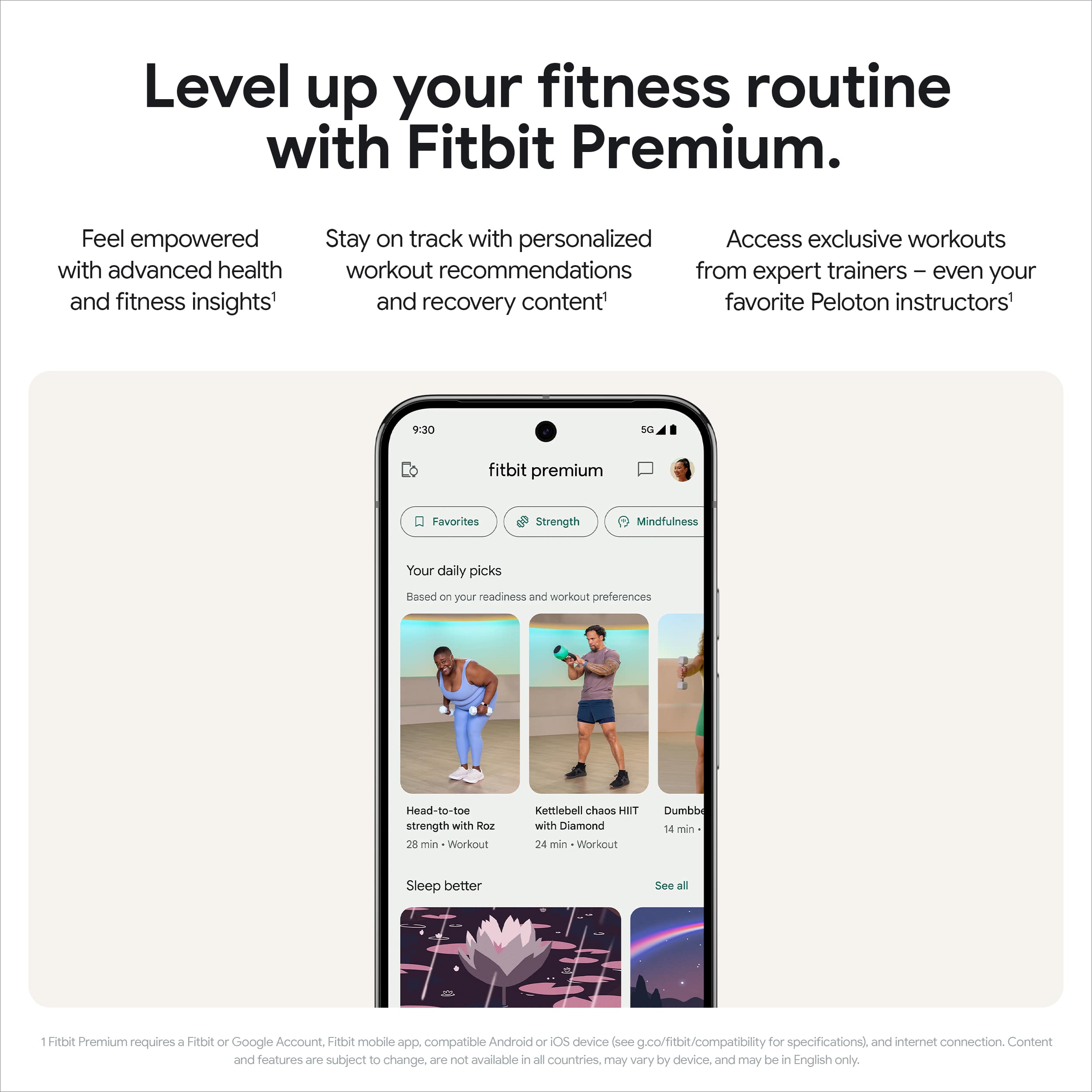
||Posted . Owned for 3 weeks when reviewed.This reviewer received promo considerations or sweepstakes entry for writing a review.Excellent watch! Connected easily to my Samsung phone. The Fitbit Premium app provides great info. My only challenge is finding the Fitbit ECG app.
I would recommend this to a friendNice watch
||Posted . Owned for 3 months when reviewed.This reviewer received promo considerations or sweepstakes entry for writing a review.Very nice watch I would like to recommend the watch to everyone
I would recommend this to a friendAmazing
||Posted . Owned for 1 month when reviewed.This reviewer received promo considerations or sweepstakes entry for writing a review.Amazing fitness tracking, and all day battery make it a no brainer if you have a google phone.
I would recommend this to a friendBuy now
||Posted .This reviewer received promo considerations or sweepstakes entry for writing a review.Excellent product. Fits nicely. Easy to configure setup. Very pleased.
I would recommend this to a friendA must buy
||Posted . Owned for 3 weeks when reviewed.This reviewer received promo considerations or sweepstakes entry for writing a review.I love this watch and all it’s features. The size and display are perfect.
No, I would not recommend this to a friendExcellent condition!!!
||Posted . Owned for 3 weeks when reviewed.This reviewer received promo considerations or sweepstakes entry for writing a review.I purchased an Open Box item in excellent condition, and it arrived as described, with no physical damage and all original components included.
I would recommend this to a friendGreat for fitness goals
||Posted .This reviewer received promo considerations or sweepstakes entry for writing a review.This is a great device to track your fitness and health goals.
I would recommend this to a friendNot bad, easy Pixel Pro integration
||Posted . Owned for 2 months when reviewed.This reviewer received promo considerations or sweepstakes entry for writing a review.Plug and play integration with Google phone. Uses Fitbit app... TBH, Samsung Watch and app have more features.
I would recommend this to a friendLove my watch
||Posted . Owned for 1 month when reviewed.This reviewer received promo considerations or sweepstakes entry for writing a review.Love my watch. Very glad i decided to make this purchase.
I would recommend this to a friendLike but one problem
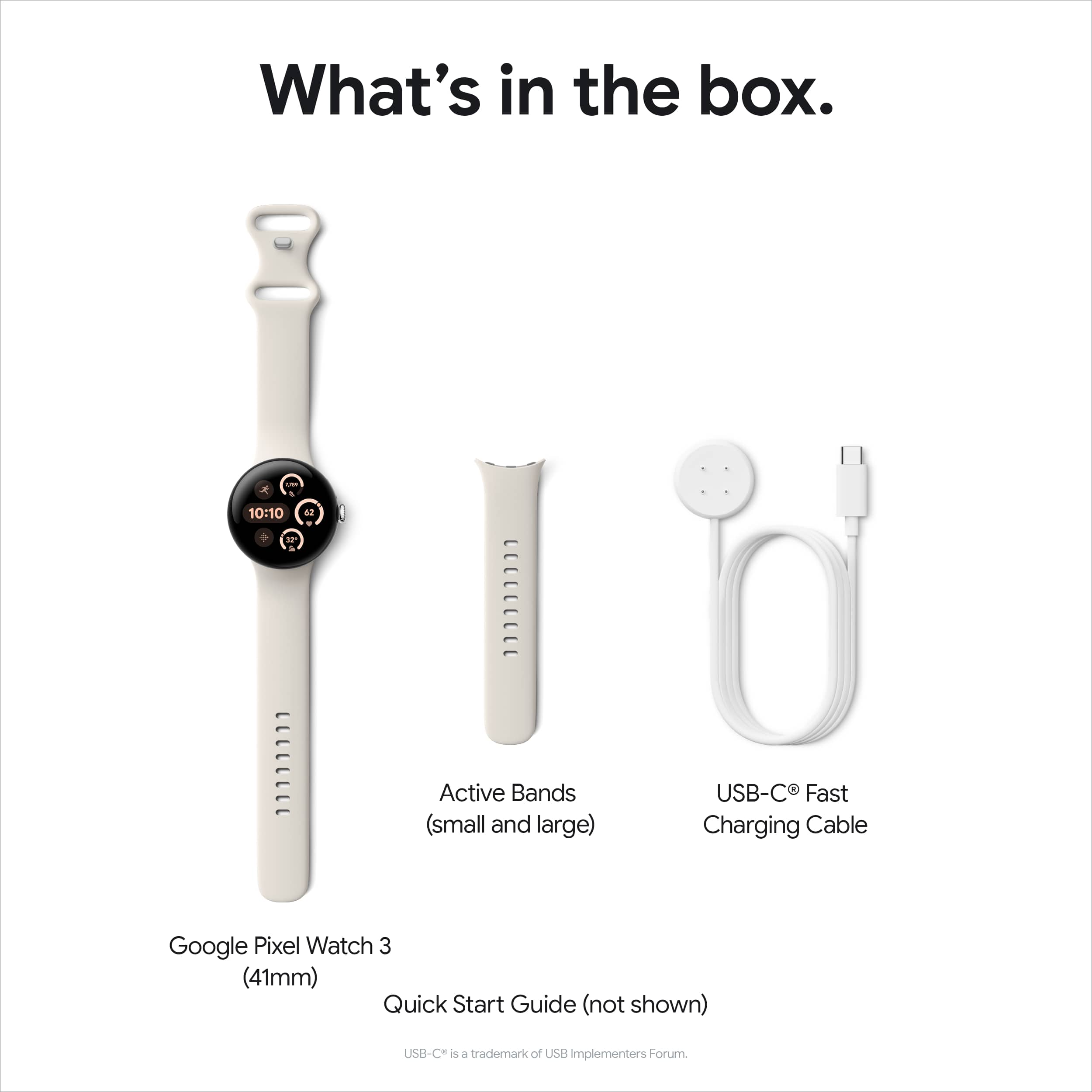
||Posted .This reviewer received promo considerations or sweepstakes entry for writing a review.I like the watch, but the cord that came with it hooks into my phone but does not have a charger that fits the cord. The cord is not a USB cord. I had to order the charger separately.
I would recommend this to a friendNew watch
||Posted . Owned for 1 month when reviewed.This reviewer received promo considerations or sweepstakes entry for writing a review.Good overall product. Wish the battery life was longer.
No, I would not recommend this to a friendWould recommend
||Posted . Owned for 2 weeks when reviewed.This reviewer received promo considerations or sweepstakes entry for writing a review.Excellent product, as expected from Google. Easy to set up and seems to give accurate bio-signals.
I would recommend this to a friendGoogle watch
||Posted . Owned for 1 month when reviewed.This reviewer received promo considerations or sweepstakes entry for writing a review.Great sleek design and easy to maneuver. Big issue I have is it doesn't fully integrate with my Samsung phone. You would think Android to Android would be fine, but no. Also, My screen is cracked and the watch has not had a hard impact with anything.
I would recommend this to a friendBrand response from Google Team
Posted .Hi there, MattD. We're glad you're enjoying the design and the ease of use of the Pixel Watch 3. That said, we hear you on wanting further integration with your phone. We'd like to hear more of your thoughts — when you have a second, share more here: https://google.qualtrics.com/jfe/form/SV_2aStd8wsbcLGvwG
Mr.
||Posted . Owned for 2 weeks when reviewed.This reviewer received promo considerations or sweepstakes entry for writing a review.Bought this for my wife and she loves it. She previously had a Fitbit.
I would recommend this to a friend