Customer Ratings & Reviews




- Model:
- GA00519-US
- SKU:
- 6382912
Rating by feature
- Battery Life
Rating 4.5 out of 5 stars
- Speed
Rating 4.3 out of 5 stars
- Display
Rating 4.3 out of 5 stars
Customers are saying
Customers frequently mention the Pixelbook Go's excellent keyboard, long battery life, and light weight as significant advantages. Its ease of use and surprisingly good speakers also receive praise. However, some customers find the price to be high and express concerns about the hinge's durability. Limited storage is another recurring point of feedback.
This summary was generated by AI based on customer reviews.
Great value
||Posted . Owned for 3 weeks when reviewed.This reviewer received promo considerations or sweepstakes entry for writing a review.Great value especially for primary age school children
I would recommend this to a friendEasy to use
||Posted . Owned for 3 weeks when reviewed.This reviewer received promo considerations or sweepstakes entry for writing a review.Great computer, fun to use, the camera is great feature
I would recommend this to a friendGreat for daughter school
||Posted .This reviewer received promo considerations or sweepstakes entry for writing a review.Just what we needed for online school. Works well.
I would recommend this to a friendWouldn’t print on my printer
||Posted . Owned for 3 weeks when reviewed.This reviewer received promo considerations or sweepstakes entry for writing a review.It runs just fine but getting it setup for my google cloud printer was a pain and wouldn’t work. With the COVID going around all it became was a mess trying to get tech support.
I would recommend this to a friendLove it
||Posted . Owned for 3 weeks when reviewed.This reviewer received promo considerations or sweepstakes entry for writing a review.Absolutely love it it's simple sleek durable mobile
I would recommend this to a friendGood
||Posted . Owned for 3 weeks when reviewed.This reviewer received promo considerations or sweepstakes entry for writing a review.Excellent laptop for students to use daily all day
I would recommend this to a friendPowerhouse!
||Posted .This reviewer received promo considerations or sweepstakes entry for writing a review.No need for a standard laptop when you have one of these!
I would recommend this to a friendGreat Chromebook
||Posted . Owned for 3 weeks when reviewed.This reviewer received promo considerations or sweepstakes entry for writing a review.Very nice computer. Starts up very fast. Would buy again.
I would recommend this to a friendGreat laptop
||Posted . Owned for 1 month when reviewed.This reviewer received promo considerations or sweepstakes entry for writing a review.Great laptop. More than I needed. Really enjoying it
I would recommend this to a friendGreat quality Chromebook
||Posted . Owned for 1 month when reviewed.This reviewer received promo considerations or sweepstakes entry for writing a review.Replaced older MacBook with this and it works great.
I would recommend this to a friendStrikingly FAST!
||Posted . Owned for 3 weeks when reviewed.This reviewer received promo considerations or sweepstakes entry for writing a review.Everything as represented. Couldn't be more Satisfied!
I would recommend this to a friendBattery Died After 14 Months, Google Did Nothing
||Posted . Owned for 1 year when reviewed.This reviewer received promo considerations or sweepstakes entry for writing a review.Loved my Pixelbook Go for the first 14 months that I had it. Two months after my warranty was up, the laptop wouldn't turn on. Wouldn't charge. Tried a hard reset, and still nothing. I replaced the charger in case that was the problem, and still nothing. I contacted Google, who told me after some back and forth that I was outside my warranty and they couldn't do anything for me. They referred me to ubreakifix, the repair chain they work with. I was told I could go to the nearest store (an hour and a half away) and they could do a diagnostic when I got there to let me know the problem and cost to fix. I drove the hour and a half, and was told it would take one to two days for the diagnostic, but it was probably the battery, which would need replacing. Unfortunately, they can't get a replacement battery for the Pixelbook Go. So, I have a not inexpensive laptop that will not turn on and can't be fixed according to ubreakifix, and according to Google that's my tough luck. Buyer beware - after warranty, you are on your own. I will never, ever buy another Google product.
No, I would not recommend this to a friendBrand response from Google Team
Posted .Hi JenB, thanks for posting your review. It's unfortunate to learn that your Pixelbook Go won't turn on after the limited warranty has expired. We're sorry that your experience in finding a solution to your issue was less than ideal. Your feedback here helps us understand our customers' needs and preferences when it comes to the products and services we offer. If you decide to give the Pixelbook Go another chance in the future and have additional questions, please don't hesitate to contact us on our Google Help page here: https://support.google.com/pixelbook/gethelp

Frequent Problems
||Posted . Owned for 5 months when reviewed.This reviewer received promo considerations or sweepstakes entry for writing a review.The kids needed laptops for school, so we decided on Chromebooks since that is what the school recommended. The school actually recommended cheaper brands/models, but we thought it would be worthwhile to buy something nicer and went with the Pixelbook Go. We purchased two and they have both been nothing but trouble. They regularly shut down unexpectedly while using them. One of them stopped charging and required a hard reset. The other wouldn't boot, also requiring a hard reset. On one occasion, one of them seemed to lose all data after logging in. You could still log into the accounts, but it was like logging in for the first time each time. Local files would be gone and the account would re-establish itself after logging in. This issue required a "power wash" to resolve, which set the machine back to it's factory default state. It's been 5 months since we first purchased these, so I'm pretty sure we're stuck with them. I'd return them if I could. For as much as these cost, I wish I would've bought a Mac or Windows-based laptop. I'm happy with other Google devices I own (Pixel phone), but would never buy a Pixelbook Go again, and will likely stay away from all Chromebooks, regardless of the manufacturer.
No, I would not recommend this to a friendBrand response from Google Team
Posted .Hi Brian,
Thanks for taking the time to share your experience with Pixelbook Go. We understand the frustration of experiencing these issues after such a short time and we appreciate your efforts in performing the troubleshooting steps required to fix them.
If you still continue to experience unexpected shutdowns on your device even after the troubleshooting steps you mentioned, we recommend performing a recovery on your Pixelbook Go.
Recovery is removing and reinstalling the OS. Please refer to this link for the complete steps: https://support.google.com/pixelbook/answer/9134768
Your Pixelbook Go comes with a 1-year limited manufacturer warranty starting from the date of original purchase. Alternatively, you can reach out and tell us more about the issue, we can do our best to improve your experience with your Pixelbook Go here: https://support.google.com/pixelbook/gethelp
- Pros mentioned:Battery life, Keyboard quality

The best Chromebook I've ever used
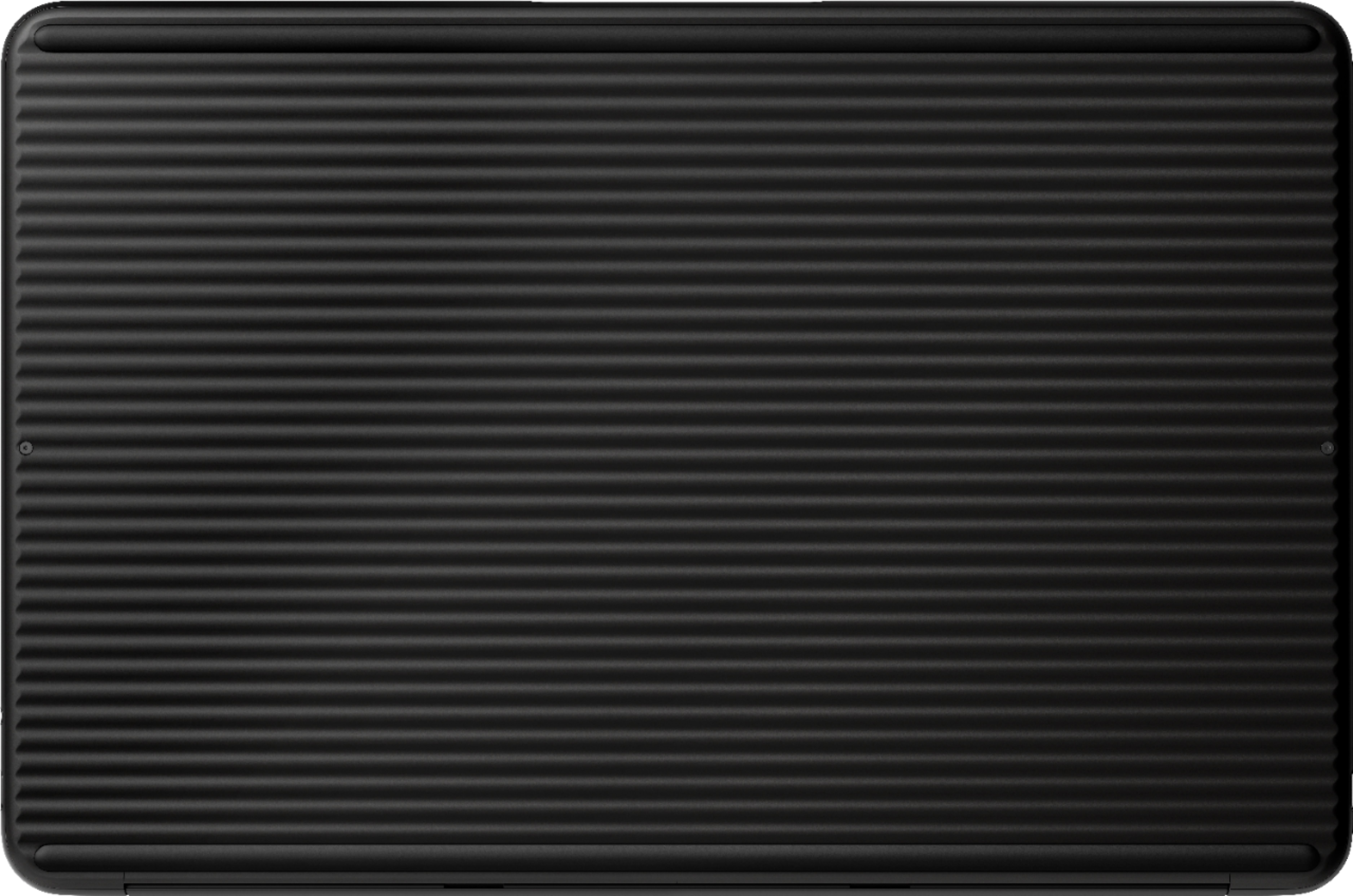
|Posted .This reviewer received promo considerations or sweepstakes entry for writing a review.I’ve been a Chromebook user since 2012, and I can safely call the Pixelbook Go the best Chromebook I’ve ever used - it may even be the best laptop I’ve ever used, period. The build feels premium all-around - the grippy bottom is a highlight, but the magnesium all around feels great, and it’s incredibly light. The keyboard is quite simply the best keyboard I’ve ever used. If you spent any time with the previous version of the Pixelbook, the keys are exactly like those, but better. The texture is slightly smoother, the keys are quieter, and it’s slightly more comfortable to type on. The trackpad is nice and large, feels smooth, and supports all the Chromebook gestures. I picked up this Chromebook because of the “Go”. My work is taking me off-site more and more lately, and I found myself wanting a laptop that could do everything I needed it to do, and to be able to leave my charger at home. In the week I’ve been using the Go, it’s checking all the boxes. Both my work “stuff” and personal “stuff” live in Google’s world (G Suite, Docs, Sheets, Drive, etc.), and I’ve only bumped into a few things a web version won’t suffice in...and for those, there’s Android and Linux. I’ve got the Audacity and GIMP Linux programs installed for some light audio and photo editing, and a few Android apps (Todoist for to-do lists and Outlook for some calendar notifications). The thing I’ve been most surprised by has been the audio - the Pixelbook Go speakers are stand-outs. Whether I’m listening to Spotify, watching YouTube at night, or streaming TV, I've been impressed. I watched 8 hours of football this Saturday on the Pixelbook Go and never even gave a thought to moving over to the living room TV. In my time with the Pixelbook Go so far, I’ve not run into anything that gives me pause. I am very happy with this device. If you know Chrome OS works for you, I think you will be very happy with it too.
I would recommend this to a friend - Pros mentioned:Battery life, Ease of use
Lightweight and Fast
|Posted .This reviewer received promo considerations or sweepstakes entry for writing a review.If you have never owned a Chromebook and are thinking about buying this one you might want to read this review. I will try to cover the things that I’ve learned. As far as hardware this Pixelbook Go is nearly perfect. It has to be one of the lightest and thinnest laptops I have ever owned and it’s the ultimate in portability. It has a solid medal case and the bottom has ripples that make it super easy to grip. Even though its light its very fast due to the solid state hard drive and processor. I wouldn’t attempt any serious video processing but for the average home or student it should be fine. The display is full 1080 and its sharp and bright and the touch screen is very responsive. The keyboard is lighted which is a plus but the keys are dead flat so it’s tough to find the home keys by feel. There are three total ports, two are USB-C style ports and the other is a headphone jack. The USB-C is used to charge the laptop and it has a fast charge feature. The supplied power cube is larger than most and may present an issue because it plugs directly into the outlet vs being a corded power brick. The battery life on this Chromebook is listed as 12 hours and I have gotten close to that number. There are two front firing speakers alongside the keyboard that produce sound way beyond what you would expect from a laptop! The built in wireless is fast and my throughput on my wireless is what I would expect. The Bluetooth quickly found my mouse and ear buds without issue. Using Chrome OS was a bit of a transition from Windows. Everything is browser based versus menu based so you need to learn the correct urls to get the information that you want. For example if you want to get the system information you need to open Chrome and type chrome://system. And then you either read through the webpage or use the search feature to find whatever you want to see. There are some simple things that are still menu based like the display settings, volume, wireless setting and a few others. To access the programs you select a Circle in the left hand corner and it brings up your apps. Everything seems to be there its just a totally different way of accessing it from a Windows system or even from an Android phone. A major plus for this Pixelbook is the inclusion of Google docs which I was very happy to see could handle any Word or Excel file I tried to open. After a quick search I learned how to use Chrome to access the files on my home network. Natively Chrome is set up to get files from the cloud and not your local network. The good news is that there is a lot of information on the web on how to use Chrome OS. Google also included a photo viewer that is super fast in loading and includes enough features to make it worthwhile. Because Chrome OS is app based there are tons of applications that are available. I downloaded the Spotify app and was able to really enjoy my playlist using the speakers on this Pixelbook. Overall its kind of an adventure transitioning from Windows to Chrome OS but this Pixelbook has made it fun and worthwhile. The typical user who uses this Pixelbook for playing media and using the typical apps or games will have no problem adjusting to Chrome OS. As I said this Pixelbook is close to being perfect. There are a few things that I wish they would improve. I am not a fan of the keyboard as I stated above but its not a show stopper. I was worried about the small amount of physical hard drive space included in the system. The push is for everyone to use the cloud but because this Pixelbook is so perfect for travel getting access to the cloud could be an issue. To avoid this issue I purchased a 500 gig external SSD that is USB-C compatible and that solved the concern. Lastly I wish Google would have include some additional utility apps like an equalizer for example. Yes I went out and downloaded a couple of equalizers but then I had to figure out which ones worked the best without bombarding me with ads. It would have been nicer to have more of the basic apps included in the system.
I would recommend this to a friend - Pros mentioned:Battery life, Speed, Weight
Excellent
|Posted .This reviewer received promo considerations or sweepstakes entry for writing a review.Setup was a breeze. Entered my google account account info and was up and running in no time. Amazing how light this chromebook is, feels like carrying a tablet around. It boots up really quick, less than 15 seconds when you power on. Battery life is really good. I have used off and on for roughly 15 hours of time and still had 25% battery. Great for streaming. I watched Netflix, Hulu and Disney +. I had no buffering and picture quality was very vibrant and clear. Touch screen is very responsive and I prefer using that over the mouse pad. This is a spectacular product and would recommend if you are looking for a fast, lightweight, and beautiful display.
I would recommend this to a friend - Pros mentioned:Battery life, Keyboard quality
Comprehensive Flexible & mobile in nice Google H/W
|Posted .This reviewer received promo considerations or sweepstakes entry for writing a review.The Pixelbook Go first impression was appealing due to its very light weight, feeling of the material was solid, and using keyboard very very smooth. Then, it feel like an Google android phone/tablets but represented in form of notebook, and limit the experience such form factor. The experience from scratch briefly on good things: Setting is straight forward, by providing google account information, connect to wifi, as usual as would with new android phone/tablet. During this process, only issue I observed was setting WiFi. After providing SSID and user/pass, it didn’t connect. After troubleshooting, turn out the option of Name Server for the given WiFI SSID is in “Automatic Name Server” under Name Server category. Although it is expected Automatic would work, some how had to select “Google Name server” option, then was able to connect. So this was the very first pitfall as try to get excited about the new notebook. Once setup, everything else is automatically allowed to experience the google experience, mainly Gmail, G-Suite office application, storing on the cloud, without inconvenience of security and permission as would for all google applications as user allow. Switching in between has been joyful. Using multimedia file, as one would imagine it is highly dependent of Google Play and YouTube for music and/or videos. In this context, quality of sound and video I feel they above average as not being audiophile specialist. Video image quality, the black is acceptably deep dark, and grade of color changing is smooth not being able to notice at grain level. In the attached picture, among other comparison, shows comparing PixelBook Go screen vs my Sony Bravia HD screen playing Maroon 5 song Memory. In which when the video starts, start with dark image as light up slowly lighting up the singer song. Without setting the set of light professionally but with room light off, in the normal use context, Pixelbook Go feels to show better image than the TV. (In both devices video played via streamed YouTube’s Vevo) Then the audio aspect, it deliver surrounding and immersive experience. Didn’t expect that level of sound, again perspective not being audiophile expert, but from average user point. You can feel left and right sounds, and center for voice feels to work seamlessly as for instance give sense of sound effect going away or passing through the voice and give sense of distance. So by watching movie while placing the Pixelbook Go on the lap and sitting on the sofa, the sound effective as directly provoked as described above. On the other hand, for case of playing music, its sound fill the space, but I found its optimal range is between 5ft to 7 ft radius. Beyond it, start to be a noise quality. The keyboard, as briefly mentioned above, it is smooth as type, feels secure each of them as write long documents. One nice touch here is how Google has implemented the backlit. Under dark, it doesn’t show the underneath light as in some notebook would, and only light up while in use. The Google Assistance, baed on the usage appear a shortcut to usual command used for google browser. As command is typed or asked via voice, it search google. It feels premature the technology behind or still as was several years on returning asked response. Although does feel advance understanding voice part. For instance, if ask what via type mode or voice, “what is my pixel book spec”, can’t response and refer to generic google search. Or another case, “what song is playing in my speakers” (wifi connected and its control app installed) Then I liked that it can be charged either left or right side as allow to accommodate better the cable depending not eh place of outlet. And briefly the battery last long enough at least being new. Being used for three days listening music, watching streaming video, and editing documents and images, and still 28% left. The rest: Other aspect of use feels normal, not much to describe as similar of rest of devices and brand on how deliver in the design and form factor around. However, couple of things that didn’t feel right. 1) The large trackpad, as use, the feeling on the surface is ok if not goo enough. But as click does a sound that as much being used become annoying. If there is option to disable the sound, I couldn’t find. But if there isn’t, it is bit annoying. 2) The window of applications cannot be resized. Only browser based applications, mostly Google docs opening within browser. And doesn’t have option or organize in tile mode opened applications. 3) Display cannot be flipped to use as tablet mode. Hence optimal benefit of touch screens fells short. Understandbly this is by design intend and there is Pixelbook, but for the MSRP price point feels bit shortcoming. Conclusion: Pixebook Go is nicely put together all Google in the hardware and software and appeal very good for flexible and mobile work/lifestyle as most of task can be accomplished with it for those that cannot with phone or tablet. It is light, seemingly, solid texture of material. It is for user comfortable of being in the Google data ecosystem with most of experience dependent on Google platform. However, without using Pixelbook Go, close to what attempt pt deliver Google with it can still meet with competitive devices and brands around $500 range. But still it is good alternative. From perspective of design and product, I would rate 4.5, but that is not an available option, rating upward. But not recommended under criteria of price vs uniqueness and compared to if can be done same with competing devices. In the attached collage of photo, packaging and unpacking, display comparison, variety of Pixebook Go from Google.
I would recommend this to a friend great computer, not the best value
||Posted . Owned for 1 month when reviewed.This reviewer received promo considerations or sweepstakes entry for writing a review.A bit expensive, original pixelbook was a better value. For devices like this Lenovo offers better value
No, I would not recommend this to a friendBroke after one year…
||Posted . Owned for 1.5 years when reviewed.This reviewer received promo considerations or sweepstakes entry for writing a review.Nice laptop but not very durable. Screen cracked without even dropping it.
No, I would not recommend this to a friendBrand response from Google Team
Posted .Hi LaLa, thanks for sharing your feedback. We're sorry to hear that the screen of your Pixelbook Go cracked without even dropping. Definitely not the experience we want you to have. We'd recommend that you reach out to our support specialists to check if it's covered by our limited warranty. If you have further inquiries about our limited warranty or have additional questions about the Pixelbook Go, please contact us on our Google Help page and let us improve your experience. You can reach us by visiting this link: https://support.google.com/pixelbook/gethelp
Don't Buy it.
||Posted . Owned for 2 months when reviewed.This reviewer received promo considerations or sweepstakes entry for writing a review.The headphones jack broke promptly right after the No-Return date. (I think it was 3 months). The stylus for drawing NEVER worked right after we tried several times to calibrate it. Brought it to the "Geek Squad" and there was nothing they could do either. It turns on , so I'll have to give it a couple of stars.
No, I would not recommend this to a friendBrand response from Google Team
Posted .Hi there, thanks for sharing the details of your issues with the Pixelbook Go. We understand that having hardware failures after such a short time of use can be disappointing for you. Even if your Pixelbook Go is already out of the return window, we suggest reaching out to our specialist so we can learn more about the issue and we’ll find a way to help improve your experience here: https://support.google.com/googlenest/gethelp