Customer Ratings & Reviews




- Model:
- GA00519-US
- SKU:
- 6382912
Rating by feature
- Battery Life
Rating 4.5 out of 5 stars
- Speed
Rating 4.3 out of 5 stars
- Display
Rating 4.3 out of 5 stars
Customers are saying
Customers frequently mention the Pixelbook Go's excellent keyboard, long battery life, and light weight as significant advantages. Its ease of use and surprisingly good speakers also receive praise. However, some customers find the price to be high and express concerns about the hinge's durability. Limited storage is another recurring point of feedback.
This summary was generated by AI based on customer reviews.
It's Ok.
||Posted .This reviewer received promo considerations or sweepstakes entry for writing a review.C'mon Google! What a rip to put in a touchscreen, but can't flip into a tablet. Why bother at all?
No, I would not recommend this to a friend- Pros mentioned:Keyboard quality, Weight

Amazing Hardware, Nice Chromebook
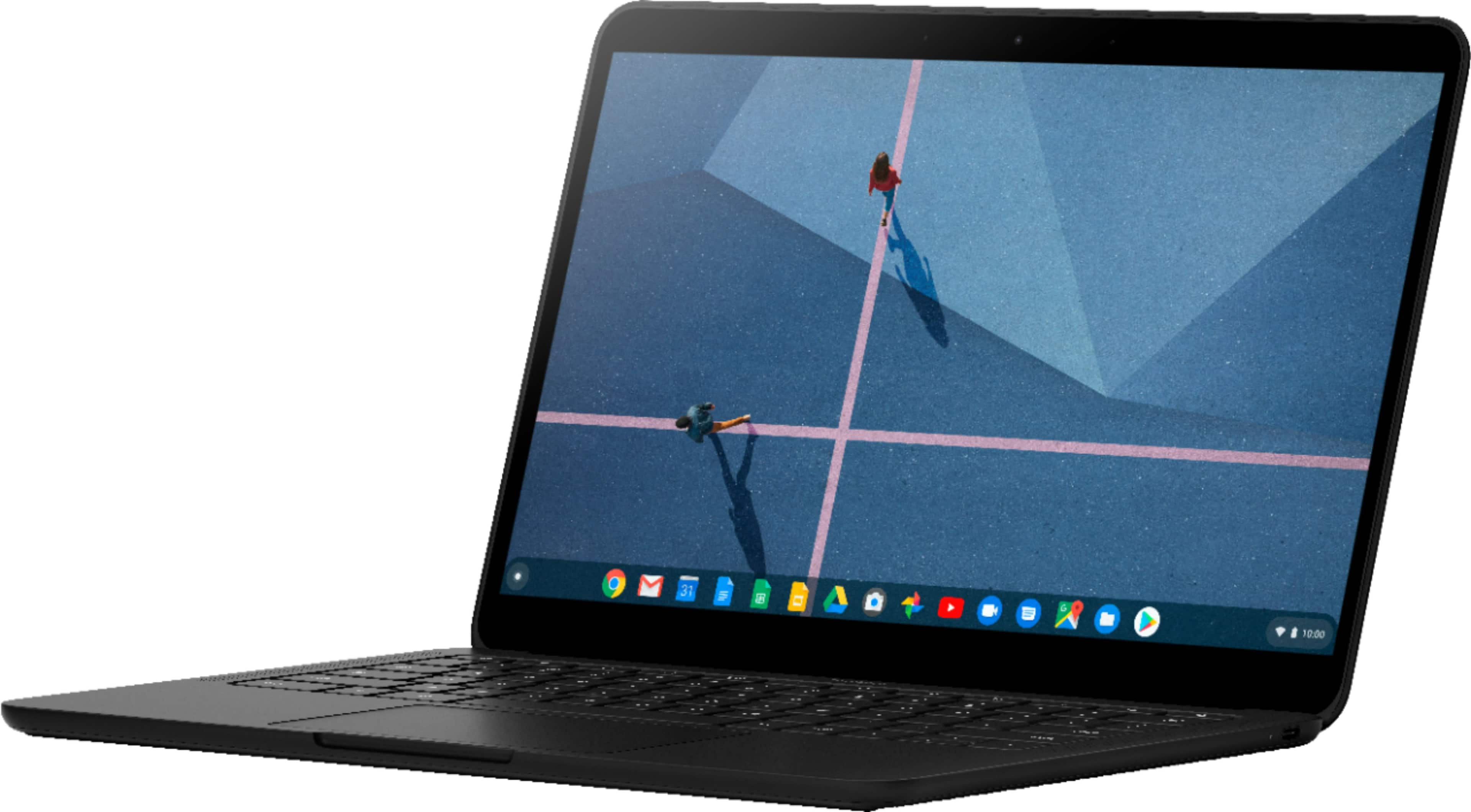
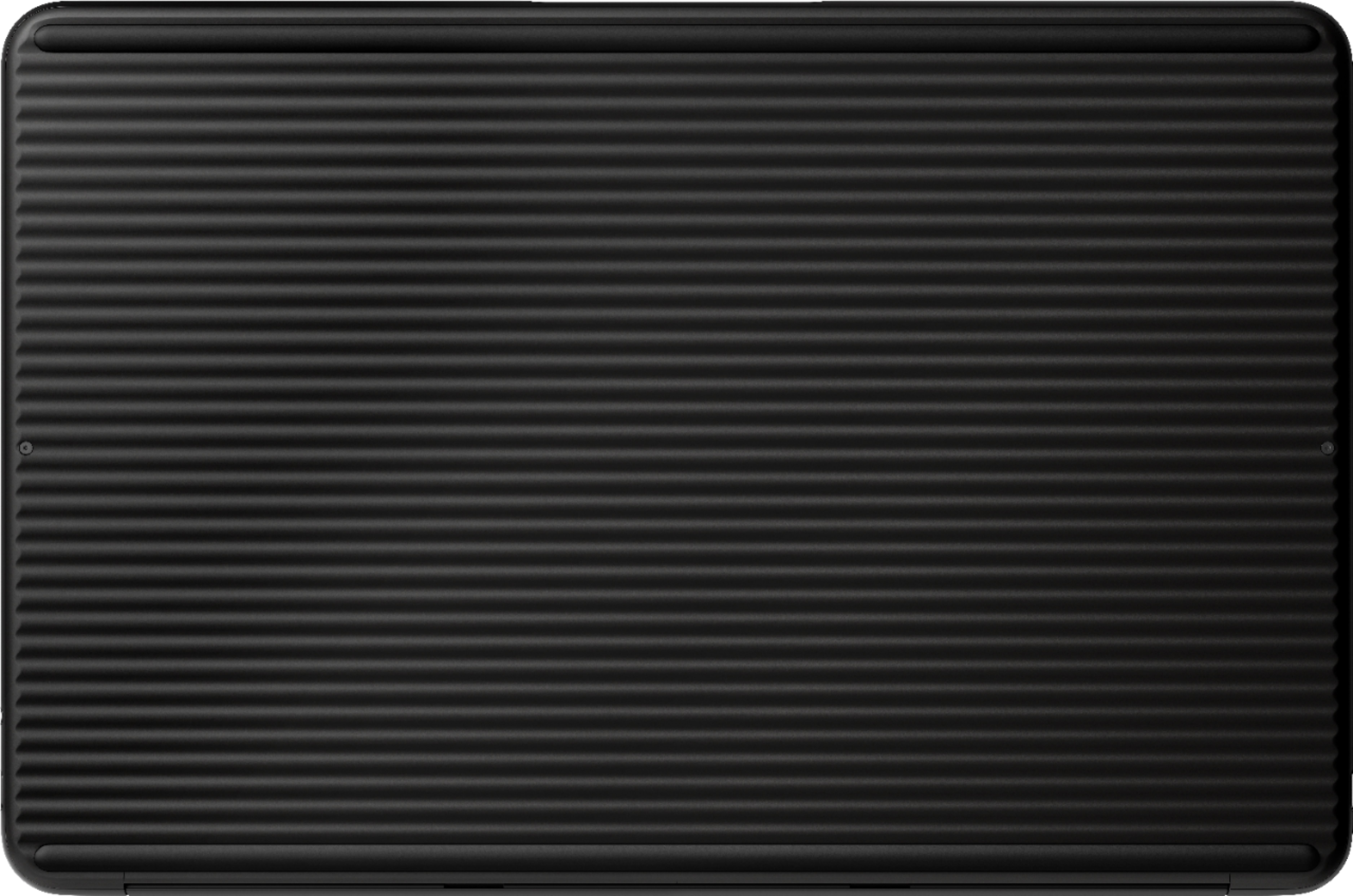
|Posted .This reviewer received promo considerations or sweepstakes entry for writing a review.So the first thing your going to notice about this device is the Fit and Finish. Google did an absolutely amazing job on designing and building this computer. The backside of the GO has this really nice ribbed construction and that's meant to add grip for when you grab it and GO! The 13 inch display is 1080p on my model (Core i5) and watching Netflix and Playing games you really notice how nice it actually is! The colors pop and it has a nice amount of detail, especially when watching 4k content! Along with the vibrant display you have these insanely loud but immersive speakers. They add a nice touch and increase the overall experience for media consumption. The Trackpad is also very nice, they use a smooth piece of glass that handles all of your gestures with ease and fluidity. Just above that you have their popular HUSH keyboard. Now I will say the typing experience on this computer is the best I have ever had. The keys have nice travel and are soft on every press. Again its something you will have to try for yourself but Its one of my favorite things about this computer besides the speakers! Now this Pixelbook is super light and very thin at just a half inch, it really is something I wouldn't mind taking with me everywhere because of its small footprint! Now this is my first Chromebook experience but I have to say that the simplicity of just signing in with your google account and from there everything is linked to the Pixelbook just like that. there's no need to setup any of the apps like google drive or chrome browser with all of your bookmarks. Also the Docs and Sheets word processing apps are great too! everything will be synced and always backed up, you will never need to worry about transferring from computer to computer, just sign in and GO! Overall I have to say I think its an amazing machine and if its within your budget, I say def give it a try and see how you like it, Heck you might even fall in Love with it! **We just did a video review on the Pixelbook Go and encourage you to check it out on YouTube. Just search for Aluzion TV
I would recommend this to a friend - Pros mentioned:Keyboard quality, Weight
Great for on-the-go
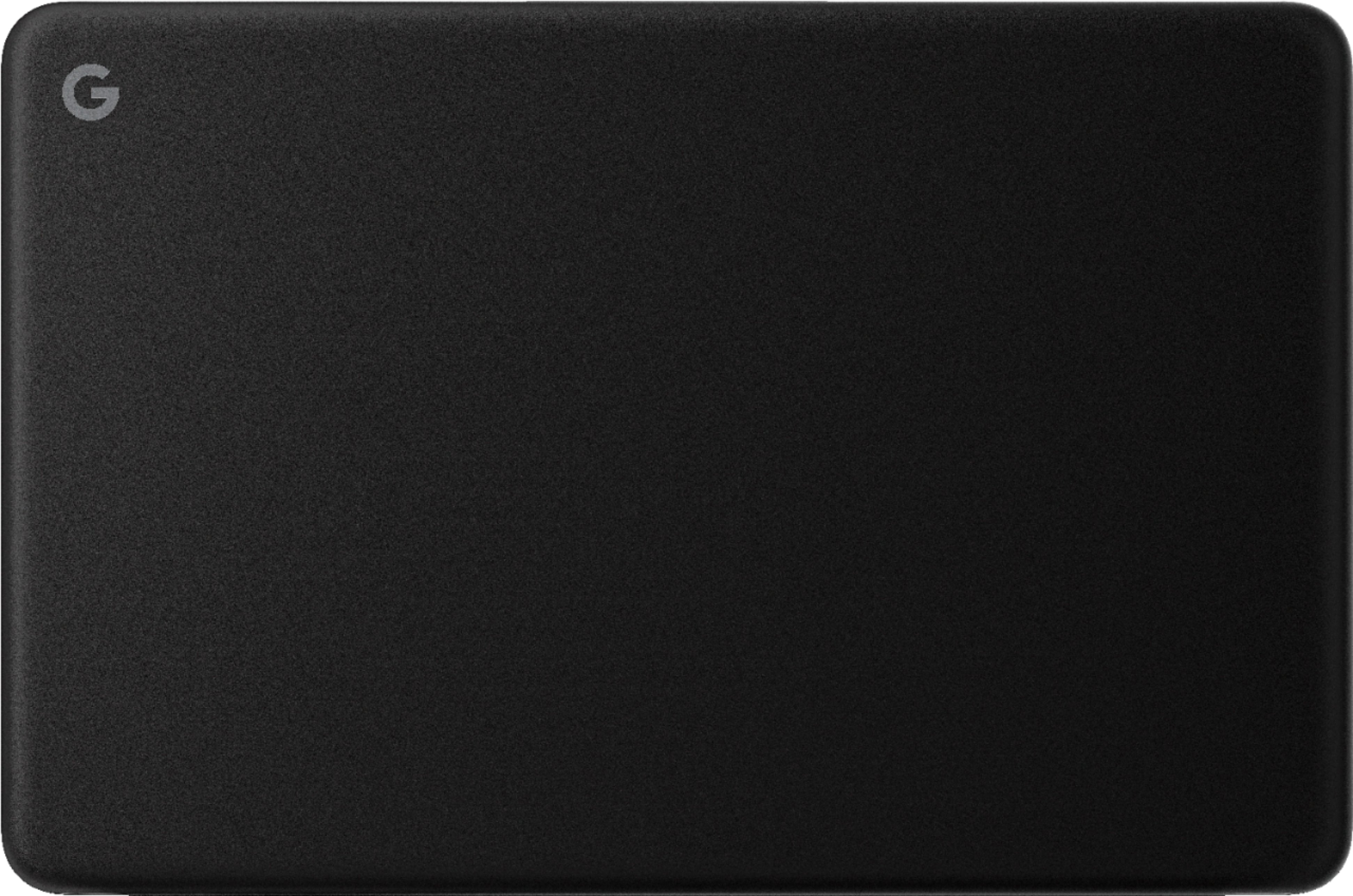
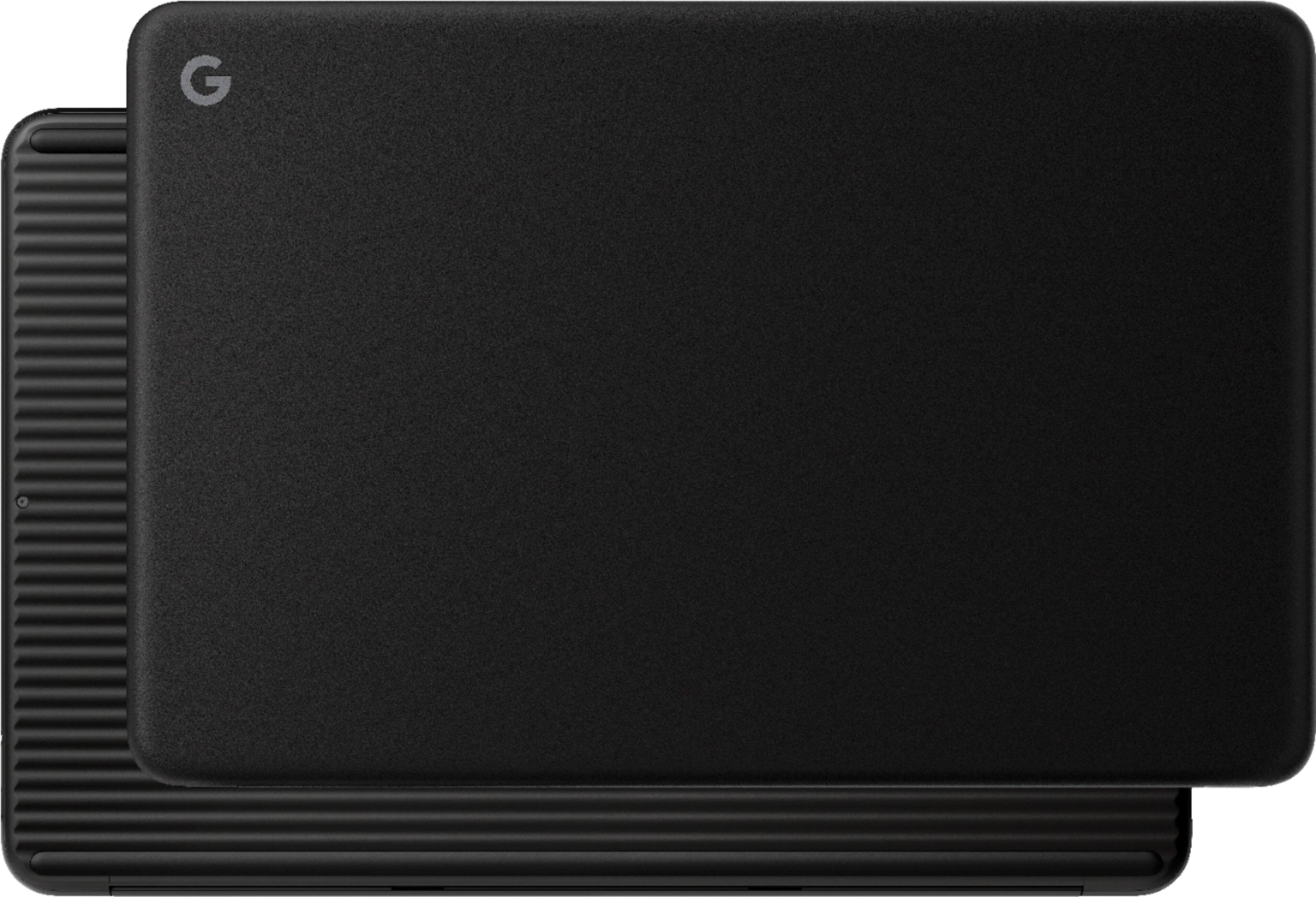
|Posted .This reviewer received promo considerations or sweepstakes entry for writing a review.Google - Pixelbook Go 13.3" Touch-Screen Chromebook Included- the Google Pixelbook Go Chromebook, USB-C wall adapter, USB-C charging cable Design- The Google Pixelbook Go 13.3" Touch-Screen Chromebook is all black. I don't love the all black color because I feel like it looks cheaper and is less quality than it really is. I would have personally preferred a sliver/chrome color. The top is smooth and the bottom has grooves on it. I think that the grooves are supposed to help with stability so it doesn't slide off of surfaces because it doesn't have any feet on the bottom. It's super lightweight and thin. The Google Pixelbook Go weighs just over 2 pounds and it's half an inch in thickness. It's built with travel and portability in mind. The keyboard has a nice typing feel to it and it's backlight for easy visibility. I'm super picky about keyboards and I like this one a lot. The touch screen gives you more versatility and control. The screen does not fold back all the way to convert into a tablet though. That is also another feature I would have preferred. I also own the 12.3" Touchscreen Chromebook Pixelbook and that one does so I'm somewhat surprised this one doesn't since it's made for on the go. The USB-C ports are on either side for easy access for charging. There is also a 3.5mm headphone jack on the left side. Start up- This couldn't have been any easier. I unwrapped the box, opened up the Google Pixelbook Go. It booted up with about 70% power. It asks you right away to connect to your wifi, it updated to the latest version and sets your voice for recognition with Google Assistant and then it's ready to go. The streaming on the Google Pixelboook Go has been flawless. We don't have cable but only streaming services (Amazon Prime, HBO Go, AT&T Now) and the typical YouTube videos my kids watch and we haven't had any lagging or buffering the videos that we've watched so far. The picture quality is is great with the HD screen. The bigger adjustment for me personally are the Chrome web apps and extensions. They're a regular program that runs in the Chrome Browser, to keep everything running fast and the files are safe. Some apps are already loaded on the Chromebook and there are more offered in the Chrome Web store. My kids use the the Google docs and sheets in school on a daily basis and this works seamlessly with that. I appreciate the ease and ability to do homework at home with no problems. I would highly recommend the Google Pixelbook Go to anyone looking for a great reliable laptop for yourself or a student. I have been really happy with the Google Pixelbook Chromebooks we own. It's perfect to carry in a backpack or purse, while you're heading to work, school or on a trip. It's lightweight and works great.
I would recommend this to a friend Meh
||Posted .This reviewer received promo considerations or sweepstakes entry for writing a review.It gets the job done... but I honestly wish I hadn't purchased it..
No, I would not recommend this to a friend- Cons mentioned:Hinge
Poor Quality
||Posted . Owned for 3 months when reviewed.This reviewer received promo considerations or sweepstakes entry for writing a review.The hinge broke off after 3 months of normal usage. Many users reported similar problem. Cost is replacing the screen is $380. This product is defective. Don’t buy it.
No, I would not recommend this to a friendBrand response from Google Team
Posted .Hi Lvtran,
We appreciate your feedback. We´re sorry to hear that the hinge for your Pixelbook Go broke after only 3 months of using it.
If you haven't contacted our support team, then we recommend reaching out to us for further assistance. We may need to have a closer look at the issue you have and figure out what may have caused it in order for us to improve your experience here: https://support.google.com/pixelbook/gethelp
Overheating and Freezing
||Posted . Owned for 1 month when reviewed.This reviewer received promo considerations or sweepstakes entry for writing a review.Totally unacceptable. Invested in this purchase a month ago and I’m already having problems. I purchased my laptop certified pre-owned in June and the laptop overheats and I’ve been experiencing constant glitches and sometimes the screen is frozen. I would not recommend purchasing certified pre-owned from this company. After a week Best Buy has no option to return the defective merchandise. I am now reaching out to the manufacturer to try and resolve the issue. Due to my experience I will think twice before purchasing refurbished from Best Buy without store warranty. I would recommend saving your money and investing in a brand new laptop.
No, I would not recommend this to a friendBrand response from Google Team
Posted .Hi JayH, thanks for reaching out. We're sorry to hear about the overheating issue for your Pixelbook Go.
If you haven't tried yet, we recommend updating your Pixelbook Go by following the steps below:
- Turn on your Pixelbook Go.
- Connect your device to Wi-Fi.
- In the bottom right, select the time.
- Select Settings Settings.
- At the bottom of the left panel, select About Chrome OS.
- Under "Google Chrome OS," you'll see which version of the Chrome operating system your device is using.
- Select Check for Updates.
- If your device finds a software update, it will start to download automatically.
If the overheating issue remains, please contact our support team where we can further assist you. You're more than welcome to reach out to us via the Google Pixelbook help page here: https://support.google.com/pixelbook/gethelp
- Cons mentioned:Hinge
Broken Hinge
||Posted . Owned for 6 months when reviewed.This reviewer received promo considerations or sweepstakes entry for writing a review.After owning this for 5 months the right hinge broke. Google refuses to fix it. They don’t offer extended warranty and Geek Squad can’t touch it. $692 wasted. STAY AWAY from this product.
No, I would not recommend this to a friend - Pros mentioned:Keyboard quality
Excellently executed ultra portable Chromebook
|Posted .This reviewer received promo considerations or sweepstakes entry for writing a review.I was an early adopter of Chrome OS, having owned a first gen Asus Chromebox for several years now. Until now I had not used a chromebook, and given early looks at the Pixelbook Go I was excited to give it a shot at replacing my current personal device, a Surface Pro 4. Coming from the SP4 (also a Core m3 model), I found the Pixelbook Go to be extremely usable and extraordinarily quick. I was a bit worried when I found that the SSD is eMMC based rather than NVMe like the SP4, but I have not detected any noticeable storage induced lag on this device. First impression upon unboxing is that I love the feel of this Pixelbook Go. The magnesium chassis has a softer feel than I was expecting, sort of a texture thing I guess. It feels extremely light and solid. The ridged texture of the bottom of the laptop is a quirky feature that does make the laptop easier to grip. It's the first thing everyone has commented on when I had the laptop to them. By far my favorite feature of the Pixelbook is the keyboard. This is easily the BEST KEYBOARD I'VE EVER USED ON A LAPTOP. All caps for emphasis - this cannot be understated. I use Cherry MX Blue keyboards whenever possible at a desk, but for a laptop, this keyboard is both substantially quieter and more ... responsive.. than any portable keyboard I've used. The backlighting is fully automated and adjusts to room brightness quickly. Rest of the hardware is all top notch. For a 1080p display in an ultraportable device the screen is excellent quality. Text is sharp, colors look natural. Blacks are not astounding but better than 'acceptable.' The speakers are quite a bit better than I would expect in a device this size. Volume and clarity were enough that my wife asked me to turn it down when I was watching an episode of Jack Ryan at 1/3 volume because it was distracting her. The touchpad is great and I love the Chrome OS gestures. I did not get to experience those when using my Chromebox so this was a nice surprise. I'm not subtracting any stars, but one thing a potential buyer should be aware of, is while the Play Store is available on ChromeOS, some apps simply do not work properly or optimally. Given they are android apps, and not optimzed for Chrome, it shouldn't be surprising. This is mainly the case for video streaming apps - Plex and Prime Video for example. Plex's apps is explicitly not supported on Chrome according to Plex, and 5.1 tracks only play the rear channels instead of down mixing to stereo correctly. Prime Video plays perfectly fine, but the video quality is actually lower through the app than it is using the website. The app does support Casting now, which is awesome and quality through my Chromecast was excellent. Downloading videos directly to the Pixelbook and playing with VLC from the play store worked flawlessly. I'm happy to report that the Play Store versions of Office all work exactly as they do on Android. If you are fully embedded in the MS ecosystem you won't be able to do all of your work on these versions, but they are getting better all the time. They do work sufficiently for pretty much any document viewing I've ever needed to do, and especially word and powerpoiint are very functional compared to their full windows/mac counterparts. Google's Sheets app is superior for spreadsheets than the play store excel app in my experience. Overall I think this is a great device, that takes up even less space in my bag than the SP4. Since it uses USB-C charging, I can now forego carrying an extra charger on trips, since one USB-C charger can handle either my work laptop (a Lenovo Yoga) or the Pixelbook. And in a pinch, I can use the same charger for my GS9+. If you have been leery of trying ChromeOS, take the plunge with the Pixelbook Go. It's been a revelation for me.
I would recommend this to a friend - Pros mentioned:Ease of use, Keyboard quality
Great for on the go
|Posted .This reviewer received promo considerations or sweepstakes entry for writing a review.This is a laptop that is great for those who like laptops that they can easily carry and go, small but packs a punch, with a very user friendly interface that’s good for any age. Google makes it very easy to share and create documents for school/work with the apps that already come installed. Great for college students like myself who have projects they have to do with others. The touchscreen is a good plus and very responsive. The screen is crisp clear and very good in low light. The design makes it easy to grip and walk around without it being too heavy or fear of it falling. My only cons are the camera it’s a little grainy, and a backlit keyboard would have made this a 5 star product. But, once again a very great Google product to add to the chrome book family.
I would recommend this to a friend Too expensive
||Posted . Owned for 3 weeks when reviewed.This reviewer received promo considerations or sweepstakes entry for writing a review.I bought this for my 14yr old son! There are no No protective cases for this product. No extended warranty offered through Geek Squad. Too Expensive to not be protected
No, I would not recommend this to a friendDoes not have a warranty - DO NOT BUY
||Posted . Owned for 1 year when reviewed.This reviewer received promo considerations or sweepstakes entry for writing a review.The Pixelbook had the keyboard go bad during the warranty period. I contacted Google tech support and then entered tech support hell. Three months and 27 messages later they can not figure out how to honor the warranty. Bottom line, do not buy Google Pixel hardware if you want a company that stands by their product warranty.
No, I would not recommend this to a friendBrand response from Google Team
Posted .Hi Neumc, thanks for sharing your experience about Pixelbook Go. We apologize that our support fell short in providing the help you needed. This is definitely not the kind of experience we want our customers to have.
If you´re willing to try, please contact our support team once more. Your feedback is important to us, and we’d like to help you the best way possible. You can contact us using this link: https://support.google.com/googlenest/gethelp
Horrible mistake
||Posted . Owned for 3 months when reviewed.This reviewer received promo considerations or sweepstakes entry for writing a review.I'm a big fan of Chromebooks. I've been using them every day since 2015, both at home and while traveling around the globe. The Google Pixelbook Go I purchased in March 2022 was a horrible mistake. The display is fuzzy. The keyboard lacks decent tactical feel. It's painfully slow and unresponsive; far worse than my first Toshiba Chromebook. I wasted my money.
No, I would not recommend this to a friendBrand response from Google Team
Posted .Hey MacInOhio, thanks for sharing your review. We appreciate your loyalty and are sorry to hear that your experience with the Pixelbook Go was less than ideal when it comes to the quality of the display and keyboard. We'd like to know more details about the issues you're receiving with the display and help you in finding a better resolution for you. Please contact us on our Google Help page here: https://support.google.com/pixelbook/gethelp
charging cord easily bent
||Posted . Owned for 3 months when reviewed.This reviewer received promo considerations or sweepstakes entry for writing a review.We bought this computer for e-learning during COViD for our child in March. We had to buy a new charging cord in April after the computer stopped charging. It is early June and we have the same issue with the new cord. After looking at others' comments, apparently the cords are easy to damage and stop functioning. Now looking for a replacement cord that isn't the same as the google pixel book replacement on best buy.
No, I would not recommend this to a friendDisappointing
||Posted . Owned for 11 months when reviewed.This reviewer received promo considerations or sweepstakes entry for writing a review.Worst thing I ever bought. was talked into it by a sales person and it really has failed in every way I needed it to perform. No usb port, MAJOR hinderance for me, and no microsoft office "it comes with google sheets" smh, not the same. May work if you are just surfing the net, not running your actual life.
No, I would not recommend this to a friendBrand response from Google Team
Posted .Hi Elle, thank you for sending your feedback on your Pixelbook Go.and we're sorry to hear that it didn't meet your expectations when it comes to the overall performance. This is not the impression we want you to have for your Pixelbook Go. If you're willing, we'd like to know more about your experience and help find a resolution to improve the performance of the device for you. You can contact us on our Google Help page here: https://support.google.com/pixelbook/gethelp
Google Pixelbook Go 13.3
||Posted . Owned for 1 month when reviewed.This reviewer received promo considerations or sweepstakes entry for writing a review.Does not have a detachable screen. Just a version of a very small, compact laptop.
No, I would not recommend this to a friendBlocked
||Posted . Owned for 3 weeks when reviewed.This reviewer received promo considerations or sweepstakes entry for writing a review.Technically functions fine. Really upset by Google screening the apps I am allowed to run, esp. my Apple apps which were prescreened for any virus traces. I resent Google deciding what is good for me to run or not run. I paid bills on apple that I can't pay on Chrome.
No, I would not recommend this to a friendBrand response from Google Team
Posted .Hi there, thanks for bringing this issue to our attention. We're sorry to hear that some apps you want to install for your Pixelbook Go are getting pre-screened for virus issues.
We value your data security and pre-screening some of your preferred apps for possible virus content ensures your protection. If you need further assistance, you may contact our support team and we'll do our best to help you here: https://support.google.com/pixelbook/gethelp
DO NOT BUY PIXELBOOK
||Posted . Owned for 1.5 years when reviewed.This reviewer received promo considerations or sweepstakes entry for writing a review.DO NOT BUY. THIS IS A HORRIBLE PRODUCT. BROKE AFTER TWO YEARS OF LIGHT USE. Google Pixlebook will not stand behind the product and offer a replacement or a discount on a new one (not that I'd want to experience this horrible product again).
No, I would not recommend this to a friendBrand response from Google Team
Posted .Hi Barry, thanks for sharing your feedback to let us know of your issue with the Pixelbook Go, and we’re sorry to hear that it broke after two years of light use. We’d like to have an opportunity to investigate your concern, and learn on how we can help improve your experience. If you’re willing to tell us more about the issue, please get in touch with us whenever you have time using this link: https://support.google.com/googlenest/gethelp
Type once and it registers multiples
||Posted . Owned for 1 month when reviewed.This reviewer received promo considerations or sweepstakes entry for writing a review.example: book will be bbbbbbboookkkkkkkk Apparently this is a known issue and resetting NOT working Dont buy waste of time and money
No, I would not recommend this to a friendBrand response from Google Team
Posted .Hi Value,
We appreciate your review on Google Pixelbook Go and are sorry to hear you had an issue with it. We're always working hard to improve the user experience and you can send us an instant feedback on the issue by pressing " alt + shift + i " if the issue occurs again.
You can also contact us via the following support link if you want us to take a look at it: https://support.google.com/pixelbook/gethelp
Didnt love
||Posted . Owned for 1 month when reviewed.This reviewer received promo considerations or sweepstakes entry for writing a review.This chrome book is Ok for a student, not the best
No, I would not recommend this to a friend- Pros mentioned:Keyboard quality, Weight
The best laptop choice for the casual user
|Posted .This reviewer received promo considerations or sweepstakes entry for writing a review.Out of the Box the Pixelbook Go is extremely light and very thin and sleek without feeling flimsy or cheap. The touch pad has excellent tracking and never misses a beat, I also really really enjoy the fee and responsiveness of the keyboard without fail aside from my main laptop this one is great for on the go travel. I would recommend this computer to anyone who needs a travel computer or even the casual laptop user as it being a chrome book primarily is for internet use.
I would recommend this to a friend