Customer Ratings & Reviews





- Model:
- GA00519-US
- SKU:
- 6382912
Rating by feature
- Battery Life
Rating 4.5 out of 5 stars
- Speed
Rating 4.3 out of 5 stars
- Display
Rating 4.3 out of 5 stars
Customers are saying
Customers frequently mention the Pixelbook Go's excellent keyboard, long battery life, and light weight as significant advantages. Its ease of use and surprisingly good speakers also receive praise. However, some customers find the price to be high and express concerns about the hinge's durability. Limited storage is another recurring point of feedback.
This summary was generated by AI based on customer reviews.
bluetooth issue
||Posted . Owned for 2 weeks when reviewed.This reviewer received promo considerations or sweepstakes entry for writing a review.two weeks after i bought, realized that the bluetooth was dropping connection with my headphone. called Google and they want to replace the device. pathetic hardware which lacks basic bluetooth functionality. I would never buy a google product.
No, I would not recommend this to a friendThis Chromebook is a piece of crap!
||Posted . Owned for 1.5 years when reviewed.This reviewer received promo considerations or sweepstakes entry for writing a review.Don't buy this. Its a piece of crap. Within 3 months the touchscreen function stopped working. I haven't owned it for 24 months, and today it won't power on.
No, I would not recommend this to a friendBrand response from Google Team
Posted .Hi Philbomb, thanks for bringing this issue to our attention. We're sorry to hear that the touchscreen for your Pixelbook Go stopped working after only using it for 3 months and that it won't power on anymore now. This is not the kind of experience we would want you to have with our products. In order for us to help you the best way possible, we may need to take a deeper look at the issue. We recommend reaching out to our support team by visiting us at the Google Pixelbook help page: https://support.google.com/pixelbook/gethelp

Chromebook
||Posted .This reviewer received promo considerations or sweepstakes entry for writing a review.It is defective. The letters stuck so I was not able to write. This happen intermittently. Zoom gave me a very dark picture I was not able to have the Zoom meeting. Terrible!
No, I would not recommend this to a friendBrand response from Google Team
Posted .Hi there, we appreciate your feedback. We’re sorry to hear that you’re having intermittent issues with the keyboard letters getting stuck as well as having dark a picture on zoom.
If you haven't contacted our support team, then we recommend reaching out to us for further assistance. We may need to have a closer look at the issue you have and figure out what may have caused it in order for us to improve your experience here: https://support.google.com/pixelbook/gethelp
I don't think brand is issue
||Posted .This reviewer received promo considerations or sweepstakes entry for writing a review.I did not purchase a brand new Chromebook so I guess it was scrubbed but the mouse does not work! I've called, given wrong department, disconnected and on...and on...and on with no closure
No, I would not recommend this to a friendPass
||Posted .This reviewer received promo considerations or sweepstakes entry for writing a review.Chrome OS is bad. The touchpad was laggy. Bad battery life. Overpriced. Google should stick to certain things but not laptops. Get a windows laptop for the same price
No, I would not recommend this to a friendBrand response from Google Team
Posted .Hi Avocado, thanks for taking the time to share your experience with us. We’re sorry to hear that Pixelbook Go didn’t meet your expectations. We appreciate your feedback as we're always looking for ways to improve our products and services. If you have any questions or need further help, we'd be be more than happy to assist you here: https://support.google.com/pixelbook/gethelp
Screen black viewed through sunglasses
||Posted . Owned for 2 months when reviewed.This reviewer received promo considerations or sweepstakes entry for writing a review.Polarization of screen is all black when viewed through sunglasses. Easy and old problem that was fixed by many manufacturers years ago.
No, I would not recommend this to a friend
Affordable Luxury
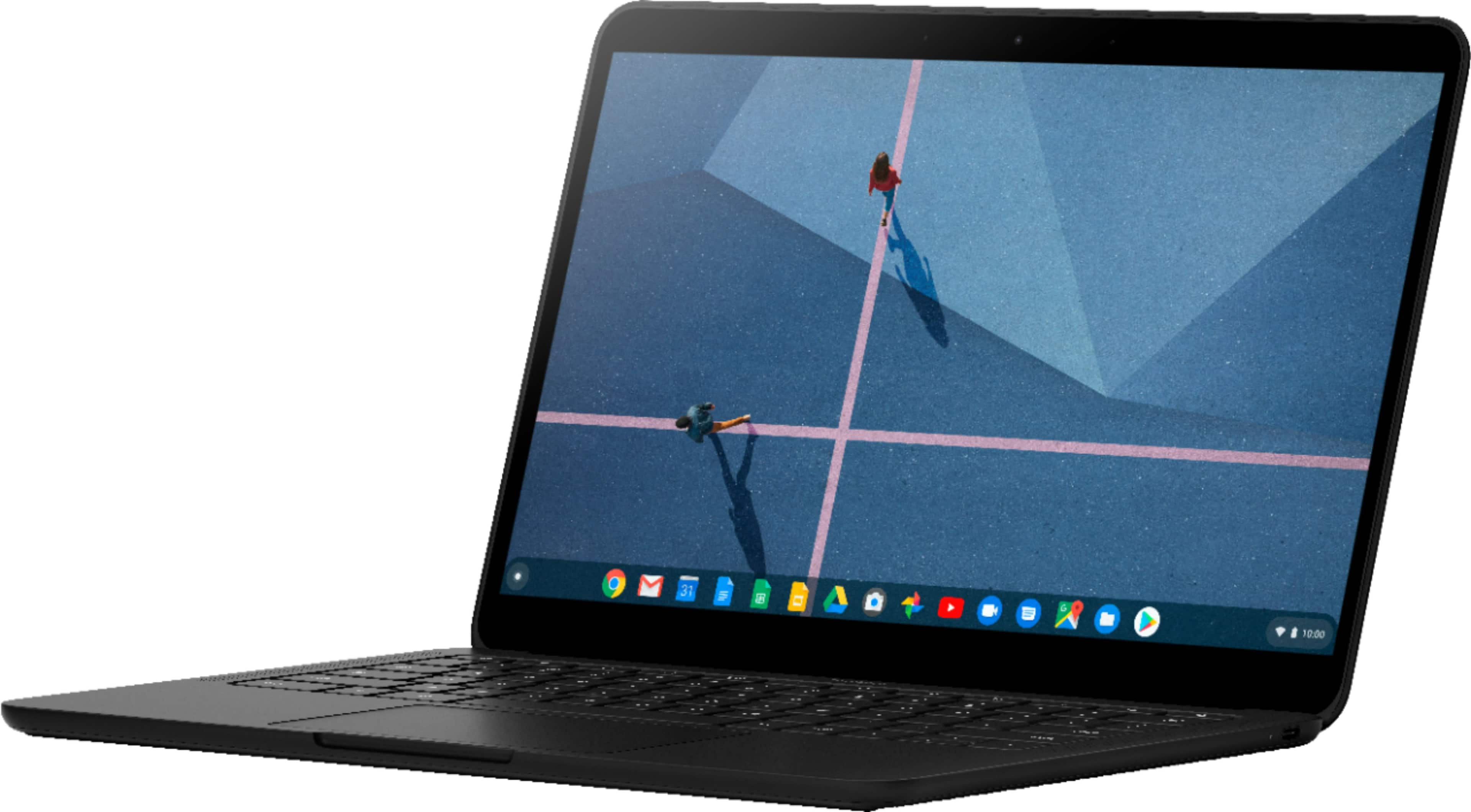
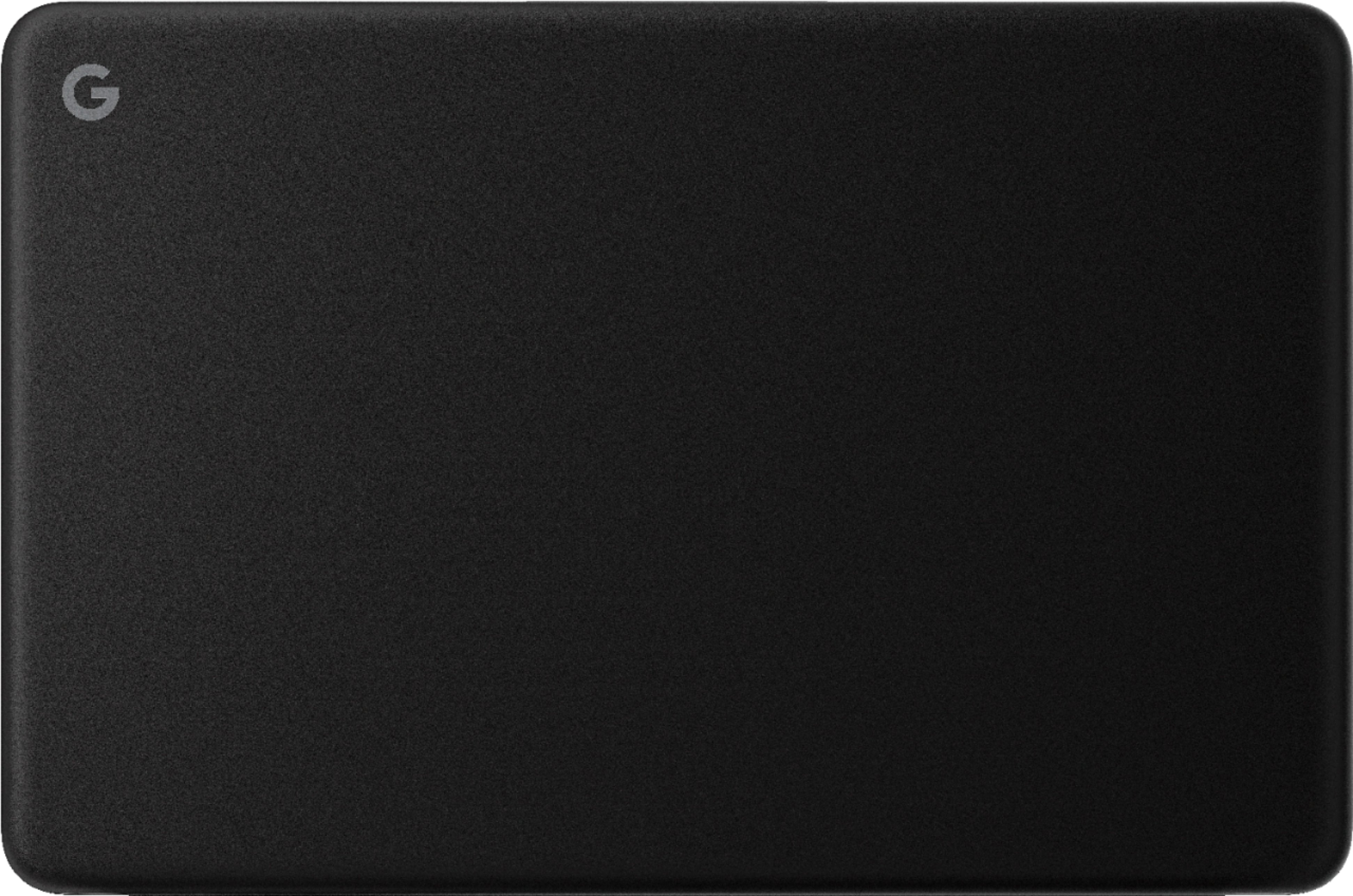
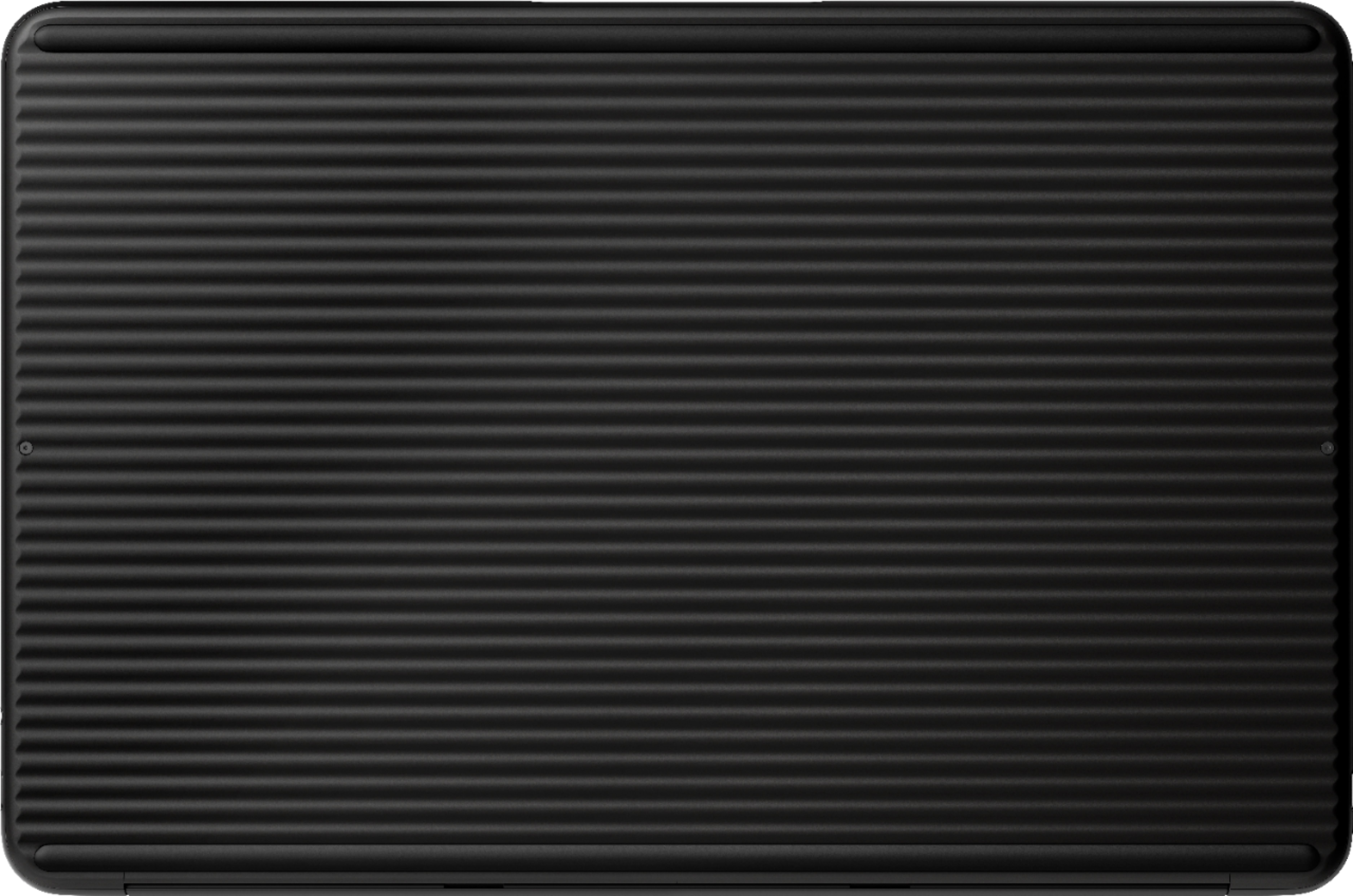
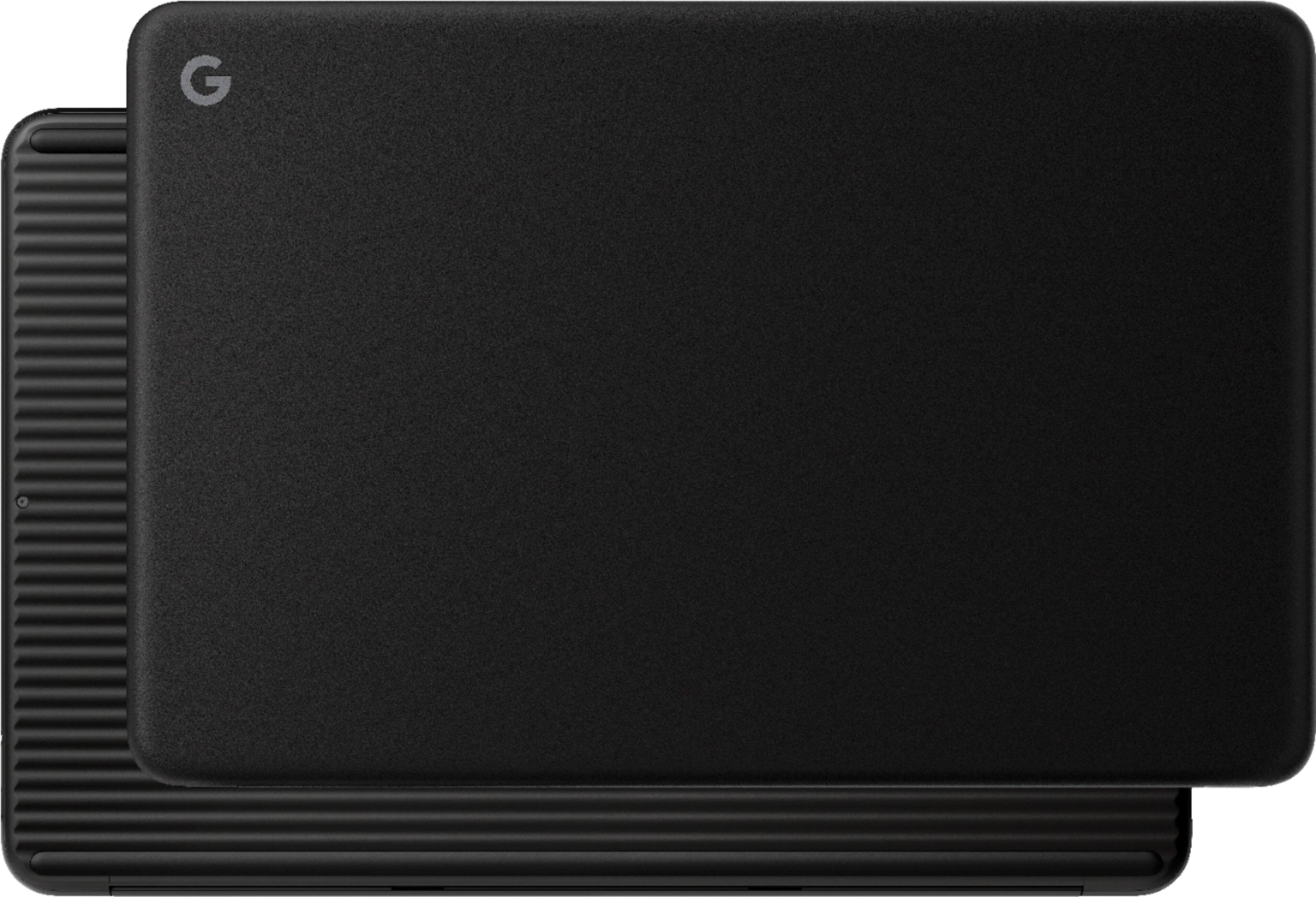
|Posted .This reviewer received promo considerations or sweepstakes entry for writing a review.Take the best features of Chromebooks, wrap them in a premium build with stellar battery life, and outfit them with an extremely good audio and visual experience, and you get a Pixelbook Go. The "Go" in the product name is embodied in excellent battery life and fantastic build quality. On a single charge, you can comfortably use this for half a day or more with no fear of the computer dying on you. What's even better is the deceptively good build. The Pixelbook Go is constructed from a metal frame that gets a textured finish for added grip that feels durable and reliable. One of the biggest drawbacks with Chromebooks has generally been the compromises made on materials to drive costs down. Well, this model cuts in the opposite direction and offers excellent material design for a competitive price. The underside is ribbed to provide for easy transport and to prevent sliding, yet made from durable metal to withstand shocks and occasional drops. This device simply feels comfortable to hold, and is lightweight enough to be eminently transportable. Dropping this in a laptop bag made me think I was carrying a tablet around instead of a computer! The hinge is also satisfyingly strong and will clearly last years of use. The lid, or display half, is similarly solid and doesn't produce any worrisome creaks or flex. Using this outdoors really illustrates how great the display can be. The auto-brightness settings can be extremely aggressive, but with a few presses of the Brightness key you can guarantee legibility in all sunlight conditions. The viewing angles are excellent as well, which gives the Pixelbook Go an advantage over 90 percent of the Chromebooks on the market. What really surprised me was how great the audio experience is. I've been cycling through film trailers to test just how well this little computer can produce audio, and I'm truly amazed. There are two speakers running alongside the keyboard on the Pixelbook Go. To see them, you might not think they'd be that powerful, but they can really reproduce TV-quality sound. I can even pick up stereo mixing as sounds from a Godzilla trailer transit from the right to the left! This is a feature even pricey Windows laptops generally struggle with, so I'm pleasantly surprised. There's also a headphone jack, so commuters or students using this in a library can enjoy the great sound without being a nuisance. They keyboard and track pad are excellent as well. They keys may feel a bit "plastic-y" at first, but you'll change your mind when you start typing with them. I'm actually typing this sentence right now with the Pixelbook Go, and I can testify that the keyboard has excellent responsiveness, the height of the keys provides for great travel, and you can type with a higher degree of precision than you would at first think. The track pad, at first, also seemed to have kind of a squishy quality to it, but I'm now seeing that it's engineered to prevent against accidental presses. For once, the heel of my hand isn't activating a menu option of shutting down a web page! The only negative about the screen is the slightly oily quality it has on close inspection. This, I'm sure, comes from the touch screen capability built into the display (yes, the display is a touch screen). You have to be really close to notice, so this is more of a quibble than a problem, but it's something display perfectionists should be aware of. The software offerings also really show how Chrome OS has matured as a platform, and the integration with Google services makes for a seamless experience for any veteran Android user. A simple click on the Circle icon on the bottom left and you can access your key applications. Access to Google Play apps means users have a surfeit of good programs to choose from, and the ability to use Microsoft programs (I just touched up a resume in Word before writing this) means that work-oriented users won't be disappointed. The on-board integration of Google Assistant, with its own dedicated key, is pretty cool as well. Simply hitting a key and talking to your computer certainly feels futuristic, even if voice assistants in general still have room to develop. Android users envious of Apple's integration of phone and computer services should note that the Pixelbook Go enables the same functionality. Get your texts on your computer, unlock your computer with your phone, and see who's calling from your Pixelbook screen - all pretty awesome. Under the settings menu, there's even an option to run Linux (in beta). This could be a potential game-changer down the road. The thought of doing command line work on a Pixelbook , and working within a Linux IDE, would silence the some of the last complaints from Windows or Apple users. Processing speed and RAM are also more than sufficient. Power users like to scrutinize specs carefully, but even the basic configuration, running a lighter OS as it does, offers stellar performance. No lag, instant web page loads, and the ability to utilize productivity apps equals a highly recommended regular- or business-use machine. In fact, because it's not weighed down by features most people won''t use, performance is guaranteed to remain strong for years to come. Even Apple computers slow down over time. Plus, regular security updates ensure a higher degree of safety than other platforms offer. In short, this is a high-end Chromebook that absolutely will not disappoint you, and is well worth the price. This is not a 2-in-1 design, but for all that's on offer with the Pixelbook Go, you won't care. Strongly recommended for all general users. Movie editors, musicians, and PC gamers might need a different kind of experience, but for the rest of us, this is the machine to get.
I would recommend this to a friend- Pros mentioned:Battery life, Keyboard quality
Excellent- Does everything I need to do
Posted .This reviewer received promo considerations or sweepstakes entry for writing a review.I will keep this simple and easy to read! *A+ all the way. *Excellent backlit keyboard. Best I have ever used *Excellent trackpad *Connects to a Bluetooth mouse without issues *Excellent display *Very fast (8GB memory is worth the $$). *Plenty of memory! *Google docs and MS Office 365 both work well (I have edited both Word Docs and PowerPoints that I did at work on my Windows 10 laptop with no issue, * Working offline with Google Docs works perfectly. *Long-lasting battery and quick charging *Connects to a remote monitor easily *"Just right" size. Not too small...not too big. * Almost instant-on (from turned off) * I actually use the Google Assistant Key! (a lot!) * Super speakers that I actually use for music. I have used it for a month+ with zero issues. Beats the expensive Windows 10 laptop I have at work by a mile!
I would recommend this to a friend - Pros mentioned:Keyboard quality, WeightCons mentioned:Heat
love this laptop
Posted .This reviewer received promo considerations or sweepstakes entry for writing a review.its a really good laptop there is no deck flex it feels awesome. The display looks like a 4k display for only being 1080p I am very in pressed by this laptop i love it the speakers sound awesome i am a audiophile i have a lot of headphones this sounds awesome for being speak on a laptop it does not sound tiny or cheap it sound a lot like hd58x or my home theater. the display is very bight the software is really good It is a lot like Android it feels really good for only being 2 pounds the hinge is really nice. they cheap out on the components but not on the build quality but you cant expect it to have powerful components for being fan less the bottom is just a huge heat sink but one thing i do not like about it is when your doing demanding things on it the brightness keys get warm but its not really noticeable
I would recommend this to a friend Dislike Chrome OS
||Posted . Owned for 2 weeks when reviewed.This reviewer received promo considerations or sweepstakes entry for writing a review.Don't like how chrome os operates, poor file management. Would return if I was able to but I've been on the road and just went past the 15 day return policy
No, I would not recommend this to a friendTerrible build quality
||Posted . Owned for 1.5 years when reviewed.This reviewer received promo considerations or sweepstakes entry for writing a review.Screen hinge broke right after warranty period. Avoid like the plague
No, I would not recommend this to a friendNo warranty for the product
||Posted . Owned for 3 weeks when reviewed.This reviewer received promo considerations or sweepstakes entry for writing a review.It was hard to register for 1 year factory warranty. Threre is No geek squad protectiom for the product was available. I return it.
No, I would not recommend this to a friend- Pros mentioned:Keyboard quality
Excellent build, easy to use, gets it done.
|Posted .This reviewer received promo considerations or sweepstakes entry for writing a review.The thing that sticks out to me that beat my expectations above all is the build quality. It is noticeable as soon as you pick it up. It's very well balanced, has excellent grip and the right size to make it portable and functional. I seriously can't tell you how well this is crafted at this price point. The mouse pad is just the right size, the keyboard is on the quieter side, but the keys also have a nice travel which was a very nice surprise. The one thing that bothered me were the tiny up/down arrow keys. I understand why it was done, but goodness is that annoying. Others may not care at all. However, the input option with the touch screen sort of makes up for it. I do not understand how this is not a standard option on all laptops. Good on Google on getting this right. The only thing about it is that it’s on a glossy screen. Some, like myself, would prefer something with less glare. And you can achieve that with a matte finished screen protector. The speakers were shocking. There was no quality loss when turning up the volume such as any popping or anything that suggests they were being over stressed. The software is well organized and task switching is elegant. Getting through a typical productive cycle is a breeze. Going from Gmail to Youtube, to Chrome, to searching your entire computer for specific files was very smooth and conducive of a productive work flow.
I would recommend this to a friend Good for people who like google play store
||Posted . Owned for 1 week when reviewed.This reviewer received promo considerations or sweepstakes entry for writing a review.Other than the google play store and using the web there isn’t much of anything compatible to do with this product
No, I would not recommend this to a friendToo hard to use
||Posted . Owned for 8 months when reviewed.This reviewer received promo considerations or sweepstakes entry for writing a review.This more like a tablet than laptop. Does not have compatible ports. You have to buy too many accessories.
No, I would not recommend this to a friendPixel book is awful
||Posted . Owned for 1 month when reviewed.This reviewer received promo considerations or sweepstakes entry for writing a review.Awful. Can’t install office and the google sheet is really not helpful
No, I would not recommend this to a friendBrand response from Google Team
Posted .Hi Marksaad49, we appreciate your time posting a review. We're sorry to hear your experience is less than ideal. You can open, edit, download, and convert many Microsoft® Office files, such as Word, PowerPoint, or Excel files on your Pixelbook Go. We suggest checking this link that might help with your concern: https://support.google.com/pixelbook/answer/9134646
For further assistance, reach out to our support team here anytime: https://support.google.com/pixelbook/gethelp
Awful product, it will break and leave you flat
||Posted . Owned for 2 months when reviewed.This reviewer received promo considerations or sweepstakes entry for writing a review.Stopped turning on after 2 months. So incredibly disappointed.
No, I would not recommend this to a friendBrand response from Google Team
Posted .Hi Sarahk,
Thanks for letting us know of the issue with your Pixelbook Go. We're sorry to hear it won't turn on after only 2 months.
Your Pixelbook Go comes with a 1-year limited manufacturer warranty starting from the date of original purchase. If you can contact and tell us more about the issue, we can do our best to improve your experience with your Pixelbook Go here: https://support.google.com/pixelbook/gethelp
Wish it would have lasted
||Posted . Owned for 1 month when reviewed.This reviewer received promo considerations or sweepstakes entry for writing a review.Screen started flickering, had to return. Loved it otherwise. It was a refurbished one.
No, I would not recommend this to a friendWont run Microsoft word.
||Posted .This reviewer received promo considerations or sweepstakes entry for writing a review.Why in gods creation would anyone want a lap top that wont even run word???????
No, I would not recommend this to a friendScreen problem
||Posted . Owned for 1 month when reviewed.This reviewer received promo considerations or sweepstakes entry for writing a review.Screen stopped working after two weeks. Waiting for Corvus virus to subside to return.
No, I would not recommend this to a friend