Customer Ratings & Reviews





- Model:
- GA00519-US
- SKU:
- 6382912
Rating by feature
- Battery Life
Rating 4.5 out of 5 stars
- Speed
Rating 4.3 out of 5 stars
- Display
Rating 4.3 out of 5 stars
Customers are saying
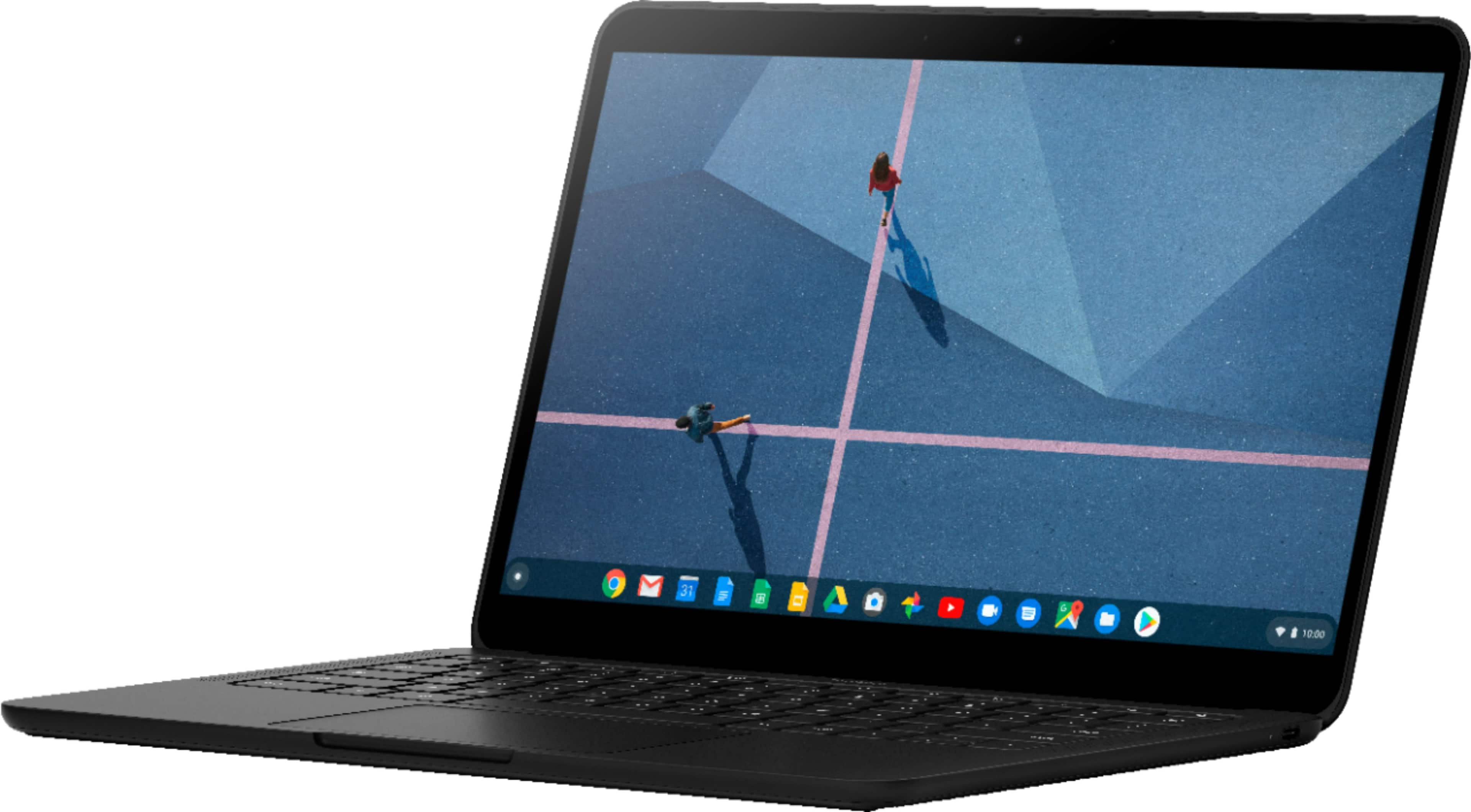
Customers frequently mention the Pixelbook Go's excellent keyboard, long battery life, and light weight as significant advantages. Its ease of use and surprisingly good speakers also receive praise. However, some customers find the price to be high and express concerns about the hinge's durability. Limited storage is another recurring point of feedback.
This summary was generated by AI based on customer reviews.
Poor screen share
||Posted . Owned for 1 month when reviewed.This reviewer received promo considerations or sweepstakes entry for writing a review.Product is very bad with camera and screen share. Won’t recommend
No, I would not recommend this to a friendBrand response from Google Team
Posted .Hi pkjm,
Thanks for the feedback on your Pixelbook Go. We apologize for the difficulty you have with your camera and the screen sharing feature for your device.
If you are having camera issue during a call, you and the person you're talking with should check the following:
- Make sure nothing is blocking the device's camera or microphone.
- Check that the camera is facing the right way.
- Check your Wi-Fi connection. Your Wi-Fi icon should have at least 1 bar. If you don't see 1 bar, move to where you have a better connection.
- Check your device's battery strength. If your battery is low, charge your device.
- Restart the app and try again.
- Restart your device and try again.
The screen sharing issue you have may be related to your limited Wi-Fi bandwidth as it will require a little more to be able to share your screen and camera with other people at the same time. We recommend removing some connected devices in your network to see if you will still have the same screen sharing issue. Once you verify congestion, you may need to contact your Internet service provider for resolution.
We'd be more than happy to look deeper into what may be causing the issue and offer a resolution to improve your experience. Please contact our support team here: https://support.google.com/pixelbook/gethelp

Light, thin, and fast!
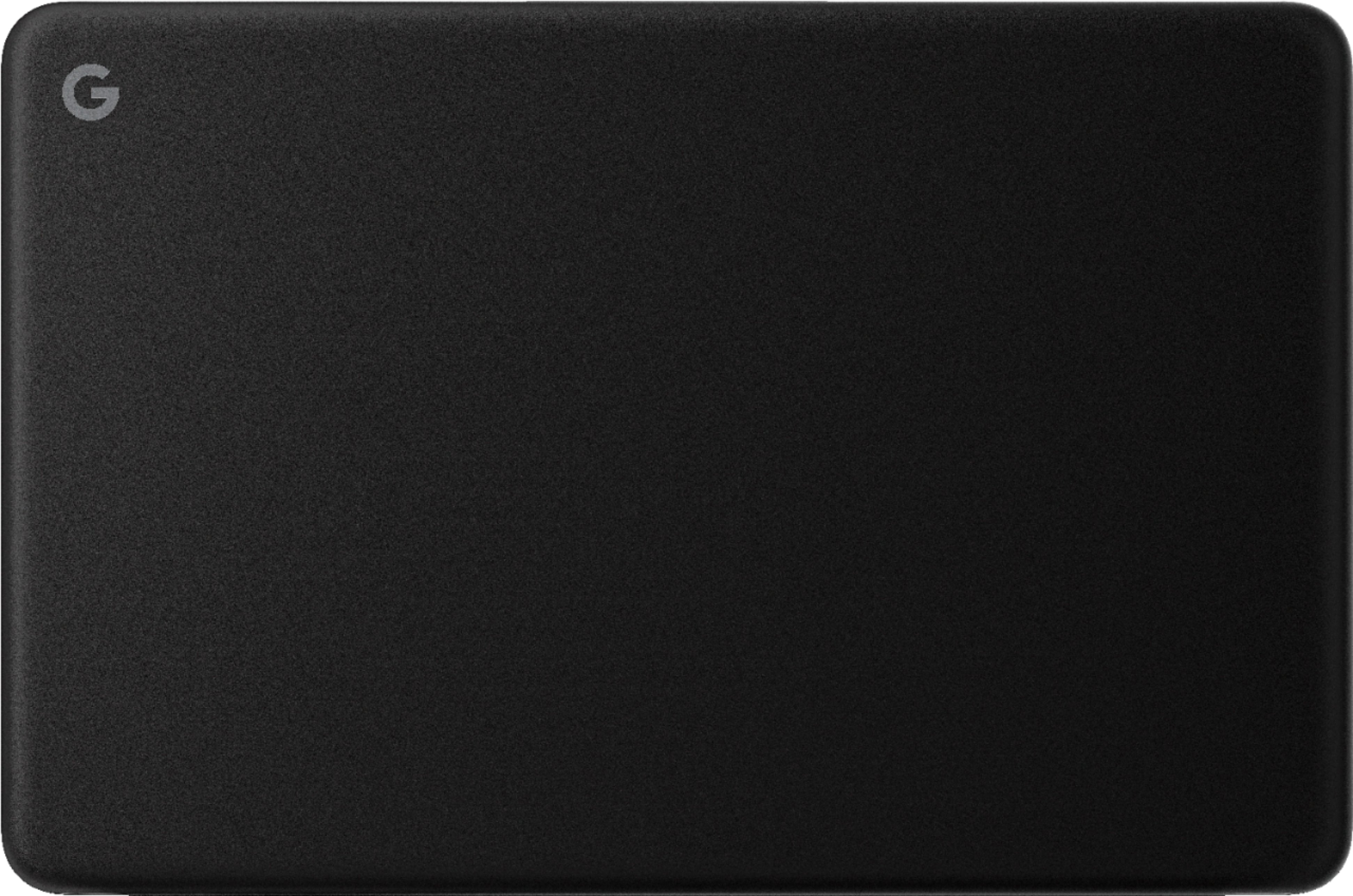
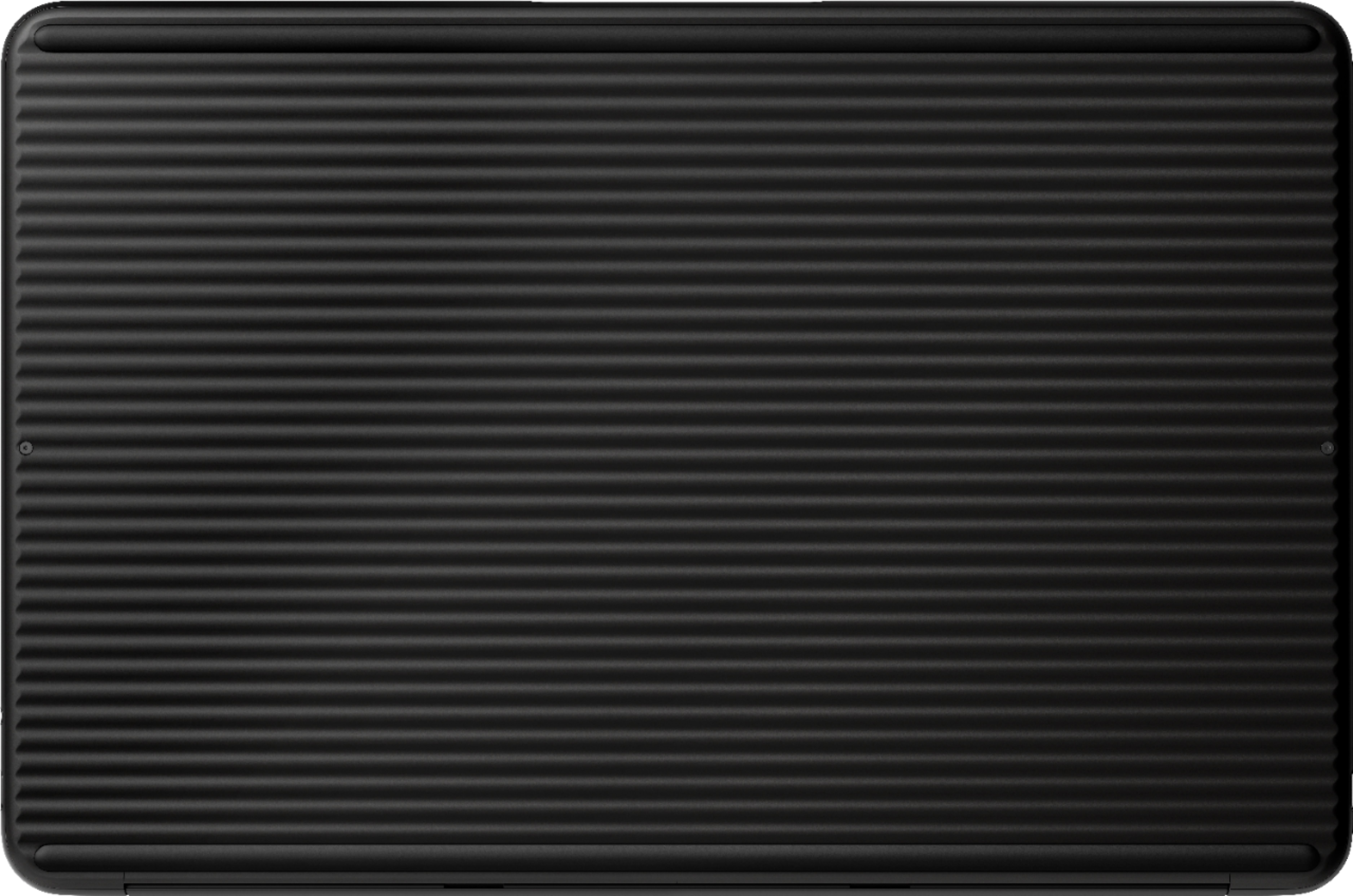
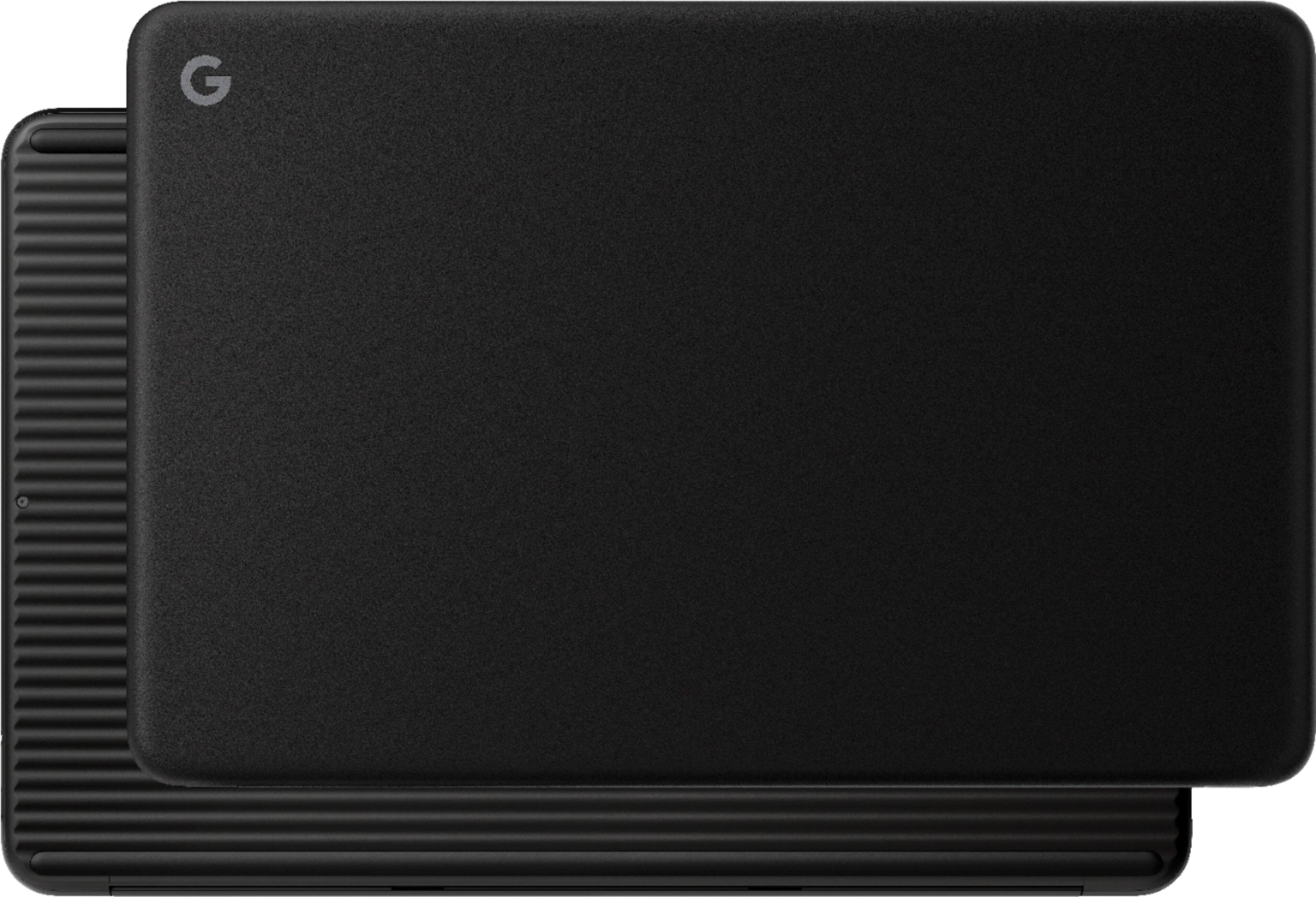
|Posted .This reviewer received promo considerations or sweepstakes entry for writing a review.The Pixel Book is a nice hybrid between a phone and a laptop, more like a powerful extension of your phone/tablet. Here I’ll cover some of my experiences Size Thing thing is so light and super portable. Its one of the smallest computer-style form factors I’ve ever used. This thing also packs some quality components for being so smooth. Portability Besides being ultra light-weight, when closed its thin, almost as thin as a phone. Very impressed with the battery life so far for how small the battery has to be. It has a grippy button surface which makes it easy to carry around with one hand. Keyboard Along with what I’ve mentioned so far the hardware seems great. Keyboard is pretty solid and easy to type on, I’ve already spent a few hours typing up documents and it has a nice feel to it. The keyboard is backlit too, a nice bonus! Screen The screen is rich colored and vivid and sports Full HD IPS display...It also has a night light which I love since it removes blue night, my other “laptops” don’t have this feature. The touchscreen is a nice addition. I’ve also noticed some weird flickering of the screen occasionally. Not sure whats causing it, kind of annoying, might just be my unit. Sound Speakers and Video quality is pretty dang good. Speakers are quite loud and clear coming from something this tiny and thin. Makes it great to watch shows or movies in the kitchen while cooking. Streaming movies, football games, and music have all sounded exceptionally well for something as small as this. I brought this to an outdoor bon fire with music to watch a football game and the sound was more than enough to hear it. Very impressed. This Pixelbook does NOT overheat, it doesn’t even get warm! I’m highly impressed with this. So far after several hours of usage whether its streaming movies or running several applications, it still feels the same temperature. Very rare to have something like this. Software This is where the Pixelbook can use some improvement. Seems like they tried to incorporate most of the Android apps for this device and it just doesn’t seem to work that well for all the apps. One of the first apps I installed gave me the most problems. I’m a big fan of Facebook Messenger, and let me tell you...don’t install it. I had no idea how to get out of it and couldn’t uninstall it. It made most the functions and settings on the Pixelbook useless. Launcher wouldn’t work. The chat heads were there but weren’t. I couldn’t go into settings. I had to reboot or log out and log back in just to have some functionality. Then if someone messaged me while I was trying to fix it, BOOM problem again. After a frustrating 20 minutes I managed to uninstall it. I know this not directly associated with Google but it does show that some of the Apps they allow you to install aren’t quite Chrome OS ready. The Chrome OS software has a bit of a learning curve. Keyboard shortcuts are a bit much, like having to hit 4 buttons for a shortcut doesn’t seem that efficient (Alt-Shift-Ctrl-? Is used just to bring up the shortcut menu). The trackpad is nice and responsive and the shortcuts or gestures are pretty easy to learn. TL:DR / In a nutshell Pros: Light/thin/Ultra portable - Easy to carry around with gripped backside Battery life is fantastic and doesn’t heat up Keyboard and touch screen combo is nice Speakers and video playback are of exceptional quality! Chrome OS system runs fast and smooth, and is well secured Cons Non-Google apps can be wonky Learning curve if not used to Chrome OS (I recommend watching some videos and use the Help) Random screen flicker (might be isolated to my unit) Feels like some functions don’t work well at times. For example the Launcher and Settings have been unresponsive and the touchscreen freezes at times. Could be easily fixed with software update. Overall, it took some time to get adjusted at first, but then after a couple of days I really started becoming more familiar with the OS and how well everything works. I’m impressed with the hardware design and the more I use the Pixelbook the more I like it.
I would recommend this to a friend- Pros mentioned:Keyboard quality, Speed
"By Google" you have done it again!
Posted .This reviewer received promo considerations or sweepstakes entry for writing a review.Awesome computer! Build is superb and solid, as you would expect from Google. Keyboard is the absolute best I have ever used on a chromebook. Speakers, which sit on top with the key board, are the best--loud and clear. Screen is bright and clear. Speed is also good with the m3 Core. I'm glad i purchased it!
I would recommend this to a friend - Pros mentioned:Speed
Great experience
Posted .This reviewer received promo considerations or sweepstakes entry for writing a review.I just bought my first Chromebook, which is the pixel-book go. I have always been curious about Chromebooks on how they work and how anyone can accomplish anything on them. After a full day of using it I have finally gotten use to how it works. The operating system is not perfect, but the device itself is very quick for being the base model. The biggest learning curve to my experience is how items are saved. For the most part, the file system is very similar to that of a full operating system. You can either save items to the device itself, the cloud, or of course a thumb drive or SSD. The second thing I was curious about, is how do you get work done on a Chromebook. Well as you guess everything is primarily done through Chrome. Before buying a Chromebook, I had been using Chrome browser as my primary web browser. Microsoft 365 through the web actually works well enough to get through the day to day, but if you are someone who works on major projects, I would not suggest a Chromebook, I would recommend a full laptop. For myself, I need access to excel, power-point, and Chrome; which the Chromebook provides as long as you have an internet connection, and anymore any cell phone plan offers a hotspot. Who I would suggest this device for, is someone who is on the go. Someone who is looking to get the job done without spending $1000.
I would recommend this to a friend - Pros mentioned:Battery life, Speed
No USB port
Posted .This reviewer received promo considerations or sweepstakes entry for writing a review.I really enjoy this laptop. It’s great for school work as I do college all online. It has google docs, drive etc already downloaded for you. The touch screen is more of an added bonus I don’t use it that often, but it’s definitely useful. Very fast, and the charge lasts a long time and it only takes 30 min or so to get a full charge again. The ONLY issue I really have is that there is no USB port!!! I can’t believe I didn’t realize this before I purchased it, probably would’ve went with a different one that had a USB port :/ I’m sure there’s some kind of adapter for it but for the price, there should most definitely be a USB port!
I would recommend this to a friend Great Chromebook
Posted .This reviewer received promo considerations or sweepstakes entry for writing a review.Great purchase for the money! I use it for the internet and email and it gets the job done.
I would recommend this to a friendWorst Decision I've Made Maybe Ever
Posted .This reviewer received promo considerations or sweepstakes entry for writing a review.I loathe my Pixelbook Go. I have nothing but issues with it. Regularly it won't power on. It takes multiple attempts using the power and refresh key workaround. Frequently it won't let me turn on my bluetooth leaving me without a mouse. Recently, it won't recognize my printer, even though every other device I have does. There is no way to access my Itunes at all. I have display issues connecting it to a monitor. Here's the worst of it.............I regularly have to pull out my ten year old Dell that I paid $300 (Canadian $$$!!!) for brand new. It's ridiculously slow, but it works and I experience none of the above issues. More than I can say for my ICKxelbook No.......
No, I would not recommend this to a friend- Pros mentioned:Keyboard quality
Best looking laptop with the Best Keyboard by far!
Posted .This reviewer received promo considerations or sweepstakes entry for writing a review.Pixelbook Go Keyboard really rocks. I tried switching to the latest Macbook (that has fixed keyboard), but Pixelbook has spoiled me that I hate using Macbook. I hate Macbook making the fan noises every now and then. Compared to Mac, Pixelbook rocks. It's super smooth, the world's best keyboard by far and the looks very attractive in Not Pink colors!
I would recommend this to a friend Best chromebook
Posted .This reviewer received promo considerations or sweepstakes entry for writing a review.By far the best Chromebook money can buy, has the best camera and speakers I've seen. Only thing is that while the trackpad is great, it is way too sensitive and the volume down button kept sticking
I would recommend this to a friendBrand response from Google Team
Posted .Hi treyknows,
Thank you for taking the time to share your experience with us. Your feedback is valued greatly and we are always working to improve your experience with our products and services.
You can always change how your Pixelbook Go's touchpad works. If you haven't already, you can adjust how quickly your pointer moves to adjust the sensitivity.
Here's how:
- At the bottom right, select the time.
- Select Settings.
- In the "Device" section, select Touchpad.
Also, we recommend making sure that there's no dust or dirt on the touchpad to prevent unwanted actions.
Your Pixelbook Go comes with a 1-year limited manufacturer warranty starting from the date of original purchase. If none of these steps work, our team would like to understand the root cause of the issue. If you're willing, you can contact our support team here: https://support.google.com/pixelbook/answer/7527220
Battery life
Posted .This reviewer received promo considerations or sweepstakes entry for writing a review.Solid computer, I appreciate the touch screen surface. 3/5 stars due to poor life of charger accessory
No, I would not recommend this to a friendOkay
Posted .This reviewer received promo considerations or sweepstakes entry for writing a review.Not great, but not the worst. I couldnt utilize alot of features I needed for work.
No, I would not recommend this to a friend- Pros mentioned:Keyboard quality
Perfect
Posted .This reviewer received promo considerations or sweepstakes entry for writing a review.Hardware, perfect. Keyboard is amazing and everything else is just perfect. If you want something worth every penny, with the highest quality hardware you can’t go wrong here.
I would recommend this to a friend - Pros mentioned:Keyboard quality
Pixelbook Go Is Wonderfully Well Designed
Posted .This reviewer received promo considerations or sweepstakes entry for writing a review.Wow! I am very happy with the Pixelbook Go. I Love the KEYBOARD! Arrived when you said. A+ :)
I would recommend this to a friend - Pros mentioned:Ease of use
Awesome
Posted .This reviewer received promo considerations or sweepstakes entry for writing a review.This is a great laptop. I highly recommend this laptop.
I would recommend this to a friend Keyboard keys start to become unusable
Posted .This reviewer received promo considerations or sweepstakes entry for writing a review.Nice screen, lightweight, but the keyboard doesn't hold up. I've had this for just over one year and several keys on the keyboard are "stuck" - they don't push properly and make a clicking sound when trying to use them. This is with absolutely nothing being spilled on the keyboard. I've tried compressed air and that has not helped either. Google support is of little help so far, but I'm still going back and forth with them. This started happening about after 9-10 months of use.
No, I would not recommend this to a friend- Pros mentioned:Keyboard quality
Doesn't last
Posted .This reviewer received promo considerations or sweepstakes entry for writing a review.Great while it lasted. Bought this because the keyboard and case is much nicer than other brands. But the keys started to loose responsiveness after about nine months of use. Have to hit a key twice sometimes before it works. Not all the time. I finally got bad enough that I opened a support ticket. Because I'm now just past the one year mark Google will not do anything. So $650 bough me a chromebook for less than a year. No options exist to fix it.
No, I would not recommend this to a friend Hippo
Posted .This reviewer received promo considerations or sweepstakes entry for writing a review.It does just what I need it to do. I’m learning how to handle a chrome book.
I would recommend this to a friend- Pros mentioned:Battery life
Security & software updates for only 5 years
Posted .This reviewer received promo considerations or sweepstakes entry for writing a review.I bought a Google Pixelbook in 2016 and now in 2021 it has reached the end of it's life because Google will not provide any more security or software updates in line with their Auto Update Policy. It has been a great computer, but If I would have bought a PC or Mac, I could have been using the laptop for 10 more years at least.
No, I would not recommend this to a friendBrand response from Google Team
Posted .Hi there, thanks for reaching out to us. We're sorry to hear of your disappointment with the limited software update support for Pixelbook Go.
This is certainly a good opportunity for us to share your feedback with our engineers and developers, and go back to the drawing board. We're continually searching for ways to improve our products and services, and we'll see how we can make them better for you and all our customers. In the meantime, please keep checking our blog site for the latest feature updates and new product releases: https://blog.google/
For further assistance from our support team, feel free to contact us via the Google Pixelbook help page here: https://support.google.com/pixelbook/gethelp
- Cons mentioned:Hinge
Do Not Buy-Hinge Problems
Posted .This reviewer received promo considerations or sweepstakes entry for writing a review.Do Not Buy. The Google Pixelbook Go fell apart at the hinge within 6 months of buying it. Getting them to honor the warranty is proving challenging. I had always used Chromebooks and wish that I had never changed.
No, I would not recommend this to a friendBrand response from Google Team
Posted .Hi Mark, thanks for sharing some details of your feedback about your experience with using the Pixelbook Go, and we’re sorry to hear of the issues you encountered. We’ll definitely use your input to work on improving how we handle cases with care and efficiency. We’d like to have another opportunity to investigate your feedback and learn how we can provide a better experience for you. If you still need help, or willing to give us another chance, please reach out to us again anytime here: https://support.google.com/pixelbook/gethelp
Do not buy
Posted .This reviewer received promo considerations or sweepstakes entry for writing a review.Don't get this device. I've only had it 2 years and it won't cut on. The trouble shooting online support chats are useless and no one can repair it because google doesn't send out parts for this computer. To get a replacement at I-fix(their supposed partner) , the cost is 700 ( the purchase price)! Google should be sued for the handling of this device. If you don't believe me, look on YouTube or Google the issues of the pixelbook not cutting on.
No, I would not recommend this to a friend