Customer Ratings & Reviews





- Model:
- NLS-1304-25 1-PACK
- SKU:
- 5706129
Rating by feature
- Setup
Rating 4.8 out of 5 stars
- Range
Rating 4.5 out of 5 stars
- Signal Strength
Rating 4.4 out of 5 stars
Customers are saying
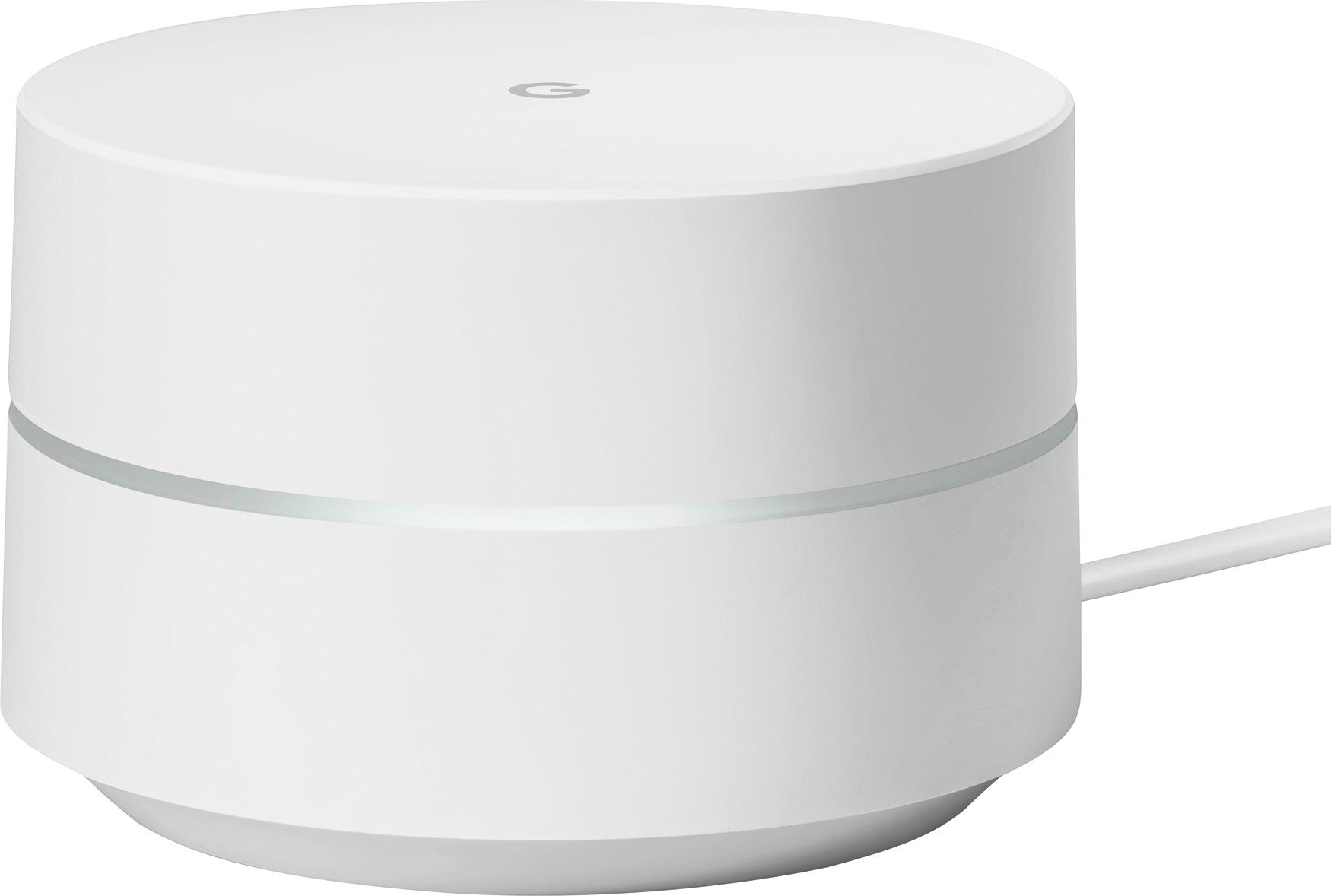
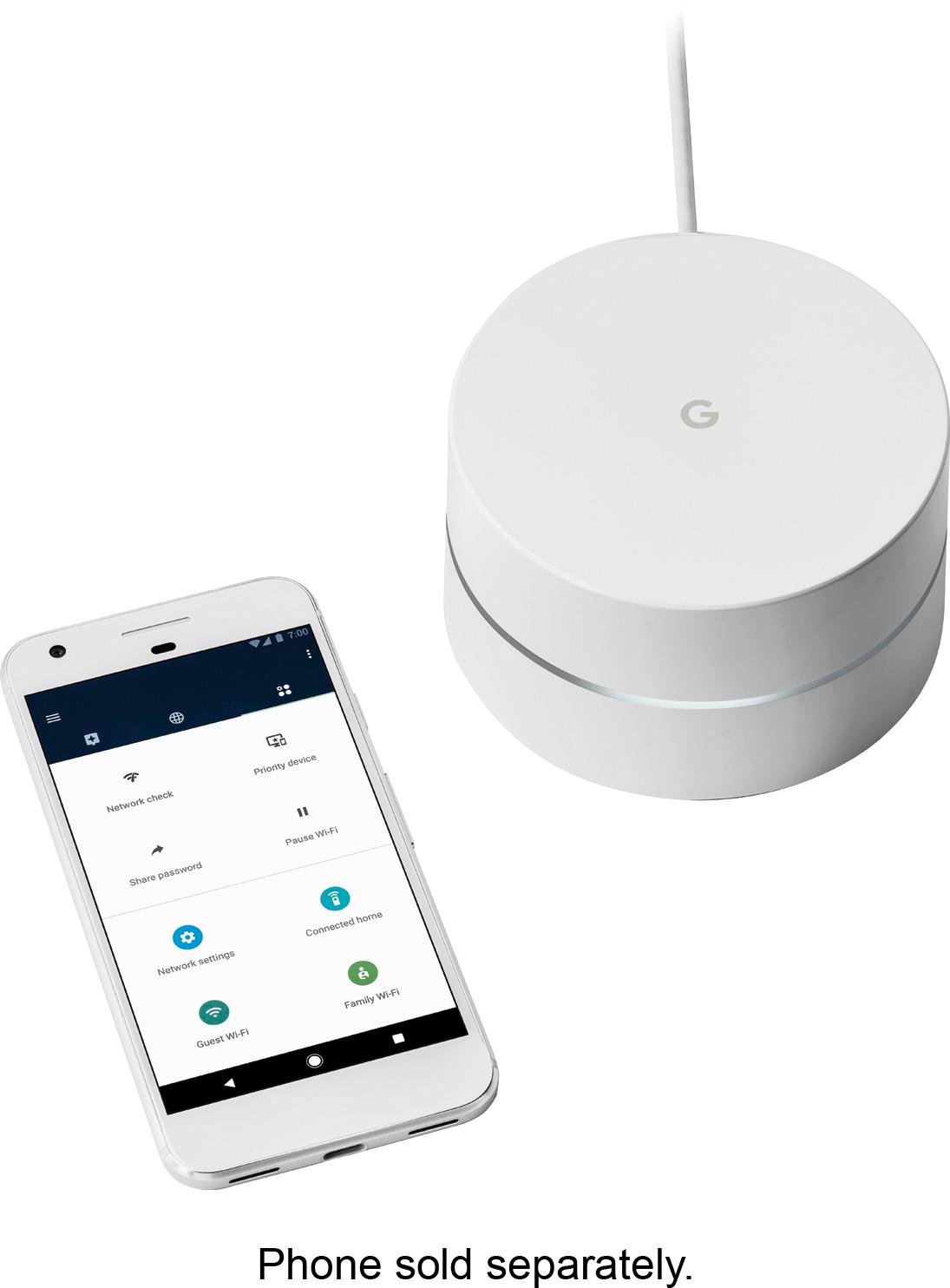
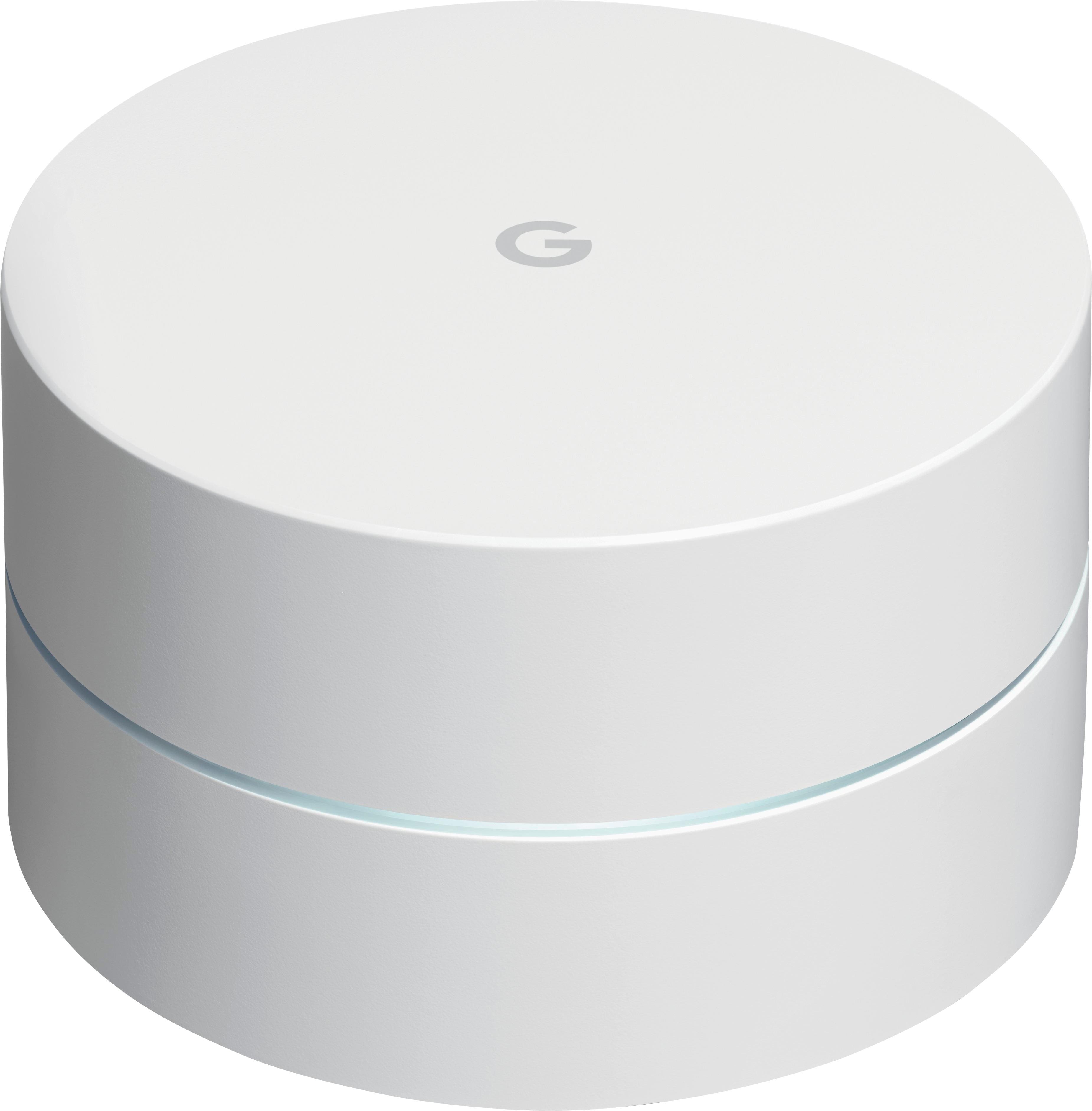
Customers frequently mention the ease of use, excellent coverage, and straightforward setup of the Google Wifi AC1200 system. Many also praise the improved signal strength and extended range, resulting in better overall performance. While some users experienced connectivity challenges, the positive feedback on performance and ease of use outweighs these concerns. A few customers noted the system's higher price point.
This summary was generated by AI based on customer reviews.

Great for everyone's needs
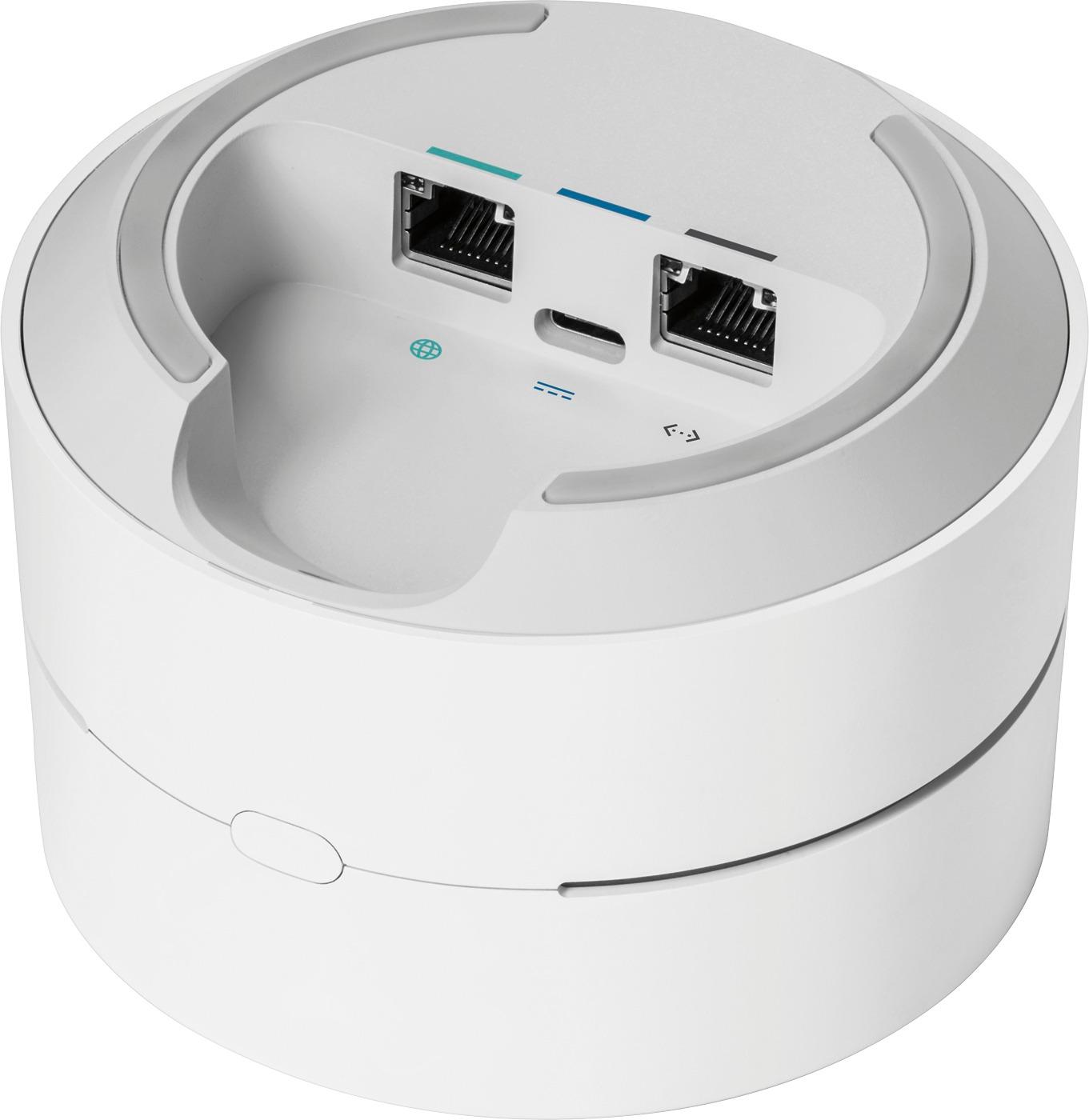
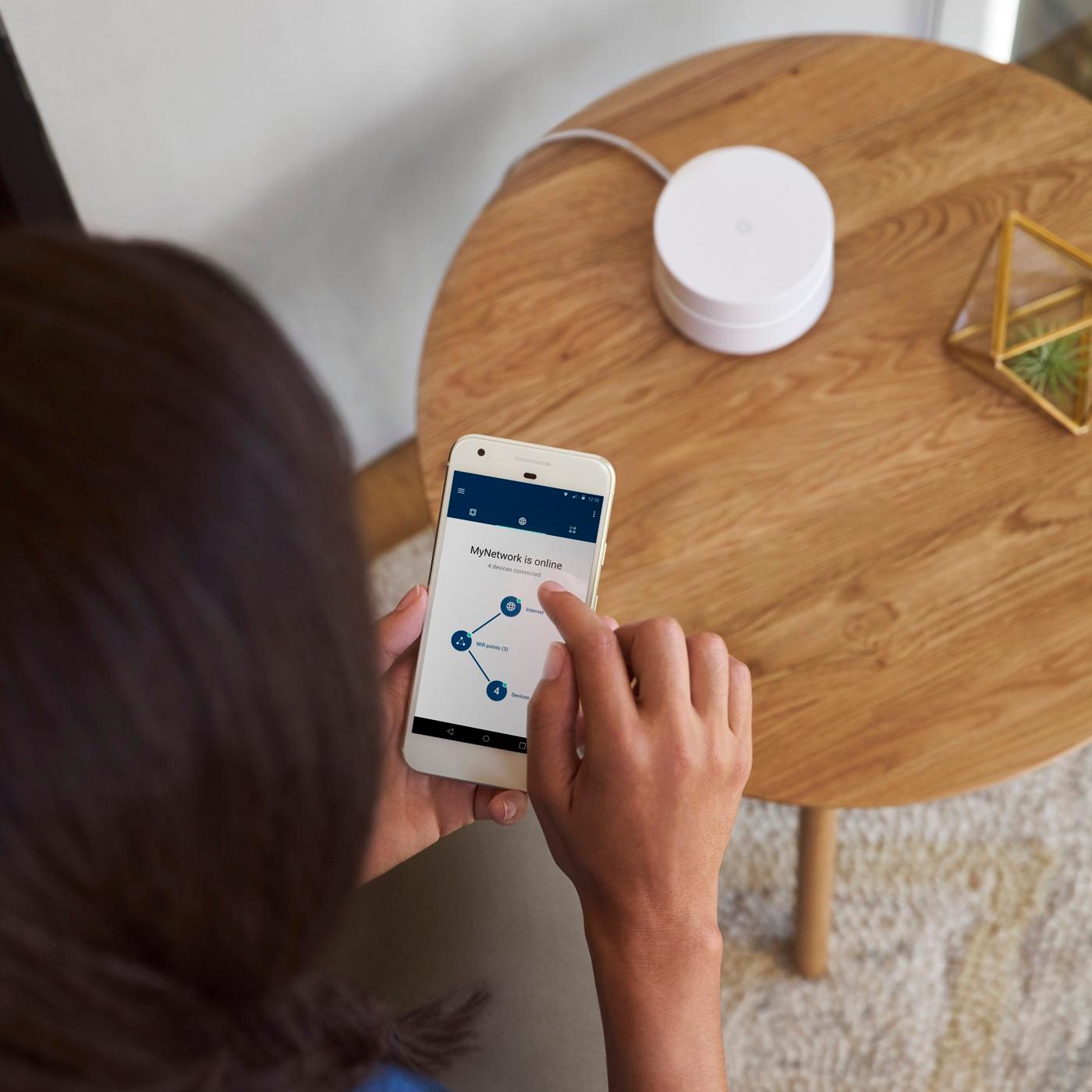
|Posted .This reviewer received promo considerations or sweepstakes entry for writing a review.Simply put first this is a great router and since Google gives you an option to buy one or multiple I recommend strongly following the directions they have on their website and in the pamphlets inside the box and choose what your house needs. As we go deeper, we start with the opening experience which simply put is great. Nothing worse than when you spend $300 dollars and feel like you spent $80 which you do not feel here. You open up to the three routers and instructions. When looking at the units you find an Easter egg, or a new unknown benefit, which all three units are identical. The benefit here is that you can plug any into the model but they all have an option to plug out for physical connection. I found this to be quite useful in the moments when I'm in living room away from the traditional one router and was able to plug in directly to it and use it like a power line adapter. The instructions are so simple I would feel comfortable recommending all my friends and family even knowing how much of tech stuff they can grasp. Simply download the Google WIFI Application onto your phone or tablet follow the easy steps and done. I have to admit I was not expecting to like this product or to keep it in my home. Reason, because I require a powerful router for work so internet connection is key. After having this for almost two weeks I can say with confidence that this is better than a unit designed to do much more and cost more. Initially I thought I was gonna get three okay.... routers but got three great routers with all the features I could ever need. Whether you have a big home or a tiny shack just buy a single or a triple pack for your needs. You will love this!
I would recommend this to a friend- Pros mentioned:SetupCons mentioned:Connectivity
Rock solid and easy setup
||Posted .This reviewer received promo considerations or sweepstakes entry for writing a review.I was planning on buying a different router but was talked into this one buy the salesman. It's been a good choice. Rock solid connections throughout my house, easy setup and the management app works great. Plus the look of the router and nodes is very unobtrusive. The price is reasonable since you're getting a router and two excellent repeaters in the box. Downsides- each node only has one Ethernet Jack so hardwire connections are limited. Also, ther is no WPS so you will have to manually configure all device connections. If you can live with those limitations, it's a great router syatem.
I would recommend this to a friend - Pros mentioned:Ease of use, Signal strength, Speed
Very good product
||Posted .This reviewer received promo considerations or sweepstakes entry for writing a review.We have had the google wifi for about two weeks and thus far are very pleased. We upgraded from a couple of older wireless routers in our house that is about 2600 sqft. The routers barely covered the space and sometimes the signal was weak. The google WiFi set has worked wonderfully. The setup was very simple. We were able to set it up ourselves with no help. The phone app is very easy to follow and walks through each step. Setup took about 1 hour. The speed and stability of signal with this is excellent. We even have signal outside the house on the patio and in the driveway. Google did a great job in designing this product. If you are looking for a simple home WiFi setup and signal that will easily cover 3000 sqft I highly recommend this product.
I would recommend this to a friend - Pros mentioned:Coverage, Setup, Speed
Easy Setup for anyone
||Posted .This reviewer received promo considerations or sweepstakes entry for writing a review.I wanted to find something that was easy to use to expand internet coverage in a two story house. After reviewing I chose Google Wi Fi Mesh and setup two downstairs and one upstairs. I purchase a set of 3 and it was so easy to setup and it helped me increase my speed and coverage. You can use IPhone or others to setup and monitor your system.
I would recommend this to a friend - Pros mentioned:Ease of use, SpeedCons mentioned:Connectivity
A simple all around solution
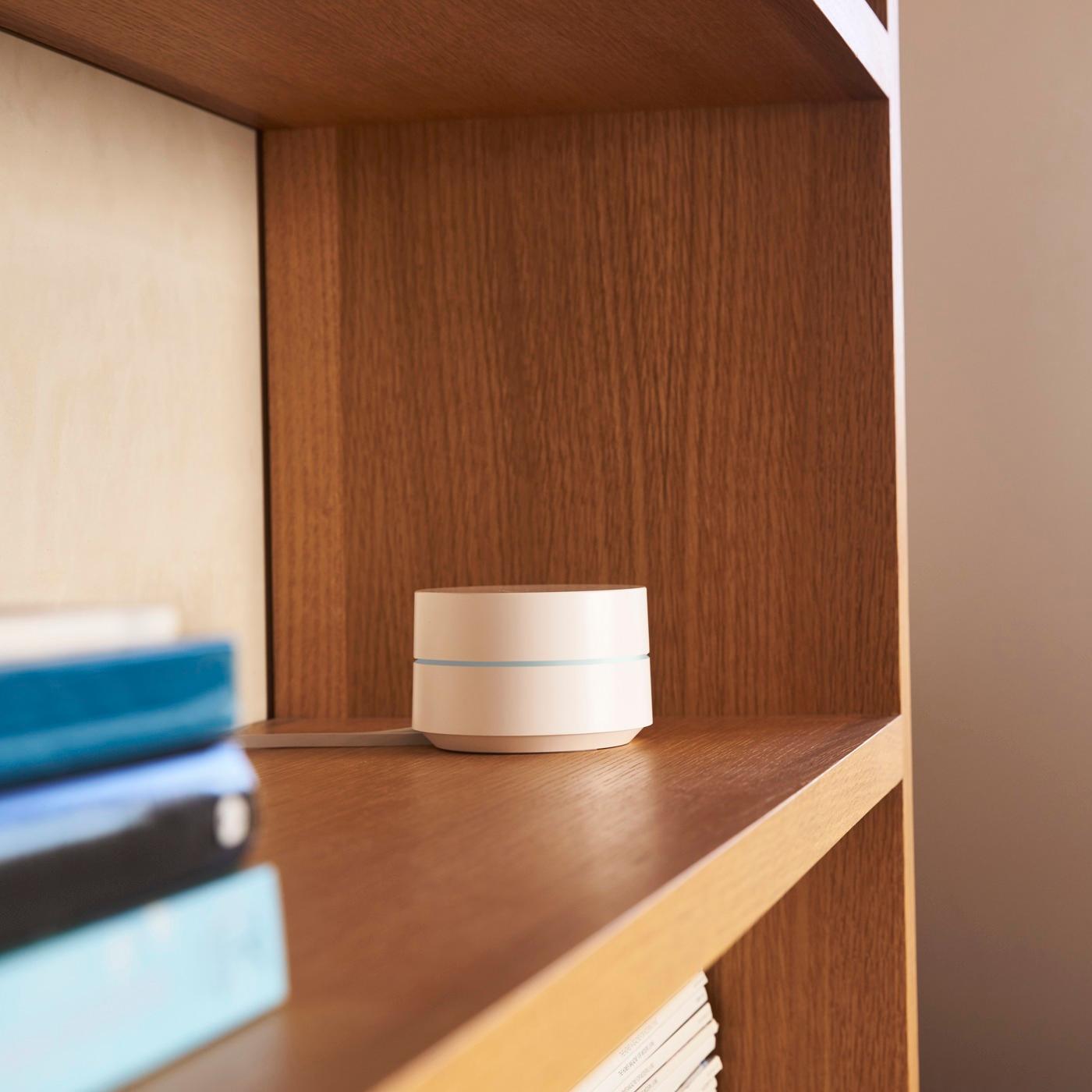
||Posted .This reviewer received promo considerations or sweepstakes entry for writing a review.Disclaimer: I consider myself tech-savy, and Im always doing research before any device purchase, just to make sure Im making a smart decision. I bought this to sort of replace(?) the generic router/modem from the internet company since it never truly worked on a stellar way, it would randomly dropped connection to my tv and other devices at least once a week. And the range wasn't that good either, I live on a 1100sqft apartment and there would be places where the connection was spotty. Now I have yet to see the day the connection drops or gets spotty...and I'm currently using 13+ devices connected to it. Pros: -Design super sleek, it sort of looks like one of those oil diffusers. -Range is superb, I haven't had any trouble yet with connection being dropped. -Simple to setup and manage. -It has a good amount of settings to play with for improving speed (prioritizing devices), set timers, it even acts as a smart home hub to control your smart devices (I've only tried it with Philips' Hue). -All the setup, configuration and management is done trough the app. Cons: -The hub only has 1 ethernet port, so consider that. -All the setup, configuration and management is done trough the app. -It doesn't have a lot of advance settings but for the average consumer, it doesn't matter.
I would recommend this to a friend - Pros mentioned:Coverage, Ease of use
Great System. Zero Dead Spots.
Posted .This reviewer received promo considerations or sweepstakes entry for writing a review.Used an Airport Time Capsule until recently when it died. Switched over to a Netgear router with an extender but received the same results as the airport and was looking for something with more coverage since my downstairs living room and kitchen get very very weak signal. So for both routers it did not help until i read about the new Google Wifi system. I decided to give it a try. Wow. Let me say I get full wifi coverage throughout my entire 2000 sq ft house. Zero dead spots. I have never had that kind of coverage since the day I moved in. So far I am extremely happy with this system. I do not need a lot of bells and whistles so having less options was not a huge concern for me. I just wanted something that worked. I also love the fact that they are small units. The Netgear router was huge and didn't really have a place to put it where it didn't look crazy. These are small, out of the way and look cool. The app to set up the system is straight forward and simple and you can be up and running in just a few minutes. 2 thumbs up. I guess if I had one complaint is that there is not a USB port on the back for a backup hard drive. Not a huge deal but would be nice to see in future product updates.
I would recommend this to a friend - Pros mentioned:SetupCons mentioned:Price
Wonderfully simple, wonderfully effective
||Posted .This reviewer received promo considerations or sweepstakes entry for writing a review.Considering that it'd been a while since I purchased a wifi router I wasn't overly excited or knowledgeable as to what kind I was looking for or really even needed. While the cost for a single device was a bit daunting, I am so glad I went w/the Google router. It was super easy to set up and proves to be consistently reliable.
I would recommend this to a friend - Pros mentioned:SetupCons mentioned:Connectivity
Fixed all my wi-fi issues
||Posted .This reviewer received promo considerations or sweepstakes entry for writing a review.After my last wi-fi router died I went back to using my cable provider's built-in wi-fi. It was mostly OK, but there were two issues. First, I couldn't set hours for my daughter's devices in intuitive ways. Second, I had constant connectivity issues with my Nest security cameras that made them nearly useless. Since I got the Google wi-fi system, my cameras have not lost connectivity once in the 45 days or so since my purchase. They used to drop offline several times a day. The Family Wi-Fi feature is really easy to set up and control. I can easily add and remove devices from groups and set up schedules for when access is restricted. It's easy to delay the start time or immediately end the restricted access for times when my daughter needs access during her normally restricted hours (i.e., heavy homework load). This system solved the issues I was having and has been super simple to setup. Connection speeds are also excellent (significantly better than the xfinity router I was using). Plus, I also bought an inexpensive cable modem and am now saving $10 a month since I don't need comcast's device anymore.
I would recommend this to a friend - Pros mentioned:Coverage, Setup, Speed
Absolutely amazing!
||Posted .This reviewer received promo considerations or sweepstakes entry for writing a review.I have been shopping for a Wi-Fi System for some time and there is a lot of conflicting information online. This Google Wi-Fi System is incredible! We have a 3-level, 3k sq ft house so I've place one connectivity point on each floor and the coverage is superb! Installations as easy as 1-2-3 and with the mobile app you're able to quickly set things up and test your connectivity. The system automatically performs maintenance and network testing once a week but the best part is that you can use this product to prioritize internet speed based on location or device. This is awesome, if you're streaming movies or playing games.
I would recommend this to a friend - Pros mentioned:Ease of use, Speed
Worth the investment
||Posted .This reviewer received promo considerations or sweepstakes entry for writing a review.My wife and I purchased the google Wifi to help resolve the issue of hitting dead zones in our house. We don’t have a big house, but the layout of the house and the ISP access point for our modem and router made some places hard to stay connected. With google Wifi, we can place the nodes strategically in different rooms for a wider converage. We only had to use two of the three nodes so far. There is no issue with losing speed. I have a 50 mps with sudden link and my speeds are consistent through entire house. The setup was easy. Download the google Wifi app and follow the instructions. It took about 45 minutes to remove old router and install nodes and set up firmware. Once you’re set up, you control the system through the app and can see what devices are connected and status of how the nodes are doing. Each node also provides an Ethernet output for a device that doesn’t have wifi capabilities but has an Ethernet port. I would recommend this deceive for price, ease of use, and quality.
I would recommend this to a friend - Pros mentioned:Coverage, Setup, Speed
Easy to setup, easy to use, and extremely fast
||Posted .This reviewer received promo considerations or sweepstakes entry for writing a review.I have a 300Mbps internet connection at home and I had it paired with a single 802.11 AC wireless router. The cable company installed the modem where the primary cable box is, in the living room. I have a split level three bedroom home so it's not very big. The issue is the router I had could not reach the upstairs in the back (where two bedrooms are located), there was a dead spot in the bathroom (which is upstairs and behind the kitchen), and the basement was only getting about 5Mbps of the internet. That's a problem as the basement is my home entertainment area. I have a projector, two consoles, and a surround sound system down there so I need a solid internet connection. I read multiple reviews and went with Google Wifi. Having dealt with a finicky wireless router in the past, I wanted something that would be easy to setup and get me high speed internet anywhere in the house. Setting up Google Wifi is extremely easy. All you do is download the Google Wifi app (iOS or Android, sorry Windows Phone and BlackBerry users), take one node out of the box, plug it into your modem, power it on, and move forward. You even scan a QR code on the bottom of the first node so that you don't have to enter anything. The Google Wifi app walks you through naming your network and adding a password. You don't have to select if you want a 2.4GHz or 5GHz network, if you want things in 802.11n or 802.11ac mode, nothing like that at all. You simply select how many additional nodes you have (2 because there are 3 total in this package) and that's it. The app guides you through setting them up and even tells if you if the node you just setup is too far away and need to be closer to the primary (host) node. It took me about 10 minutes total to setup all three nodes that came in the package and that included the time it took to walk up and down stairs. I had read some reviews that said their internet dropped to 250Mbps when using two nodes and 150Mbps when using three nodes. I'm not sure if my house is smaller than their or if my nodes area closer together but I am getting my full 300Mbps (or about as full as my ISP gives me) everywhere even in my back and front yards. The Google Wifi app is pretty deep too. You can see every device that's connected to the network, the frequency that it's connected to (2.4GHz or 5GHz), and even the bandwidth it's using. You can restrict access to certain devices so, if you have kids, you can let them go online with their devices during certain times of the day. You can manually lock out devices too. All of that is through an app on your phone which works anywhere you have an internet connection (even a cellular internet connection). No modem to log into, you don't have to enable parental controls on the devices themselves, you manage everything from the Google Wifi app. Each node is small and can be easily hidden. They each have a bright status light that can be dimmed. Google really has a winner here and, for the first time, I have high speed internet throughout my entire home. Google Wifi is also the least expensive of the home mesh network systems but its performance is top notch. I have one node on the ground level in the living room, another node upstairs in my bedroom (about two rooms away), and one more node in the basement near the back wall (this is furthest away). My home is only about 2500 ft^2 but Google Wifi fully covers it.
I would recommend this to a friend - Pros mentioned:Ease of use, Speed
Easy, Smart, Great Coverage
||Posted .This reviewer received promo considerations or sweepstakes entry for writing a review.This system was exactly what my home needed. I had dead zones and intermittent outages with my previous router. The Google system is so user friendly to set up, and covers the entire home and a workout room in a seperate building. It is smart and fast and easy to interface with.
I would recommend this to a friend - Pros mentioned:Ease of use, Signal strength
Reliable and Easy to Setup
||Posted .This reviewer received promo considerations or sweepstakes entry for writing a review.I have used Google's WiFi mesh system for about a month+ now, and I am impressed. The system was easy to setup, and all of my devices around my home pick up optimal signals. I have many devices located at different points in my home, and they all work reliably and quickly.
I would recommend this to a friend - Pros mentioned:Coverage, SetupCons mentioned:Connectivity
Great Mesh WiFi
||Posted .This reviewer received promo considerations or sweepstakes entry for writing a review.I had been using Apple airport expresses to expand my Wi-Fi. Always had issues. It constantly dropped out. I replaced it with this google Wi-Fi and it is awesome! Super easy to setup and track. The 3 modules cover all my home including my basement. The only negative I can say it that it only has two Ethernet ports per module. Other than that I highly recommend.
I would recommend this to a friend - Pros mentioned:Setup, Signal strength
A+
||Posted .This reviewer received promo considerations or sweepstakes entry for writing a review.Need a solution to spotty wifi in my home. Read a few reviews and decided to go with Google. Great decision, it was so easy to set up and now I have 100% wifi coverage in my home. It even extends to the back yard. Monitoring/managing everything over an app is awesome.
I would recommend this to a friend - Pros mentioned:Coverage, Ease of use, Speed
THE BEST WIFI
||Posted .This reviewer received promo considerations or sweepstakes entry for writing a review.I have tested and returned several Home WiFi systems this year until I tested this one. It is by far the BEST. It is easy to setup and manage - everything is done from your phone. It's does require a Google Gmail Account. The coverage, speed, etc is unbelievable!!!!
I would recommend this to a friend - Pros mentioned:Coverage, Ease of use, Speed
Great Coverage and Easy to Use
||Posted .This reviewer received promo considerations or sweepstakes entry for writing a review.The setup for Google Wifi is super simple. Make sure you download the Google Wifi App, take pics of the QR code, and the app will handle the rest. Internet speeds are relatively fast and the coverage is amazing for a 2-story 2500 sq foot house (3 wifi devices).
I would recommend this to a friend - Pros mentioned:Signal strength, Speed
Excellent coverage over large area/old house
||Posted .This reviewer received promo considerations or sweepstakes entry for writing a review.Purchased Google on-hub and added on three wi-fi access points. I am now able to get great speed (over 50mbps) at a much further distance both outside in my yard/garage and inside my house than when using previous combination of other range extenders. This includes ability to now use a wireless security camera (D-link) that previously had a spotty at best signal My house is over 150 years old with some areas that still have horsehair plaster and I'm now able to get strong and reliable coverage throughout the entire house on multiple floors. While the price is more than some of the other units out there, I definitely recommend this to anyone looking to upgrade their wi-fi network over a large area. Also the google wi-fi app is very user friendly and allows for additional control of the network for things such as prioritizing wi-fi signal to specific devices, if needed.
I would recommend this to a friend - Pros mentioned:Ease of use, Speed
Much better then I could ever imagine.
||Posted .This reviewer received promo considerations or sweepstakes entry for writing a review.My wifi router is in another building new router with fiber optic cabling and highest speed currently available the building is 60 feet from my house I had a extender in the house had trouble in the house with streaming snd network being slow on downloadx etc. Was skeptical even after reading the reviews. Went to best buy spoke with the salesperson who knew his stuff. He told me this would fix my problem, I still was skeptical but bought the Google wifi system. I can not believe how well it works I'm getting the same speed in the house as I do standing next to the router in the other building its capable of streaming 4k video without a problem this product it better then you can imagine and is super easy to install. Google wifi a.c. 1200 is a great product and looking at the product it is built with the idea to add more capabilities in the future.
I would recommend this to a friend - Pros mentioned:Setup, Speed
Excellent Product
||Posted .This reviewer received promo considerations or sweepstakes entry for writing a review.I bought the Google Wifi because I was looking an AC router to be compatible with our new ISP. Based on the reviews I read, Google WiFi system had the 2nd best performance and the easiest setup. Well, the reviews are absolutely correct. The ISP technician had never setup a Google router so I had to do it myself. Once the tech plugged in the router to the modem and powered it up, I opened the app. It was, by far, the easiest and straightforward setup that I have ever experienced. And, the performance is unreal. My previous ISP promised 75 Mbps using their modem/router to an ISP and delivered 60 Mbps, at best. My new ISP promised 100 Mbps and, with the Google router, I get the full 100 over the entire interior of our 1450 sq ft condo ... using only one Google unit. I highly recommend this router for ease of setup and outstanding performance.
I would recommend this to a friend