Customer Ratings & Reviews
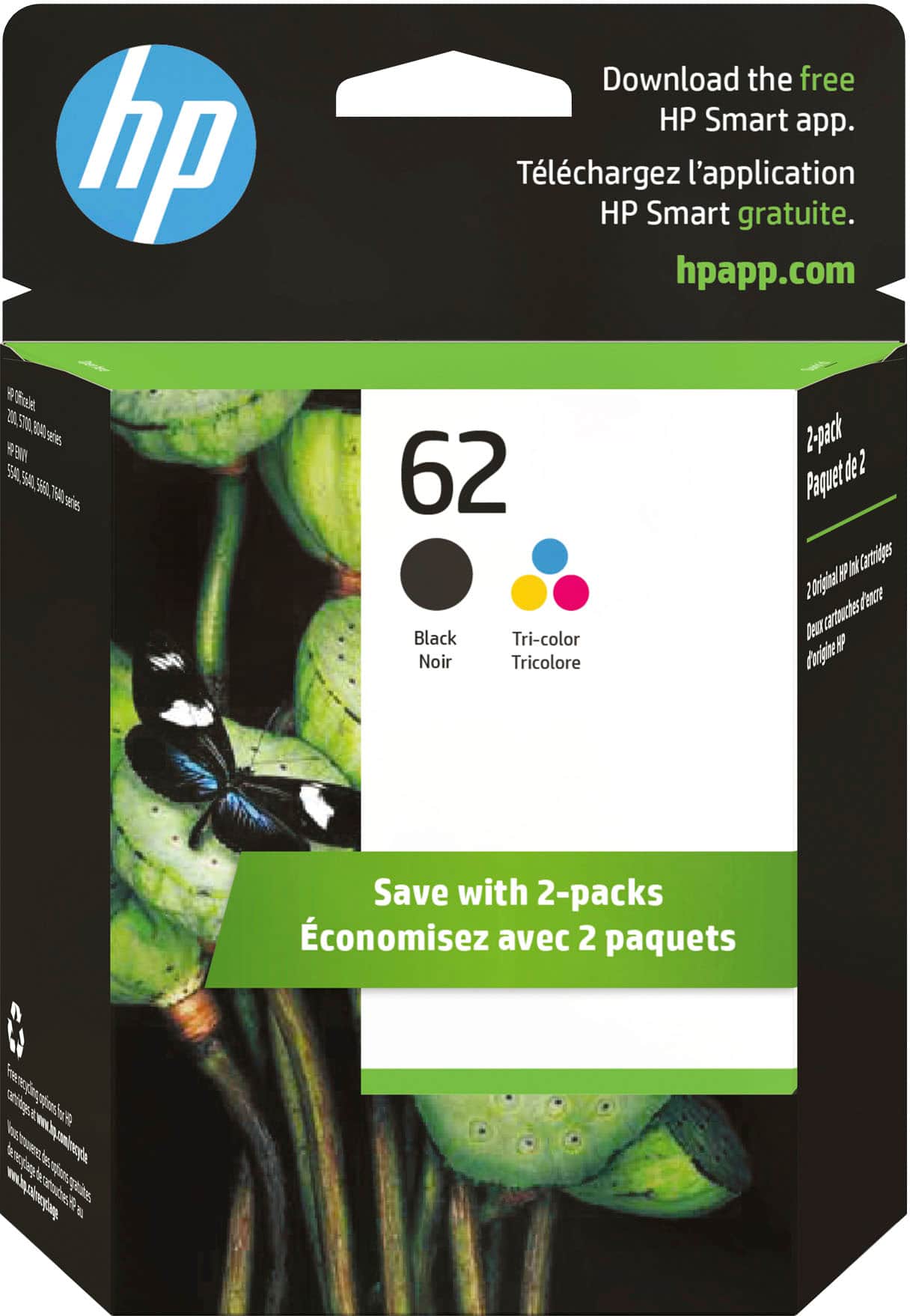



- Model:
- N9H64FN#140
- SKU:
- 11003986
Rating by feature
- Value
Rating 4.3 out of 5 stars
- Quality
Rating 4.7 out of 5 stars
- Ease of Use
Rating 4.8 out of 5 stars
Customers are saying
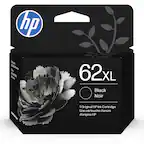
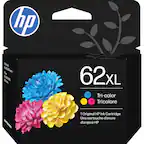
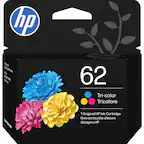
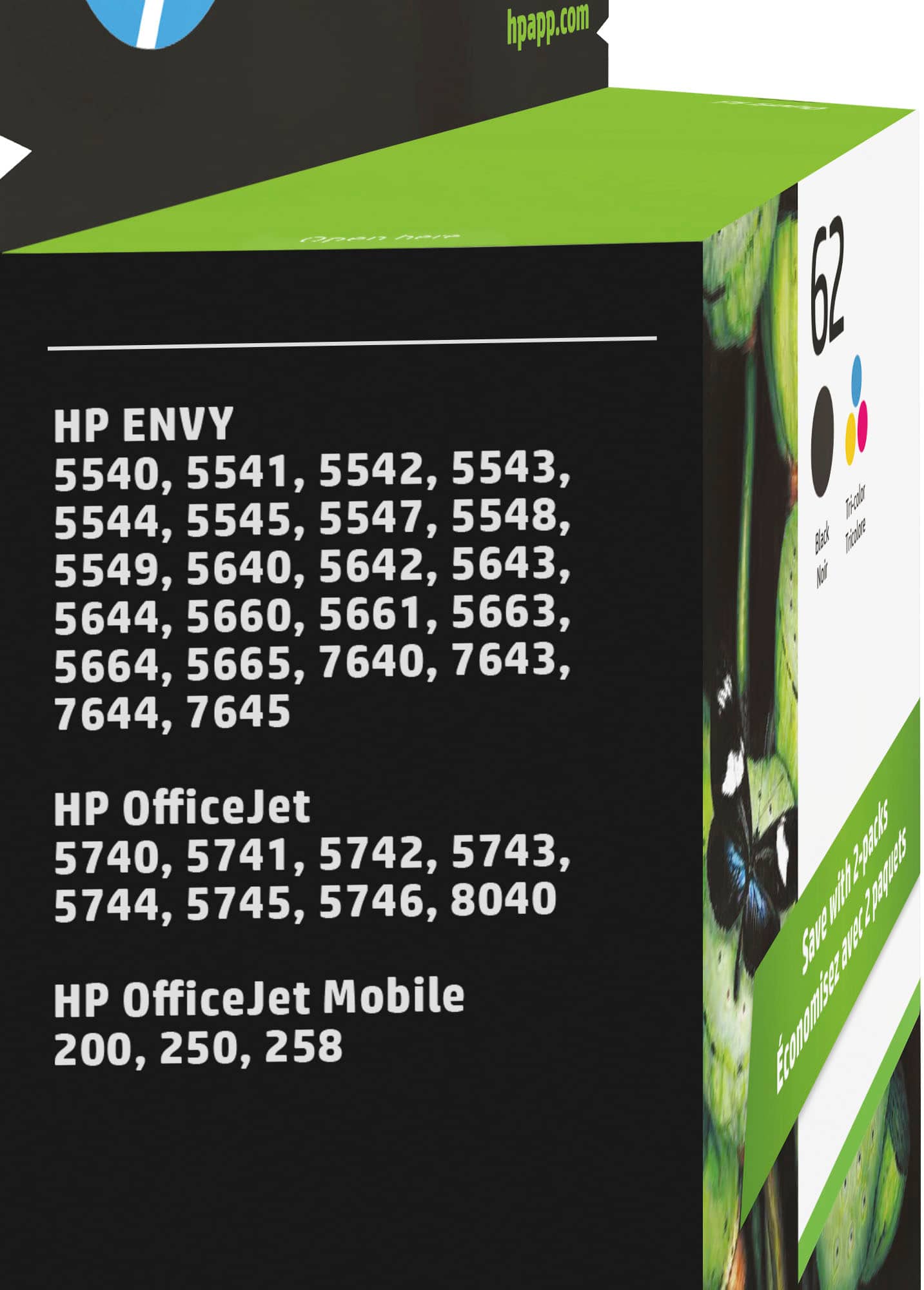
Customers appreciate the high ink quality and ease of use of the 62 2-Pack Standard Capacity Ink Cartridges. Many find the price fair and are satisfied with the product's performance and compatibility. Installation is also reported to be easy and work perfectly.
This summary was generated by AI based on customer reviews.
Ink
||Posted . Owned for 1 month when reviewed.This reviewer received promo considerations or sweepstakes entry for writing a review.Ink cartridge doesn’t last long. Ink runs out quickly
No, I would not recommend this to a friendHP 62 pack ink cartridge Black & tri color
||Posted . Owned for 3 weeks when reviewed.This reviewer received promo considerations or sweepstakes entry for writing a review.There was something wrong with the black cartridge. When put in the printer stated put an appropriate HP 62 in. Tried several times. The color worked fine put the printer would not take the black. I had to go buy another black so I could print. So it cost me to replace the difunctional one
No, I would not recommend this to a friendBrand response from HP Team
Posted .Hi there Chris,
What a shame the cartridge was defective. We hope our customers never experience faulty cartridges. I'm sorry you had to go out and buy another cartridge. Still, you can return the other cartridge to Best Buy. I hope your future purchases are better.
Amanda
HP Care
www.hp.com/support/
Cartridgecartridge
||Posted . Owned for 3 weeks when reviewed.This reviewer received promo considerations or sweepstakes entry for writing a review.Too expensive and runs out of ink too fast. I do an average amount of printing.
No, I would not recommend this to a friendBrand response from HP Team
Posted .Hi,
It is a disappointment you haven't gotten the results you wanted. We hope our customers get the most out of every cartridge at HP. Therefore, a change in habits makes a huge impact. Limit the print quality settings and print in black ink. Take care to clean the cartridges after use or every week. Upon arrival, I also recommend checking the cartridge to ensure they register as full in the printer.
Amanda
HP Care
www.hp.com/support/
Ink
||Posted .This reviewer received promo considerations or sweepstakes entry for writing a review.It’s printer ink....what can I say.... Works as it is supposed to can’t complain.
I would recommend this to a friendPrinter ink
||Posted .This reviewer received promo considerations or sweepstakes entry for writing a review.Cartridge fits well in assigned printer. Comparable pricing to other distributors
I would recommend this to a friendPrinter Ink
||Posted .This reviewer received promo considerations or sweepstakes entry for writing a review.Works great and gets the job done. A little bit pricey, but most printer ink is.
I would recommend this to a friendGood service, good help
||Posted .This reviewer received promo considerations or sweepstakes entry for writing a review.The staff is knowledgeable about the products. They are helpful and friendly.
I would recommend this to a friendRecommend
||Posted .This reviewer received promo considerations or sweepstakes entry for writing a review.I buy all my ink from Best Buy. Good price, always in stock, never any issues.
I would recommend this to a friendDidn't make very many copies
||Posted .This reviewer received promo considerations or sweepstakes entry for writing a review.Really disappointed! Didn't make very many copies before showing low ink! I have used this product in the past with no problems, this time I was very disappointed!
No, I would not recommend this to a friendInk problem
||Posted .This reviewer received promo considerations or sweepstakes entry for writing a review.Bought this ink ahead of time that I needed it. When printer ran out of the black I replaced it with this black, printer still wouldn’t print black. Tried other things to get it to work but it wouldn’t so I put another new black in and it works fine. Took bad ink to store and they said it was opened and more then 15 days since I bought it. So I am out of luck.
No, I would not recommend this to a friendI always get the replacement ink at Best Buy.
||Posted .This reviewer received promo considerations or sweepstakes entry for writing a review.I always get the replacement ink at Best Buy. They’ve always been fresh.
No, I would not recommend this to a friendHP62 color cartridge
||Posted .This reviewer received promo considerations or sweepstakes entry for writing a review.would not load in my printer. kept getting error messages. had to remove it and discard it. never had this problem before. apparent faulty cartridge?
No, I would not recommend this to a friend- Pros mentioned:Ink quality
HP Ink
||Posted .This reviewer received promo considerations or sweepstakes entry for writing a review.Best Buy has a wide selection of Ink Cartridges to choose from. HP Ink is quality ink.
I would recommend this to a friend Expensive in the long run
||Posted .This reviewer received promo considerations or sweepstakes entry for writing a review.While HP ink may be less expensive to purchase, it doesn't last long and ends up costing me more than my Canon ink. I'm going to back to my Canon printer.
No, I would not recommend this to a friend- Pros mentioned:Ink quality
Prints well
||Posted . Owned for 3 weeks when reviewed.This reviewer received promo considerations or sweepstakes entry for writing a review.Good ink. Prints well ledgeble firm Dark enough. Very good print. Good type
I would recommend this to a friend Works great
||Posted .This reviewer received promo considerations or sweepstakes entry for writing a review.This ink is great for our at-home printer and lasts a long time.
I would recommend this to a friendA great product
||Posted .This reviewer received promo considerations or sweepstakes entry for writing a review.This is a great product! I never have an issue with this brand
I would recommend this to a friendNot a fan at all
||Posted . Owned for 1 month when reviewed.This reviewer received promo considerations or sweepstakes entry for writing a review.Ink seems to be half way full and runs out extremely quick.
No, I would not recommend this to a friendBrand response from HP Team
Posted .Hello Ladylicia,
I think there is a possibility that the cartridge is running dry. I can assist you in preventing this outcome. We want you to get full use of the cartridge. Start by taking out the cartridge. Take a cotton swab and clean the printhead. Restart the printer. Then, put the cartridge back in the holder. Perform a test print. I hope these steps help you receive the results you need.
Amanda
HP Care
www.hp.com/support/
not a lot of ink, but no choice
||Posted .This reviewer received promo considerations or sweepstakes entry for writing a review.These cartridges are really small, does not last. But there are no alternatives for this printer. Wish I had known this before buying the printer.
No, I would not recommend this to a friendGood product
||Posted .This reviewer received promo considerations or sweepstakes entry for writing a review.Not a bad price for a replacement quality ink cartridge
I would recommend this to a friend