Customer Ratings & Reviews
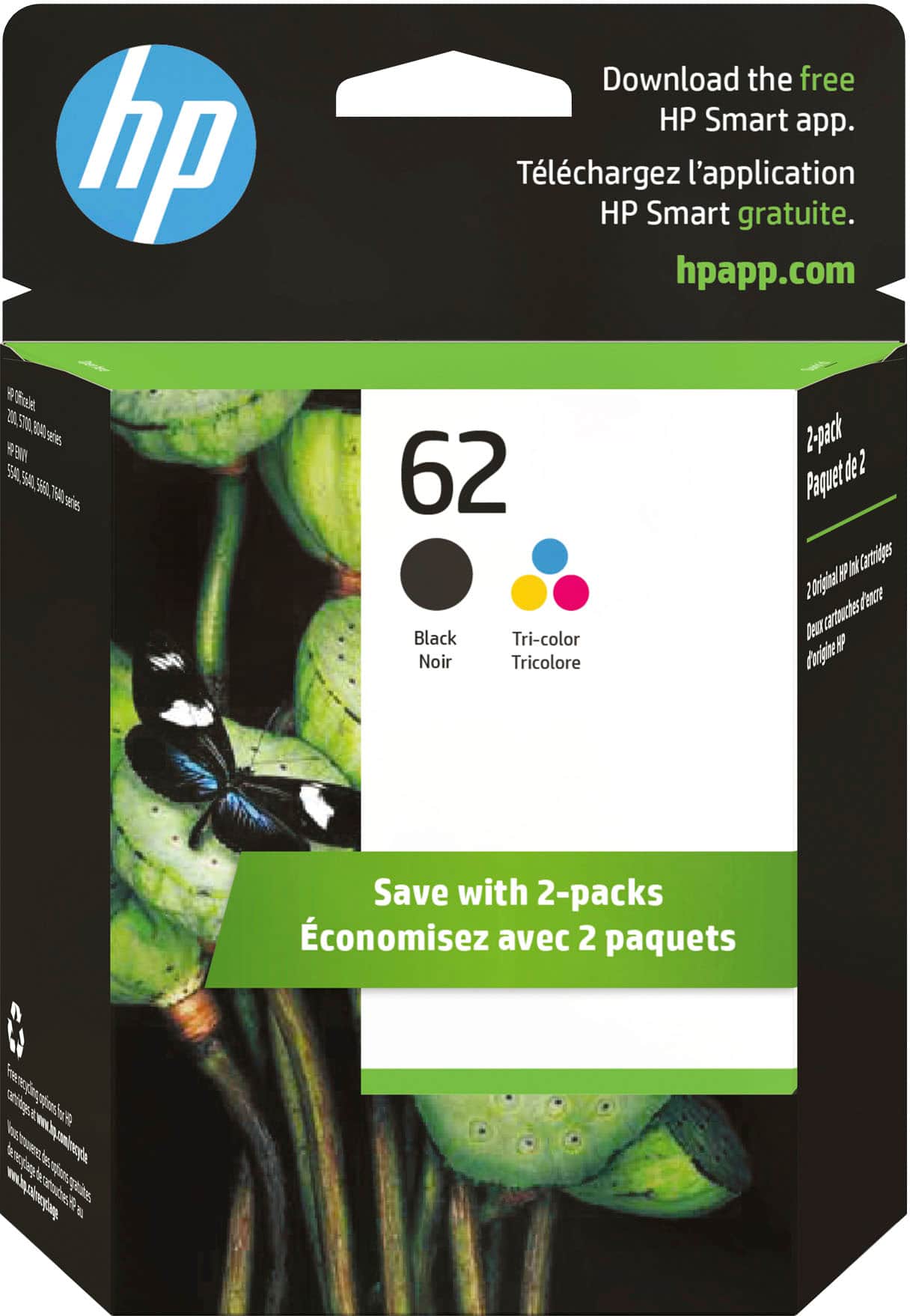

- Model:
- N9H64FN#140
- SKU:
- 11003986
Rating by feature
- Value
Rating 4.3 out of 5 stars
- Quality
Rating 4.7 out of 5 stars
- Ease of Use
Rating 4.8 out of 5 stars
Customers are saying
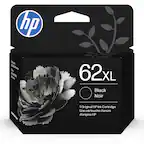
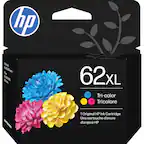
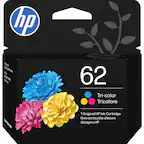
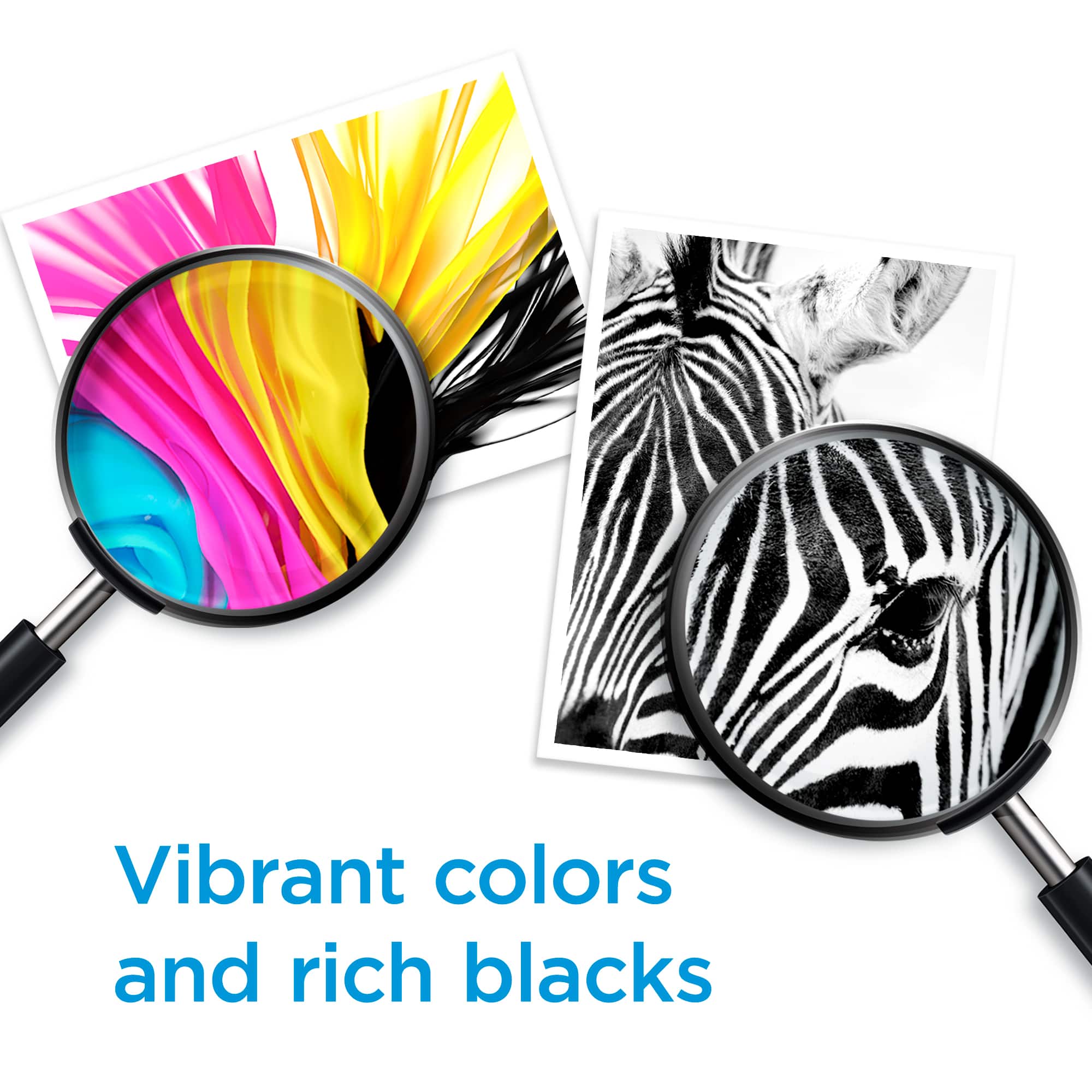
Customers appreciate the high ink quality and ease of use of the 62 2-Pack Standard Capacity Ink Cartridges. Many find the price fair and are satisfied with the product's performance and compatibility. Installation is also reported to be easy and work perfectly.
This summary was generated by AI based on customer reviews.
Firmware updated and failed
||Posted .This reviewer received promo considerations or sweepstakes entry for writing a review.Initial installation, firmware required an automatic update. It failed, resulting in "bricking" the device. It would not power on afterwards. Had to return the item, and (since out of stock) wait a week or two for delayed replacement. Disappointed...
No, I would not recommend this to a friendRuns out fast
||Posted . Owned for 11 months when reviewed.This reviewer received promo considerations or sweepstakes entry for writing a review.Ink runs out way too fast. Had to constantly buy new ink which isn’t normal. I complained to Best Buy and they told me it’s my printer not the ink. I still believe a bad batch of ink was made.
No, I would not recommend this to a friendBrand response from HP Team
Posted .Hi Tracy,
I'm sorry to hear that you've had this experience. Let's see if I can help you to save on ink.
Here are a few facts about ink usage that might help you get more copies without too much extra effort:
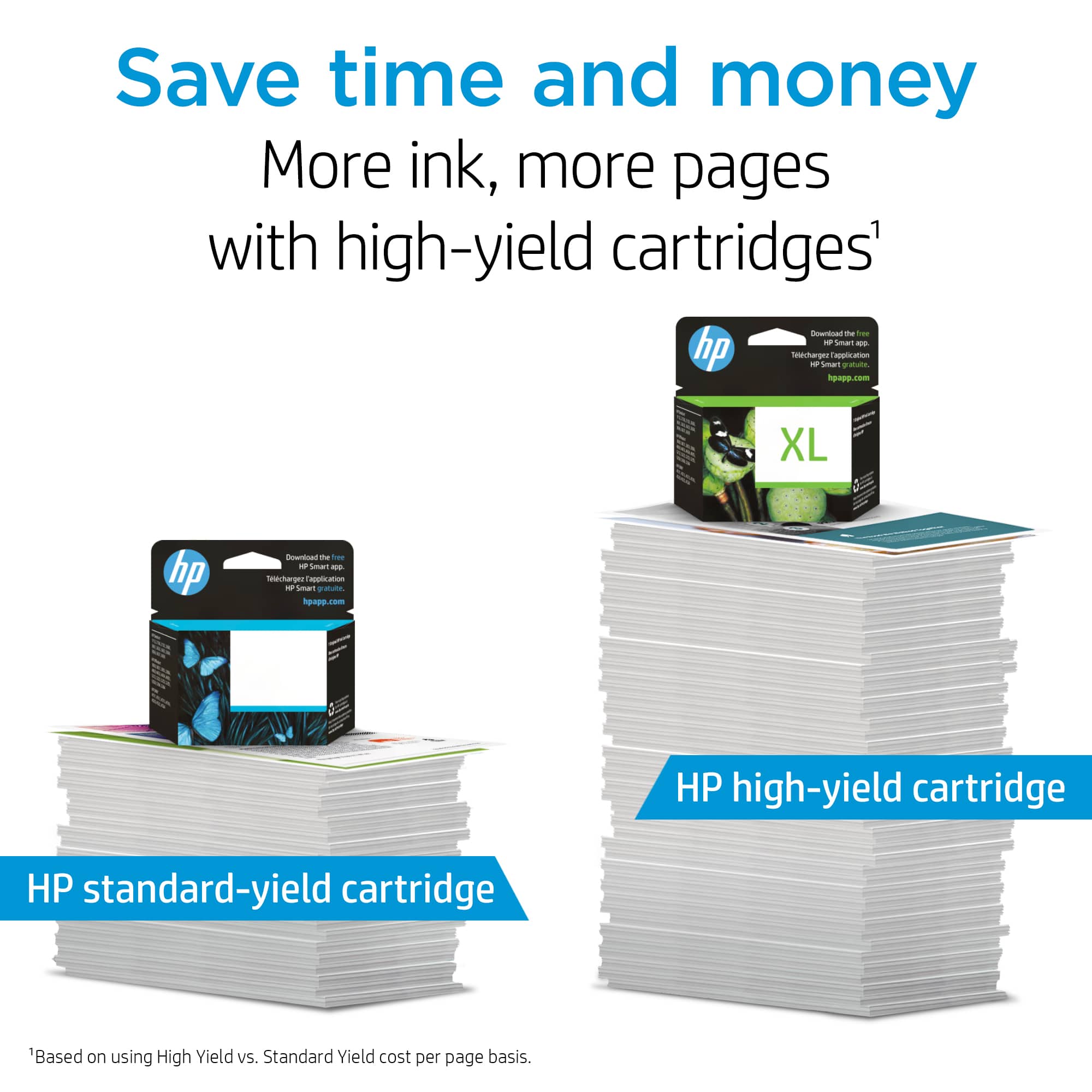
- Many consider the XL version of the cartridge to be a much better value.
- A high-density print (like an image or graph) will use the ink more quickly than a text-only document, especially if the paper is highly absorbent and the environment is dry. If you print a lot of photos and such, you will find that Instant Ink is likely to be a good option for you, since you pay by the page, not for cartridges. Details at: instantink.com
- Using the draft and black only settings on your printer can help save on ink, particularly the colors.
- Shutting the printer down between uses can result in some savings. However, always use the power button on the printer itself to turn it off. That will let the printer 'park' so that the nozzles that spray the ink onto the paper are protected from excess drying.
It is always an option to contact the seller if low page yield was caused by a defective cartridge.
Mary
HP Care
hp.com/support
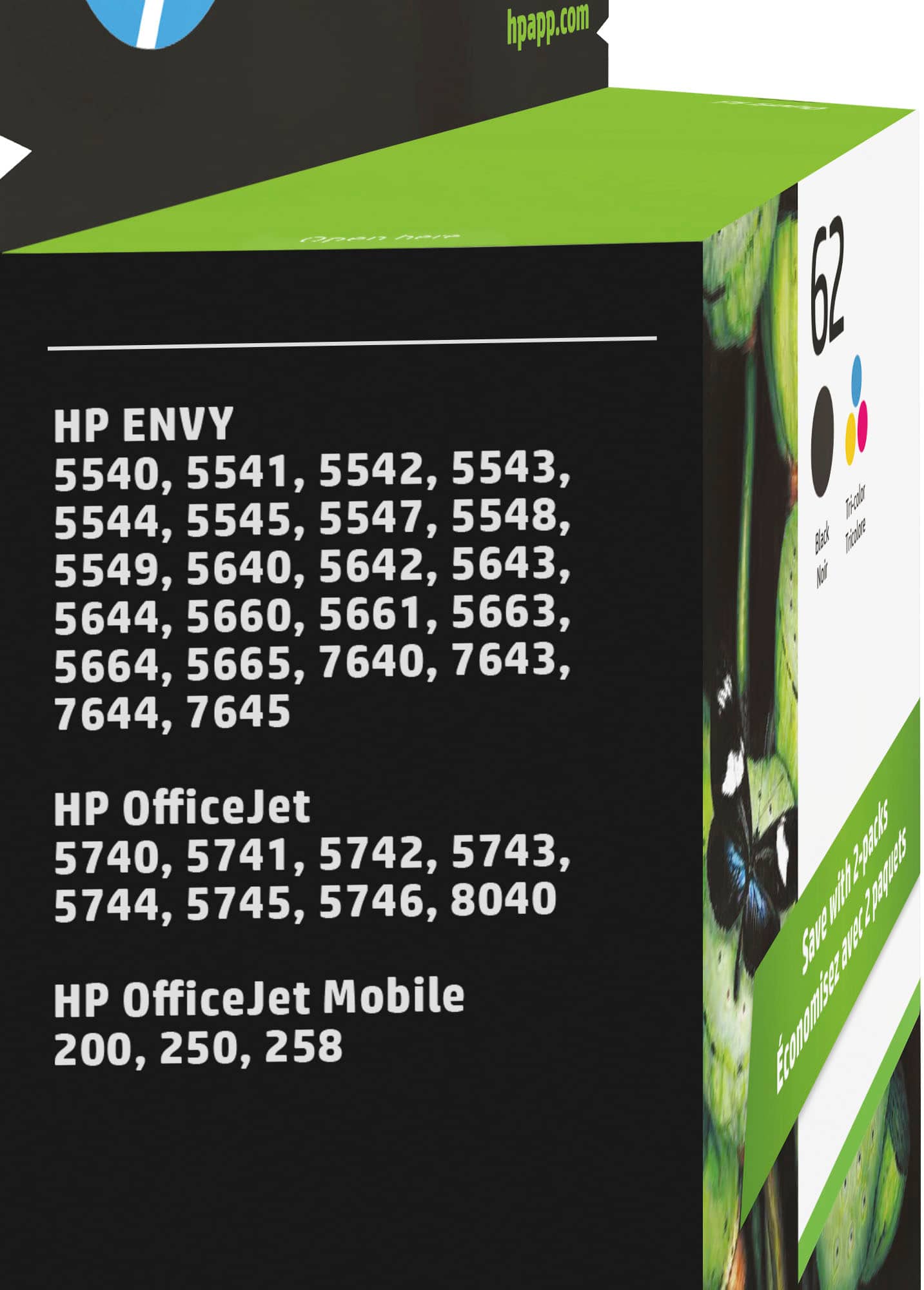
wrong size cartridges should have been 63
||Posted .This reviewer received promo considerations or sweepstakes entry for writing a review.My fault, first time buying cartridges for my HP printer, would have thought you knew what size it took, I bought it from you. Worked out ok, cause HP sent me the right size FREE and I sent them the wrong cartridges back.
No, I would not recommend this to a friendNot good
||Posted . Owned for 1.5 years when reviewed.This reviewer received promo considerations or sweepstakes entry for writing a review.If opened and installed in printer, it dries quickly even without much usage. I hardly printed 10 - 15 pages over a period of time and its dried out.
No, I would not recommend this to a friendBrand response from HP Team
Posted .Hi,
I am sorry that the cartridges didn't last long for you. That has to be distressing.
Normally, ink usage determines how long a cartridge lasts. High-density prints (such as images and graphs) will use more ink, especially if the paper is very absorbent and the air is dry.
It is possible that the cartridges are clogged and not letting the ink through the tiny inkjets. There is a cleaning routine available from the printer's menu that you can use to clear them out. The routine might need to be run more than once to clean out the clogs completely.
If you only print occasionally, it is a good idea to shut the printer down between uses. However, it is important to always use the power button on the printer itself to turn it off. That gives it time to ‘park’ so that the cartridge is protected from excessive drying which leads to clogging
If you feel that you didn't get enough pages printed because of a defect, you can look into returning or exchanging it. Information about that can be found at:
https://www.bestbuy.com/site/help-topics/return-exchange-policy/pcmcat260800050014.c
Mary
HP Care
hp.com/support
Way too expensive for the amount of copies
||Posted .This reviewer received promo considerations or sweepstakes entry for writing a review.WAY too expensive for the amount of copies these cartridges provide. Always disappointing. This product forces me to be a captive market as opposed to loyal consumer. Too bad.
No, I would not recommend this to a friend=)
||Posted .This reviewer received promo considerations or sweepstakes entry for writing a review.I had a hard time finding correct paper for my printer. In a hurry bought incorrect size paper. Picture quality on paper was. Beautiful tho.
I would recommend this to a friendPoor Quality
||Posted .This reviewer received promo considerations or sweepstakes entry for writing a review.After printing 62 pages, my printer displayed a message that the cartridge was "used or counterfeit." Unacceptable!
No, I would not recommend this to a friendWatch for mislabeled product
||Posted . Owned for 1 month when reviewed.This reviewer received promo considerations or sweepstakes entry for writing a review.Actually, I was charged for the 2-pack but only got one. My bad!
No, I would not recommend this to a friendBrand response from HP Team
Posted .Hello,
We want you to receive two cartridges if you paid for a two-pack. I suggest you take this issue up with Best Buy. The Best Buy site is www.bestbuy.com/site/help-topics/return-exchange-policy/. If you prefer a refund, that is plausible too. Never hesitate to reach out to HP or Best Buy. We want our customers to get the total value of the products.
Amanda
HP Care
www.hp.com/support/
Black cartridge failed
||Posted .This reviewer received promo considerations or sweepstakes entry for writing a review.Black cartridge is not recognized by the printer. Tossed all packaging before I realized it didn’t work. I guess I’m stuck with garbage.
No, I would not recommend this to a friend#62 Black Ink
||Posted .This reviewer received promo considerations or sweepstakes entry for writing a review.Your ink sales are too expensive you should be able to cut down on the price
No, I would not recommend this to a friendAll very good.
||Posted .This reviewer received promo considerations or sweepstakes entry for writing a review.I'm doing a lot of printing right now and I'm able to get exactly what I need with kind courteous service at Best Buy. Thank you.
I would recommend this to a friendGreat ink
||Posted . Owned for 1 month when reviewed.This reviewer received promo considerations or sweepstakes entry for writing a review.Works very good in printer. Printer uses cartridge with no issues. We will continue to purchase.
I would recommend this to a friendIt dried up
||Posted . Owned for 1 month when reviewed.This reviewer received promo considerations or sweepstakes entry for writing a review.The ink totally ran out and stopped working quick within about a month only printed a few items
No, I would not recommend this to a friendBrand response from HP Team
Posted .Hi,
I am sorry that the cartridges you were sent ran out quickly. That sounds frustrating.
Unless you were printing mostly high density prints, it does seem like you should have been able to print longer.
Here are a few facts about ink usage that might help you get more printouts without too much extra effort:
- A high-density print (like an image or graph) will use the ink more quickly than a text-only document, especially if the paper is highly absorbent and the environment is dry. If you print a lot of photos and such, you will find that Instant Ink is likely to be a good option for you, since you pay by the page, not for cartridges. Details at: instantink.com
- Using the draft and black only settings on your printer can help save on ink, particularly the colors.
- Shutting the printer down between uses can result in some savings. However, always use the power button on the printer itself to turn it off. That will let the printer 'park' so that the nozzles that spray the ink onto the paper are protected from excess drying.
When it appears that the low page yield was caused by a defective cartridge, you can always contact the seller about that.
Mary
HP Care
hp.com/support
Defective
||Posted . Owned for 1 month when reviewed.This reviewer received promo considerations or sweepstakes entry for writing a review.Well I’ve used it for about two weeks now and the blue isn’t working...at all!!!
No, I would not recommend this to a friendTerrible product
||Posted .This reviewer received promo considerations or sweepstakes entry for writing a review.When I went to use this product it didn't work and Best Buy will not replace the product. Very disappointed.
No, I would not recommend this to a friendExpensive
||Posted .This reviewer received promo considerations or sweepstakes entry for writing a review.The ink works but these cartridges are flat out expensive
I would recommend this to a friendLittle ink in cartridge.
||Posted .This reviewer received promo considerations or sweepstakes entry for writing a review.The cartridges were almost empty. I got 30 pages of regular print out of both cartridges combined.
No, I would not recommend this to a friendDoes not last long when not in use
||Posted .This reviewer received promo considerations or sweepstakes entry for writing a review.Ink runs out to fast when not in use this is my third purchase in less than 2 months.
No, I would not recommend this to a friendI was told by sales this would last longer.
||Posted .This reviewer received promo considerations or sweepstakes entry for writing a review.The black cartridge ran after printing only around 140 pages. This is certainly not worth what I paid for it.
No, I would not recommend this to a friendHP is a joke!
||Posted . Owned for 3 weeks when reviewed.This reviewer received promo considerations or sweepstakes entry for writing a review.HP ink is a total rip off. There is no way it needs to cost this much!
No, I would not recommend this to a friend