Customer Ratings & Reviews





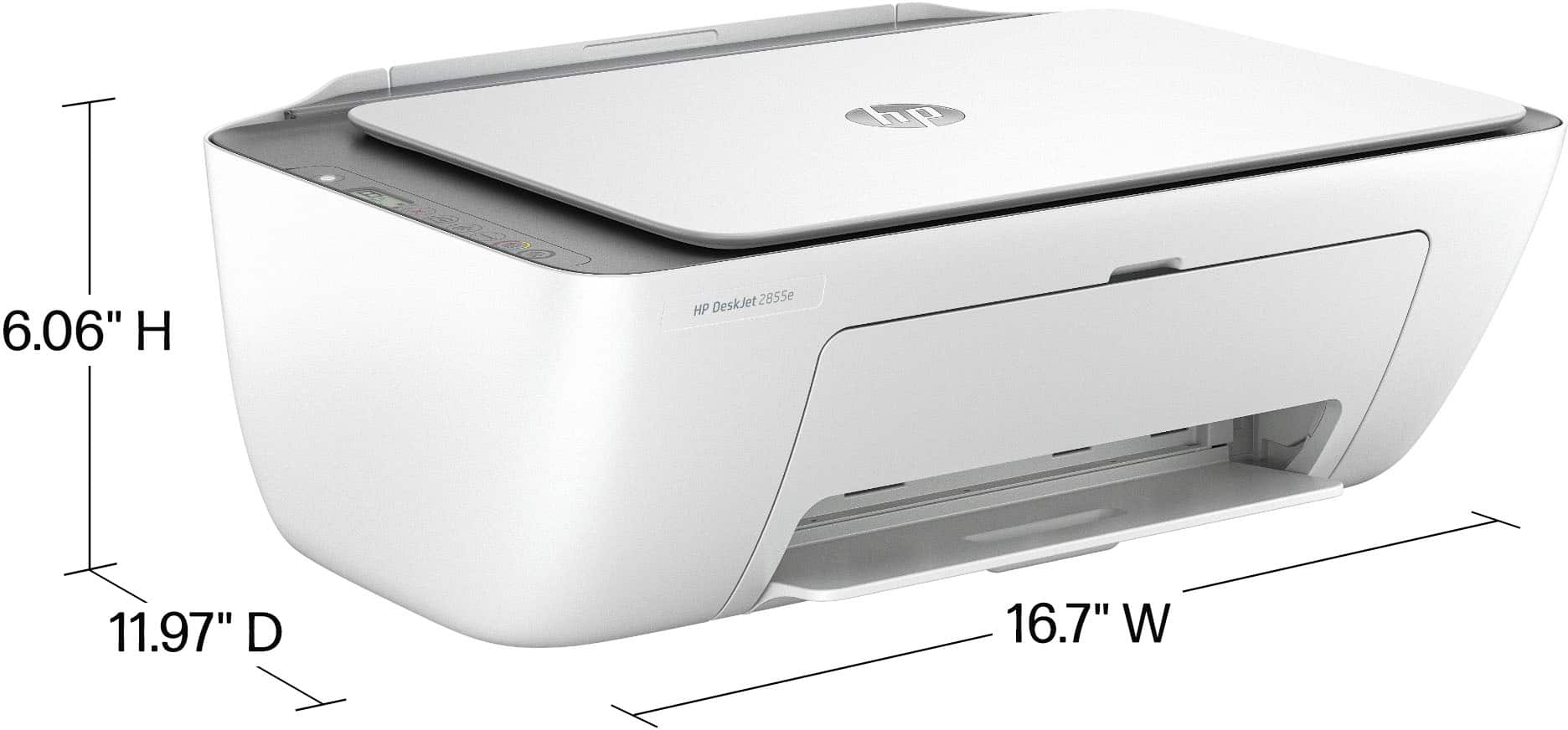


- Model:
- DJ 2855E/588S5A#B1H
- SKU:
- 10735652
Rating by feature
- Value
Rating 4.4 out of 5 stars
- Quality
Rating 4.3 out of 5 stars
- Ease of Use
Rating 4.2 out of 5 stars
Loved the process
||Posted . Owned for 2 weeks when reviewed.This reviewer received promo considerations or sweepstakes entry for writing a review.I was pleased with the process of ordering online and picking up at the stote
I would recommend this to a friendGreat deal
||Posted . Owned for 1 month when reviewed.This reviewer received promo considerations or sweepstakes entry for writing a review.Cant believe i got this for $39.99 thanks bestbuy!!!
I would recommend this to a friendPiece of junk
||Posted . Owned for 5 months when reviewed.This reviewer received promo considerations or sweepstakes entry for writing a review.The software is horrible and seriously limits the functionality of this printer. Every time it goes to sleep between uses, it loses connection and I have to go to the HP Smart application to reinstall it. It tells me it's in error state when it is not, will not scan unless I reestablish connection in the software, and the printer queue often freezes and I cannot clear it without completely rebooting the printer. The resolution is OK, but it's not worth the constant headaches.
No, I would not recommend this to a friendMY TOOL FOR 2025
||Posted . Owned for 1 month when reviewed.This reviewer received promo considerations or sweepstakes entry for writing a review.i HAVE NOT USED THE MACHINE BUT THERE IS POTENTIAL.
I would recommend this to a friend......
||Posted .This reviewer received promo considerations or sweepstakes entry for writing a review.had to take to software teck to get to work. i wanted hard wired to desk top, no wire less
I would recommend this to a friendPiece of crap
||Posted . Owned for 1 month when reviewed.This reviewer received promo considerations or sweepstakes entry for writing a review.Piece of crap won't print over. USB was working just fine then all the sudden stopped will not update. HP smart app is useless. Do not buy go for Epson or Canon
No, I would not recommend this to a friendDont but!
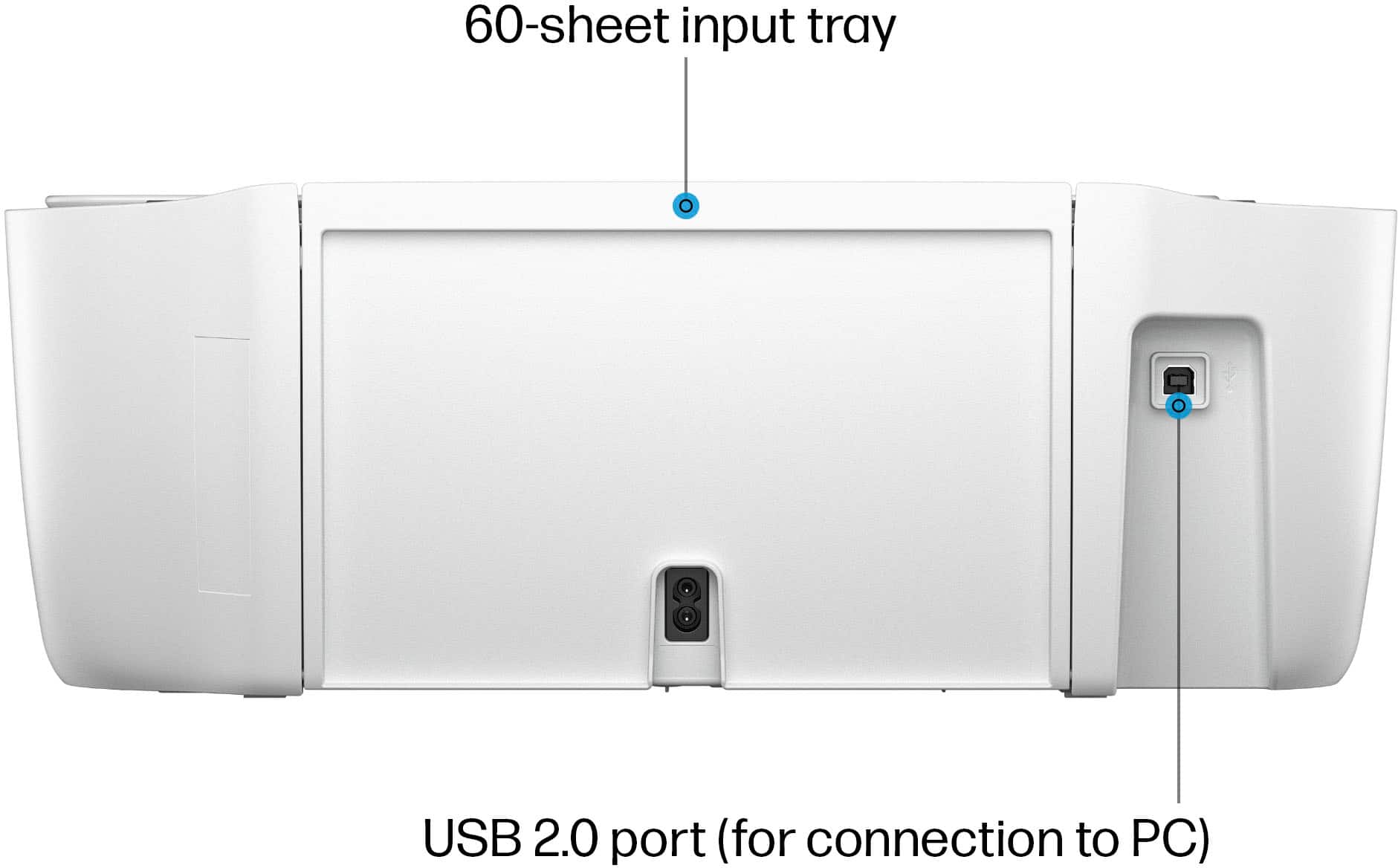
||Posted . Owned for 1 month when reviewed.This reviewer received promo considerations or sweepstakes entry for writing a review.Hard to connect to macbook air. Flimsy outlet plug. And it doesnt print automaty on both sides of a paper no option given. Not wortg it got a deal on this but otherwise dont buy! And best buy only gives you 14day returns. Both get a one star!
No, I would not recommend this to a friendprinter
||Posted . Owned for 3 weeks when reviewed.This reviewer received promo considerations or sweepstakes entry for writing a review.Nice printer & great value for the money. Also scans
I would recommend this to a friendDisappointing...
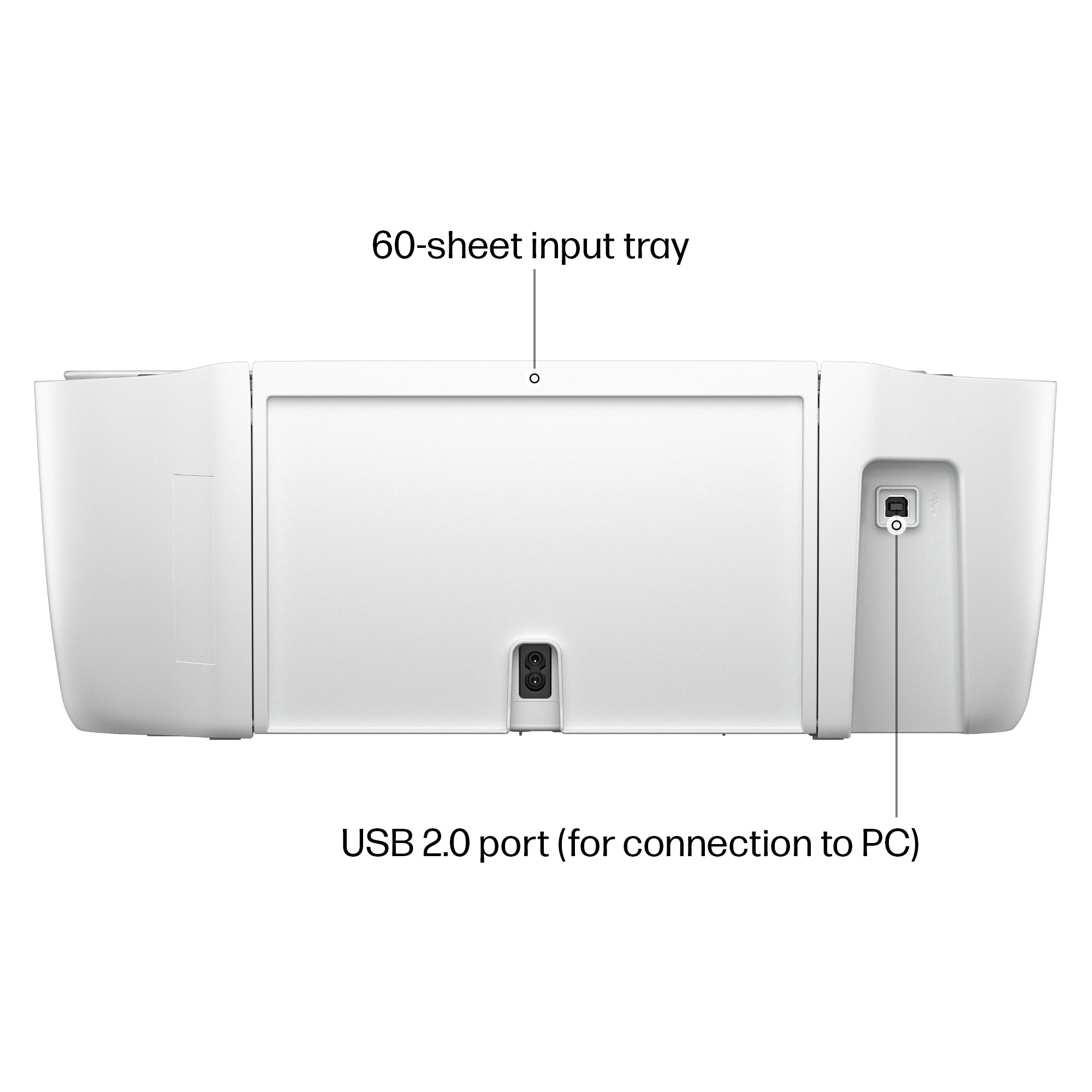
||Posted . Owned for 1 month when reviewed.This reviewer received promo considerations or sweepstakes entry for writing a review.It was an inconvenience to have to reload the paper tray so often. It didn't hold very much. Additionally, I got an alert pretty quickly that it needed an ink refill. I returned it promptly. I will purchase the HP Envy printer that I had before again.
No, I would not recommend this to a friendCame broken
||Posted .This reviewer received promo considerations or sweepstakes entry for writing a review.Plastic pieces that hold paper came broken. Seems to print fine as long as i hold paper.
No, I would not recommend this to a friendPiece of…
||Posted .This reviewer received promo considerations or sweepstakes entry for writing a review.Have to unplug to get it to print from iPhone or iPad
No, I would not recommend this to a friendHP Printer, dont recommend.
||Posted . Owned for 3 weeks when reviewed.This reviewer received promo considerations or sweepstakes entry for writing a review.Previous HP printer died after 8 yrs use. Good. Purchased new HP printer, it works but software not easy fir me to deal with. I'd buy something other than HP.
No, I would not recommend this to a friendThis machine is moody
||Posted . Owned for less than 1 week when reviewed.This reviewer received promo considerations or sweepstakes entry for writing a review.Its like a lazy terrible assistant you are not allowed to fire. I have have to literally go tell it to wake it up every day. Turn on/off then it works just fine. So the print from anywhere is not happening. at. all. Was not offered anything or paid to write this review.
No, I would not recommend this to a friend- Pros mentioned:Overall performance

HP Instant Ink Stands In The Way...
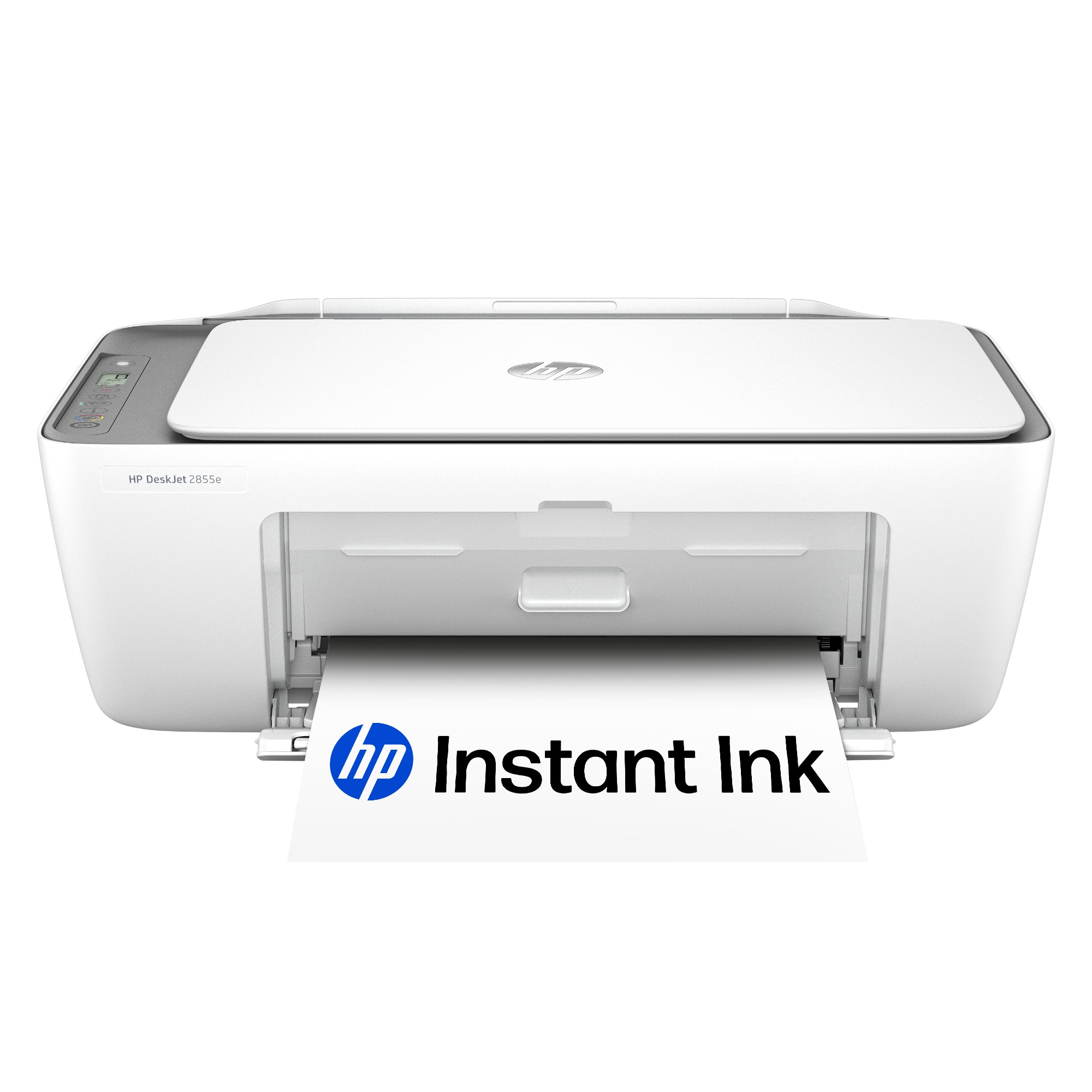
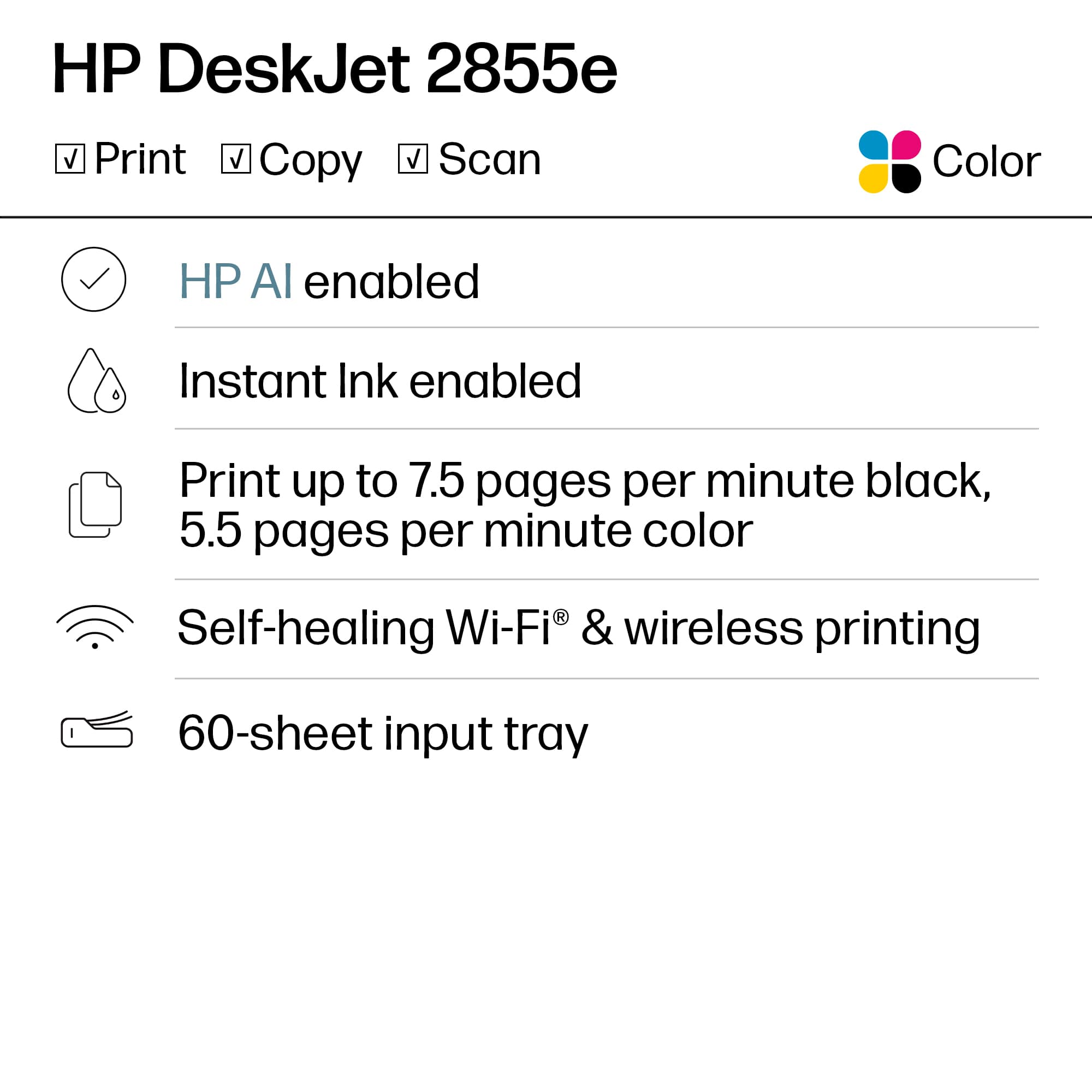
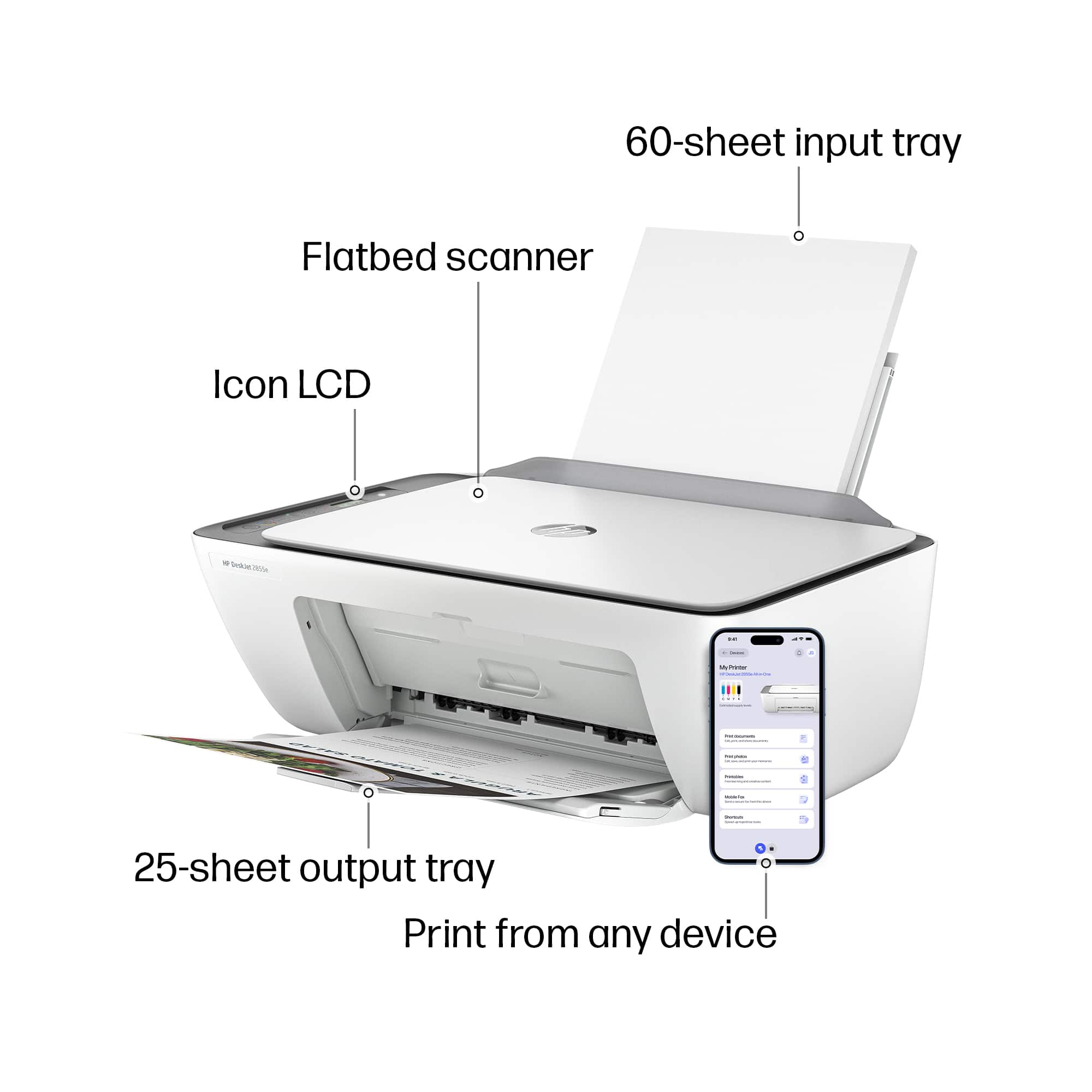
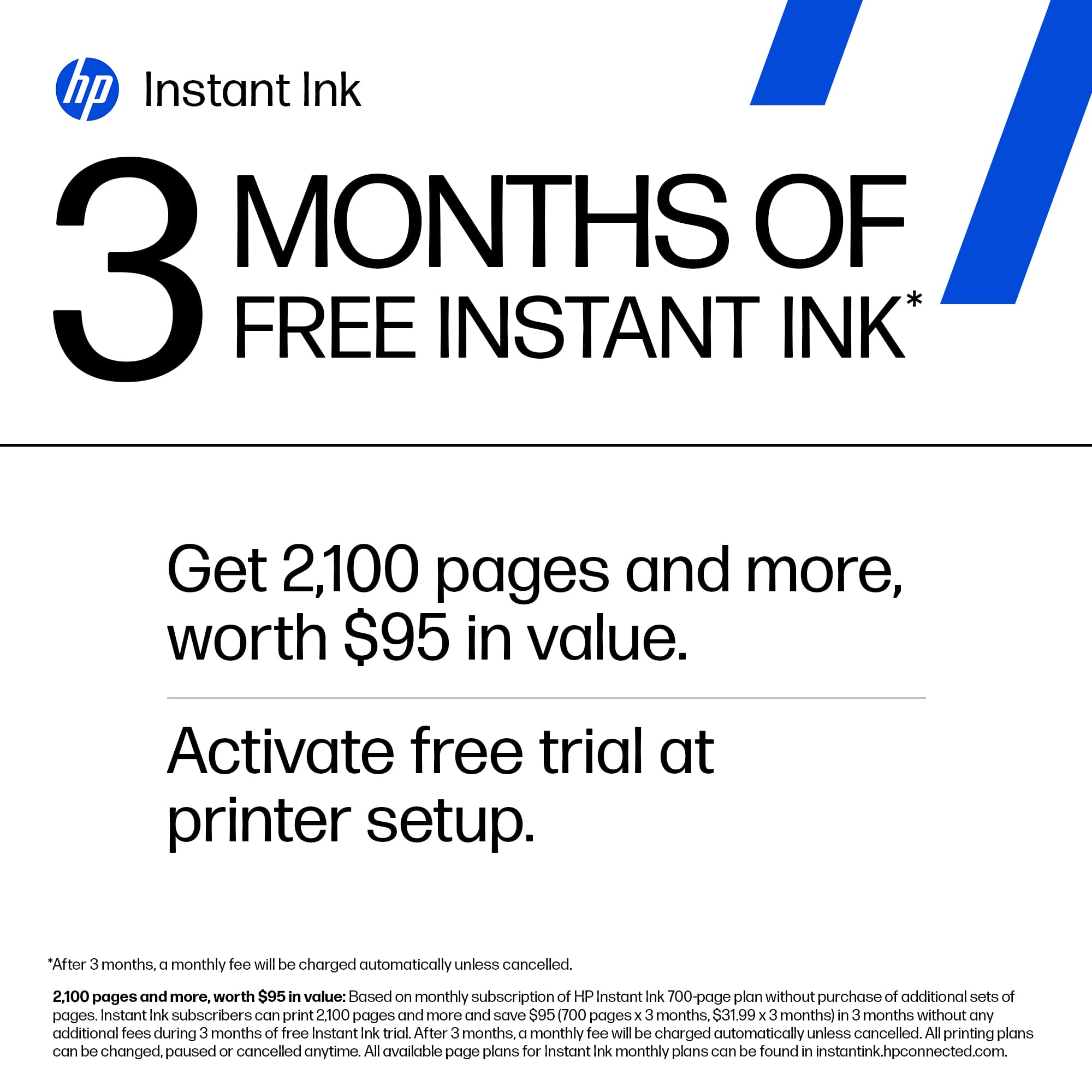
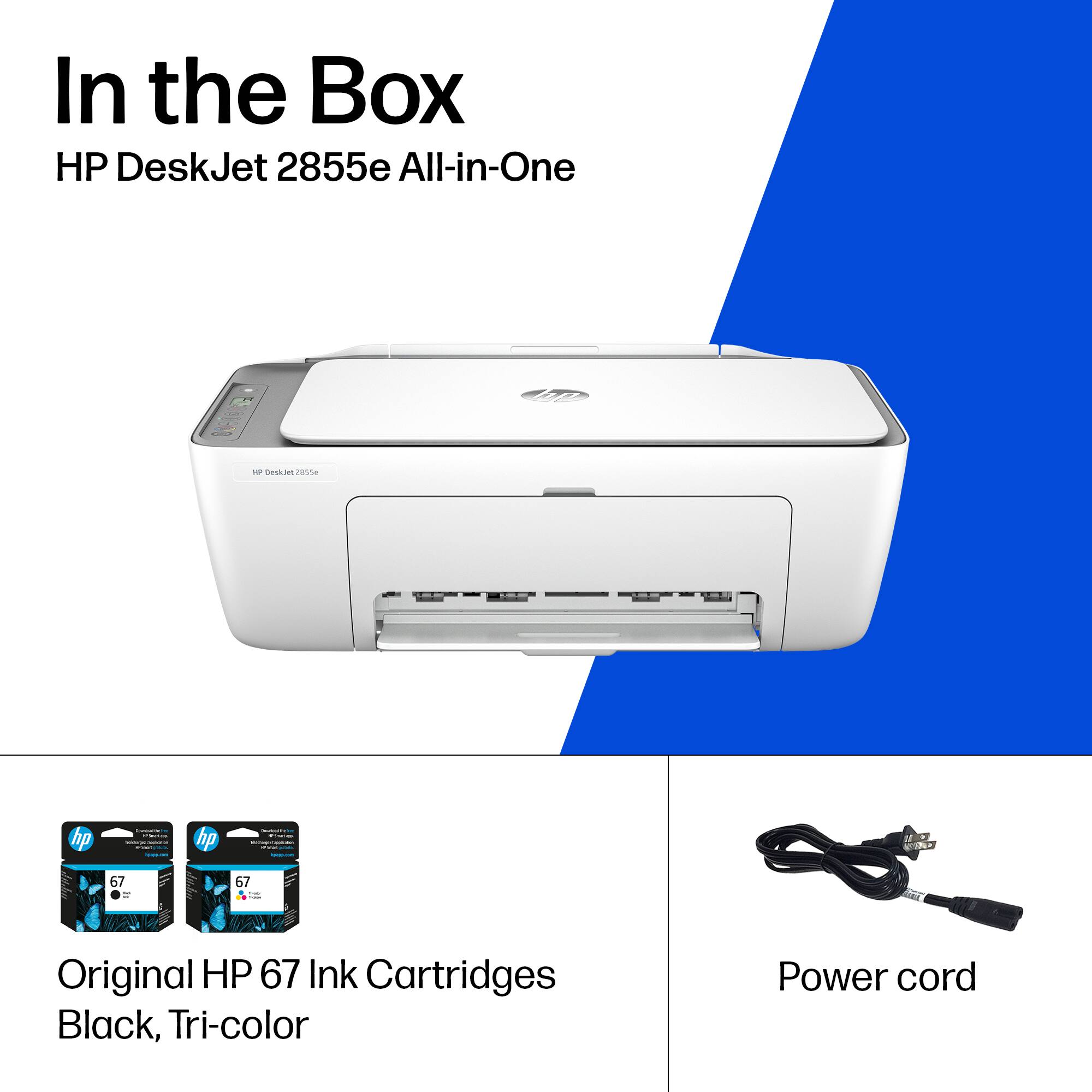
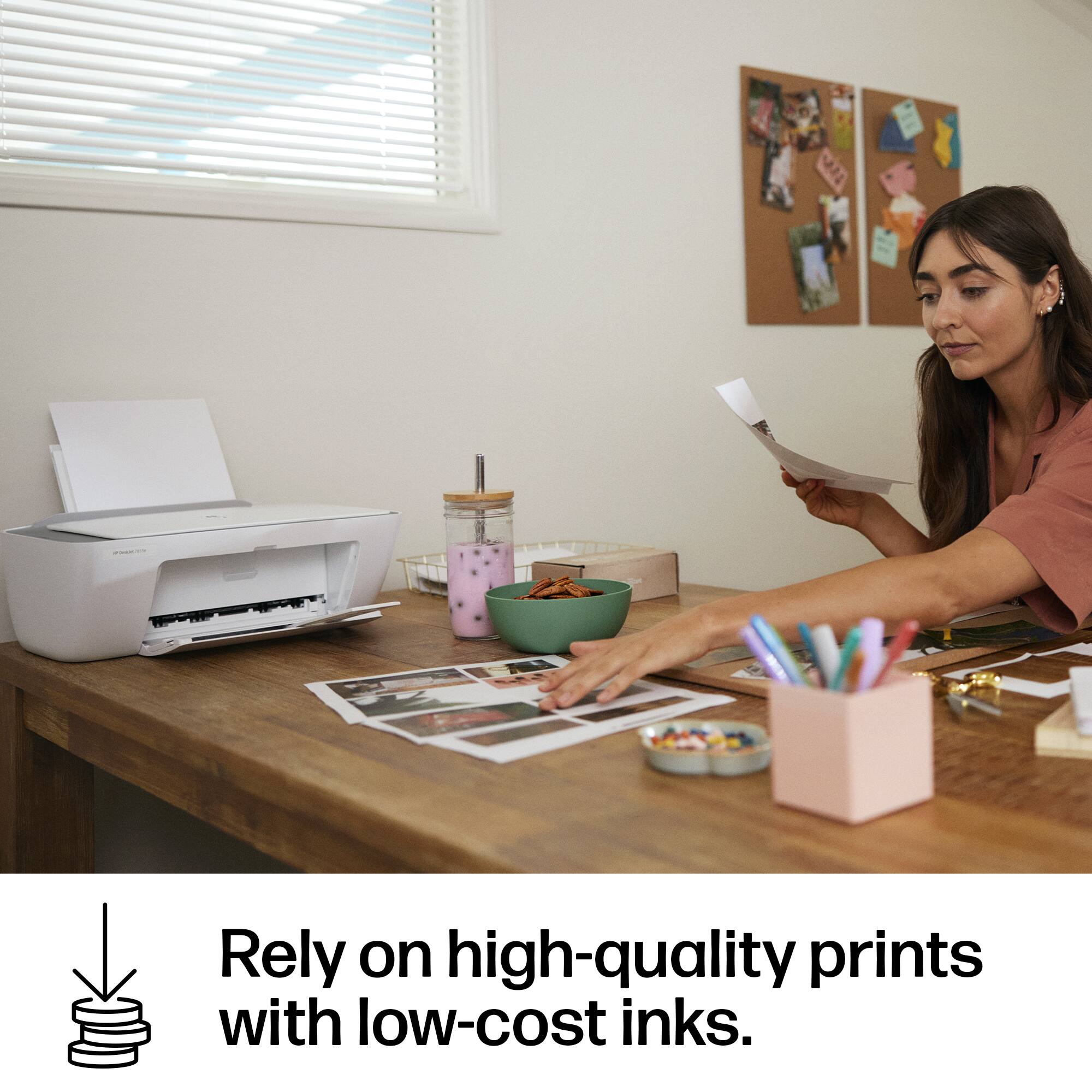
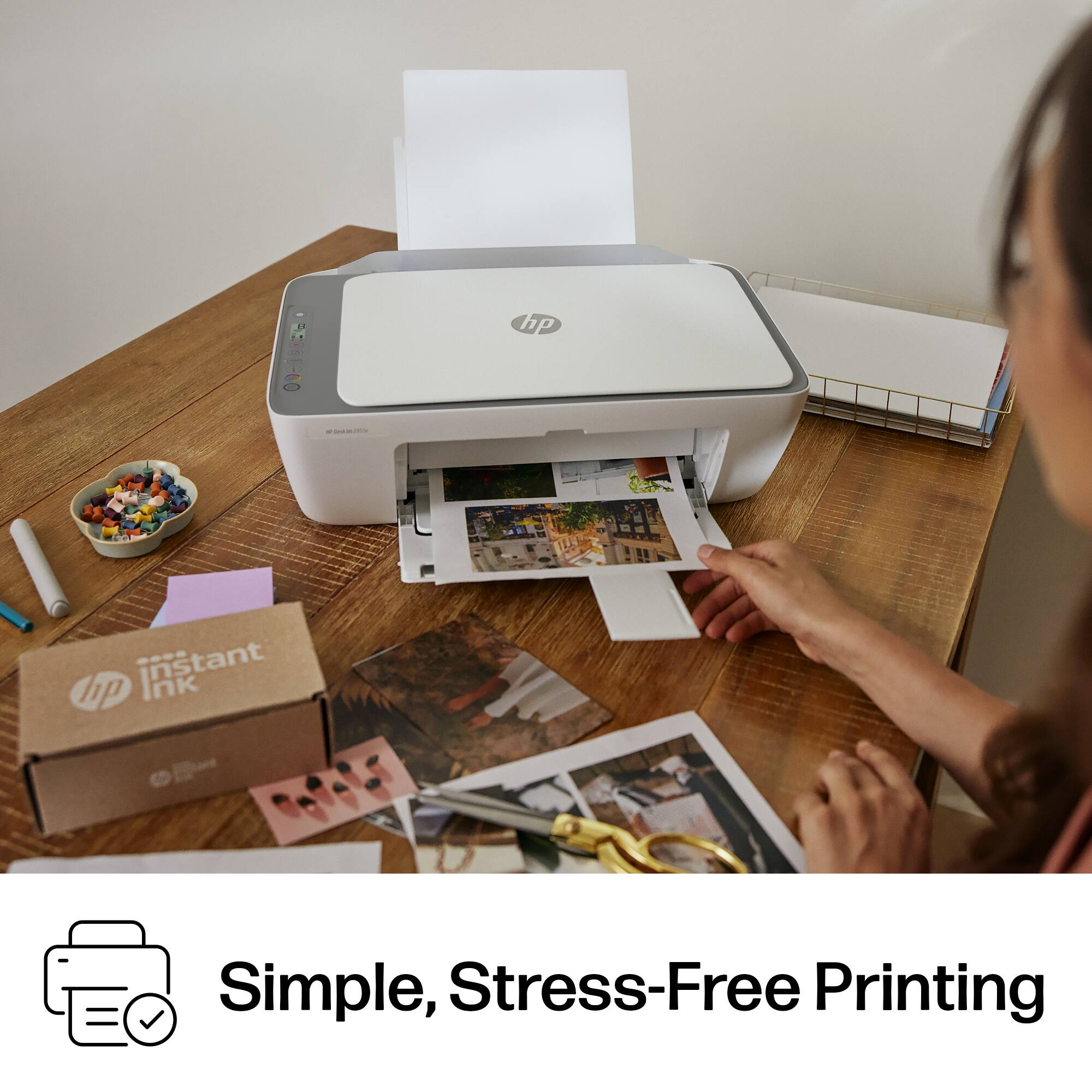
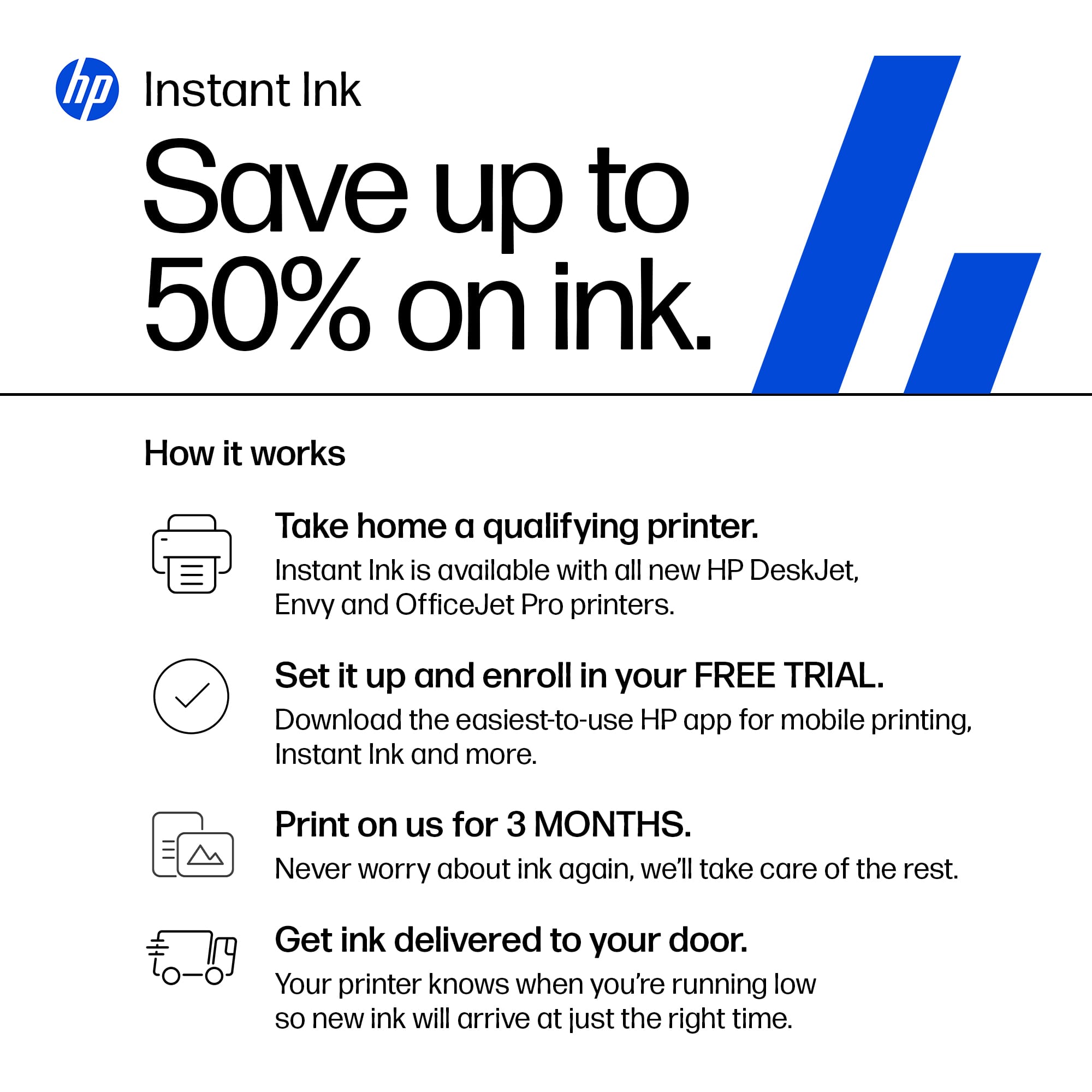
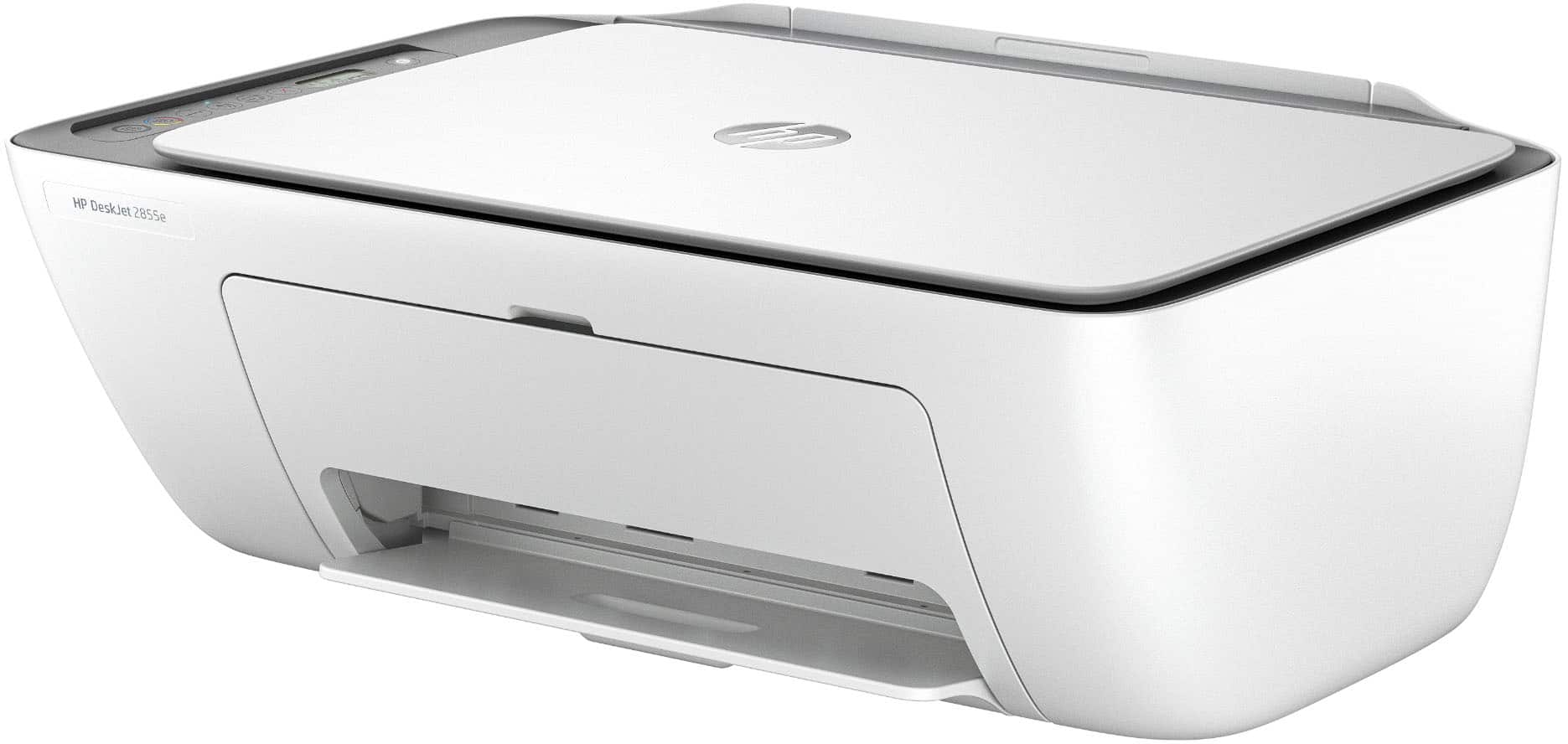
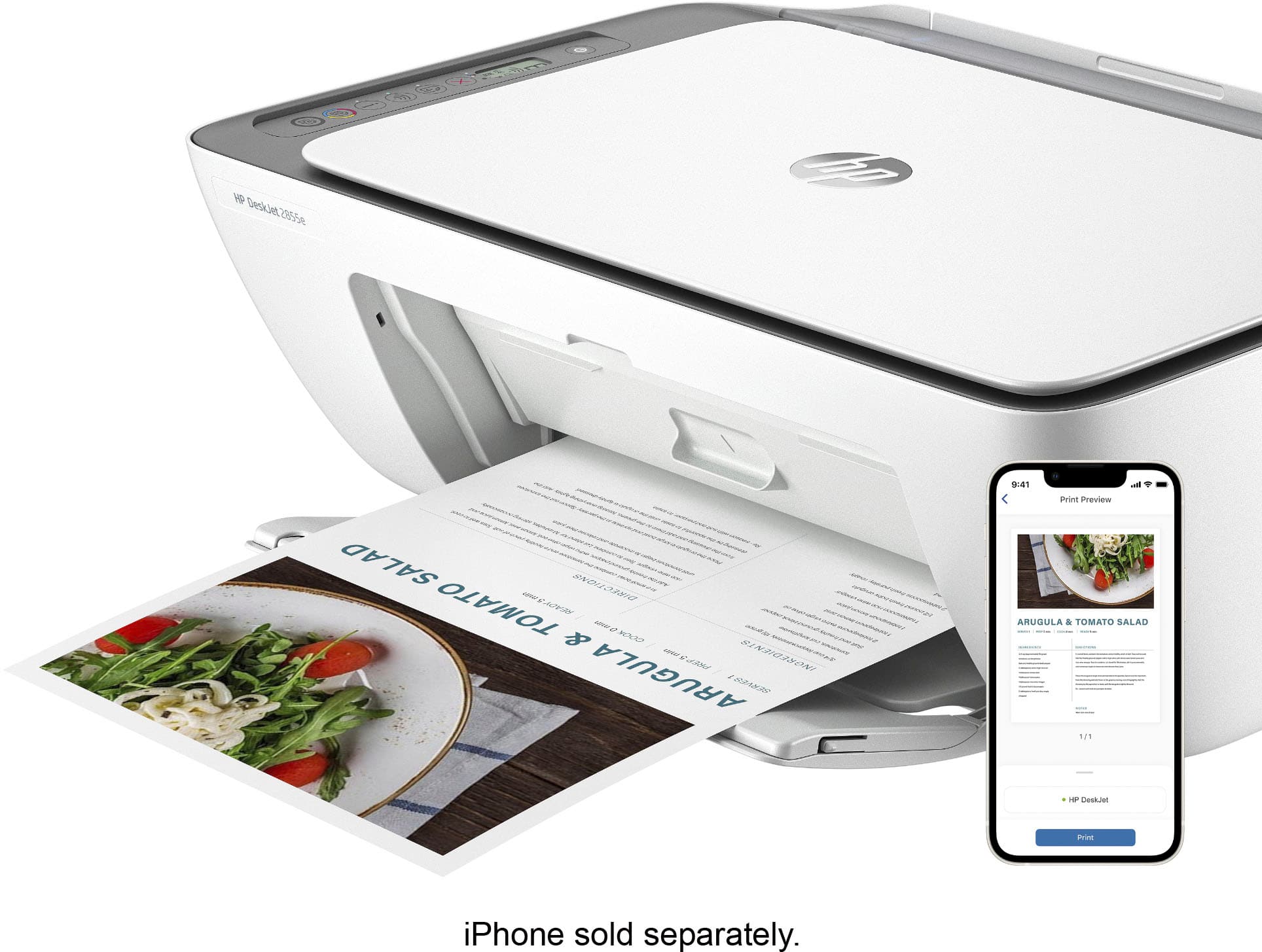
|Posted .This reviewer received promo considerations or sweepstakes entry for writing a review.I have been quite pleased with the HP DeskJet 2855e All-In-One printer. Why? Because it works exactly like its supposed to work… with NO hassles. I first became an HP printer fan way back in the 90’s when I was introduced to laser printers via the LaserJet 1100. It was a no-nonsense workhorse that outshone all the competition. And so it is with this 2855e printer… it is a no-nonsense workhorse. The setting up of the HP 2855e is unremarkably straightforward, simple, and intuitive. I say intuitive only because I’ve owned many HP printers over the years, and once you’ve set one up, you’re pretty much an expert. The downloadable HP Smart software app makes connecting to wi-fi simple and easy as well. And for the novice, HP includes a great quick-start guide. I was able to connect to the printer using a different computer, and it was as easy as “Add Another Printer.” To be honest, I wasn’t expecting much in the way of “Wow!” factor when I tested the HP 2855e for text. I mean, how impressive can it be to print out a text document? However, the crispness and clarity of the print was truly outstanding. Even routine graphics are pleasing with their true colors, no bleeding, and sharpness. So there’s the first big plus, great text printing. But what about photo printing? I was about to find out… I do like the ability to control the output quality from the app/printer controls. In other words, HP doesn’t give you just a couple of minor menus to control print quality, but several. And of course, a lot of what goes into a good photo print is centered around good photo editing skills. Regardless, the proof is ultimately in how striking the final product is when you look at it. I sorted through several digital photos on my computer and chose several to print…my pet dog, a barren winter landscape, and an indoor photo. I wasn’t overly excited by the photo results. At best they are passable for everyday photo printing. But the prints came out a bit darker than the originals, and there wasn’t the super clean non-bleeding contrasts between colors. Even at the very highest settings available, the prints were only marginal. But in all fairness, the HP 2855e is designed to be used in the home/small office to handle everyday tasks. So as far as the photo printing is concerned, for what the HP is, the photo printing is absolutely fine. I will say this however…I did find the photo printing speed on the higher settings took significantly longer to print than the 5.5 PPM HP states. For the 4x6” prints, it took over one minute. For a very good, generalize, all-around home or home-office use, the 2855e is perfect. It’s relatively inexpensive, durable, and easy to use. One those conditions, I would heartily recommend the HP 2855e to anyone looking for a great little workhorse printer. But there is one subject I must bring up that would be the only thing standing in the way of recommending it without any caveats… the HP Instant Ink program. With Instant Ink, you pay so much each month, depending on how many pages of printing you sign up for. For example, the lowest-priced plan covers up to ten pages of printing per month, for $1.49 a month. For text printing, the B&W cartridge should last approximately 12 months. Total cost for 12 months is approximately $18. Not bad as far as cost goes, but that’s exactly what you would expect to pay for a new cartridge at the store. There is no 50 percent savings as HP claims. Convenience is the only benefit. The problem lies in the fact that HP monitors which cartridges you use in their 2855e printer. HP will block any cartridge that is not HP original. So if you can buy a less-expensive replacement ink cartridge, it won’t work. This one issue stands in the way of a truly great little printer. All-in-all, in spite of the ink issue, I think the HP DeskJet 2855e would make a very good addition to any home or home-office environment that doesn’t require a lot of printing. It’s reasonably priced, and doesn’t take up a whole lot of room.
I would recommend this to a friend Bad choice
||Posted . Owned for 1 month when reviewed.This reviewer received promo considerations or sweepstakes entry for writing a review.Prints so poorly I would not buy might need to return
No, I would not recommend this to a friendSlow printing
||Posted . Owned for 1 month when reviewed.This reviewer received promo considerations or sweepstakes entry for writing a review.Good price but the printing speed is too slow. Luckily I don’t print too much.
I would recommend this to a friendProof positive, you get what you pay for...
||Posted .This reviewer received promo considerations or sweepstakes entry for writing a review.Constant connectivity problems... Constant. We now have it connected it to the computer via a cable and still battle it every time printed document is needed. Extremely disappointing.
No, I would not recommend this to a friendNot worth
||Posted . Owned for 11 months when reviewed.This reviewer received promo considerations or sweepstakes entry for writing a review.Not what they described in the article. Uses Ink too much it doesn’t worth
No, I would not recommend this to a friendAnother HP printer disappointment
||Posted . Owned for 2 weeks when reviewed.This reviewer received promo considerations or sweepstakes entry for writing a review.My old HP printer died. I have had 5 HP printers in 4 years. Purchased this HP printer, took it home and set it up. Hard to setup, and very poor print quality. I immediately took it back to Best Buy and purchased an Epson EcoTank. Very happy with my new printer.
No, I would not recommend this to a friendPrinter
||Posted . Owned for 1 month when reviewed.This reviewer received promo considerations or sweepstakes entry for writing a review.Instructions not clear and not helpful. Did not print properly
No, I would not recommend this to a friend