Customer Ratings & Reviews





- Model:
- J9V92A#B1H
- SKU:
- 5577769
Rating by feature
- Value
Rating 4.2 out of 5 stars
- Quality
Rating 4.1 out of 5 stars
- Ease of Use
Rating 4.0 out of 5 stars
Customers are saying
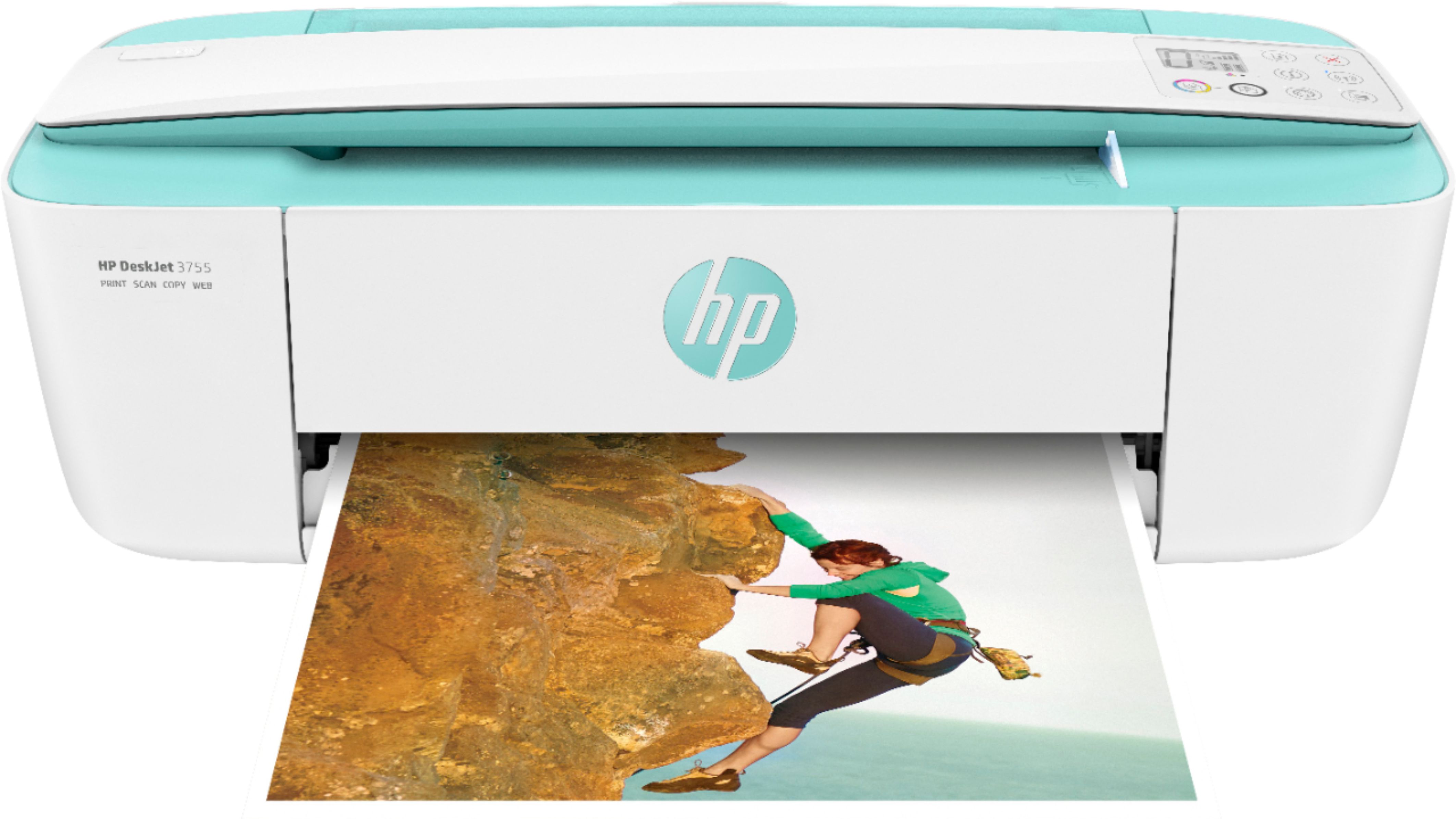
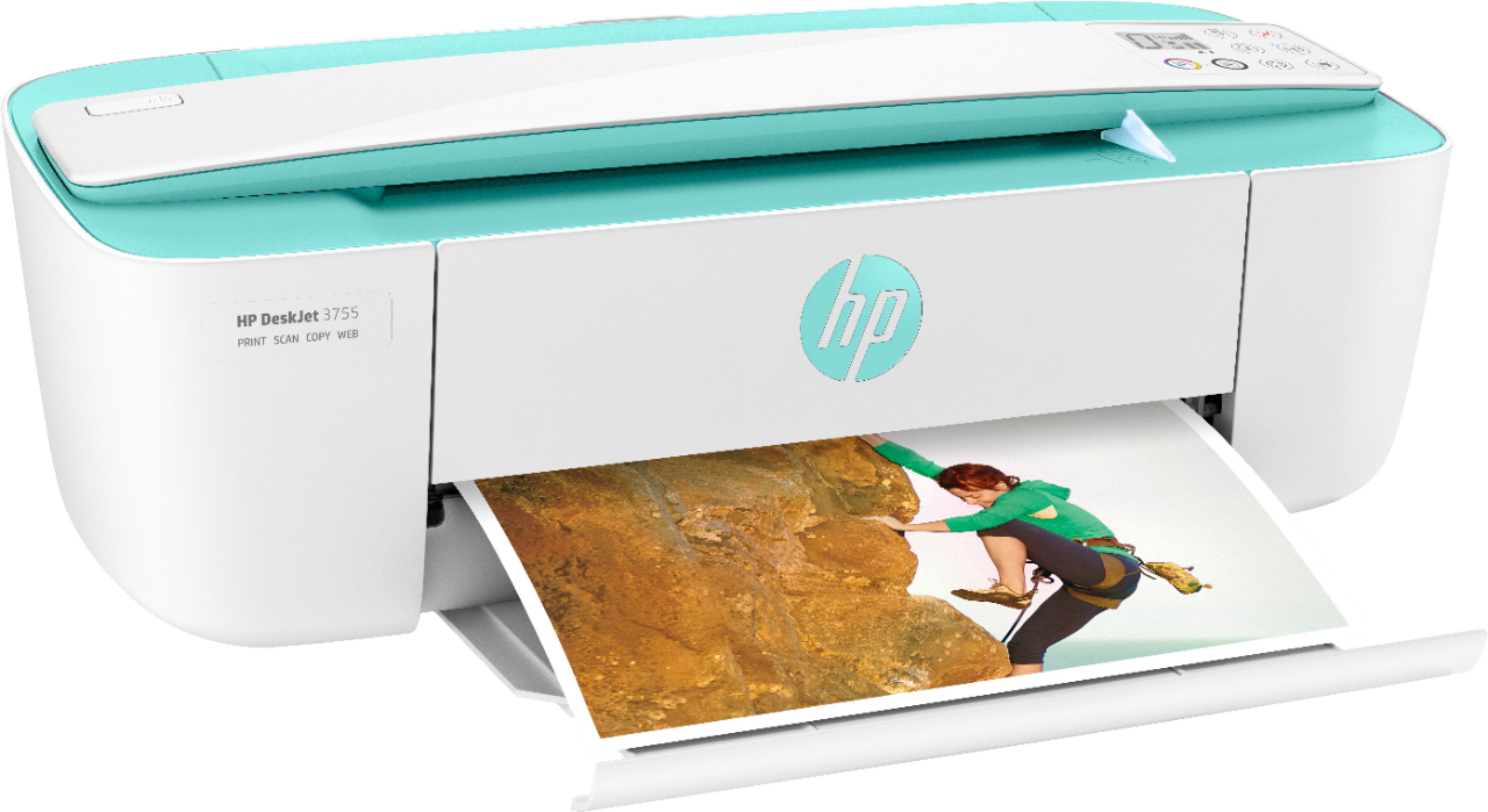
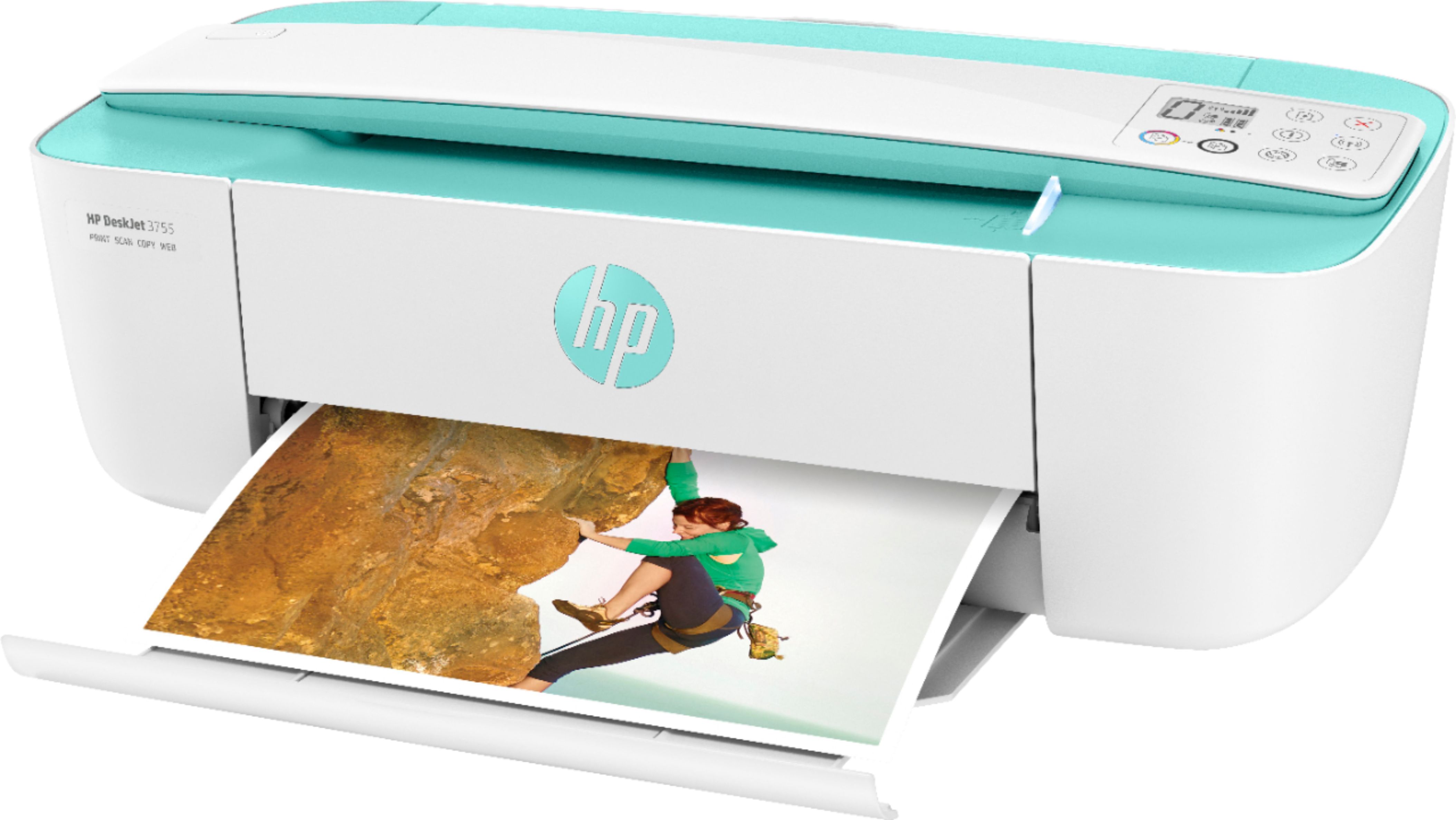
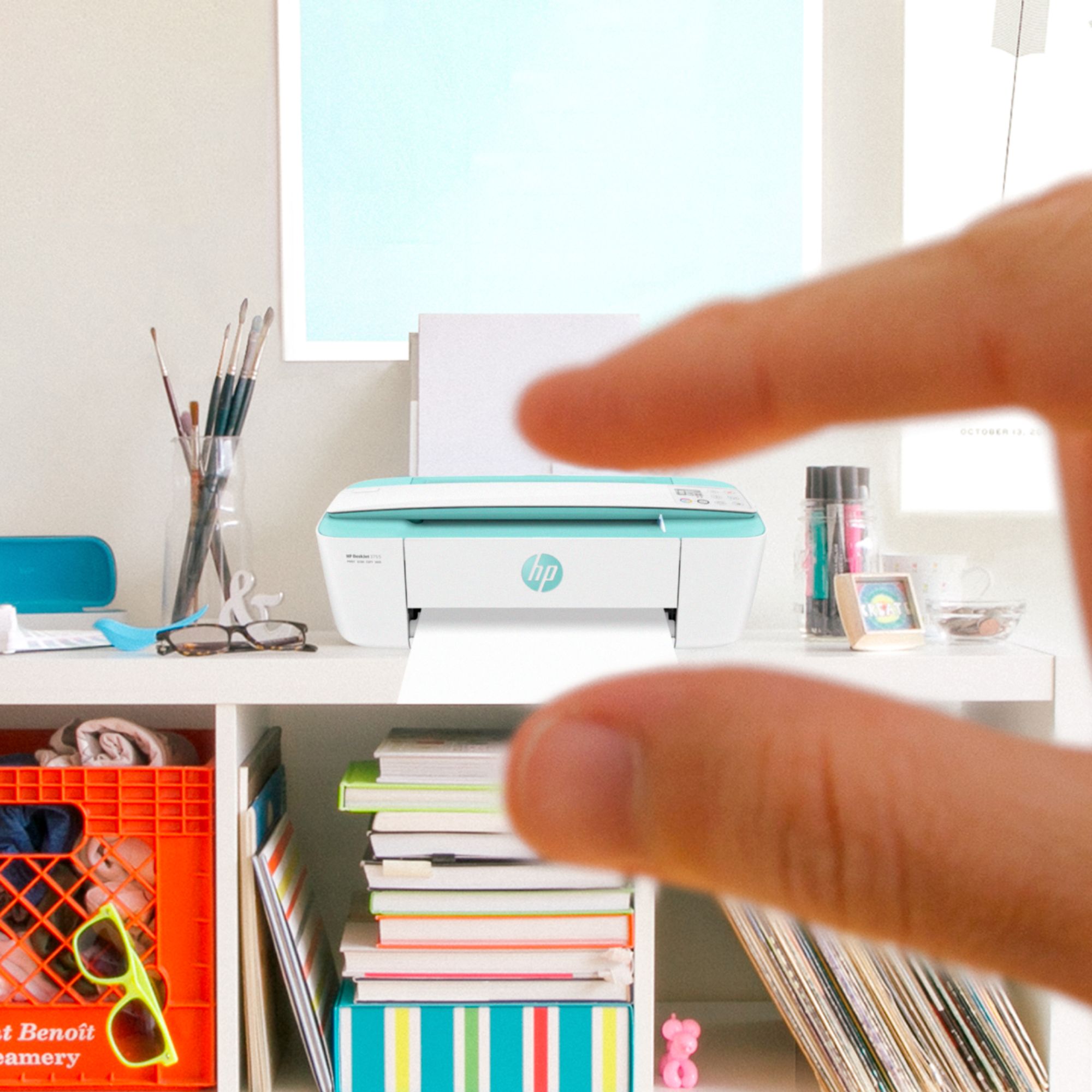
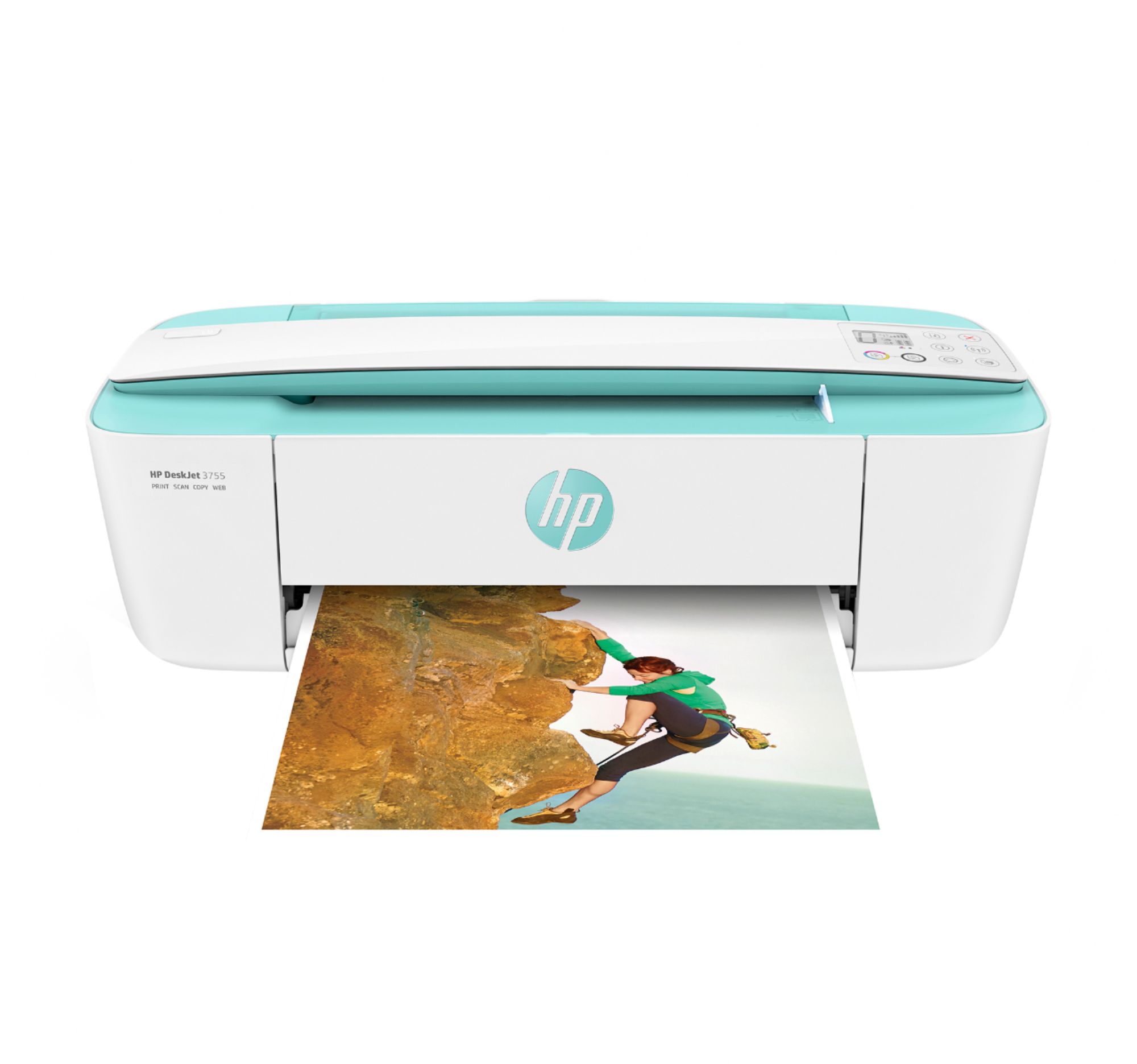
Customers consistently note the DeskJet 3755's small size and ease of use as significant advantages. The printer's print quality also receives positive feedback, along with its wireless capabilities and affordable price. Many appreciate its lightweight design and quiet operation.
This summary was generated by AI based on customer reviews.
SLOW PRINTER
||Posted .This reviewer received promo considerations or sweepstakes entry for writing a review.It works well but it prints VERY slow. Takes forever to print a few pages.
No, I would not recommend this to a friendYuck
||Posted . Owned for 1 month when reviewed.This reviewer received promo considerations or sweepstakes entry for writing a review.Tried two times to make it work. Could only get it to work 4 times. Got a HP so wish me luck.
No, I would not recommend this to a friendconnie
||Posted .This reviewer received promo considerations or sweepstakes entry for writing a review.Very slow to print and not very easy to install. need better insturctions.
No, I would not recommend this to a friendJust OK.
||Posted .This reviewer received promo considerations or sweepstakes entry for writing a review.Not the best for picture scanning, but for documents it’s fine.
No, I would not recommend this to a friendSo hard to connect
||Posted .This reviewer received promo considerations or sweepstakes entry for writing a review.I don't recommend this printer. I can not connect and use at all.
No, I would not recommend this to a friendBrand response from HP Team
Posted .Hello,
I am very sorry that the printer is not connecting up for you.
There are some instructions about working with connecting your printer that can be found at: support.hp.com/document/c03755890
If you're a Windows user, the HP Print and Scan Doctor, which is a general troubleshooting tool, is often helpful: support.hp.com/us-en/document/c03286146
If these suggestions haven't helped, please don't hesitate to reach out to us: hp.com/contactHP
Mary
HP Care
hp.com/support
Not good if you want borderless printing.
||Posted . Owned for 3 weeks when reviewed.This reviewer received promo considerations or sweepstakes entry for writing a review.The photos only print with borders and you can’t change the margins.
No, I would not recommend this to a friendPrinter
||Posted . Owned for 1 year when reviewed.This reviewer received promo considerations or sweepstakes entry for writing a review.Did not realize that it could not print copies, impractical.
No, I would not recommend this to a friendDdklpn
||Posted . Owned for 3 weeks when reviewed.This reviewer received promo considerations or sweepstakes entry for writing a review.The product was returned because it was the wrong type of printer.
I would recommend this to a friendCan’t get it to connect it to my computer
||Posted . Owned for 3 weeks when reviewed.This reviewer received promo considerations or sweepstakes entry for writing a review.Having technical difficulty. Still have not been able to connect to my laptop
No, I would not recommend this to a friendBrand response from HP Team
Posted .Hi, Lori.
I’m sorry to hear that your printer has not connected to your laptop like it should. I can understand why that would be a combination of frustration and disappointment, so I’ll offer some resources and information that I hope will help.
First, I recommend you visit a page on our support site that has diagnostic tools for various problems, including setup and connectivity issues. Visit that page here:
- support.hp.com/us-en/topic/diagnostics
If the difficulty persists, I hope you’ll contact us directly at +1 800-474-6836 so we can guide you through the proper troubleshooting. (Please note that because of restrictions on personal movement and workplace attendance associated with the COVID-19 pandemic, wait times for agents are longer than normal. Thanks in advance for your understanding.) To expedite the process, I recommend gathering the following information before the call:
- Model number
- Serial number
- Your location
- Case number (from any previous contact with HP support)
Keith
HP Care
hp.com/support
I like HP Printers in General.
||Posted .This reviewer received promo considerations or sweepstakes entry for writing a review.This particular printer is ok, but it's kind of slow and I don't like the way you use the copier.
No, I would not recommend this to a friendToo slow
||Posted .This reviewer received promo considerations or sweepstakes entry for writing a review.We got it free with laptop and now I know why. It takes 5 min to print a page of regular text.
No, I would not recommend this to a friendBrand response from HP Team
Posted .Hi Marie,
I'm so sorry to hear that the printer is performing so slowly. This is not at all the experience that we intend to provide, so I can imagine how disappointing this has been. We want to make sure that your printer is reliable for any urgent printing needs, so I would love to help resolve this for you.
First, I recommend taking the steps in this ‘Slow Printing’ support guide:
- Windows: support.hp.com/document/bud03409
- Mac: support.hp.com/document/c01928898
As a supplement to this, the following document will also help improve slow printing if you happen to use Windows 10: support.hp.com/us-en/document/c05272556
If my suggestions fall short, please don't hesitate to reach out to us for support. We're always here to help, so you can get in touch anytime via your preferred method at this link: hp.com/contactHP
Chelsea
HP Care
hp.com/support
It sucks and is annoying- do NOT buy
||Posted . Owned for 1 month when reviewed.This reviewer received promo considerations or sweepstakes entry for writing a review.Let me just sum it up- it sucks and is annoying. It doesn't scan anything by itself you have to be right there holding it and even then it won't scan the entire paper!! It'll typically go through for the most part after 2 scans but I have had to run it through about 4 times and I ended up taking a picture with my phone. If you don't put the scanner by your computer, make sure you scan through your phone or laptop to avoid walking back and forth especially since you'll have to scan multiple times. It prints horribly as well- always blurry, takes forever, and it's hard to keep the papers from slipping off the catcher. The only good thing is that it's pretty...? Sorry I feel like I should put at least one good thing but I DO NOT RECOMMEND THIS!
No, I would not recommend this to a friendDoes not work with power inverter
||Posted . Owned for less than 1 week when reviewed.This reviewer received promo considerations or sweepstakes entry for writing a review.Works good inside the house, but, does not power up on an in vehicle power inverter
No, I would not recommend this to a friendBrand response from HP Team
Posted .Hi, Kuya.
I am sorry you had difficulty getting adequate power to your printer through an inverter. Because we want customers to have good experiences with our products, let me see whether I can offer a useful suggestion or two.
Here you’ll find troubleshooting guides, user manuals, tutorials and other material related to your printer:
- support.hp.com/us-en/product/hp-deskjet-3700-all-in-one-printer-series/8954253/model/11262035
I’m not sure whether you’ll find anything specific to power inverters there, but if you still have questions you can reach out to us directly. We’re always here to help, so you can get in touch via your preferred method at this link: hp.com/contactHP
Keith
HP Care
hp.com/support
Waste
||Posted .This reviewer received promo considerations or sweepstakes entry for writing a review.Got 2 for my 2 college kids. Terrible time connecting. Just a real pain. There are easier ways
No, I would not recommend this to a friendBrand response from HP Team
Posted .Hi Pat,
I'm so sorry to hear that you had a hard time connecting the printers. We always aim to provide a seamless experience from the start, so this is quite disappointing.
If there's anything we can help with, please don't hesitate to reach out for support. We'd be more than happy to assist, so you can contact us anytime at this link: hp.com/contactHP
Chelsea
HP Care
hp.com/support
Noooo
||Posted .This reviewer received promo considerations or sweepstakes entry for writing a review.Not what I expected does not print well on glossy paper
No, I would not recommend this to a friendRegret Purchase
||Posted .This reviewer received promo considerations or sweepstakes entry for writing a review.Have been a loyal customer for years. Regret purchase. Not happy with item. Need a better printer. Complicated
No, I would not recommend this to a friendOverall would not recommend
||Posted . Owned for 2 months when reviewed.This reviewer received promo considerations or sweepstakes entry for writing a review.Very disappointed in the product Extremely slow printing Uses ink quickly
No, I would not recommend this to a friendBrand response from HP Team
Posted .Hi there.
I’m sorry to hear that your printer rendering prints slowly and using more ink than you had anticipated. I can easily see why that would be a frustrating combination, so I’ll offer some resources that I hope will help.
I suggest you look at these documents that cover improving print speed:
- Windows: support.hp.com/us-en/document/bud03409
- Mac OS: support.hp.com/us-en/document/c01928898
Here are some facts on ink use that might help you get more prints without too much extra effort:
- A high-density print (such as an image or graph) uses ink more quickly than a text-only document, particularly if the paper is highly absorbent and the environment is dry.
- Using the draft and black only settings on your printer can help save on ink, particularly the colors.
- Shutting the printer down between uses can result in some savings. However, always use the power button on the printer itself to turn it off. That will let the printer to 'park' so that the nozzles that spray the ink onto the paper are protected from excess drying.
If the problem persists, I recommend that you reach out to us so we can work through any necessary troubleshooting with you. On our site you can get help from a virtual agent, get troubleshooting documents specific to your printer or search our extensive knowledge library. Get in touch via this link: support.hp.com
Keith
HP Care
hp.com/support
too slow and consumes ink quickly
||Posted . Owned for 3 weeks when reviewed.This reviewer received promo considerations or sweepstakes entry for writing a review.It is too slow and consumes ink quickly ..................... ...... ....
No, I would not recommend this to a friendDidn’t make a connection
||Posted . Owned for 4 months when reviewed.This reviewer received promo considerations or sweepstakes entry for writing a review.Would not connect with the computers on the Wi-Fi, we returned it
No, I would not recommend this to a friendBasic needs full filled
||Posted . Owned for 3 weeks when reviewed.This reviewer received promo considerations or sweepstakes entry for writing a review.Gets the basic job done. Not the easiest to setup.
I would recommend this to a friend