Customer Ratings & Reviews




- Model:
- DeskJet 4355/AJ4Y0A#B1H
- SKU:
- 6673262
to a friend
Customers are saying
Customers regard this printer as an exceptionally user-friendly device, with many highlighting how simple the initial setup process is. Users are also highly satisfied with the impressive print quality and the reliable wireless connectivity. Additionally, the printer is frequently praised for its quiet operation and compact design, making it a convenient choice for those with limited space.
This summary was generated by AI based on customer reviews.
- Pros mentioned:Print quality
HP DeskJet 4355 Easy to use
||Posted . Owned for 2 weeks when reviewed.This reviewer received promo considerations or sweepstakes entry for writing a review.Got tired of my many years old printer paper jamming so finally got a new one. I don't frequently need to use a printer but it is good to have. I selected the HP DeskJet 4355 mainly for the sale price. This model has the auto doc feeder which I missed with my previous printer. It was easy to set up and start using. YAY! No paper jam! I decided not to go with the Instant Ink option. It doesn't seem valuable for my usage. I am sticking with old school order ink when you need it. I have had this printer for over a month now and so far it has been good.
I would recommend this to a friend I couldn't wait to review this HP printer!!
||Posted . Owned for 1 week when reviewed.This reviewer received promo considerations or sweepstakes entry for writing a review.Just as the title says, I couldn't wait to review this printer!! Before I decided to purchase it, I read some reviews from others who bought this particular printer. Some mentioned the setup was not difficult, some had problems. The mixed reviews made me a little hesitant at first, but then I said to myself, why not give it a try!! If I don't like it for whatever reason, I can always return it. But I'm sure glade I have it a try!! Setup for me was as easy as 123, and in no time, I was printing away!! I highly recommend this product, just as long as your a novice when it comes to technology, you really shouldn't have a problem setting it up. And for the price that I paid, it was more than worth it! Heck it's worth paying full retail, if you're looking for brand of printers that you can trust! Can't go wrong with HP!!
I would recommend this to a friendHard to connect
||Posted . Owned for less than 1 week when reviewed.This reviewer received promo considerations or sweepstakes entry for writing a review.The connectivity is a problem. Could not find the 4300 series or 4355 model in my list. I updated the list and still cannot find a 4300. Then it said to use a pin number that should’ve been with the instructions but could not locate a pin number anywhere. Looks like I’m gonna have to have a tech come and hook the thing up. I would recommend if you know what to do, but if you’re not that familiar with hooking stuff up, don’t get it.
No, I would not recommend this to a friendAffordable and reliable
||Posted . Owned for 2 weeks when reviewed.This reviewer received promo considerations or sweepstakes entry for writing a review.This is the printer to get if you don’t have big productivity demands and need a cheap multifunction printer with solid performance.
I would recommend this to a friendReliable, sturdy, and efficient.
||Posted . Owned for 2 weeks when reviewed.This reviewer received promo considerations or sweepstakes entry for writing a review.What I like: easy setup, great price, tech efficiency, and perfect size. What I don't like: TBD (yeah, right). Highly recommend!
I would recommend this to a friendGood purchase
||Posted . Owned for 1 week when reviewed.This reviewer received promo considerations or sweepstakes entry for writing a review.This printer is perfect for my scanning needs. My laser hp printer that I had for 3 years died on me!!
I would recommend this to a friend
Useful HP All-in-One in a Small Footprint
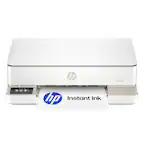
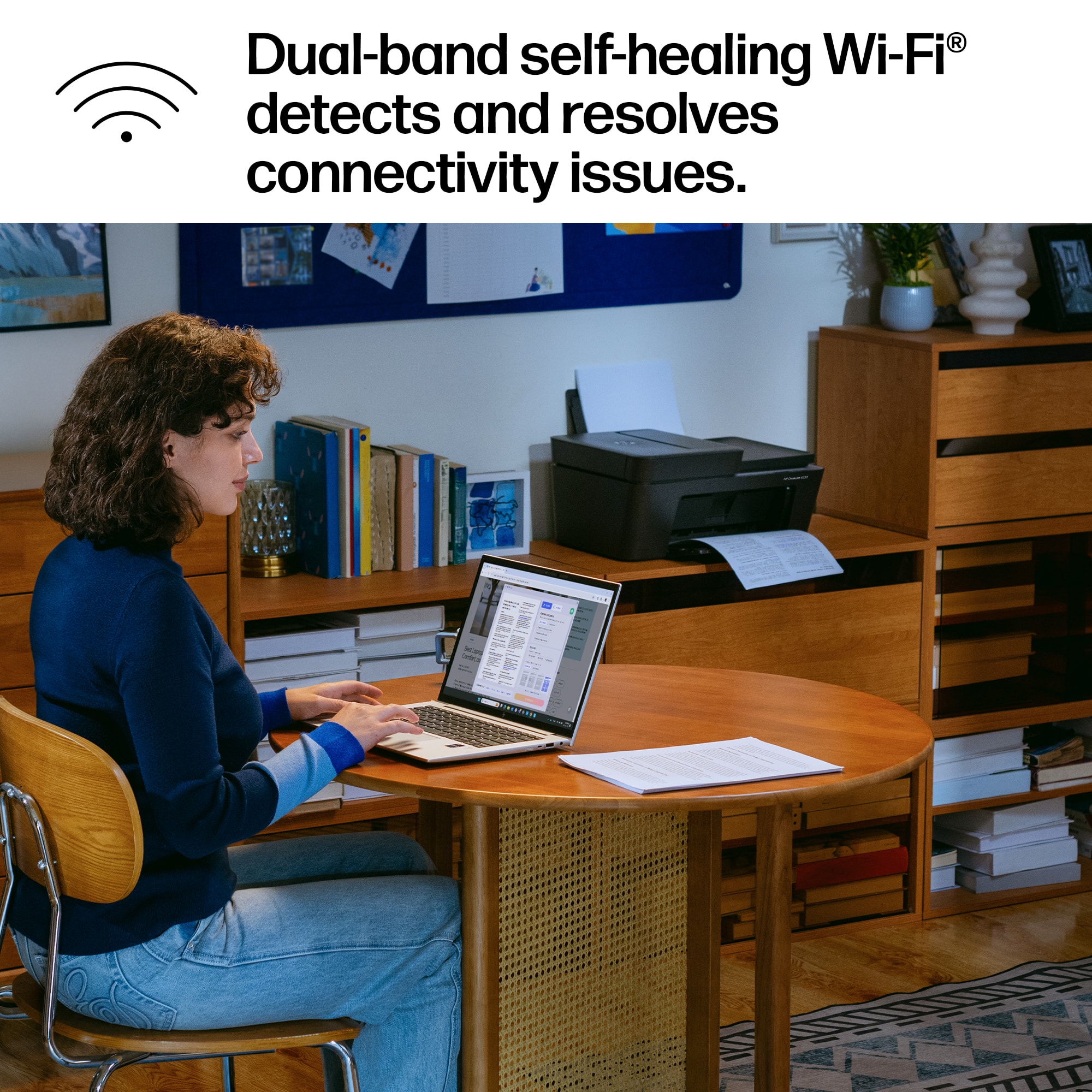
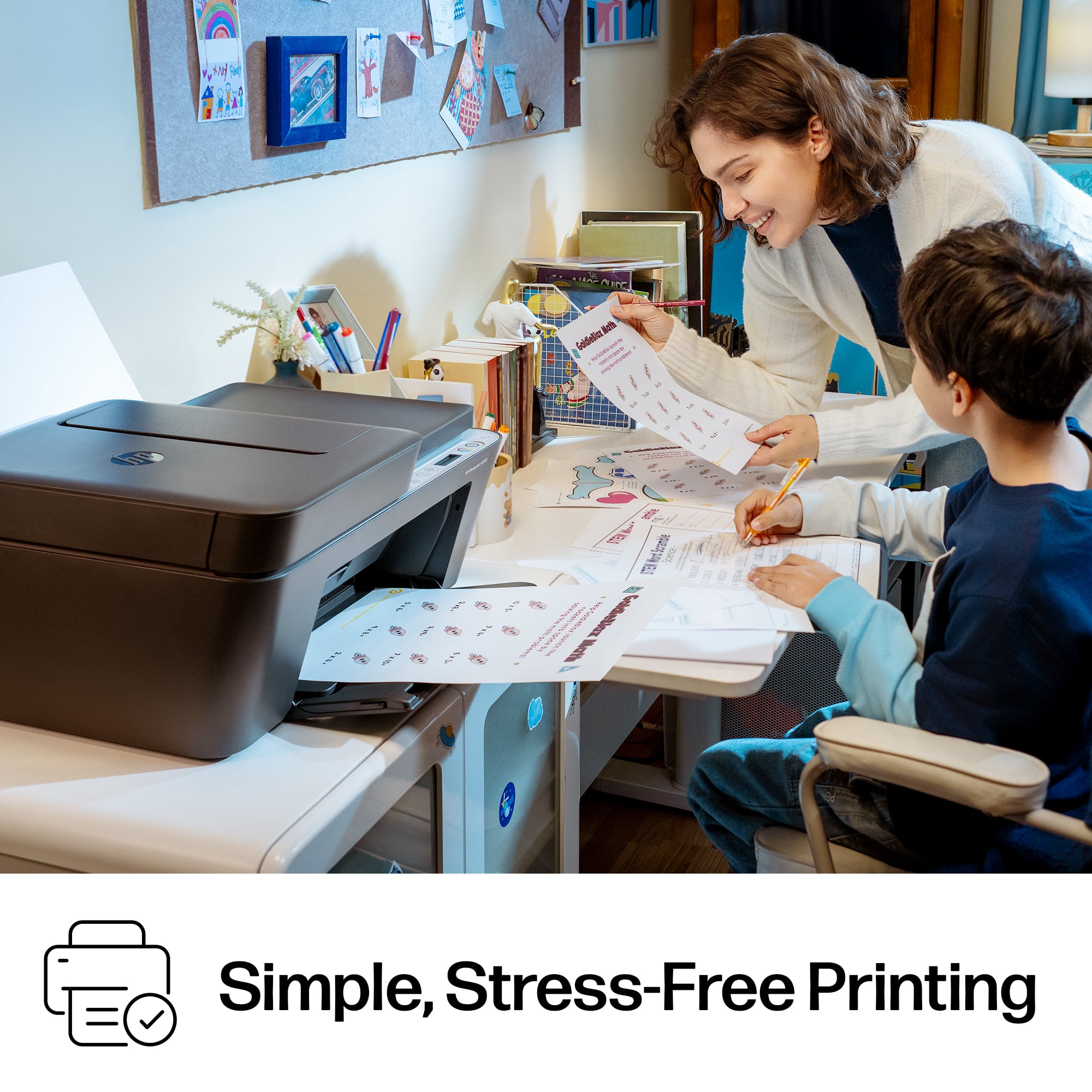
|Posted .This reviewer received promo considerations or sweepstakes entry for writing a review.When I received my new HP DeskJet 4355 Wireless All-in-One Inkjet Printer and took it out of the box, I was surprised at how petite it was for having a scanner and a document feeder. HP engineers have really out-done themselves designing this small, light-weight, fully-functional printer, scanner and copier that will fit well in almost any clear space. While I have setup many HP printers in the past, I still find it incredibly useful to read and follow the guidance in the provided ‘HP DeskJet 4300 All-n-One Series Quick Start Guide’ and the separate ‘Reference Information’ pamphlet, which came in the box. Following the guide, I found setup to go very smoothly. Somehow, they have made a relatively simple setup even easier and more automated. Plus, I was pleasantly surprised to find that the 4355 connected seamlessly to my 5.0 GHz Wi-Fi 7 / 802.11be network matching my phone and all my computers, without having to place it on the 2.4GHz I-o-T network. Please note that some of the HP guidance references the ‘HP Smart’ app. That app no longer exists and has been co-opted into the plainly named ‘HP’ application, which is what you will use to setup your printer and which is what you will use to get all of your information, download software, and do diagnostics and troubleshooting for your DeskJet 4355 printer. (Don’t get confused and try to download a ‘Printer Smart’ application to your phone which looks extremely similar, but is not by HP.) So, after setup I tested the printer, scanner, copier and doc feeder and found all to work extremely well. Then I checked out the HP application for software to download for my computer. While I was downloading the latest drivers sets, I saw that there was a new HP DeskJet 4300 series firmware update. I found that you can press the ‘i’ info icon and the printer will print out a ‘Printer Information Report’ page that gives you information on the current Firmware Version, the printer’s Serial Number, the printer’s IP address, and the Printer PIN among other things. I found that the printer still had the old Firmware, so I downloaded and then started the Firmware update. After disabling my VPN, the Firmware update software download failed twice rather quickly and I had to restart the download for a third time, which should have been a charm. The third try actually succeeded in downloading and I began the update to the printer. The update ran for at least twenty minutes and then reported a failure. All the icon lights on the printer were still flashing as if it were still updating. I left the printer go like that for about half an hour and then came back and shut the printer down for about another half an hour. When I turned it on again, only the Wi-Fi light was blinking. I pressed the Info icon and the Printer Information Report now showed the Firmware Version as being the latest one that I was updating – a Good Sign. But further down the page, it showed that the printer was no longer connected to the network. That should be a simple fix (I thought). The Printer Information Report stated that you could press both the Info icon and the Wi-Fi icon at the same time and it will give you additional information. I pressed them and got a “Wi-Fi Quick Start Guide’ printed out. This guide gives three methods to re-connect to the Wi-Fi Network. Note that this is the guide that continuously refers to the ‘HP Smart’ application; use the HP application instead. I tried all three methods multiple times and still got “The Printer is not connected to the Network.” I even updated the firmware on my Router and rebooted it, the computer, and the printer to get things going. After a couple of hours doing this, frustration and fatigue were mounting, and just as I was about to give up, a new screen popped up in the HP application and led me to set up the Wi-Fi. It worked. After attempting to follow given instructions, searching everywhere and trying everything to get this going, I have no idea what made it appear. I have knocked a star off the rating this review just for that unnecessary and annoying scenario. There are a few other things that I find detract from this HP DeskJet 4355 model: 1. On larger footprint HP models that have a fully functional, full-sized touchscreen, which I would have been able to use to connect the printer to my Wi-Fi Network directly on the printer itself, instead of having to go to an outside application that itself could not connect to the printer – the smaller footprint of the display on this model also means less functionality; 2. I find 3-in-1 ink tanks to be very wasteful, since you have to discard the whole cartridge when just one of the 3 colors runs out of ink; and, 3. For people who do not print often or in large volumes, Instant Ink is not much of a money-saver and using it makes one feel that Big Brother is watching you. One other personal issue is that I mainly use printers to print photos. This printer is not set up for that function. So, I feel this HP DeskJet 4355 Wireless All-in-One Inkjet Printer is best for people who print handouts, business reports, or maybe teachers who need to print out tests and informational sheets for schoolkids or schoolkids who need to print out schoolwork and reports, and those who need a scanner and a copier but have a limited area to place a printer. Yes, I would suggest this printer to the appropriate user.
I would recommend this to a friendA Great Choice for Home, Work, and School
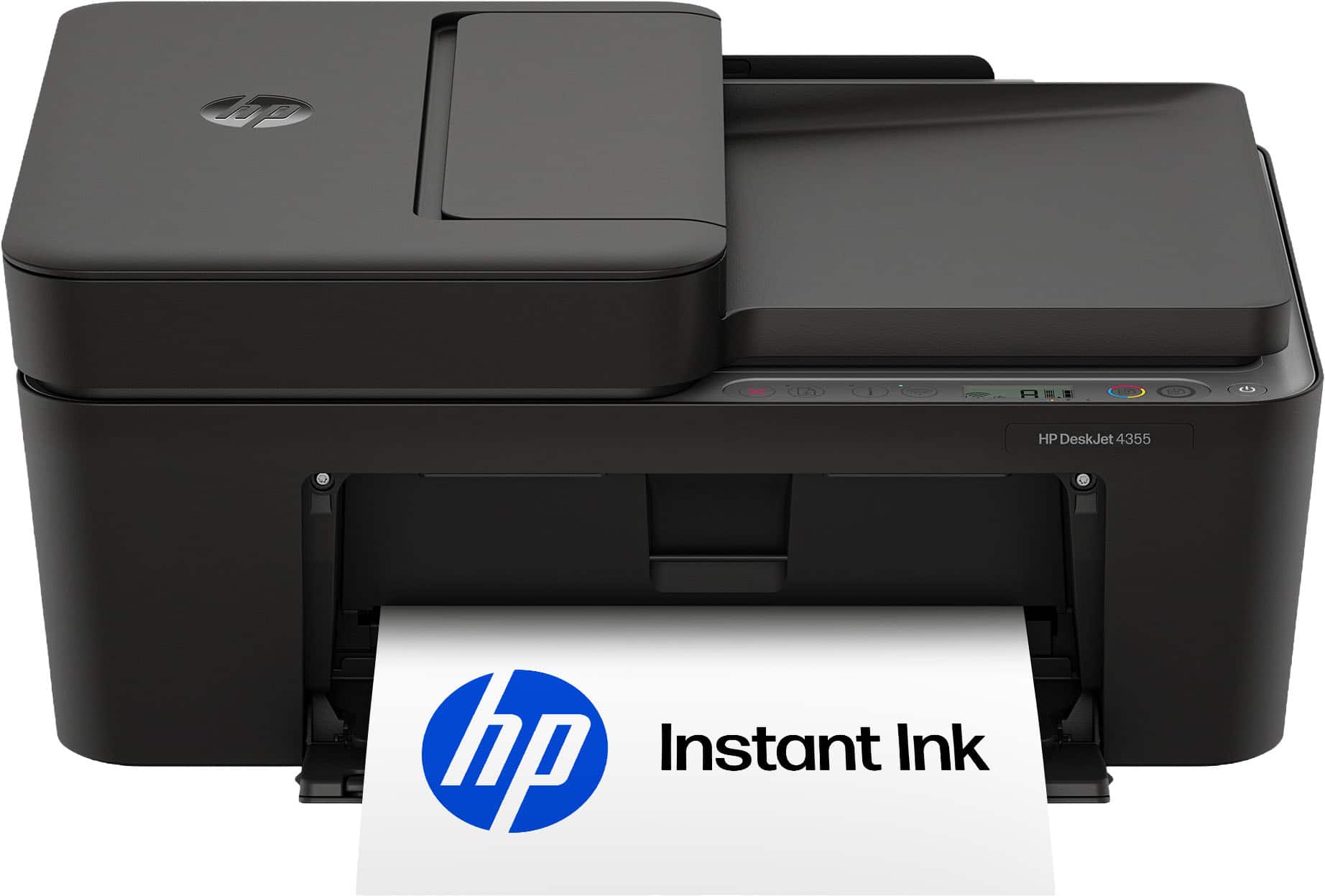
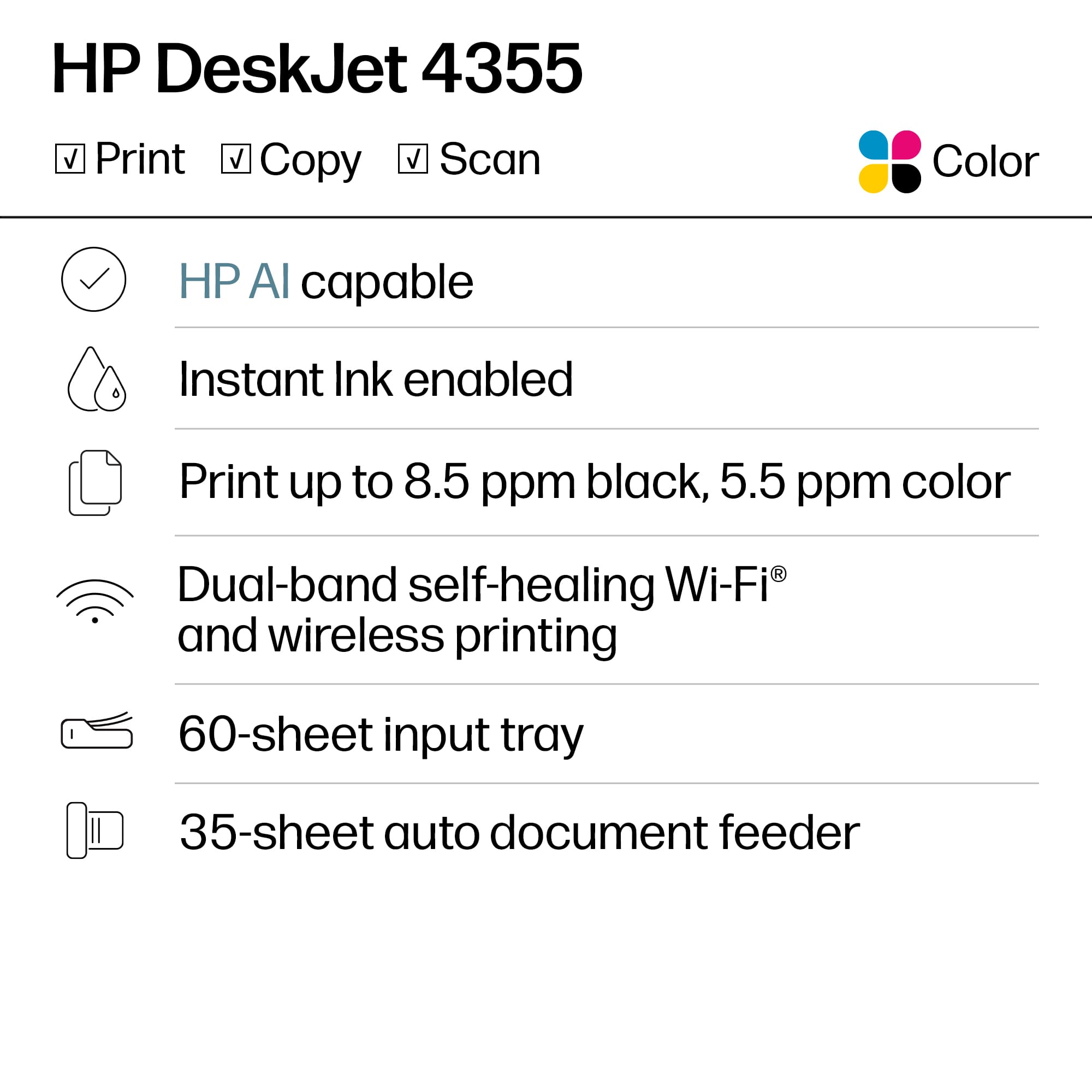
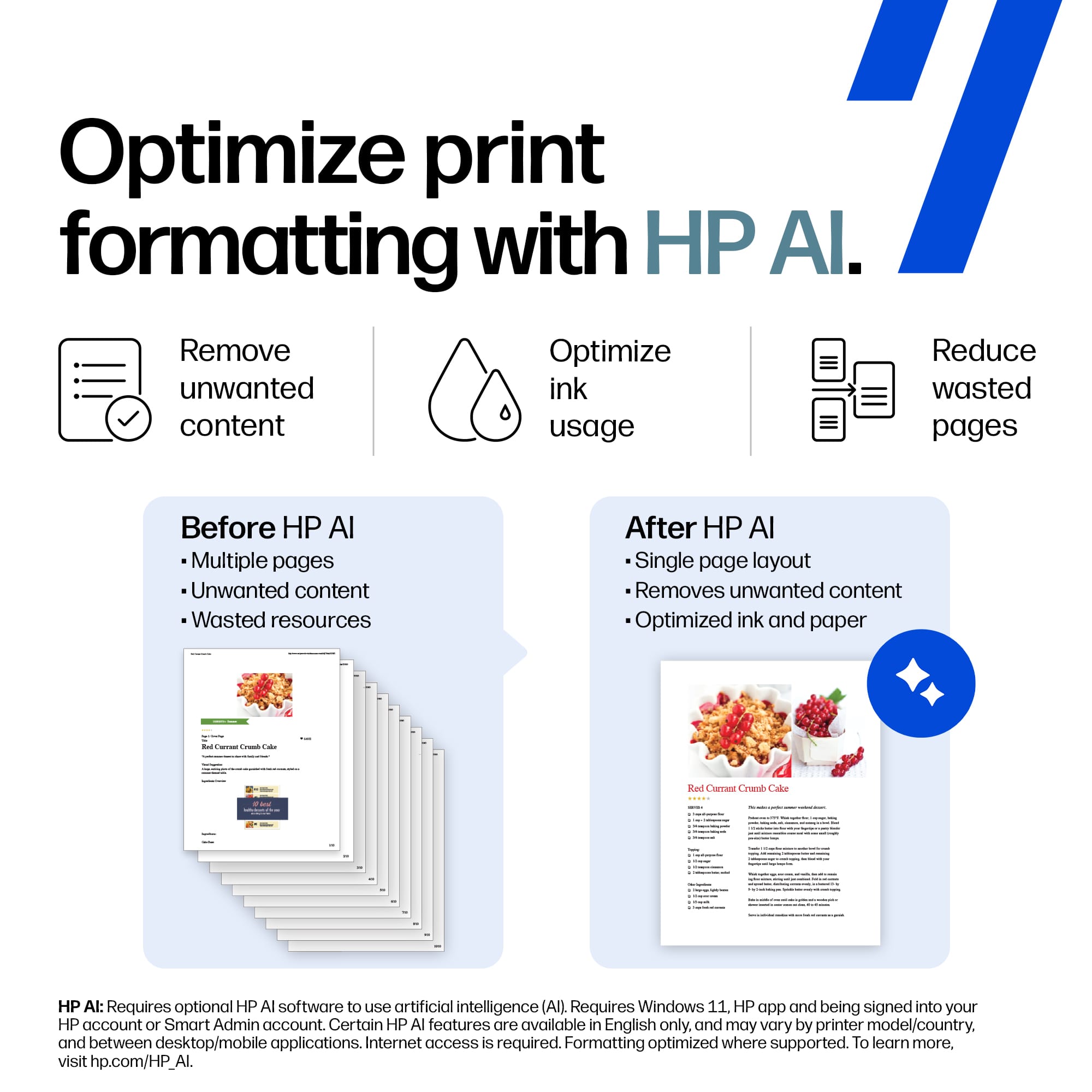
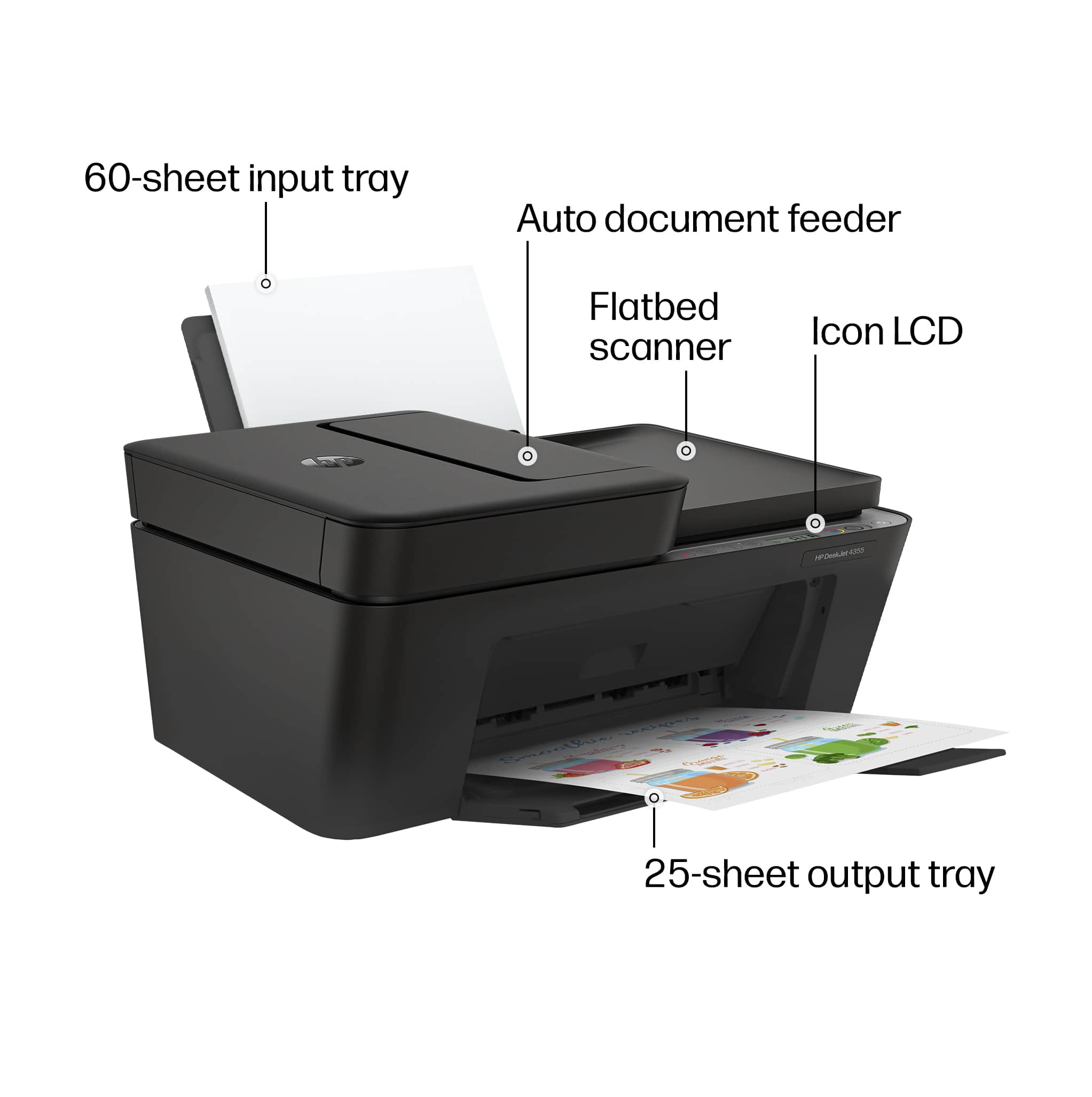
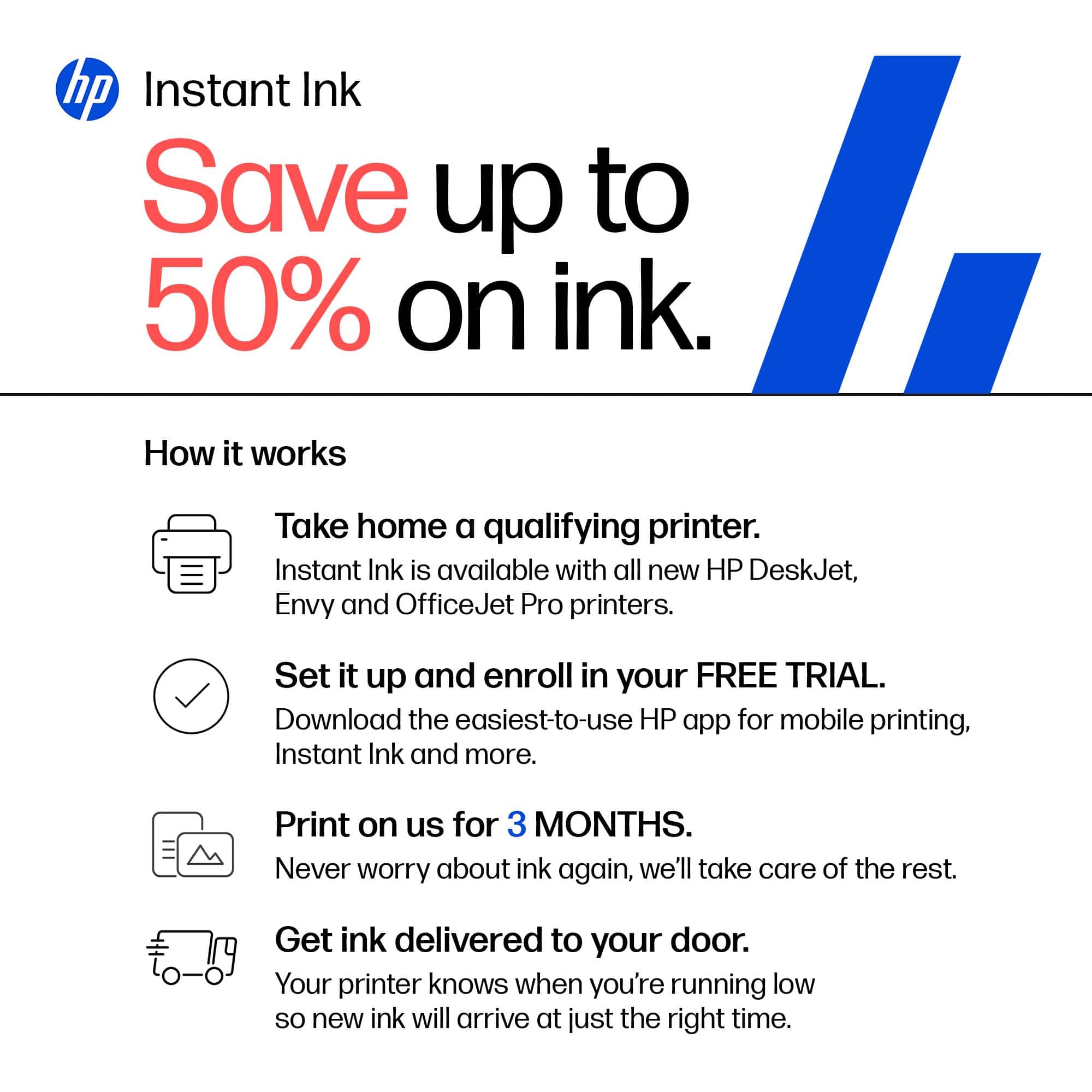
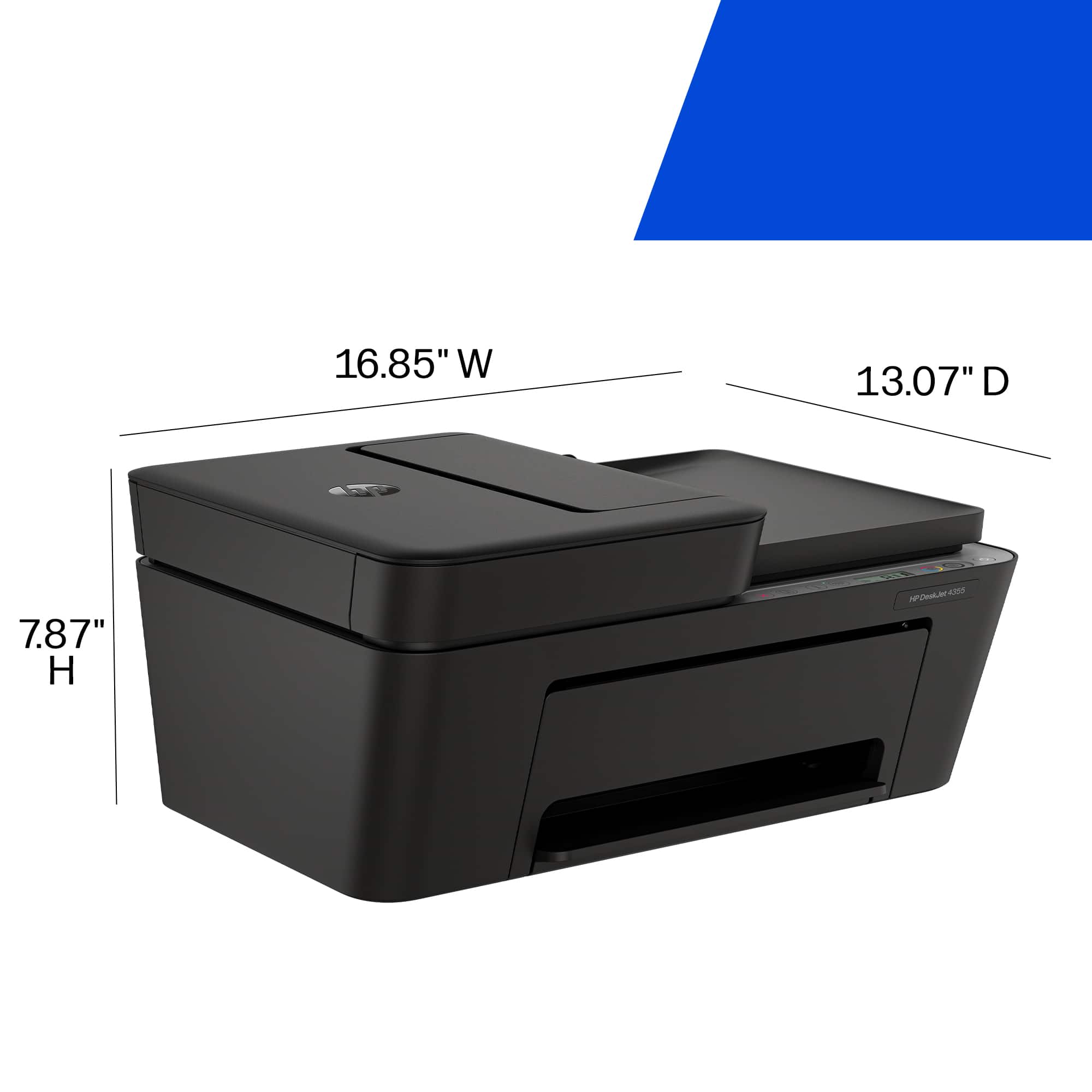
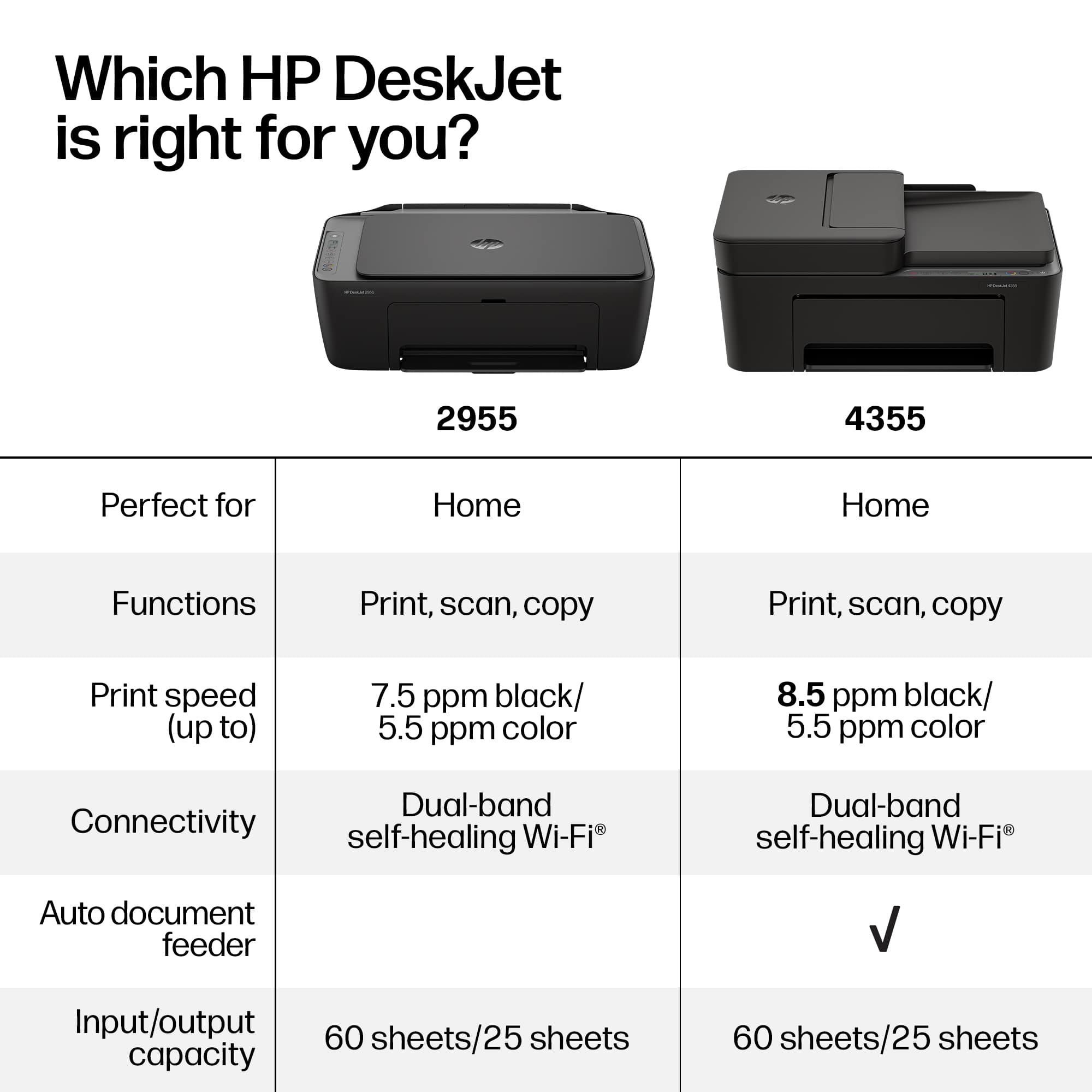
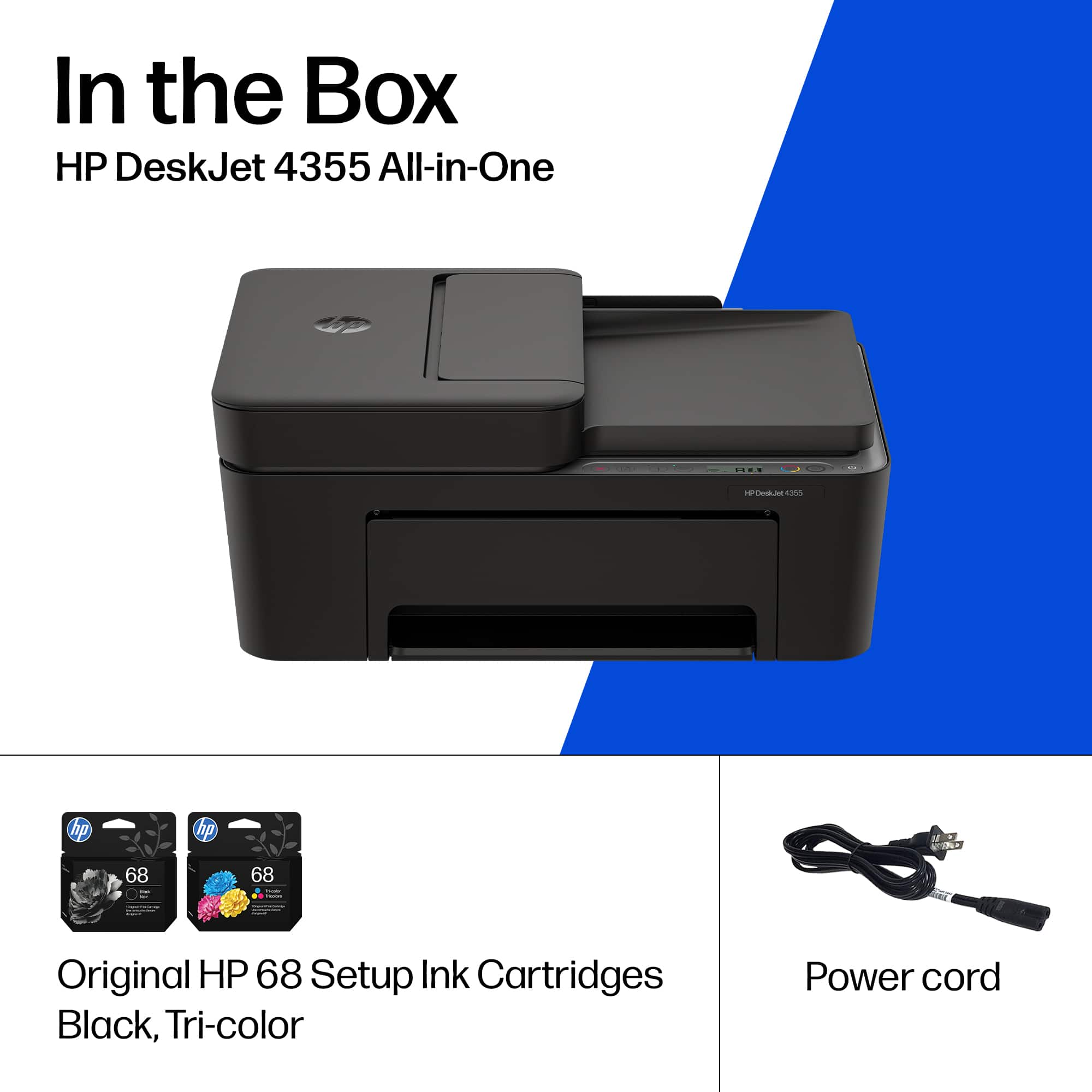
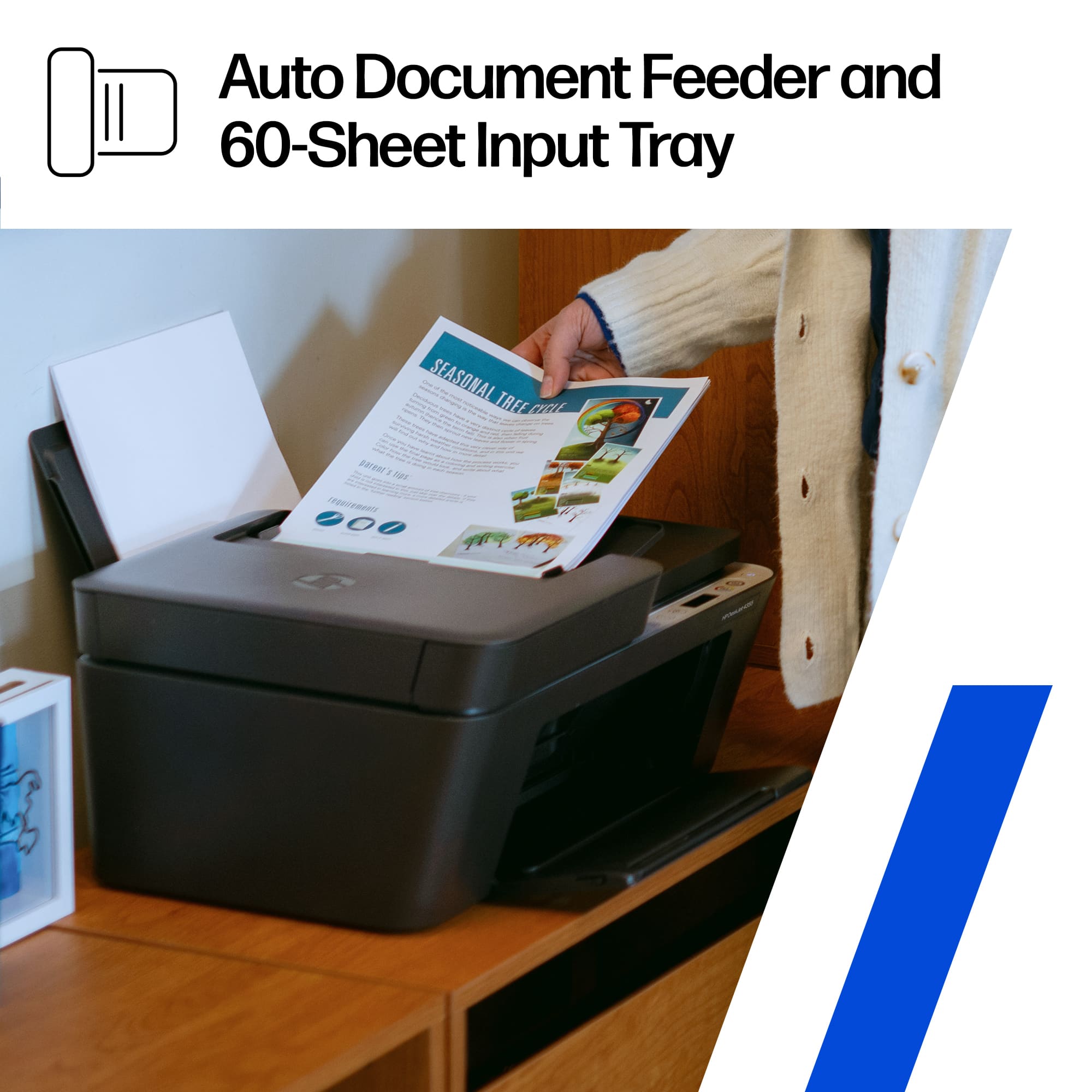
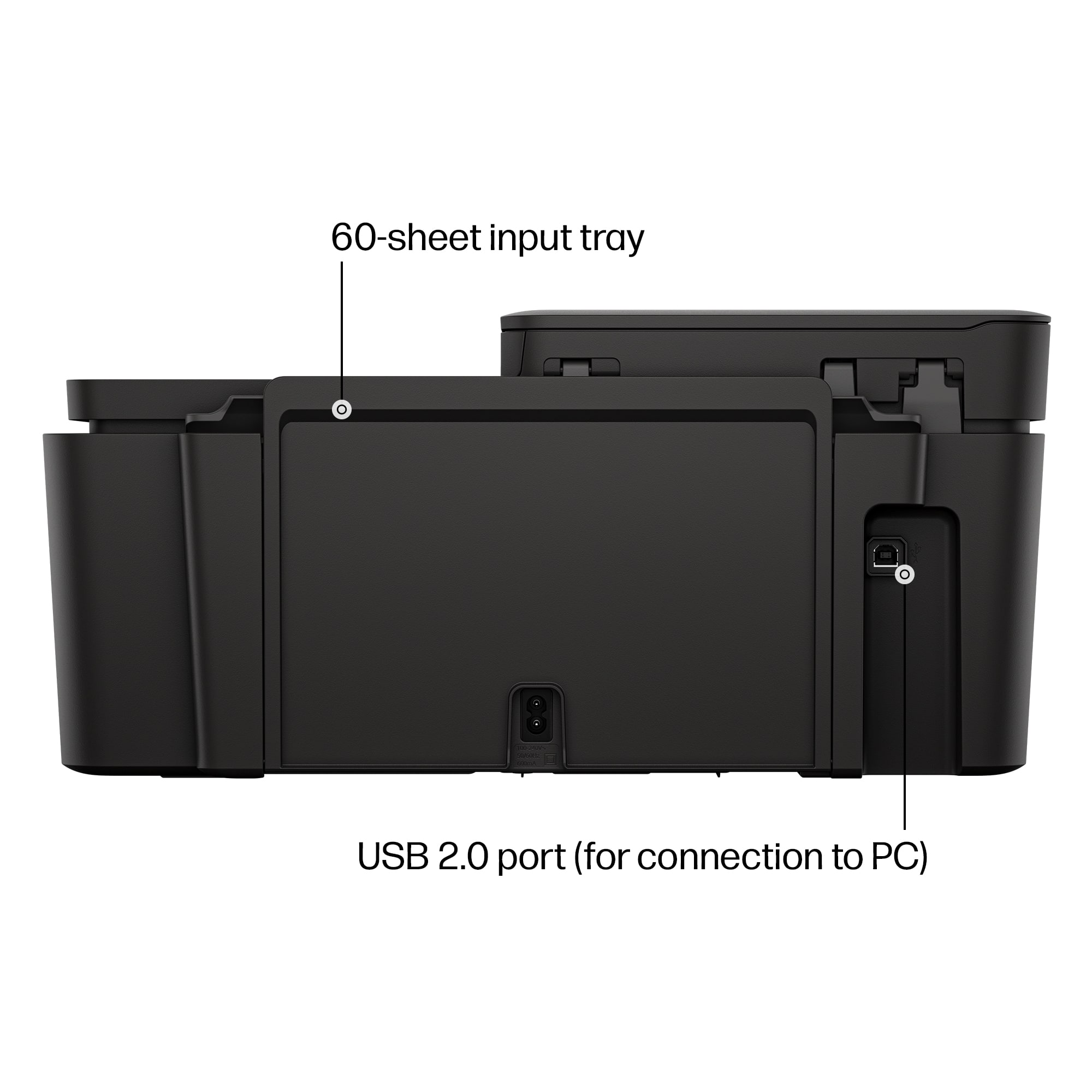
|Posted .This reviewer received promo considerations or sweepstakes entry for writing a review.The HP DeskJet 4355 Wireless All-In-One printer is a basic, no frills printer for the home or home office. It's a basic printer that can print the school reports, the office docs, or the occasional family photo. - Design/Build/Unboxing. The printers weighs about 10 pounds, and dimensions are approximately 17 x 13 x 8" folded up. With the tray extended it's about 23" long. It's matte black and gray plastic all the way around, nothing fancy here. It comes with a power cord and 2 setup cartridges. Setup basically means if you sign up for Instant Ink refills or buy your own from the HP store, you will get bigger/full cartridges. One cartridge is a tri-color (Cyan, Magenta, Yellow), and the other is Black. The packing is eco-friendly with mostly cardboard and recycled plastic. The control panel is a small LCD, no touchscreen with the following buttons: Power, Cancel, Resume, Wi-Fi, Info, Color and Black copy. The paper tray sits behind a hinged cover with a sliding width guide. Slide the guide all the way over and drop your paper in, and then bring the guide back against the edge of the stack. - Specs & Features - *Print Resolution is 1200x1200 Black and 4800x1200 color *Speed is 8.5ppm black, 5.5ppm color *First page out takes about 15 to 20 seconds, then it will move at its rated speeds *Copy speed is 6 copies/minute black, 3 copies/minute color *Scan formats: JPEG, PDF, PNG, TIFF *Input tray is 60 sheets, Output tray is 25 sheets, ADF is 35 sheets *Connectivity is dual band WiFi 2.4GHz and 5.0GHz *One Year Warranty The input tray can handle paper sizes of 3x5 to 8.5x14". The document feeder will take sizes up to 8.5x14" but the glass tops out at around Letter size (8.5x11"). Paper weights get up to about 90 gsm and there's no bypass tray for thicker card/cover stocks. There's not automatic 2-sided printing so you need to flip them by hand, and there's no borderless printing. The AI enhancements will pull out the clutter on a web page. For example, you might be printing a recipe, and it will remove the ads and clutter off of the page so that you get 2 pages of the recipe, instead of 4 pages of extra junk added to the prints. - Software - The HP app is excellent to grab print templates or ideas, check your consumables, dial in your setup, or troubleshoot. This is easily one of the most stable, intuitive, and useful apps I've used for a printer. You can also manage your instant ink. With instant Ink, you get a certain amount of page prints per month, I signed up for 100, and they will send you ink as you get low (not when you run out). It doesn't matter if you have a normal B&W print, or a full color print, one page is one page. I print a lot of photos so this is quite nice. - Performance - When you first send a file to print, you will endure 15 to 20 seconds until that first print, but then the 4355 settles into printing at its rated speed. If you have a large document, it's not a problem, but when you have a 1 or 2 page document, the initial wait is the bulk of the print time. The text on plain paper prints out sharp and is easy to read. Color printing is also great for a home machine. Scanning up to 1200 dpi is much more than what I need. I typically settle for 300 dpi so it's nice to have the extra resolution if necessary. I would use 1200 dpi for photos. The automatic document feeder is nice if you have a stack of documents. You can just load them in and walk away. Paper handling isn't great. The 60 sheet tray means you will be reloading frequently based on the size of the documents you are printing/copying. I did have a few paper jams so I would advise to fan your paper and load it in neatly to avoid any trouble with paper feeding. The noise is about average, not quiet but not obnoxious either. Connectivity is good on WiFi and I didn't have any issues once I was connected. During setup I did have to use my own USB cable to get the intial connection through the app. I've hooked up a few HP printers and this is the first one that I had problems connecting with WiFi. Once I was setup through the app, I had no problems with my WiFi connection. - Pros/Cons - * Pros * * Compact footprint * 35 Sheet ADF * Up to 8.5x14 Legal size * Dual Band Wifi * App is really good * Suggestions/Needs Improvement * * 15 to 20 second wait on the first page to print * No automatic duplex (manual flip) * No borderless printing * 60 sheet paper tray is small * a few jams unless i fanned and loaded paper perfectly * no USB cable included The app handles everything from setup, to print, scan, and copying. You can use other services suchs as AirPrint if you want. For basic home printing, the HP Deskjet 4355 does the job. Text is clean, scanning is good, and the ADF saves you some time. There are some trade-offs such as no auto duplex, a small paper tray, and a basic LCD. I would recommend this to anyone looking for an affordable home printer for work or school that can do the basics very well, such as students or work professionals that are looking for all of the basic functions of a printer.
I would recommend this to a friendEasy to Set-Up Basic Printer
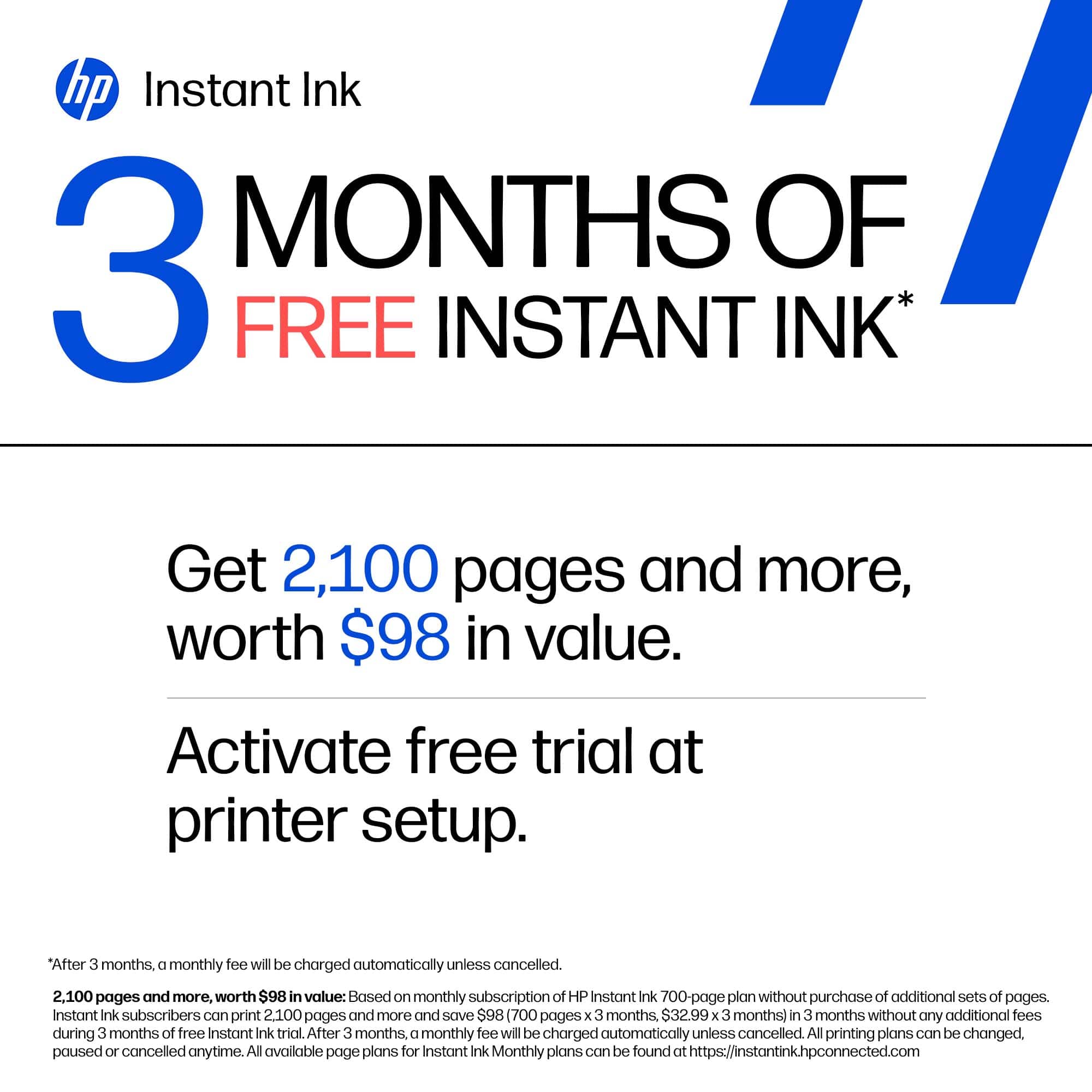
|Posted .This reviewer received promo considerations or sweepstakes entry for writing a review.I have been using the HP Deskjet 4355 as a basic home printer, and overall I think it does exactly what it is designed to do. This is definitely a printer for some who needs simple everyday printing at home or school and doesn't need anything overly complicated or heavy duty. One of the biggest positives for me was how easy it was to get everything set up. Assembly was very simple, and I was able to connect the printer to my Wi-Fi and Bluetooth using my personal cell phone without any problems. Once it was connected to my network, connecting it to my PC was also very easy. The printer comes with one color and one black "setup" ink cartridge. I do like that the HP app shows you the amount of ink remaining in each cartridge. I just wish it took that one step further and gave you some type of estimate of approximately how many pages you have left. Seeing a little graphic showing the ink level is helpful, but knowing if I had 20 pages or 200 pages left would much more useful. HP also advertises that the printer comes with three months of free ink. What I didn't realize is that this is tied to signing up for their instant ink subscription service. You select a plan based on how many pages you think you are going to print each month, and HP sends replacement cartridges to you as needed. I haven't decided yet if I like this idea or if the pricing makes sense - but I will probably try it. It seems like everyone wants you to sign up for a monthly subscription these days! As far as printing goes, the quality is decent and perfectly acceptable for basic use. I would use it for documents, shipping labels, tickets, schoolwork, and other normal printing. I wouldn't purchase it and expect professional-quality photo printing - but that is not what the printer is intended for. One thing I am still confused about is the claim that the printer is "AI capable". I haven't been able to figure out exactly what that means an how I would use the AI features. I didn't see any explanation is the Quick Start Guide or the HP APP. Overall, the HP Deskjet 4355 has been easy to set up, easy to connect and simple to use. For someone looking for an affordable home printer for basic printing, I think this does the job well.
I would recommend this to a friendGreat, But I Prefer Larger Trays
|Posted .This reviewer received promo considerations or sweepstakes entry for writing a review.I wanted to give this printer a three star rating, as soon I took it out of the box. But the setup process was so quick and painless, that i had to bump it up. HP printers are, for the most part, very good printers for homes, firms and small offices. That's not up for debate, but we'll get to the con in a moment. Out of the box, you're greeted by the 4355, power cord, one black ink cartridge, and one color ink cartridge. It's very important to remember. Remove all(ALL) of the blue, green, or yellow tape, that's keeping your components in place during the shippi.g process. While that's being done, go ahead and install HP's printer so, if you don't already have it. I found that it's just easier to set up using my phone rather than using my PC. As I said in the beginning. Setting this thing up was a piece of cake. Easier than many other HP printers in recent memory. That, I'd like to think, is due, to software updates. Follow the instructions, install your ink and let the process run its course. Printing, scanning, and copying is a breeze. I like to print logos for iron ons, to give my clothes extra flare. Just buy the appropriate transfer paper, and load it up. Now, here's the reason that wanted to give it a lower score. The lack of a internal paper tray. This may not be a big deal to you and honestly it really shouldn't, but I use my printers, and I don't want to have keep reloading paper every 20 or so, sheets. Another positive, is that instant ink service. If there's any reason to get an HP ink jet printer, it's that awesome Instant Ink service. You Will not run out of ink and you won't have overflow. So, that is definitely a go, for me. Not to mention, it's affordable. And once it's set up, you can print from all of your devices. And if you choose the print anywhere feature. You can do just that. This is great gift for your student in college.
I would recommend this to a friendGreat all-in-one home printing system.
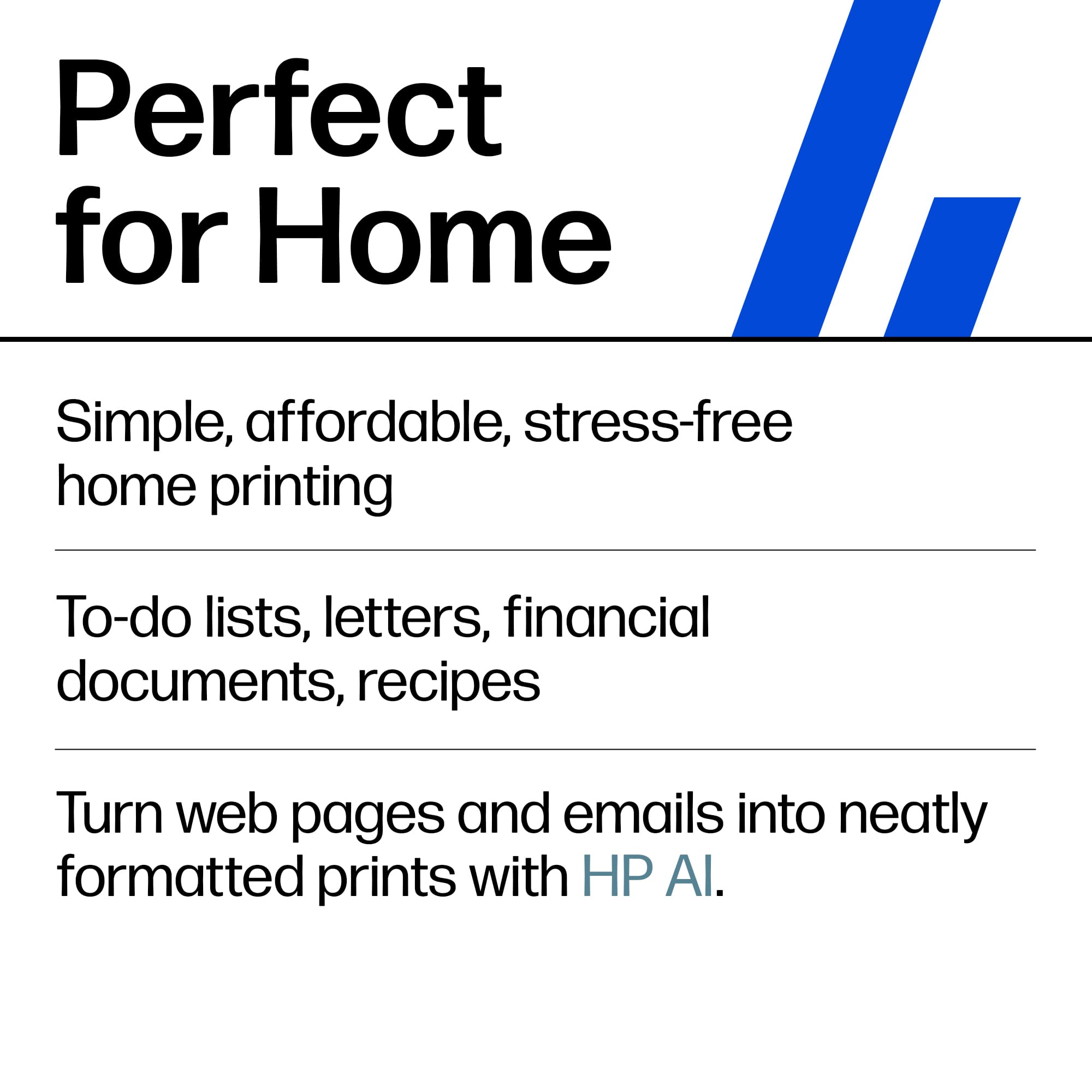
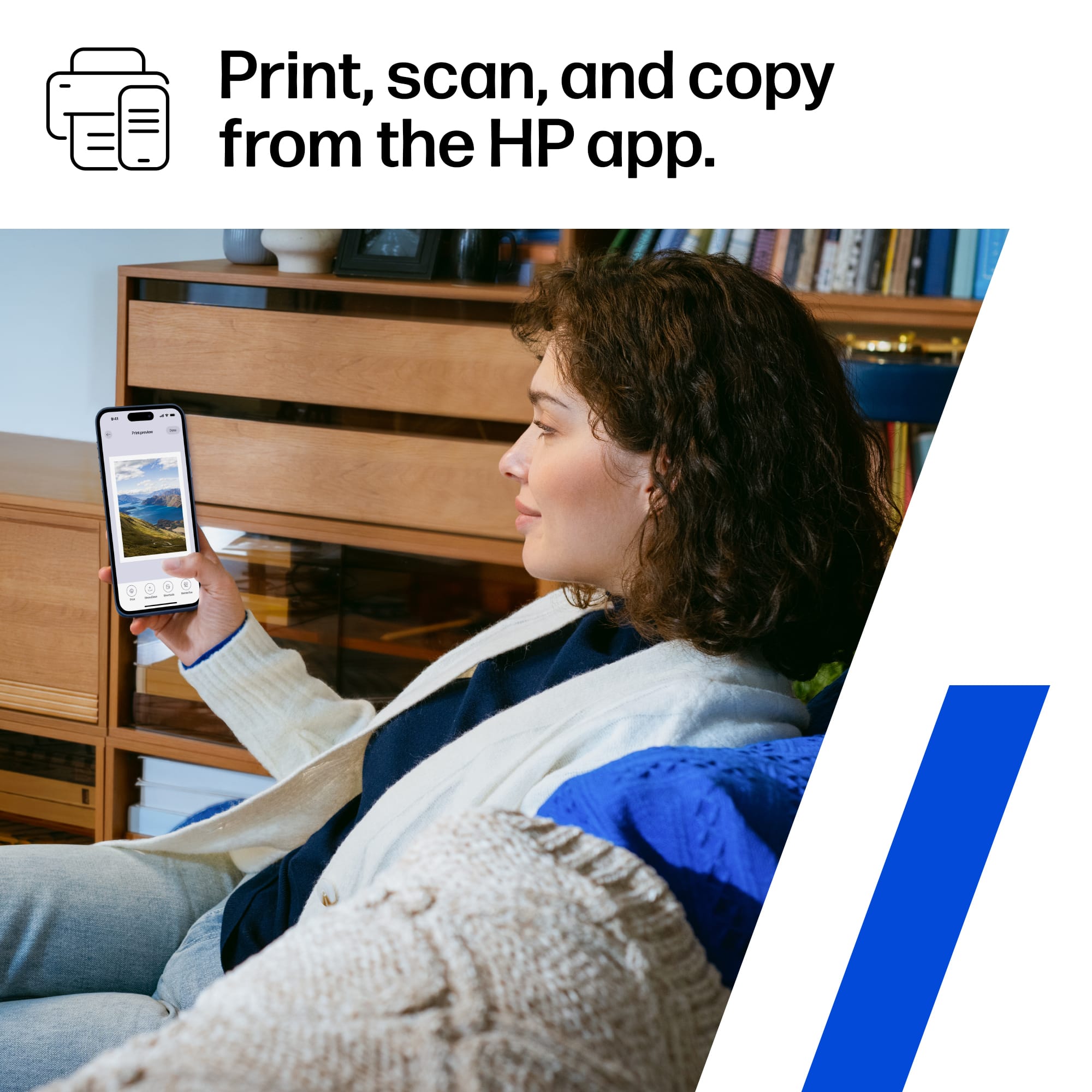
|Posted .This reviewer received promo considerations or sweepstakes entry for writing a review.This HP DeskJet 4355 All-in-One printer, scanner, copier, and fax from the HP app is a must have for any household or dorm room. It is even good for a home office. This printer is AI enabled and comes with 3 months of HP Instant Ink. In the box: the HP 4355 All-in-one printer, black ink cartridge, tri-color ink cartridge, documents, power cord. Setup: setting up this printer is a breeze. Once you take it out of the box, remove all the packing material, plug it up, you scan the QR code and then follow the instructions on the app. It tells you exactly what to do from there. You will be up and running in a matter of minutes. It prints an alignment page and a print test page after the alignment is done. The HP app is an essential part of this printer and the entire HP experience. You will find all kinds of goodies on the HP app: Printables which are things like printouts for children, financial things for adults, study materials for older children, calendars, and so much more. There are things like Cards: birthday, thank you, graduation and so forth. This app is also where you can fax. The printer are: 35 sheet auto document feeder, 60 sheet input tray, prints 8.5 ppm black and 5.5 ppm color. The printer has a somewhat small footprint and doesn’t take up too much space compared to a lot of other all-in-one devices with an auto document feeder. It weighs 10.6 pounds without paper. The dimensions are 7.87 height x 16.85 width x 13.07 depth. What exactly does it mean when it says it is AI Enabled? When you get emails and go to websites and want to print them you usually get a bunch of garbage that prints with whatever else you want printed. With HP AI, you don’t have to worry about all the junk. The HP AI sorts through all the junk/garbage and prints what you want to print without all the extras. I don’t know how it knows, but I tested it and it really does do that. It’s pretty cool. The supported page sizes are letter, legal, 4x6, 5x7, 8x10, and No. 10 Envelopes. The types of paper supported are plain paper, photo paper, brochure paper, envelopes, business card paper, and other inkjet paper types. Scanner resolution is 1200 x 1200 Copier resolution in black and color is 300 x 300 Printer resolution in black is 1200 x 1200 and in color is 4800 x 1200 Page yield per cartridge: black 160, color 120 The print quality is great for an inkjet printer. The printer prints photos and they are pretty good too on photo paper, both matte and glossy. Summary: This is a great everyday printer for a family that prints a lot.
I would recommend this to a friendGreat Printer Scanner For light use, Sharp color !
|Posted .This reviewer received promo considerations or sweepstakes entry for writing a review.Unpacking and Setup: Removed the printer from the box, removed tape and installed ink cartridges per the included quick setup guide. The ink does take some force to snap into the carriage - pay attention to the alignment as you install. Overall, it took about 10 minutes to unbox and configure. I have the HP setup installed on my primary PC already so I ran the wizard, followed the directions and - done. No issues. Daily Use: It prints from everything ! This is now being used as an occasional use on-campus printer where it cannot be connected to wireless. Works on a MacBook air without issue via USB Cable and can print from iPhone via air print. I did setup the wireless on the printer to be connected to so wireless printing can be done as well however that requires manually switching networks. Prior to heading off to the dorm for a semester, this printer was setup and tested on our home WIFI and "appeared" without issue for multiple PC's and Macs. Scanning - The scanner is single page with no ADF. For what it will be used for, this is a nice to have feature and will not be heavily used. Black and Color printing - Colors are sharp and realistic. Black prints are very clean and quite fast. Overall - It's a great printer for light home (or dorm) use. If you are going to print or scan in bulk, I would recommend a higher capacity printer. This does not hold many sheets of paper at a time and does not scan in bulk. That said, it's perfect for dorm use as it has a small footprint and it does not weigh much and will be easy to transport. What I love: Inexpensive printer for dorm or light home use High print quality ! Easy to connect to.
I would recommend this to a friend- Pros mentioned:Connectivity, Print quality
Easy set up
||Posted . Owned for 1 week when reviewed.This reviewer received promo considerations or sweepstakes entry for writing a review.Bought this printer to replace a cannon that wasn’t that old, but it didn’t connect to the WiFi anymore This HP is about the same size as the cannon so it fits perfectly Set up was very easy and straightforward Print quality is good for what I need it A good printer at a very good price, very happy with my purchase Recommend
I would recommend this to a friend HP puts the "P" in Personal Printer - Affordable Q
|Posted .This reviewer received promo considerations or sweepstakes entry for writing a review.PRODUCT HP DESKJET 4355 QUICK REVIEW Fast and Quiet in draft mode for everyday printing. Very Good Print Quality at highest quality settings. Easy to use no frills printer / scanner / copier. REVIEW Honestly I did not expect to like this little printer as much as I did. It is a tremendous value, and has very good print quality. It is pretty quiet (when you set quiet mode). It is plenty fast enough for casual printing needs. I find I print less and less these days, but I do need to have a printer around and sometimes a scanner and sometimes a copier. When I do need to print color images, this printer does a very good job of crisp colors and copies. SETUP Setup is easy enough. You do have to be a little nimble to install the ink (they are small and the opening is small), but it was not too bad. If you install the HP app on your PC, (or phone) you can just follow along with the prompts to get everything up and running. You can also "SKIP" the steps for creating an HP account and for setting up your ink subscription. I think you can run this without a subscription, but I am not 100% certain. Replacement cartridges are not cheap and they are pretty small, so you will have to run the numbers for yourself to see if a subscription makes sense for you or not. RECOMMENDATION I do recommend this as a very good personal printer. If you want a printer around for occasional scanning, printing and copying, this is a great fit without breaking the bank.
I would recommend this to a friendHP DeskJet 4355 - Acceptable; not great quality
|Posted .This reviewer received promo considerations or sweepstakes entry for writing a review.The HP DeskJet 4355 Wireless All-in-One Inkjet Printer can print, scan and copy. This printer would work best in a limited printing capacity setting. In my opinion, the quality isn't very good. This printer was easy to setup by using the HP app on my Phone and only took a short while. During setup, HP tries to get you hooked into their Instant Ink program (starting at $5.99/month) - something I don't want to utilize. I couldn't get out of the screen, so I had to close the app and then go back in to finish the setup. Be sure to read all about it if you choose to sign up - they do provide 3 months free to start. Also, HP wants to have a continual, uninterrupted internet connection to be able to keep updates current. Some of these updates are so HP is able to "block cartridges using modified or non-HP circuitry". You can ONLY use HP cartridges with this and they make certain other cartridges will not work. To this end, HP has dual band WiFi on this - to help you stay connected. After setup, the printer printed an alignment page, then had me scan/copy and print that page. The copy quality was less than ideal with obvious degradation. Quality-wise, I found this HP Deskjet 4355 Wireless printer to be noisy, clanky and very slow to print, scan or copy. I do believe the copy quality was more degraded when copying via the Automatic Document Feeder (ADF) than when placing the sheet directly on the glass. The ADF has a 35 sheet limit. I printed a photo and found the colors to be dull and generally off. Printing text, the quality was good. This would lead me to suggest the best use of this printer would be those things that are text based where color and speed don't matter. This would include things such as lists, school papers or homework, or just general, basic printing. Personally, I would not use this as a home-office printer because the slowness would be too frustrating for me. HP says the print speed is "up to 8.5 ppm black, 5.5 ppm color." This printer does not have a standard paper tray underneath but has an input tray which holds 60 sheets located at the back. Generally, printers with that format do not appeal to me because it makes a large footprint even larger by having to leave space at the back of the printer. Plus, holding only 60 sheets means there will be many tray refills - it is simply not convenient. Very important to note, even with its ADF, this printer will NOT print double-sided unless you manually flip the pages yourself. This printer also does NOT have a standard display window - it has a small icon LCD control panel which is not intuitive to use. Positively, the printer is made from at least 70% recycled material and is Energy Star and EPEAT certified. Overall, I am not impressed by the HP DeskJet 4355 Wireless All-in-One Inkjet Printer. It is slow at printing, very noisy and the quality isn't great. For basic text only printing, this machine would be acceptable, but I want my printer to be more than acceptable. If I print a photo, I want it to look good. If I create something, I want to be able to print it with bright colors and clear print. This printer does not meet my basic expectations and so I would not recommend this to my friends.
No, I would not recommend this to a friend- Pros mentioned:Print quality
Happy with printer, frustrated with setup
||Posted . Owned for 2 weeks when reviewed.This reviewer received promo considerations or sweepstakes entry for writing a review.This is an inexpensive ink-jet printer, and I am finding it works fine for routine color and B/W printing. However, I was frustrated with the setup process, partly with HP, partly with Microsoft, partly with the nature of remote printing generally. The instructions lead you to an request to download the HP app to continue with setup. However, since I had a previous HP printer, which no longer worked, when I tried to create a new account, I was informed that I already had an account and was directed to the cancelled account for my old printer. Reactivating the old account led to password and access issues, which I am not sure ever got resolved. I was also frustrated that the instructions didn't show you where to load the paper. The obvious port was obscured by a hinged cover and a sliding guide that arrived in the wrong place and blocked the paper. After I finally figured that out it worked fine for a while, then one morning I started getting "Driver not available" error messages. When I tried to update my printer driver, I consistently got the message "Driver up to date". I was convinced my only option was to return the printer, but I tried one final suggested procedure - updating my Windows operating system, which I thought was up to date. That solved my driver problem, and the printer has behaved well ever since. There are occasional access issues when my router or internet provider aren't working, but that's a continuing risk with remote access printers.
I would recommend this to a friend It is very light weight and user friendly
||Posted . Owned for 3 weeks when reviewed.This reviewer received promo considerations or sweepstakes entry for writing a review.I use it occasionally. It is lightweight and can be moved to different locations easily.
I would recommend this to a friendIt’s easy to use
||Posted . Owned for 1 month when reviewed.This reviewer received promo considerations or sweepstakes entry for writing a review.good printer, easy to set up and easy to use and get good quality and price is cheap too
I would recommend this to a friend- Pros mentioned:Print quality
Compact and efficient
||Posted . Owned for 1 month when reviewed.This reviewer received promo considerations or sweepstakes entry for writing a review.This works just as expected. Efficient and slim lined
I would recommend this to a friend Shape, design, and color
||Posted . Owned for 2 weeks when reviewed.This reviewer received promo considerations or sweepstakes entry for writing a review.Easy to use Easy to disassemble and install; includes ink cartridges.
I would recommend this to a friend