Customer Ratings & Reviews









- Model:
- 714L6A#B1H
- SKU:
- 6625922
Rating by feature
- Value
Rating 4.7 out of 5 stars
- Quality
Rating 4.6 out of 5 stars
- Ease of Use
Rating 4.6 out of 5 stars
Customers are saying
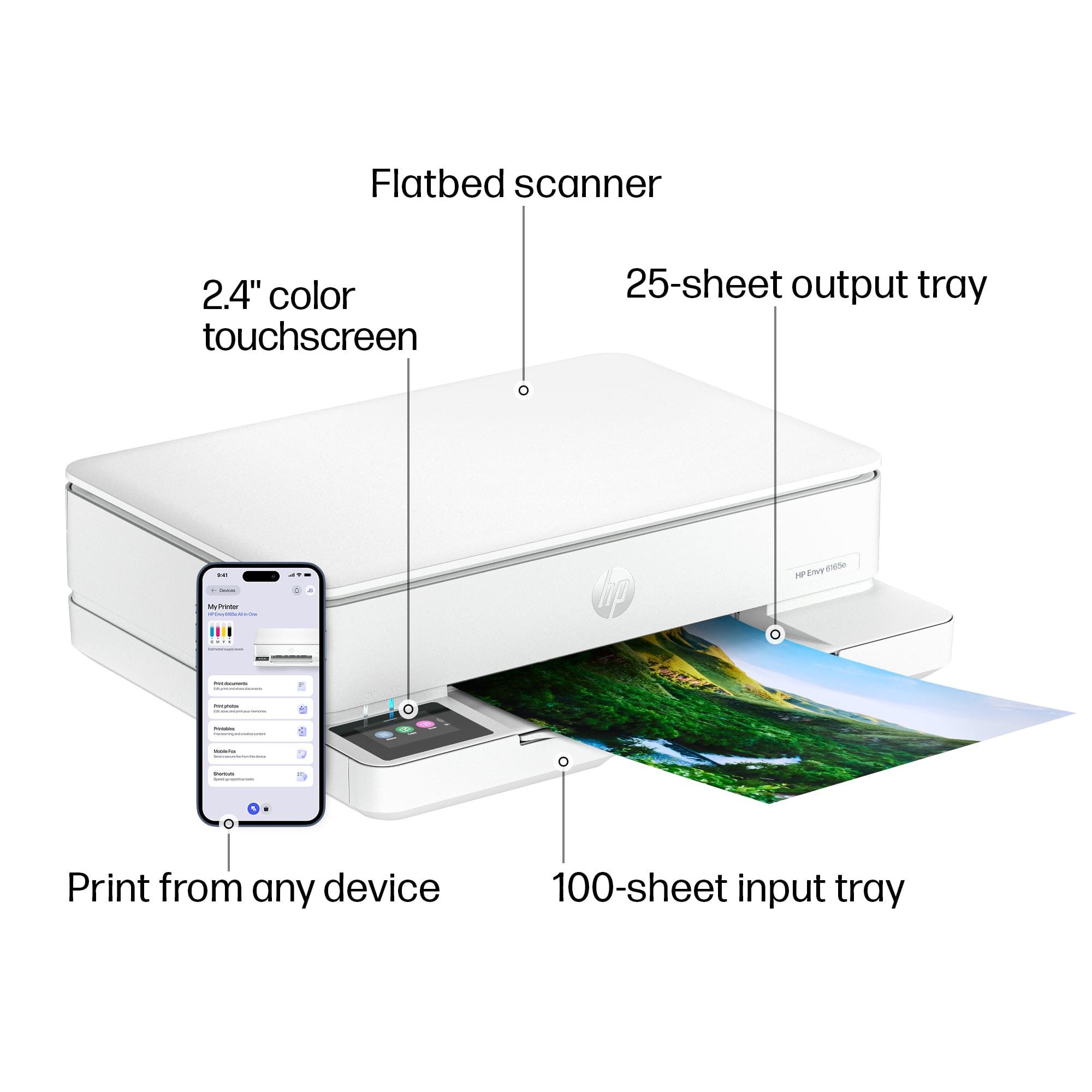
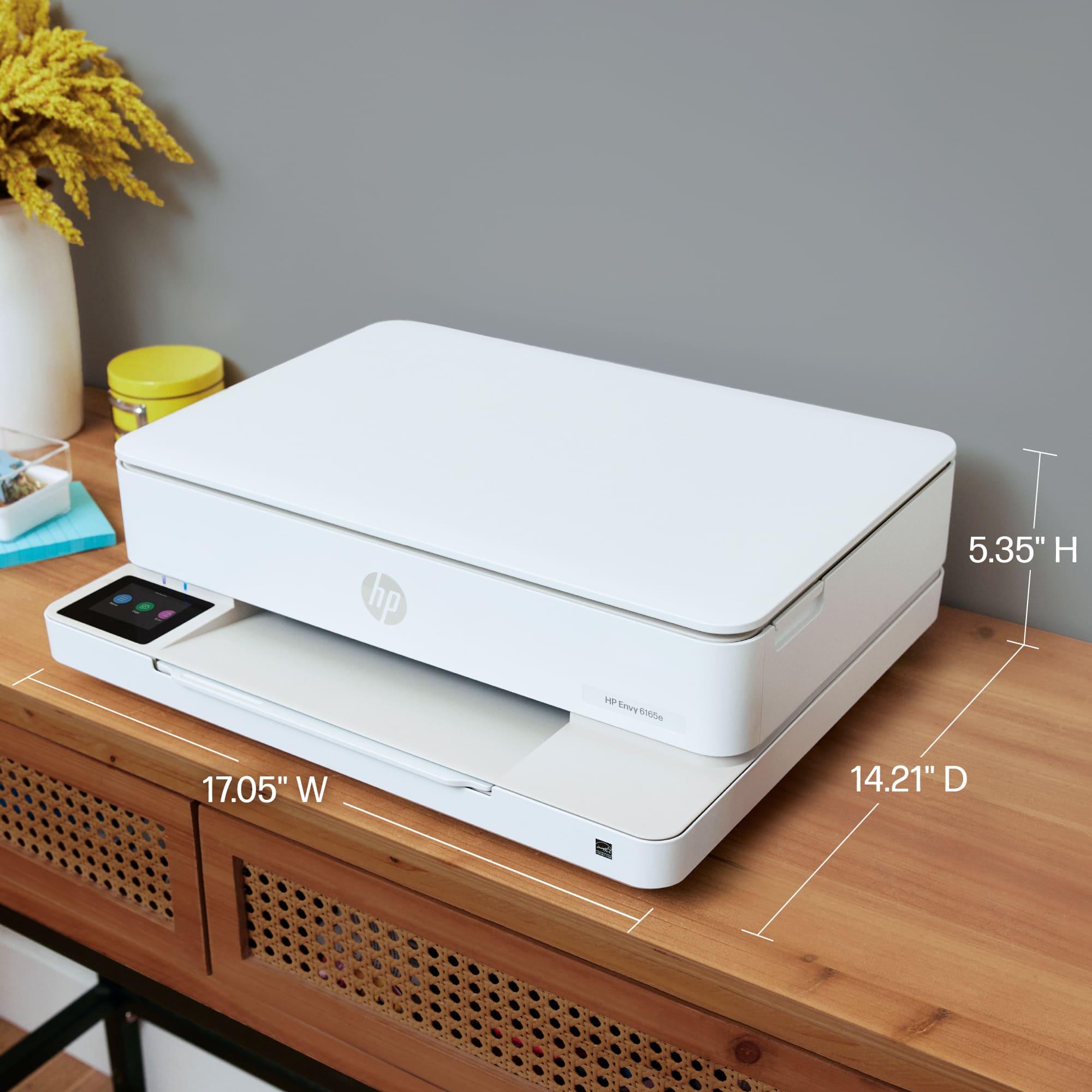
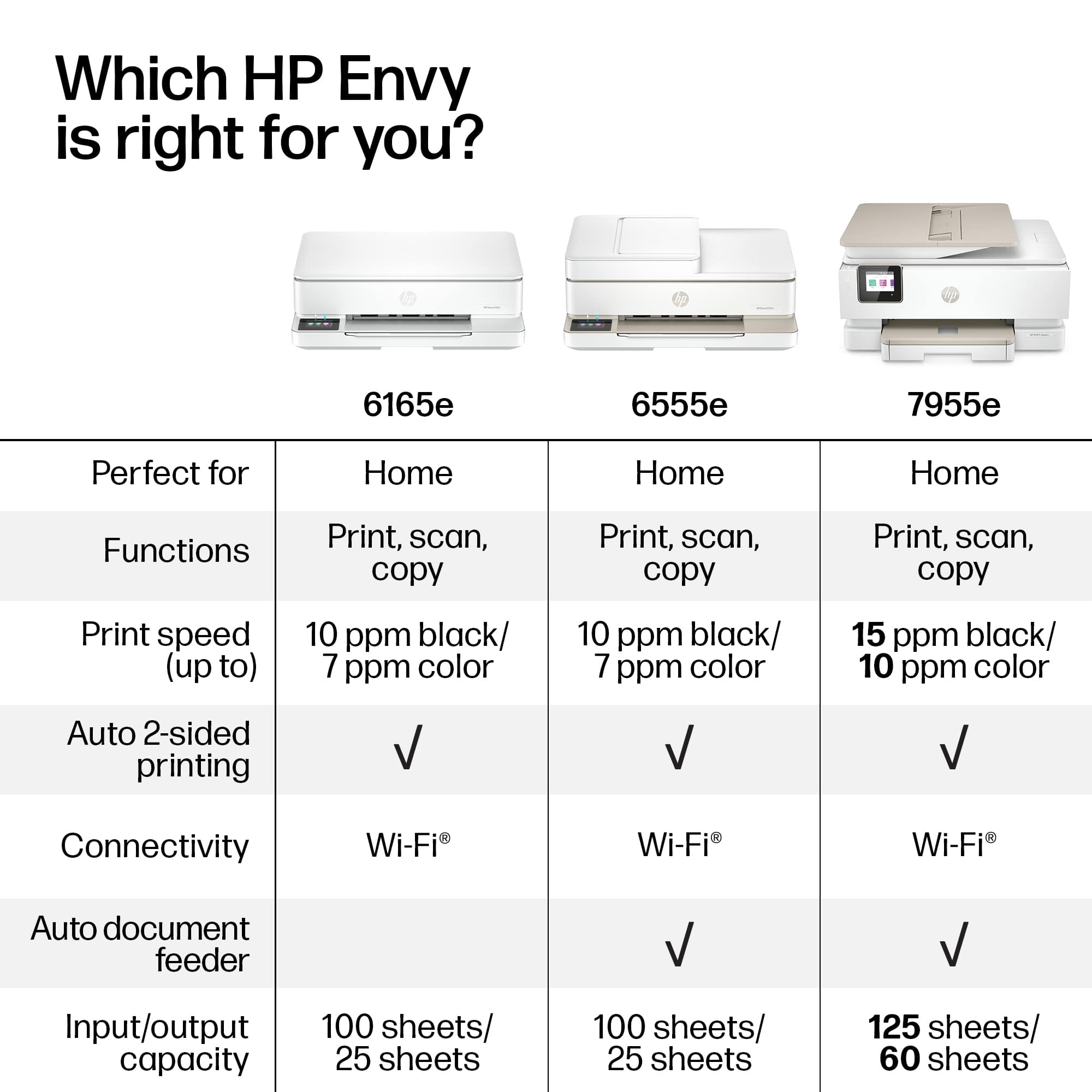
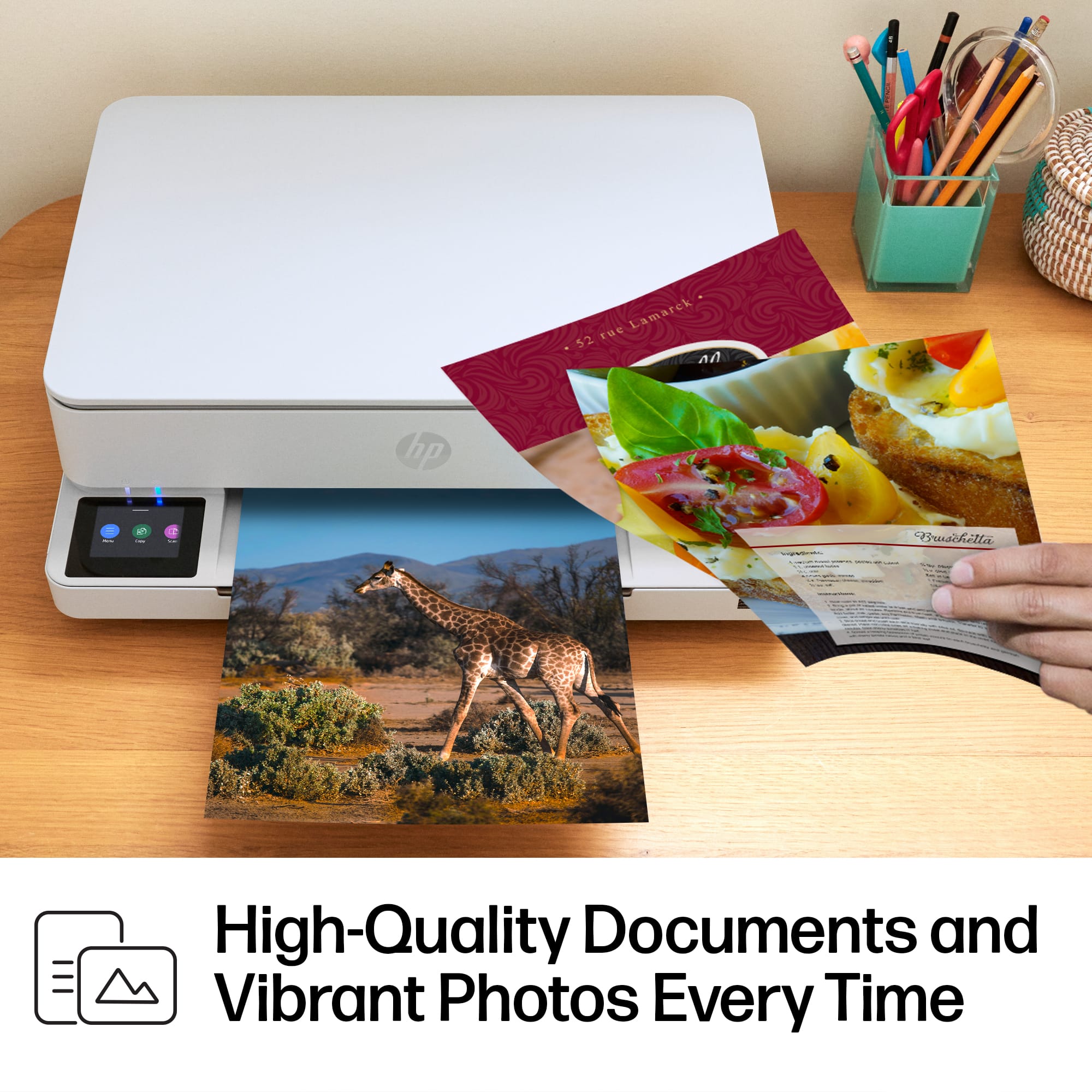
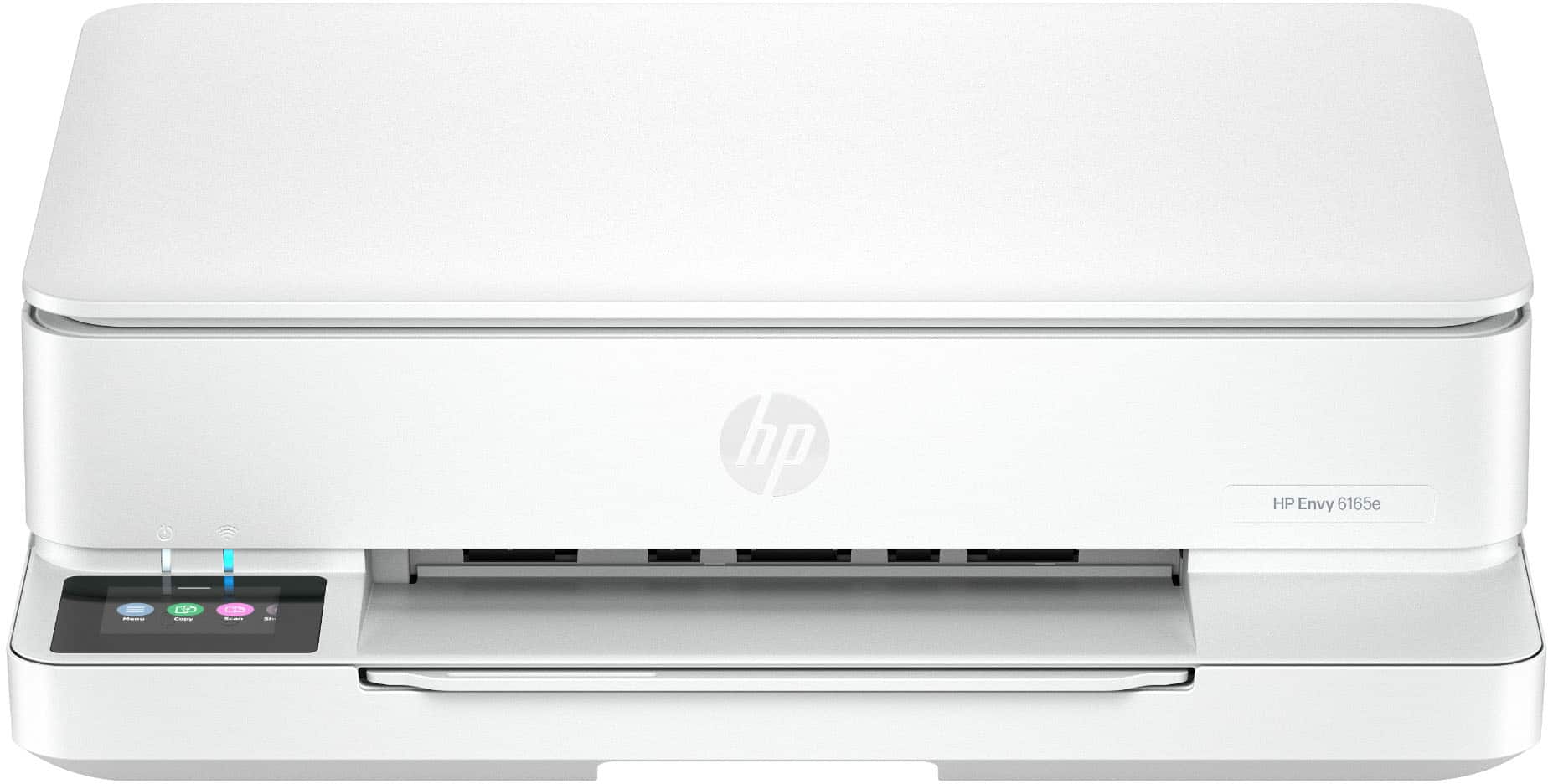
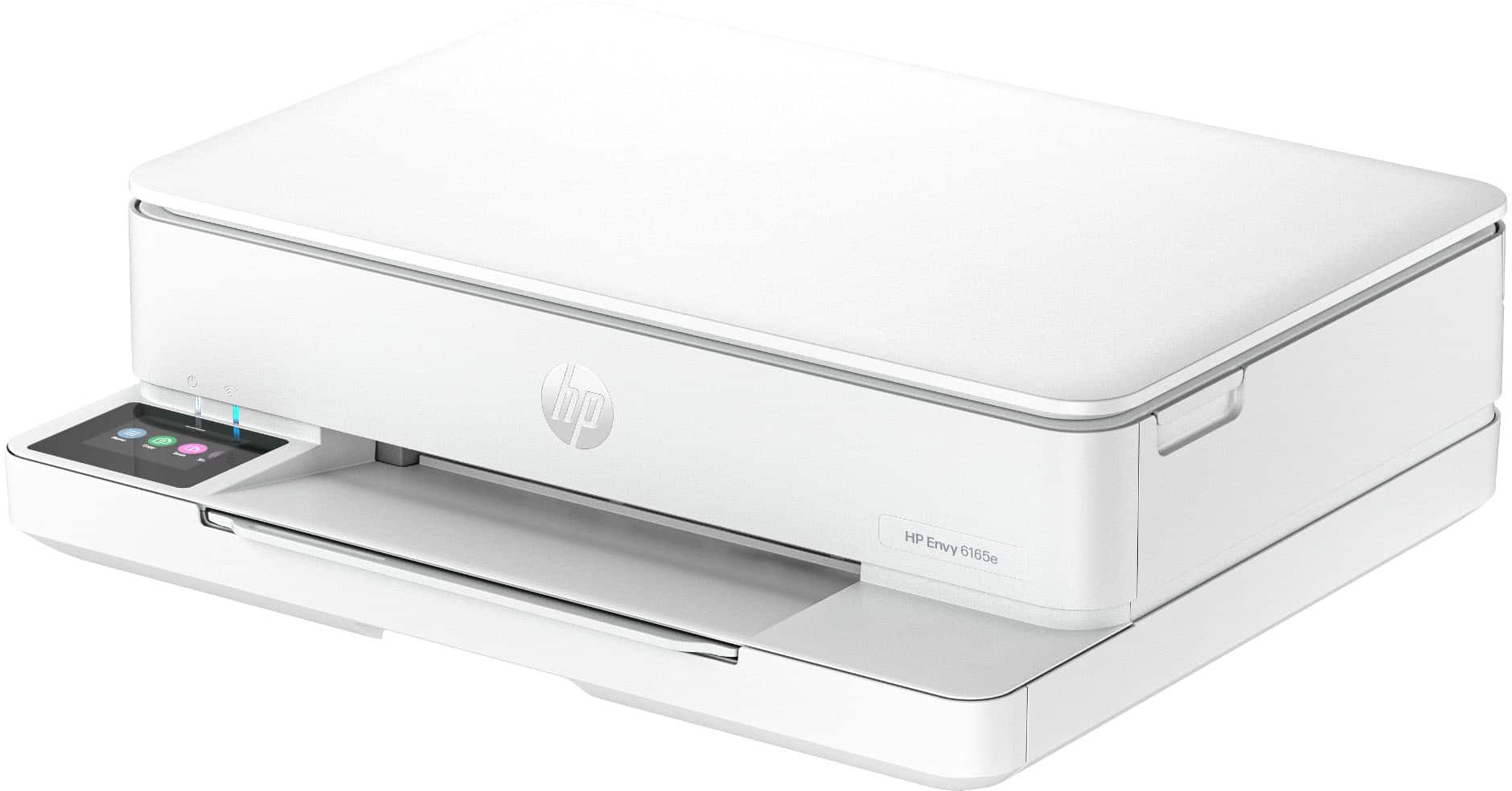
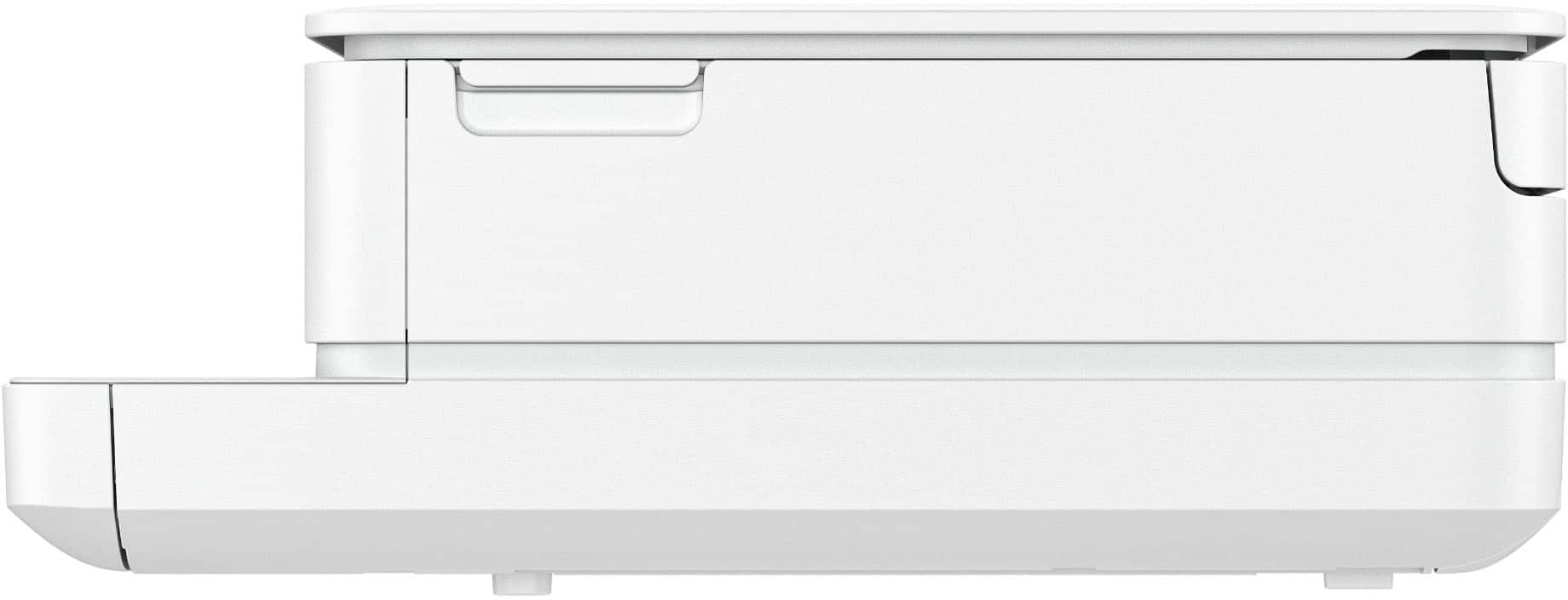
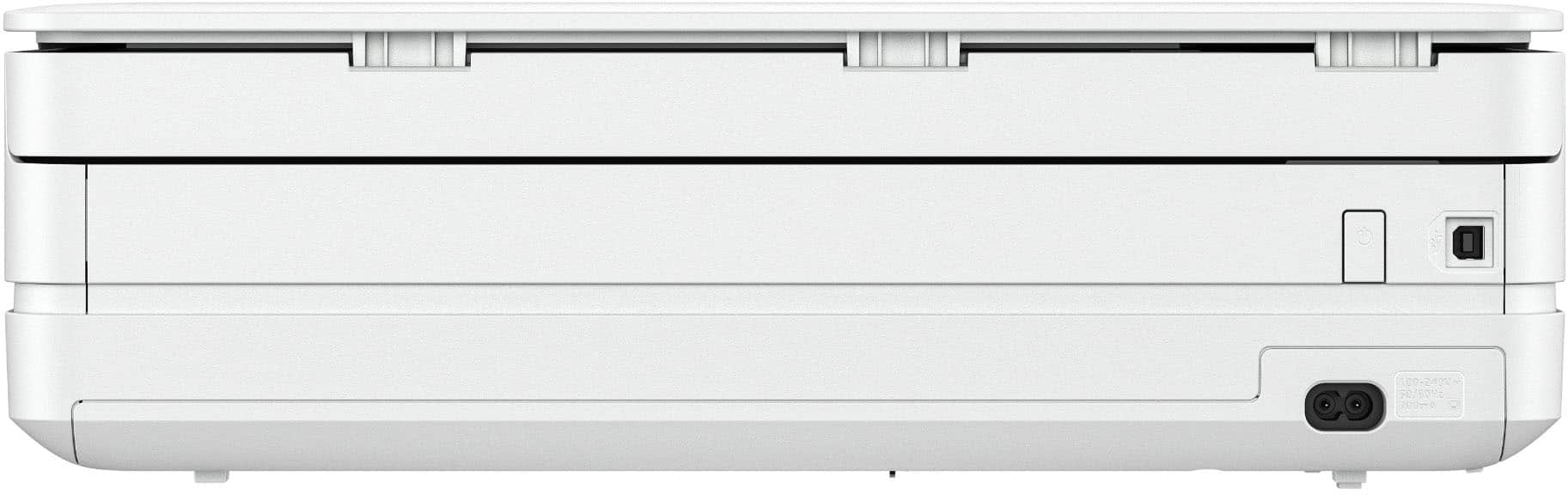
Customers frequently mention the Envy 6165e printer's excellent overall performance and very good print quality. Many appreciate its ease of use and simple setup, along with its better connectivity and compact size. Some find the paper tray capacity to be small and the on/off button placement inconvenient.
This summary was generated by AI based on customer reviews.
- Pros mentioned:Setup ease
Reliability at it’s best
||Posted .This reviewer received promo considerations or sweepstakes entry for writing a review.Very reliable, user friendly & ink is affordable. Ideal for home office use
I would recommend this to a friend - Pros mentioned:Setup ease
Great Printer
||Posted . Owned for 1 month when reviewed.This reviewer received promo considerations or sweepstakes entry for writing a review.I really like this printer. Easy setup and prints photos great.
I would recommend this to a friend - Pros mentioned:Size
A pleasant surprise!
||Posted .This reviewer received promo considerations or sweepstakes entry for writing a review.This printer was a surprise. It is small and light but handles all printing jobs easily.
I would recommend this to a friend - Pros mentioned:Print quality
printing and crafting
||Posted .This reviewer received promo considerations or sweepstakes entry for writing a review.Perfect for what I wanted it for. Printed great with no problems
I would recommend this to a friend - Pros mentioned:Size
Envy Bluetooth Printer
||Posted .This reviewer received promo considerations or sweepstakes entry for writing a review.It’s compact, it works very well and has many excellent features
I would recommend this to a friend - Pros mentioned:Connectivity, Design, Print quality

Compact Printer with Quality Results
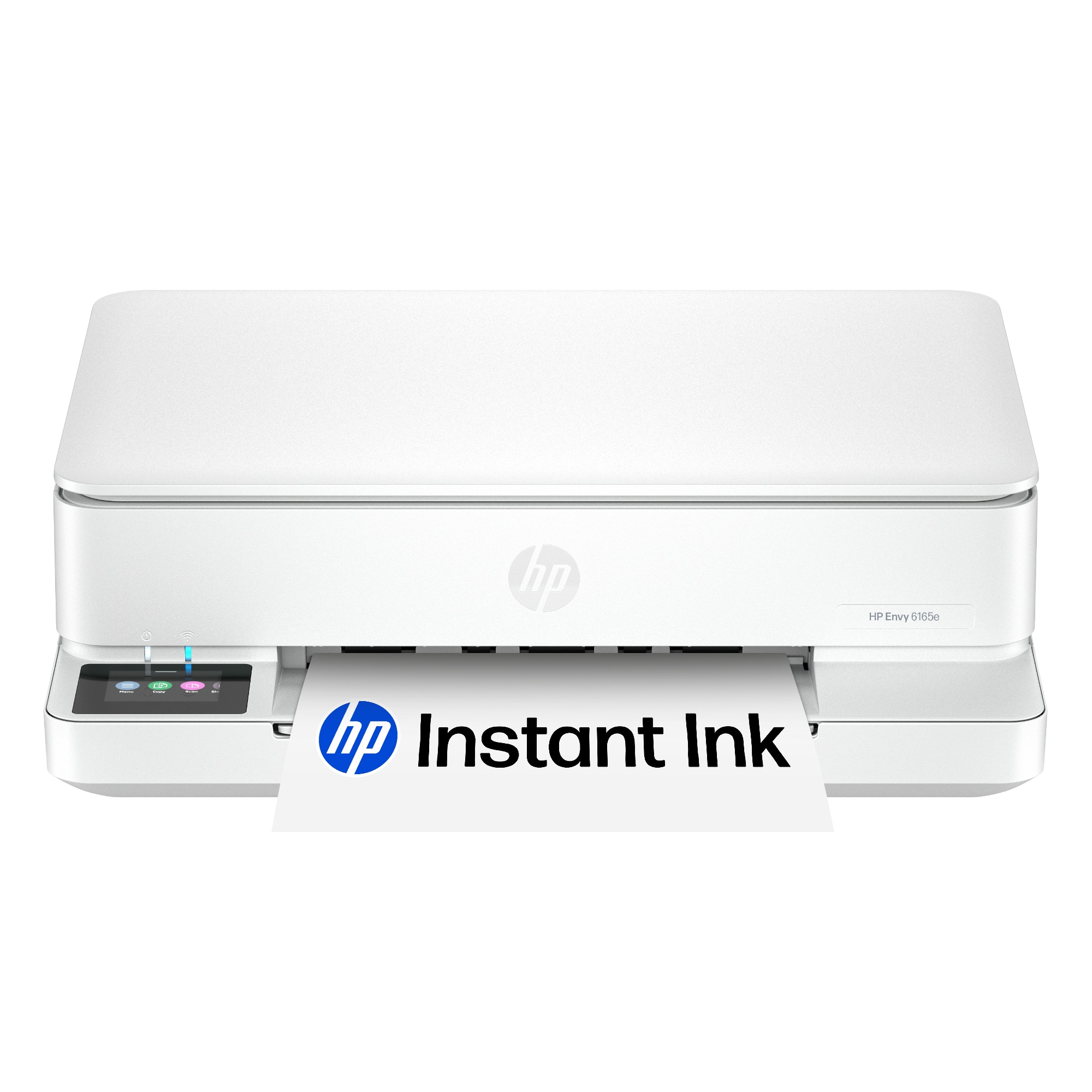
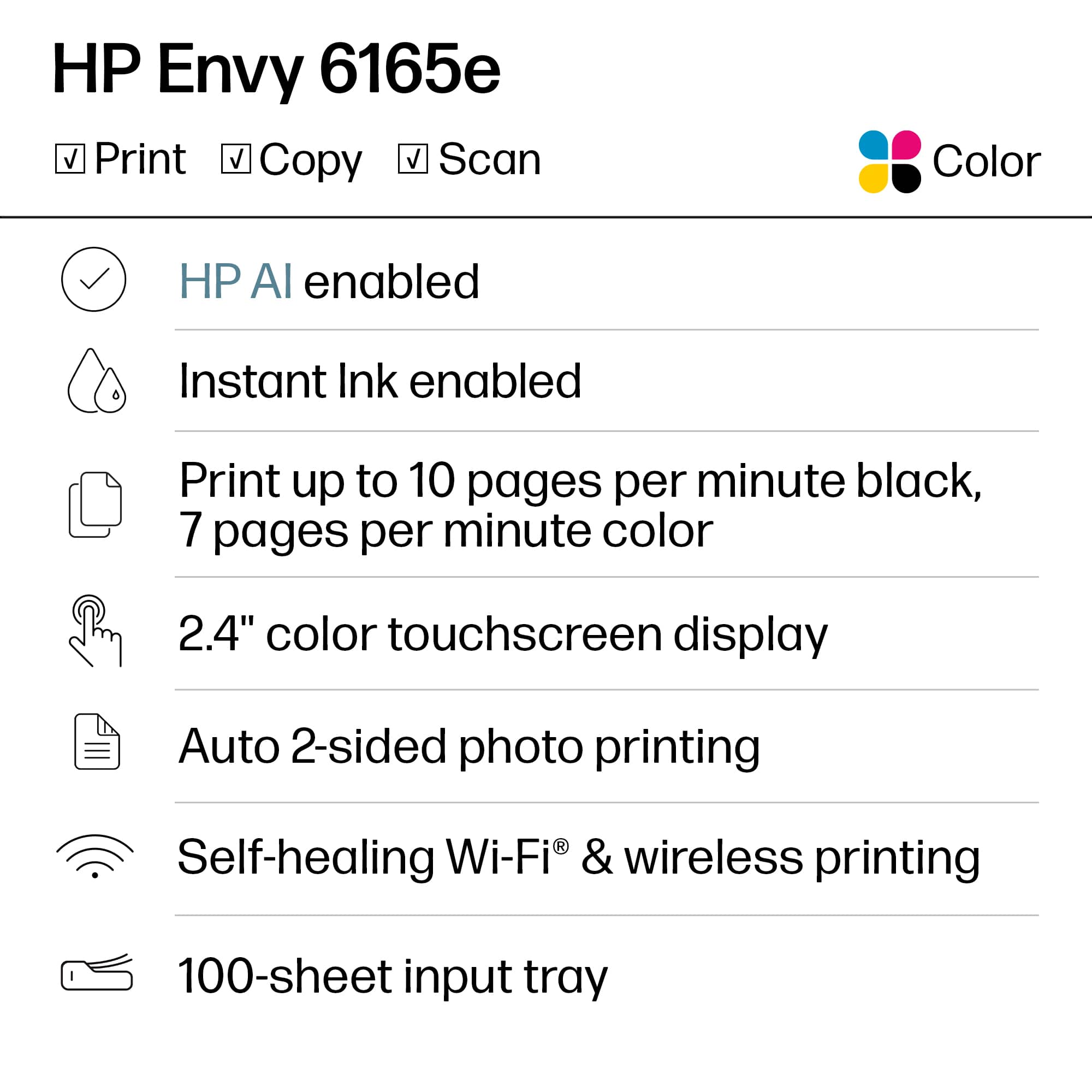
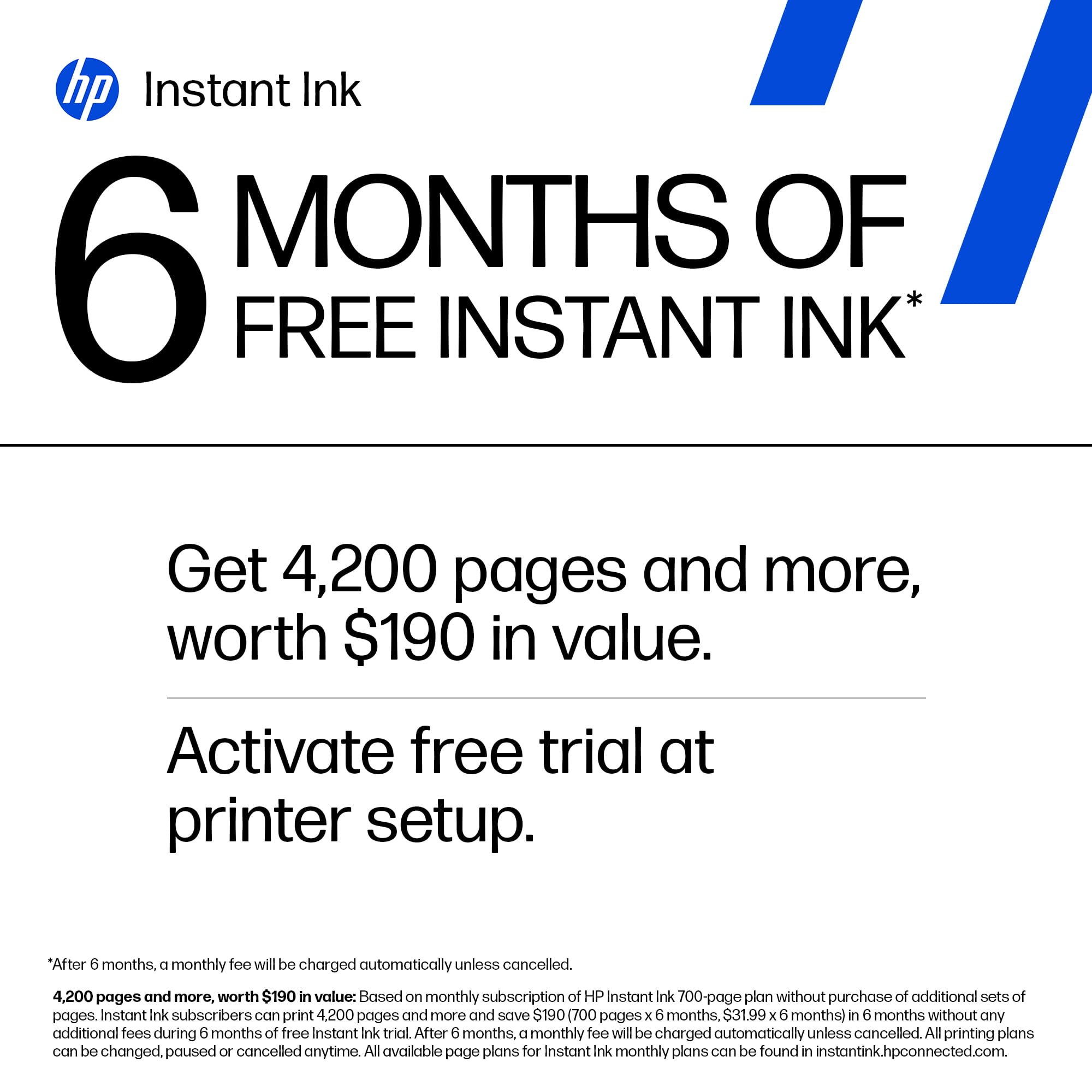
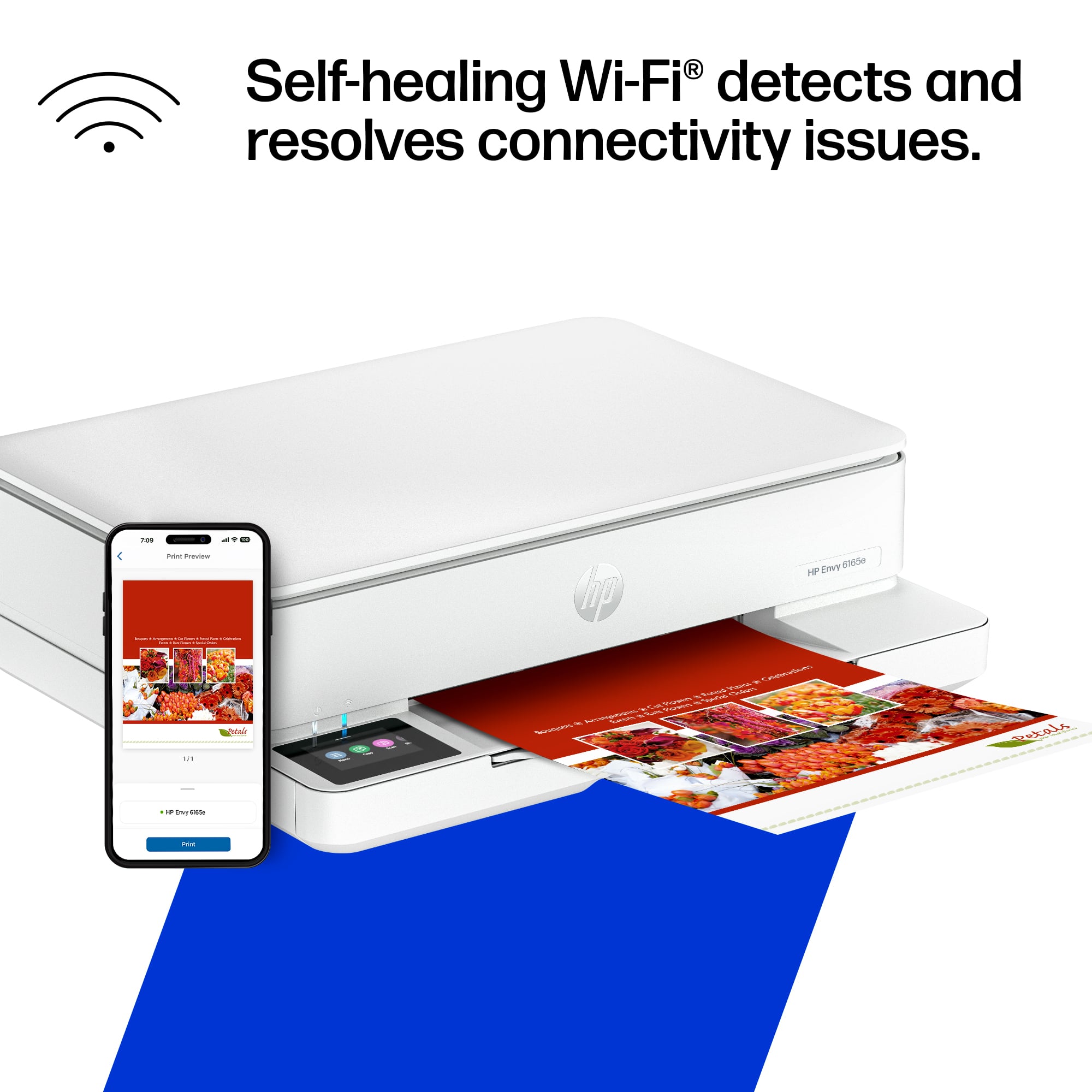
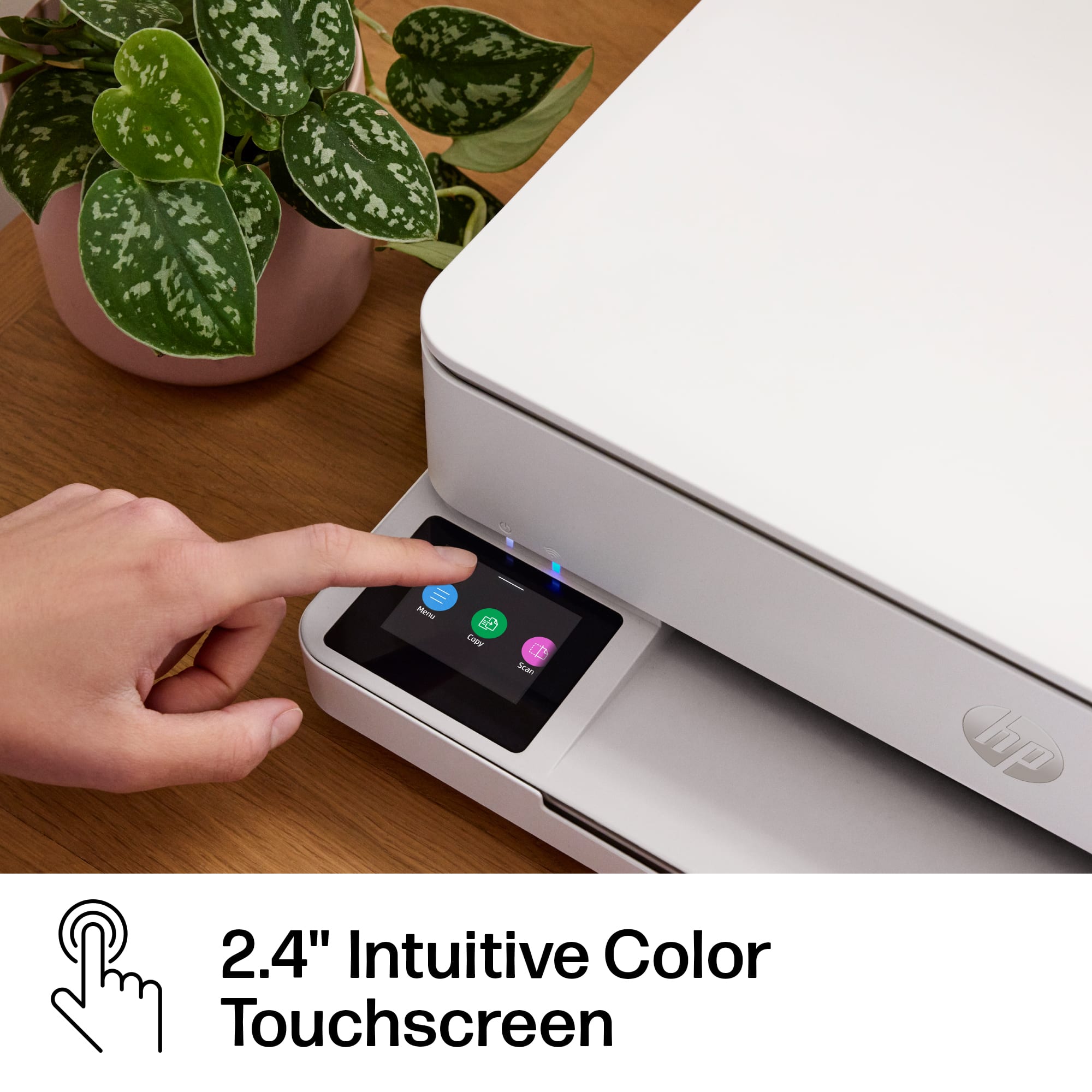
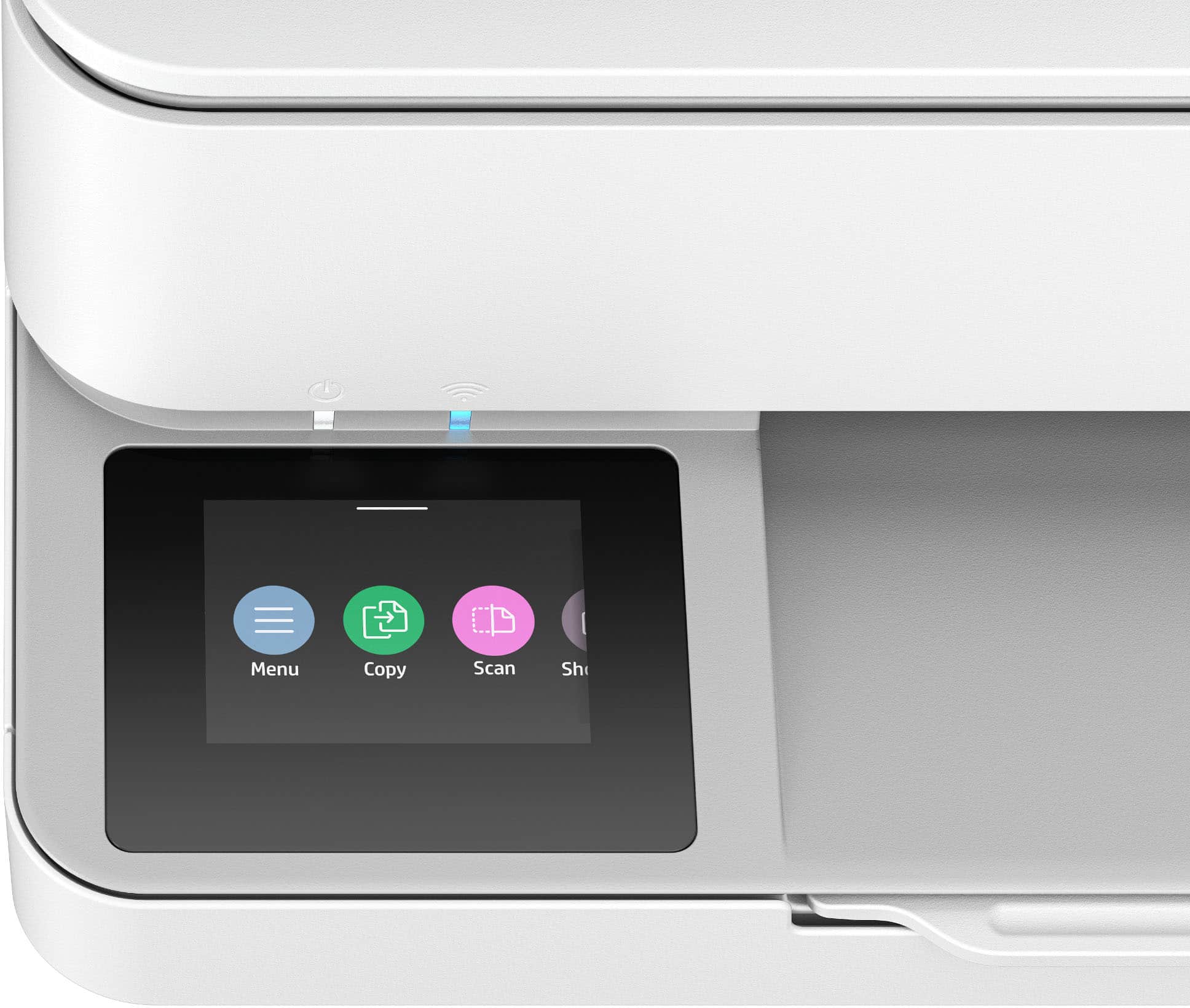
|Posted .This reviewer received promo considerations or sweepstakes entry for writing a review.The HP ENVY 6165e All-In-One Printer is a compact, clean-looking printer that delivers solid results for home office or light household use. Its small footprint fits easily on a desk or shelf, and the modern chassis design helps it blend in without drawing attention. Setup was straightforward and probably one of the easiest I’ve done. There's a step-by-step guide online, but the printer's touchscreen instructions were clear enough that I didn’t need it. I tested the wireless functionality and had no trouble connecting it to my Android phone. Sending print jobs and retrieving scanned files directly from my phone worked smoothly. Print quality is excellent for this class of printer. Text comes out sharp, and color images look vibrant and well defined. The scanner also delivers good results, though it's a bit louder than average while scanning. It’s not disruptive, but it’s something I noticed. The printer supports both wireless and wired connections, offering some flexibility depending on your setup. The input tray holds 100 sheets and the output tray 25, which is enough for occasional printing but a little limited for heavier use. The included ink cartridges are on the smaller side, so if you print frequently, expect to replace them more often. To help with that, the printer includes six months of HP+, which activates a trial of HP Instant Ink. This is a subscription service that charges you based on how many pages you print, not how much ink you use. It also includes automatic delivery of replacement cartridges before you run out. It’s convenient and may save money in the long run, especially if your printing needs are consistent, but it does lock you into using official HP ink cartridges while you're enrolled. Overall, the HP ENVY 6165e is a strong option if you're looking for a compact, attractive printer that’s easy to set up and delivers great wireless performance. Just be mindful of the smaller ink and paper capacities if you plan to print a lot.
I would recommend this to a friend Works Great for Everyday Use!!
||Posted . Owned for 1 month when reviewed.This reviewer received promo considerations or sweepstakes entry for writing a review.I bought this to replace my 5 year old HP Printer for basic use. I scan a lot of documents and prints out paper works for work. This is such an easy set up, less wires, and connects on both Surface laptop and Macbook at home and iPhone.
I would recommend this to a friendPrinter runs great
||Posted . Owned for 1 month when reviewed.This reviewer received promo considerations or sweepstakes entry for writing a review.At first i had trouble connecting the printer to the computer and had to call hp, once they set it up everything runs smoothly. I love it
I would recommend this to a friendFantastic HP Printer and Ink Planu
||Posted .This reviewer received promo considerations or sweepstakes entry for writing a review.I love my new HP 6165e Printer, and I especially love the Ink Plans that come with the printer. They quality of the copies are fantastic. So pleased and happy with my purchase from Best Buy.
I would recommend this to a friendDoes the job even if it is bulky
||Posted . Owned for 2 weeks when reviewed.This reviewer received promo considerations or sweepstakes entry for writing a review.I mean so far so good to replace the printer that was over 10 years old as long as it does what it’s supposed to do that’s all that matters. Wasn’t looking for anything fancy.
I would recommend this to a friendPrinter
||Posted . Owned for 4 months when reviewed.This reviewer received promo considerations or sweepstakes entry for writing a review.Great printer simple to point and gets the job done that’s needed
I would recommend this to a friendwhat I wanted and was looking for
||Posted .This reviewer received promo considerations or sweepstakes entry for writing a review.It's exactly what I wanted and was looking for; it's very good and has great quality. It's truly what I expected from this printer. I can say I recommend it 100%.
I would recommend this to a friendWell done
||Posted .This reviewer received promo considerations or sweepstakes entry for writing a review.Easy set up got what I wanted. Fast delivery and delivered to my appointment.
I would recommend this to a friendPrinter
||Posted . Owned for 2 weeks when reviewed.This reviewer received promo considerations or sweepstakes entry for writing a review.The printer was very Nice everything work good and it was in a good condition
I would recommend this to a friendelectric items
||Posted . Owned for 2 weeks when reviewed.This reviewer received promo considerations or sweepstakes entry for writing a review.It’s good Pinter so I like it i like all Best Buy products
I would recommend this to a friendPrinter
||Posted . Owned for 1 month when reviewed.This reviewer received promo considerations or sweepstakes entry for writing a review.Excellent printer my daughter uses for school and it’s very good. Thank you.
I would recommend this to a friend- Pros mentioned:Connectivity, Print quality, Setup ease
Printer Envy
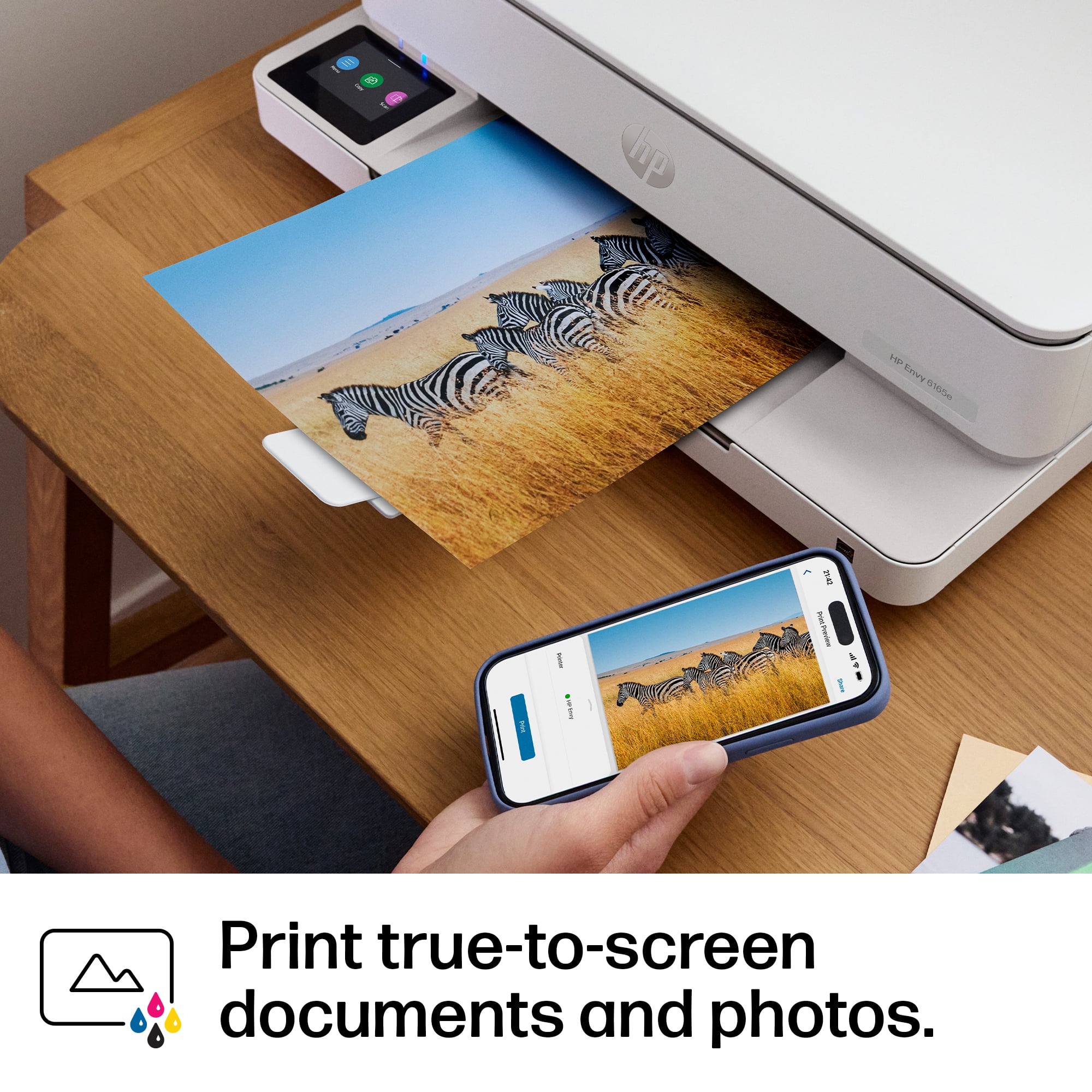
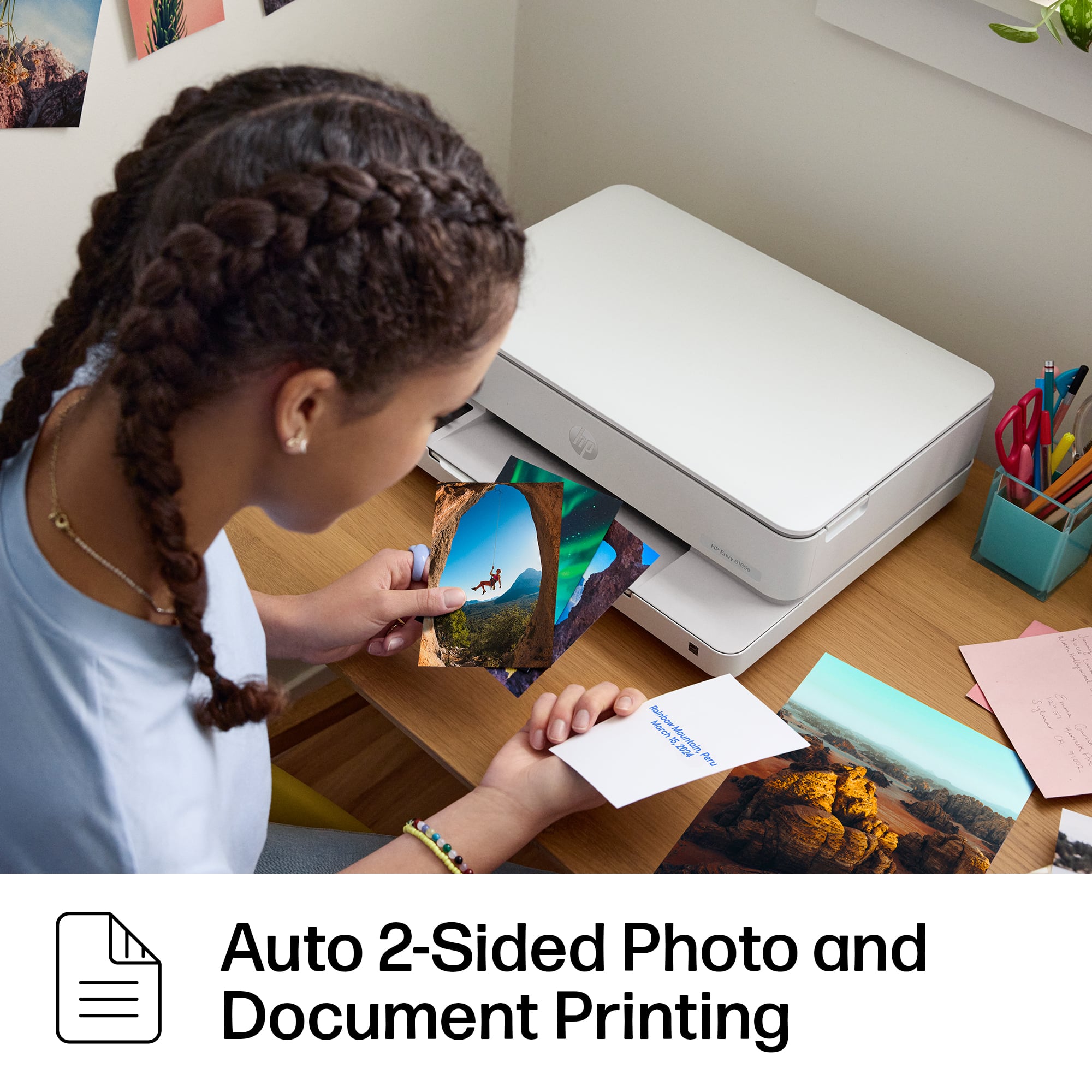
|Posted .This reviewer received promo considerations or sweepstakes entry for writing a review.I previously had the HP Envy 6000e model, and there was no printer display. It left me constantly guessing at what the printer was doing, especially when things weren't going as planned (lots of flashing icons and the app didn't shed any light). The 6155e fixes this oversight, and it's a big deal. Being able to control the printer settings from the touch display screen without having to access the printer by logging in is so much easier. And having the printer tell you what's going on is so refreshing. For example, when I first attempted to print the printer was not responding. I checked out the HP Smart App and it didn't tell me much. Then I looked at the display screen and it informed me that the firmware was being updated! The printer itself works pretty flawlessly using the HP Smart App. The initial setup was easy, as the app took you through step by step, from connecting to the internet to aligning the printer heads. It's easy to print photos and documents directly from your phone without having to deal with a computer. The noise from the printer is pretty minimal, and the documents and photos are high quality. It takes a bit of time to print out a standard 4x6 photo, but the results are great. It also automatically detects paper size in the tray, and supports duplexing to print double-sided. Scanning and copying is also very easy and the quality is solid. All in all, a solid printer for your everyday needs. The only con I have encountered so far is the printing speed, but what's the hurry?
I would recommend this to a friend - Pros mentioned:Print quality, Setup easeCons mentioned:Paper tray capacity
Good Home Printer but only for Occasional Use
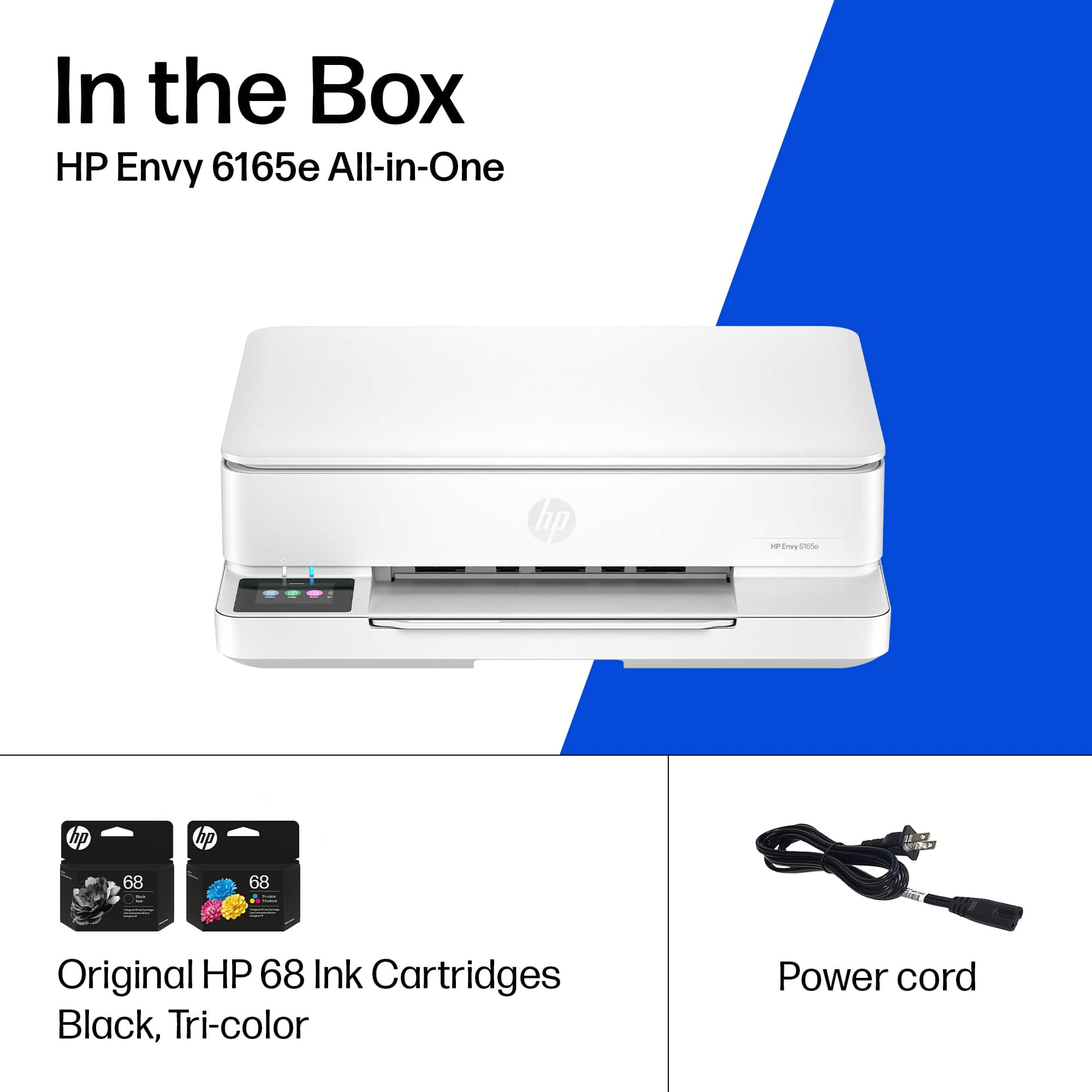
|Posted .This reviewer received promo considerations or sweepstakes entry for writing a review.I've been using the HP Envy 6165E all in one printer for a few days now. This is a HP Instant-Ink model, meaning it's ink and print by subscription. There's 6 months included, which is generous enough for you to work out what you tier you need. The plans now start at $1.79 for up to 10 pages, which is great for casual and occasional printing (a return label, or school form). In the box: HP Envy 6165e Power Cable 2 x Ink Cartridges (1 x Black, 1x TriColor) Setup was easy. Plug in, power on, the very clear and bright screen will show you a QR code and walk you through the setup process of downloading the HP Smart App, installing toner, etc. I did my first test print in just a few minutes. Colors are clear and vibrant, and the Envy 6165E is relatively quiet for an ink jet. I also did a test scan, again - easy and the HP Smart App is truly one of the better printer apps out there. What makes me drop the HP Envy 6165E to 3 stars is there's a few little frustrations. The paper tray is tiny. At first I didn't even realize where it was because it was so thin, making this not a printer to use if you're printing several pages of college admission essays to edit and review. The other unusual choice is the color cartridge is both small and 3 inks in one cartridge (see photo, quarter for size). This is not really the most efficient or environmentally friendly choice, as you will undoubtedly return good unused colored ink because you have run short on one color. I really prefer separate ink tanks for each color. Overall though, the HP Envy 6165E fits into a certain use - if you need a nice looking printer for home, need to print a few pages a month, then this might be the perfect Instant Ink printer. As it's not designed to encourage lots of printing, making it good value. But if you print a lot, you may be better at looking at other HP Instant Ink models that have bigger paper trays and 3 separate color tanks.
I would recommend this to a friend - Pros mentioned:Print quality, Setup ease, Size
HP Envy 6165E AIO - A great home office printer
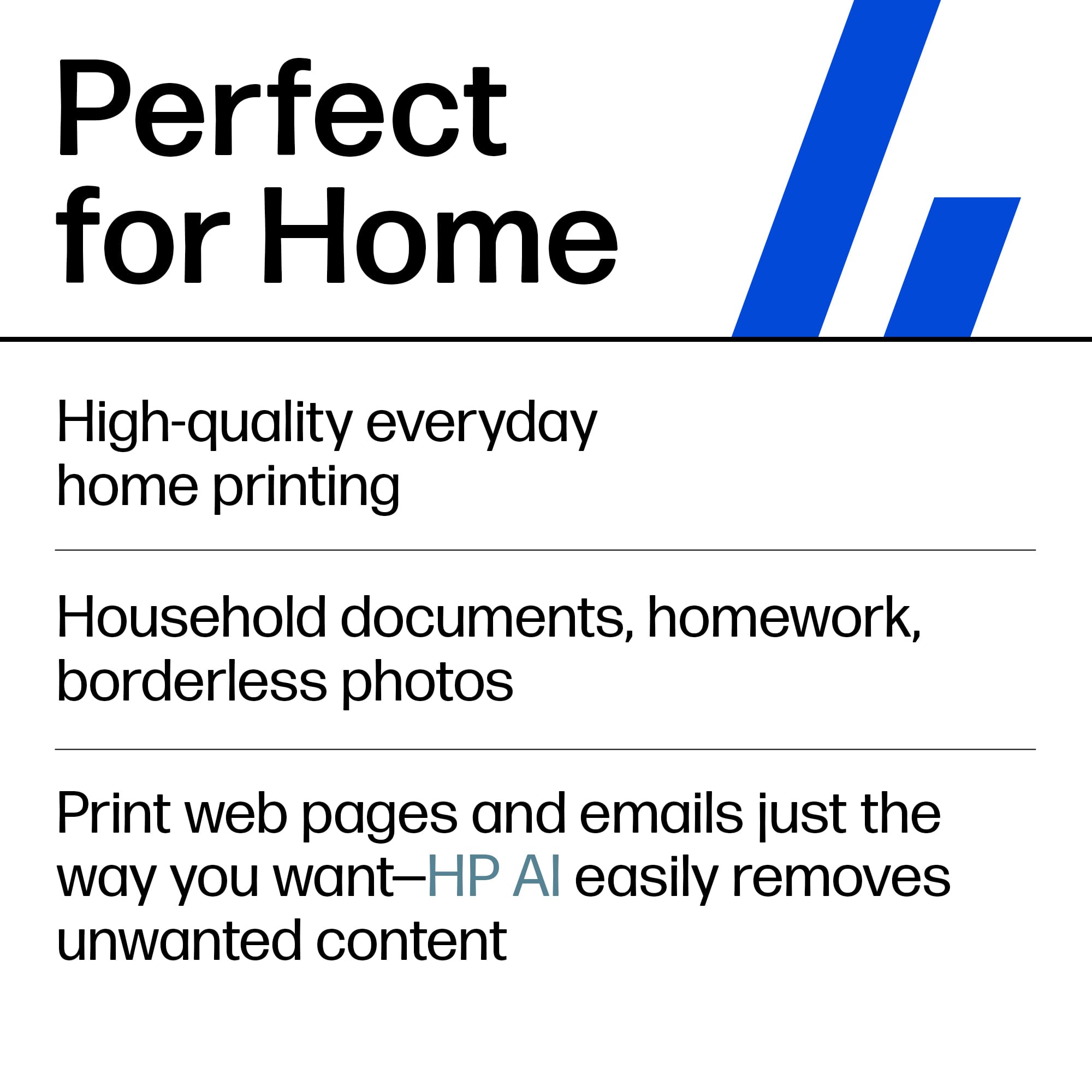
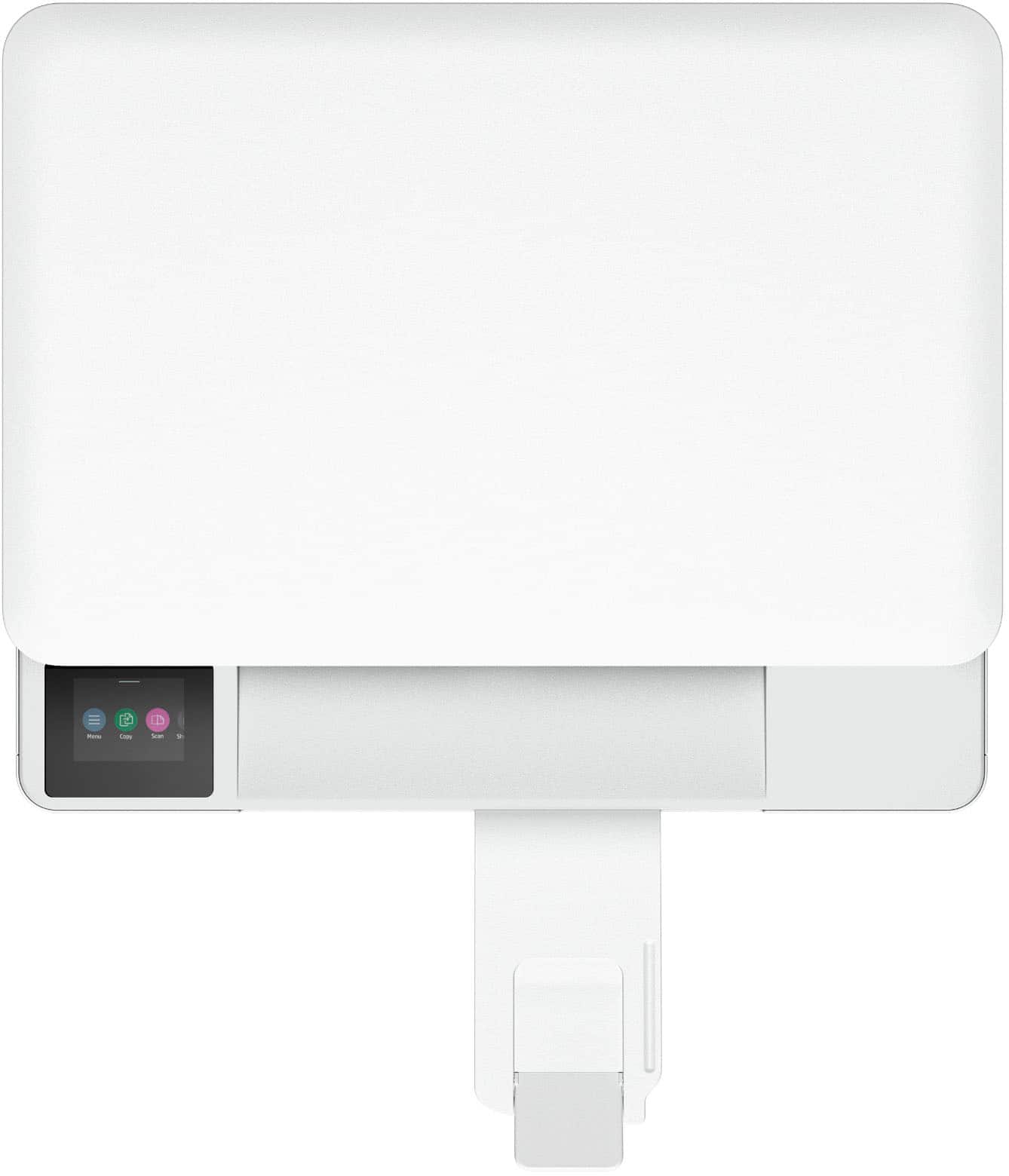
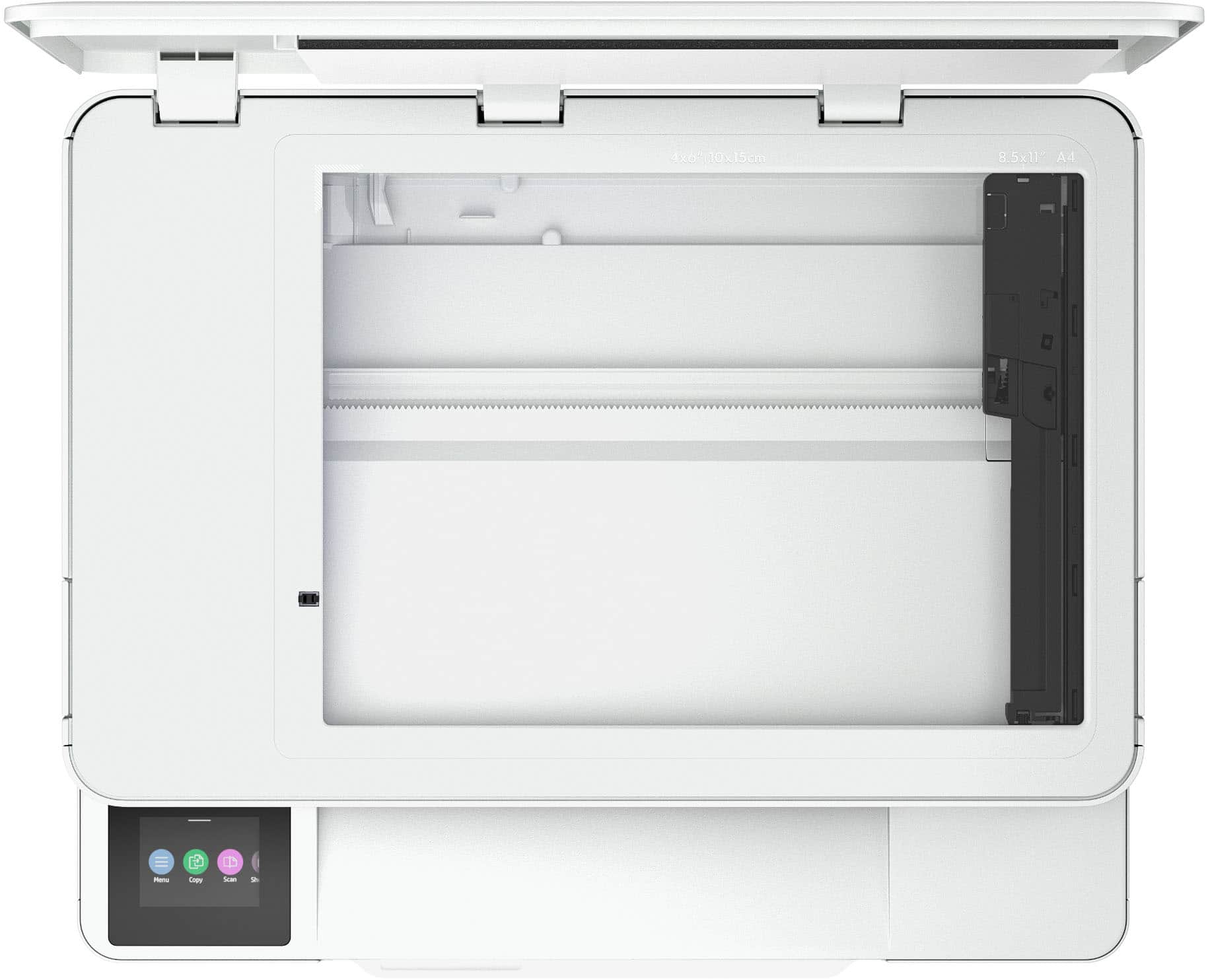
|Posted .This reviewer received promo considerations or sweepstakes entry for writing a review.I do like HP printers, mostly for the ease of setting them up and their ease of use. Just recently added to the 6100 line comes the Envy 6165E with a nice redesign. Let's have a look at how good it is. Before I go into specifics, I'd like to say that this is a *home office* printer. It would actually be more precise to call it an everyday, all-in-one, all purpose *family* printer, as it leaves out a couple of common, convenient office options to keep the price low (such as an automatic document feeder). It doesn't mean you can't use it as a small office printer, but it might fall a bit short and make some operations a bit more tedious. It sports a small color touchscreen which is rather easy to use and allows quick access to all the main functions. Let's move on to the unboxing. You get the printer, 2 ink cartridges, a power cable and a bunch of leaflets for easy installation and setup. I was mostly surprised at the small form factor. It's a very compact printer which won't take up much room. As a matter of fact, this might be one of the few AIO printers with such a small footprint. I started installation using my smartphone as this has been a much more streamlined experience. The whole software setup took about 15 minutes and another 5 minutes for a firmware update. I would recommend to NOT skip the printhead alignment process. It really does make a big difference and makes sure you don't end up with streaks and the infamous "ladder" effect. Next, let's talk about the ink. You get two cartridges. Black and Color. That is usually a big red flag for me. Ink cartridges containing more than one color are usually wasting a big chunk of ink if you only run out of one of the three. The yellow is often the first one to go and you'll have no other option but to replace the entire thing even if it still holds other colors. Besides being a wasteful, it's also a pain in the rear and might end up costing you a pretty penny in ink over time. On the plus side, if you choose to go with HP's automatic ink delivery, they offer you 6 months of ink for free. The scanner is fairly basic but it gets the job done, even though if it's one of the slowest I've even seen. Printing speeds vary of course as a photo print will take a bit of time, but documents are printed much faster. Note that there is an actual paper tray and not a dust catching pop-out in the back. So many printers in this price range do not have such an option, but HP was very wise to design the Envy with drawers instead. Now, let's see how the printer does in its main function: Printing. In order to see how well a printer can handle prints, I always pick some of the cheapest paper first. It's closer to everyday use and gives you a better idea as to how it will look on higher paper grades. The results were surprisingly good. Even a full page picture came out quite well (check the pictures I've included with the review). Text is clean without bleeding or artifacts. I do think that HP has hit a high with this printer in terms of print quality. I also used a heavier and more glossy paper and it came out with strikingly vibrant colors. Don't expect photo quality, but it's more than decent for a machine at that price. To sum it up, I'd say the HP Envy 6165E is a solid, but not flawless printer. It's ease of use, ease of installation and above average prints make it a good choice if you only have a small print volume. I regret the lack of separated color ink tanks as in this day and age, we shouldn't produce unnecessary waste (for the user and the environment). Nevertheless, it's a nice printer with many positive aspects, so I will give it a 4 star review, even though it tends to be more of a 3.5.
I would recommend this to a friend - Pros mentioned:Connectivity, Print quality, Setup ease
Excellent print quality
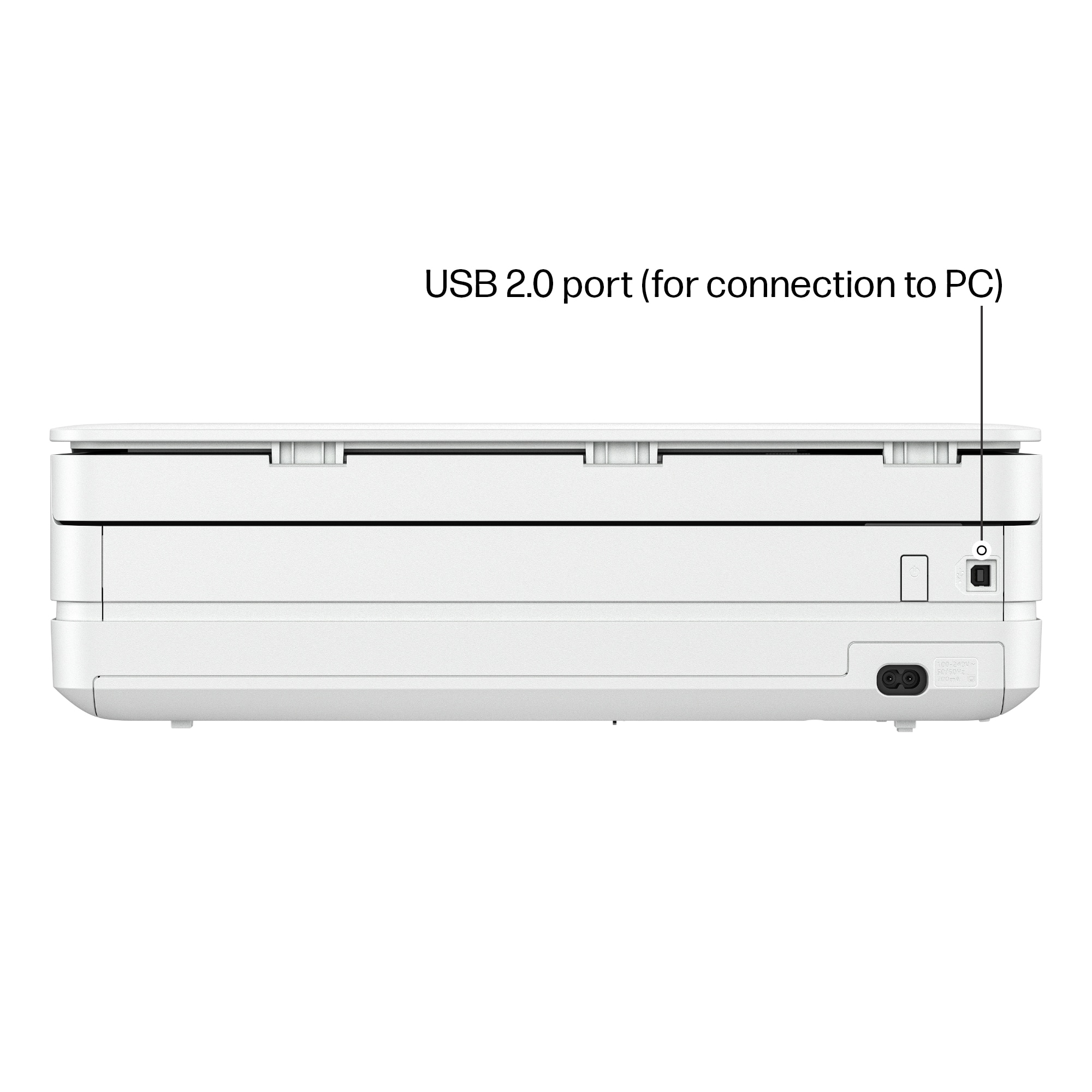
|Posted .This reviewer received promo considerations or sweepstakes entry for writing a review.Received printer in perfect condition. Setup was very straight forward. Remove tape, plug in, select language, country etc. Scanning the QR code brings up a start page that walks you through the rest of the setup process. The cartridges snap in firmly, and the printer was ready to run in just a few minutes. I had installed HP Smart app and started testing the printer. That is when I ran into issues. The printer was connected to Wi-Fi, and communicating with the computer. It showed the installed cartridges and ink levels. I could scan and see the scan on computer, but would not print from computer. And could print copies directly from printer control panel. Decided to try a different computer, and it worked perfectly. After some digging on the internet, it appears the HP drivers are not fully compatible with some of the ARM / Snapdragon Co-Pilot 64 processors. I tried the HP universal print drivers to no avail. Keep this in mind if your computer has this type of processor. On to printing. The connection to Wi-Fi worked perfectly. The printer takes a moment to spool, but after that it prints very quickly. The printed page looked crisp and very dynamic. The colors were sharp and saturated. Using the scan function also yielded good results. The front control panel is full color, and includes a number of settings and functions. You can scan, copy, change settings etc. The printer is designed to only be compatible with genuine HP new or re-manufactured cartridges. Installing generic cartridges will cause the printer to stop working and give an error message. However, you can opt for automatic ink refills through HP. Overall, a good all in one printer in this price range.
I would recommend this to a friend