Customer Ratings & Reviews







- Model:
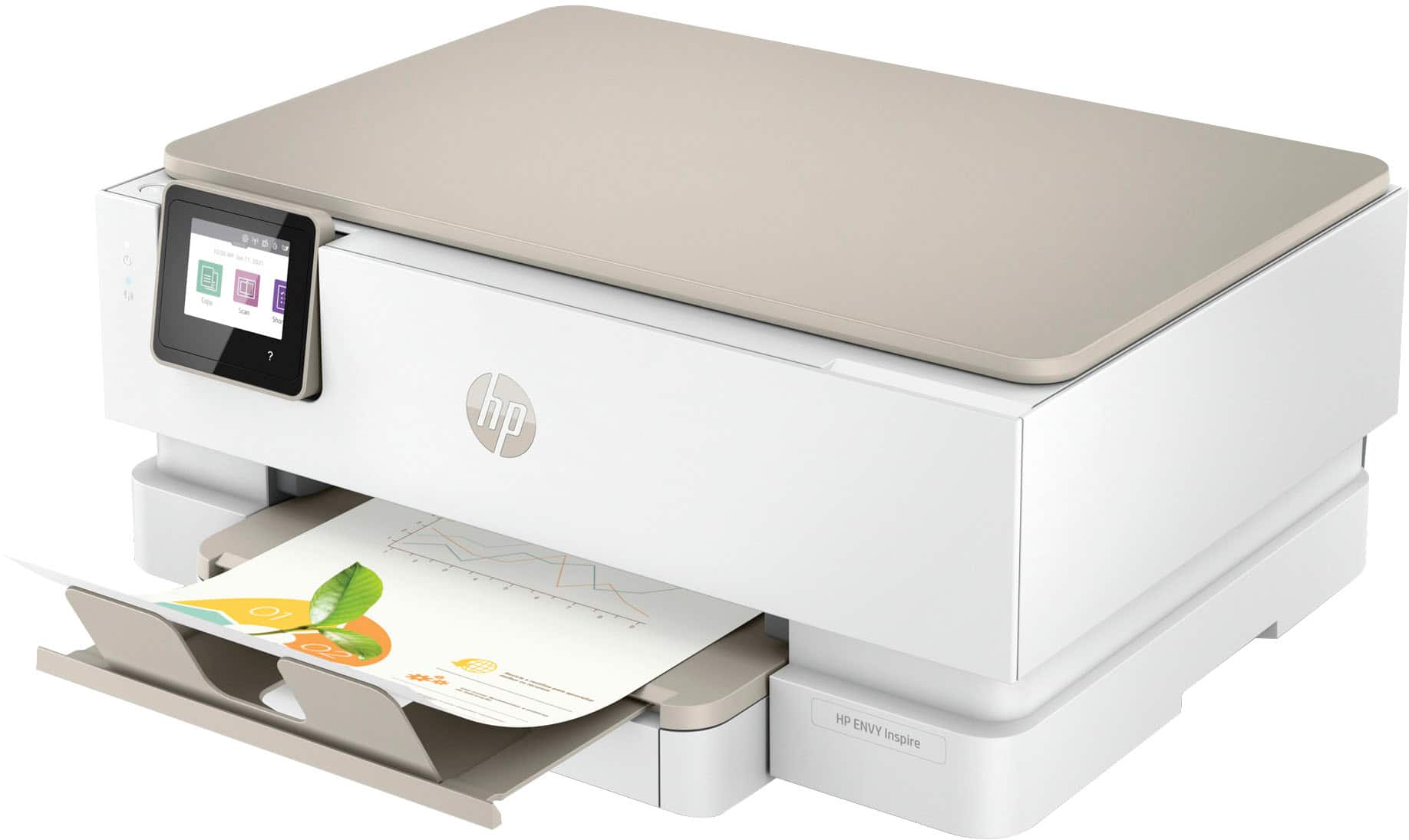
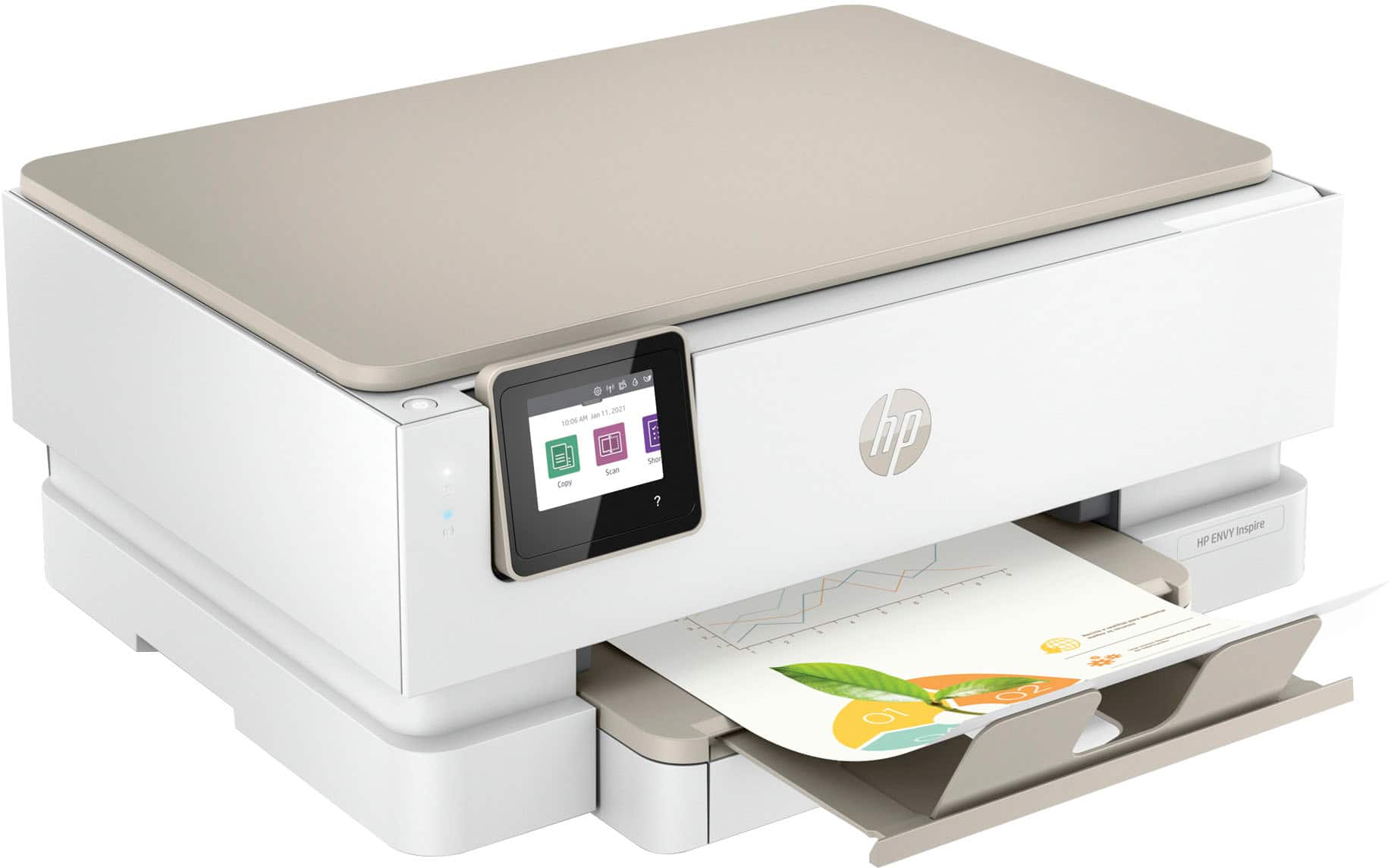
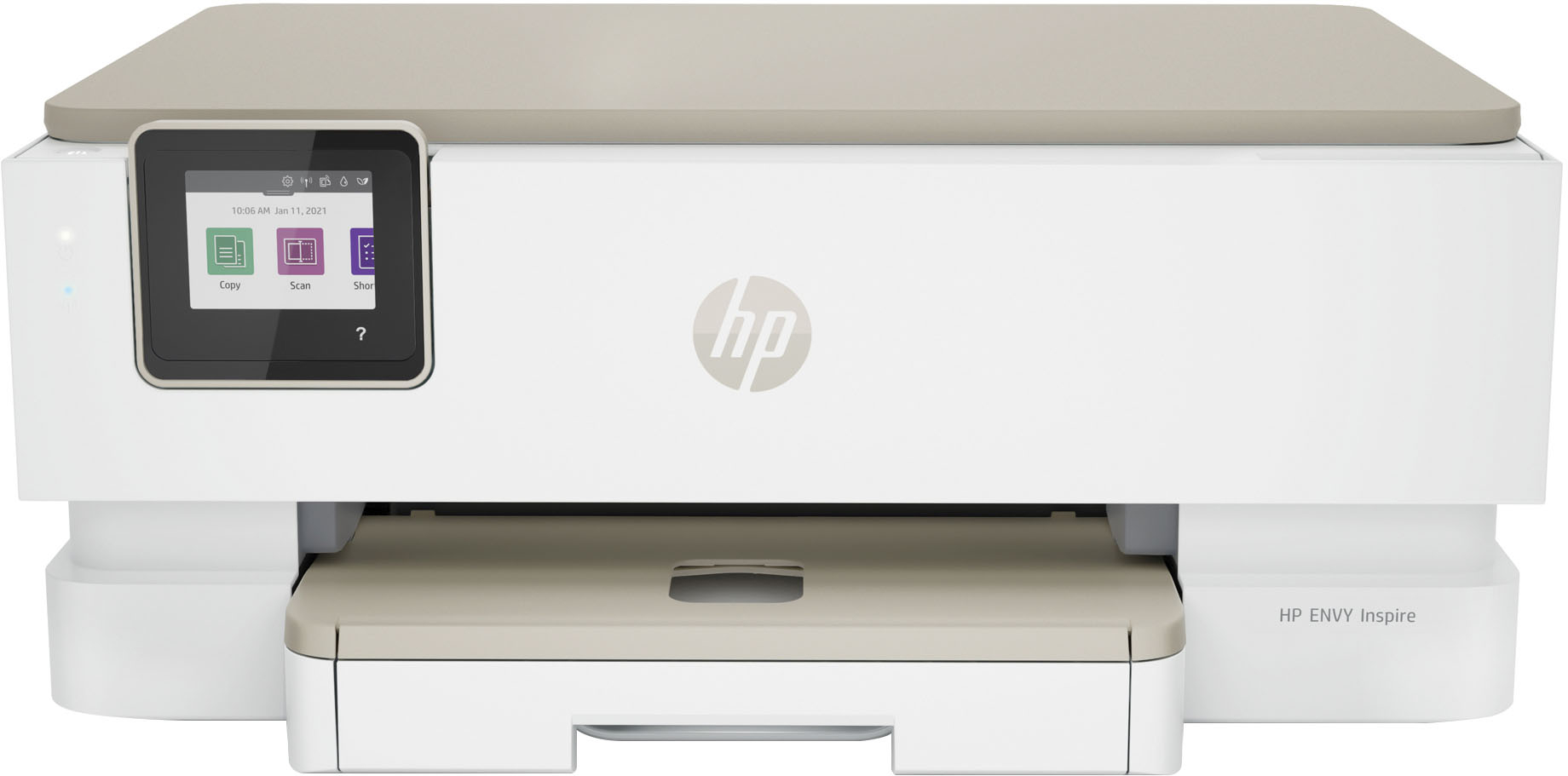
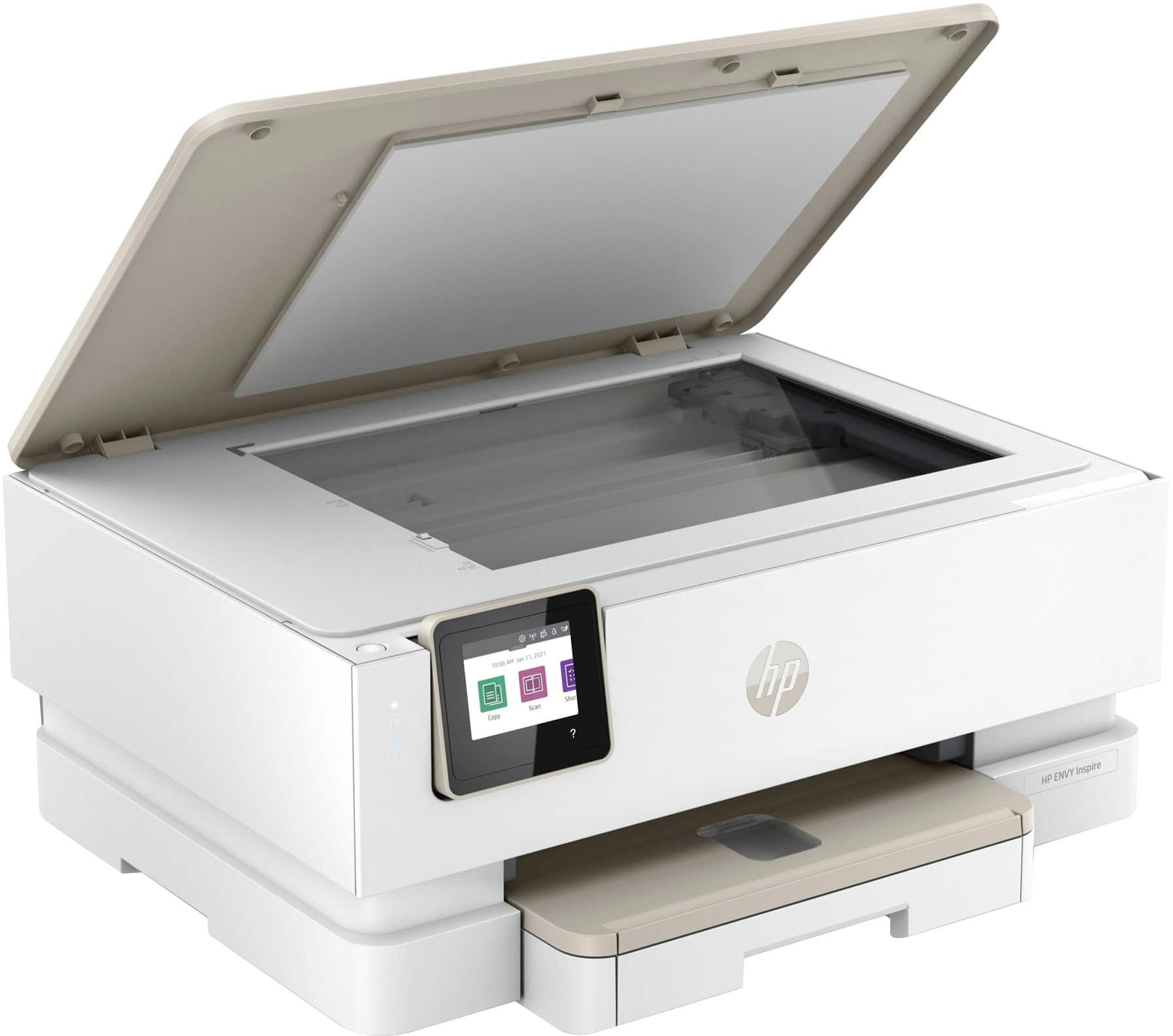
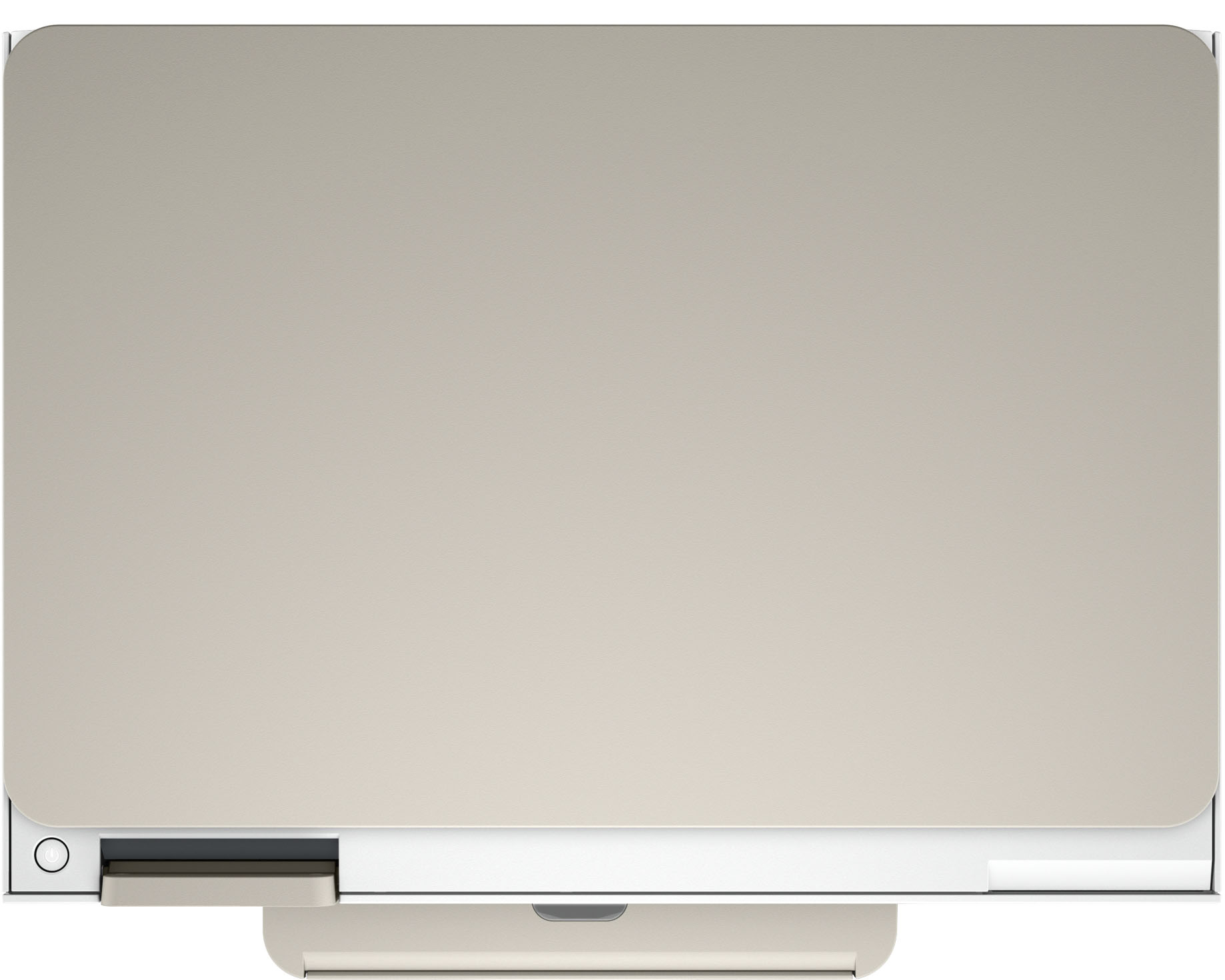
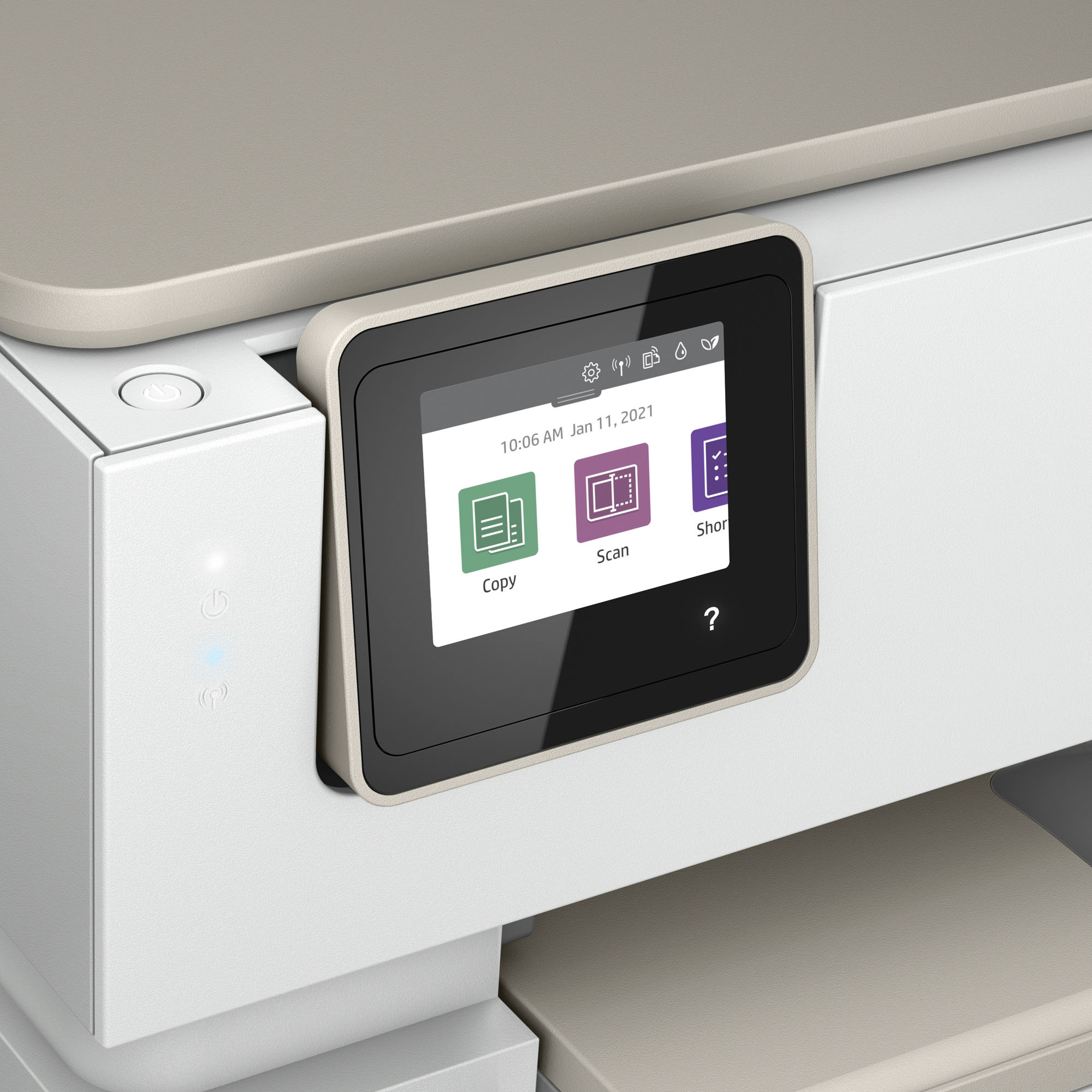
- ENVY Inspire 7255e/1W2Y9A#B1H
- SKU:
- 10187372
Rating by feature
- Value
Rating 4.5 out of 5 stars
- Quality
Rating 4.5 out of 5 stars
- Ease of Use
Rating 4.5 out of 5 stars
The Photo Try do not work
||Posted . Owned for less than 1 week when reviewed.This reviewer received promo considerations or sweepstakes entry for writing a review.I purchased this printer to print photos but ended up wasting an entire afternoon trying to make it work. Eventually, I had to return it. If you encounter the problem where, after loading the paper, the Main Tray is displayed in black letters and the Photo Tray is grayed out and shows as empty, do not waste your time like I did. Return it and save yourself the hassle.
No, I would not recommend this to a friendDo not buy
||Posted . Owned for 5 months when reviewed.This reviewer received promo considerations or sweepstakes entry for writing a review.This is the worst printer ever. I have spent so much money on ink and paper and have yet to print more than 25 okay prints in the last 5 months. No wonder why HP tries to sign you up for their ink program. Switched inks and have had to do a dozen Print Quality Diagnostics and it still is not printing clear and i have now used 1/4 of my ink.
No, I would not recommend this to a friendTrash! waste of plastic
||Posted . Owned for less than 1 week when reviewed.This reviewer received promo considerations or sweepstakes entry for writing a review.When finishing setting up and everything said is good and to print test page, a message appears on lcd printer screen to finished set up first before printing. It wont let me print anything. The message just appears evertime. I facotory reset the printer like 5 times and try setting up from iphone and a computer. And message still apears.
No, I would not recommend this to a friendBrand response from HP Team
Posted .Hi there.
I’m sorry your printer has not completed the setup and installation process. I can wholly understand your frustration here, especially considering you’ve done numerous factory resets and the problem persists. I want to help you out of this dilemma, so I’ll suggest a resource that I hope will lead you there.
I recommend that you contact us directly so we can help you assess what’s happening and find the proper course of action. HP+ printers such as yours come with exclusive concierge support. To call and reach live HP+ experts, visit the following URL and enter your HP+ serial number:
- hp.com/plus-help
Keith
HP Care
hp.com/support
Good all around printer
||Posted . Owned for 3 weeks when reviewed.This reviewer received promo considerations or sweepstakes entry for writing a review.Works pretty good for home and school projects, prints good quality pictures and copies.
I would recommend this to a friend
HP Innovation at its best this Inspire Printer
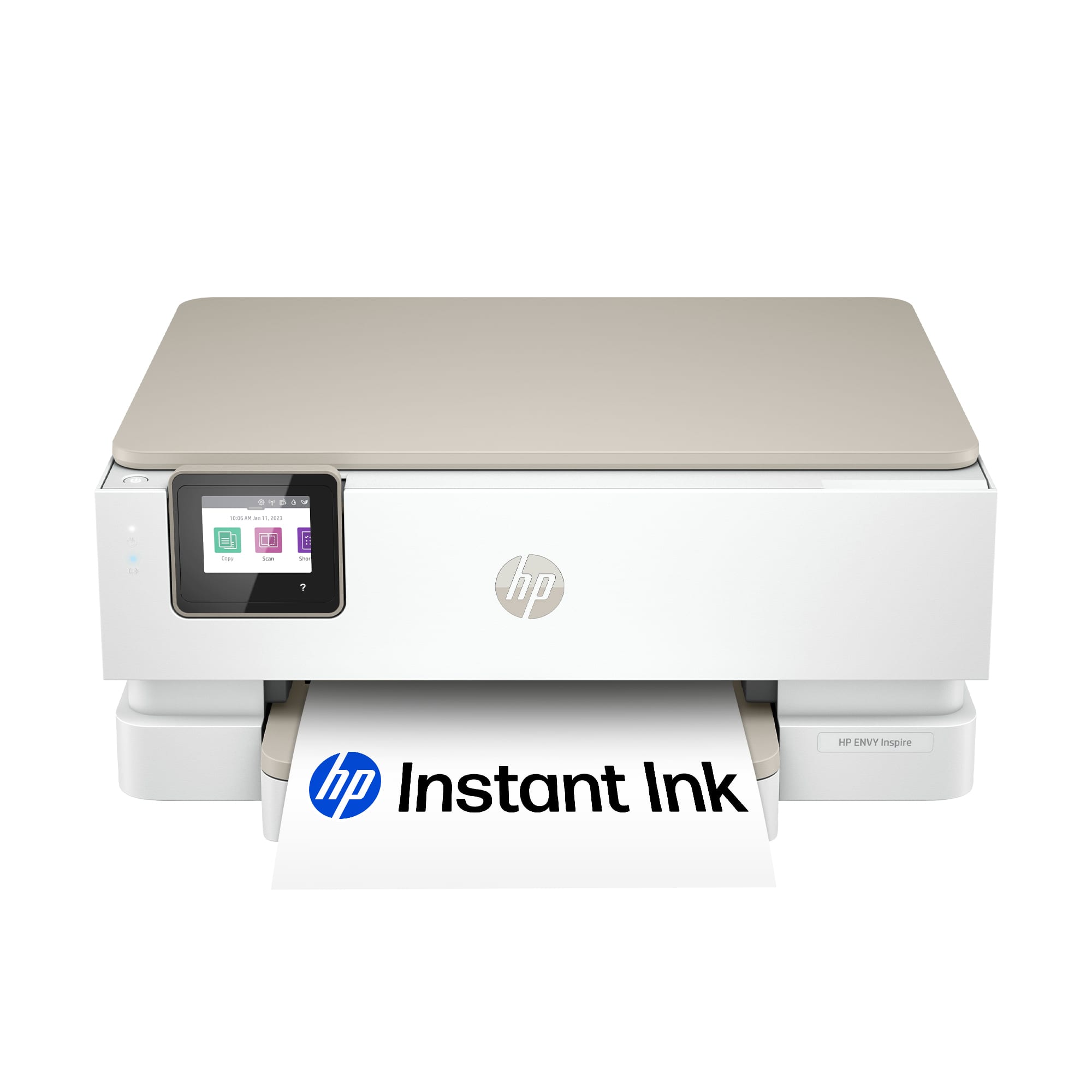
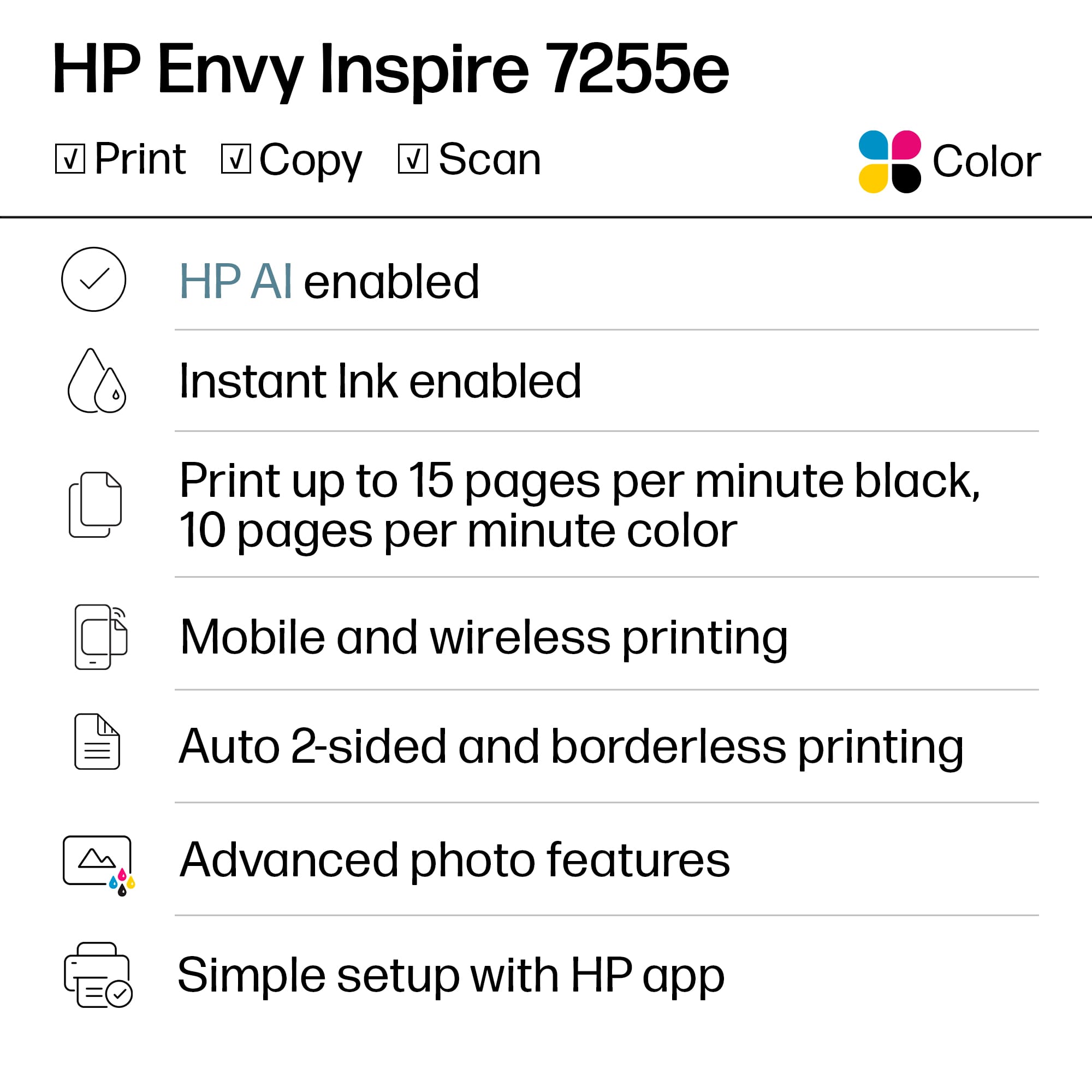
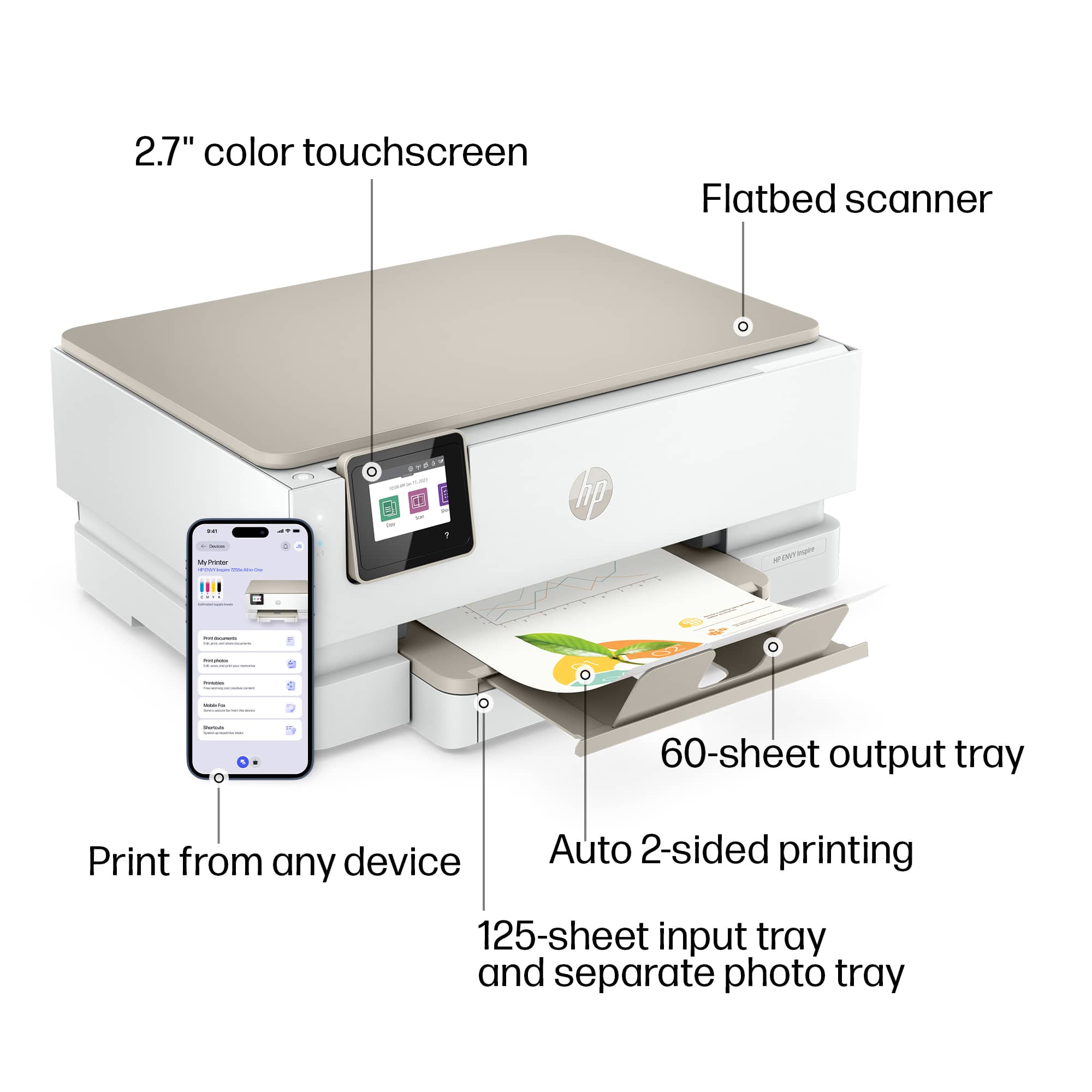
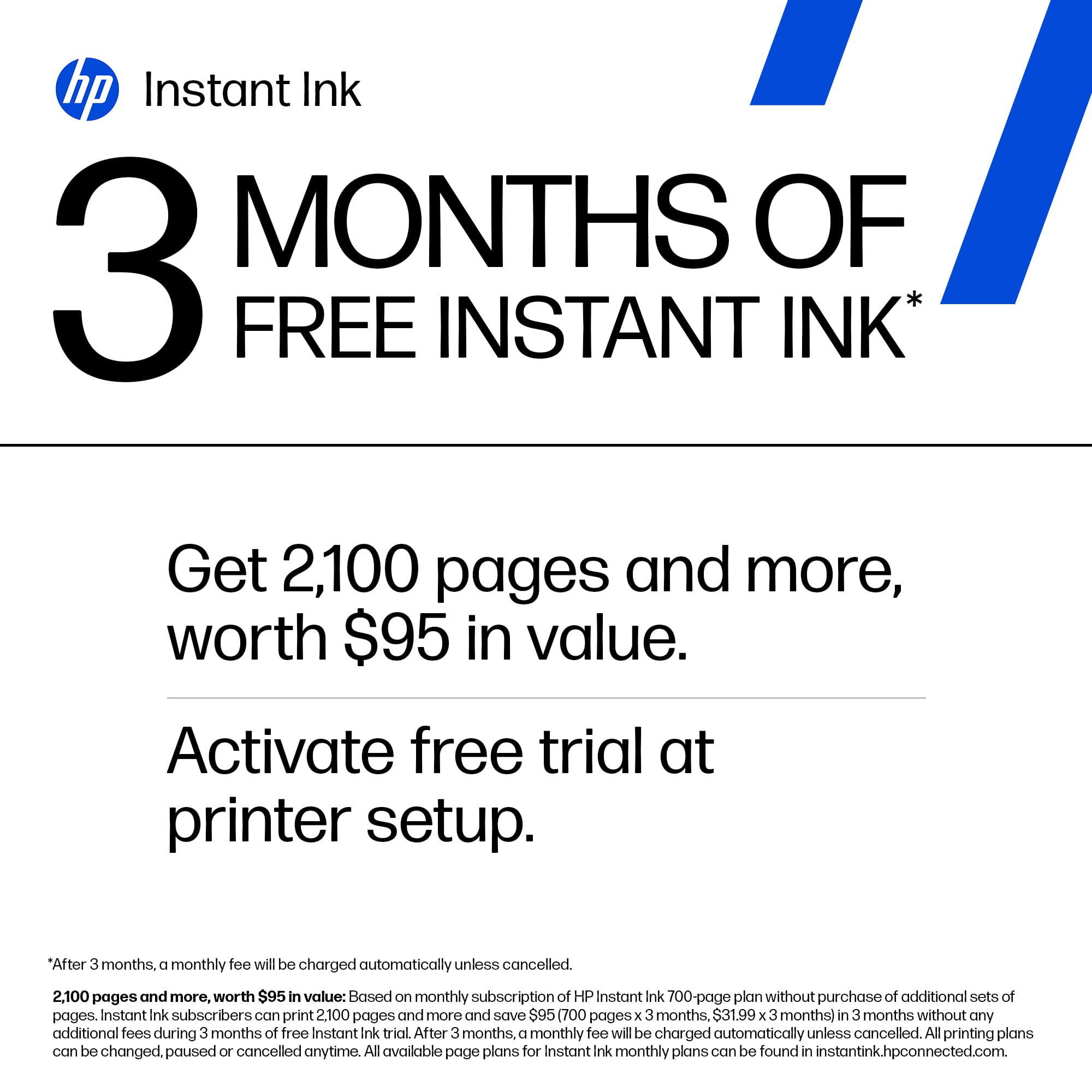
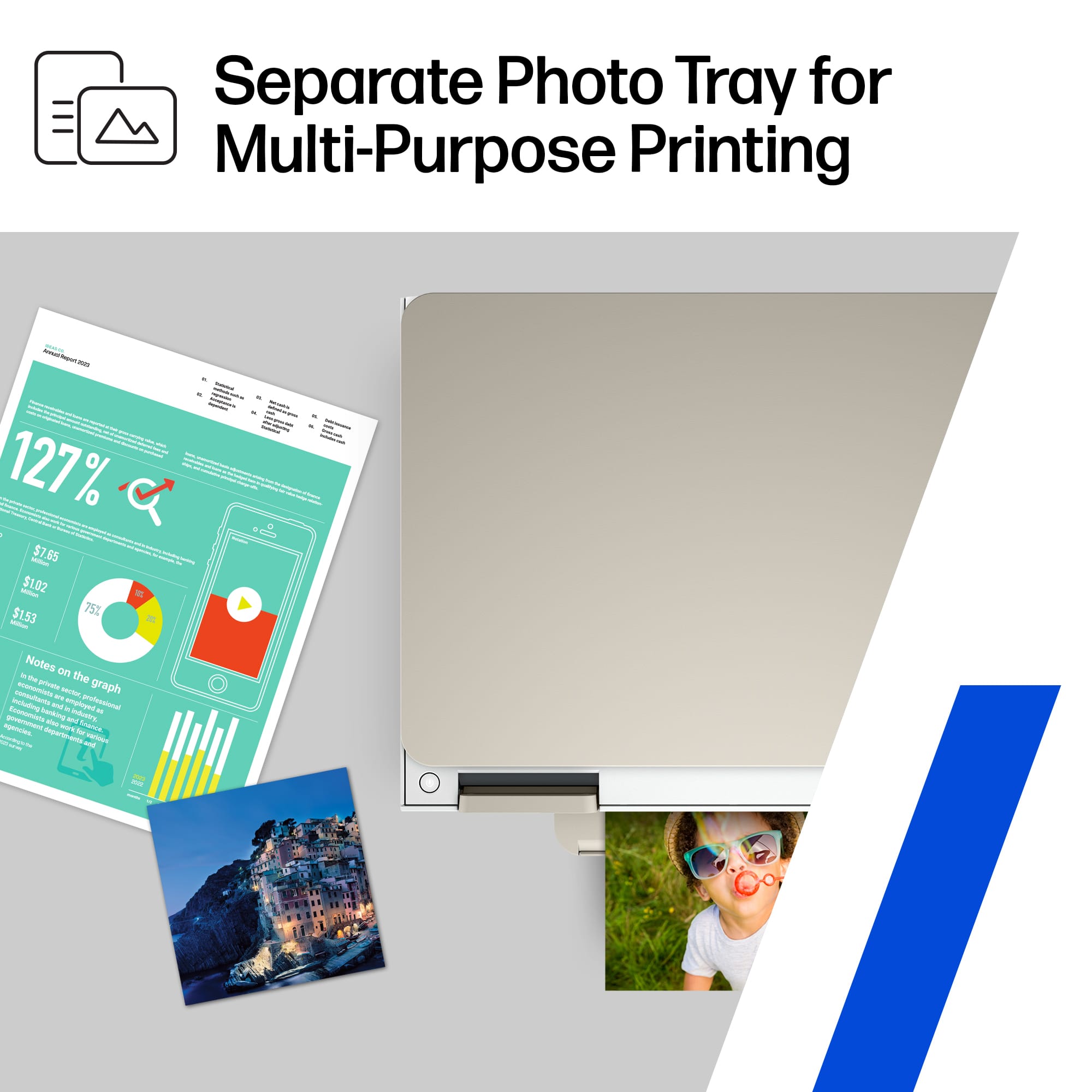
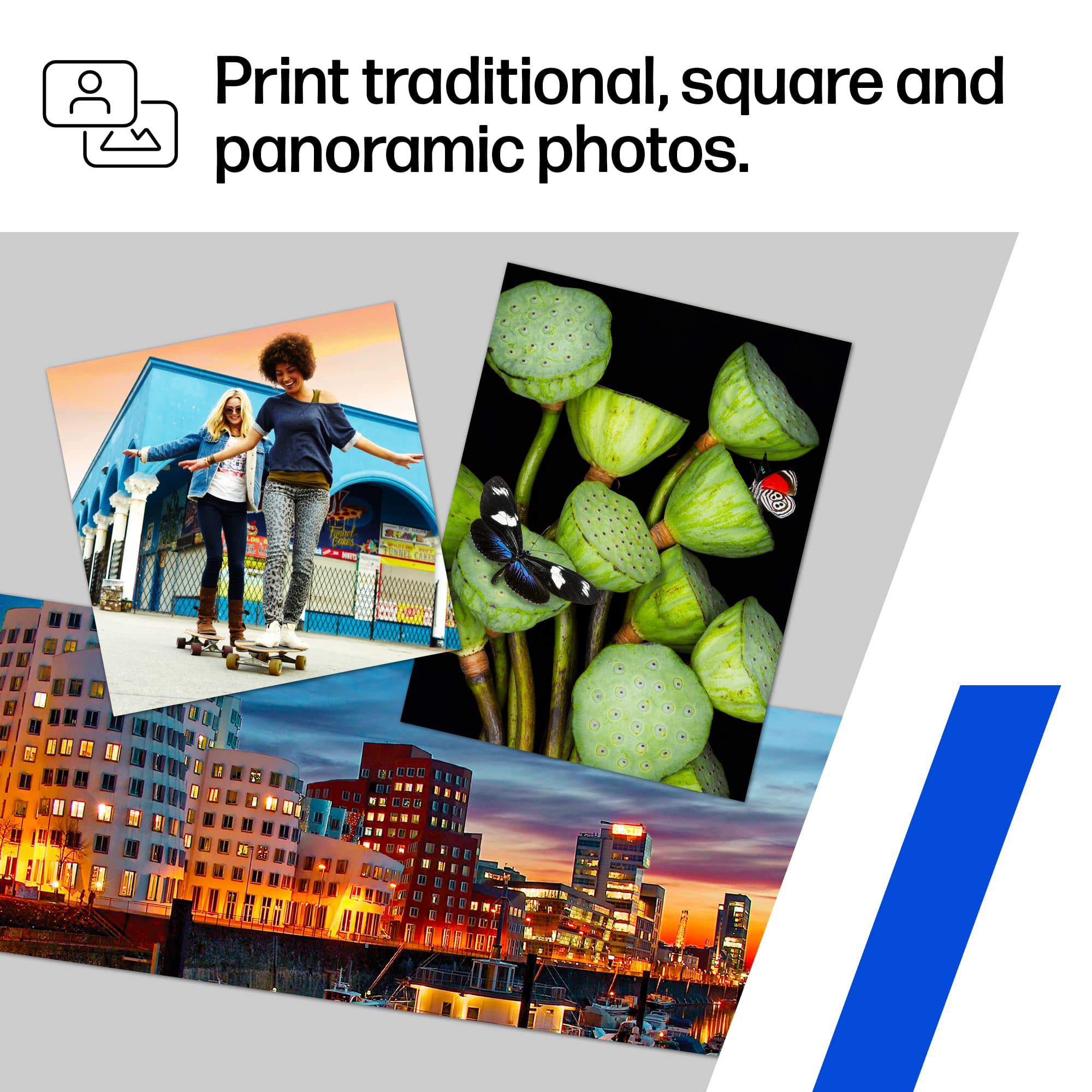
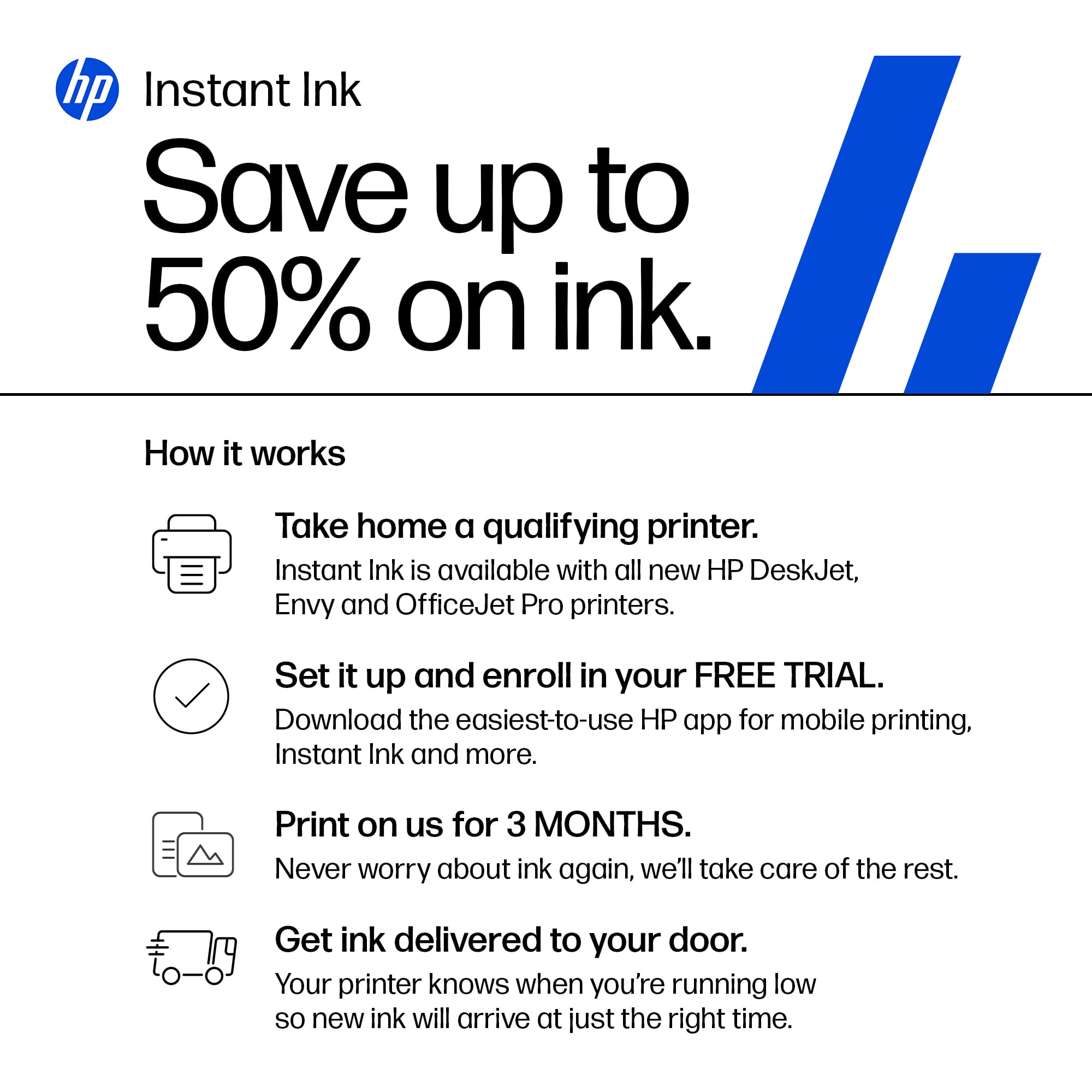
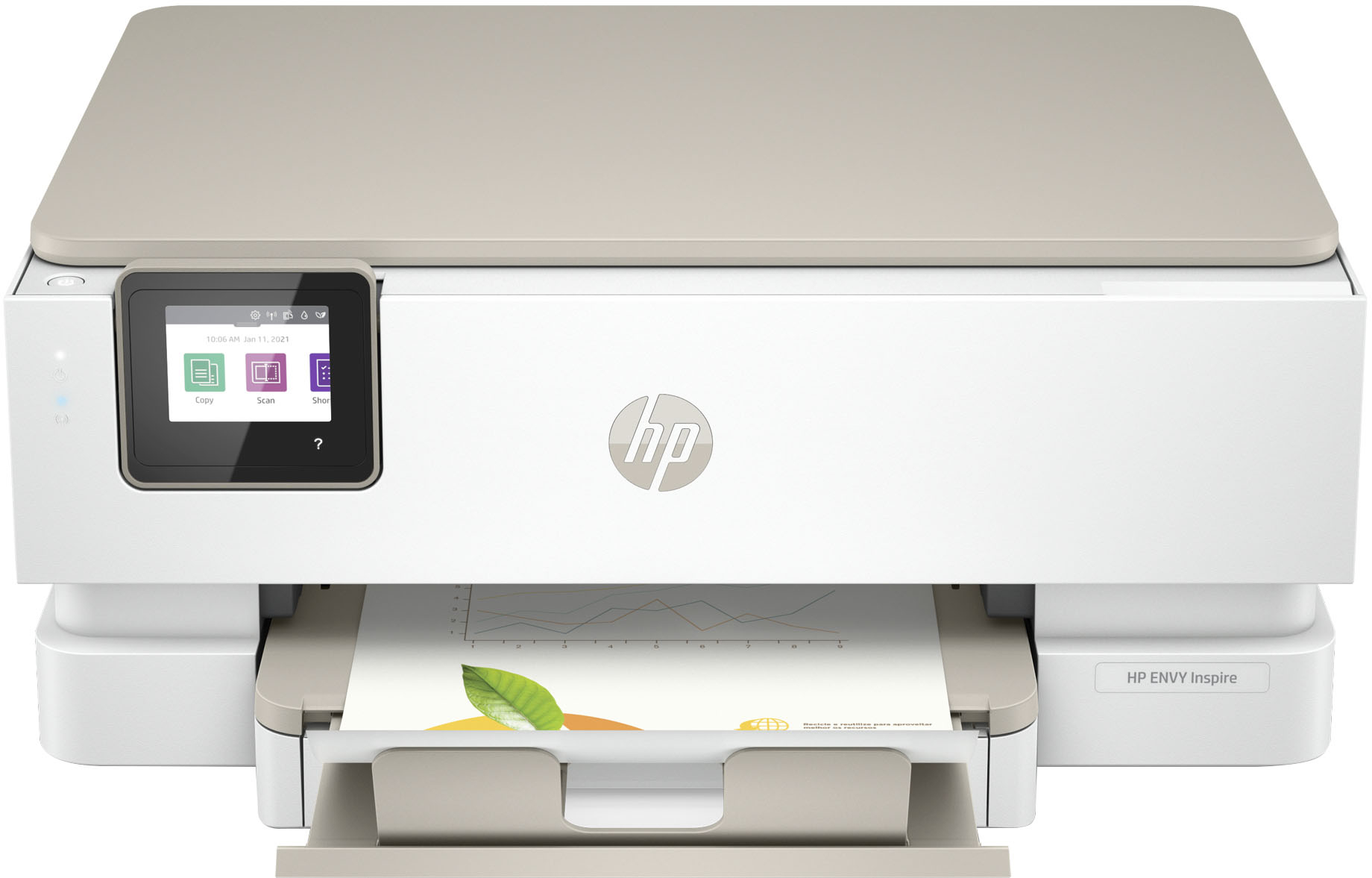
|Posted .This reviewer received promo considerations or sweepstakes entry for writing a review.This is a feature packed printer at a great price. I started with the HP Smart app to set up printer. Set up went fantastically well! The process was quick, took approximately 5 minutes. This is a lot larger than my previous HP Envy 7100 printer. The touch screen is a perfect 2.7" Color display. Equipped with Main and Photo trays, Scan and copy docs and photos. Email ability. There is no SD card or USB port for media. Wireless connectivity AC Dual band or USB. I checked and found printer automatically connected to my 5ghz connection. My windows 10 and 11 laptops all automatically found the printer. I printed from my smartphone with no issues. I downloaded the HP app and was able to print with no issues. So far, everything has been a smooth ride. I printed one Gloss photo just to check screen image transfer to paper and was actually pretty crisp and true to color. (See attached photo) I printed 600 dpi Color. 1200 DPI capable if desired. ISO Speed 15ppm Black, 10ppm Color. Multiple print sizes. The app also offers customer messages with 2 sided 4x6 printing. Monthly duty cycle is 1000 sheets. One of my faves with HP is their Instant Ink program. Sign up for a small monthly fee and receive all the ink you need automatically. The printer reports your ink levels so HP can send new ink before you run out. Buy this printer now and receive 6 months free Ink printing. Also roll over unused sheets. I can't think of a better way to manage ink expense. After my 6 month period ends, I will switch to my $2.99/month for all the ink I need. Thats $36.00/yr. This is of course if you only need to print 50 sheets a month. There are higher sheet capacity plans at reasonable rates. I Believe HP understands people will print more if it is affordable and I think they have developed a good system here.
I would recommend this to a friendWaste of money, too expensive and never works
||Posted . Owned for 7 months when reviewed.This reviewer received promo considerations or sweepstakes entry for writing a review.I must have got a lemon, it has never worked and a complete wast of money. Customer service is a waste of time. Printer going on the trash.
No, I would not recommend this to a friendBrand response from HP Team
Posted .Hi there.
I’m sorry to hear that you've encountered difficulty with your printer. I’m also sorry for any resulting inconvenience. I can’t tell from your review what specific problems have come up, but I’ll nonetheless suggest some resources that I hope will help you remedy any issues you might face.
First, for help solving problems, you can visit a page on our support site that has diagnostic tools for various tasks and issues, including connectivity, print quality, operating system compatibility and cartridge installation. There you’ll also find a general-purpose tool called the HP Print and Scan Doctor. If you use Windows, the tool will help identify and guide you through solutions to a wide range of common printing and scanning issues. Visit that page here:
- support.hp.com/us-en/topic/diagnostics
For additional help with difficulties, or to learn more about your printer and all its features, you can access troubleshooting guides, how-to documents, user manuals and software updates here:
- support.hp.com/us-en/product/model/2100402069
If you need further assistance, I suggest that you contact us directly so we can help you assess what’s happening and find the quickest path to a resolution. HP+ printers such as yours come with exclusive concierge support. To call and reach live HP+ experts, visit the following URL and enter your HP+ serial number:
- hp.com/plus-help
Keith
HP Care
hp.com/support
PRINTING CANCELED
||Posted . Owned for 9 months when reviewed.This reviewer received promo considerations or sweepstakes entry for writing a review.Would not recommend. Constantly having to troubleshoot for every print job as every print job cancels right away. So frustrating!
No, I would not recommend this to a friendOutstanding printer in all respects
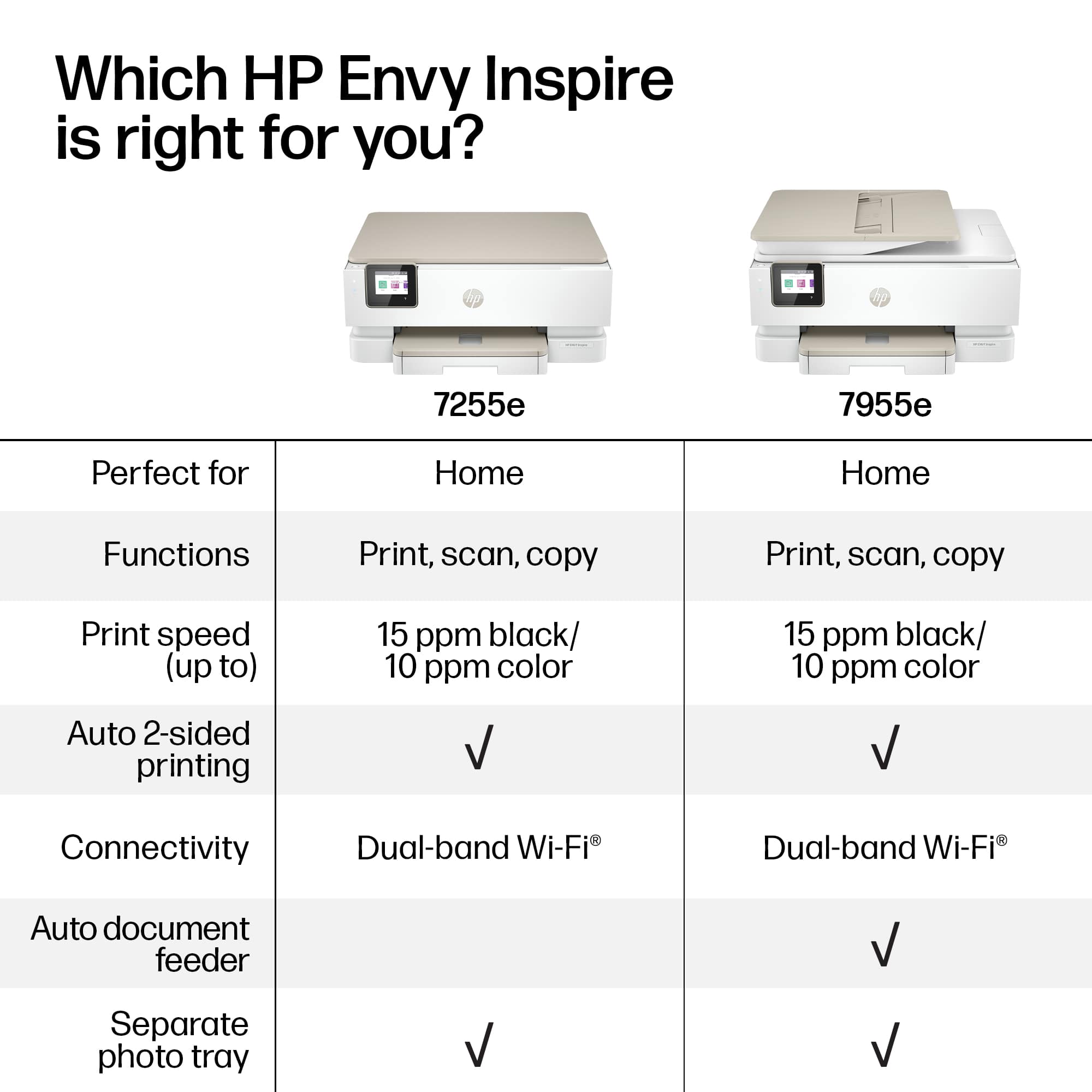
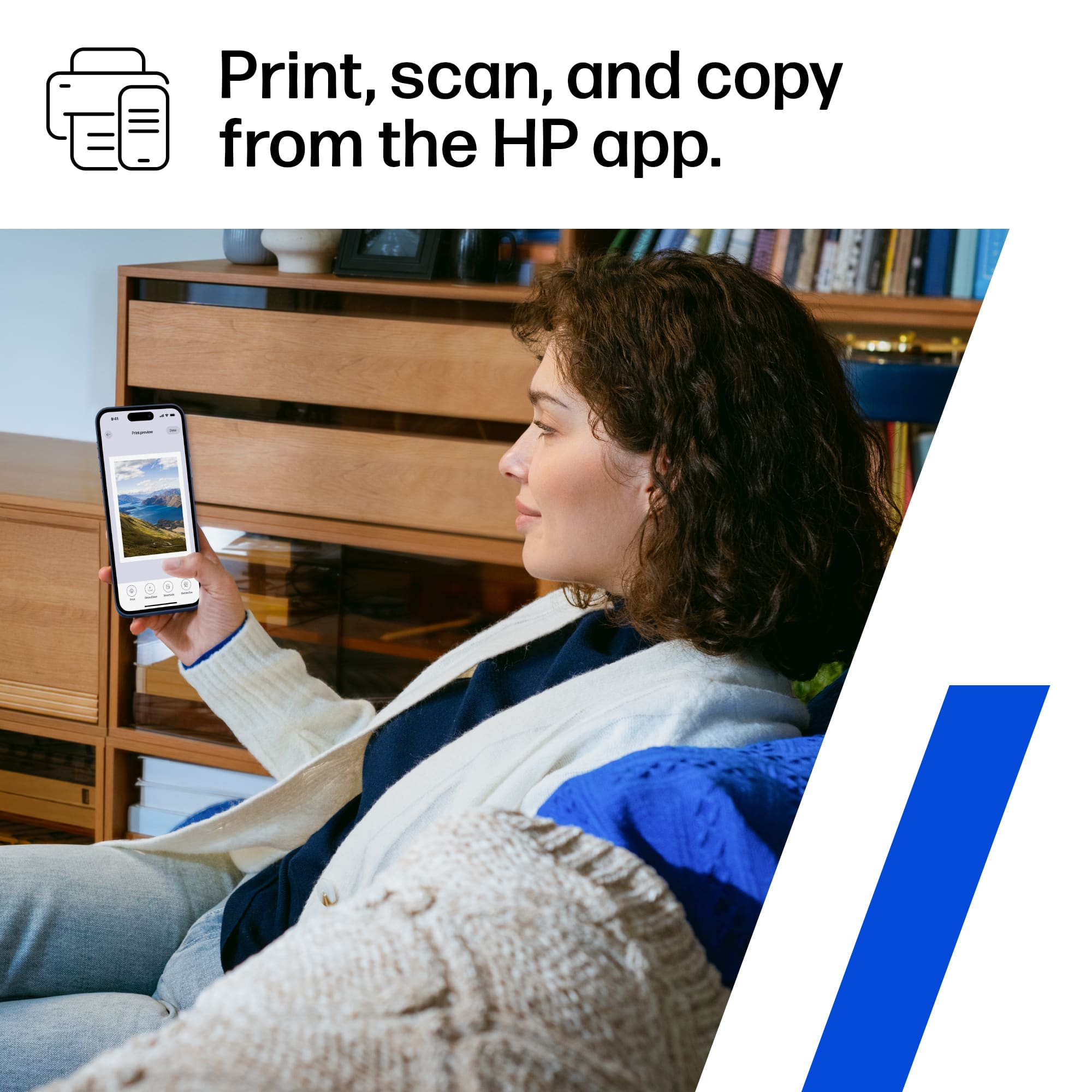
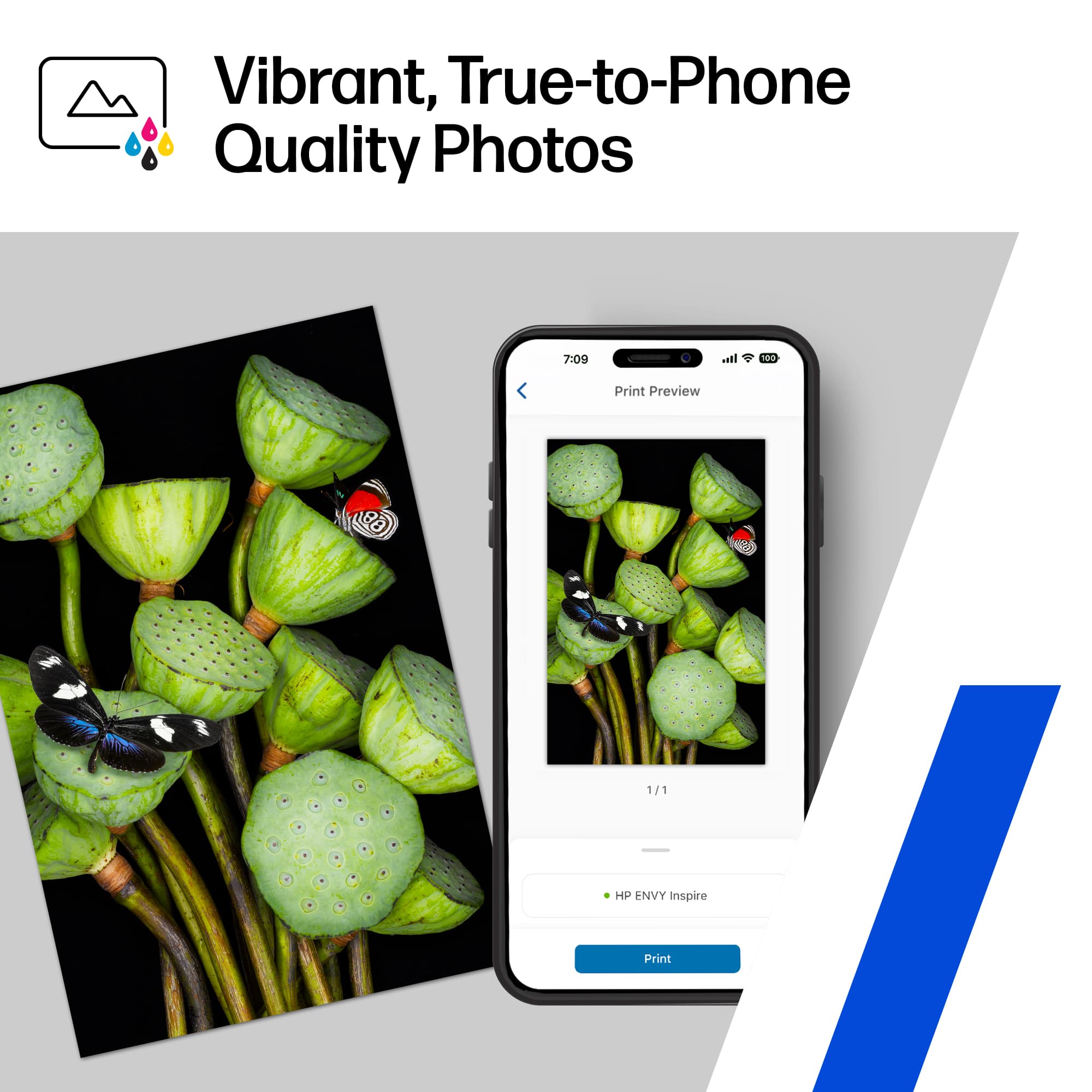
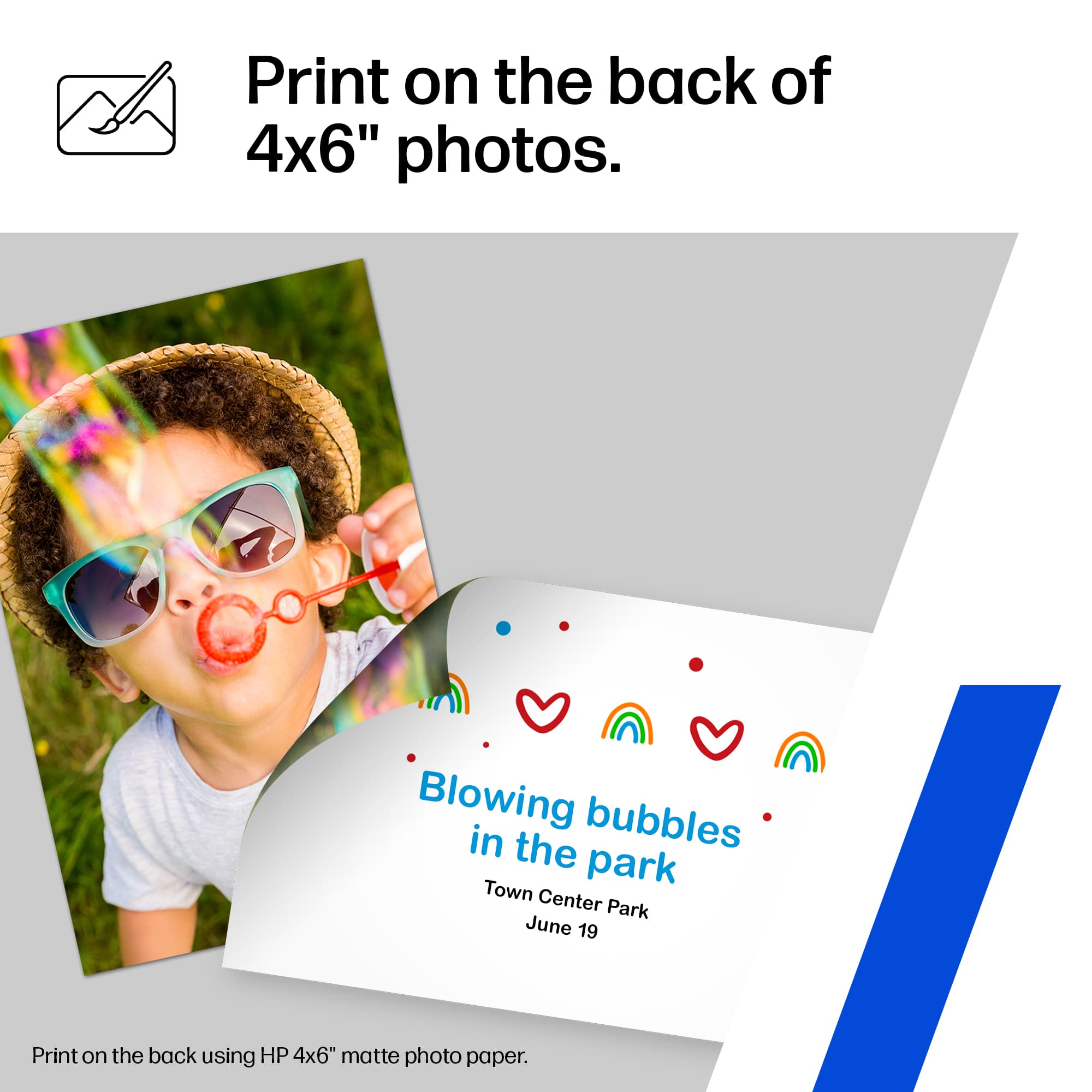
|Posted .This reviewer received promo considerations or sweepstakes entry for writing a review.To put it bluntly, this HP Envy Inspire 7255eprinter is fantastic. It's about as easy to set up as could be hoped for. Unboxing the printer and getting all of the hardware set up was simple, and setting up the printer from my smart phone was also pretty straightforward. I made an HP account and was quickly able to locate the printer and download the software. As long as you follow the steps on your smartphone, you're good to go. Printing standard documents is a breeze from the phone or computer. The quality of the print job is high and the documents are crisp and clear. It is also extremely quick. I was actually shocked at the speed of the double-sided printing for a black-and-white text document. I next tried to print a few pictures directly from my phone. It's such a convenient feature, and you can be sure you won't waste any photo paper because the HP app shows you a preview of the image cropped in the dimensions of the paper. It's also very easy to load the photo paper into the printer because the paper tray easily adjusts to fit multiple paper sizes. I first printed a picture of my dog on a piece of 8 x 11 high-quality printer paper, and it was quite saturated and clear. I then used the double-sided printing feature for another dog picture on a matte 4 x 6. You can edit the text on the back of the photo using the app, though this function on the app was a bit clunky. But, I was able to figure it out soon enough. Finally, I printed a family photo on the 5 x 5 glossy paper. The quality is indeed exactly as good as the photo on the cell phone. The scanning function on the HP mobile app is also quite effortless. You can get a preview of the document on your phone and crop the scan if you want. Then, you just start the scan from your phone and either share it or save it. The app also makes it very easy to add pages to your scan. The scans look crisp and clear. The desktop HP software for scanning is also quite simple to install and use, but I think I will mostly be controlling the printer from my phone. Copying is as easy and convenient as scanning. You can take an image of any document or photo with the app, edit the image, and then print it directly. Of course, you can also use the copier in the more traditional way and place your document directly on the platen and press buttons on the touchscreen. To sum it up, this printer is absolutely worth the price and really top-of-the-line. There could be a learning curve with the app if you are not particularly tech-savvy, but after using the functions one or two times, it's a breeze.
I would recommend this to a friendSpend the extra money and get something better
||Posted . Owned for 3 months when reviewed.This reviewer received promo considerations or sweepstakes entry for writing a review.3 months and it won’t print. It won’t connect, grinding noises and error messages saying the photo tray is blocked. It’s not.
No, I would not recommend this to a friendBrand response from HP Team
Posted .Hi, Matthew.
I'm sorry your printer has stopped working after only three months of ownership. Your exasperation comes as no surprise, considering the device has made grinding noises and displayed contradictory error messages. I want to help you out of this dilemma, so I'll direct you to some resources that I hope will make that happen.
I can't tell from your review what's causing the alarming noise you hear or the error messages you describe. I recommend that you contact us directly so we can help you assess what’s happening and find the proper course of action. HP+ printers such as yours come with exclusive concierge support. To call and reach live HP+ experts, visit the following URL and enter your HP+ serial number:
- hp.com/plus-help
I'll also mention that HP printers have a one-year warranty from their purchase date that covers hardware as well as ink supplies – and that warranty extends to two years with an HP+ account – so if it comes to that, you might consider making use of it. You can verify the warranty using the following link:
- support.hp.com/us-en/checkwarranty
Keith
HP Care
hp.com/support
Great home computer!
||Posted . Owned for 2 weeks when reviewed.This reviewer received promo considerations or sweepstakes entry for writing a review.I am only rating this 4 stars because we have only made about 100 copies. However, we love it! Easy to set up and we love the delivery of ink by mail just when you need it. The ink that comes with the copier has a tank that is half the size of the ones that you receive in the mail. Every function works as advertised. I have used it to print from my phone and wifi computer. Highly recommend this printer. PS... I run it on the Quit Mode and you can hardly hear
I would recommend this to a friendPerfect Photos
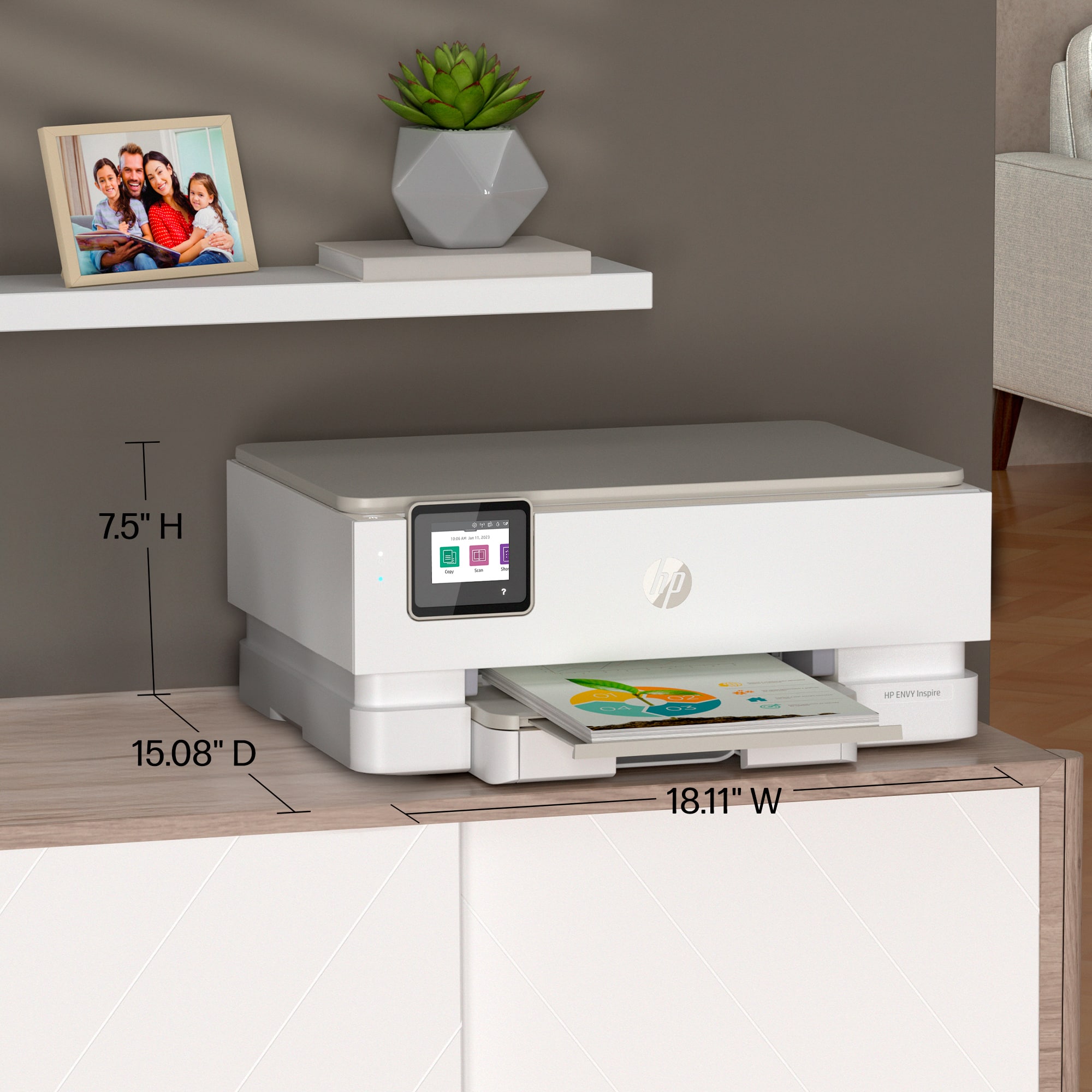
|Posted .This reviewer received promo considerations or sweepstakes entry for writing a review.I have tested several HP printers over the years but this one is hands down the best. The photo printing is remarkably fantastic for app printing and even better from your computer. Out of the box the HP ENVY Inspire 7255e is even package different than its predecessors with what I can only call more care and attention. HP has opted back to the small touch screen display over some of the other ENVY models that just utilize the HP Smart app. I normally do not care for the small touch screens because I have bigger sized hands and the screens normally do not recognize my finger. That is not the case here and the screen is super responsive and quite simple to navigate. I already have the HP smart app on my phone this made the initial setup quick and easy. I opened my phone's app and the app immediately acknowledged the 7200 series printer and ran through the necessary set up steps with me from there. After connecting to the WIFI, installing the ink cartridges, and aligning the printer heads. I loaded in the test photo paper that came with the unit. In my case, I received three four-by-six inch two-sided matte and three five-by-five inch glossy photo paper samples. First, I printed a sweet selfie of my wife and I from a date night we had in December. Placing photo paper in the photo tray is so much better too than anyone of my earlier models. The tray syncs and automatically detects the size and quantity. I used the 4x6 and was able to print the picture, which came out freaking amazing but then I was able to also add a heart and date to the back of the picture using the HP app on my phone. The tray even holds the photo and lets you know it is letting it dry before printing begins on the reverse side. From there we printed a black and white family photo as well as a color one from my phone. Again, we were just blown away with how stunning the colors and clarity came out. I found a free wallpaper on Pinterest and have uploaded a photo to just show the impressive color saturation the 7255e is able to produce. I must say printing pictures from your phone is formidable but always be mindful that the better the picture quality, the better the photo will come out. From there, just normal printing is on par for a unit this size. It has a duty cycle of 1,000 per month and claims to print color letter pages at 10 pages per minute and then black at 15 pages per minute. I would say that just printing black text documents that this felt right. Not sure on the color though, my experience was a bit slower but not a deal breaker. The unit is a bit loud but there is a quiet mode that will slow down both color and black mono to a snail pace. I personally will not be using this feature. The unit is not light and was actually bigger than I expected coming in at 15 pounds and just under two feet wide. I honestly do feel like HP could have done a better job on the lid and front flap, but I suspect that is all part of their sustainable design. Most of the unit is made from recycled material with which I am definitely ok. 10 out 10 would I recommend for anyone!
I would recommend this to a friendGood choice for versatile home printing
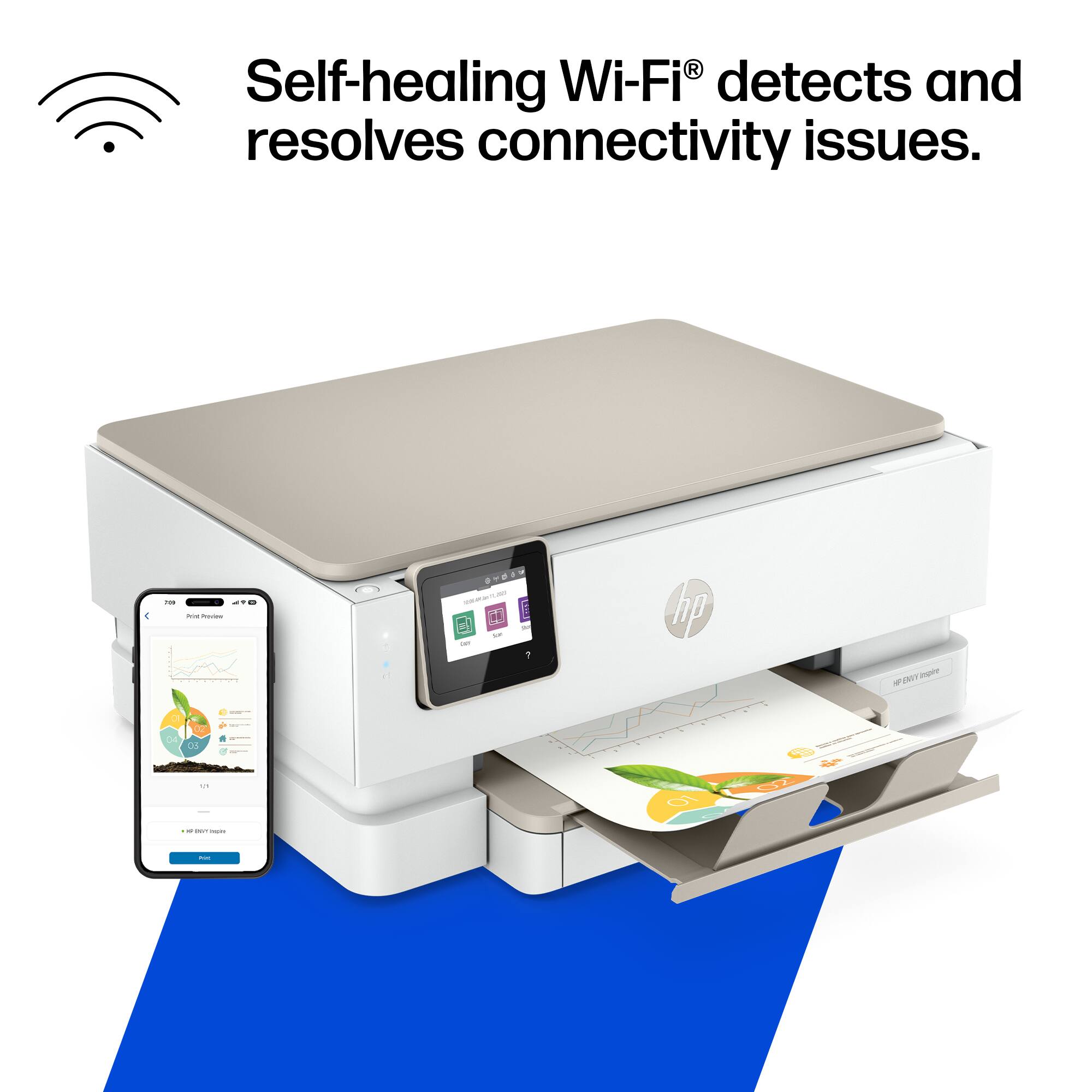
|Posted .This reviewer received promo considerations or sweepstakes entry for writing a review.When opened, the printer was well packed with excellent padding. There even are 2 straps to aid in lifting the printer out of the box. I got to work removing tape and inner packing. Then reading the QR code, had to download 123.HP.com. This is necessary, as it appears there is no way to set up the printer manually. I found the setup process to be a bit cumbersome, and had to restart a couple times. Also, it seems HP wants to have the printer send continuous information back to the "mothership". I would assume this is how the automatic ink supply will work. After setup, had to install the HP Print Service plugin. Installed cartridges. Then paper. There is a lower paper tray for print paper,and an upper tray for some different sizes of photo paper. Then slide out the exit paper tray - and ready to go. Now to print. I did a photo on the glossy paper - and the quality was very good. Tried 2 sided photo printing, and it works. However, on a down side, I did get one jam doing the photo printing. But I will say, to remove the tray and get jam out was very easy. Then did regular letter print. This was fast, and resulted in a good quality print. Tried scanning / copying, and again with good results. Wi-Fi connection worked well, and no issues printing through the phone. Having the ability to do more with manual setup, and possibly having ink tanks would carry this over the top. Still, this is a good choice for home printing.
I would recommend this to a friendHP - ENVY Inspire 7255e Wireless All-In-One Inkjet
||Posted . Owned for 3 weeks when reviewed.This reviewer received promo considerations or sweepstakes entry for writing a review.What I like the most it is wireless, and the top opens up so you can insert the cartridges and clean inside easily, not like all of the older printers HP use to make with no access to the inside. Tilt touch screen, no manual buttons, two-sided printing too. Quality of print is excellent and is very quiet doing so. I use to be the lead HP printer repair tech in Corvallis and I can say this is one of the best printers I have seen in a long time. Good Job!
I would recommend this to a friendAn overall great Printer with a required App
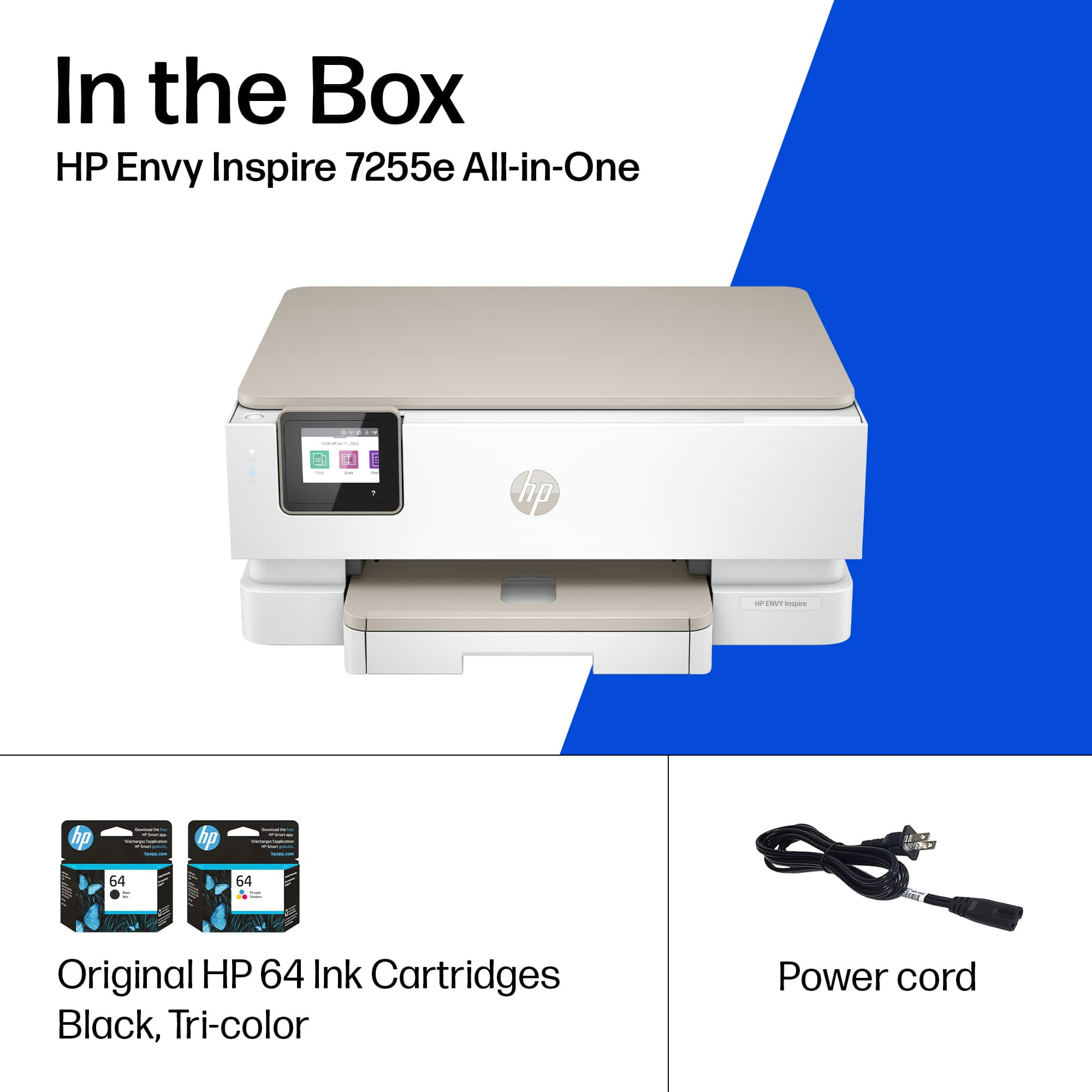
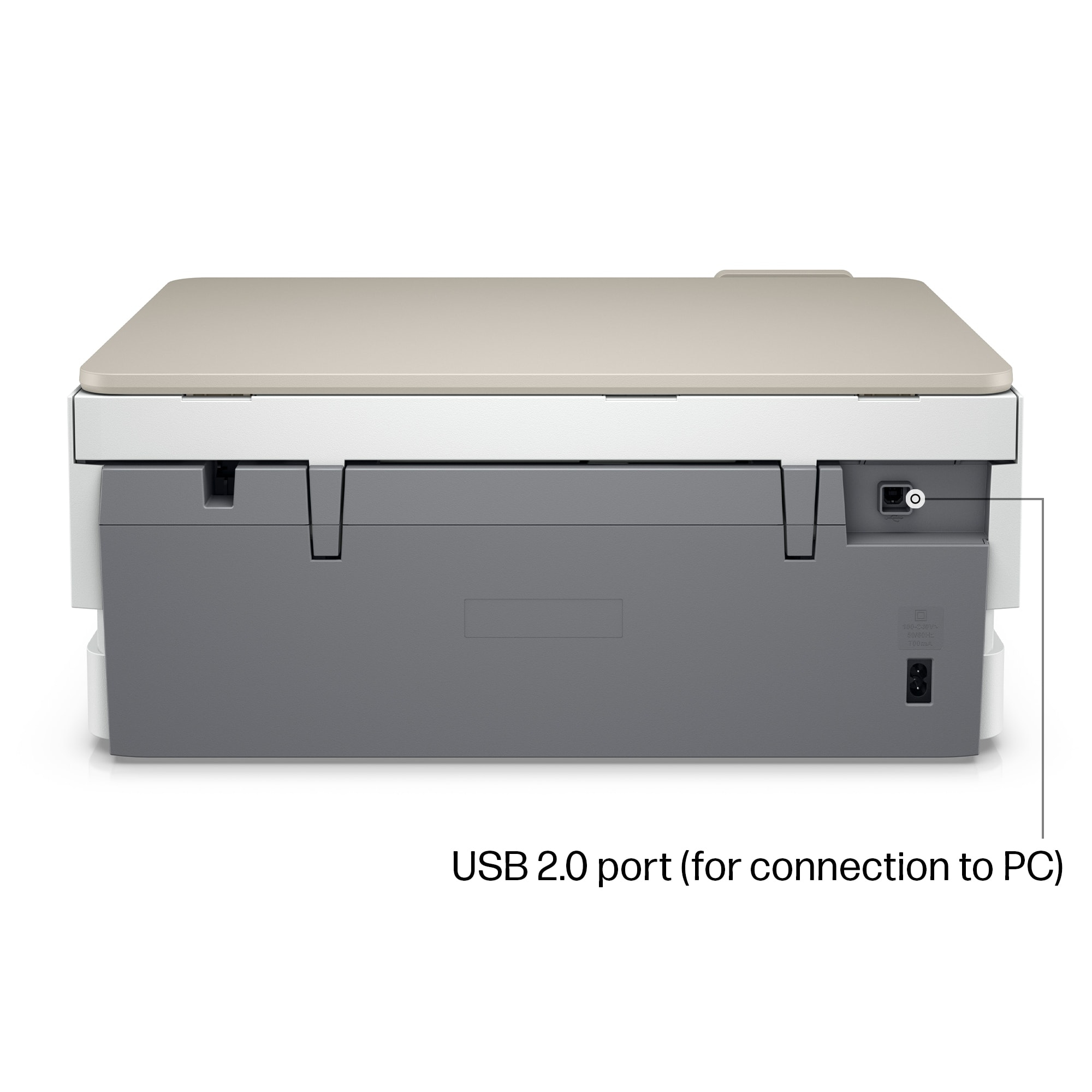
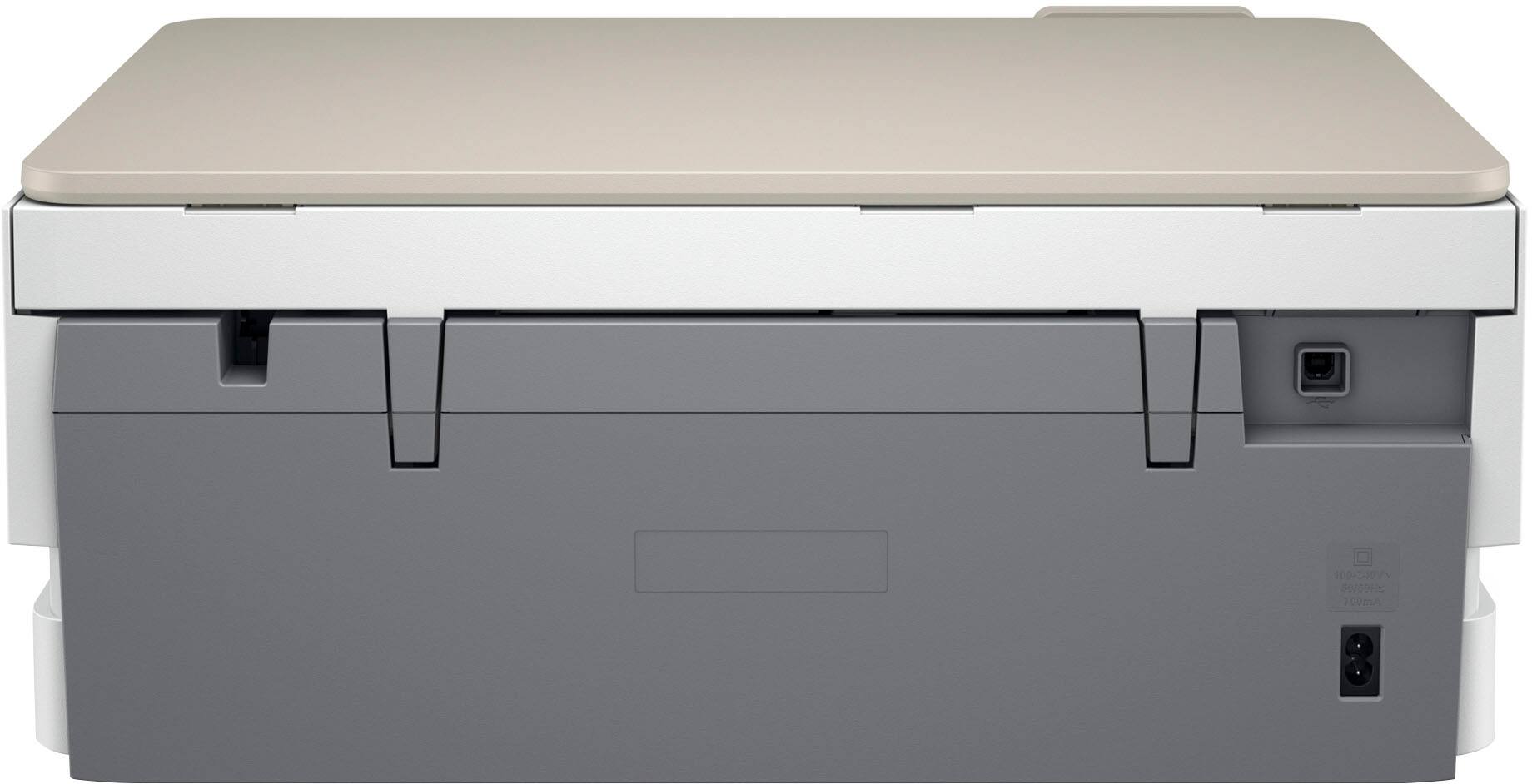
|Posted .This reviewer received promo considerations or sweepstakes entry for writing a review.HP has been a staple in my home now for some time, making some great all in one printers, and having a suite of software that enhances the overall experience of their products. The HP Envy continues the tradition of providing reliability, with great print quality, and a better than expected print speed. I will say this printer left a lot to be desired when it comes to the need to access more information than should be needed to print from your smartphone. In the box, you’ll find the Printer, a power cord, a user manual and warranty cards, and two ink cartridges (black and color). If you require the use of a USB connection, you’ll need to supply your own USB cable, which can be plugged into the back after removing a protective sticker. I should note, the printer requires the use of the HP Smart app, which can be downloaded for free from the applicable App Store. When powered on for the first time, you’ll be presented with a QR code for easy download from iOS or the Google App store. The app will also ask you to sign into an HP account, but is NOT required to continue with the setup. I was a bit confused by the apps need to know your location (which I didn’t allow), and asked for permission to track across apps. You’ll be asked if you want to sign up for HP+, which offers a subscription service to automatically order ink. I say all of this, as the connected devices have continued to find ways to monetize after you’ve paid the purchase price. None of these services are required to use the device on your own network, so keep this in mind as you go through setup. There is no way to finish the set up without the app. The printer serves all the functions you’d expect from an all in one. The print quality is great, fast, and thus far hasn’t had any issues with scanning or printing. I’ve been able to use premium thicker paper, and even some cheaper printer paper left over from my last printer without any issue. If you print a lot of documents, you may find that the printer will require more ink. So, I’d recommend purchasing the larger capacity ink cartridges or signing up for the auto ship service offered by HP. Scan quality was surprisingly great, with the printer quickly scanning. I would highly recommend installing HP’s software on your PC for easy printing. Overall, this printer is great for those who only need to print on occasion. The scanning function is top notch. The app experience for setup is a bit longer than needed, and the fact the app needs my location for printing is an odd request for printing. I’m not sure I’d recommend this printer to anyone looking for a simple plug and play experience, especially during setup. The annoying need to sign into my HP account to perform simple tasks in the app, made this a bit more annoying to use than I’d prefer. However, it’s still a good printer in the long run, and you should see the level of quality you’d expect from an HP printer product, sans the app set up experience.
I would recommend this to a friendFantastic printer
||Posted . Owned for 1 month when reviewed.This reviewer received promo considerations or sweepstakes entry for writing a review.… this printer was so easy to set up; kind of reminded me of a plug n play item as it and my laptop did all the work! Print quality is very clear and clean. Scanner works great! I am extremely happy with my purchase!
I would recommend this to a friendOut of this world quality!
||Posted . Owned for 4 months when reviewed.This reviewer received promo considerations or sweepstakes entry for writing a review.I recently purchased the HP Printer for my home office, and it has been an exceptional addition to my workspace. Here are my thoughts after a few weeks of regular use: #### **Design and Build** The HP Printer boasts a sleek and modern design that fits well in any office setting. Its compact size doesn't take up much space on my desk, yet it feels sturdy and well-constructed. The intuitive control panel and LCD screen are user-friendly, making it easy to navigate through different settings. #### **Printing Quality** The printing quality is outstanding. Whether I’m printing text documents, graphics, or photos, the output is consistently sharp and vibrant. The printer handles high-resolution images beautifully, with no noticeable banding or color distortion. This makes it ideal for both professional documents and creative projects. #### **Speed and Efficiency** Speed is another strong suit of the HP Printer. It prints pages at an impressive rate, significantly faster than my previous printer. The automatic duplex printing feature is a great time-saver, and the high-capacity paper tray means fewer interruptions to reload paper. #### **Connectivity and Software** This printer offers versatile connectivity options, including Wi-Fi, Ethernet, and USB. Setting it up on my wireless network was straightforward, and I’ve had no issues printing from various devices, including my smartphone and tablet. The companion software is also robust, providing useful tools for managing print jobs and maintaining the printer. #### **Cost of Operation** While the initial cost of the HP Printer is on the higher side, it makes up for it with its cost-effective operation. The ink cartridges are reasonably priced and last longer than expected. The printer’s efficiency in using ink and its low power consumption contribute to long-term savings. #### **Customer Support** I had a minor issue during setup, and the customer support team was incredibly helpful. They provided clear instructions and resolved my problem quickly. Their responsiveness and professionalism have left a positive impression. #### **Conclusion** Overall, the HP Printer is a fantastic investment for anyone in need of a reliable, high-quality printing solution. Its combination of superior print quality, fast performance, and user-friendly features makes it a standout choice for both home and office use. I highly recommend it to anyone looking for a dependable and efficient printer. ---
I would recommend this to a friendLove the photo paper tray!
|Posted .This reviewer received promo considerations or sweepstakes entry for writing a review.I got this printer to replace another HP printer. My grandchildren love to print photos and art creations from their phones and tablets. The thing that appealed to me is that there is kind of a mini-tray above the regular paper that is designed for smaller photo paper. This photo paper tray allows me to simply insert photo paper without emptying and resetting the main paper tray or trying to feed paper through an awkward slot as so many printers have you do. I have been letting them use 8 1/2 x 11 photo paper, using the smaller photo paper will surely result in a savings. I can't wait until their next visit. My wife has enjoyed being able to make 4x6 photo quality prints from her phone. This printer has done an excellent job on the photos we have printed. Printing documents, copying, two-sided printing and flatbed scanning work as expected. The printer comes with 6 months of free instant ink, two years of the HP+ service, an extra year (2 years total) warranty and 2 years advanced features (including mobile fax and scan from your phone camera) on the smart app. I am really happy that I upgraded to this printer, it does everything it should well and with ease. I really like the features on the app. The only reason I did not rate this as 5 stars was that I had a difficult time setting up the printer using the app. I had to upgrade the app, delete the old printers instant ink plan, replace the old printer with the new... I don't know whether the server was having a bad day, the app update doesn't like Android or what, but the setup/replacement was lengthy and difficult to complete. This is the same app I have used with 2 other printers with no problems. Aside from the install, I love the printer and app.
I would recommend this to a friendOutstanding Print Quality for the Price
|Posted .This reviewer received promo considerations or sweepstakes entry for writing a review.This Envy 7255e printer is not disappointing. I do a decent amount of home office work and having the ability to quickly scan and copy documents is a must. However, I have never bought a printer to do photo printing until now because I felt most printers weren’t up to the task. That cannot be said about this printer. I started with a recent photo and even on medium quality settings I’m genuinely blown away at the detail and clarity of the picture. The color saturation and temperature are spot on and it managed to pick up even the smallest branches of the tree in the picture (see photos). Also, whoever came up with the idea for a dedicated photo tray is an absolute genius. No more removing letter paper to print a photo. The two sided printing option is very nice since I do a lot of work document printing which is almost always two sided. Not only that but I can control the printer from anywhere so I don’t have to be right at my computer to continue working. I would say the build quality feels pretty good. Right at what you would expect for a printer of this type and price range. It does have several eco features which are nice such as auto-sleep and auto power off; something my previous printer did not have and was VERY annoying. Overall, this is by far the best printer I’ve ever owned. Setup was easy with the HP Smart app, ink installs very easily, and I was up and running in probably 10 minutes.
I would recommend this to a friendSuper Product
||Posted .This reviewer received promo considerations or sweepstakes entry for writing a review.When my 15 year old HP printer kicked the bucket I wanted another HP for a couple of reasons, i) always have had great success with HP products; ii) love the instant ink program & wanted to keep using it. The 7255e hooked seamlessly into my network with all of my home equipment. Quality of print is great for home use, it's quiet, handles 2 sided printing/copying with no issues and copies to my network storage with no issues. Great product for the price.
I would recommend this to a friendGood value
||Posted .This reviewer received promo considerations or sweepstakes entry for writing a review.Great printer that was an upgrade for my 10+ year old HP Envy printer. Has everything that I need in a printer. Clean printing and flat bed scanning. Setup was quick and easy.
I would recommend this to a friend