Customer Ratings & Reviews
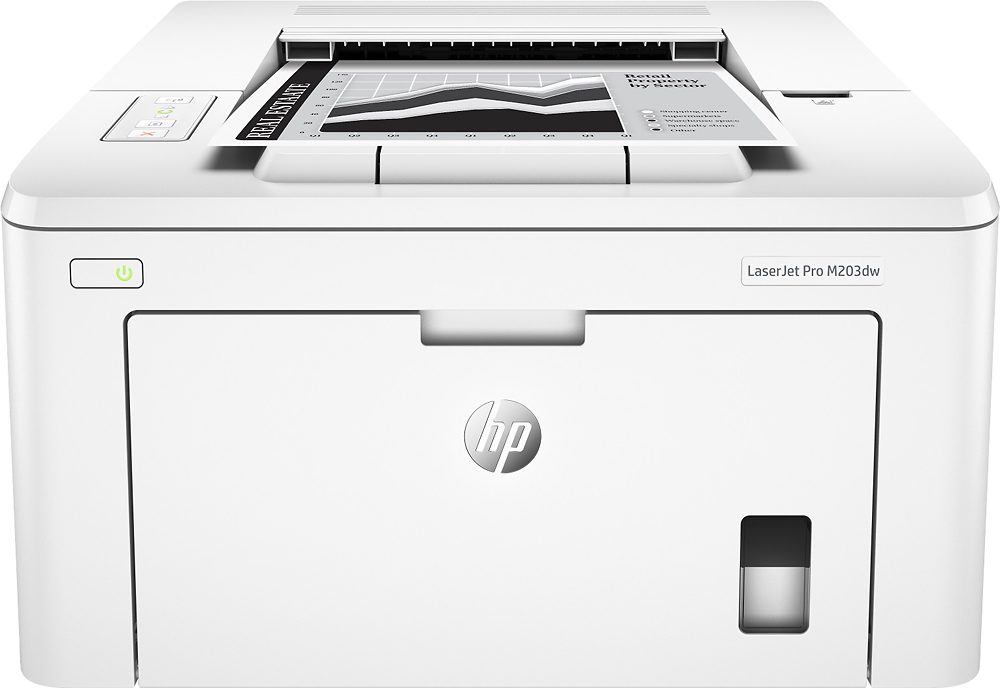
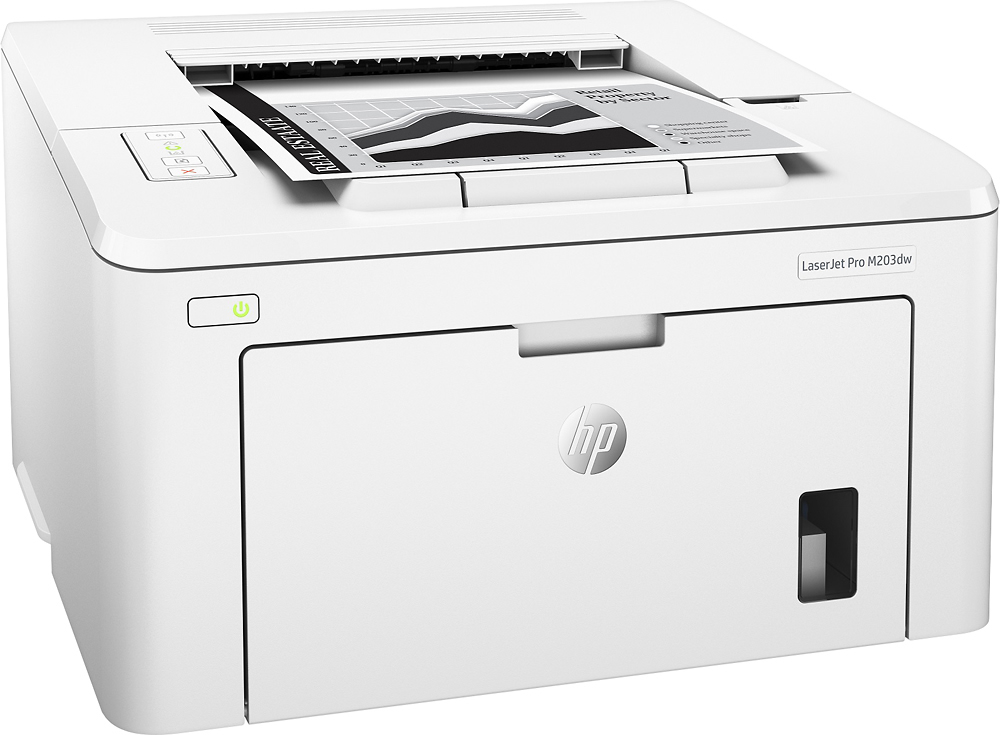
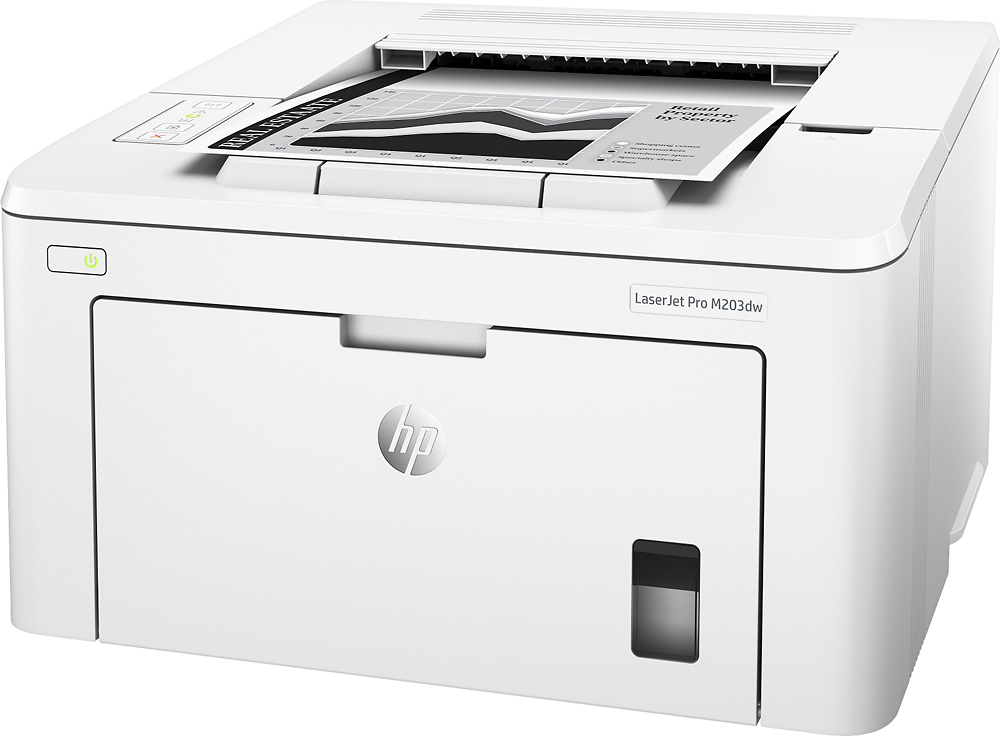
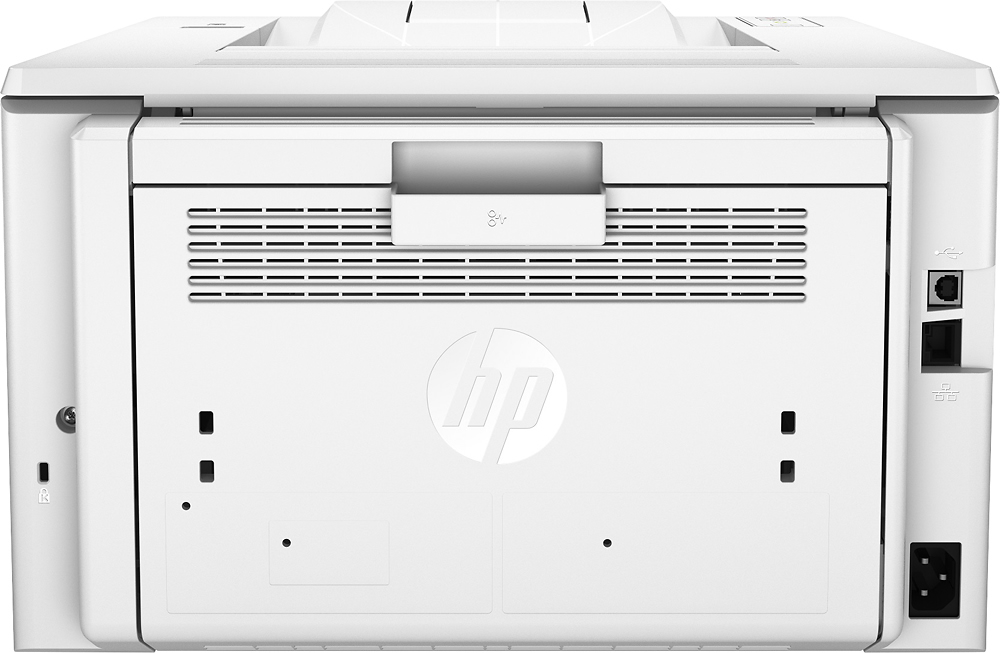

- Model:
- G3Q47A
- SKU:
- 5638100
Rating by feature
- Value
Rating 3.9 out of 5 stars
- Quality
Rating 4.1 out of 5 stars
- Ease of Use
Rating 3.9 out of 5 stars
Customers are saying
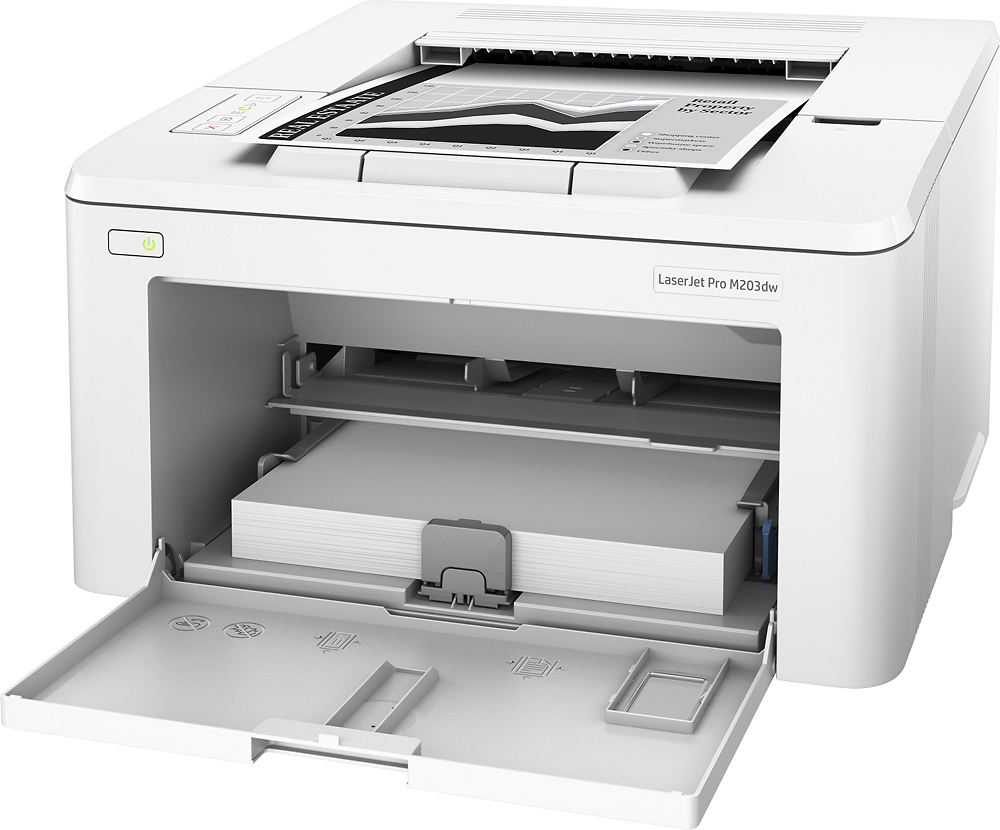
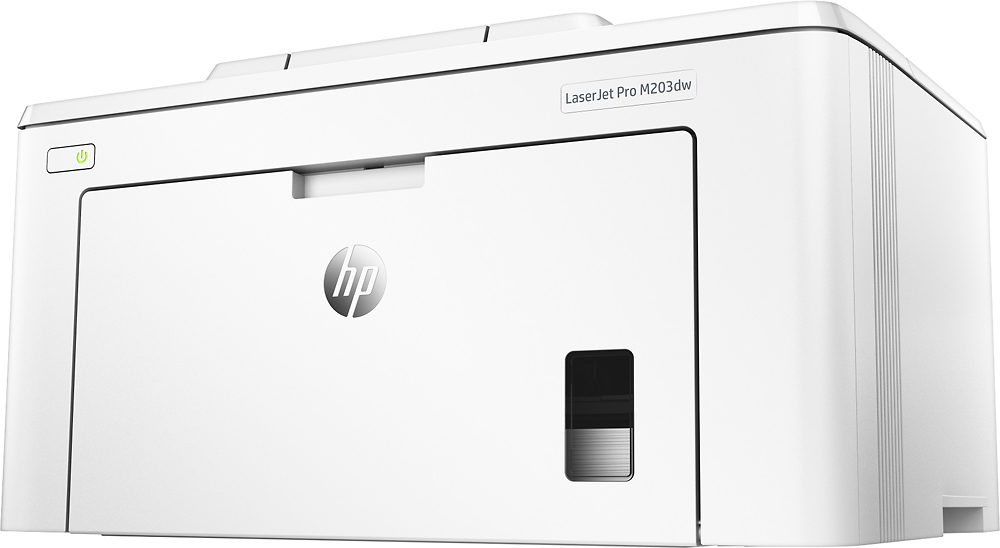
Customers are positive about the LaserJet Pro M203dw's print quality, ease of use, reliability, compact size, and straightforward setup. Many appreciate its ability to print well and quickly, along with the simple installation process. However, customers are negative about the wireless connectivity, citing occasional difficulties in establishing and maintaining a connection. Some users found the wireless setup process confusing or experienced connectivity issues with 5G networks.
This summary was generated by AI based on customer reviews.
HP LJ Pro M203dw
Posted .This reviewer received promo considerations or sweepstakes entry for writing a review.So far so good! Works very well but just used it for a few days.
I would recommend this to a friend- Pros mentioned:Print quality
Don't recommend
Posted .This reviewer received promo considerations or sweepstakes entry for writing a review.WHEN it prints - it's good. It goes into sleep mode and won't come out. Sometimes I have to turn it off and on. Sometimes I have to reinstall the software. Only then will it work. Very disappointing for a HP product.
No, I would not recommend this to a friendBrand response from HP Team
Posted .Hi there.
I’m sorry to learn that your printer has routinely stayed in sleep mode after it enters that state. Your frustration and disappointment come as no surprise, considering you’ve needed to reset the device so often and even reinstall the software. I want to help you remedy this problem, so I’ll provide some resources I hope will reach that end.
First, I recommend you follow this troubleshooting guide for LaserJet printers that do not wake after entering sleep or auto-off mode:
- support.hp.com/us-en/document/c04345608
If the problem persists, I suggest that you contact us directly at +1 800-474-6836 so we can help you assess what’s happening and find the best path to a resolution. (Please note that because of restrictions on workplace attendance associated with the COVID-19 pandemic, wait times for agents are longer than normal. Thanks in advance for your understanding.) To expedite the process, I recommend gathering the following information before the call:
- Model number
- Serial number
- Your location
- Case number (from any previous contact with HP support)
I'll also mention that HP printers have a one-year warranty from their purchase date that covers hardware as well as ink supplies, so if it comes to that, you might consider making use of it. You can verify the warranty using the following link:
- support.hp.com/us-en/checkwarranty
Keith
HP Care
hp.com/support
Goes offline and will not wakeup
Posted .This reviewer received promo considerations or sweepstakes entry for writing a review.very frustrating. The printer goes into sleep mode and will not wake up until you turn off the printer and turn it back on every time. There is no way to stop it going to sleep. Dumb design
No, I would not recommend this to a friendBrand response from HP Team
Posted .Hi there,
I'm sorry to hear that you've had a frustrating experience with not being able to initialize the printer after it enters sleep mode. Convenience is something we always aim to provide with our printers, so let's see how I can help make this a bit more accessible.
While you rightfully stated that this feature that can't be disabled, you can delay the amount of idle time before your printer enters sleep mode. For guidelines on how to do so, you can reference page 65 of your printer's user guide: hp.com/ctg/Manual/c05176850
For any other questions you might have about this, please don't hesitate to reach out. We would be more than happy to provide further clarification and assistance. You can get in touch via your preferred method at this link: hp.com/contactHP
Chelsea
HP Care
hp.com/support
Don't buy
Posted .This reviewer received promo considerations or sweepstakes entry for writing a review.Printer is worthless. The energy saving mode will cause the printer to lose connection to your wireless devices, causing you to power cycle the printer to re-establish communication.
No, I would not recommend this to a friendBrand response from HP Team
Posted .Hello Ziggy, Sorry to hear you are experiencing an issue with your HP LaserJet Pro M203DW Duplex Network Wireless Printer as it is not waking from the sleep mode. Thank you for taking the time to submit a review, I appreciate your feedback. Please refer page number 106 to set the sleep/auto off in following documents: http://hp.care/2qdhZWi you can also contact HP Support in case you need further assistance: http://hp.care/2nbNQFi
Aweful
Posted .This reviewer received promo considerations or sweepstakes entry for writing a review.I have been an IT Tech for 24 years now and this has to be the worst Laser Printer I have EVER seen. Had a client buy 3 of these for the front reservation offices and lasted about 2 weeks before streaks and toner was being printed on all papers. Replaced with new drum units that lasted another 3 weeks and same results. DO NOT WASTE YOUR MONEY!!!
No, I would not recommend this to a friendUnreliable and inconsistent
Posted .This reviewer received promo considerations or sweepstakes entry for writing a review.This printer is a real lemon, and completely unreliable. It fails from an HP desktop, a MS Surface, an iMac and an iPad. So, it's not an OS failure. All these are on the same network, and we can access an OfficeJet from all those devices. It is not a matter of distance either. We can print to the OfficeJet from anywhere in our apartment, but not to the laser from 3' away, or from 30' away. What a waste of money.
No, I would not recommend this to a friendBrand response from HP Team
Posted .Hi there.
I’m sorry to hear that your printer has failed to connect wirelessly like it should. I can understand why that would be puzzling and eventually quite frustrating, especially considering you attempted to connect from several devices and locations, so I’ll identify some resources and offer some information that I hope will help.
First, I recommend you visit a page on our support site that has diagnostic tools for various problems, including wireless connectivity and setup issues. Visit that page here:
- support.hp.com/us-en/topic/diagnostics
If the problem persists, I suggest that you contact us directly at +1 800-474-6836 so we can help you assess the situation and guide you through the proper troubleshooting. (Please note that because of restrictions on personal movement and workplace attendance associated with the COVID-19 pandemic, wait times for agents are longer than normal. Thanks in advance for your understanding.) To expedite the process, I recommend gathering the following information before the call:
- Model number
- Serial number
- Your location
- Case number (from any previous contact with HP support)
I'll also mention that HP printers have a one-year warranty from their purchase date that covers hardware as well as ink supplies, so if it comes to that, you might consider making use of it. You can verify the warranty using the following link: support.hp.com/us-en/checkwarranty
Keith
HP Care
hp.com/support