Customer Ratings & Reviews
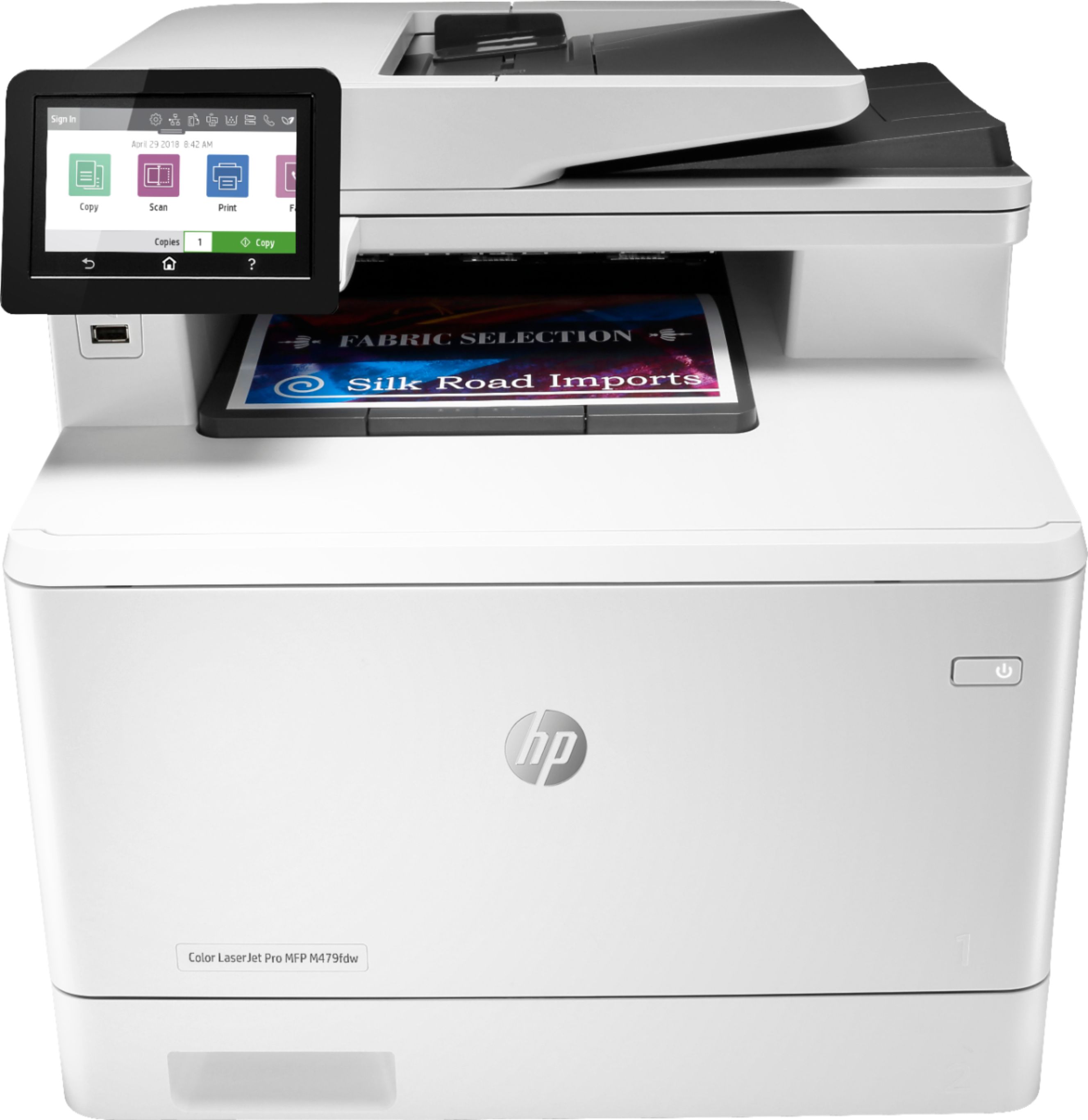
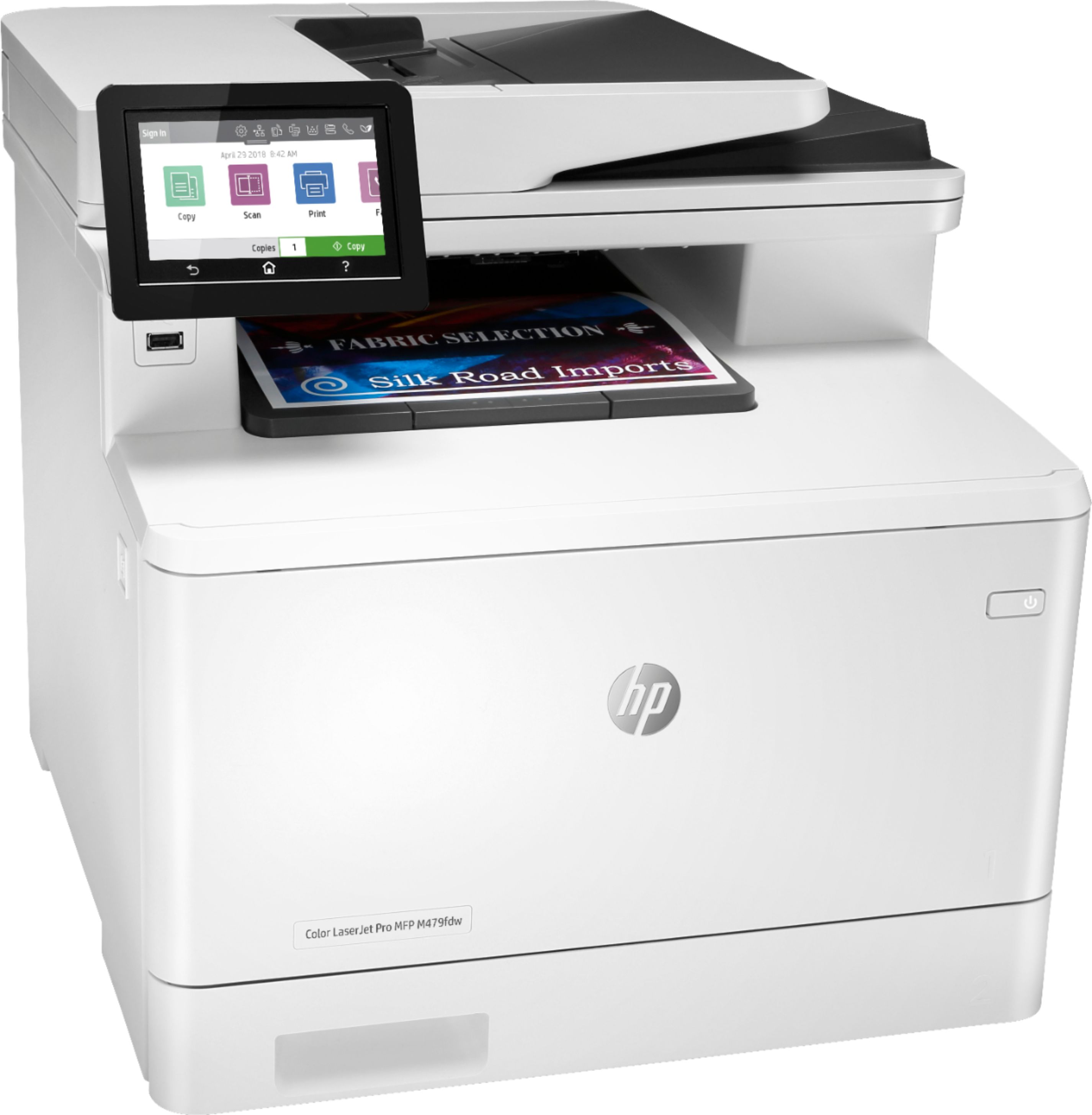
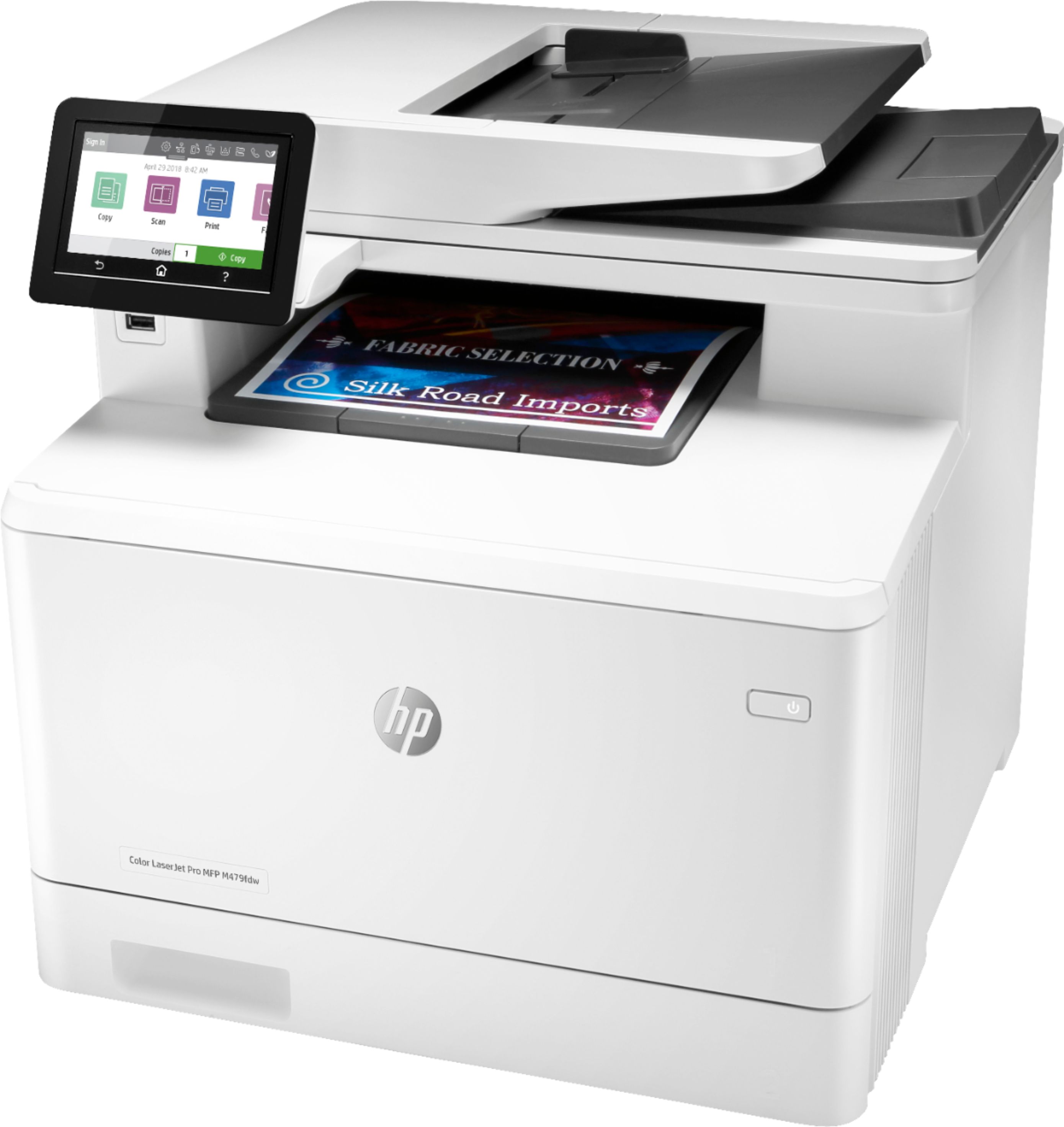


- Model:
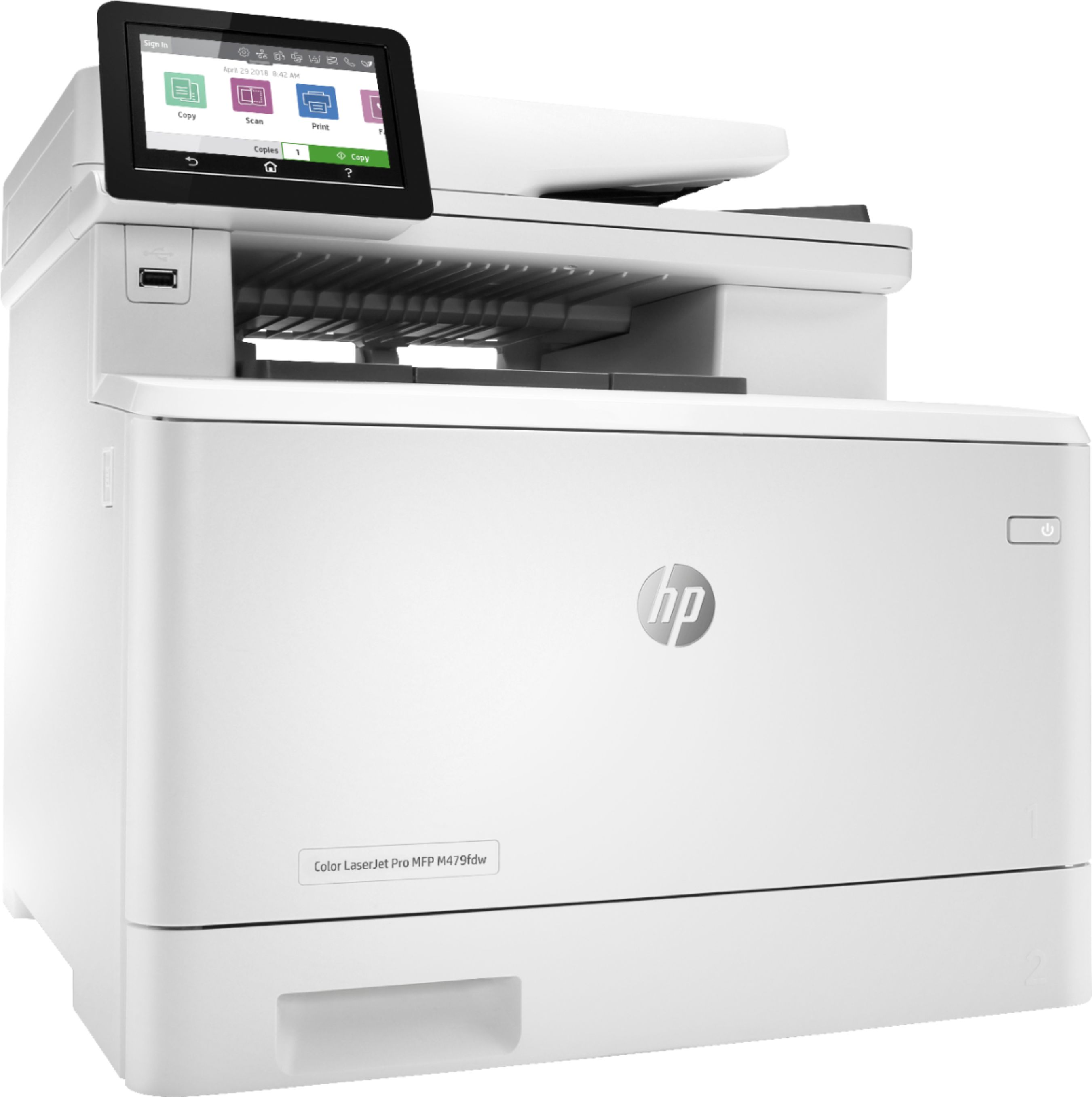
- LaserJet MFP 479fdw
- SKU:
- 6348956
Rating by feature
- Value
Rating 4.3 out of 5 stars
- Quality
Rating 4.6 out of 5 stars
- Ease of Use
Rating 4.5 out of 5 stars
Customers are saying
Customers have good things to say about the LaserJet Pro M479fdw Wireless Color All-In-One Laser Printer, particularly its easy setup, print quality, and quiet operation. They appreciate the convenience of wireless printing and the excellent color output. However, some customers find the price and toner to be expensive, and there have been complaints about the weight and issues with the scanner.
This summary was generated by AI based on customer reviews.
- Pros mentioned:Print quality
Terrific printer great value
||Posted . Owned for 3 weeks when reviewed.This reviewer received promo considerations or sweepstakes entry for writing a review.You won’t be disappointed if you purchase this printer. I use it in my office for everything but faxing, who faxes anymore? It’s quick to print the first page and the quality is good.
I would recommend this to a friend - Pros mentioned:Ease of use
Change Is Good!!!
||Posted . Owned for 1 month when reviewed.This reviewer received promo considerations or sweepstakes entry for writing a review.Switched from inkjet to laser jet and love it. Machine is very easy to set up and use.
I would recommend this to a friend - Pros mentioned:Setup
Easy to Set-Up and Get Started
||Posted . Owned for less than 1 week when reviewed.This reviewer received promo considerations or sweepstakes entry for writing a review.Heavy out of the box, but very easy to set-up and start printing right away.
I would recommend this to a friend HP M479
||Posted . Owned for 1 month when reviewed.This reviewer received promo considerations or sweepstakes entry for writing a review.While I can do with a smaller and cheaper printer, this one worked out perfect for my home needed. No complains
I would recommend this to a friendHome improvement
||Posted . Owned for 4 months when reviewed.This reviewer received promo considerations or sweepstakes entry for writing a review.Excellent product ... wonderful investment for home improvement
I would recommend this to a friendWell worth the investment for home use
||Posted . Owned for 3 weeks when reviewed.This reviewer received promo considerations or sweepstakes entry for writing a review.So far so good. Had enough of Ink Jet printers breaking down after 2 years and wanted to switch laser jet. A bit on the expensive side for home use but well worth the investment for the long run.
I would recommend this to a friendAbsolutely love this printer!
||Posted . Owned for 1 month when reviewed.This reviewer received promo considerations or sweepstakes entry for writing a review.Absolutely love this printer! Everything works amazing - the printing, duplex scanning, faxing!
I would recommend this to a friendGreatest purchase I have ever made!
||Posted . Owned for 1 month when reviewed.This reviewer received promo considerations or sweepstakes entry for writing a review.This printer does snd says it all in one at the tip of your fingers. I am in love once again.
I would recommend this to a friend- Pros mentioned:Ease of use, Print quality

Feature-Rich All-In-One Laser Printer
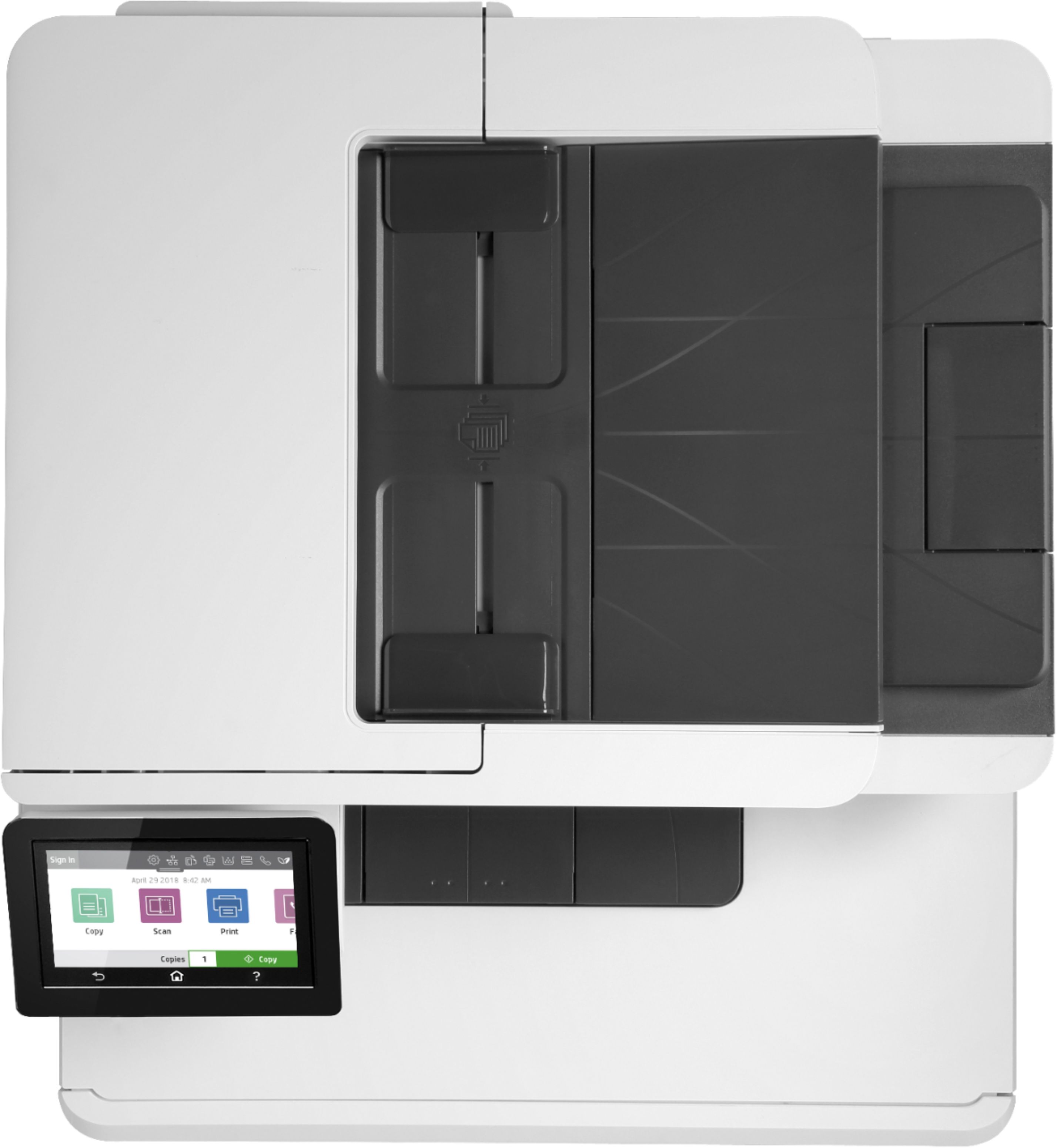
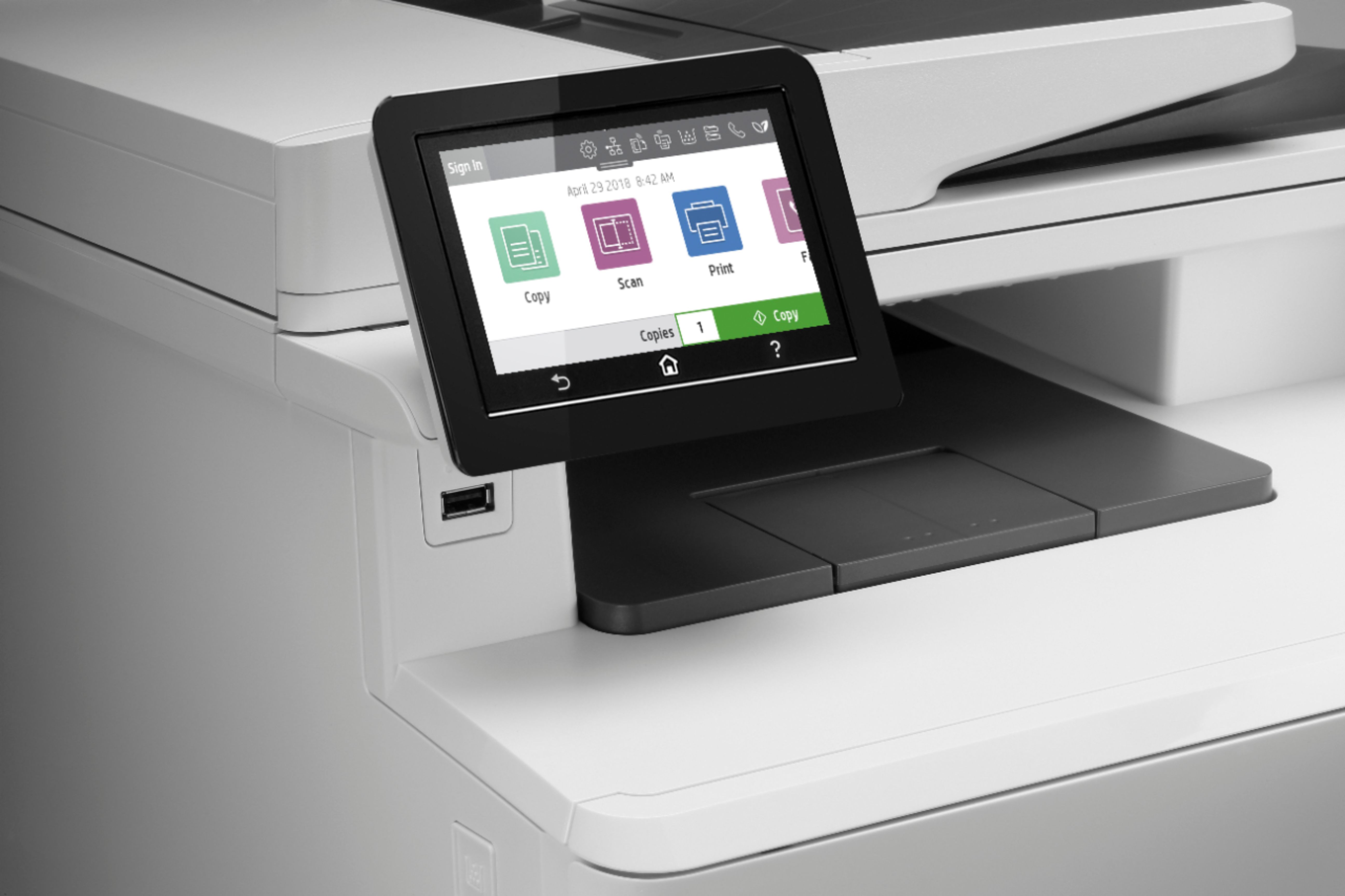
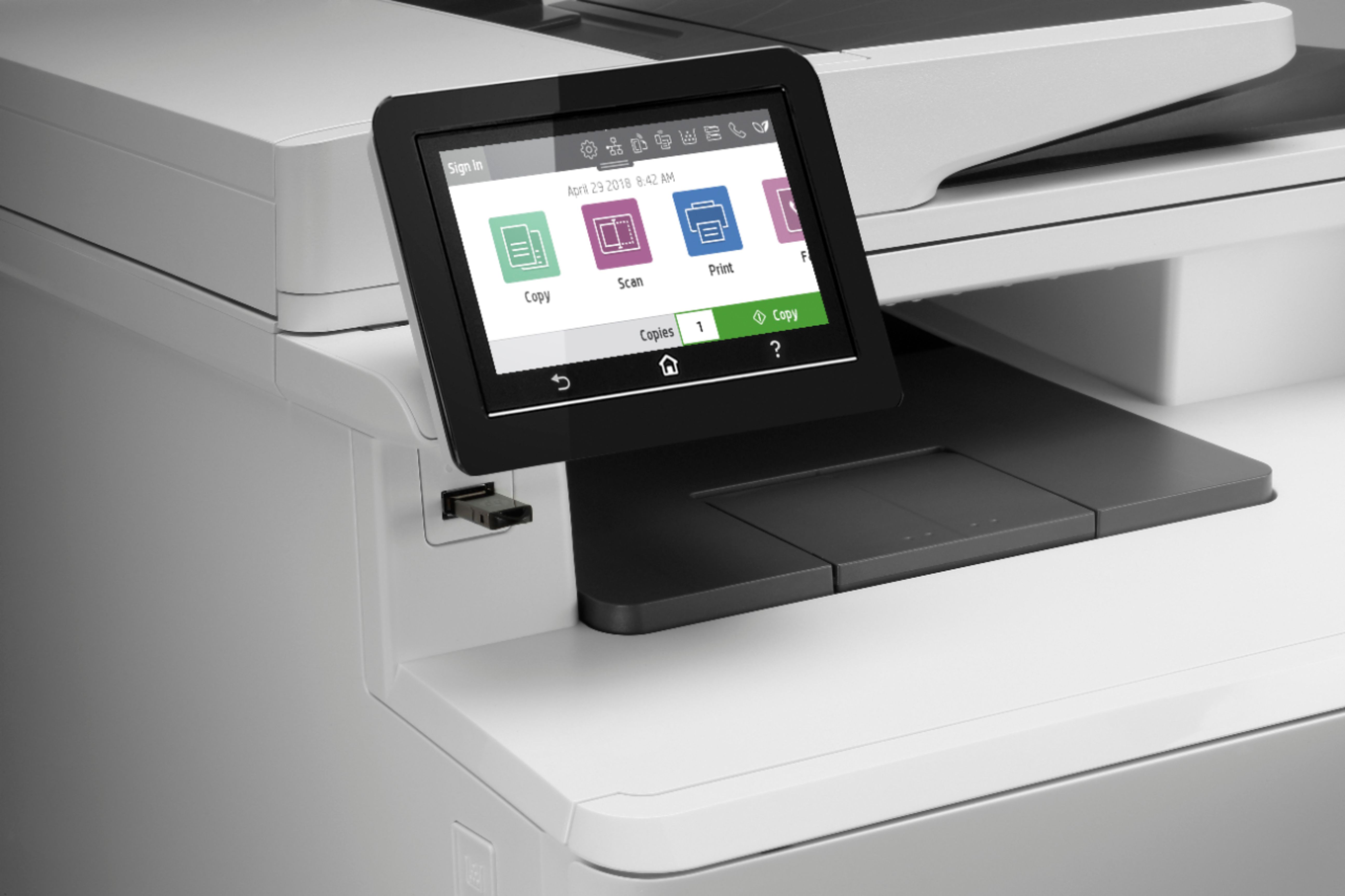
|Posted .This reviewer received promo considerations or sweepstakes entry for writing a review.The HP - LaserJet Pro M479fdw Wireless Color All-In-One Printer sets a new standard to maximize business productivity in a modern, fully equipped machine. I replaced a similar Brother printer that performed well for 5 years but the interface was getting dated. Here are the differences that jumped out at me: 1- The HP M479fdw clearly deserved it's Energy Star Award. Starting the printer is quiet & uneventful compared with the Brother & similar 5-year old printers. Press start on those & the lights in the room dim as the laser starts up. This HP draws far less energy; no visible light dimming in the room during start-up & the HP is much quieter. 2- The scan speed of the HP is amazing & it is virtually silent! Easily controlled by the onboard color touch screen or on a Mac OS or PC; touch scan & the image is available in a couple seconds, 5 times faster than the Brother. 3- Print Quality is superb; colors are vibrant & black is crisp. 4- Fast Print Speed: up to 28 pages / minute. 5- Easy to Set-up. Simply select the WiFi & enter the Password. Within 2 minutes the machine is fully functional. 6- Equally Mac OS & PC Friendly. I use Mac OS & my wife uses PC. We were impressed that this HP was equally accessible on both platforms. Printing & scanning is super intuitive on both Mac OS & PC. 7- AirPrint directly from the iPad & iPhone. Effortless. 8- 5ghz Wireless capable. The WiFi is State-of-the-Art & the machine performance reflects that with ultimate flexibility & speed. Whether you have a basic 2.4ghz WiFi or a faster 5ghz speed, this HP will operate the fastest possible, based on what you provide it. 9- Easy-to-Read Large Touchscreen makes printing & scanning a simple, one-touch process. See attached photo. 10- A Full Complement of Business Features: Scans to email; print from an email; even a login can be required to print, just one of many security features built-in. CONCLUSION: The HP LaserJet Pro M479fdw is the very BEST all-in-one Laser Printer I have ever tested. It easily commands 5 Stars & is positioned above all others that I have tested to date. It earns my HIGHEST RECOMMENDATION.
I would recommend this to a friend Hp Laser Printer Suck
||Posted . Owned for 1.5 years when reviewed.This reviewer received promo considerations or sweepstakes entry for writing a review.After a 1 1/2 years it went out. I had new toner but my black was printing out light grey. Even after replacing the black toner it did the same. Sad part is my warranty was over & I forgot to renew it. I called hp & they informed me that it seemed as if my printer fuse had went out & it could cost me anywhere from $200-$300 to fix. I paid about $550 for the printer February 2020 & I don’t have $200-$300 to get it fixed. I have never had this issue with my inkjet printers going out on me after 1 1/2 years, I invested in this because I print my own labels out & figured a laser printer could save me money well now I’m out of a lot of money smh & I just had purchased all of the toners 4 months ago which all four is over $100 dollars This is crazy
No, I would not recommend this to a friend- Pros mentioned:Print quality
Great Home Office Printer
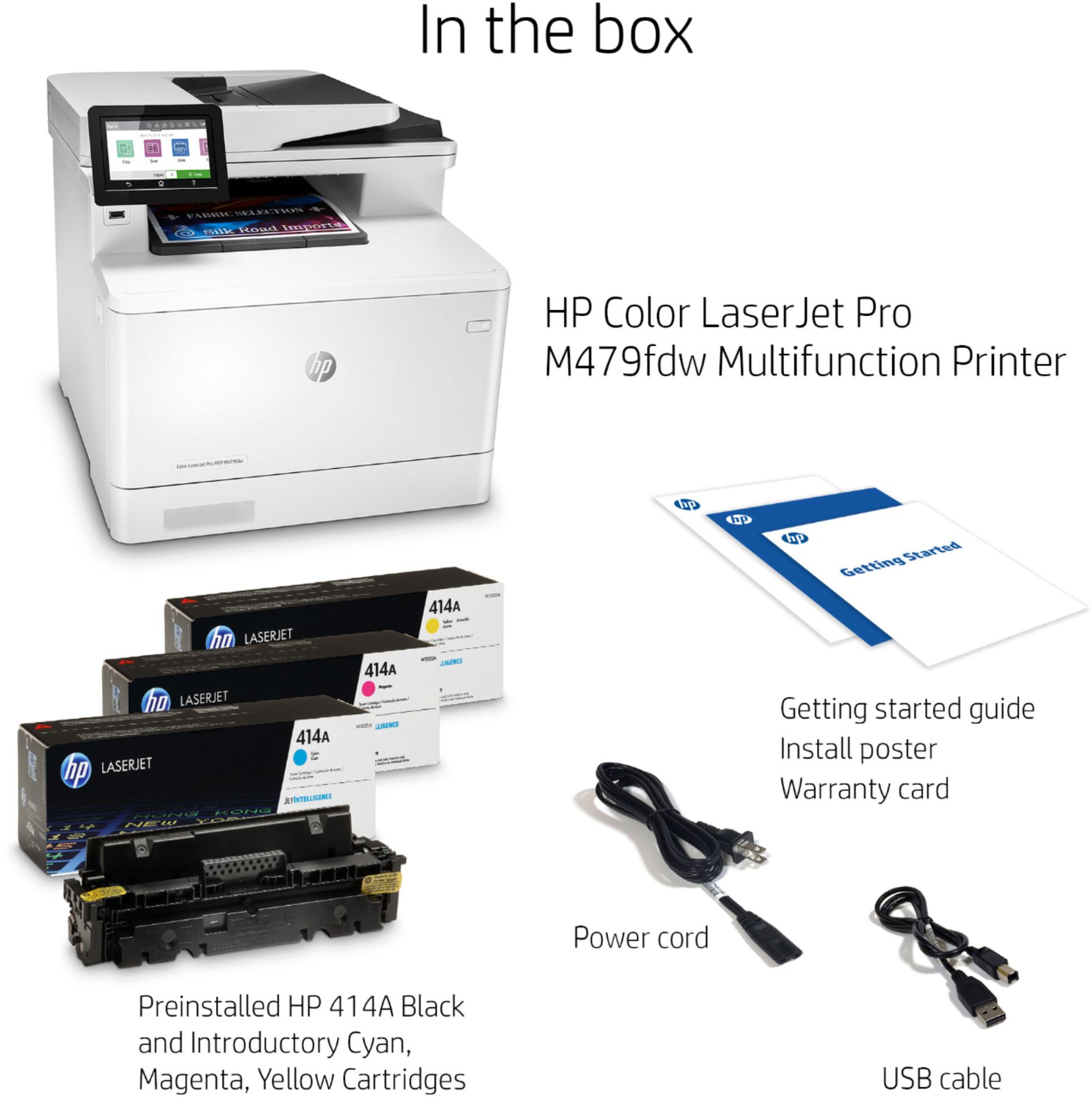
|Posted .This reviewer received promo considerations or sweepstakes entry for writing a review.HP Color LaserJest Pro MFP M479fdw Full disclosure: I received the HP Color LaserJest Pro MFP M479fdw as part of a program where I receive products in exchange for an honest and timely review. The printer came in a good size box that was fairly heavy. Some people may require or desire help with lifting it. The instructions recommend laying the box on its side after opening the top, so the printer can be pulled (slid) out via the conveniently provided tape in the stop. The foam packing was broken in several places, but there was no apparent damage to the printer. The printer display, doors and trays were all well secured for shipment. The tape was thoughtfully folded over on one end making it easy to remove. The printer comes with a power cord, USB cable and telephone cord, but no network cable. I suppose since most people will connect the printer to their wireless network, HP didn’t think a network cable was needed in the box. I have a good collection of network patch cords of various lengths, so that wasn’t a problem for me. I also own an M477fdw that I purchased two years ago, so I am able to do a nice side by side comparison. Visually, they are nearly identical. The only difference I could see with casual observation was that there is a little graphic on the left side of the M477 showing two concentric circles with what looks like perhaps an RFID tag touching on the corner. The M479 does not have this graphic. After unpacking, removing the tape and plugging in the power and my network cable, I powered up the printer. It went through a brief first prep cycle of some sort and then displayed the setup menu on the screen. I selected English and USA from the first two menus. The 3rd menu displayed the correct date automatically, but the wrong time on the next screen. I correct the time and moved on. The next screen asked me to select a printer setup environment. Self-Managed or IT-Managed. I selected Self-Managed since this will be installed in my home and I don’t have a management platform installed in my home IT environment. This then resulted in the display letting me know that LaserJet Update had been set to “On”..presumably for automatics software/firmware updates. The next screen was the last, telling me to finish the setup online and to get the latest software updates at 123.hp.com/laserjet After this, the printer completed a calibration and turned off. I touched the display and it came back on. The menus are similar, but clearly different on the M479. It is brighter with more color and a new ribbon at the top. The power saver seems more aggressive also, since it turns off quickly as I stop to type my setup notes. I looked though the menus to see my network setup and to turn off “direct print”, since I don’t use it and don’t want to see yet another SSID on my WiFi list. Next I printed an email message from my iPhone. I just selected print and then chose the new printer from the choice of the two MFPs I have here. The printer awakened and printed a nice crisp color copy of the email message. Then I grabbed my iPad and printed a copy of the note I used to type this product review. It behaved the same. Printing was very fast even for double sided printing. One reason I prefer laser printers is the lack of needed wait time when doing double sided printing. Laser toner doesn’t require time to dry before flipping the page to print the other side. That’s a huge time saver for long double sided documents. Fax setup appears good. I set up my fax number, header information, auto-answer, telephone line type (several options including traditional phone (POTS) lines and VoIP). I don’t have a phone line in my home office yet and I didn’t need to send a fax, so I did not test faxing. I found a setting for two sided fax printing, so incoming faxes can be printed on both sides of the paper. Next I inserted a page in the Automatic Document Feeder to try scanning. I was directed to do some setup via a web page or via the HP app. I used a Windows PC for this and quickly added the printer and scanned the page. I then moved to my MacBook Pro, added the printer and scanned a number of documents from the ADF. This all worked great. Scanning was fast, high quality and the pages were well aligned. I have not yet configured “scan to email” on this printer, but I have done that on my 477 and found it works ok. I assume it will be similar on this printer. You can also set up scanning to a network folder. A datapoint that I have from my two year experience with the 477 model of this printer is that I am still using the original toner cartridges in that printer. Unlike inkjet printers which need to go through cleaning cycles or get replaced periodically due to lack of use, the laser printer appears to just keep going and going even with relatively light usage and that was one of the reasons I purchased a laser printer two years ago. There is a lot more functionality built into the MFP M479fdw than I’ll ever use, but there is likely something there for everyone. I’m really happy with it so far and I would recommend this printer to other people with similar needs. It is nice looking, fast, high quality and functional. I look forward to using it for many years to come.
I would recommend this to a friend - Pros mentioned:Print quality
Excellent full featured all in one printer!!
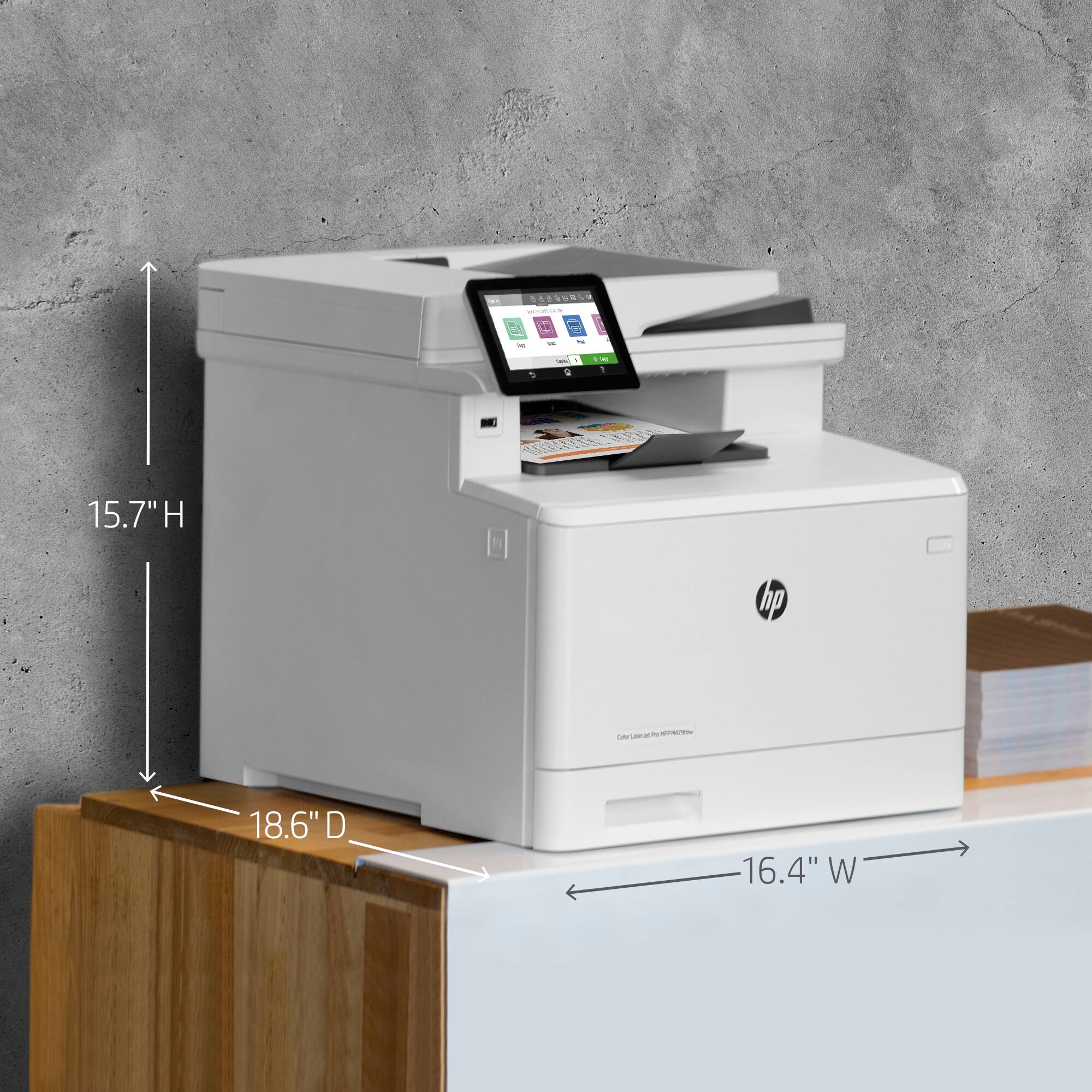
|Posted .This reviewer received promo considerations or sweepstakes entry for writing a review.Overview The HP LaserJet Pro M479fdw is a multifunction device, it can print in color, scan, fax and copy. Its big and a bit on the heavy side, 50lbs and sits 16” tall. The box advises you to tip over and pull out on its side, good advice! My printer arrived packed very securely, all the flaps and covers were taped to minimize movement during shipping. This is my first laser printer in a long time. I noticed you no longer have to pull out a strip on the toner cartridges and risk getting ink powder on the floor. Once the packaging has been removed, just plug it in and setup. Setup: The LCD screen is a pleasure to use, unlike my current printer, an older inkjet, this LCD screen is large (approximately 4.25” corner to corner), bright (brightness adjustable), the on-screen keyboard is precise and the screen feels sturdy, doesn’t flop around when you press the buttons. Basic setup was simple, type in your WiFi password, follow the prompts. In addition to setting up the printer on WiFi, (I didn’t use USB cable), I also enabled HP ePrint (under “web services”). This feature allows you to email print jobs to the printer from anywhere by simply emailing your unique HP ePrint email address. The printer will provide you with a unique eprint email. This feature is great especially if you have technology challenged family members you need to occasionally send stuff to, like I do. Rather then calling and walking them through how to print an attachment each time, I just email the printer. Setup to “Scan to network”: I have a NAS (network attached storage), I wanted to set up scanning directly to a folder the network drive. I found this to be not as straightforward as it should be. All the printer settings can be access through a web browser, simply type the printer’s IP address, for example, 192.168.1.100. In the “SCAN” – “SCAN TO NETWORK” you can set your default scan settings, such as paper size, double sided, file name prefix or suffix. But it doesn’t have the “folder path” here. To set up a folder to scan to, you have to go to “ADDRESS BOOK” – “CONTACTS” and create an entry here under UNC Folder Path. I think it would’ve been more intuitive to have put this setting under “SCAN TO NETWORK”. ON a side note, this scanner can scan both sides of the page with 1 pass. Performance: The copy, scan and print quality of this printer is excellent! The text on the print outs are very crisp and sharp, exactly as I expected from a laser printer. I was surprised how nicely pictures print out, although I’ll probably keep my inkjet printers for that. Air Print works flawlessly with my idevices. There are many different ways to print from the printer, you can connect directly with WiFi Direct, Bluetooth, air print, USB drive, Google drive, Dropbox and perhaps the most common, USB cable, WiFi or wired ethernet cable. There are almost too many options, if there’s such a thing. I printed a test page from https://printatestpage.com/ to compare my current inkjet to the color laser, the text is sharper and the images more saturated on the laser. For home usage, the difference isn’t a big deal. The inkjet is fine for most if not all printing tasks of a typical household plus inkjets still print photos better. Overview: If you need a printer for high volume, this multifunction laser printer is an excellent choice. With print speeds of 27 pages per minute and monthly cycle of up to 50,000 pages, this printer is suitable for an office environment. Pros: 1. Excellent print quality 2. Myriad of connectivity options 3. Many options of there to “Scan to” (email, network folder, USB drive, dropbox, Google drive) 4. Nice display screen, intuitive menu’s Cons: 1. Printer cost. 2. Would be nice if the 3 buttons (Return to prev, Home, Help) under the display screen lit up.
I would recommend this to a friend Broken before 1 year don’t buy. Line when copy too
||Posted . Owned for 1 month when reviewed.This reviewer received promo considerations or sweepstakes entry for writing a review.Less then one year old now I have lines in my scanner and fax. Printer has problems too. I tried to clean it so many ways. Watched YouTube videos did not help
No, I would not recommend this to a friendBrand response from HP Team
Posted .Hello there,
I want to sincerely apologize for all the problems the printer has been causing. We certainly build our printers with the intent of providing a reliable experience for our customers, so I can imagine how frustrating and disappointing a situation like yours can be.
Please reach out to us for support. We'd be more than happy to work through any troubleshooting or initiate a replacement under your printer's warranty. You can give us a call at +1 800-474-6836 between the hours of 8 am - 9 pm ET. To expedite things a bit, I recommend gathering this information beforehand:
- Model number
- Serial number
- Your location
- Your case number (from prior contact with support)
On a related note, I'd like to mention that HP printers also have a warranty from their purchase date, so if you find you need to use it, I hope you will. To verify the warranty, you can use the following link: support.hp.com/us-en/checkwarranty
In case of further queries, please do not hesitate to contact us at: hp.com/contactHP
Kacper
HP Care
hp.com/support
- Pros mentioned:Print quality
Over kill But well worth it
|Posted .This reviewer received promo considerations or sweepstakes entry for writing a review.I am replacing my 6 year old Epson Printer with this. It print fast for what I need it for. I just recently went back to school and needed something I could print more with and had been looking for an upgrade. Wow setup was really fast and easy. I am using an Android phone that I had wireless print set up for before. All I had to do was add this printer to my list of web print. Did i mention its fast at printing? My main reason for changing to laser jet was the yield from the toners. Lots more pages per print. But that is also a downfall, they are pretty expensive. I recommend only if you run a small office or have the need to print a lot. I am doing lots of printing so my need had me in the market. Print from any device i own is fast and accurate. have not tested pictures. But pages that had color and small images printed quick and no runs. Just as a test I printed out doc with pictures about 14 pages in total. Fast and clear took only seconds. You would have thought it was printing black and white only. The color is super fast also Highly recommend anyone looking for more printing capacity need to give this a look.
I would recommend this to a friend - Pros mentioned:Print quality
Perfect printer for a small or home office
|Posted .This reviewer received promo considerations or sweepstakes entry for writing a review.There are a lot of people now working from home or small businesses that do not need the power of a commercial printer but something in between inkjet which are becoming very mature in technology of resolution and the fast speed of a large office commercial laser printer. Enter the HP LaserJet Pro M479FDW Wireless Color All-In-One Printer. Right out of the box the printer is pretty much setup for you, no need to install the toner; it's already done. You just have to plug it in to your power outlet and do a little setup which could be done on screen. Since I was running Windows 10, the printer was pretty much setup and ready to go. No hassle of downloading any software and setting up software. All that needed to be done was enter some preferences like your choice of language and a few other questions and most importantly the network and password login information. That's it, simple as that. You'll greatly appreciate the speed of a commercial printer without the lease agreement you'd need to get one. I tried printing out several full page documents as well as a couple of full page color photos and the speed it prints each of the pages is so fast and so strange for my home office. I'm just not use to the speed at home. If you're looking for resolution don't look for it here or any laser printer, they're not made for that; but if you're looking fill that need for a fast and commercial like printer capabilities definitely look at the HP LaserJet Pro M479FDW Wireless Color All-In-One Printer.
I would recommend this to a friend - Pros mentioned:Print quality, Setup, Wireless
Good office printer
||Posted . Owned for 2 months when reviewed.This reviewer received promo considerations or sweepstakes entry for writing a review.This printer brings all your small office printing needs into 1 product. I liked the fact that it does dual-sided scanning and duplex printing as well as being able to offer multiple wireless printing options from your mobile devices which is one of the reasons why I bought this printer. It is lightweight compared to the previous printer that I bought in 2000. I have no idea if this printer will last but only time will tell. I have no complaints about this printer. The setup was as direct as you can ask for. I wish the Printing try can be a little bigger.
I would recommend this to a friend - Pros mentioned:Noise levelCons mentioned:Paper tray
Nice buy
||Posted . Owned for more than 2 years when reviewed.This reviewer received promo considerations or sweepstakes entry for writing a review.I like the sleek compact look and the fact that it's multi functional makes it a huge plus which I was going for. It's nice and quiet. Only reason why I didn't give it 5 stars was because I wish it had 2 draws (legal & letter) but that was my doing.
I would recommend this to a friend - Pros mentioned:Ease of useCons mentioned:Weight
great worker bee
||Posted . Owned for 1 month when reviewed.This reviewer received promo considerations or sweepstakes entry for writing a review.It has worked very well. Wish it were not so heavy. Easy to understand. The display is in a good spot. Very happy with the scanning and copying. iola
I would recommend this to a friend - Pros mentioned:Ease of use, Print quality
Best printer
||Posted . Owned for more than 2 years when reviewed.This reviewer received promo considerations or sweepstakes entry for writing a review.Absolutely love this printer. So easy to use and paid for itself already! I use it for our business to print invoices, plans, legal documents. It's been a lifesaver. Absolutely love it!
I would recommend this to a friend - Pros mentioned:Ease of use, Print quality, Setup
Love this Printer!
||Posted . Owned for 9 months when reviewed.This reviewer received promo considerations or sweepstakes entry for writing a review.I had a similar one to this at work & loved it, so I decided to buy it for home & small business use. Love this printer. Very easy to use. Great color. Wireless connection works great with my Mac Book PRO. Printing on both sides is a breeze! Prints great on photo paper. A breeze to set up. Overall great product.
I would recommend this to a friend