Customer Ratings & Reviews
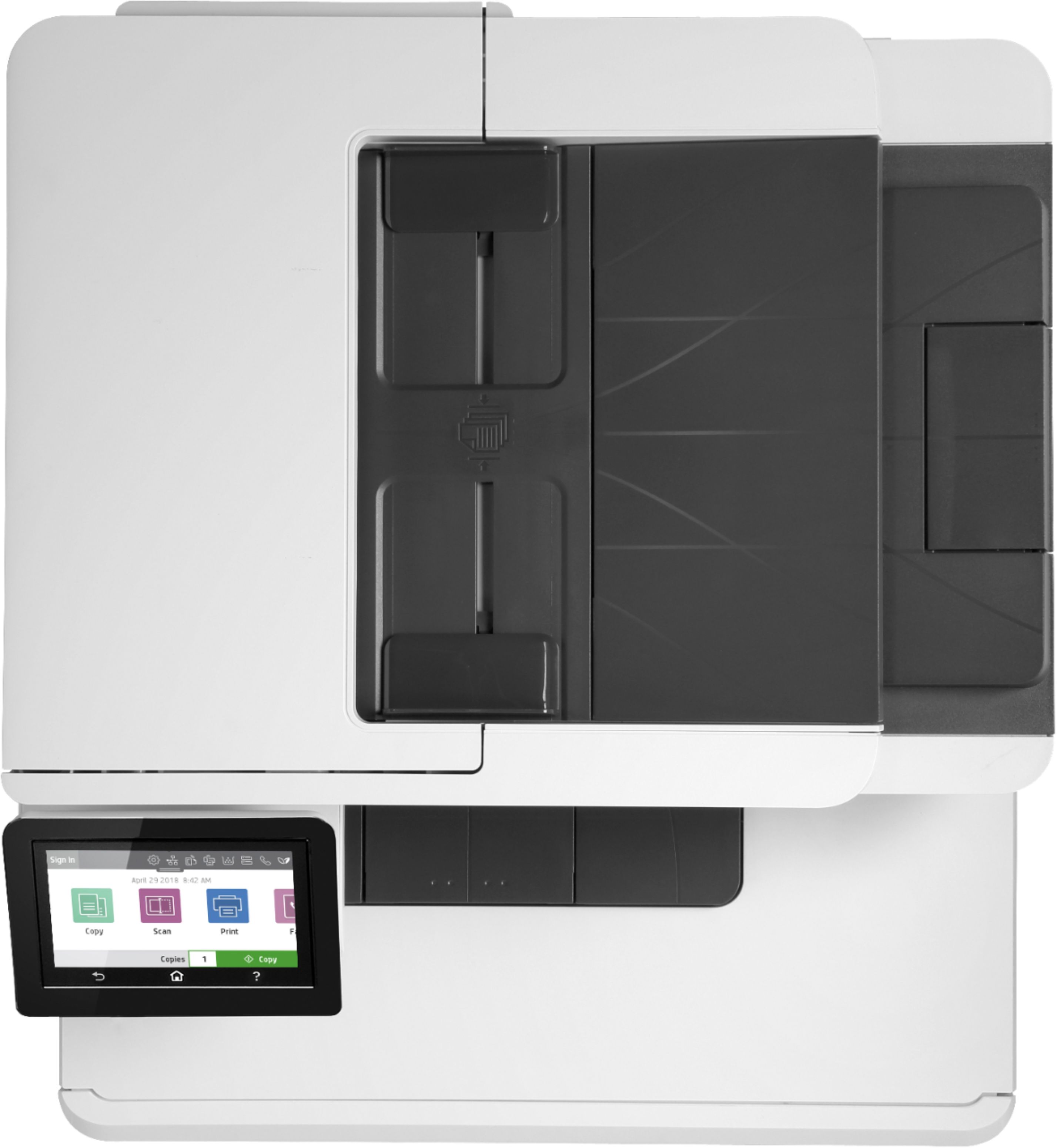
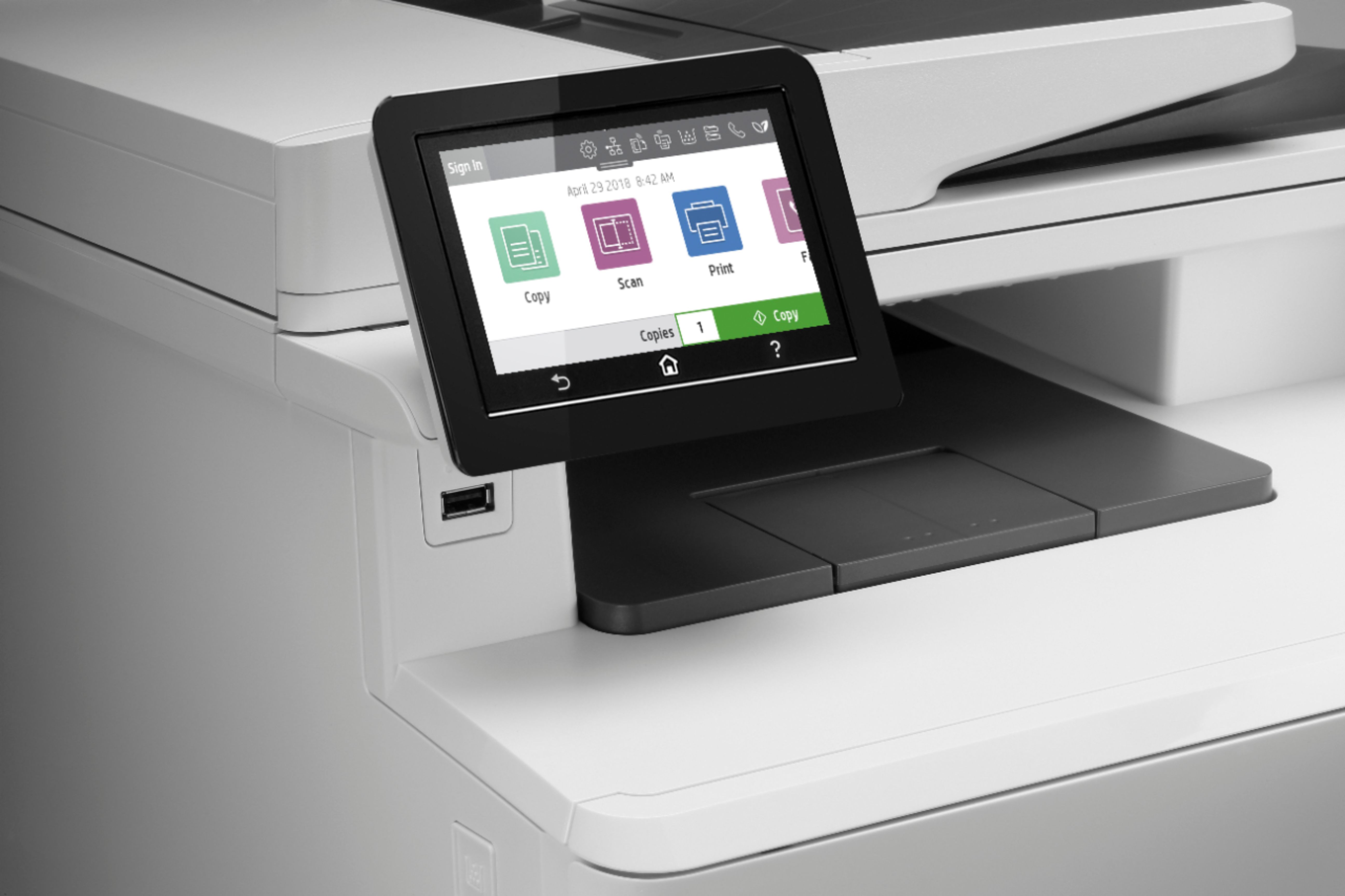
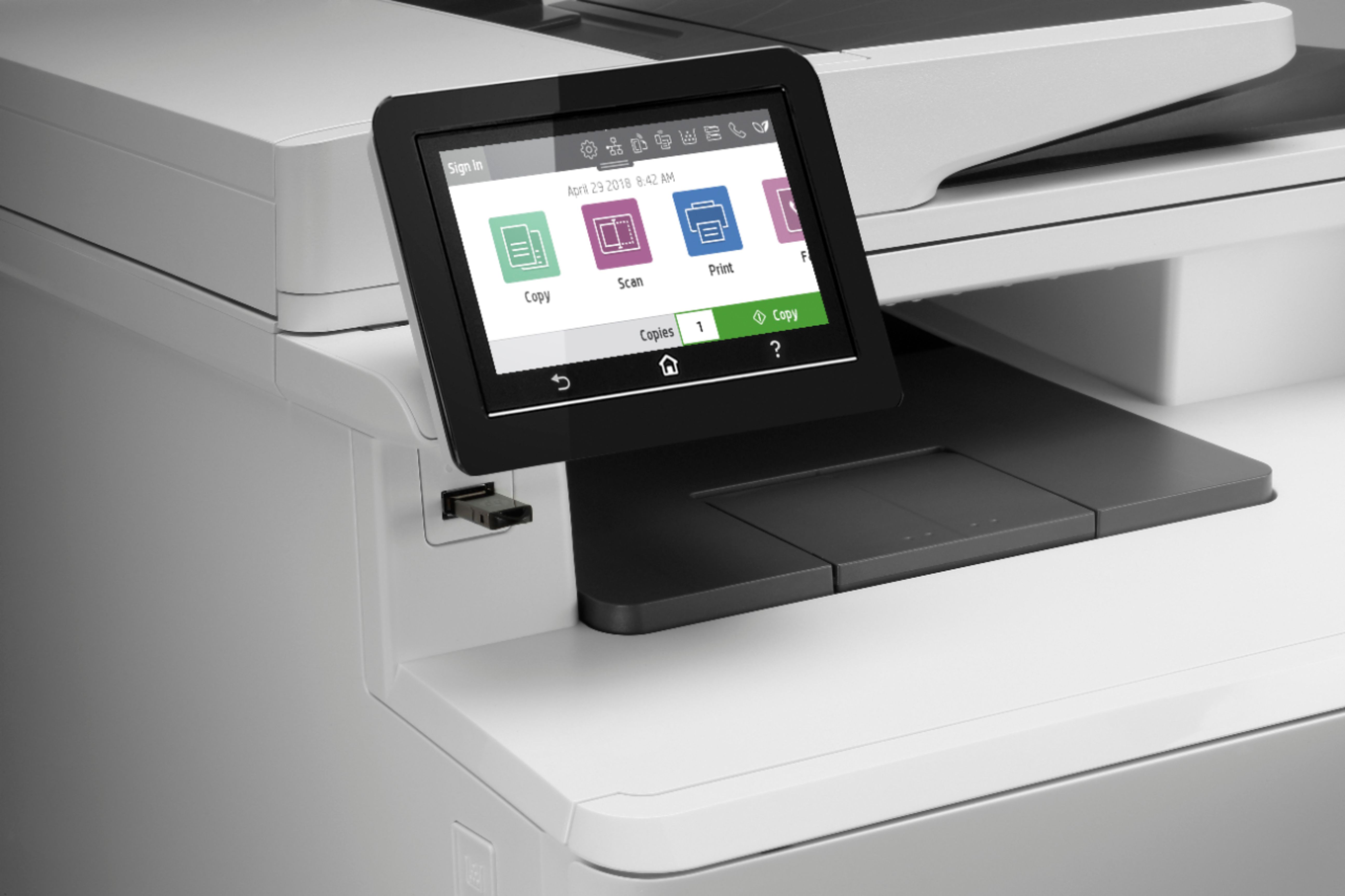
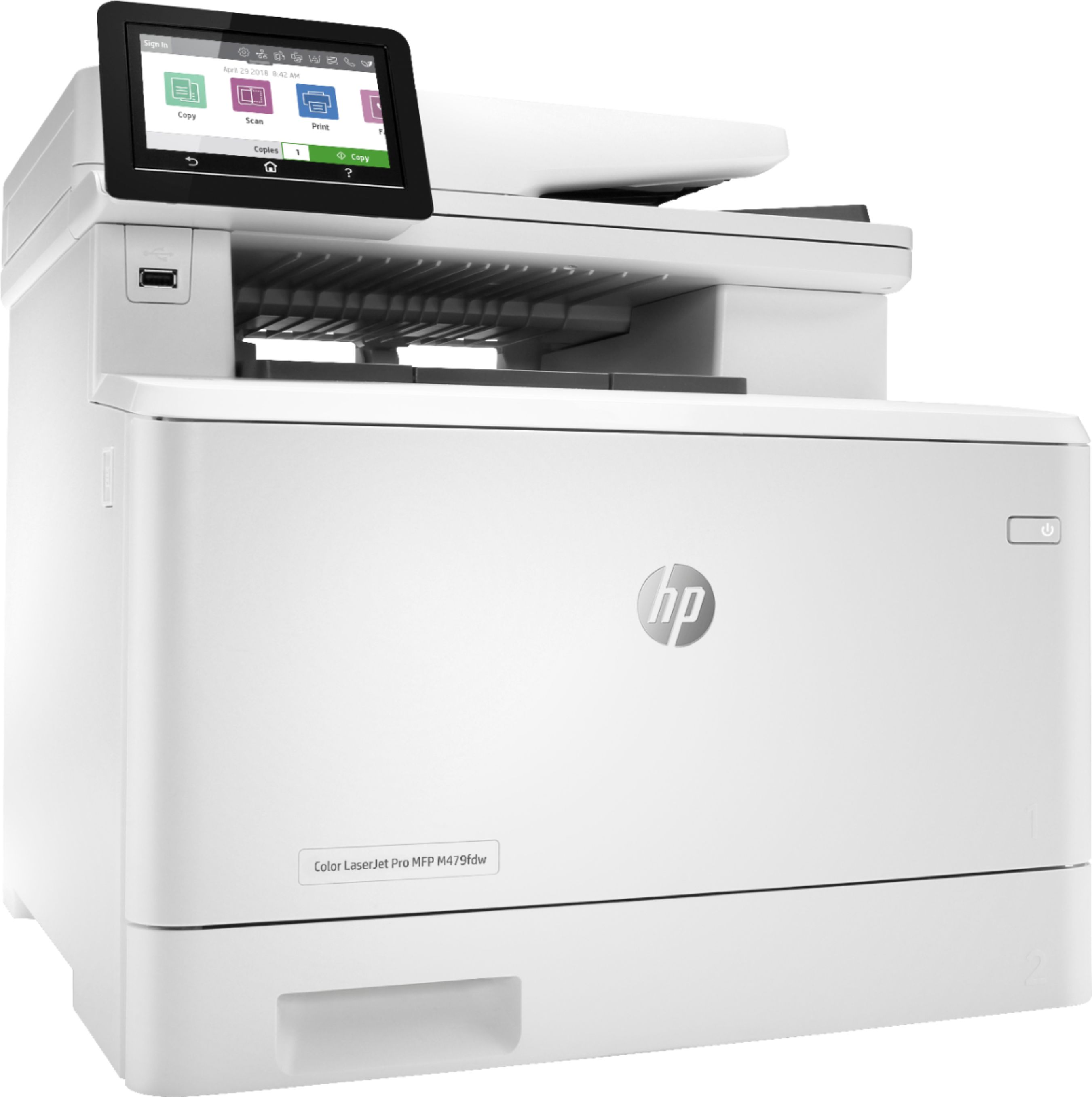


- Model:
- LaserJet MFP 479fdw
- SKU:
- 6348956
Rating by feature
- Value
Rating 4.3 out of 5 stars
- Quality
Rating 4.6 out of 5 stars
- Ease of Use
Rating 4.5 out of 5 stars
Customers are saying
Customers have good things to say about the LaserJet Pro M479fdw Wireless Color All-In-One Laser Printer, particularly its easy setup, print quality, and quiet operation. They appreciate the convenience of wireless printing and the excellent color output. However, some customers find the price and toner to be expensive, and there have been complaints about the weight and issues with the scanner.
This summary was generated by AI based on customer reviews.
Check printing printer
||Posted . Owned for 1 week when reviewed.This reviewer received promo considerations or sweepstakes entry for writing a review.Needed a printer that could use MICR Toner, but that could also print in color. This Hp qualified.
I would recommend this to a friendPerfect for a home office
||Posted . Owned for 5 months when reviewed.This reviewer received promo considerations or sweepstakes entry for writing a review.I bought this for my home office. It’s been great to have during the pandemic with everything we had to print for our kid’s “virtual learning.”
I would recommend this to a friend- Pros mentioned:Noise level, Wireless

A solid, affordable business printer
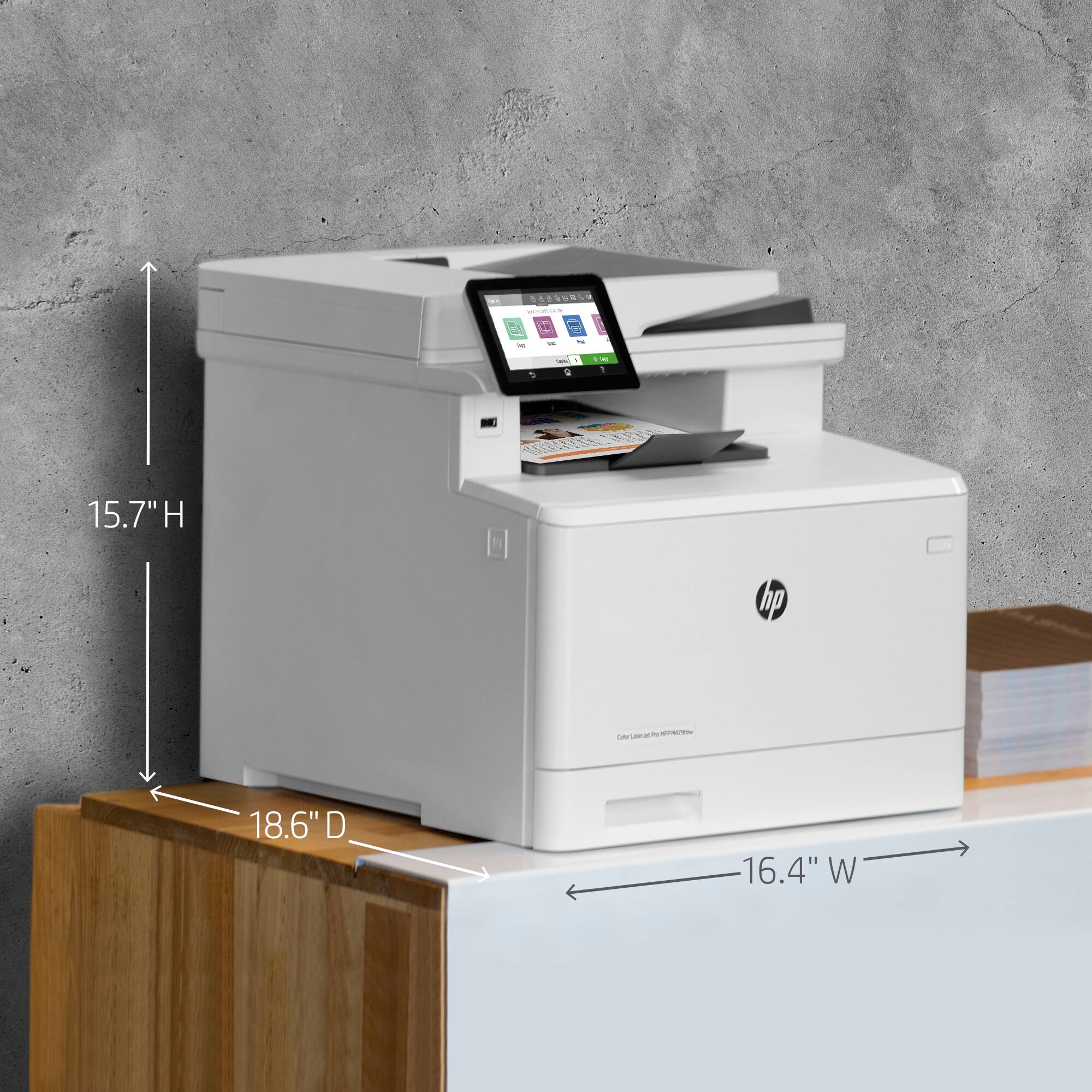
|Posted .This reviewer received promo considerations or sweepstakes entry for writing a review.I had been using an older Canon MP30 printer/scanner in my home office and decided to upgrade to this LaserJet. Looking at the photos, I assumed it would be pretty large. However, I was pleasantly surprised that it didn't really take up any more counter space than the old printer. It's about 50% taller, but that works just fine for me. What impressed me the most with this printer is all of the regular business features packed into the smaller size. Many printers take advantage of wireless now days, of course, but this printer has features I'm used to having at work like being able to send it an email to print; sending scans directly to my email address; and having the ability to require a login to print out your job, which is very useful in a shared work environment. The color LCD touch display is intuitive and very responsive. It seems like a lot of smaller systems using touch screens can have a maddening bit of lag to them. But this one is very snappy and not the least bit frustrating. Another thing I like about this printer is that it's surprisingly quiet. I'm pretty sure it's quieter when printing than my older Canon inkjet. The eco settings also let it go dormant (and completely silent) when it's not in use. It also blanks out the screen fairly quickly which is nice in a room at night. The one downside that I can see with this is the expense when it comes time to replace the toner cartridges. It has a black cartridge then separate cyan, yellow, and magenta color cartridges. They come in small or large models (414A or 414X) which vary in price and performance. Right now, it looks like the A/X black cartridges are about $85/$175 but they say you can expect to print about 2,400/7,500 pages with those respectively. The color ones are $110/$235 and they estimate 2,100/6,000 pages from each type.
I would recommend this to a friend HP m479fdw AIO Printer
||Posted . Owned for 11 months when reviewed.This reviewer received promo considerations or sweepstakes entry for writing a review.Good value for our small church office. We got rid of the Xerox rental and this has been handling our print jobs just fine.
I would recommend this to a friendGreat printer
||Posted . Owned for 1 month when reviewed.This reviewer received promo considerations or sweepstakes entry for writing a review.Great printer excellent functions . I thought it would be too large but it's not as big as I thought . It's fits nicely on a small table .
I would recommend this to a friendLaserjet
||Posted . Owned for 3 weeks when reviewed.This reviewer received promo considerations or sweepstakes entry for writing a review.Love everything about it! Sam was extremely helpful in setting up & teaching e how to use it.
I would recommend this to a friendLike HP printers, hate toner issues
||Posted . Owned for 2 months when reviewed.This reviewer received promo considerations or sweepstakes entry for writing a review.great printer, just too expensive, glad that HP makes them, too bad all toner cartridge were not exactly the same in a series of printers
I would recommend this to a friend- Pros mentioned:Print quality, Wireless
A Great SOHO/SMBs Printer
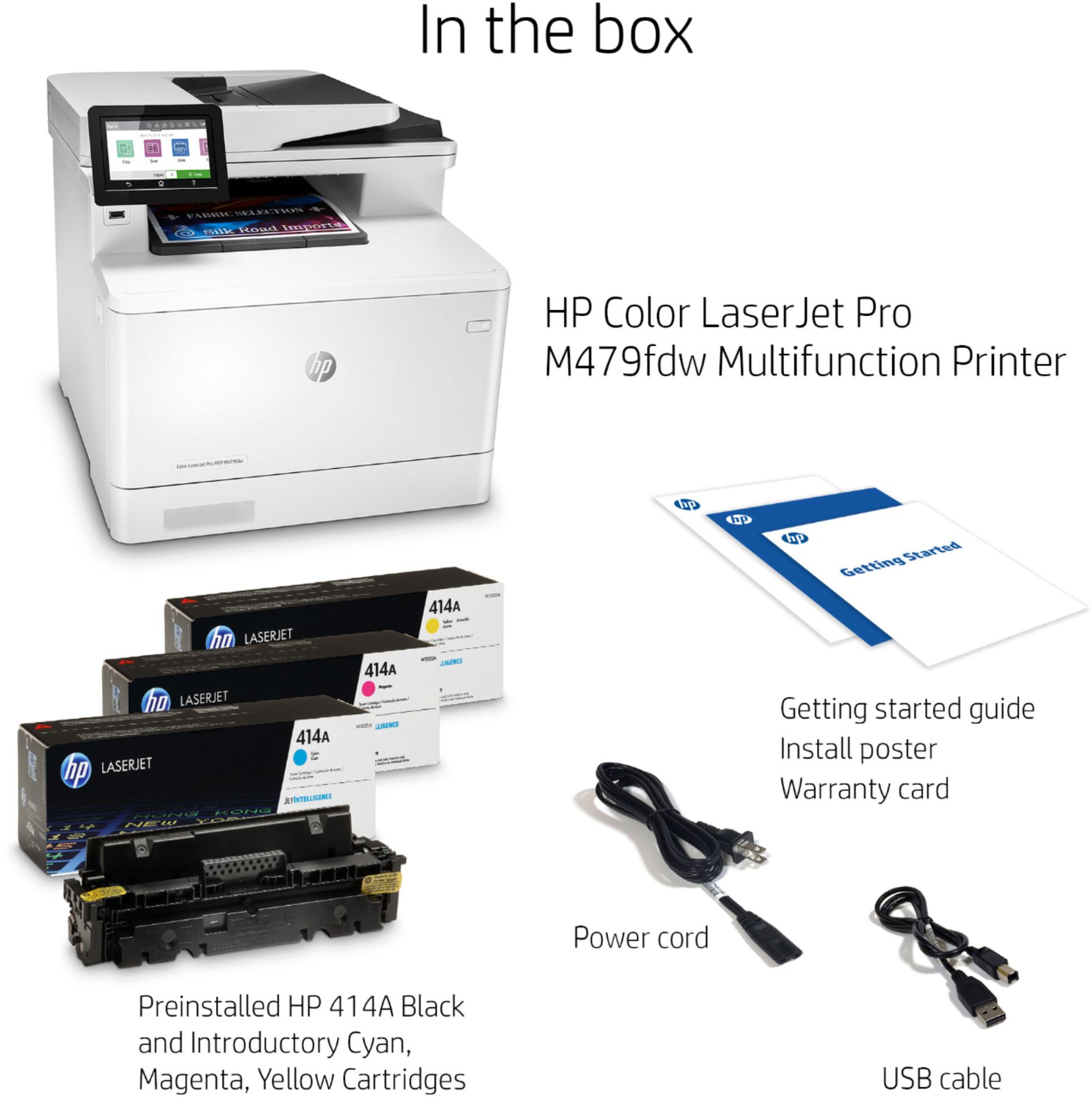
|Posted .This reviewer received promo considerations or sweepstakes entry for writing a review.The HP M479fdw is a mid-high end color laser printer that is really geared to a small-to-medium business and high end small office/home office use. It offers pretty high end features in a really compact chassis (compact for the features it offers, it’s still a big laser). I boasts connectivity that’s both user friendly, and admin friendly. Despite a few quirks, it seems to be a great device. The first thing to note about any SOHO/SMB laser printer is: make sure you have space for it. In most office scenarios this won’t be a problem, but in a home office, the stout proportions leave it pushing the boundaries of desk tops. The printer comes well packaged in a box, and it may take 2 people to safely remove it. It comes with a USB cable, power cable, and phone cable for the integrated fax. Unfortunately I haven’t had a landline to fax with in my SOHO ever, so I cannot comment on the fax feature, but I have to assume based on previous experience with HP integrated faxes in these MFP that it will work swimmingly. Connectivity is available multiple ways. You get the ye-ol USB connection, which I didn’t even try, dual-band WiFi (yay!), and gigabit wired ethernet (I am not sure how a printer could ever saturate gigabit, but hey more bandwidth!). I used the WiFi connectivity primarily because I felt like it’s the most common use case, but I did have good luck with the gigabit adapter as well. Frankly if you can use a wired network with a printer like this, you should, but I had no problems via WiFi at all. Getting connected initially was as easy as following a few steps on the printer, and putting in the WiFi password. Obviously wired was even easier setup. Of course AirPrint and CloudPrint are offered as modern mobile connectivity options. Cloud print takes just a few steps to setup, but AirPrint ‘just works’. The advantage cloud print brings is that you can print from anywhere in the world, which sounds silly, but if I’m out and about with a contact and I need to print something I can do it then, and the paper is waiting ready for me at home. You also get WiFi direct, IPP, WS-Discovery/WSD and bonjour which make connecting to this printer from any OS, at any time as fluid as possible. Couple that with HP’s Web Services, which allow you to simply email a document for printing, it’s hard to imagine a scenario where you couldn’t print your document. Helpfully, the printer will give you it’s IP/URL to the integrated web server for configuration. Sanely, many options are disabled when you visit the ‘HTTP’ URL, and you must upgrade to HTTPS for scanning options and anything that takes a password. This is great to see as device manufacturers start to take actual device security seriously. The interface actually lets you setup your companies own trusted certificate if you want users to not get the certificate warning during the HTTPS upgrade. The integrated web server is really the true access to configuration, allowing you to tap into the true swiss army knife of functionality the printer offers. Of course anyone on your network can configure the printer by default, so you if you’re in a larger business you may want to set a password. I’ll give HP credit that you can even setup IP whitelists and firewall rules for access, so there is a distinct and advanced software set here. The printer allows multiple users, separation of certain printer functions and roles. You can even configure LDAP or Active Directory authentication for use. It’s obvious that HP has honed the UI and capabilities of the printer to a fine blade. The almost embarrassingly deep feature set means that whatever your use case, you can probably get value from it. Want to save your faxes to a network folder and send an email instead of printing them? Just a few clicks away. Want to setup multiple profiles for scan to network folder? Easy peasy. Want to print your Google Drive documents? Piece of cake. Want to scan to a PDF from the web browser - instant. Need to print your ticket for a local concert from your iPhone - tap, tap done. And all this without even touching the printer. Of course little of this matters without talk of capability and quality. The M479fdw offers not only double sided printing, but also double sided copying when using the ADF. Color duplex printing and scanning is a pretty high end feature set, so seeing it so well executed at this price point and size is great. Generally speaking print quality is excellent. Text is REALLY excellent, like go get a jewel’s glasses and look for any imperfections. You won’t find any. Color printing is excellent too for a laser. Most will appreciate the resolution and consistency of the image. Laser’s don’t bleed ink, so for some the non-smudging nature and general flatness of the image will be perks. You won’t be printing photos for the photo frames, as lasers don’t have that pop and contrast like inkjet, but for day to day printing quality is amazing. For presentations, cover sheets, or anything the M479 won’t let you down quality wise. As with any laser, a medium higher weight paper with a decent brightness produces excellent results. Scanning is a bit of a mixed bag. I scanned a few documents, and copied a few more. Copying went well from the ADF, producing great black results and good color results - with contrast and detail being lost on the lightest of elements. The ADF successfully did double sided copying with ease. Scanning to a network share produced a PDF that was tilted significantly (5-7deg). Changing the quality from medium to high seemed to solve some of that, but it was definitely surprising to see, especially after a near perfect copy. I have to think some software correct is being improperly applied, so hopefully this will get better. Overall the speed of scanning and quality were more than sufficient for my use cases. On the high quality setting, I would feel comfortable just digitizing any paper bills/documents. If scanning lots of documents to digital is a big use case, caveat emptor. The paper tray is located in the bottom and holds 250 sheets. You can pull out the front panel and feed special paper or envelopes. Pushing a button on the left side will release the toner, which slides out on a handy dandy tray. Toner is super easy to remove/replace and takes only seconds to figure out. Around back there is access to the mechanism for that fateful day when you get a paper jam. Overall design is understated but details abound that speak to the engineering experience of HP. For instance, there is a slight bow in the printer output tray that keeps paper from wantering as it gets ejected from the ADF/printer, meaning you pick up a neatly stacked set of pages without any effort. Included with the printer is a starter set of toner. You get a 2400 page black and 1200 page color set, which is relatively generous. My first laser’s retail toner offered a 2500 page capacity for reference. Long term, the toner is pricey. Retail replacement toner for high yield capacities is an eye watering $900 for a full set. Of course standard toner is cheaper coming in just over $400. Keep in mind that HP does have toner chips with page limits hard built in them, as well as authentication to ensure HP genuine toner is used. Essentially this means your toner options are limited to HP new toner cartridges. For a SOHO printer that means you have to think long and hard about that replacement set of toner. This is normal for the printer world, but it does increase the eventual cost associated with ownership. There are 414A third part cartridges, but HP warns they may not work or may be disabled and even those aren’t cheap. Ostensible this is for security and intellectual property reasons. The included touch screen controls make it easy to do common functions. Copying and scanning top the list of big easy to hit buttons which will please any office worker. The interface is sometimes clunky, and perhaps not as pretty as competitors, but it’s quite usable. The interface will feel at home for any Android user, with touch buttons for back and home. The HP also has a helpful ‘help’ button that links to on board help and documentation. This printer can show you how to clear a paper jam, change toner, or practically any common function, with a video - no kidding. HP printers have long been known as the gold standard of quality and reliability. The M479fdw continues that heritage while offering the total package for a SOHO/SMB printer. It’s a flexible office tool, which has been honed like a katana for generations now. It has legacy, but it also has cutting edge features (as far as printing goes). It’s the epitome of an office tool and can scale from a single office user all the way up to a bustling office. For home use it may be overkill, but if you need paper for your job, even just occasionally, this MFD should be on your short list.
I would recommend this to a friend Excellent printer.
||Posted . Owned for 3 weeks when reviewed.This reviewer received promo considerations or sweepstakes entry for writing a review.Excellent product . I am very happy with this printer. I would definitely recommend it.
I would recommend this to a friendThis printer pretty much does it all
||Posted . Owned for 4 months when reviewed.This reviewer received promo considerations or sweepstakes entry for writing a review.HP Printers are the best. Have used different ones over the years for personal and business. This one basically does it all.
I would recommend this to a friendReliable Printer
||Posted . Owned for 9 months when reviewed.This reviewer received promo considerations or sweepstakes entry for writing a review.Been using it for a year now. Printing is great and no issues. Direct connect with mobile device is glitchy and need to use manufacturers servers to print from phone.
I would recommend this to a friendPresident
||Posted . Owned for 1 month when reviewed.This reviewer received promo considerations or sweepstakes entry for writing a review.This is the only brand of printer HP that I will purchase because it's that good.
I would recommend this to a friendThe HP MFP M479fdw has skewed/crooked scans
||Posted . Owned for less than 1 week when reviewed.This reviewer received promo considerations or sweepstakes entry for writing a review.I purchased this model a few days ago from my local Best Buy. Initial setup and network install was incredibly easy and the test prints looked fantastic. Overall, this feels like a quality machine and it has the feature set I was looking for. The issue I have is with the scanner when using the scan to email or scan to network folder options (basically anything scanned or copied from the MFP itself). All scans are skewed/crooked by about 2/8” on the right hand side. This issue occurs whether using the ADF/automatic document feeder or the glass/platen. The issue was bad enough I exchanged the MFP the next day, only to find the replacement unit has the same exact issue. I contacted HP support about the issue - their solution is to use the “HP Scan” software on a computer along with the “Straighten” option activated to correct the issue. For the most part the software Straighten option does work - I found it was still just slightly off, however, this is a post processing software tweak vs. a hardware fix for a faulty product. Relying on a computer with the HP Scan software also defeats the purpose of utilizing the scan to email and scan to network options as the scans will always be skewed/crooked - it’s unacceptable for business documents. The only option I’m left with is to arrange an on-site tech visit to address the issue. While it’s great HP offers that level of warranty service, I don’t believe that should be necessary on a brand new machine. I will be returning it for a refund.
No, I would not recommend this to a friendBrand response from HP Team
Posted .Hello,
I'm so sorry for the inconvenience this printer has been causing. We certainly build our printers with the intent of providing a reliable experience for our Customers, so I can imagine how problems you described could cause frustration.
I was in touch with our Technical Support for this printer model and the scanning problem you mention basically does not happen. That is why they are very keen to investigate.
Please reach out to us for support and explain the situation.
All HP products have Limited warranty Period.
You can check your warranty entitlement by entering your product model number and serial number at http://www.hp.com/go/warrantycheck
HP Care Pack services registration can be checked at Care Pack Central at http://www.hp.com/go/cpc
You can receive support in one of the following ways:
1. Looking for additional support and troubleshooting information or updated software and drivers from the HP Support website at http://www.hp.com/support
2. Locating and contacting your nearest HP Support location via the website at http://welcome.hp.com/country/us/en/wwcontact.html
3. Contacting your HP authorized reseller or HP authorized service provider. Before calling HP or an HP authorized service provider, have the following information available:
- Product serial number, model name, and product model number
- Applicable error messages
- Add-on options
- Operating system
- Third-party hardware or software
- Detailed questions
In case of further enquiries, please do not hesitate to contact us at: hp.com/contactHP
Hope this helps!
Tom
HP Care
hp.com/support
HP Printer
||Posted . Owned for 3 weeks when reviewed.This reviewer received promo considerations or sweepstakes entry for writing a review.Easy set up love how user friendly it is and not a big as I thought it would be. Buisnees office quality copies.
I would recommend this to a friendLove My Printer
||Posted . Owned for 11 months when reviewed.This reviewer received promo considerations or sweepstakes entry for writing a review.Great Printer... All-in-One and well worth it... So many different features and Love the large LCD screen. HP has been good to me :).
I would recommend this to a friendOwner
||Posted . Owned for 3 weeks when reviewed.This reviewer received promo considerations or sweepstakes entry for writing a review.Very Happy with the printer. The experience went very well at the Best Buy Store that I went to. Gary
I would recommend this to a friendVery Difficult to Program
||Posted . Owned for 2 weeks when reviewed.This reviewer received promo considerations or sweepstakes entry for writing a review.I am no computer genius, but can generally hold my own. This printer is areal challenge set up. Of course, only on -line manual and even then, instructions really not very clear. I have it working but I probably have not optimized the set up. You tube videos help. Why does it have to be so hard?????????
No, I would not recommend this to a friendGreat Buy!
||Posted . Owned for 3 weeks when reviewed.This reviewer received promo considerations or sweepstakes entry for writing a review.Excellent machine ,,,, Great buy & fast shipping .... Would definitely recommend.
I would recommend this to a friendMy preference is laser
||Posted .This reviewer received promo considerations or sweepstakes entry for writing a review.Still trying out my new laser printer so far so good, a bit bulky and wanted a black one which I could not find so had to settle for this one but all-in-all works fine.
I would recommend this to a friendGreat for howork from home.
||Posted . Owned for 7 months when reviewed.This reviewer received promo considerations or sweepstakes entry for writing a review.Love this. The inknis expensive to order, but we buy generic ink online. Love the large paper tray and that it prints double sided.
I would recommend this to a friend