Customer Ratings & Reviews
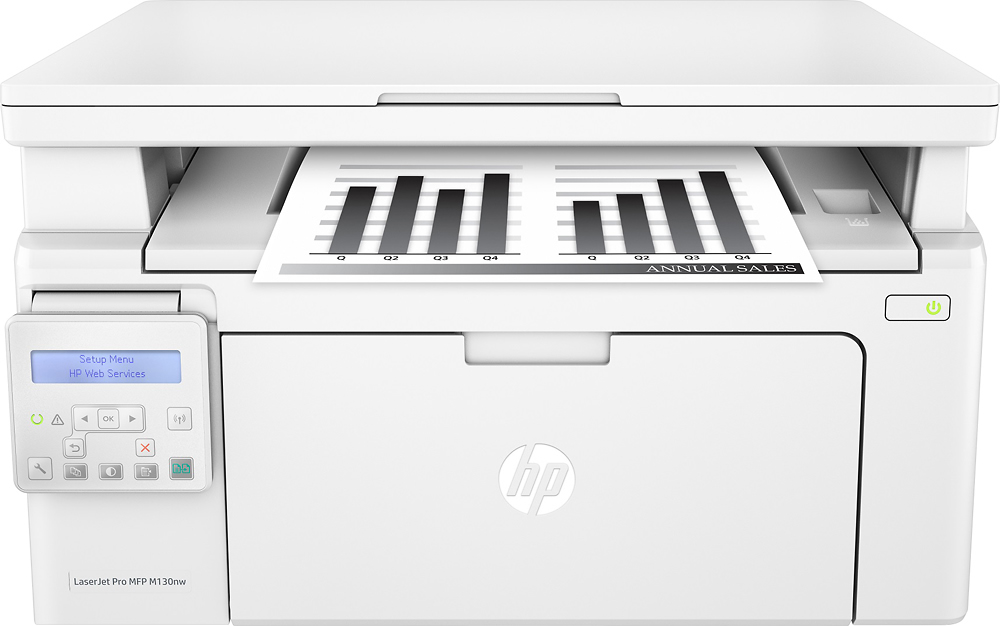
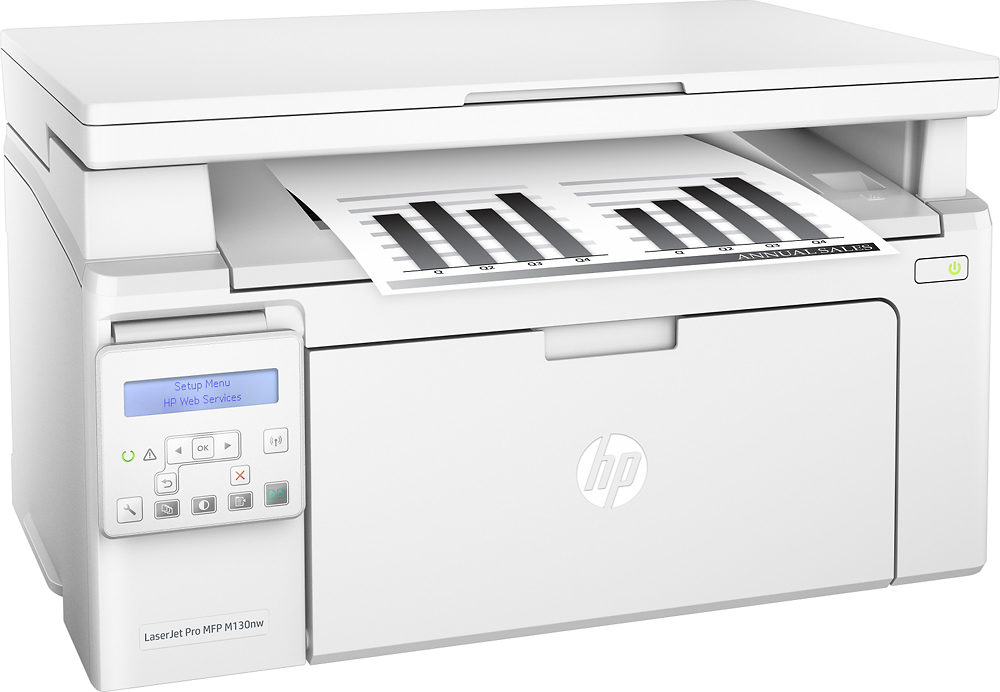
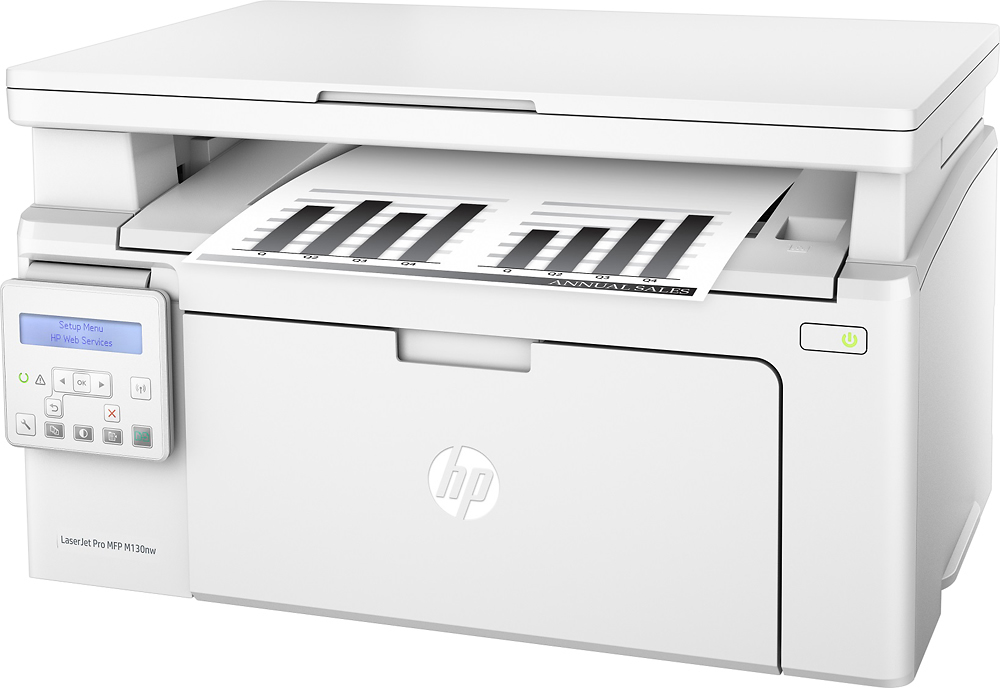
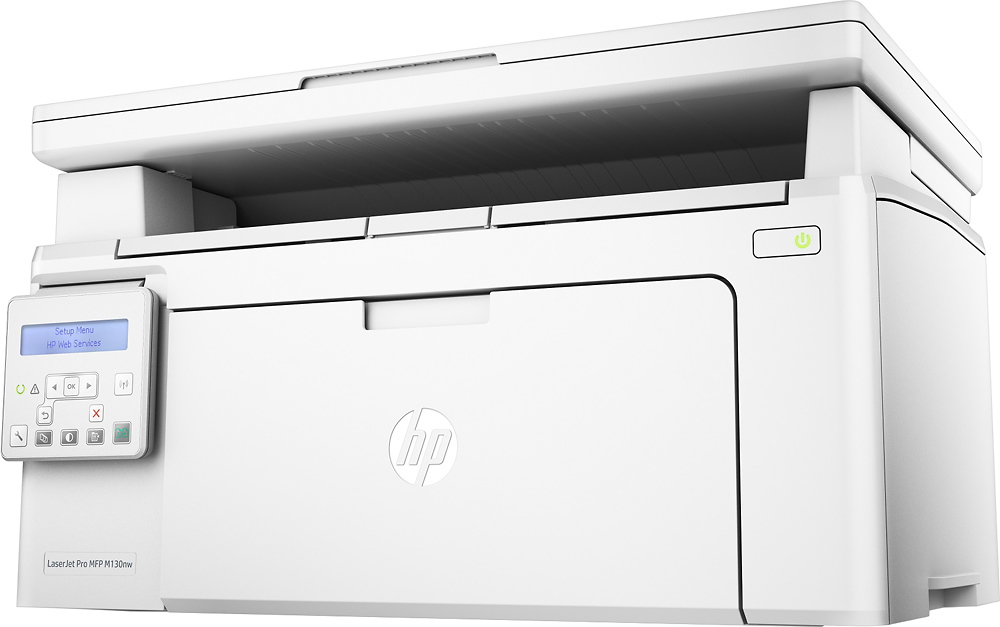

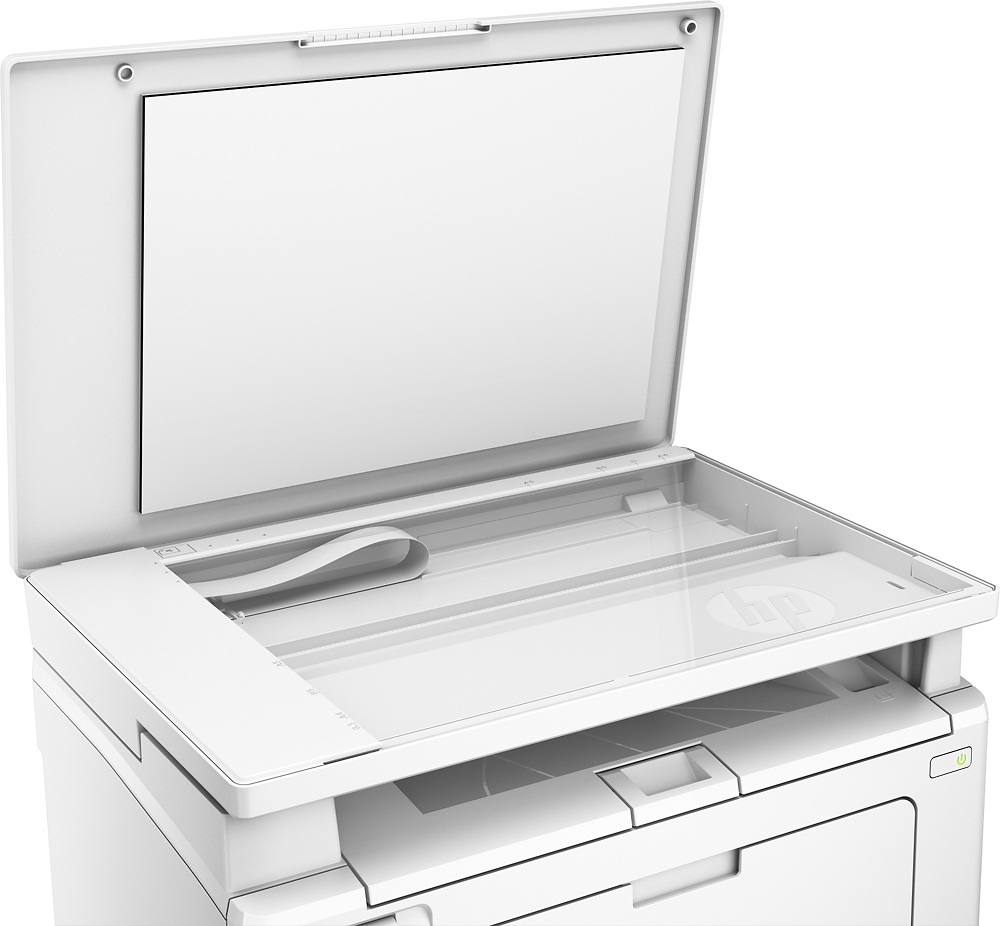
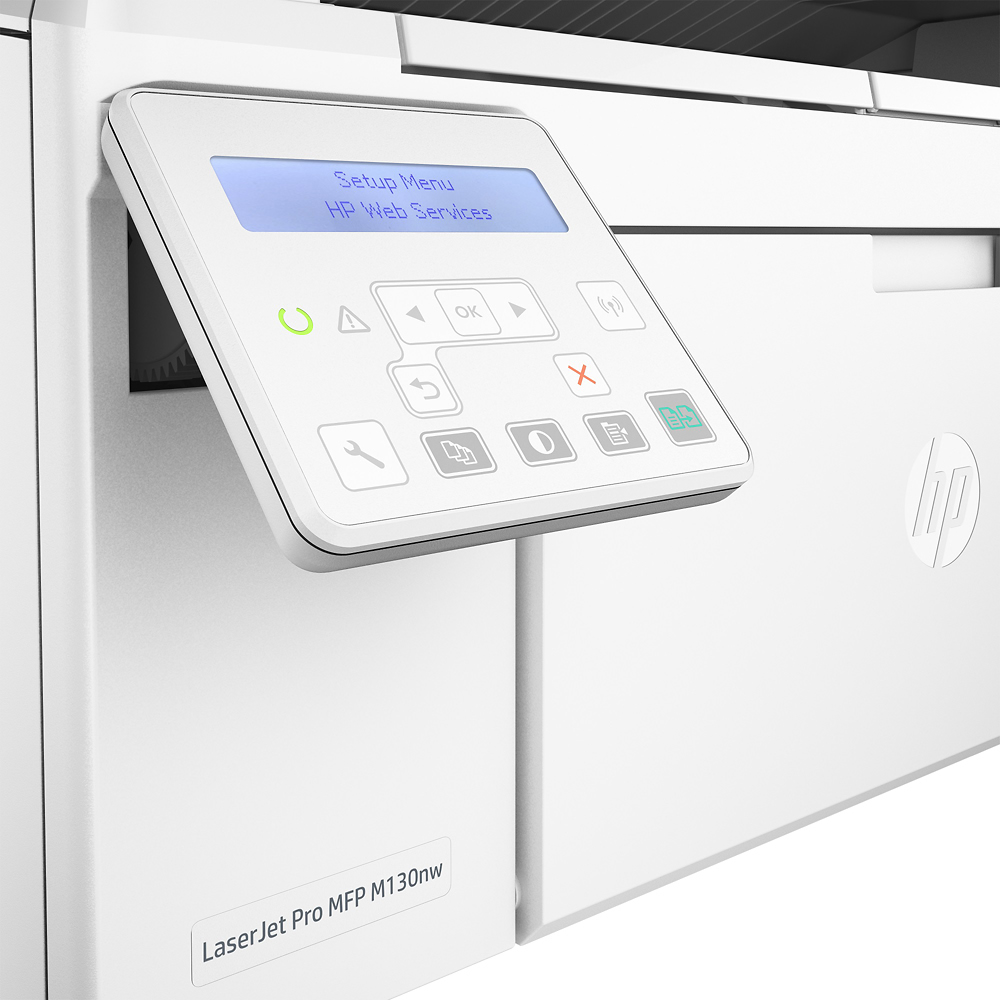
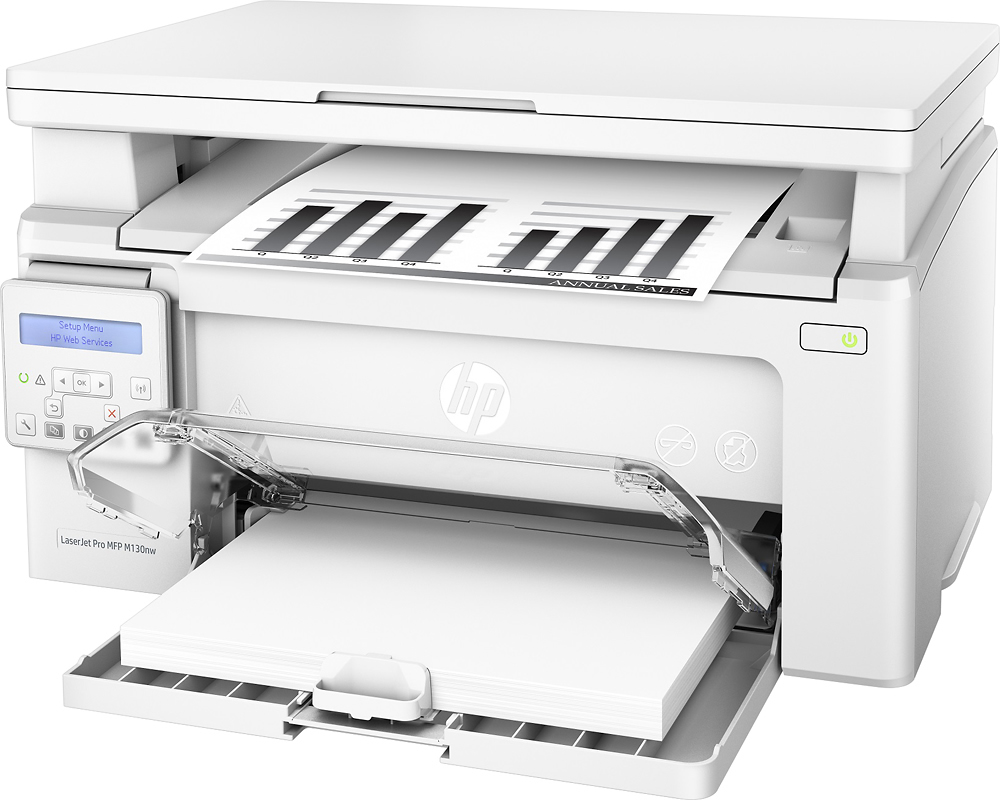

- Model:
- G3Q58A # BGJ
- SKU:
- 5623291
Rating by feature
- Value
Rating 4.5 out of 5 stars
- Quality
Rating 4.4 out of 5 stars
- Ease of Use
Rating 4.3 out of 5 stars
Customers are saying
Customers are enthusiastic about the LaserJet Pro MFP M130nw's print quality, ease of use, and compact size, frequently praising its performance and value for the price. Many appreciate the wireless functionality and straightforward setup process. While some users noted the absence of a fax function, the overwhelmingly positive feedback points to a generally well-received product. The printer's quiet operation and toner efficiency were also highlighted as positive aspects.
This summary was generated by AI based on customer reviews.
some good some notso
||Posted .This reviewer received promo considerations or sweepstakes entry for writing a review.this unit printed well but was hard the program especially connecting to the wi fi.
I would recommend this to a friendGood printer with small footprint.
||Posted .This reviewer received promo considerations or sweepstakes entry for writing a review.Eco print too light. No individual envelope feed. Priced right and good value.
I would recommend this to a friendVery difficult to set up wireless
||Posted . Owned for 1 year when reviewed.This reviewer received promo considerations or sweepstakes entry for writing a review.Owner doesn't last as long as advertised. Had to purchase another toner not even after 200 pages. That's probably why it was on sale. Wireless set-up is a pain and requires a lot of time
No, I would not recommend this to a friendBrand response from HP Team
Posted .Hi there.
I'm extremely sorry to hear that you aren't happy with the printer in terms of its toner usage. I can imagine how this would be pretty frustrating. We're committed to providing an efficient experience with our printers, so let's see what I can do to help address this.
First, I’ll offer an explanation as well as some suggestions. The numbers we use for page yields are estimates calculated by an international organization whose standards all companies use. So, results vary based on numerous factors.
Here’s a document that explains more about LaserJet toner cartridge page yield and how the estimates are determined:
- www8.hp.com/h71041/learn-about-supplies/us/en/toner.html
If you haven't already, you might consider using the printer's draft mode and black-and-white settings to increase page yield.
In terms of wireless setup and connection, you can find troubleshooting guides (among other materials) for this model here:
- support.hp.com/us-en/product/hp-laserjet-pro-mfp-m130-series/9365370/model/9365372
If you have any other questions or concerns, please remember you can reach out to us for support any time. You can contact us directly via your preferred method at this link: hp.com/contactHP
Keith
HP Care
hp.com/support
cheap price, prints with streaks
||Posted .This reviewer received promo considerations or sweepstakes entry for writing a review.After not even one ink cartridge, the prints are coming out streaky Not impressed with the quality
No, I would not recommend this to a friendno access to technical support
||Posted .This reviewer received promo considerations or sweepstakes entry for writing a review.Purchase went smoothly including the timely delivery
No, I would not recommend this to a friend- Pros mentioned:Ease of use, Print quality, Size
Great Little Laser Printer
Posted .This reviewer received promo considerations or sweepstakes entry for writing a review.Needed a very compact laser printer and this meets my need. I was able to fit this printer inside a media console. Fairly easy to set up; went with the wireless set up. Took a little longer than I hoped but that could have been due to my WiFi config. Ordered it online when it was 50% off so great price. Print quality is great. Fairly quiet. I recommend.
I would recommend this to a friend Eh
||Posted .This reviewer received promo considerations or sweepstakes entry for writing a review.Hard to set up. But it was reasonable for its cost.
No, I would not recommend this to a friendterrible machine
||Posted .This reviewer received promo considerations or sweepstakes entry for writing a review.This printer keepS jamming paper every day, even I reinstall the software several times, the bad situation still the same.
No, I would not recommend this to a friendWould not work hp tech could not get it to work
||Posted .This reviewer received promo considerations or sweepstakes entry for writing a review.Disappointed hp tech could not get it working for me I needed to return it
No, I would not recommend this to a friendBrand response from HP Team
Posted .Hi there,
I'm so sorry that the printer stopped working and was ultimately irreparable. Quality and reliability are two things we always pride ourselves on providing, so I really regret that we missed the mark this time.
Despite this printer not working well for you, I hope that you'll allow us an opportunity in the future to help you find one that better suits your printing needs. We would love a chance to make things right with the quality experience that we intended on providing from the start.
Chelsea
HP Care
hp.com/support
Uggggg
||Posted .This reviewer received promo considerations or sweepstakes entry for writing a review.I hate this product! The only feature I can use is copy so far! I've downloaded the disk and still can't use the printer or scanner!
No, I would not recommend this to a friendVery difficult set up
||Posted .This reviewer received promo considerations or sweepstakes entry for writing a review.I can print then I can't. Frustrating beyond belief. Not sure if it's my wifi or the printer. The instructions are sooo limited.
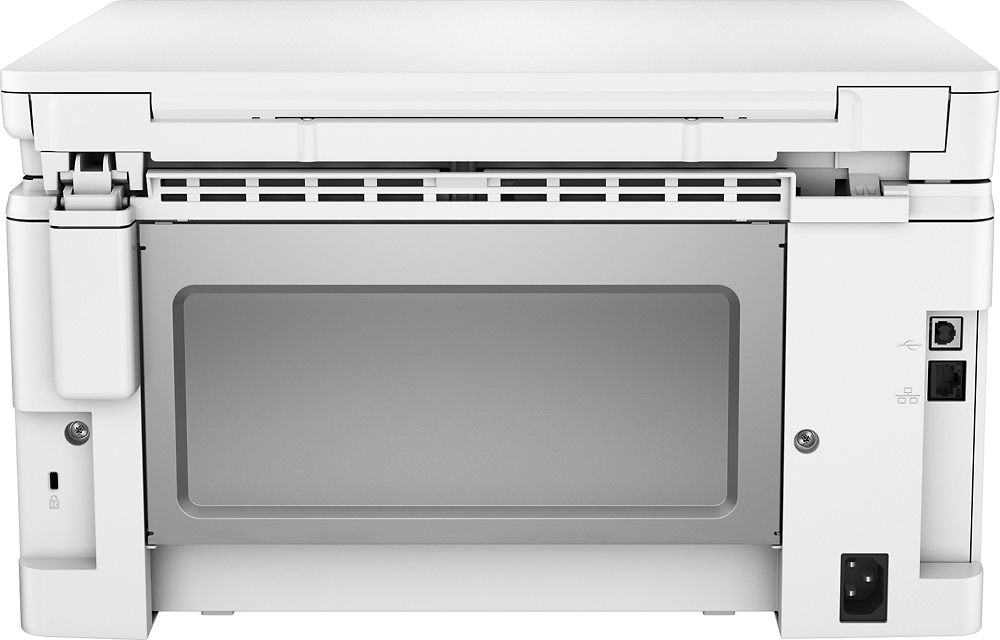
No, I would not recommend this to a friendDefective USB port
||Posted . Owned for more than 2 years when reviewed.This reviewer received promo considerations or sweepstakes entry for writing a review.I return this item because the USB port never work
No, I would not recommend this to a friendVery Printer
Posted .This reviewer received promo considerations or sweepstakes entry for writing a review.very nice printer, last 4 years i using and i am very happy
I would recommend this to a friend- Pros mentioned:Print quality, Size
Keep having problems connecting to the wifi
Posted .This reviewer received promo considerations or sweepstakes entry for writing a review.I have this printer two weeks, and I keep having problems in the wireless connection. Pages printed stop in the middle, restart connection should be done again and again and not always resolve the problem. I've seen this issue reported by others but thought it will not be in my apartment as I have a wireless connection in the same room as the printer. Unfortunately, its not the case. I could print some pages but couldn't find the way to keep the printer connected. I have no problems with any other device. Im returning this printer back to bestbuy and will replace with any other model that can ensure good connection. The printer itself is not bad, compact for my small apartment, good quality of the printing but the copy feature degrades significantly from the original. Im talking black and white and no color copies. So take that into consideration as it seems the scanner is not on the best quality. This is all I can say until now. Frustrating overall that a new printer has such low quality of connection.
No, I would not recommend this to a friendBrand response from HP Team
Posted .Hi there,
I'm so sorry to hear that the printer isn't maintaining a steady connection to your network. I can certainly understand how inconvenient this must be and I assure you that it’s far from the seamless experience that we intend on providing. With that said, let's try a few things to remedy this.
First, I'd recommend taking the recommended steps in this 'Offline Printer' document:
- Windows: support.hp.com/us-en/document/c04249080
- Mac: support.hp.com/us-en/document/c04249334
As a supplement to that, this link will guide you through solutions for a wide range of other wireless issues: hp.dezide.com/ts/start.jsp?guide=Printer_Does_Not_Maintain_Wireless_Connection.net
If this falls short, I hope you'll consider reaching out to us for support. Although you did mention you'd be returning the printer, I want to let you know that we'd be more than happy to work with you on resolving this. You can get in touch anytime via your preferred method at this link: hp.com/contactHP
Chelsea
HP Care
hp.com/support
- Pros mentioned:Ease of use
Great Printer, once you get it working
Posted .This reviewer received promo considerations or sweepstakes entry for writing a review.All Linux users, this printer does work, BUT, you must install HPLIP version 3.18.3. The old version, 3.16.3, will NOT work. Once I got it up and working, it's greater than my Canon I had that died.
I would recommend this to a friend - Pros mentioned:Wireless
Reylion
Posted .This reviewer received promo considerations or sweepstakes entry for writing a review.This Print is the best, connects easily after you put the disk in the PC or the web page don't forget the cable PC & printer. them put the IP # you see in the screen of the Printer and Ready to go... Good to me!!!!!
I would recommend this to a friend Cheap Printer but Wifi works half of the time
Posted .This reviewer received promo considerations or sweepstakes entry for writing a review.Im always having trouble printing using wifi and constantly have to reset. It is a pain having a printing that only works half of the time wireless. Also I have never been able to scan anything successfully. I have had other HP printers that are inexpensive and work better than this one.
No, I would not recommend this to a friendBrand response from HP Team
Posted .Hi soonermagic, sorry to hear you are experiencing an issue with your HP LaserJet Pro MFP M130nw as it does not maintain the wireless connection. Thank you for taking the time to submit a review, I appreciate your feedback. If you have successfully connected your printer to a wireless network, but the connection drops, to resolve the issue, go to HP Printers – Wireless Troubleshooting from this document: http://bit.ly/2yHbb6G HP printers generally have a 1-year warranty from their purchase date, you can verify the warranty using the following link: http://bit.ly/2mP3Xrb You can also contact HP Support in case you need further assistance: http://hp.care/2nbNQFi
Decent small utility printer
Posted .This reviewer received promo considerations or sweepstakes entry for writing a review.Fits the bill for a small printer to do light printing and scanning. Good config control. Not for heavy duty use. Some parts imminently breakable.Printed page handling disappointing. Note: no duplex.
I would recommend this to a friend- Cons mentioned:Fax
This copies and prints only!!! No fax or scanning.
Posted .This reviewer received promo considerations or sweepstakes entry for writing a review.This printer is advertised as a copier, scanner, faxer but it only copies and prints. I have to return it tomorrow. I am very disappointed as it took time to set it up and research the user guide. I called HP to verify via Chat online. The control panel has no fax icon, number pad, or scan icons.
No, I would not recommend this to a friendBrand response from HP Team
Posted .Hey there,
First, I would just like to say thank you for letting us know about this. I've passed along this information so we can make necessary adjustments to the advertised information. With that said, I'm sorry that you've had a less than straightforward experience through this. I can imagine how inconvenient this must have been, so I'm hoping that I can help make things right.
If you're within the 30 day return and exchange window, you might consider exchanging this printer for one that can fax. For more details on how to initiate an exchange, you can visit the following link: store.hp.com/us/en/cv/returnsandexchanges
In the meantime, I recommend the following printer, as it has both wireless and faxing capabilities: store.hp.com/us/en/pdp/hp-laserjet-pro-mfp-m130fw
For any other questions or concerns, please don't hesitate to reach out for support. We're always happy to help. You can get in touch via your preferred method at this link: hp.com/contactHP
Chelsea
HP Care
hp.com/support
Horrible printer
Posted .This reviewer received promo considerations or sweepstakes entry for writing a review.There are all kinds of issues with this printer, most annoying issues is the network issue. It keep going offline and does not print. Customer service is horrible too. I've spent at least 5 hours of my life over the phone with hp and they don't do anything.
No, I would not recommend this to a friend