Customer Ratings & Reviews
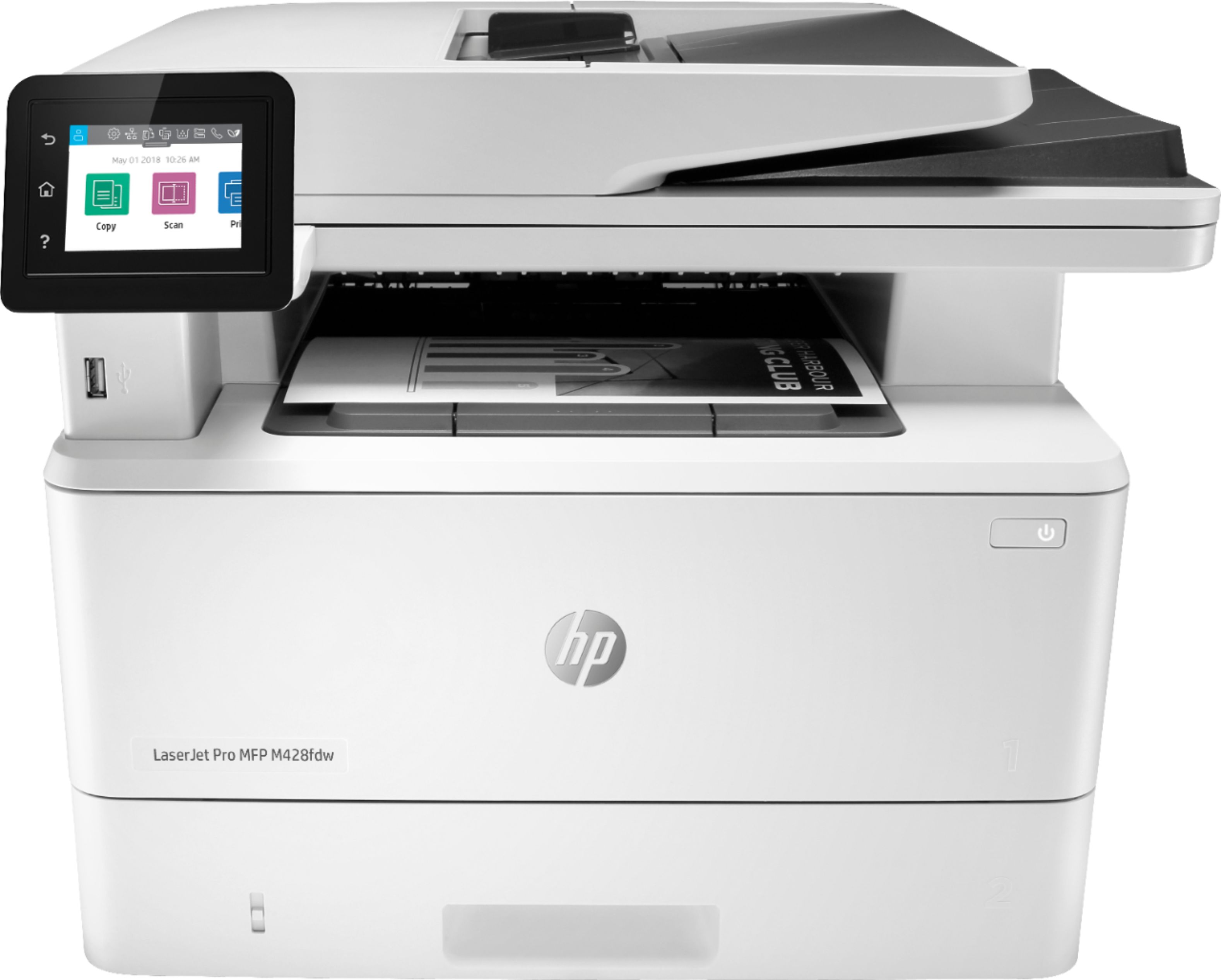
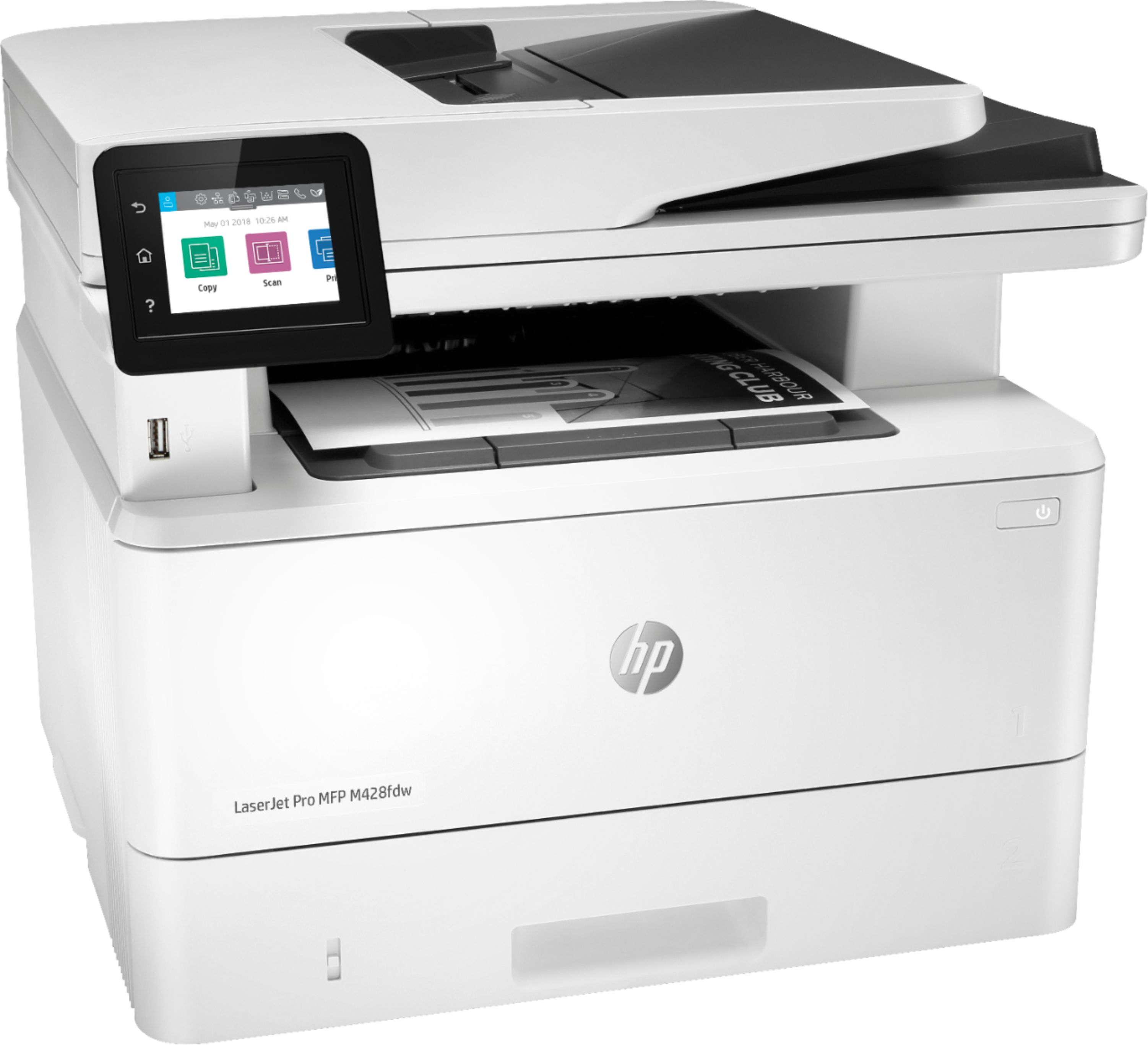
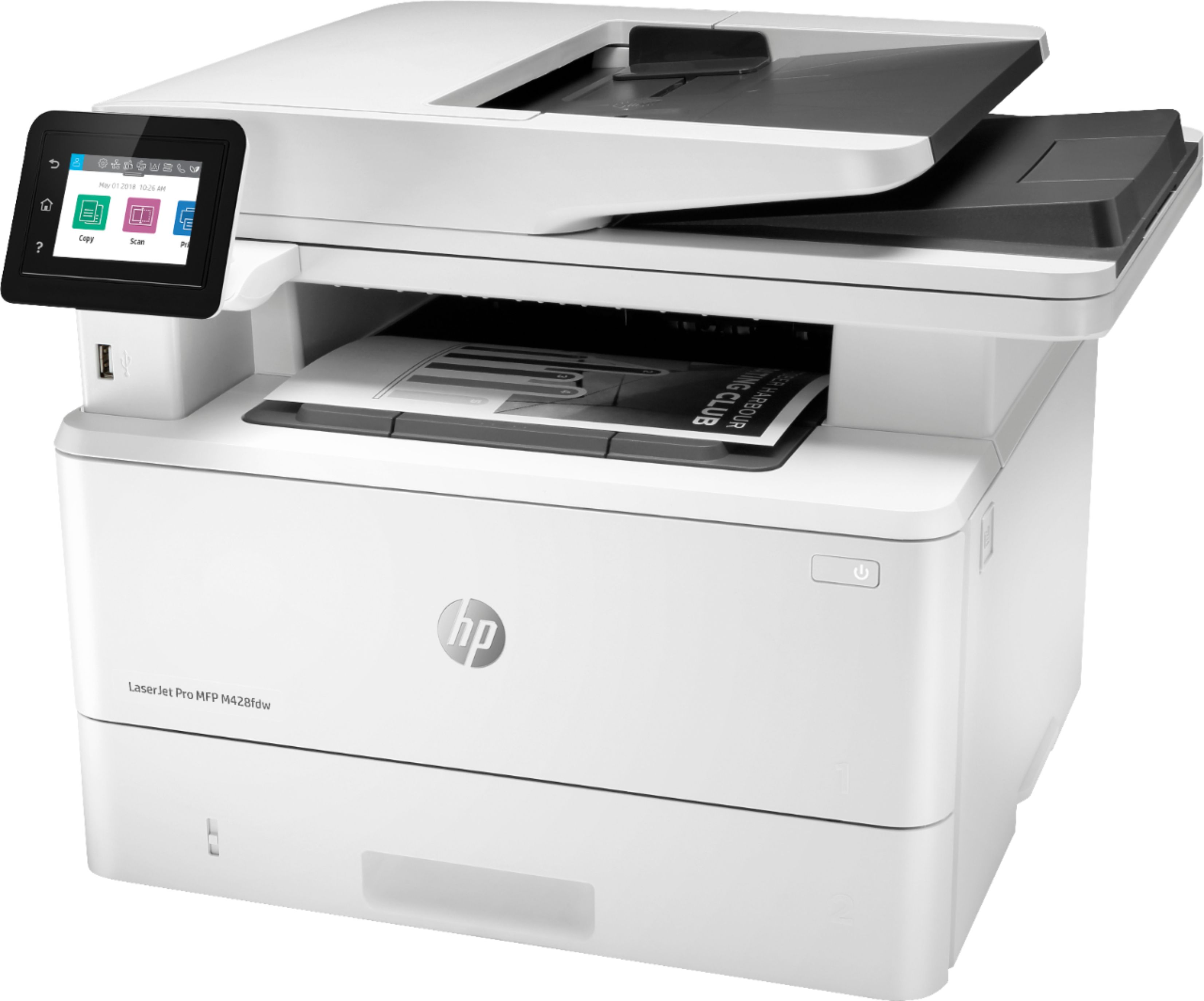
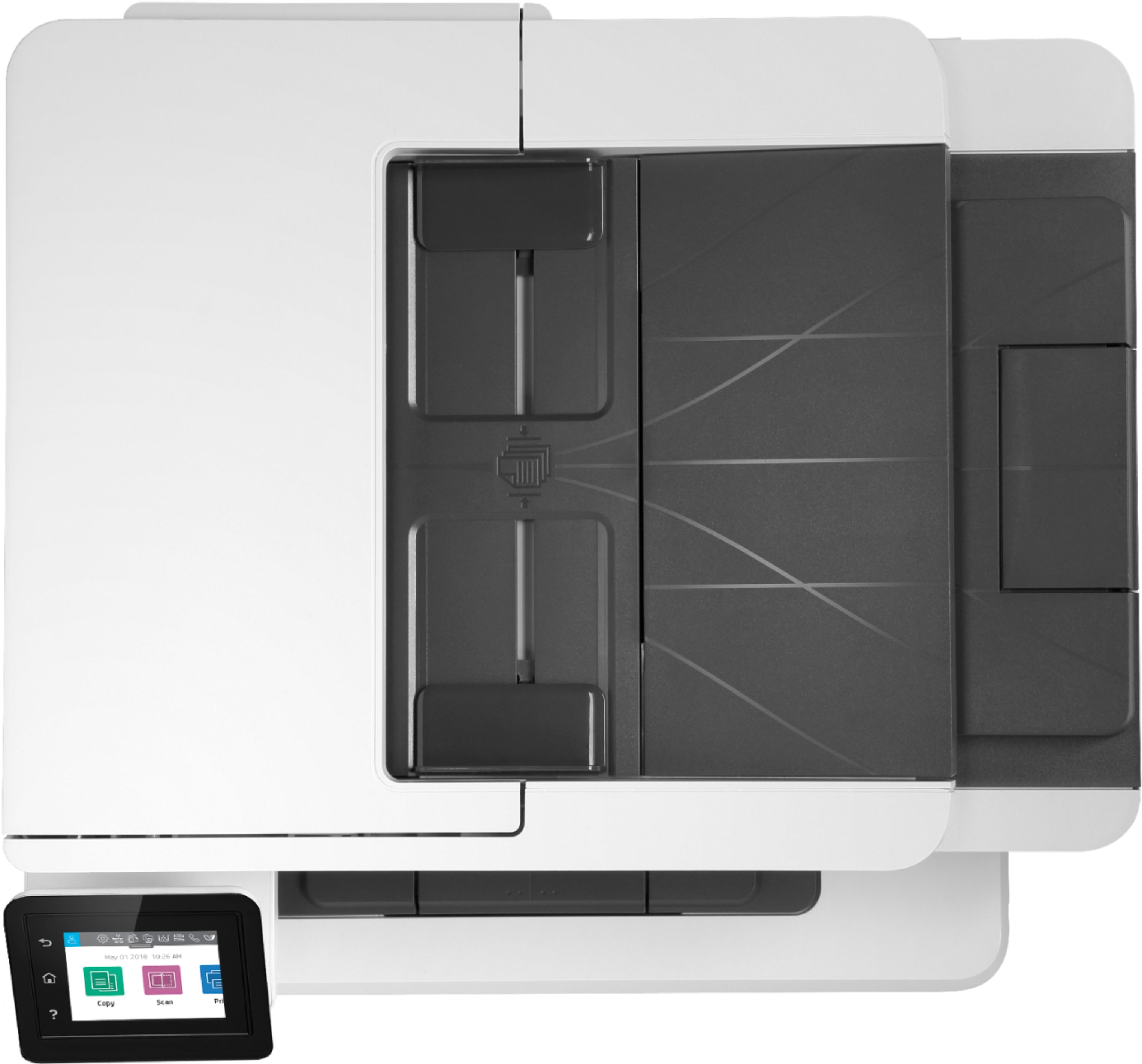
- Model:
- W1A30A#BGJ
- SKU:
- 6348957
Rating by feature
- Value
Rating 4.4 out of 5 stars
- Quality
Rating 4.6 out of 5 stars
- Ease of Use
Rating 4.5 out of 5 stars
Customers are saying
Customers are pleased with the LaserJet Pro MFP M428fdw's print quality, ease of use, and compact size, frequently citing positive experiences with its setup and scanning capabilities. While some found the price to be a drawback, many appreciate the printer's reliability and quiet operation. The fax functionality also received positive feedback from users. A few users expressed a desire for a color printing option.
This summary was generated by AI based on customer reviews.
Fast, clear printer. Set-up easy. Easy to use.
||Posted . Owned for 3 weeks when reviewed.This reviewer received promo considerations or sweepstakes entry for writing a review.Great printer. "Contact less" pick up system is very good.
I would recommend this to a friendWorks well printing and scanning. No complaints
||Posted .This reviewer received promo considerations or sweepstakes entry for writing a review.Gets the job done for a home office. 1 ream of paper so far so good.
I would recommend this to a friendGreat Printer
||Posted . Owned for 3 weeks when reviewed.This reviewer received promo considerations or sweepstakes entry for writing a review.Great printer. Highly recommended - we use it daily in our hotel
I would recommend this to a friendExcellent printer
||Posted . Owned for 7 months when reviewed.This reviewer received promo considerations or sweepstakes entry for writing a review.Excellent printer, does not jam, quiet, and efficient.
I would recommend this to a friendPrinter is very fast
||Posted . Owned for 1 month when reviewed.This reviewer received promo considerations or sweepstakes entry for writing a review.I like this printer but I can’t figure out how to use color
I would recommend this to a friend- Pros mentioned:Print quality
People still use black ink printers?
||Posted . Owned for 1 week when reviewed.This reviewer received promo considerations or sweepstakes entry for writing a review.I suppose the printer worked fine, just not what I expected. I was surprised to bring home a black ink printer since salesperson and I spoke in detail what I need- fast, color printer. Who even uses black ink, only?
No, I would not recommend this to a friendBrand response from HP Team
Posted .Hello there,
I'm sincerely sorry to hear that the product description was not clear enough. I can definitely understand why you could feel disappointed in that situation. With that said I want to thank you for your review. We are always grateful for any feedback received regarding our products.
When it comes to the return of your printer. First of all please visit: www.bestbuy.com/site/help-topics/return-exchange-policy/pcmcat260800050014.c?id=pcmcat260800050014&intl=nosplash to learn more about BestBuy return and exchange process.
Furthermore, please remember that you can always contact us. We will be more than happy to help. You can find us here: hp.com/contactHP
Kacper
HP Care
hp.com/support
Nice machine-
||Posted . Owned for 2 weeks when reviewed.This reviewer received promo considerations or sweepstakes entry for writing a review.A little slow , compared to prior laser printers I have had before
No, I would not recommend this to a friendGood office printer
||Posted . Owned for 3 weeks when reviewed.This reviewer received promo considerations or sweepstakes entry for writing a review.Purchased for a small office. Worked great, but drinks ink.
I would recommend this to a friend- Pros mentioned:Ease of use, Print quality, Size

Printing Speed and Quality - in B&W
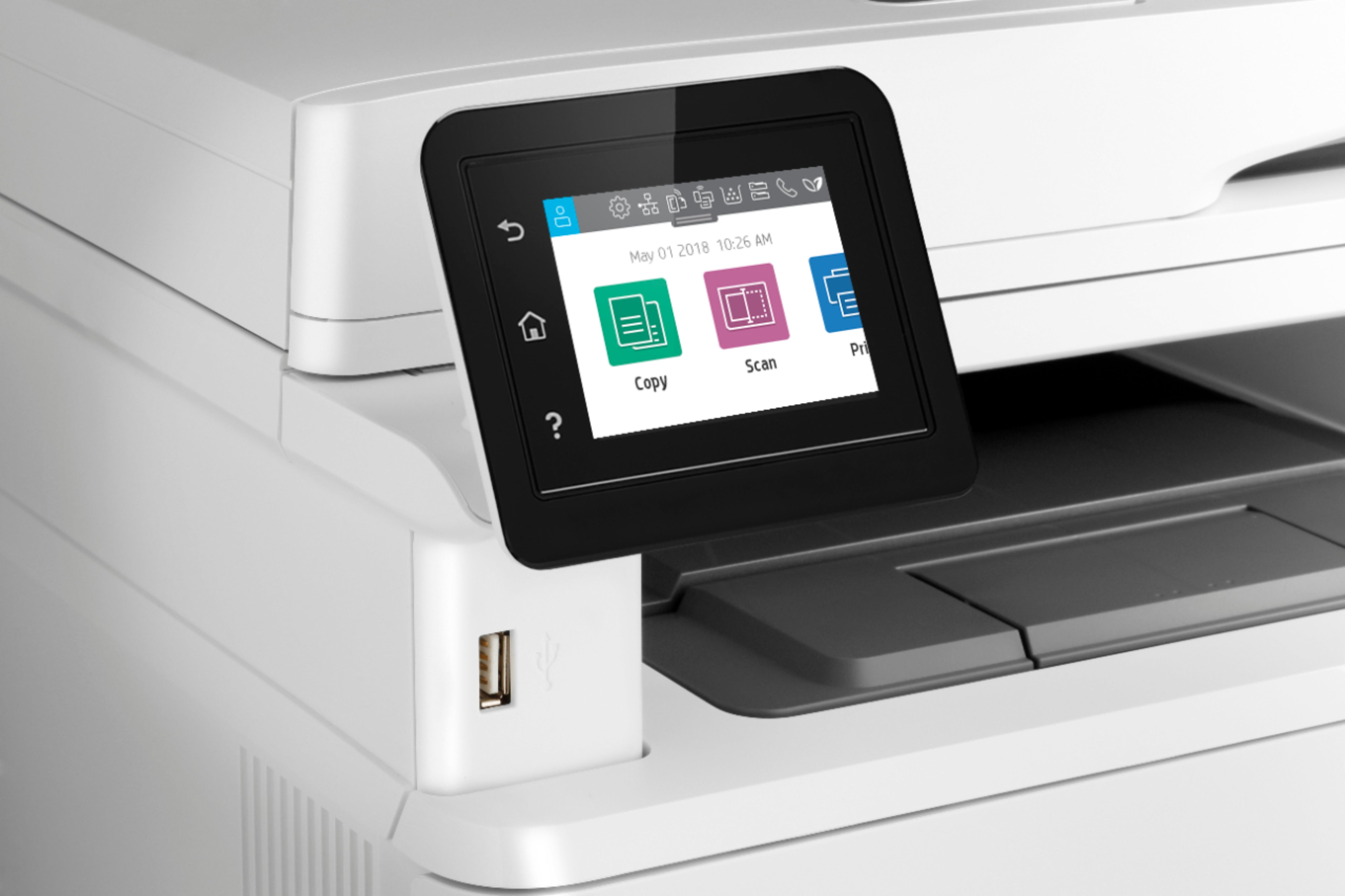
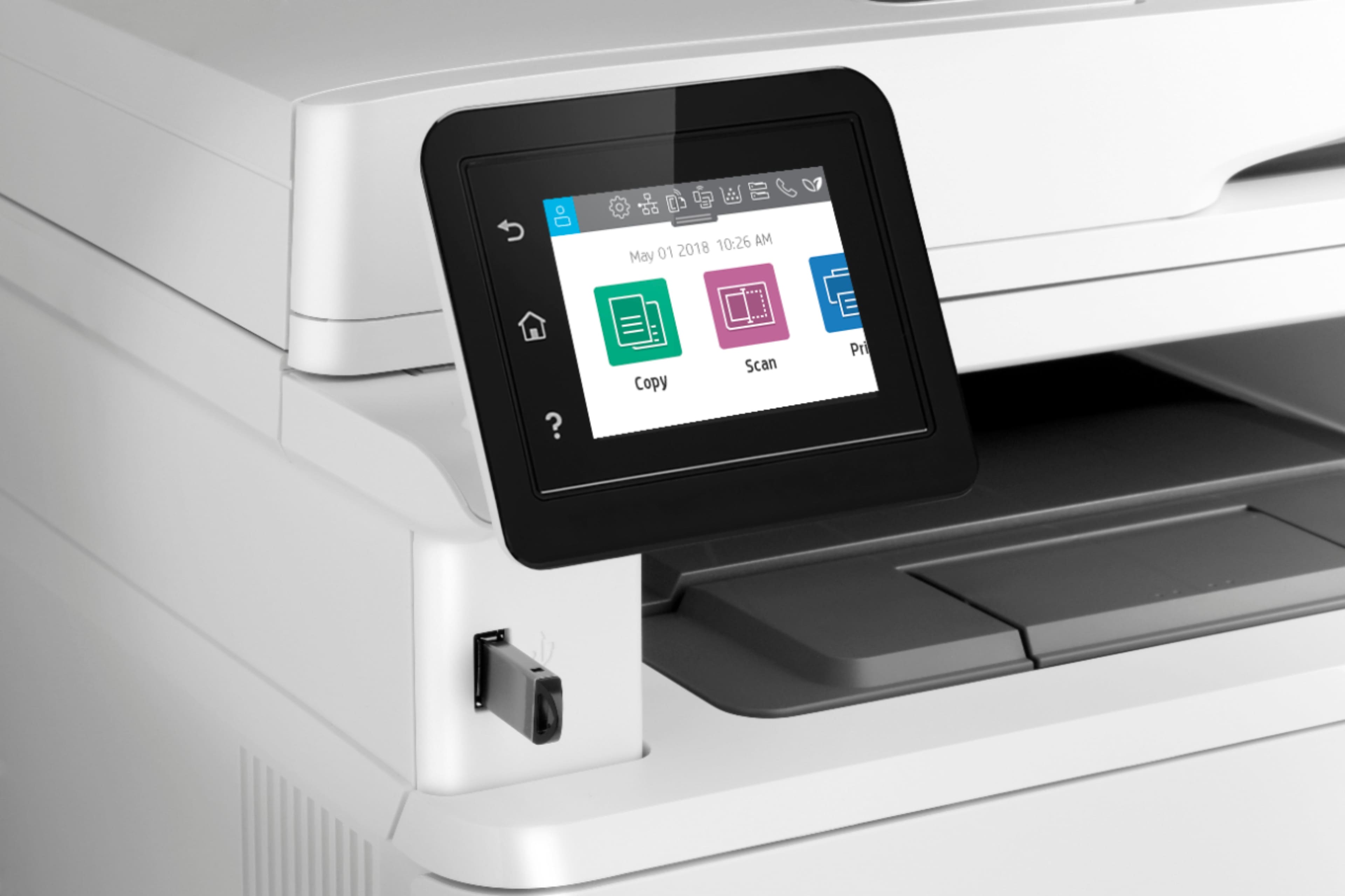
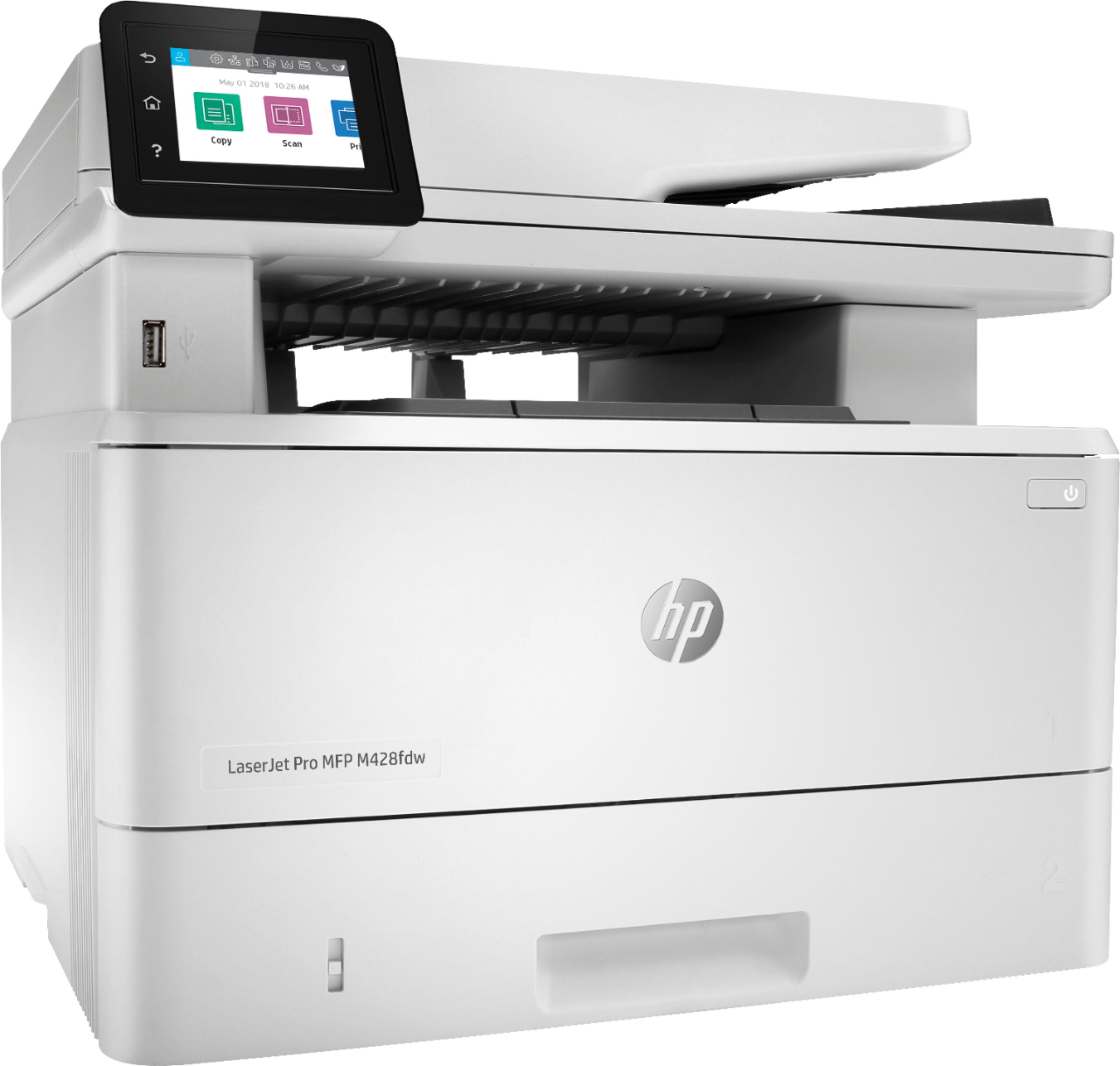
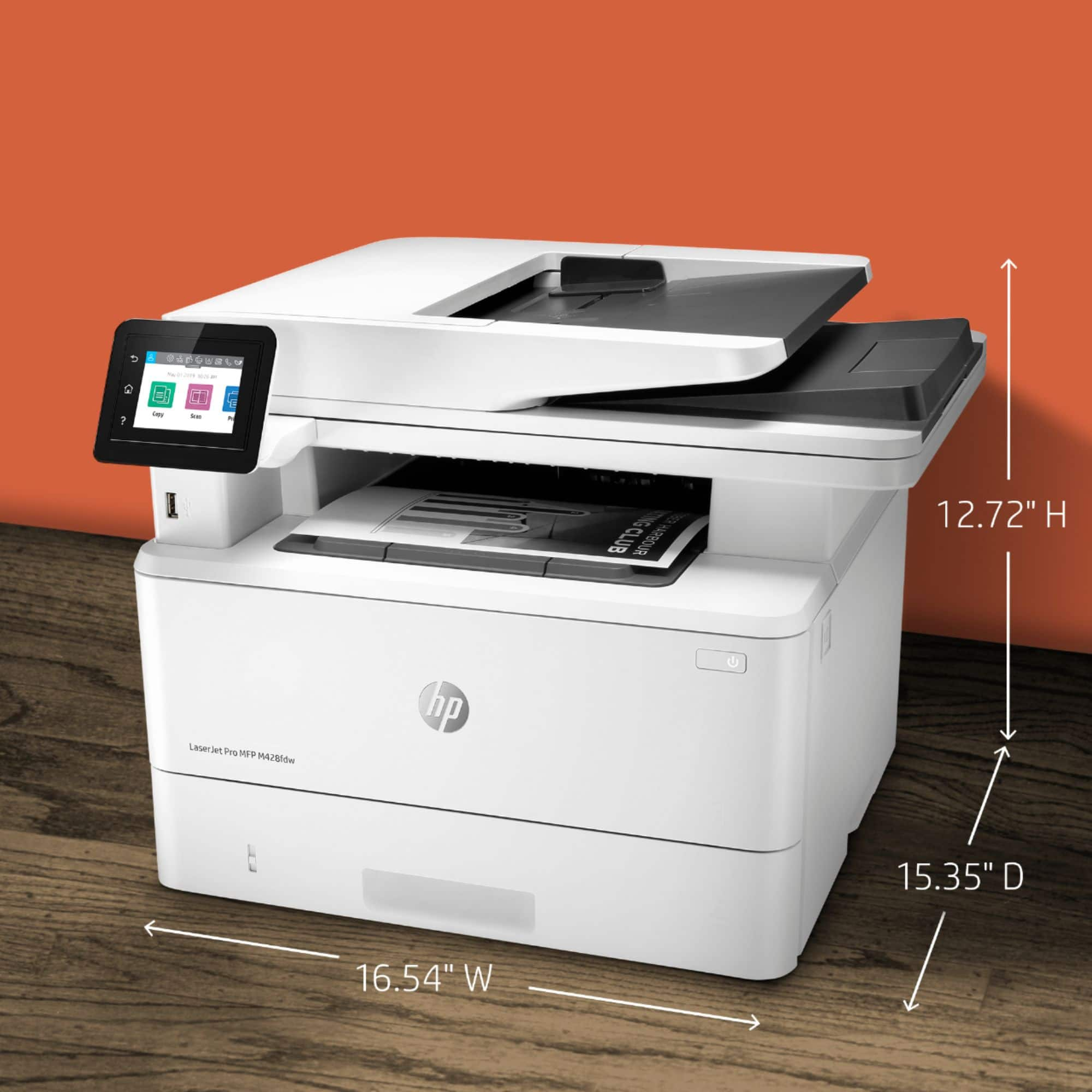
|Posted .This reviewer received promo considerations or sweepstakes entry for writing a review.The HP - LaserJet Pro MFP M428fdw Black-and-White All-In-One Printer is an excellent everyday home or small business Laser Printer for those who do not need Color copies. This AIO Printer offers copy, scan, FAX, Scan to email, Wi-Fi & NFC accessibility and more. The speed of prints is commendable and the output quality is sharp. I found this printer to meet my basic home office needs and was pleasantly surprised by the speed of which the copies are produced. The Airprint/WiFi printing is quick and easy to set up, as are most of the other features. The display is touch responsive and easy to navigate. Auto-duplexing is a must feature for any office setting and this unit came to play. Quick and accurate duplexing has increase productivity by eliminating the need to juggle paper and reloading for the second side. PROS - HP Quality and Brand - Easy set up - Connectivity for any need - Display screen is easy to view and use - Fast printing and output - Auto-Duplexing - Sleek and compact compared to other products CONS - Only complaint is the lack of Color, but this is not designed for this so no marks against it. If you need color, you will want to look at other units, but this make a great B&W option.
I would recommend this to a friend Great
||Posted . Owned for 1 month when reviewed.This reviewer received promo considerations or sweepstakes entry for writing a review.Enjoy using the item and love the quick service given.
I would recommend this to a friendgood . printer
||Posted . Owned for 1 month when reviewed.This reviewer received promo considerations or sweepstakes entry for writing a review.works good so far. printers never seem to last very long.
I would recommend this to a friendgood customer service during CV 19
||Posted . Owned for 1 month when reviewed.This reviewer received promo considerations or sweepstakes entry for writing a review.good product. meets the need yryryryryryryryryryryryryryryr
I would recommend this to a friendExcellent
||Posted . Owned for 1 month when reviewed.This reviewer received promo considerations or sweepstakes entry for writing a review.Very good printer for a pretty good price. I am happy.
I would recommend this to a friendGreat printer for home office.
||Posted . Owned for 1 month when reviewed.This reviewer received promo considerations or sweepstakes entry for writing a review.Trusted name HP. Great for my home office. HAPPY!!!!
I would recommend this to a friendvery good
||Posted . Owned for 3 weeks when reviewed.This reviewer received promo considerations or sweepstakes entry for writing a review.Works very well no issues at all will recommend ,,,,
I would recommend this to a friendExatcly what I needed
||Posted . Owned for 1 week when reviewed.This reviewer received promo considerations or sweepstakes entry for writing a review.Works perfect only draw back is the price of the ink.
I would recommend this to a friendScan
||Posted . Owned for 1.5 years when reviewed.This reviewer received promo considerations or sweepstakes entry for writing a review.Scanner is not very good. It never scans the first time, you have to repeatedly scan. The feeder also jams.
No, I would not recommend this to a friend- Cons mentioned:Price
Big fat joke on me
||Posted . Owned for 11 months when reviewed.This reviewer received promo considerations or sweepstakes entry for writing a review.Didn't last 10 months. Was twice as expensive and the toner is twice as expensive as my old printer which I am back to using.
No, I would not recommend this to a friend - Pros mentioned:Print quality
Excellent printer, non-trivial setup
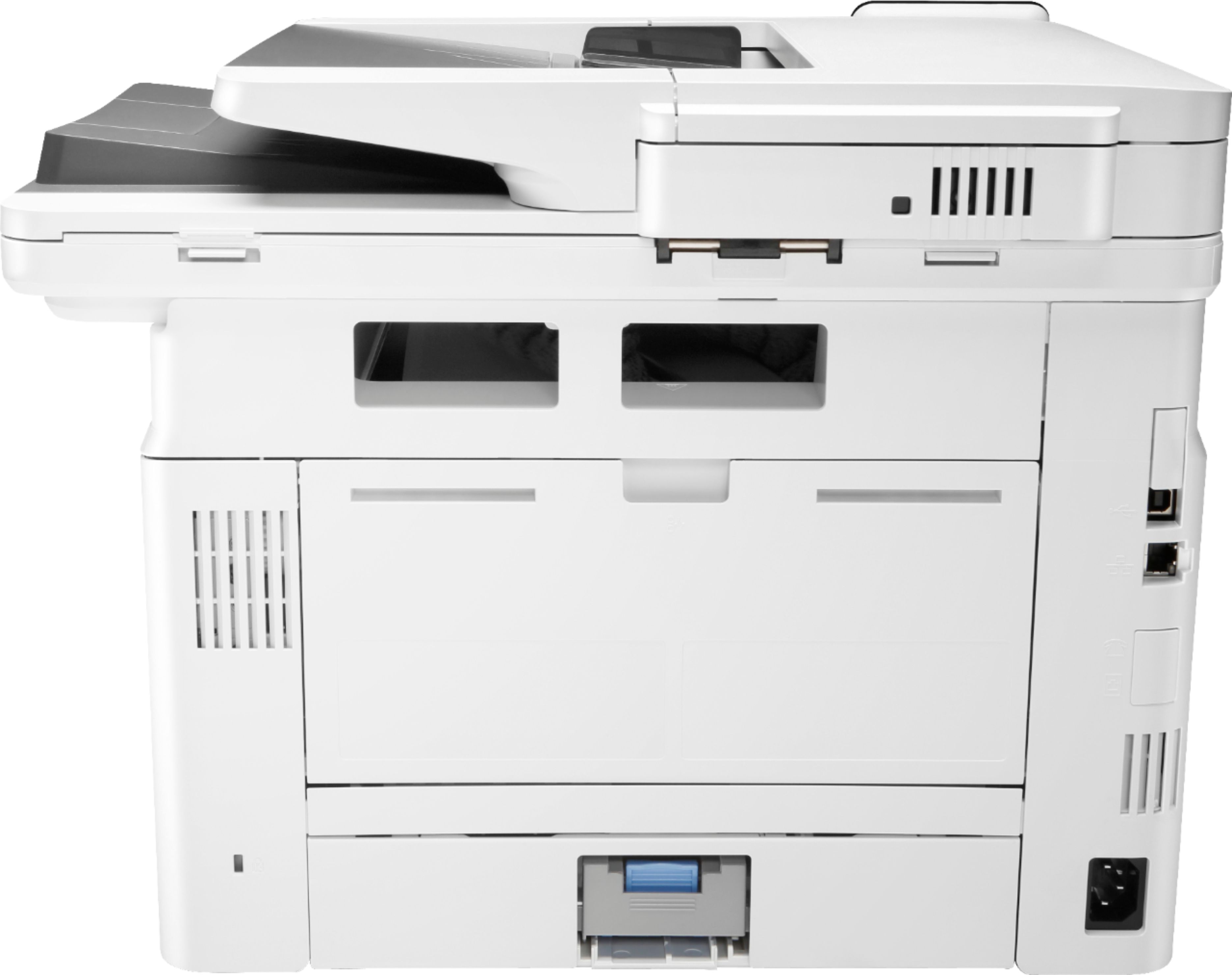
|Posted .This reviewer received promo considerations or sweepstakes entry for writing a review.There are two aspects to a review of this printer—of the printer/scanner/copier/fax machine itself and of the setup process, the latter of which was anything but trivial, at least for me. First, as a printer, this is an HP Laserjet. That’s all I should really have to say. The print quality is going to be wonderful because HP is the gold standard of laser printers, having practically invented them and having been in the business of making them for more than three decades. This printer is no different. I’ve owned or used many HP Laserjets starting in the late 1980s. The build quality, smoothness of operation, and print quality of this printer are all excellent. There are three printer trays, so you can add rarely-used types of paper (colored paper or envelopes, for instance) in one tray without disturbing the store of normal paper in another tray. The scanner function works fine and is easily controlled with the Windows SCAN program. Scanning right at the printer works well, too, as does copying as well as does printing directly from a flash drive connected to one of the printer’s USB ports, so long as what you want to print is a pdf file. The printer comes out of the box with a toner cartridge installed, so getting it up and printing is no more complicated than removing shipping tape here and there and plugging it in. Connection to a computer (let’s call it the host computer) via USB cable is a simple matter as well, and the setup process has you visiting the HP website to download and install the drivers as well as install what’s called the HP “Smart App” to also control the printer. Where I ran into some problems in setup was in getting the printer to connect to a remote computer (one not connected to the printer by a USB cable) wirelessly. Connecting the printer to your wireless network is simple and is done via a wizard accessible through the printer’s touchscreen. Just select your network, input the password, and you’re done. Then you go to the remote computer and add the printer as you would add any printer. But you’re presented with a couple of options here. If you have set the printer up on the host computer to be a “shared” printer, you’ll find it on the list of available printers when you go to add the printer to the remote computer. The process is straightforward and involves installing the same HP Smart App that was installed on the host computer. But you are also presented with a second option in installing the printer on the remote computer, and this is supposed to be one of the great features of this printer. By having it connected directly to your wireless network, you can also, in the Add Printer section of Windows, add it as a “Direct Wireless” printer. Connection in this manner allows printing to the printer without the host computer even being turned on, which is always a necessity when printing to a network printer that is hard-wired to a host computer. And this is where I ran into problems. No matter what I did, I could not get the remote computer to print to the printer. If I uninstalled the Direct Wireless printer and installed it as a network printer shared by the host computer, I had no problems. But I could not install it the Direct Wireless way, which was disappointing as this is supposed to be, as I noted above, one the printer’s significant advantages and one I was hoping to use. So it was off to chat with HP on their support site, and after about 45 minutes of interaction with the tech (who was quite patient with me and quite helpful), which included several minutes of his assuming control of my computer via a remote-desktop hookup, he solved the problem by creating a new, separate TCP/IP port for this printer. Once that was done, everything worked fine. It’s just unfortunate to have to go through this process at all. I have been buying and setting up printers since the 1980s, and I’ve rarely encountered a situation where I wanted to set the printer up as a network printer and I did not have one kind of problem or another. It’s usually a “printer offline” problem, but this time it was something new and something different. So I give the printer four stars. As I noted at the top, as a printer/scanner/fax/copier, it works great, and I would have expected nothing less. But setup, at least for me, took half a day to accomplish because I tried several other approaches first (including the time-honored “uninstall/reinstall”) before resorting to an online chat. I can’t say that another person will experience the same problems I did or, conversely, will have the installation process go smoothly. My experience might be an outlier. But I can only speak from my experience, and I consider myself a pretty computer-sophisticated person who has built several computers on his own as well as having, as noted above, installed many printers of all types over the years.
I would recommend this to a friend Okay Printer
||Posted . Owned for 1 week when reviewed.This reviewer received promo considerations or sweepstakes entry for writing a review.Decent, but the display froze the first day I was using it. I am really hoping this one lasts longer than the brother printer I had.
I would recommend this to a friend