Customer Ratings & Reviews
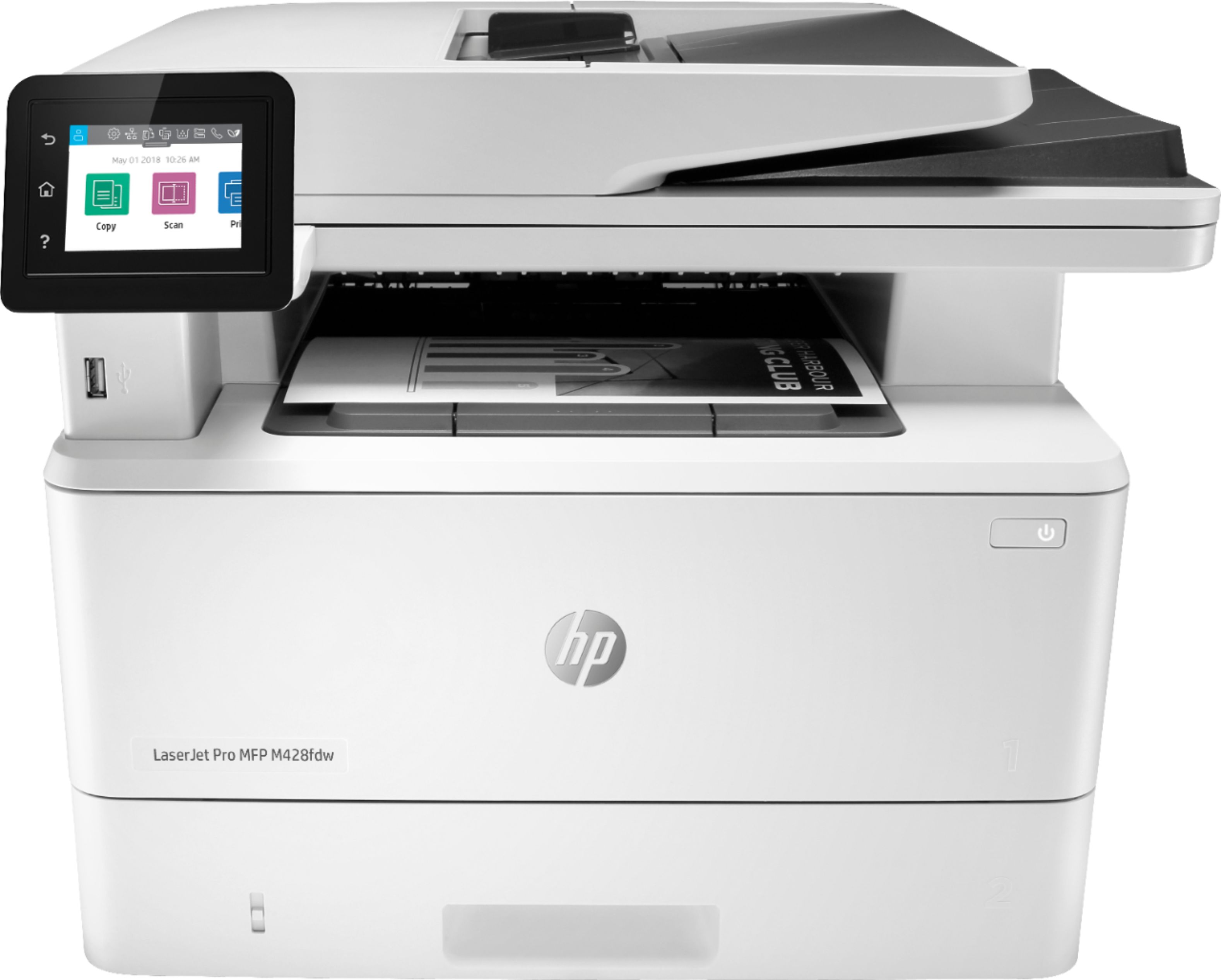
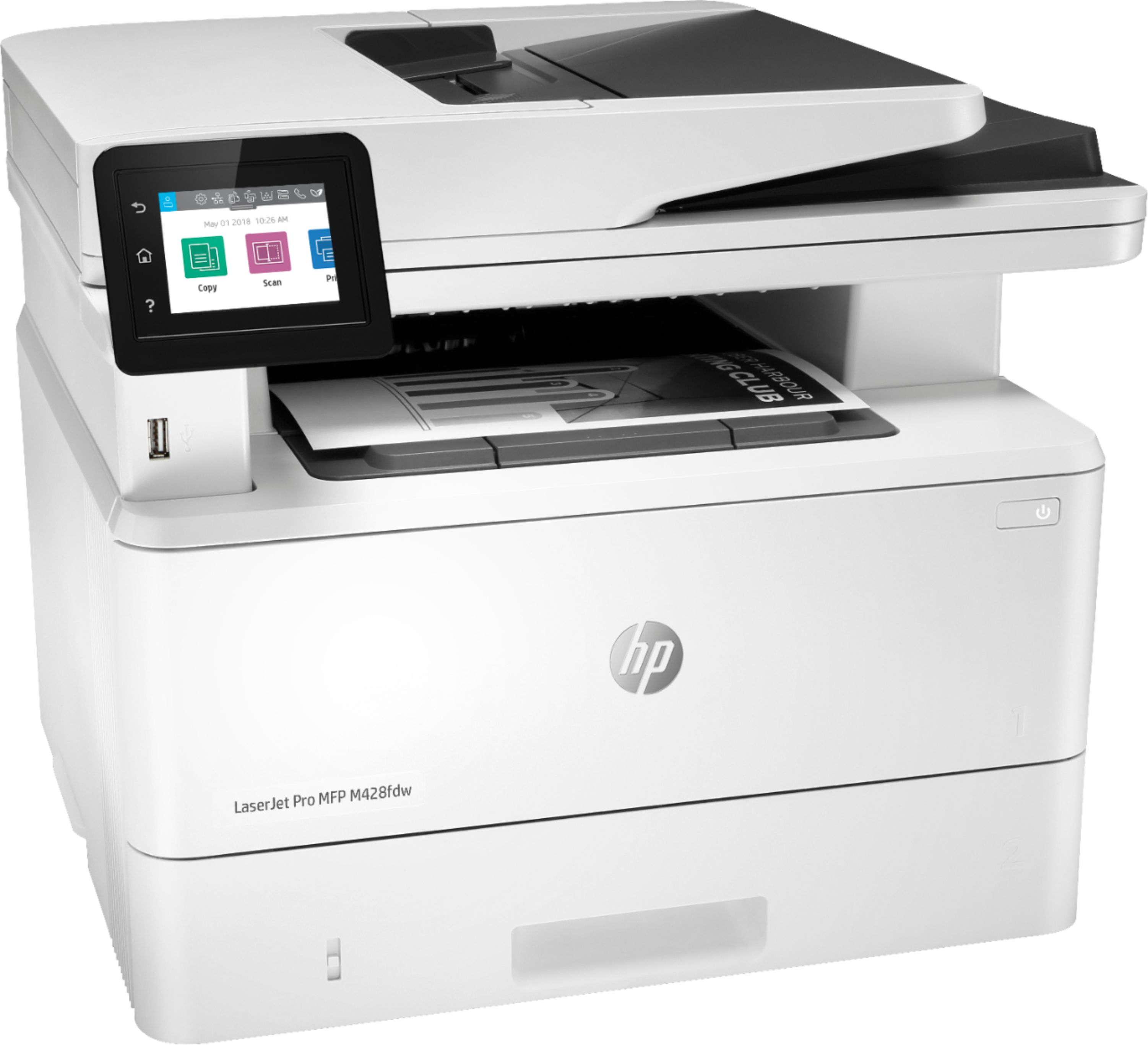
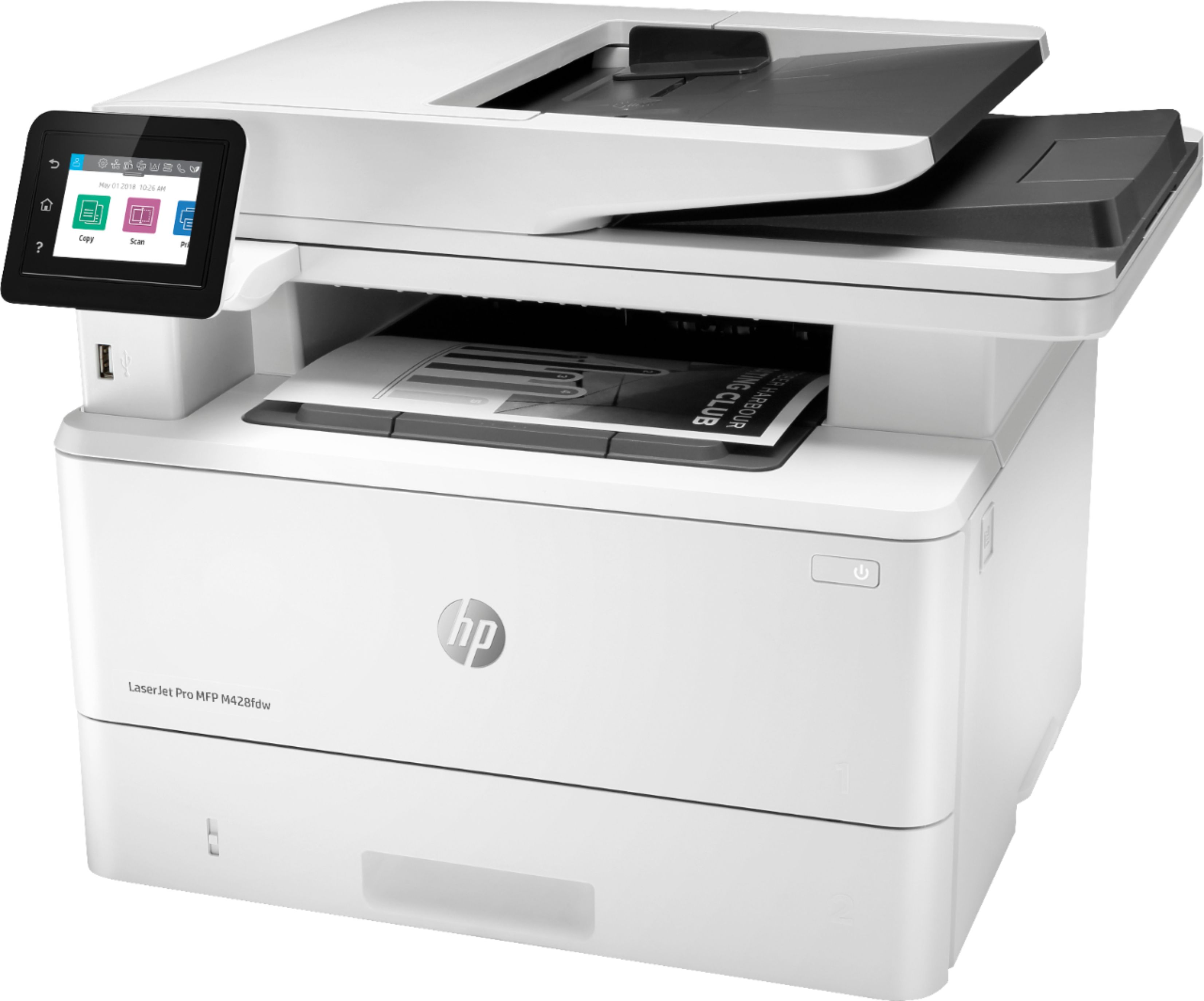
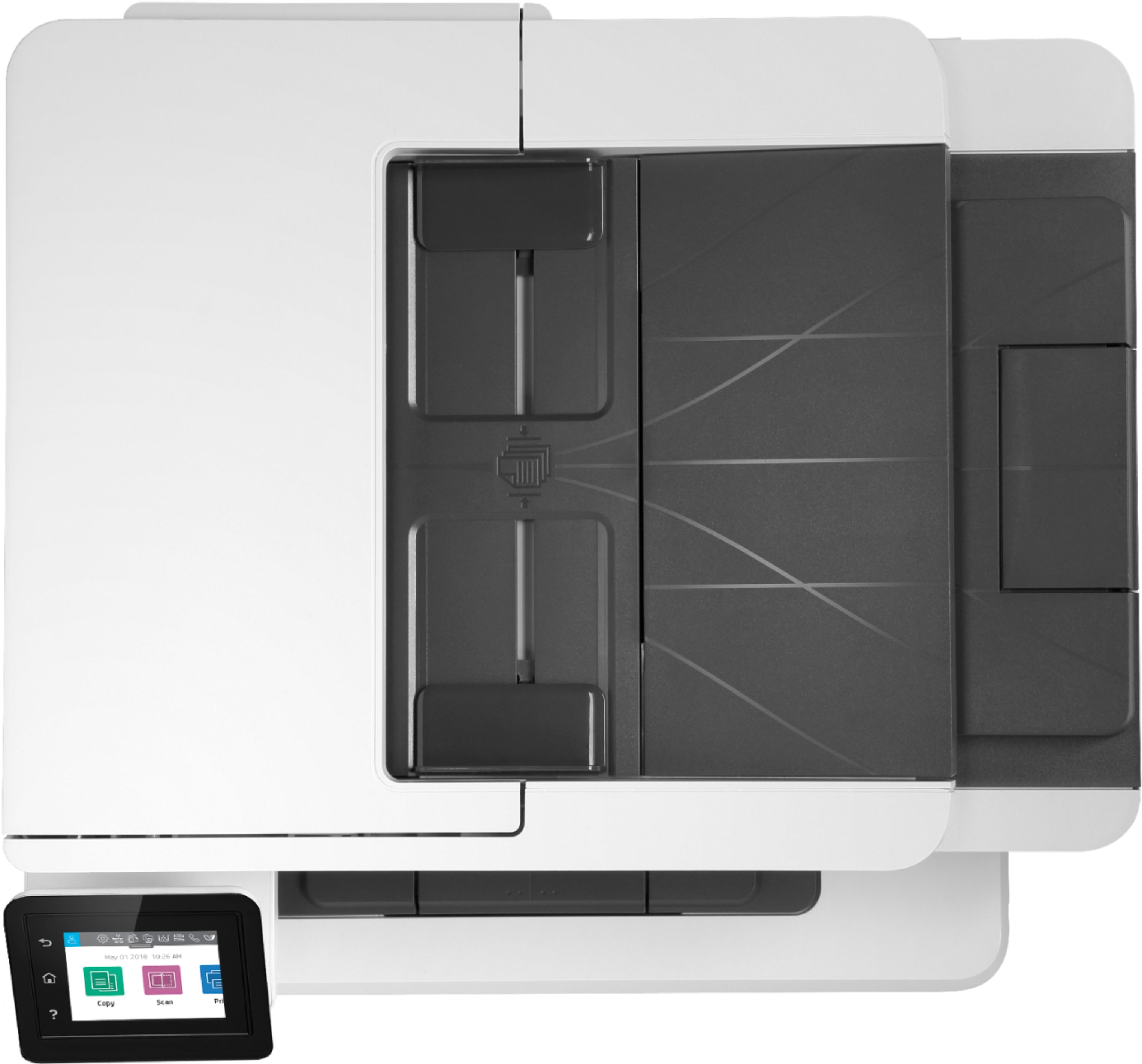
- Model:
- W1A30A#BGJ
- SKU:
- 6348957
Rating by feature
- Value
Rating 4.4 out of 5 stars
- Quality
Rating 4.6 out of 5 stars
- Ease of Use
Rating 4.5 out of 5 stars
Customers are saying
Customers are pleased with the LaserJet Pro MFP M428fdw's print quality, ease of use, and compact size, frequently citing positive experiences with its setup and scanning capabilities. While some found the price to be a drawback, many appreciate the printer's reliability and quiet operation. The fax functionality also received positive feedback from users. A few users expressed a desire for a color printing option.
This summary was generated by AI based on customer reviews.
Work horse
||Posted . Owned for less than 1 week when reviewed.This reviewer received promo considerations or sweepstakes entry for writing a review.HP Printers are always great printers. We ordered one and the scanning has been leaving streaks. Tried to clean it and nothing. But still a work horse of a printer.
I would recommend this to a friendDecent but not quite as good as same older one
||Posted . Owned for 3 months when reviewed.This reviewer received promo considerations or sweepstakes entry for writing a review.This replaces an older one and the quality has dropped a bit plus it's more clumsy to set up. The wifi connections and scan functions work well.
I would recommend this to a friendBrand response from HP Team
Posted .Hello there,
This is really upsetting to hear that you are not entirely satisfied with this printer. Despite this experience, I want to assure you that it’s always our intention to provide reliability with our printers. On that note, I want to thank you for your review. We are always grateful for any feedback received regarding our products and user experience. Your reviews allow us to adjust our future product design.
Also, please remember that we are always there to help. troubleshoot and advise you with selecting the product that suits your needs the best at: support.hp.com/us-en/contact-hp
Kacper
HP Care
hp.com/support
I like this printer BUT.....
||Posted . Owned for 3 weeks when reviewed.This reviewer received promo considerations or sweepstakes entry for writing a review.LOVE IT -but it has a VERY loud noise when the printer is finished. I called to see about getting it disconnected - NOT POSSIBLE
No, I would not recommend this to a friendBrand response from HP Team
Posted .Hello there,
This is so upsetting to learn that you are not entirely satisfied with this printer due to the noises. We are always grateful for our customers' feedback, as we can continuously care for their experience. This also allows us to adjust our Products' design to suit our customers' needs the best.
Also, I would recommend contacting us for support to resolve any issue that you may be experiencing with this device. We'd be more than happy to help you. You can find our official support site at: support.hp.com/us-en
Kacper
HP Care
hp.com/support
Good for the price
||Posted . Owned for 2 weeks when reviewed.This reviewer received promo considerations or sweepstakes entry for writing a review.Printer function are good but kind of loud during its functions. But is worth the price since I did not want to spend over $500!
I would recommend this to a friendLaserproM428
||Posted . Owned for 1 month when reviewed.This reviewer received promo considerations or sweepstakes entry for writing a review.Only negative you have to let ink dry we use pilot gel pens, cant fax or scan right away the rollers will pick up lines
I would recommend this to a friend- Pros mentioned:Print qualityCons mentioned:Price

Excellent Small Office Multi-Function Printer
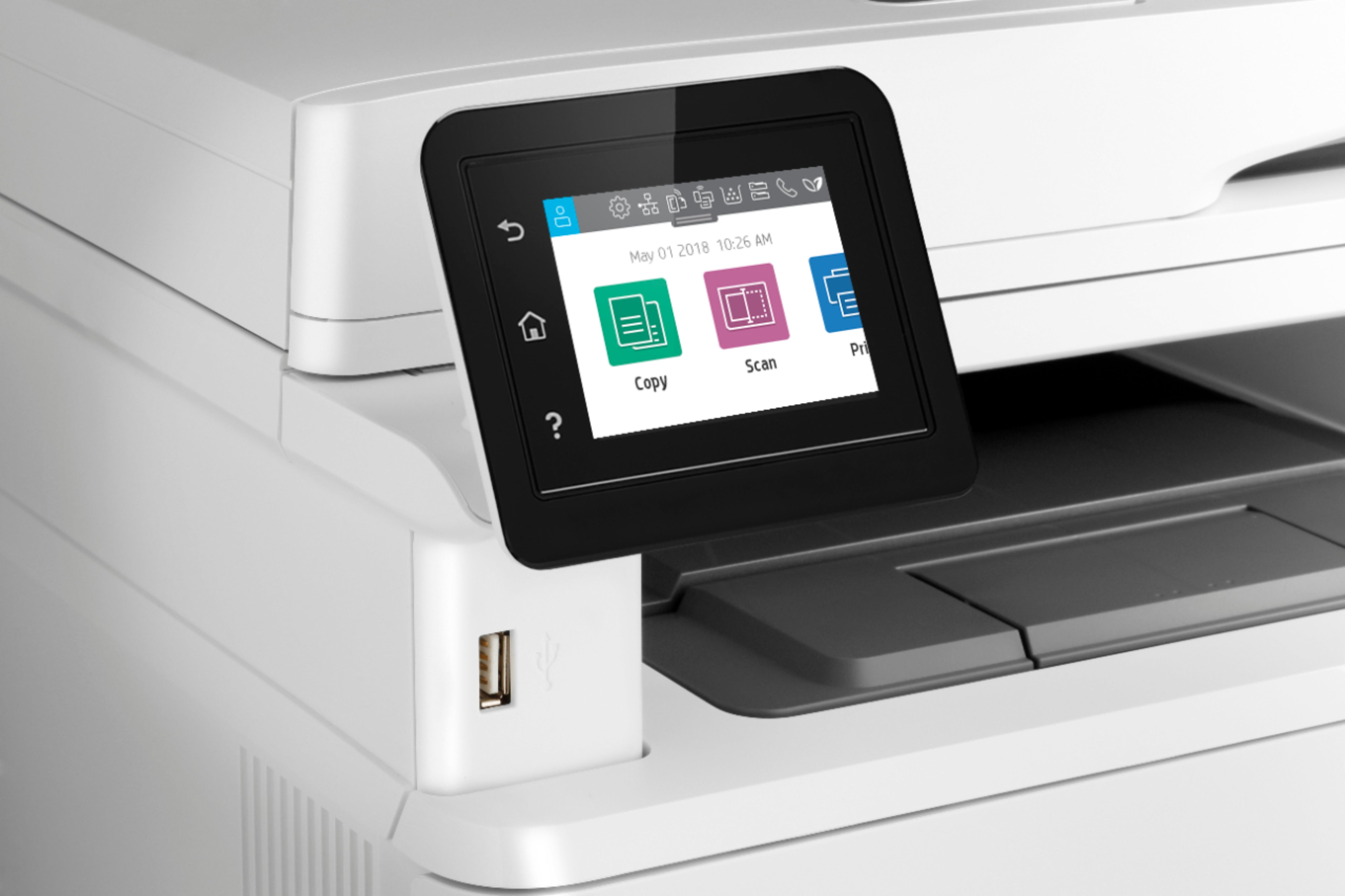
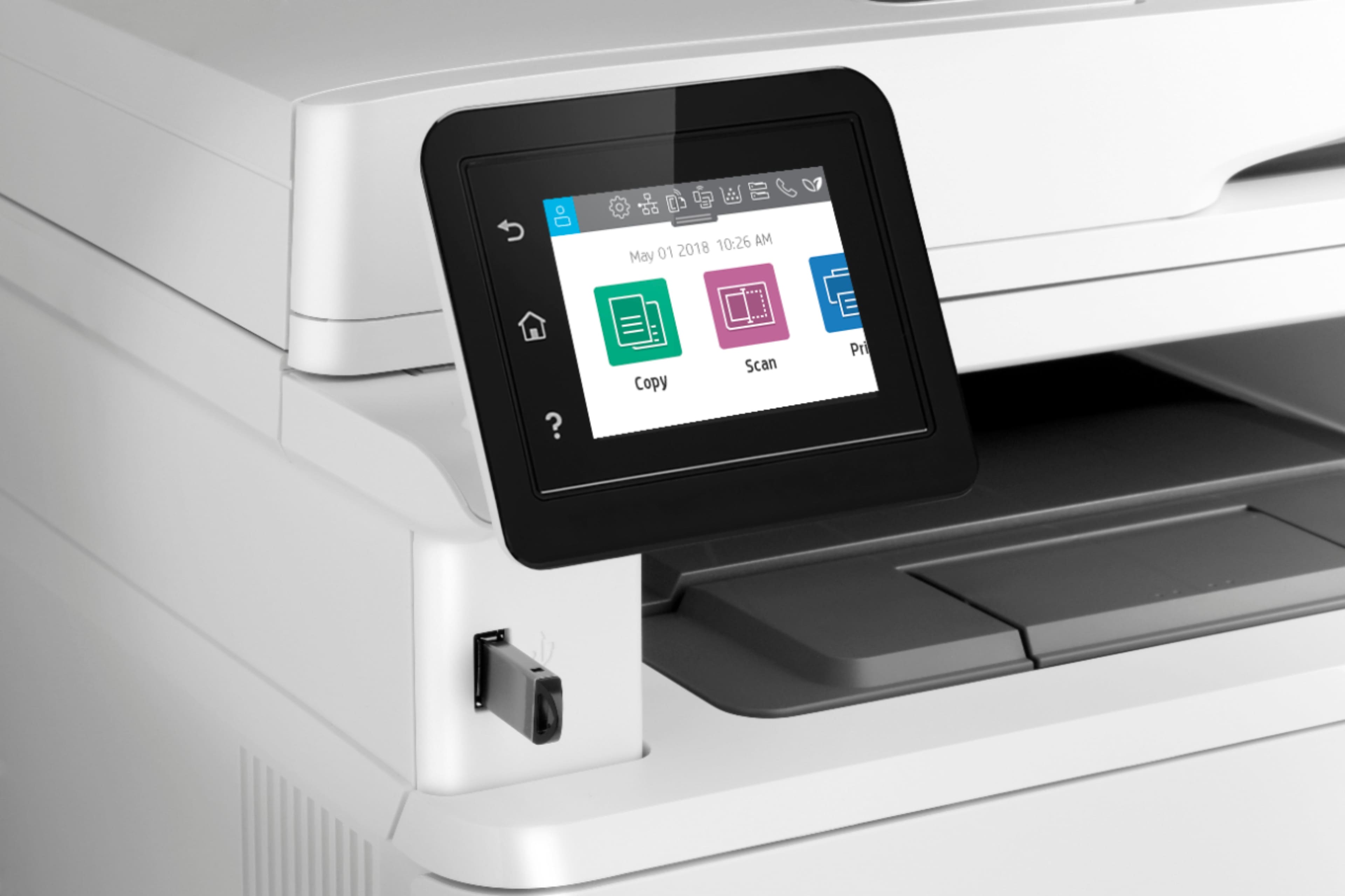
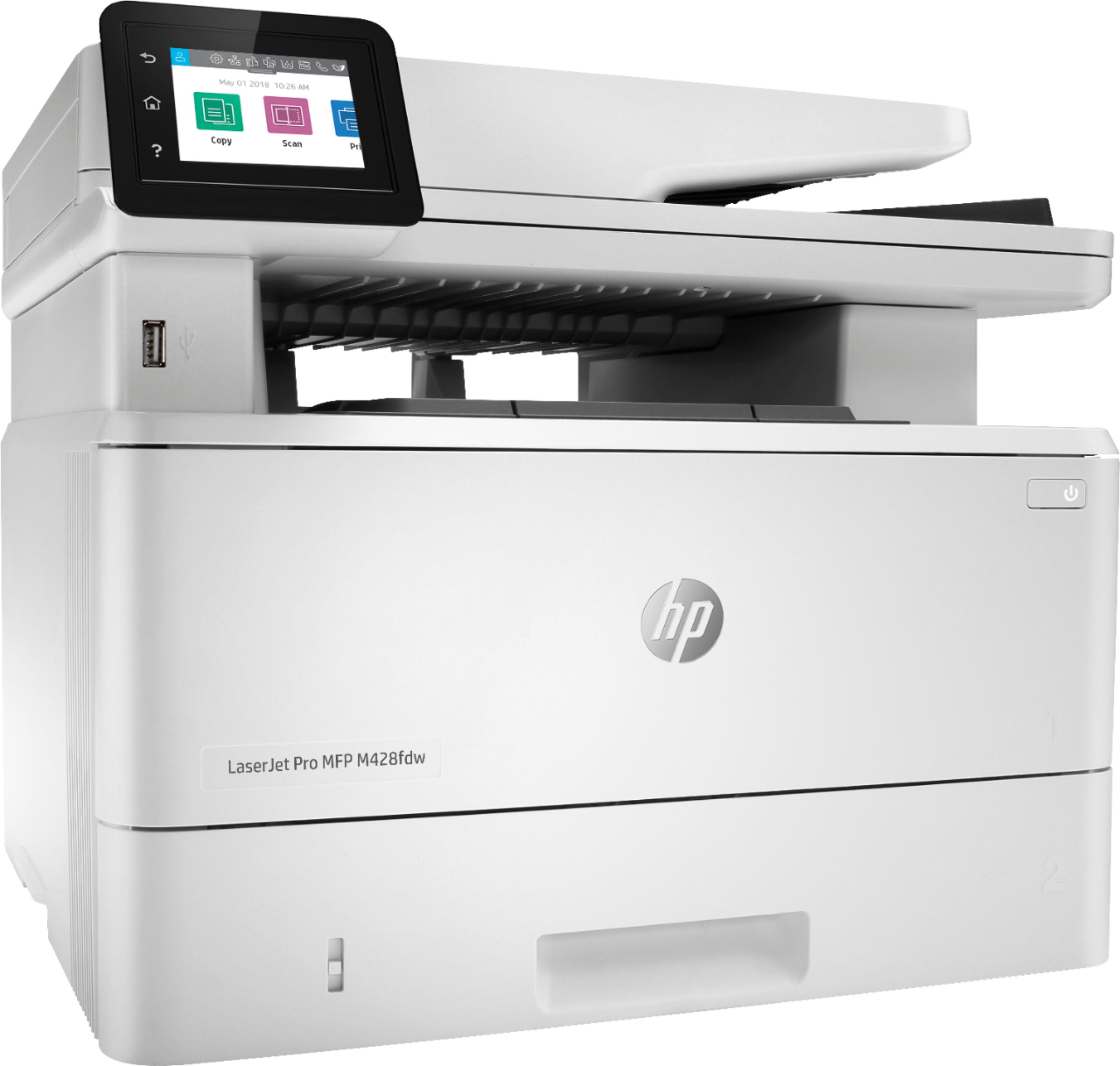
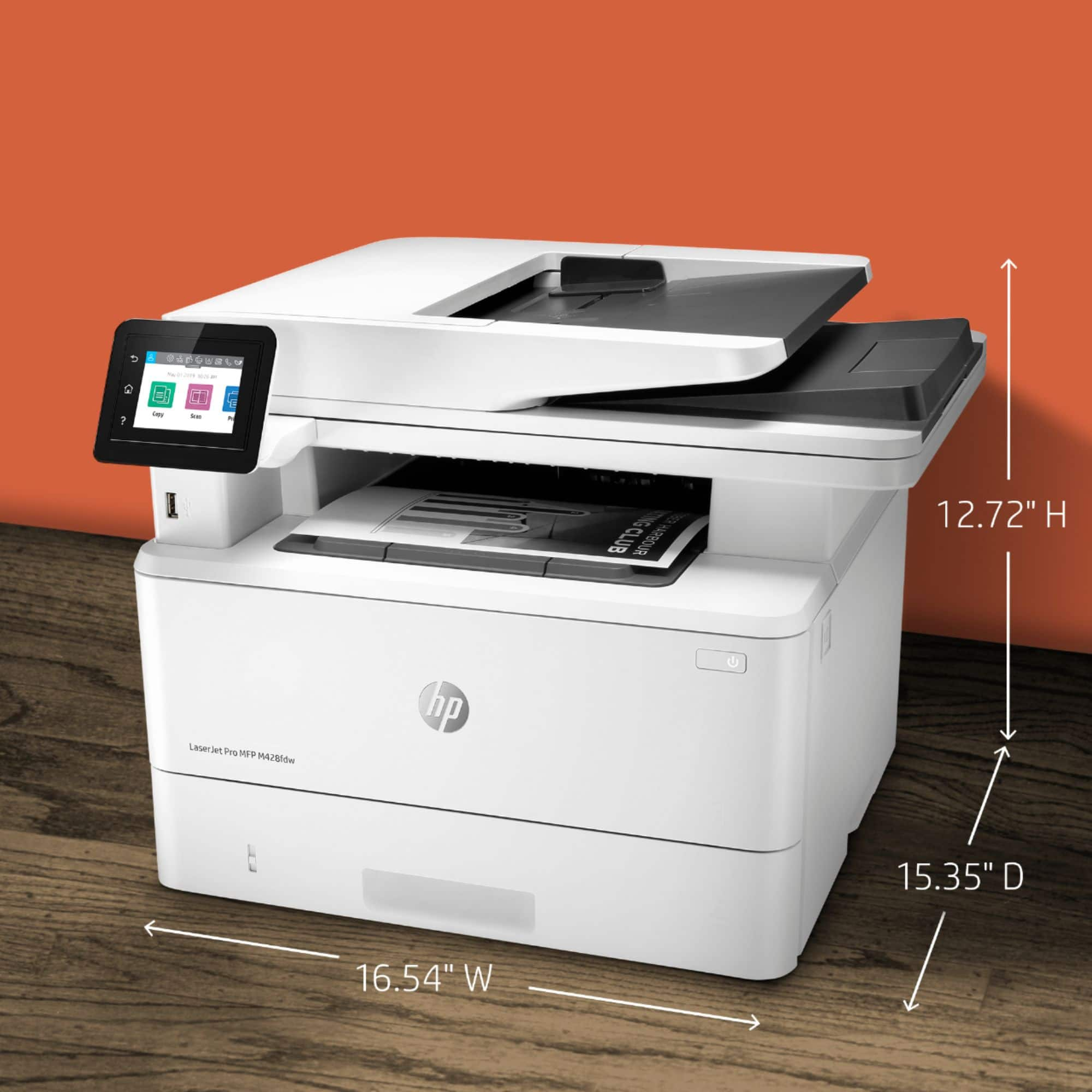
|Posted .This reviewer received promo considerations or sweepstakes entry for writing a review.The HP LaserJet Pro MFP M428fdw is an excellent small office or home office printer. The LaserJet Pro has a modest footprint on my desk only slightly larger than the printer it replaces. The M428fdw has adequate speed and capability to serve as a small office multi-function printer. The printer seems to have excellent design, solid construction and a larger set of features then my previous multi-function printer. The toner cartridges for the M248fdw are more expensive then the toner for my previous laser printer but the predicted number of pages for the toner cartridges is also greater, the cost of toner works out to about the same as the previous printer. Printing is rated as 38 pages/min. with the M248fdw faster then the 30 pages/min. of my previous Brother printer. The M248fdw has a paper supply gauge built in that I thing will save some frustration in the future when I am using the multi-function printer with a mobile device in another room or out in the shop because I will know before I turn the printer on it's paper supply status. A paper supply gauge seems to be an uncommon feature for other brands of multi-function printer. Printer/scanner/FAX setup for WiFi is largely menu driven, quick and easy with the touch screen input capability compared to just LED display and cursor movement and selection buttons, a big improvement. I have had the new printer less than a week and the HP SMART application downloaded from the web and the HP applications associated with the multi-function printer are topics I am still mastering. The HP SMART app for Android phones and tablets is available on the Google Play Store seems flexible and convenient for mobile platforms. I have found that HP SMART works with Chromebooks as an android app letting me print notes and email and scan hard copy also to or from a Chromebook. I am still learning the applications but they already expands the capabilities available with my previous multi-function printer on mobile platforms like my cell phone, android tablet, chromebook, and Windows 10 laptop. The HP LaserJet Pro MFP M428fdw isn't the least expensive device but it seems that it justifies the expense. I recommend the HP LaserJet Pro MFP M428fdw to my family and friends as a home or small office multi-function printer.
I would recommend this to a friend Should Be a Better Product coming from HP
||Posted . Owned for 10 months when reviewed.This reviewer received promo considerations or sweepstakes entry for writing a review.Used for real estate home office not bad for price you get what you pay for. software has been glitchy if you are not computer savvy you may have some issues connecting is not a plug and play type of printer. I have had scanning issues by paper jamming or scanning 2 documents into feeder at same time. Trying to set up WIFI printing can also be a challenge. I'm giving two stars because of total experience.
No, I would not recommend this to a friendBrand response from HP Team
Posted .Hello there,
I want to sincerely apologize for all the problems the printer has been causing. We certainly build our printers with the intent of providing a reliable experience for our customers, so I can imagine how frustrating and disappointing a situation like yours can be.
Due to the vague nature of the issues, please reach out to us for support. We'd be more than happy to work through any troubleshooting or initiate a replacement under your printer's warranty. You can give contact us via: support.hp.com/us-en
On a related note, I'd like to mention the fact that HP printers do also have the warranty from their purchase date, so if you find you need to use it, I hope you will. To verify the warranty, you can use the following link: support.hp.com/us-en/checkwarranty
Kacper
HP Care
hp.com/support
- Pros mentioned:Print quality
Scan 5, Print 5, Copy 1
||Posted . Owned for 3 weeks when reviewed.This reviewer received promo considerations or sweepstakes entry for writing a review.It scans and prints very quickly. The copy function doesn’t work well.
No, I would not recommend this to a friendBrand response from HP Team
Posted .Hello there,
I'm so sorry to hear that you've had a disappointing experience with the printer's copy quality. It's always our intention to provide the best possible quality, so I regret you feel that we didn't deliver here. I can fully understand your disappointment and I'd really like to see how I can help resolve this.
I would recommend trying our "Print and Scan Doctor". This is a free tool that is able to diagnose what kind of issue you are dealing with and provide a solution for it. To access this tool use the link below:
- HP Print and Scan Doctor: support.hp.com/us-en/topic/printscandoctor
If the issue persists, please contact us for support. We'd be more than happy to troubleshoot this further with you. You can get in touch anytime via your preferred method here: support.hp.com/us-en/contact-hp
Hope this helps!
Kacper
HP Care
hp.com/support
Mrlawyer
||Posted .This reviewer received promo considerations or sweepstakes entry for writing a review.Drum problems after 2 years. Expensive cartridges. Pricey per copy
No, I would not recommend this to a friend- Pros mentioned:Print quality, Reliability, Scanning
Excellent all in one Laser
|Posted .This reviewer received promo considerations or sweepstakes entry for writing a review.Hp did it again with this fast full featured BW multi-function device. Copy: very fast for home office Crisp clean images and text for BW. Scan: great detail and fast 2 sided scanning in color. Also nice that it was easy to scan to my computer instead of email. Print: warm up time was fast and output was very good. In all this is a great machine that will cover a home office, light business needs. It has a history of reliability and good support. The supplies are very cost effective considering it is BW. The only cons are it is BW and it is heavy. You need a decent sized space to fit the machine safely.
I would recommend this to a friend Good Hardware/ Terrible HP App & Customer Service
||Posted . Owned for less than 1 week when reviewed.This reviewer received promo considerations or sweepstakes entry for writing a review.Have always used HP printers but never again!!! Plan to take the printer back for refund and get a Cannon. HP touts it’s HPSmart app and it’s interfacing with HP product. I spent several hours trying to get the the printer and app to work properly, I gave up and called HP customer service. After another 3+ hours on phone with HP tech support they too could not get the printer and app to work together properly. They offered no real fix. Either HP is unaware of the app problem or HP is unwilling to acknowledge the app has bugs. Not going to waste anymore of my time with this worthless printer and inferior HP software as well as HP customer service’s inability to resolve the problem.
No, I would not recommend this to a friendConnection Issues
||Posted . Owned for 4 months when reviewed.This reviewer received promo considerations or sweepstakes entry for writing a review.Often has connection issues with several computers and sends an error that it's out of paper when it's completely full.
No, I would not recommend this to a friendWhat A Disgraceful Disaster
||Posted . Owned for less than 1 week when reviewed.This reviewer received promo considerations or sweepstakes entry for writing a review.The maximum scan resolution with the automatic document feeder appears to be 300 dpi. Totally unacceptable. Ridiculous. Not clearly disclosed in the promotional material. The software installation was an epic nightmare. It hung over and over again. The installer couldn't find the printer on my network despite that fact that it was using a wired connection and got an IP address. The OCR software never installed. I ended up with several different applications that duplicate each other - HP Smart, HP Printer Assistant, HP Scan. The applications are confusing and slow, slow, slow despite my Intel Xeon processor. When I try to contact HP Support, I get the message "Service unavailable". I am incredibly angry over this piece of junk. HP is capitalizing on its old reputation and deserves to fail. This is the last HP machine I will ever buy.
No, I would not recommend this to a friend- Pros mentioned:Print quality
HP LaserJet Pro MFP M428fdw
|Posted .This reviewer received promo considerations or sweepstakes entry for writing a review.Sorry for this late review, however, I've been on back-to-back vacays to FL over the last couple of weeks. But anywho, I'm back and ready to review this printer. First off, I must preface by saying that a few years back I had kind of swore of using HP products due to past experiences. However, that all changed with this printer. Unboxing this printer was very easy due to the way HP packaged it in. Even included instructions on how to slide it right out of the box. Included in the package were the usual user instructions on how to get it up and running, a power cord, and telephone cord (for fax purposes), and a USB printer cord. Once I started up the printer via the power button, it was up and searching for WiFi networks within 30 seconds. Once connected to my home WiFi network, I went through the control panel on the front of the printer to update the firmware. Updating it took about 3 minutes if that. Afterwards, the printer restarted and started back up to the home screen. I loaded some paper into the paper tray and attempted to AirPrint a couple of pictures from the recent trips to FL. I must warn anyone looking at this printer, It only prints in black and white. There's no color option and I knew that as I selected a few pictures from my iPhone. The picture quality was amazing even without color and the printer was very silent and quick at printing.. This printer has swayed my view on HP because this is an amazing product. I see this printer more so for a business or home office. However, it works just as good as a regular home printer, just remember it doesn't print in color. I did not download and install the software as suggested in the instructions, due to the amount of bloatware that comes with those installations.However, my windows-based PC easily picked it up and I was able to print to it from the settings. I totally recommend this printer for anyone looking for a nice printer that gets the job done and quickly. I believe my fave thing about this printer is how quiet it is when it prints.
I would recommend this to a friend - Pros mentioned:Print quality
returned
||Posted . Owned for 3 weeks when reviewed.This reviewer received promo considerations or sweepstakes entry for writing a review.Wanted to return about 3 hours after ordered because I thought I had ordered a color printer NOT a black and white. I called Best Buy and they could not stop the order. Refused reciept at door by UPS. The color laser printer I did buy from Costco is great
No, I would not recommend this to a friend HP Laser Jet Pro MFP M428dfw B/W
||Posted . Owned for 5 months when reviewed.This reviewer received promo considerations or sweepstakes entry for writing a review.HP Laser Jet Pro MFP M428dfw B/W Covid work from home machine.
I would recommend this to a friend- Pros mentioned:Ease of use, Print quality
Couldn't be happier
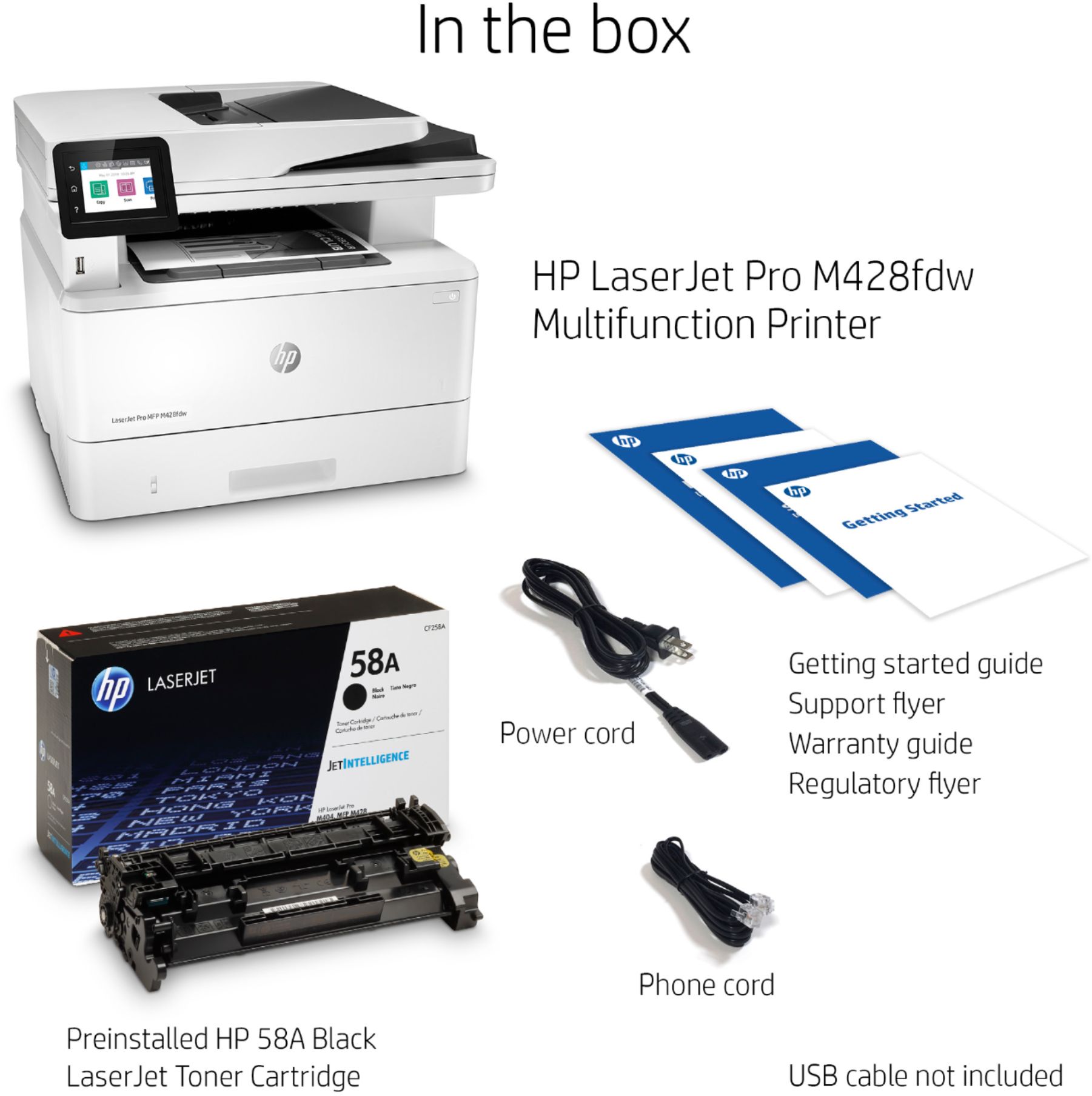
|Posted .This reviewer received promo considerations or sweepstakes entry for writing a review.I like having a laser printer for black and white. For the last 4-5 years, I've been using a cheap Brother unit that's done the job. The M428fdw just took it's place. This thing is a beast. It was probably the easier printer install I've ever done. I unboxed the unit by tipping it out of the box, per the instructions. I hoisted it up on the desk where the Brother once sat and looked it over. I ran the new power cord just in case it was a heavier gauge one than the old printer. Then connect the lan(nic) cable and that was it. I pushed it against the wall and proceeded to download the software from HP. The software download and install were a breeze. I was up and running in 10 minutes or so. It runs off my home network and every pc in the house as well as my mac mini and handhelds are able to print from it. I haven't had any issues with other units communicating with the HP printer. I have a feeling this printer will be around as long as the Brother or more. The box contains the printer, power cable, USB cable, a phone cord, a preinstalled toner cartridge and the necessary guides to get you up and running. I'm not sure how tray 1 holds 100 sheets. It looks like it would, but since it's a feed tray, I wouldn't want to leave it open all the time. Tray 2 holds 1/2 a ream and has a floating plastic gauge on the front of the tray to give you a quick reference as to whether or not it will be adequate for your next print job. According to HP online, there is an optional tray 3 available that holds a ream of paper. Lastly, this a black and white printer, not color. It fits my printing needs for word docs and my color ink jet for everything else.
I would recommend this to a friend - Pros mentioned:Print quality
Decent B&W MFP for home or small business
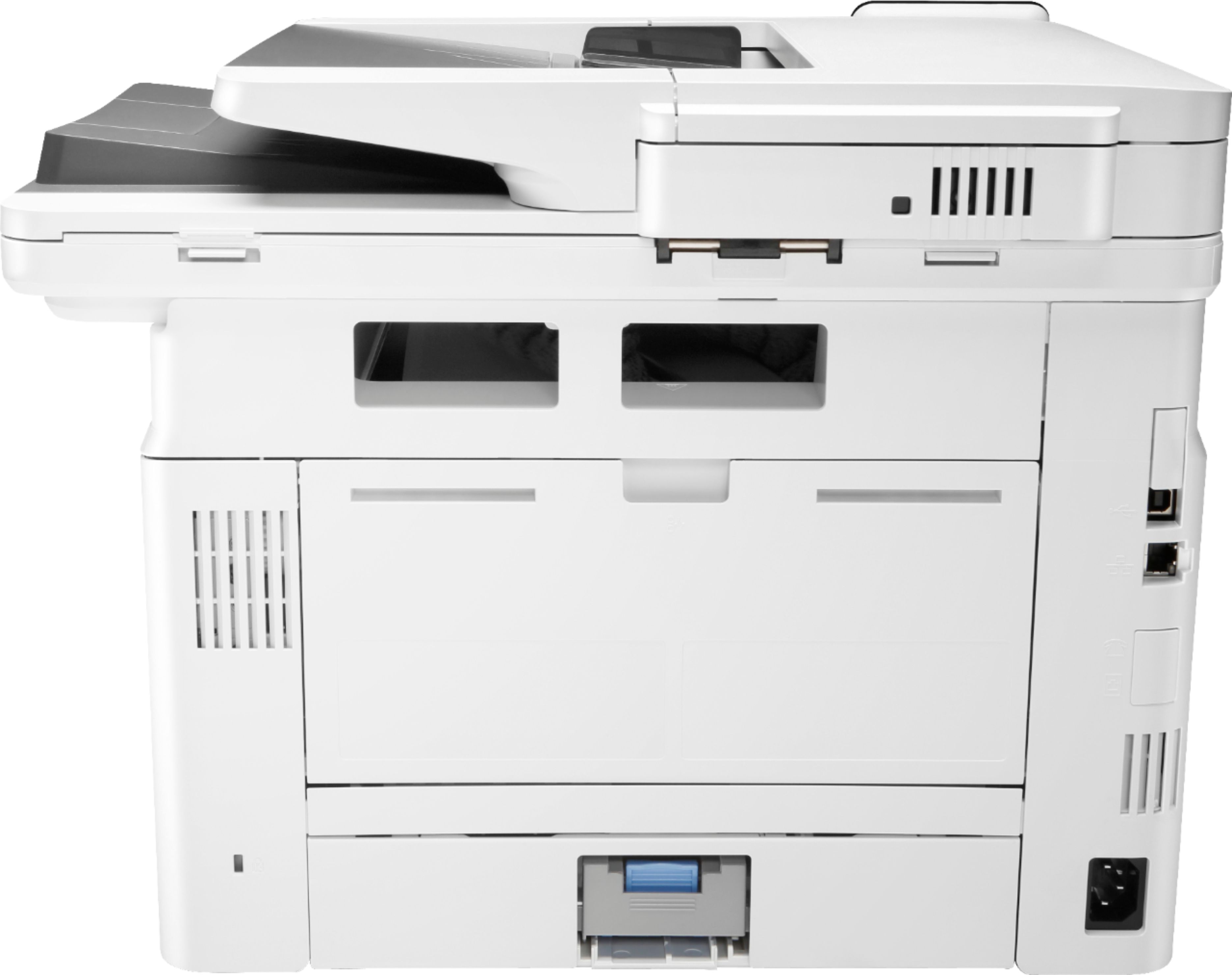
|Posted .This reviewer received promo considerations or sweepstakes entry for writing a review.HP Laser Jet Pro MFP M428fdw I find this to be a decent B&W laser printer that seems to largely perform as advertised. Packaging was easy to handle and instructions were easy to follow. I set this up in a home environment using a Windows 10 laptop connected to the internet via wifi. I am running a higher end AC wifi router. Duplex printing and scanning worked as expected. I found the print speed to be as advertised at about 40ppm. Print quality was also good and consistent from page to page. I was not overly impressed with the scanning quality. The document feeder had a tendency to pull pages in slightly crocked and the resolution of the scans was too low in my opinion. I calculated that the cost of running this unit is about 3.5 cents/page + paper cost based on a standard HP 58A cartridge with a 3k page life at about $105 through the HP Shopping app that loads automatically. I was not able to get scan to email from the app on my laptop to work. I don’t know what I’m doing wrong. I’m sure I could look it up online and get it to work, but I got frustrated and gave up on that part. I was able to scan to email directly from the printer without any issues. The unit also copies easily. The touch screen is easy to navigate and fairly intuitive if you have spent any time around HP printers. I was able to print directly from my android cell phone without having to install any additional apps. The printer showed up on my phone automatically because my phone was on the same wifi network. It supports a wide array of mobile printing platforms from Microsoft, Apple, Google, etc. I also turned off wifi and plugged directly in via usb. Everything worked perfectly. The installation I will describe in a minute set up all forms of connectivity at once. All in all, I like this unit and would recommend it to anyone looking for a quick B&W Laser Printer that is easy to set up and use (except for the scan to email from a computer). Now I will walk you through my setup experience. I did not set up the hard-line network connection or the fax functionality as my home network is not conducive to those features. Upon opening the box, I saw right away that they had a diagram explaining the best way to remove the unit from the box. This is helpful as the unit is a bit bulky and heavy, weighing in at about 29lbs. Following these simple instructions made it easy to remove. Included in the box was the printer, HP toner (preinstalled), a power cord, a USB printer cable and a phone cable for the fax functionality. The first thing the instruction book has you do is set up the paper tray. It is fairly simply. Just pull it out of the unit and adjust sliding guide rails to match your paper size. I set up for standard 8.5x11 paper. I did realize the hard way that the unit needs to be on a hard, flat surface in order for the paper tray to slide easily. I initially had it sitting on a folding chair with a padded seat. It would not slide back in until I put it on a hard, flat surface. I should have known better, but here is a chance for you to make fun of me and learn from my mistakes. After setting up the paper tray, I removed all of the tape holding the doors and units together, and plugged in the power cords as instructed. I did NOT plug in the USB cable as the instructions did not tell me to do so. I then went to the web site as instructed and chose to use the Easy Start wizard to set up the printer. After my laptop downloaded the installer application, I tried to launch it only to find that Windows threw a warning because it is not a Microsoft verified app. I simply told my laptop to “Install Anyway” and had no issues. The app automatically detected the printer in my house even though I was not physically connected to it. I’m not sure if it used Bluetooth or Direct Connect functionality to accomplish this, but it worked very well. I then chose the Auto Wireless Setup option. The software then automatically joined the printer to my home network so that I could print over wifi. It also set up wifi direct and prompted me to turn on device sharing on my laptop to make everything work. You don’t need to know what all that means. The point is, it works if you click your way through the setup application. It then downloaded the full featured driver and software set for the printer. The current software package is 277mb. The HP website was quite slow. Even on my high-speed internet connection, it took almost 20 minutes to download the software. That was probably a fluke as HP isn’t normally a slow website for me. Once installation started, it pretty much took care of itself. It automatically loaded 10 apps over the course of about 5-7 minutes. The installation window disappears and reappears several times during this process. Just be patient. It works. It will tell you when it is complete. After installation said it was complete, the fax setup wizard popped up. There is a skip button that I clicked since I don’t have a fax line here at home. It then had me register the device. I did note that the HP website I used to start this whole process never closes on its own. Once you get to this stage you can simply close your web browser. I also noted that the printer rebooted automatically after I finished the software installation. I’m not sure what it was doing, but I could not print to it until after that reboot. If it doesn’t automatically reboot and you can’t print to it, you might need to power cycle it once to get it going. There was a 2nd instruction sheet in the box that tells you how to update the firmware. It is simple to follow. You just go to the HP support website and download the firmware updater. I followed the instructions, but when I got to the actual update process, it told me that I already had the latest firmware. I would recommend checking for firmware updates when you set up the machine just in case they have released something new since this review. The installation put 4 icons on my desktop. The scanning app, printer assistant, shopping, and a setup icon for the printer and scanner doctor app. The Printer Assistant is really all you need to keep handy. It has shortcuts to everything else built into the interface. The scanning app make it easy to scan to your computer in either jpg or pdf. As I said earlier, I couldn’t get scan to email working and gave up since it wasn’t important to me. I found the assistant app easy to navigate and pretty intuitive. There are more advanced setting available for custom network configurations and such, but I did not need to use those options in my simple home network. I am an experience IT professional, however, so I looked through the more advanced settings and surmised that it should be relatively easy for an IT technician to set this up in a standard domain environment. That’s about it. I hope you have found this review helpful.
I would recommend this to a friend - Pros mentioned:Ease of use, Print quality
A good working laser printer, but no mobile printi
|Posted .This reviewer received promo considerations or sweepstakes entry for writing a review.The HP - LaserJet Pro MFP M428fdw Black-and-White All-In-One Printer was easy to setup on my computer. Once I connected the printer to my Wi-Fi, all I had to do was follow the instructions on the printer’s screen to install new updated software and add several icons to my computer’s screen. When I attempted to setup mobile printing with my Google Pixel phone, I installed the HP Smart app. After opening the app, I clicked set up a new printer and received the message, “No printer found.” An error message stated, we’re sorry- we don’t support this device or operating system. Currently, we don’t support mobile setup from this device or operating system. I then clicked mobile printing solutions for HP printers to find my printer model for a list of options to print from my mobile device. The HP - LaserJet Pro MFP M428fdw Black-and-White All-In-One Printer was not on the list. The most recent printer on the list was the HP Laser Jet Pro MFP M427fdw Printer. I closed my HP smart app on my phone and then installed the HP Smart app from the Microsoft Store on my Windows 10 computer. The HP Smart app on my computer allowed the following functions: smart tasks, scan (PDF, JPEG, Editable Text (OCR), Everyday scan) print documents and photos, help center and printer settings. I printed text and a webpage and then I scanned the webpage for a identical copy. Outside of not being able to use mobile functions yet, there are no complaints with the HP - LaserJet Pro MFP M428fdw Black-and-White All-In-One Printer.
I would recommend this to a friend Unreliable
||Posted . Owned for 1 month when reviewed.This reviewer received promo considerations or sweepstakes entry for writing a review.I've had issues with this printer since I bought it. It prints a few pages and then gives an error: B8047A26. It's some type of firmware issue. I spent an entire day on the phone with HP support and they couldn't fix it. When it works, it's great, but for a brand new printer, I would expect it to be reliable. I need to print documents on the fly for work and it's put me in a pinch several times. Very disappointing.
No, I would not recommend this to a friend