Customer Ratings & Reviews
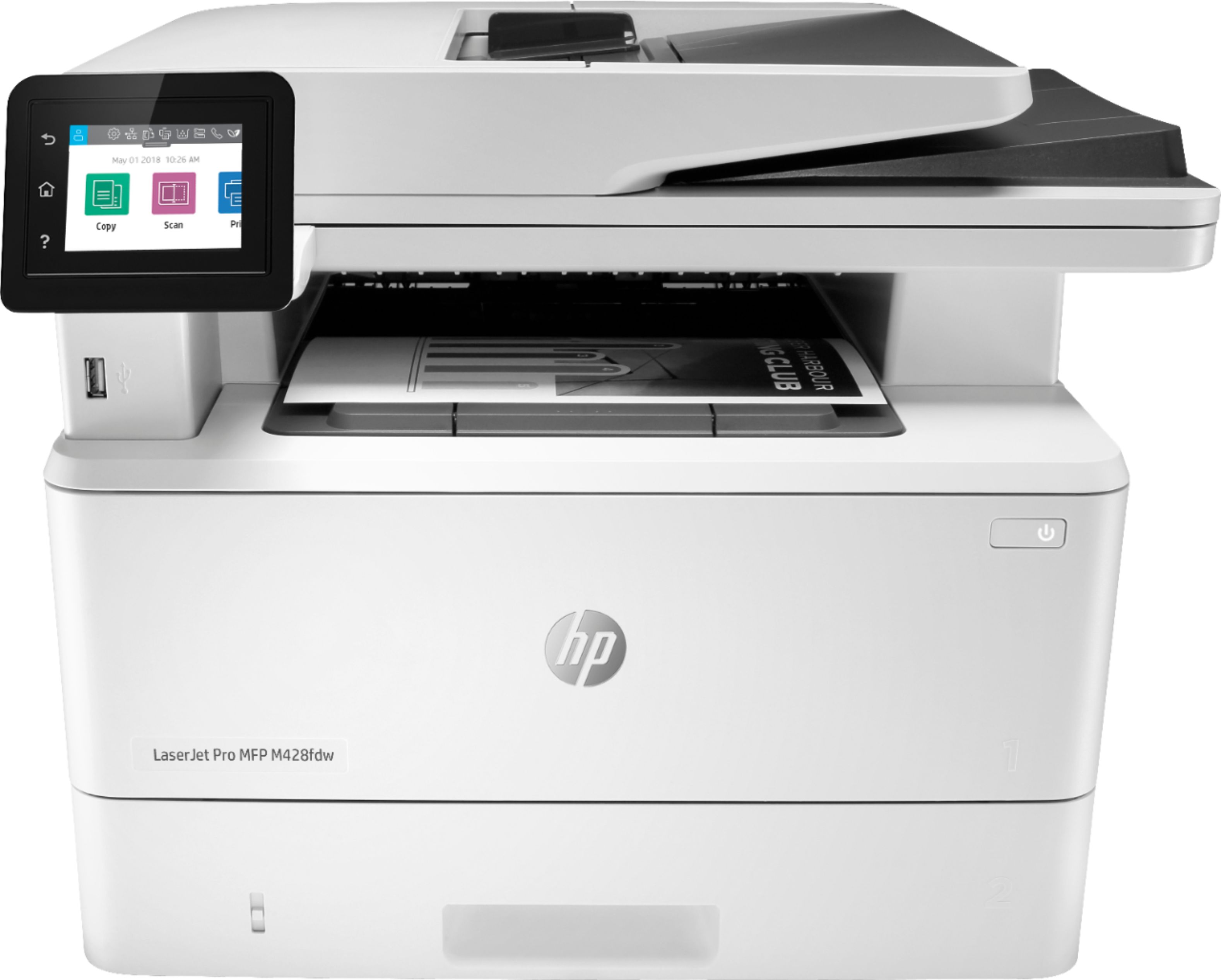
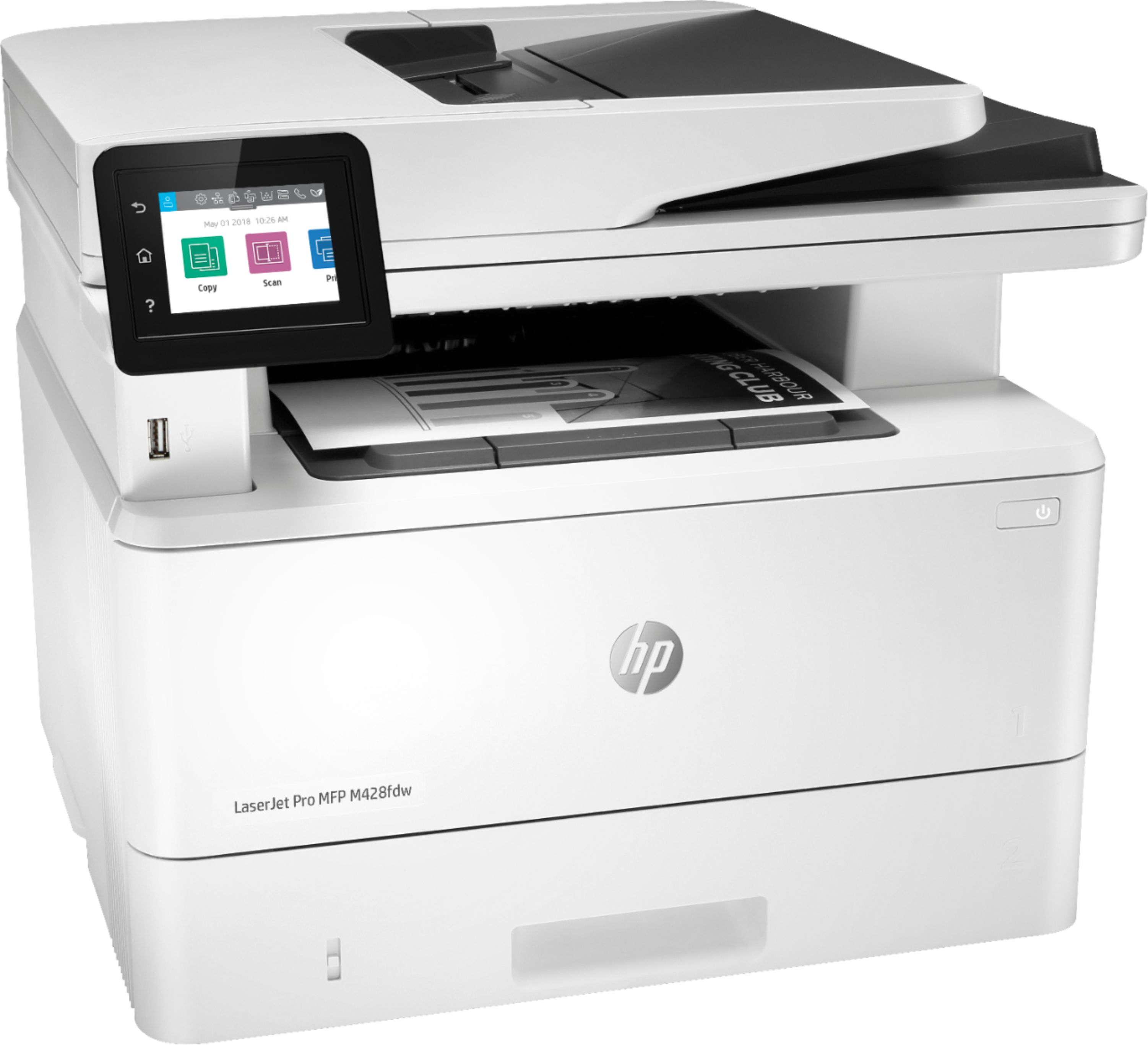
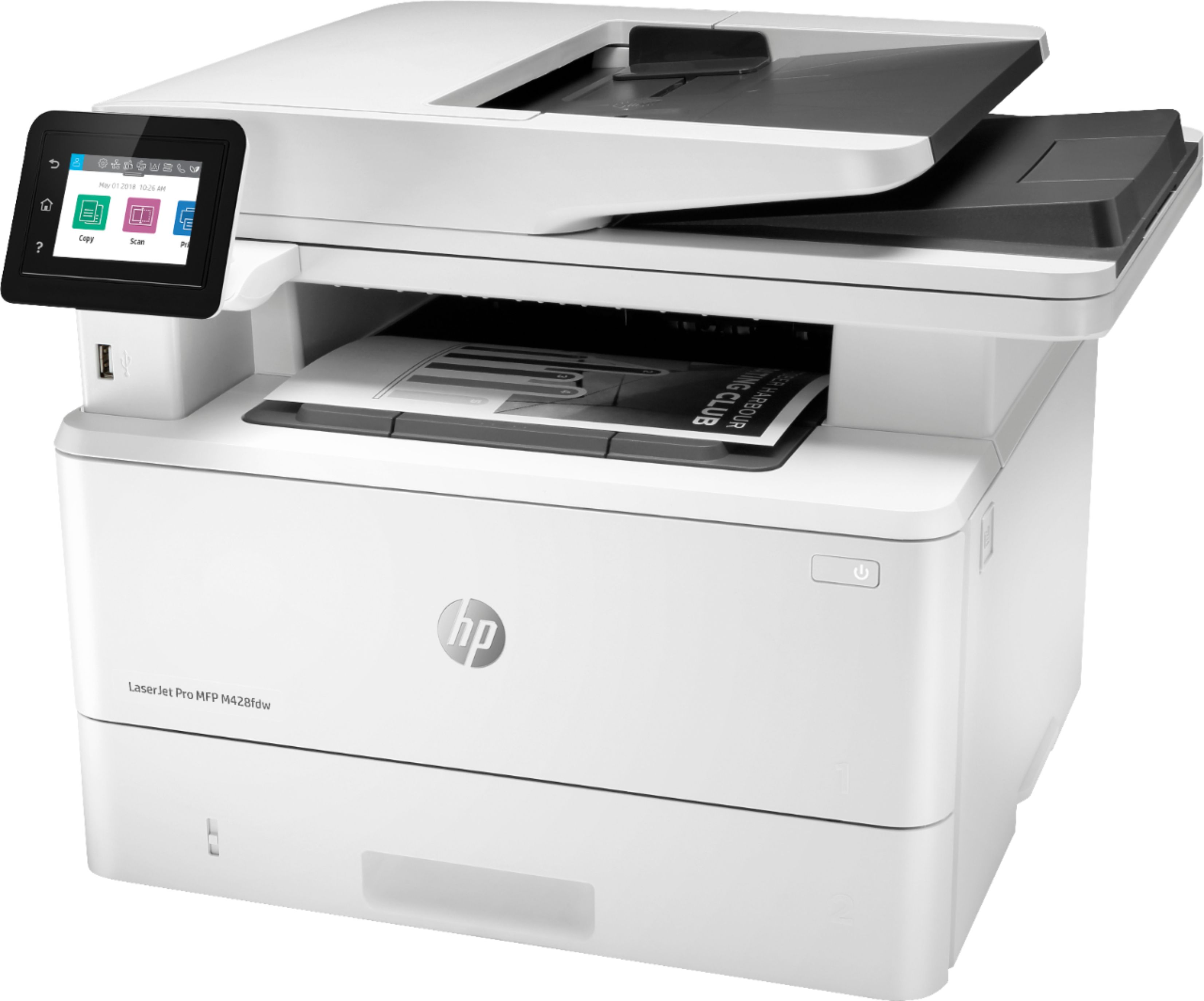
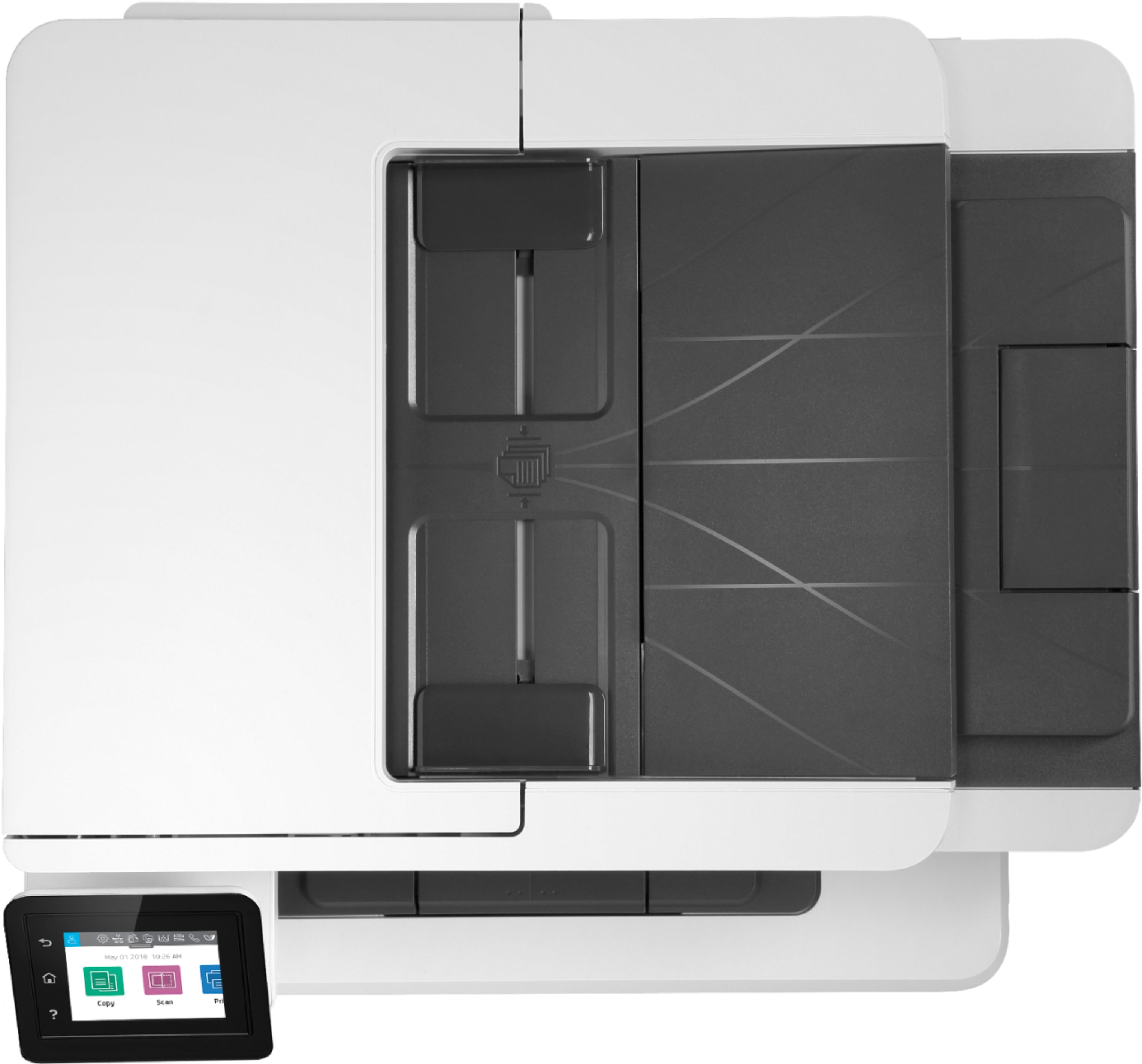
- Model:
- W1A30A#BGJ
- SKU:
- 6348957
Rating by feature
- Value
Rating 4.4 out of 5 stars
- Quality
Rating 4.6 out of 5 stars
- Ease of Use
Rating 4.5 out of 5 stars
Customers are saying
Customers are pleased with the LaserJet Pro MFP M428fdw's print quality, ease of use, and compact size, frequently citing positive experiences with its setup and scanning capabilities. While some found the price to be a drawback, many appreciate the printer's reliability and quiet operation. The fax functionality also received positive feedback from users. A few users expressed a desire for a color printing option.
This summary was generated by AI based on customer reviews.
Printer
||Posted . Owned for 3 months when reviewed.This reviewer received promo considerations or sweepstakes entry for writing a review.Printed and work as should Paper kept getting jammin in the tray text tech-support couldn’t figure out the problem wouldn’t recommend purchasing
No, I would not recommend this to a friendBad connectivity
||Posted . Owned for 1 month when reviewed.This reviewer received promo considerations or sweepstakes entry for writing a review.There was a problem with the connection didn’t receive some fax. Maybe it was just this one but I wouldn’t buy this model again
No, I would not recommend this to a friendNot a business printer
||Posted . Owned for 2 weeks when reviewed.This reviewer received promo considerations or sweepstakes entry for writing a review.Printer often does not print documents scheduled to print overnight. The out of paper feature does not recognize that paper was added.
No, I would not recommend this to a friendtrouble from beginning
||Posted . Owned for 2 months when reviewed.This reviewer received promo considerations or sweepstakes entry for writing a review.Purchased this and have had nothing but trouble with the control panel.
No, I would not recommend this to a friendBrand response from HP Team
Posted .Hello there,
I am very sorry to hear that you encountered problems with printer's control panel . We aim to provide nothing short of a reliable experience with our products and support. I would like to help and explain how to proceed in situations like this.
First, please reach out to us for support and explain the issue.
All HP products have Limited Warranty Period.
You can check your warranty entitlement by entering your product model number and serial number at http://www.hp.com/go/warrantycheck
HP Care Pack services registration can be checked at Care Pack Central at http://www.hp.com/go/cpc
You can receive support in one of the following ways:
1. Looking for additional support and troubleshooting information or updated software and drivers from the HP Support website at http://www.hp.com/support
2. Locating and contacting your nearest HP Support location via the website at http://welcome.hp.com/country/us/en/wwcontact.html
3. Contacting your HP authorized reseller or HP authorized service provider. Before calling HP or an HP authorized service provider, have the following information available:
- Product serial number, model name, and product model number
- Applicable error messages
- Add-on options
- Operating system
- Third-party hardware or software
- Detailed questions
In case of further queries, please do not hesitate to contact us at: hp.com/contactHP
Hope this helps!
Tom
HP Care
hp.com/support
Stopped Working After A Few Weeks
||Posted . Owned for 4 months when reviewed.This reviewer received promo considerations or sweepstakes entry for writing a review.This unit stopped copying/scanning after two months of light use. There does not appear to be a fix. $450 down the toilet.
No, I would not recommend this to a friendBrand response from HP Team
Posted .Hello there,
I'm sincerely sorry to hear that your printer stopped working properly. We certainly build our printers with the intent of providing a reliable experience for our customers, so I can imagine how frustrating and disappointing a situation like yours can be.
Due to the vague nature of the issue, please reach out to us for support. We'd be more than happy to work through any troubleshooting or initiate a replacement under your printer's warranty. You can give us a call at +1 800-474-6836 between the hours of 8 am - 9 pm ET. To expedite things a bit, I recommend gathering this information beforehand:
- Model number
- Serial number
- Your location
- Your case number (from prior contact with support)
On a related note, I'd like to mention the fact that HP printers do also have the warranty from their purchase date, so if you find you need to use it, I hope you will. To verify the warranty, you can use the following link: support.hp.com/us-en/checkwarranty
In case of further queries, please do not hesitate to contact us at: hp.com/contactHP
Kacper
HP Care
hp.com/support
Junk
||Posted . Owned for 9 months when reviewed.This reviewer received promo considerations or sweepstakes entry for writing a review.This printer is complete trash. Wifi printing and Print Direct both are a joke. Look else where.
No, I would not recommend this to a friendBrand response from HP Team
Posted .Hi Scott,
I’m sorry that your printer has performed so poorly regarding connectivity. I want to help you remedy this problem, so I’ll guide you to some resources and information I hope will accomplish that goal.
First, I recommend you visit a page on our support site that has diagnostic tools for various issues, including wireless connectivity and printer-offline difficulties. You can find that page here:
- support.hp.com/us-en/topic/diagnostics
If the problem persists, I suggest that you contact us directly at +1 800-474-6836 so we can help you assess the situation and determine the best course of action. (Please note that because of restrictions on personal movement and workplace attendance associated with the COVID-19 pandemic, wait times for agents are longer than normal. Thanks in advance for your understanding.) To expedite the process, I recommend gathering the following information before the call:
- Model number
- Serial number
- Your location
- Case number (from any previous contact with HP support)
I'll also mention that HP printers have a one-year warranty from their purchase date that covers hardware as well as ink supplies, so if it comes to that, you might consider making use of it. You can verify the warranty using the following link:
- support.hp.com/us-en/checkwarranty
Kacper
HP Care
hp.com/support
Copier has a Terrible Flaw
||Posted . Owned for 1 month when reviewed.This reviewer received promo considerations or sweepstakes entry for writing a review.Two returns and still the same problem. The auto feed copies after a month of use leaves a vertical black line.
No, I would not recommend this to a friendDo not buy
||Posted . Owned for 6 months when reviewed.This reviewer received promo considerations or sweepstakes entry for writing a review.Didnt scan from day 1, absolutely disappointed with this item, horrendous.
No, I would not recommend this to a friendFor home/light use
||Posted . Owned for 3 weeks when reviewed.This reviewer received promo considerations or sweepstakes entry for writing a review.I purchased this for heavy printing at work and this last all but a week. It is a total disappointment.
No, I would not recommend this to a friendBrand response from HP Team
Posted .Hello there,
I want to sincerely apologize for all the problems the printer has been causing. We certainly build our printers with the intent of providing a reliable experience for our customers, so I can imagine how frustrating and disappointing a situation like yours can be.
Due to the vague nature of the issue, please reach out to us for support. We'd be more than happy to work through any troubleshooting or initiate a replacement under your printer's warranty. You can give us a call at +1 800-474-6836 between the hours of 8 am - 9 pm ET. To expedite things a bit, I recommend gathering this information beforehand:
- Model number
- Serial number
- Your location
- Your case number (from prior contact with support)
On a related note, I'd like to mention the fact that HP printers do also have the warranty from their purchase date, so if you find you need to use it, I hope you will. To verify the warranty, you can use the following link: support.hp.com/us-en/checkwarranty
In case of further queries, please do not hesitate to contact us at: hp.com/contactHP
Kacper
HP Care
hp.com/support
M428FDW
||Posted . Owned for 1 year when reviewed.This reviewer received promo considerations or sweepstakes entry for writing a review.I need to return it back, but no stock. no for me.
No, I would not recommend this to a friendNot happy
||Posted . Owned for 1 month when reviewed.This reviewer received promo considerations or sweepstakes entry for writing a review.I need to mass scan and this printer grabs too many pages.
No, I would not recommend this to a friendOfficePrinter
||Posted . Owned for 1 month when reviewed.This reviewer received promo considerations or sweepstakes entry for writing a review.I just purchased this printer and it is already printing with lines. Very disappointed.
No, I would not recommend this to a friendBrand response from HP Team
Posted .Hello there,
I'm truly sorry for all the problems the printer has been causing due to the underwhelming print quality from the start. We certainly build our printers with the intent of providing a reliable experience for our customers, so I can imagine how frustrating and disappointing a situation like yours can be.
First, I recommend you visit a page on our support site that has diagnostic tools for various problems. For scanning and printing, you’ll find on this page a general-purpose tool called the HP Print and Scan Doctor. If you use Windows, the tool will help identify and guide you through solutions to a wide range of common printing and scanning issues. Visit that page here:
- support.hp.com/us-en/topic/diagnostics
Furthermore, if the issues persist, I would recommend to reach out to us for support. We'd be more than happy to work through any troubleshooting or initiate a replacement under your printer's warranty. You can reach us at: hp.com/contactHP
On a related note, I'd like to mention the fact that HP printers do also have the warranty from their purchase date, so if you find you need to use it, I hope you will. To verify the warranty, you can use the following link: support.hp.com/us-en/checkwarranty
Kacper
HP Care
hp.com/support
- Pros mentioned:Print quality, Size

Compact and fast printer
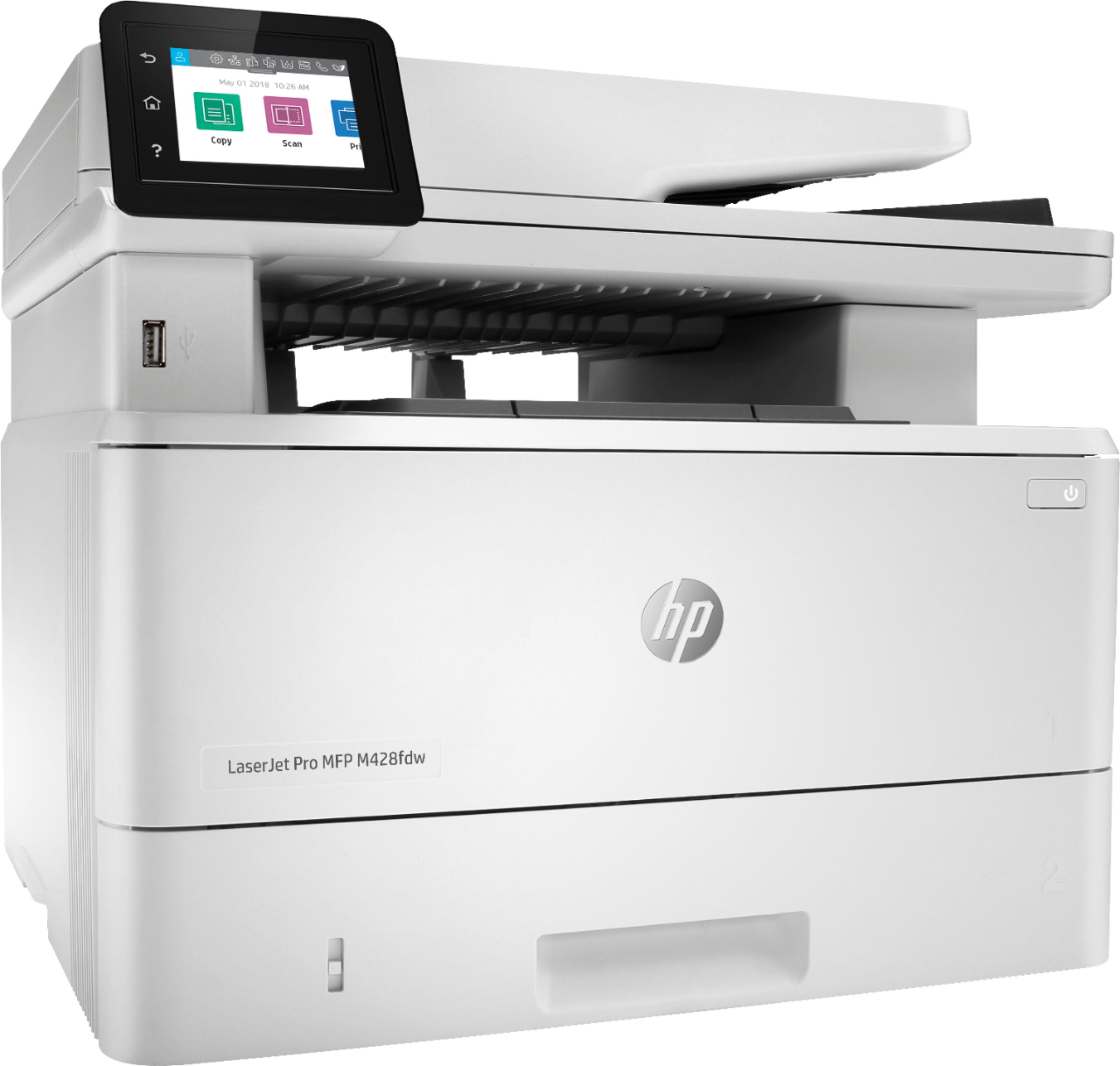
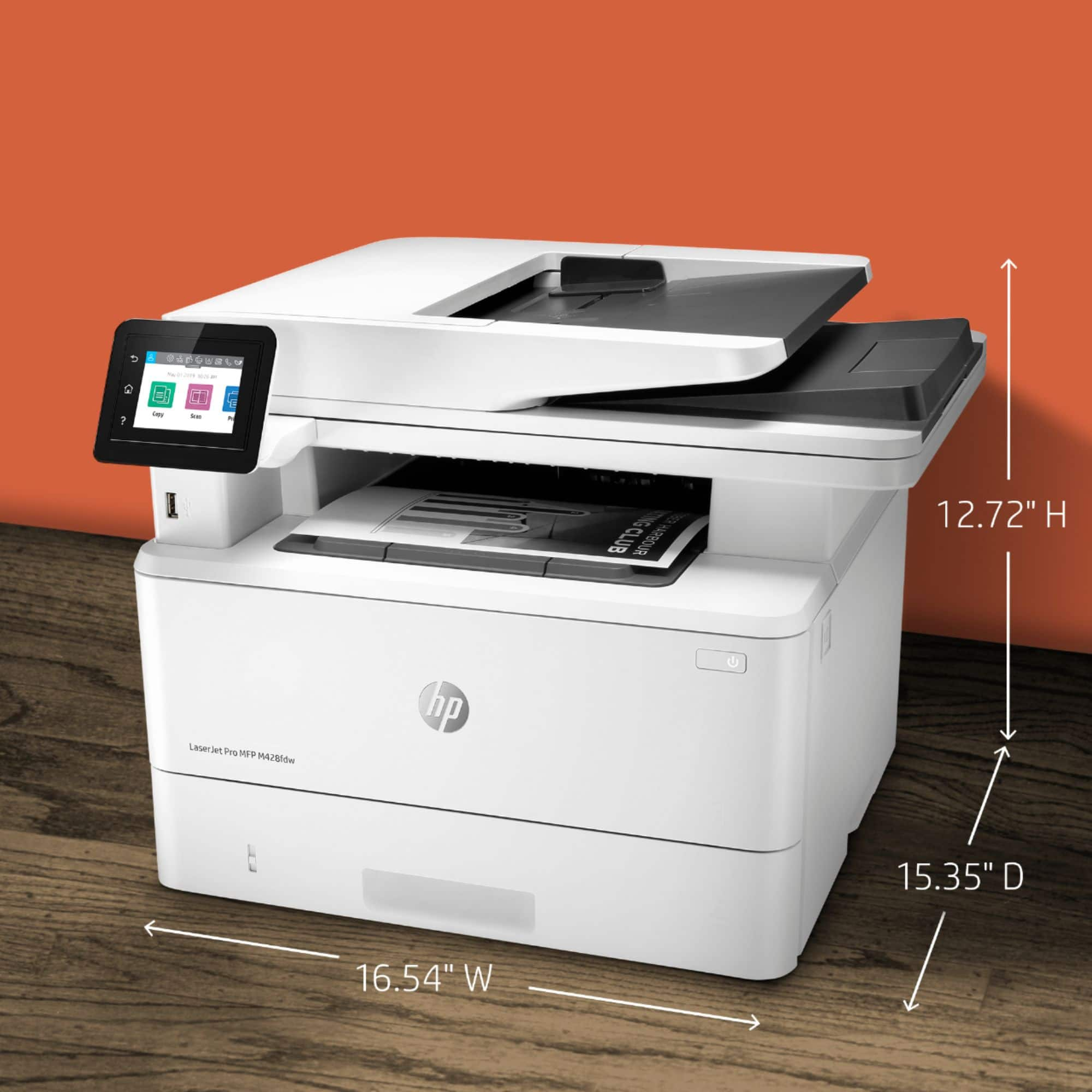
|Posted .This reviewer received promo considerations or sweepstakes entry for writing a review.This HP LaserJet Pro MFP M428fdw is compact and it does not take much space. It does great job on 2 sided printing, paper tray is adjusted to hold papers securely. Fast printing and high quality. All in one is all what I need.
I would recommend this to a friend Didn't last 2 weeks
||Posted .This reviewer received promo considerations or sweepstakes entry for writing a review.Need a new one as I bought extended warrantybut don't think I want the same one
No, I would not recommend this to a friend- Pros mentioned:Ease of use, Size
HP Laser Jet Pro MFP M428fdw
Posted .This reviewer received promo considerations or sweepstakes entry for writing a review.I love the functional design and compact size, considering all the functions it does: printer, copier, scanner and fax. I can load the document or if smaller, place it in the glass flat bed. It is easy to use, considering I am 75 years old. I learned how to use it pretty quickly with my children's help. I will recommend it to every one , does not matter their age.
I would recommend this to a friend Outstanding Laser Printer with many features!
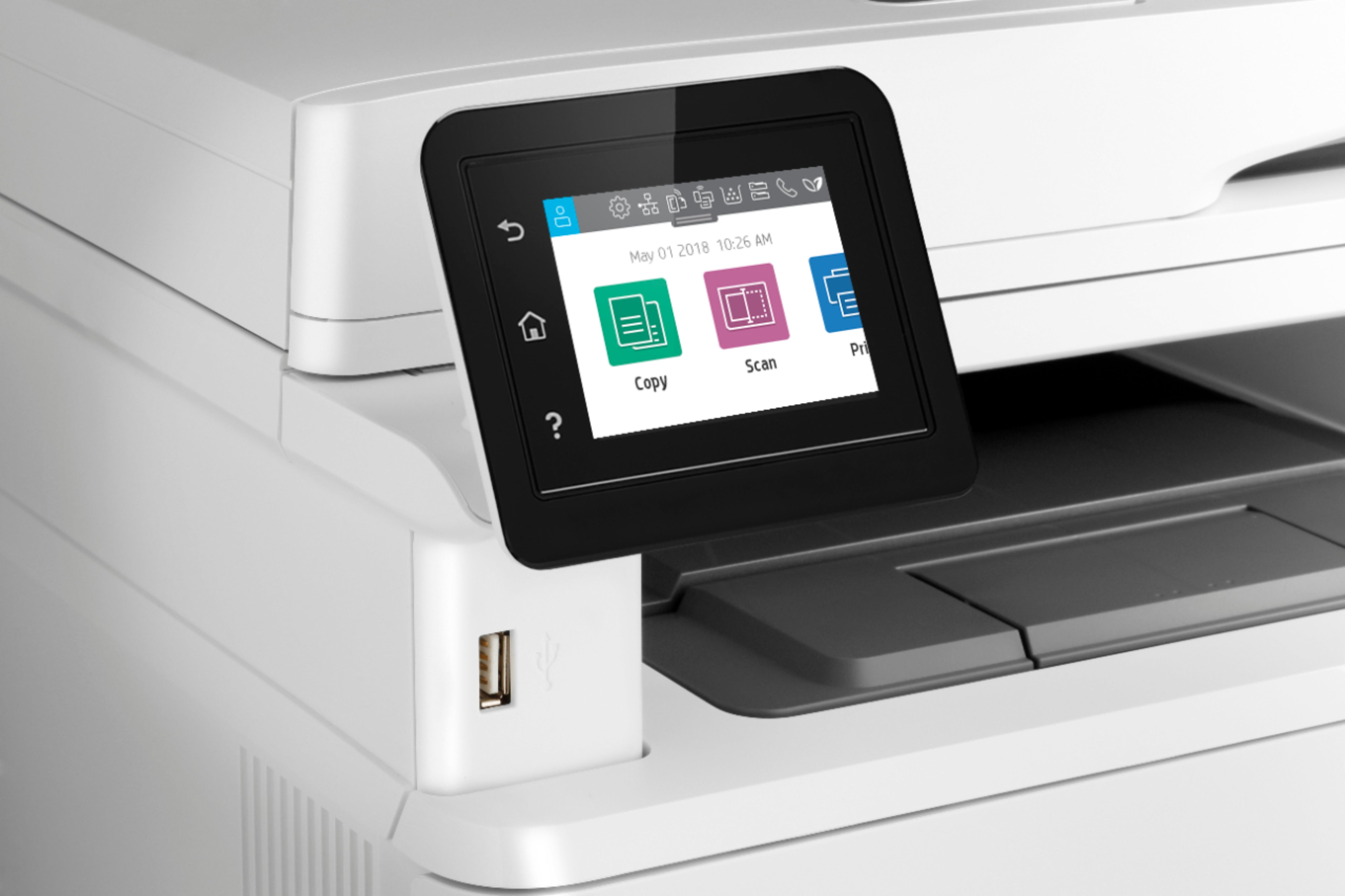
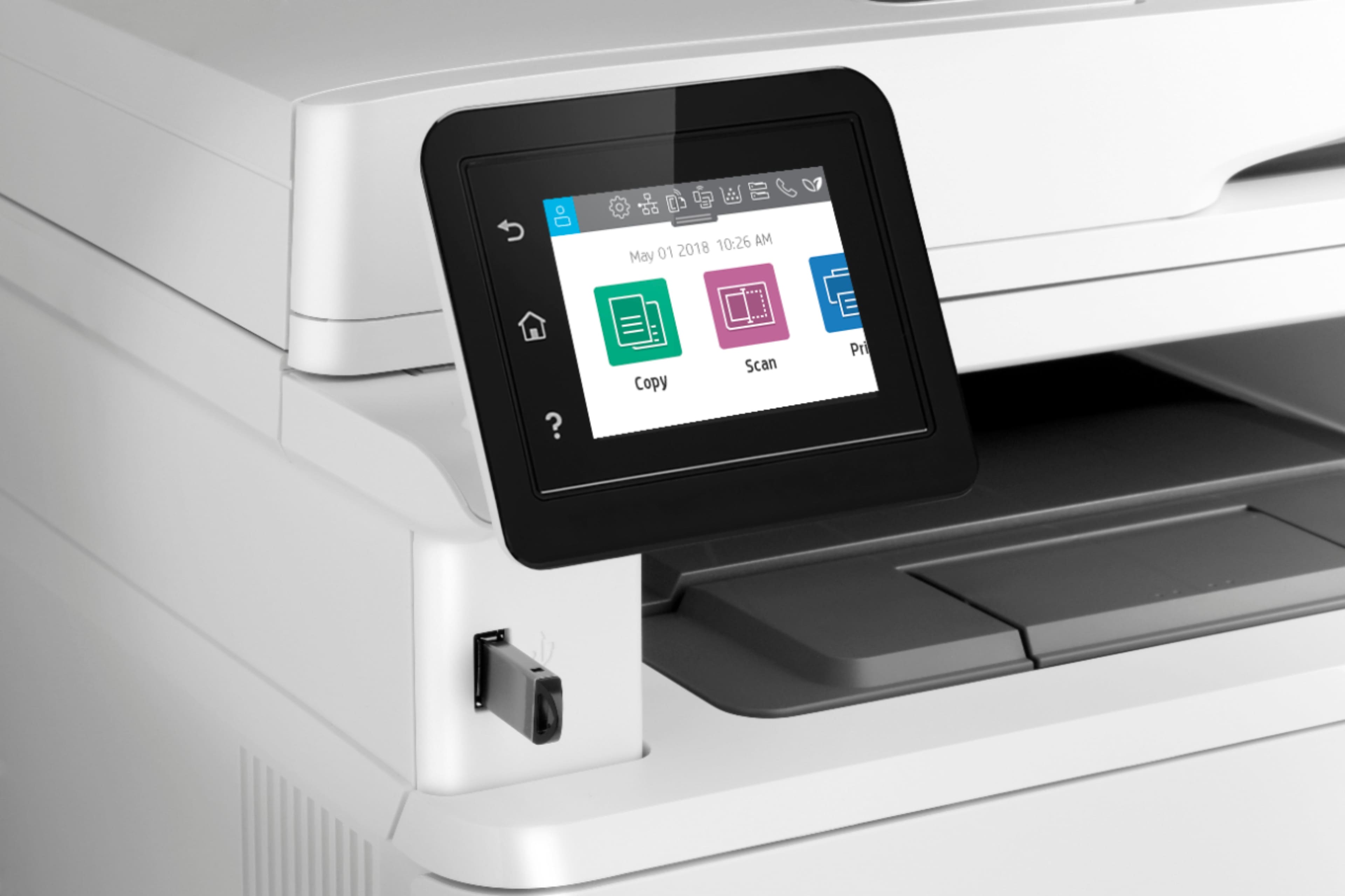
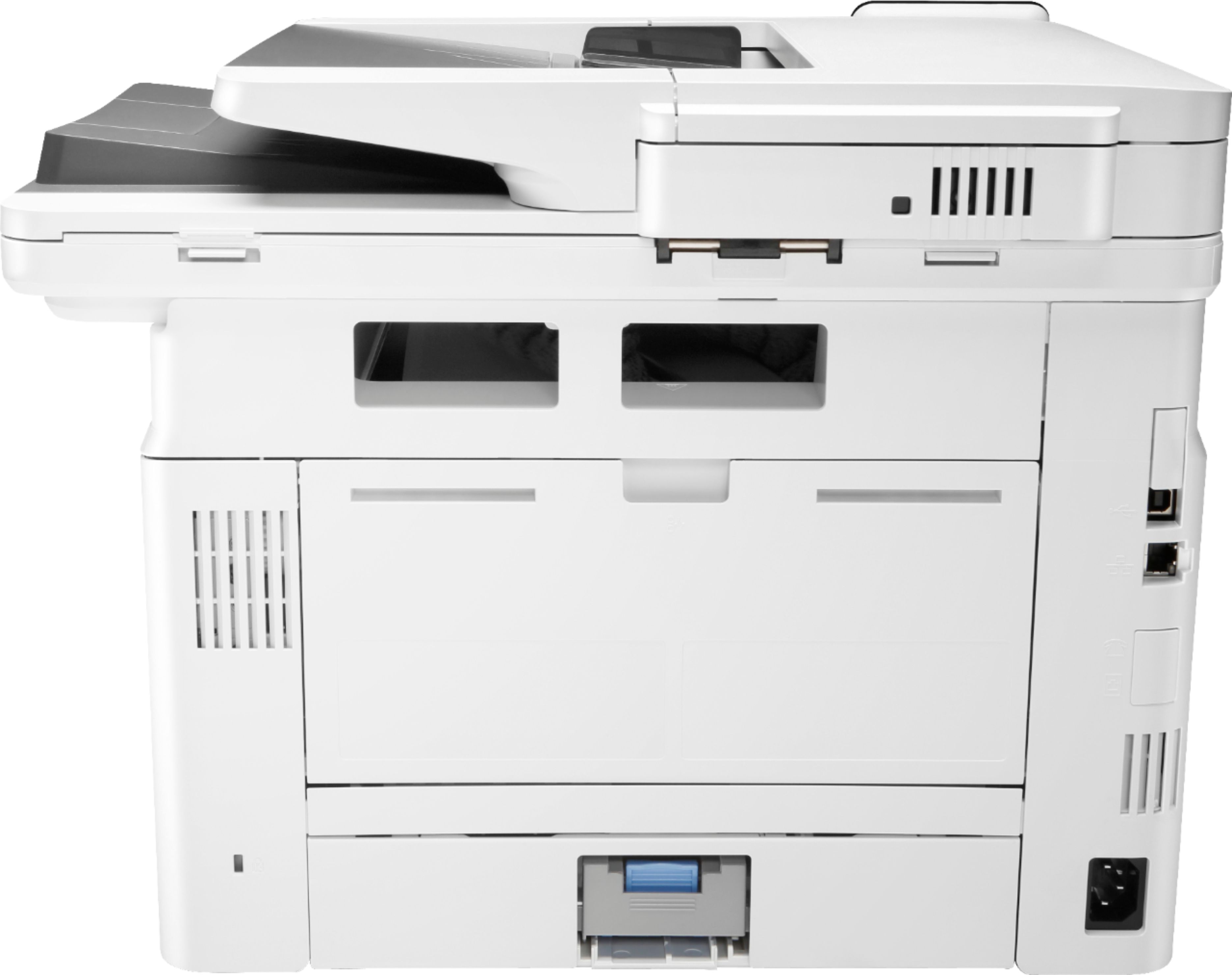
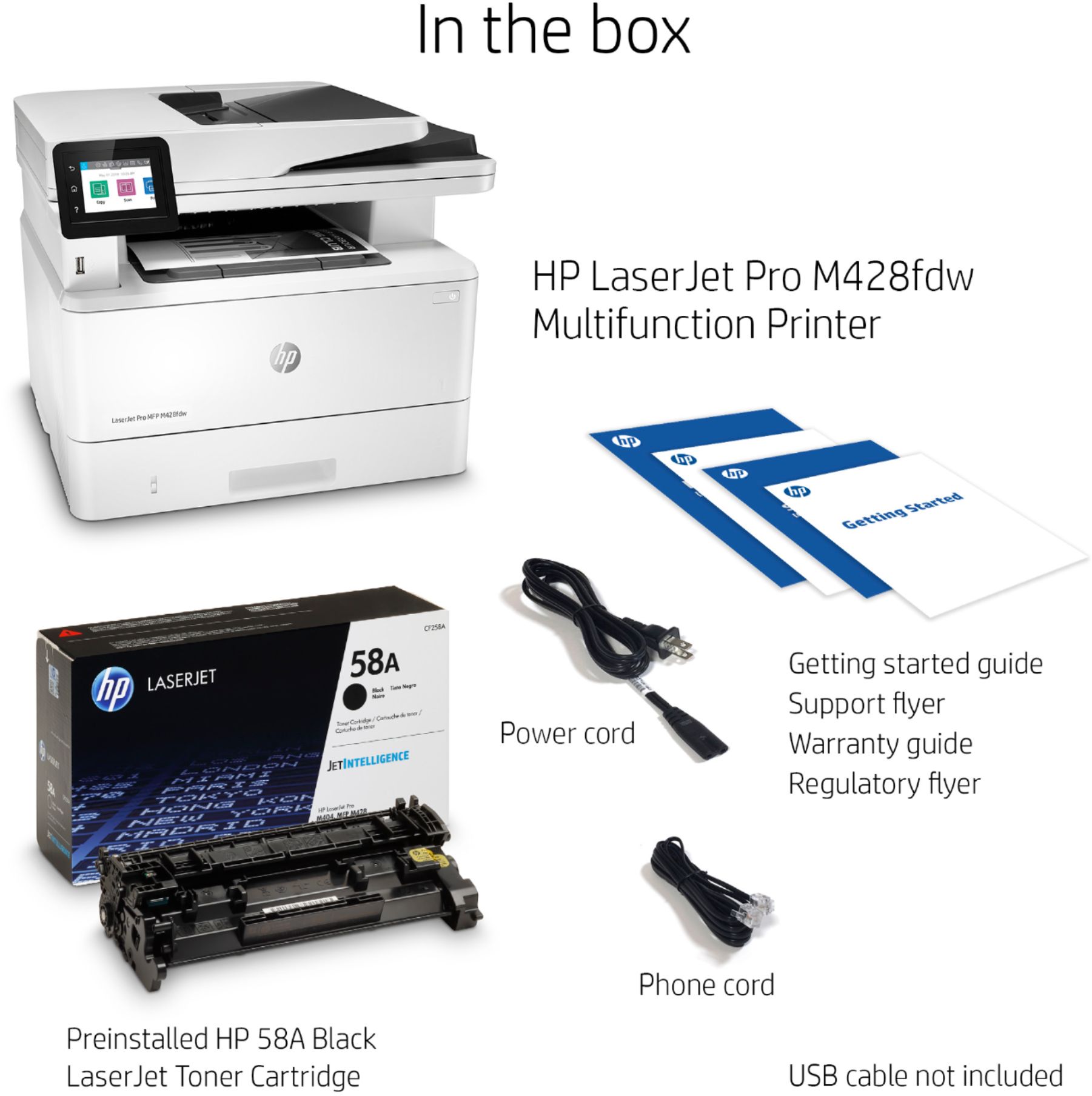
|Posted .This reviewer received promo considerations or sweepstakes entry for writing a review.The LaserJet Pro MFP M428fdw is very compact and packed with powerful features for print, scan and copy. Setup was very easy and it came with Preinstalled HP 58A Black LaserJet toner cartridge. I have connected with my desktop using the USB cable provided for initial setup and downloaded the software from HP site. I have followed the instructions to configure the printer to print over the wireless. After the software installation and configuring the printer, I was able to see this printer on home network to print from any devices. It is very convenient to print from other devices and my son is using this printer every day for his school work and printing from his laptop. It came with HP LaserJet Pro MFP M428fdn Black-and-White All-In-One Printer, Preinstalled HP 58A Black LaserJet toner cartridge, Power cord, Phone cord, Owner's manual. It has 2.7" CGD (Color Graphics Display) touch screen to print, store files and business apps directly from your printer. This printer can print up to 38 ISO ppm* in black. It can handle large volumes quickly at low cost per page. Tower is using powder instead of ink to get smudge free images and text. It has feature with Apple Airprint enabled to print from iPad and iPhone. This printer works with HP 58A (CF258A) and HP 58X (CF258X) toners. The preinstalled HP LaserJet toner cartridge yields up to 3,000 pages. The resolution of printing is superior quality and it can print up to 4800 x 600 dpi (dots per inch) resolution in black, The paper tray can hold up to 350 sheets input capacity and 150 sheet output bin. 50 Sheet automatic document feeder is really nice to copy, scan or fax multiple pages easily. The design is very good with stylus looking. I have been using InkJet printers and cheap laser printers before and HP MFP M428fdn is huge upgrade. I am using this every day for copy, print and scan for my personal and office work. It is one of the best printer in the market with excellent configuration. I highly recommend this printer for home and office use and now I am a big fan of HP products.
I would recommend this to a friend- Pros mentioned:Scanning
Perfect Printer
|Posted .This reviewer received promo considerations or sweepstakes entry for writing a review.This printer is perfect for me. I do a lot of copying and scanning and I needed a unit that would handle scanning stacks of documents. Just when I thought such a unit didn't exist, I found this one and it's perfect. It is the only one that you can set a stack of papers in the scanning tray and it will take them fast, double sided too!
I would recommend this to a friend Great All-in-One B/W Printer
Posted .This reviewer received promo considerations or sweepstakes entry for writing a review.Overall great all in one black and white laser printer! Toner lasts a very long time saving you money on this investment!
I would recommend this to a friend- Pros mentioned:Ease of use, Print quality
LaserJet Printer
Posted .This reviewer received promo considerations or sweepstakes entry for writing a review.This is a great printer; it delivers speed and is easy to use. Its faxes, prints and scans. It is a small office printer that works like a large office printer.
I would recommend this to a friend - Pros mentioned:Ease of use, Print quality
Great printer!
Posted .This reviewer received promo considerations or sweepstakes entry for writing a review.Great printer; easy to connect; works very well; easy installation; very fast; very great purchase with no regrets!
I would recommend this to a friend