Customer Ratings & Reviews






- Model:
- 405T6A#B1H
- SKU:
- 6621413
Rating by feature
- Value
Rating 4.6 out of 5 stars
- Quality
Rating 4.5 out of 5 stars
- Ease of Use
Rating 4.4 out of 5 stars
Customers are saying
Customers have good things to say about the OfficeJet Pro 8125e, particularly its overall performance and print quality. Many users found the setup process to be seamless and appreciated the clear instructions provided. The printer's connectivity and ease of use were also highlighted as positive aspects, with some users noting its quiet operation.
This summary was generated by AI based on customer reviews.
Buy something else.
||Posted . Owned for 1 month when reviewed.This reviewer received promo considerations or sweepstakes entry for writing a review.Cheap plastic trays - still can't print documents from my computer.
No, I would not recommend this to a friendNot a good choice
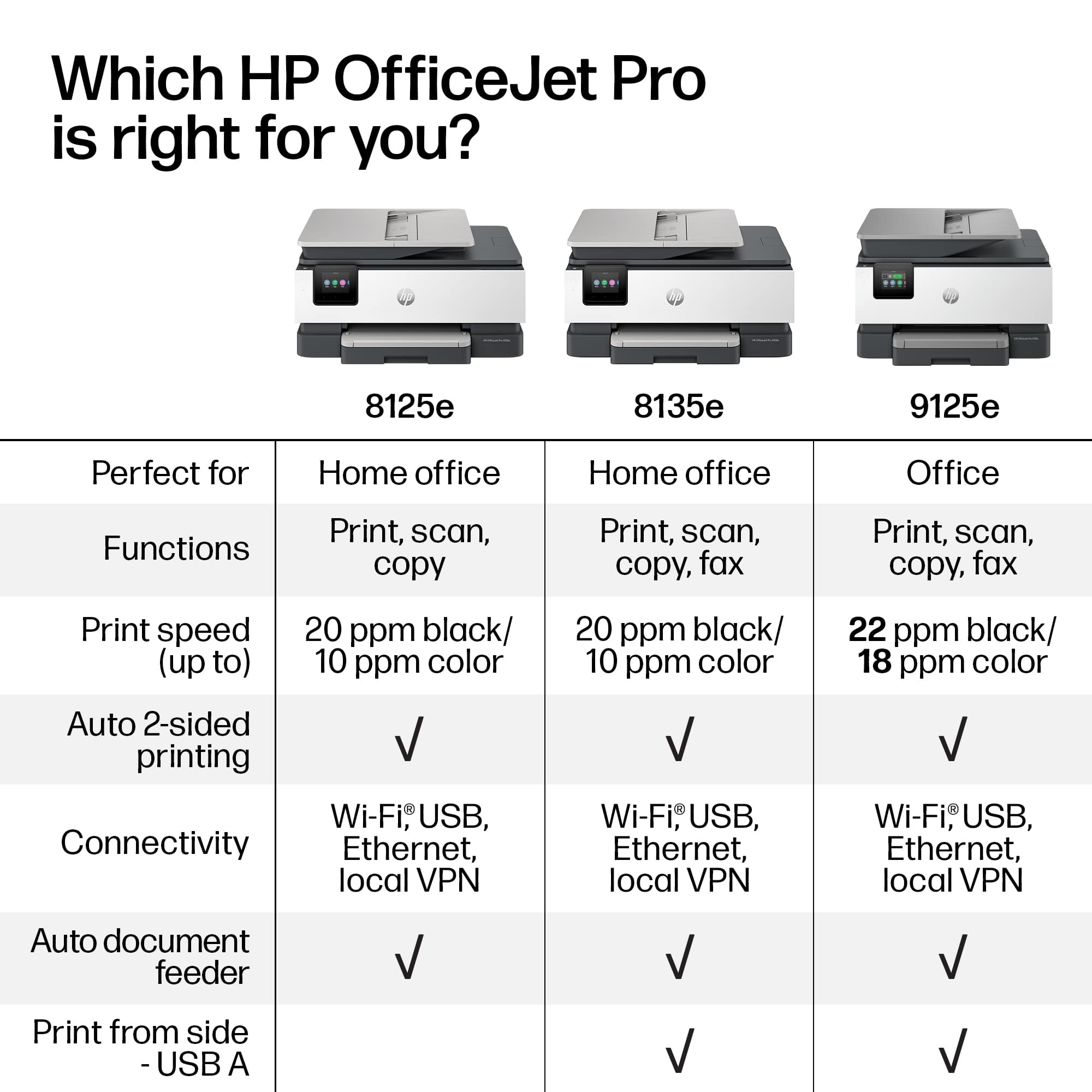
||Posted .This reviewer received promo considerations or sweepstakes entry for writing a review.Did not realize that it didn't have Fax feature, mistake on my part. Also seems to have issues keeping network connection. Would not purchase again
No, I would not recommend this to a friendVery poor
||Posted . Owned for 1 month when reviewed.This reviewer received promo considerations or sweepstakes entry for writing a review.Sometimes works and sometimes it doesn't and is terribly slow. I had another version of this printer, and it was amazing. It lasted for many years, and I am a heavy printer. I would not recommend this printer. I
No, I would not recommend this to a friendI have to have an HP account
||Posted . Owned for 3 weeks when reviewed.This reviewer received promo considerations or sweepstakes entry for writing a review.I just want to simply print. Now I have to download an app and set it up via my phone. Ugh
No, I would not recommend this to a friendNot pleased
||Posted . Owned for 1 month when reviewed.This reviewer received promo considerations or sweepstakes entry for writing a review.Wont keep internet connection & cust service said i said i couldnt exchange it to try another one because it was just past their 15 day return policy that i didnt realize best buy has now.
No, I would not recommend this to a friendDon Not Purchase.
||Posted . Owned for 2 weeks when reviewed.This reviewer received promo considerations or sweepstakes entry for writing a review.This has to be one of the worst printers I’ve ever had. If you have multiple pages, it screws up. I’ve wasted so much ink and paper trying to print work documents it’s ridiculous! Do not recommend.
No, I would not recommend this to a friendI would love it
||Posted .This reviewer received promo considerations or sweepstakes entry for writing a review.I can't give you a review about the product since Best buy gave my order to ROADIE, Roadie lost my printer and Best buy refuses to give my money back. But they did offered me to review it, how glorious. 3 weeks of waiting so far, 4h wasted in the chat. No resolution. I'm a plus member and they won't see my renewal, guaranteed.
I would recommend this to a friendMy Printer
||Posted . Owned for 1 month when reviewed.This reviewer received promo considerations or sweepstakes entry for writing a review.Printer is connected to the Internet but does not print
No, I would not recommend this to a friendCHEAP unreliable printer
||Posted .This reviewer received promo considerations or sweepstakes entry for writing a review.TRASH printer. made of all plastic, feels cheap like it's going to break and prints BLANK pages. worst printer I've ever had. RETURNING immediately. Setup takes complicatedly long.
No, I would not recommend this to a friendNo thank you
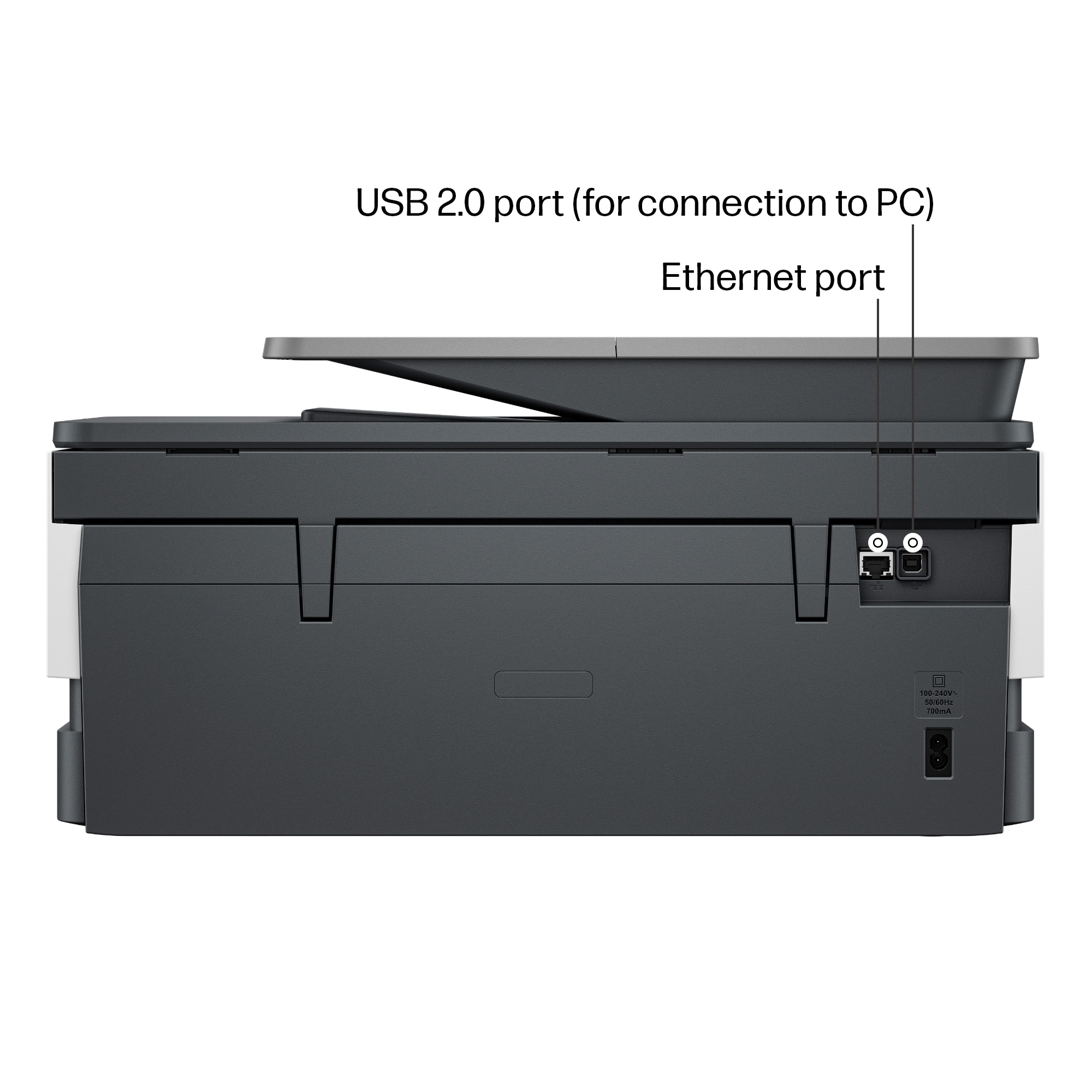
||Posted .This reviewer received promo considerations or sweepstakes entry for writing a review.I could not for the life of me get this to connect to my internet or hotspot on my phone, it’s definitely not user friendly
No, I would not recommend this to a friendPrinter
||Posted . Owned for 1 month when reviewed.This reviewer received promo considerations or sweepstakes entry for writing a review.Have to shut off and turn back on to get to be recognized by phone
No, I would not recommend this to a friend- Pros mentioned:Connectivity, Print quality, Setup

HP listens!
|Posted .This reviewer received promo considerations or sweepstakes entry for writing a review.I've always had issues with printers. 1) Touch screens take forever to respond 2) Navigation of menus are clunky. 3) Connectivity is always inconsistent. This HP printer has improved a lot on the woes of, I would say, majority of the population. In a very digital world, the last thing we need is to go through a physical printer, and have to deal with the hardware. This HP might have the answer. SETUP First of all, setup is simple. There isn't much loose components on this one: Paper tray / cover, ink catridges and a flurry of tapes to peel off. It is not complicated at all. HP has made this very simple without a manual to go through on what to put where, especially the cartridges. Plug in, and it is almost ready to go. Now to connect it to any of my devices, I have multiple options. Since I already have HP Smart, it was almost a 3 minute task to my mobile phone and my HP smart system. However, I also wanted to see how fast it will connect if I use other options, so I used the PC settings to connect to it directly. On WiFi direct, it was a little painful. It times out too fast. Once I have triggered it on the printer where it will release the code, it won't connect right away to my PC. I have gig internet, good wifi and an i9 machine. There is no way my system cannot keep up. But still, I ended up doing it maybe 4 times to connect directly. I also tried connecting the printer directly to wifi, because I can easily connect it too once the printer is on the wifi. That was easier than wifi direct, especially that, to my surprise, this printer has the most responsive screen I have ever experienced in a printer! Plus, the navigation is made much more simple—no tech words- something my mother may be able to navigate if she employs the same patience she has with her plants. Cartridges are easily placed, and you cannot go wrong with the symbols. The printer prompts guide you through the alignment too. PRINTING and SCANNING Print quality is decent. I came from laser printers and this one did not disappoint. It was decently sharp on high quality settings and did not soak my regular A4 sheets. And, like any HP printer, there will be some selling on the printer ink and paper but this one would work for my light business. So I think the pricing is good enough for my business, and there is a CLEAR option if you need to cancel the subscription in the future! I usually scan more and do docusign but have frequent printouts for wet signatures, plus the kids print random items. I think it is worth it for me. Print speed is good too without smudging—hopefully not only because it is new. Scanning is pretty straightforward, especially that I use the HP scan tool. Flatbed scanning is nice and crisp, while feeder scanning is troublesome at 5 to 6 pages per load. STABILITY So far this printer has not failed me when I need to print—unlike my other printers (even from HP) that always need to be searched or reconnected almost each time I need to print. Connectivity is stable once it has established the initial handshake on my machine. And mobile printing from my phone and tablet is easy too! Maybe my only concern on this is, besides the wifi direct setup, is the ability to print legal size sheets—the tray does not allow legal sheets to be placed in; I had to find a hack. Other than that, it seems reliable so far. In any business, you will need a printer, one way or another. I know I do. This has restored my faith in printers. Simple, easy, less worries. I recommend.
I would recommend this to a friend No printer connection
||Posted . Owned for 3 weeks when reviewed.This reviewer received promo considerations or sweepstakes entry for writing a review.It's been a week and I still cannot connect this to my computer to print. I have tried 4 different recommended hacks, and none has worked. It is ridiculous.
No, I would not recommend this to a friendNo ink
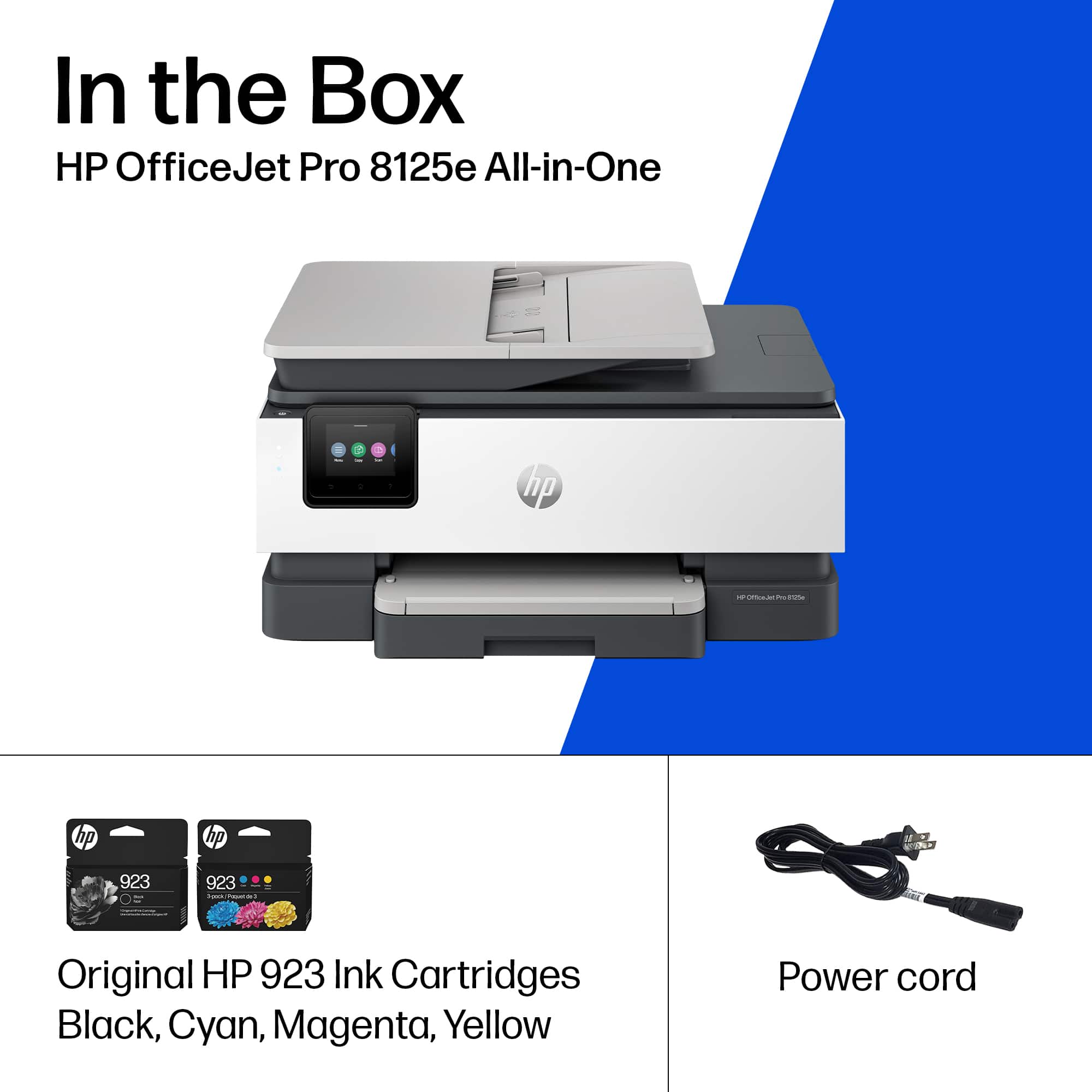
||Posted . Owned for 1 month when reviewed.This reviewer received promo considerations or sweepstakes entry for writing a review.There was no ink with the printer. The website description said it came with ink
No, I would not recommend this to a friend- Pros mentioned:Print quality
Excellent home office printer
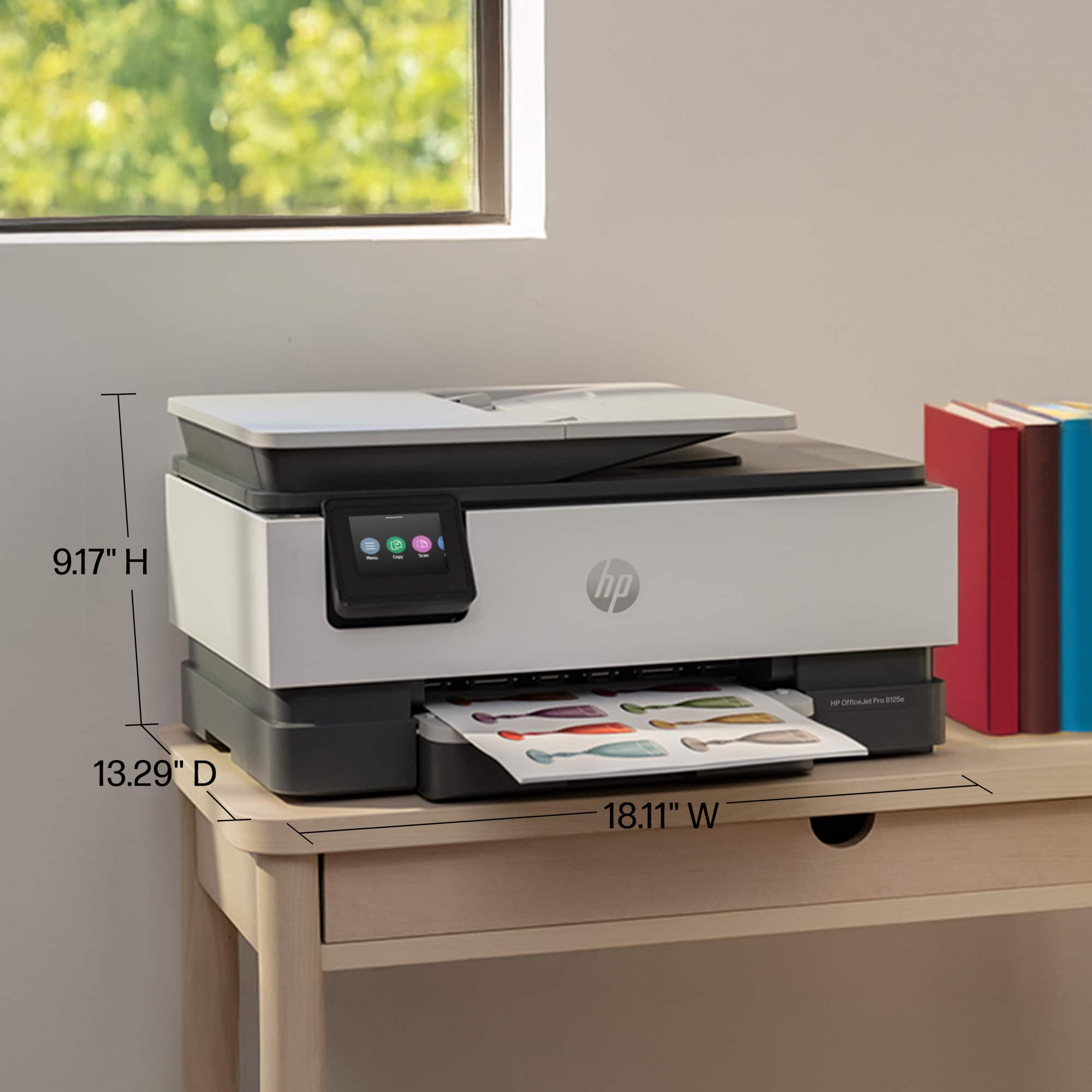
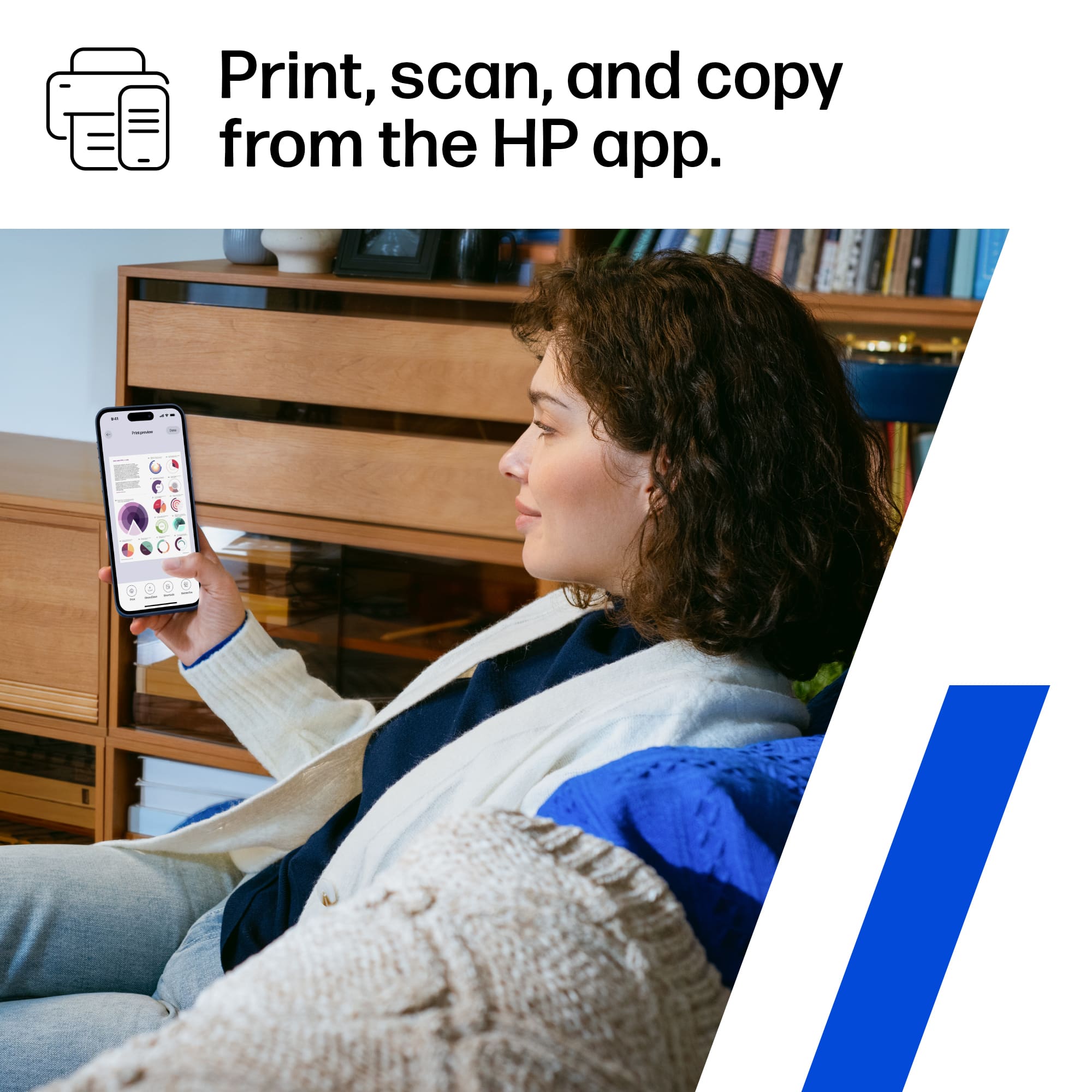
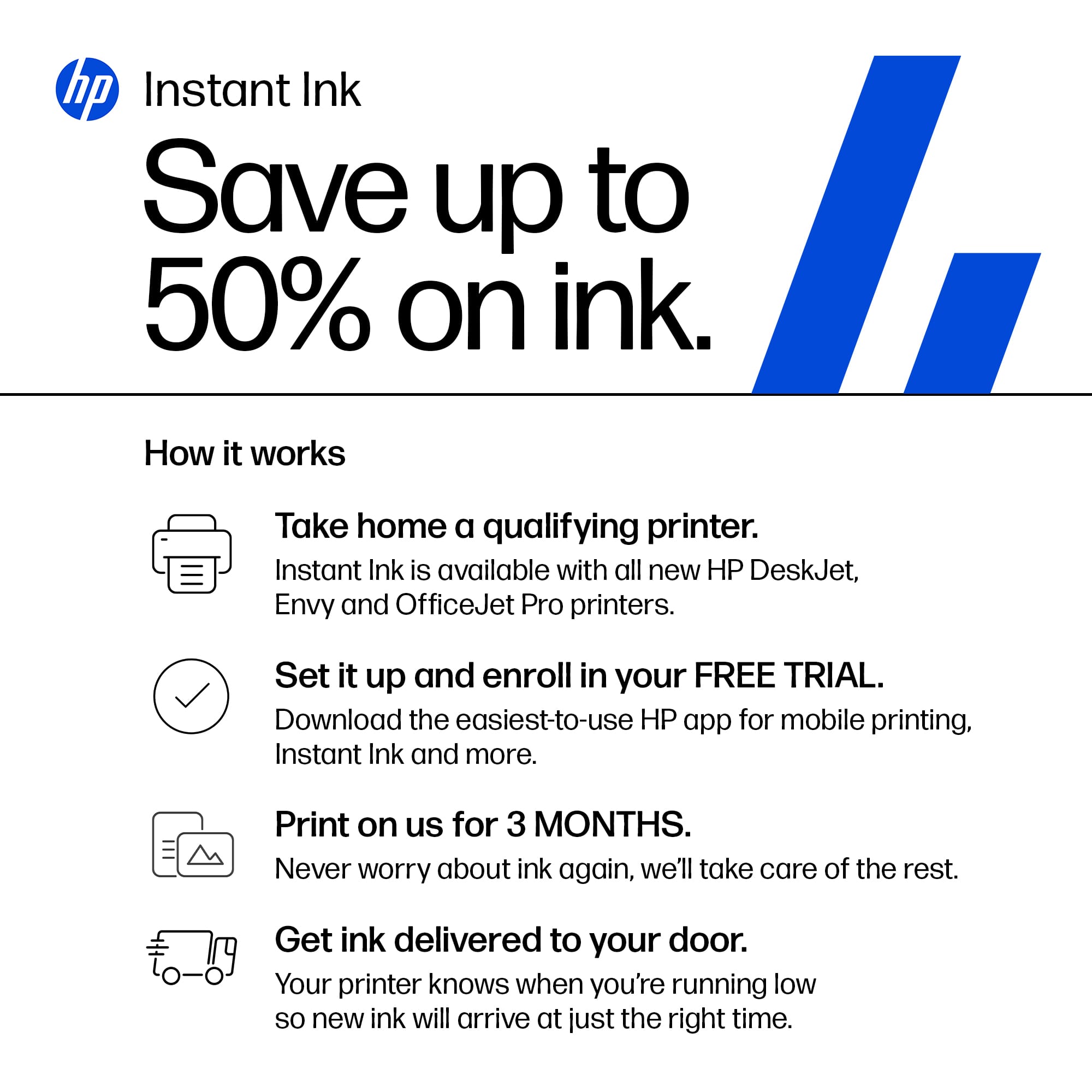
|Posted .This reviewer received promo considerations or sweepstakes entry for writing a review.This is exactly what I need, we don’t print, scan, or copy documents often but we do need to. This does it all. Printing is relatively fast, not the fastest, but I’m not in a race when I’m printing. It will print two sided which I really appreciate, though this does take a little extra time as it needs to let the ink dry before continuing. One thing I did realize is to make sure the paper catcher is out, I thought it didn’t print a paper or that it got stuck in it before I realized that the paper was halfway across the room, if it wasn’t a single sheet, that would have been rather annoying. I like that it folds away, so this is a knock on the printer, just a thing to be aware of. It looks like the print cartilages are a rough estimate of 500 pages (I am sure this depends on exactly how inky your pages are) and are rather expensive to replace. I don’t like the ink subscription, if you know you will go through that much ink then maybe it works for you, however, I know I wont and I am not interested in it, I didn’t appreciate it trying to convince me during the set up to do it, and the set up failed the first time so I had to go through it twice. Though the setup was very straight forward. There were two items of note during the setup. The first is the ink subscription, you don’t have to do it and make sure you are figuring out how much ink you’ll actually use if you do, they say it is a 50% cost savings on the ink cartridges but if you only go through a cartridge every six months your not saving any money. The other item is if you want to use remote printing it will update your firmware to not allow any 3rd party cartridges. I was not a fan of this, I have a home VPN so it’s not an issue for me, but I do not like that they would do this, but I guess I kind of get it as you would be using their servers and it is a way to recoup that cost. Because of previous experiences with printers making my ink cartridges useless I also disabled automatic firmware updates. While it would be nice to get bug fixes, I’ve found often times the bug fixes aren’t really usability bugs. Setup was partially through the web after scanning the QR code on it and then finished through the app. The app is designed nicely and the easiest way to scan I’ve found is just to use the app, put the paper in the scanner and then start it from the app. The printer does have an option to send it to an email recipient directly from the printer as well, but I always want it on my phone when I scan things anyway so, this is actually pretty perfect for me. The size is perfect for a desk and it looks nice, it is a basic office printer that has all the features you need from a printer.
I would recommend this to a friend It’s an HP…
||Posted .This reviewer received promo considerations or sweepstakes entry for writing a review.Decent - don’t love the lack of options from control screen
No, I would not recommend this to a friend- Pros mentioned:Print quality, Setup
Multifunction Perfection!
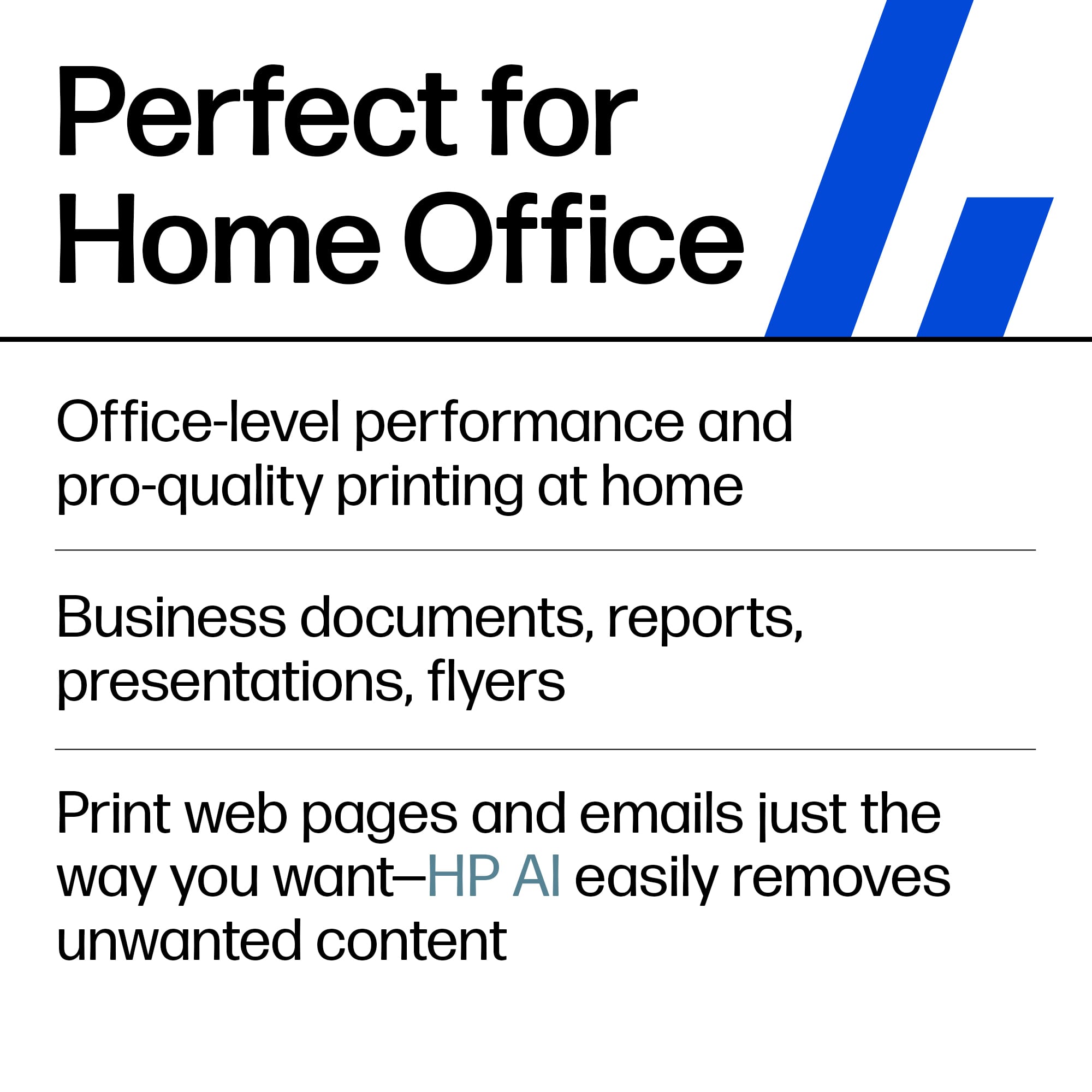
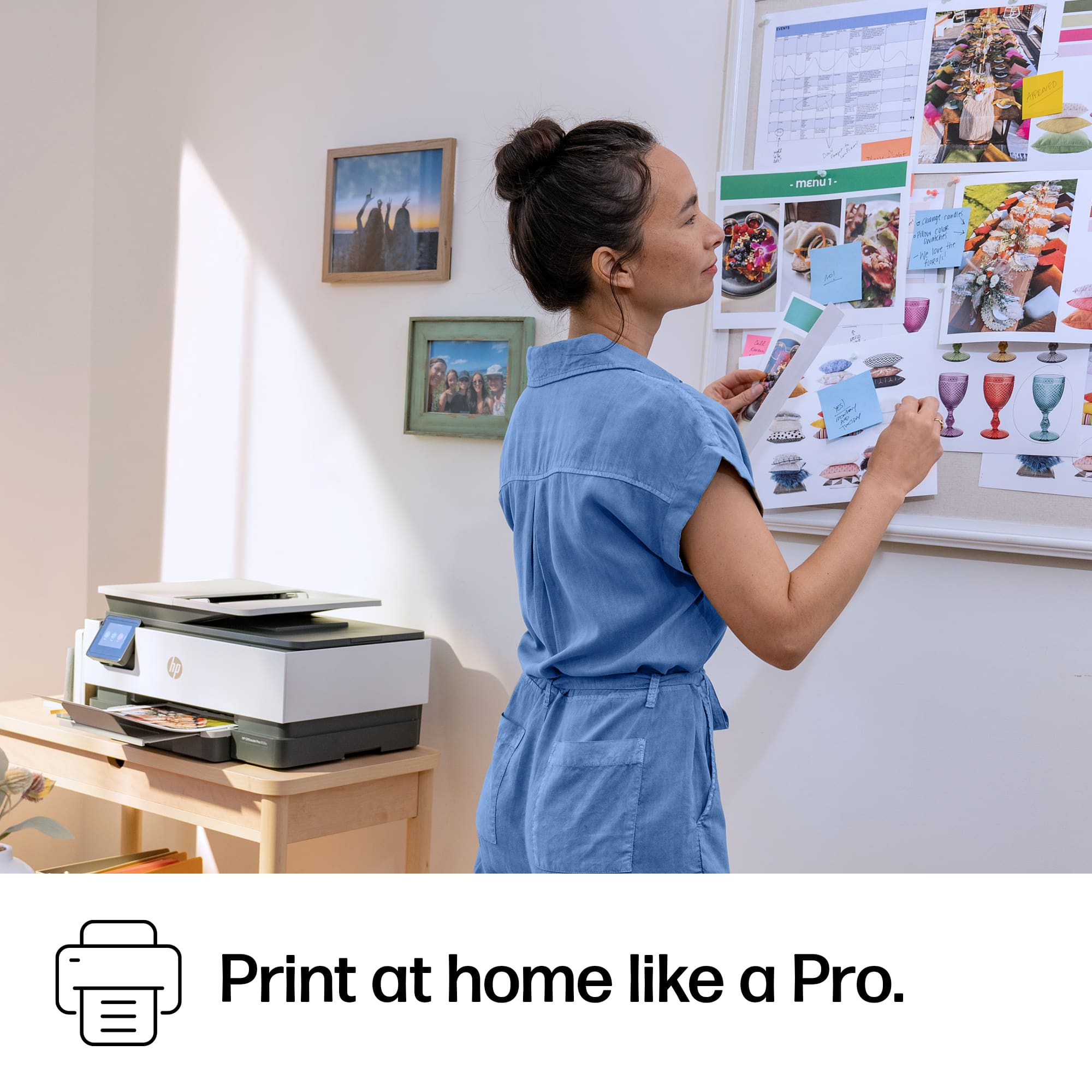
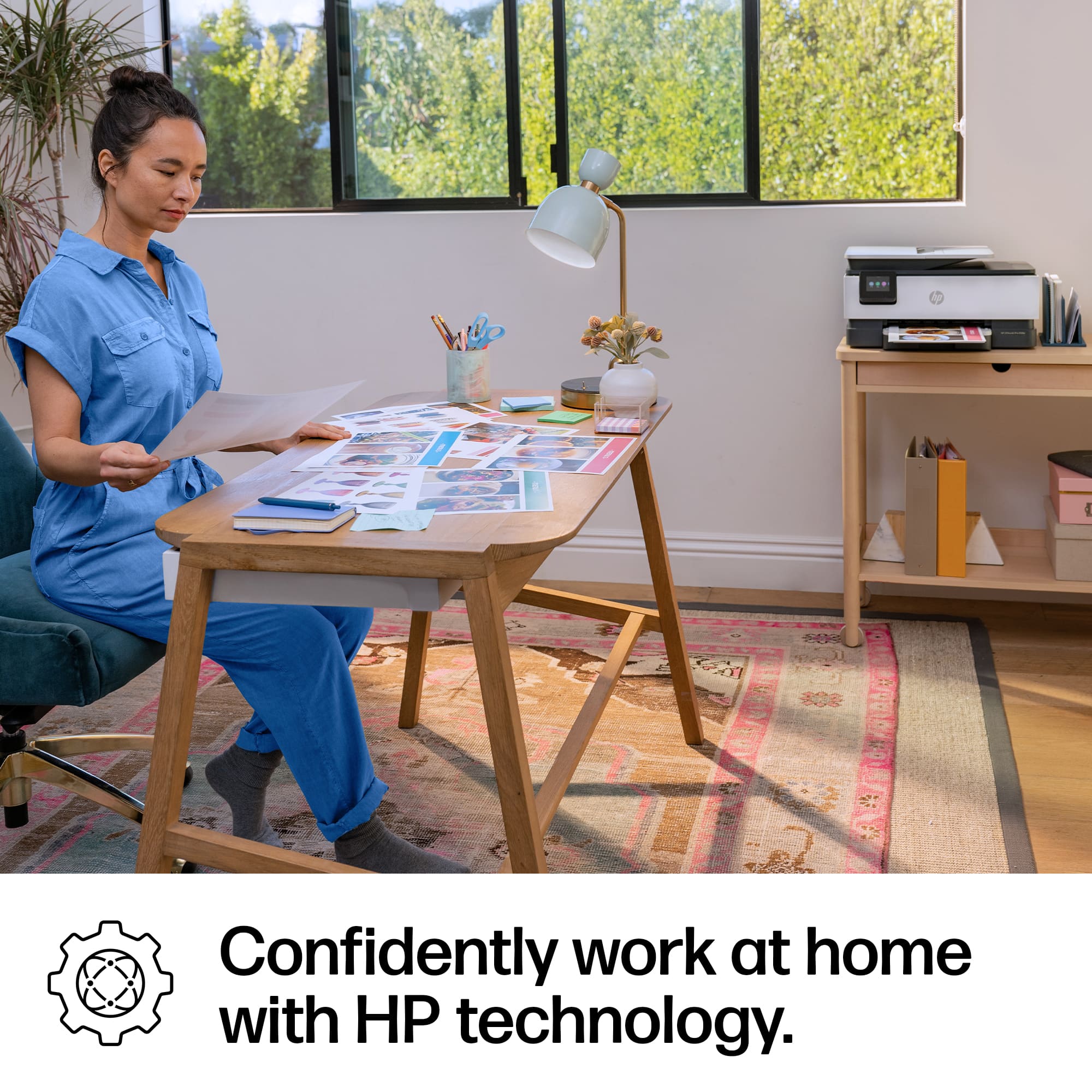
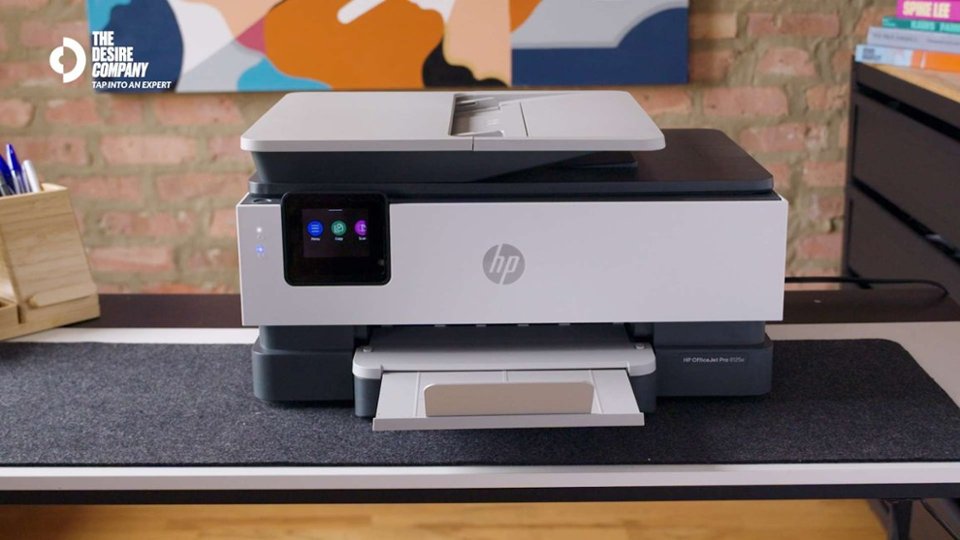
|Posted .This reviewer received promo considerations or sweepstakes entry for writing a review.HP has once again shown why they are the leader in printing technology! This is not the first HP printer I've owned. In fact I have a few printers - and they are all HP. With a home office, children, and being a business owner, there is never a shortage of print needs. Anyone who has read my other reviews knows I am a stickler for aesthetics. Yes, the product must function as intended, but for me it must also be pleasing to the eye. This printer checks both boxes. First of all, this is a well-made multifunction printer. Like nearly all printers it is made largely of plastic. Where HP gains points is in the fit and finish, the details. There are no loose areas, gaps, or seams that are falling apart. Hinges are solid and slides move freely but securely. The overall design is pleasing and fits well into most all home office decor. Nothing flashy or over-the-top, but far from bland. The touchscreen works great and is responsive. While you don't need to use this daily, it's nice to know when you do it's not a pain point. The colors are clear and easy to see. Setup is incredibly easy, with very little tech know-how needed. It's really as easy as plugging it in to power, connecting to Wi-Fi, and you're ready. Ready to print in 5-10 minutes. Speaking of printing, don't let the size fool you. This little dude prints with quality that would rival other printers 3 or 4 times the price point. Incredibly clear and crisp text and images. Even ink coverage with no bleeding, and excellent color quality. The print speed is acceptable at about 20/10 black/color, depending on the image, text, coverage, etc. But my experience has been consistently close to these numbers, averaging about 16-17/7-8. The paper tray holds an advertised 225-sheets of standard printer paper. Obviously less if you are using card stock. I had no issues with jamming, misfeeds, or double feeds. Same with the document feeder, the paper was fed into the printer accurately each and every time. I haven't come close to emptying the ink tanks, but based on my experience with other HP printers, it seems to be just as efficient with ink usage. Scanning works very well, producing excellent images. The same is true for the copy function. HP does a great job with their internals when it comes to producing near exact reproductions, especially with documents. You will be hard pressed to find another multifunction printer, scanner, copier on the market with the level of quality and price point as this HP. Small form factor, easy setup, flawless function, and excellent output. I highly recommend!!
I would recommend this to a friend Broker/Realtor
||Posted . Owned for 3 weeks when reviewed.This reviewer received promo considerations or sweepstakes entry for writing a review.Difficult to enable wireless connection with HP laptop. Still experiencing trouble with this.
No, I would not recommend this to a friend- Pros mentioned:Connectivity, Ease of use, Print quality
Most Likely Your Next Printer
|Posted .This reviewer received promo considerations or sweepstakes entry for writing a review.In the last couple years I've had the two HP printers. This one and a Envy 6000 series that did not have a screen. Also to add onto my backstory I used to work at technology store for a few years. For anyone who is reading this, whether this will be your personal printer or will be your office printer. Whether you're a tech savvy person or not. This printer should be your next printer. I recall people would come into the store and ask for the cheapest printer and I would always recommend the Officejet series of printers. The cheapest HP printer did not have a screen and was the printer we saw returned the most. It was the hardest to use. Again, I had one of those cheapest printers. At the start of it's life it was not bad but eventually every time I wanted to use it I had to troubleshoot some type of connection issue. The most annoying part was it would print out a page telling you what was wrong. This printer here, I've had a couple error codes but usually I would just have to print or scan again. The errors never stuck around like the previous printer I had. So here is why I think this will likely be your next printer. It has every feature you need to print and scan. It has a scan bed. A scan feeder. Once you set it up with the HP Smart application every other device will connect easily to it. I have two phones connected and my computer connected. It prints decently fast. If you're reading this you're not working in a large office, because if you were you would be looking at LaserJet printers. So I think for the person reading this, this printer will most likely be your next printer. Or at the very least, some type of Officejet printer. They are similar, but one printer might have one extra feature you may need, like double-sided scanning, or one might be slightly faster at printing. Just get the minimum amount of features you need and get an OfficeJet and you should be all right.
I would recommend this to a friend Broken!
||Posted .This reviewer received promo considerations or sweepstakes entry for writing a review.First, the on/off switch didn't function. Then, it stopped two-sided printing. Overall, a great disappointment.
No, I would not recommend this to a friend