Customer Ratings & Reviews








- Model:
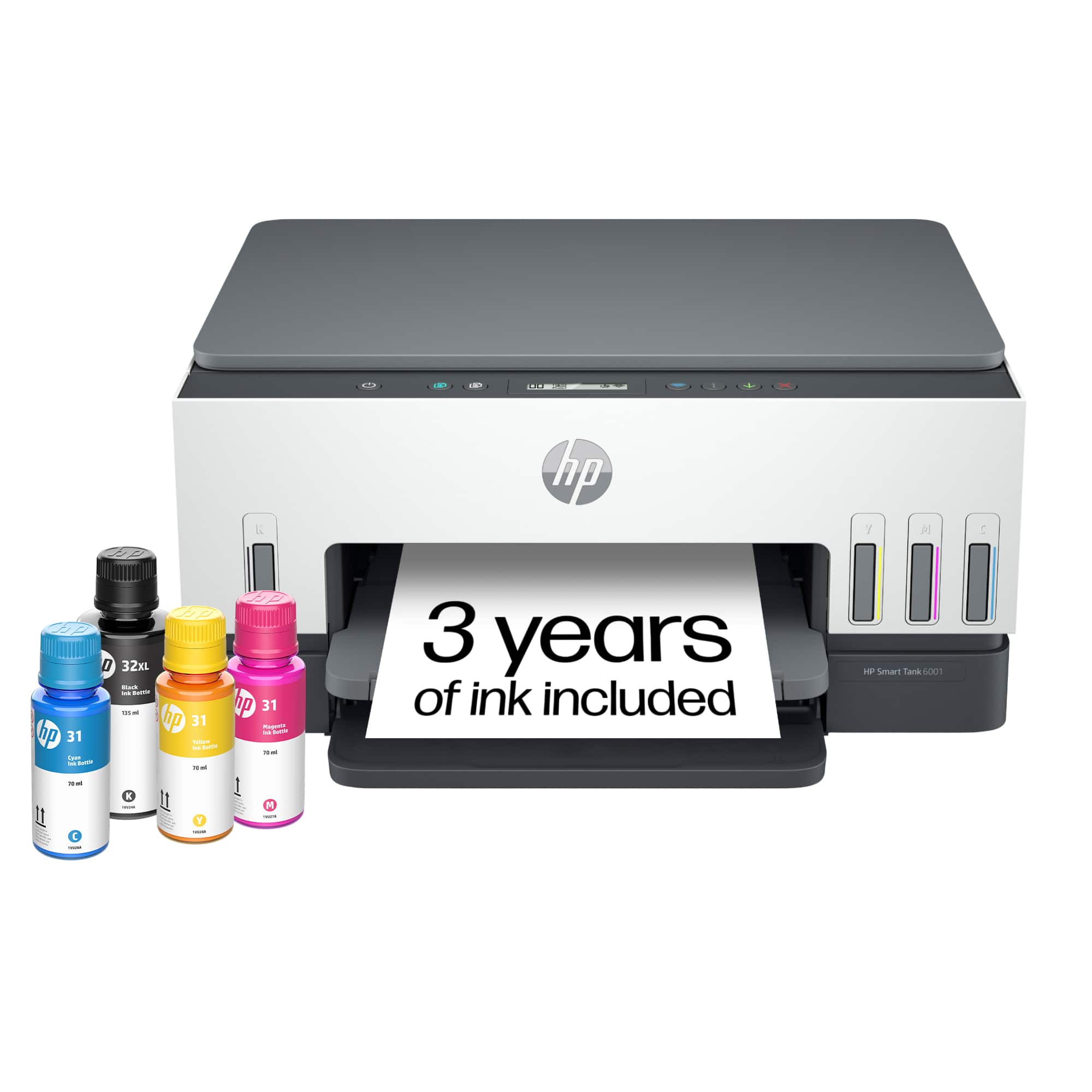
- HP SMART TANK 6001/2H0B9A#B1H
- SKU:
- 10747585
Rating by feature
- Value
Rating 4.4 out of 5 stars
- Quality
Rating 4.5 out of 5 stars
- Ease of Use
Rating 4.4 out of 5 stars
Had a feeling
||Posted . Owned for 7 months when reviewed.This reviewer received promo considerations or sweepstakes entry for writing a review.I love that every time I install paper the power light starts flashing. You'll have to do this a bunch until the printer decides it's OK
No, I would not recommend this to a friendHP Printer
||Posted . Owned for 1 year when reviewed.This reviewer received promo considerations or sweepstakes entry for writing a review.Having the hardest time reconnecting to my wi-fi, got a new router can't seem connect?!
I would recommend this to a friendE6 error every time I try to print.
||Posted . Owned for less than 1 week when reviewed.This reviewer received promo considerations or sweepstakes entry for writing a review.Second day owning this printer and now I keep getting an E6 error every time I try to print. Exchanging for a new one. I will update this post when I get the replacement if it works any better.
No, I would not recommend this to a friendBroken paper feeder
||Posted . Owned for 1 month when reviewed.This reviewer received promo considerations or sweepstakes entry for writing a review.Paper feeder broke within the first month of ownership.
No, I would not recommend this to a friendPrinter
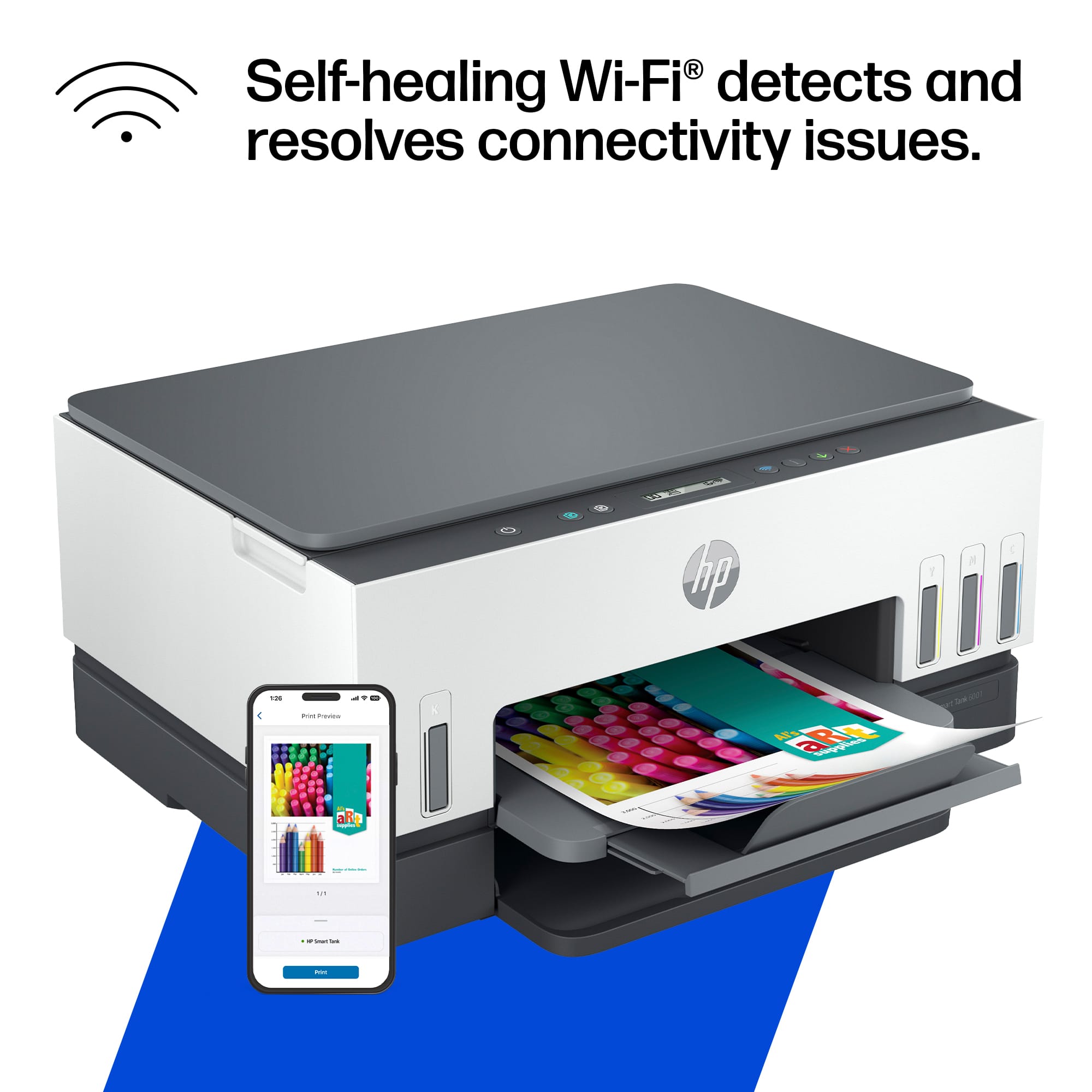
||Posted . Owned for 3 months when reviewed.This reviewer received promo considerations or sweepstakes entry for writing a review.The printer does not stay connected to the Wifi and it takes a few tries to reconnect. It is slow to print. The ink on the pages comes out very wet
No, I would not recommend this to a friendNot
||Posted . Owned for 1 month when reviewed.This reviewer received promo considerations or sweepstakes entry for writing a review.It’s to hard to make it work. Not connecting to the internet Disconnecting from the mobile
No, I would not recommend this to a friendInternal error less than six months
||Posted . Owned for 3 months when reviewed.This reviewer received promo considerations or sweepstakes entry for writing a review.One star because i have to give it one Seems products are not lasting like they used to .. went back to deskjet.
No, I would not recommend this to a friendGreat printer
||Posted . Owned for 1 month when reviewed.This reviewer received promo considerations or sweepstakes entry for writing a review.I like the idea of the large ink tank. So far it has performed great.
I would recommend this to a friend- Pros mentioned:Print quality
Good little machine
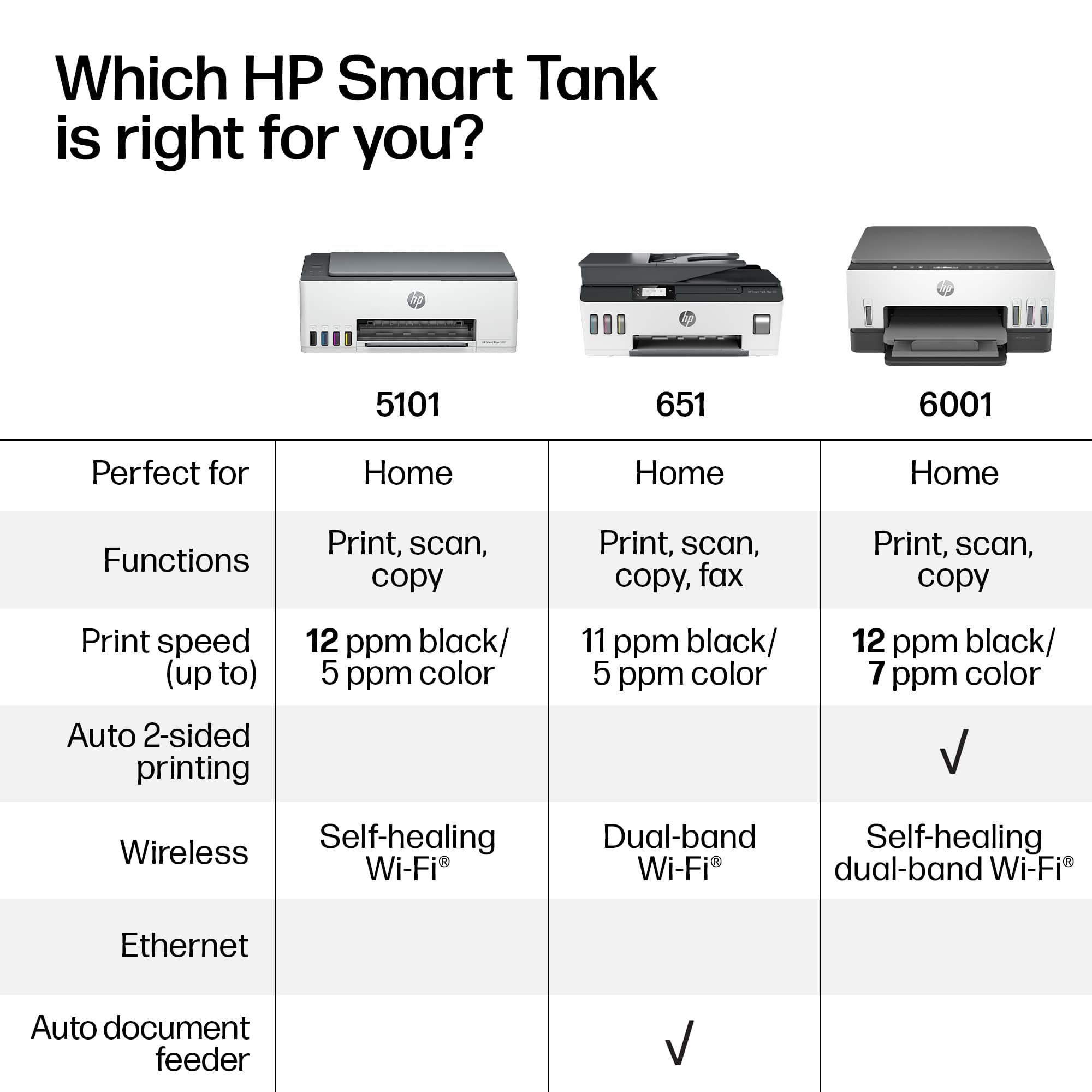
Posted .This reviewer received promo considerations or sweepstakes entry for writing a review.Printer was very easy to set up and connect to my network. It prints faster and makes less noise then the HP Photosmart printer that it replaced. The only 2 features that I miss more than I thought I would are the automatic feed for scanning and coping documents and the screen on the printer where you did all of the input and troubleshooting. I find need to go back and forth between the app on my computer and the printer to complete most print/scan jobs.
I would recommend this to a friend Damaged item
||Posted . Owned for 1 month when reviewed.This reviewer received promo considerations or sweepstakes entry for writing a review.Purchased new from BB. Deep scratch found on LED display. Returned for refund.
No, I would not recommend this to a friendDO NOT BUY THIS PRINTER -WORST EVER
||Posted . Owned for 5 months when reviewed.This reviewer received promo considerations or sweepstakes entry for writing a review.This this is one big paper weight! Was of time, money and effort. Run, DO NOT BUY this.
No, I would not recommend this to a friendWorst I've owned.
||Posted .This reviewer received promo considerations or sweepstakes entry for writing a review.I have wasted too much time with this printer. After hours and pro help, it printed, then next time after hours of downloading it printed once more. Tried it again the next day and no print.
No, I would not recommend this to a friendto much work
||Posted . Owned for 3 weeks when reviewed.This reviewer received promo considerations or sweepstakes entry for writing a review.for some reason got to delete program software and reinstall
No, I would not recommend this to a friendGet a Canon in the same price range.
||Posted . Owned for 3 weeks when reviewed.This reviewer received promo considerations or sweepstakes entry for writing a review.After 3 hours on the phone with HP support, I decided to return item & get a Canon. Very happy now.
No, I would not recommend this to a friendToo much work
||Posted . Owned for 2 weeks when reviewed.This reviewer received promo considerations or sweepstakes entry for writing a review.U need to fill the inks yourself. Hard time connecting wifi. Don’t give u cable to connect to computer directly.
No, I would not recommend this to a friendBrand response from HP Team
Posted .Hi, Peter.
I’m sorry you’ve found your printer cumbersome to use, and that you’ve had difficulty connecting it to your Wi-Fi system. It’s easy to understand why this would be a poor first impression. I want to help you resolve this situation, so I’ll suggest some resources I hope will make that happen.
First, I recommend you visit a page on our support site that has diagnostic tools for various issues, including wireless connectivity. You can find that page here:
- support.hp.com/us-en/topic/diagnostics
Next, to learn more about your printer and all its features, or for help solving problems, you can access user manuals, how-to documents, troubleshooting guides and software updates here:
- support.hp.com/us-en/product/model/2100178884
If any problem persists, I suggest that you contact us directly at +1 800-474-6836 so we can help you assess what’s happening and find the best course of action. To expedite the process, I recommend gathering the following information before the call:
- Model number
- Serial number
- Your location
- Case number (from any previous contact with HP support)
Keith
HP Care
hp.com/support
Worst Printer
||Posted . Owned for 1 month when reviewed.This reviewer received promo considerations or sweepstakes entry for writing a review.Worst printer I've ever had. I've yet to be able to print
No, I would not recommend this to a friendSuperintendent
||Posted . Owned for 1 month when reviewed.This reviewer received promo considerations or sweepstakes entry for writing a review.Just not a good printer at all. Printer is just short of being junk, only good for copies.
No, I would not recommend this to a friendBrand response from HP Team
Posted .Hi, Calvin.
I’m sorry you’ve had a poor experience with your printer. I can’t tell from your brief review what specific difficulties you’ve encountered, but I’ll nonetheless point you toward some resources that I hope will help you navigate whatever obstacles are at hand.
First, for help solving problems, you can visit a page on our support site that has diagnostic tools for various tasks and issues, including connectivity, print quality and operating-system compatibility. There you’ll also find a general-purpose tool called the HP Print and Scan Doctor. If you use Windows, the tool will help identify and guide you through solutions to a wide range of common printing and scanning issues. Visit that page here:
- support.hp.com/us-en/topic/diagnostics
For additional help with difficulties, or to learn more about your printer and all its features, you can access troubleshooting guides, how-to documents, user manuals and software updates here:
- support.hp.com/us-en/product/model/2100178884
If any problem persists, I suggest that you contact us directly at +1 800-474-6836 so we can help you assess what’s happening and find the best course of action. To expedite the process, I recommend gathering the following information before the call:
- Model number
- Serial number
- Your location
- Case number (from any previous contact with HP support)
Keith
HP Care
hp.com/support
- Pros mentioned:Print quality
Good but noisy
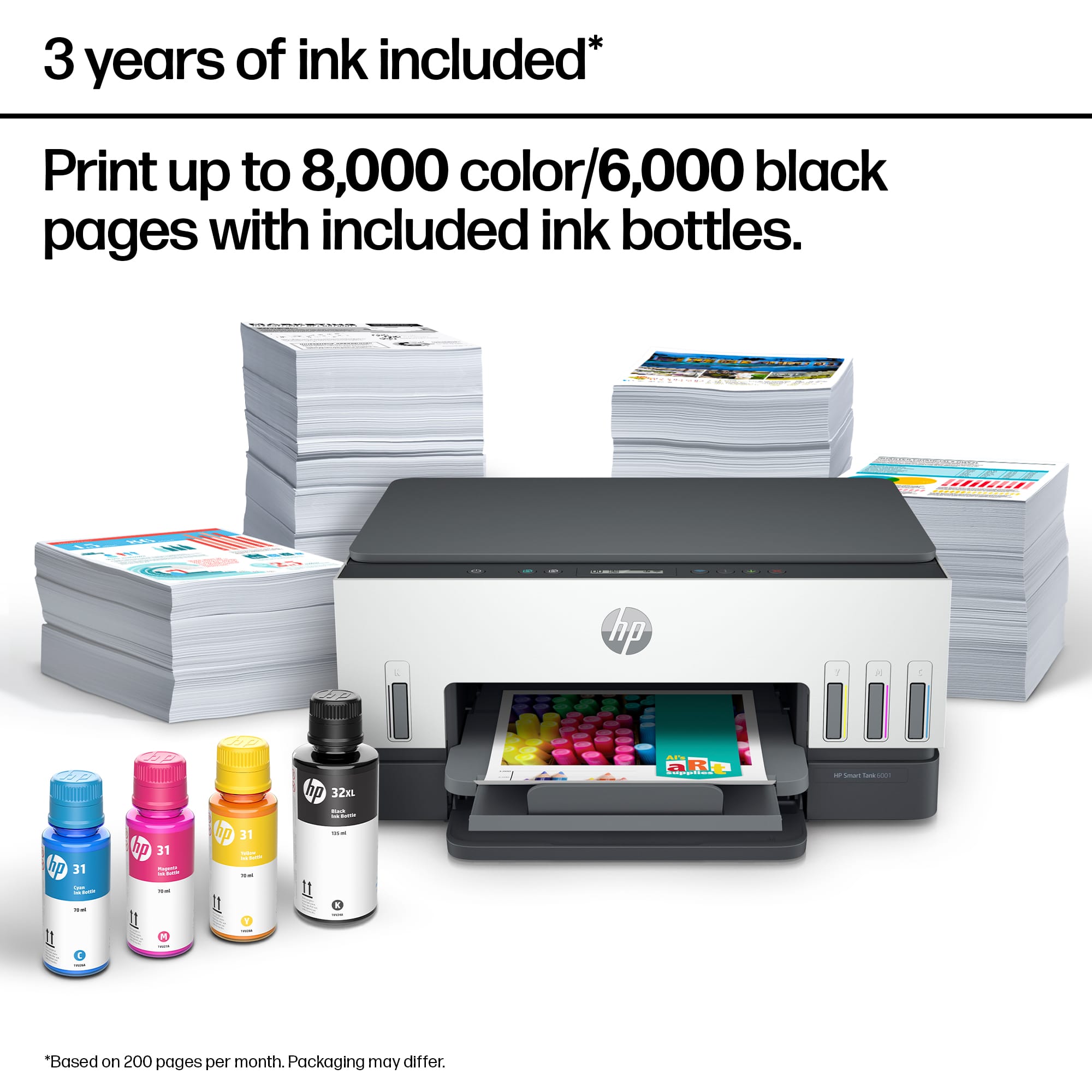
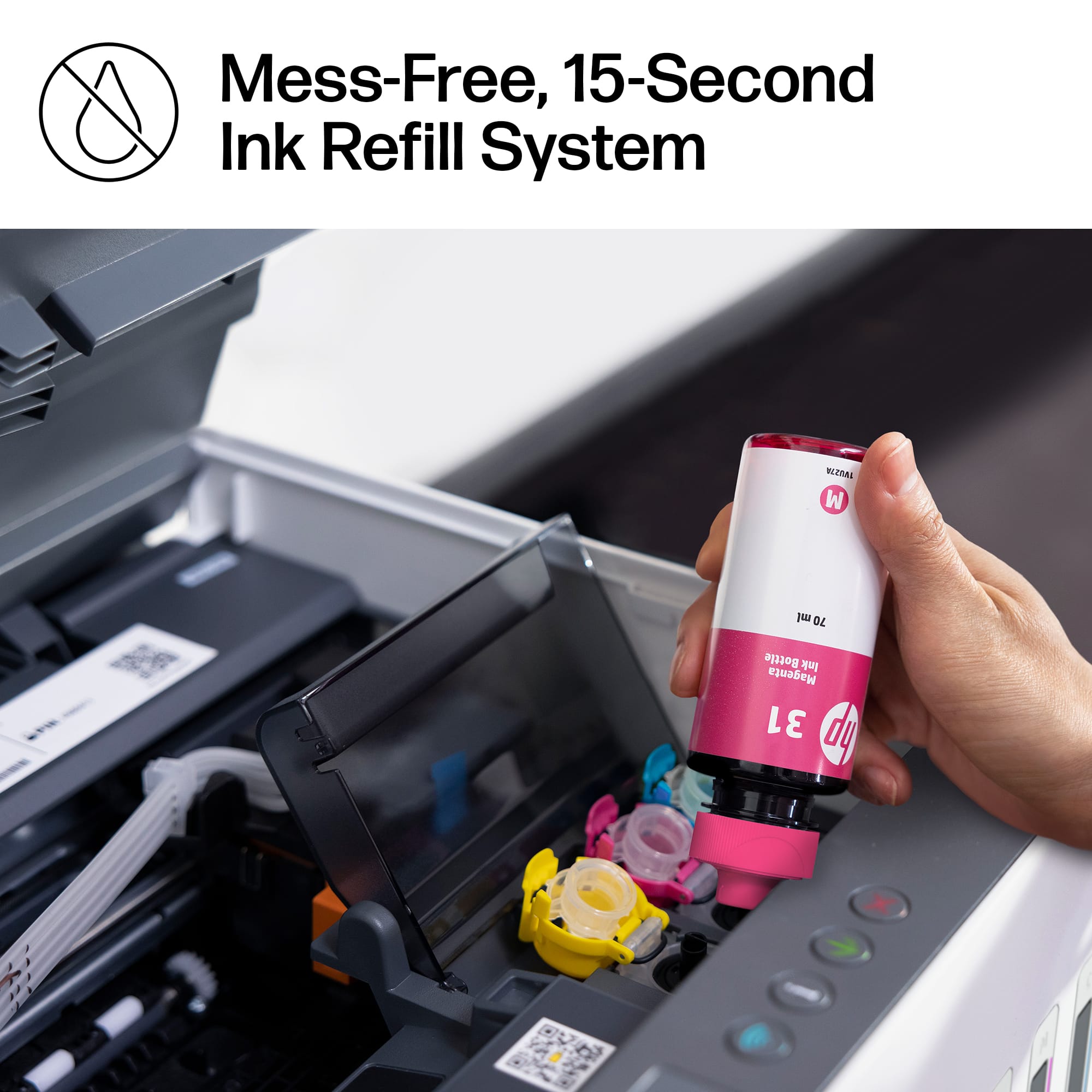
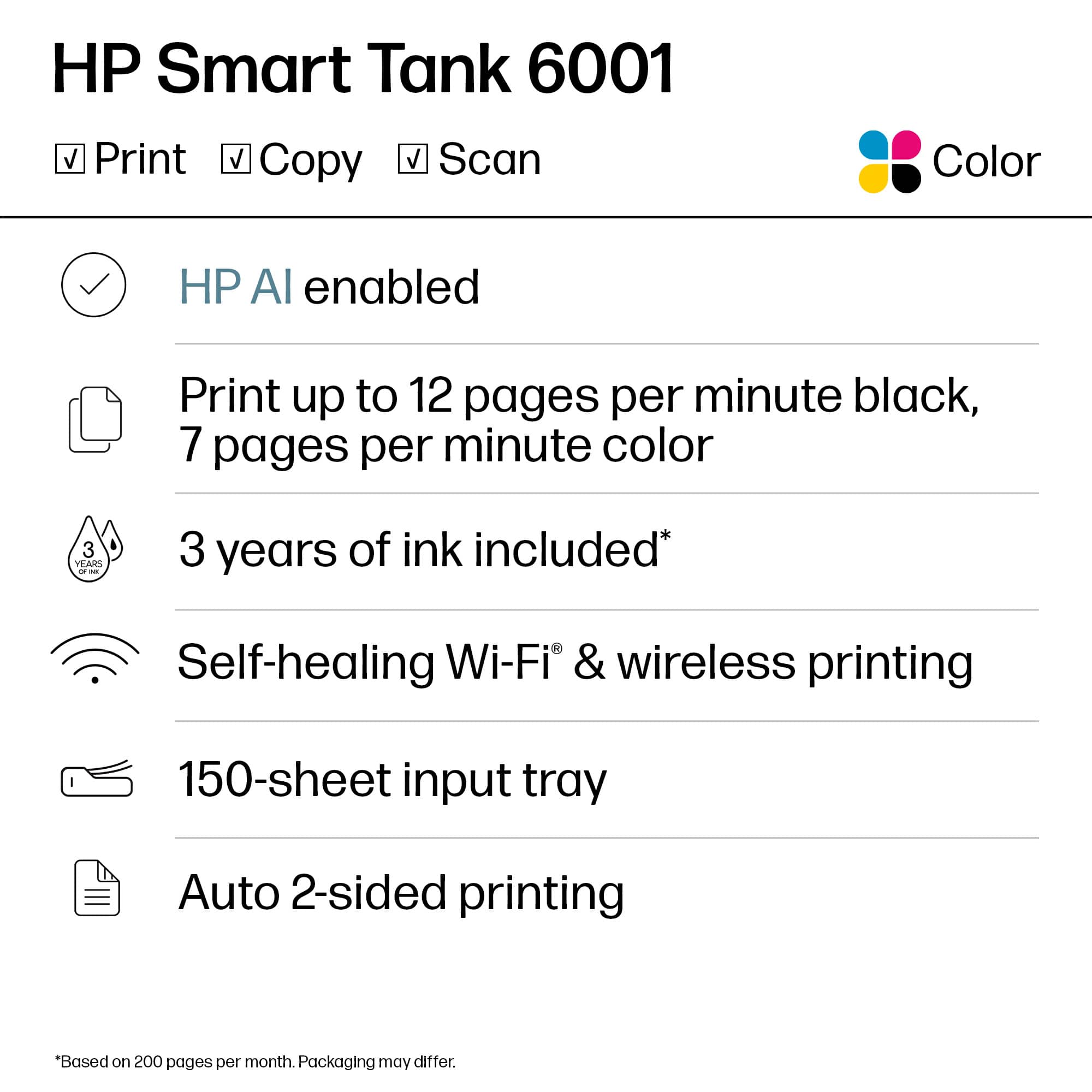
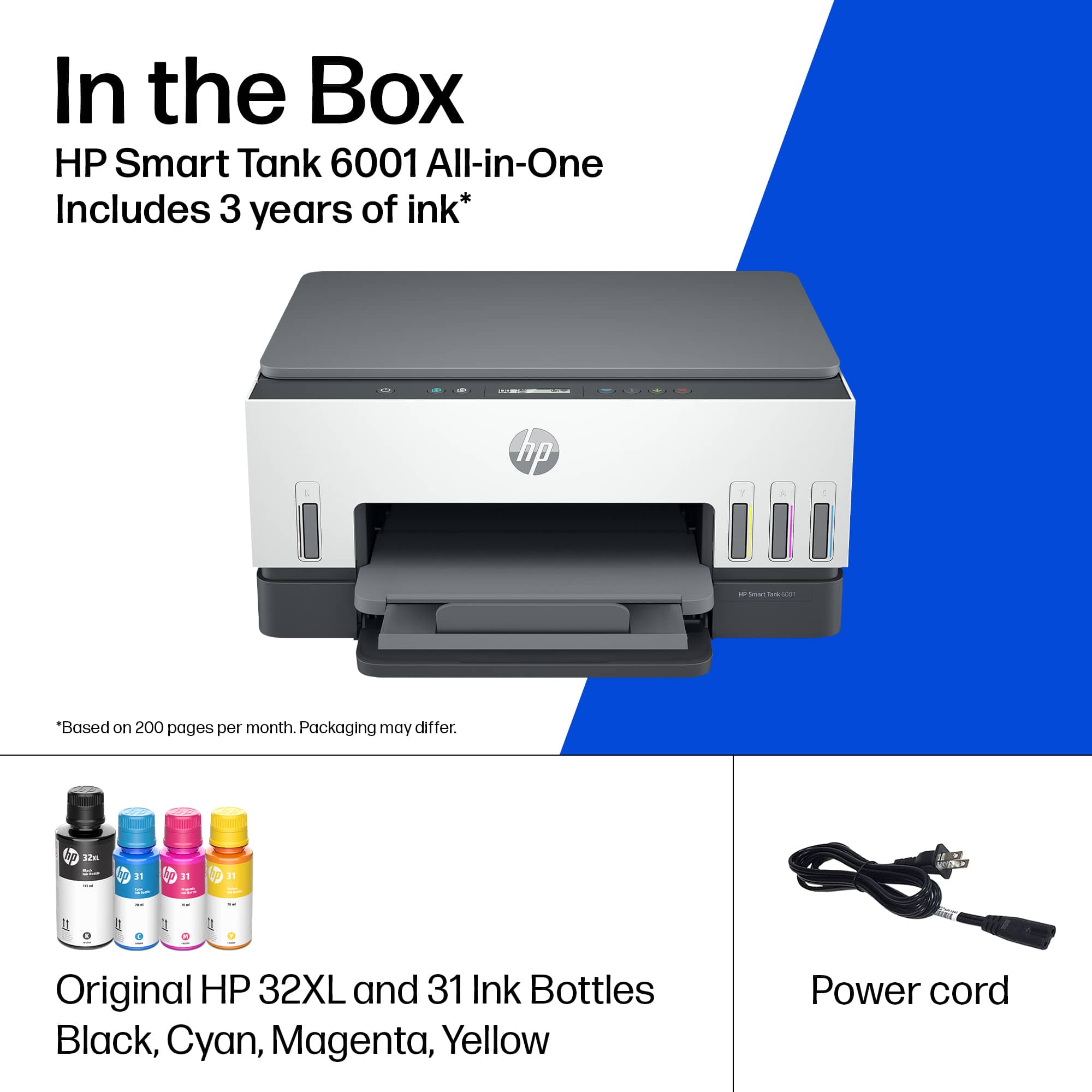
Posted .This reviewer received promo considerations or sweepstakes entry for writing a review.This HP Smart Tank printer is great! It shipped quickly, I got it the next day, woohoo! It seemed a little intimidating to set up as you need to install the printer heads (this is the first printer I have needed to install them in) but they install just like the old ink cartridges. You just pop them right in. The ink installs easily and quickly without any mess. The ink primes quickly. It also has an easy to follow, step by step picture instructions using the HP app. The prints come out bright and it prints fast. I did take off 1 star because it is loud. Like louder than any other printer I've ever owned and it does make a weird scraping noise like something is wrong. But it prints well and stays connected to my devices so I guess it is fine. I like that this contains up to 2 years worth of ink and you can replace individual colors as needed instead of replacing a whole cartridge because of 1 color. I will be using this printer a lot and I would recommend it.
I would recommend this to a friend - Pros mentioned:Print quality, Setup
Love the refillable ink tanks!
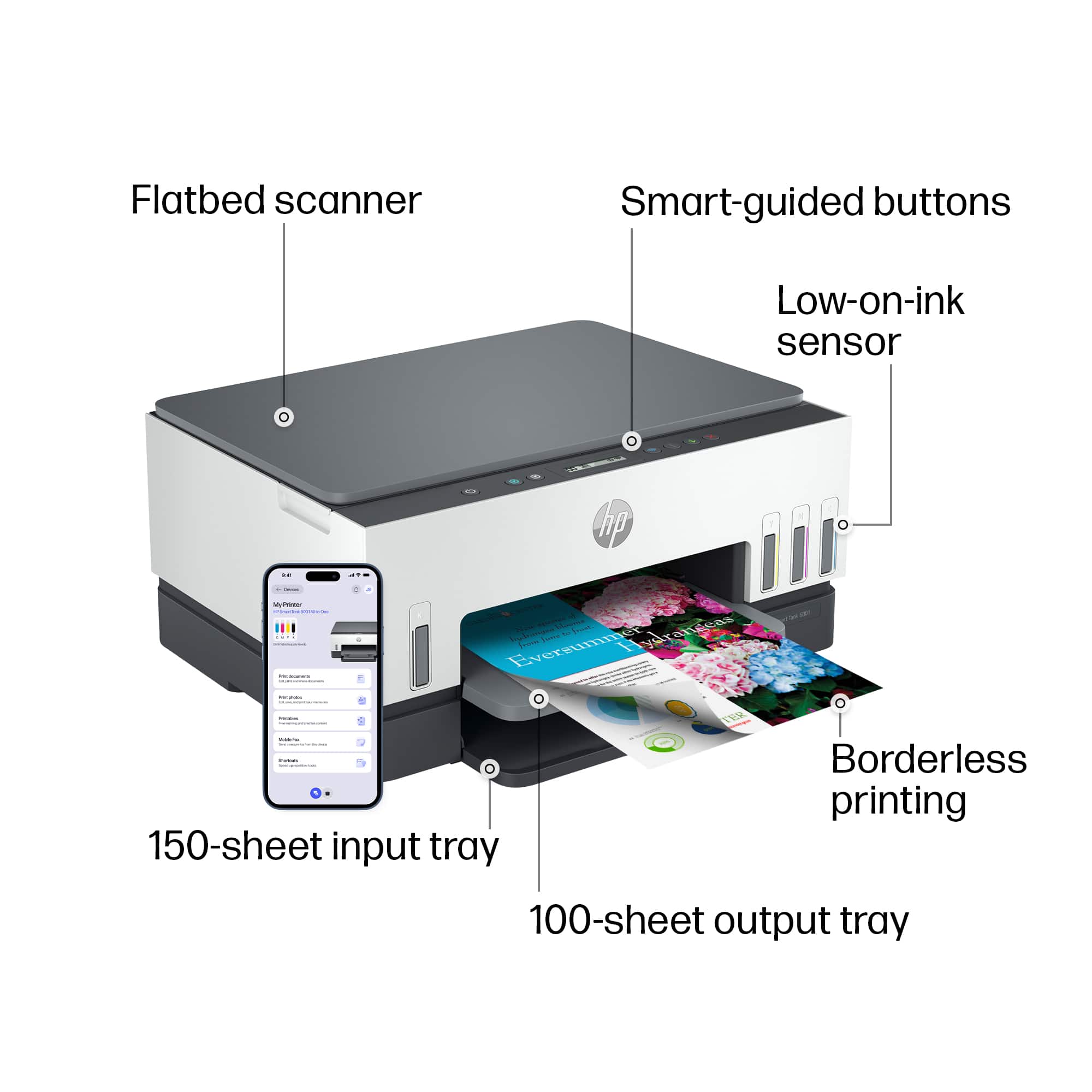
Posted .This reviewer received promo considerations or sweepstakes entry for writing a review.This is my first printer with refillable tanks and I am excited to use this. I got the HP Smart Tank 6001 and the set up was quite easy. It took less than 20 minutes from unpacking to printing a page. I am impressed with how much ink the tanks hold. I can't wait to see how long they last as I've read they will last 2 years. That's quite impressive. When filling the tanks the bottles didn't leak. You just click them in and let them fill up the tank. Printing is very fast and the quality is phenomenal. I used the scanner and was impressed how quickly it scanned. I can't wait to hook up to my phone and print some pictures off of there. It connected to my wifi quickly and easily and I can print from my computer that is located upstairs with ease. It prints quietly. I like that you can see each of the ink tank levels right on the front of the printer. So cool.
I would recommend this to a friend - Pros mentioned:Print quality
Ink Bottle Printer
Posted .This reviewer received promo considerations or sweepstakes entry for writing a review.Print quality is great. Cost for ink is much lower than our old one using ink cartridges.
I would recommend this to a friend