Customer Ratings & Reviews







- Model:
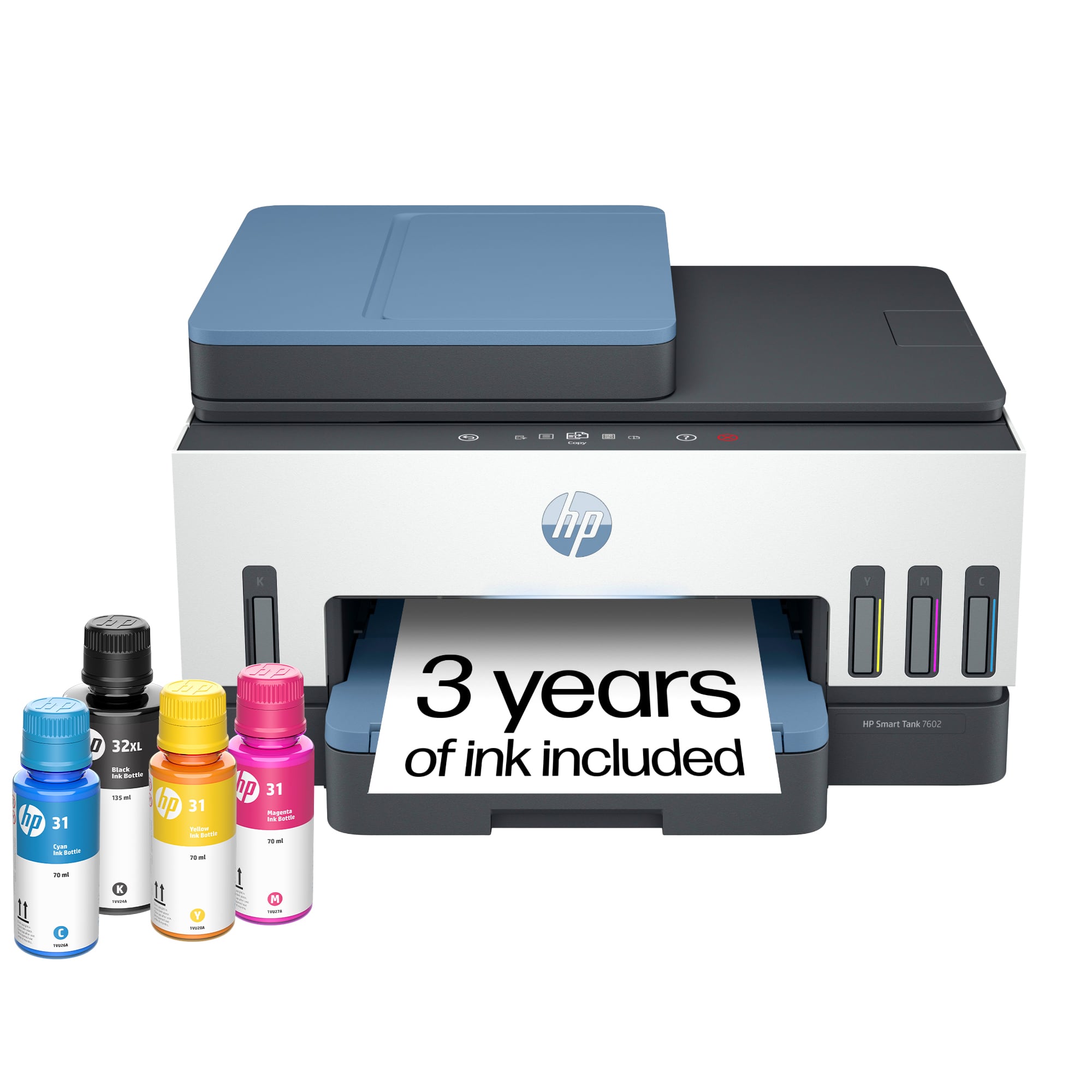
- HP SMART TANK 7602/28B98A#B1H
- SKU:
- 10765181
Rating by feature
- Value
Rating 4.4 out of 5 stars
- Quality
Rating 4.5 out of 5 stars
- Ease of Use
Rating 4.4 out of 5 stars
to a friend
Customers are saying
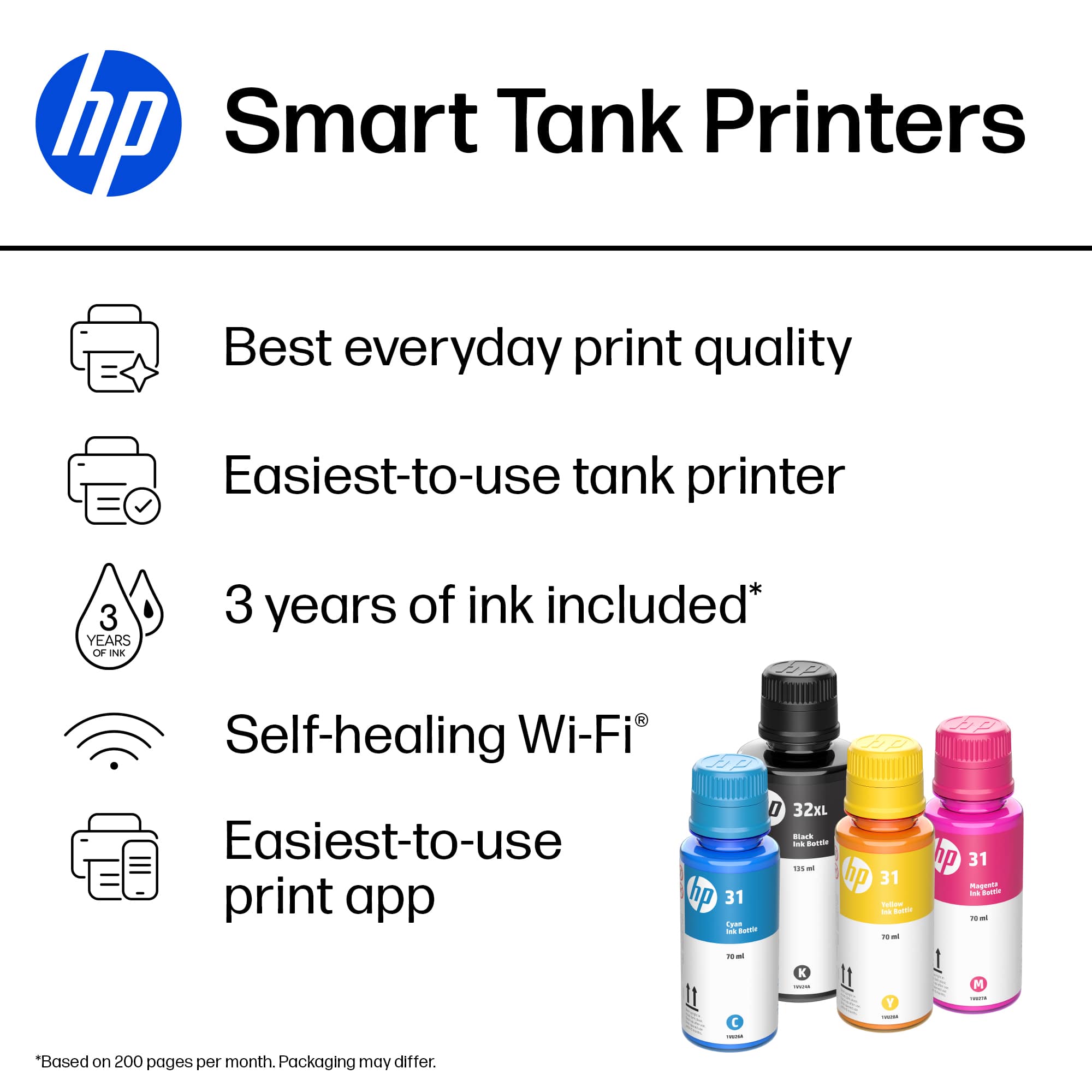
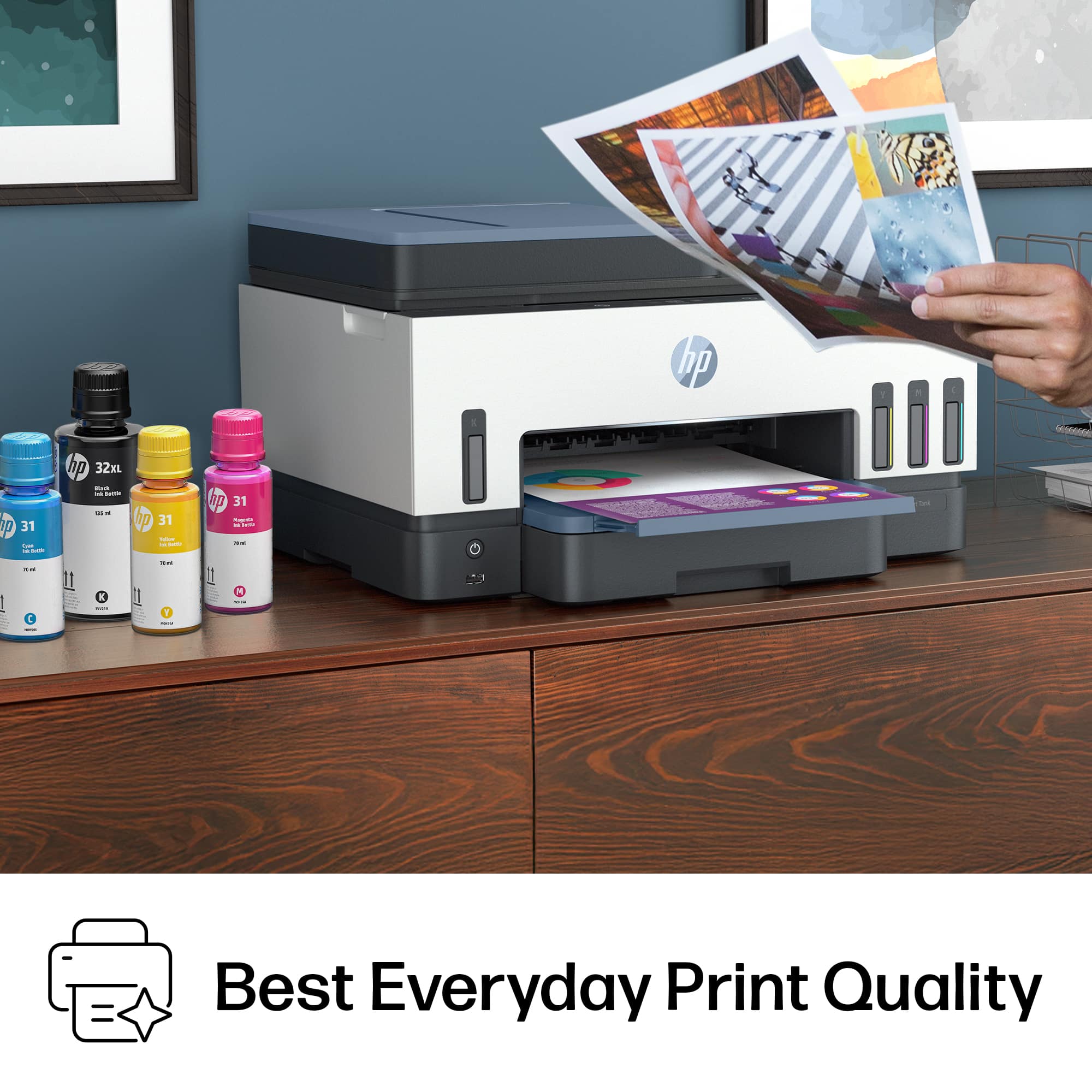
Customers express satisfaction with the printer's print quality, noting that the pages print out super clear. Customers also appreciate how easy and straightforward the printer setup process is.
This summary was generated by AI based on customer reviews.
DO NOT BUY THIS PRINTER - ADF JAM ERROR
||Posted . Owned for 5 months when reviewed.This reviewer received promo considerations or sweepstakes entry for writing a review.Hello there, I bought this printer a few months ago with the hope that it was going to be a great printer. A few days after setting it up I started getting the ADF jam error, I have followed every recommendation to fix it, but the error happens even if I am not using the printer. It's driving me crazy because this is a brand-new printer. I called HP support and the rep hung up on me and did not bother to call back. Was I scammed out of $400? Stay away from this printer!
No, I would not recommend this to a friendHP Smart Tank Printer
||Posted . Owned for 1 month when reviewed.This reviewer received promo considerations or sweepstakes entry for writing a review.Very easy to setup. First time using bottle ink printer. Bottle ink is less expensive.
I would recommend this to a friendOld one set a side new one on the desk
||Posted . Owned for 3 weeks when reviewed.This reviewer received promo considerations or sweepstakes entry for writing a review.Ink well make a big difference & not having to replace cartridges
I would recommend this to a friendBest printer
||Posted . Owned for 1 week when reviewed.This reviewer received promo considerations or sweepstakes entry for writing a review.This is the best printer for the money you can't go wrong with HP
I would recommend this to a friendNot worth its value. I don't recommend it.
||Posted . Owned for 1 month when reviewed.This reviewer received promo considerations or sweepstakes entry for writing a review.Often jams paper even though I'm using the recommended paper.
No, I would not recommend this to a friendFrustrated
||Posted . Owned for 2 months when reviewed.This reviewer received promo considerations or sweepstakes entry for writing a review.I can’t get it setup properly. No visible buttons to press to sync to WiFi..
No, I would not recommend this to a friendConflicted
||Posted . Owned for 1 month when reviewed.This reviewer received promo considerations or sweepstakes entry for writing a review.This product has been giving me issues for over two weeks. It either says offline all the time or sleep either way I can’t use the product to print from my laptop or my phone. If I have to continuously turn off the printer , restart my rooter , and unplug the device it takes to much time for it to still not work. I bought this for business and over the past 2-3 weeks I haven’t been able to use it.
No, I would not recommend this to a friendHP Smart Tank
||Posted . Owned for 3 weeks when reviewed.This reviewer received promo considerations or sweepstakes entry for writing a review.I expected better everyday printing and was hard to get set up with my phone.
No, I would not recommend this to a friendHp 7602
||Posted .This reviewer received promo considerations or sweepstakes entry for writing a review.Actually I couldn’t get 1 year free ink cart. Please check statement. Please send me 1 year ink cart
I would recommend this to a friendPrinter prints black streaks or no print at all
||Posted . Owned for 4 months when reviewed.This reviewer received promo considerations or sweepstakes entry for writing a review.Printed fine up until nov 2024. Tried everything to clean the printer. No success. Get no printing at all or a lot of black streaks on the paoer.
No, I would not recommend this to a friendA night mare trying to scan some documents
||Posted . Owned for 1 month when reviewed.This reviewer received promo considerations or sweepstakes entry for writing a review.Please get yourself something else, anything elsee besides HP.
No, I would not recommend this to a friend
Perfect for Home Office and School
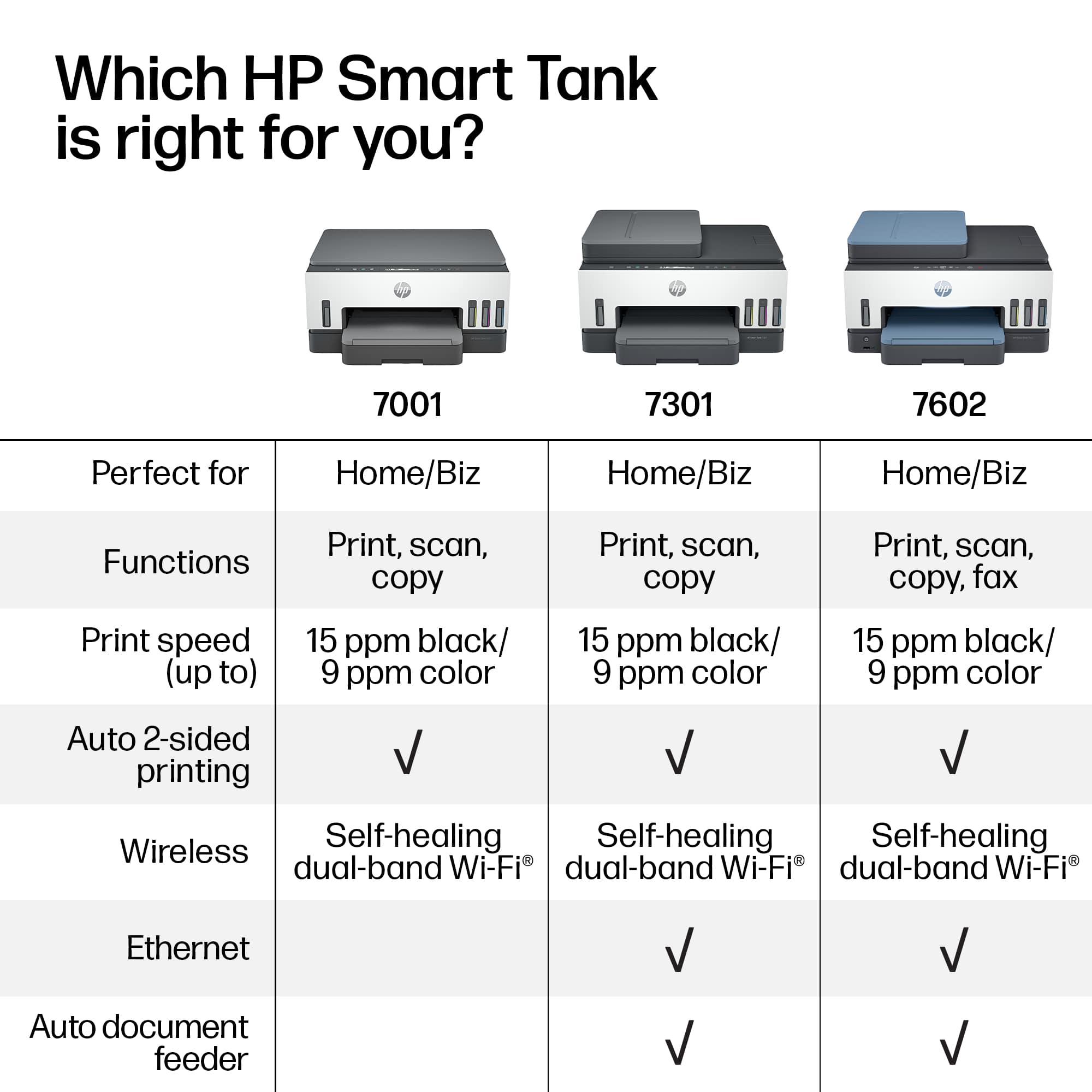
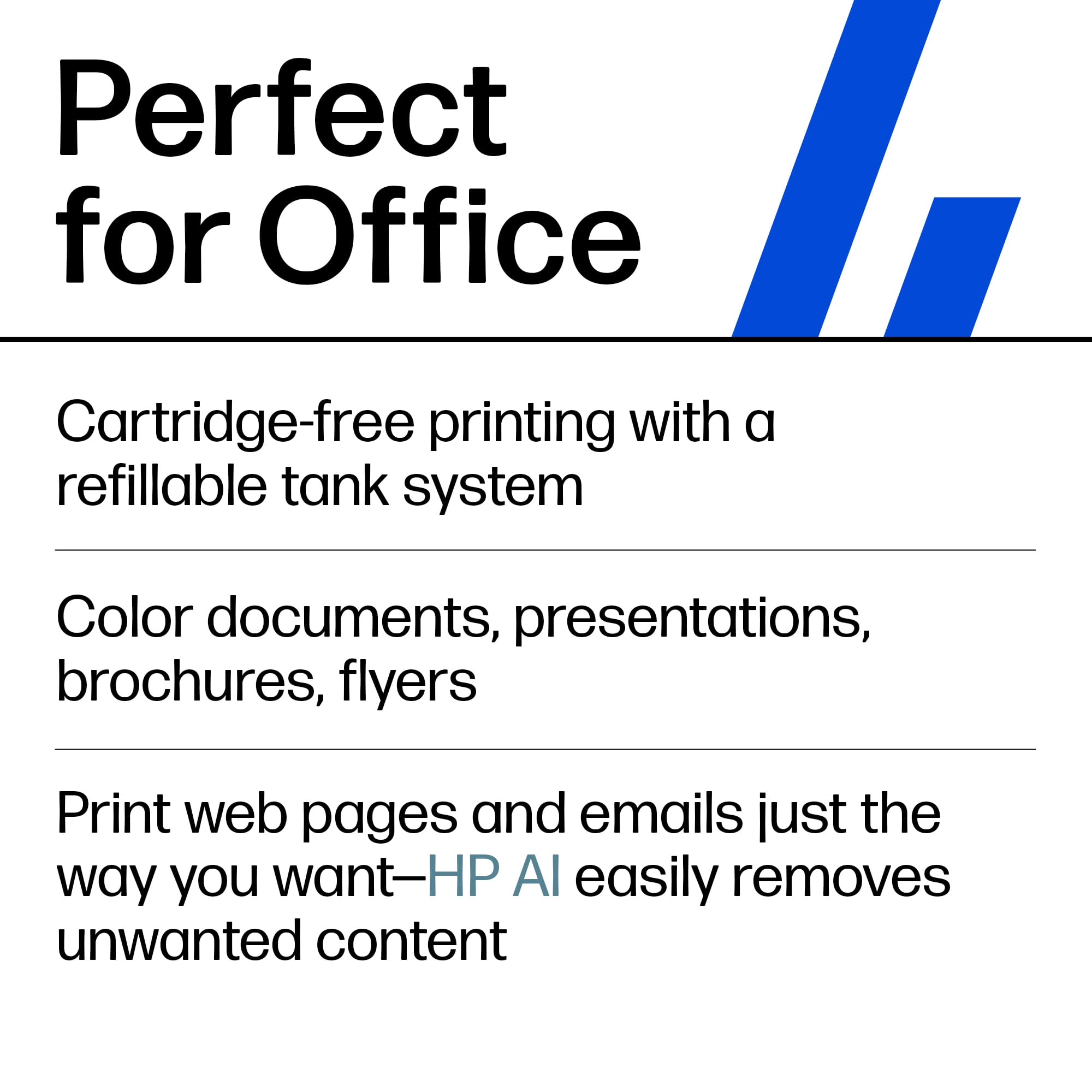
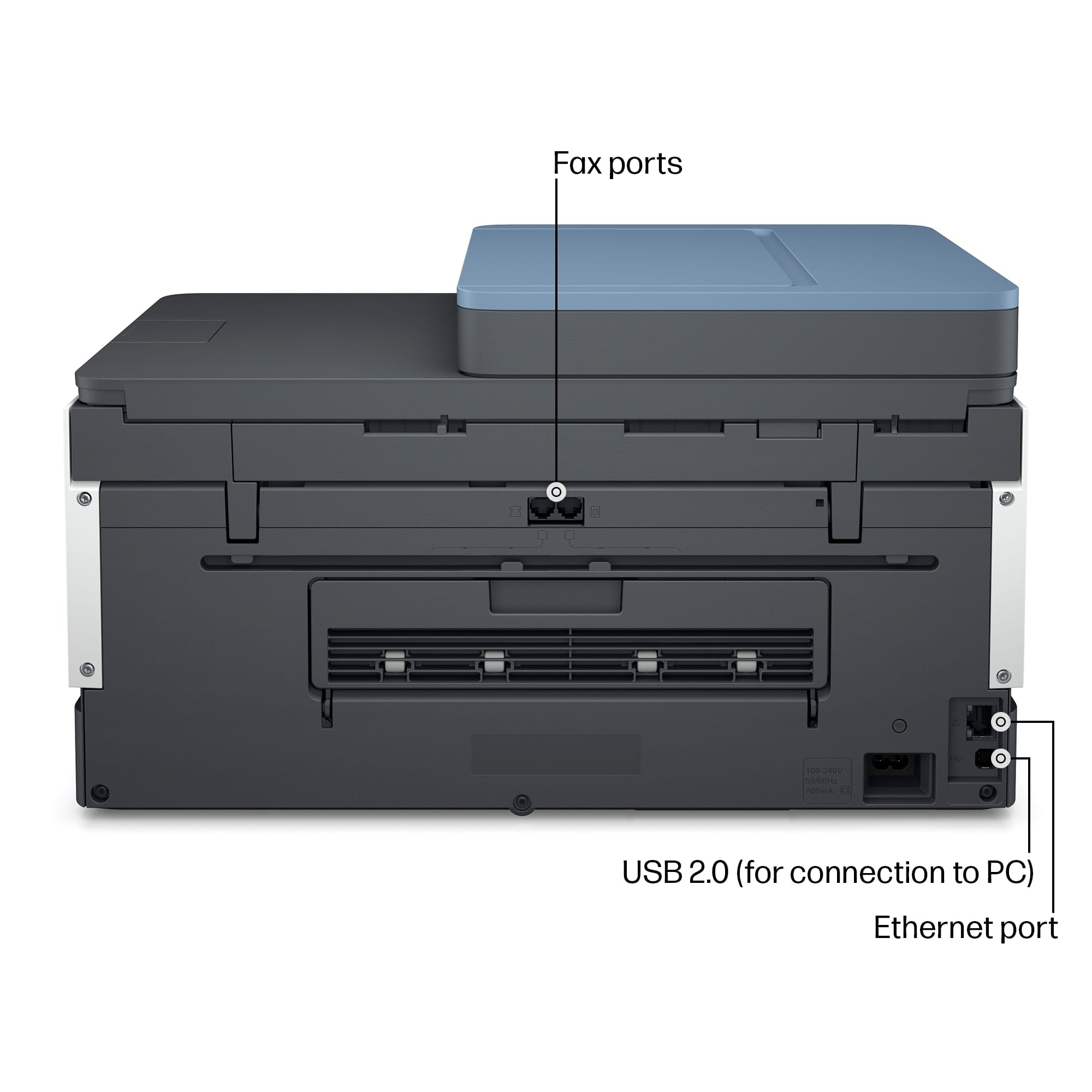
|Posted .This reviewer received promo considerations or sweepstakes entry for writing a review.I must say this is a pretty capable HP printer for your home office or if you are in school (including all you home schooling moms and dads). What initially attracted me to this printer was the promise of ink lasting up to two years. As you may be aware the high cost of ink and frequent purchases of it does not make any printer out there a good purchase. This HP with a Smart Tank will last you for a while and you won't have to worry about being bothered by a streaking print quality of your documents if the black ink runs low (we all know how annoying that can be!). I was also surprised by the specs this printer packs: Bluetooth, Fast Wi-Fi (HP calls it "healing" Wi-Fi as wireless connections can be a pain when configuring a printer), Gigabit Ethernet (WoW!), 802.11ac dual band support. Initial set up was pretty easy, just fire up your HP Smart app and it will walk you step by step and connect it to your wireless network and do all the necessary adjustments. I like the fact that I can use my tablet or my phone and print any necessary documents without booting up my computer and if you are techy enough you can even print your stuff being away from home! Printing quality is great, color copies look smooth. I have not tried printing any photos, but I am sure it can handle those well with the right HP photo paper. Since it is an all in one printer, you can do your scans and even faxing. I am very pleased with this printer. The only suggestion to the manufacturer would be - make this printer a bit more modern looking, I'd prefer an innovative design. I know it is just a printer but I think we are all pretty tired boxy looking printers. I think HP was on a good path when they released their Tango printer, it was small, attractive and kind of cool.
I would recommend this to a friendExcellent printer
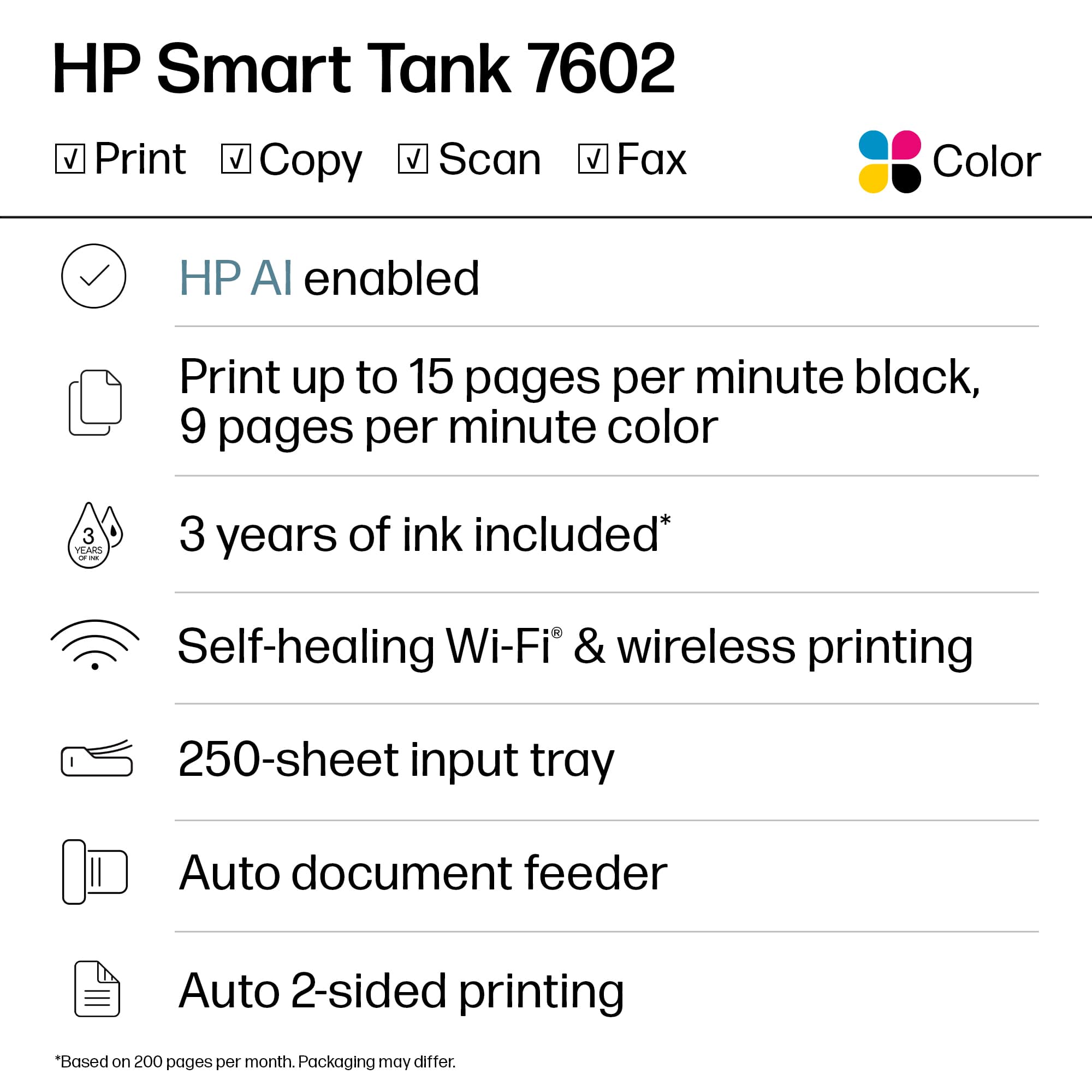
||Posted . Owned for 3 weeks when reviewed.This reviewer received promo considerations or sweepstakes entry for writing a review.Very easy setup - the online app walked me through it, and the printer instantly connected to my wifi. Printing quality is excellent. Display is very clear, and operation is intuitive. (Haven't yet had to consult the printed manual!) If the ink lasts 3 years as promised, it's a great value!
I would recommend this to a friendSurprisingly good inject printer
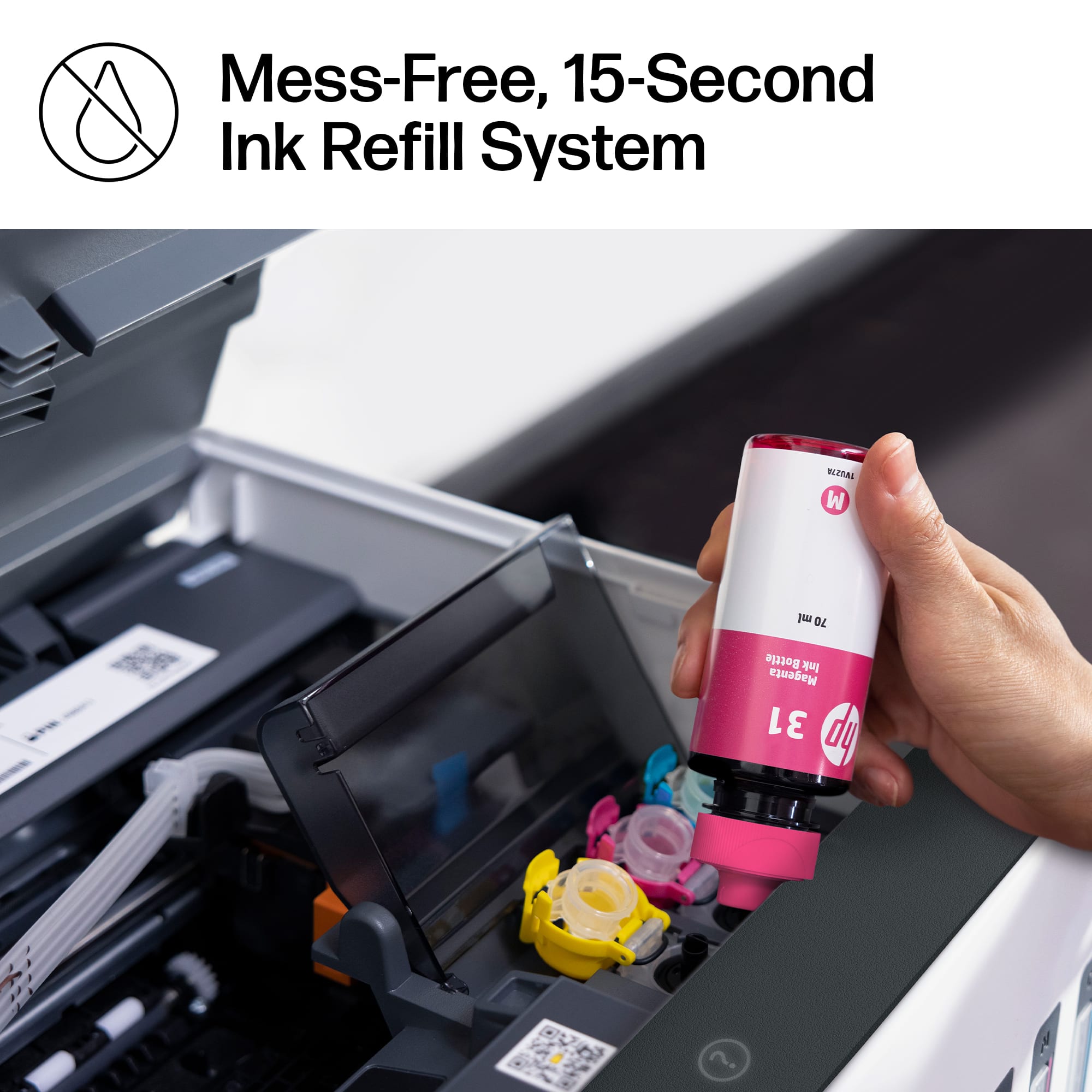
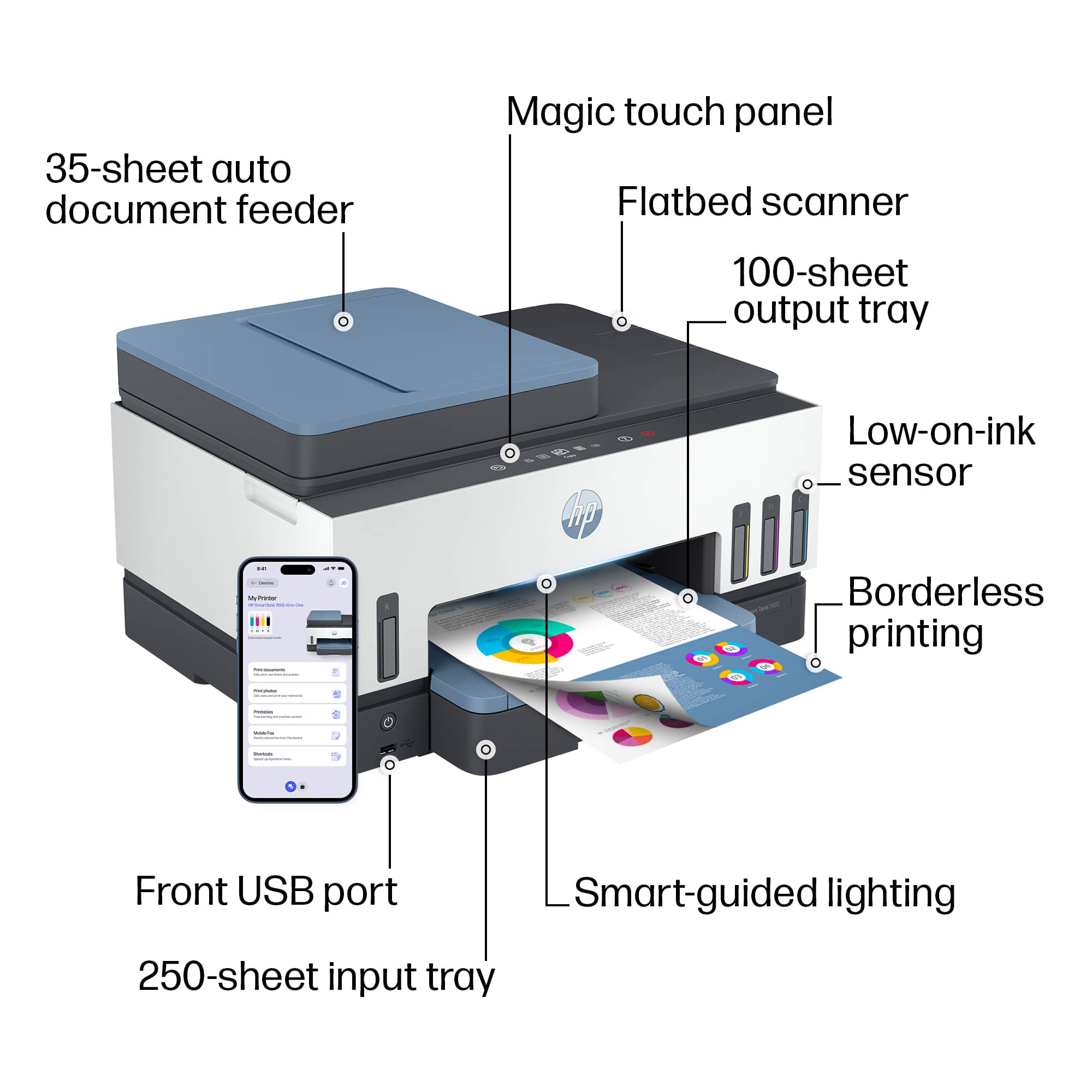
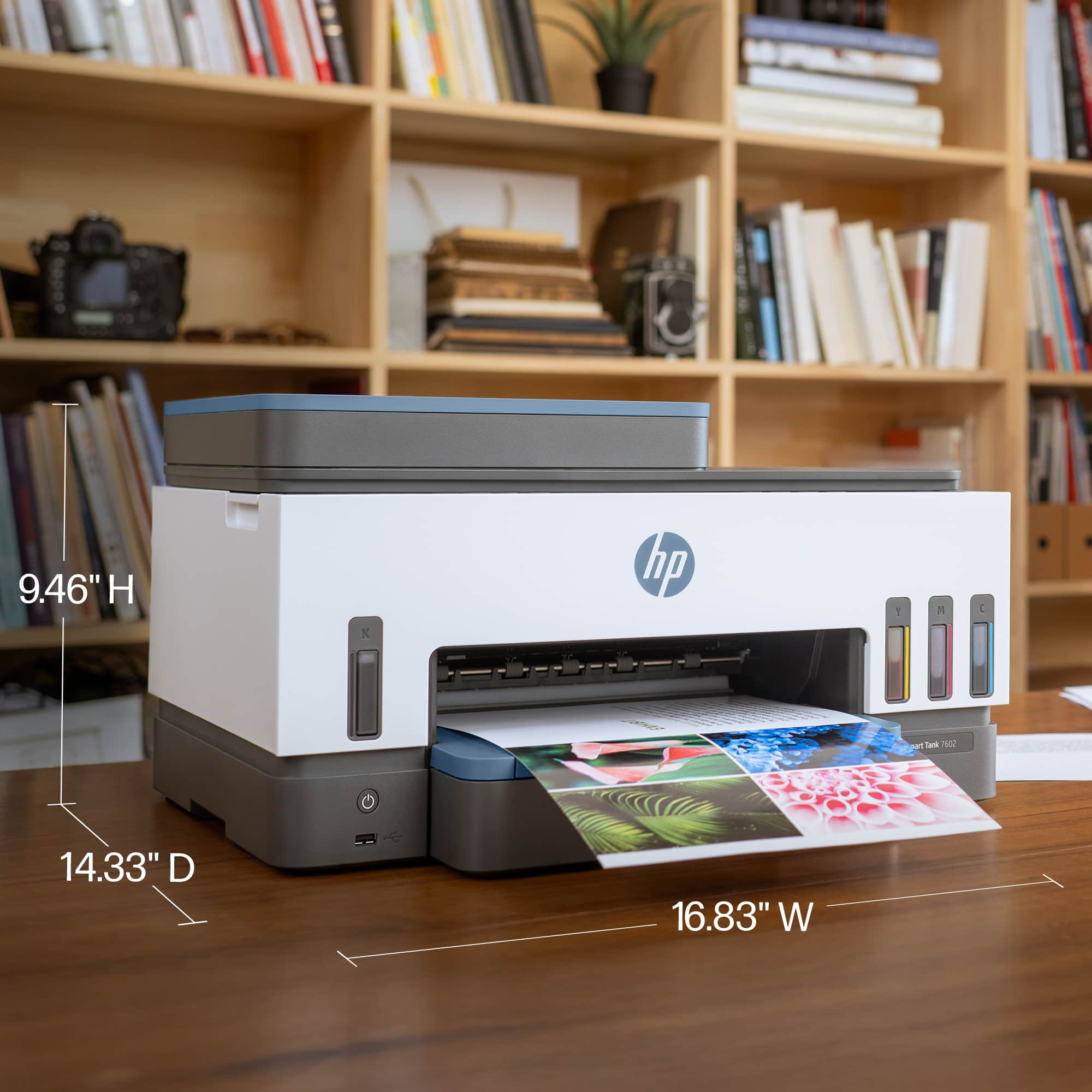
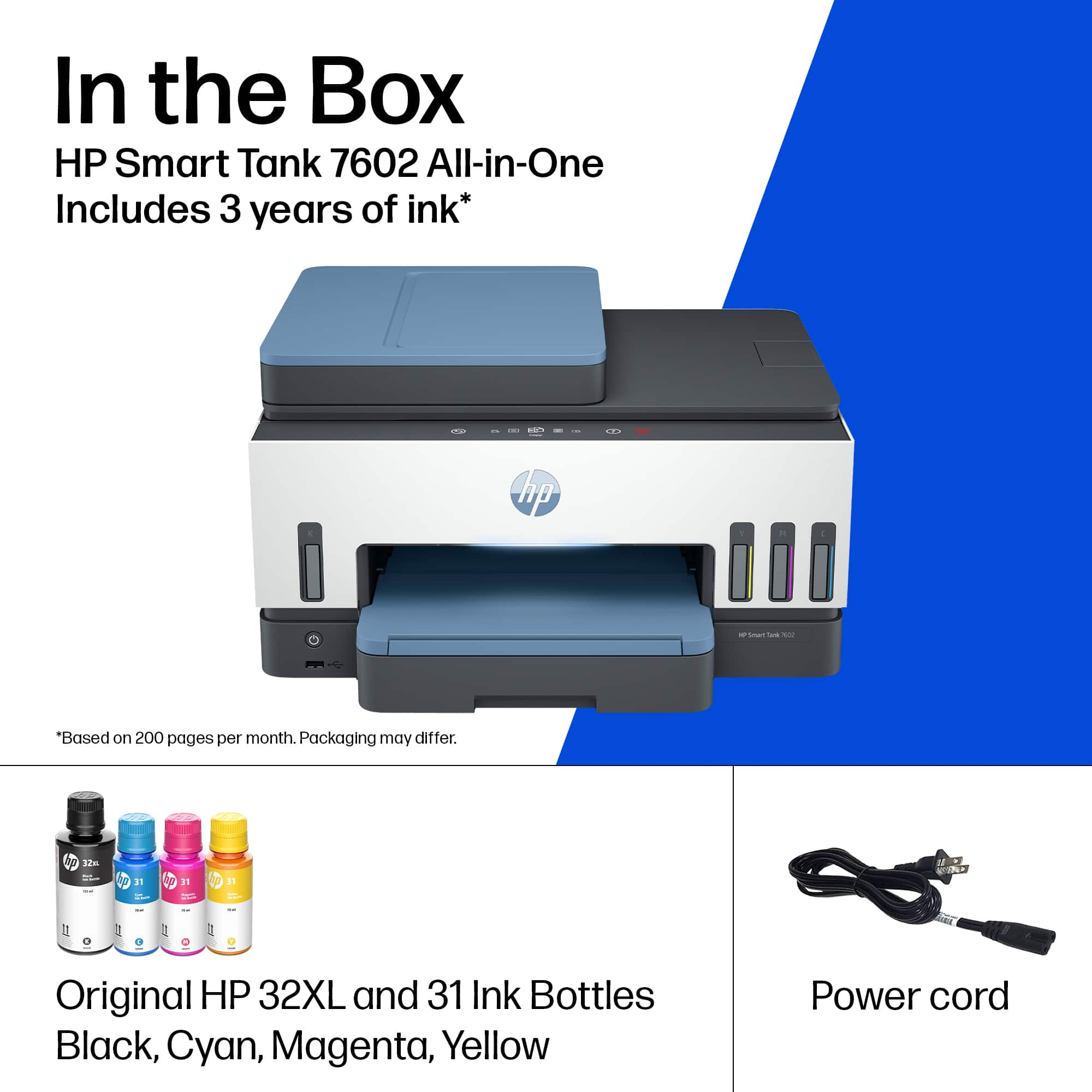
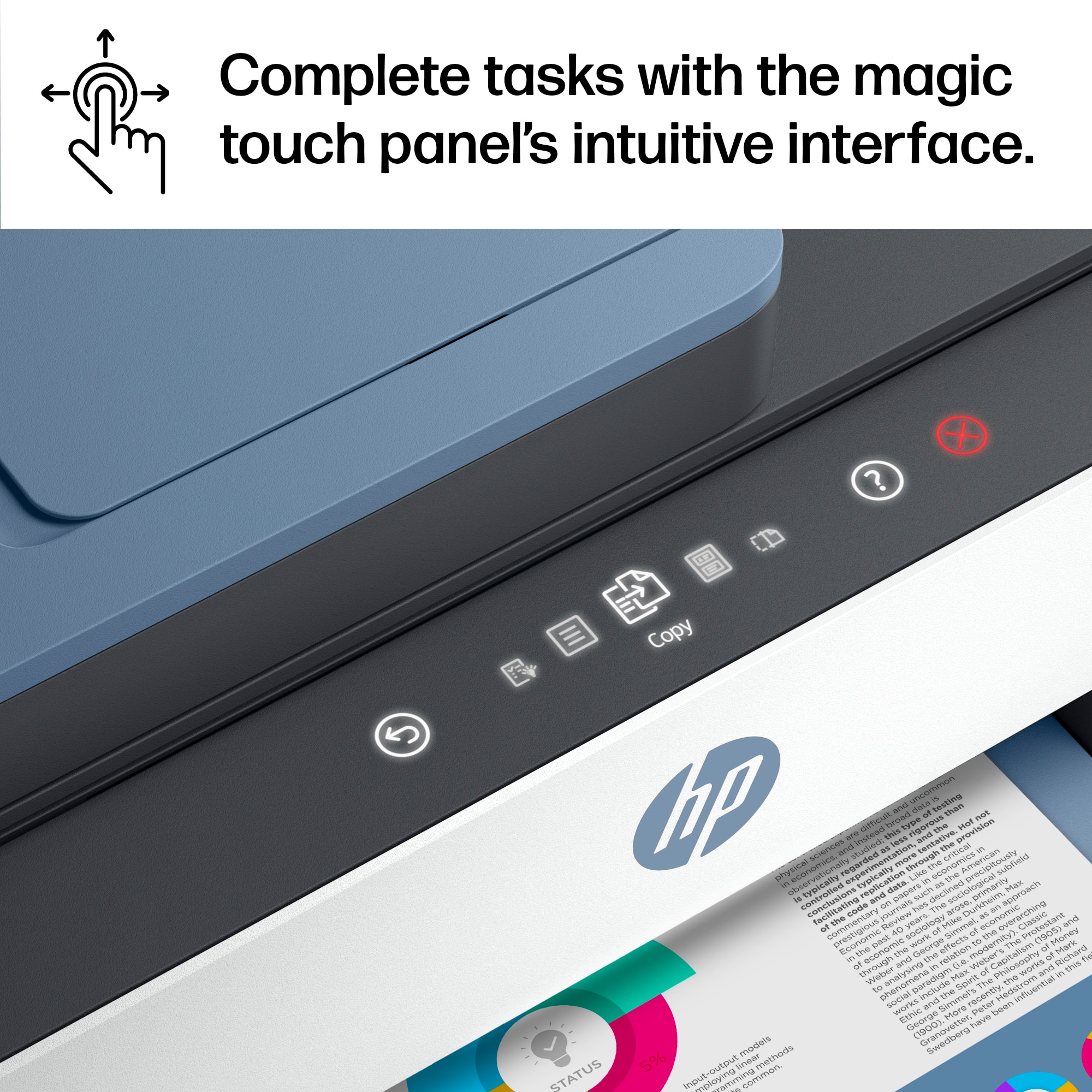
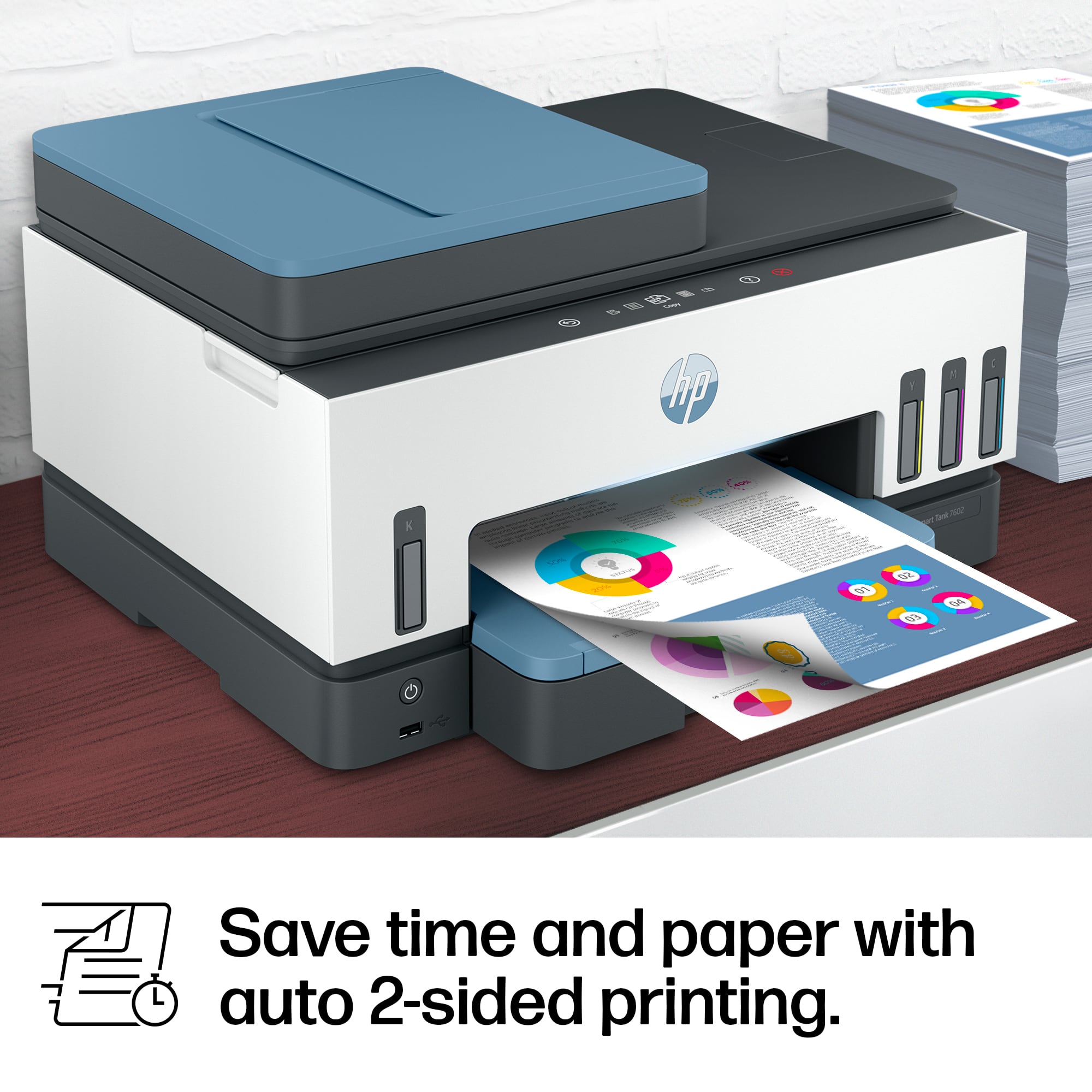
|Posted .This reviewer received promo considerations or sweepstakes entry for writing a review.The Smart Tank 7602 is a surprisingly good printer with a very straight-forward set up process- you can follow the paper manual instructions and/or utilize the HP Smart app for guided step-by-step instructions (it's a no-brainer). I've been using laser printers for the most part so my perception on this product is in reference to modern (as of Nov 2022) laser printers. First off, the size of the product is incredibly space efficient at approximately 17"(w)x12"(d)x9.5"(h), when fully closed. The print speed is reasonable for a compact, affordable printer - specs suggest 15 ppm black, up to 9 ppm color, which is plenty sufficient for the casual user. I wouldn't recommend this printer if you're intending to print large quantities of copies. The ink refill system is a bit unique in that the refills come in bottles (135 mL for black and 70 mL for each CMY color) that you drain into a set of ink containers permanently fixed inside the printer itself. The bottles and injection system are designed so you don't get any splatter during the fill process. The printer also has little windows to have a clear view of the level of ink in their respective reservoirs. Overall, this is a great option for a small, efficient all-in-one printer with good print quality w/ large ink reservoirs. When I first opened the box, I was concerned that the reservoirs would be prone to evaporation but they're fully enclosed to prevent unwanted losses. The overall build quality is SLIGHTLY better than your typical at-home printer. This device is also constructed of light-weight plastics and glass (for the scanner) but, because of its compact design, feels fairly sturdy. It's hard to see in the photos but there is a touch sensitive "screen" of sorts on the upper rim of the printer that allows for direct input for setup and options. The display is behind a translucent plastic so it's flush with the housing and not a separate LCD screen. I set mine up with my wifi and tested out the wireless printing and it works really well! So, all you need is access to power and you can shove this printer pretty much anywhere as long you have access to a power outlet. I tried printing out a photo from my iPhone (14 Pro) photo album and the quality is okay- I would NOT recommend dedicating this printer as my primary photo printer just based on quality of the print. It's sufficient in a pinch but quality leaves some to be desired.
I would recommend this to a friendMore than enough for a family/student, but...
|Posted .This reviewer received promo considerations or sweepstakes entry for writing a review.I received this printer free in exchange for an honest review. That said, this is a chonker going from my current HP Tango to the HP Smart Tank 7602, making it a bit difficult to comfortably put on a desk. It is packed with features in comparison, though, with a scanner and fax functionality plus a small touchscreen for controls. Setup is straightforward and would take most 30min to an hour. Documents print crisply and the scanning works well. I haven't been able to test the fax functionality yet, however. For a family or student, this printer is overkill (how many times does a family need to fax things?). For a business, I can see this printer being a wonderful value proposition jam-packed with necessary features. As an artist, though, this printer isn't quite what I'd reach for first. The print colors can come out looking less "vibrant" and darker than desired despite the increased print quality. When asking friends/family to pick between various types of images, including photos and art, they unilaterally preferred the Tango's prints (except for the PDI Freeware test image). In my opinion, the colors tend to lack the warmth and vibrancy that some may prefer and particularly struggles with cooler and darker hues which come away looking a bit washed out. It also prints slightly slower, taking roughly 1:01.30 minutes to print a photo. On the plus side, the Smart Tank has so far taken multiple types of paper, including glossy sticker paper and cardstock of different finishes, very well — so if you can manage to tweak the colors of your work to compensate or just don't care about color accuracy that much, you may be well satisfied with the results. For a casual photo printer, this printer does well enough and you'll likely be quite happy printing off the occasional family photo. I've attached two test images, scanned through the printer at 300dpi. Please note that the prints look different in person, and that the Tango is known to print with a slightly blue tint. I've also labeled which print belongs to which printer for ease of use. The first is the PDI Freeware test image, an open source test for printers. The second is a family photo as an example of the Smart Tank’s capabilities. In the PDI Freeware test image's physical prints, the Smart Tank has noticeable grain in the darker areas of the greyscale gradient bar on the right-hand side of the print, loses detail in the darker areas of the gears in the first box on the left upperhand corner, and struggles to replicate the vibrancy and range of color in areas like the shaded fruit in the middle image and the cacti pot. The colors are also visibly darker than they should be — the sunflower is more of a goldenrod than the brighter yellow it ought to look like. Of course, there are good sides. Areas that are washed out like the details on the robot are retained in the Smart Tank, and the darker colors highlight more detail like in the skin tones of the baby. Overall this printer would be fantastic for a business or even casual use. It has its weak points but if you can overlook them, there is immense value in this printer and it could be the powerhouse you need for home or business printing!
I would recommend this to a friendVery bad service
||Posted . Owned for 2 months when reviewed.This reviewer received promo considerations or sweepstakes entry for writing a review.Very bad series no buddy answer me. Bad people. Ad
No, I would not recommend this to a friendBrand response from HP Team
Posted .Hi SmitG,
Apologies for the bad experience.
We'll like to help. Here's a detailed unboxing & setup video:
https://www.youtube.com/watch?v=UkaZnHkGOOo
Hope that helps!
Sincerely,
Teo
Very good printer,but not without setup challenges
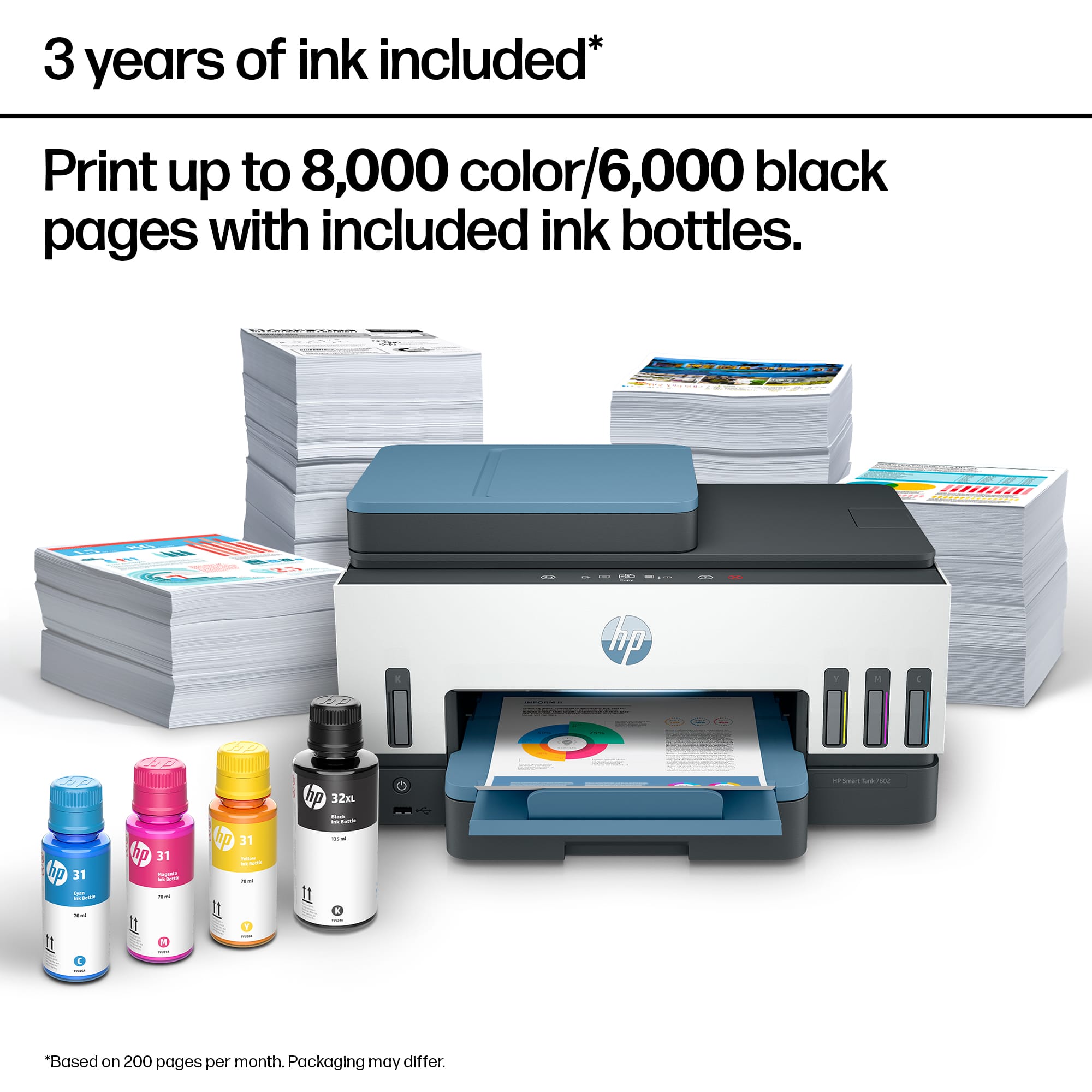
|Posted .This reviewer received promo considerations or sweepstakes entry for writing a review.I am going to split my feedback into two sections to help explain this printer better. Part 1 – Basic Printer Setup -------------------------------------- It was one of the easiest steps while setting up this printer initially. It took less than 40 mins in all to - completely unbox the printer - fill the ink and install cartridges - configure the printer - do a test print and scan The moment we switch on the printer, it guides each step throughout the setup. I used a laptop to configure the printer and all I had to do was download HP Smart App. It guides us how to fill inks, install cartridges and setup the printer for basic requirements. For users who are new and aren’t sure how to navigate around, an 18 min YouTube video is available. Although I wished HP creates a video for each of its printer as that would really be helpful for many new users. Overall Printer build --------------------------- The printer was extremely well packaged. Its build is no different from other printers and is solid enough and the one thing I love the most is the ink level which is not any indicator but an actual ink level like we could see in a transparent fountain pens. Print options and quality -------------------------------- Print quality is extremely good and absolutely no complaints. It handles duplex printing as well, but like any other inkjets, it takes a few seconds to dry the ink before printing the back side; nothing to complain though. The max it handles is A4 – which is what is expected from an inkjet printer. Color prints are true to its color and produce an extremely good crisp image at the “best” resolution. Print from USB option for some reason did not work for me. I tried with both FAT32 and NTFS and both PDF and DOC format. I would need to research further to make this work. Scan Options ------------------ Scan is one option where this device excels. Outstanding scan quality at highest resolution, but 300 dpi scans a very decent image and when printed back, produces a decent print. File size with 300 dpi is not very large and scan speed is good as well. Apart from the obvious, HP has provided some really useful scan features: - Multi item recognition – scans multiple items and automatically separates into individual pages - Saves as TXT files – a brilliant option where you want to scan and edit documents - Auto Heal – option to remove punch holes or other distractions from the scanned file. - ID Cards scanning – My most favorite and a really useful option – to scan front and back of something – like a DL / ID card and save them in a single page in the scanned file. - Book scan – Another favorite of mine, automatically flattens the curved pages and if 2 pages are scanned together, its saves them as 2 separate pages. But note that, all these options can be used only when scanned thru HP Smart App. Documents can either be placed under the scanner or fed thru the feeder when there are multiple pages to be scanned - very useful when a number of pages need to be scanned. Quite obvious, pages should be free of staples, pins or clips. Copy -------- Apart from the regular copy, this device has a brilliant feature for ID Copy. Just like how it scans front and back of an ID card to the same scanned file, it copies both front and back images to a single page. Quality of the copy is as good as the prints and absolutely no complaints. Fax ------ I haven’t personally tested the fax, but HP does offer to fax documents thru this device. Running Cost ------------------- HP claims ~4000 blacks and ~8000 color prints; but obviously it depends of the quality of prints. At draft quality this may be achievable but may not be at Best quality. Although, it still is definitely cost effective and works much cheaper than the cartridge models. This is where Tank models are better than the cartridge models. HP also offers “Instant Ink” which works out well for heavy users. If this was all this printer was meant to do, then it may have been extremely popular. For home users, this may be sufficient and could save themselves further setup hassles. But, this was also designed for small-office needs, and the real challenges in setup begin. Part 2 – Advanced Options Setup ---------------------------------------------- Print Anywhere – A hit and miss option. In theory, this is a brilliant feature to print documents from anywhere, not necessarily connected to the printer. Of course, printer needs to be connected to the internet and configured for Print anywhere option. I tried with my mobile phone (requires HP Smart App on phone) and after a few retries, it worked. My mobile was not connected to the same Wi-Fi the printer was connected to. However, when I tried with my laptop it never worked when my laptop was connected to a different Wi-Fi network. But, when my laptop was connected to same network, it worked every single time. Another excellent feature is the “Require Private Pickup” – which only enables the print when you are near the printer. Printer connects to the phone’s HP Smart App to detect your location so that you private copies remain private. Scan to Email – Another option that I could not make it work yet. Spent quite some time trying to find a solution through articles and videos but still haven’t succeeded yet. I may have to reach out to HP support to get this working. However, I so wished HP had provided a video tutorial for all such options. A onetime effort would reduce call volumes significantly to their customer care and help customers save the time and hassle. Summary ------------- A few advanced options are somewhat difficult to setup for a relatively less experienced person, creating a dependency on HP support staff or call a “techie” friend. But for the basic setup which satisfies all purposes of home users, this is an excellent printer. For an office environment, it would still be extremely useful if there are technical staffs that have a good experience in printer setup. Worst case, there is always HP support available and it is not like setup needs to be done every other day. After all, it’s just a one-time activity. Given its operational cost, @ 4000 b/w prints and 8000 color prints, it’s absolutely worthy and proves to be beneficial in the long run.
I would recommend this to a friendHigh Quality Simple Feature Rich Printer/Scanner
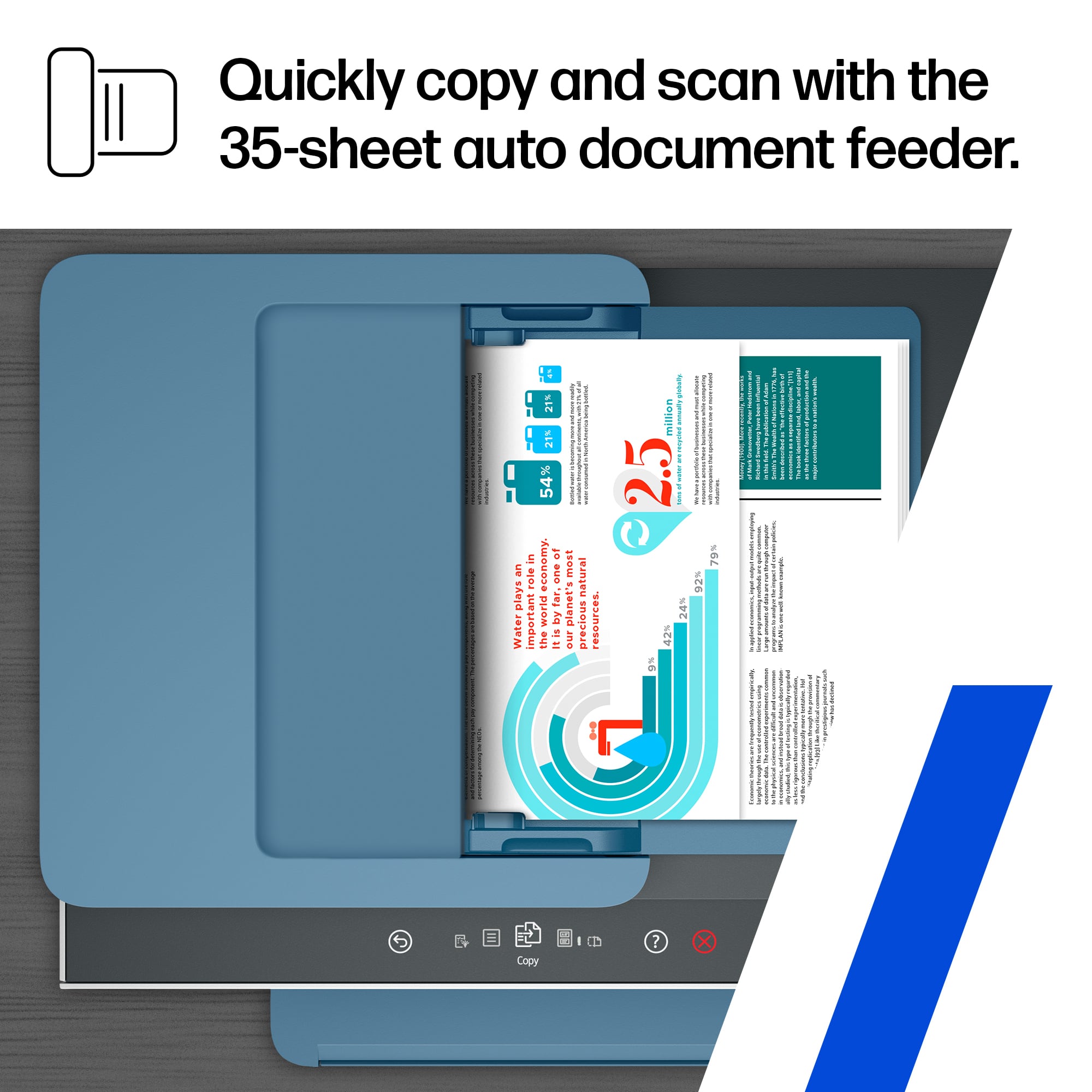
|Posted .This reviewer received promo considerations or sweepstakes entry for writing a review.I'm so happy to have upgraded to this printer/scanner! This was a replacement for a 10 year old "all-in-one" and technology sure has improved. This printer/scanner is much smaller than you would think yet does all the same things much larger machines do. It has automatic two-sided printing, dual-sided scanning, flatbed or feeder scanning, excellent WiFi connection for wireless printing, and the smart tank refillable ink reservoir system is awesome! No more buying ink cartridges and trying to figure out how to recycle them or throw them away. With this printer you get more ink for the money and the system they use to refill the ink is pretty much idiot proof. I love that I can literally see visually how much ink is left. And it uses intelligent systems to align the print heads so that it doesn't wast a lot of ink doing so. The whole thing was super easy to setup using the provided instructions and online step-by-step guide. Once I set this printer up, it just worked! Installing the HP Smart App on my MacBook and my iPhone allowed me to immediately and easily print and scan from either device with no issues. I love how easy it is to print from my iPhone now. This will eliminate having to email myself from my phone then go to my computer to print. Plus the app on the MacBook has great adavanced scanning capabilities to help you get the most out of scanning no matter what your end goal is. And this thing looks good too! My previous machine was big and black and looked like a monster. This HP Smart Tank printer looks nice and stylish sitting next to my desk. And most importantly the print quality is excellent. And although it does make some noise, it is much quieter than my previous printer and even has a "super quiet mode" which prints a little slower but with even less noise in case you're printing in the middle of the night while others are sleeping. HP really thought of everything with this printer. They not only made an excellent quality completely wireless printer and scanner that is eco-friendly and more affordable in the long run for ink, they also through in tons of features to make it a next level home inkjet printer!
I would recommend this to a friendGood Printer, Love the Hp Smart Tank 7602
Posted .This reviewer received promo considerations or sweepstakes entry for writing a review.My, Honest Option on the HP Eco Tank 7602 Printer: I Love It !!! After,looking on line all week at You Tube Videos and Emailing People on You Tube and Facebook Printers Group asking them about their thoughts and how they liked their Eco Tank Printers so Far. I'm , Old mid 50,s I didn't want to Waste my Money trying, to decide on the Best Eco Tank Printer that was the Easiest One to Set Up for my Crafting Needs. I, didn't want to Run into any Issues and Headache ,s and get stuck on the phone halve of the day with Customer Service trying to figure out how to set up the machine. I, decided Long and Hard Restless Nights deciding on which Eco Tank Printer I wanted to Purchase for my Crafts that I do. Lots, of People stated to me : Stay Far Away from Epson Eco Tank Printers the reason why is they don't Last very Long, and have a lot of Issues Clogging up, codes popping up on screen, just plain Junk !! Others, stated Canon Eco Tank Printers are Good but they Print out very Slow , and Pictures are Smudge most of the time when Printing on Photo Paper . The, Brother Eco Tank Printers are really Slow , at Printing . After, owning my HP instant Ink Cartridge Printer for over 10 Years, Never have I had issues , and it's Still Prints out Pictures really good and prints in good condition. I, just wanted a new Toy !! and get out of The Instant Ink Cartridge Program , and try out a Eco Tank Printer that everyone says is Cheaper in the long run for ink, compared to my Cartridge HP Envy 5660 I been using for my Crafts for over 10 years.. I, Decided to go Back with HP but to get a Eco Tank Printer instead of Cartridge. It, was the Best Decision I did. I, Purchased the( HP Smart Tank 7602) I, took it out of the box , hooked it up and filled the Ink Tanks in no time. Had, it up and running in no time with no issues.. Tried, out my first Easter Craft Candy Printout in HP Photo Paper , and it Printed out really fast and it was Very Bright Colors, NO !! Smudging and Faded Colors when Printed Out.. I , think I will give it a 10 out of 10.. Fast, Printing and very Good Bright Colors. Hate, to say it but I'm going to Retire my Cartridge Printer and fall in Love with this HP Smart Tank 7602. I, would Highly Recommend HP to Anyone, they have good Printers and I like the idea you can set this Printer up in no time. The, only down fall I'm going to have is Printing on Cartridge . Sorry!! But, the Smart Tank Inks are way Cheaper and last longer than me having to order Cartridges every other couple weeks. Below, you will see my new printer sitting in my old HP printer, and a Easter Candy Wrapper I Printed out , all Colorful and Shiny in my new ink machine.. I'm impressed and happy with my decision..
I would recommend this to a friendA Real Solid Everything Printer
|Posted .This reviewer received promo considerations or sweepstakes entry for writing a review.I have used multiple All in one printers from past decade but every time i bought a printer i was deceived because most of the time manufacturer promises its a printer which will do every print activity but i was never fully satisfied until i came across this HP Smart Tank 7602 Printer which is a Real All in one printer that does everything flawlessly with out any issues The Printer setup is straight forward and simple just plug in the printer install HP Smart App in the phone thats it the App will guide you step by step animations on screen process which is very easy to follow i did not came across any issues at the time of setup everything went smooth and printer is ready to print in 10 minutes This printer uses ink instead of pricey cartridges you will get lots of ink which can print thousands of color and black prints and this printer has wireless capabilities which makes life easy, print from anywhere via wifi it has Double sided automatic print, Touch functionality, Automatic paper feeder, Scanner, Fax, Wifi Direct, ID Card scan & print, USB Print and it can print studio quality Photos too The HP Smart App is breeze to operate it got all the usefull Smart features which makes operating this printer wirelessly a seamless experience the App got lot of inbuilt printable activities for kids and adults All in all this Smart All in one printer is really a solid awesome product which got lots of features than any other printer in the market with limitless possibilities
I would recommend this to a friend