Customer Ratings & Reviews


- Model:
- SMART TANK 651/7XV38A#B1H
- SKU:
- 10757530
Rating by feature
- Value
Rating 4.2 out of 5 stars
- Quality
Rating 4.3 out of 5 stars
- Ease of Use
Rating 4.2 out of 5 stars
Great printer
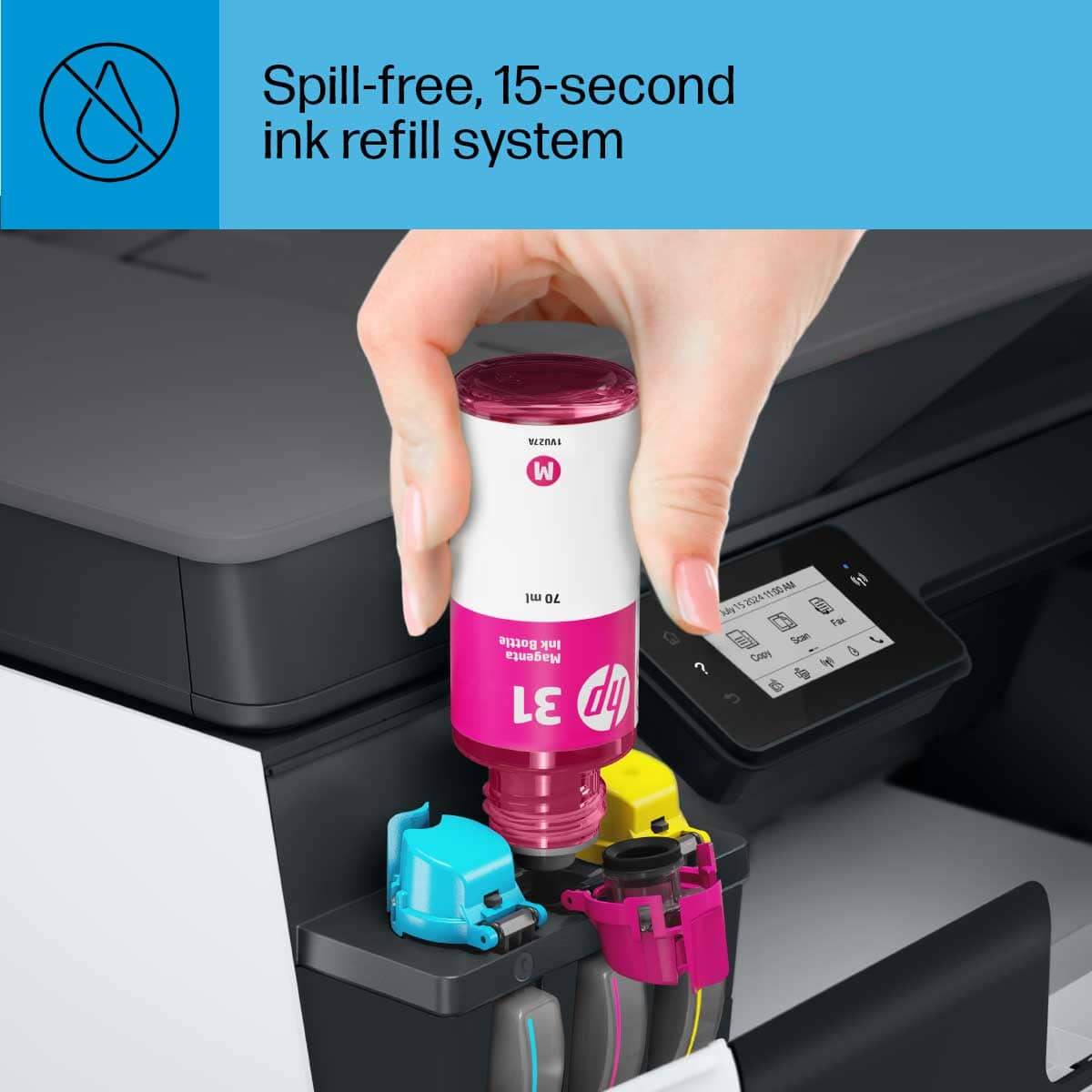
||Posted . Owned for 6 months when reviewed.This reviewer received promo considerations or sweepstakes entry for writing a review.Great all in one printer. Especially love the ink wells for printing
I would recommend this to a friendHP Printer
||Posted . Owned for 2 weeks when reviewed.This reviewer received promo considerations or sweepstakes entry for writing a review.Love the printer and the customer service is fabulous!
I would recommend this to a friendGreat printer
||Posted . Owned for 1 month when reviewed.This reviewer received promo considerations or sweepstakes entry for writing a review.Does a good job! Just wish it was faster. Overall very satisfied!
I would recommend this to a friendAmazing printer
||Posted .This reviewer received promo considerations or sweepstakes entry for writing a review.Amazing printer definitely would buy again and recommend
I would recommend this to a friendLove having the refillable tanks.
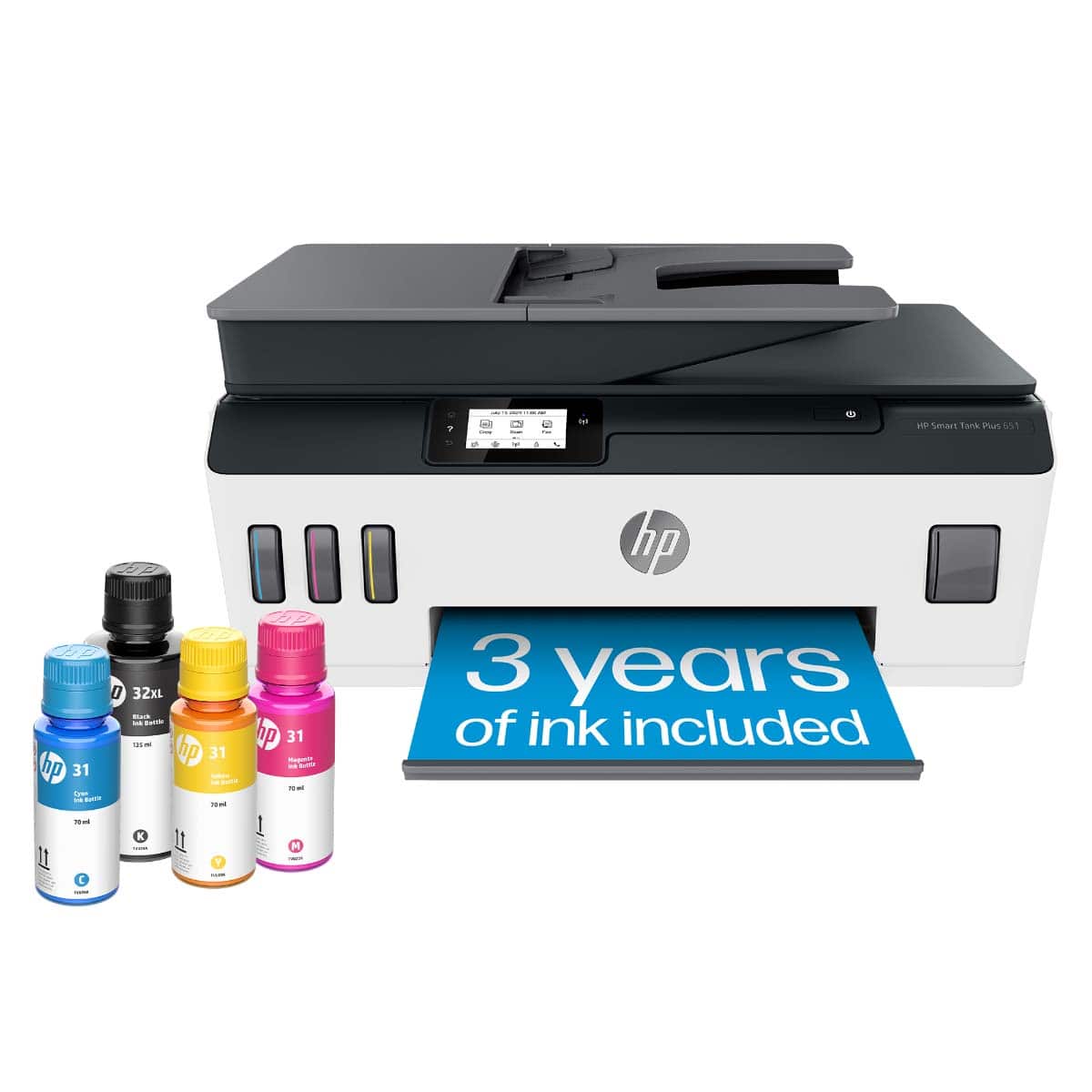
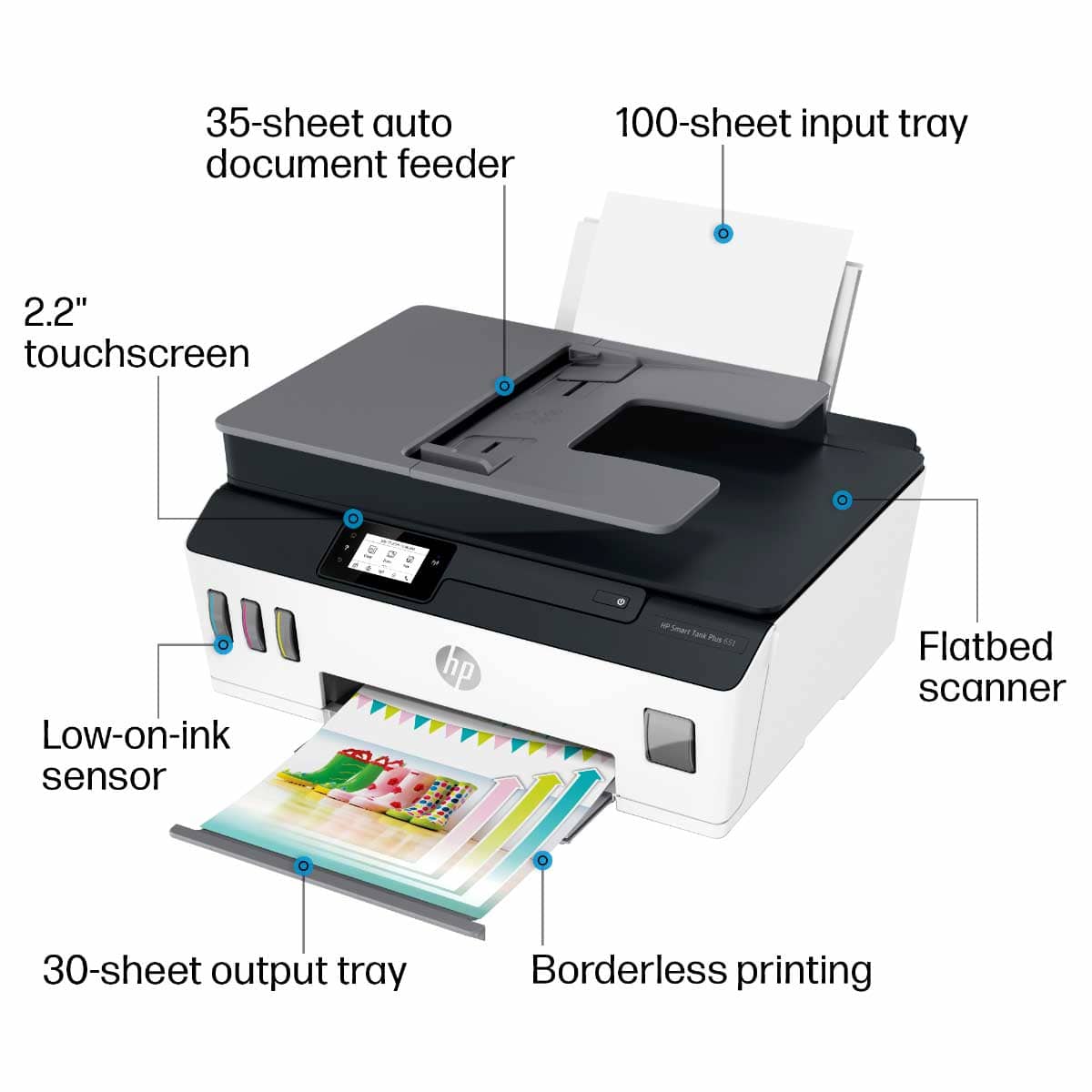
||Posted . Owned for 3 weeks when reviewed.This reviewer received promo considerations or sweepstakes entry for writing a review.Having the tanks is a great way to always see how much ink is left.
I would recommend this to a friendHas everything we need.
||Posted . Owned for 3 weeks when reviewed.This reviewer received promo considerations or sweepstakes entry for writing a review.Had a little trouble setting it up, but now it is doing fine.
I would recommend this to a friendIt was great while it worked.
||Posted .This reviewer received promo considerations or sweepstakes entry for writing a review.The printer had problems with print cartridge errors and print quality issues that increased over the initial days of use. Finally the printer died while HP support was troubleshooting. I only had the printer for 3 weeks. I am currently awaiting for a replacement printer from HP. I am hoping the replacment printer will make up for the disappointing experience.
No, I would not recommend this to a friendSales
||Posted . Owned for 3 weeks when reviewed.This reviewer received promo considerations or sweepstakes entry for writing a review.Excellent thanks for your help My family is very happy
I would recommend this to a friendGreat service
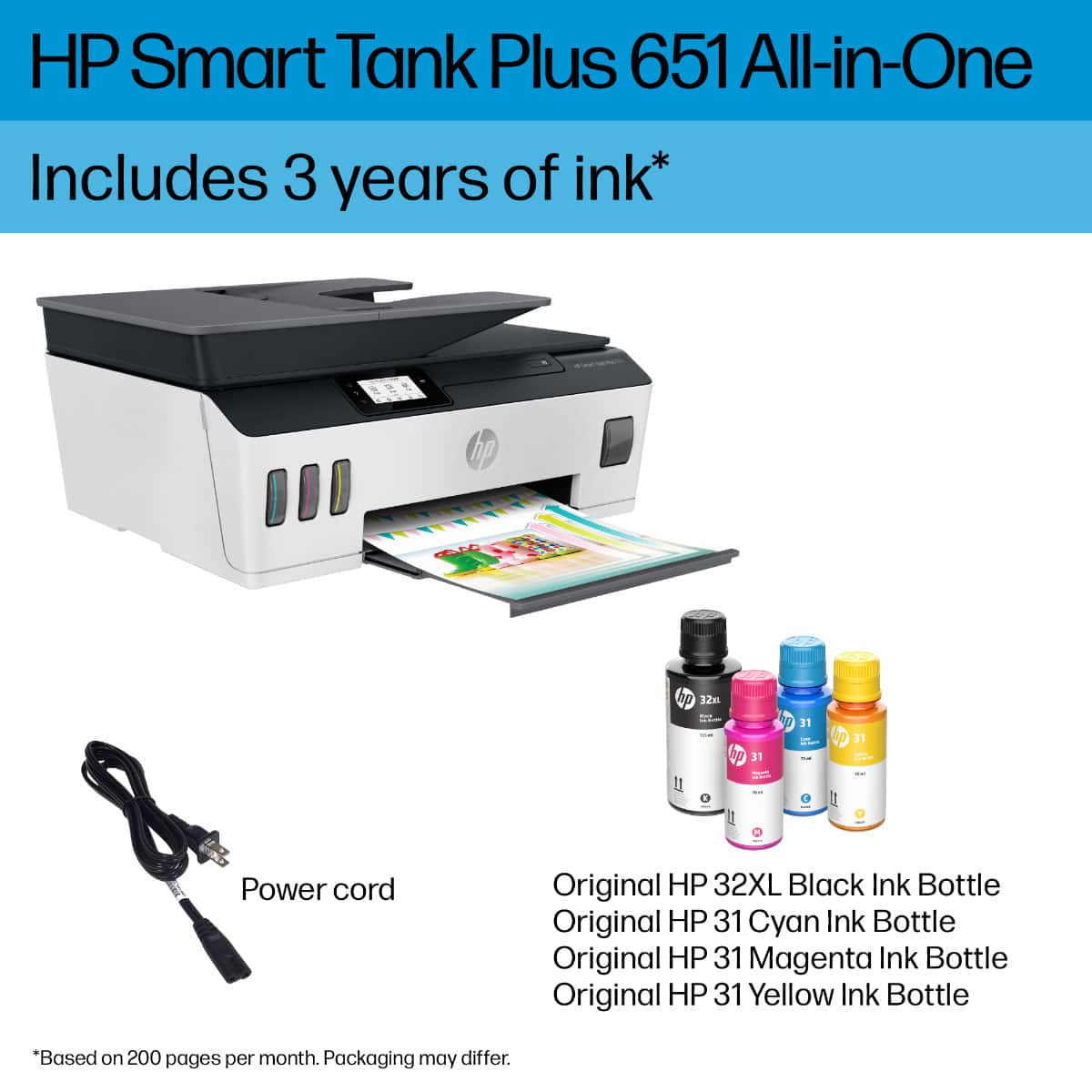
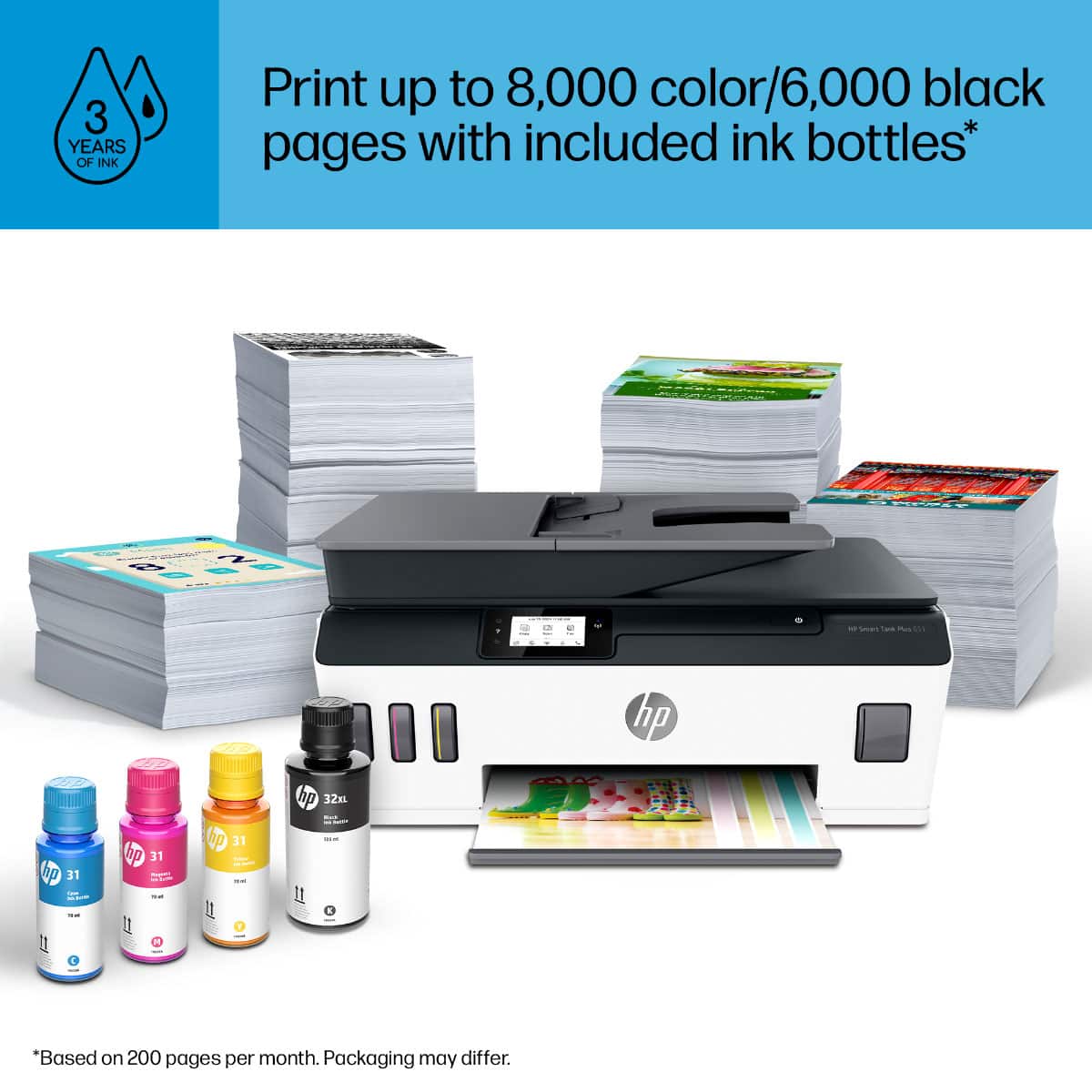
||Posted . Owned for 3 weeks when reviewed.This reviewer received promo considerations or sweepstakes entry for writing a review.Great printer for the money and comes with plenty of ink
I would recommend this to a friendGreat printer
||Posted . Owned for 2 months when reviewed.This reviewer received promo considerations or sweepstakes entry for writing a review.Bought to reduce the monthly price of inks Good quality
I would recommend this to a friendWorks when it wants to
||Posted . Owned for 1 month when reviewed.This reviewer received promo considerations or sweepstakes entry for writing a review.When it does work, it works great. But most of the time it won’t even print. Super annoying I paid a lot for this and bought it for my small business.
No, I would not recommend this to a friendNice but complicated
||Posted . Owned for 11 months when reviewed.This reviewer received promo considerations or sweepstakes entry for writing a review.Nice but very complicated to figure out and I still can’t figure out how to make a simple scan to my email.
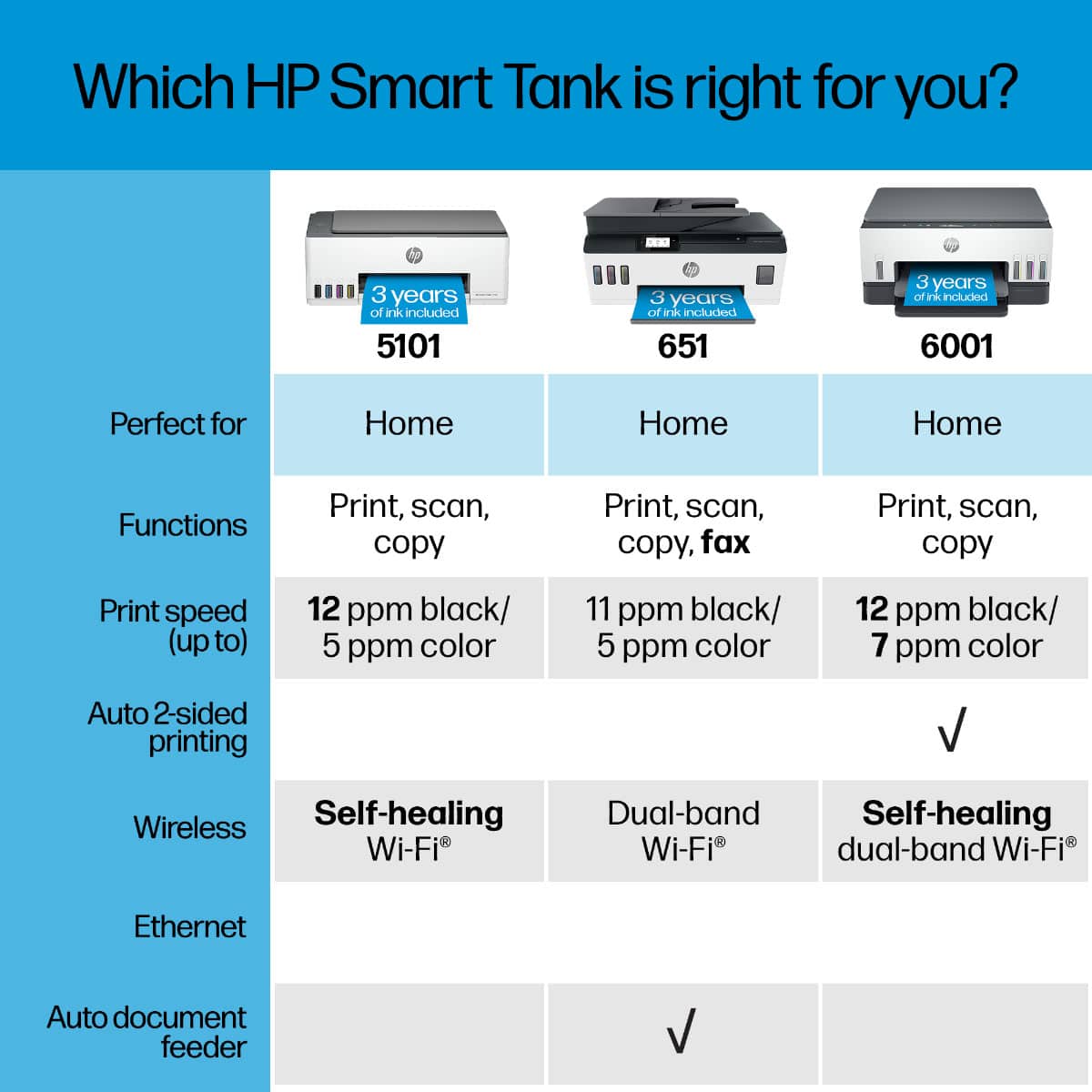
No, I would not recommend this to a friendMust flip the pages to print 2-sided. :(
||Posted . Owned for 1 month when reviewed.This reviewer received promo considerations or sweepstakes entry for writing a review.Prints well, but you must flip the pages to print 2-sided. Wasn’t told that by the salesperson. Can’t believe I bought a $450 printer in 2020 that still requires the pages to be manually flipped. Double-sided printing should be the default today. No intelligent person prints multiple pages 1-sided. No need to waste paper. I’d return it but the 15-day return period has ended. :(
No, I would not recommend this to a friendBrand response from HP Team
Posted .Hi there.
I’m sorry to hear that you've not had the experience you expected with the printer, and I'm sorry for any resulting inconvenience. We aim to provide a reliable experience with our printers and support, so I’ll try to offer some helpful suggestions.
First, I know that printers sometimes get software updates that add features, including automatic duplex printing. I suggest you contact us directly at +1 800-474-6836 so we can help you find a software update with this feature if one exists. To expedite the process, I recommend gathering the following information before the call:
- Model number
- Serial number
- Your location
- Case number (from any previous contact with HP support)
If there's any specific way that we can help you, I hope you’ll get in touch with us directly for support. We're always here and would be more than happy to help you make the most of your experience with the printer. Call the number above, or visit our support site to elicit help from a virtual agent, get troubleshooting documents specific to your printer or search our extensive knowledge library. Find that site here:
- support.hp.com
Keith
HP Care
hp.com/support
Very UNHAPPY
||Posted . Owned for 1 month when reviewed.This reviewer received promo considerations or sweepstakes entry for writing a review.I am already having problems with this dumb thing. It keeps wanting us to replace the cartridge. REALLY, it's only 4 weeks old and having problems. I have tried to contact the local best buy store, and the HP help line. Neither are useful. The best buy company want me to pay for help and the other wants to me to get the info on the internet.
No, I would not recommend this to a friendSnail Print!
||Posted . Owned for 2 months when reviewed.This reviewer received promo considerations or sweepstakes entry for writing a review.I HATE IT! It takes FOREVER to print even a page with not much on it. I am really happy I am not writing a novel to be printed! I really regret purchasing this particular Model of HP printer I wish I could exchange it for one that prints at a "Normal" speed and I bet you will not post this!
No, I would not recommend this to a friendScanner problems constantly
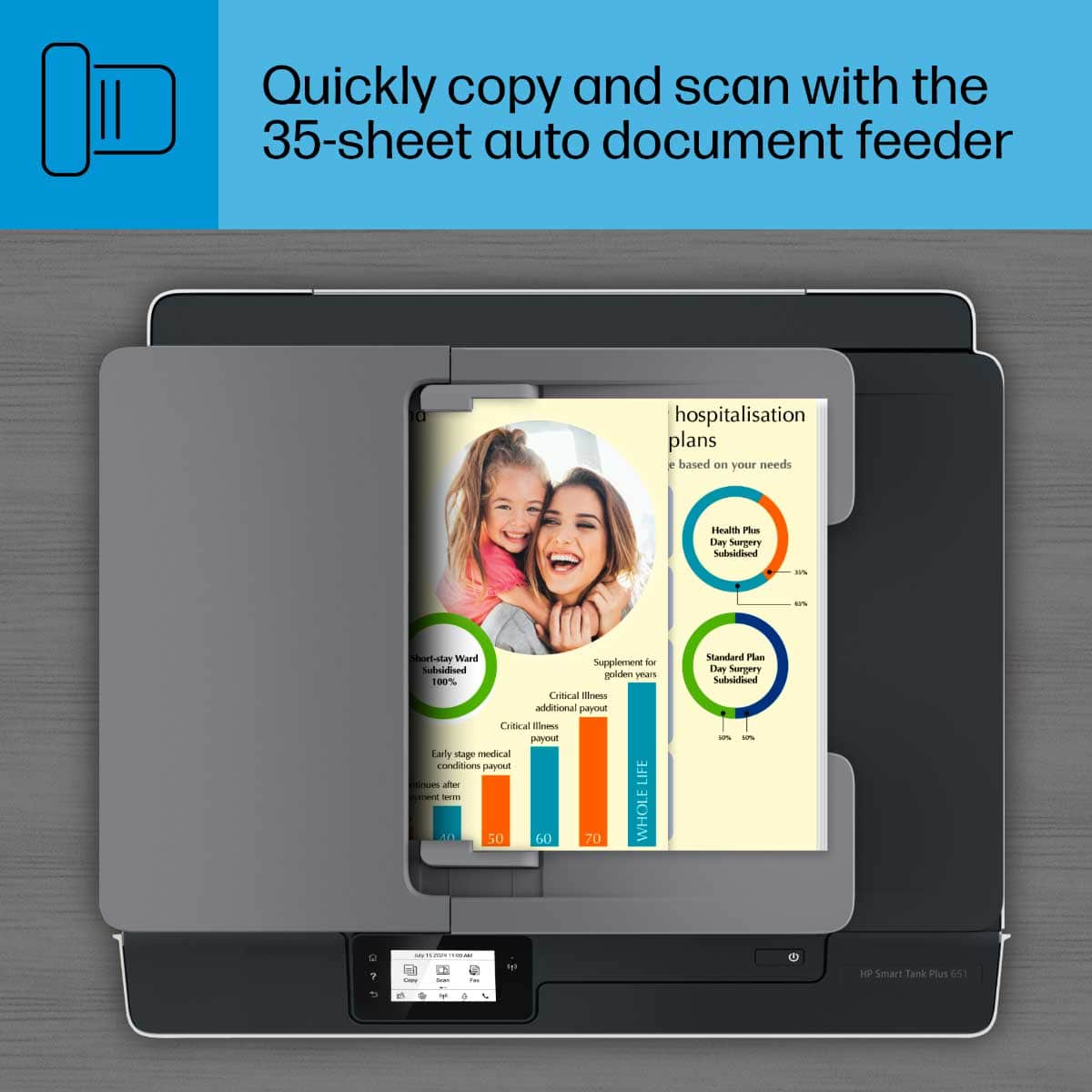
||Posted . Owned for 1 month when reviewed.This reviewer received promo considerations or sweepstakes entry for writing a review.I find myself having to unplug the printer to reset the scanner. I try to scan a document and it gets hosed and will not work. Also, I do not like that you cannot feed paper in the document scanner feeder and press scan from the printer. it will not work. I have to use the HP software on my computer for the document feeder to work.
No, I would not recommend this to a friendBrand response from HP Team
Posted .Hi, Lori.
I’m sorry to hear that your printer’s scan function is not working like it should. I can understand why repeatedly needing to unplug the printer to reset the scanner would quickly become frustrating, so I’ll suggest some resources and information I hope will help.
First, I recommend you visit a page on our support site that has diagnostic tools for various problems. There you’ll find a general-purpose tool called the HP Print and Scan Doctor. If you use Windows, the tool will help identify and guide you through solutions to a wide range of common scanning and printing issues. Visit that page here:
- support.hp.com/us-en/topic/diagnostics
If the problem persists, I recommend that you contact us directly at +1 800-474-6836 so we can guide you through the proper troubleshooting. (Please note that because of restrictions on personal movement and workplace attendance associated with the COVID-19 pandemic, wait times for agents are longer than normal. Thanks in advance for your understanding.) To expedite the process, I recommend gathering the following information before the call:
- Model number
- Serial number
- Your location
- Case number (from any previous contact with HP support)
Keith
HP Care
hp.com/support
It's a printer and it works
||Posted . Owned for 1 month when reviewed.This reviewer received promo considerations or sweepstakes entry for writing a review.I needed a printer on short notice. This printer was available and within my price range
I would recommend this to a friendGarbage product, garbage customer service
||Posted . Owned for 8 months when reviewed.This reviewer received promo considerations or sweepstakes entry for writing a review.8 months in and the printer has started giving me error messages. Attempted to contact HP since the printer is still in warranty and all I'm directed to is a "virtual chat agent" who does nothing to point me in the right direction for fixing these issues. I really was hesitant about buying an HP product after previous issues with a laptop but I figured they had maybe changed things up a bit and fixed the quality of their products. Boy was I wrong. I'll just have to take this as a 400 dollar loss but I hope I can warn others not to buy these rubbish quality products. Oh, and don't expect much from any HP warranty since they've made it impossible to actually reach a live agent.
No, I would not recommend this to a friendHP Eco Tank
||Posted . Owned for 1 month when reviewed.This reviewer received promo considerations or sweepstakes entry for writing a review.I did not keep this printer. I wanted one that had automatic 2-sided printing. Though the salesperson could not find wording to that effect, he assured me that it would. It did not. I originally wanted it because I have used HP products for a long time and I wanted the EcoTank capability.
I would recommend this to a friendVery Slow Print speed.
||Posted . Owned for 3 weeks when reviewed.This reviewer received promo considerations or sweepstakes entry for writing a review.It’s little easy to set up, but print speed is slower than snail. If you have to print multiple pages and to have coffee place near by, you could get a coffee and come back and you wouldn’t have all your pages printed. I expected faster speed with $400 plus price tag, but really disappointed in the print speed. Good thing is Ink level is always visible so you know when you need to get more ink. Ok print quality not as good as $400 plus printer should have. Over all, I wouldn’t recommend to spend this much money on this printer.
No, I would not recommend this to a friendBrand response from HP Team
Posted .Hi there.
I’m sorry to hear that your printer has rendered prints so slowly. I can certainly understand why this would be an unwelcome surprise, especially for a printer in this price range. We want to make sure that your printer is reliable for any urgent printing needs, so I’ll point you toward some resources I hope will help.
First, I recommend that you follow a guide on our support site that covers improving print speed; choose whichever of the following two links matches your operating system:
- Windows: support.hp.com/us-en/document/bud03409
- Mac OS: support.hp.com/us-en/document/c01928898
Also, often just updating the firmware can help improve print speed. You can find out how to do that here:
- support.hp.com/us-en/document/c02919168
If the problem persists, I suggest that you contact us directly at +1 800-474-6836 so we can help you assess the situation and find a solution. (Please note that because of restrictions on personal movement and workplace attendance associated with the COVID-19 pandemic, wait times for agents can be longer than normal. Thanks in advance for your understanding.) To expedite the process, I recommend gathering the following information before the call:
- Model number
- Serial number
- Your location
- Case number (from any previous contact with HP support)
I'll also mention that HP printers have a one-year warranty from their purchase date that covers hardware as well as ink supplies, so if it comes to that, you might consider making use of it. You can verify the warranty using the following link:
- support.hp.com/us-en/checkwarranty
Keith
HP Care
hp.com/support