Customer Ratings & Reviews



- Model:
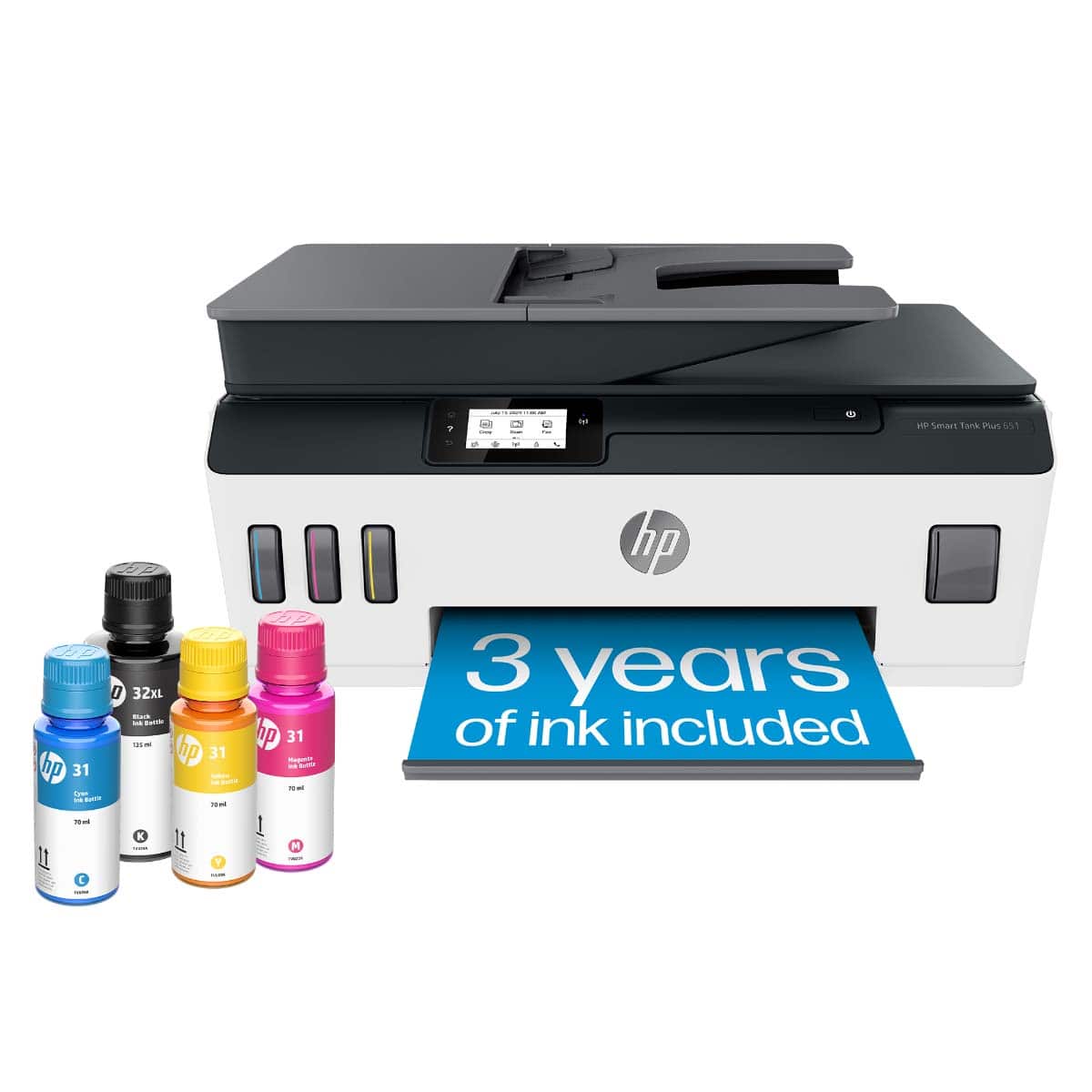
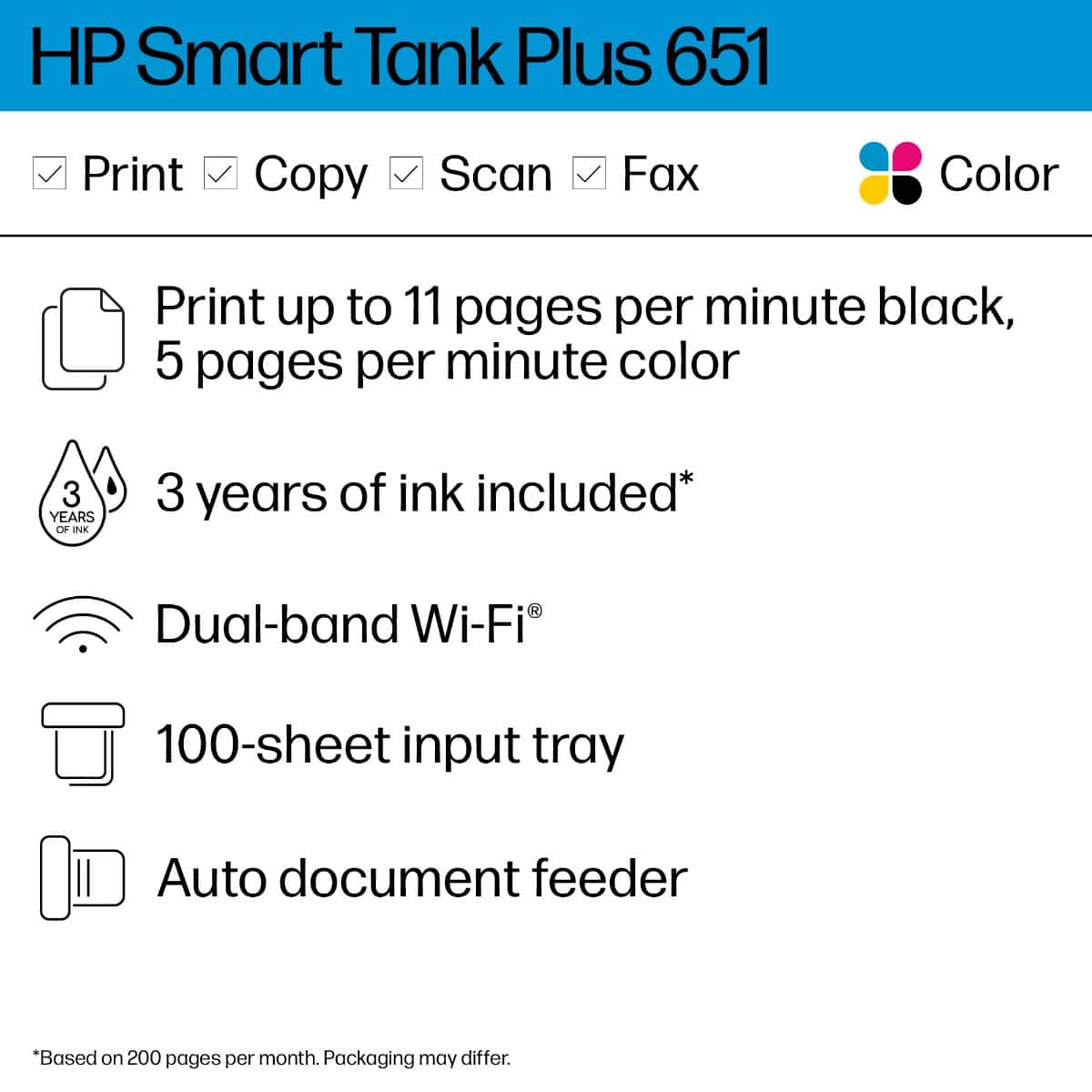
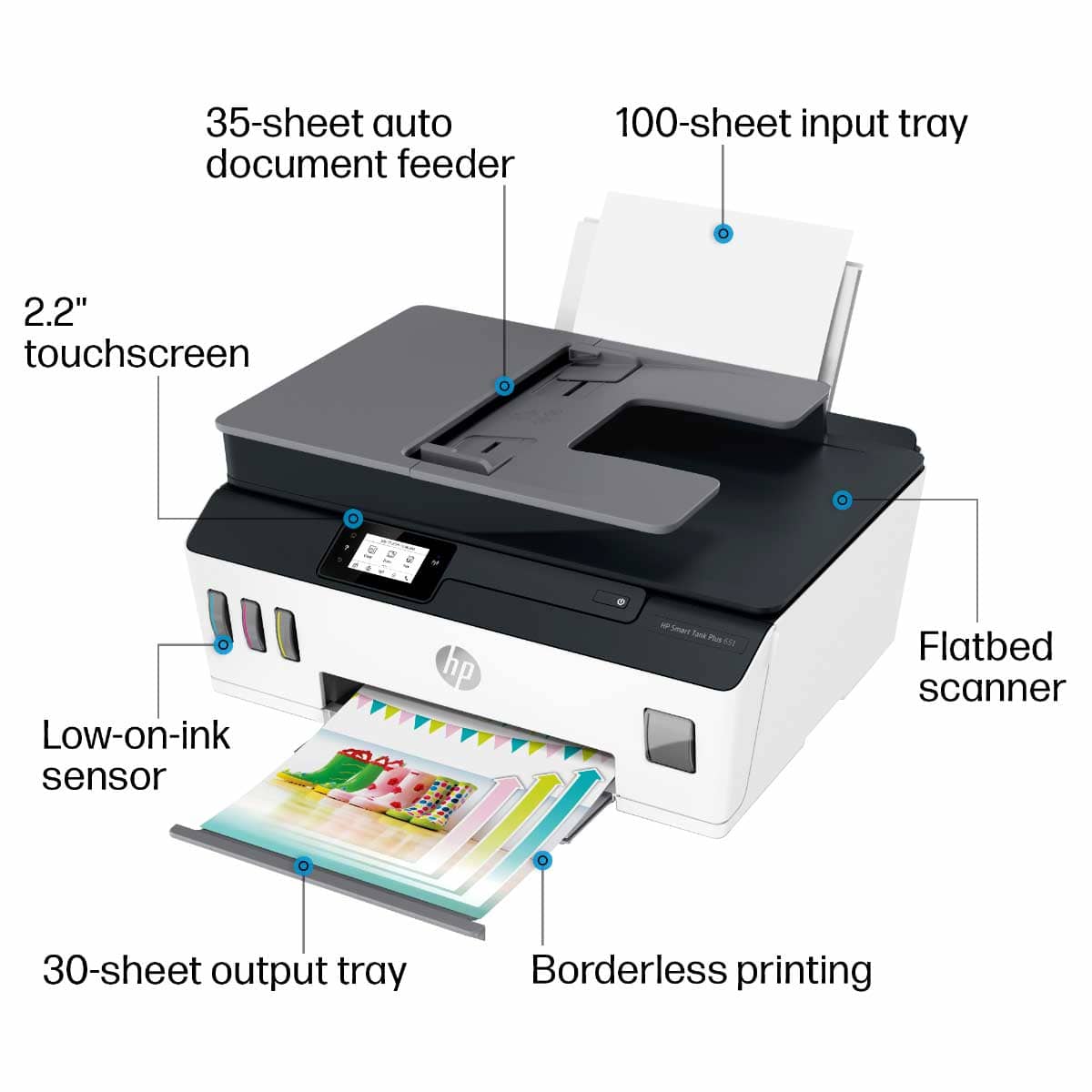
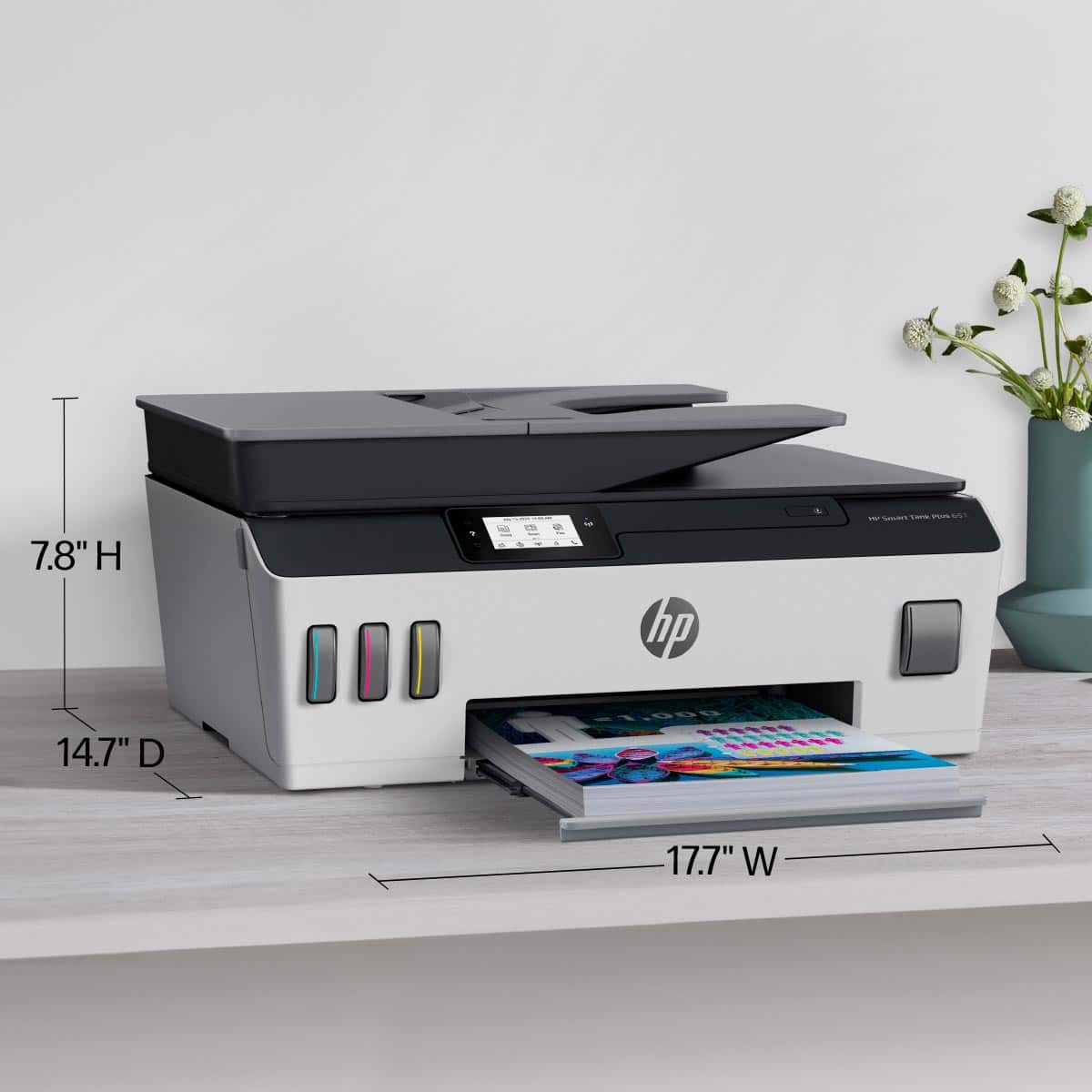
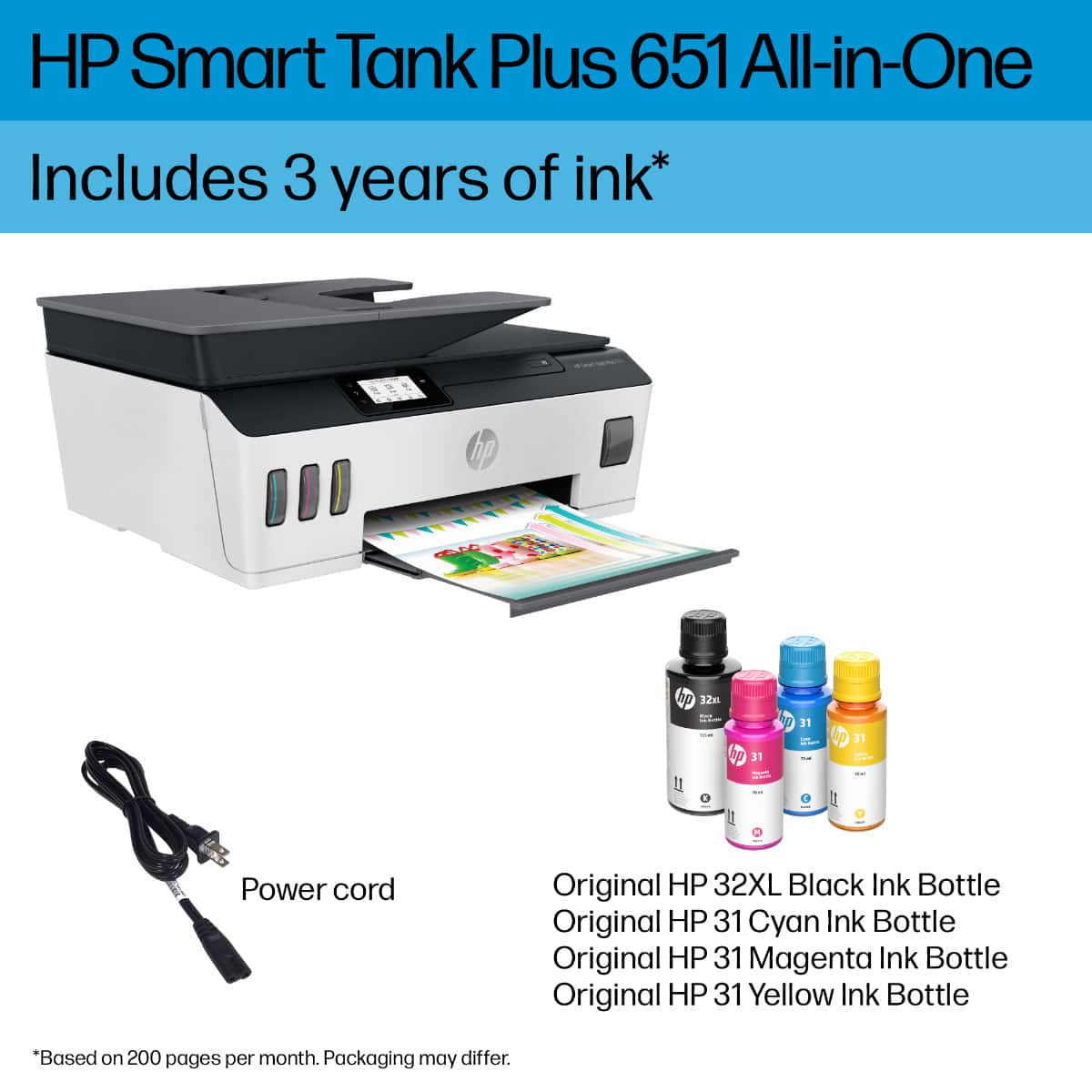
- SMART TANK 651/7XV38A#B1H
- SKU:
- 10757530
Rating by feature
- Value
Rating 4.2 out of 5 stars
- Quality
Rating 4.3 out of 5 stars
- Ease of Use
Rating 4.2 out of 5 stars
- Pros mentioned:Print quality

5 star with 1 concern
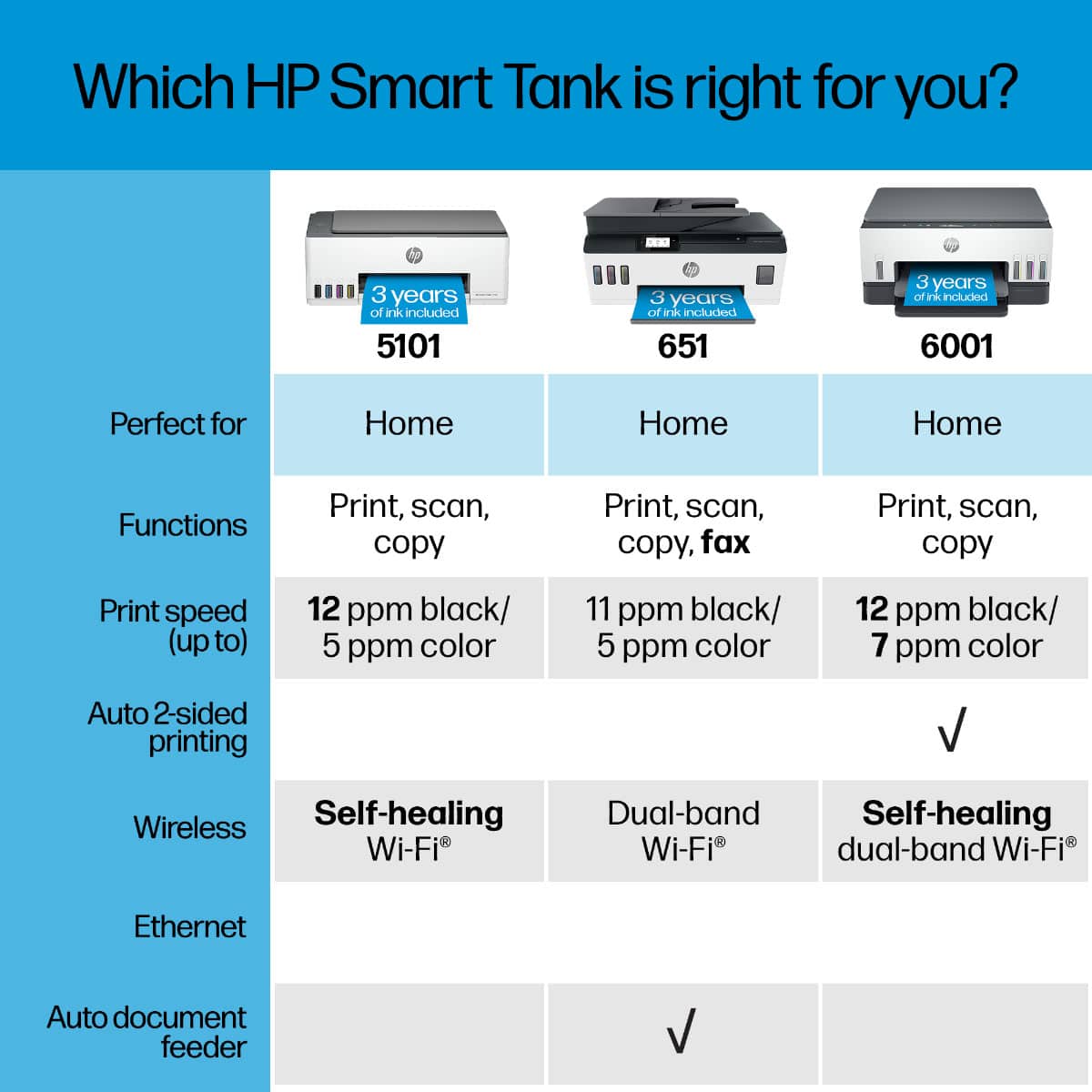
|Posted .This reviewer received promo considerations or sweepstakes entry for writing a review.I love this printer but 1 thing bothers me and that is the ability to automatically print double sided. I should not have to go manually resend the documents through. That’s my only problem with this printer. Set up was simple. Print quality is great, and the ink should last me a looong time. I am hoping there is a setting I am just missing with the double sided printing but I have not had that problem with my previous hp printers. Nonetheless I can live with it with how long the ink tanks are supposed to last and the quality of print.
I would recommend this to a friend average but complex
Posted .This reviewer received promo considerations or sweepstakes entry for writing a review.too complex for anyone other than a geek to set up all the features.
No, I would not recommend this to a friendOut with the Old and In with a New HP Smart Tank P
Posted .This reviewer received promo considerations or sweepstakes entry for writing a review.Just replaced my old HP Office 5740 with this new HP Smart Tank Plus Wireless all in One Printer. Love all the features love the speed!
I would recommend this to a friendHP Smart Tank Plus 651
Posted .This reviewer received promo considerations or sweepstakes entry for writing a review.Love the ink tank system. It will save us big money will do alot of printing for our job.
I would recommend this to a friend- Pros mentioned:Print quality
My own personal copy center
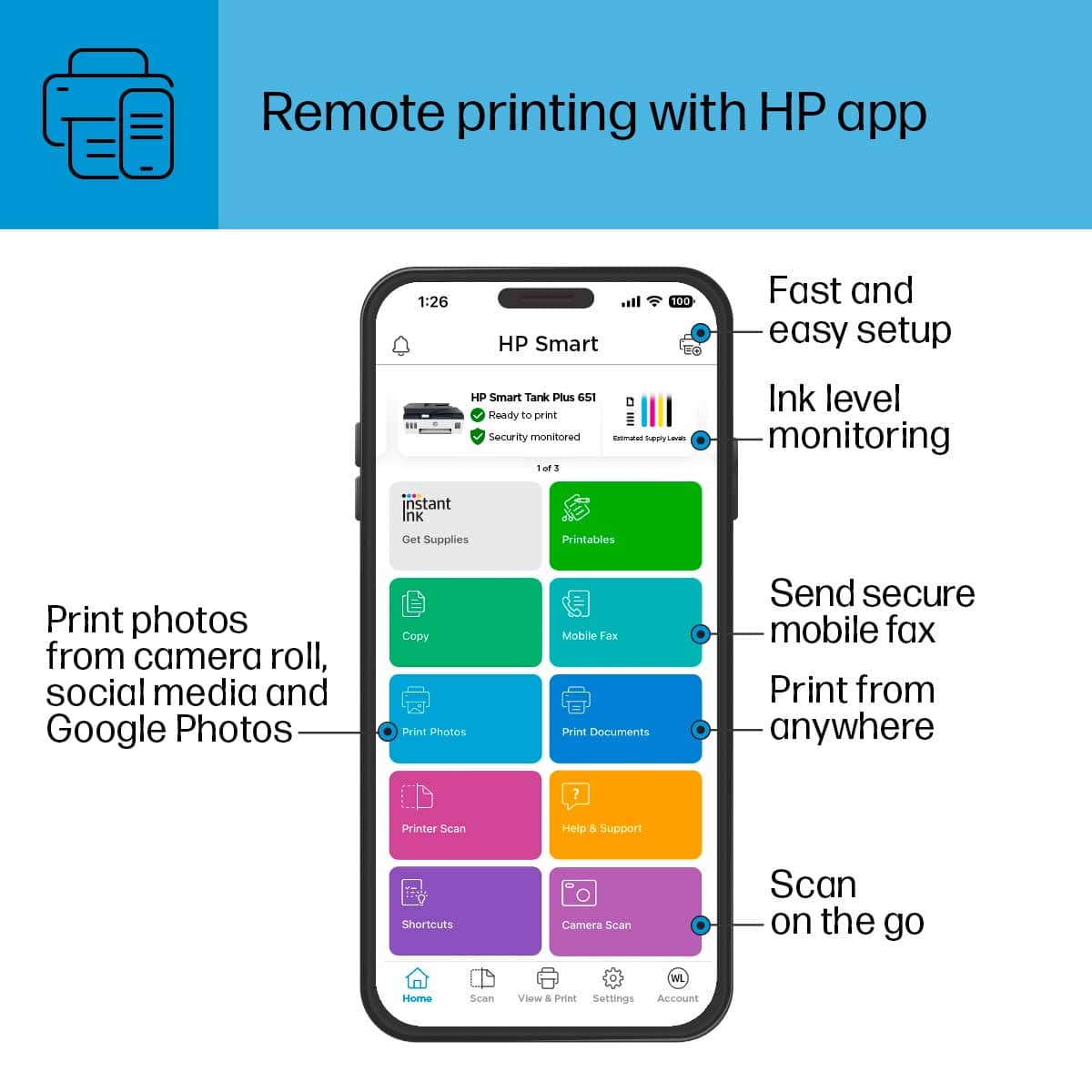
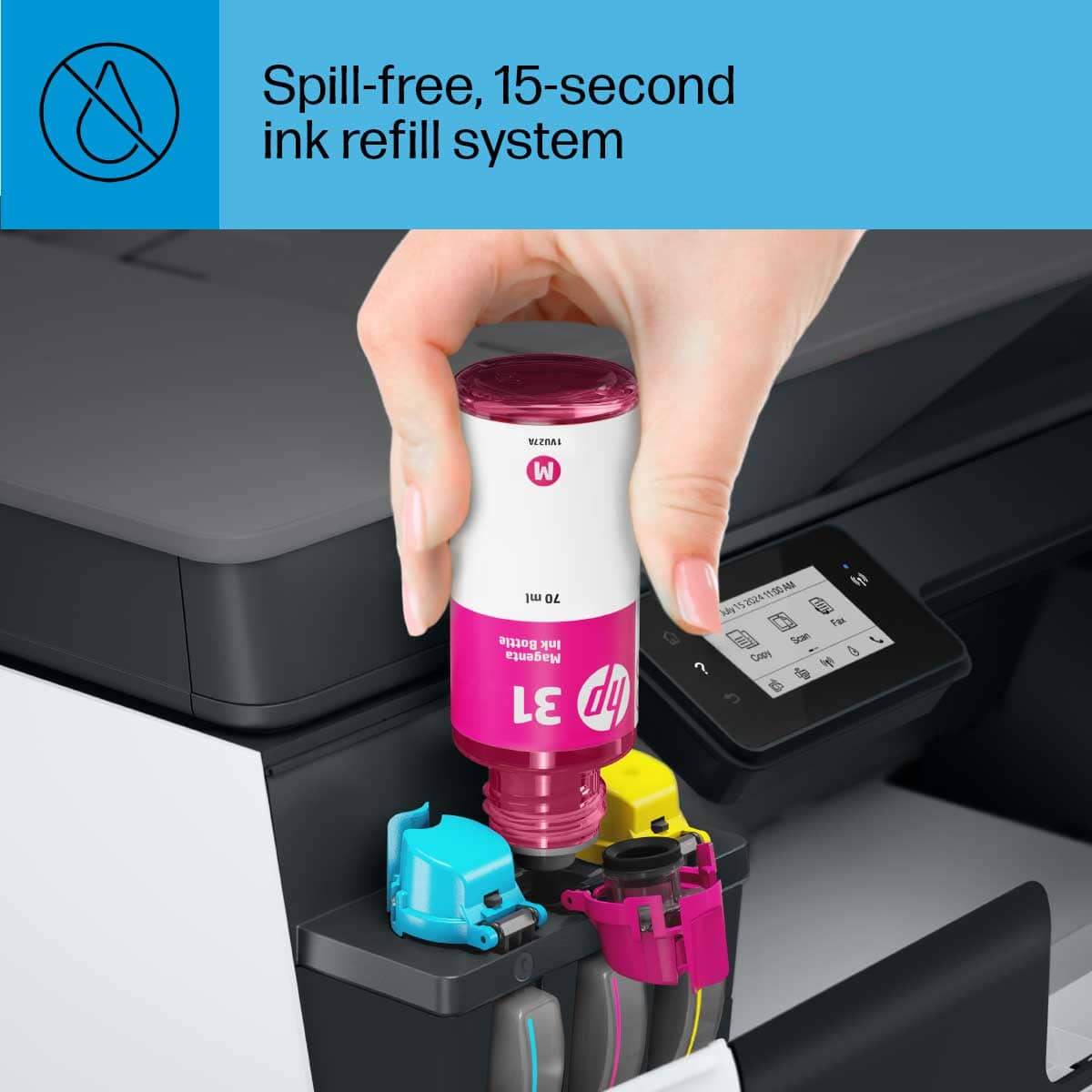
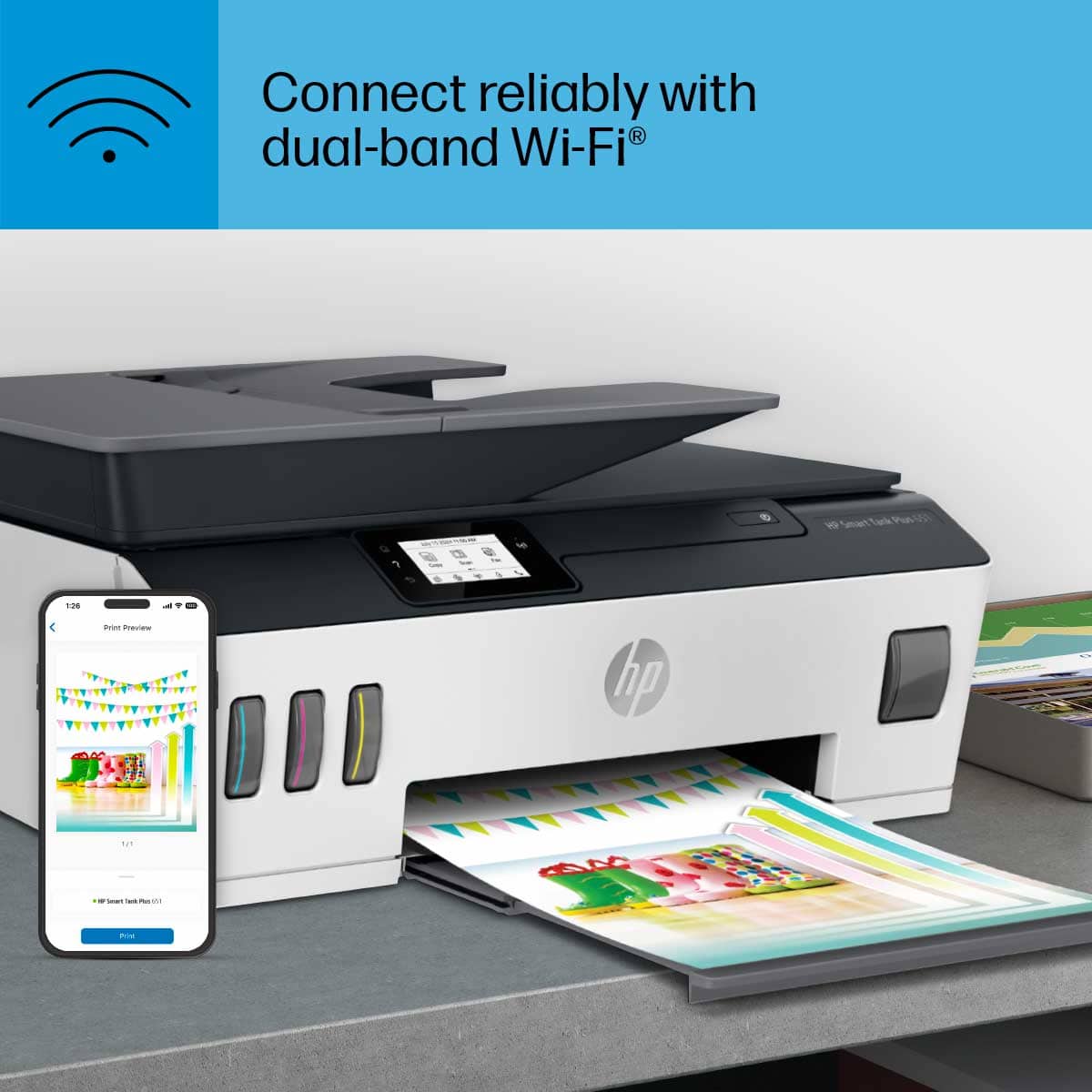
|Posted .This reviewer received promo considerations or sweepstakes entry for writing a review.This baby goes. It prints with amazing clarity. The setup was a easy through the app. And the extended ink supply is awesome. The Wi-Fi printing is great. A definite must have for any home office.
I would recommend this to a friend HP lives up to advertised
Posted .This reviewer received promo considerations or sweepstakes entry for writing a review.Worked as advertised and at a decent price point. Would recommend it to a friend
I would recommend this to a friendPrinter Review
Posted .This reviewer received promo considerations or sweepstakes entry for writing a review.Replaced a similar printer which had some quirks. The tank feature is great.
I would recommend this to a friend- Pros mentioned:Print quality
HP printer
Posted .This reviewer received promo considerations or sweepstakes entry for writing a review.The printer is a little pricey but it's a overall good printer.
I would recommend this to a friend Good printer
Posted .This reviewer received promo considerations or sweepstakes entry for writing a review.Live this printer. Very sleek and flat. Not bulky at all.
I would recommend this to a friend- Pros mentioned:Print quality
Awesome printer
Posted .This reviewer received promo considerations or sweepstakes entry for writing a review.Awesome print quality. Fast WiFi hookup, great value!!
I would recommend this to a friend Very easy to set up printer at home
Posted .This reviewer received promo considerations or sweepstakes entry for writing a review.I like the size of this printer because it doesn’t take up too much space. We mostly just need a printer to print out documents that needs our signature and what not so it works well for us.
I would recommend this to a friendUnimpressed...
Posted .This reviewer received promo considerations or sweepstakes entry for writing a review.Out of the box initial set-up was fairly easy. Ink was easy to fill. Was surprised the paper tray was not a full tray but a small external tray that holds less than 50 pages. The test alignment page never printed and the printer has an unexplained high pitched beeping noise. Overall I'm not impressed with the quality of this printer. The sound of parts moving is more like a cheap $50 printer and not $450. Duplex is manual, again, more like a $50 disposable printer. I will be returning this printer tomorrow.
No, I would not recommend this to a friendBrand response from HP Team
Posted .Hi there.
Thanks for your review and feedback. While I’m glad you found the printer easy to set up and the ink easy to fill, I’m sorry to hear you had bad experiences with some functions and design elements. I can understand how that would be a great disappointment, so if you’ve not yet returned the printer, let me see whether I can offer you some helpful suggestions.
First, from your review I can’t tell why the printer did not produce a test alignment page, nor why it emits the beep you describe. I suggest you contact us so that we can help you troubleshoot these issues. You can contact us directly via your preferred method at this link: hp.com/contactHP
I'll also mention that HP printers have a one-year warranty from their purchase date that covers hardware as well as ink supplies. You can verify the warranty using the following link: support.hp.com/us-en/checkwarranty
We’ve passed along your design observations to our design team. (I will point out that this printer has a paper capacity of 100 sheets.) If you buy HP in the future, remember that if you have questions or concerns, you can reach out to us for support any time. We're always here to help.
Keith
HP Care
hp.com/support
Scanning app crashed
Posted .This reviewer received promo considerations or sweepstakes entry for writing a review.Regular printing works fine. Color to photo paper - it messes up the last bit of the paper, scrunching it and ruining the document. The scanning app, however... I used the app to scan multiple pages into one document. On page 37 of 38, the app CLOSED. I lost all of the scans and have to do it over.
No, I would not recommend this to a friendPrinter
Posted .This reviewer received promo considerations or sweepstakes entry for writing a review.Geek squad person helped me to try and have the software load but it never recognized the printer. The gal stayed trying for 1.5 hours and couldn't get the software to load.
No, I would not recommend this to a friendProblems with print heads
Posted .This reviewer received promo considerations or sweepstakes entry for writing a review.This printer gave me an error saying to reinstall print heads, and if continued having the problem to replace heads, I called HP and was giving new heads but got the same problem. I ended up getting a replacement printer that had the same problem. I will be contact again in hopes they will solve this issue.
No, I would not recommend this to a friendWorst printer ever
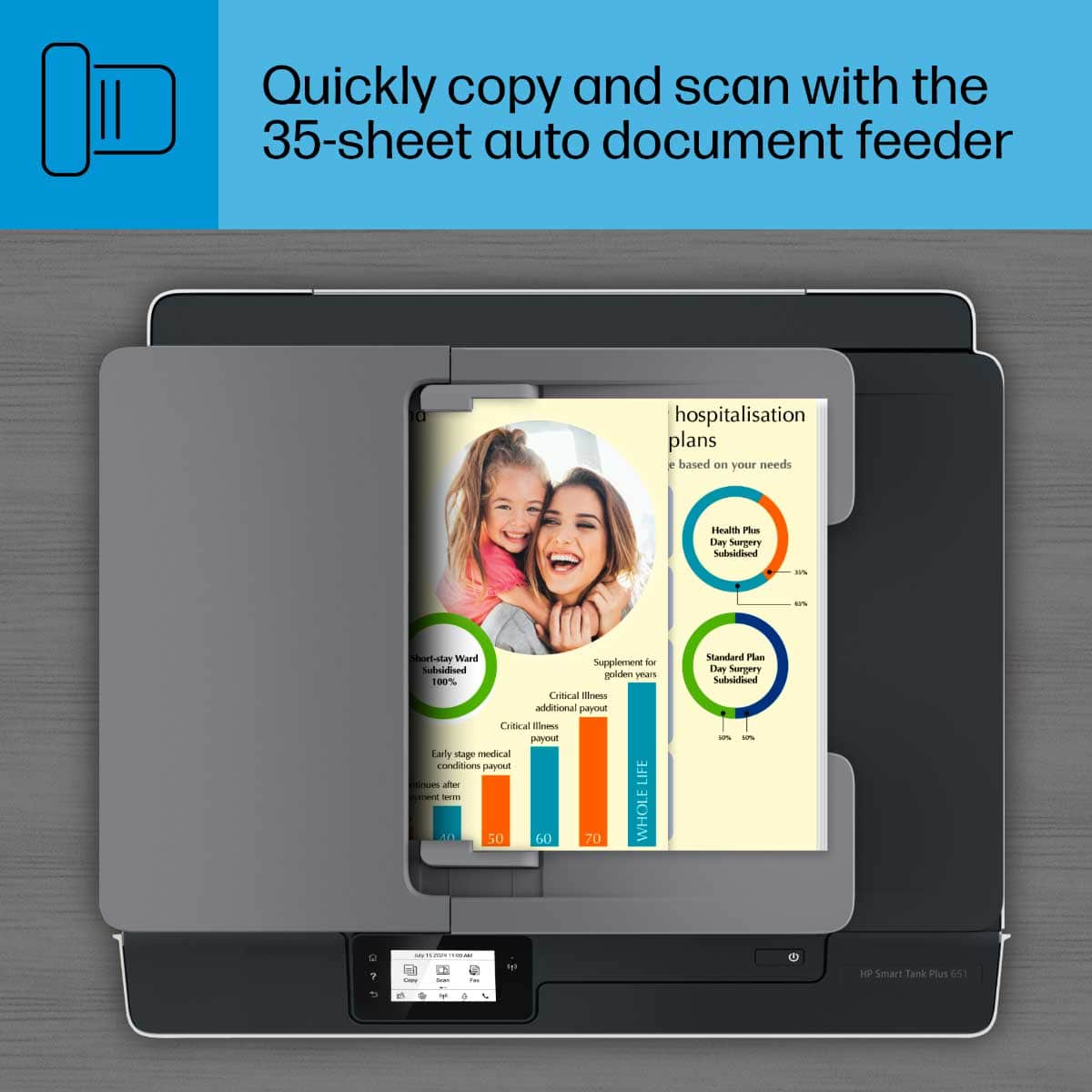
Posted .This reviewer received promo considerations or sweepstakes entry for writing a review.If I could give it zero stars I would. This printer has been nothing but trouble from day one. Even my IT techy wife struggles to use it. It has a convoluted setup, requiring multiple software installs to get it going. The scanning software stopped working after a month. And when you can scan, even thru the document feeder, it only scans one page at a time - you have to start a new scan process using their software for every single page, selecting your settings every time. Heaven forbid you need to scan something that's 5 pages long - it's 5 separate scans and takes 5 times as long to do as it needs to.
No, I would not recommend this to a friendBrand response from HP Team
Posted .Hi there.
I’m sorry to hear that your printer has caused you such inconvenience. I can understand why a difficult installation followed by problems with the scan feature would be a huge frustration, so I’ll offer some resources and information that I hope will help.
First, you can find several troubleshooting guides on the scan feature here, along with user manuals, video tutorials and software updates:
- support.hp.com/us-en/product/hp-smart-tank-plus-650-wireless-all-in-one-series/18695943/model/31017110/troubleshooting
If the problem persists, I recommend that you contact us directly at +1 800-474-6836 so we can help you through the proper troubleshooting. (Please note that because of restrictions on personal movement and workplace attendance associated with the COVID-19 pandemic, wait times for agents are longer than normal. Thanks in advance for your understanding.) To expedite the process, I recommend gathering the following information before the call:
- Model number
- Serial number
- Your location
- Case number (from any previous contact with HP support)
I'll also mention that HP printers have a one-year warranty from their purchase date that covers hardware as well as ink supplies, so if it comes to that, you might consider making use of it. You can verify the warranty using the following link: support.hp.com/us-en/checkwarranty
Keith
HP Care
hp.com/support
Worst value for price & Printer I've owned!!!
Posted .This reviewer received promo considerations or sweepstakes entry for writing a review.This is the worst printer I've ever owned!The quality has always been terrible, and there's no way to get the alignment page to be recognized by the scanner when using the alignment tool. Worst value for price, and I'm going back to the cheaper $100 range printers. This will also be my last HP purchase!
No, I would not recommend this to a friendI definitely want my money back
Posted .This reviewer received promo considerations or sweepstakes entry for writing a review.Can't get it to copy. Just says "copying" for hours. Then if I hit cancel, I have to turn it off so it won't say "cancelling" forever. And no 2-sided printing?!
No, I would not recommend this to a friendBrand response from HP Team
Posted .Hi there.
I’m sorry to hear that your printer’s copy function has not worked like it should. Your review is short, but your frustration is clear – and understandable – so I’ll offer some resources and information that I hope will help.
First, I recommend that you follow this guide to resolving copy problems; it covers copiers that stop working as well as copy-quality issues:
- support.hp.com/us-en/document/c05337009
If the problem persists, I recommend that you contact us directly at +1 800-474-6836 so we can guide you through the proper troubleshooting. (Please note that because of restrictions on personal movement and workplace attendance associated with the COVID-19 pandemic, wait times for agents are longer than normal. Thanks in advance for your understanding.) To expedite the process, I recommend gathering the following information before the call:
- Model number
- Serial number
- Your location
- Case number (from any previous contact with HP support)
I'll also mention that HP printers have a one-year warranty from their purchase date that covers hardware as well as ink supplies, so if it comes to that, you might consider making use of it. You can verify the warranty using the following link: support.hp.com/us-en/checkwarranty
Keith
HP Care
hp.com/support
Not a good printer
Posted .This reviewer received promo considerations or sweepstakes entry for writing a review.The printer worked fine in the beginning. Eventually, the print quality started to decline. I would get random print errors with no solutions on how to fix it. There would be errors with the printheads and I couldn't find replacements anywhere. Not worth the money.
No, I would not recommend this to a friendWorst buy ever
Posted .This reviewer received promo considerations or sweepstakes entry for writing a review.Worst product hp ever made. It does not print properly and hp did not help with the issue.
No, I would not recommend this to a friend