Customer Ratings & Reviews

- Model:
- 23-s010
- SKU:
- 9690111
to a friend
Customers are saying
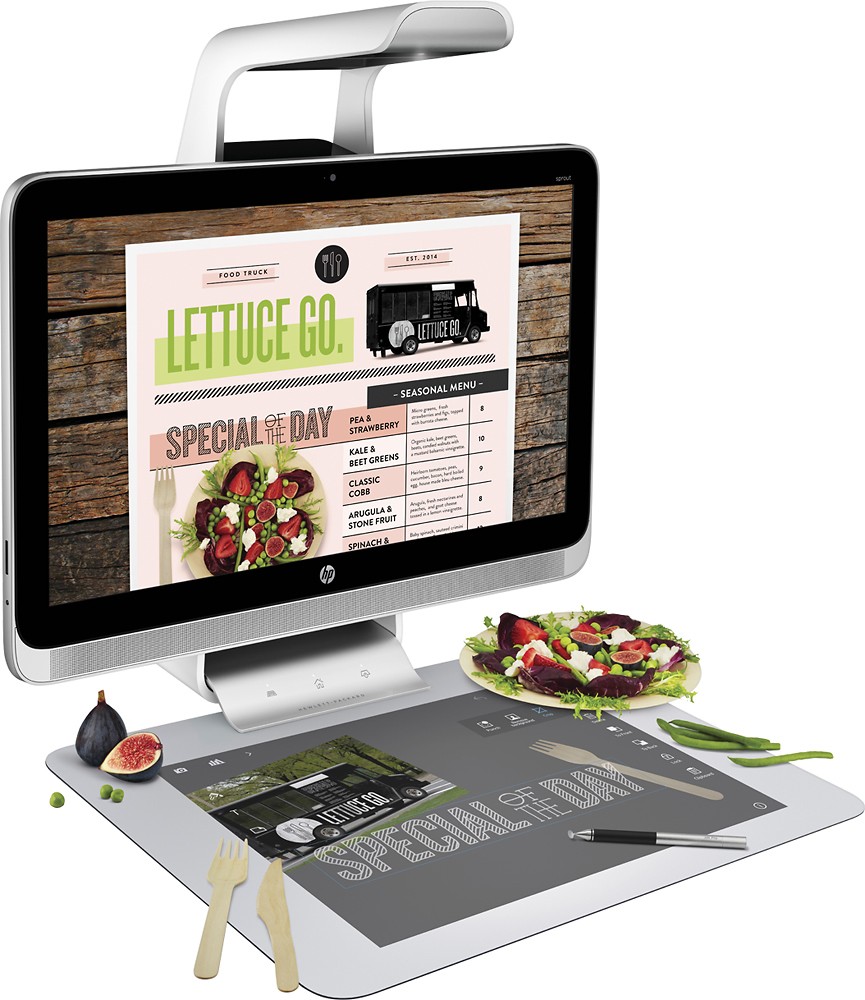
Customers frequently mention the touch screen as a positive feature, praising its intuitive functionality for tasks such as presentations and graphic design. The ability to use the touchscreen as a second screen is also highlighted as a convenient and interesting aspect. There were no negative customer comments reported.
This summary was generated by AI based on customer reviews.
- Pros mentioned:Touch screen
A Revolution is Here
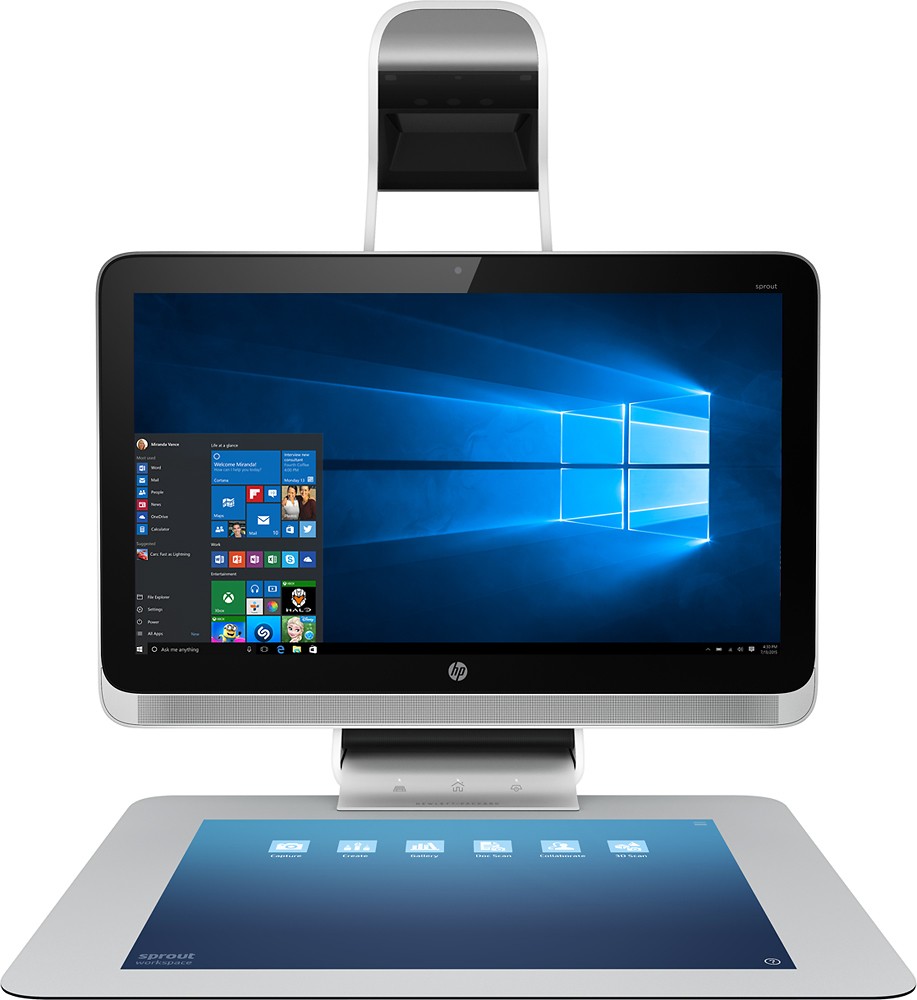
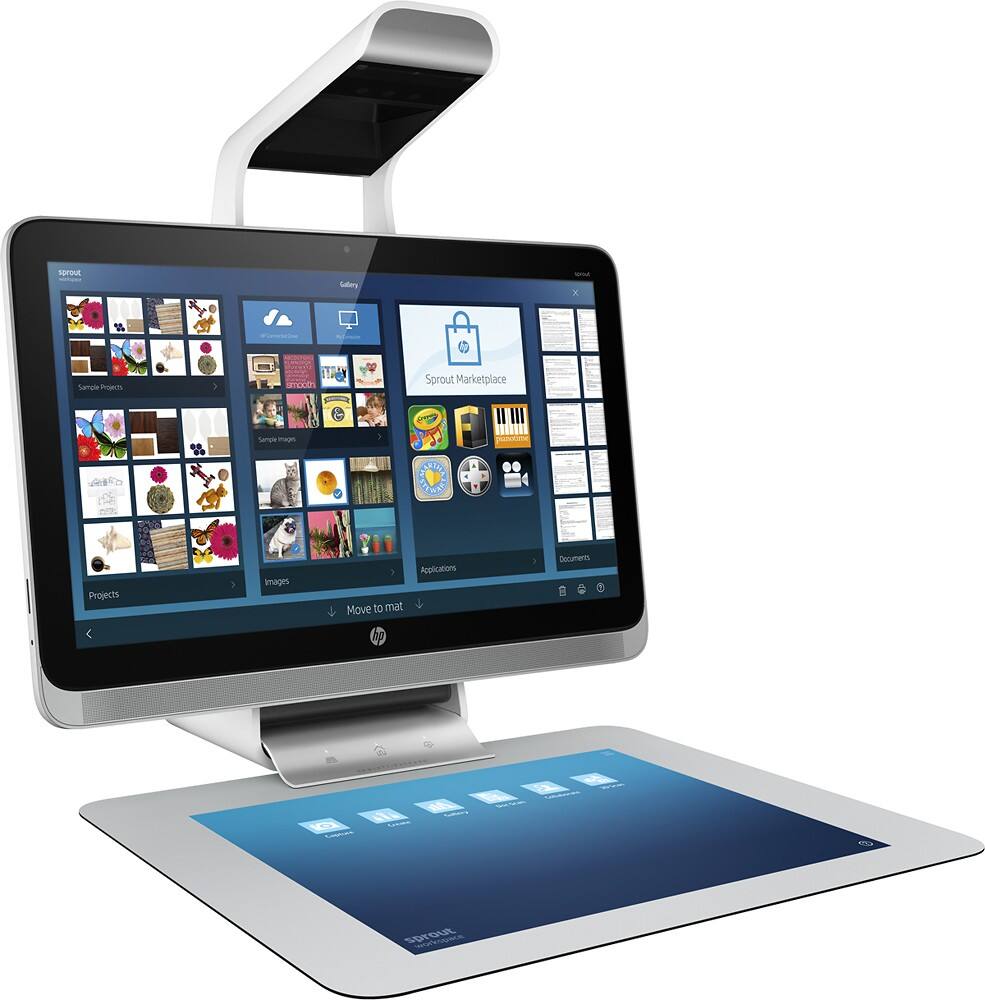
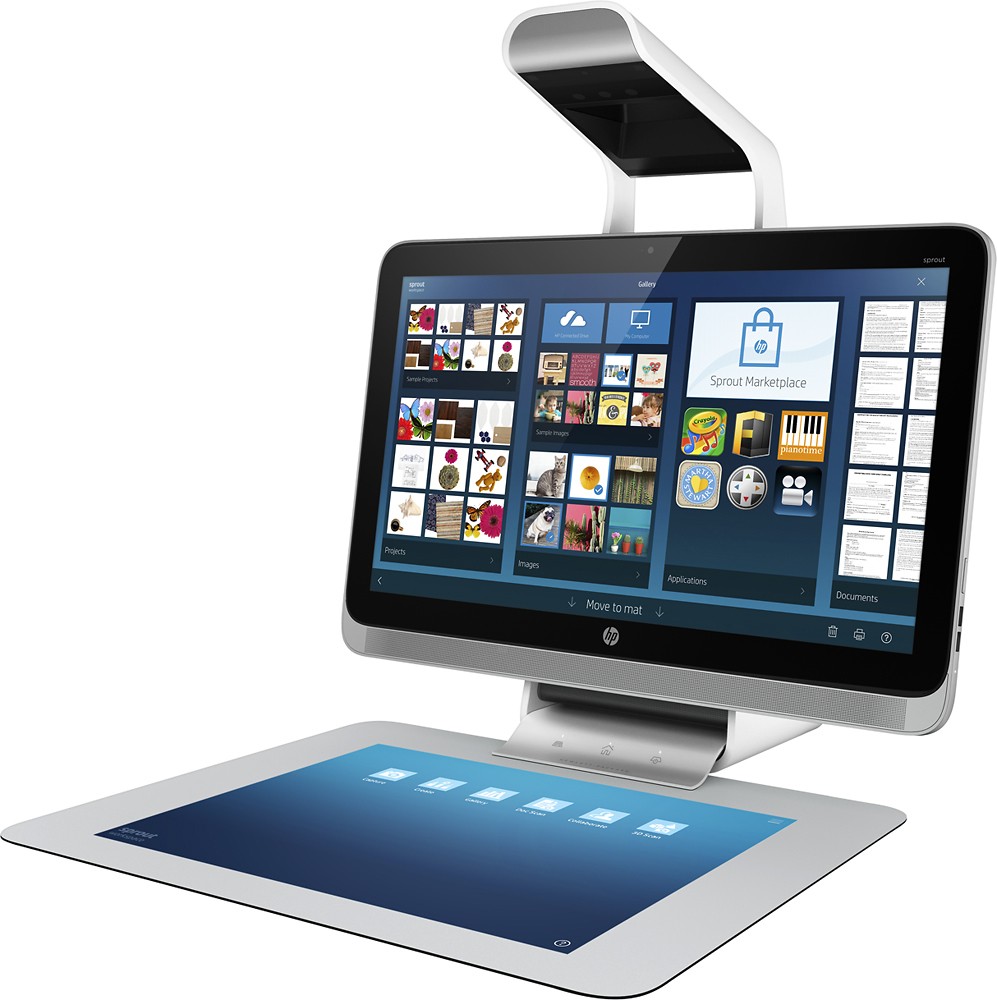
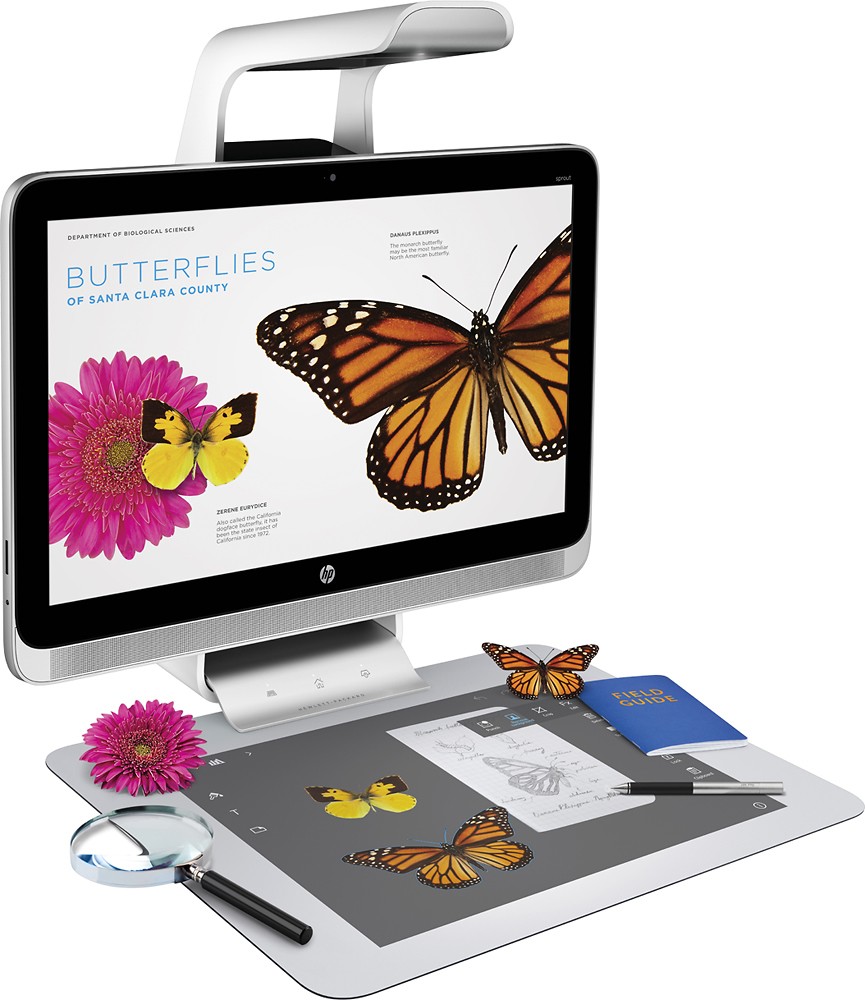
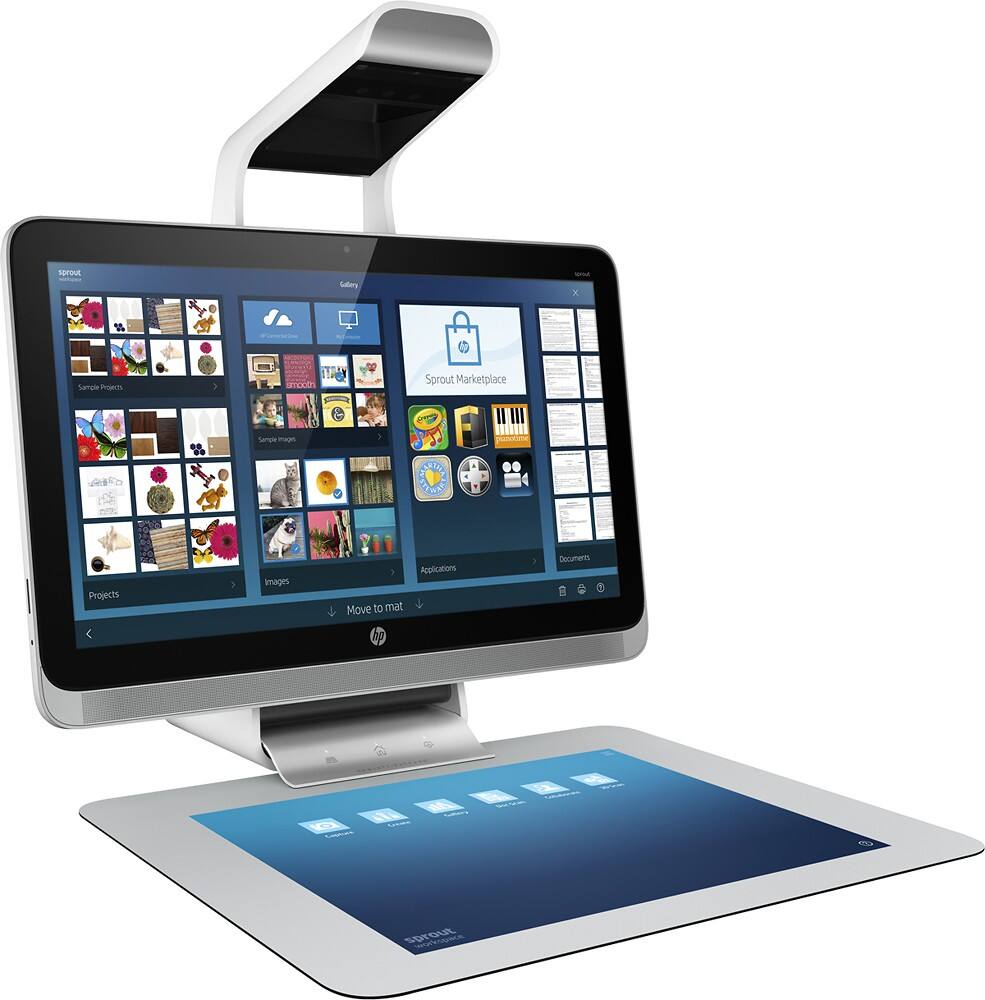
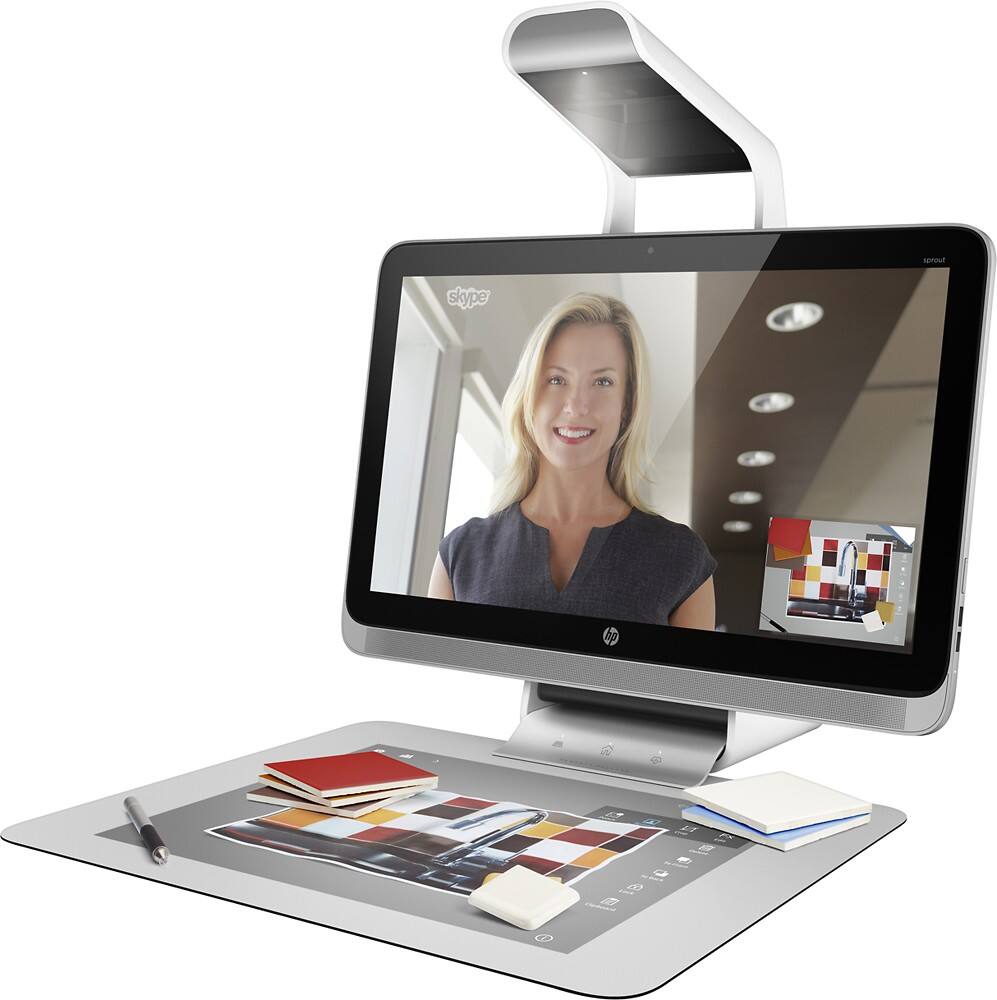
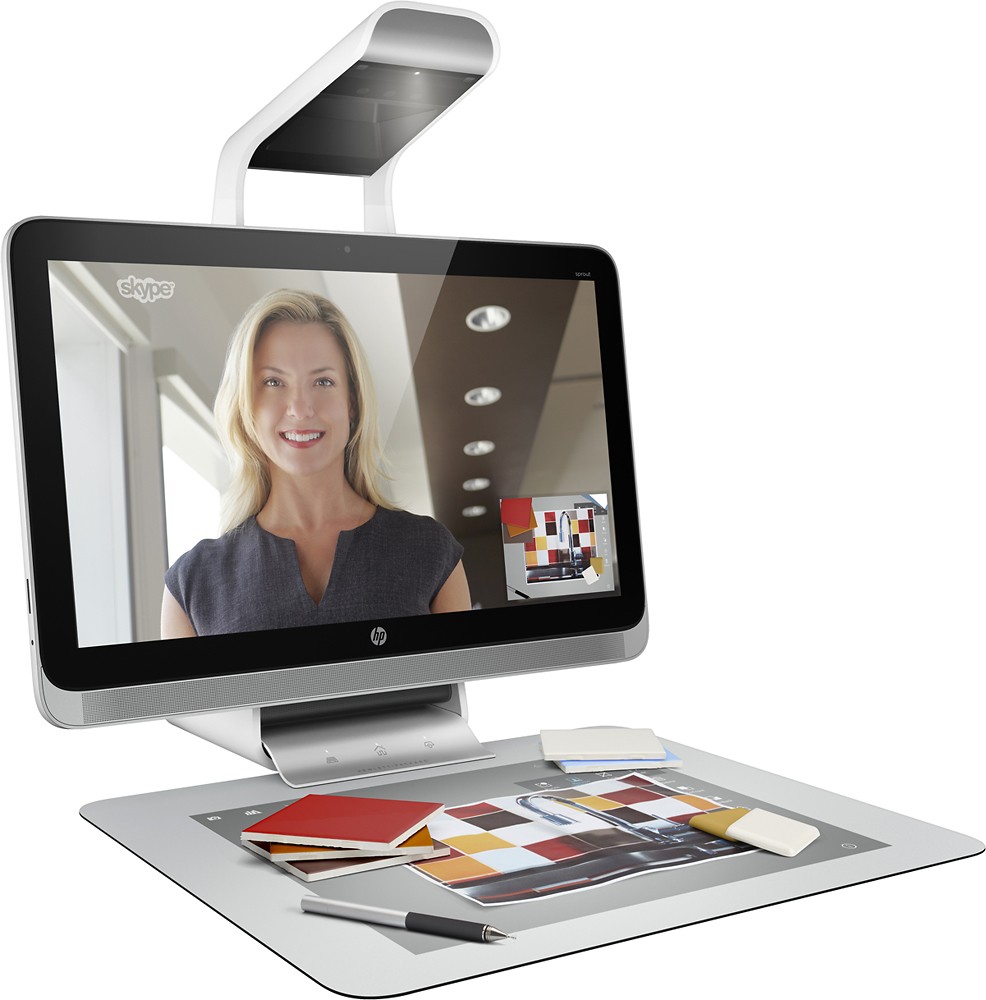
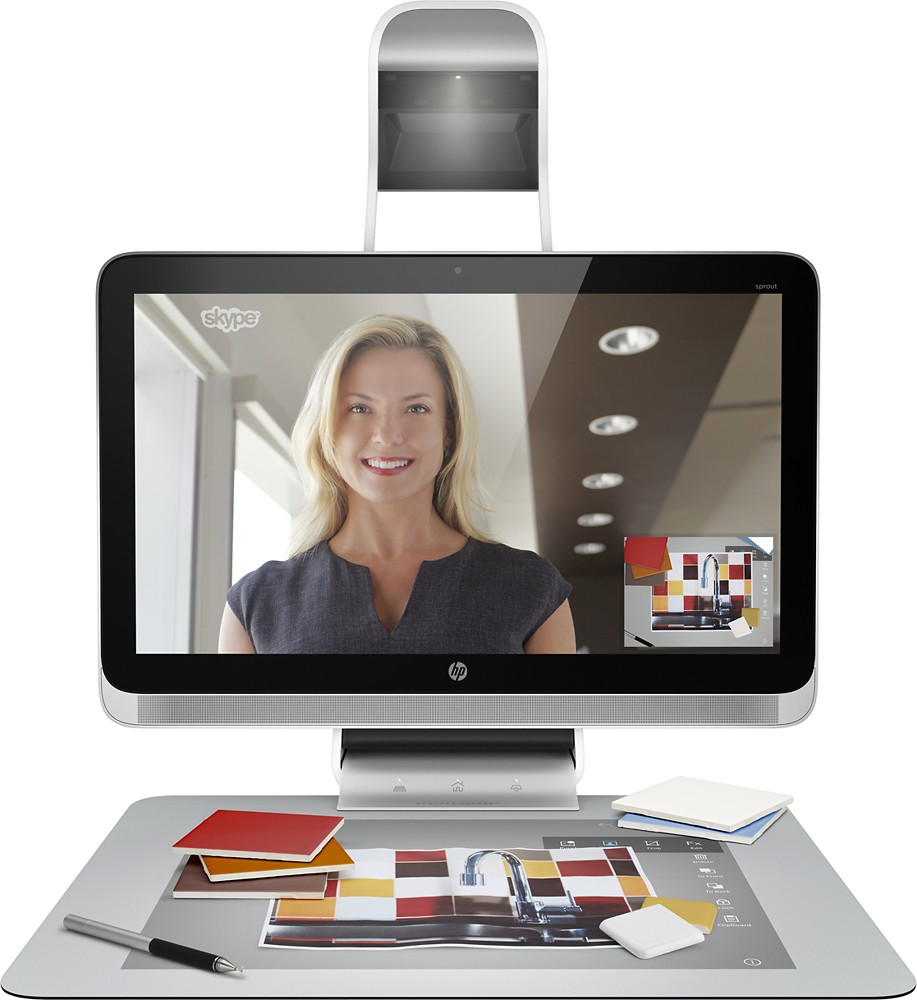
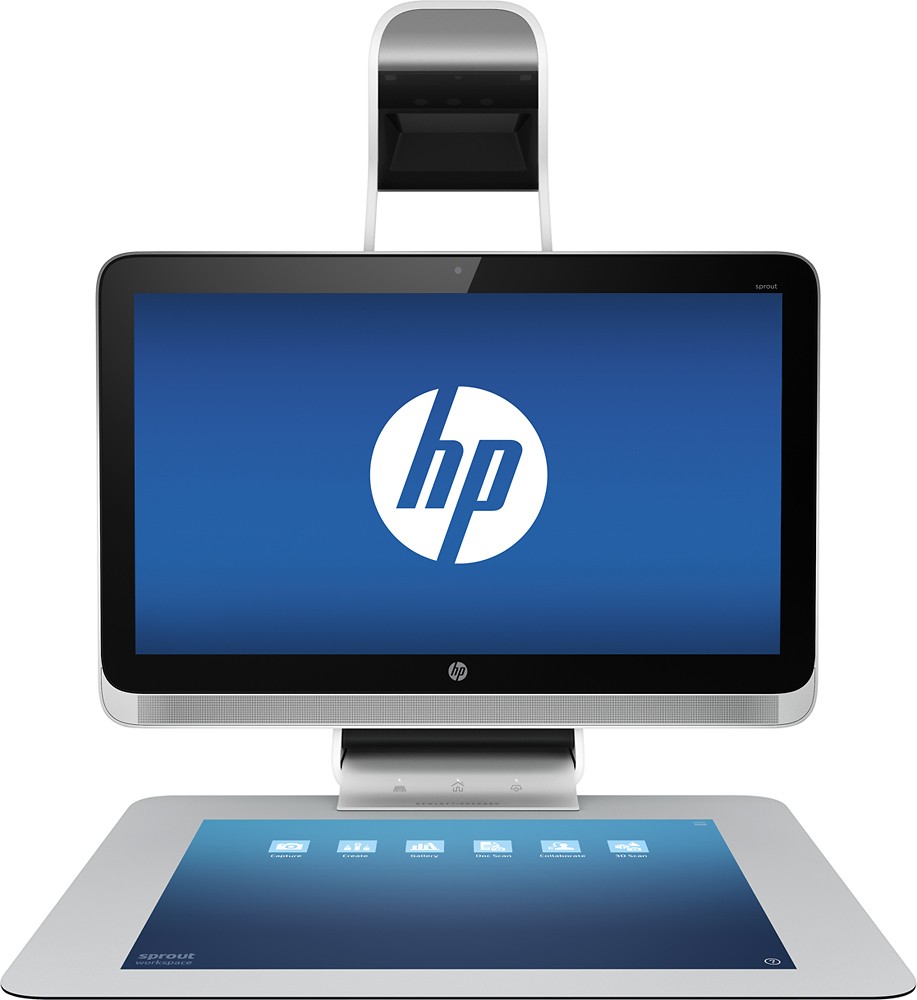
Posted .This reviewer received promo considerations or sweepstakes entry for writing a review.There’s a lot to say about Sprout, but I think there’s a main feature that needs to be emphasized: the new physical user interface. Working on projections on the touch mat is very natural: this is a huge advancement in computing. You might imagine laying an LCD monitor flat on the table as a second screen, but that would be cumbersome to work on. The real deal is generating work on the mat. The system is usefully fast: I could draw with the stylus without any time lag in the line appearing on the mat. I haven’t had that good experience on my older computer setups: it really is like drawing on paper with a pen. Incidentally, palm smudges are easy to avoid by resting your palm on a manila folder, or some other barrier, placed on the mat. In addition to the included Sprout specific applications, applications from the Windows Start screen can be played on the mat. I especially enjoy Solitaire and looking a panorama photos from the MSN Travel app in addition to using Fresh Paint. Add in the ability to photograph objects and scan documents on the mat, and you have a real winner. You can tap a Capture to Sprout button in Office Word, and the document on the map, using OCR, generates text in Word. Sprout has rough spots to iron out and needs more apps, but its an exciting advancement in the pc interface.
I would recommend this to a friend So much potential.
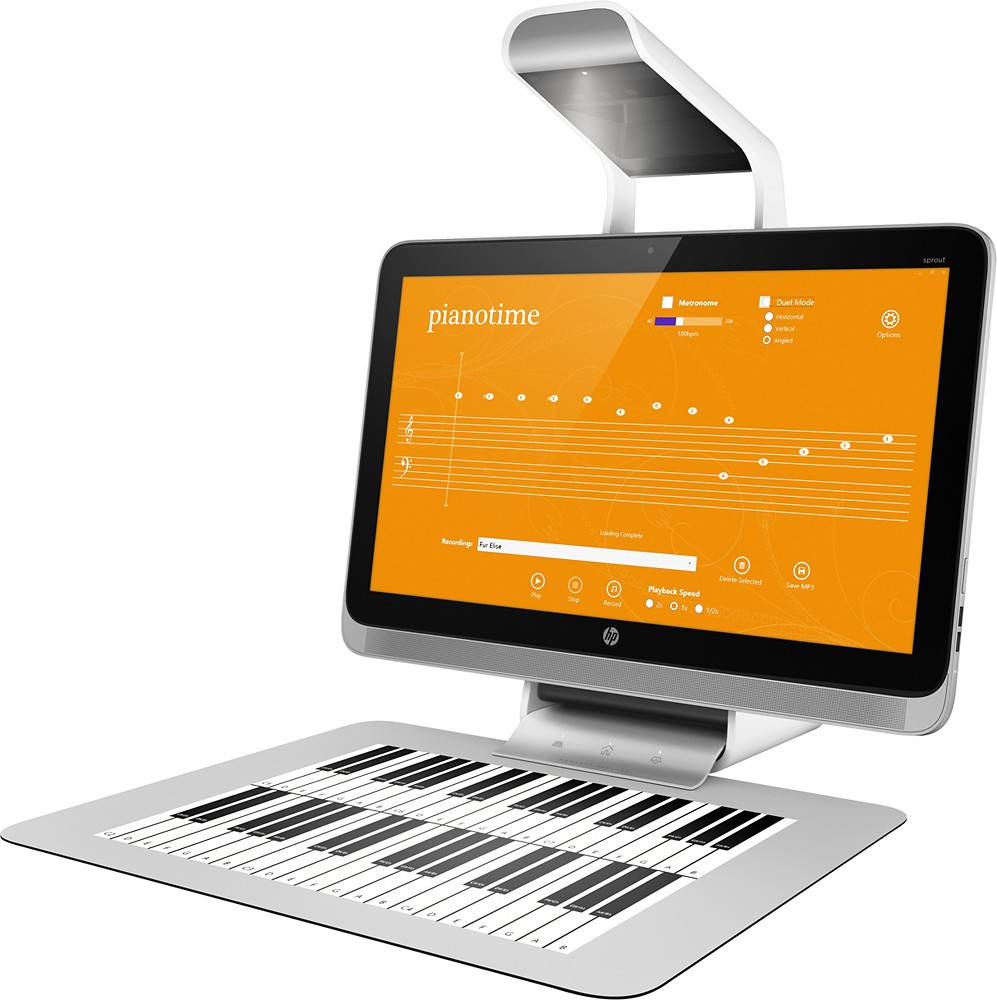
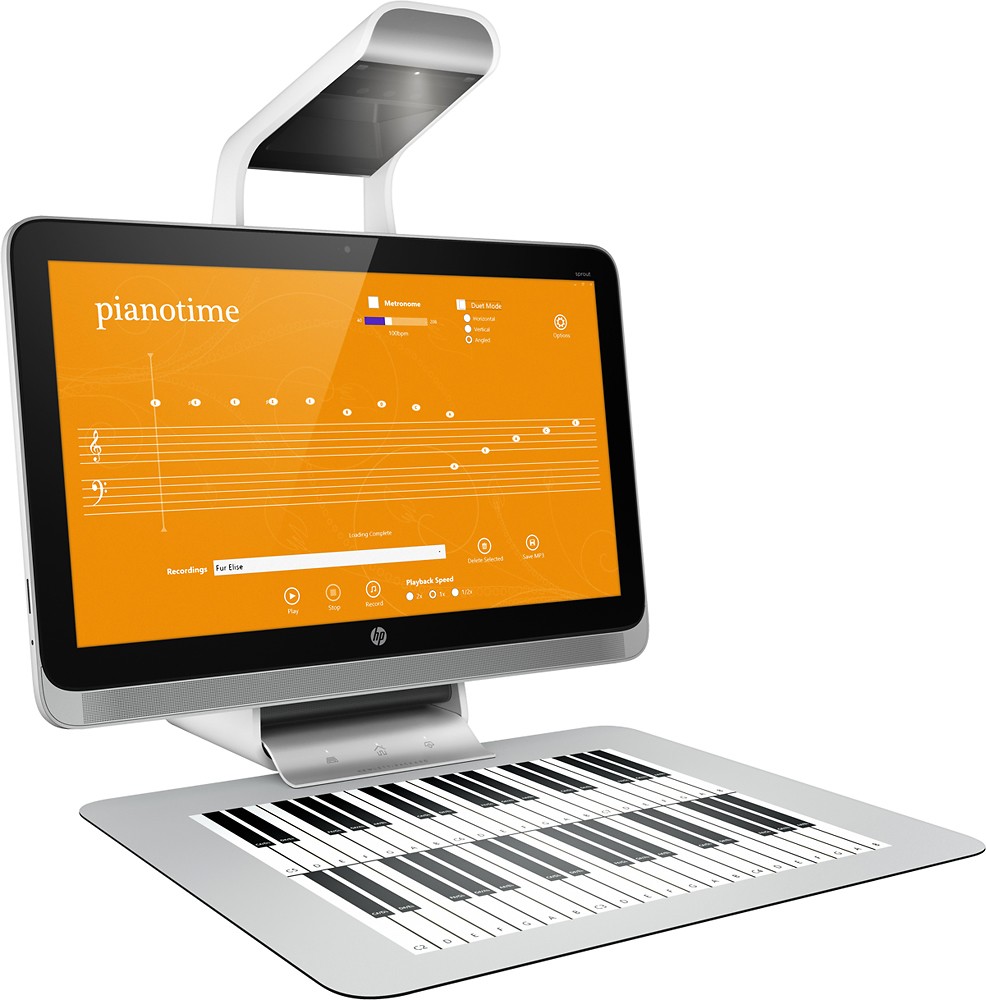
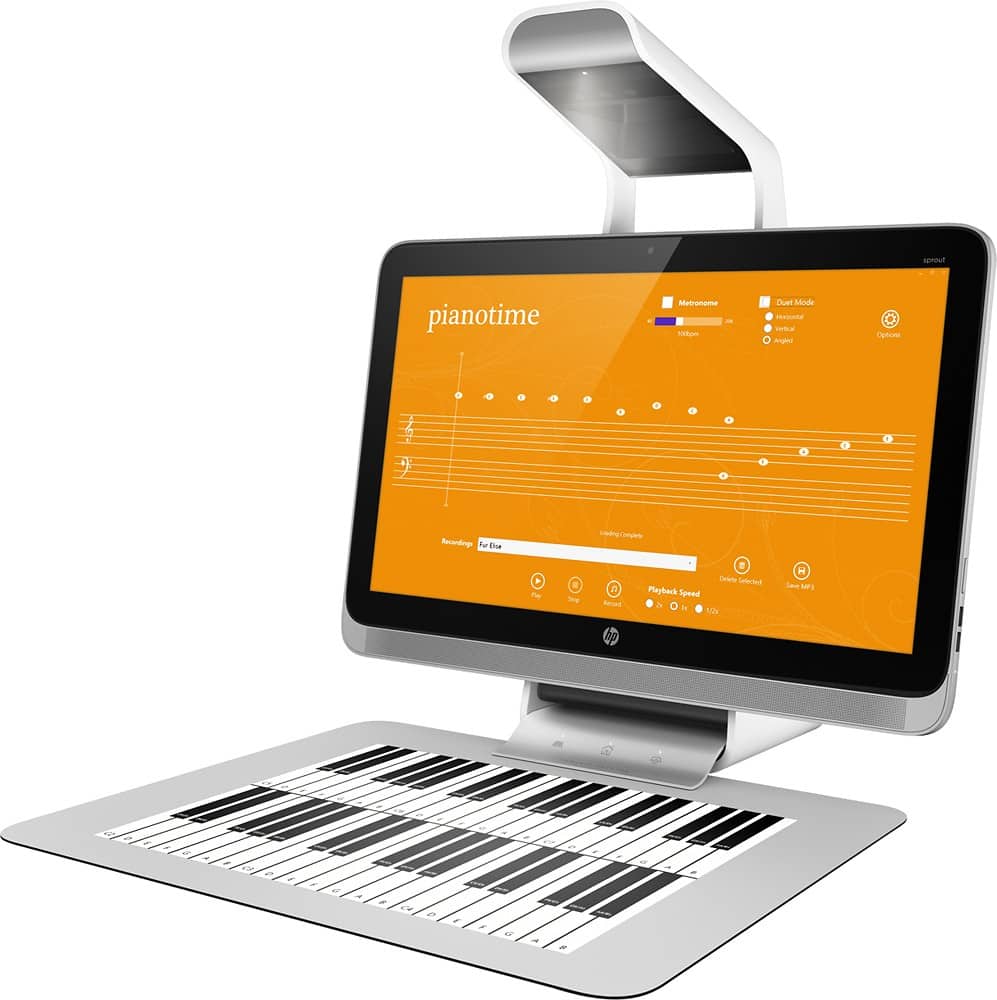
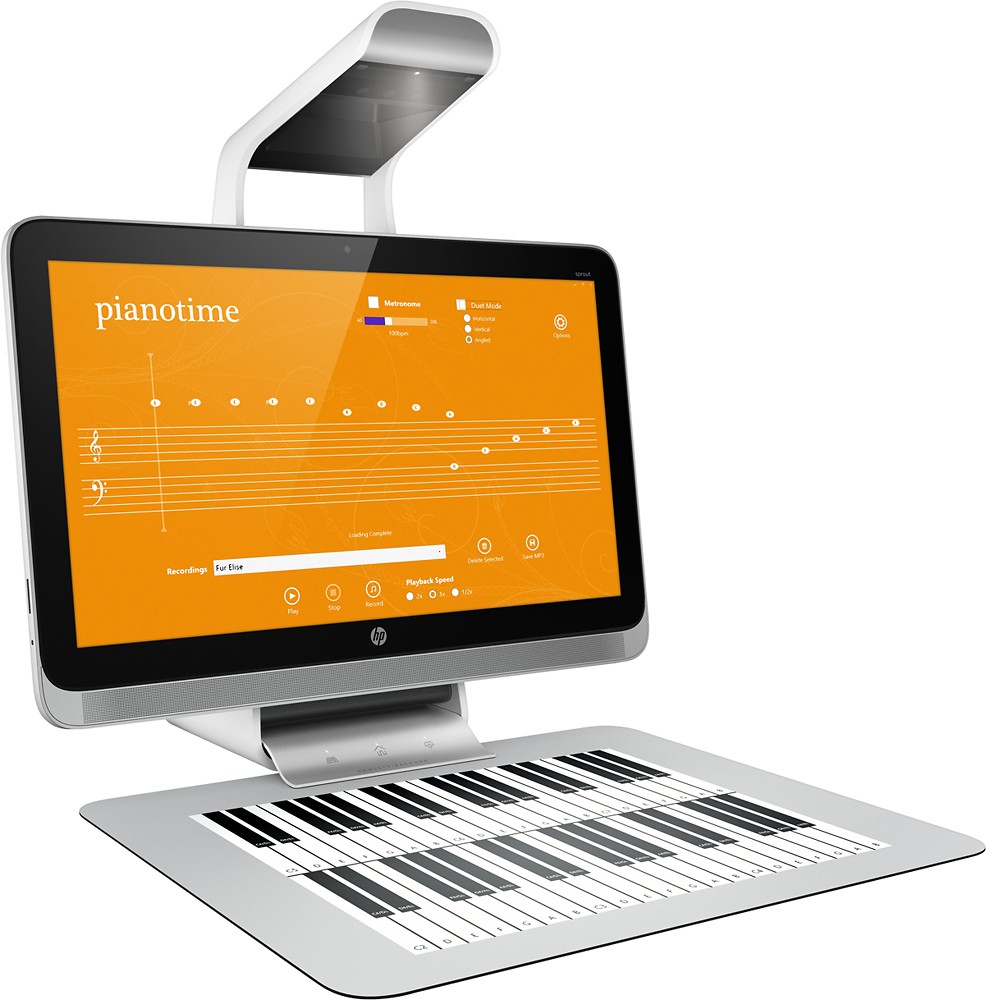
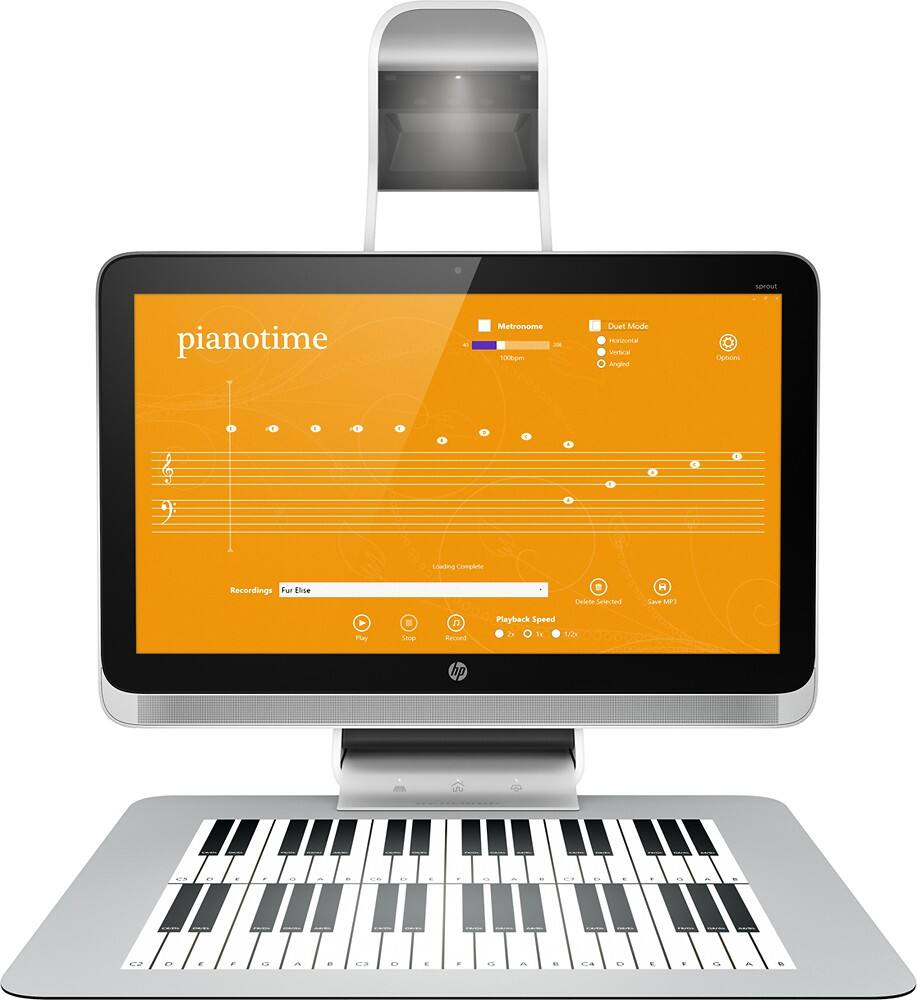
Posted .This reviewer received promo considerations or sweepstakes entry for writing a review.I have had my Sprout since week one and waited until now so I could give it a fair review. First off I am a Mac person but I also love new technology and new innovations. I also own my own media creations business and teach. The Sprout is the first computer in a long time that I felt had the potential to be a game changer. The Sprout suite still seems unfinished but hen it come to media creation the sky could be the limit. At this time it is limited due to a small selection of software, but despite the limited software you still can do a lot. I even feel that this device with the right software can compete with Adobe's suite( which in the long run can be cheaper). Educators can use the Sprout to make the learning environment fun for all ages. Even at home my daughter, age 3, enjoyed the device and with a little instruction created a picture for school, painted a picture and learned to play a little piano (we even did a duet) . My wife and I were so impressed at how quickly she caught on. Hopefully HP has developers on board because with them the future is very bright. This device to me is worth the investment based on its future potential.
I would recommend this to a friend- Pros mentioned:Touch screen
It's a cool but limited first try
Posted .This reviewer received promo considerations or sweepstakes entry for writing a review.Very limited software, low resolution 2d sans. The first 3d scan looked strange on its left side with no right side. I repositioned the object towards the center then the app failed the next two scans. The software seems to be very basic and immature. The ergonomics isn't great reaching so far over the mat. Resolution and software are lacking to the point of making this limited to what audience you would be willing to show the final product to. This would be fun for younger kids to get creative in a more tactile way then just a keyboard & mouse. The dual screen function is pretty cool and I was able to play with widgets and the browser in some situation but not others. If you have extra money laying around then support HPs effort and get one.
No, I would not recommend this to a friendBrand response from HP Team
Posted .Thank you for taking the time to review the HP Sprout. We value your opinion and would love to talk to you directly about your experience with the product. Please send your contact information to maryann.antonelli@hp.com and someone will contact you shortly. We look forward to hearing from you.Thanks

Powerful and multi functional
Posted .This reviewer received promo considerations or sweepstakes entry for writing a review.After well over a year of owning the HP Sprout I'm very satisfied! It came with Windows 8.1, but the upgrade to Windows 10 was smooth and effortless. The computer itself is very powerful with plenty of processing power and speed and ample storage. The projector is a whole new world and its capabilities are near endless. Being able to directly scan documents into a pdf document is great, as well as pulling documents emailed to you down onto the mat, sign and date the document, then scan and email back in a matter of minutes saves a lot of time and hassle. The graphics are fantastic as is the sound quality. The only drawback is the size of the unit with its projector and the mat, takes up a little bit more room than a monitor or all in one. But don't let that stop you. If you deal with a lot of paperwork, pictures, graphic art, etc. this computer is fantastic and will not only not let you down, but amaze you!
I would recommend this to a friend- Pros mentioned:Touch screen
Srout is user defined multipurpose product
Posted .This reviewer received promo considerations or sweepstakes entry for writing a review.30sec of time with this product is not enough, because like anything new it requires some learning, but 10-15min may suffice to learn basics, it is simple and intuitive; I went to a store that was listed by HP for this product in my area, so HP rep was there to explain features; I liked it, it is interactive, multipurpose kind of technology that is good for designers, arts, school, and visual creativity; even larger screen can be attached for presentations; overall I rate it high, esoterically appealing and productive use product.
I would recommend this to a friend