Customer Ratings & Reviews



Customer reviews
Rating 4.1 out of 5 stars with 7 reviews
(7 customer reviews)to a friend
Rated 5 out of 5 stars
Fantastic premium mechanical keyboard
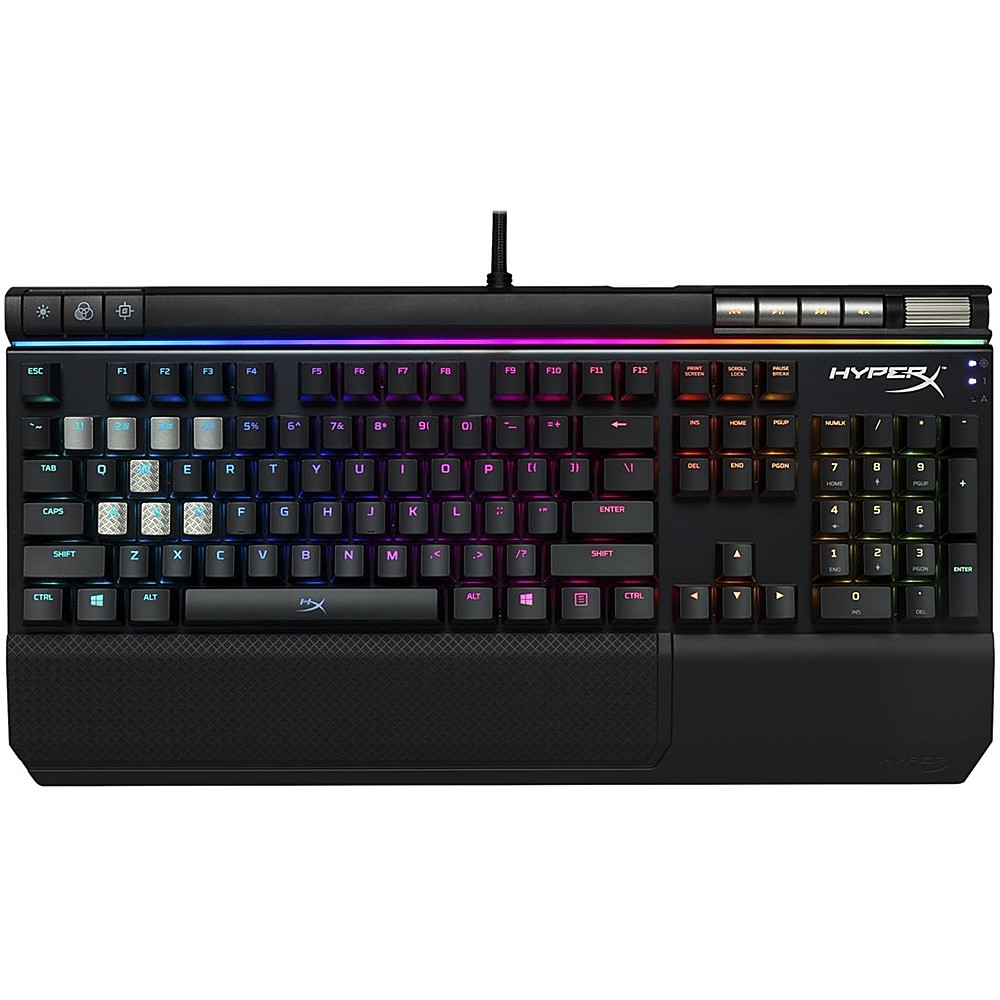
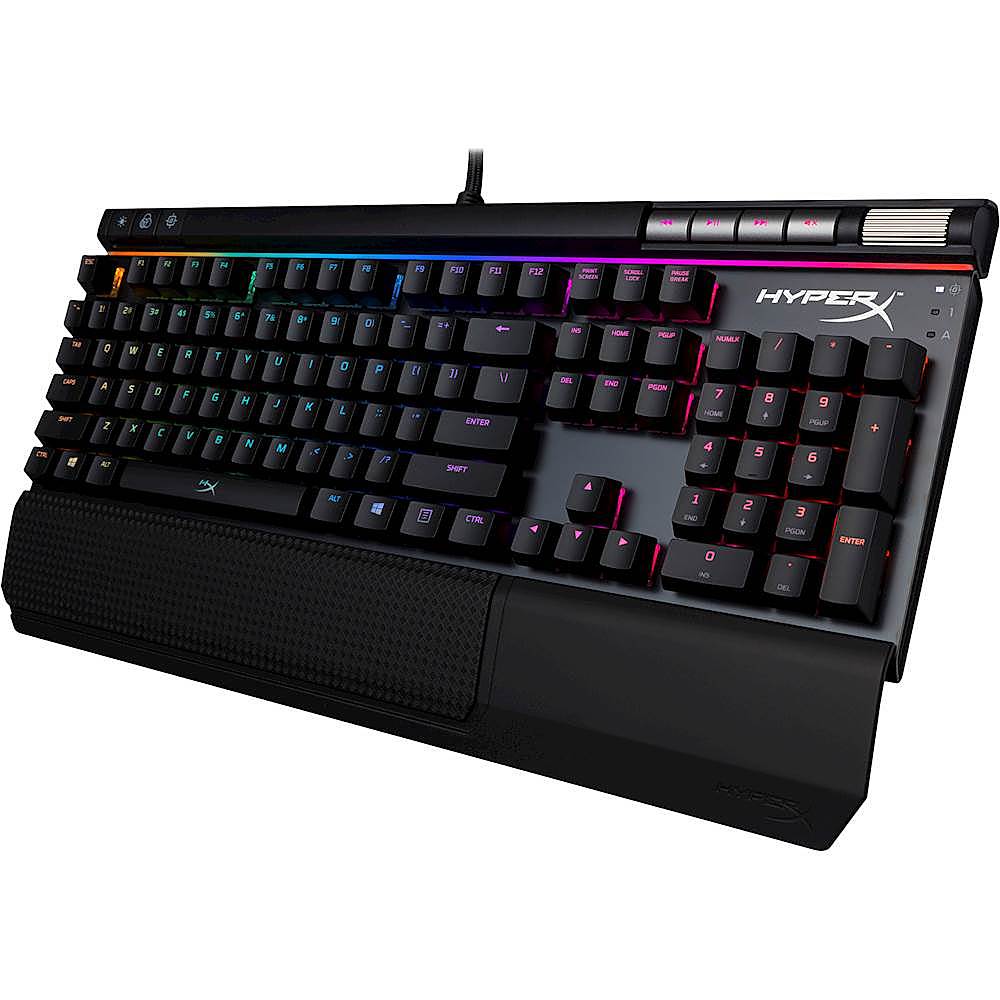
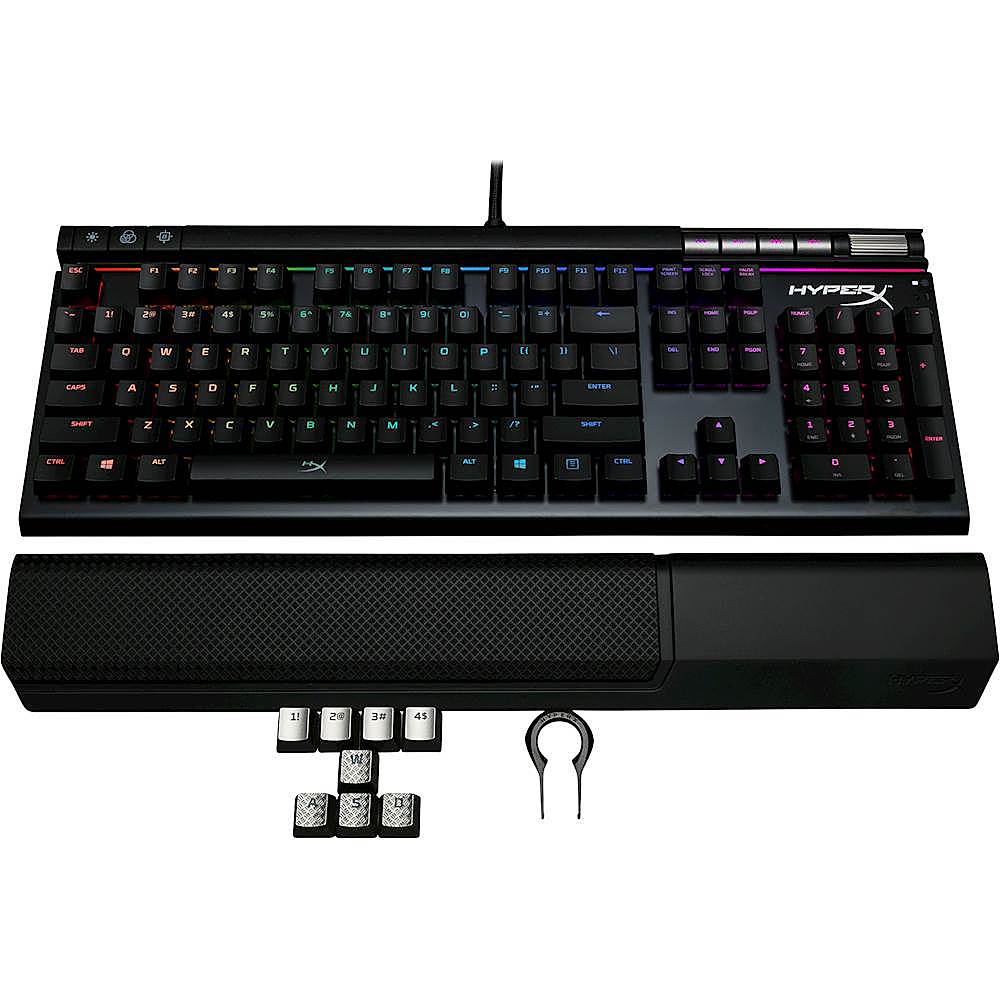
Posted .This reviewer received promo considerations or sweepstakes entry for writing a review.Hands down, this keyboard is awesome. Being able to get it with the different switches ensures it'll be a great choice no matter which type of gamer you are. I'm coming from only having Razer keyboards up until I decided to try out their Ornata with the Mecha-membrane, which I got sick of. Switching over to HyperX was a decision I won't be going back from. Having the solid steel frame is awesome and helps in making the keyboard feel at the top of the premium keyboards, and finally having the RGB lighting effects adds on to the standard for gaming keyboards nowadays. Pros: Decent pricing (similar to the rest) Steel frame for a good solid premium feel RGB Lighting Dedicated RGB and Media keys/Volume slider Cool Light-bar underneath dedicated keys Cons: ~Some sort of rubber key-caps - Trading my Alloy FPS for the Elite felt a little weird and not as "hard" (Honestly a preference thing) RGB Software doesn't allow for layering effects like the other competitors (for now) The included wrist rest is not a cushion as I became used to with other keyboards, but a solid textured/rubber rest (Still comfortable but I don't feel a need to use that one)
I would recommend this to a friendRated 4 out of 5 stars
Wonderful Keyboard
||Posted . Owned for 1.5 years when reviewed.This reviewer received promo considerations or sweepstakes entry for writing a review.HyperX keyboards are generally really good, this keyboard offers pretty much a very nice quality full set of keys and is easy to change lighting effects via the onboard controls.
I would recommend this to a friendRated 5 out of 5 stars
Great and clicks
||Posted . Owned for 4 months when reviewed.This reviewer received promo considerations or sweepstakes entry for writing a review.Very nice to type on and reliable. Great software and has been an great experience.
I would recommend this to a friendRated 5 out of 5 stars
Hyper cool
||Posted . Owned for 4 months when reviewed.This reviewer received promo considerations or sweepstakes entry for writing a review.I stopped getting razor products and switched to hyper x and haven't looked back.
I would recommend this to a friendRated 5 out of 5 stars
Great
Posted .This reviewer received promo considerations or sweepstakes entry for writing a review.It's heavy and the mechanical cherry red switches feel great. The customizations offered with the downloadable hyper x software are easy to figure out, but I wish it was a bit more layered. Either way you can pretty much get everything you want from an RGB keyboard. The volume dial feels premium and is very handy. The metal seems durable . This thing is a joy to game on. Very easy to get used to. Definitely worth the price.
I would recommend this to a friendRated 2 out of 5 stars
Keyboard Decent with a few flaws
Posted .This reviewer received promo considerations or sweepstakes entry for writing a review.Keyboard design was nice, loved the media controls and volume built into the keyboard. Cutting to the chase of the biggest flaw, spacebar sticks. When pressing it down, it doesn't always come right back up all the way. Though they key can be pressed down again it doesn't feel like it registers. So in high intense situations it feels awful pressing it. If you want a good keyboard do not get this one, the alloy FPS keyboard is a great one.
No, I would not recommend this to a friendRated 3 out of 5 stars
Good but get the GSP
Posted .This reviewer received promo considerations or sweepstakes entry for writing a review.Keys repeat characters when pressed for single letter. "L" likes typing lll instead of l. This seems to be a constant thing for KHX gaming keyboards as my Alloy FPS was having the same problem.
I would recommend this to a friend