Customer Ratings & Reviews
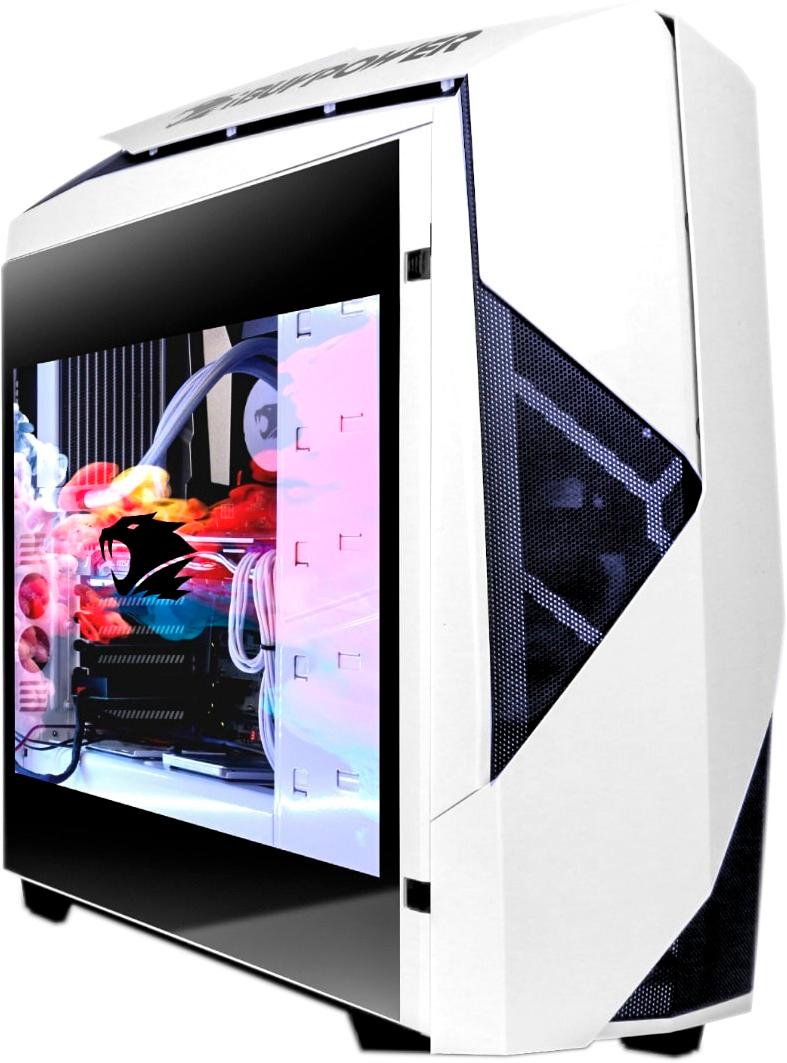
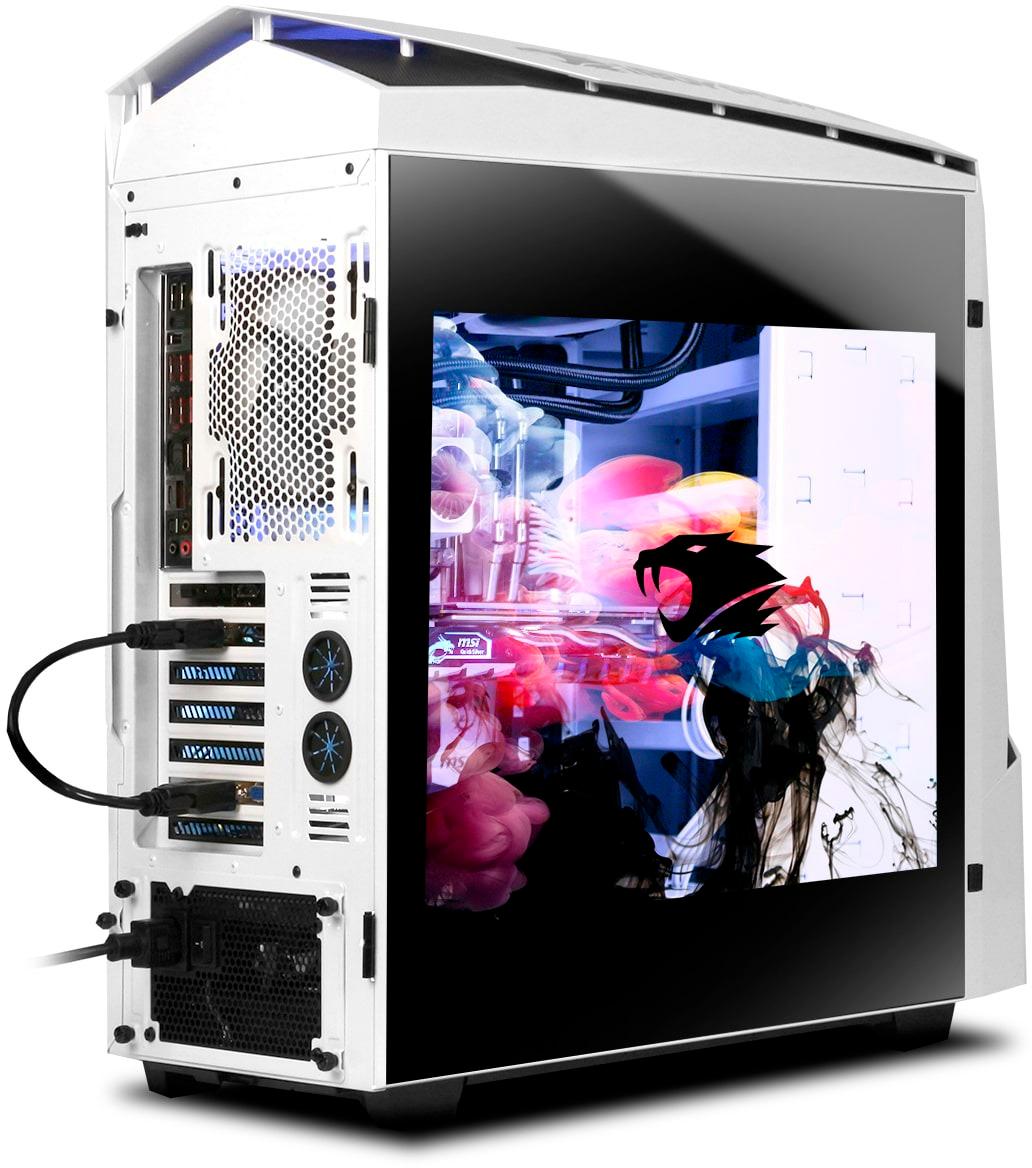
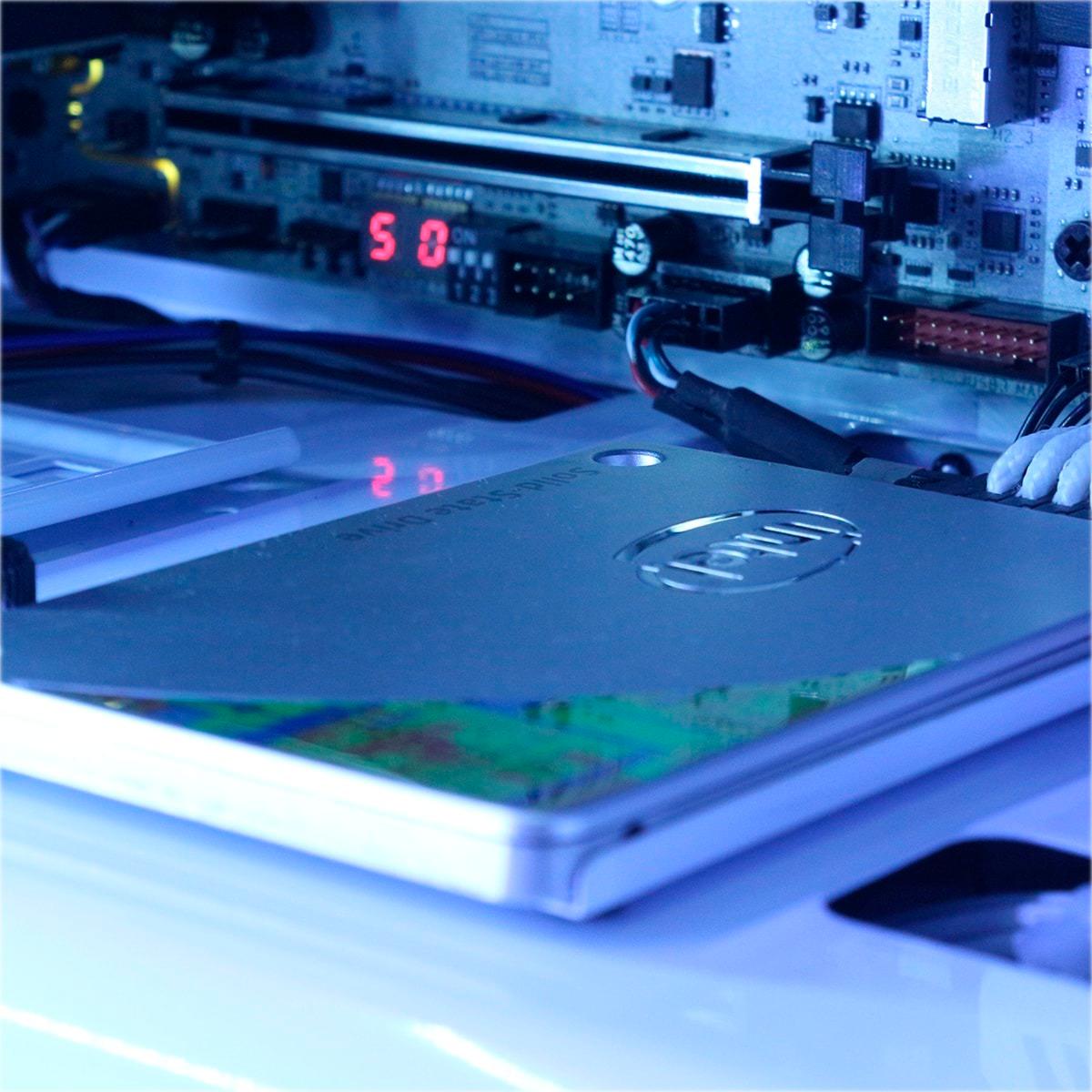
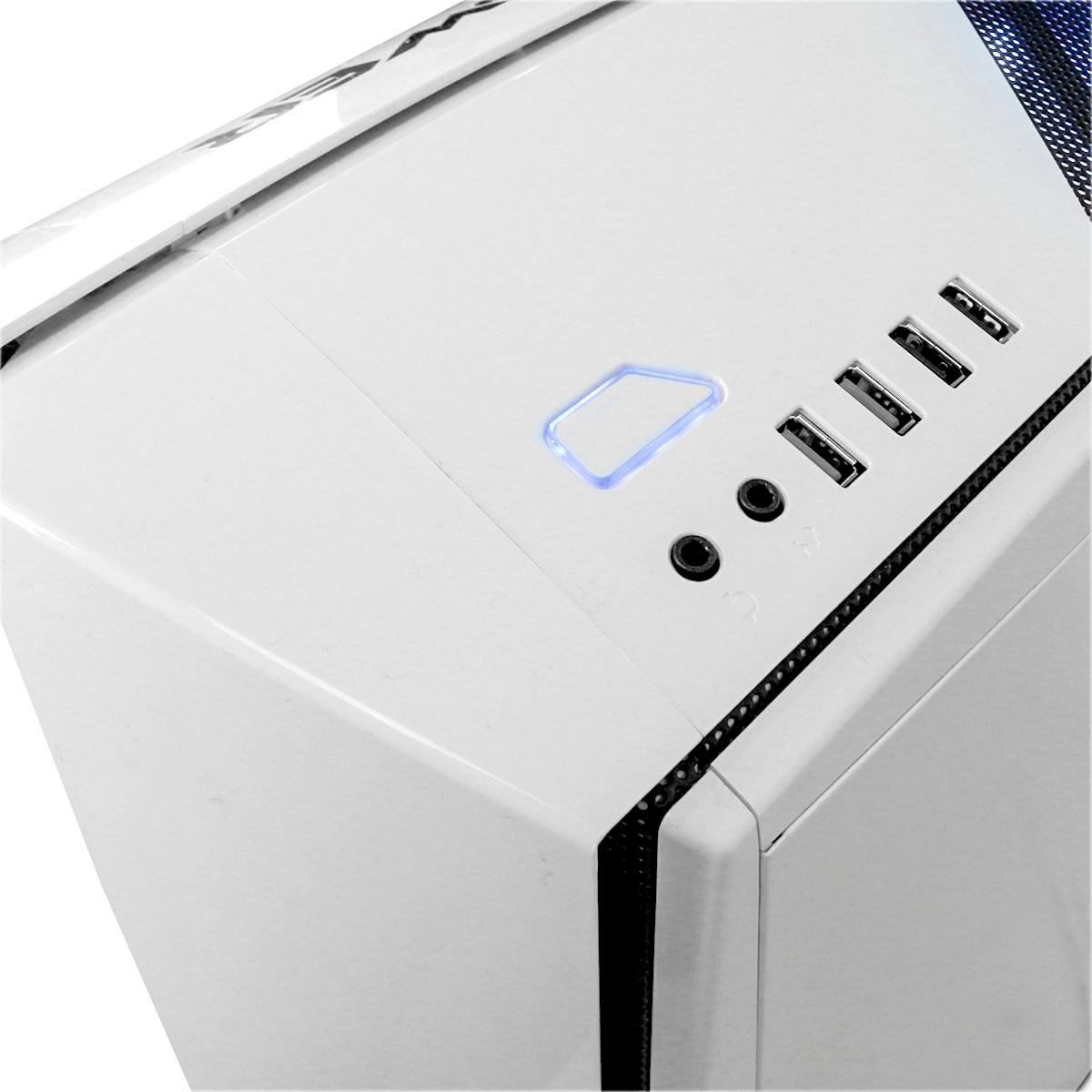
- Model:
- BB932
- |
- SKU:
- 5787316
Customer reviews
Rating 4.1 out of 5 stars with 25 reviews
(25 customer reviews)to a friend
Customers are saying
Customers praise the Snowblind Desktop's performance, noting its ability to run games smoothly, even at high resolutions. Many users highlight its powerful capabilities and speed. However, some customers reported issues with the solid state drive, experiencing failures within a short timeframe. Overall, the system is considered powerful for its price point.
This summary was generated by AI based on customer reviews.
Rated 1 out of 5 stars
dissatisfied
||Posted .This reviewer received promo considerations or sweepstakes entry for writing a review.I purchased the product 1 day ago and already pointed out a defect in memory. An error occurs every time the cer is initialized and hangs up.
No, I would not recommend this to a friend- Pros mentioned:PerformanceCons mentioned:Ssd
Rated 4 out of 5 stars
Great pc ..however!
||Posted .This reviewer received promo considerations or sweepstakes entry for writing a review.Awesome PC however had issues out of box. No windows product key, Ibuypower customer service looked it up after a call. Hard drive disconnected; easy to connect wires but still sloppy. Error to re-flash bios? Side screen animation software issues..but looks amazing when working. SSD bad after about a week or two. Had to replace requiring purchase of an external DVD drive to reload Windows and drivers etc. Cheap looking keyboard and wired mouse. Great when working but for Th e price this PC should be flawless. To many issues to recommend.
No, I would not recommend this to a friend Rated 5 out of 5 stars
Biggest & Best Purchase I've Made!
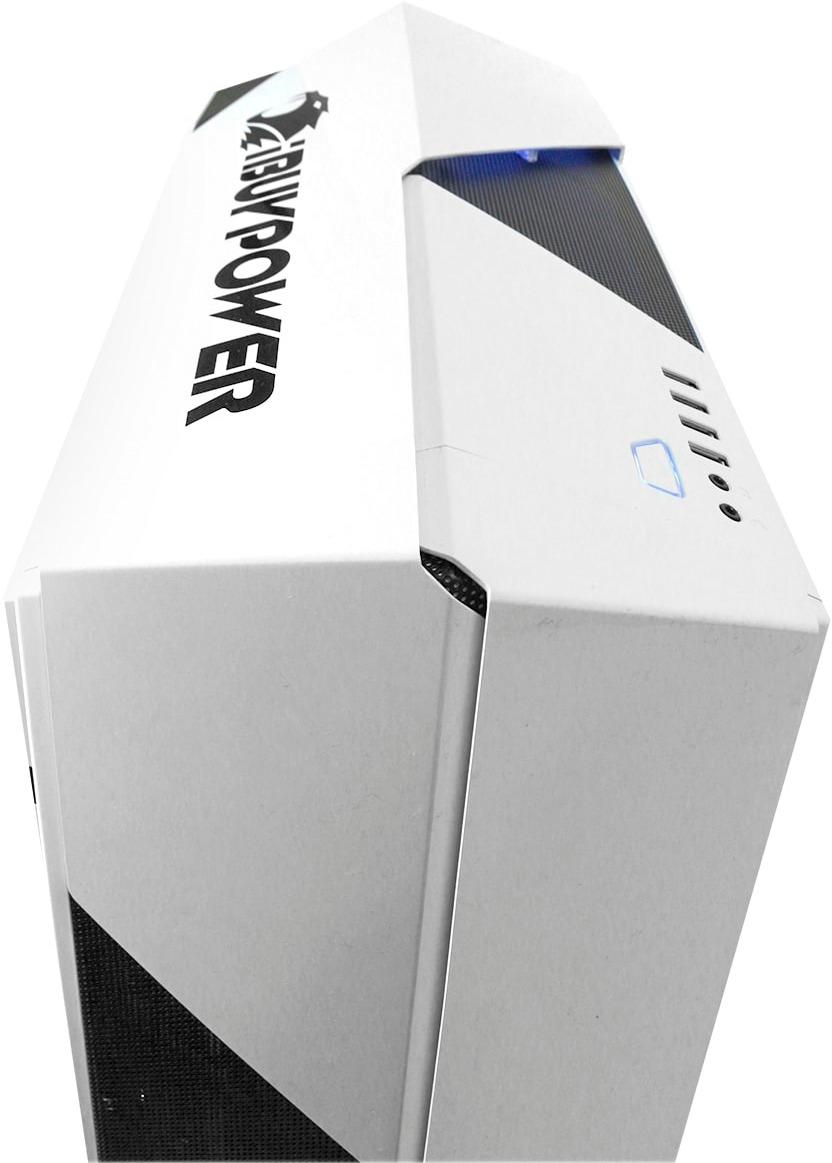
Posted .This reviewer received promo considerations or sweepstakes entry for writing a review.I am always told to build a pc rather than buy a pre-built one. Used to have an i5 processor & GTX Geforce 960 and was dying for an upgrade. Had a 2 year financing offer no interest email with me but ultimately got 3 year financing no interest!! This build has a sleek white/black look to it and is everything I have ever wanted for my gaming needs. I get awesome FPS & graphics look spectacular. It is great that this is a VR ready machine. The LCD panel is beyond amazing acting as a "second monitor" but I use it for the cool video animations from the iBuyPower drivers. I was happy with it when I bought it & am happy everyday in my pc room! Can't wait to stream with it!
I would recommend this to a friend- Pros mentioned:PerformanceCons mentioned:Ssd
Rated 3 out of 5 stars
Not what I wanted but still a good system.
||Posted .This reviewer received promo considerations or sweepstakes entry for writing a review.When I got this system I was looking specifically for a Z270 Motherboard, after visiting the ibuypower website I saw that this system only came with Z270 options so I was thrilled. After getting it home I discovered it was H270 so I have no overclocking options. So buyer be mindful of this if Over locking is important to you this is not the system for you. That being said this is a decent system with a very good Motherboard and video card, the ram, power supply and ssd drive are lower end but functional. With minor upgrades for non overclocking this can be made into an awesome VR and 4K gaming system but at stock setup it is still a very respectable performance item. I will wait till the next CPU socket change and chipset is needed and upgrade everything but for now it is a good performance for the price setup.
I would recommend this to a friend - Pros mentioned:Speed
Rated 5 out of 5 stars
Crazy fast gaming computer.
||Posted .This reviewer received promo considerations or sweepstakes entry for writing a review.This is the fastest computer I have ever owned. I didn't know anything about gaming computers when I went shopping for one at Best Buy but it was time for me to get my first gaming computer ever. I asked my Best Buy salesperson which one is the best one and he recommended this one. I looked at the specs and they all looked good to me but I was unsure about the brand. My salesperson assured me that the iBUYPOWER was a very respected gaming computer company. I have been very impressed with the way I can now play all the games I always wished I could, now that I have the means to do so. The only hitch I have had is that I had to reinstall the Wndows 10 operating system at first startup and then it has been great from then on. I wish I had bought one of these long ago.
I would recommend this to a friend - Pros mentioned:Performance
Rated 5 out of 5 stars
Amazed
||Posted .This reviewer received promo considerations or sweepstakes entry for writing a review.The best Gaming Tower I've ever had! Insanely powerful!
I would recommend this to a friend - Pros mentioned:Speed
Rated 5 out of 5 stars
Outstanding product for Gaming
||Posted .This reviewer received promo considerations or sweepstakes entry for writing a review.My Grandson is barricaded in his room and even at 9 years old he out does me sometimes with his knowledge and understands totally the capability of the machine and is please. His on line friends are impressed with this device and I am sure are bugging mom to get one. Thanks Best Buy and support and sales at Glendora Store
I would recommend this to a friend Rated 5 out of 5 stars
Great first gaming pc
||Posted .This reviewer received promo considerations or sweepstakes entry for writing a review.I was going to build a gaming computer but decided to go with this before all the extra flared had with the side display panel.
I would recommend this to a friendRated 1 out of 5 stars
Drive failures.
||Posted .This reviewer received promo considerations or sweepstakes entry for writing a review.I bought this pc thinking it's gonna be great and the side panel will be cool. I got it set up exactly per the instructions. After its second reboot the solid state drive failed. Then I read previous reviews and found I'm not alone. I returned it immediately. No product should be faulty out of the box. I decided not to buy this brand again. Beware buyers.
No, I would not recommend this to a friend- Pros mentioned:Speed
Rated 5 out of 5 stars
LCD side panel PC Awesom!
Posted .This reviewer received promo considerations or sweepstakes entry for writing a review.Opened and setup this PC today. After reading other reviews I didn’t know what to expect but my experience with this Ibuypower pc was excellent. It started up as a new PC should. I did everything the instructions said to do step by step. It is the coolest PC I have purchased so far. Absolutely love the side panel lcd. It is Extremely fast and the aesthetics for this tower is awesome. Love the white! I’m so glad I took the chance and purchased this PC. My daughter loves it and so do I!
I would recommend this to a friend Rated 5 out of 5 stars
Awesome gaming computer
||Posted .This reviewer received promo considerations or sweepstakes entry for writing a review.Was everything I thought it would be. Very happy with the product.
I would recommend this to a friendRated 1 out of 5 stars
not a good system
||Posted .This reviewer received promo considerations or sweepstakes entry for writing a review.we had purchased and had a problem within a couple weeks, got a replacement and had trouble with that one as well. ended up getting something totally different, better and less money!
No, I would not recommend this to a friend- Pros mentioned:PerformanceCons mentioned:Ssd
Rated 1 out of 5 stars
What a shame with so much potential...
Posted .This reviewer received promo considerations or sweepstakes entry for writing a review.I came into this purchase today and unfortunately it went back in about three hours with a failed SSD hard drive, but I have to go into further detail about it. First off what I liked: PROS: Beautiful case Animated side-panel LCD Powerful for the price Simple setup So I got home and set it up soon after I got home. Simple plug and play connections. You do need to connect the internal LCD into the DVI connection on the video card, no big deal as it came with the quick reminder sheet to do so which was taped to the side of the case. Prior to turning it on for the first time, you need to open up the case and remove the packing protection that resides between the Video card and the card that the case LCD is connected to. At first it seemed pretty sensible to put it in there but you need to be very careful at pulling it because its VERY easy to catch onto the video card's fan assembly or maybe even something on the motherboard. Ripping it out will likely cause damage so be careful. Now the bad happens... CONS: SSD failure Display 1 is the internal case LCD (not a prob in windows, but on booting) Poor build quality and components Video card performance not reporting to internal case LCD widget Wifi was included despite description saying it is Wired only (it was slow). Customer Service of iBuyPower (not Best Buy, they were great) DVD recovery disks provided... NO DVD DRIVE INSTALLED! From this point on, things started to go downhill, which was really unfortunate because I wanted this to work. When I was getting the interior packing removed, I had the case on its side for easy access and making sure that if it did get caught that it didn't tip the whole thing over. Once it was out, I got it standing upright and the first thing I heard sounded like a loose screw inside the bottom of the metal case. Well, from the looks of it, a chrome screw was loose, which it looks like it was some kind of spacer screw. Not a good start. So now everything looks good to go and I get it all setup up on my desk. Power on... something is grinding and it sounds like a fan. The fan in the back above the radiator for the liquid cooling was rubbing slightly on the outer rim of the fan's frame but the fan seemed to center itself and it disappeared. Weird... Now when the Snowblind booted up, I thought it was weird that the PC considered the internal clear LCD as the priority screen (outside of the normal booted Windows environment, before the video card drivers take effect-more on that later). As I stated in the cons, in Windows, this is not a big deal because this can be switched. However, when you have any problems outside of Windows that may require recovery (like I had) or BIOS tweaking, its EXTREMELY difficult to see because of the lack of a solid backlight. The gimmick became my bane quickly. There's nothing like trying to reinstall Windows (which failed) by staring at the see-through panel on the side of your case, especially if the screen isn't white (because if its anything other than white, the internal lighting isn't sufficiently bright enough to make anything clear to read) Internal LCD aside, the computer did initially boot up on the first attempt. So Windows boots up and it does the same thing any PC does at first start: enter your timezone, name, password, windows activation key... wait a sec, I paid for Windows, why isn't the key already here. Upon searching the paperwork, it does say that you may have to enter the code, and that the Windows Product key will be a sticker on the side of the case or on the back... NOPE. The only sticker that was on it was an iBuyPower Serial number. I even checked inside the case, just in case (no pun intended); nothing. So I called iBuyPower (the first time) and they said it was supposed to be automatically pulled from the motherboard, but since it wasn't, "please provide our Serial Number and if its valid, give us your email address and we will email you the code." I quickly got the code and we were activated! Windows 10 then need to install updates. I bought a good USB Wifi adapter because someone in a YouTube review said that only wired Ethernet is provided (even Best Buy site does not indicate wifi is provided, only "wired ethernet". My system did come with one inside which was a pleasant surprise but for a gaming rig this thing was very slow. Its a button sized USB adapter inside a metal case, certainly not dual band and certainly something very underpowered for a computer of this configuration. If you do get this system, upgrade this part. Mine was located at the upper right corner of the motherboard. You'll see a wire coming from behind the motherboard plate with a simple USB connector and a tiny white adapter. Thats the wifi USB adapter. Back to the update, Windows updated just fine. Everything was smooth after a 4gb download and multiple reboots of windows. Now the next thing I wanted to do now that windows updated was the video card drivers. I figured the clear LCD video card widget wasn't reporting specs because it likely was out of date (and it was). This is where the computer stops performing. Mid download of the GeForce drivers, the download just stops but my mouse cursor is moving around. Then the download just says 'Error' after five-ten minutes of nothing. So before i continued anything, lets just reboot the computer and just reset it. After 5-10 minutes after clicking the Windows button in the bottom right corner, it finally displays the window and lets me select to reboot. Thirty minutes later after that, I still see... "Rebooting." Now I have no choice but to hard-power shutdown and I held down the button to force it off. No reboot should take thirty minutes. If it was working or installing updates to Windows, Windows would say, DO NOT REBOOT, Windows is Updating or something like that. Power on now and the internal LCD displays its bootup like normal. Then blue screen (which on a normal monitor is light blue but on this clear panel is solid blue and hard to read) saying Windows failed to reboot/restart properly, we'll reboot the PC for you. Next, it does some kind of "PC repair" on the bios screen and then this time Windows boots up again with another blue screen with a QR code for a Windows Support Page that says it's failed to boot up "CRITICAL_BOOT_FAILURE." Ok... I'm a patient person. Sometimes these things happen. Second phone call into iBuyPower. Different rep, he's still pleasant but lets just say I didn't quite like the answer, after giving him the current situation, "Yep, you're going to need to reinstall Windows. Did your Snowblind system come with a DVD drive?" Me, "Nope." iBP, "Ok, so you're going to need to get a DVD drive to proceed any further. Your PC system came with a recovery DVD and without a disc drive you will not be able to progress any further. When you get a drive we can work with, please call us back. Is there anything else I can do for you?" Me, "Nope." "Thank you for calling iBuyPower, have a good rest of your afternoon." (in a pleasant and non-sarcastic voice thankfully because my patience was expired.) Ignoring what he said, Windows can be recovered by USB as well. So on a separate USB 3.0 flash drive, I copied the recovery disc to the USB drive. It boots up totally fine into Windows recovery (like I'm sure the DVD would have) and I'm about to reinstall Windows. "Which drive would you like to install it to?" Drive 0 (which was the 240gb SSD) please Windows, as I'm excited to get this going again. And it starts! ...and fails in 3 seconds and says the drive is inaccessible or something to that effect. Either way. without the primary SSD working, I got a $2000 paperweight. Back to Best Buy and unfortunately no replacement as they only had 1 in stock. But Best Buy was very cooperative and was a good experience there. Even the guy in Geek Squad who asked what was wrong was a bit surprised after I told him that all the troubleshooting needed to be done through a clear panel (or now that I think of it a monitor with a DVI connection, which that seems to be slowly being phased out too). Very difficult to troubleshoot or do recovery when you need to check a small box to accept the terms and conditions and all you can see is the innards of your pc. If you've stuck around this far to the review, yes, I know this can happen. It happened to me unfortunately. I was willing to try another but empty handed I had to be. I did everything I could to make it work, but when you know that a system is configured without a disc drive, why does the manufacturer provide this and why wasn't the option of the USB flash drive mentioned? I felt quickly given up on by iBP customer service and felt they took no ownership of the problem. I put this PC together virtually online and the cost of putting it together was pretty close, with the iBP being about a $100 more than doing it myself. But that $100 more let me have a warrantee I wouldn't normally have if I did it myself and it was a quick way to return it if I had to, which is why I made the purchase from BB. Thank you BB for the great customer service, but unfortunately things didn't work out today. Another day perhaps. But when you're empty handed and having to return a dead product with little support from the manufacturer, 1 star max for the product and manufacturer. Will this happen to you, maybe not. But the hoops I had to jump through just to activate windows and then them requiring me to buy a drive to fix it, unacceptable. For $2000 iBP, mount a copy-protected recovery USB flash drive inside the case. They're pretty cheap now iBP. Get up to date and don't force me to buy anything. You can build a reputation with time, but you can destroy one in less that 5 minutes. That's you iBP on my first purchase with you. Shame it didn't work out.
No, I would not recommend this to a friend - Pros mentioned:Performance
Rated 4 out of 5 stars
Worth the purchase
Posted .This reviewer received promo considerations or sweepstakes entry for writing a review.I love the look of this computer. I like that it is quiet, and I can run games at 4k with ease on this system. Also, the 60 hrz monitor on the side of the case is a cool feature. I didn't expect that when I bought it. I have had it since July of 2017, and I have already put in 500 hours of gaming in it.
I would recommend this to a friend - Pros mentioned:Performance
Rated 5 out of 5 stars
Great buy really good computer
Posted .This reviewer received promo considerations or sweepstakes entry for writing a review.I recently purchased this product and it was fantastic. It was super fast and it looks great on my desk. I love the LCD side panel and it makes my pc unique compared to my friends.
I would recommend this to a friend Rated 3 out of 5 stars
Decent Pc for beginners.
Posted .This reviewer received promo considerations or sweepstakes entry for writing a review.The Side panel is beautiful along with the components (White). However the SSD, Power supply, liquid cpu cooling are cheap parts. The motherboard is decent for non OC systems. The i7700 is lower performance than other cpu’s. I’ve searched for a better cpu on Pc part picker but not many cpu’s Are compatible with the motherboard. So to upgrade the processor you need a new motherboard. It’s better to buy a new power supply and SSD the stock ones are garage. 3 starts because your only paying for the case, side panel and gtx 1070 msi.
No, I would not recommend this to a friendRated 5 out of 5 stars
Great System Once you plug everything in
Posted .This reviewer received promo considerations or sweepstakes entry for writing a review.When I saw this system at BB, I knew it was for me. While talking it over with the sales guy and opening up the case and all that geek stuff, I took one home. After reading what documentation came with the system, I booted her up. (Note: documentation they said would be there wasn't there.) First thing I noticed was no fans were running and high temps. After researching a while and unsuccessful call to Geek Squad, I decided to open her up and do wire tracing. Sure enough, the fans were not connected - no power, the lights weren't connected - no power. Simple enough fix for a person who has built machines before, but unfortunate for the layman. After hooking it all up, I've now got all fans running, all lights are on, and setup the LCD panel as a third screen. Pretty slick setup. Had to update all the drivers, of course, but all in all, that would be expected. I would say to the manufacturer to fine tune their putting together of these systems and shipping with all necessary documentation. Especially make sure those fans get connected, lucky on this system that the mobo handled very well the over heating aspect and stopped them from reaching threshold. Oh, and make sure you double check that the system you are getting is the same one that the sales guy is showing you. Their display model had colored lights and remote and that is not what was sold to me.....and I was truly looking forward to colorful lights.
I would recommend this to a friend- Pros mentioned:Performance
Rated 5 out of 5 stars
Gaming
Posted .This reviewer received promo considerations or sweepstakes entry for writing a review.Just purchased this computer today but I am happy with it so far. It runs quietly and has everything that I wanted in a gaming pc. I called the customer service people about a small problem with setup and they were quick to reply and friendly.
I would recommend this to a friend - Pros mentioned:Speed
Rated 5 out of 5 stars
Outstanding visually!
Posted .This reviewer received promo considerations or sweepstakes entry for writing a review.I haven't been this excited and pleased with a purchase in awhile. The LCD is sweet not mention the power house specs. Love it!
I would recommend this to a friend - Pros mentioned:Performance
Rated 5 out of 5 stars
Excellent value
Posted .This reviewer received promo considerations or sweepstakes entry for writing a review.This PC takes everything I can throw at it and nothing makes it sluggish or chug. Wonderful machine.
I would recommend this to a friend