Customer Ratings & Reviews
- Model:
- GWAVRD
- SKU:
- 6474770
to a friend
Customers are saying
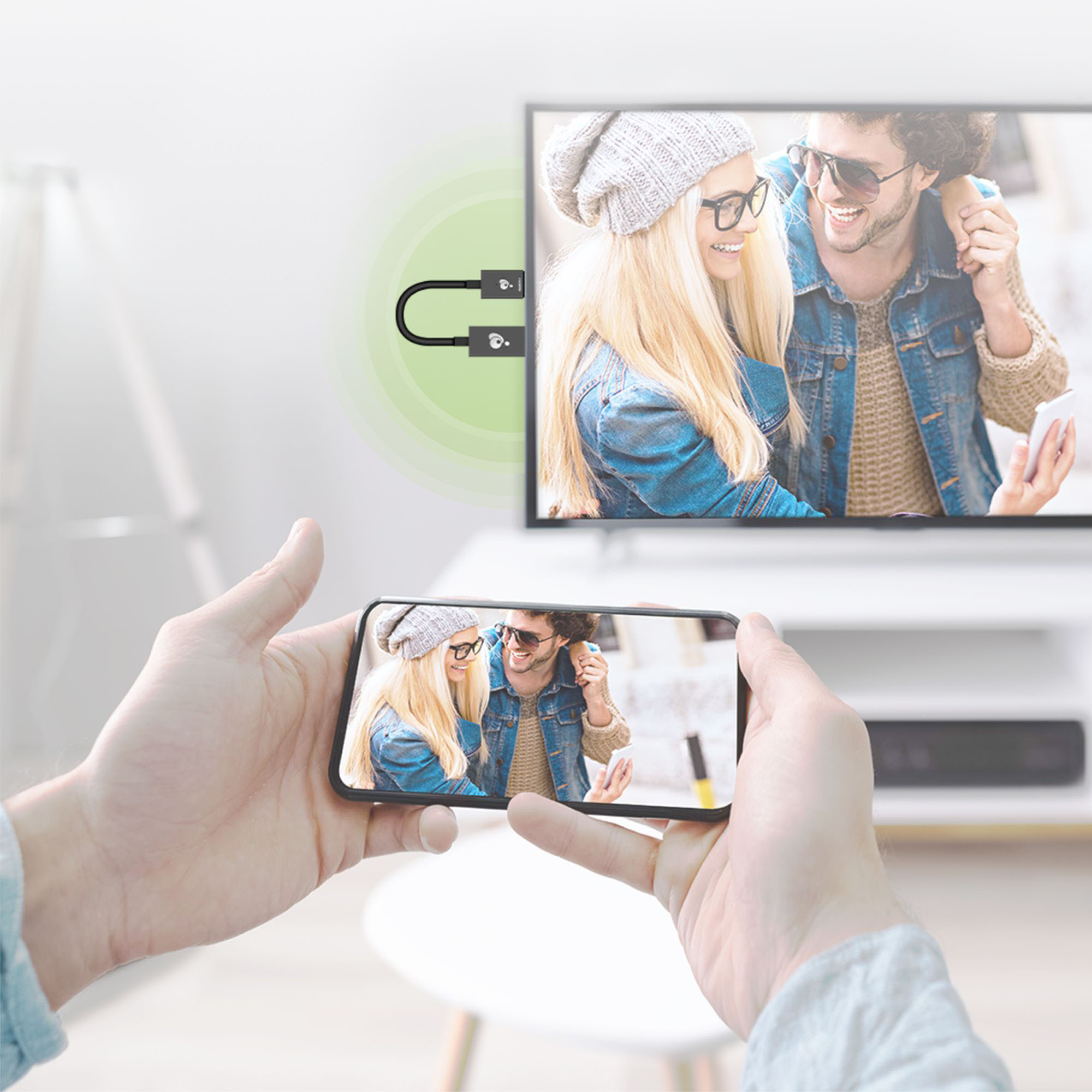
Customers express satisfaction with the Mini Wireless Screen Sharing device, particularly for its easy setup and screen mirroring capabilities. Many users find it simple to use and appreciate the ability to wirelessly share content from their Apple devices to their TVs. However, some customers have concerns about its video streaming capabilities, suggesting that it may not be suitable for heavy streaming. Additionally, a few users have mentioned compatibility issues, particularly with PCs and smaller iPhones.
This summary was generated by AI based on customer reviews.

Excellent product-A guest and general user device
|Posted .This reviewer received promo considerations or sweepstakes entry for writing a review.Awesome product, I was honestly a bit skeptical at first, at least in it’s claims to support all the products it claims to support. My past experience tells me that these types of products have a catch of some sort, “it works with Android but has limited functionality with iOS” or something very similar. It doubles as a nice guest device as it creates a bridge between somebodies device and your internet, so no need to share your WiFi password with guests. Just pair to the network the dongle creates and enter the password on the TV screen. My only real concern I haven’t been able to settle is security. This thing basically acts as a gateway into your network. Any vulnerability present in this device would create a a tunnel to the other devices in your network. Unfortunately I haven’t owned the product long enough to test all aspects of it. CONS There aren’t any real issues with the product itself. Mirror or cast a video through it works as intended. The only more annoying issue I’ve come to find is the inability of changing the SSID or password. I mean, I can change it in the web UI dashboard of the product but even after it asking to reboot, the same old default SSID/password remain. There is even the little message to reboot to apply the changes but another reboot does not yield the expected result.
I would recommend this to a friend- Cons mentioned:Connection
Good for photos, not for videos
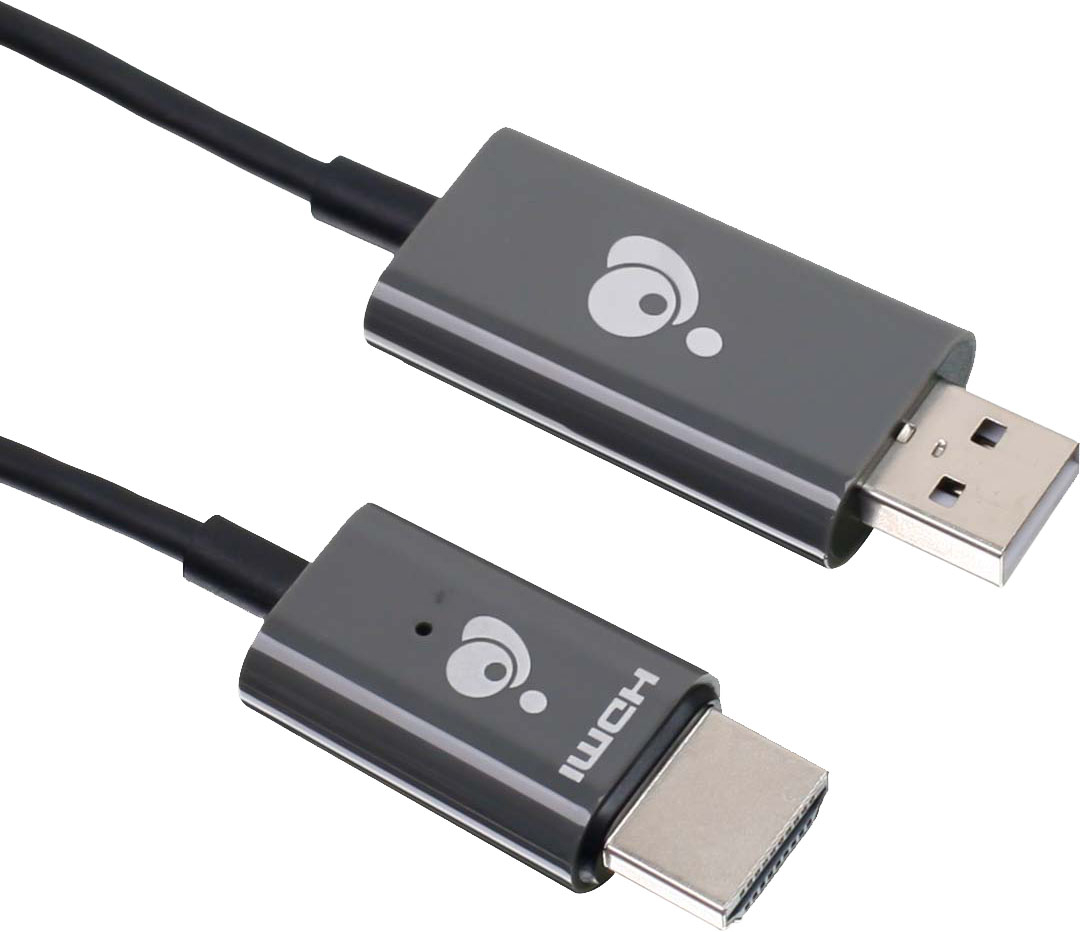
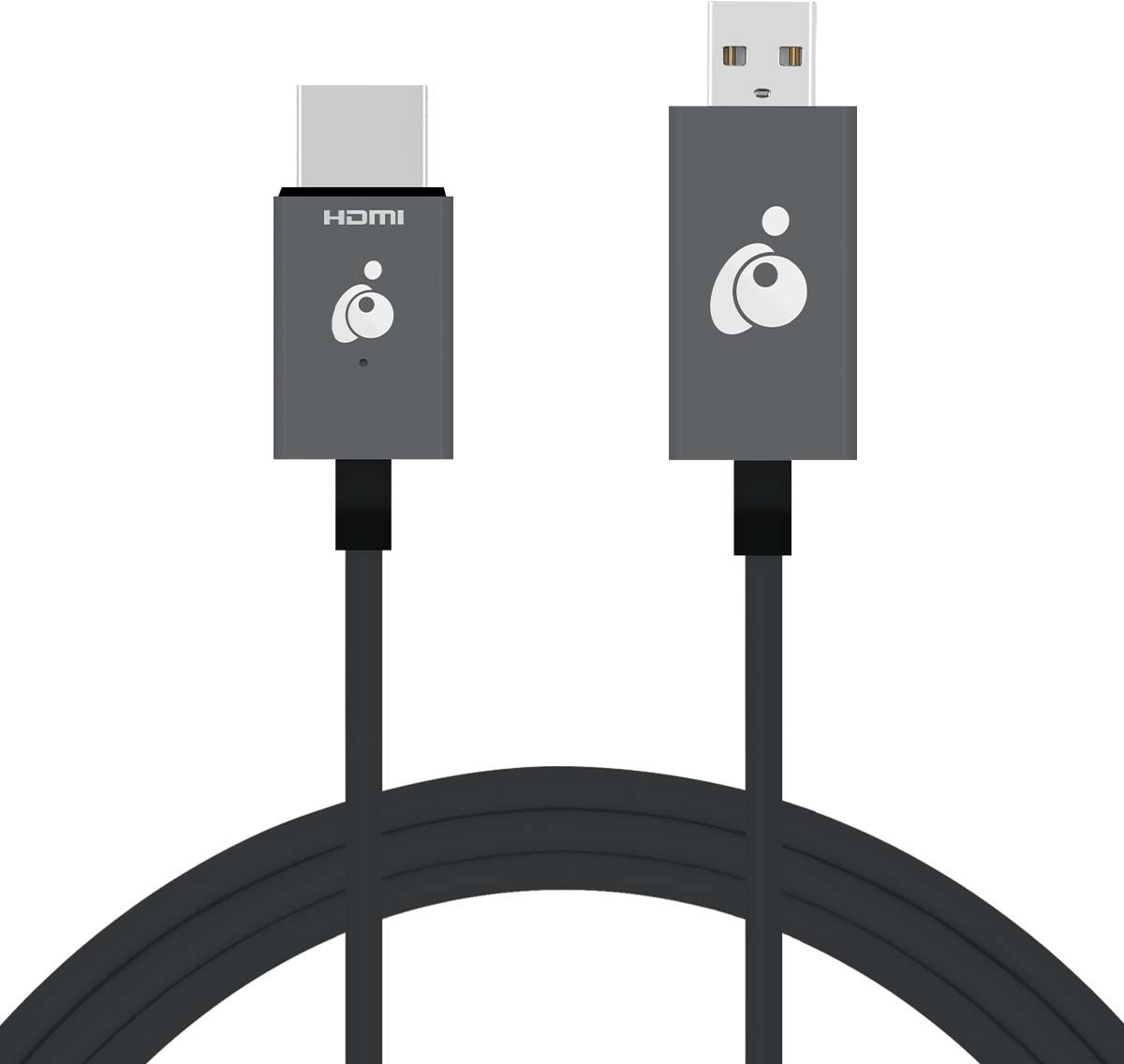
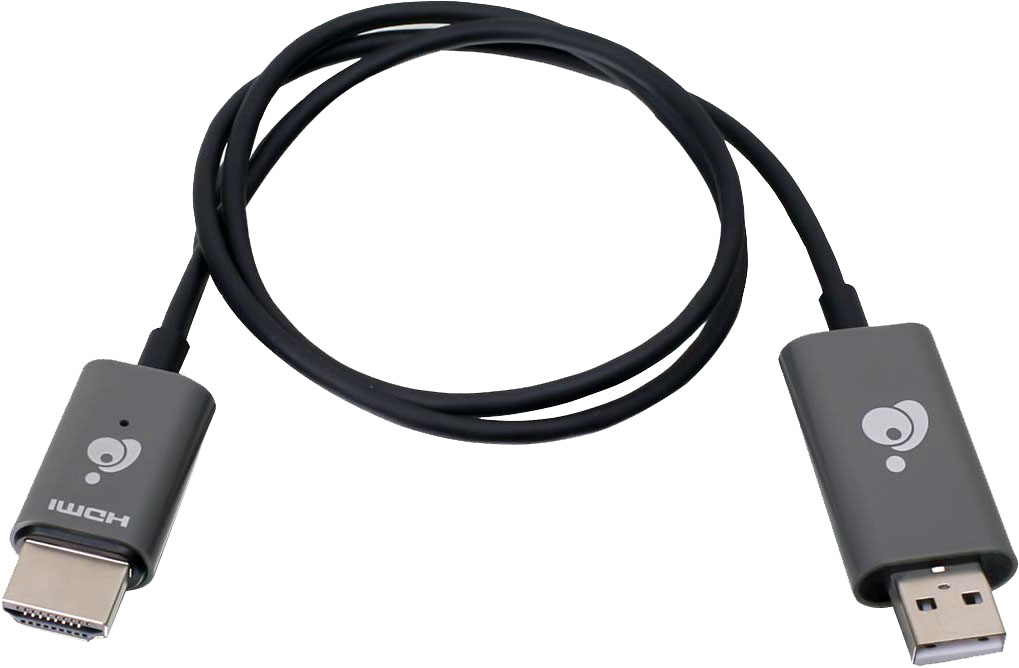
|Posted .This reviewer received promo considerations or sweepstakes entry for writing a review.The IOGEAR Mini Wireless Screen Sharing device is very easy to set up. You literally just plug one end into an HDMI port and the other into a USB port. Easy enough if you have a TV that has both of these ports available. You then connect through an app on your device and can start screen sharing. Where this device falls short is that it doesn't keep a good connection for streaming video at all times. The video lags and doesn't always keep in sync with the sound. It works great if you just want to pull up your photos on your phone and show to your family on your TV. But when you want to stream a movie from your phone - it is not always the most reliable.
No, I would not recommend this to a friend - Pros mentioned:Ease of use
Love it - fellow chord cutter
|Posted .This reviewer received promo considerations or sweepstakes entry for writing a review.Easy to use and works great. Great for chord cutters who no longer have / need cable. Streams easily from phone to TV and not a lot of buffering if you are on high speed internet. Use a couple of times a week
I would recommend this to a friend - Pros mentioned:Ease of use
IOGEAR - Mini Wireless Screen Sharing
|Posted .This reviewer received promo considerations or sweepstakes entry for writing a review.This device works great for displaying your phone on a tv.I was very impressed how easy it was to setup and to connect my phone. Instructions are very straightforward and simple to understand.
I would recommend this to a friend - Cons mentioned:Compatibility, Setup
Confusing and useless
|Posted .This reviewer received promo considerations or sweepstakes entry for writing a review.In my company's conference room we have a Microsoft Wireless Display Adapter, which works off Miracast, and works well to mirror any employee's laptop. However, there are times in which someone wants to mirror their iphone or just stream music from the iphone on the tv. Obviously without an AppleTV or AirPlay enabled TV, you can't - which is why I thought this iogear was the solution. It says it connects to both PCs AND Apple products - sounds almost too good to be true. It is - it is unnecessarily complicated to setup, vs Microsoft's, which just plugs in and works - nor does it require to be connected to your internet, which I did not feel comfortable with. WIthout connecting it to the internet, I connected to it by direct wifi on laptop - and it would not connect to the display. I disconnected laptop and connected iphone directly to it, and was able to mirror - but having it in potrait mode and videos playing- the video kept stuttering. The audio did not stutter but it was not in sync with the videos. When I tried it in landscape mode - the screen went crazy before it caught up again. After that, it was clear this couldn't a PC and can barely handle a small iphone. Would not recommend.
No, I would not recommend this to a friend Screen sharing technology has improved
|Posted .This reviewer received promo considerations or sweepstakes entry for writing a review.I was skeptical, usually the lag between a new smartphone, laptop, or pc, and a screen sharing app or device, has been brutal. IOGEAR figured it out for the most part. I don't have test equipment to hook up to gage the lag, but it's so minute it's not even noticeable on this device. Simple little cord, one end is HDMI, the other end USB. They give you instructions to plug the usb into a power source if the USB port and HDMI port are not close enough together on your projector, or TV. I used mine on an Epson projector and it worked great. The setup and connecting to wifi was less than a couple minutes. Very easy and problem free. If you are someone living in a remote area where you do not have broadband or satellite access, but good smartphone service, don't think this will be able to project your streaming services to your TV. The streaming services have to protect their content so if you try, more than likely you will get a black screen with audio only. Just a heads up for anyone thinking of doing that. All in all, this does exactly what it's supposed to, and it does a good job of that. I can see this being clutch for a company to travel with for presentations and tradeshows, things of that nature. Plus if you have computer work to do at home, and simply want a bigger screen to do that work on, this is your device. Works great!
I would recommend this to a friend- Cons mentioned:Connection
Could Not Install
|Posted .This reviewer received promo considerations or sweepstakes entry for writing a review.The IOGEAR – Mini Wireless Screen Sharing device would not connect as stated in the Quick Start Guide. Per the Quick Start Guide after connecting the IOGEAR device to our TV HDMI the screen would display IOGEARCast splash screen, and it did. You will have to make sure your TV is set to the HDMI port that you are plugged into, or you will not see the IOGEARCast splash screen, this is not noted in the instructions. The top center of the splash screen was different from the display shown on the Quick Start Guide. The top center of the splash screen should show “SSID: GWAVRD-BFF32E89 Password: 66778899”. All our devices displayed “SSID: IOGEARCast PSK: 92818284” and I could not find any information to correct this problem. Note: We have a smart home with 40+ devices connected to our network that is powered by 1G of fiber optic service. I am familiar with connecting devices to our network. I found the IOGEAR – Mini became extremely warm when attempting to install it on the TV and when attempting to connect it to the projector. All our equipment met the requirements, noted in the IOGEAR – Mini Quick Start Guide, for installing this device.
No, I would not recommend this to a friend Great device
|Posted .This reviewer received promo considerations or sweepstakes entry for writing a review.Simple plug and play device with all instructions on the screen. Work great with my iPhone and Samsung TV. Pros: Easy setup Works great Cons: None
I would recommend this to a friend