Customer Ratings & Reviews
- Model:
- GUD3C11
- |
- SKU:
- 6269111
Customer reviews
Rating 5 out of 5 stars with 1 review
(1 customer review)to a friend
Rated 5 out of 5 stars
Does the best it can
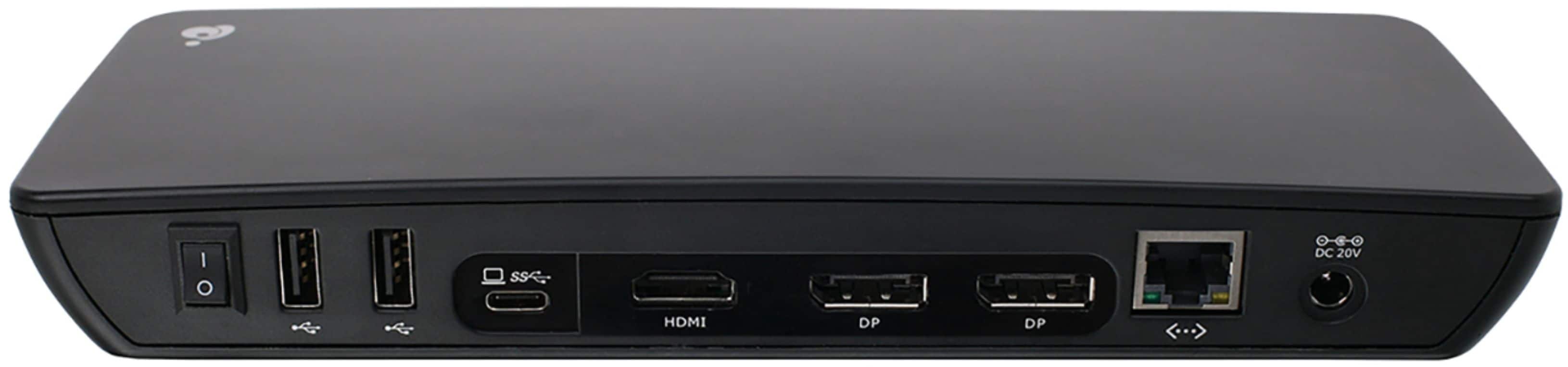
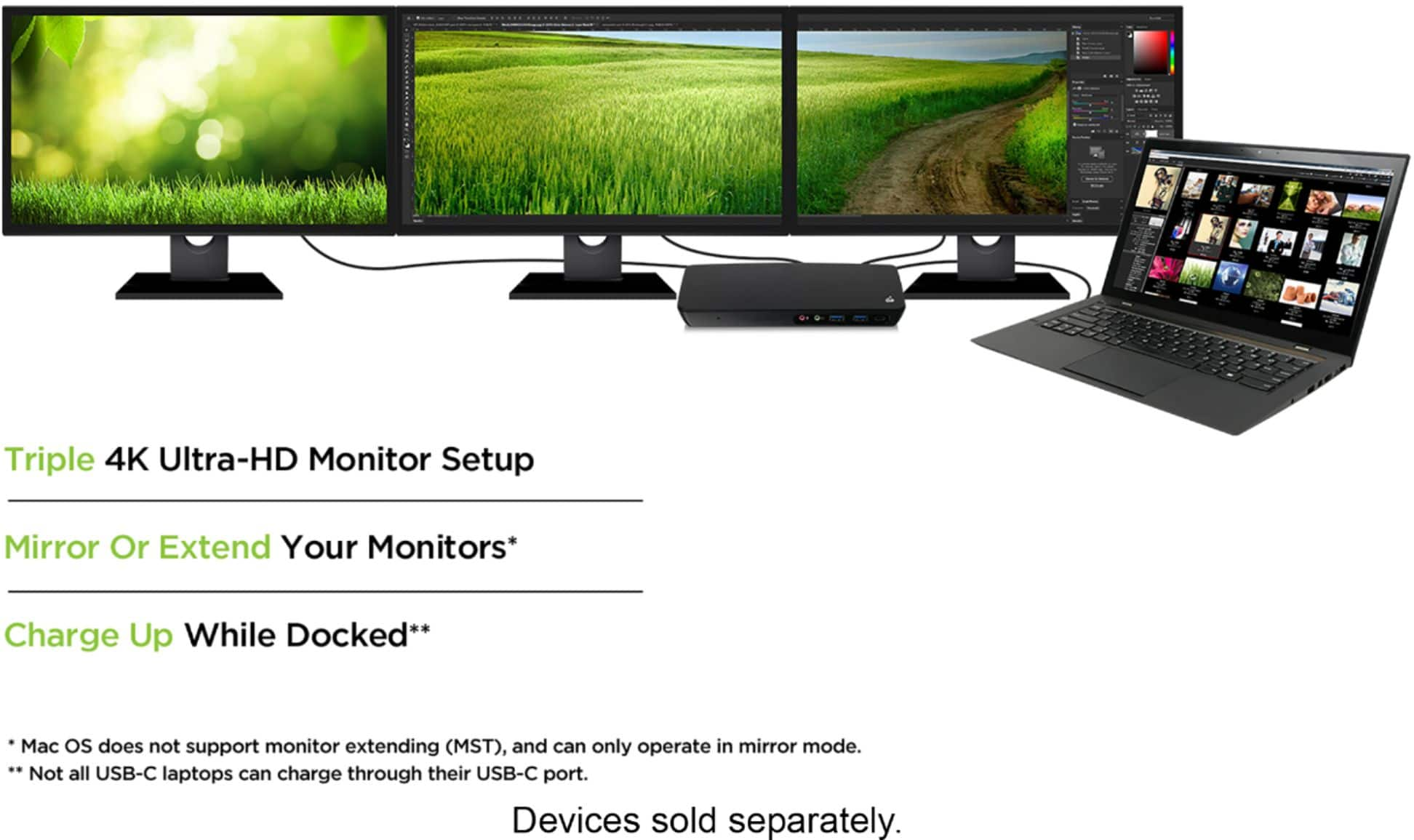
||Posted . Owned for 1 week when reviewed.This reviewer received promo considerations or sweepstakes entry for writing a review.I purchased this docking station for my windows laptop to connect my two new 4K LG monitors. My laptop has a usb-c port but it is not thunderbolt 3 enabled so I knew this product pushing 4K resolution at 60hz was most likely not going to work. But after installing the drivers on my machine and plugging everything in I was pleasantly surprised to see that using DisplayPort, I could now select 4K resolution at 60hz. But that doesn’t mean everything is perfect. To start, the docking station requires my laptop to be plugged into it’s dedicated charger while using it. Attempting to use all my peripherals AND charge the laptop though the docking station does not work. This is completely not an issue for me as I prefer to decide when my laptop is charging and when it’s not. The biggest issue that people are going to run into is running multiple displays at 4K at 60hz without a dedicated graphics card. Doing almost anything on the screen pushes my laptop’s integrated intel graphics card (an intel 620) to is absolute limit. Doing almost anything like watching videos, moving tabs around and opening menus pushes the graphics card to its limit and the refresh rates drops well below 30hz. For me, it makes more sense for me to keep my monitors at 30hz consistently, than to watch it fluctuate as much as it does when it is set to 60hz. This is NOT an issue with this product, this is an issue with my laptop’s integrated graphics card and I am positive if I had a stronger card then this product would be able to push 4K at 60hz without an issue at all. I do not have a Mac to test this product with but according to all the documentation included using this product with MacOs does not allow you to extend the monitors only duplicate it so keep that in kind if you have a Mac. But if you have a windows laptop and are looking to extend to up to 3 monitors with tons of other options that have worked for me flawlessly such as gigabit ethernet, extra USB ports, microphone and speaker pass through, than this is a great product that is not as expensive as some others.
I would recommend this to a friend