Customer Ratings & Reviews



Customer reviews
Rating 4.5 out of 5 stars with 2 reviews
(2 customer reviews)to a friend
Rated 4 out of 5 stars
Impressive technology, software still needs work.
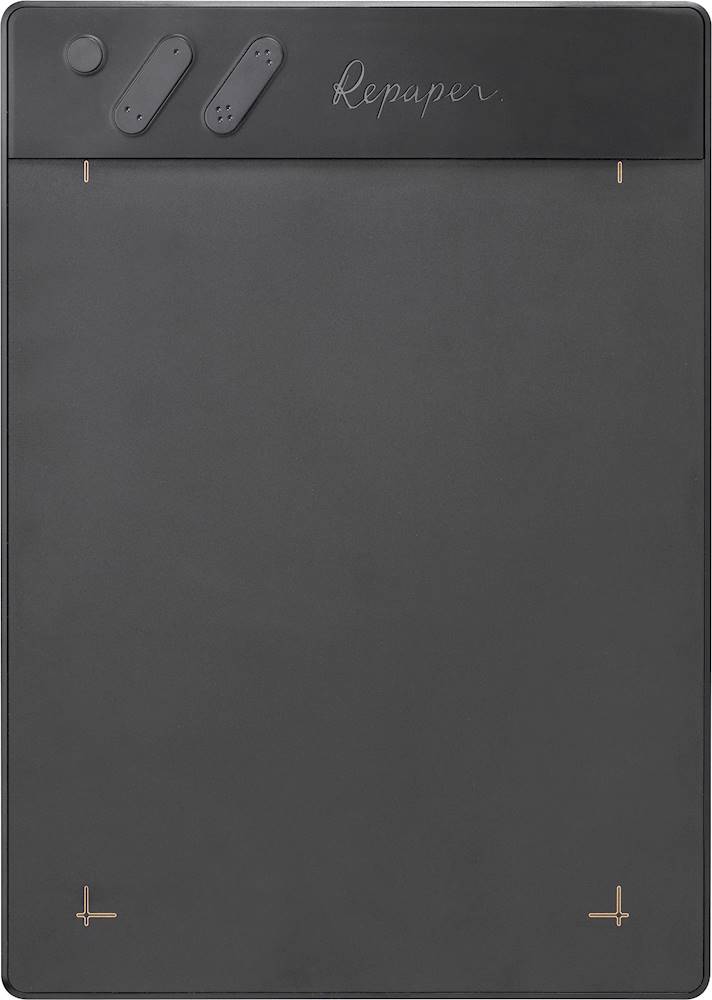
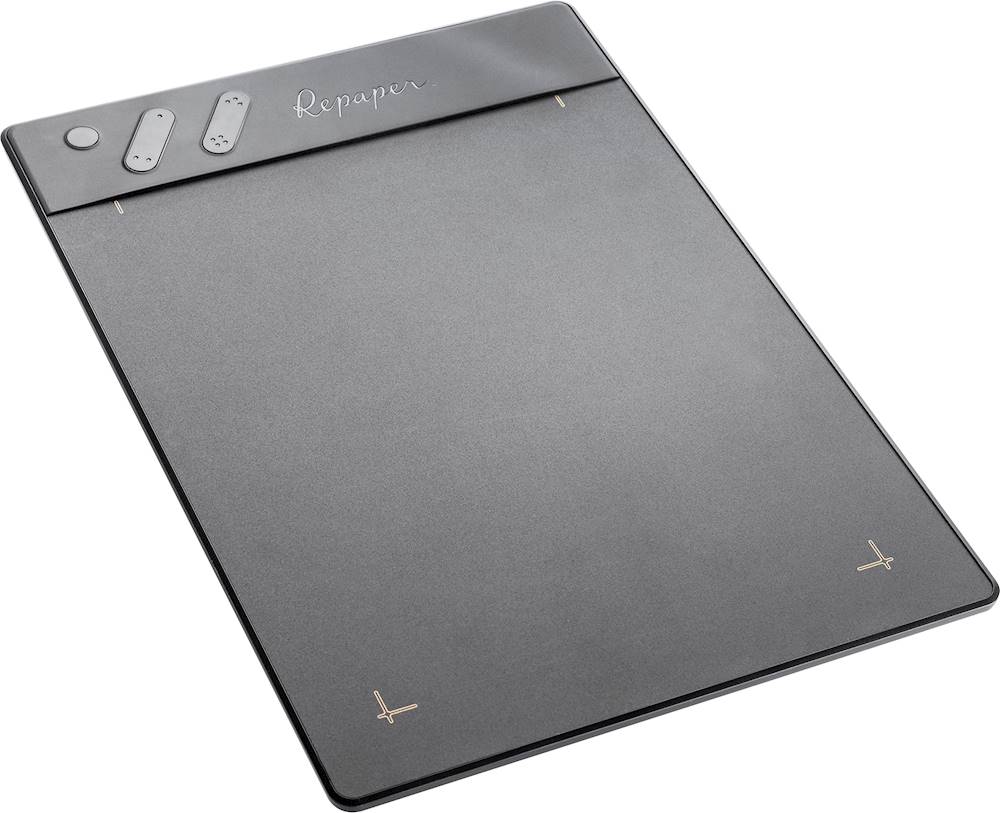
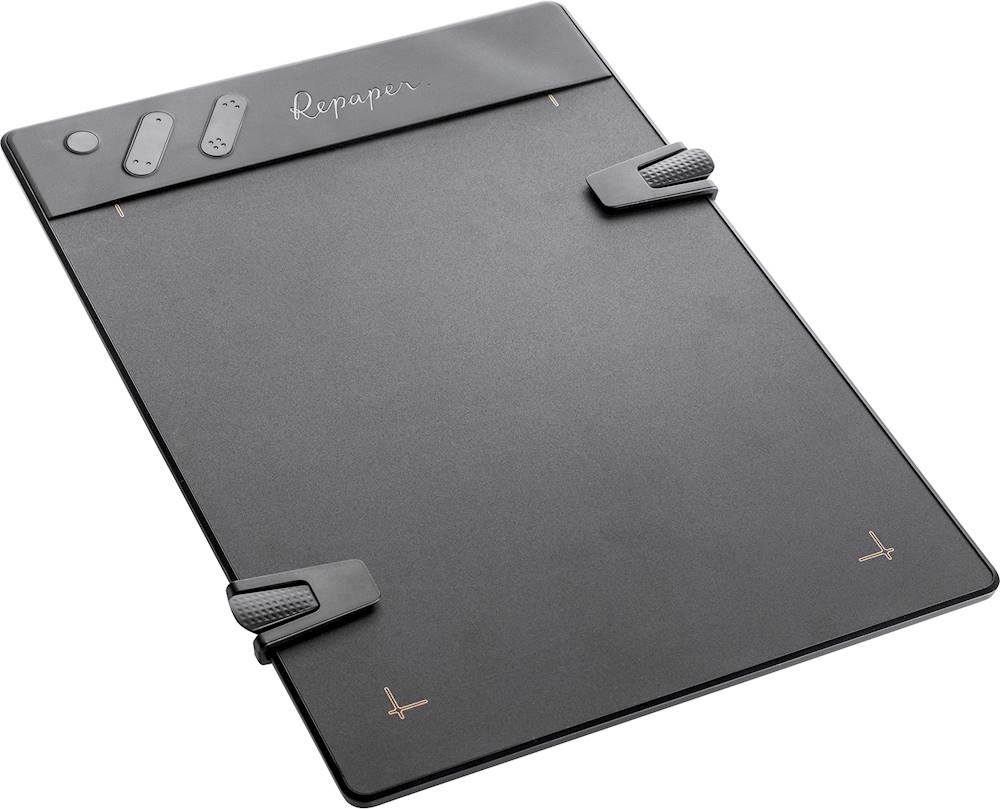
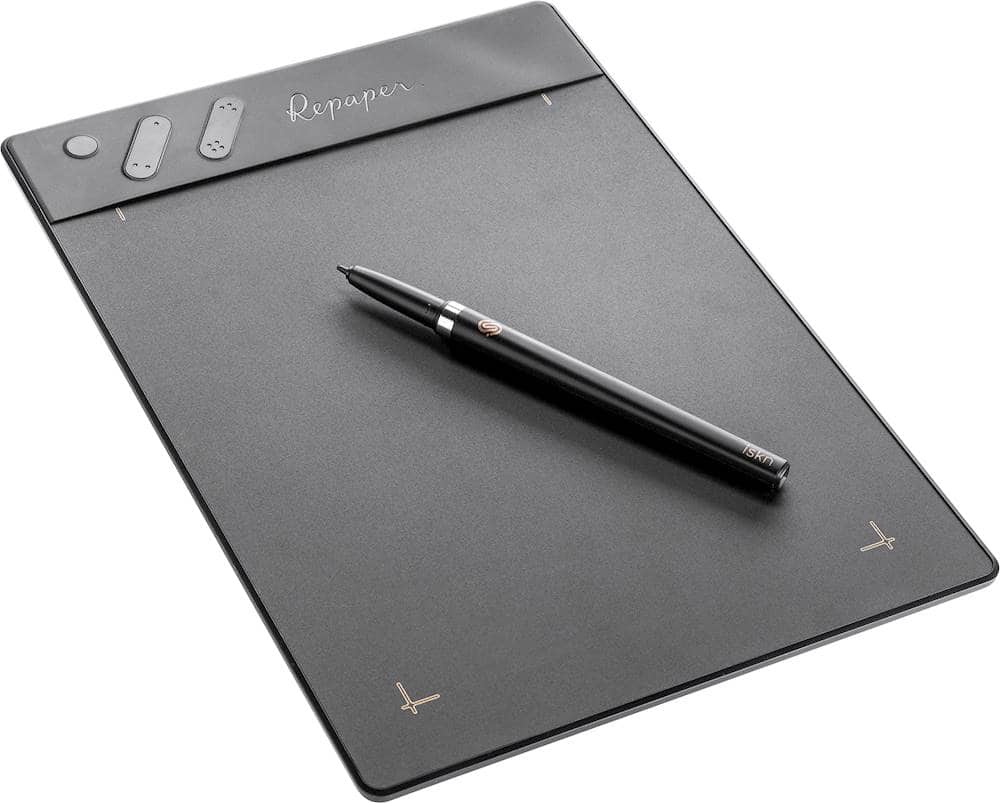
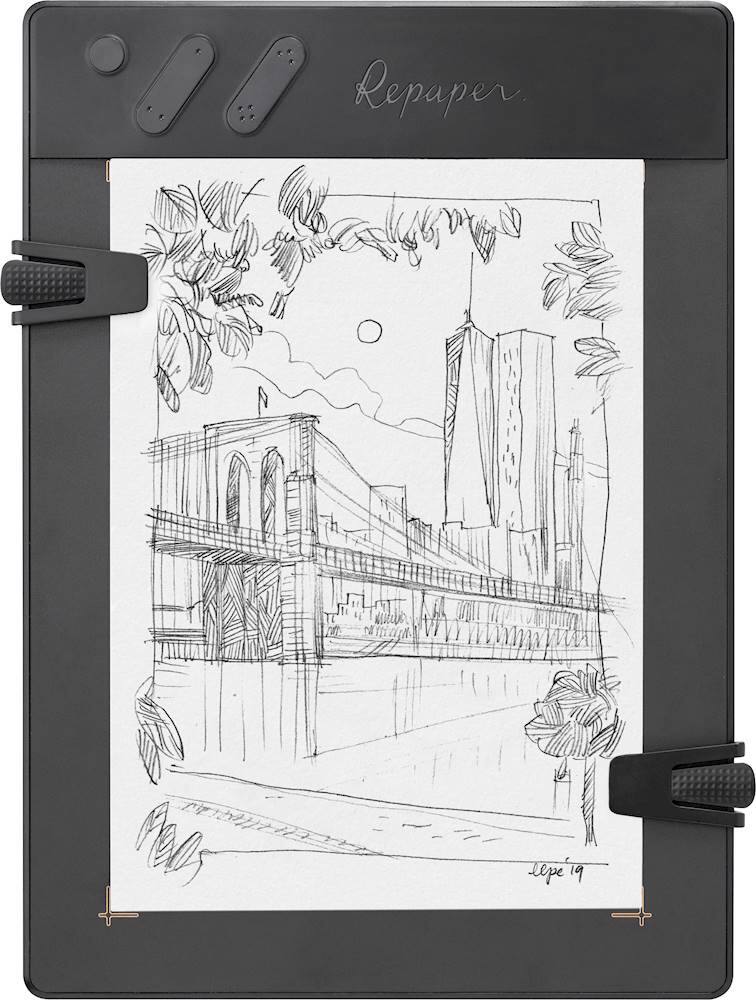
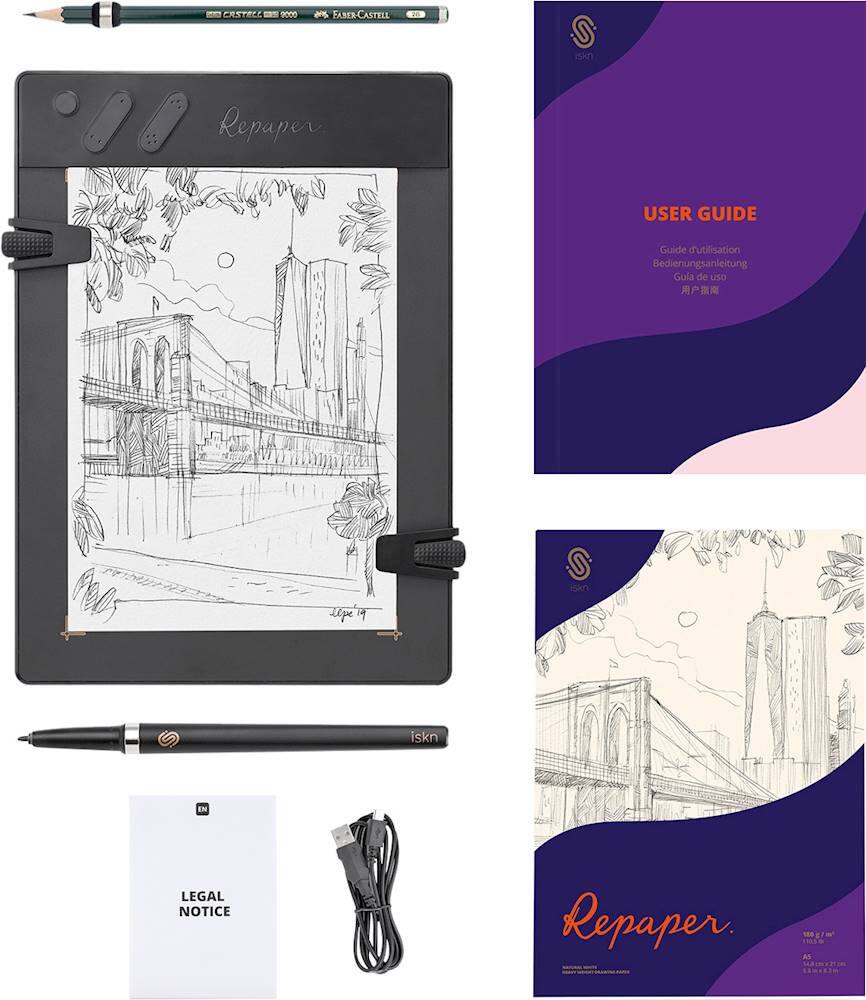
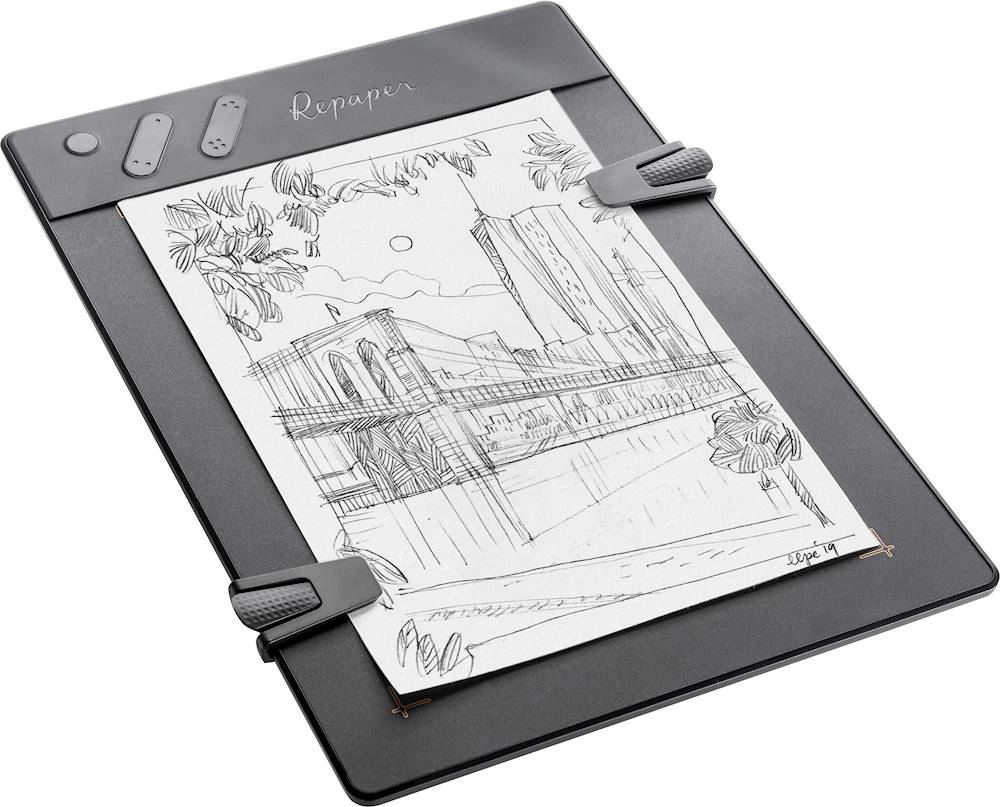
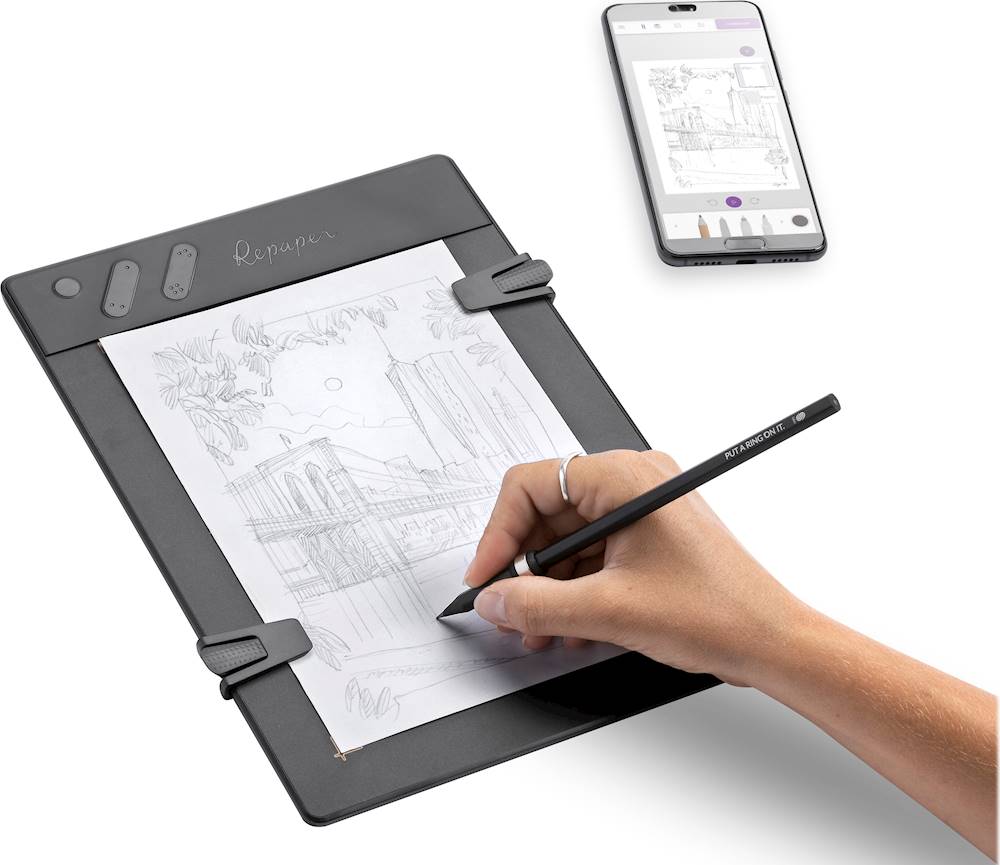
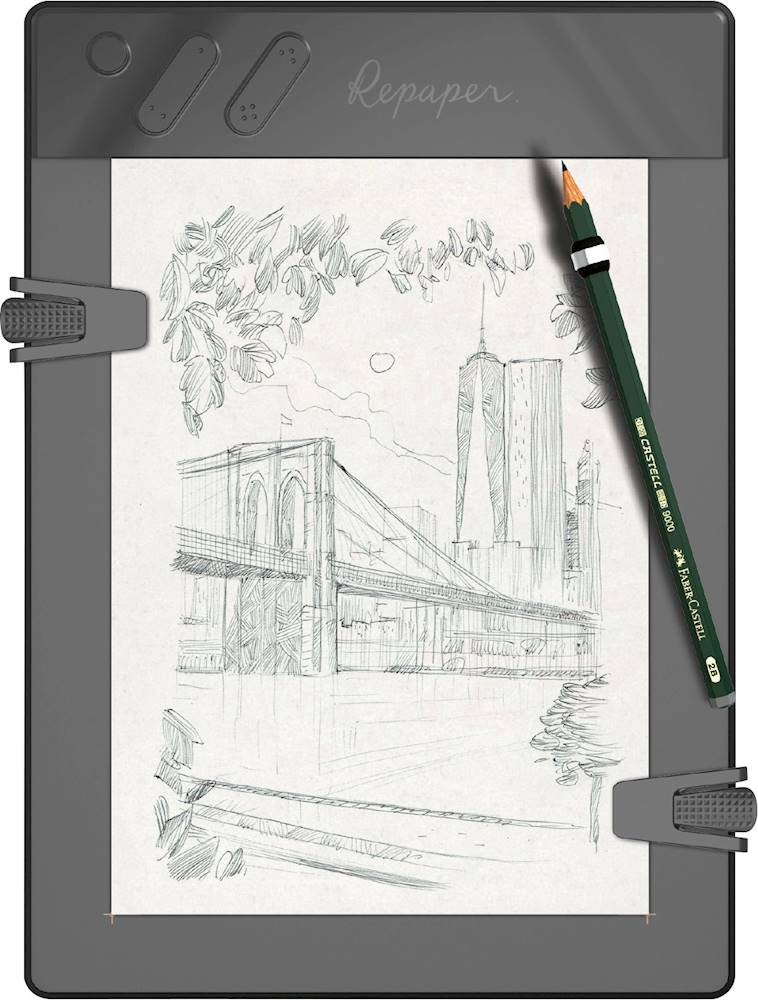
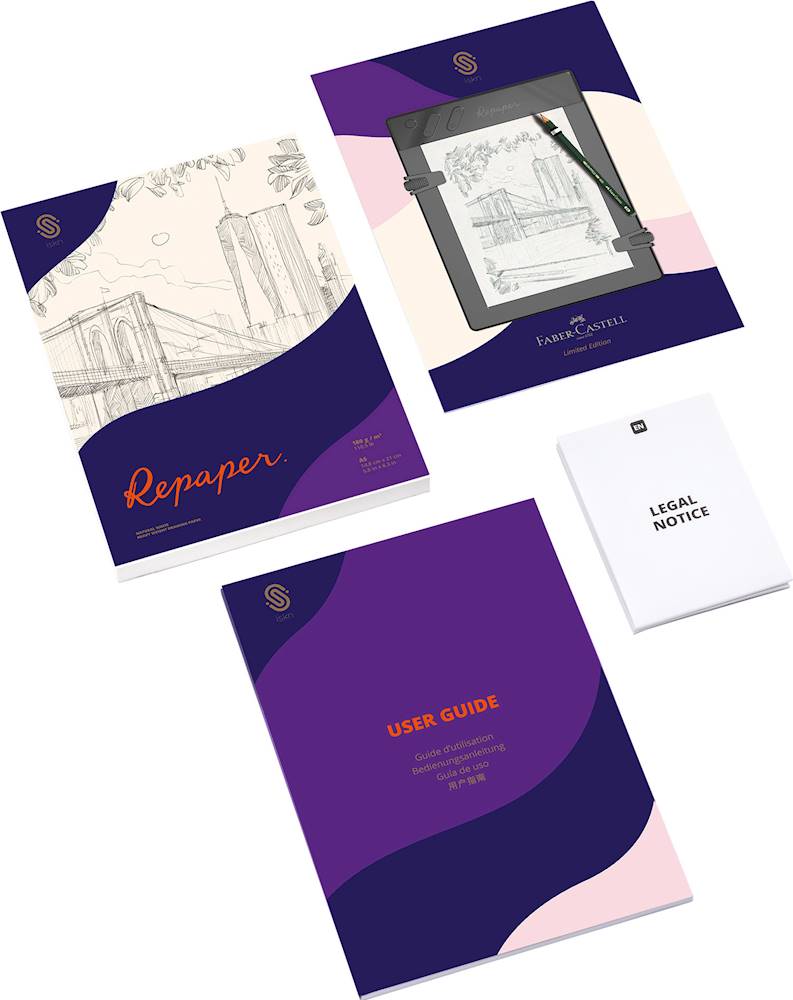
Posted .This reviewer received promo considerations or sweepstakes entry for writing a review.This is a drawing tablet like no other. It's using really clever technology that you will not find in other drawing/graphics tablets. Unlike other tablets it works with magnetic sensors that locate the pen/pencil position and also has a pressure sensor matrix integrated into the surface as well. This means you can just slide the magnetic rings on pretty much any pen or pencil and It will recognize what you draw and write. As far as I know there is no other drawing tablet that allows the use of universal pens, pencils and erasers to draw on paper while at the same time recording the sketches on a computer or mobile device. It registers and records this very well and precisely, provided there is no major magnetic interference. and this is the first limitation. the technology is somewhat sensitive to metal/ magnetic objects. this is not always super critical , but it can affect precision to a point where the device warns you of a poor environment with an error message. Another limitation is the size. There is no A4 or letter sized model, so it is limited to A5 format or about half a letter. It also does and can not automatically recognize what too you are using with the magnetic ring and the device, so you need to manually configure your tool options in the software accordingly, such as thickness, tool type (pencil, pen, felt tip pen, marker etc.) and you need to manually match the color for the digital artwork to match the artwork on the paper. So for some artists who are just interested in digitizing their art or written notes, a scanner may indeed be a viable or even more practical or more precise solution. But of course that is not really what a digital drawing tablet is all about. In terms of use as a drawing/ graphics tablet with software this iskn Repaper can be truly great, but can also have some functionality issues because of the driver software. I do not have my Repaper for very long yet and I don't have much photo editing or image manipulation software. Years ago I started out working with older photoshop versions, not I love working with GIMP instead. Sadly GIMP for example does not yet seem to recognize the tablets pressure sensitivity functions, but the ISKN support assured me they bare working on resolving this as quickly as possible, but asked for patience. In Blender this does not appear to be a problem so far. When using the tablet completely separate and without computer the only tool you can currently use is a pencil. Well using the ring, you can of course draw with any kind of pen, but the tablet will only record it as if it was a pencil with standard settings, which I believe match a 2B pencil. It does this well, and I assume there will be more options to come in future firmware updates, but that is what it is for now. So this does limit the functionality when the device is used offline, separately all alone by itself. But since it does connect to phones and tablets via bluetooth this is not a big deal for me and ensures the device is still very portable and functional. It's just much better (meaning fully functional) in combination with a phone or tablet, than it is when used all separarely just by itself. So to sum it up. people who only want a graphics tablet to use with a computer and with graphics software, the repaper may not necessarily be the optimal choice, because of the price. But the technology does still have some advantage as it can track the pen even when it's not touching the tablet. This allows you to precisely place a stroke where you want it to be by using the cursor on the screen while hovering the pen over the tablet to target your strokes. But depending on the software and compatibilities, this may also cause functionality issues here and there. for people who only want to use it as graphics tablet there may likely be either far cheaper or better alternatives with more functionalities. But you will not find another one that works quite just like this tablet does because of the magnetic tracking technology. For people who just want to digitize notes and sketches this may be a great option, but know that there are alternatives which work with thicker notebooks. The Repaper's pressure sensitivity is (currently) only really best used with just one or two pages of paper. I have not tried using it with a thicker booklet yet. Given the somewhat limited functionality in Repaper only mode the wide options of writing tools compatible with the magnetic rings is not really useable (yet) so other alternatives like a Wacom Bamboo slate are not much different in that respect. The Repaper really excels when it is used in a combination of digital art and paper sketches either with a computer or a mobile device. then you can use all the tools. The app that comes with it is not perfect and in some ways limited, but it is very easy and intuitive to use and it does some things very well. I love this tablet and for me and what I need it is almost perfect and worth every penny. If you do decide to buy it, I recommend getting at least one pack with a couple of extra magnetic rings. That is also why I ordered my Repaper directly from Iskn's online shop in a deal that included an extra pencil, three magnetic rings, a stylus and a nice sleeve. The stylus can also be used as ball pen by the way. All you need to do is just screw it open and replace the plastic stylus tip inside with a fitting ball point pen ink mine. Having three magnetic rings really makes things much more comfortable when switching between tools like pen and eraser or colored pencils. otherwise you will always be busy sliding the magnetic rings off and back onto your tools. and they do need to be aligned somewhat carefully for best results, so I highly recommend getting a pack with more than just one ring, or purchasing additional the ones. Another little advice: The magnetic accessories (but not the clips!) for the Repaper and the older/ cheaper previous model "The Slate" are compatible with each other. (The Slate lacks the pressure sensitivity though and has some other minor disadvantages so that I personally recommend the Repaper and find it being far better.) This may let you save a couple of dollars, because for whatever reasons, the same kind of accessories tend to be a little cheaper for the slate than they are for the Repaper. Despite the little issues here and there as mentioned above, I must say I do really love this gadget already. And I am sure it will be even better with time, when future firmware updates for the tablet improve some of the minor software compatibility or usability issues here and there. After all it's quite newly developed technology and unlike Apple and Wacom and other bigger brands, ISKN is a relatively small French business. The magnetic technology can do things other tablets can absolutely can not do and allows for a much more realistic feel and experience of using digital pens along with allowing precise digital positioning of the stylus or drawing tool tip. But drivers and the software app that comes with it are somewhat limited and could still use a few little tweaks and improvements here and there.
I would recommend this to a friendRated 5 out of 5 stars
pencil and digital reconciled
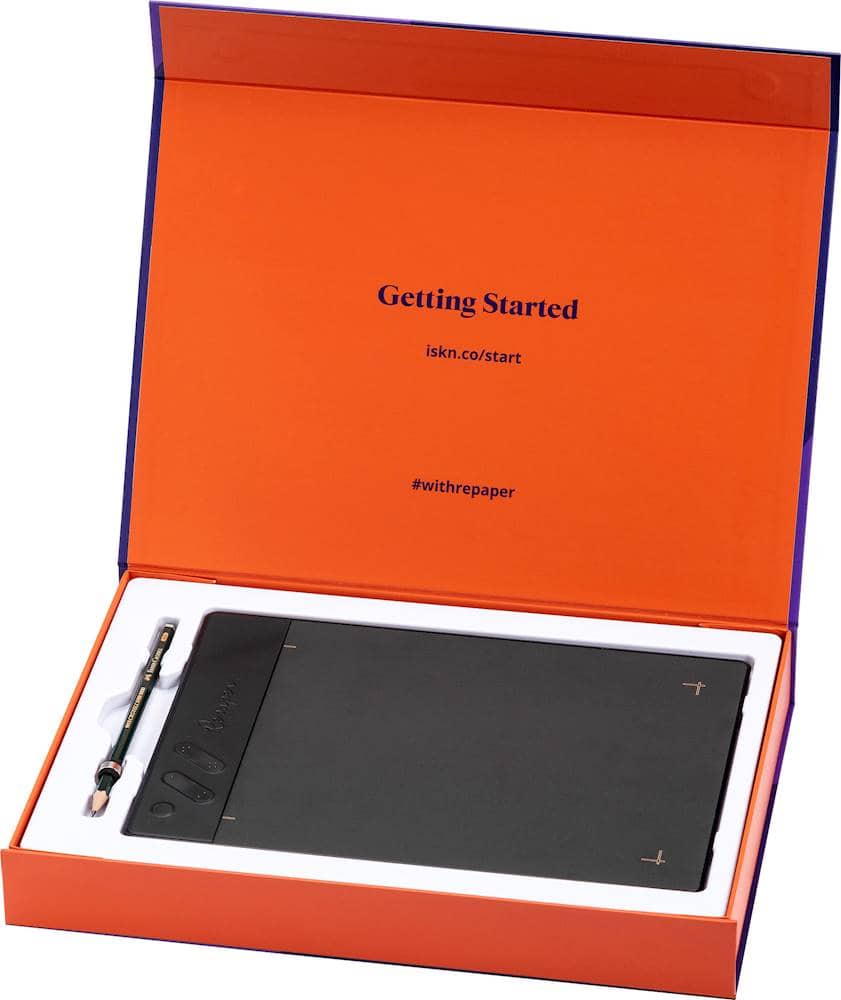
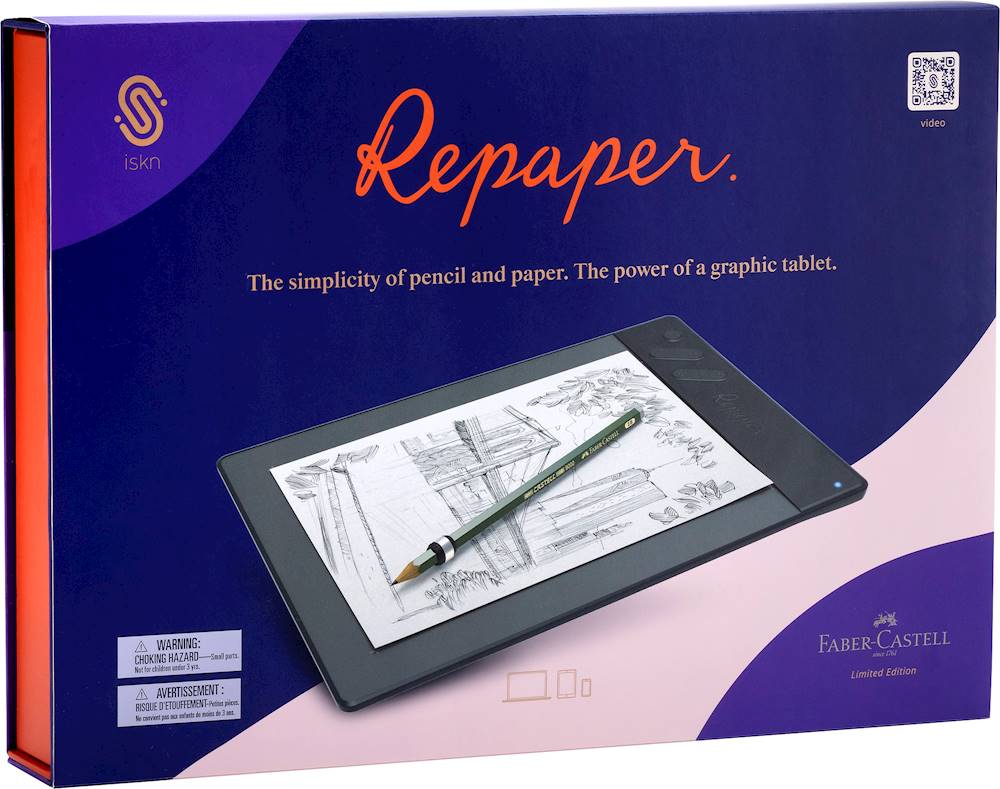
Posted .This reviewer received promo considerations or sweepstakes entry for writing a review.Couple of friends recommended this Faber-Castell limited edition. It is a great piece of technology. By fitting the magnetic ring on my pens and pencils I am now able to convert paper strokes into digital format in real time. It also works with any sort of paper. Its portable format, battery and memory make it a real day-to-day companion device for creatives.
I would recommend this to a friend
Customer reviews from Faber-Castell USA
See all Faber-Castell USA reviewsUser rating, 3 out of 5 stars with 2 reviews on Faber-Castell USA.
3.0(2 reviews)