Customer Ratings & Reviews
- Model:
- JUH377
- SKU:
- 10757584
Rating by feature
- Value
Rating 4.5 out of 5 stars
- Quality
Rating 4.6 out of 5 stars
- Ease of Use
Rating 4.7 out of 5 stars
Not intended for use as power station.
||Posted . Owned for 3 weeks when reviewed.This reviewer received promo considerations or sweepstakes entry for writing a review.Purchased 2 of these devices as they were advertised as capable of powering attached devices. Device only applies power to attached devices if it is plugged into a USB 3.0 port of another device. I am sure this was intended and have found an alternate use for these. This is by no means a standalone USB 3.0 power source.
No, I would not recommend this to a friendMake sure you have space -its bulky
||Posted .This reviewer received promo considerations or sweepstakes entry for writing a review.Going into it I knew the battery pack would be large, but it was okay with it because I thought it would speed up my downloads. Unfortunately 4 of the 7 slots only work and its very slow.
No, I would not recommend this to a friendBrand response from J5create Team
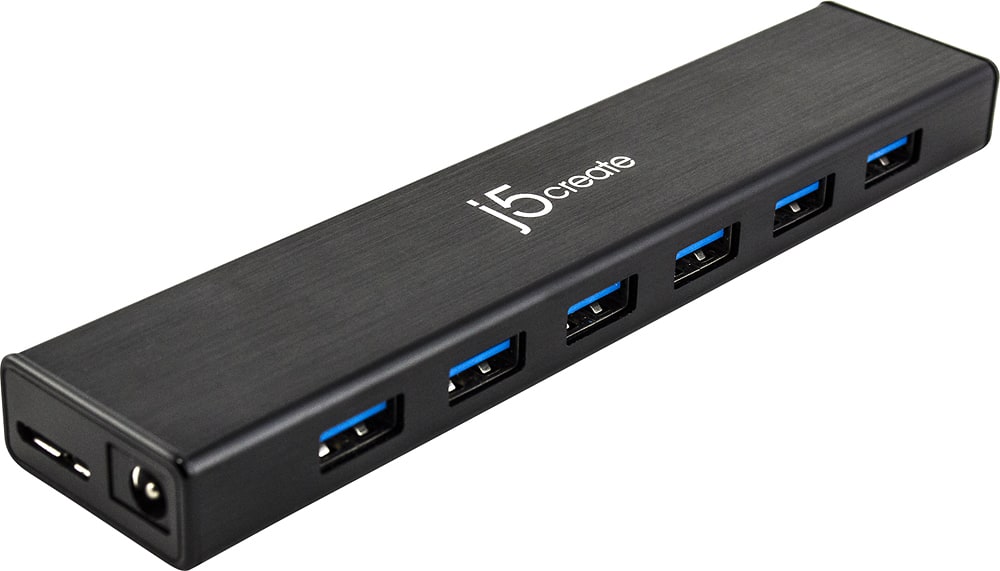
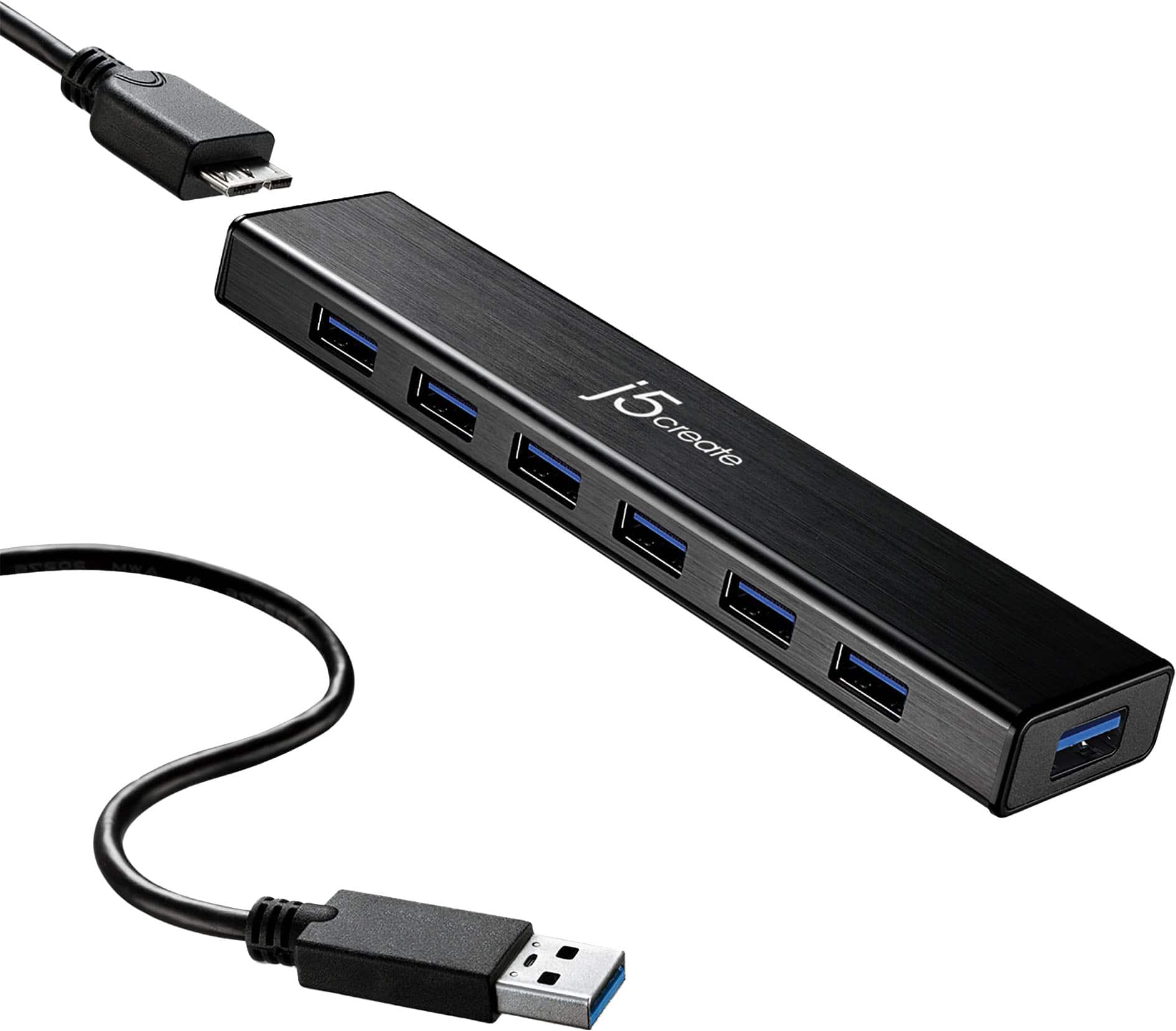
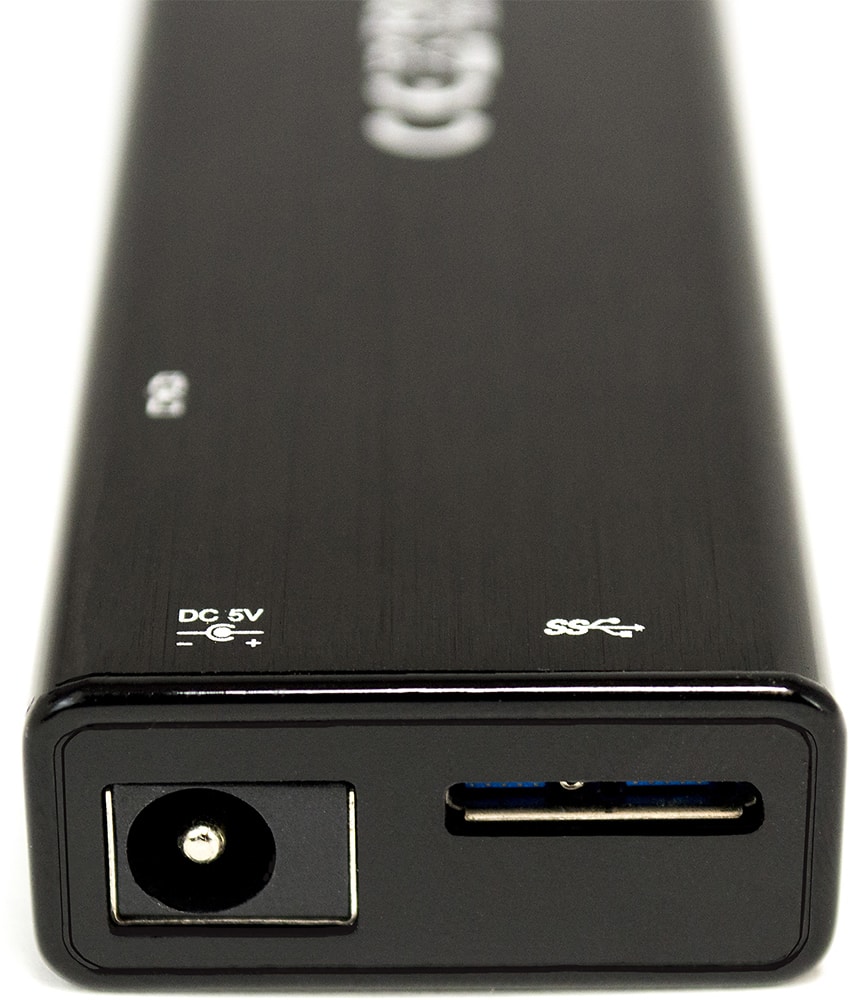
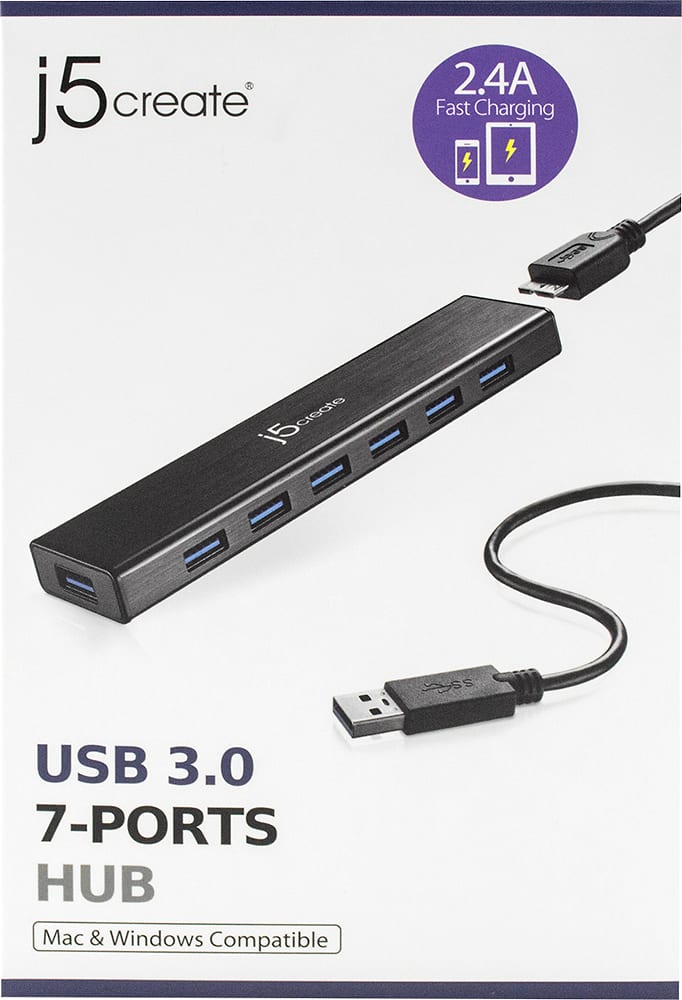
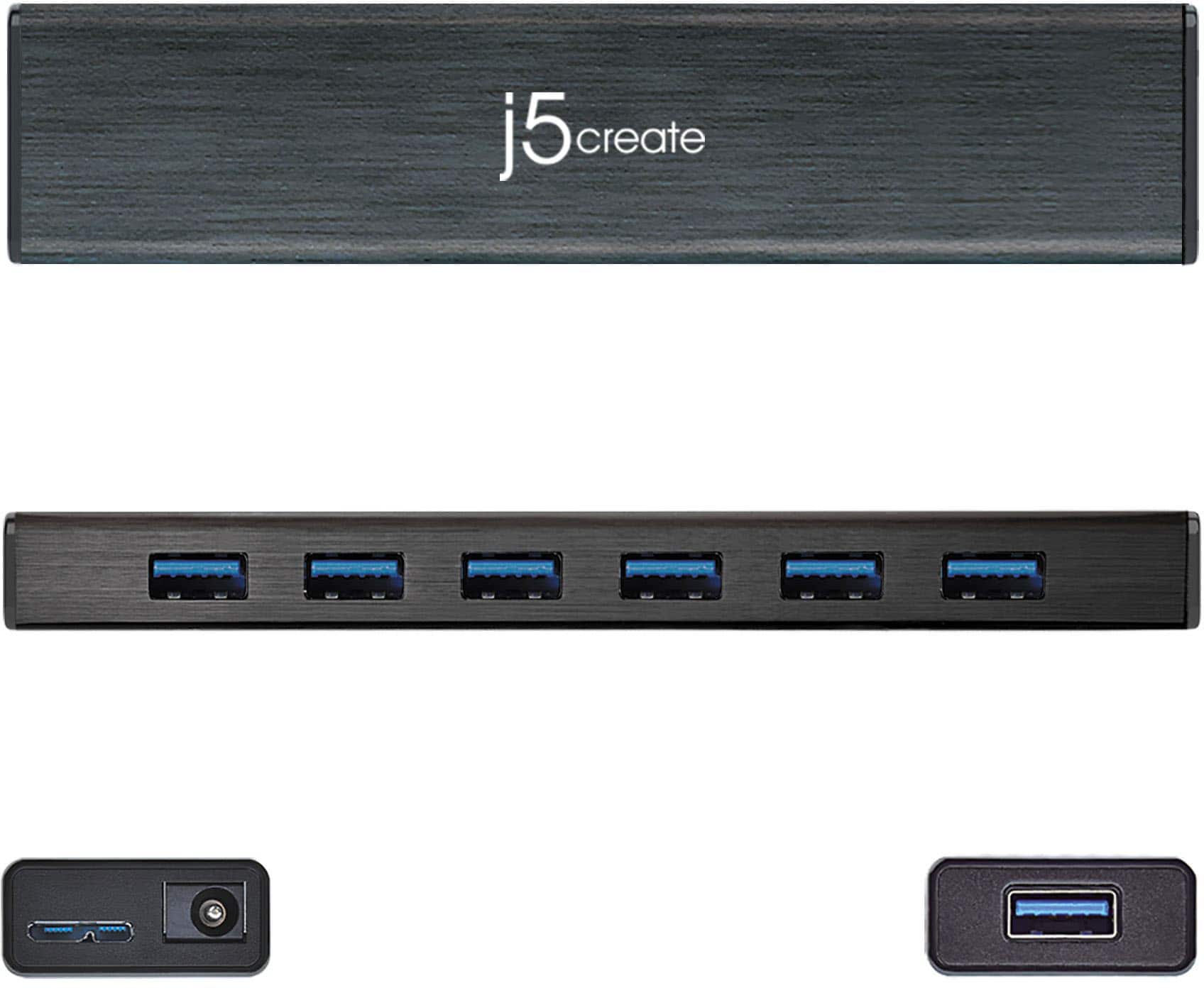
Posted .Supports USB bus-powered or DC self-powered for power hungry USB devices

It was a terrible buy
||Posted .This reviewer received promo considerations or sweepstakes entry for writing a review.None of products work with it. I tried my older devices it works with them.
No, I would not recommend this to a friendBrand response from J5create Team
Posted .Hi! I'm so sorry to hear that this happened to you! Since your review we've greatly improved all of our devices and drivers and continue to release new products to meet current customer needs. I hope that you would consider giving us a second chance so that we can show you the difference Thanks, j5create
Works
||Posted . Owned for more than 2 years when reviewed.This reviewer received promo considerations or sweepstakes entry for writing a review.Works as it should. Enough ports for me. Yay yay yay yay.
I would recommend this to a friendBoston Dj
||Posted . Owned for 1 week when reviewed.This reviewer received promo considerations or sweepstakes entry for writing a review.Very slow for four external hard drive connected at the same time with MacBook Pro 16" 2022.
No, I would not recommend this to a friendBrand response from J5create Team
Posted .For high powered hungry devices, we recommend the JUH370 7-Port USB 3.0 Industrial Hub with ESD and Surge Protection. The JUH377 can only do so much when it comes to multiple external HDD's per USB ports. Cordially, j5.
Not for multiple charging
||Posted .This reviewer received promo considerations or sweepstakes entry for writing a review.I returned, unfortunately i was told this could charge in all ports
No, I would not recommend this to a friendBrand response from J5create Team
Posted .Hello, unfortunately, one port supports fast charging for smartphones, tablets, iPad up to 2.4A (battery icon).
Neat
||Posted .This reviewer received promo considerations or sweepstakes entry for writing a review.N/a a1b2c3d4e5f6f6f678900101010101100010101110010101101001011011
I would recommend this to a friendLimited use.
||Posted .This reviewer received promo considerations or sweepstakes entry for writing a review.Did not function as described. Usb devices could not see each other and usb power issues.
No, I would not recommend this to a friendBrand response from J5create Team
Posted .In order to narrow down the exact issue you are experiencing, we recommend contacting support by Live Chat or a Support Ticket and a specialist will be ready to assist in resolving this. Our phone support will temporarily be unavailable due to COVID. Cordially j5
Least just over a month
||Posted . Owned for 1 month when reviewed.This reviewer received promo considerations or sweepstakes entry for writing a review.Worked great up until this morning. Completely dead. Unable to return it as well. I do not recommend this brand.
No, I would not recommend this to a friendBrand response from J5create Team
Posted .Hello,
We appreciate your feedback. j5create products are backed by a 2-year limited warranty. I would recommend that you contact j5create customer support for assistance. Contact information for support and warranty information can be found on the j5create website under the ‘Support’ drop down and on the product packaging.
Thank you,
j5create
Currently looking for something else...
||Posted . Owned for 1 month when reviewed.This reviewer received promo considerations or sweepstakes entry for writing a review.Albeit you can attach multiple external hardware drives to it and all.. but on a iMac it interferes with the boot up sequence.
No, I would not recommend this to a friendBrand response from J5create Team
Posted .Grant, I regret to hear about the issues you are experiencing when you attempt to boot up the iMac. It is possible an NVRAM and SMC reset may resolve this, if it does not, we recommend reaching out to support and an agent will gladly diagnose, troubleshoot further and make suggestions.
Respectfully,
j5create
Returned Product, again
||Posted . Owned for 1 month when reviewed.This reviewer received promo considerations or sweepstakes entry for writing a review.Every J5create hub I've purchased has been defective in some regard. This one wouldn't connect to power. I don't know if it was the adapter or the hub, and I've lost patience with this brand and didn't try to trouble shoot. Spend more money for a better product and save yourself the hassle.
No, I would not recommend this to a friendBrand response from J5create Team
Posted .Please contact our Technical Support Team, so that they can get more information from you; in order to narrow down the exact issue you are experiencing and what devices are being used on the USB Hub. Their information can be found on our website under the "Support" tab and a specialist will be ready to assist you, thank you.
Power Adapter Stopped Working
||Posted . Owned for 1 month when reviewed.This reviewer received promo considerations or sweepstakes entry for writing a review.The power adapter stopped working after only 7 weeks of ownership.
No, I would not recommend this to a friendBrand response from J5create Team
Posted .Hello,
If you are having issues with the hub power supply I would recommend contacting the j5create customer support team. You can find our contact information on the product packaging and on the j5create website under the ‘Support’ drop down. We back all of our products with a 2 year limited warranty. I hope that we can assist you.
Thanks,
j5create
Two out of three failed
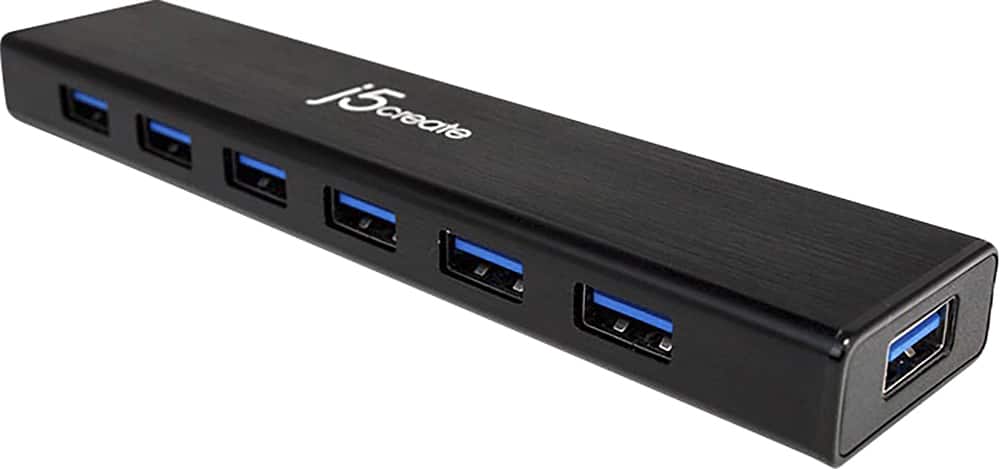
||Posted . Owned for 1 month when reviewed.This reviewer received promo considerations or sweepstakes entry for writing a review.I have purchased three of this product, The first one continues to function, but the second and third that were purchased near the same time have both suffered port failures shortly after the return period expired. In both cases, only the three closest ports to the power plug continue to function. The four remaining are nonfunctional.
No, I would not recommend this to a friendBrand response from J5create Team
Posted .Howard, We regret to hear the JUH377 hubs are causing such issues with your peripherals. The hubs are covered under a manufacturer warranty and if possible, we would value the opportunity to troubleshoot and if necessary, we will offer an exchange to get you up and going as needed. We apologize for the inconvenience and hope we may still turn things around.
Respectfully,
j5create
Frustrated
||Posted . Owned for 1 month when reviewed.This reviewer received promo considerations or sweepstakes entry for writing a review.Having trouble getting it to work the way I want and set up so that all the devices I have attached are viewable/workable.
No, I would not recommend this to a friendBrand response from J5create Team
Posted .Hello and sorry to hear about your issues with the JUH377. In the case where the JUH377 is not working when connected, we recommend reaching out to the technical support team printed on the packaging to speak with a specialist. An agent will troubleshoot and if necessary offer an exchange under the manufacturer's 2 year warranty.
Respectfully,
j5create
j5create - missing piece and poor customer service
||Posted . Owned for 1 month when reviewed.This reviewer received promo considerations or sweepstakes entry for writing a review.I love the idea of this unit, but it was missing the USB to C/thunderbolt adaptor cable. I contacted j5create and they said to contact Best Buy. But the package from BestBuy was unopened...so I think it's an error on j5create's part. I wish they had better customer service.
No, I would not recommend this to a friendBrand response from J5create Team
Posted .Hello,
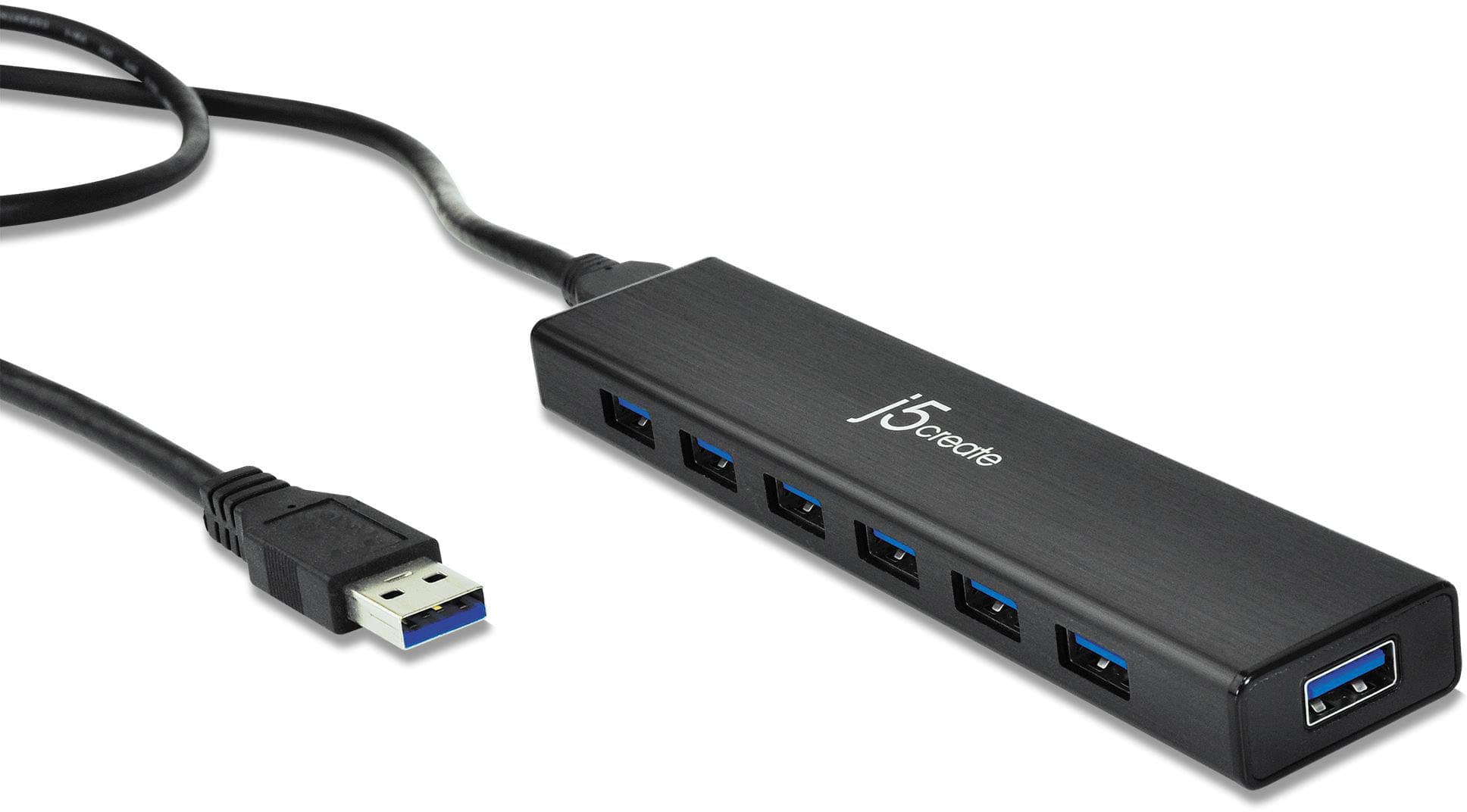
I am sorry to hear about the poor experience and frustration you have encountered. I would like to clear up some confusion. The product only comes with a USB-A cable. We have another device that comes with a USB-C cable that is available at Best Buy:
https://www.bestbuy.com/site/j5create-usb-c-7-port-hub-silver/6409214.p?skuId=6409214
I would again like to apologize for your experience. I hope this provides clarification.
Thank you,
J5Create
Not a good USB hub at all - mine was defective
||Posted . Owned for 2 weeks when reviewed.This reviewer received promo considerations or sweepstakes entry for writing a review.2 of the ports were defective, huge bulky adapter. Way better options than this
No, I would not recommend this to a friendBrand response from J5create Team
Posted .We apologize that the USB Hub did not work well for you. To understand what devices that were not working with the Hub, our representatives will be happy to assist you and any questions you may have. Our contact information will be located on j5create website. We look forward to hearing from you. Sincerely, j5create.
Avoid
||Posted . Owned for 2 months when reviewed.This reviewer received promo considerations or sweepstakes entry for writing a review.Kept disconnecting everything that connected in. Returned
I would recommend this to a friendBrand response from J5create Team
Posted .Please contact our Technical Support Team for further information about this issue. Their information can be found on our website in the "Support" tab. We apologize for the inconvenience. Thank you.
Don’t buy
||Posted . Owned for 4 months when reviewed.This reviewer received promo considerations or sweepstakes entry for writing a review.Very cheap. Cause two much of a delay with what ever was plugged into it
I would recommend this to a friendBrand response from J5create Team
Posted .Ripext, I'm sorry to hear about your experience with the JUH377. In the rare case where the JUH377 is not operating as intended, we recommend reaching out to support printed on the casing and speaking with an agent. A specialist will be glad to diagnose, troubleshoot and if necessary offer an exchange under the manufacturer's 2 year warranty. We appreciate your input and hope we can still assist.
Respectfully,
j5create
Naaahhhh Son!
||Posted . Owned for 1 month when reviewed.This reviewer received promo considerations or sweepstakes entry for writing a review.At best the USB Hub goes off 6 to 8 times while using it. Def getting a new one
No, I would not recommend this to a friendBrand response from J5create Team
Posted .Hello,
If you would like assistance with determining the cause of the issue with the hub our customer support team. You can find our contact information printed on the product package and on our website:
https://en.j5create.com/pages/contact-us
Thank you,
j5create
Show you care
||Posted . Owned for 1 month when reviewed.This reviewer received promo considerations or sweepstakes entry for writing a review.Crew to busy talking to one another and laughing at other customers!
No, I would not recommend this to a friendBrand response from J5create Team
Posted .Hi Halfbreed, if you are experiencing any issues with the Hub, please feel free to reach out to us and our representative will gladly assist you in troubleshooting our device. Respectfully, j5create.