Customer Ratings & Reviews
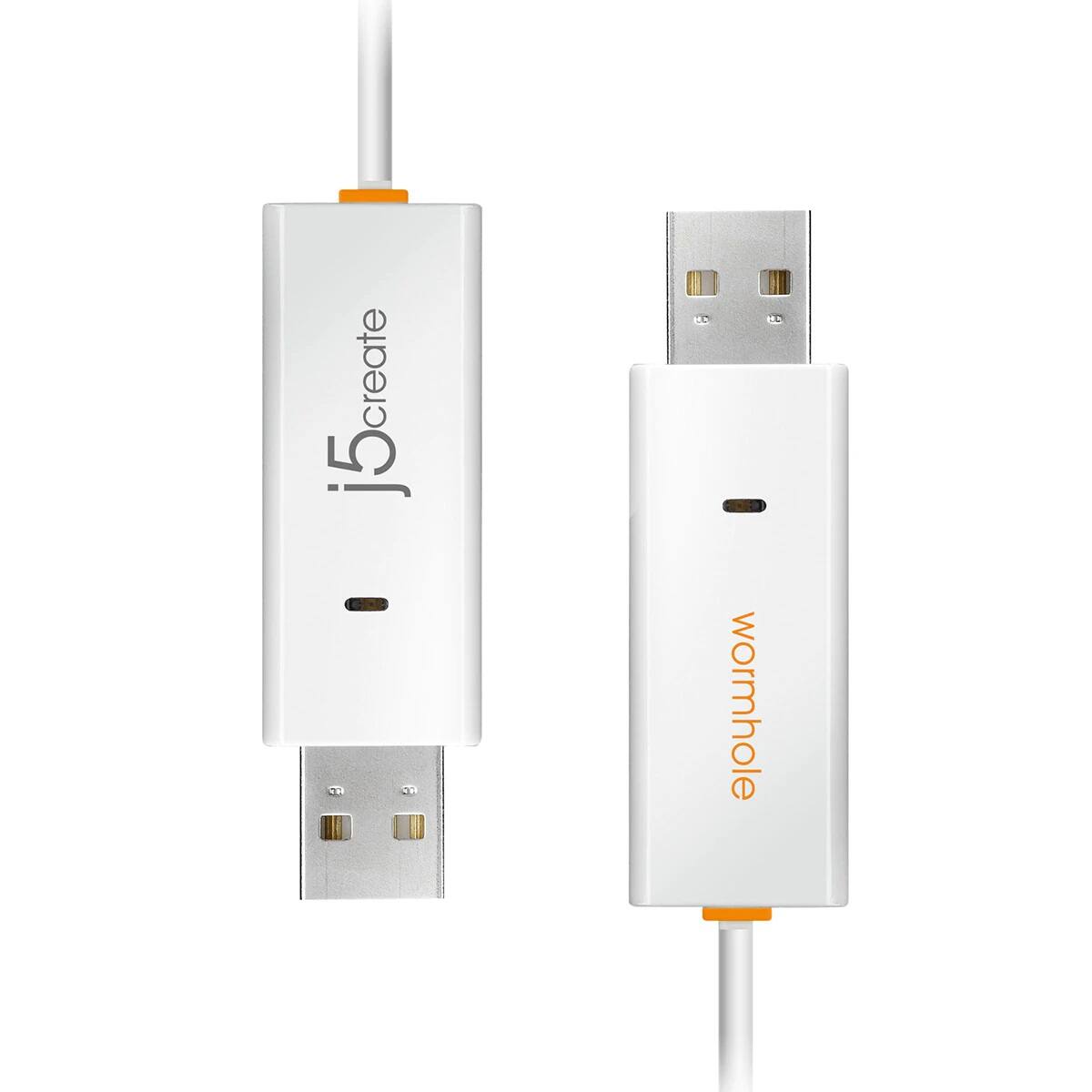
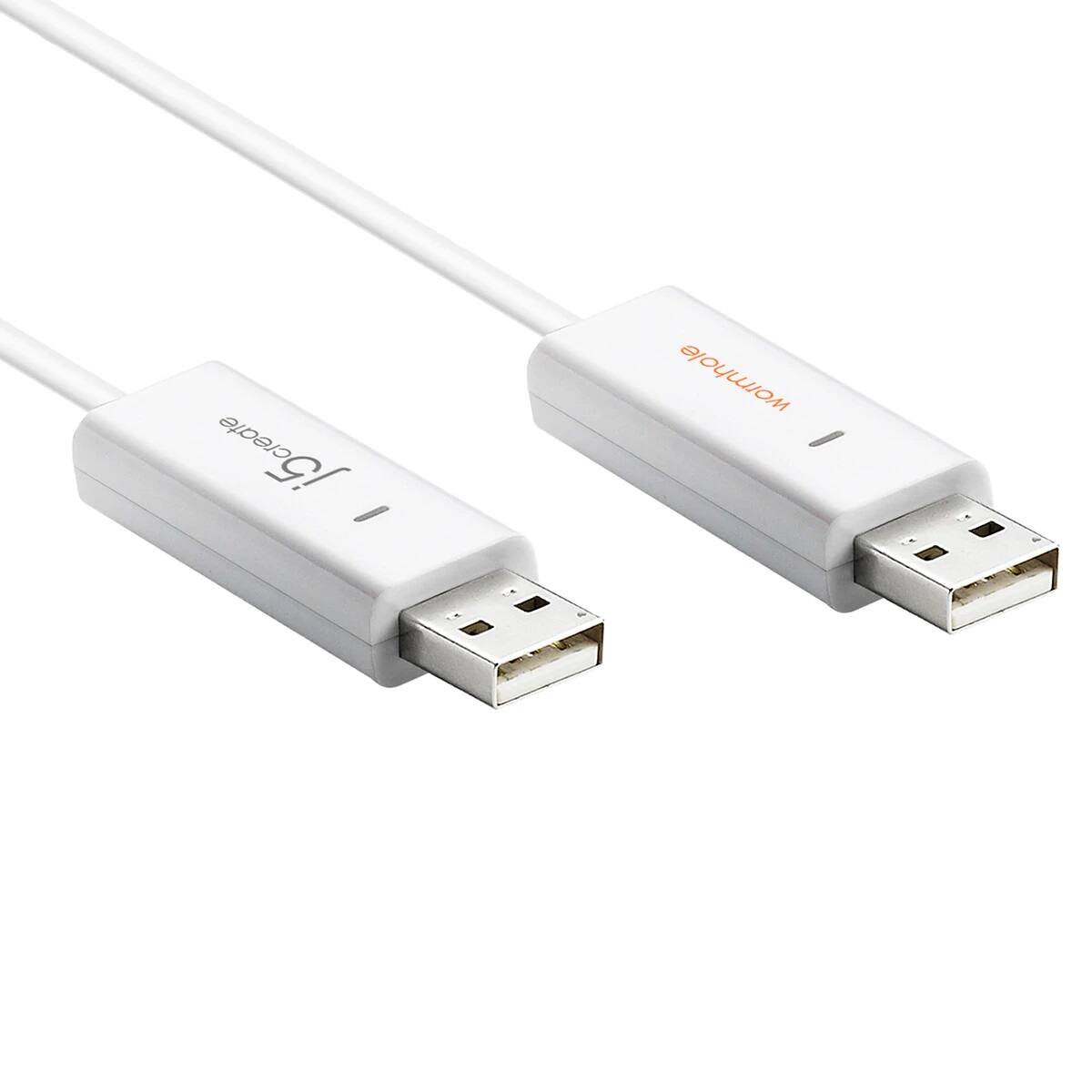
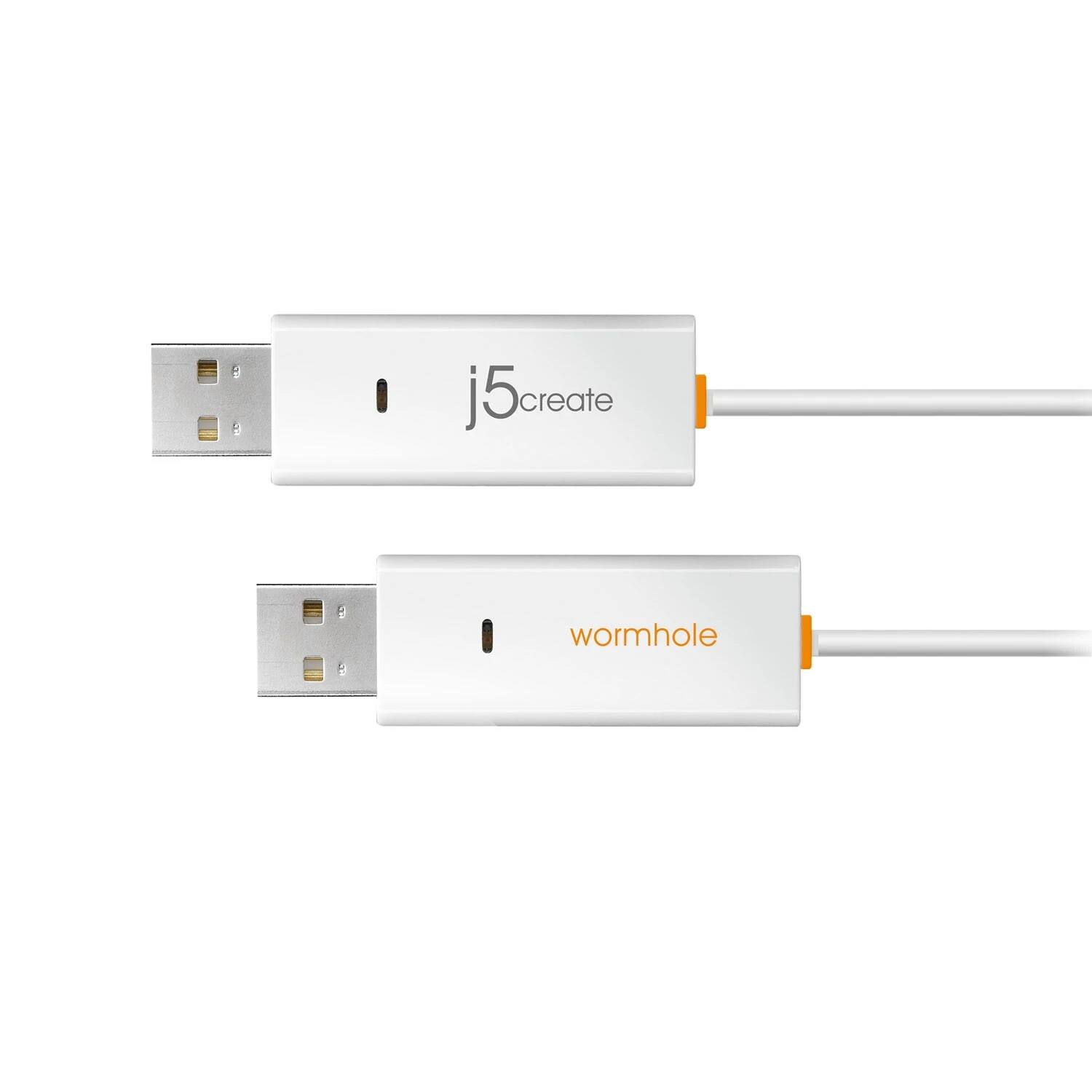
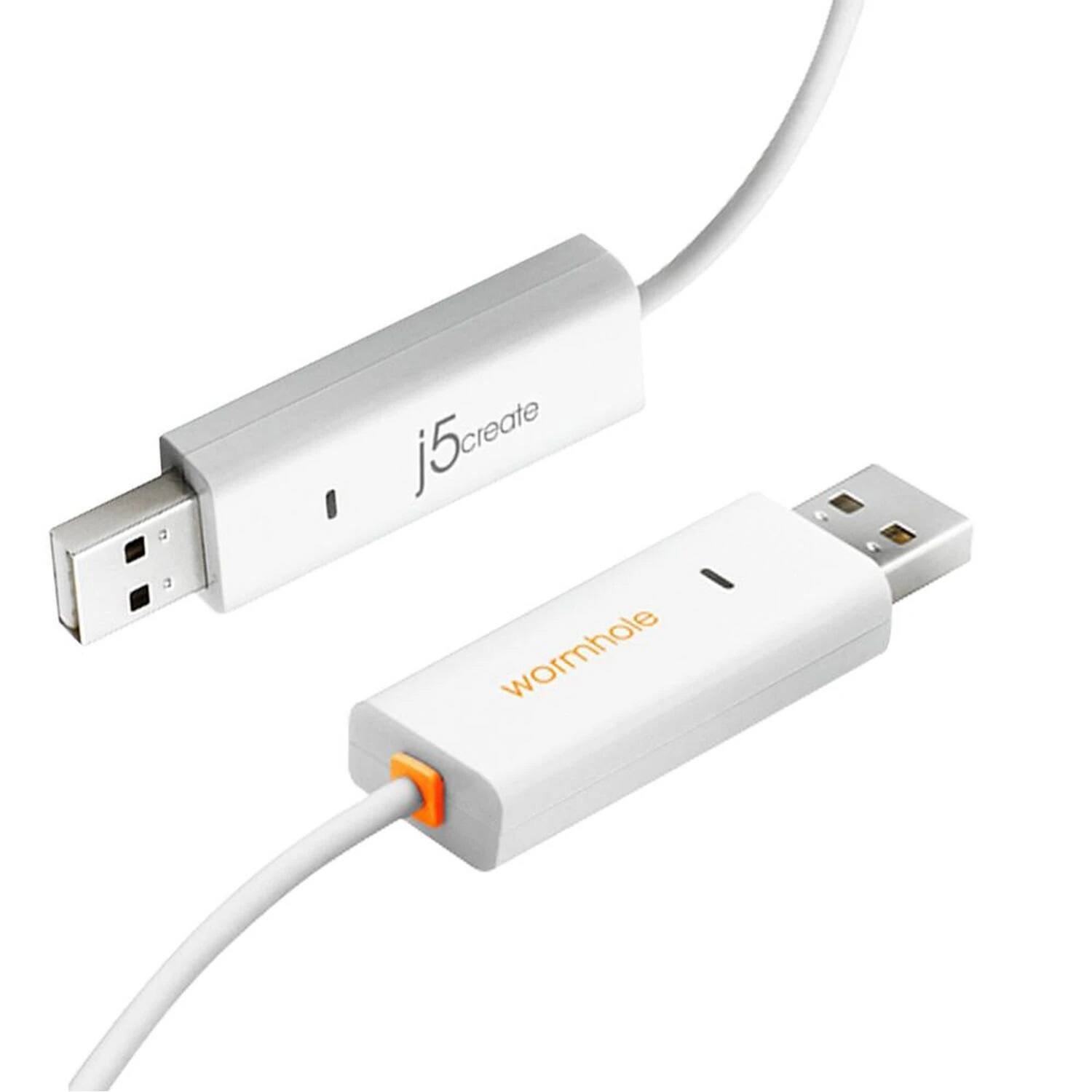
- Model:
- JUC400
- |
- SKU:
- 5384954
Customer reviews
Rating 4.1 out of 5 stars with 168 reviews
(168 customer reviews)Rating by feature
- Ease of Use4.1
Rating 4.1 out of 5 stars
Customers are saying
Customers appreciate the Wormhole Switch USB Transfer Cable's ease of use and its ability to facilitate file transfers between devices. Many users found it simple to connect and use for sharing files, keyboards, and mice. While some experienced compatibility issues, the majority of users reported positive experiences with the cable's functionality. The cable's USB transfer capabilities were also frequently praised for their effectiveness.
This summary was generated by AI based on customer reviews.
- Pros mentioned:Ease of use
Rated 5 out of 5 stars
Connect 2 devices at one time!
||Posted .This reviewer received promo considerations or sweepstakes entry for writing a review.This is one of the best purchases for computers I have ever made! It is easy to connect between the 2 computers, taking only minutes. It does not matter if they are Mac to PC, or PC to PC, or Mac to Mac. The connection is easily activated, enabling the transfer of any file or program from one computer to another. Transfers are as easy as dragging and dropping! Sometimes the mouse fails to make the jump to the next computer, but that might be operator error. I just attempt it again and it works. I have easily transferred files, programs, movies and music! I wish I had this years ago. It would have saved me time, money, and the loss of many great programs on old computers. I was about to purchase an external harddrive to attach to my friend's computer, copy terrabytes of info, and then plug it into my computer to use. My friend noticed this Wormhole cord on the shelf and the price was amazing (around $30, or so)! We tried it instead of the external HD, and I began to use it for all sorts of things from then on! I have not used it on tablets or other portable devices other than my laptop, but I am sure it will work on those too.
I would recommend this to a friend - Pros mentioned:File transfer, Mouse sharing
Rated 4 out of 5 stars
Worked Adequately
||Posted .This reviewer received promo considerations or sweepstakes entry for writing a review.I needed to move files from my old Window 8 laptop to my iMac. Not only did it transfer the files just by dragging and dropping from one screen to another, it also allowed mouse sharing capabilities. I do have to say that I had to reopen the program a few times because it stopped responding and that bummed me out. It's good for rare occasions, but long term it would drive me nuts.
No, I would not recommend this to a friend - Pros mentioned:File transfer
Rated 4 out of 5 stars
Slick tool to share files between Mac and Windows
||Posted .This reviewer received promo considerations or sweepstakes entry for writing a review.I bought this because I have MS word, excel and ppt on my MacBook and not on my employer's laptop. On that I have Apache. I keep getting .doc files I'm suppose to reply to and it's very difficult to edit them (first change file type, edit, change file type back and then send without getting some kind of error). With the j5 Create you can easily drag and drop files from one laptop to another. I also have j5's monitor to usb connector so I can connect a 3rd monitor to my work laptop. I think that's probable the reason that the mouse acts a little squirly when working on my MacBook. But it's easy enough to resolve, you just disconnect the wormhole cable for the length of time you need to be working on one of the laptops and reconnect it when you're done if the mouse behavior bothers you.
I would recommend this to a friend - Pros mentioned:Ease of use
Rated 4 out of 5 stars
Get's the job done
||Posted .This reviewer received promo considerations or sweepstakes entry for writing a review.Needed this to connect my primary laptop to my tinny company issued laptop. It worked perfectly. This allowed me to move files to my primary laptop to work on. Then move them back when I was done. Saved me the headache of moving from one laptop to another just to check the corporate email and swapping a thumb drive to transfer files. I have already recommended this to my co-worker having the same problem.
I would recommend this to a friend - Pros mentioned:Ease of use, File transfer
Rated 5 out of 5 stars
Wow
||Posted .This reviewer received promo considerations or sweepstakes entry for writing a review.The salesperson recommended this to transfer over all my data from a 10 year old PC to a brand new one. I was afraid it won't work on such an old PC but it worked out beautifully. It was so easy. I'm still amazed.
I would recommend this to a friend - Pros mentioned:File transfer, Mouse sharing
Rated 5 out of 5 stars
Works great
||Posted .This reviewer received promo considerations or sweepstakes entry for writing a review.I bought this thinking it was something else. But when I realized it was that plus more I was impressed at the functions it has. Share mouse and keyboard and instant file transfer. Really cool product!!
I would recommend this to a friend - Pros mentioned:Usb transfer
Rated 5 out of 5 stars
Links to my Time Capsule
||Posted .This reviewer received promo considerations or sweepstakes entry for writing a review.I had been unable to use my Time Capsule in my new building that provides free wifi because I no longer had my own ISP for internet connection. I asked at the Apple store how I could connect my MAC with the Time Capsule and they said I needed a USB to USB connection. So that search led me to the worm hole. I still use the ethernet cable to actually do backups between my Apple products, but the wormhole seems to keep me connected to those backups, as I am able to look into the time capsule without the ethernet connection.
I would recommend this to a friend Rated 4 out of 5 stars
Great utility
||Posted .This reviewer received promo considerations or sweepstakes entry for writing a review.This product makes it easy to move files from one computer to another. However, there were times when an error "pathname too long" that would prevent a file from being copied. Unfortunately if you are moving a folder, and one of the files has that error, then you have to try to figure out which file, because it doesn't let you know which one. Customer service was excellent and explained this was a known issue. That's the only negative I have to say about this tool.
I would recommend this to a friend- Pros mentioned:Ease of use
Rated 4 out of 5 stars
It works
||Posted .This reviewer received promo considerations or sweepstakes entry for writing a review.Not what I went in for, was looking for a different type of cable and bought this by mistake..But with that said, this is something I was planning of getting a bit later down the road. Easy to use
I would recommend this to a friend - Pros mentioned:Ease of use
Rated 5 out of 5 stars
Quick to use data transfer cable
||Posted .This reviewer received promo considerations or sweepstakes entry for writing a review.This is a great cable to use if you need to quickly transfer data between two computers. The software is easy to use and the ability to use the same keyboard and mouse for both computers simplifies the process a lot. A couple of quirks for copying files is that make sure you don't have long file names and if you have a lot of small files, zip the files up first and then transfer the zip file, it goes a lot faster.
I would recommend this to a friend - Pros mentioned:Ease of use
Rated 4 out of 5 stars
Great transfer cable
||Posted .This reviewer received promo considerations or sweepstakes entry for writing a review.Within 10 minutes, this plug-and-play device had been auto-recognized and I'd started a transfer from my old computer to new. The device worked flawlessly, I'm very happy with this item.
I would recommend this to a friend - Pros mentioned:Usb transfer
Rated 4 out of 5 stars
Surprisingly useful
||Posted .This reviewer received promo considerations or sweepstakes entry for writing a review.I was trying to move data from an old Windows 7 laptop to a new Windows 8.1 tower. When I plugged the cable in and it allowed me to drag and drop files I was very pleased!
I would recommend this to a friend - Pros mentioned:Ease of use
Rated 5 out of 5 stars
Awesome Product
||Posted .This reviewer received promo considerations or sweepstakes entry for writing a review.After having a similar device for Windows PCs, it was a disappointment that same device wouldn't work for the MAC. But to my surprise I found this device and was very happy as my wife purchased a new MAC and this made it so easy to transfer files between the two laptops with ease. The easiest way to do so in my opinion. Would definitely recommend this product to others!!!
I would recommend this to a friend - Pros mentioned:File transfer
Rated 5 out of 5 stars
Presently Surprised
||Posted .This reviewer received promo considerations or sweepstakes entry for writing a review.I was looking for something to transfer data between two laptops. This did that and more. It also acts as a shared mouse interface. So you can use one laptop to control the other one. Moving of files is a drag and drop using the shared mouse. Just drag from one laptop to other one. I would highly recommend this device if you are upgrading your hardware.
I would recommend this to a friend - Pros mentioned:Usb transfer
Rated 4 out of 5 stars
Good purchase
||Posted .This reviewer received promo considerations or sweepstakes entry for writing a review.I needed this cord in order to transfer items between my computers. It was recommended to me by a best buy employee. I think it was a great investment!
I would recommend this to a friend - Pros mentioned:File transfer
Rated 4 out of 5 stars
Very Useful
||Posted .This reviewer received promo considerations or sweepstakes entry for writing a review.Instructions were a little confusing to me, nearly returned it - then caught on and transferring data from old computer to the new one was quite simple.
I would recommend this to a friend - Pros mentioned:Ease of use
Rated 4 out of 5 stars
Out of the box
||Posted .This reviewer received promo considerations or sweepstakes entry for writing a review.Simple process. Fast, easy usage. Recommended. Great buy! Only 4 stars because unable to use with micro usb. I want it all; and I want it EZ. ;)
I would recommend this to a friend - Pros mentioned:Ease of use
Rated 5 out of 5 stars
Easy to use
||Posted .This reviewer received promo considerations or sweepstakes entry for writing a review.I wanted to move files from a Dell PC to my MacBook.......I shared a network and sometimes it allowed me to move files .....other times I would get an error message. When I discovered these cables my problems were over. It works every time. I only wish I would have known about these at the beginning. Very simple and easy to use.
I would recommend this to a friend - Pros mentioned:Ease of use
Rated 5 out of 5 stars
Freaken Awesome device!
||Posted .This reviewer received promo considerations or sweepstakes entry for writing a review.I loved this device. It was very easy to use once I figured out how to make it work. It was a little tricky or confusing. But once you know how to use it it is great, and realize it actually is very easy to use. It is unbelieveable how fast it transfers your data.
I would recommend this to a friend - Pros mentioned:Ease of use
Rated 5 out of 5 stars
This worked great for photos and files
||Posted .This reviewer received promo considerations or sweepstakes entry for writing a review.Just plug it in and let it download the files for you. It's just that easy. I had problems with another brand I had bought before this one. I even called their help line with no resolution. This was so much better. This is a great product.
I would recommend this to a friend