Customer Ratings & Reviews

- Model:
- 80UM000DUS
- SKU:
- 5412738
to a friend
- Pros mentioned:8gb ram, Cd/dvd reader, Large screen
very good for a good price
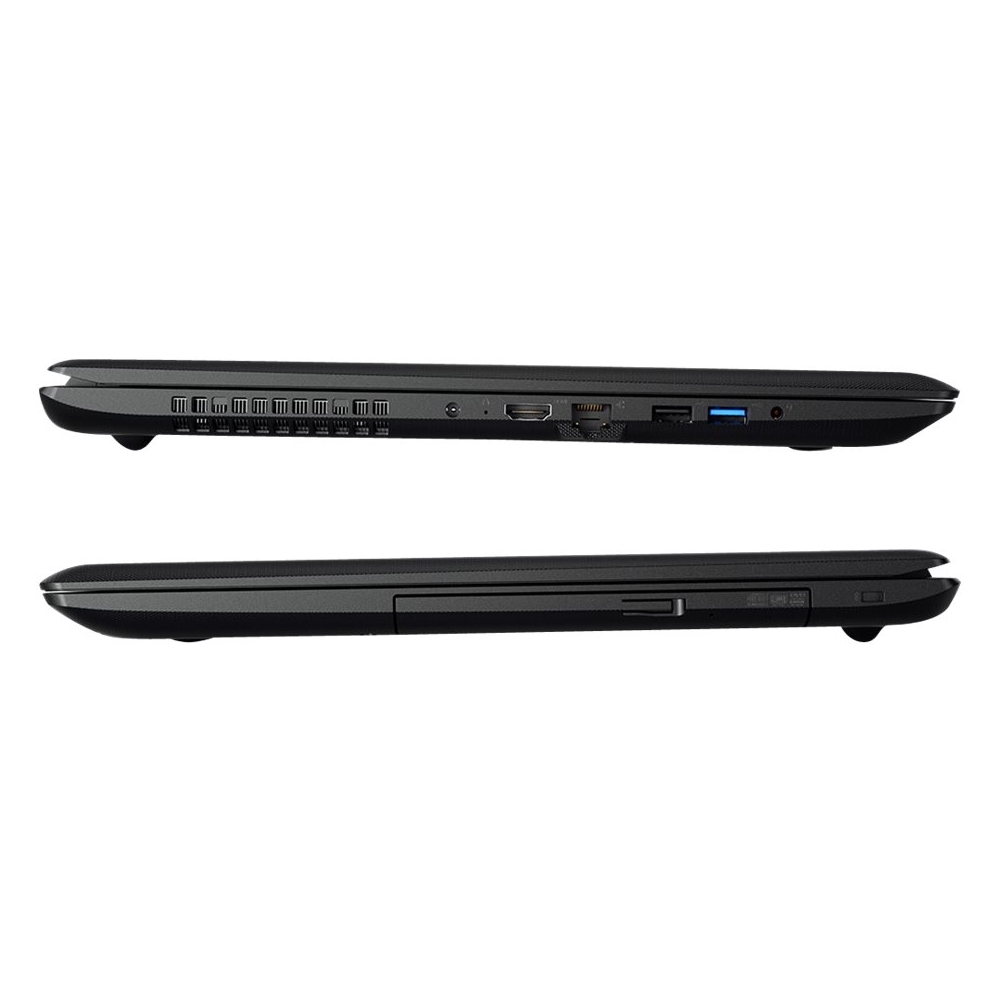
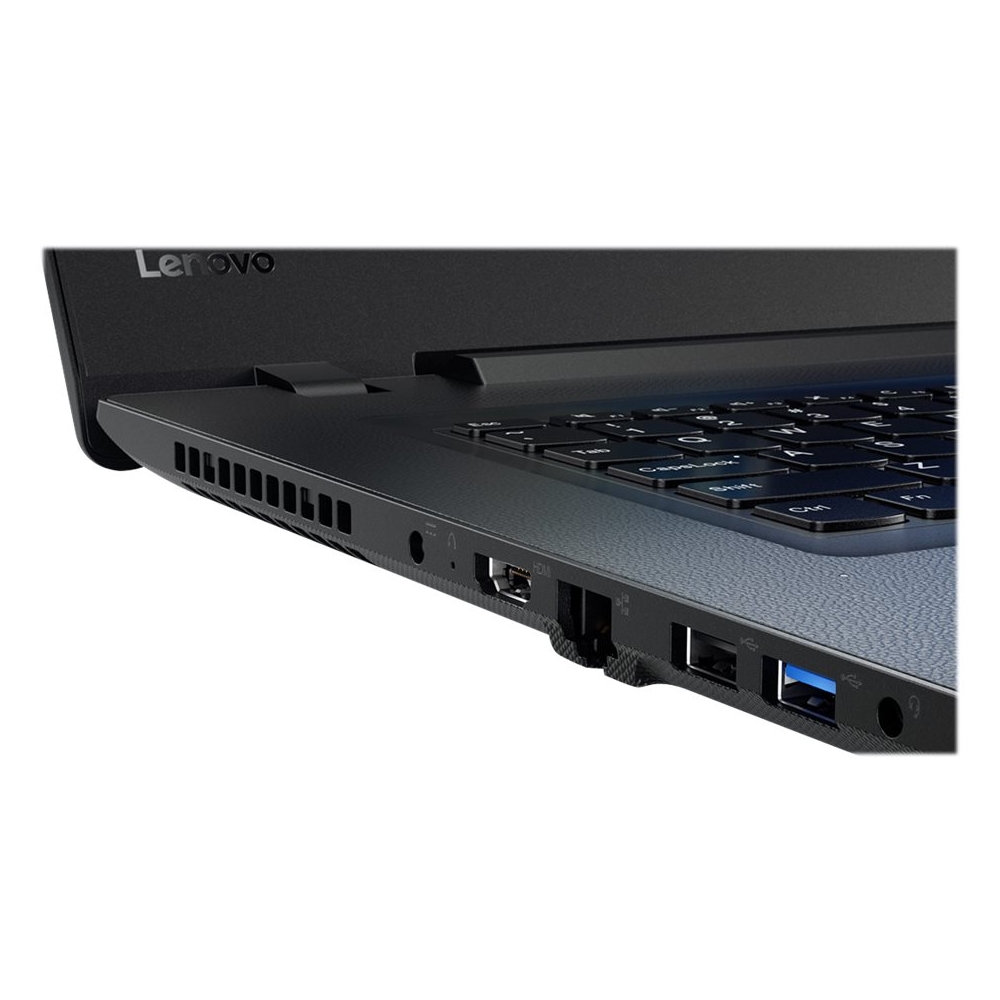
||Posted .This reviewer received promo considerations or sweepstakes entry for writing a review.got it to replace my aging toshiba. great price for a large screen, physical mouse buttons, number pad, CD/DVD reader, 8gb ram, just under 1tb space. only problem is a nitpick that the 2 USB ports are right next to each other so it can be difficult to use both at once.
I would recommend this to a friend - Cons mentioned:Keyboard, Ports
Looks great, works great, great screen resolution
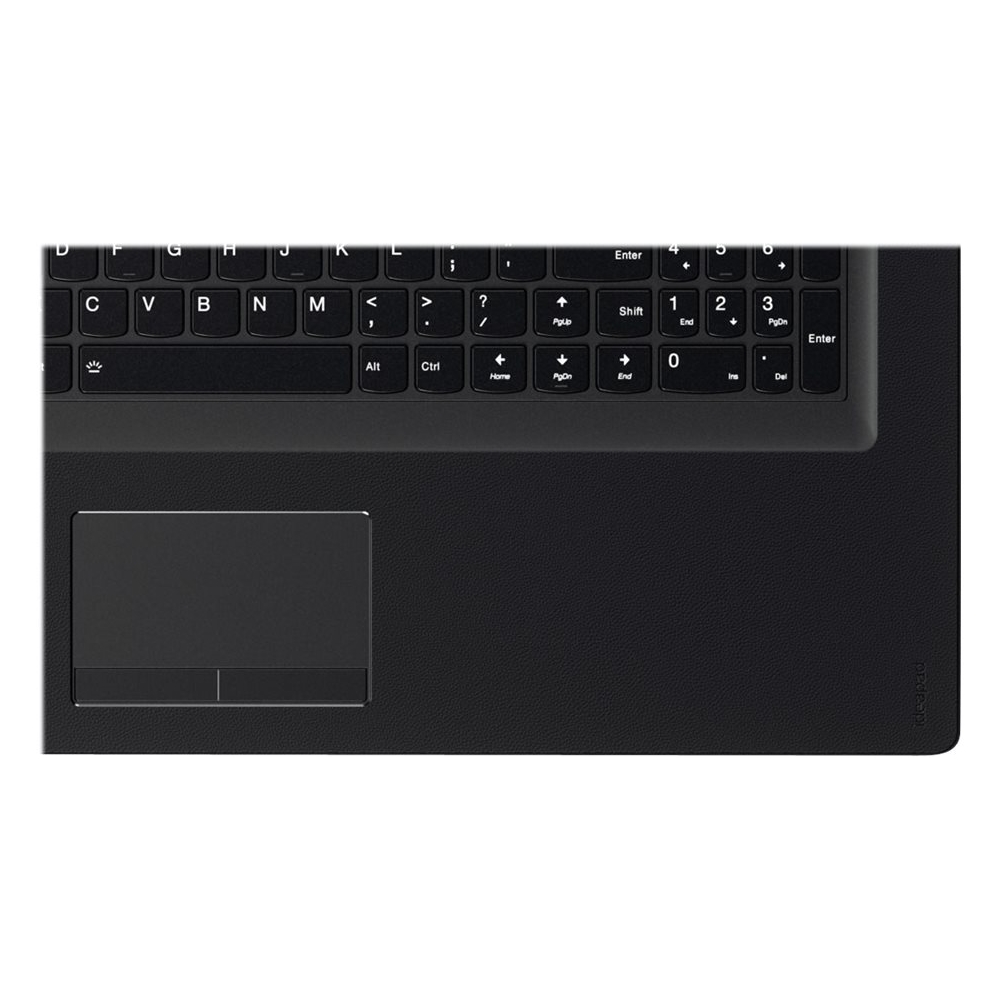
||Posted .This reviewer received promo considerations or sweepstakes entry for writing a review.Minor problems: black keys and black frame make it difficult to see key and button boundries, especially on the touch pad. Back-lit keyboard would have been better but pricey. Key positions quite different than previous laptop causing "page ups" rather then "shift" for example. I would have preferred more than two USB ports. All else is goodness! Love the brilliance and sharpness of the monitor.
I would recommend this to a friendBrand response from Lenovo Product Expert
Posted .With regard to the right shift key issue you mention, there is a free software APP called KeyTweak that may help you. You can switch the key functions of specific keys on your keyboard with this software, so you could change the right shift key with the key you hit in its place. Just Google search "KeyTweak" and you will find articles about what the software does and you will find the download location for this free APP.

- Pros mentioned:Basic features, Price
Excellent laptop for the price!
||Posted .This reviewer received promo considerations or sweepstakes entry for writing a review.We were looking for something fairly basic for office use and got this laptop for a very reasonable price. I'm used to something with a few more bells and whistles (and about twice the price), so I'm a bit biased, but we're very happy with this product.
I would recommend this to a friend - Cons mentioned:Keyboard, Poor sound quality
Speakers
||Posted .This reviewer received promo considerations or sweepstakes entry for writing a review.The sound generated by this lap top leaves a lot to be desired. Other than that I had to get used to the key board changes.
I would recommend this to a friendBrand response from Lenovo Product Expert
Posted .Thank you for choosing the Lenovo IdeaPad 110-17 laptop. With regard to the speaker volume, you might try going in to Properties for sounds/speaker. For Playback, find the Enhancement Tab. Find Equalizer. Change setting to Powerful.
Great budget laptop
||Posted .This reviewer received promo considerations or sweepstakes entry for writing a review.Very pleased with the laptop. Surf the web, watch videos stream tv. No problem. Love it
I would recommend this to a friendBrand response from Lenovo Product Expert
Posted .Thank you for choosing the Lenovo IdeaPad 110-17 laptop. We are pleased to hear that the IdeaPad 110-17 is working out so well for you.