Customer Ratings & Reviews
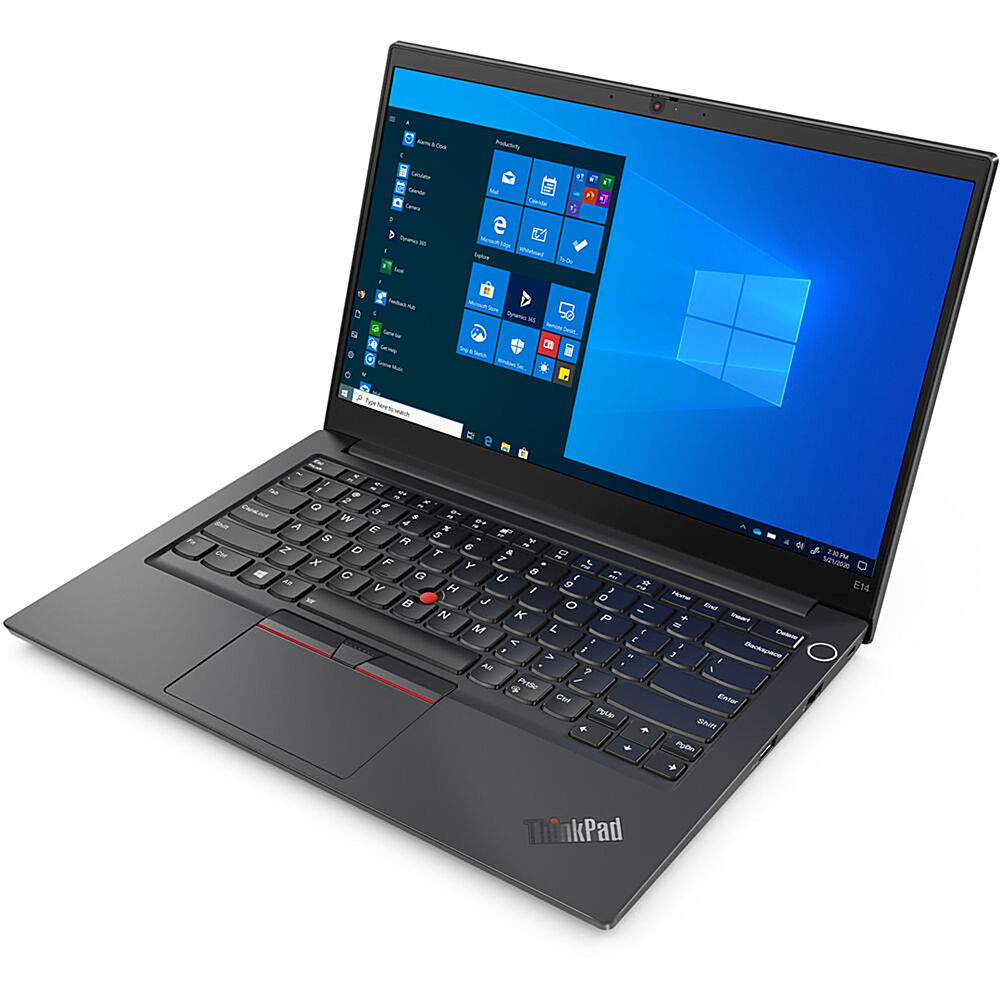
- Model:
- 20TA0025US
- SKU:
- 6455859
to a friend
- Pros mentioned:Large memory
Work laptop
||Posted . Owned for 1 year when reviewed.This reviewer received promo considerations or sweepstakes entry for writing a review.This has been one of my best working computers. I love it super fast processing has a lot of memory in stores a lot of items.
I would recommend this to a friend - Pros mentioned:Business, Durable, Fast
Trusty Laptop
||Posted . Owned for 3 weeks when reviewed.This reviewer received promo considerations or sweepstakes entry for writing a review.Durable trusty and fast laptop for business. Meets all of my needs
I would recommend this to a friendBrand response from Lenovo Product Expert
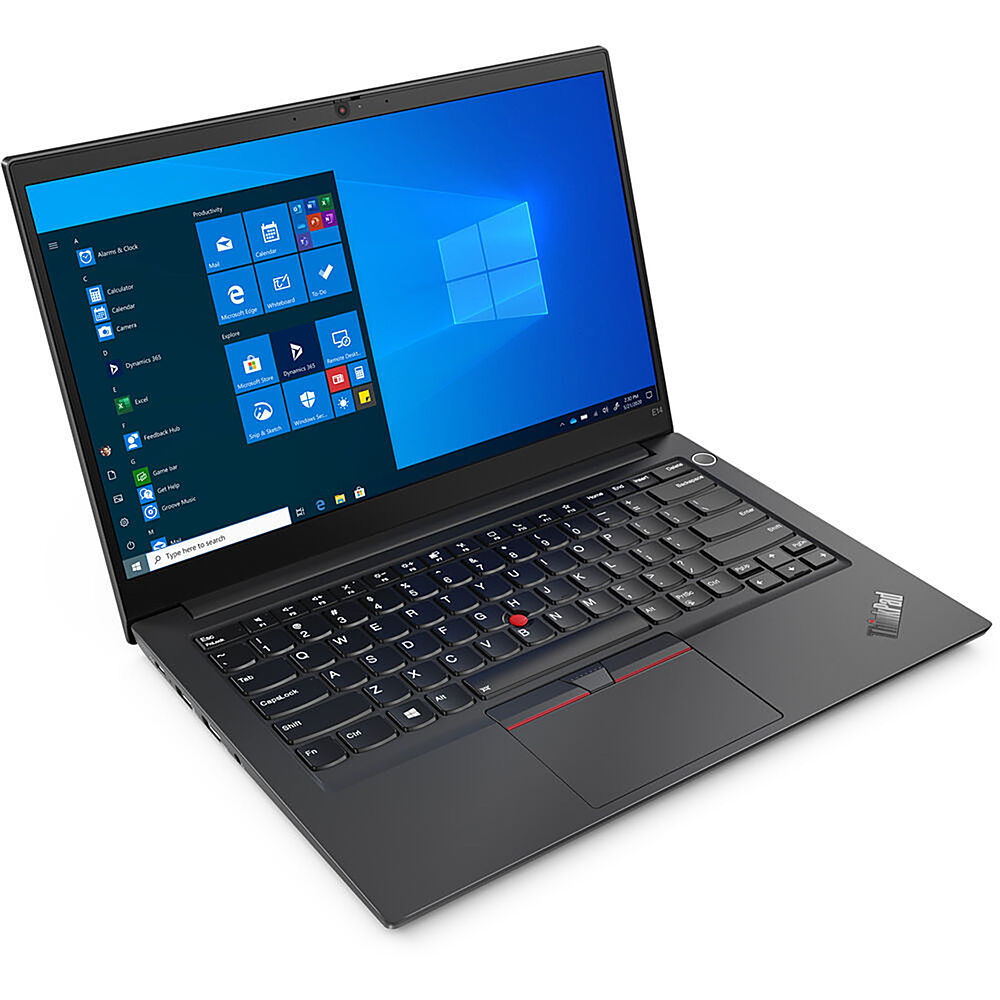
Posted .Thank you for choosing the Lenovo ThinkPad E14 Gen 2 Laptop. We are pleased to hear that the ThinkPad E14 meets your business computing needs so well.

- Pros mentioned:Fast, Good keyboard
Lenovo - great laptop.
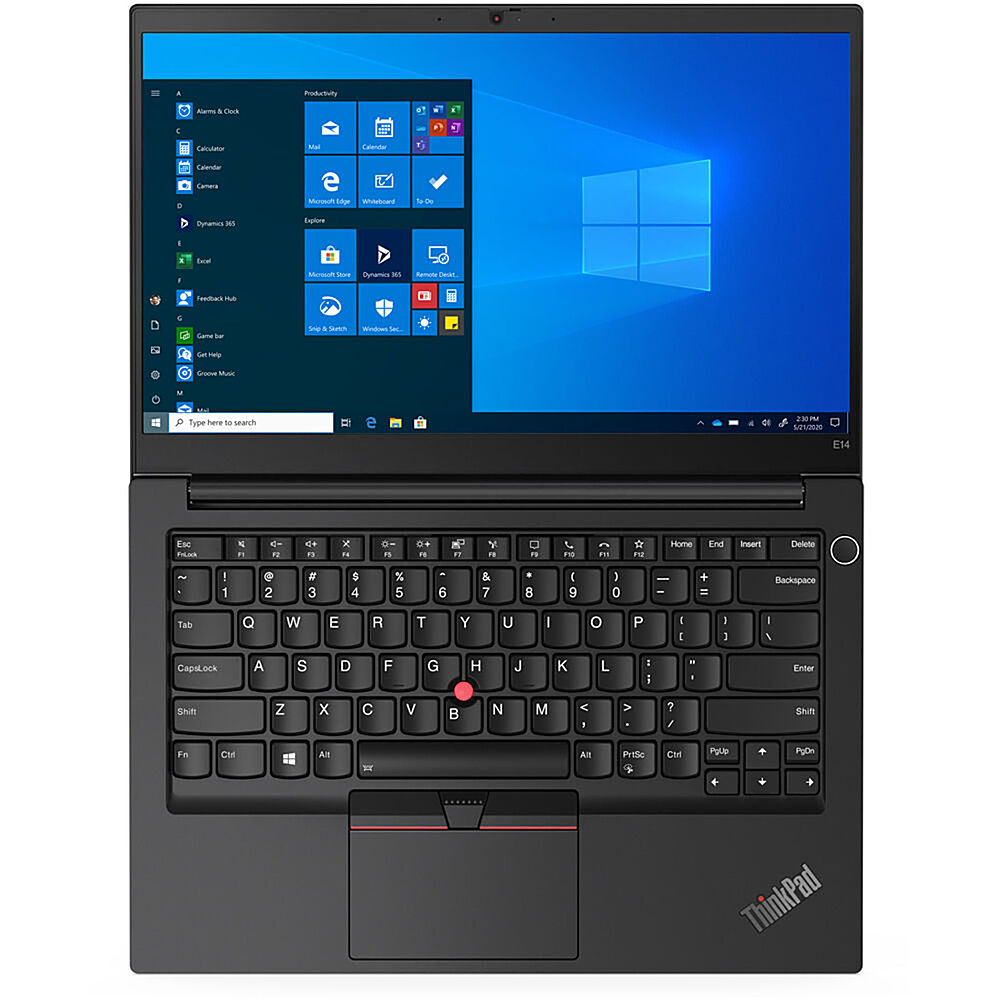
||Posted . Owned for 1 month when reviewed.This reviewer received promo considerations or sweepstakes entry for writing a review.Love the keyboard touch of a Lenovo. Easy set-up even for non-techy folk. Start up fast and speed matches or exceeds other brands.
I would recommend this to a friendBrand response from Lenovo Product Expert
Posted .Thank you for choosing the Lenovo ThinkPad E14 Gen 2 Laptop. We are pleased to hear that the easy setup, features and performance of the ThinkPad E14 meets your computing needs so well.
- Cons mentioned:Cursor, Usability
Lenovo Think Pad
||Posted . Owned for 1 month when reviewed.This reviewer received promo considerations or sweepstakes entry for writing a review.Very disappointed. Difficult to use. Cursor is very slow. Don’t recommend it
No, I would not recommend this to a friendBrand response from Lenovo Product Expert
Posted .We are sorry to hear that you are having issues with your Lenovo ThinkPad E14 Gen 2 Laptop, model number 20TA0025US. This model ships with Windows 10 Pro 64-bit Operating System installed. Regarding the touchpad, you can adjust the touchpad in your system settings. You can get there by clicking on the magnifying glass at the bottom left of your Windows 10 screen. Type "touchpad" in the search window. Select "Mouse & touchpad settings" from the list of choices. You can make general adjustments to the touchpad there. You can also select "Additional mouse options" for more detailed adjustments to the touchpad sensitivity by increasing or decreasing the delay of the touchpad, to either slow the cursor or speed it up, depending on your personal preferences. Additionally, here is a link to a YouTube Video that demonstrates the features and functions of Windows 10 Pro Operating System: https://www.youtube.com/watch?v=S3TgKhv8vqo. If you have questions about your Lenovo ThinkPad E14 laptop, we recommend you contact Lenovo Tech Support for Think products at: 877-453-6686.