Customer Ratings & Reviews


- Model:
- 20RA004XUS
- SKU:
- 6415440
to a friend
Customers are saying
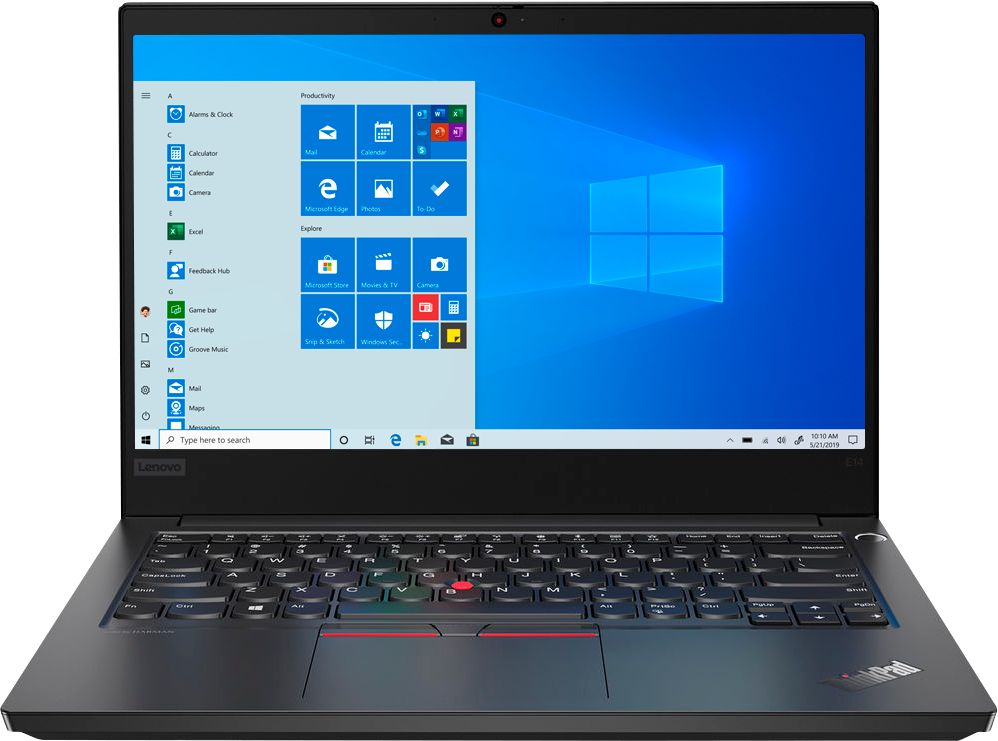
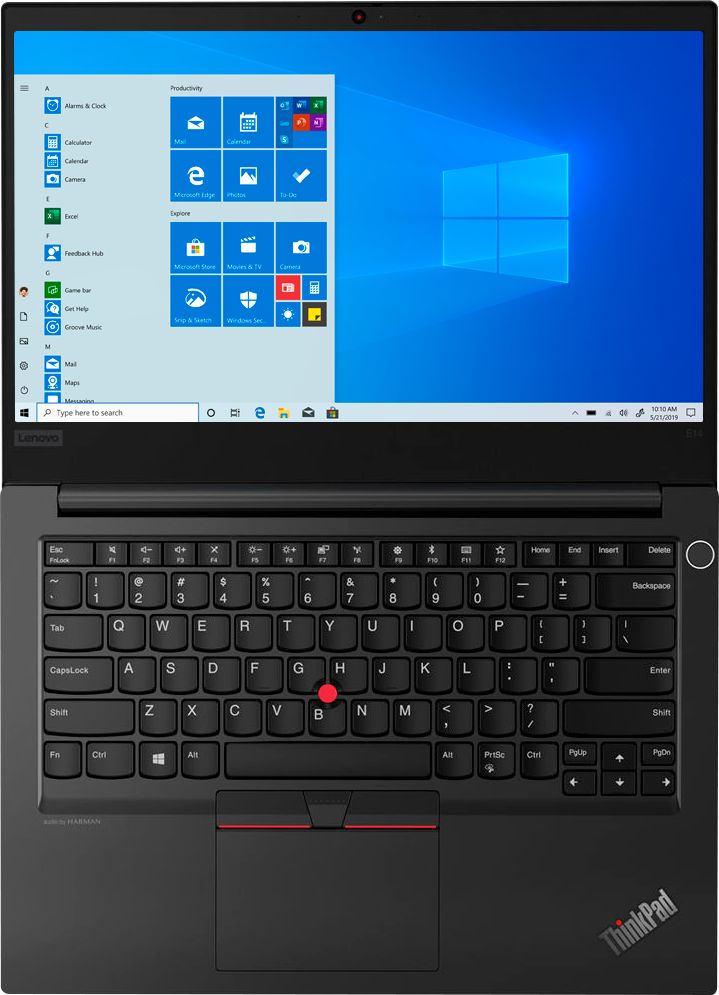
Customers are enthusiastic about the 14" ThinkPad E14 Laptop's features. However, some customers have expressed concerns about the laptop's speed, describing it as "very slow."
This summary was generated by AI based on customer reviews.
- Cons mentioned:Weight
Laptop is Just OK
||Posted . Owned for 1 month when reviewed.This reviewer received promo considerations or sweepstakes entry for writing a review.Just ok. Slow processing speed, very heavy. Bought this for a field employee and it's too heavy to tote around.
No, I would not recommend this to a friendBrand response from Lenovo Product Expert
Posted .The Lenovo ThinkPad E14 Laptop, weighs just 3.90 lbs. This should be a fast configuration with its 4-Core/8-Thread Intel Core i5-10210U processor, with a base speed of 1.6GHz and a Turbo Boost Speed of up to 4.2GHz. Be sure any software you installed is compatible with Windows 10. There is no need to install Microsoft Office software. The software is already part of the operating system, you just need to activate the software with a purchased product key. If you have installed a copy of Microsoft Office, this is conflicting with the existing copy on the system and this will slow your system down. If you have installed a 3rd party anti-virus program, be sure that Windows Defender is turned off and that the trial version of McAfee Anti-Virus software is uninstalled. There can only be one anti-virus program on the system. You may need to restore your system to original factory default settings if any of the programming errors have occurred. You can do that by typing "restore" in the Cortana search window. Just click on the magnifying glass icon at the bottom left of your Windows 10 Desktop. Click on "Reset This PC" Then click on "Get Started" and follow the on screen directions to restore to factory defaults. If the problem persists, we recommend you contact Lenovo Tech Support at: 877-453-6686.

- Pros mentioned:Business use
Good laptop :)
||Posted .This reviewer received promo considerations or sweepstakes entry for writing a review.Good laptop for business use. Laptop slightly on heavy side
I would recommend this to a friendBrand response from Lenovo Product Expert
Posted .Thank you for choosing the Lenovo ThinkPad E14 Laptop, model number 20RA004XUS. This model weighs just 3.9 lbs.
- Cons mentioned:Slow
Don’t waste your money
||Posted . Owned for 3 weeks when reviewed.This reviewer received promo considerations or sweepstakes entry for writing a review.I purchased this laptop because I thought it was going to be superior quality and the speed fast. I am frozen all the time. It’s super annoying. I have used it 3x total. I want a refund.
No, I would not recommend this to a friendBrand response from Lenovo Product Expert
Posted .We are sorry to hear that you are having issues with your Lenovo ThinkPad E14 Laptop. Be sure any software you installed is compatible with Windows 10. There is no need to install Microsoft Office software. The software is already part of the operating system, you just need to activate the software with a purchased product key. If you have installed a copy of Microsoft Office, this is conflicting with the existing copy on the system and this will slow your system down. If you have installed a 3rd party anti-virus program, be sure that Windows Defender is turned off and that the trial version of McAfee Anti-Virus software is uninstalled. There can only be one anti-virus program on the system. You may need to restore your system to original factory default settings if any of the programming errors have occurred. You can do that by typing "restore" in the Cortana search window. Just click on the magnifying glass icon at the bottom left of your Windows 10 Desktop. Click on "Reset This PC" Then click on "Get Started" and follow the on screen directions to restore to factory defaults. If the problem persists, we recommend you contact Lenovo Tech Support at: 877-453-6686.
- Pros mentioned:Sales rep
Tech support for sales
||Posted . Owned for 1 month when reviewed.This reviewer received promo considerations or sweepstakes entry for writing a review.Danny was a great sales rep. He knew exactly what I wanted.
I would recommend this to a friend - Pros mentioned:Great price
Lenovo laptop
||Posted . Owned for 2 months when reviewed.This reviewer received promo considerations or sweepstakes entry for writing a review.Love it. Fast shipping and great price. Great transaction
I would recommend this to a friend - Cons mentioned:Slow
Computer is too slow
||Posted . Owned for 3 weeks when reviewed.This reviewer received promo considerations or sweepstakes entry for writing a review.The computer is very slow. I would consider another model.
No, I would not recommend this to a friend GREAT BUY
||Posted . Owned for 1 month when reviewed.This reviewer received promo considerations or sweepstakes entry for writing a review.Great laptop was very impressed with the weight of it .
I would recommend this to a friendBrand response from Lenovo Product Expert
Posted .Thank you for choosing the Lenovo ThinkPad E14 Laptop. This model weighs just 3.90 lbs. We are pleased to hear that the ThinkPad E14 is working out so well for you.
- Cons mentioned:Slow
Garbage
Posted .This reviewer received promo considerations or sweepstakes entry for writing a review.Garbage. $700 computer performs like a $250 computer, lags, slow, brand new out of box and it chokes. - 5 seconds to load a picture -5 seconds to download a picture -6 seconds to load a website - 8 seconds to change from a game to the web - nothing happens instantly, everything is slowed down I bought one, best buy was sold out of anything less than $700 ironically. Will return it as I've had $300 computers perform with far superiority to this garbage. I no longer trust best buy and must assume that they are going to go out of business with this level of incompetence.
No, I would not recommend this to a friendBrand response from Lenovo Product Expert
Posted .We are sorry to hear that you are having issues with your Lenovo ThinkPad E14 Laptop, model number 20RA004XUS. This configuration will boot from off to the Windows 10 Desktop screen in less than 40-seconds. If you are experiencing slower boot times and slower than expected performance, be sure any software you installed is compatible with Windows 10. There is no need to install Microsoft Office software. The software is already part of the operating system, you just need to activate the software with a purchased product key. If you have installed a copy of Microsoft Office, this is conflicting with the existing copy on the system and this will slow your system down. If you have installed a 3rd party anti-virus program, be sure that Windows Defender is turned off. There can only be one anti-virus program on the system. You may need to restore your system to original factory default settings if any of the programming errors have occurred. You can do that by typing "restore" in the Cortana search window. Just click on the magnifying glass icon at the bottom left of your Windows 10 Desktop. Click on "Reset This PC" Then click on "Get Started" and follow the on screen directions to restore to factory defaults. If the problem persists, we recommend you contact Lenovo Tech Support at: 877-453-6686.