Customer Ratings & Reviews



- Model:
- 80UD00V1US
- SKU:
- 5799327
to a friend
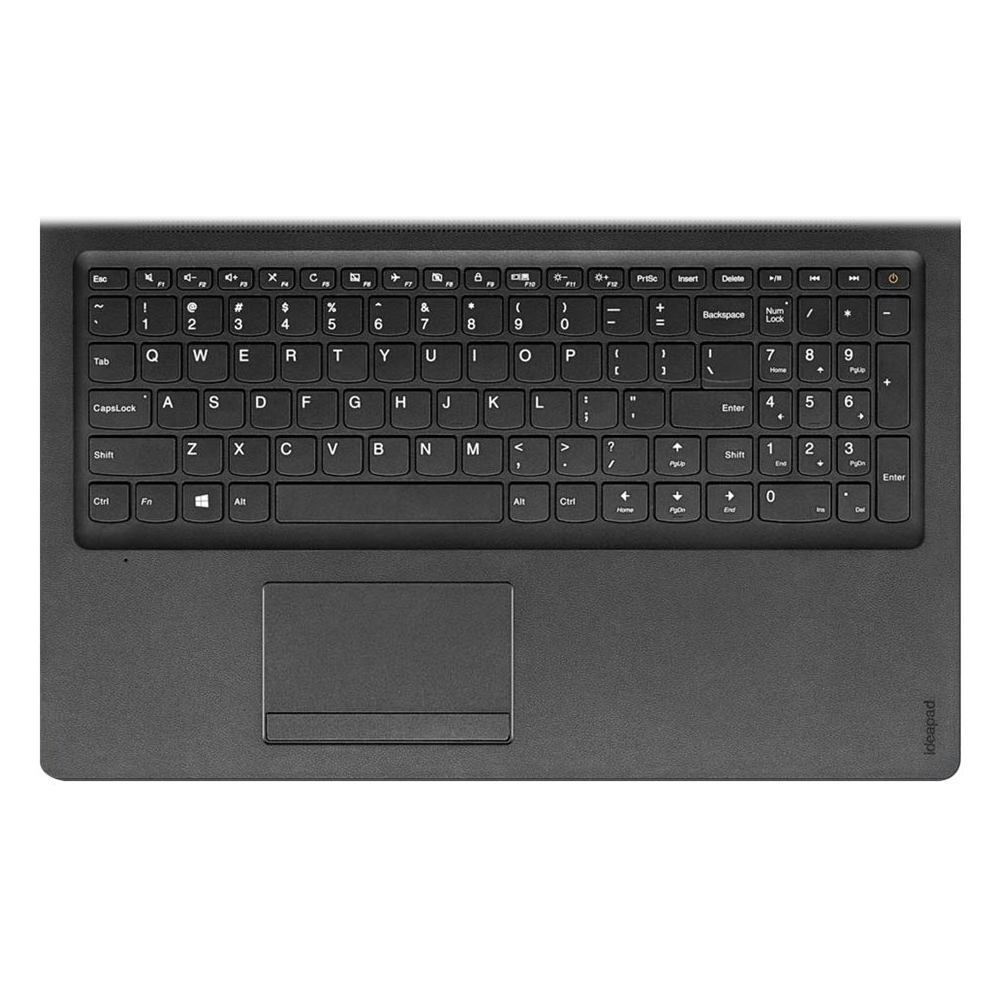
- Cons mentioned:Hard to click buttons, Weak speakers
Laptop
||Posted .This reviewer received promo considerations or sweepstakes entry for writing a review.The laptop is great but not for me. Its buttons are hard to click and the speakers are weak.
No, I would not recommend this to a friend - Pros mentioned:Recommendation
I WILL BUY IT AGAIN
||Posted .This reviewer received promo considerations or sweepstakes entry for writing a review.Excelent product. I fully recomen this product to anyone.
I would recommend this to a friendBrand response from Lenovo Product Expert
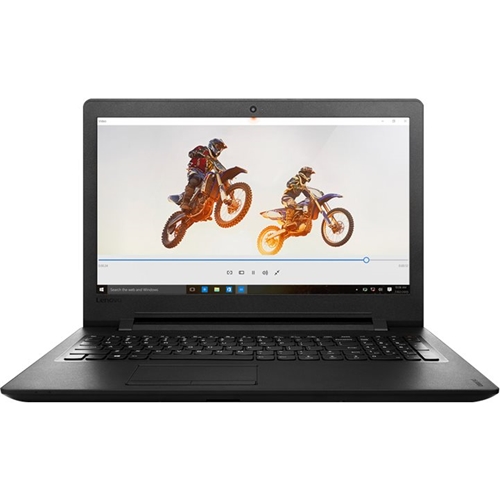
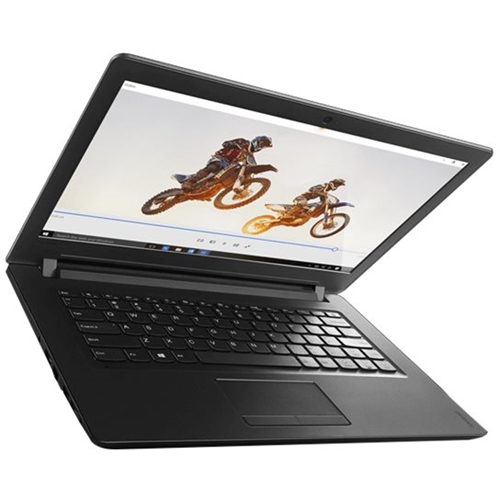
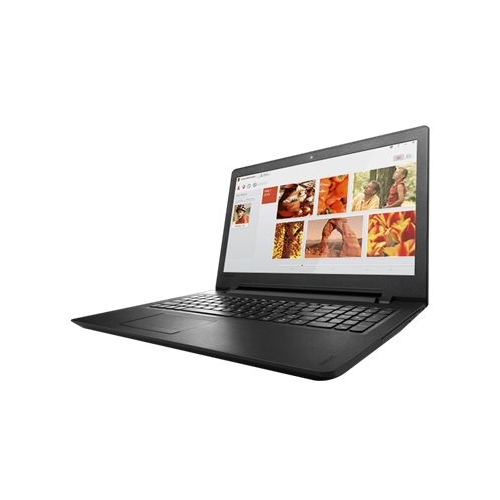
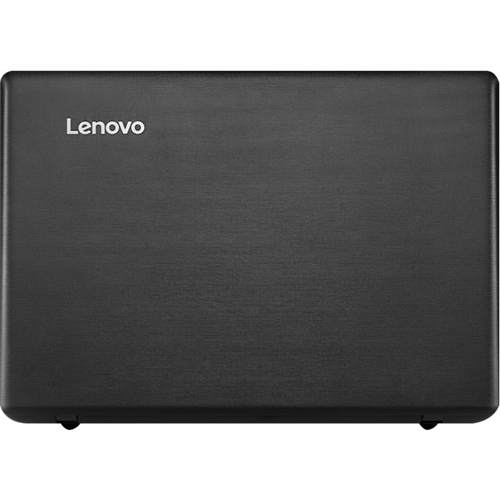
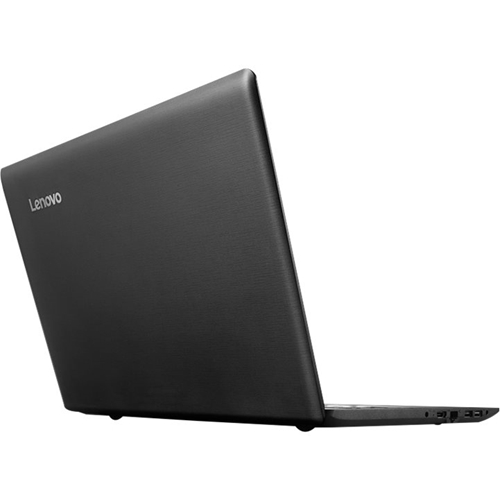
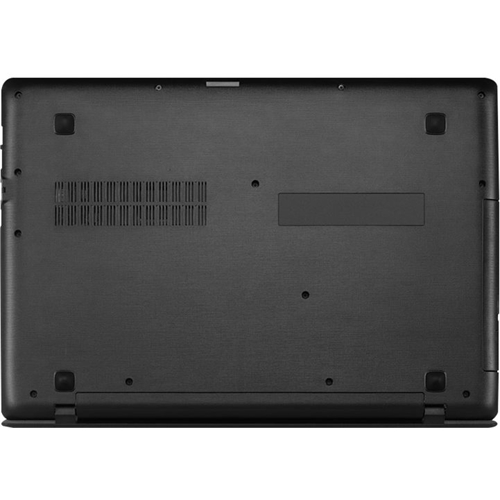
Posted .Thank you for choosing the Lenovo IdeaPad 110-15 laptop. We are pleased to hear that the Ideapad 110-15 meets your computing needs so well.

I love Lenovo
||Posted .This reviewer received promo considerations or sweepstakes entry for writing a review.I have bought Lenovo since 4 years ago, and I am more than happy with this products..!! I fully recommend this brand, and from this laptops very happy. Just what my family needs for college studies.
I would recommend this to a friendbirthday present for wife
||Posted .This reviewer received promo considerations or sweepstakes entry for writing a review.she is tickled to death with it and so far has not had any problems and I think she would buy another one.
I would recommend this to a friend- Cons mentioned:Build quality, Performance
Disappointed
Posted .This reviewer received promo considerations or sweepstakes entry for writing a review.The laptop feels and looks cheap. The case is far from perfect and it runs extremely slow. I regret buying this brand/model.
No, I would not recommend this to a friendBrand response from Lenovo Product Expert
Posted .This system should be a fast system with its Core I-5 processor and 8GB of RAM. Be sure any software you installed is compatible with Windows 10. There is no need to install Microsoft Office software. The software is already part of the operating system, you just need to activate the software with a purchased product key. If you have installed a copy of Microsoft Office, this is conflicting with the existing copy on the system and this will slow your system down. If you have installed a 3rd party anti-virus program, be sure that Windows Defender is turned off and that the trial version of McAfee Anti-Virus software is uninstalled. There can only be one anti-virus program on the system. You may need to restore your system to original factory default settings if any of the programing errors have occurred. You can do that by typing "restore" in the Cortana search window. Just click on the magnifying glass icon at the bottom left of your Windows 10 Desktop. Click on "Reset This PC" Then click on "Get Started" and follow the on screen directions to restore to factory defaults.