Customer Ratings & Reviews
- Model:
- 62A8KAT1US
- SKU:
- 6483960
to a friend
Great monitor
||Posted . Owned for more than 2 years when reviewed.This reviewer received promo considerations or sweepstakes entry for writing a review.Works great!! Perfect size with amazing color. I really love Lenovo brand so far.
I would recommend this to a friendGet less than what you paid for...
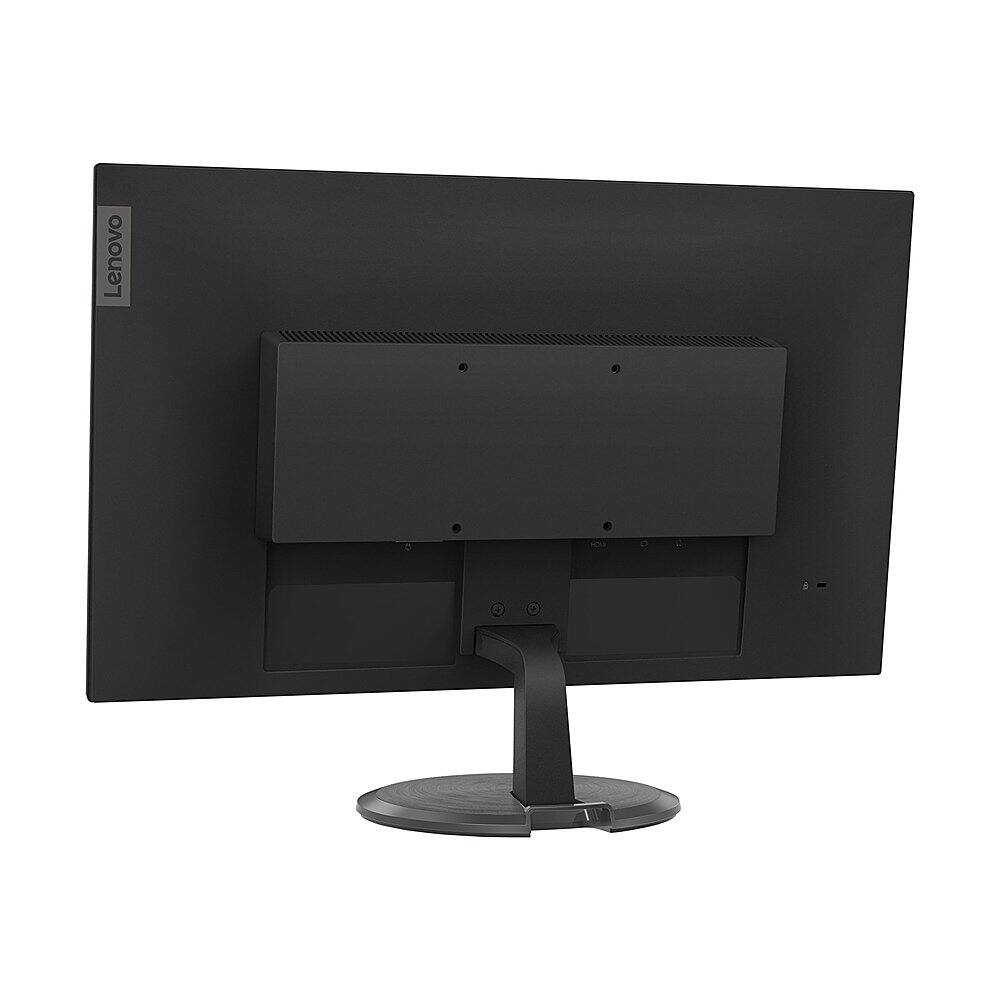
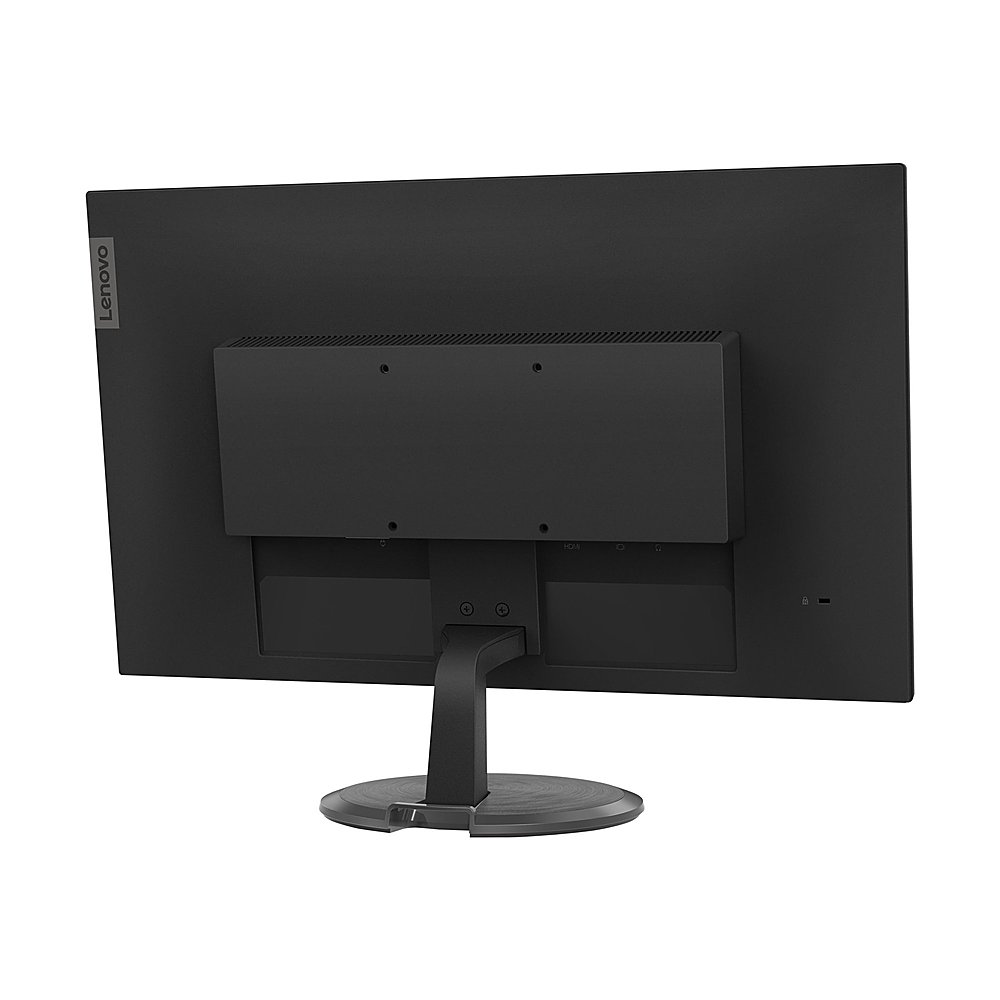
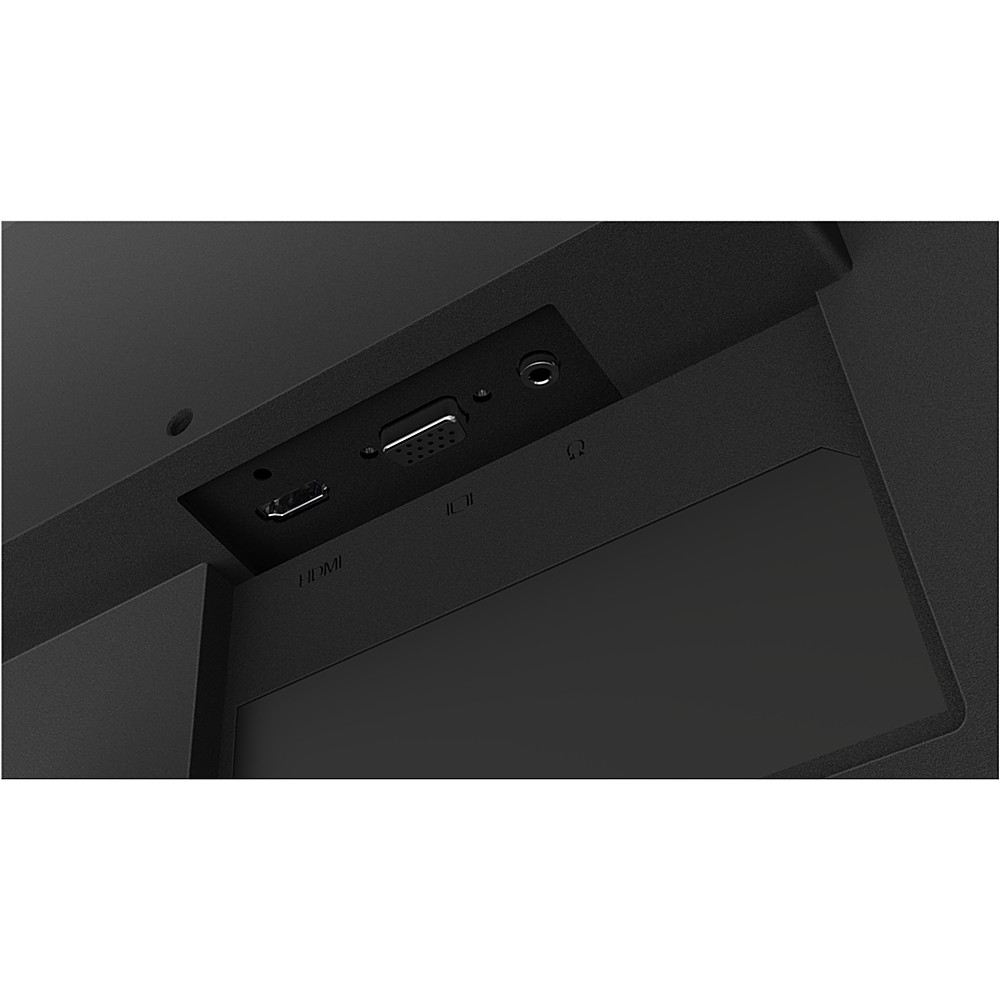
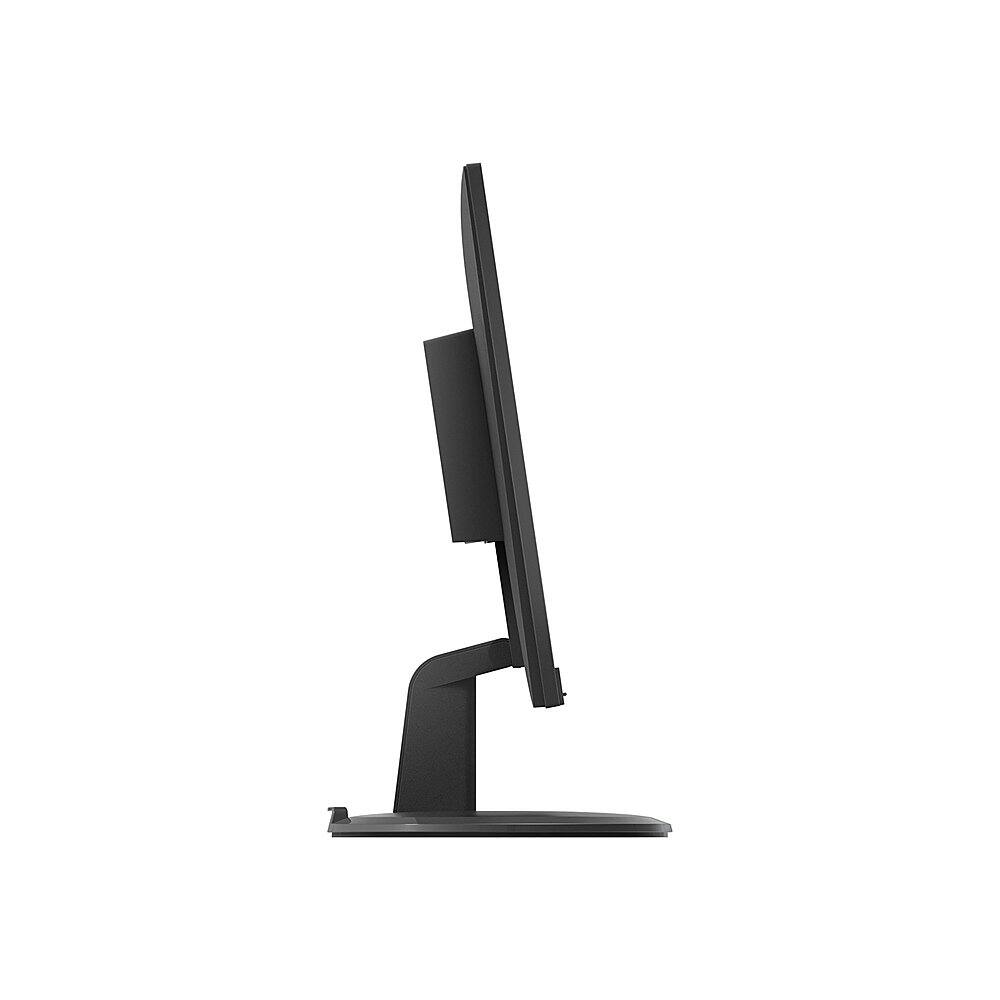
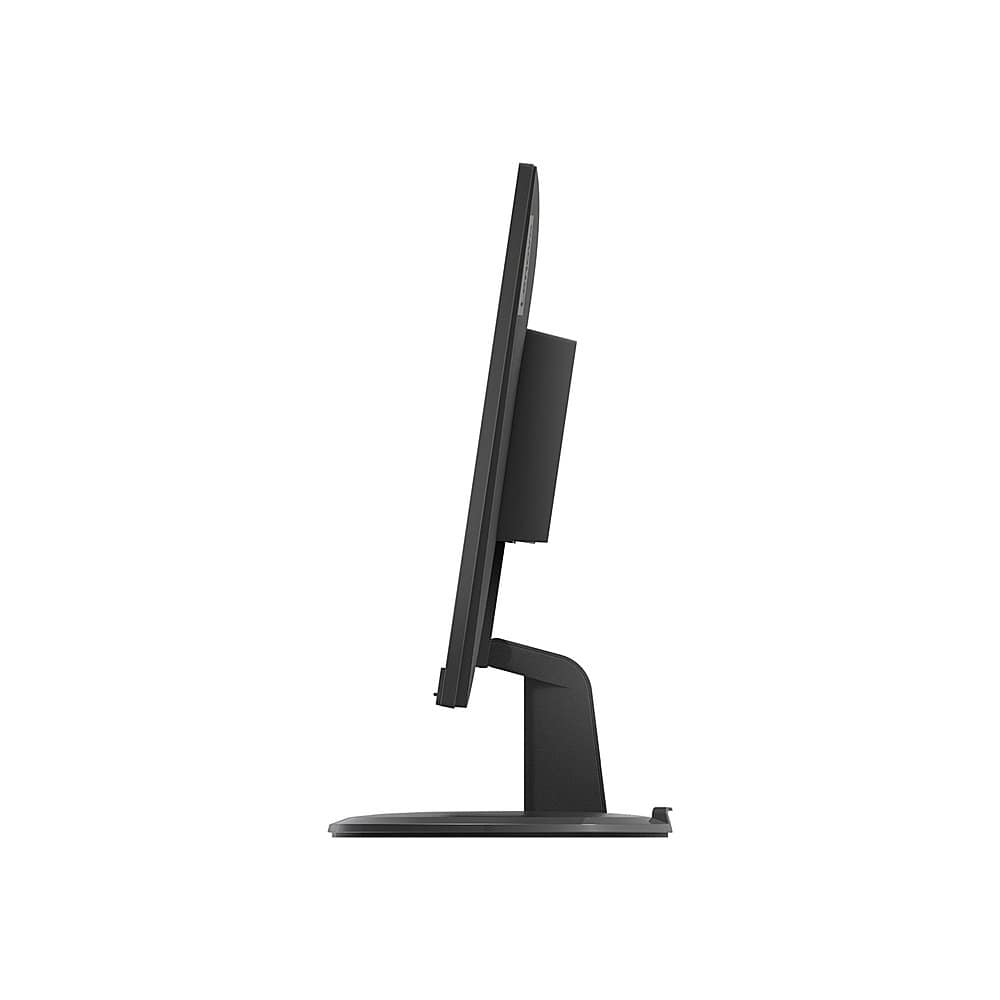
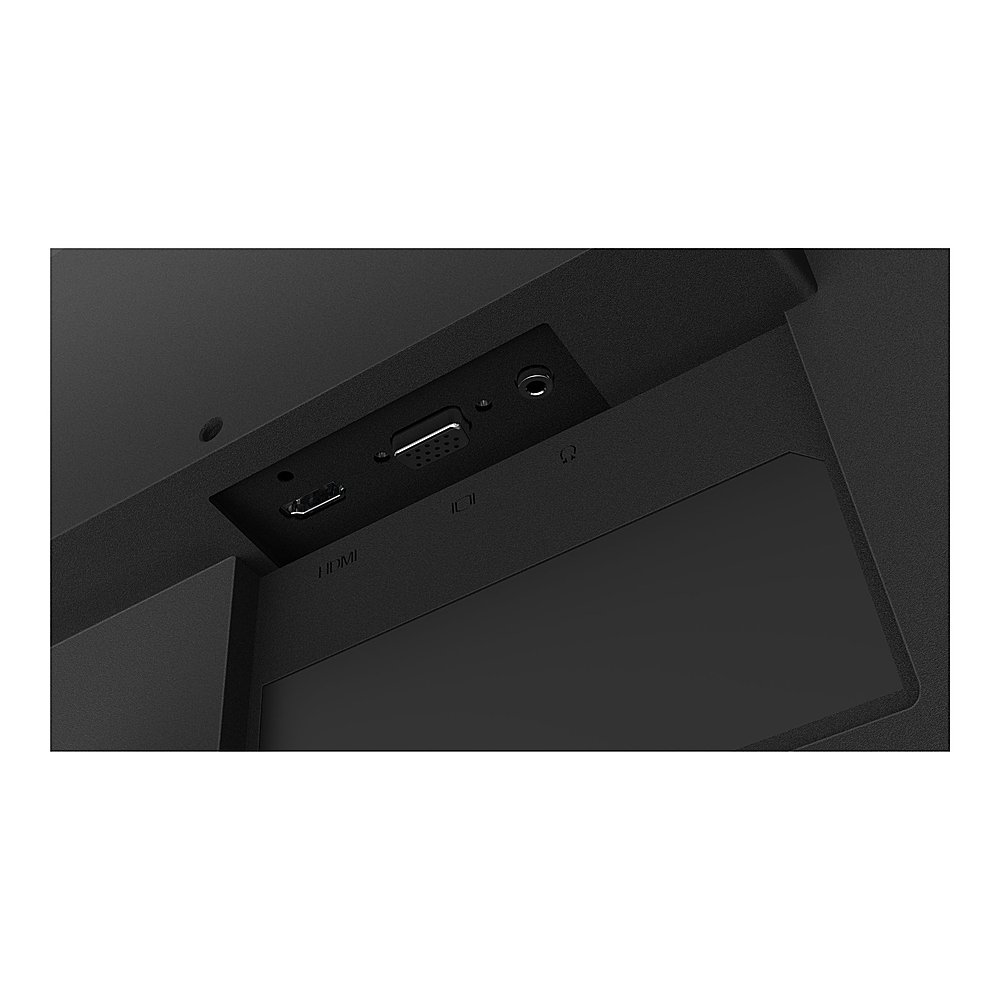
Posted .This reviewer received promo considerations or sweepstakes entry for writing a review.I just started a new job and this is what my company supplied me with. 2 of them no less. You may have noticed they're relatively cheap monitors. And yes, they successfully display an image, that thing they're supposed to do. But do they do it well? No. Not at all. My eyes are so stressed out using this thing. It's dark. The color is terrible. It's a tad blurry. And the HDMI input is poorly soldered/manufactured, that if you barely tap it, the whole display flickers off then back on. So if you're trying to adjust the monitor's tilt, expect the display to go off. And it does this on both of my monitors. Also, speaking of the tilt, that's all you can adjust with the available stands. You can't raise or lower, and the display cannot be made vertical without getting another stand. You can only change the tilt. Which does in fact effect the image. You may as well spend an extra $100 on a monitor with a decent stand and better image production. Seriously, this is the definition of wasted money. ESPECIALLY for someone who has to stare at it for 8 hours a day. Summary: Poor brightness. Horrid color. Terrible manufacturing. And useless cheap stand. DON'T WASTE YOUR MONEY!
No, I would not recommend this to a friendBrand response from Lenovo Product Expert
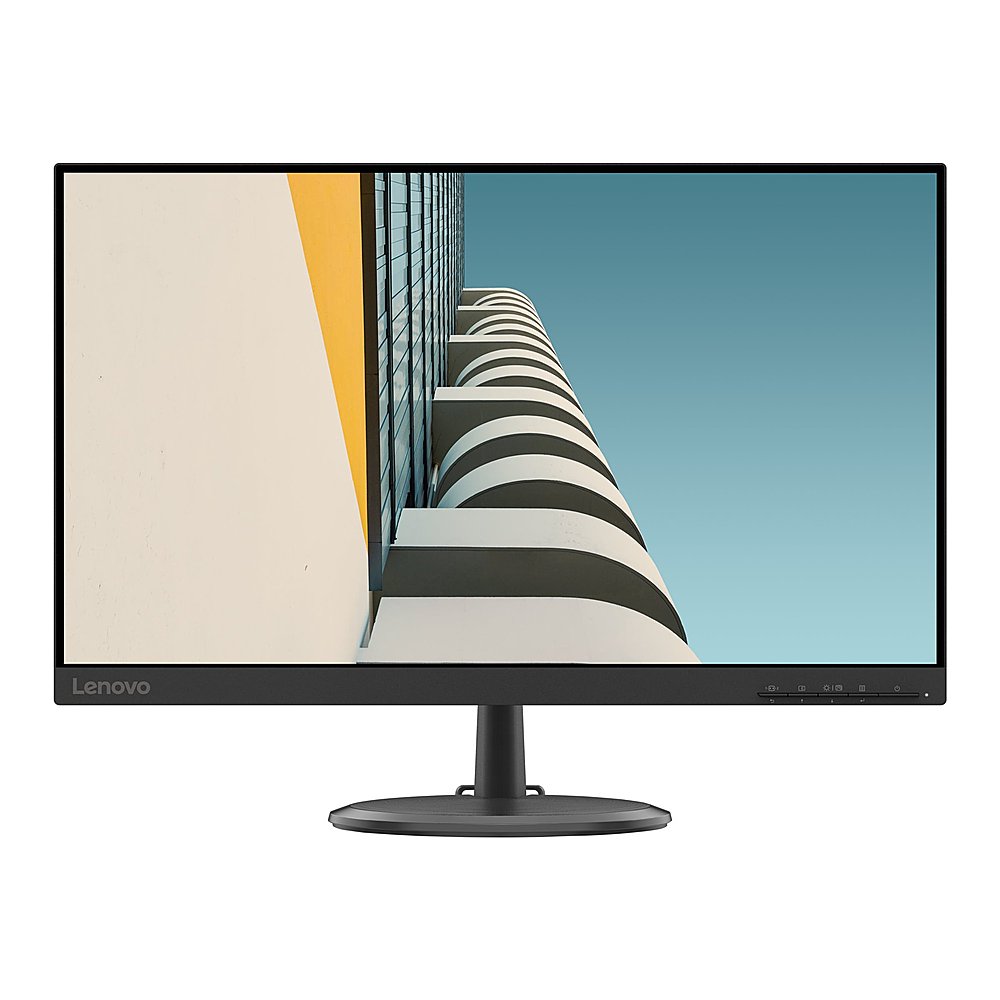
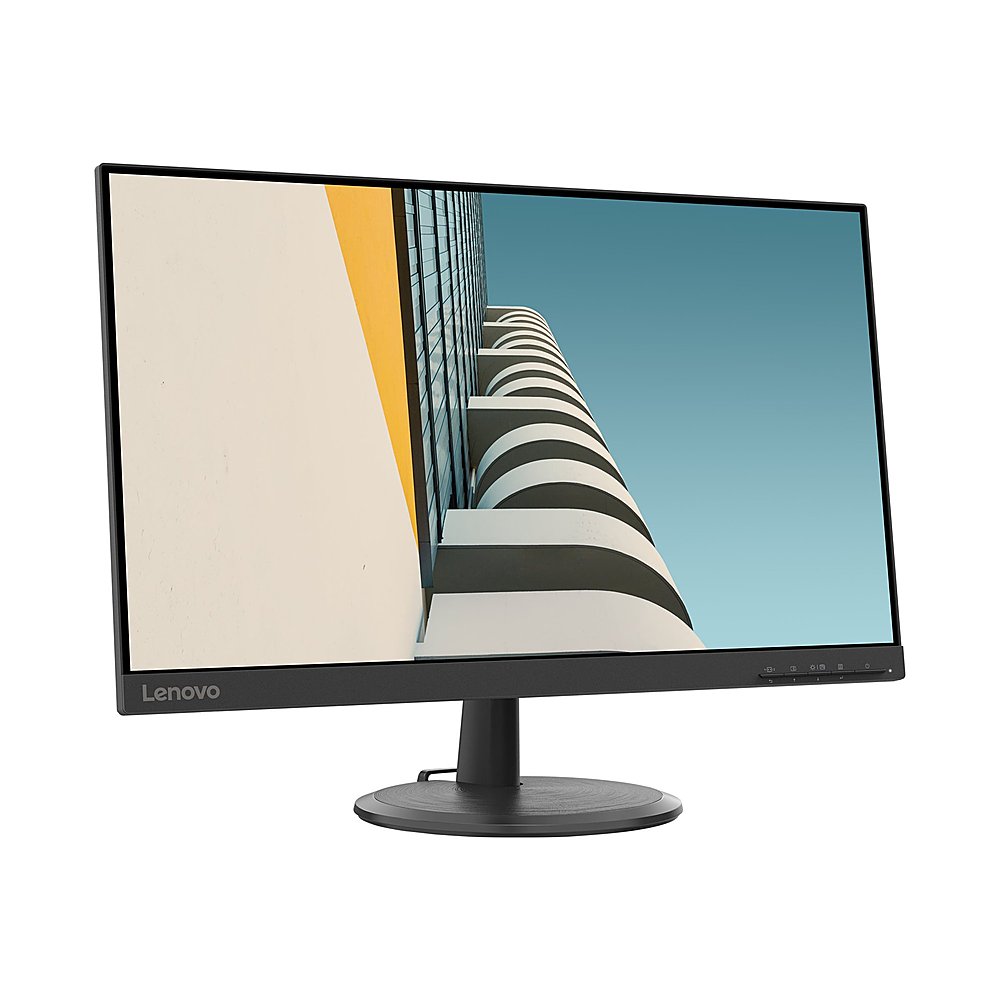
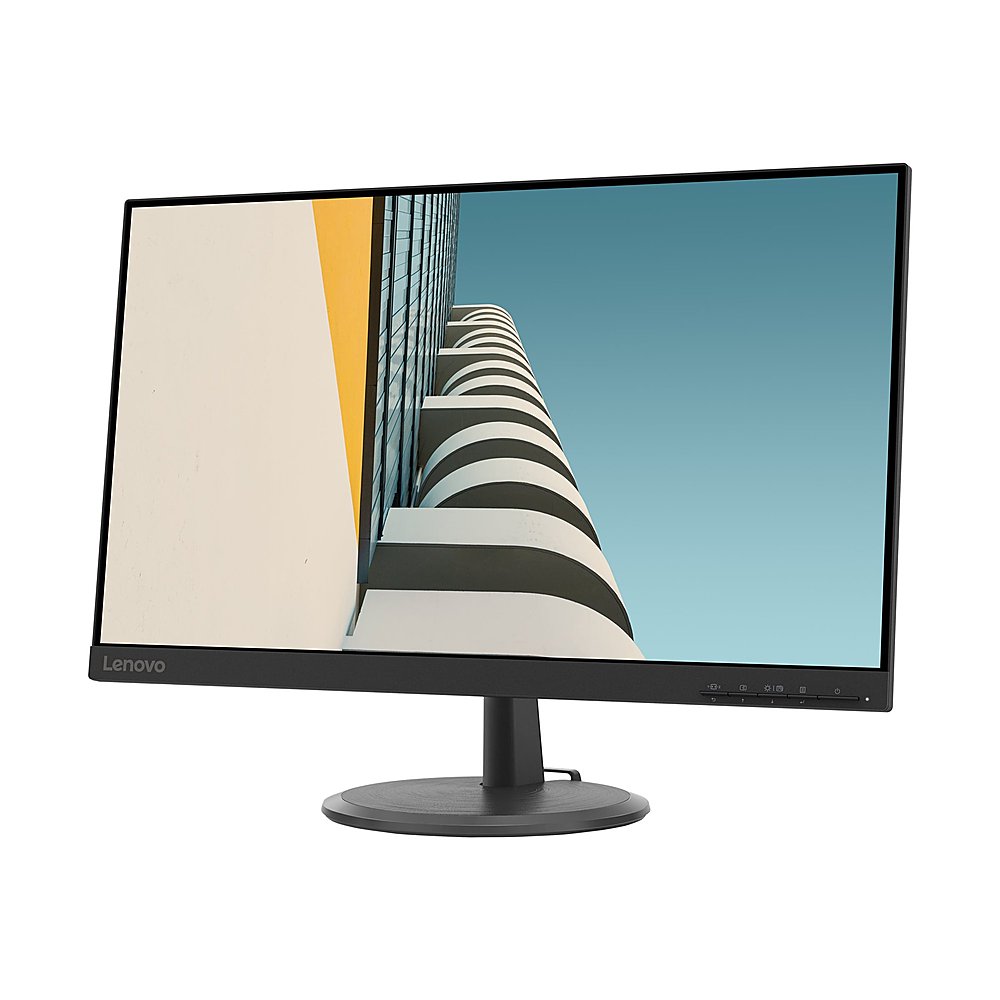
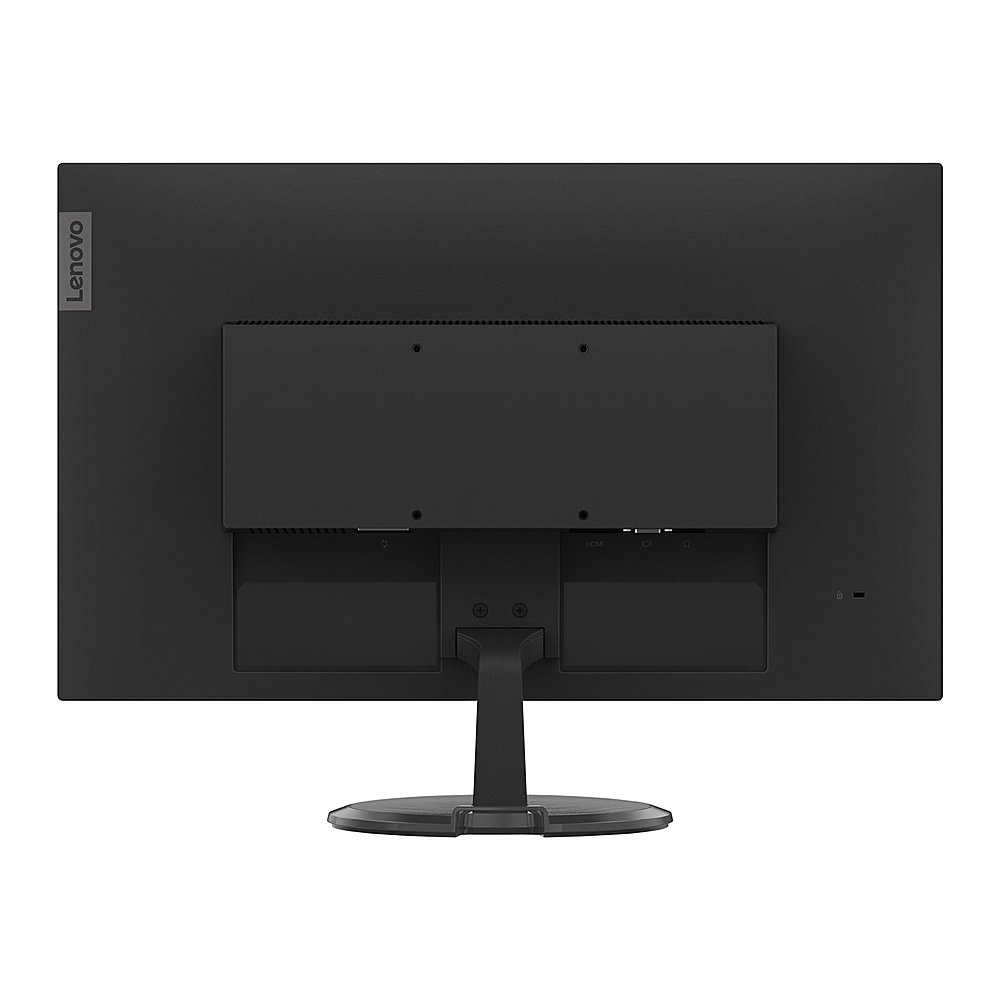
Posted .This Lenovo C24-20 Monitor, model number 62A8KAT1US, ships with a brightness level of 250 nits and TUV Rheinland Low Blue Light certification, which is proven to let you watch in greater eye comfort. The C24-20 Monitor provides 100 Percent of the sRGB (72 Percent NTSC) color gamut for excellent color accuracy. The 23.8 inch (screen size measured diagonally) VA panel display offers you a broad (H/V) - 178-degree/178-degree viewing angle, giving everyone in front of the screen an ideal view. While its 3-side Near Edgeless form factor removes distracting borders and makes multi-screen setups more seamless. The 1920 x 1080 FHD resolution keeps pixels sharp
and pictures perfect, even for tiny small print or minuscule spreadsheets, letting you work with ease. The included monitor stand provides Tilt Angle (front/back) of -5-degrees / 22-degrees. If you are getting less than expected image quality, check the settings for image quality within the Onscreen Settings Menus. Here is a link to the User Manual for the Lenovo C24-20 Monitor, which illustrates the available settings, starting on page 2-3: https://download.lenovo.com/consumer/monitor/c24_20_ug_en.pdf. If you continue to have issues, we recommend you contact lenovo Tech Support for Monitors for additional help at: 866-426-0911.