Customer Ratings & Reviews



- Model:
- Edge 2 15 - 80QF0005US
- SKU:
- 4525303
to a friend
Customers are saying
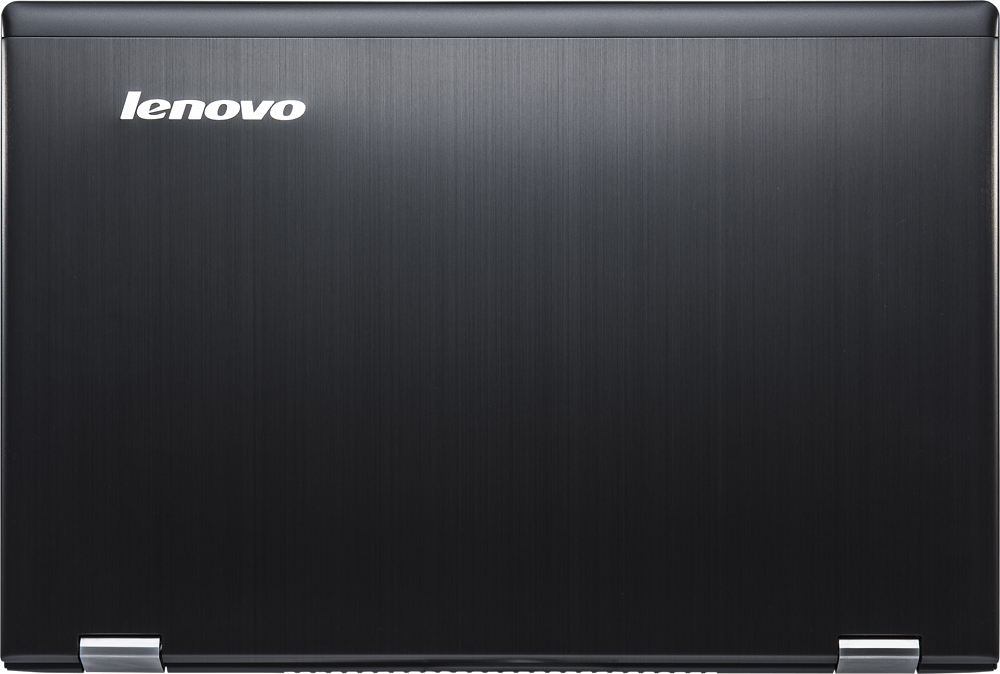
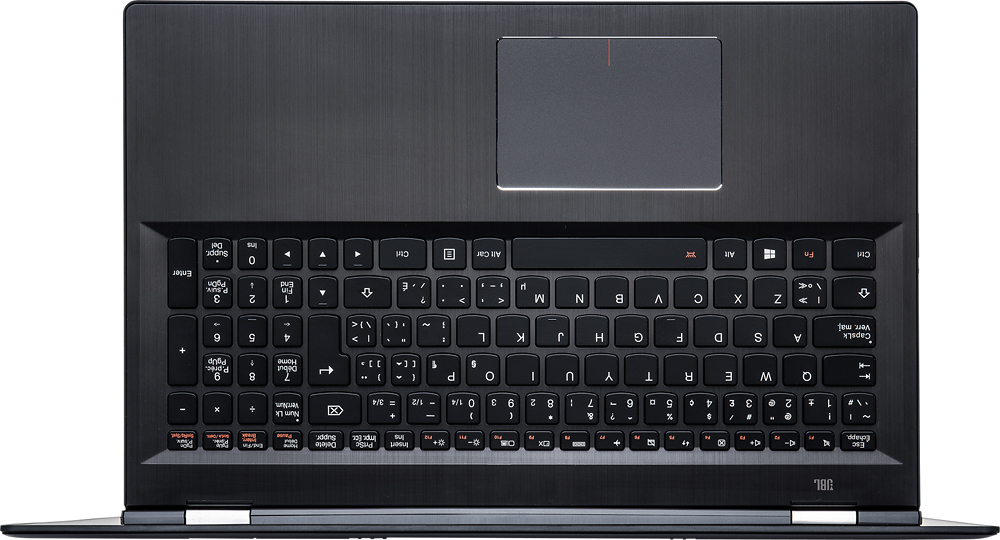
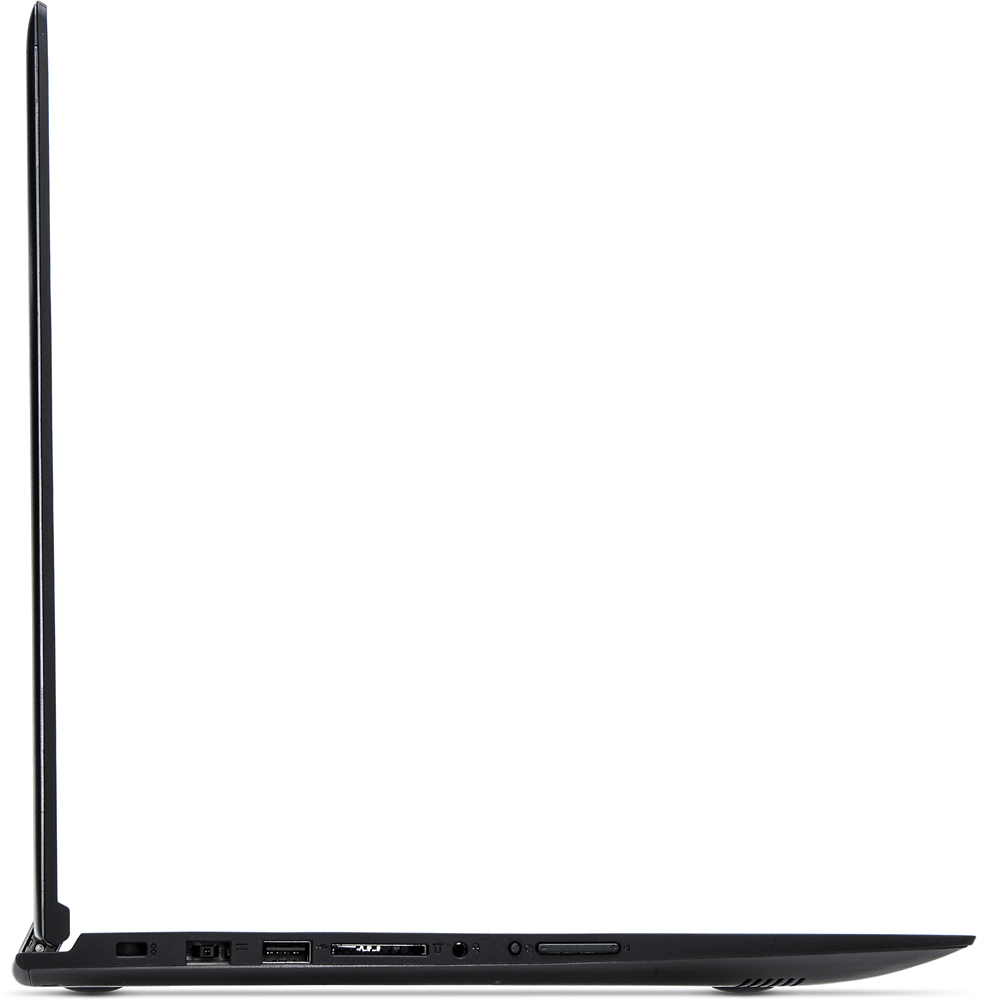
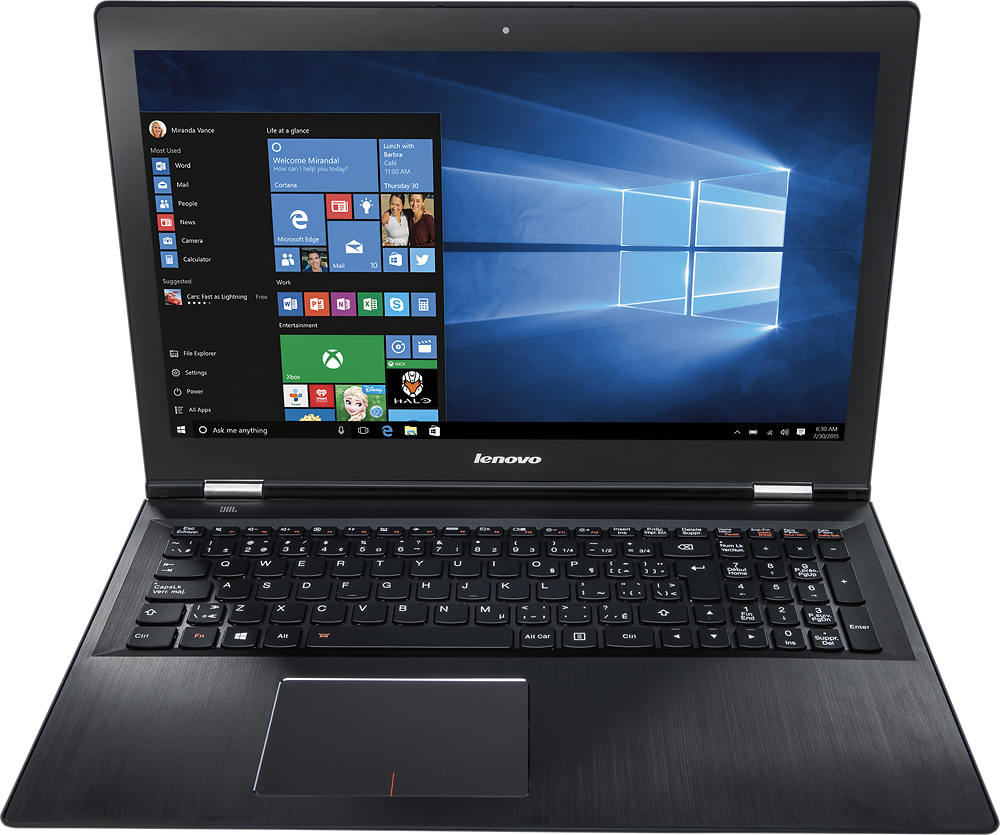
Customers are delighted by the Edge 2 15.6" 2-in-1 Touch-Screen Laptop's touch screen, 2-in-1 versatility, affordable price, and lightweight design. They appreciate the laptop's performance, ease of use, and long battery life. However, some customers have expressed challenges with Windows 10 and occasional freezing issues.
This summary was generated by AI based on customer reviews.
Internet kick me out
||Posted .This reviewer received promo considerations or sweepstakes entry for writing a review.Every time that I tried to connect to the internet, it kicked me out. Also, when I tried to check if the wifi button was on, it disappeared from the window. I trie 2 of them and I had to return them.
No, I would not recommend this to a friendI would not purchase again.
||Posted .This reviewer received promo considerations or sweepstakes entry for writing a review.Unit has known problems with the screen randomly going black while actively working. You have to reboot to get it back. I have been living with that for two years now. Within the last week, the battery will no longer charge.
No, I would not recommend this to a friendWorst Laptop
||Posted .This reviewer received promo considerations or sweepstakes entry for writing a review.Whenever the display is adjusted physically, it shutsdown. Many similar scenarios where system shutdown. The worst ever performance I ever seen. I never felt that 8 gb ram speed. Overall waste of time and money.
No, I would not recommend this to a friendBrand response from Lenovo Product Expert
Posted .There are driver updates that can improve the performance of your system. You can follow the link below to Lenovo.com support-drivers and look for driver updates for your specific system. Be sure to create a restore point before you make any changes then create a new restore point once you have fixed the issue. Here is the link:
http://support.lenovo.com/us/en/products/Laptops-and-netbooks/Lenovo-Edge-Series-Laptops/edge-2-1580/80QF/0005US?linkTrack=GPS%253ABody_Search%2BProducts&tabName=downloads&beta=false
Returned and swapped for i7 Core
||Posted .This reviewer received promo considerations or sweepstakes entry for writing a review.Bought "open box" and soon found out why it had been returned. Within 10 minutes, while doing initial setup, this computer crashed. Major problem with this make/model. Returned and swapped for i7 core Lenovo.
No, I would not recommend this to a friendbad luck
||Posted .This reviewer received promo considerations or sweepstakes entry for writing a review.I usually don't like to bash products, but the is just not good. Tried 2 different units, and both had problems with the wireless connection. Experienced multiple crashes and freezes. Took back.
No, I would not recommend this to a friendThis laptop has given me a lot of pain
||Posted .This reviewer received promo considerations or sweepstakes entry for writing a review.The screen broke for no reason a couple weeks back and now the wifi is acting weired and there's no proper support from lenovo or best buy. They just make you pay and pay all the time
No, I would not recommend this to a friendDo Not buy
||Posted .This reviewer received promo considerations or sweepstakes entry for writing a review.I purchased 2 of these and have had problems with both, I am sending 1 back to Lenovo because it has several hardware failures, both the keyboard and network card have failed.
No, I would not recommend this to a friendI went through 3 in 2 months
||Posted .This reviewer received promo considerations or sweepstakes entry for writing a review.Terrible laptops. The first one just stopped working completely, the second one stopped recognizing the mouse pad and keyboard, the third quit all together like the first.
No, I would not recommend this to a friendSucks!!!!
||Posted .This reviewer received promo considerations or sweepstakes entry for writing a review.Worst computer I have EVER owned. It freezes/turns off every time I try watching movies or shows. Have changed all timer settings and nothing. LENOVO is garbage!
No, I would not recommend this to a friendBrand response from Lenovo Product Expert
Posted .We are sorry to hear about the issues you are having with your Lenovo Edge 2. There may be driver updates for your specific system. Follow the link below to look for new driver updates for your specific system. You can also run diagnostics from the Lenovo site as well. As always, be sure to create a restore point on your system before you make any changes. Here is the link:
http://support.lenovo.com/us/en/products/Laptops-and-netbooks/Lenovo-Edge-Series-Laptops/edge-2-1580/80QF/0005US?linkTrack=Caps%253ABody_SearchProduct&tabName=downloads&beta=false
Extremely slow computer... freezes often
||Posted .This reviewer received promo considerations or sweepstakes entry for writing a review.I bought this computer and extremely unhappy with this purchase. It freezes often, heats up quickly and for the most part is not very productive for much to do.
No, I would not recommend this to a friendBrand response from Lenovo Product Expert
Posted .We are sorry to hear about the issues you are having with your Lenovo Edge 2-15. With regard to the issues you mention with your device, there may be driver updates for your specific system. Follow the link below to look for new driver updates for your specific system. You can also run diagnostics from the Lenovo site as well. As always, be sure to create a restore point on your system before you make any changes. Just type "restore point" in the search window within Cortana and follow the link to create a restore point. Here is the link:
http://support.lenovo.com/us/en/products/Laptops-and-netbooks/Lenovo-Edge-Series-Laptops/edge-2-1580/80QF/0005US?linkTrack=Caps%253ABody_SearchProduct&tabName=downloads&beta=false
Poor Quality for the price
||Posted .This reviewer received promo considerations or sweepstakes entry for writing a review.The screen would randomly black out. Then a month to the day, the fan will not shut off and after restarting three times, the mousepad/keyboard does not work.
No, I would not recommend this to a friendBrand response from Lenovo Product Expert
Posted .There are driver updates that can help with these issues. You can follow the link below to Lenovo.com support-drivers and look for driver updates for the display, graphics, BIOS and mouse-keyboard. Be sure to create a restore point on your system before you make changes or download new software. Then once you have the system operating as it should create a new restore point after the fix:
http://support.lenovo.com/us/en/products/Laptops-and-netbooks/Lenovo-Edge-Series-Laptops/edge-2-1580/80QF/0005US?linkTrack=Caps%253ABody_SearchProduct&tabName=downloads&beta=false
WIFI driver issues, not worth spending time tofix
||Posted .This reviewer received promo considerations or sweepstakes entry for writing a review.Wireless card disappears.. seems like driver compatibility issue, also very slow performance, crashed couple of times after initial setup.
No, I would not recommend this to a friendBrand response from Lenovo Product Expert
Posted .You might want to follow the link below to Lenovo.com support-drivers and look for new driver updates for your specific system. Be sure to create a restore point on your system before you make changes or download new software:
http://support.lenovo.com/us/en/products/Laptops-and-netbooks/Lenovo-Edge-Series-Laptops/edge-2-1580/80QF/0005US?linkTrack=Caps%253ABody_SearchProduct&tabName=downloads&beta=false
- Pros mentioned:Touch screen
Laptop is good but has some kinks.
Posted .This reviewer received promo considerations or sweepstakes entry for writing a review.Overall this is a good laptop. I picked it up a few days ago and have been using since. The screen is clear and bright, its quiet and keyboard is not to touchy and the touchpad works great. I am just going to get straight to the bad parts. 1. Windows 10 wireless drivers. First thing you should do is update those drivers from intels website. THEN run windows 10 updates. After finding this out the hard way the wireless is now rock steady again after driver update. 2. For some reason this machine will NOT go back from tablet to desktop mode w/out telling it too. An annoyance if you are going to use tablet a lot. 3. Backlite keyboard.. Its either on or off. It has 3 settings of brightness however it does not turn off byitself you have to turn off manually which I personally do not like.. 4. This machine needs a SSD very bad. At least a 7200 RPM HD the 5400 rpm HD does not cut it.. Its painfully slow. 5. There is a lip around the base of the laptop on the top.. Its very annoying and kind of digs into your wrists or arms when typing.. If you can over come these annoyances this laptop is for you.. I am fully undecided if I am going to keep it or return it at this point.
I would recommend this to a friend Don't waste your money
||Posted .This reviewer received promo considerations or sweepstakes entry for writing a review.This has been the worst laptop what a hunk of junk. Won't connect to wifi known issue that's not disclosed. I returned it the next day
No, I would not recommend this to a friendI purchased a referbished computer
||Posted .This reviewer received promo considerations or sweepstakes entry for writing a review.I returned the computer the next day it had so many issues. Very disappointed
No, I would not recommend this to a friendBrand response from Lenovo Product Expert
Posted .If the computer was working well then started having problems, it sounds like there was a Windows 10 update that has made some of the drivers on your system out of date. You can follow the link below to Lenovo.com support-drivers and look for new driver updates for your specific system. Be sure to create a restore point on your system before you make any changes, then once the issue has been fixed create a new restore point. Here's the link:
http://support.lenovo.com/us/en/products/Laptops-and-netbooks/Lenovo-Edge-Series-Laptops/edge-2-1580/80QF/0005US?linkTrack=GPS%253ABody_Search%2BProducts&tabName=downloads&beta=false
Slow unresponsive
||Posted .This reviewer received promo considerations or sweepstakes entry for writing a review.Computer is slow and unresponsive. Doesn't read sub well. Looking to turn in for something better.
No, I would not recommend this to a friendBrand response from Lenovo Product Expert
Posted .You may want to look for driver updates for your system. You can follow the link below to Lenovo.com support-drivers to look for updates for your specific system. Be sure to create a restore point on your system before you make any changes or download any new software to your system. Hope this improves your experience:
http://support.lenovo.com/us/en/products/Laptops-and-netbooks/Lenovo-Edge-Series-Laptops/edge-2-1580/80QF/0005US?linkTrack=Caps%253ABody_SearchProduct&tabName=downloads&beta=false
Out of box didn't work
||Posted .This reviewer received promo considerations or sweepstakes entry for writing a review.Had to return it. Wifi antennae issue, most likely broken. Also wanted to go with a SSD.
No, I would not recommend this to a friendI would not recommend this laptop or any other Lev
||Posted .This reviewer received promo considerations or sweepstakes entry for writing a review.This laptop never connected to the internet at the our house. We even tried a new router.
No, I would not recommend this to a friendBrand response from Lenovo Product Expert
Posted .Here is a tip for Microsoft about connecting to WiFi with a Windows 10 system. Hope this helps. Be sure to create a restore point on your system before you make any changes or download any new software.
http://windows.microsoft.com/en-us/windows-10/getstarted-why-cant-i-get-connected
Don't buy! SLOW and lots of glitches
||Posted .This reviewer received promo considerations or sweepstakes entry for writing a review.SLOW! Touch pad over sensitive yet non responsive.
No, I would not recommend this to a friendGreat Laptop
Posted .This reviewer received promo considerations or sweepstakes entry for writing a review.I wanted a laptop with more processing power and the Lenovo Edge 2 fit the bill. This is my first Lenovo product and I am very satisfied with my purchase. The speakers are on the bottom but the sound quality is still very good. The mouse pad is very fluid. The 1TB hard drive is nice but I did upgrade to an SSD which has taken the laptop to a new level. The only negatives in my view is that the body is a finger print magnet (but I really like the gunmetal finish) and you cannot upgrade the RAM. Even without the SSD this laptop is a great buy.
I would recommend this to a friend