Customer Ratings & Reviews

- Model:
- 80U30001US
- SKU:
- 5579833
Rating by feature
- Value
Rating 3.7 out of 5 stars
- Quality
Rating 3.8 out of 5 stars
- Ease of Use
Rating 4.0 out of 5 stars
Customers are saying
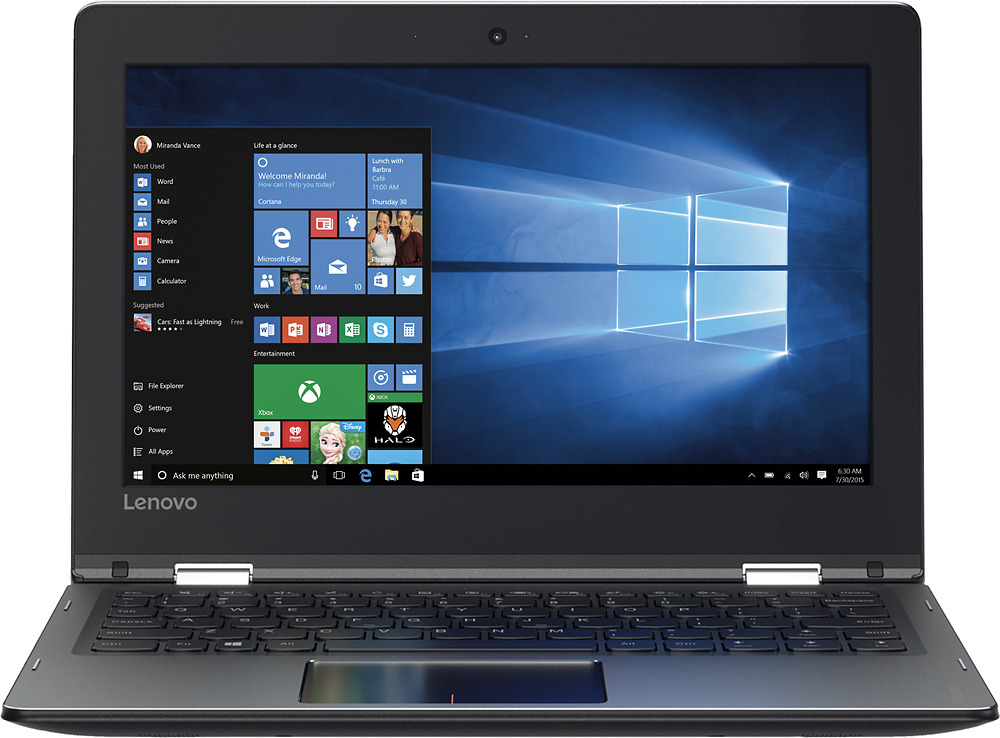
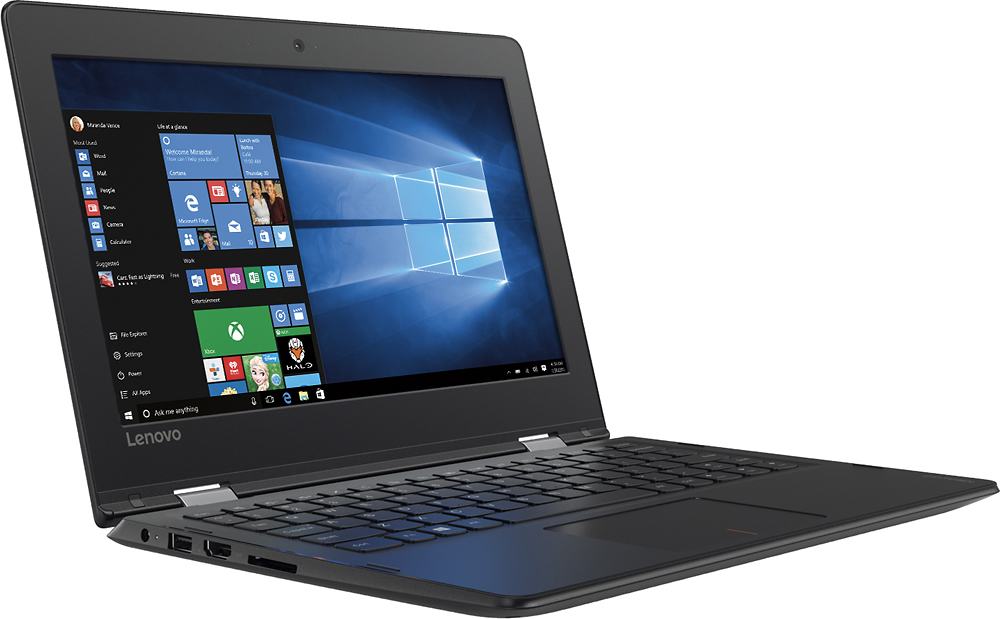
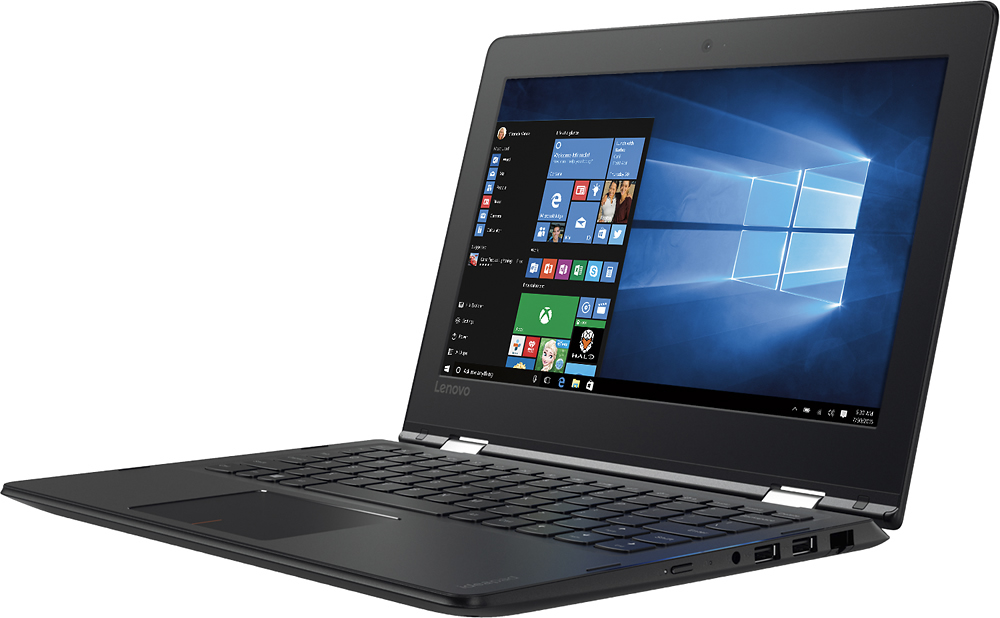
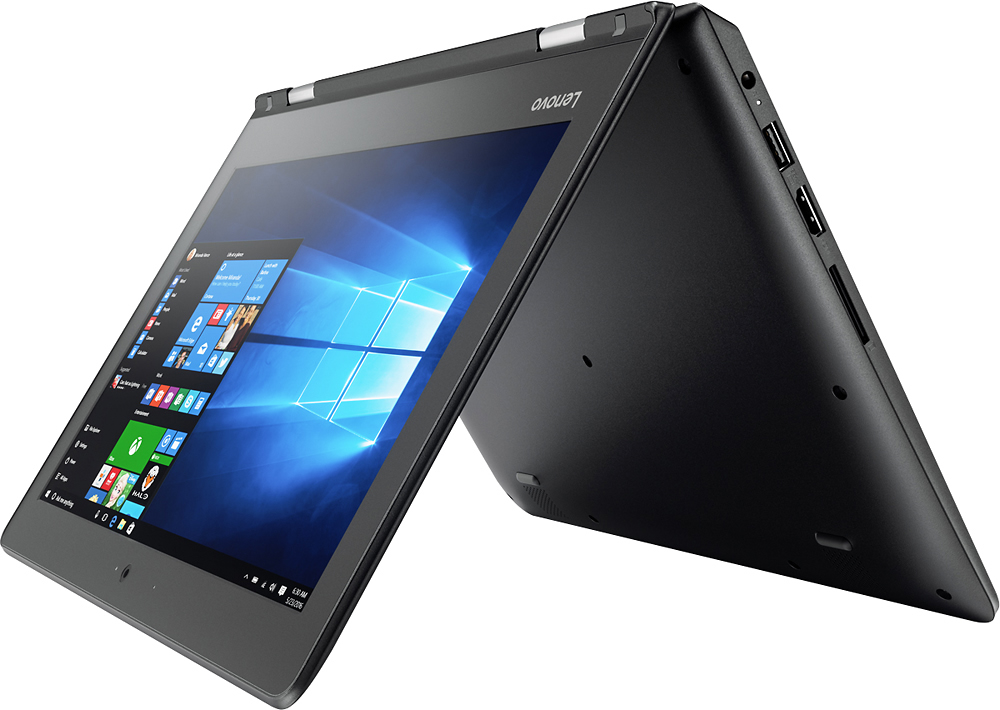
Customers praise the Flex 4 1130's ease of use, touch screen, compact size, and light weight, finding it ideal for portability. Many appreciate its affordability and good battery life, although some users note limitations in processing power and storage capacity. The 2-in-1 functionality is also a popular feature. However, concerns were raised regarding the device's memory and the challenges some experienced with sleep mode.
This summary was generated by AI based on customer reviews.
- Pros mentioned:Size
Great School Laptop
||Posted .This reviewer received promo considerations or sweepstakes entry for writing a review.I got this laptop because my Hp envy no longer was of use. I mainly use it for college research and work on the Microsoft applications. So far I have no issues and love how small and convenient it is. Battery life is very great as Well!
I would recommend this to a friend - Pros mentioned:Touch screen
Good product for a teen
||Posted .This reviewer received promo considerations or sweepstakes entry for writing a review.I bought this for my daughter after she went through so many laptops. The price was right, the simplicity of flash memory and a touch screen meant she could still do everything she needed to do with a laptop and have fun with it as well. For those who aren't power users, and would rather have a laptop than a tablet, I think this is a good choice.
I would recommend this to a friendBrand response from Lenovo Product Expert
Posted .Thank you for choosing the Lenovo Flex 4-11 for your daughter. We are pleased to hear that the value, features and performance of the Flex 4-11 meets your daughter's computing needs so well.

- Pros mentioned:Ease of use, Touch screenCons mentioned:Performance
Great deal for the price
||Posted .This reviewer received promo considerations or sweepstakes entry for writing a review.Kinda slow, but also really cost effective. For the price, the touch screen is pretty awesome and the portability is unbeatable. Lenovo is an overall good brand (they also make Motorola phones which I love)...
I would recommend this to a friend - Pros mentioned:Ease of use
Great laptop for high school student
||Posted .This reviewer received promo considerations or sweepstakes entry for writing a review.I purchased this laptop for my teenage son for his homework . I was pleasantly surprised at the versatility of this product. He uses it for all his assignments and we have not had any issues. The price was very reasonable and the style was very appealing to my son.
I would recommend this to a friend - Cons mentioned:Performance
Affordable Laptop
||Posted .This reviewer received promo considerations or sweepstakes entry for writing a review.I bought this as a gift for a family member who lived outside the US. This was a good bargain because it suited their basic needs. I doubt it can any heavy lifting for greater applications like AutoCad and Photopshop, but for Microsoft suite, it does the trick.
I would recommend this to a friendBrand response from Lenovo Product Expert
Posted .Thank you for choosing the Lenovo Flex 4-11. We are pleased to hear that the features and performance of the Flex 4-11 meets the computing needs of the user so well.
- Pros mentioned:Price, Weight
Great laptop for a college student.
||Posted .This reviewer received promo considerations or sweepstakes entry for writing a review.I love how lightweight this laptop is in my backpack. It’s great for doing homework in the library with my bluetooth headphones on. I got it at an unbeatable price too.
I would recommend this to a friendBrand response from Lenovo Product Expert
Posted .Thank you for choosing the Lenovo Flex 4-11. We are pleased to hear that the value and performance of the Flex 4-11 meets your computing needs so well.
- Pros mentioned:Size, Touch screen, Weight
Good travel computer
||Posted .This reviewer received promo considerations or sweepstakes entry for writing a review.We bought this for my mother in law to travel with. It's a good size for her to put in her carry on luggage. Lightweight also. She loves the touch screen part of it.
I would recommend this to a friendBrand response from Lenovo Product Expert
Posted .Thank you for choosing the Lenovo Flex 4-11. We are pleased to hear that the features and performance of the Flex 4-11 is working out so well.
- Pros mentioned:Ease of use, WeightCons mentioned:Storage
This laptop
||Posted .This reviewer received promo considerations or sweepstakes entry for writing a review.This laptop is easy to use and lightweight to carry around. However the limited space makes it difficult to save a lot of stuff
I would recommend this to a friend - Pros mentioned:Ease of use, Weight
Great for word processing & intrenet access
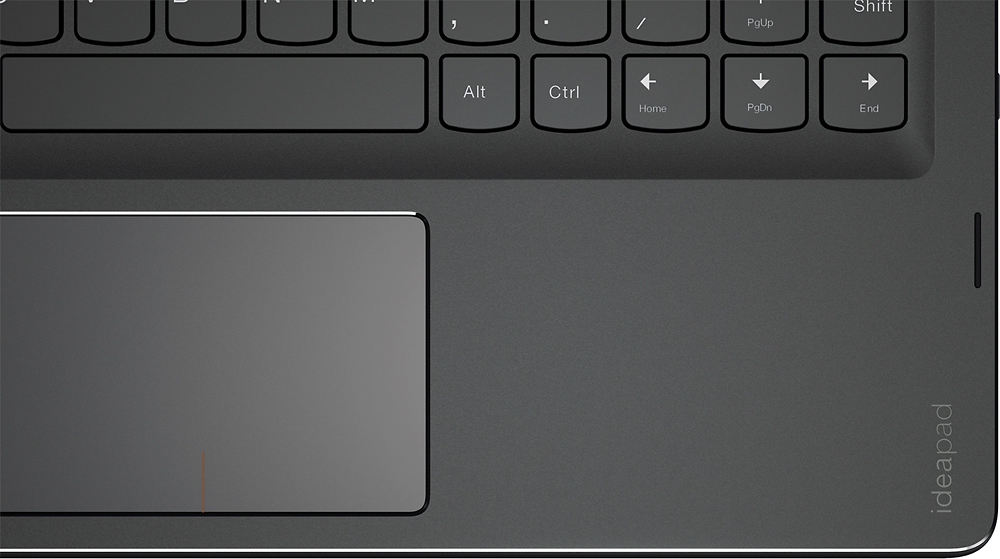
||Posted .This reviewer received promo considerations or sweepstakes entry for writing a review.If you are not needing a lot of speed it is fine. The power button is a little sensitive. It is easy when handling it to accidently touch the power button and turn it off. It is really light weight and very portable. I love traveling with it. It does all that I need it to do. Because of its small size the keyboard is a little different. The right shift button is next to the pg/up button. I am having difficulty getting used to going that far to the right to hit the shift button. So, I often hit the pg/up button rather than the shift button, which screws up my typing speed.
I would recommend this to a friendBrand response from Lenovo Product Expert
Posted .Thank you for choosing the Lenovo Flex 4-11. With regard to the right shift key issue you mention, there is a free software APP called KeyTweak that may help you. You can switch the key functions of specific keys on your keyboard with this software, so you could change the right shift key with the key you hit in its place. Just Google search "KeyTweak" and you will find articles about what the software does and you will find the download location for this free APP.
- Pros mentioned:Ease of use, Size, Weight
Great as a first laptop
||Posted .This reviewer received promo considerations or sweepstakes entry for writing a review.Bought this for my 5th grader as her first laptop, since they can now start to use them in school. She loves it! The 2-in-1 combo is perfect for someone who is used to using a tablet. The size and weight are good, not too heavy for a backpack. She says the only thing she thinks could be improved is making it a bit easier to open. I guess it's pretty stiff. We're happy with it so far!
I would recommend this to a friendBrand response from Lenovo Product Expert
Posted .Thank you for choosing the Lenovo Flex 4-11 for your child. Concerning making the device easier to open, we will look into this for future improvements.
- Cons mentioned:Speed
Great price not so great speed
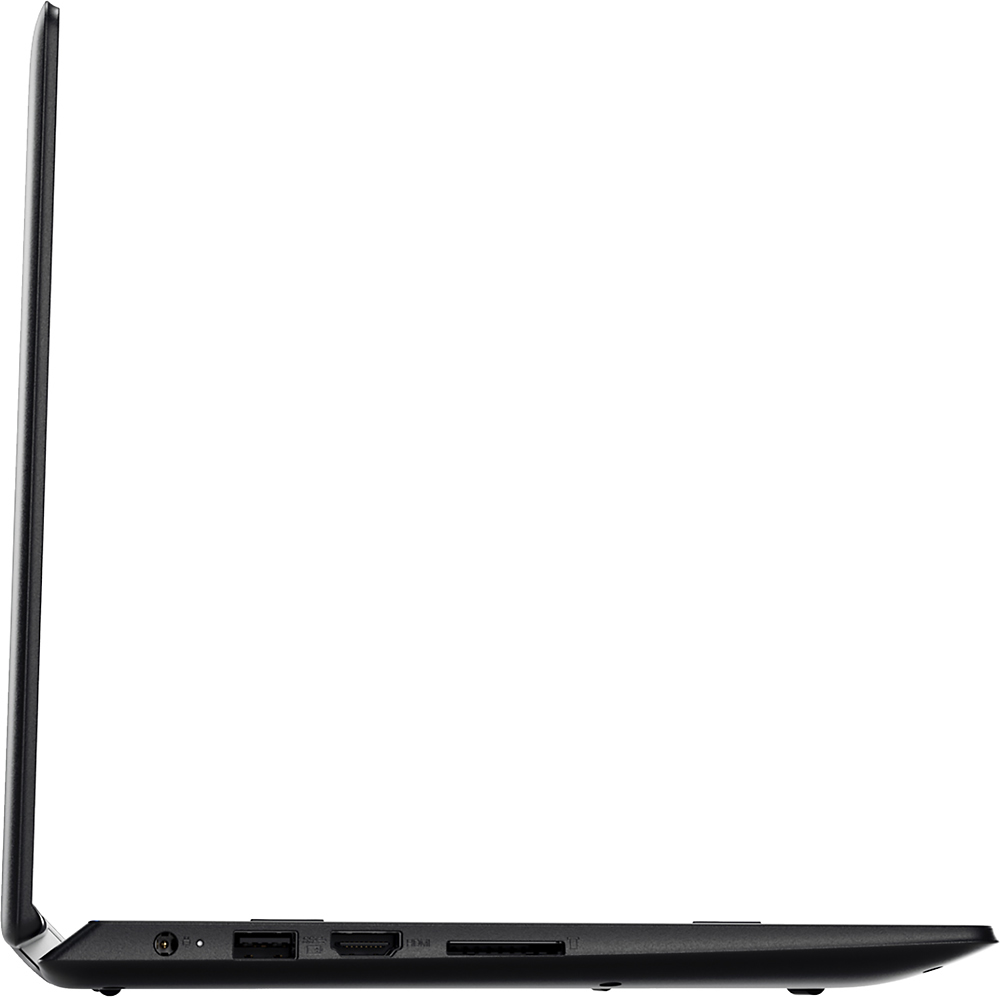
||Posted .This reviewer received promo considerations or sweepstakes entry for writing a review.This was gift for hubby. Great compact design, has HDMI port which is unusual for 2 in 1. Worked great til recent update delegated all his apps,and slowed processor to snails pace.
I would recommend this to a friendBrand response from Lenovo Product Expert
Posted .With regard to the system not working properly after a Windows 10 update, if you created a Restore Point before allowing the update, you still can restore the system back to the point before the update, then wait for Microsoft to send out a corrected update. If you did not create a restore point, this system is equipped with OneKey Recovery System. There is a very small pin hole on the right side of the device, right near the power button on the device. You will need a pin to push this reset button. Plug the device in. Let the battery charge for about 15 minutes. Push the reset button. The system should boot to a choice screen where you can choose "Restore To Factory Default". Select this. It will delete everything from the hard drive except the original factory install of the operating system. You will need to reinstall all programs and files after the reset. If you don't have copies of the files, try to make one before you restore by selecting "Boot to desktop" and trying to back up your files.
- Pros mentioned:Size
Perfect for my use
||Posted .This reviewer received promo considerations or sweepstakes entry for writing a review.Bought this small laptop to be able to bring around to use for the internet and website/office use. For the price of <$200 I expected it to not be able to handle gaming and high level editing or high function usages. I use it solely for internet/email and office related items since it small and light and battery lasts longer then my bulkier main laptop at home. i consider it more practical for use then the apple products. Be patient and this will do what it needs to do as long as you dont use it heavily
I would recommend this to a friend - Pros mentioned:Touch screen
Love it
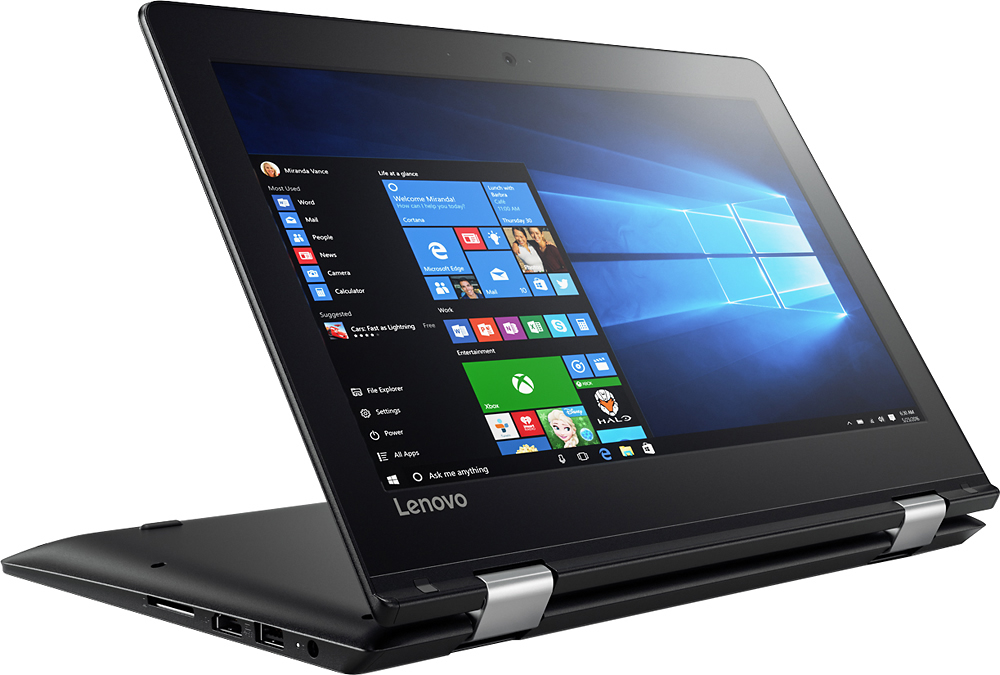
||Posted .This reviewer received promo considerations or sweepstakes entry for writing a review.I was in need of a new laptop and I like small laptops over bigger ones, so I was happy to find this one. Plus I really like the smooth dark color as well. My husband had been telling me I should try out a touch screen laptop because it would make doing some things easier, and it turns out it really does, especially since the mouse pad can be a little glitchy sometimes and jump all over the place. Also I really like that I can flip the screen all the way back to lay it flat and use as a tablet.
I would recommend this to a friendBrand response from Lenovo Product Expert
Posted .Thank you for choosing the Lenovo Flex 4-11. With regard to the touchpad, you can make adjustments to the touchpad in your system settings. You can get there by clicking on the magnifying glass at the bottom left of your Windows 10 screen. Type "touchpad" in the search window. Select "Mouse & touchpad settings" from the list of choices. You can make general adjustments to the touchpad there. You can also select "Additional mouse options" for more detailed adjustments to the touchpad sensitivity by increasing the delay of the touchpad.
- Cons mentioned:Speed
Good for basics
||Posted .This reviewer received promo considerations or sweepstakes entry for writing a review.This laptop is inexpensive and useful for basic use such as browsing the web and word processing and even then sometimes it is a bit slow to load up basic programs but not to the point of frustration.
I would recommend this to a friend - Pros mentioned:Ease of use, Weight
Great computer for easy use
||Posted .This reviewer received promo considerations or sweepstakes entry for writing a review.Small and lightweight. The screen folds down to transform into a tablet. Love how easy the computer is to carry around.
I would recommend this to a friendBrand response from Lenovo Product Expert
Posted .Thank you for choosing the Lenovo Flex 4-11. We are pleased to hear that the features and performance of the Flex 4-11 meets your computing needs so well.
- Cons mentioned:Speed
A little bit slow then expect
||Posted .This reviewer received promo considerations or sweepstakes entry for writing a review.I might be wrong, my expectation is to deal with web browsing ,emailing ,watching videos that sorts of things. I can feel I bit slow even though I bought two that's because of cheaper price.
I would recommend this to a friend - Cons mentioned:Memory, Speed
Only for web browsing
||Posted .This reviewer received promo considerations or sweepstakes entry for writing a review.It is a decent 2-in-1 but even web browsing is slow due to the memory. the CPU is running almost at full capacity with no programs running.
No, I would not recommend this to a friend - Cons mentioned:Memory, Storage
OK for fast web surfing, but no memory or storage.
||Posted .This reviewer received promo considerations or sweepstakes entry for writing a review.I got this because i just got gigabit internet service, but my PC's and Chromebook have older ethernet/wifi adapters and could not make use of the gigabit speed. I like my other PC's, but use this for faster web surfing and I don't have a tablet. So for those uses, this Lenovo is fine, but it basically has no storage or memory and I fear when a large Windows 10 update comes along, it won't be able to handle it and then what do I do?
No, I would not recommend this to a friendBrand response from Lenovo Product Expert
Posted .If you need more storage for this device, there is a Micro-SD card slot on the device that you can use to add more storage space.
- Cons mentioned:Speed
Good but not for me
||Posted .This reviewer received promo considerations or sweepstakes entry for writing a review.I gave 4 stars because is a good computer but I thing that is to much money if I don’t use it to much I only tried I few days and I felt that was I little slow I returned
I would recommend this to a friend - Pros mentioned:Size, Weight
Light weight & powerfull
||Posted .This reviewer received promo considerations or sweepstakes entry for writing a review.Great item, it's light weight, perfect size for travel and it has a great capacity.
I would recommend this to a friendBrand response from Lenovo Product Expert
Posted .Thank you for choosing the Lenovo Flex 4-11. We are pleased to hear that the features and performance of the Flex 4-11 meets your computing needs so well.