Customer Ratings & Reviews
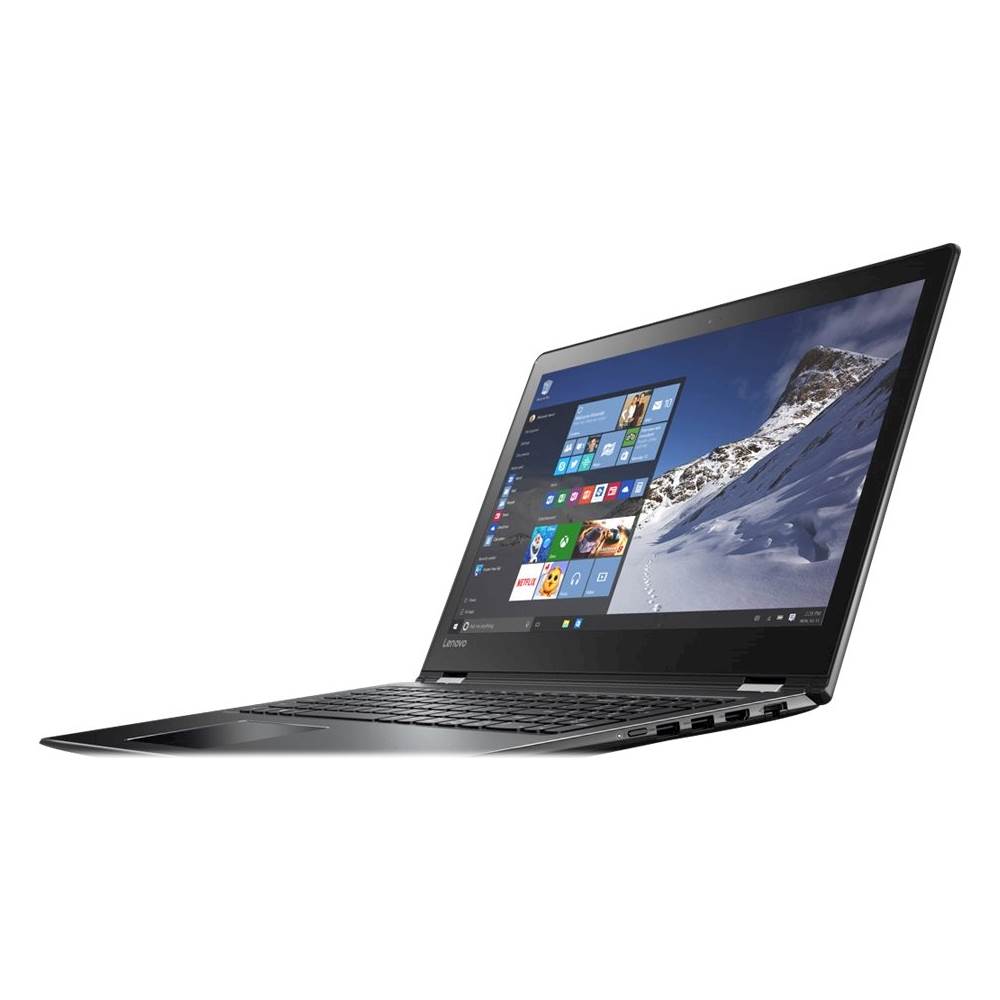


- Model:
- 80SB0000US
- SKU:
- 5412749
to a friend
- Pros mentioned:Dependable brand
Works and Looks Great!
||Posted .This reviewer received promo considerations or sweepstakes entry for writing a review.This laptop appears to be a good one. I've bought several of these with little problem. I feel the Lenovo line is one you can generally depend on.
I would recommend this to a friendBrand response from Lenovo Product Expert
Posted .Thank you for choosing the Lenovo Flex 4-15. We are pleased to hear that the Flex 4-15 is working out so well for you. We appreciate your loyalty to the Lenovo Brand.

- Cons mentioned:Keyboard issue, Overheating, Screen crack
Buy at your own Peril
Posted .This reviewer received promo considerations or sweepstakes entry for writing a review.I bought this notebook about year ago for my husband. It sat on his desk at home and was used solely for email and bill paying, turned on about 3-5 times a week. 8 Months after purchase a crack appeared at the top corner of the screen. Remember, it was never moved around. Nothing hit it or fell on it. Called Lenovo. Would not repair. Just a couple of days ago slightly over a year, so it was just out of warrenty, It was turned on for the first time in a week. It worked perfectly other than the cracked screen the entire time we had it until now. All of a sudden, the fan was extremely noisy and we could not get past the Pin screen. Our son, a computer scientist diagnosed the issues. This 1 year old computer that was never moved from home, lying on a desk all these months, suddenly has the following issues: Cannot get past the Lenovo PIN screen Almost every key on the kybd is mapping to "6" Keyboard - defective Touchpad - defective I/O on the right side - defective Fan runs at maximum rpm when the computer is idle - indicates an overheating problem Recovery buttom is broken - cannot boot Lenovo diagnostics Most peripherals do not function. When we called Lenovo to report the issue this was the response: Take it to Best Buy and get it repaired! You MAY incur some expense!! Yeah, right. We could replace it cheaper! As a professional, if I treated my services and clients with such disregard, I would soon be out of business. Hopefully, Lenovo will fall from its current position if it continues to produce such an inferior product without any intention of standing behind such products. I own 3 Lenovo laptops. One is almost brand new and I will return it if possible. One works OK but with horrible tracking. The other, mentioned above, is going to be burned in effigy. I will never own another Lenovo product of any kind.
No, I would not recommend this to a friendBrand response from Lenovo Product Expert
Posted .We are sorry to hear about the issues you are having with your Lenovo Flex 4-15. Obviously, the cracked screen has caused additional problems. While it won't help the cracked screen, this system is equipped with OneKey Recovery System. There is a very small pin hole on the left side of the device, right near the SD card slot on the device. You will need a pin to push this reset button. Plug the device in. Let the battery charge for about 15 minutes. Push the reset button. The system should boot to a choice screen where you can choose "Restore To Factory Default". Select this. It will delete everything from the hard drive except the original factory install of the operating system. You will need to reinstall all programs and files after the reset. If you don't have copies of the files, try to make one before you restore by selecting "Boot to desktop" and trying to back up your files. Hopefully, this will get your system running again. You can then see if the laptop continues to work, or if the cracked screen has caused a failure that is effecting the operating system. At that point you can decide whether the laptop is usable or if it should be brought in to Best Buy for hardware repairs.