Customer Ratings & Reviews
- Model:
- GSRF-YOGA 3 PRO - 80HES00100
- SKU:
- 4511500
to a friend
Good for some things, not for video
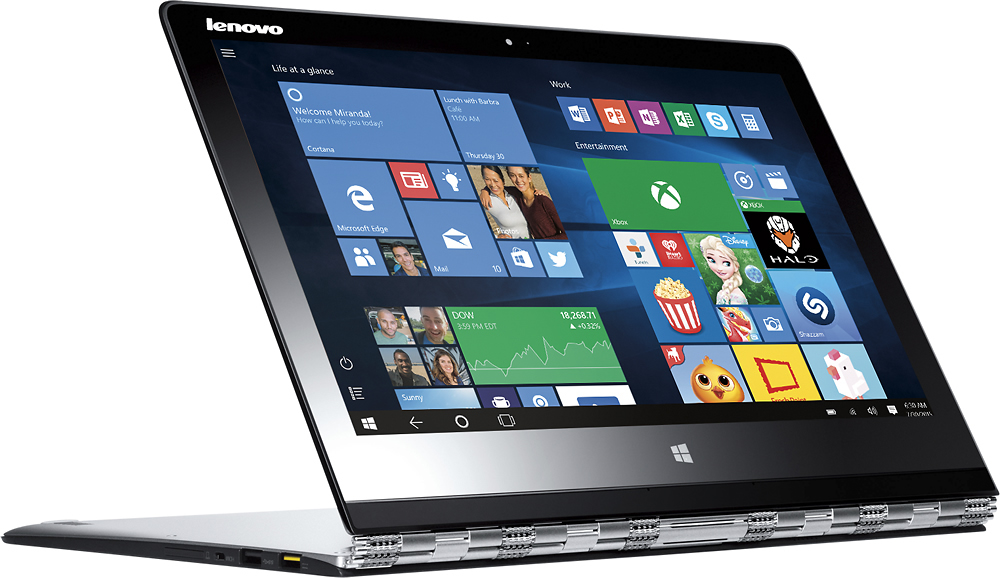
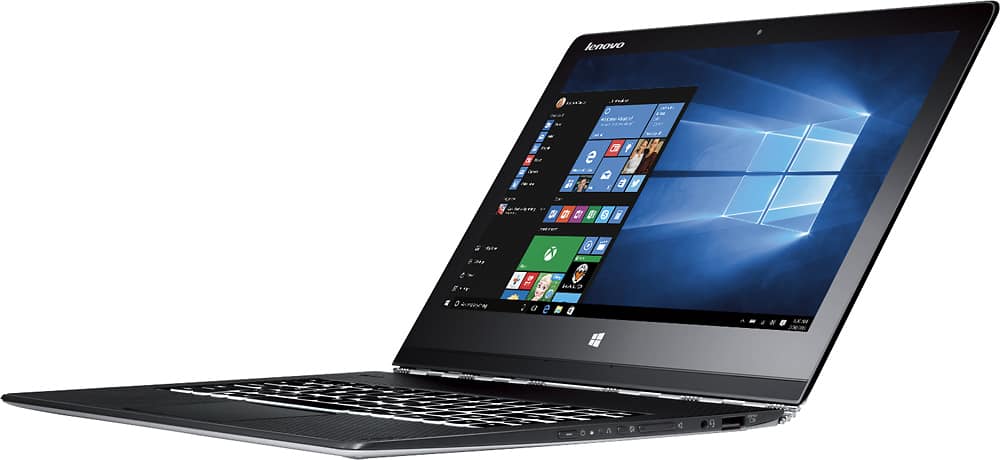
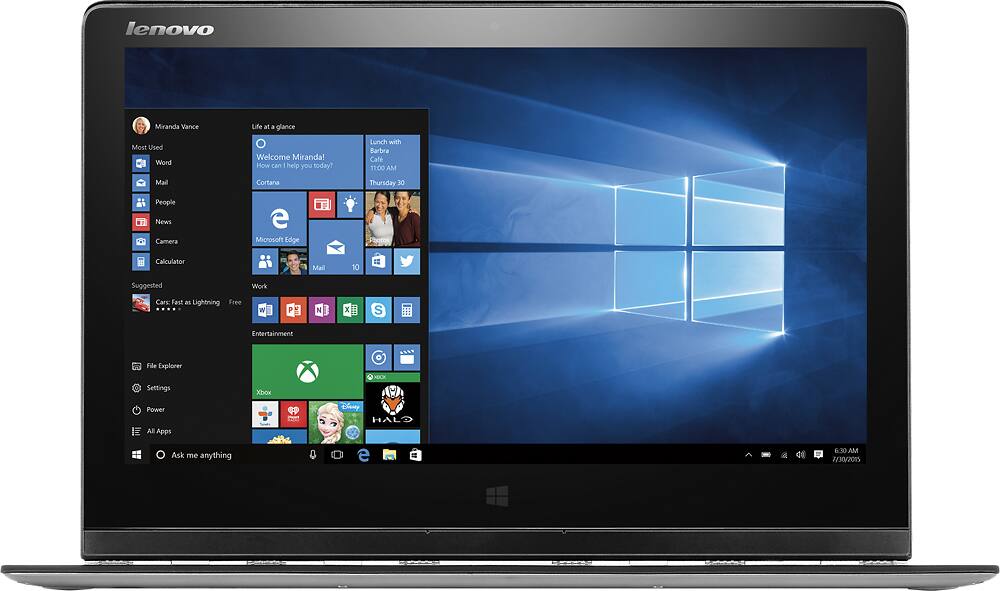
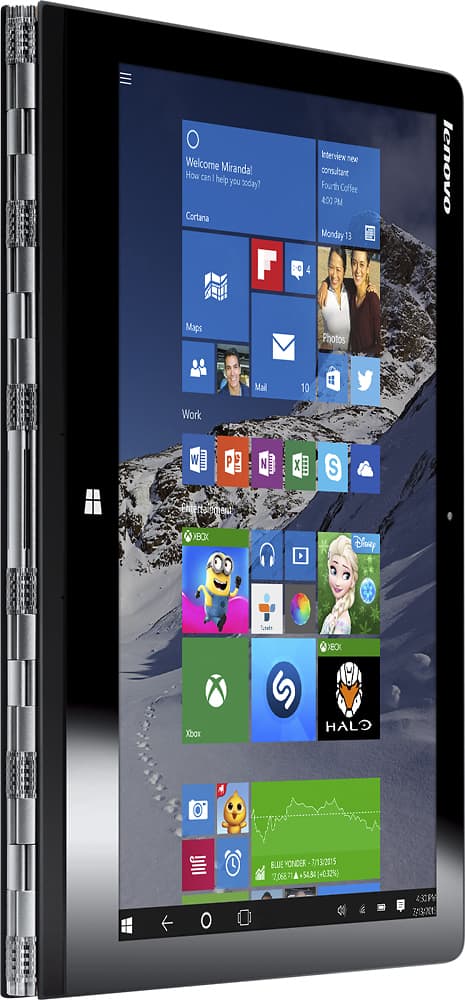
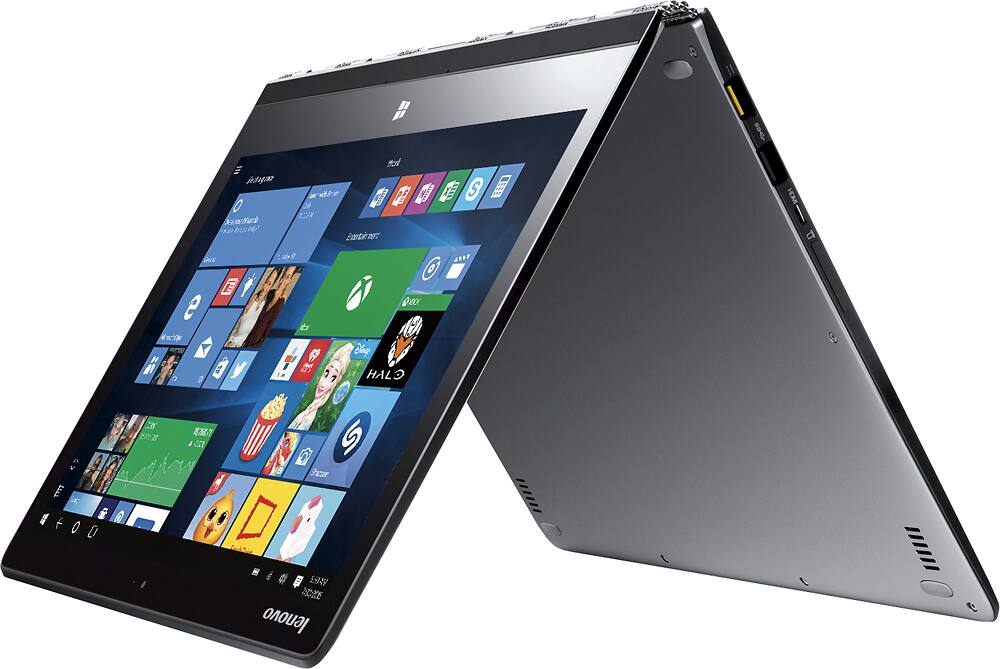
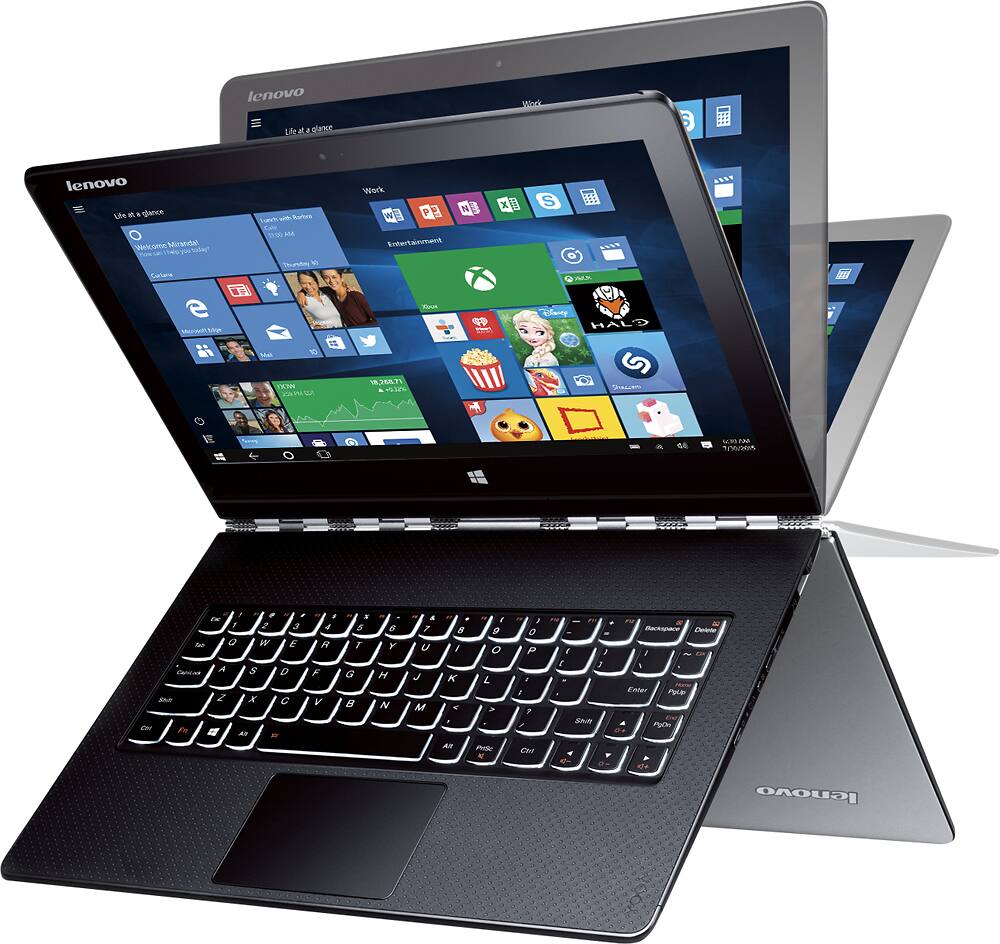
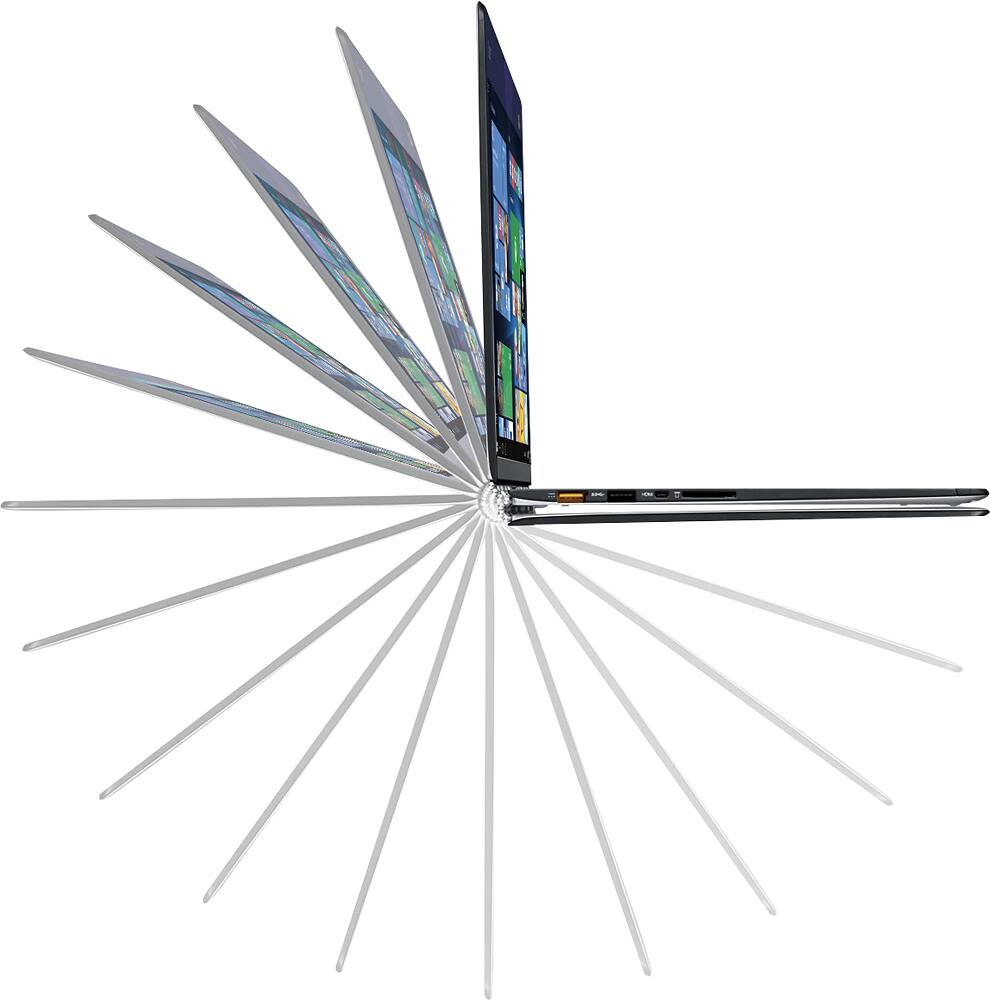
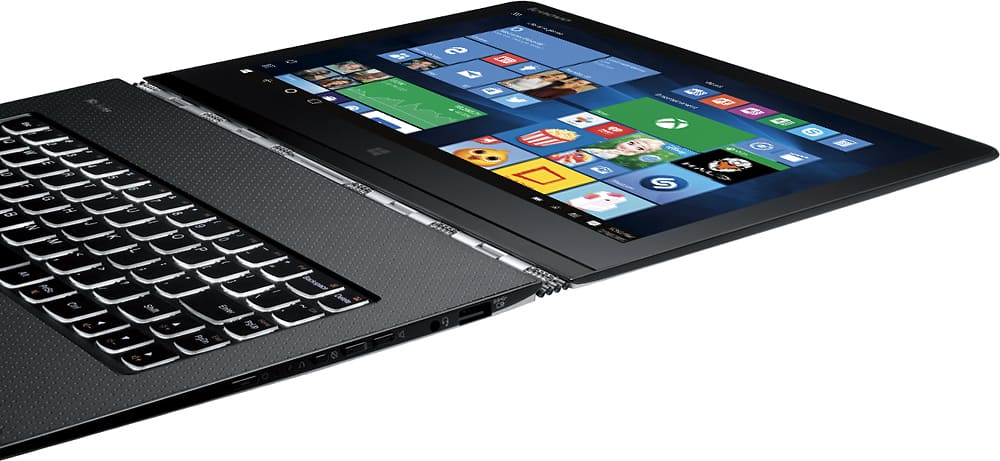
Posted .This reviewer received promo considerations or sweepstakes entry for writing a review.Love the slim light weight of this laptop. Love the touch screen, since it's nice not to have to drag the mouse across the screen using the touch pad. (I didn't bother getting a mouse.) Sometimes it's a bit slow, i.e. it reacts to the touch screen some times a few seconds later. Video is jolted, not smooth. Works will enough for email and reading Kindle and articles online. Got this for the light weight to be able to read a lot of pdf files, and it serves this purpose well.
No, I would not recommend this to a friendNice laptop...if you don't need the internet
Posted .This reviewer received promo considerations or sweepstakes entry for writing a review.I returned the first one only to still have the internet connectivity issue with the second one. It drops the internet constantly. So much that I may not get this posted! It is constant, and only good if you can complete your work offline and just need to upload. I can get through very few emails before the connection is dropped. A constant battle...and of course now it is a known problem that Lenova says is not their fault. to me, it is their product I am purchasing making it their fault.
No, I would not recommend this to a friendBrand response from Lenovo Product Expert
Posted .With regard to the WiFi connectivity issues you mention with your device, there may be driver updates for your specific system. Follow the link below to look for new driver updates for your specific system. You can also run diagnostics from the Lenovo site as well. As always, be sure to create a restore point on your system before you make any changes. Here is the link:
http://support.lenovo.com/us/en/products/Laptops-and-netbooks/Yoga-Series/Yoga-3-Pro-1370-Laptop-Lenovo/80HE/S00100?linkTrack=Caps%253ABody_SearchProduct&tabName=downloads&beta=false