Customer Ratings & Reviews

- Model:
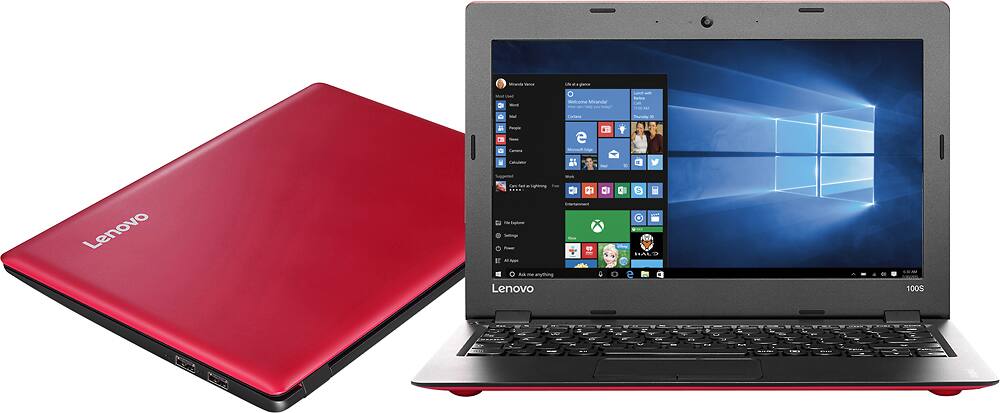
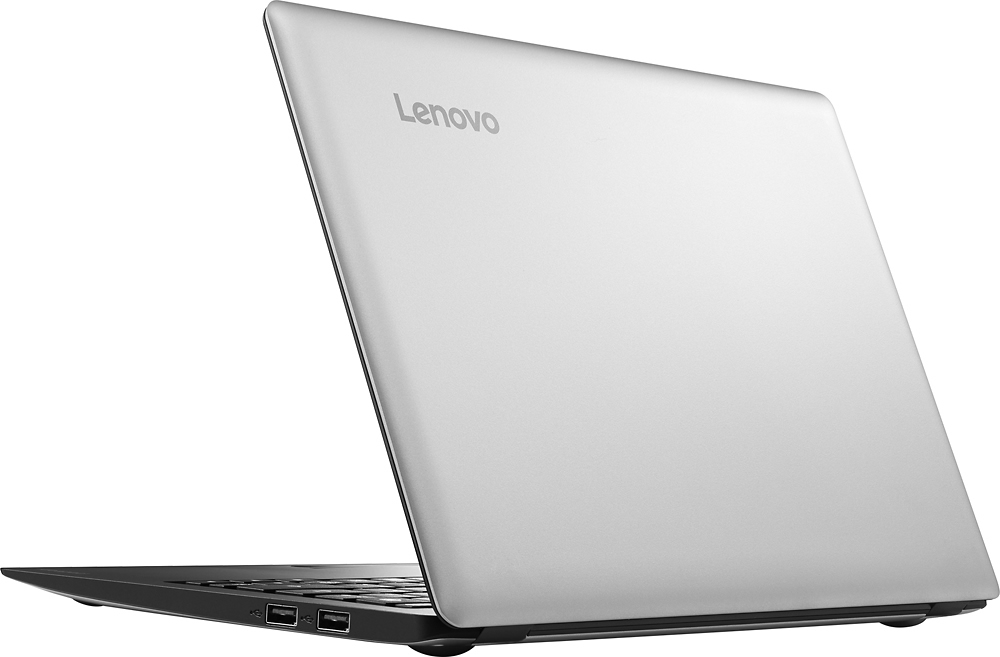
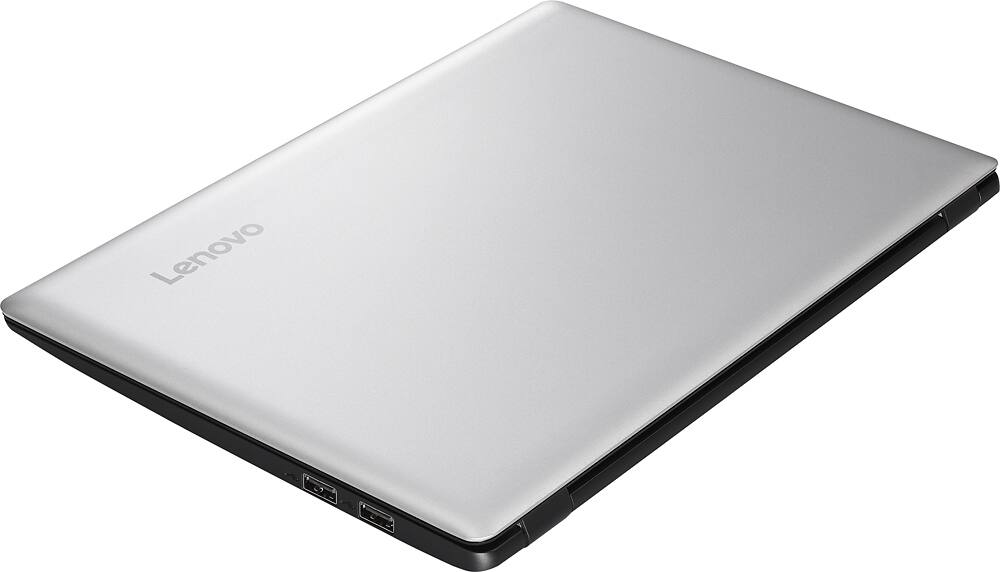
- Lenovo ideapad 100s - 80R9005JUS
- SKU:
- 4815200
to a friend
Customers are saying
Customers admire the IdeaPad 100s 14" Laptop for its great value, light weight, and long battery life. It is perfect for school work and easy to use. However, some customers find the laptop to be slow and have small screen size and quiet speakers.
This summary was generated by AI based on customer reviews.
Good purchase
||Posted .This reviewer received promo considerations or sweepstakes entry for writing a review.Great inexpensive product and avery reliable company.
I would recommend this to a friendGreat for students
||Posted .This reviewer received promo considerations or sweepstakes entry for writing a review.Would recommend product to other people. Great buy!!
I would recommend this to a friendGreat computer
||Posted .This reviewer received promo considerations or sweepstakes entry for writing a review.I love shopping at Best Buy Great service and deals
I would recommend this to a friendBrand response from Lenovo Product Expert
Posted .Thank you for choosing the Lenovo IdeaPad 100s-14. We are pleased to know that the IdeaPad 100s-145 met your requirements for a new computer.

it is a great product for the price.
||Posted .This reviewer received promo considerations or sweepstakes entry for writing a review.GREAT COMPUTER FOR ANY AND ALL BEGINNERS ON A BUDGET
I would recommend this to a friendBrand response from Lenovo Product Expert
Posted .Thank you for choosing the Lenovo IdeaPad 100s-14. We are pleased to hear that the value and performance of the IdeaPad 100s-14 meets your computing needs so well.
Passable
||Posted .This reviewer received promo considerations or sweepstakes entry for writing a review.Not bad for the price. Very poor speaker quality, good screen
No, I would not recommend this to a friendBrand response from Lenovo Product Expert
Posted .Thank you for choosing the Lenovo IdeaPad 100s-14. We are pleased to hear that the value and features of the IdeaPad 100s-14 is working out for you. With regard to the speaker issues you mention with your device, there may be driver updates for your specific system. Follow the link below to look for new driver updates for your specific system. You can also run diagnostics from the Lenovo site as well. As always, be sure to create a restore point on your system before you make any changes. Here is the link:
http://support.lenovo.com/us/en/products/Laptops-and-netbooks/100-series/100s-14ibr/80R9/005JUS?query=&Shallow=1&Type=&OperatingSystems=&Component=&Symptom=&linkTrack=Caps%253ABody_SearchProduct&tabName=downloads&beta=false
Great computer
||Posted .This reviewer received promo considerations or sweepstakes entry for writing a review.Easy to manage, perfect for my work and for school
I would recommend this to a friendBasic laptop
||Posted .This reviewer received promo considerations or sweepstakes entry for writing a review.This a ok laptop for a beginner, and used or as a gift
No, I would not recommend this to a friendworth the price
||Posted .This reviewer received promo considerations or sweepstakes entry for writing a review.computer is good and is definitely worth the money
I would recommend this to a friendslow, drops internet
||Posted .This reviewer received promo considerations or sweepstakes entry for writing a review.got this for my husband, all he uses a laptop for is web browsing, email, occasional you tube videos. this machine was waaaaaaaay too slow for even these basic tasks. kept dropping our internet connection (which has always been stellar) and the only way to reconnect was to restart the laptop. waste of time. returned it to best buy within a week.
No, I would not recommend this to a friend- Cons mentioned:Slow
Bad
||Posted .This reviewer received promo considerations or sweepstakes entry for writing a review.Bad product i do not like it it is too slow and i am not satisfied
No, I would not recommend this to a friend It was fair... Not great. Just average
||Posted .This reviewer received promo considerations or sweepstakes entry for writing a review.It was average. I ended up trading it in for something else. I needed more gaming power.
No, I would not recommend this to a friendHorrible laptop
||Posted .This reviewer received promo considerations or sweepstakes entry for writing a review.This laptop is very slow, I will not recommend it, save your money and buy a better one
No, I would not recommend this to a friend- Cons mentioned:Slow
Good laptop for browsing
||Posted .This reviewer received promo considerations or sweepstakes entry for writing a review.It is extremely slow. Definitely only for basic usage
No, I would not recommend this to a friend No disc input
||Posted .This reviewer received promo considerations or sweepstakes entry for writing a review.Good computer however there is nowhere to put a cd or disc. No way to play a game.
No, I would not recommend this to a friendBrand response from Lenovo Product Expert
Posted .Thank you for choosing the Lenovo IdeaPad 100s 14. With regard to a CD/DVD disk player, you can use an external drive plugged in to a USB port. Here is a link to the external CD/DVD drive:
http://www.bestbuy.com/site/lg-ultra-slim-8x-max-dvd-write-speed-external-usb-dvdrw-cd-rw-drive-black/5407064.p?id=1219650452864&skuId=5407064
Poor quality
||Posted .This reviewer received promo considerations or sweepstakes entry for writing a review.This computer started crashing since the beginning. After 20 days the mouse pad stopped working. I went to the store to return it and said it was only 15 days warranty. Really bad experience!! Not recommend it or to buy this equipment at best buy. Any other store would have accepted the return/exchange.
No, I would not recommend this to a friendBrand response from Lenovo Product Expert
Posted .This system is equipped wit One Key Recovery System. There is a very small button above the keyboard on the left side, by the hinge. Push this button. It will take you to a choice screen, select restore to factory default. This will delete all programs (not files) except the original operating system and restore the original system settings. If this does not correct the touch pad issue, there may be driver updates for your specific system. Follow the link below to look for new driver updates for your specific system. As always, be sure to create a restore point on your system before you make any changes. Here is the link:
http://support.lenovo.com/us/en/products/Laptops-and-netbooks/100-series/100s-14ibr/80R9/005JUS?query=&Shallow=1&Type=&OperatingSystems=&Component=&Symptom=&linkTrack=Caps%253ABody_SearchProduct&tabName=downloads&beta=false
Terrible computer
||Posted .This reviewer received promo considerations or sweepstakes entry for writing a review.Brought this on the recommendation from salesperson. Stopped working 2 weeks after purchase. Tried everything, returned and purchased HP.
No, I would not recommend this to a friendCrashed before I had used it more than 25 hours
||Posted .This reviewer received promo considerations or sweepstakes entry for writing a review.Crashed before I had used it more than 25 hours and I had to spend a few hundred bucks to have it sent back to the factory and put in a new hard drive.
No, I would not recommend this to a friendDidn't work out of the box
||Posted .This reviewer received promo considerations or sweepstakes entry for writing a review.Turned it on. It went through the set up process and when I went to log in I got stuck in a continual loop.
No, I would not recommend this to a friendBrand response from Lenovo Product Expert
Posted .This sounds as though there was an issue with the initial windows set up. This system is equipped with the OneKey Recovery System. There is a very small button above the keyboard on the left top side of the keyboard, near the left hinge. Push this button with a pen or pencil. Your system will boot to a choice screen; You can choose to boot normally or restore to factory default. Select restore to factory default. This will take you back to the beginning so you can set up again.
Product looks good but quality are poor
||Posted .This reviewer received promo considerations or sweepstakes entry for writing a review.only 2 days after purchasing the laptop digital mouse stop working. Needed hardware replacement.
No, I would not recommend this to a friendLaptop looks good but quality need more improveme.
||Posted .This reviewer received promo considerations or sweepstakes entry for writing a review.Touch pad failed after 3 days.That computer was a gift that I send to Europe and now it needs to be send back for service.
No, I would not recommend this to a friendBrand response from Lenovo Product Expert
Posted .Thank you for choosing the IdeaPad 100s-14. With regard to the touchpad issues you mention with your device, there may be driver updates for your specific system. Follow the link below to look for new driver updates for your specific system. You can also run diagnostics from the Lenovo site as well. As always, be sure to create a restore point on your system before you make any changes. Here is the link:
http://support.lenovo.com/us/en/products/Laptops-and-netbooks/100-series/100s-14ibr/80R9/005JUS?query=&Shallow=1&Type=&OperatingSystems=&Component=&Symptom=&linkTrack=Caps%253ABody_SearchProduct&tabName=downloads&beta=false