Customer Ratings & Reviews







- Model:
- 81D70000US
- SKU:
- 6212604
to a friend
- Cons mentioned:Ports, Pre-installed software, Speed
Disappointing computer compared with my old one
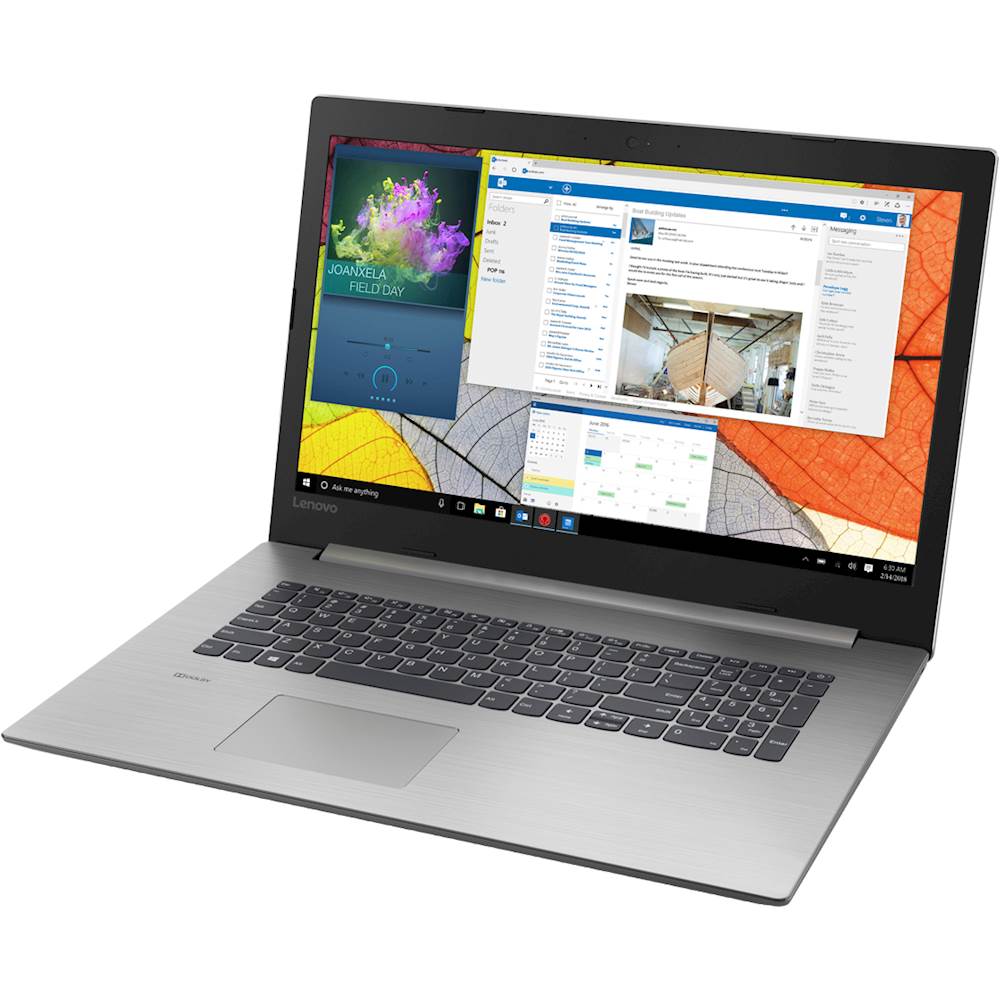
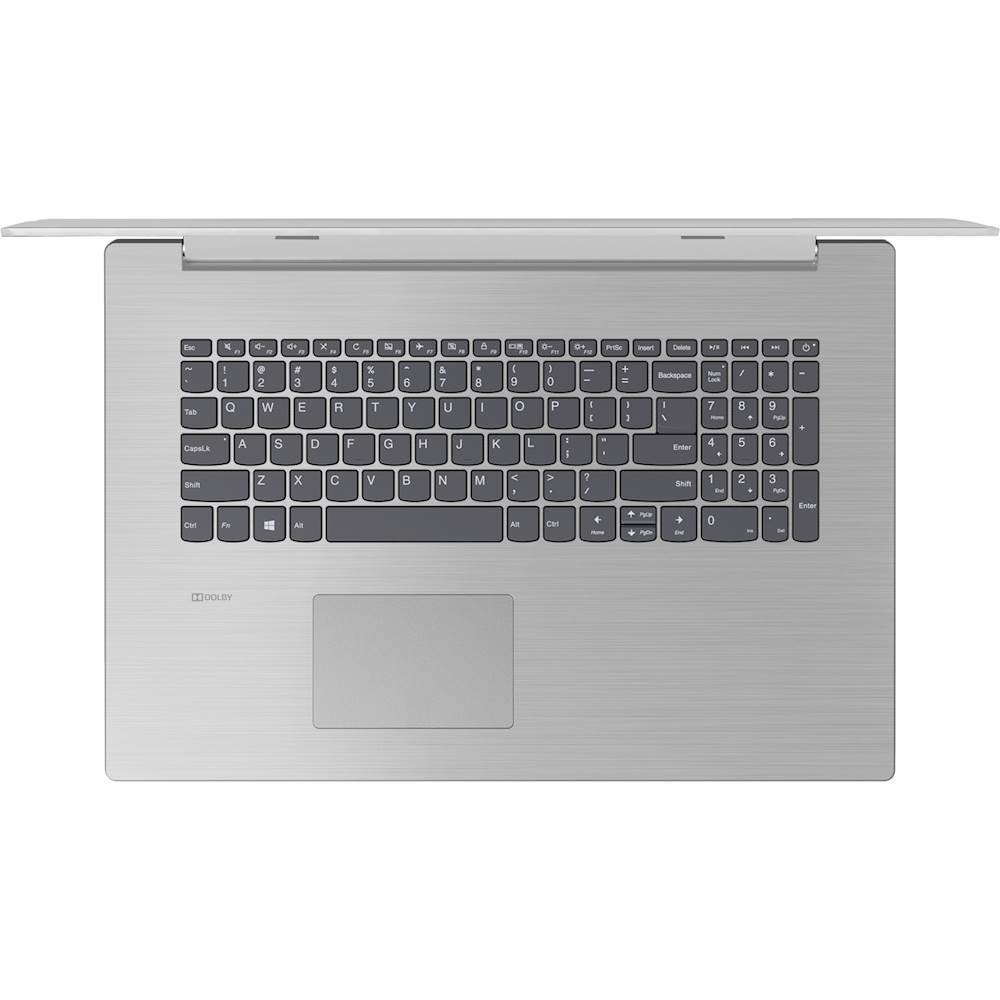
Posted .This reviewer received promo considerations or sweepstakes entry for writing a review.This brand new computer (A12 model) is not an upgrade compared to my old i-3, and is very disappointing. It also has a bunch of stuff pre-installed on it that I don't want, is very slow, and doesn't have enough ports. I would return it if I could.
No, I would not recommend this to a friendBrand response from Lenovo Product Expert
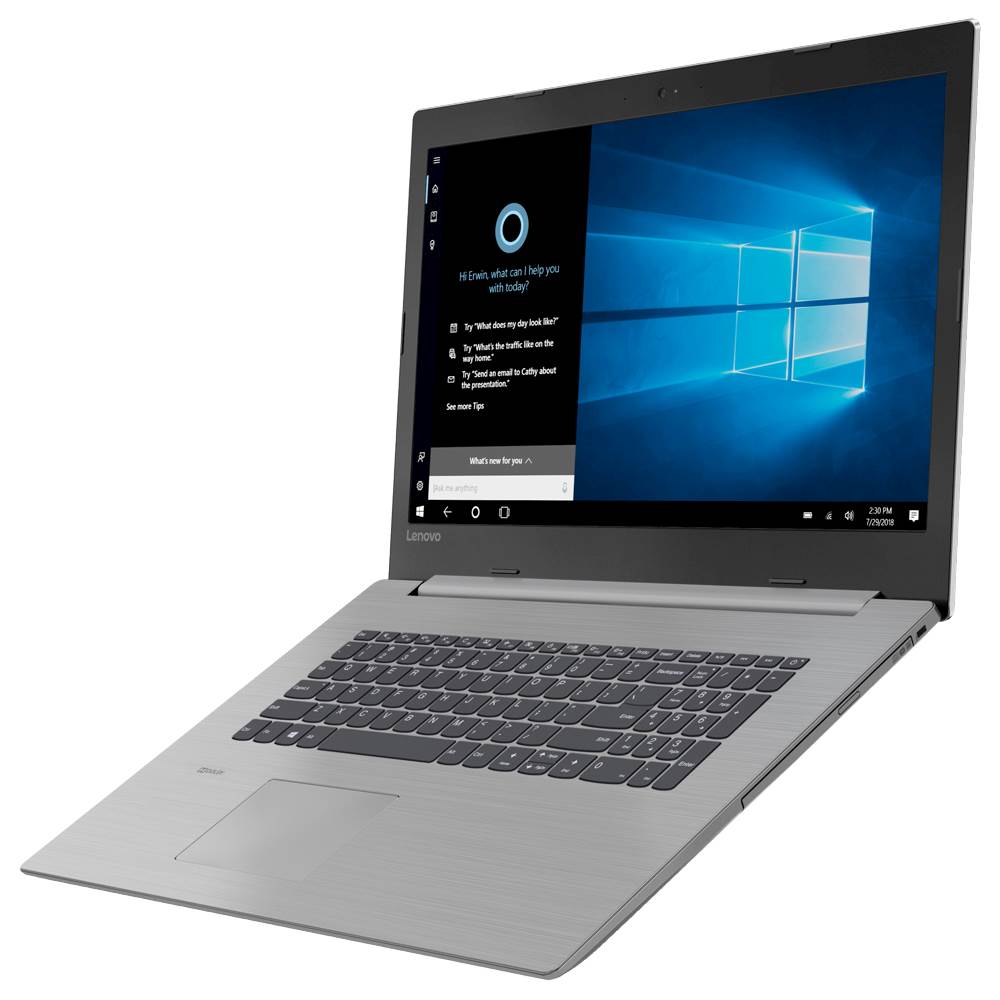
Posted .Your review is attached to the IdeaPad 330-17 configured with the AMD A9-9425 processor. Be sure the model you have has the A12-9800 processor. The AMD A9-9425 Dual-Core processor has a base speed of 3.1GHz and a boost speed of up to 3.7GHz. Be sure any software you installed is compatible with Windows 10. There is no need to install Microsoft Office software. The software is already part of the operating system, you just need to activate the software with a purchased product key. If you have installed a copy of Microsoft Office, this is conflicting with the existing copy on the system and this will slow your system down. If you have installed a 3rd party anti-virus program, be sure that Windows Defender is turned off and that the trial version of McAfee Anti-Virus software is uninstalled. There can only be one anti-virus program on the system. You may need to restore your system to original factory default settings if any of the programing errors have occurred. You can do that by typing "restore" in the Cortana search window. Just click on the magnifying glass icon at the bottom left of your Windows 10 Desktop. Click on "Reset This PC" Then click on "Get Started" and follow the on screen directions to restore to factory defaults. If the problem persists, we recommend you contact Lenovo Tech Support at: 877-453-6686.
