Customer Ratings & Reviews
Rating by feature
- Value
Rating 4.2 out of 5 stars
- Quality
Rating 4.0 out of 5 stars
- Ease of Use
Rating 4.3 out of 5 stars
Customers are saying
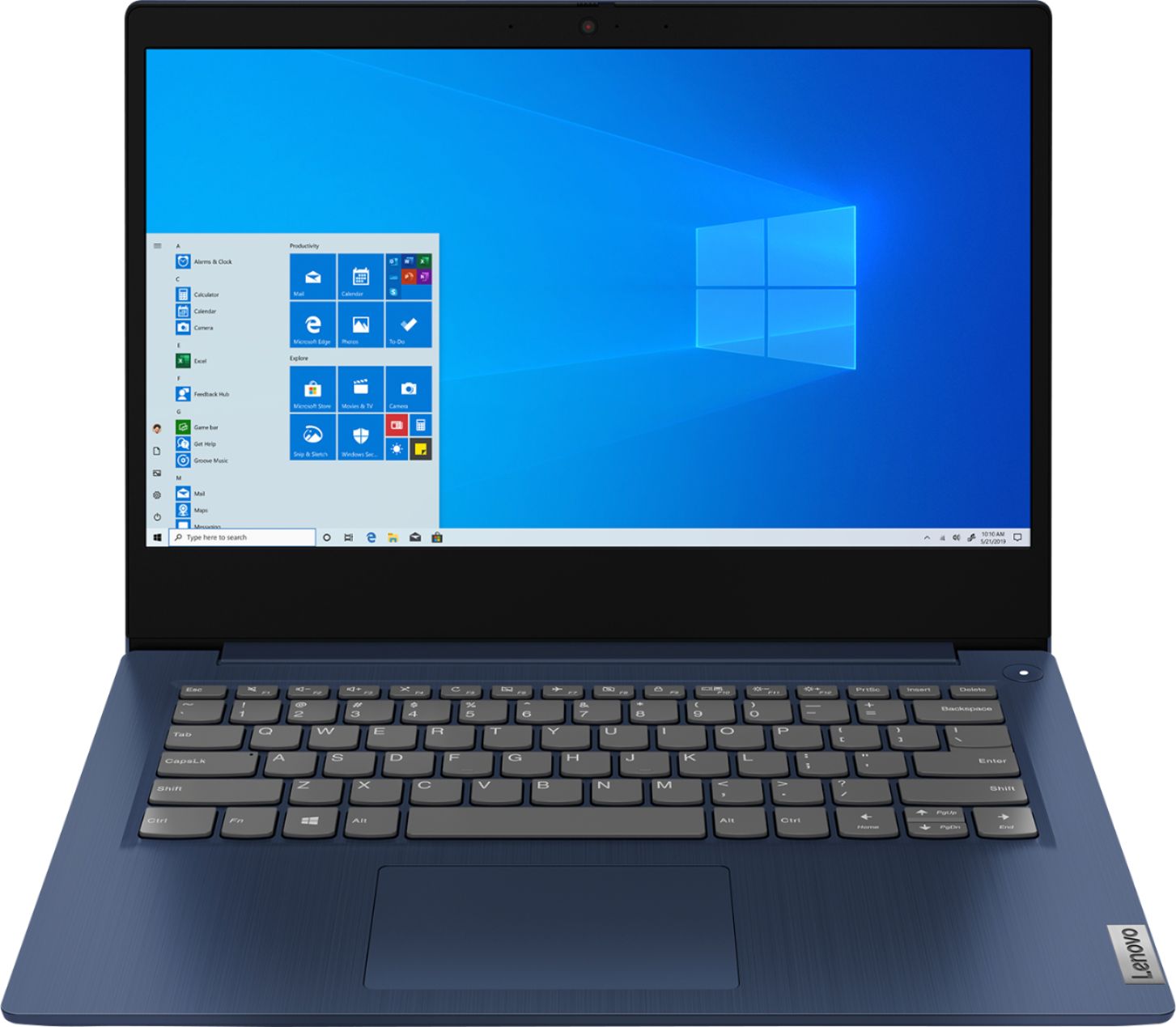
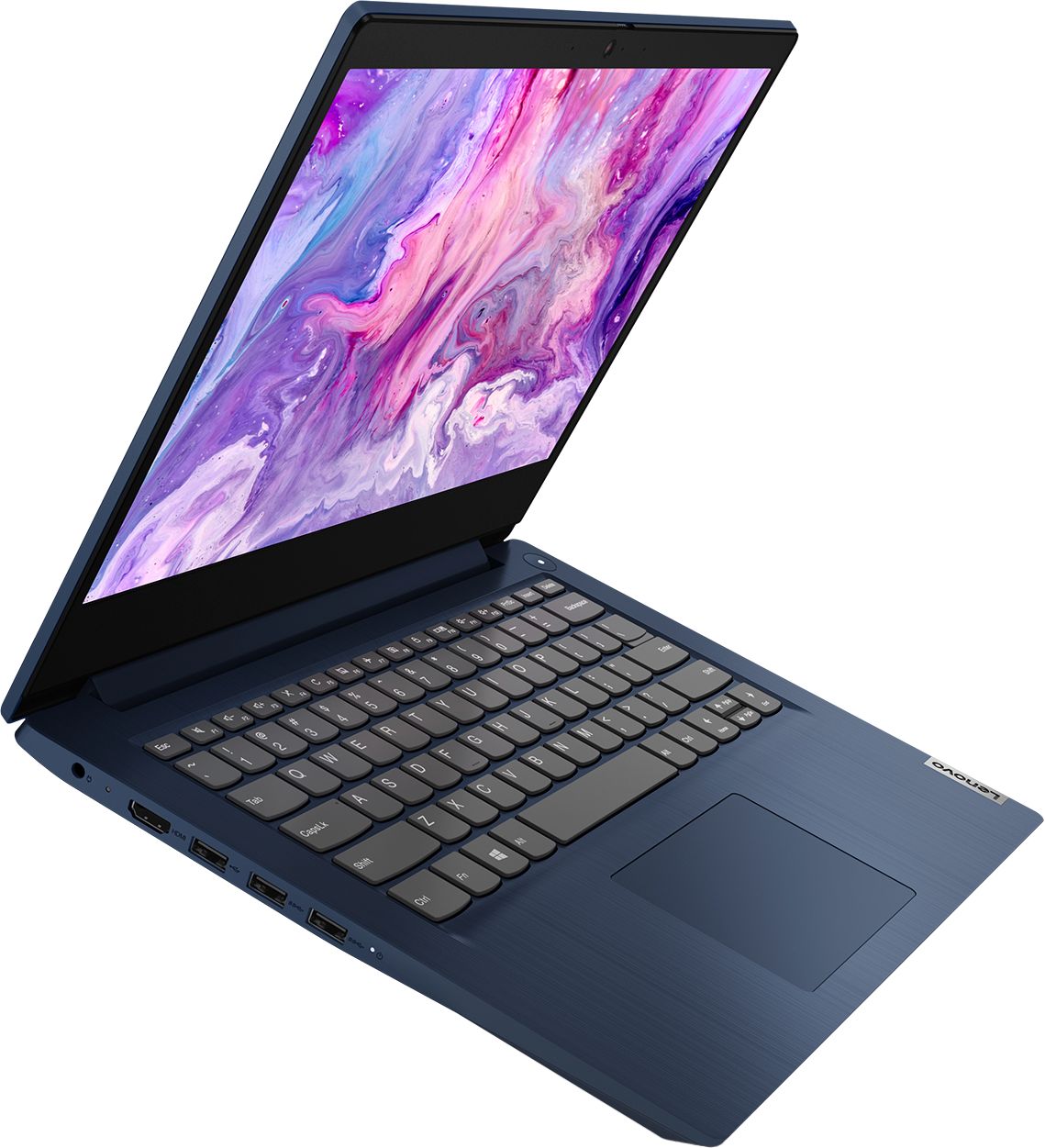
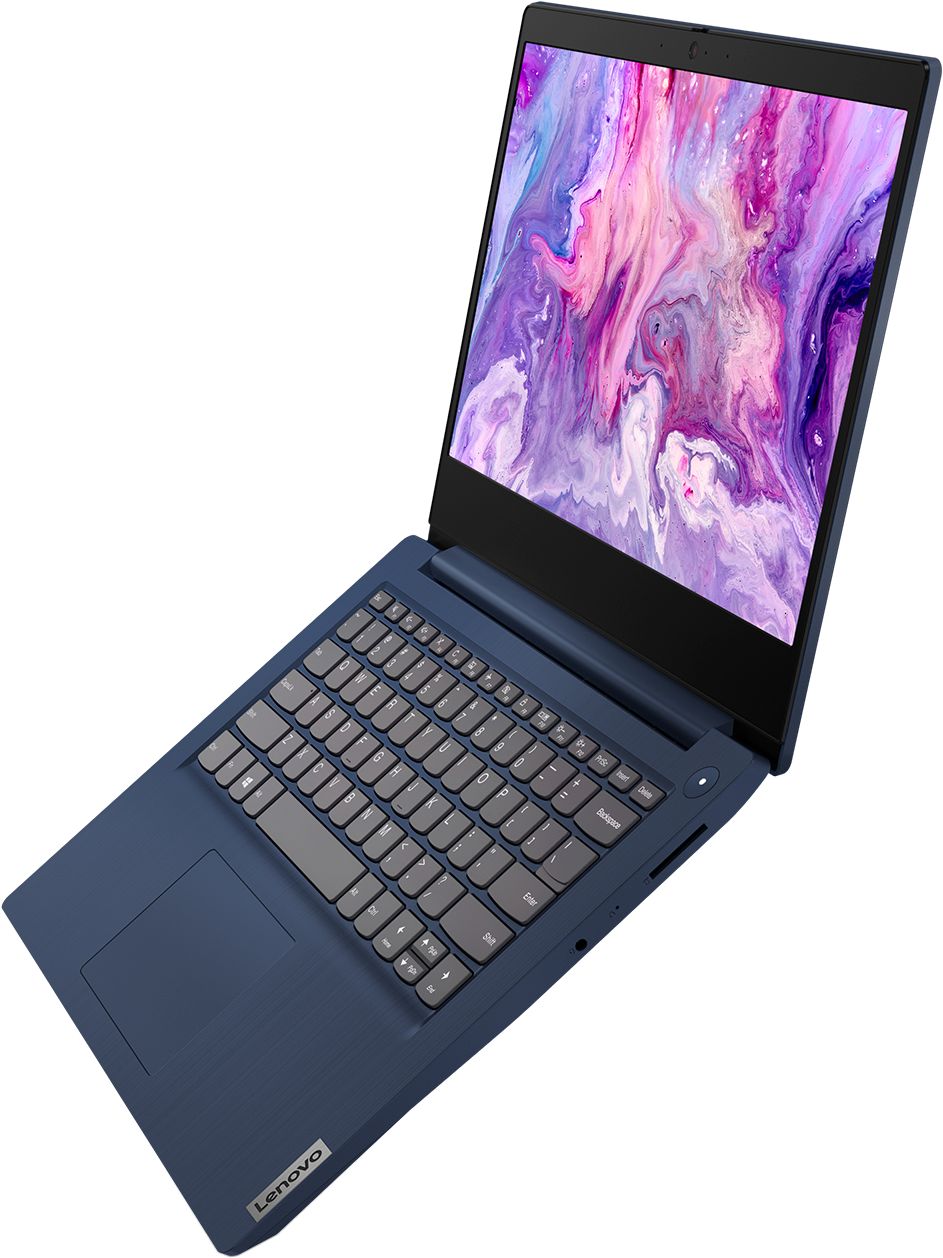
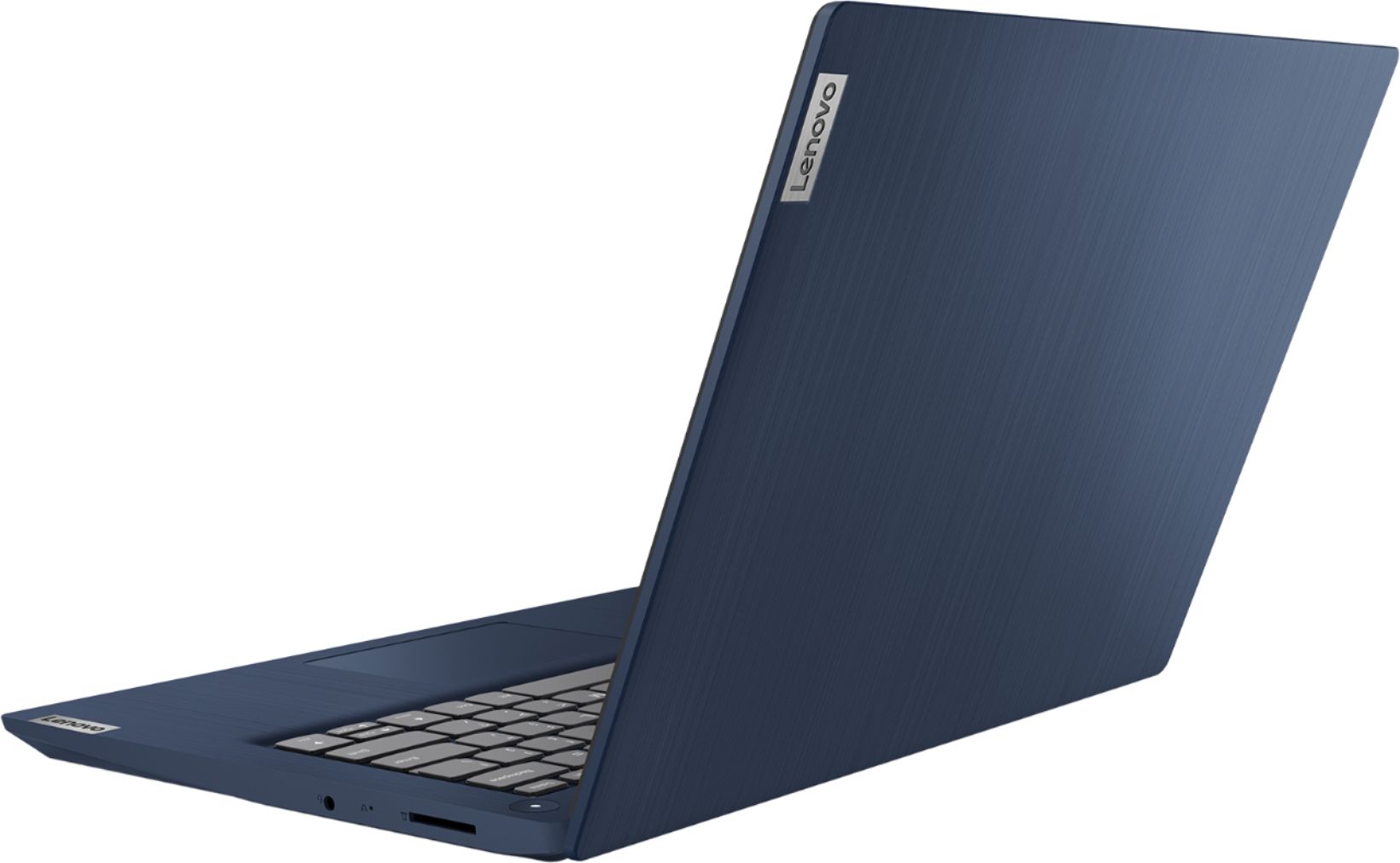
Customers are impressed with the IdeaPad 3 14" Laptop's affordable price, lightweight design, and large storage capacity. It is suitable for everyday tasks, schoolwork, and even gaming. However, some users have concerns about its slow performance, short battery life, and occasional camera issues.
This summary was generated by AI based on customer reviews.
Great
||Posted . Owned for 1 week when reviewed.This reviewer received promo considerations or sweepstakes entry for writing a review.The other 2 reviewers must be thinking this is a gaming laptop just because of Ryzen 3 and 8 GB RAM, it is not. You can game on it but not intense graphic games. I get 6 hours sometimes more, it is not slow at all
I would recommend this to a friendBrand response from Lenovo Product Expert
Posted .Thank you for choosing the Lenovo IdeaPad 3 14 Laptop, model number 81W0009DUS. The Lenovo IdeaPad 3 14 Laptop, model number 81W0009DUS, is a mid-level, moderate use configuration, with its AMD Ryzen 3 3250U processor. This Dual-Core/Four-Thread processor has a base speed of 2.6GHz and a boost speed of up to 3.4GHz. This configuration has 8GB of DDR4-2400MHz RAM. It is good with Microsoft Office type programs, internet browsing and other moderate work. This model ships with Windows 10 S-Mode Operating System. Windows 10 S-Mode provides added security by only allowing APPs available ( and therefore certified by Microsoft) at the Microsoft Store. If you don't need the added security or you need to install APPs not available at the Microsoft Store, you can switch to standard Windows 10 Home 64-bit Operating System, at no additional cost.

- Pros mentioned:Storage
Good College Laptop
||Posted . Owned for 1 month when reviewed.This reviewer received promo considerations or sweepstakes entry for writing a review.I bought this after my laptop of 4 years finally broke. This computer is very easy to set up and it doesn't require much. It's also a good price for the amount of storage is provides. One thing to add is that there aren't any cases for this laptop. A sleeve or carrying case may work, but there is no hard shell case.
I would recommend this to a friendBrand response from Lenovo Product Expert
Posted .Thank you for choosing the Lenovo IdeaPad 3 14" laptop. We are pleased to hear that the IdeaPad 3 is working out so well for you. We appreciate your loyalty to the Lenovo Brand.
- Cons mentioned:Battery life
Good one but not the best one
||Posted . Owned for 4 months when reviewed.This reviewer received promo considerations or sweepstakes entry for writing a review.It is a good laptop but not the features I needed. Battery life is very short.
I would recommend this to a friend - Pros mentioned:Storage
Reliable and fun laptop
||Posted . Owned for 1 month when reviewed.This reviewer received promo considerations or sweepstakes entry for writing a review.For those that only use a laptop/computer for checking social media, surfing the internet and minor games, this is the one for you. The only issue I've had is not having the number keyboard, but, since I'm left handed not to much of an issue . Has plenty of room for photos, word and excel files
I would recommend this to a friendBrand response from Lenovo Product Expert
Posted .Thank you for choosing the Lenovo IdeaPad 3 laptop. We are pleased to hear that the value and performance of the IdeaPad 3 meets your computing needs so well!
- Pros mentioned:Price
great for in home schooling
||Posted . Owned for 3 weeks when reviewed.This reviewer received promo considerations or sweepstakes entry for writing a review.I got this for my grandson for in home schooling and the price was just right.
I would recommend this to a friendBrand response from Lenovo Product Expert
Posted .Thank you for choosing the lenovo IdeaPad 3 14 Laptop, model number 81W0009DUS, for your grandson. We are pleased to hear that the value and performance of the IdeaPad 3 14 meets the computing needs of your grandson so well. This is a mid-level, moderate use configuration, with its AMD Ryzen 3 3250U processor. This Dual-Core/Four-Thread processor has a base speed of 2.6GHz and a boost speed of up to 3.4GHz. This configuration has 8GB of DDR4-2400MHz RAM. It is good with Microsoft Office type programs, internet browsing and other moderate work. Windows 10 S-Mode provides added security by only allowing APPs available ( and therefore certified by Microsoft) at the Microsoft Store. If you don't need the added security or you need to install APPs not available at the Microsoft Store, you can switch to standard Windows 10 Home 64-bit Operating System, at no additional cost.
- Pros mentioned:Price
Rcp1
||Posted . Owned for 1 month when reviewed.This reviewer received promo considerations or sweepstakes entry for writing a review.Works well as expected. Good buy for price. Would recommend to others.
I would recommend this to a friend Decent family laptop
||Posted . Owned for 2 months when reviewed.This reviewer received promo considerations or sweepstakes entry for writing a review.Our old larger lenovo was going down fast and we needed a family computer. This is smaller and very light. Decent speed for what we use it for - web surfing, office apps, etc. Comes in "S" mode which is fine but you need to turn that off to download chrome or any non windows store app.
I would recommend this to a friendBrand response from Lenovo Product Expert
Posted .Hello. Thank you for choosing the Lenovo IdeaPad 3 laptop. We are pleased to hear that the value and performance of the IdeaPad 3 meets your computing needs so well!
- Cons mentioned:Battery life
Meh - not bad
||Posted . Owned for 3 weeks when reviewed.This reviewer received promo considerations or sweepstakes entry for writing a review.Well first off, the battery isn't 7-8 hours like it claims. Also, I hate the track pad. It's too big and clumsy. Other than that, it's a great buy for school or even a personal gift. It's quick and responsive, I doubt anything else in this price range would be much better at anything this does.
I would recommend this to a friendBrand response from Lenovo Product Expert
Posted .The Lenovo IdeaPad 3 14 Laptop, model number 81W0009DUS, ships with a 2CELL_35WH_INTERNAL, Lithium Polymer Battery with a battery life of up to 7 hours, depending on the work the device is performing. You can make adjustments to the touchpad in your system settings. You can get there by clicking on the magnifying glass at the bottom left of your Windows 10 screen. Type "touchpad" in the search window. Select "Mouse & touchpad settings" from the list of choices. You can make general adjustments to the touchpad there. You can also select "Additional mouse options" for more detailed adjustments to the touchpad sensitivity by increasing the delay of the touchpad. The IdeaPad 3 14 is a mid-level, moderate use configuration, with its AMD Ryzen 3 3250U processor. This Dual-Core/Four-Thread processor has a base speed of 2.6GHz and a boost speed of up to 3.4GHz. This configuration has 8GB of DDR4-2400MHz RAM. It is good with Microsoft Office type programs, internet browsing and other moderate work. This model ships with Windows 10 S-Mode Operating System. Windows 10 S-Mode provides added security by only allowing APPs available ( and therefore certified by Microsoft) at the Microsoft Store. If you don't need the added security or you need to install APPs not available at the Microsoft Store, you can switch to standard Windows 10 Home 64-bit Operating System, at no additional cost.
- Pros mentioned:Gaming
Great color, grandson loves it.
||Posted .This reviewer received promo considerations or sweepstakes entry for writing a review.Brought for grandson as gift. He lives it and the games he can play.
I would recommend this to a friendBrand response from Lenovo Product Expert
Posted .Thank you for choosing the Lenovo IdeaPad 3 laptop. We are pleased to hear that the value and performance of the IdeaPad 3 meets your computing needs so well!
- Cons mentioned:Battery life
Good laptop to do school work.
||Posted . Owned for 1 month when reviewed.This reviewer received promo considerations or sweepstakes entry for writing a review.Good laptop to do school work but the battery runs out pretty quick.
I would recommend this to a friendBrand response from Lenovo Product Expert
Posted .The Lenovo IdeaPad 3 14 Laptop, model number 81W0009DUS, ships with a 2CELL_35WH_INTERNAL, Lithium Polymer Battery, with up to 7 hours of battery life depending on the work the device is performing. If you are getting substantially less battery life, be sure Battery conservation Mode is turned off. This power management setting should only be used when the laptop is plugged in all the time. It will prolong overall battery life by only charging the battery to 60-percent of capacity. Here is a link to instructions for turning off Battery Conservation Mode: https://support.lenovo.com/us/en/solutions/ht103159. Also check what programs are running in the background on the computer. Be sure only the programs you want running in the background are. These programs will drain the battery. Here is a link to information about how to find out what programs are running in the background on your Windows 10 computer and how to manage them for better system performance: https://www.windowscentral.com/how-prevent-apps-running-background-windows-10. Then, finally, be sure any software you installed is compatible with Windows 10. Incompatible software will drain the battery at a faster rate. There is no need to install Microsoft Office software. The software is already part of the operating system, you just need to activate the software with a purchased product key. If you have installed a copy of Microsoft Office, this is conflicting with the existing copy on the system and this will slow your system down. If you have installed a 3rd party anti-virus program, be sure that Windows Defender is turned off and that the trial version of McAfee Anti-Virus software is uninstalled. There can only be one anti-virus program on the system. You may need to restore your system to original factory default settings if any of the programming errors have occurred. You can do that by typing "restore" in the Cortana search window. Just click on the magnifying glass icon at the bottom left of your Windows 10 Desktop. Click on "Reset This PC" Then click on "Get Started" and follow the on screen directions to restore to factory defaults. If the problem persists, we recommend you contact Lenovo Tech Support at: 877-453-6686.
- Pros mentioned:Lightweight
Highly Recommend
||Posted . Owned for 1 week when reviewed.This reviewer received promo considerations or sweepstakes entry for writing a review.Very user friendly. Works great for all my online classes. Setup was easy. Needed a lot of updates on startup so the setup did take quite a while. Highly recommend for a school laptop. Lightweight as well.
I would recommend this to a friendBrand response from Lenovo Product Expert
Posted .Thank you for choosing the Lenovo IdeaPad 3 14 laptop. We are pleased to hear that the IdeaPad 3 14 meets your computing needs so well.
- Pros mentioned:Price
Good product for price point
||Posted . Owned for 1 month when reviewed.This reviewer received promo considerations or sweepstakes entry for writing a review.Good product for price point. Comes with antivirus software
I would recommend this to a friendBrand response from Lenovo Product Expert
Posted .Thank you for choosing the Lenovo IdeaPad 3 laptop. We are pleased to hear that the value and performance of the IdeaPad 3 meets your computing needs so well!
- Pros mentioned:Price
Great laptop @ great price
||Posted . Owned for 2 months when reviewed.This reviewer received promo considerations or sweepstakes entry for writing a review.Brought this laptop for my son for his Covid online classes. He is very happy. Especially when all other students connections keeps failing, his laptop never lost connectivity. Even his teacher loses his connection. Overall great laptop at a great price
I would recommend this to a friendBrand response from Lenovo Product Expert
Posted .Thank you for choosing the Lenovo IdeaPad 3 laptop. We are pleased to hear that the value and performance of the IdeaPad 3 meets your computing needs so well!
- Cons mentioned:Camera
Bought for my 5th grader
||Posted . Owned for 1 month when reviewed.This reviewer received promo considerations or sweepstakes entry for writing a review.It does everything that it says it does. Sometimes the camera won’t stay on or maybe I don’t understand how it works yet. We really like it, it’s easy to use and set up! Not a touch screen but it works great and at a great sale price! Now we’re all happy!!!
I would recommend this to a friendBrand response from Lenovo Product Expert
Posted .Thank you for choosing the Lenovo IdeaPad 3 laptop. We are pleased to hear that the value and performance of the IdeaPad 3 meets your computing needs so well! in regards to the web cam we recommend checking that the system device drivers are up tp date. You can easily accomplish this by scanning the computer with the Lenovo Utility software available on this computer. This system has Lenovo utilities installed to help maintain the health of the device and keep the operating system software up to date. Type "Lenovo Vantage" in the Cortana Search window (if Lenovo Vantage is not installed on your device, you can download the APP and install it now). Select Lenovo Vantage from the list. In the window that opens, click on "Health and Support". In the expanded menu, select "Hardware Scan” In the window that opens, select "Run Quick Tests". This will scan your entire system for errors. Follow any directions that may pop up. If the problem continues after this scan, now click on "System Update". First select Windows update from the menu. Scan your system to be sure you have the latest version of Windows 10. Once that scan is complete, select "Additional Updates". This will scan your device to be sure there are no new BIOS/Driver updates needed. Follow any instructions that may pop up. If the issue continues after these updates, we recommend you call Lenovo Tech Support at: 877-453-6686 for additional help.
Computing on a budget.
||Posted . Owned for 1 month when reviewed.This reviewer received promo considerations or sweepstakes entry for writing a review.Old computer was outdated so I bought this computer since specs were miles better than my 4 year old notebook. I was surprised I was able to pick out something decent and within my budget as well! Only gave it 4 stars because there were some mandatory updates I had to do that weren't prompted by my PC on the official Lenovo support page.
I would recommend this to a friendBrand response from Lenovo Product Expert
Posted .Hey there! Thanks for choosing the Lenovo IdeaPad 3 Laptop. We are pleased to hear the value, performance, and features of the IdeaPad 3 Laptop are meeting your computing needs so well! Any updates that come from the Lenovo Vantage App are recommended to ensure your computer functions at it's optimal capacity!
Good price, but you get what you pay for...
||Posted . Owned for 3 weeks when reviewed.This reviewer received promo considerations or sweepstakes entry for writing a review.Not overly thin but not too thick. OK weight but not super light. Comes with Windows 10S which needs to be disabled to install non—approved apps such as Google Chrome. The big problem, which was likely a hardware issue, was that the touchpad didn’t work consistently.
No, I would not recommend this to a friendBrand response from Lenovo Product Expert
Posted .You can make adjustments to the touchpad in your system settings. You can get there by clicking on the magnifying glass at the bottom left of your Windows 10 screen. Type "touchpad" in the search window. Select "Mouse & touchpad settings" from the list of choices. You can make general adjustments to the touchpad there. You can also select "Additional mouse options" for more detailed adjustments to the touchpad sensitivity by increasing the delay of the touchpad.
- Pros mentioned:Price
Good machine for the price
||Posted . Owned for 2 weeks when reviewed.This reviewer received promo considerations or sweepstakes entry for writing a review.Got this to play Dungeons and Dragons on Roll 20 during the pandemic because the ancient laptop was lagging like crazy. This handles Roll 20 just fine. It can do the dynamic lighting, large maps, and video chat. Happy with the performance for the price.
I would recommend this to a friendBrand response from Lenovo Product Expert
Posted .Thank you for choosing the Lenovo IdeaPad 3 14 Laptop, model number 81W0009DUS. We are pleased to hear that the performance of the IdeaPad 3 14 meets your computing needs so well. This is a mid-level, moderate use configuration, with its AMD Ryzen 3 3250U processor. This Dual-Core/Four-Thread processor has a base speed of 2.6GHz and a boost speed of up to 3.4GHz. This configuration has 8GB of DDR4-2400MHz RAM. It is good with Microsoft Office type programs, internet browsing and other moderate work. This model ships with Windows 10 S-Mode Operating System. Windows 10 S-Mode provides added security by only allowing APPs available ( and therefore certified by Microsoft) at the Microsoft Store. If you don't need the added security or you need to install APPs not available at the Microsoft Store, you can switch to standard Windows 10 Home 64-bit Operating System, at no additional cost.
- Cons mentioned:Slow
It works
||Posted . Owned for 1 week when reviewed.This reviewer received promo considerations or sweepstakes entry for writing a review.After a few days used, I decided to return this model and go with the 15 inch touchscreen with the I3 generation 10 processor. This computer worked well enough, it was just a little slow for my needs and struggled with multiple windows open at the same time.
No, I would not recommend this to a friend - Pros mentioned:Price
Go Blue
||Posted .This reviewer received promo considerations or sweepstakes entry for writing a review.This is a very affordable laptop with many valuable features. We purchased them for our students to use for eLearning. Light, fast and reliable. *If the camera stops working, just get the latest Windows Update, and it starts back up again.
I would recommend this to a friendBrand response from Lenovo Product Expert
Posted .Thank you for choosing the Lenovo IdeaPad 3 laptop. We are pleased to hear that the value and performance of the IdeaPad 3 meets your computing needs so well!
Good product at good price
||Posted . Owned for 3 weeks when reviewed.This reviewer received promo considerations or sweepstakes entry for writing a review.This came packed with good specs. I have noticed a very slow loading however. In my research I found others who stated this but one had a fix... I am going back now to find how to speed it up. No real complaints - just looking forward to getting the most out of it. Hopefully I can update my review in a week or so.
I would recommend this to a friendBrand response from Lenovo Product Expert
Posted .Thank you for choosing the Lenovo IdeaPad 3 14 Laptop, model number 81W0009DUS. This model will boot from off to the Windows 10 Desktop in less than 40-seconds. This model ships with Windows 10 S-Mode Operating System. Windows 10 S-Mode provides added security by only allowing APPs available ( and therefore certified by Microsoft) at the Microsoft Store. If you don't need the added security or you need to install APPs not available at the Microsoft Store, you can switch to standard Windows 10 Home 64-bit Operating System, at no additional cost. Even if you have switched out of Windows 10 S-Mode, be sure any software you installed is compatible with Windows 10. There is no need to install Microsoft Office software. The software is already part of the operating system, you just need to activate the software with a purchased product key. If you have installed a copy of Microsoft Office, this is conflicting with the existing copy on the system and this will slow your system down. If you have installed a 3rd party anti-virus program, be sure that Windows Defender is turned off and that the trial version of McAfee Anti-Virus software is uninstalled. There can only be one anti-virus program on the system. You may need to restore your system to original factory default settings if any of the programming errors have occurred. You can do that by typing "restore" in the Cortana search window. Just click on the magnifying glass icon at the bottom left of your Windows 10 Desktop. Click on "Reset This PC" Then click on "Get Started" and follow the on screen directions to restore to factory defaults. If the problem persists, we recommend you contact Lenovo Tech Support at: 877-453-6686.