Customer Ratings & Reviews
Rating by feature
- Value
Rating 4.2 out of 5 stars
- Quality
Rating 4.0 out of 5 stars
- Ease of Use
Rating 4.3 out of 5 stars
Customers are saying
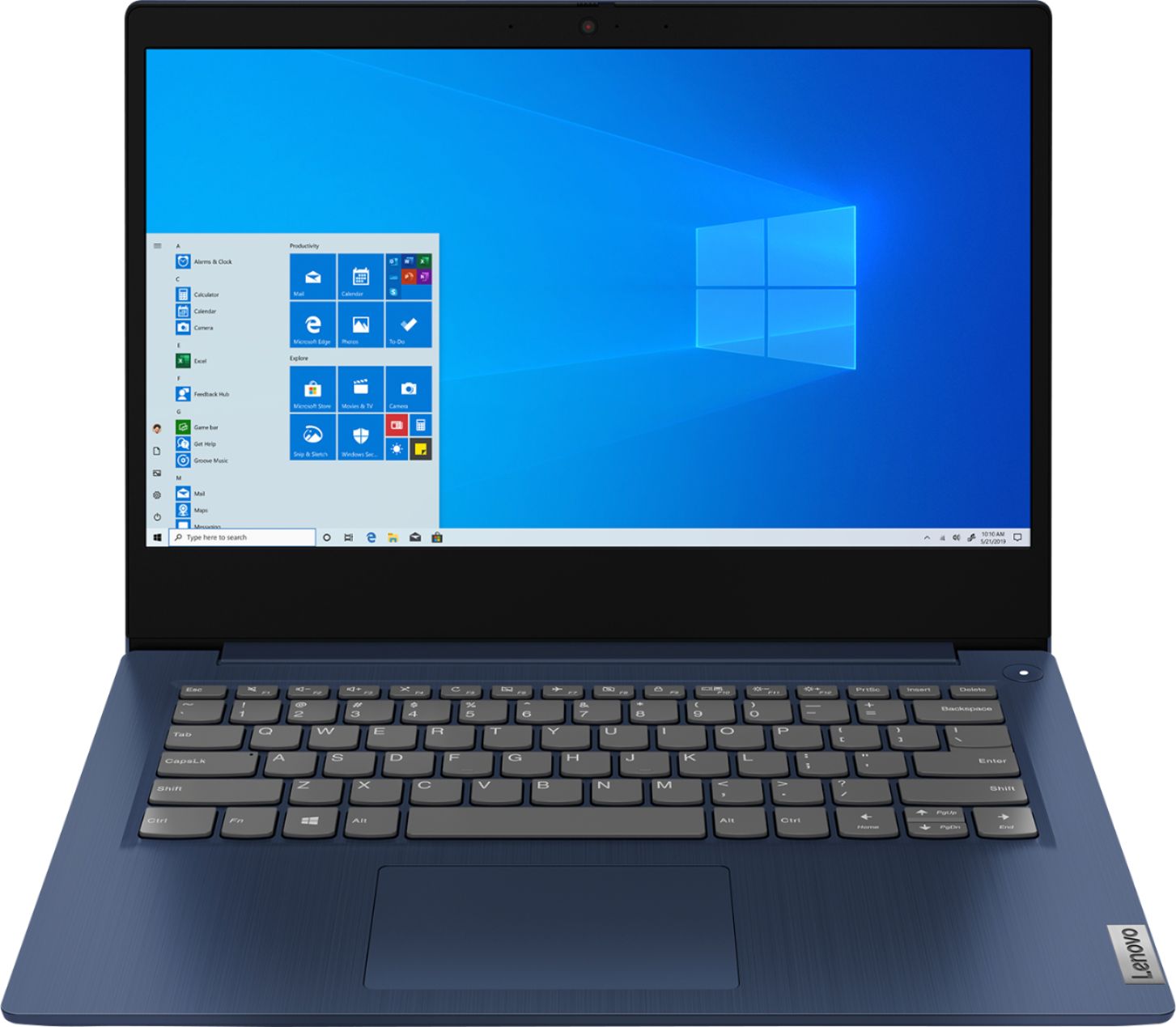
Customers are impressed with the IdeaPad 3 14" Laptop's affordable price, lightweight design, and large storage capacity. It is suitable for everyday tasks, schoolwork, and even gaming. However, some users have concerns about its slow performance, short battery life, and occasional camera issues.
This summary was generated by AI based on customer reviews.
- Cons mentioned:Ram
Will be returning item soon
||Posted .This reviewer received promo considerations or sweepstakes entry for writing a review.Not what I paid for. I checked the specs, and the machine only has 6MB of RAM installed, not the 8MB which was advertised, which is what I need for my work. I will be reaching out to return the item in the very near future. Thank you for asking.
No, I would not recommend this to a friend - Cons mentioned:Battery life
I like it
||Posted . Owned for 3 weeks when reviewed.This reviewer received promo considerations or sweepstakes entry for writing a review.The computer for the price is really good actually. I can run a few games and be on a chat service. Would recommend to someone else, you really can’t complain for the price but the battery life is a bit on the short side.
I would recommend this to a friendBrand response from Lenovo Product Expert
Posted .Thank you for choosing the Lenovo IdeaPad 3 14 Laptop, model number 81W0009DUS. 2CELL_35WH_INTERNAL, Lithium Polymer Battery, with a battery life of up to 7 hours, depending on the work the device is performing. If you are getting substantially less battery life, be sure Battery conservation Mode is turned off. This power management setting should only be used when the laptop is plugged in all the time. It will prolong overall battery life by only charging the battery to 60-percent of capacity. Here is a link to instructions for turning off Battery Conservation Mode:
https://support.lenovo.com/us/en/solutions/ht103159. Also check what programs are running in the background on the computer. Be sure only the programs you want running in the background are. These programs will drain the battery. Here is a link to information about how to find out what programs are running in the background on your Windows 10 computer and how to manage them for better system performance: https://www.windowscentral.com/how-prevent-apps-running-background-windows-10. Then, finally, be sure any software you installed is compatible with Windows 10. Incompatible software will drain the battery at a faster rate. There is no need to install Microsoft Office software. The software is already part of the operating system, you just need to activate the software with a purchased product key. If you have installed a copy of Microsoft Office, this is conflicting with the existing copy on the system and this will slow your system down. If you have installed a 3rd party anti-virus program, be sure that Windows Defender is turned off and that the trial version of McAfee Anti-Virus software is uninstalled. There can only be one anti-virus program on the system. You may need to restore your system to original factory default settings if any of the programming errors have occurred. You can do that by typing "restore" in the Cortana search window. Just click on the magnifying glass icon at the bottom left of your Windows 10 Desktop. Click on "Reset This PC" Then click on "Get Started" and follow the on screen directions to restore to factory defaults. If the problem persists, we recommend you contact Lenovo Tech Support at: 877-453-6686.
- Cons mentioned:Battery life, Slow
Lenovo - IdeaPad 3 14" Laptop
||Posted . Owned for 3 weeks when reviewed.This reviewer received promo considerations or sweepstakes entry for writing a review.The computer seems slow, no bloat ware. Good specifications on the computer, so I was disappointed the computer did not work out. The battery did not stay charged so had to return.
No, I would not recommend this to a friendBrand response from Lenovo Product Expert
Posted .The Lenovo IdeaPad 3 14 Laptop, model number 81W0009DUS, ships with a 2CELL_35WH_INTERNAL, Lithium Polymer Battery, with a battery life of up to 7 hours, depending on the work the device is performing. If you are getting substantially less battery life, be sure Battery conservation Mode is turned off. This power management setting should only be used when the laptop is plugged in all the time. It will prolong overall battery life by only charging the battery to 60-percent of capacity. Here is a link to instructions for turning off Battery Conservation Mode: https://support.lenovo.com/us/en/solutions/ht103159. Also check what programs are running in the background on the computer. Be sure only the programs you want running in the background are. These programs will drain the battery. Here is a link to information about how to find out what programs are running in the background on your Windows 10 computer and how to manage them for better system performance: https://www.windowscentral.com/how-prevent-apps-running-background-windows-10. Then, finally, be sure any software you installed is compatible with Windows 10. Incompatible software will drain the battery at a faster rate. There is no need to install Microsoft Office software. The software is already part of the operating system, you just need to activate the software with a purchased product key. If you have installed a copy of Microsoft Office, this is conflicting with the existing copy on the system and this will slow your system down. If you have installed a 3rd party anti-virus program, be sure that Windows Defender is turned off and that the trial version of McAfee Anti-Virus software is uninstalled. There can only be one anti-virus program on the system. You may need to restore your system to original factory default settings if any of the programming errors have occurred. You can do that by typing "restore" in the Cortana search window. Just click on the magnifying glass icon at the bottom left of your Windows 10 Desktop. Click on "Reset This PC" Then click on "Get Started" and follow the on screen directions to restore to factory defaults. If the problem persists, we recommend you contact Lenovo Tech Support at: 877-453-6686.
- Cons mentioned:Battery life
It’s good for me
||Posted . Owned for 3 weeks when reviewed.This reviewer received promo considerations or sweepstakes entry for writing a review.It runs fast when playing games, bigger games are a little bit laggy when ss but otherwise it’s very good, and also great for school work but camera is a bit bad and the 4 hours of battery life is a bit annoying
I would recommend this to a friend Lenovo IdeaPad 3 14” Laptop okay for the price
||Posted .This reviewer received promo considerations or sweepstakes entry for writing a review.I purchased this Laptop on Saturday August 29,2020 at my Local BestBuy. I just needed a basic Laptop to do some basic things and I can’t believe how I was told I needed a more powerful laptop and trying to be sold more expensive Laptops. Then, I was constantly told everything was not in stock and unavailable and they could not sell the other less expensive laptops. So, I finally went with this laptop and I purchased a 40” TCL ROKU TV to use as my Monitor and I also got a wireless Keyboard and Mouse. I figured that would be a good set up. I think the 8GB of RAM and the 1 TB of HDD will be more than enough. In full disclosure I have not had enough time to run all the programs yet to see the full processing power or test the limits of the graphics yet or see how fast the processor is.
I would recommend this to a friend- Cons mentioned:Slow
School laptop
||Posted . Owned for 1.5 years when reviewed.This reviewer received promo considerations or sweepstakes entry for writing a review.Great laptop for school and traveling. Bought a similar model with the SSD and the speed difference is noticeable, but this is a more than adequate machine for day to day.
I would recommend this to a friend Sleek, has the features I wanted, and does its job
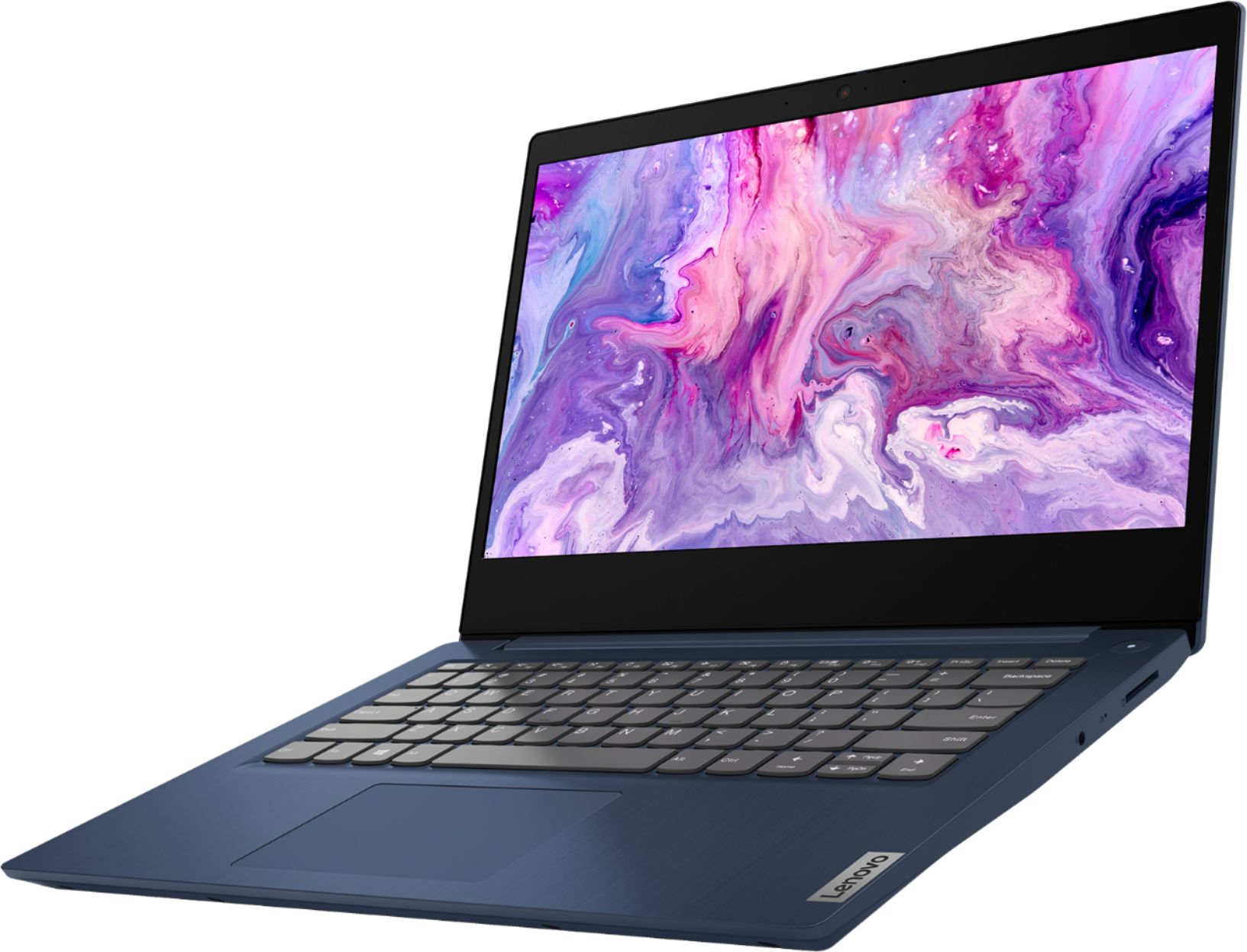
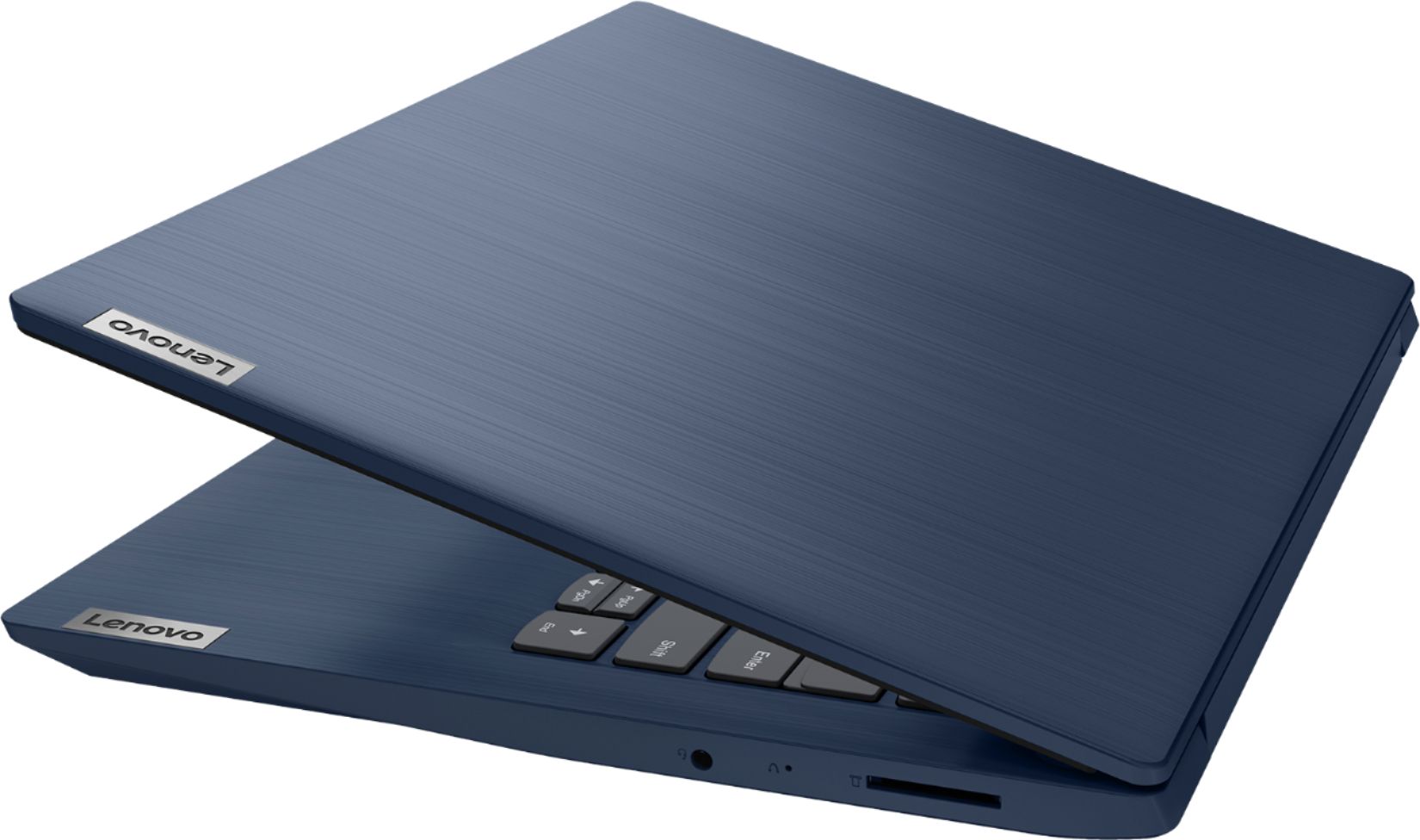
||Posted . Owned for 1 month when reviewed.This reviewer received promo considerations or sweepstakes entry for writing a review.I like my new laptop. It has the USB ports I need, has a convenient button on the keyboard for brightness changes, a mechanical cover switch for the webcam, and it’s easy to carry around. I’m excited about that because it’s big enough for me to watch TV on but still lightweight.
I would recommend this to a friendBrand response from Lenovo Product Expert
Posted .Hello Elliot. Thank you for choosing the Lenovo IdeaPad 3 laptop. We are pleased to hear that the value and performance of the IdeaPad 3 meets your computing needs so well!
- Pros mentioned:Lightweight
Great Computer
||Posted . Owned for 1 month when reviewed.This reviewer received promo considerations or sweepstakes entry for writing a review.This computer is great. It is lightweight and small enough for me to fit into my backpack for school. It is quick to start up, and is not slow once i do start it up. I would definitely recommend this.
I would recommend this to a friend - Pros mentioned:Price
Good low end Laptop
||Posted . Owned for 3 weeks when reviewed.This reviewer received promo considerations or sweepstakes entry for writing a review.Great price for basic functionality. Bought it for my daughter for online middle school due to pandemic. My only disappointment, processor cannot manage a virtual background in Zoom. Minor problem.
I would recommend this to a friendBrand response from Lenovo Product Expert
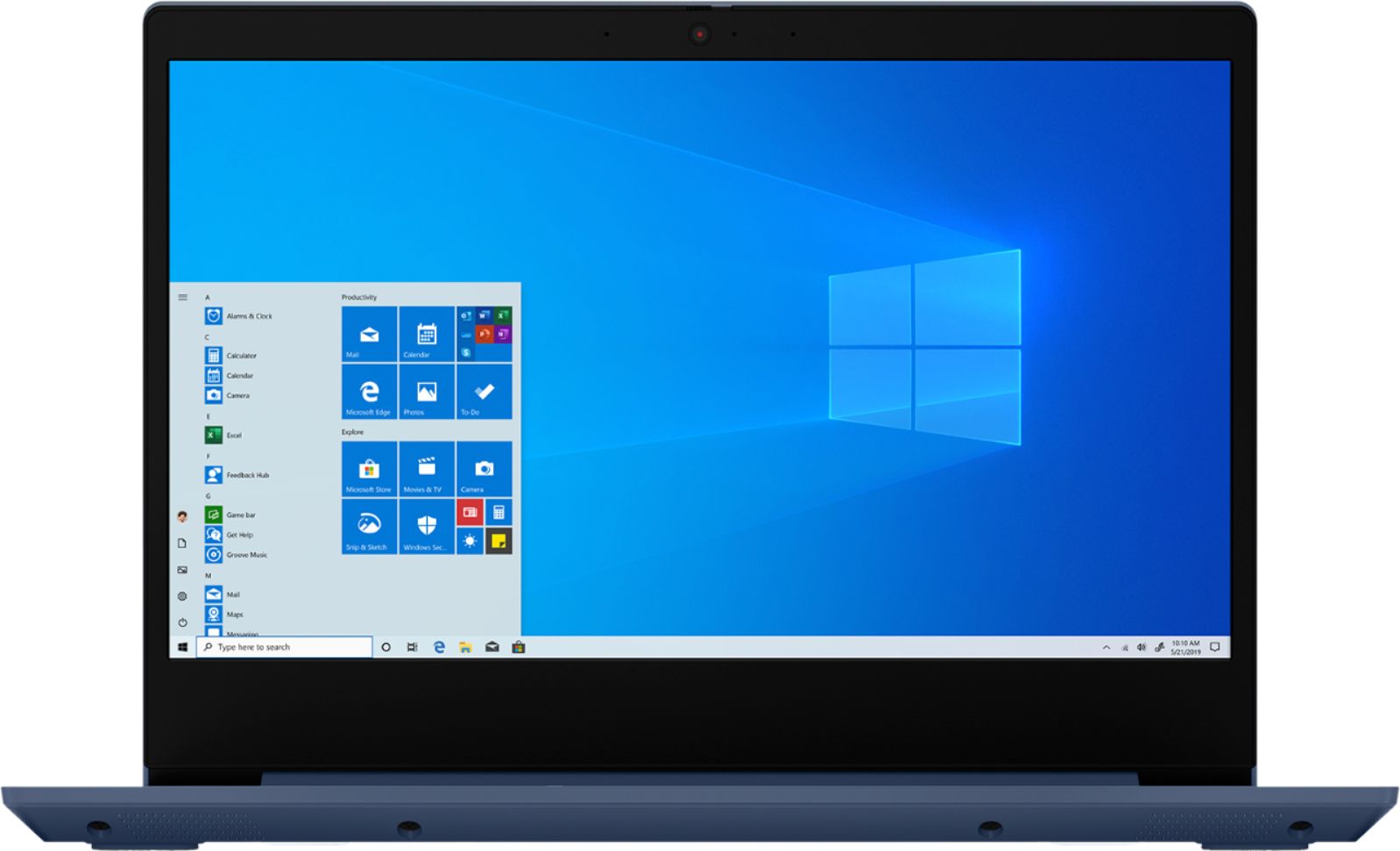
Posted .Thank you for choosing the Lenovo IdeaPad 3 14 laptop model number 81W0009DUS, for your daughter. The Lenovo IdeaPad 3 14 is a mid-level, moderate use configuration, with its AMD Ryzen 3 3250U processor. This Dual-Core/Four-Thread processor has a base speed of 2.6GHz and a boost speed of up to 3.4GHz. This configuration has 8GB of DDR4-2400MHz RAM. It is good with Microsoft Office type programs, internet browsing and other moderate work. This model ships with Windows 10 S-Mode Operating System. Windows 10 S-Mode provides added security by only allowing APPs available ( and therefore certified by Microsoft) at the Microsoft Store. If you don't need the added security or you need to install APPs not available at the Microsoft Store, you can switch to standard Windows 10 Home 64-bit Operating System, at no additional cost.
Met expectations
||Posted . Owned for 2 weeks when reviewed.This reviewer received promo considerations or sweepstakes entry for writing a review.This item met my expectations. It did not exceed my expectations nor did it fall short. This is a fine laptop. I bought it specifically for a game to play with my daughter, and it seems to work well for that. I did buy mine used from Best Buy as an "open box" and it was a good deal, however, it didn't come with ANYTHING. No charging cable, no manual, no box (not even like a generic cardboard box), I walked in, and they handed me a laptop. The only charger they had available was $90! That would have been no deal at all. I ordered one online from another retailer for about $20, but it should have been clear to me when I purchased the item, it was not clear what was included and what was left out.
I would recommend this to a friendSetup is easy for beginners
||Posted . Owned for 3 weeks when reviewed.This reviewer received promo considerations or sweepstakes entry for writing a review.I love the fast delivery on my new laptop. The setup was very easy too. This laptop works pretty quickly. I highly recommend this laptop for those of us that currently have to telecommute from home with our jobs. You definitely will not be delayed with your work.
I would recommend this to a friendBrand response from Lenovo Product Expert
Posted .Thank you for choosing the lenovo IdeaPad 3 14 Laptop, model number 81W0009DUS. We are pleased to hear that the IdeaPad 3 14 is working out so well for you. This model ships with Windows 10 S-Mode Operating System. Windows 10 S-Mode provides added security by only allowing APPs available ( and therefore certified by Microsoft) at the Microsoft Store. If you don't need the added security or you need to install APPs not available at the Microsoft Store, you can switch to standard Windows 10 Home 64-bit Operating System, at no additional cost.
- Pros mentioned:Gaming
Great gaming computer for a teenage boy!
||Posted . Owned for 1 month when reviewed.This reviewer received promo considerations or sweepstakes entry for writing a review.We bought this for our teenage son, who is hard on laptops. This is his 3rd one. It was easy setup and meets his wants and needs. Some pluses are the Fast speed and he he can play his games.
I would recommend this to a friendBrand response from Lenovo Product Expert
Posted .Thank you for choosing the Lenovo IdeaPad 3 14 Laptop, model number 81W0009DUS, for your son. We are pleased to hear that the IdeaPad 3 14 is working out so well for your son. This is a mid-level, moderate use configuration, with its AMD Ryzen 3 3250U processor. This Dual-Core/Four-Thread processor has a base speed of 2.6GHz and a boost speed of up to 3.4GHz. This configuration has 8GB of DDR4-2400MHz RAM. It is good with Microsoft Office type programs, internet browsing and other moderate work. This model ships with Windows 10 S-Mode Operating System. Windows 10 S-Mode provides added security by only allowing APPs available ( and therefore certified by Microsoft) at the Microsoft Store. If you don't need the added security or you need to install APPs not available at the Microsoft Store, you can switch to standard Windows 10 Home 64-bit Operating System, at no additional cost.
- Pros mentioned:Price
Computer
||Posted . Owned for 4 months when reviewed.This reviewer received promo considerations or sweepstakes entry for writing a review.It’s a last minute buy when school went on line because of Covid . It was delivery before the date stated , a great computer for a decent price . Will recommend this product to a friend .
I would recommend this to a friendBrand response from Lenovo Product Expert
Posted .Thank you for choosing the Lenovo IdeaPad 3 14 Laptop, model number 81W0009DUS. We are pleased to hear that the value and performance of the IdeaPad 3 14 are working out so well.
laptop
||Posted . Owned for 1 month when reviewed.This reviewer received promo considerations or sweepstakes entry for writing a review.this is a wonderful laptop the, the keyboard is a bigger size then most other computers, witch is great. but i really wish it came with the instruction booklet. because for me its so much easier to read the paper copy instead of to having to down load it.
I would recommend this to a friend- Cons mentioned:Slow
Good purchase
||Posted . Owned for 1 month when reviewed.This reviewer received promo considerations or sweepstakes entry for writing a review.My previous one got super slow , it was really annoying, my sister suggested me this for a budget buy , I think this is a good one , didn't use much, hopefully it will be helpful in future
I would recommend this to a friend - Pros mentioned:Storage
great cpu
||Posted . Owned for 3 weeks when reviewed.This reviewer received promo considerations or sweepstakes entry for writing a review.i love my new laptop it has everything i need it is easy to navigate i have been able to downlaod everything i need for work it has amazing storage and the battery time on it is amazing
I would recommend this to a friendBrand response from Lenovo Product Expert
Posted .Thank you for choosing the Lenovo IdeaPad 3 14 Laptop, model number 81W0009DUS. We are pleased to hear that the features and performance of the IdeaPad 3 14 meets your computing needs so well. This is a mid-level, moderate use configuration, with its AMD Ryzen 3 3250U processor. This Dual-Core/Four-Thread processor has a base speed of 2.6GHz and a boost speed of up to 3.4GHz. This configuration has 8GB of DDR4-2400MHz RAM. It is good with Microsoft Office type programs, internet browsing and other moderate work. This model ships with Windows 10 S-Mode Operating System. Windows 10 S-Mode provides added security by only allowing APPs available ( and therefore certified by Microsoft) at the Microsoft Store. If you don't need the added security or you need to install APPs not available at the Microsoft Store, you can switch to standard Windows 10 Home 64-bit Operating System, at no additional cost.
Does the job
||Posted . Owned for 3 weeks when reviewed.This reviewer received promo considerations or sweepstakes entry for writing a review.Screen size is perfect for a 10-14 year old, but not me. It began to lag after a couple of days. Overall the computer was fine. The description is accurate and the color was beautiful.
I would recommend this to a friendBrand response from Lenovo Product Expert
Posted .Thank you for choosing the Lenovo IdeaPad 3 14 Laptop, model number 81W0009DUS. This is a mid-level, moderate use configuration, with its AMD Ryzen 3 3250U processor. This Dual-Core/Four-Thread processor has a base speed of 2.6GHz and a boost speed of up to 3.4GHz. This configuration has 8GB of DDR4-2400MHz RAM. It is good with Microsoft Office type programs, internet browsing and other moderate work. This model ships with Windows 10 S-Mode Operating System. Windows 10 S-Mode provides added security by only allowing APPs available ( and therefore certified by Microsoft) at the Microsoft Store. If you don't need the added security or you need to install APPs not available at the Microsoft Store, you can switch to standard Windows 10 Home 64-bit Operating System, at no additional cost.
- Pros mentioned:Storage
Cool laptop
||Posted . Owned for 4 months when reviewed.This reviewer received promo considerations or sweepstakes entry for writing a review.Good, beginners laptop with adequate storage and plenty of Ram. My kid uses it for online schooling and it works perfectly. The build feel is good and sturdy. The finish look good as well.
I would recommend this to a friend - Pros mentioned:Storage
Excellent laptop for the price!
||Posted . Owned for 1 year when reviewed.This reviewer received promo considerations or sweepstakes entry for writing a review.My daughter loves it! She uses it mainly for academic purposes and it works perfectly, the amount of storage is probably the best part. Very good quality.
I would recommend this to a friend Great for simple use
||Posted . Owned for 2 months when reviewed.This reviewer received promo considerations or sweepstakes entry for writing a review.It does come on S-mode which does carry a decent amount of restrictions. Once I turned S-mode off the restrictions were lifted but I do get constant reminders for their virus stuff so thats annoying, but other than that works great.
I would recommend this to a friendBrand response from Lenovo Product Expert
Posted .Hello. Thank you for choosing the Lenovo IdeaPad 3 laptop. We are pleased to hear that the value and performance of the IdeaPad 3 meets your computing needs so well!