Customer Ratings & Reviews
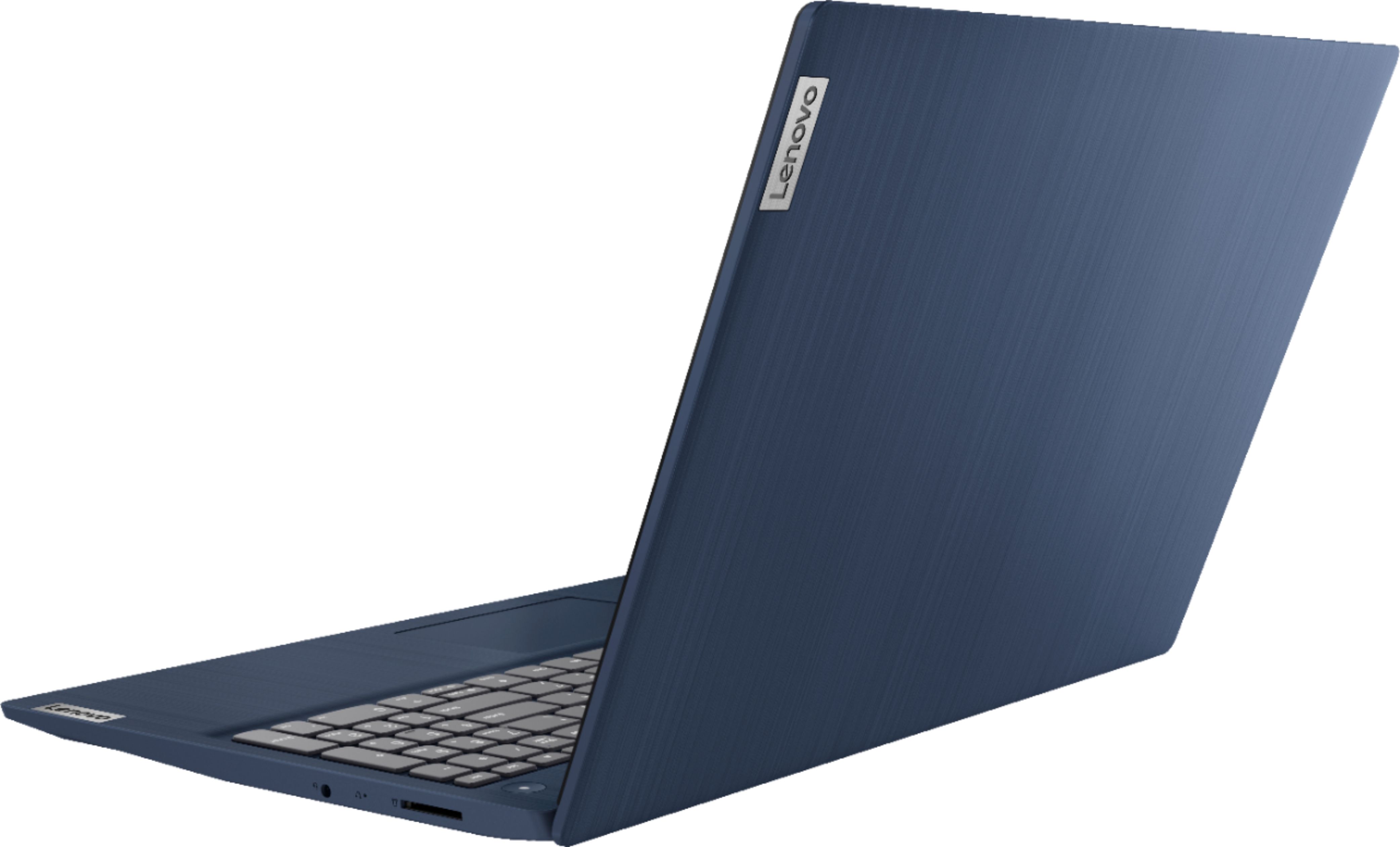
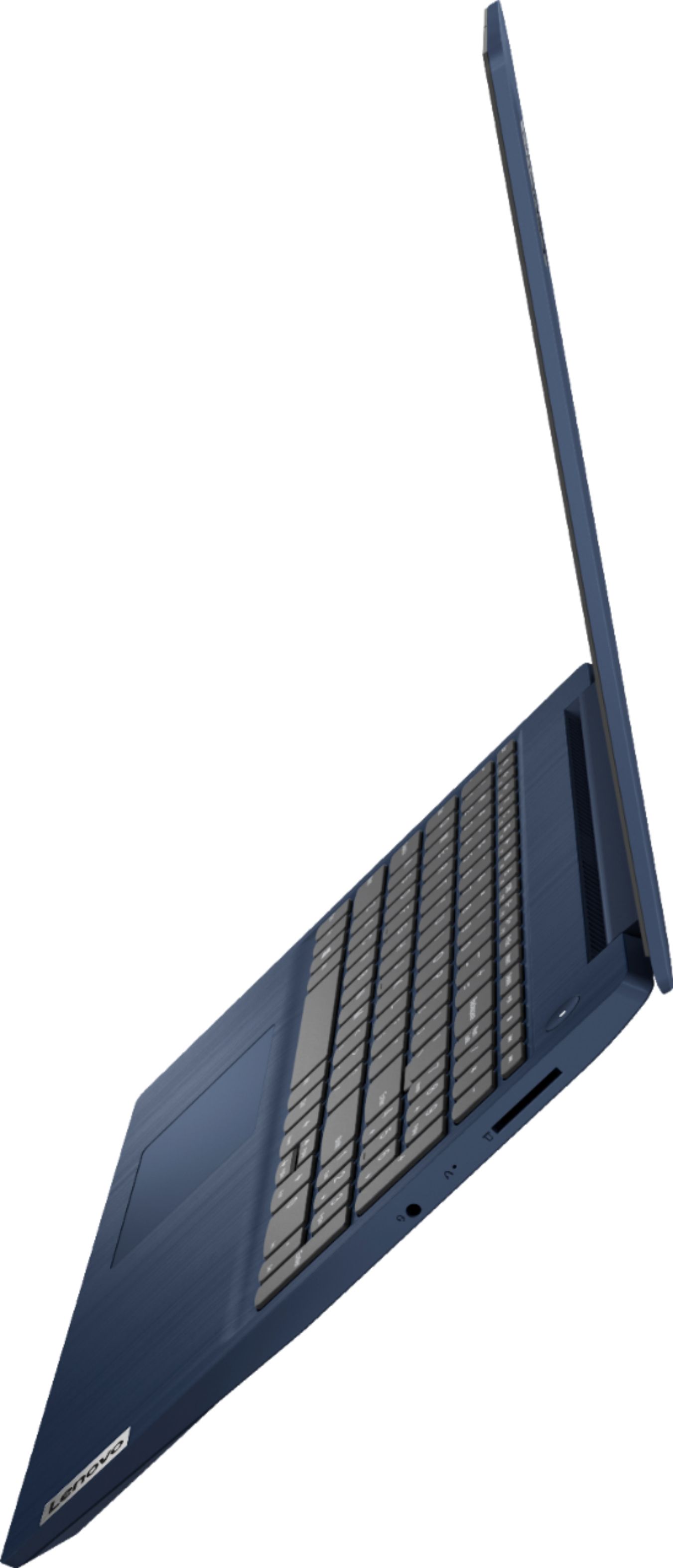
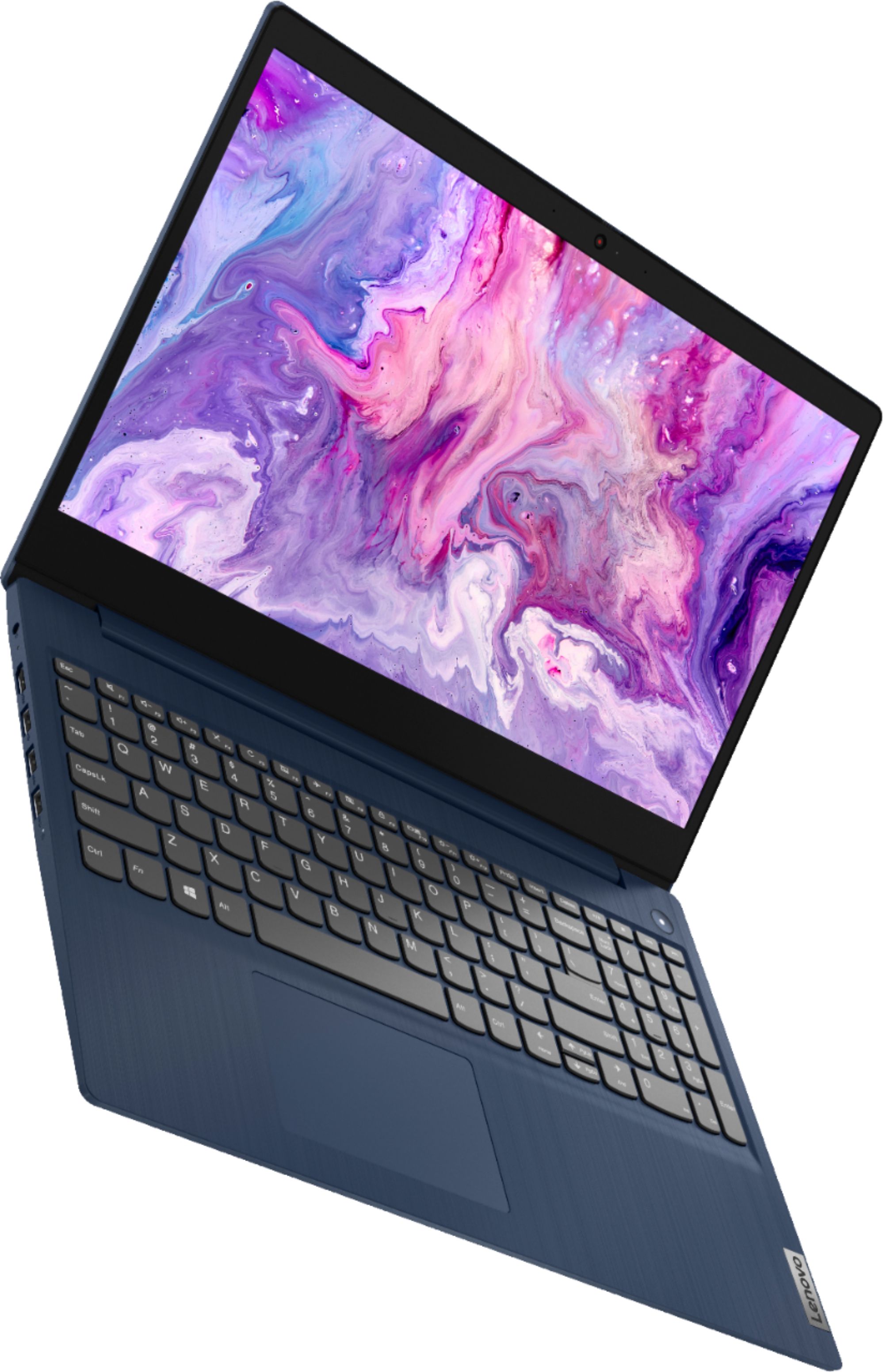
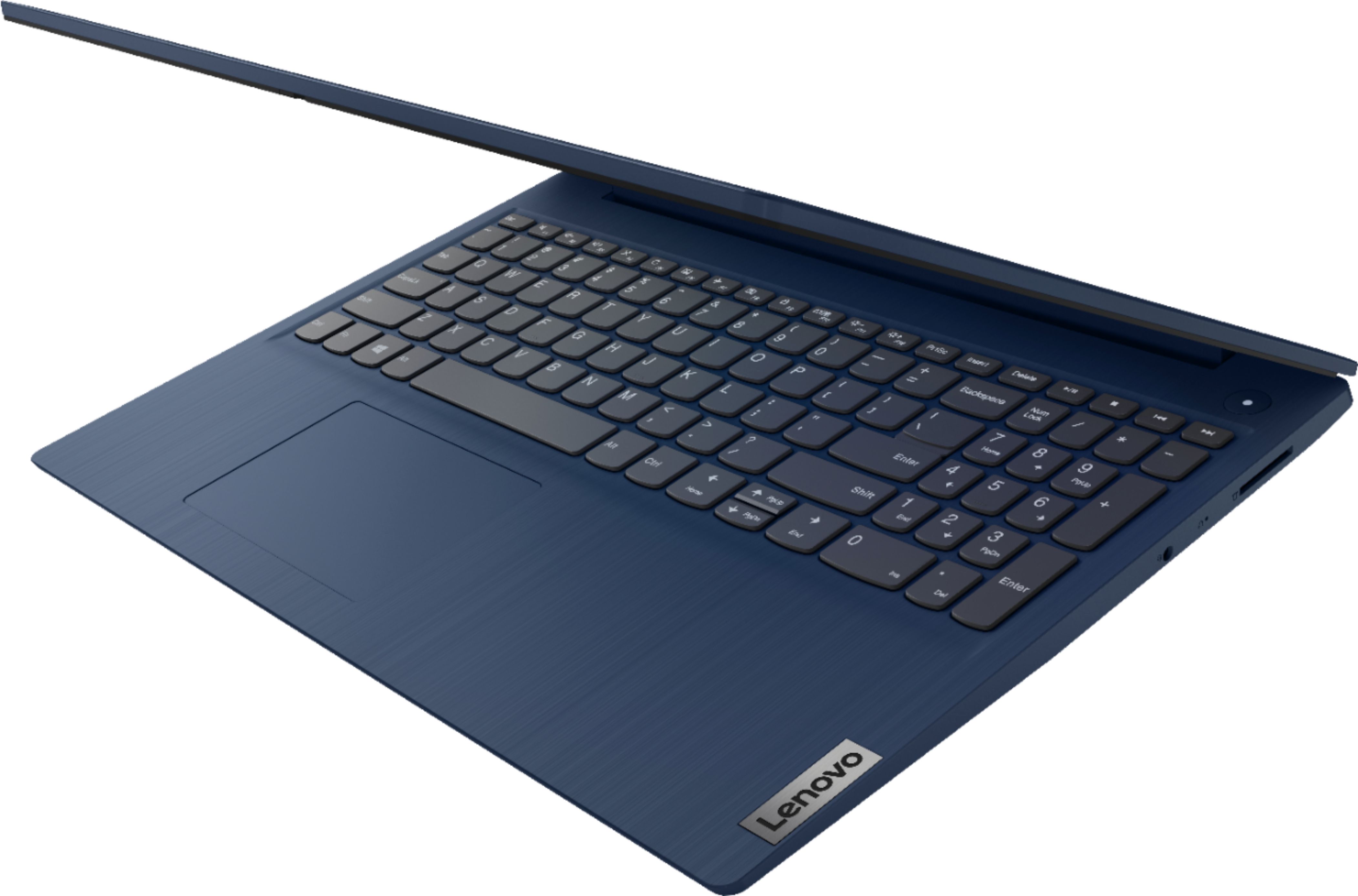
- Model:
- 81WR000FUS
- SKU:
- 6449496
Rating by feature
- Battery Life
Rating 4.4 out of 5 stars
- Speed
Rating 4.5 out of 5 stars
- Display
Rating 4.5 out of 5 stars
Customers are saying
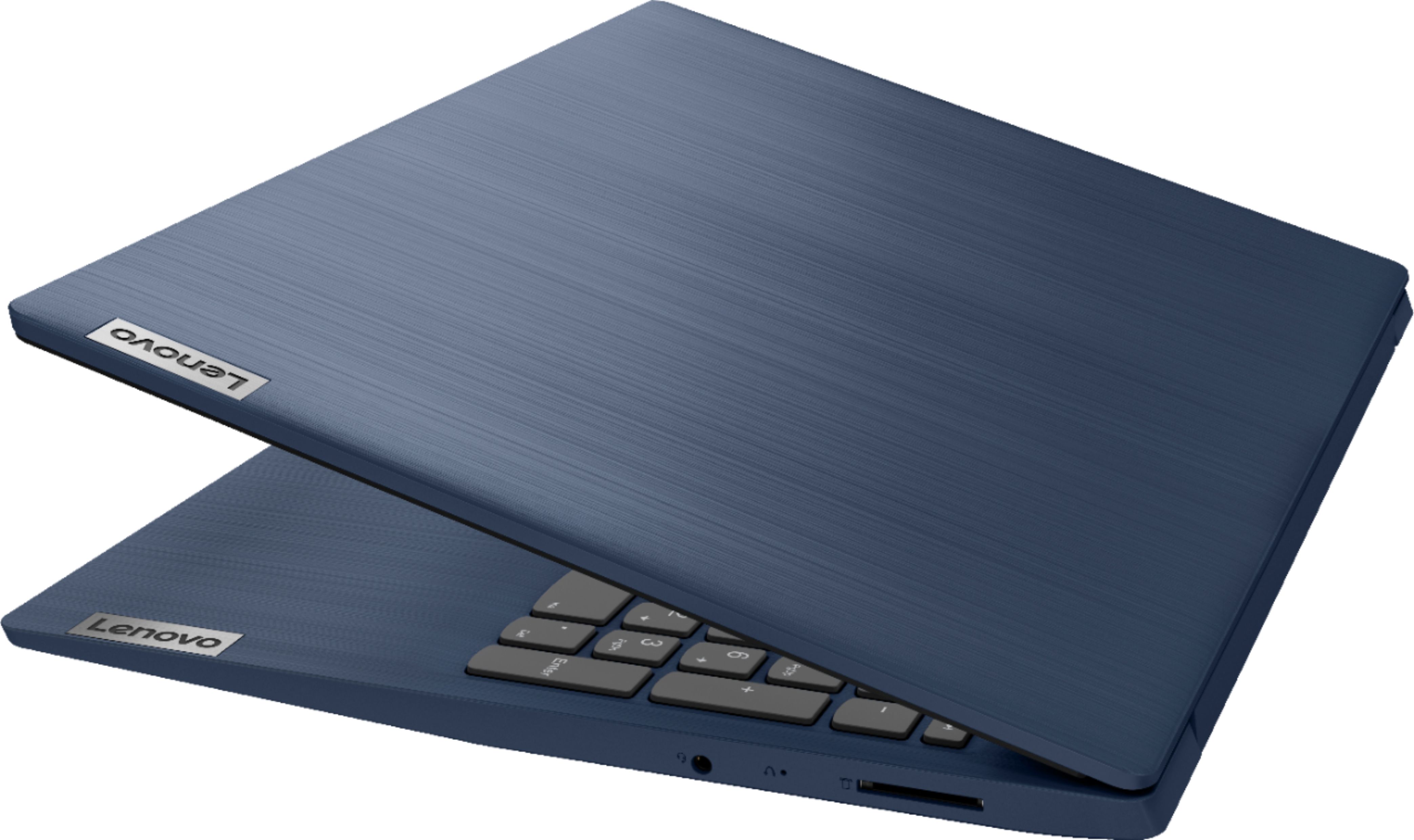
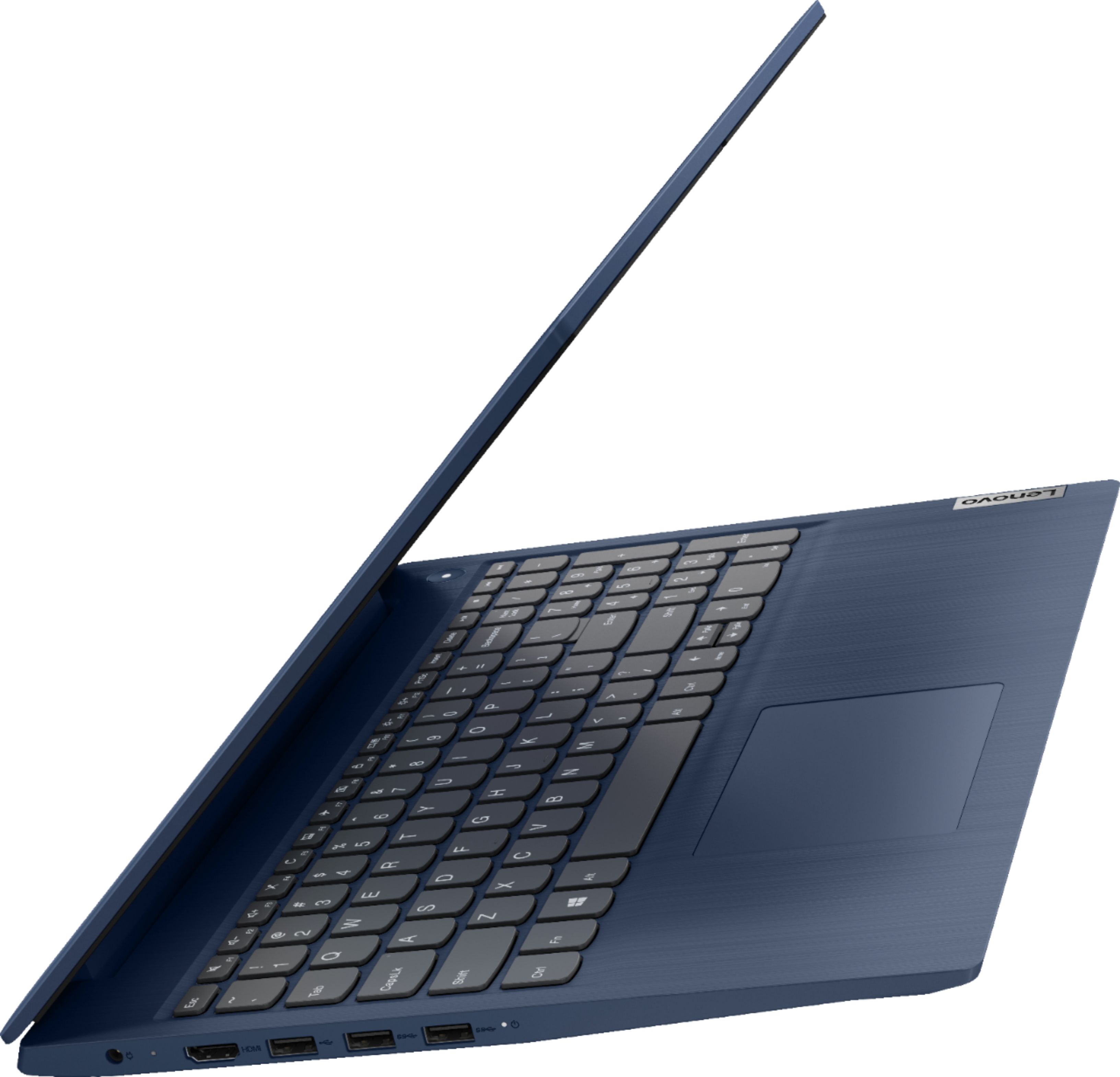
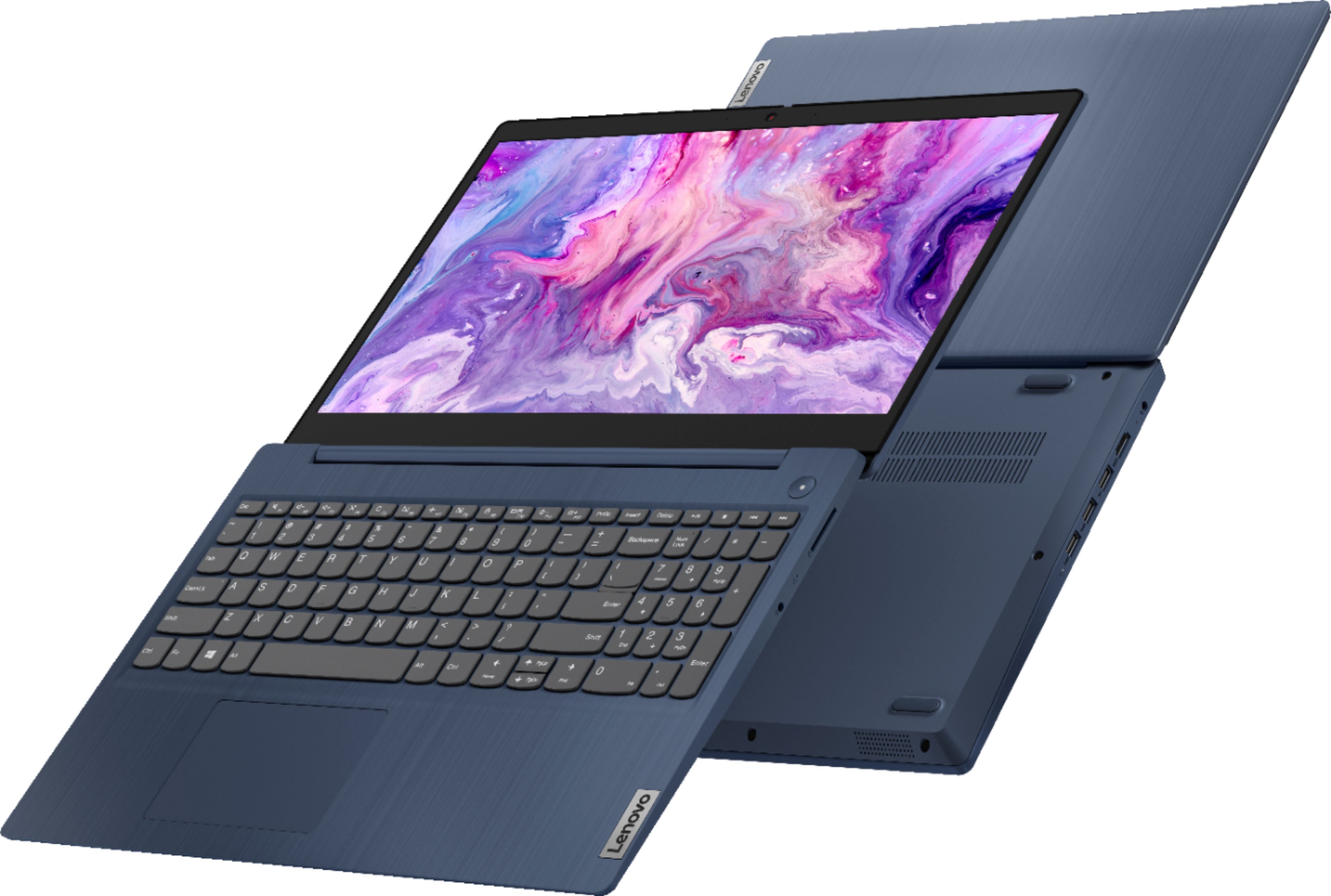
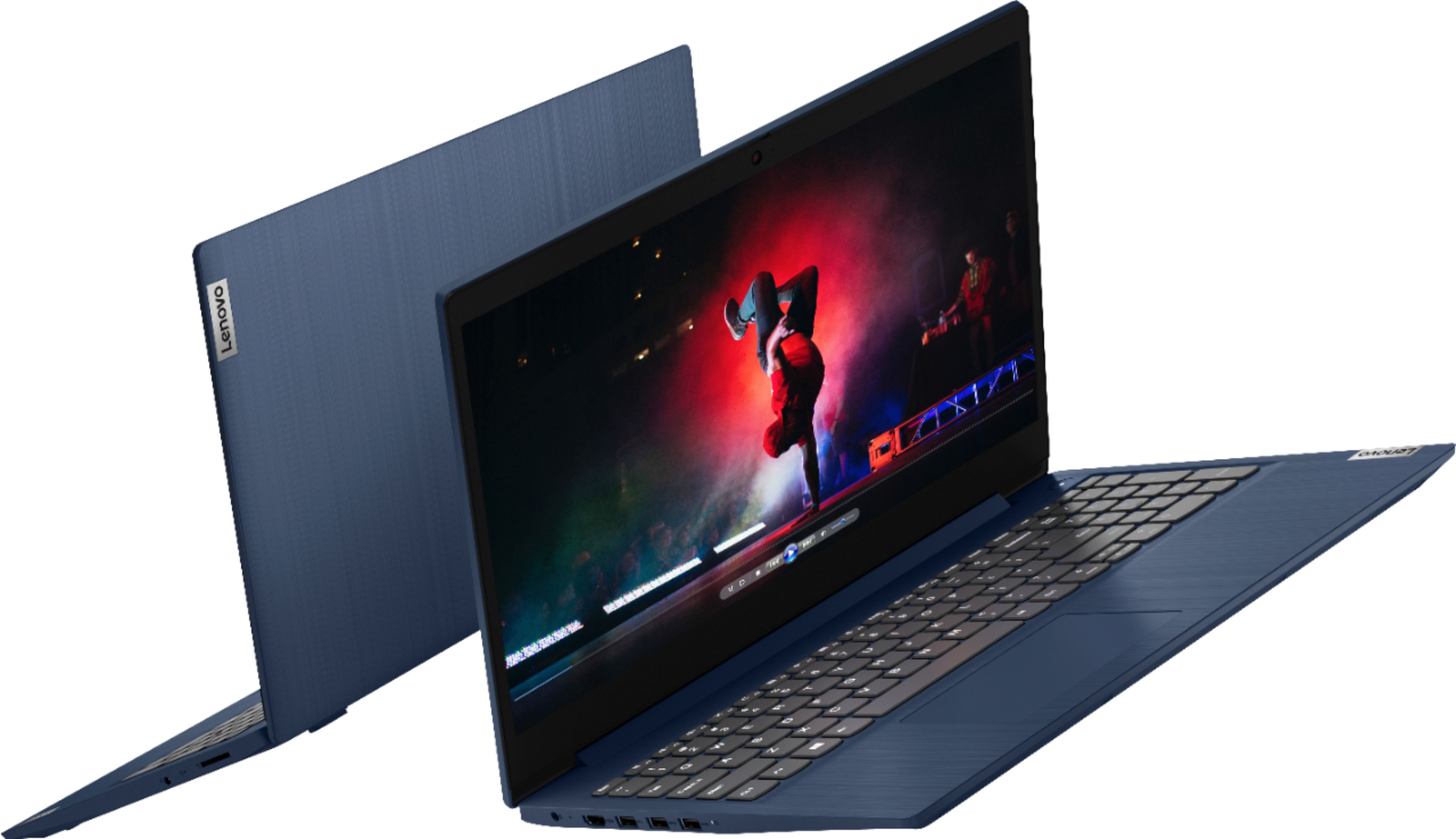
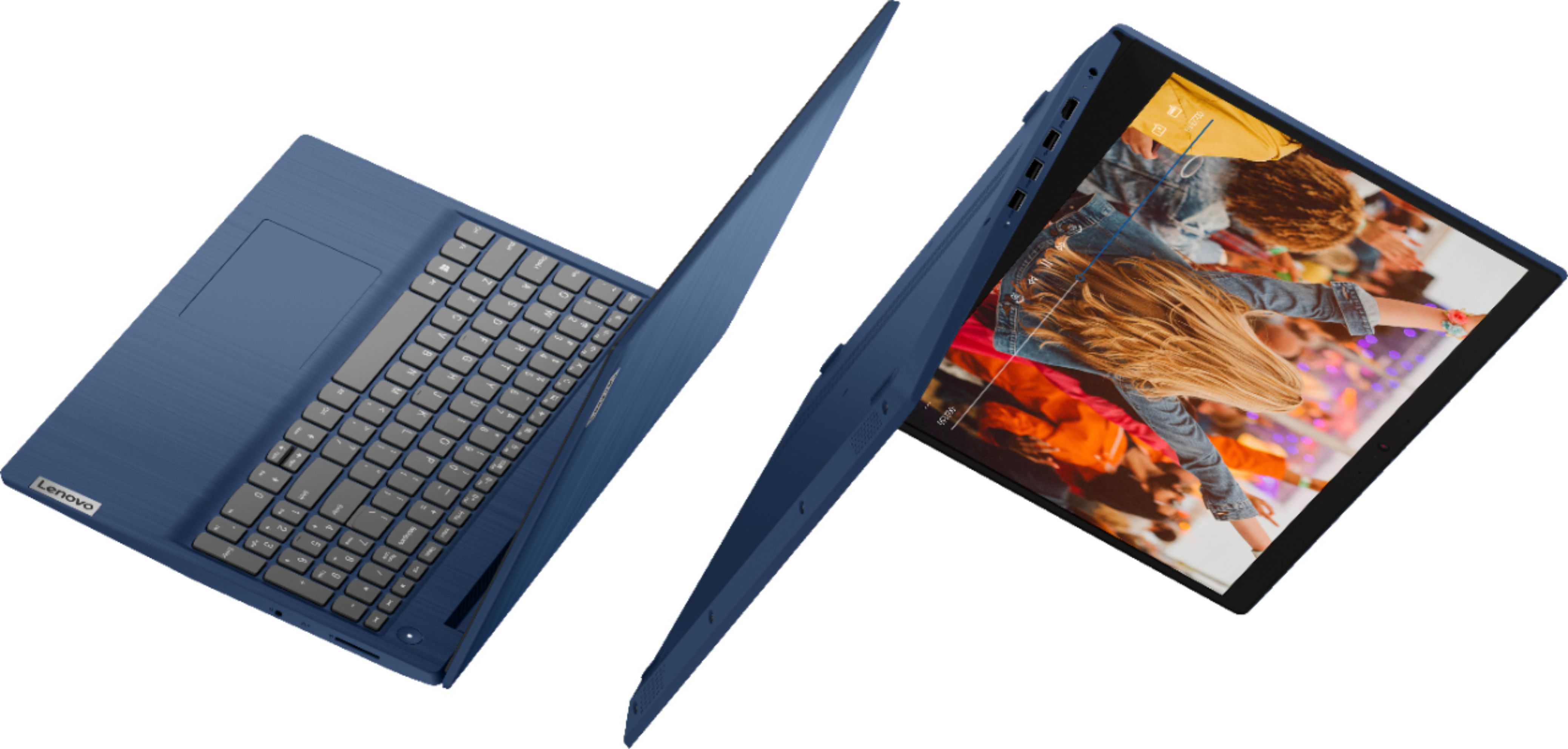
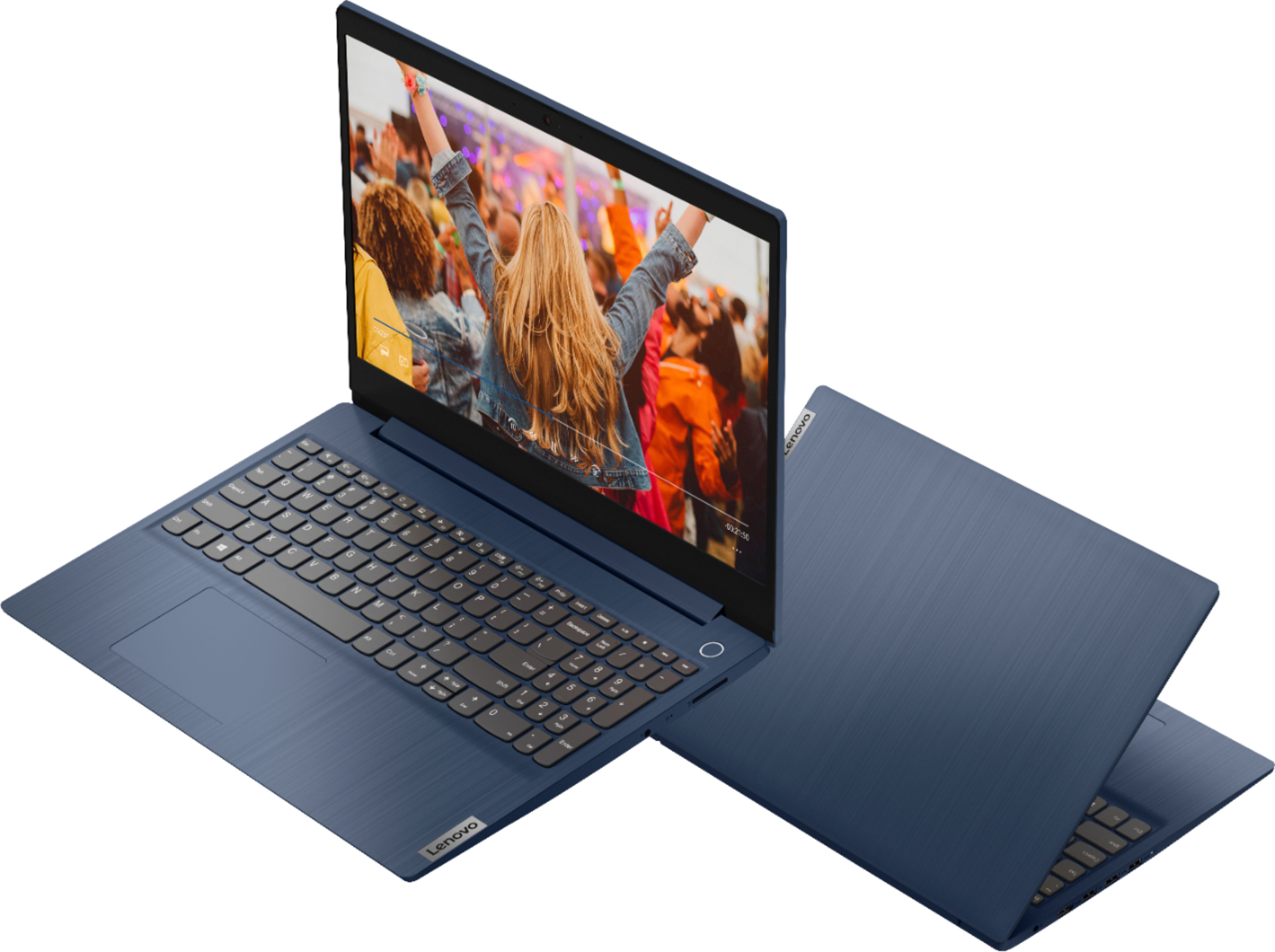
Customers praise the Ideapad 3 15 for its affordability, touch screen capabilities, and fast performance. Many users appreciate its lightweight design and vibrant color options. While some users have concerns about battery life, most find it to be a great value for the price.
This summary was generated by AI based on customer reviews.
- Pros mentioned:Speed
Great Laptop for the price.
||Posted . Owned for 2 months when reviewed.This reviewer received promo considerations or sweepstakes entry for writing a review.This is a really nice laptop for the price. It is still the best spec'd laptop at its price even when not on sale. The Intel Core i3 is more than enough to handle web browsing and conference calling. I don't know if it can handle gaming or high def video, but it is more than enough for what we need. The large SSD is also a plus as it is much fater than a traditional hard disc. I would recommend this to anyone who just wants to surf the web, do some light office work, or video chat with their family.
I would recommend this to a friendBrand response from Lenovo Product Expert
Posted .Thank you for choosing the Lenovo IdeaPad 3 15 laptop, model number 81WR000FUS. We are pleased to hear that the value and performance of the IdeaPad 3 15 meets your computing needs so well.

- Pros mentioned:Touch screen
The Note Keeper
||Posted . Owned for more than 2 years when reviewed.This reviewer received promo considerations or sweepstakes entry for writing a review.Good notebook to have just for general use office, home, and church. Nothing to complicated to use or access. I liked it because it is touch stream.
I would recommend this to a friend - Pros mentioned:Touch screen
Love it
||Posted . Owned for 4 months when reviewed.This reviewer received promo considerations or sweepstakes entry for writing a review.Love the touchscreen and it was a great price . It's sleek and the color is perfect. My daughter loves it as do I. . I tend to sneak it when she's at school. Ha
I would recommend this to a friendBrand response from Lenovo Product Expert
Posted .Thank you for choosing the Lenovo IdeaPad 3 15 Laptop. We are pleased to hear that the value, features and performance of the IdeaPad 3 15 is working out so well for both you and your daughter.
- Pros mentioned:Performance
Decent Budget Laptop With Some Caveats
||Posted . Owned for less than 1 week when reviewed.This reviewer received promo considerations or sweepstakes entry for writing a review.Build : So far, I really love the build of this laptop. Solid feeling keys, cool aluminum blue finish, light but feels sturdy. Touchpad hasn't glitched out on me like previous Lenovo laptops which is a huge plus. Display : For a budget 720p display, it's decent. Viewing angles are pretty good, there is a bit of backlight bleed around the edges but nothing too noticeable. Colors are pretty washed out but this is in comparison to my home monitor, perfectly acceptable for a $400 laptop IMO. Camera : Has awful scan lines that constantly go down the screen when viewing the camera. I'm not sure if I just got a defective camera but it's pretty distracting. Other than that, the quality is decent for a 720p webcam. Performance : Haven't stress tested it too much but seems pretty snappy on the internet! Software : Woooo boy, this is where things get bad. Microsoft thought it would be a good idea to rope people into creating or linking a Microsoft account to use the laptop which is completely anti-consumer. If you buy a piece of hardware, you should expect to use it out of the box without having to give your personal data away. Microsoft doesn't have the best track record when it comes to securing their users data either. In all my previous Windows 10 computers, there is an option on the welcome splash screen to create a offline account, something that is completely missing from this laptop (I think they stripped the option from recent Home versions of Windows 10. Gotta collect that data I guess!) After linking the laptop to my wifi, I found that I was stuck on the "Link your Microsoft Account" screen with no way to go back or make an offline account. However I found a few workarounds. The easiest way is to skip connecting to wifi on the Windows 10 welcome screen. That will actually unlock the option to create an offline account (the fact that Microsoft disables it when you connect is absolutely wild). If you had already linked the wifi in the welcome screen, you can click create an account, add in a made up email address, and continue to your desktop. Once you are finally on the desktop, you are greeted with a ton of Lenovo bloatware and terrible games. A great way to get a clean install without all the bloatware is to redownload Windows 10 (you can do this with the free "Windows Media Creation Tool"), and selecting the option to delete all files and settings with the redownload. This will give you a clean harddrive, faster performance, and no bloatware! Now the next step is disabling the crippling S mode so you can really unlock your Windows PC. Lo and behold, Microsoft makes you link your Microsoft account to the Microsoft app store in order to disable S Mode (They reaaaally want your data huh?) However I found another workaround. 1) Search for Updates in your start bar and click on "Check For Updates" 2) In the sidebar, click on "Recovery" 3) Click on "Restart Now" under "Advanced Startup" 4) From the maintenance screen, click on "Troubleshoot" and then "Advanced Options," and then on "UEFI Firmware Settings" and then "Restart" 5) From the BIOS settings screen, use your left and right keys to scroll to security and disable "Secure Boot" 6) Go to the Exit tab and click "Exit Saving Changes" 7) Once you log back in, you can search for "About this PC" and if everything worked, you should see that the Windows 10 Home version is no longer in S mode! All without giving away your data, Hooray! 8) You can now go back to the BIOS and reenable secure boot Now you have a great budget laptop without bloatware and without giving away your data! Hope this is helpful! This laptop would be a 4-5 star if Microsoft and Lenovo didn't make you jump through hoops to use the device you paid for.
I would recommend this to a friendBrand response from Lenovo Product Expert
Posted .The Lenovo IdeaPad 3 15 Laptop, model number 81WR000FUS, ships with a 720p (HD) webcam. There should be no visible scan lines on the broadcast video image. Try testing your webcam offline to see if the issue continues. You can access the webcam within Windows 10 by following these steps: https://support.microsoft.com/en-us/windows/open-the-camera-in-windows-10-8da044ed-c4a8-2fb4-da51-232362e4126d#:~:text=To%20open%20up%20your%20webcam,Let%20apps%20use%20my%20camera. Test the camera offline to see if the issue continues. If it doesn't, check your webcam settings within the APP you are broadcasting video to. If the issue still continues, check to be sure you have the latest version of Windows 10 on the computer. Then update all BIOS files and drivers up to that latest version of Windows 10. You can easily accomplish this by scanning the computer with the Lenovo Utility software available on this computer. This system has Lenovo utilities installed to help maintain the health of the device and keep the operating system software up to date. Type "Lenovo Vantage" in the Cortana Search window (if Lenovo Vantage is not installed on your device, you can download the APP and install it now). Select Lenovo Vantage from the list. In the window that opens, click on "Health and Support". In the expanded menu, select "Hardware Scan" In the window that opens, select "Run Quick Tests". This will scan your entire system for errors. Follow any directions that may pop up. If the problem continues after this scan, now click on "System Update". First select Windows update from the menu. Scan your system to be sure you have the latest version of Windows 10. Once that scan is complete, select "Additional Updates". This will scan your device to be sure there are no new BIOS/Driver updates needed. Follow any instructions that may pop up. This IdeaPad 3 15 ships with Windows 10 S-Mode 64-bit Operating System. Windows 10 S-Mode provides added security by only allowing APPs available ( and therefore certified by Microsoft) at the Microsoft Store. If you don't need the added security or you need to install APPs not available at the Microsoft Store, you can switch to standard Windows 10 Home 64-bit Operating System, at no additional cost. If you need to switch from S-Mode to Windows 10 Home, here is a link to instructions for switching from Windows 10 S-Mode to Windows 10 Home: https://support.microsoft.com/en-us/help/4456067/windows-10-switch-out-of-s-mode. This IdeaPad 3 15 model number 81WR000FUS, ships with just two adware programs, a 30-day trial of Microsoft Office 365 (as part of Windows 10 operating system) and a 30-day trial of McAfee virus protection. Lenovo computers ship with one of the cleanest factory software installs within the consumer computer industry.
- Pros mentioned:Speed
Does All That I Need...and More.
||Posted . Owned for 3 weeks when reviewed.This reviewer received promo considerations or sweepstakes entry for writing a review.Ireally like this laptop. The graphics (screen display) is neither bright nor colorful but this is not a feature most imporant to me. I will use this to DJ because it is fast, efficient and good looking. I've been on this machine every day for about two weeks, not one complaint. The 10 gen, i3 and 8 GB of RAM work so well with the SSD that I have never gone to agig with more confidence. In my opinion Lenovo started out poorly, they are now a majoe player. Finally, great price.
I would recommend this to a friend - Pros mentioned:Speed
Decent laptop, but not the best screen.
||Posted . Owned for 3 weeks when reviewed.This reviewer received promo considerations or sweepstakes entry for writing a review.This laptop is over all pretty good for a budget laptop, and the battery life and processing speed are better than expected. The only downside is the screen which reminds me of my dad’s old Dell monitors and feels like plastic. If your on a budget and don’t watch a lot of YouTube and movies than this should work great for you! But if screen resolution and quality is a priority, than I would go with something else. If you’re budget is a little bigger, than I’d recommend one of the Lenovo yoga models. In the end it’s up to what you can afford, and what your priorities are.
I would recommend this to a friendBrand response from Lenovo Product Expert
Posted .Thank you for choosing the Lenovo IdeaPad 3 15 Laptop, model number 81WR000FUS. This model ships with a 15.6 inch (screen size measured diagonally) TN - HD (1366x768) 10-point Multi-touch screen, with a brightness level of 220 nits and has an Anti-glare coating. We are pleased to hear that the value and performance of the IdeaPad 3 15 meets your computing needs so well.
- Pros mentioned:Ease of use, Touch screen, Weight
easy to use
||Posted . Owned for 1 month when reviewed.This reviewer received promo considerations or sweepstakes entry for writing a review.great laptop loving the touch screen. The picture quality is great and it is so easy to use. Very lightweight and easy to take with you on the go.
I would recommend this to a friendBrand response from Lenovo Product Expert
Posted .Thank you for choosing the Lenovo IdeaPad 3 15 Laptop. We are pleased to hear that the ease of use, features and performance of the IdeaPad 3 15 meets your computing needs so well.
- Pros mentioned:Weight
Awesome
||Posted . Owned for more than 2 years when reviewed.This reviewer received promo considerations or sweepstakes entry for writing a review.Love the lightness of this. I usually buy Dell, but due to budget constraints I opted for this and am not disappointed in the least.
I would recommend this to a friend - Pros mentioned:Ease of use, Speed
Works great!!
||Posted . Owned for 3 weeks when reviewed.This reviewer received promo considerations or sweepstakes entry for writing a review.I love it! It powers on in seconds, holds a charge for hours, has lots of storage and is easy to use. Great for work and anything else!
I would recommend this to a friendBrand response from Lenovo Product Expert
Posted .Thank you for choosing the Lenovo IdeaPad 3 15 Laptop. We are pleased to hear that the ease of use and performance of the IdeaPad 3 15 meets your computing needs so well.
- Pros mentioned:Speed, Touch screen
Powerful yet affordable
||Posted . Owned for 1 month when reviewed.This reviewer received promo considerations or sweepstakes entry for writing a review.This is a great machine, especially for the money. I have purchased 3 of these now, since they have all passed the test with my colleagues. Nice big touch screen, speedy results, 10 key, enough storage and RAM to get you through a project and a nice color to boot! This computer is also thin, light and very portable. Yes the larger size screen doesn't make it tiny, but what you get in return is worth the extra 1.5" or so to the case. Will buy again shortly, as another team member needs a machine.
I would recommend this to a friendBrand response from Lenovo Product Expert
Posted .Thank you for choosing the Lenovo IdeaPad 3 15 laptops for your team members. We appreciate your loyalty to the IdeaPad 3 15 Laptops and the Lenovo Brand. We are pleased to hear that the IdeaPad 3 15 laptops meets your team's computing needs so well.
- Pros mentioned:Speed
Works for me
||Posted . Owned for 3 weeks when reviewed.This reviewer received promo considerations or sweepstakes entry for writing a review.I needed a small laptop for small task's. This one fit the bill! I did not however pay attention to the windows 10s. Installed on laptop, when I purchased it. First thing I did was get key to convert to windows 10. After doing so I installed Brave internet browser. Deleted the windows edge browser, along with office and any other bloat wear that windows installs! As far as I can see this thing is still snappy and doing everything I need it to do. Also I installed libre office, and I use Malwarebytes for anti virus.
I would recommend this to a friend - Pros mentioned:Touch screen
12 yr old
||Posted . Owned for more than 2 years when reviewed.This reviewer received promo considerations or sweepstakes entry for writing a review.My 12 year old loves it! Happy mom here. Not a bad purchase for a youngster who is learning to take care of his things.
I would recommend this to a friend Great value
||Posted . Owned for more than 2 years when reviewed.This reviewer received promo considerations or sweepstakes entry for writing a review.We have had this laptop for a little over 2 years and it still works great. We mainly use it for kids school work.
I would recommend this to a friendGreat laptop fo the price
||Posted . Owned for more than 2 years when reviewed.This reviewer received promo considerations or sweepstakes entry for writing a review.This is a great starter laptop for kids in school and people that dont wanna pay too much for a great laptop. Highly recommend this item.
I would recommend this to a friend- Pros mentioned:Speed
Yes
||Posted .This reviewer received promo considerations or sweepstakes entry for writing a review.Love this laptop. It's everything I was looking for--affordable, fast, good battery life. Perfect for what I needed for school.
I would recommend this to a friendBrand response from Lenovo Product Expert
Posted .Thank you for choosing the Lenovo IdeaPad 3 15 Laptop, model number 81WR000FUS. We are pleased to hear that the features and performance of the IdeaPad 3 15 meets your computing needs so well.
- Pros mentioned:Ease of use
Great Laptop
||Posted . Owned for more than 2 years when reviewed.This reviewer received promo considerations or sweepstakes entry for writing a review.Excellent laptop. I use it for work and play. It works just fine with downloading games for leisure activities.
I would recommend this to a friend - Pros mentioned:Touch screen
Great business essential
||Posted . Owned for 1.5 years when reviewed.This reviewer received promo considerations or sweepstakes entry for writing a review.I bought this laptop to operate my business and I don't regret this purchase at all. The fact that its touch screen sold me on buying it.
I would recommend this to a friend - Pros mentioned:Performance
Great computer and great price
||Posted . Owned for 1.5 years when reviewed.This reviewer received promo considerations or sweepstakes entry for writing a review.I have been used this laptop for almost 2 years and I can't complain about anything, it has been useful for all jobs that i needed
I would recommend this to a friend - Pros mentioned:Speed
Love it so far!
||Posted . Owned for 3 weeks when reviewed.This reviewer received promo considerations or sweepstakes entry for writing a review.Love it! Got a great price during Best Buy's sale on amazon Prime day. Received it very quickly. It's very fast and does everything I need it to do. Graphics are great for what I use it for. I don't do online gaming or watch movies/videos on it, so I can't comment on those features (I have a tablet for that). I needed a laptop with at least 2 USB drives, so this one fits the bill. (Many other laptops only had one USB drive.) Overall, I am very happy with my purchase!
I would recommend this to a friendBrand response from Lenovo Product Expert
Posted .Thank you for choosing the Lenovo IdeaPad 3 15 Laptop, model number 81WR000FUS. We are pleased to hear that the features and performance of the IdeaPad 3 15 meets your computing needs so well.
- Pros mentioned:Ease of use
Great laptop
||Posted . Owned for more than 2 years when reviewed.This reviewer received promo considerations or sweepstakes entry for writing a review.This item is wonderful. Easy setup and operateable. I truly love it and recommend it
I would recommend this to a friend