Customer Ratings & Reviews

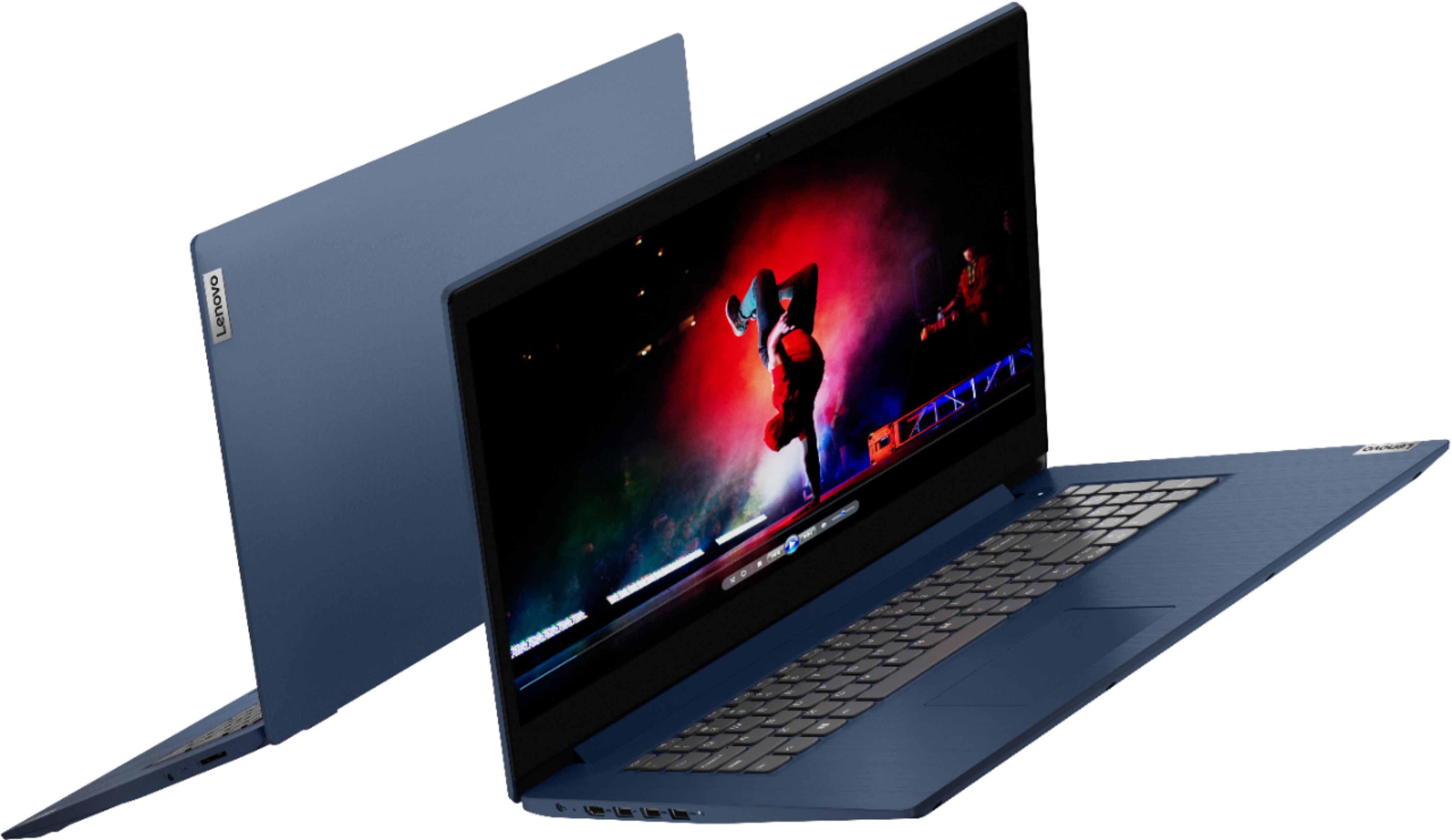
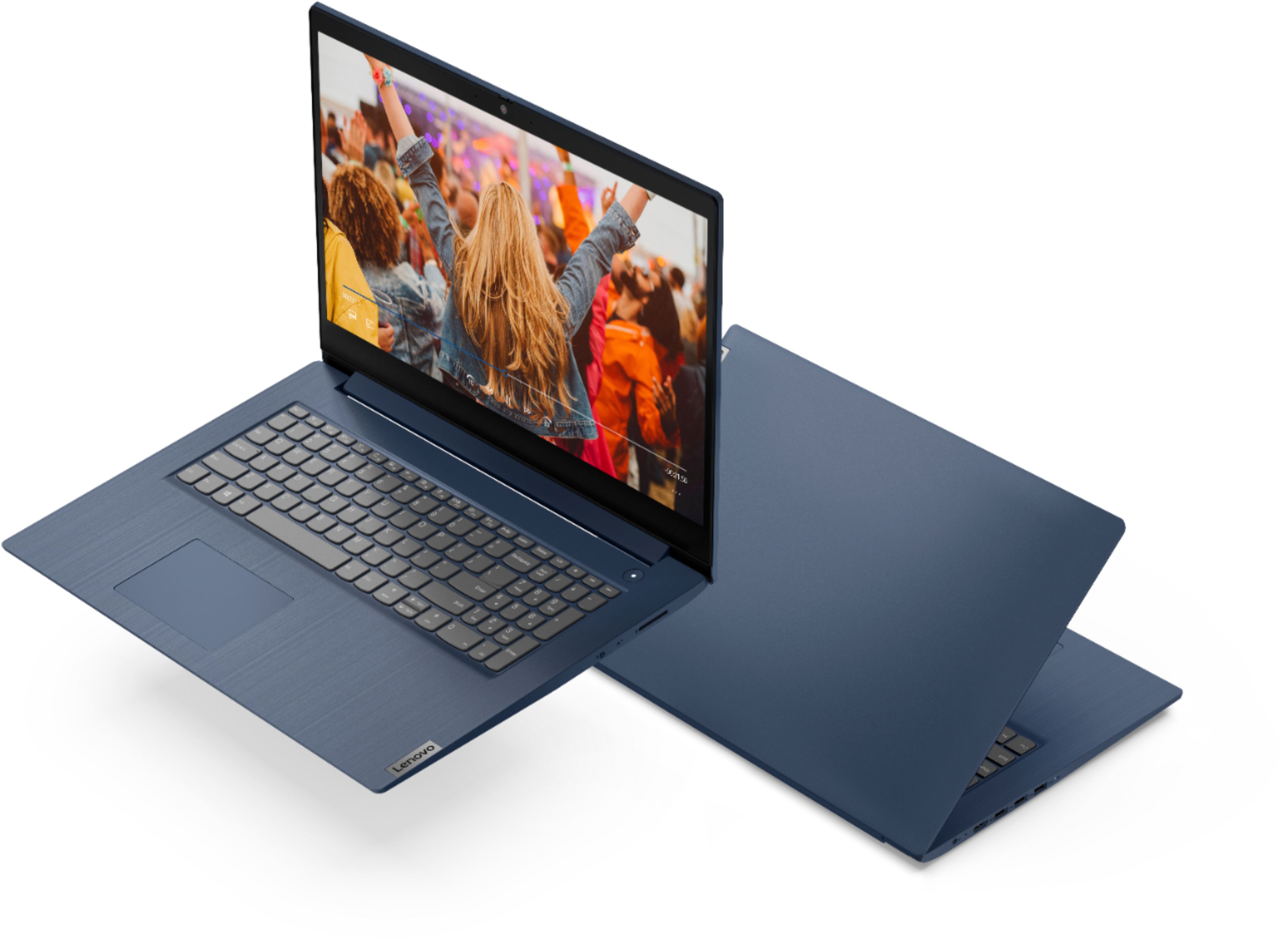
- Model:
- 81WF004CUS
- SKU:
- 6449490
Rating by feature
- Battery Life
Rating 3.8 out of 5 stars
- Speed
Rating 3.2 out of 5 stars
- Display
Rating 3.9 out of 5 stars
Customers are saying
Customers enjoy the large screen, affordable price, and user-friendly nature of the Ideapad 3 17. It is lightweight and suitable for work. However, some users have concerns about its performance, boot time, and battery life.
This summary was generated by AI based on customer reviews.
- Pros mentioned:Large screenCons mentioned:Performance
Open box laptop
||Posted . Owned for 1 month when reviewed.This reviewer received promo considerations or sweepstakes entry for writing a review.Was an "open box" purchase and didn't come with a charger cord. This wasn't mentioned in the description, so we had to purchase the cord separately. Love the larger screen. Runs slow and battery life isn't great, but it was an open box purchase, so I don't know how much impact that has.
I would recommend this to a friendBrand response from Lenovo Product Expert
Posted .Thank you for choosing the Lenovo IdeaPad 3 17 laptop, model number 81WF004CUS. This model ships with a Integrated 42Wh, Lithium-Polymer Battery, which within this model configuration, has a battery life of up to 7 hours, depending on the work the device is performing. If you are getting substantially less battery life, first, set your screen brightness at less than 100-percent - try 80-percent to start with. Then, be sure Battery Charge Threshold is turned off. This power management setting should only be used when the laptop is plugged in all the time. It will prolong overall battery life by only charging the battery to 60-percent of capacity. You can turn off Battery Charge Threshold within the Lenovo Vantage APP installed on this computer. In Vantage select Battery Settings and turn off Battery Charge Threshold, if turned on. Also check what programs are running in the background on the computer. Be sure only the programs you want running in the background are. These programs will drain the battery and can slow down the performance of your computer. Here is a link to information about how to find out what programs are running in the background on your Windows 10 computer and how to manage them for better system performance: https://www.windowscentral.com/how-prevent-apps-running-background-windows-10. Then, finally, be sure any software you installed is compatible with Windows 10. Incompatible software will drain the battery at a faster rate and will slow down the performance of the computer. There is no need to install Microsoft Office software. The software is already part of the operating system, you just need to activate the software with a purchased product key. If you have installed a copy of Microsoft Office, this is conflicting with the existing copy on the system and this will slow your system down. If you have installed a 3rd party anti-virus program, be sure that Windows Defender is turned off and that the trial version of McAfee Anti-Virus software is uninstalled. There can only be one anti-virus program on the system. You may need to restore your system to original factory default settings if any of the programming errors have occurred. You can do that by typing "restore" in the Cortana search window. Just click on the magnifying glass icon at the bottom left of your Windows 10 Desktop. Click on "Reset This PC" Then click on "Get Started" and follow the on screen directions to restore to factory defaults. If the problem persists, we recommend you contact Lenovo Tech Support at: 877-453-6686.

- Pros mentioned:Storage
Good Computer
||Posted . Owned for 1 year when reviewed.This reviewer received promo considerations or sweepstakes entry for writing a review.Good Computer. Speed is good and 1TB HDD provides plenty of storage,
I would recommend this to a friend - Pros mentioned:Large screen, Price, Storage
Much needed laptop
||Posted . Owned for 3 weeks when reviewed.This reviewer received promo considerations or sweepstakes entry for writing a review.Great price for starters and the screen size is perfect. The blue is my favorite color and the 1TB really sold me. The others that I considered had less and were only i3. Glad I took a little more time looking inside the store.
I would recommend this to a friendBrand response from Lenovo Product Expert
Posted .Thank you for choosing the Lenovo IdeaPad 3 17 Laptop. We are pleased to hear that the performance and features of the IdeaPad 3 17 meets your computing needs so well.
A must buy
||Posted . Owned for 1.5 years when reviewed.This reviewer received promo considerations or sweepstakes entry for writing a review.FYI I will never buy and HP computer again. I had one and it broke. Literally died 1 month after the warranty. The fan went out on it and everything was worse than burnt toast. So I bought this little does of CPU heaven. It comes with the AMD Ryzen 1 socket 8 cores and 2 GPUS. Nividia Geoforce RTX and AMD Radeon. The laptop was developed for gaming. I am not a gamer but still enjoy the power. The machine is screaming fast. But alas as always Microsoft can kill any piece of hardware alone with the Chrome Web Browser. So it is reboot time, but not as much reboot time as in the past. As for video it is great. I have it hooked up to a 42" ONN TV via HDMI( the TV is my monitor cheaper than buying a monitor.) When I play 4K videos on it, man it is awesome. For sound I use a Bluetooth HK speaker and the audio is as clear as a sunny day in Florida.
I would recommend this to a friend- Pros mentioned:Large screen
Very good standard windows computer
||Posted .This reviewer received promo considerations or sweepstakes entry for writing a review.I really like the big screen however the one part that I was a little bit disappointed was by the quality of the cover for screen. I wanted something a little more quality and a little more clear kind of like the Surface Book but this one is a little bit less money so I guess that's the trade in. Other than that it works just as good as any Windows computer.
I would recommend this to a friendBrand response from Lenovo Product Expert
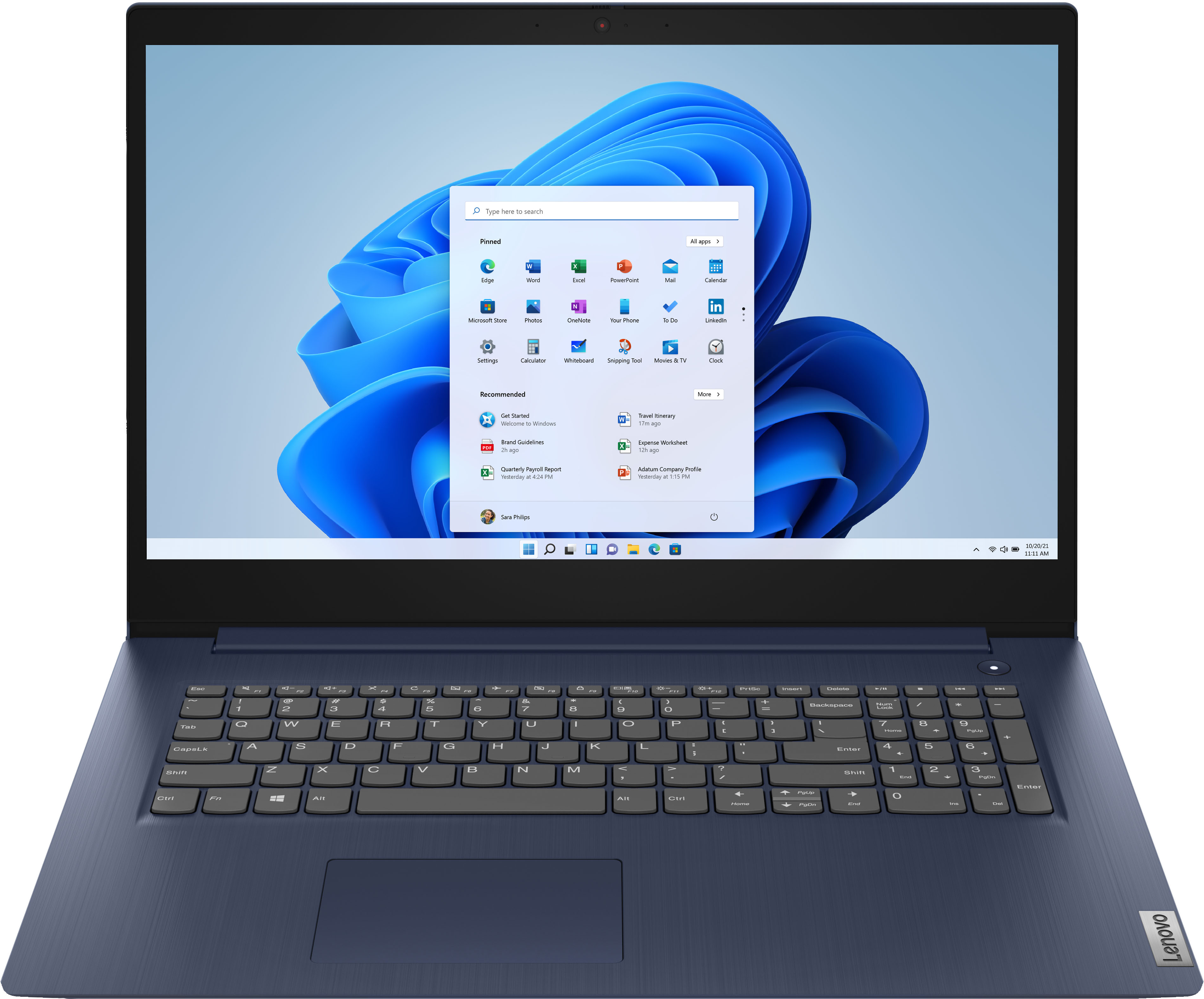
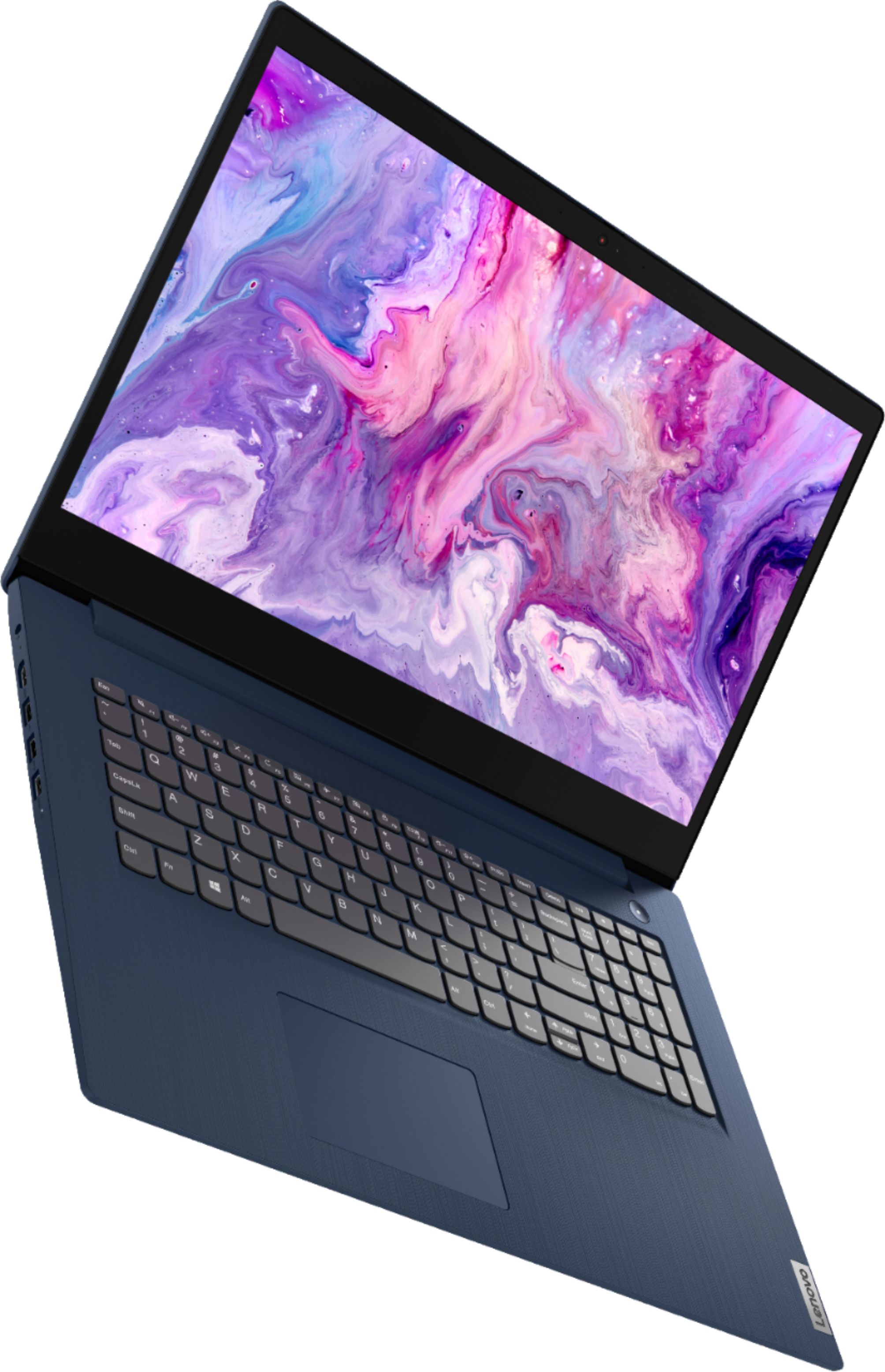
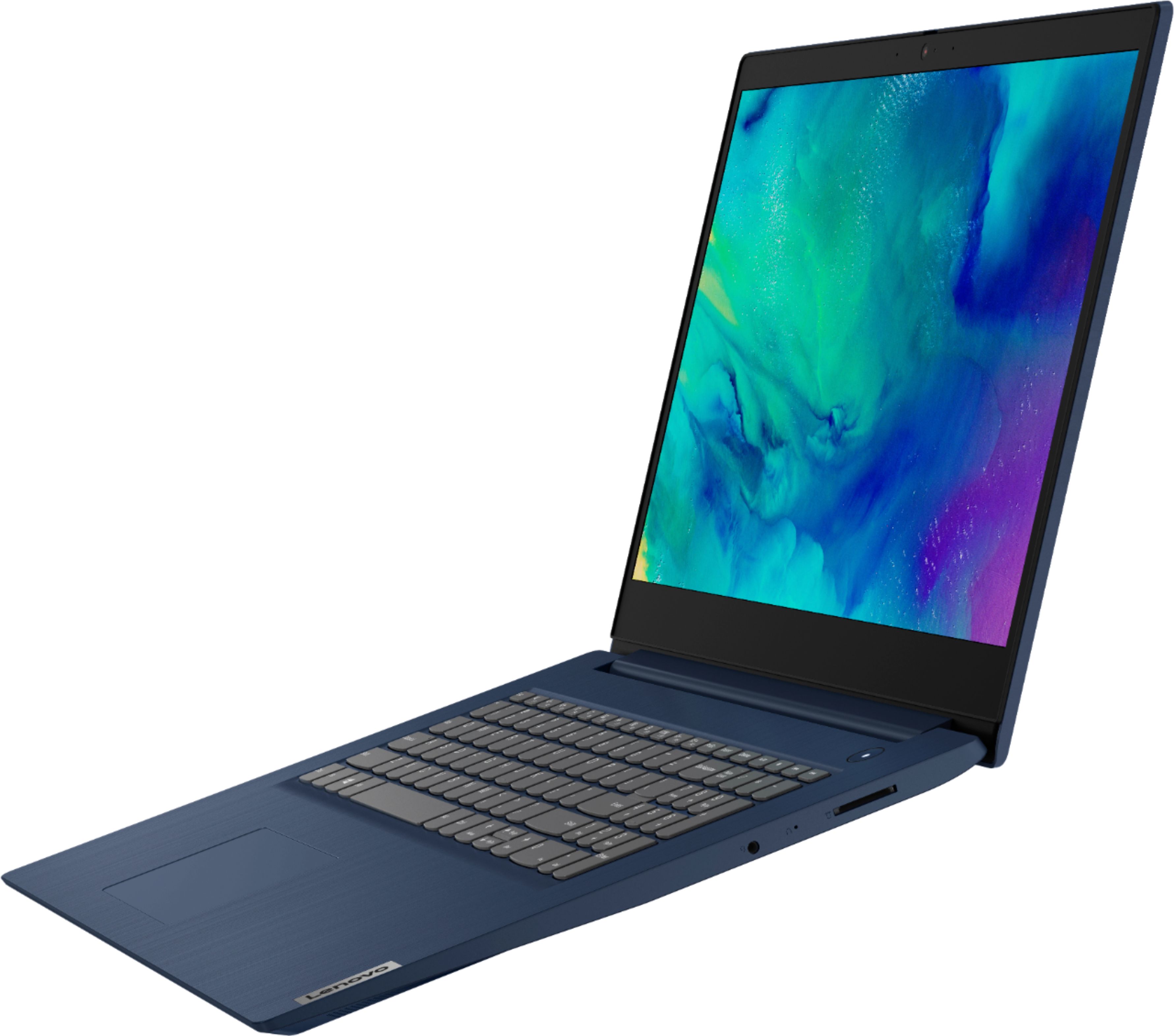
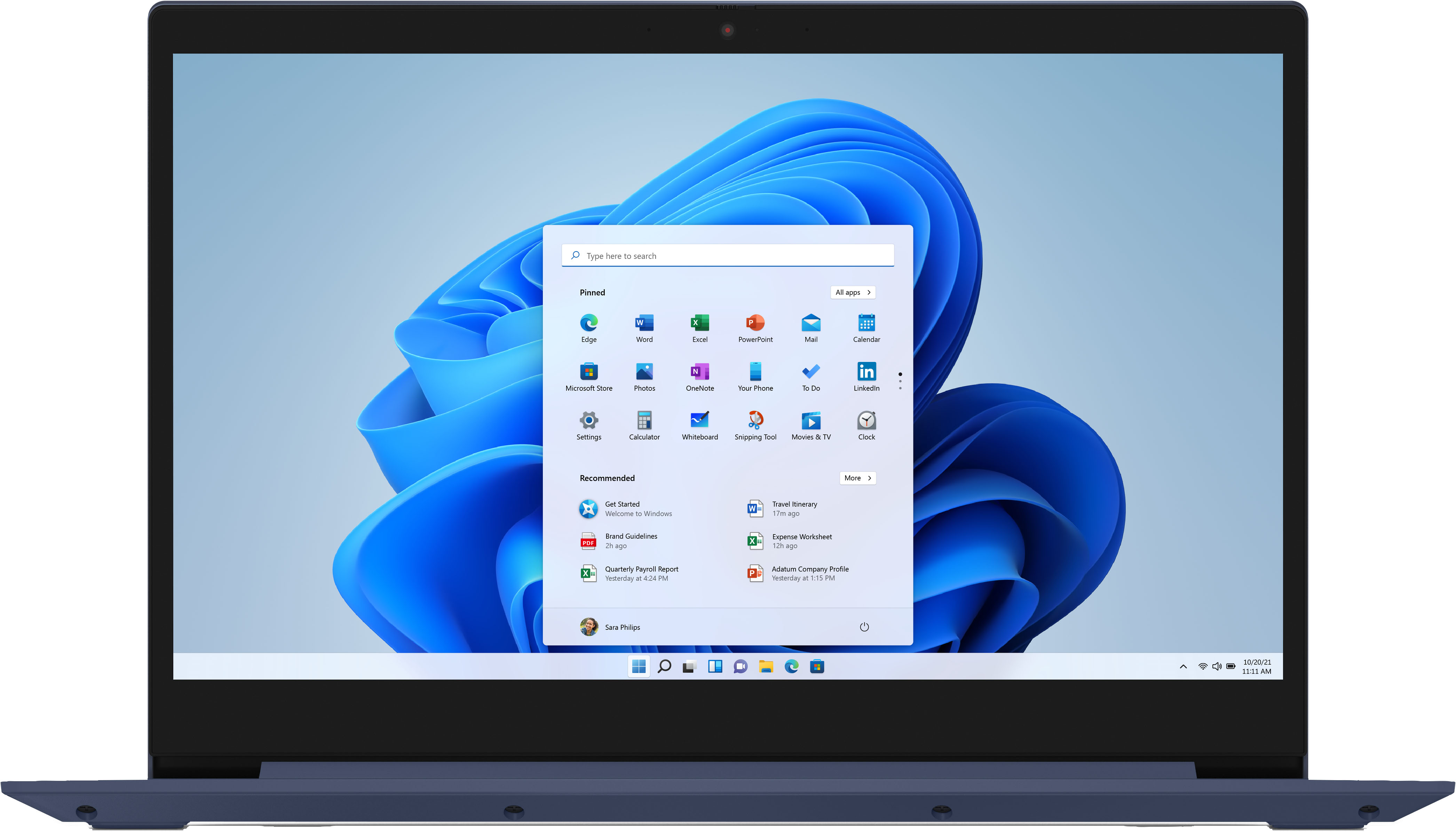
Posted .Thank you for choosing the Lenovo IdeaPad 3 17 Laptop, model number 81WF004CUS. This model ships with a 17.3-Inch (screen size measured diagonally) TN - HD+ (1600x900) screen, with a brightness level of 250 nits with an Anti-glare coating.
- Cons mentioned:Battery life
Nice
||Posted .This reviewer received promo considerations or sweepstakes entry for writing a review.So far so good. I love the size and everything about this ideapad. Although advertised for having a 9hr battery life it has been less than that. Even with it fully charged. Other than that I love it.
I would recommend this to a friendBrand response from Lenovo Product Expert
Posted .The Lenovo IdeaPad 3 17 Laptop, model number 81WF004CUS, ships with a 3CELL_42WH_INTERNAL, Lithium Polymer Battery, which within this configuration, has a battery life of up to 9 hours, depending on the work the device is performing. If you are getting substantially less battery life, first, set your screen brightness at less than 100-percent - try 80-percent to start with. Then, be sure Battery conservation Mode is turned off. This power management setting should only be used when the laptop is plugged in all the time. It will prolong overall battery life by only charging the battery to 60-percent of capacity. Here is a link to instructions for turning off Battery Conservation Mode: https://support.lenovo.com/us/en/solutions/ht103159. Also check what programs are running in the background on the computer. Be sure only the programs you want running in the background are. These programs will drain the battery. Here is a link to information about how to find out what programs are running in the background on your Windows 10 computer and how to manage them for better system performance: https://www.windowscentral.com/how-prevent-apps-running-background-windows-10. Then, finally, be sure any software you installed is compatible with Windows 10. Incompatible software will drain the battery at a faster rate. There is no need to install Microsoft Office software. The software is already part of the operating system, you just need to activate the software with a purchased product key. If you have installed a copy of Microsoft Office, this is conflicting with the existing copy on the system and this will slow your system down. If you have installed a 3rd party anti-virus program, be sure that Windows Defender is turned off and that the trial version of McAfee Anti-Virus software is uninstalled. There can only be one anti-virus program on the system. You may need to restore your system to original factory default settings if any of the programming errors have occurred. You can do that by typing "restore" in the Cortana search window. Just click on the magnifying glass icon at the bottom left of your Windows 10 Desktop. Click on "Reset This PC" Then click on "Get Started" and follow the on screen directions to restore to factory defaults. If the problem persists, we recommend you contact Lenovo Tech Support at: 877-453-6686.
- Cons mentioned:Boot time
Lenova slow
||Posted . Owned for more than 2 years when reviewed.This reviewer received promo considerations or sweepstakes entry for writing a review.Slow to boot, mouse pad not convenient, takes forever when u turn it on
No, I would not recommend this to a friend - Pros mentioned:Large screen
Wonderful for those with long hands.
||Posted . Owned for 2 weeks when reviewed.This reviewer received promo considerations or sweepstakes entry for writing a review.This is a wonderful laptop! I have long hands and the design of this laptop is superb. The screen size is great. It is comfortable on my lap or the desk. The camera is sharp. It fits nicely into my laptop bag. My only complaint is the audio jack is on the right side of the laptop. Everything else is on the right (usb, etc.) I am right handed and use a mouse that connects to the left. When I am using a lap desk to work while sitting on the couch I have to angle the laptop a little to use the mouse. Not a big issue. It just seems it would be better if all the ports including the audio/mic jack were all on the same side. (The left side.) Raing 4.75 out of 5 stars. (.25 off because of the audio jack.) Mr. K.
I would recommend this to a friendBrand response from Lenovo Product Expert
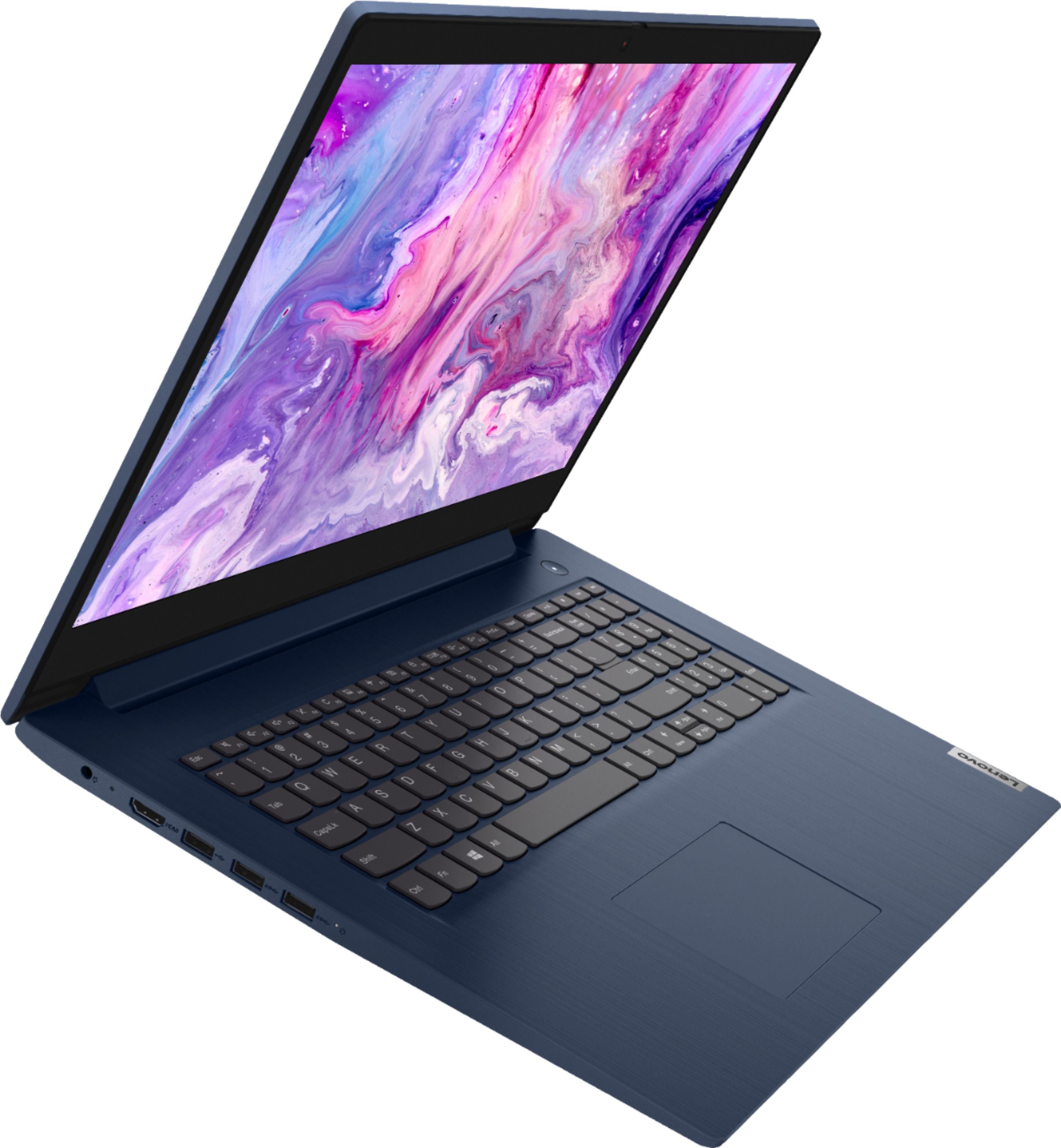
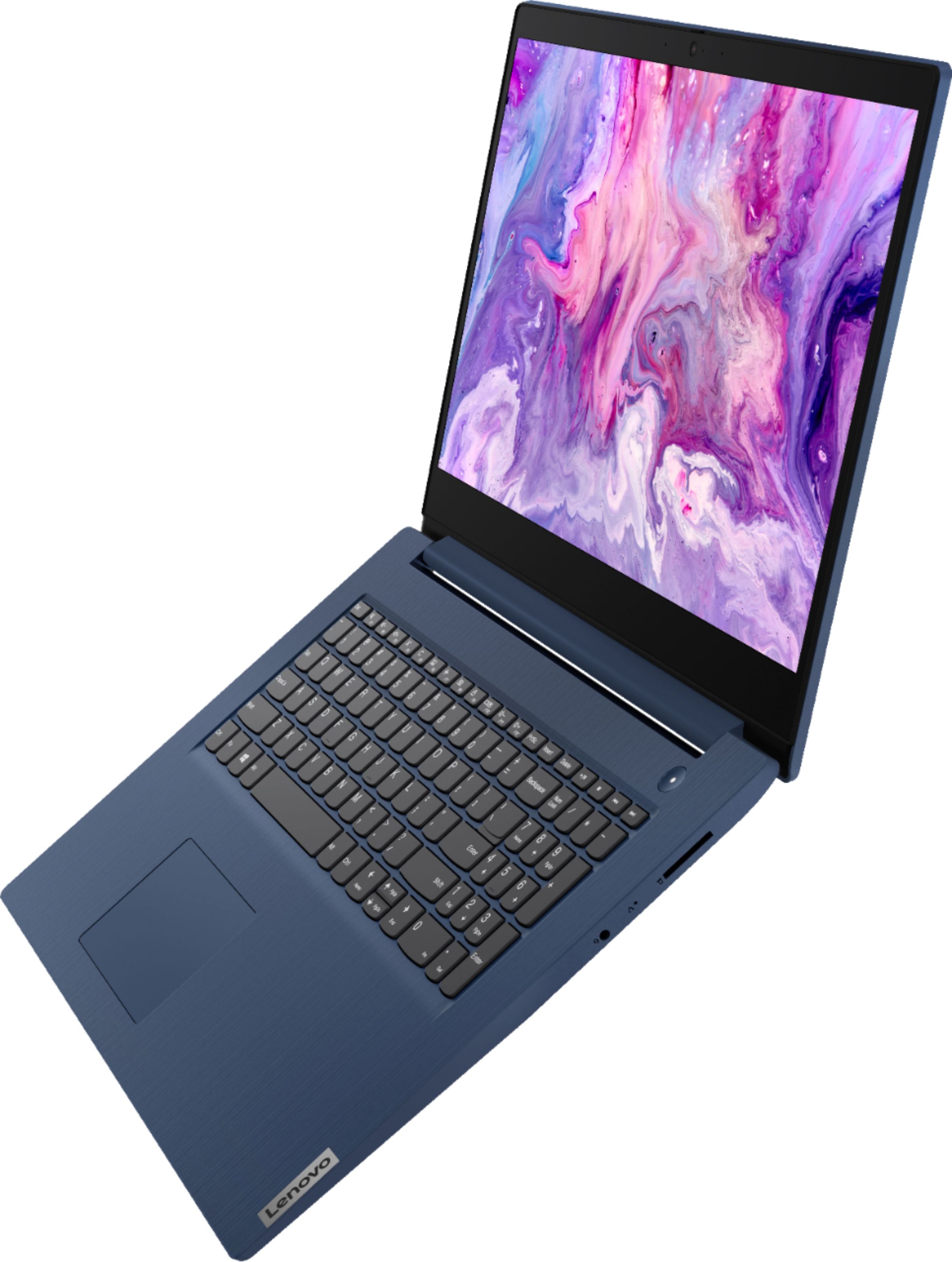
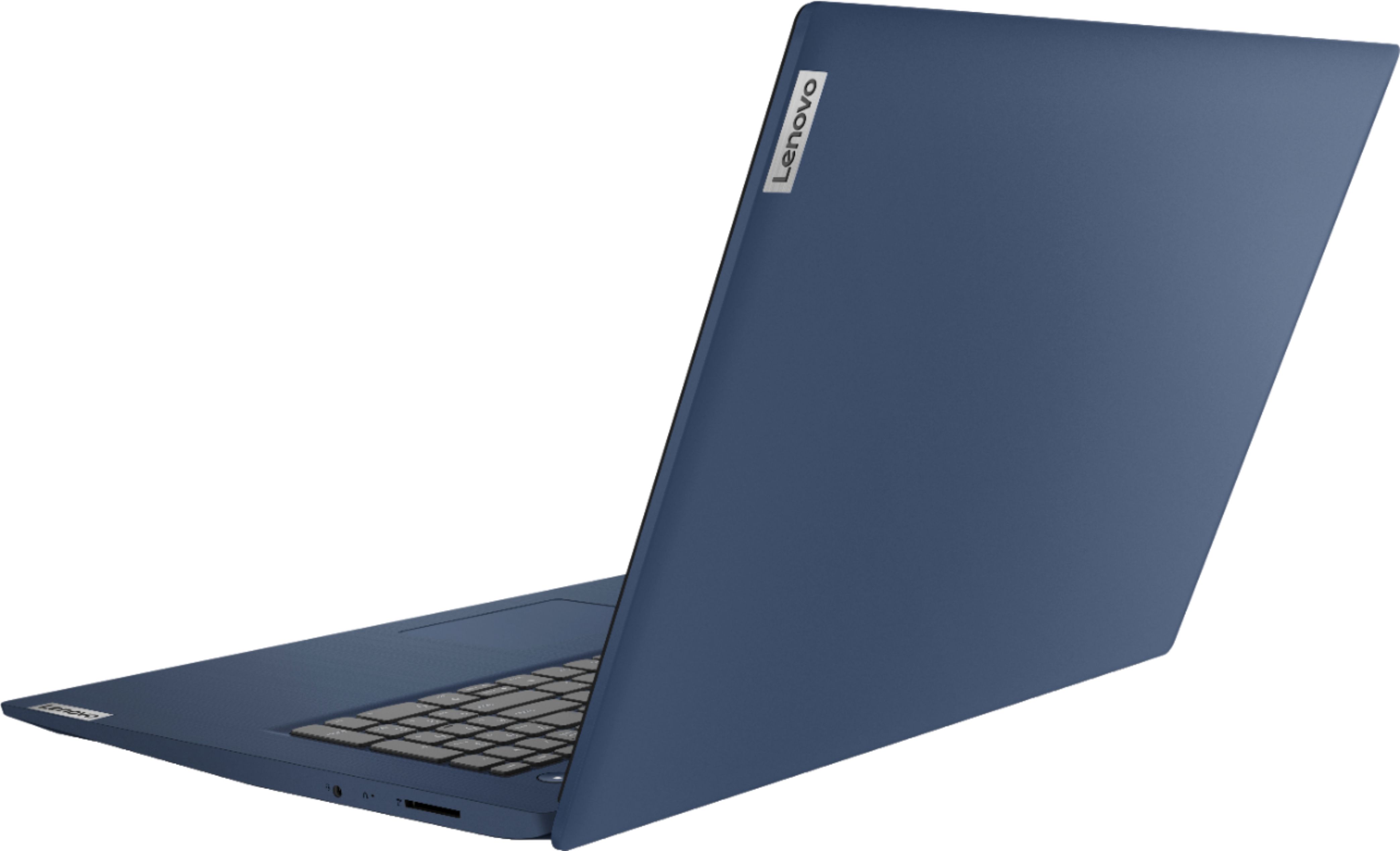
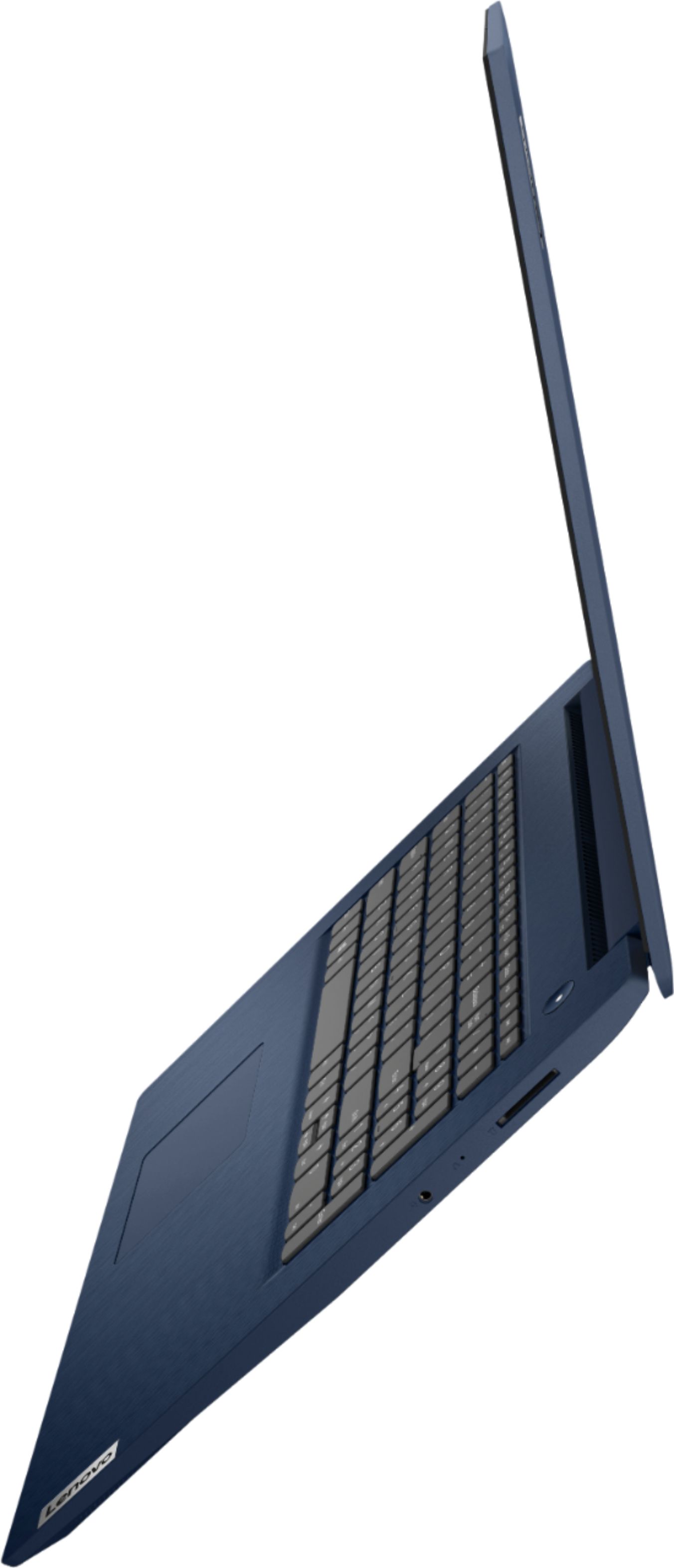
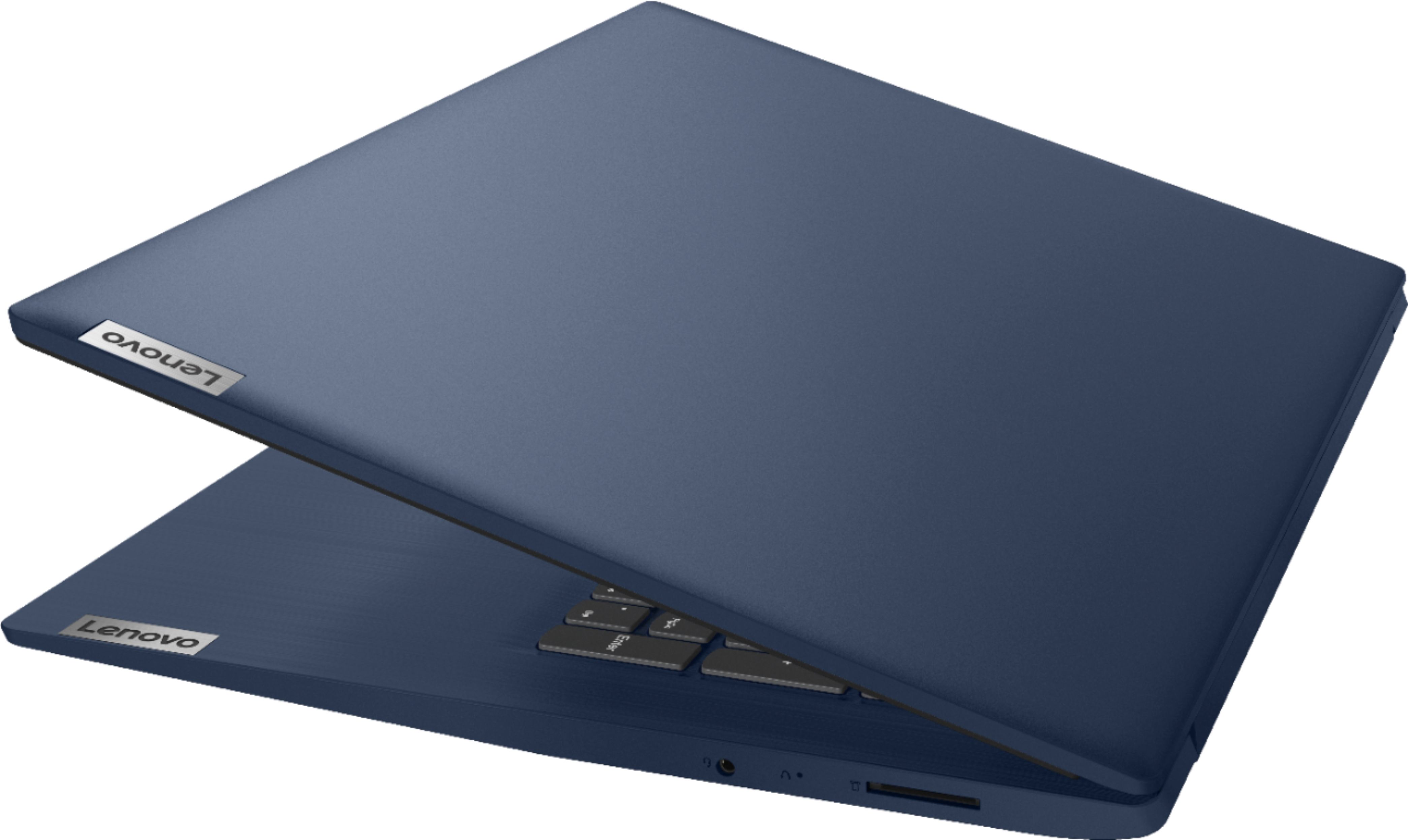
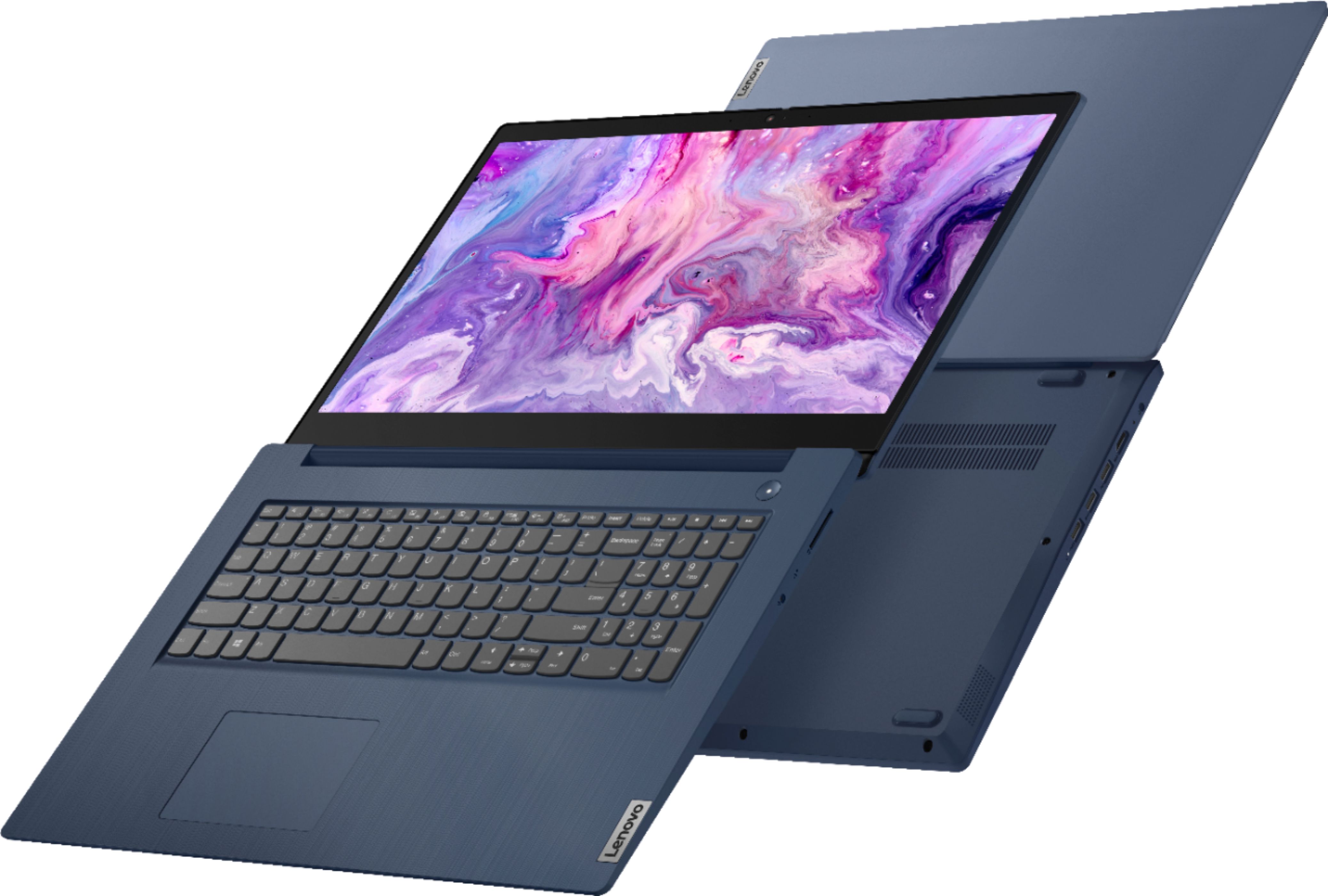
Posted .Thank you for choosing the Lenovo IdeaPad 3 17 Laptop, model number 81WF004CUS. This configuration ships with a generous Wrist Rest Area to help prevent wrist strain issues. This model ships with a 3.5mm audio headset jack and an SD card slot on the right side of the device. There are these ports available on the left side of the device: 1x power connector, 1x HDMI 1.4b, 1x USB 2.0,
2x USB 3.2 Gen 1.
- Pros mentioned:Gaming, Large screen
Laptop
||Posted . Owned for 3 weeks when reviewed.This reviewer received promo considerations or sweepstakes entry for writing a review.Average laptop with huge screen. Initial set up is lengthy. It was the most economical laptop I found in my area with the most memory for about $600(with tax). The bonus was the huge screen. I bought it for my 7th grader to use for school,some gaming and video calling family out of the state and country.
I would recommend this to a friendBrand response from Lenovo Product Expert
Posted .The Lenovo IdeaPad 3 17 Laptop, model number 81WF004CUS, ships with both audio as well as on-screen, step by step instructions for the setup and initial activation of Windows 10. This model ships with Windows 10 S-Mode 64-bit Operating System. Windows 10 S-Mode provides added security by only allowing APPs available ( and therefore certified by Microsoft) at the Microsoft Store. If you don't need the added security or you need to install APPs not available at the Microsoft Store, you can switch to standard Windows 10 Home 64-bit Operating System, at no additional cost.
- Cons mentioned:Performance, Speed
SLOW
||Posted . Owned for 3 weeks when reviewed.This reviewer received promo considerations or sweepstakes entry for writing a review.This laptop appears to have most of the hardware that much faster performing ones do. The problem is that it is super slow. all programs including Explorer or your preferred web sites lag a lot prior to loading. some apps dont even work with it. kids cant even use it for Roblox. its super slow. I guess thats explains the low price. I have a year old Lenovo Yoga with the same hardware and its a rocket compared to this. Maybe if you just need a PC to check your email and do minor stuff this may work for you. If you need any type of performance, stay away. I ended up getting an LG in Costco. It blows away my Yoga in Performance and was 899.
No, I would not recommend this to a friendBrand response from Lenovo Product Expert
Posted .The Lenovo IdeaPad 3 17 Laptop, model number 81WF004CUS, ships with the 4-Core/8-Thread Intel Core i5-1035G1 processor, supported by 8GB DDR4-2666MHz RAM. This model also ships with Windows 10 S-Mode 64-bit Operating System. Windows 10 S-Mode provides added security by only allowing APPs available ( and therefore certified by Microsoft) at the Microsoft Store. If you don't need the added security or you need to install APPs not available at the Microsoft Store, you can switch to standard Windows 10 Home 64-bit Operating System, at no additional cost. If you are getting slower than expected performance, even if you have switch out of S-Mode, be sure any software you installed is compatible with Windows 10. There is no need to install Microsoft Office software. The software is already part of the operating system, you just need to activate the software with a purchased product key. If you have installed a copy of Microsoft Office, this is conflicting with the existing copy on the system and this will slow your system down. If you have installed a 3rd party anti-virus program, be sure that Windows Defender is turned off and that the trial version of McAfee Anti-Virus software is uninstalled. There can only be one anti-virus program on the system. You may need to restore your system to original factory default settings if any of the programming errors have occurred. You can do that by typing "restore" in the Cortana search window. Just click on the magnifying glass icon at the bottom left of your Windows 10 Desktop. Click on "Reset This PC" Then click on "Get Started" and follow the on screen directions to restore to factory defaults. If the problem persists, we recommend you contact Lenovo Tech Support at: 877-453-6686.
- Pros mentioned:Large screen
Straight up work and surf; Speed not included
||Posted . Owned for 3 weeks when reviewed.This reviewer received promo considerations or sweepstakes entry for writing a review.It's got an old school hard drive and so it is slower than today's machines. I am old school. I wanted something that gave me a large screen, the processing power to do home and investment work and store all of that data. This will be a very specific use computer and for that I'm happy with the unit. If you want boot up speeds, tiny footprint or long battery, you are looking at the wrong type storage drive. You want old school, focused work with storage capacity.. you have a new computer that you can create on and save it! Over and over and over again...without having to worry about storage!
I would recommend this to a friendBrand response from Lenovo Product Expert
Posted .The Lenovo IdeaPad 3 17 Laptop, model number 81WF004CUS, will boot from off to the Windows 10 Desktop Screen in less than 40-seconds. Its 3CELL_42WH_INTERNAL, Lithium Polymer Battery has a maximum battery life of up to 9 hours, depending on the work the device is performing. The 10th. Generation 4-Core/8-Thread Intel Core i5-1035G1 processor, has a battery-saving 1.0GHz base speed with a Turbo Boost Speed of up to 3.6GHz. This processor is supported by 8GB DDR4-2666MHz RAM. This configuration will handle moderate to heavy workloads using Productivity Software like Office Programs, multi-tasking on the internet and video streaming.
Lenovo
||Posted . Owned for more than 2 years when reviewed.This reviewer received promo considerations or sweepstakes entry for writing a review.Good quality, I bought an open box item and it was worth it. I used it for basic computing so i never had any issues
I would recommend this to a friend- Pros mentioned:Large screen, Price
Lenovo Ideapad 3 17"
||Posted . Owned for 3 weeks when reviewed.This reviewer received promo considerations or sweepstakes entry for writing a review.I purchased this laptop because of the screen size and the amount of storage. This lenovo is a great bargain at the going price. The biggest reason I purchased it was Best Buy had it in stock. I was greeted once I got to the store and the gentlemen asked if he could help and I told what I was looking for. He took me over to the laptops and we talked for a few minutes, he asked if I needed a case or a mouse which I bought and I was out there quick.
I would recommend this to a friendBrand response from Lenovo Product Expert
Posted .Thank you for choosing the Lenovo IdeaPad 3 17 Laptop. We are pleased to hear that the features and performance of the IdeaPad 3 17 meets your computing needs so well.
- Pros mentioned:Price
Good Value for the Price
||Posted . Owned for 3 weeks when reviewed.This reviewer received promo considerations or sweepstakes entry for writing a review.I like that the laptop is lightweight for a 17" screen. I am replacing an HP 17" laptop that weighs at least 4 times as much as this. The HP had a network card and DVD player built in which this laptop does not. However, I typically connect to WiFi and only use the laptop for Microsoft Office applications and web surfing so it does just fine for that. So far it has worked fine and for the price I feel it is a quality laptop for the price. I would recommend it for school or college students and even home business work. Definitely not for gaming.
I would recommend this to a friendBrand response from Lenovo Product Expert
Posted .Thank you for choosing the Lenovo IdeaPad 3 17 Laptop, model number 81WF004CUS. Although there is no built in ethernet port within the IdeaPad 3 17, you can connect this laptop to an ethernet cable by using a USB to ethernet adapter like this one: https://www.bestbuy.com/site/j5create-usb-3-0-to-gigabit-ethernet-adapter-gray/2001047.p?skuId=2001047. Additionally, although there is no built in CD/DVD drive within this model, you can use an external, USB-based Windows 10 compatible CD/DVD drive with this laptop like this one: https://www.bestbuy.com/site/lg-8x-external-usb-double-layer-dvdrw-cd-rw-drive-black/5852919.p?skuId=5852919. We are pleased to heart hat the IdeaPad 3 17 meets your computing needs so well.
- Pros mentioned:Large screen
Still learning about this laptop
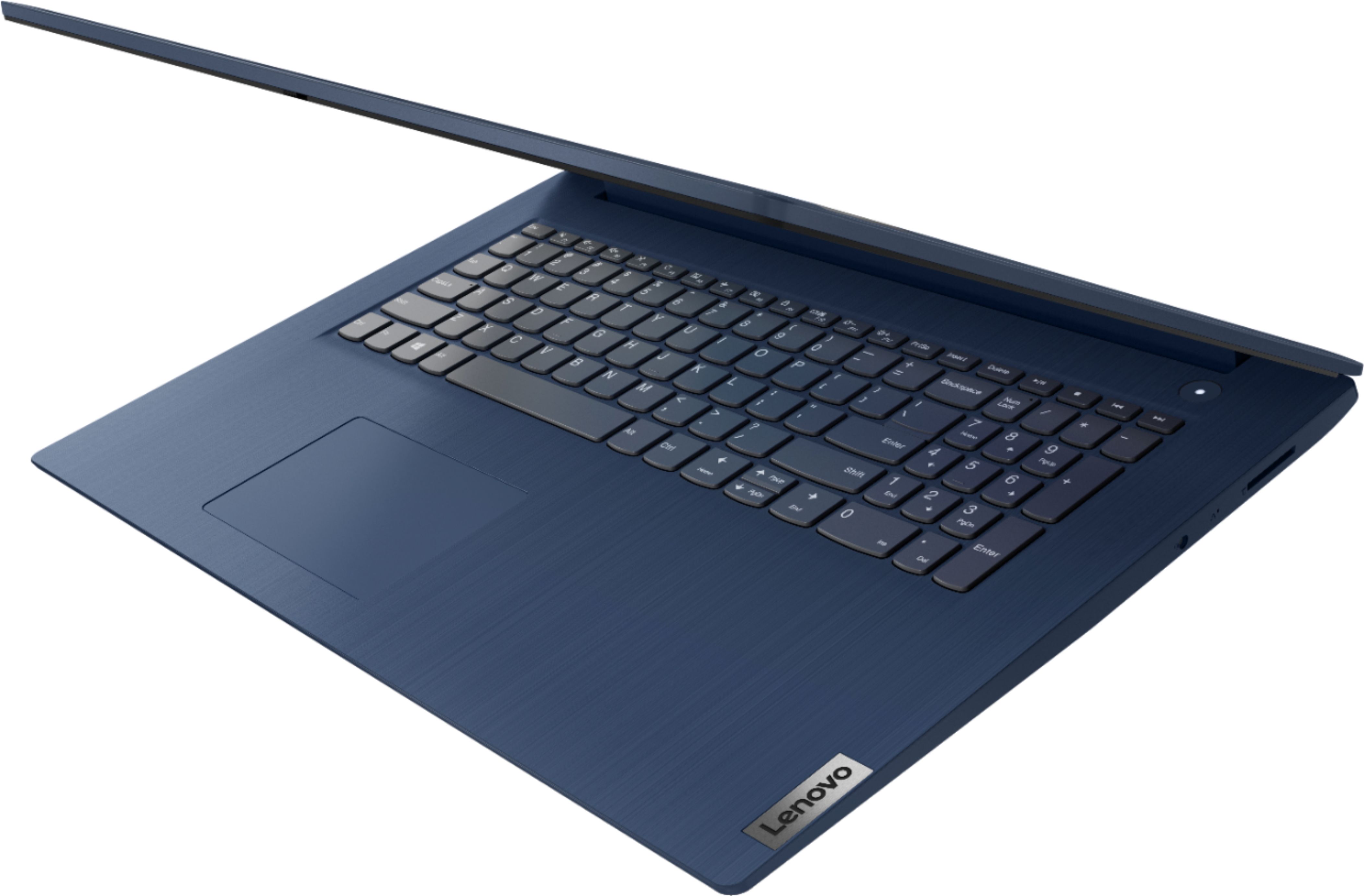
||Posted . Owned for 3 weeks when reviewed.This reviewer received promo considerations or sweepstakes entry for writing a review.The larger screen is much better for my use and the slight extra weight is not a problem. I'm still getting used to this laptop as it is somewhat different than the Toshiba and HPs I've had in the past. One pet peeve is that there is no left button on the touch pad and so I have had to learn new ways to do the tasks that the left button did on my previous laptops. Also, it does not include a DVD drive but the sales person informed me that many laptops don't have DVD players anymore. I guess discs are going the way of the old floppy disks.
I would recommend this to a friendBrand response from Lenovo Product Expert
Posted .Thank you for choosing the Lenovo IdeaPad 3 17 Laptop, model number 81WF004CUS. The touchpad on this model has both a left click area and a right click area on the touchpad closest to the user. You can make adjustments to the touchpad in your system settings. You can get there by clicking on the magnifying glass at the bottom left of your Windows 10 screen. Type "touchpad" in the search window. Select "Mouse & touchpad settings" from the list of choices. You can make general adjustments to the touchpad there. You can also select "Additional mouse options" for more detailed adjustments to the touchpad sensitivity by increasing the delay of the touchpad. Although there is no built in CD/DVD drive within the IdeaPad 3 17, you can use an external, USB-based Windows 10 compatible CD/DVD drive like this one with this laptop: https://www.bestbuy.com/site/lg-8x-external-usb-double-layer-dvdrw-cd-rw-drive-black/5852919.p?skuId=5852919
- Pros mentioned:Large screen, Price
Amazing laptop
||Posted . Owned for 1 month when reviewed.This reviewer received promo considerations or sweepstakes entry for writing a review.Wonderful laptop. Great price. The screen is a very good size so it’s perfect to use for work.
I would recommend this to a friendBrand response from Lenovo Product Expert
Posted .Thank you for choosing the Lenovo IdeaPad 3 17 Laptop. We are pleased to hear that the features and performance of the IdeaPad 3 17 meets your computing needs so well.
- Pros mentioned:Large screen
Small font issue.
||Posted . Owned for 3 weeks when reviewed.This reviewer received promo considerations or sweepstakes entry for writing a review.This new laptop is certainly up to date in technology but not as user friendly as I had hoped. It seems somewhat difficult to change some key features. It's big screen is a real asset but everything is present in very small font. I do know how to change it to a bigger font but it seems it must be done for every individual program. Again as I said before, it is not very user friendly.
No, I would not recommend this to a friendBrand response from Lenovo Product Expert
Posted .We are sorry to hear that you are having issues with the on-screen font size with your Lenovo IdeaPad 3 17 Laptop. Here is a link to instructions for changing the screen resolution on your laptop: https://support.microsoft.com/en-us/windows/change-your-screen-resolution-5effefe3-2eac-e306-0b5d-2073b765876b#:~:text=To%20change%20your%20screen%20resolution&text=%2C%20clicking%20Control%20Panel%2C%20and%20then,want%2C%20and%20then%20click%20Apply. You can also try changing the font size displayed on your screen: https://support.microsoft.com/en-us/windows/change-the-size-of-text-in-windows-10-1d5830c3-eee3-8eaa-836b-abcc37d99b9a#:~:text=To%20change%20your%20display%20in,menu%20under%20Make%20everything%20bigger. If the issue continues, we recommend you contact Lenovo Tech Support at: 877-453-6686.
- Cons mentioned:Performance
Pricy door stopper
||Posted . Owned for 1.5 years when reviewed.This reviewer received promo considerations or sweepstakes entry for writing a review.Less than 5 months into owning it, it was freezing, crashing and unable to keep Google open. Less than a year later it became essentially useless. I've given up on it and need to purchase a new one in 2023.
No, I would not recommend this to a friend - Cons mentioned:Boot time, Speed
Pretty on the outside, but that is about it!
||Posted . Owned for less than 1 week when reviewed.This reviewer received promo considerations or sweepstakes entry for writing a review.After reading the reviews for this computer, I was very excited about my purchase. And when I got it home, I loved the screen size and the color of the computer. Unfortunately, that was the only thing I was happy with. Within a few minutes, the computer kept freezing on me! This is a brand new computer, and it was freezing up. It takes forever for web pages to open, and it is incredibly glitchy ( the screen kept flickering); when I was on a zoom session, my tutor said my voice kept going in and out, and it was distorted and it takes forever to boot up. I do not if I got a lemon, but either way, I am taking it back.
No, I would not recommend this to a friendBrand response from Lenovo Product Expert
Posted .We are sorry to hear that you are having issues with your Lenovo IdeaPad 3 17 Laptop, model number 81WF004CUS. This system will boot from off to the Windows 10 Desktop Screen in less than 40-seconds. This model ships with the Windows 10 S-Mode 64-bit Operating System and should not freeze or open compatible programs slowly. Windows 10 S-Mode provides added security by only allowing APPs available ( and therefore certified by Microsoft) at the Microsoft Store. If you don't need the added security or you need to install APPs not available at the Microsoft Store, you can switch to standard Windows 10 Home 64-bit Operating System, at no additional cost. Even if you have switched out of S-Mode, be sure any software you installed is compatible with Windows 10. There is no need to install Microsoft Office software. The software is already part of the operating system, you just need to activate the software with a purchased product key. If you have installed a copy of Microsoft Office, this is conflicting with the existing copy on the system and this will slow your system down. If you have installed a 3rd party anti-virus program, be sure that Windows Defender is turned off and that the trial version of McAfee Anti-Virus software is uninstalled. There can only be one anti-virus program on the system. You may need to restore your system to original factory default settings if any of the programming errors have occurred. You can do that by typing "restore" in the Cortana search window. Just click on the magnifying glass icon at the bottom left of your Windows 10 Desktop. Click on "Reset This PC" Then click on "Get Started" and follow the on screen directions to restore to factory defaults. If the problem persists, we recommend you contact Lenovo Tech Support at: 877-453-6686.
- Pros mentioned:Price
Nice laptop for the price!
||Posted . Owned for 3 weeks when reviewed.This reviewer received promo considerations or sweepstakes entry for writing a review.Decent laptop for the price, use it strictly for work and you won’t be disappointed
I would recommend this to a friendBrand response from Lenovo Product Expert
Posted .Thank you for choosing the Lenovo IdeaPad 3 17 Laptop. We are pleased to hear that the IdeaPad 3 17 meets your computing needs so well.