Customer Ratings & Reviews
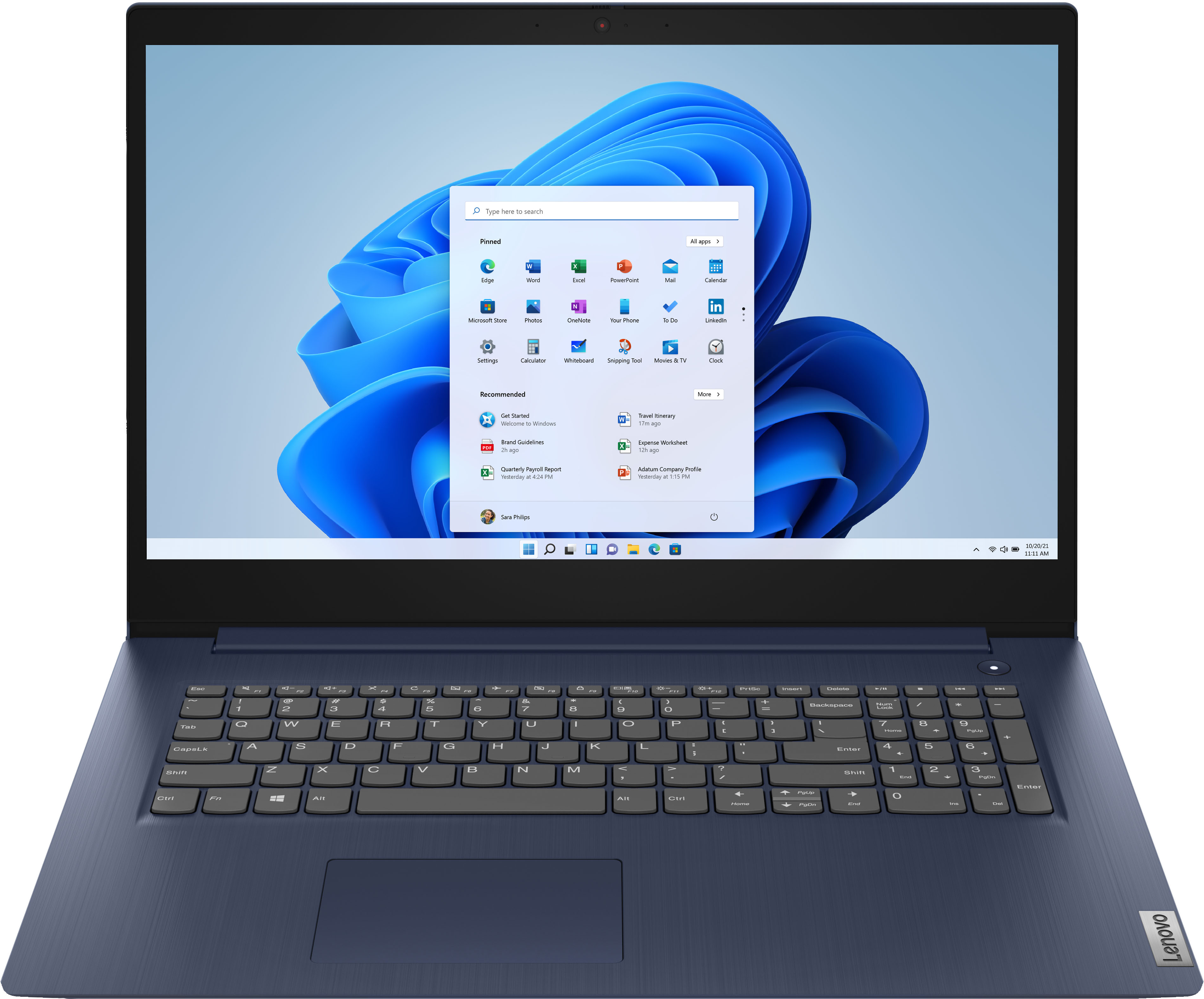
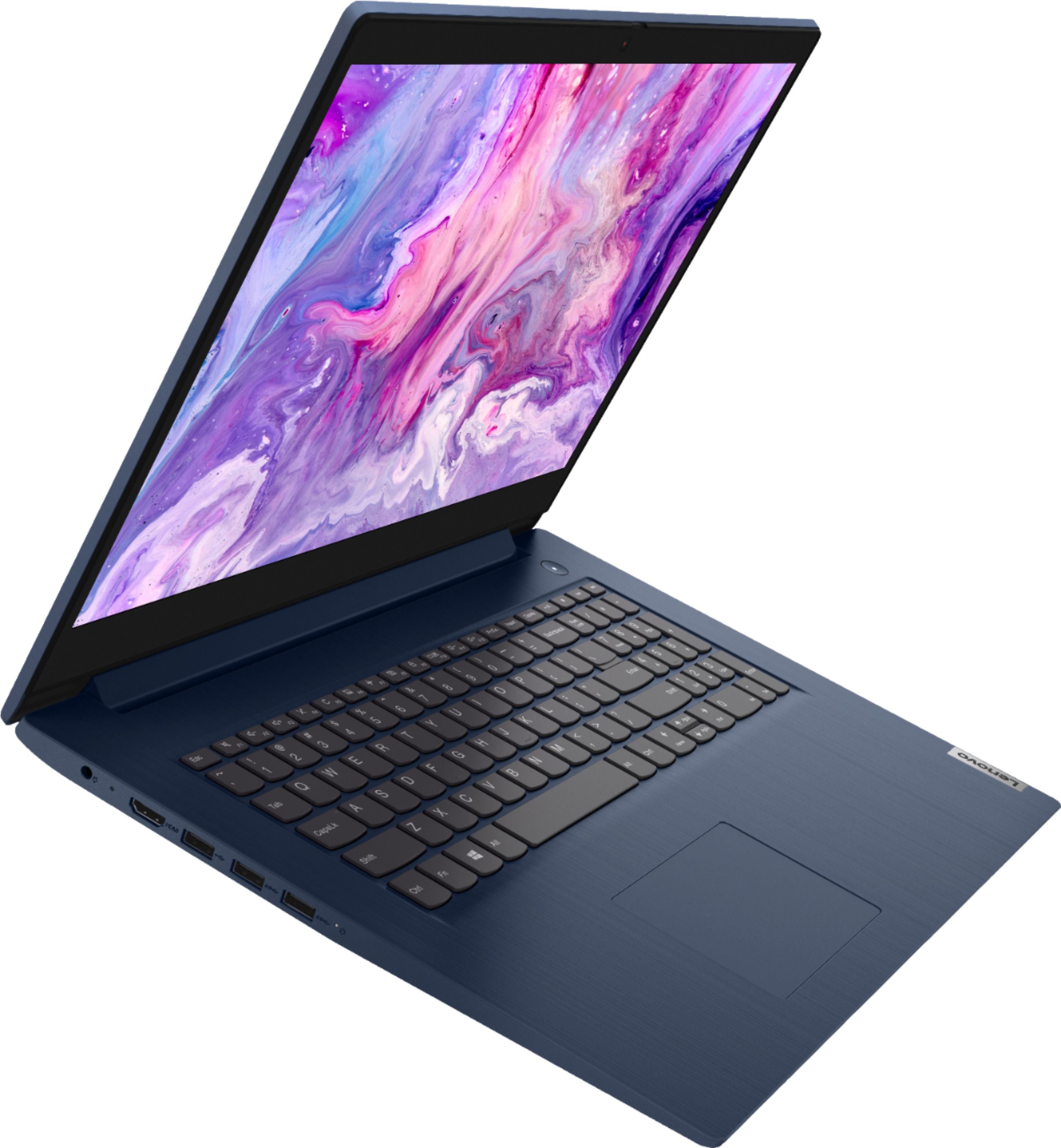
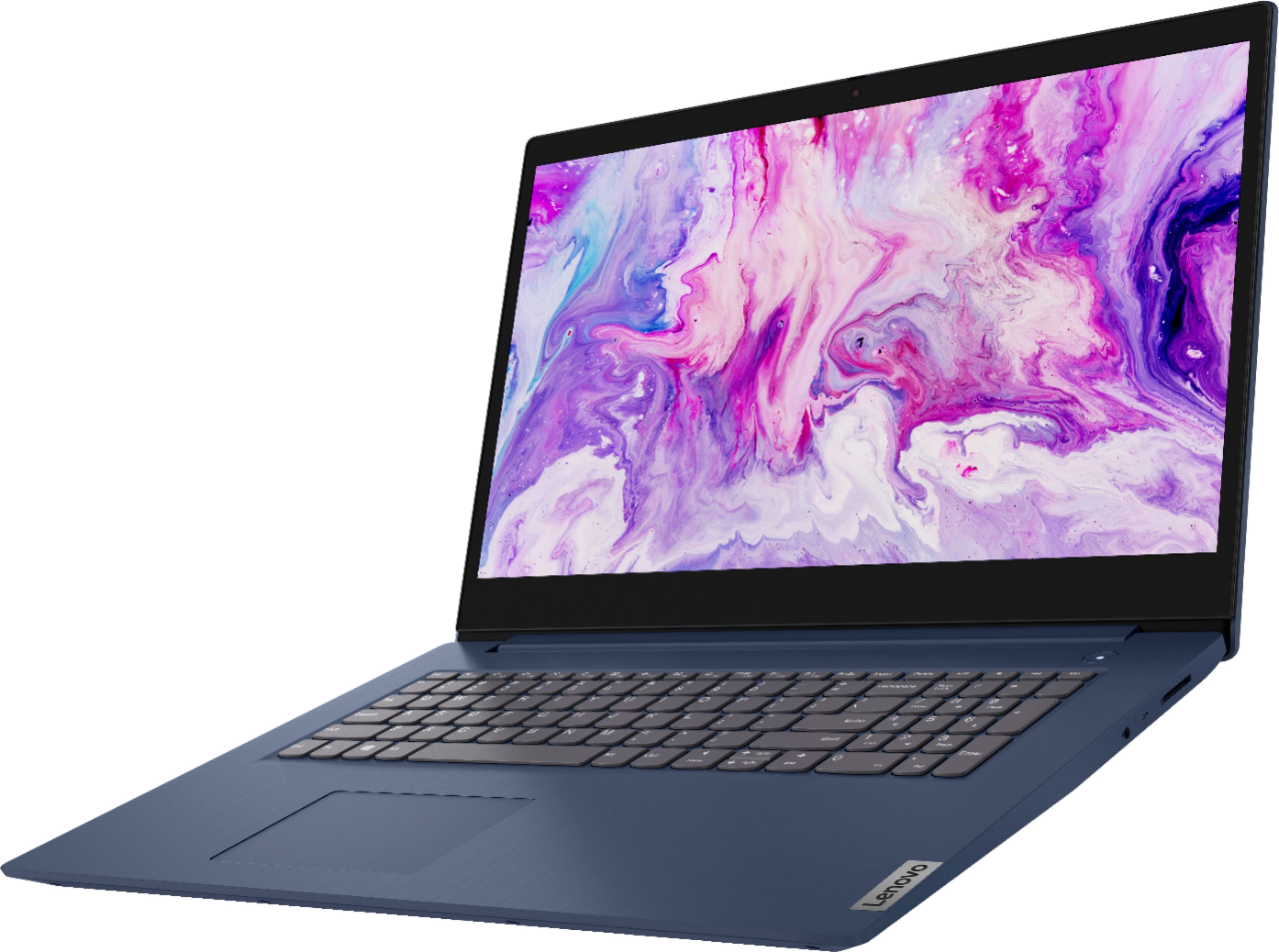
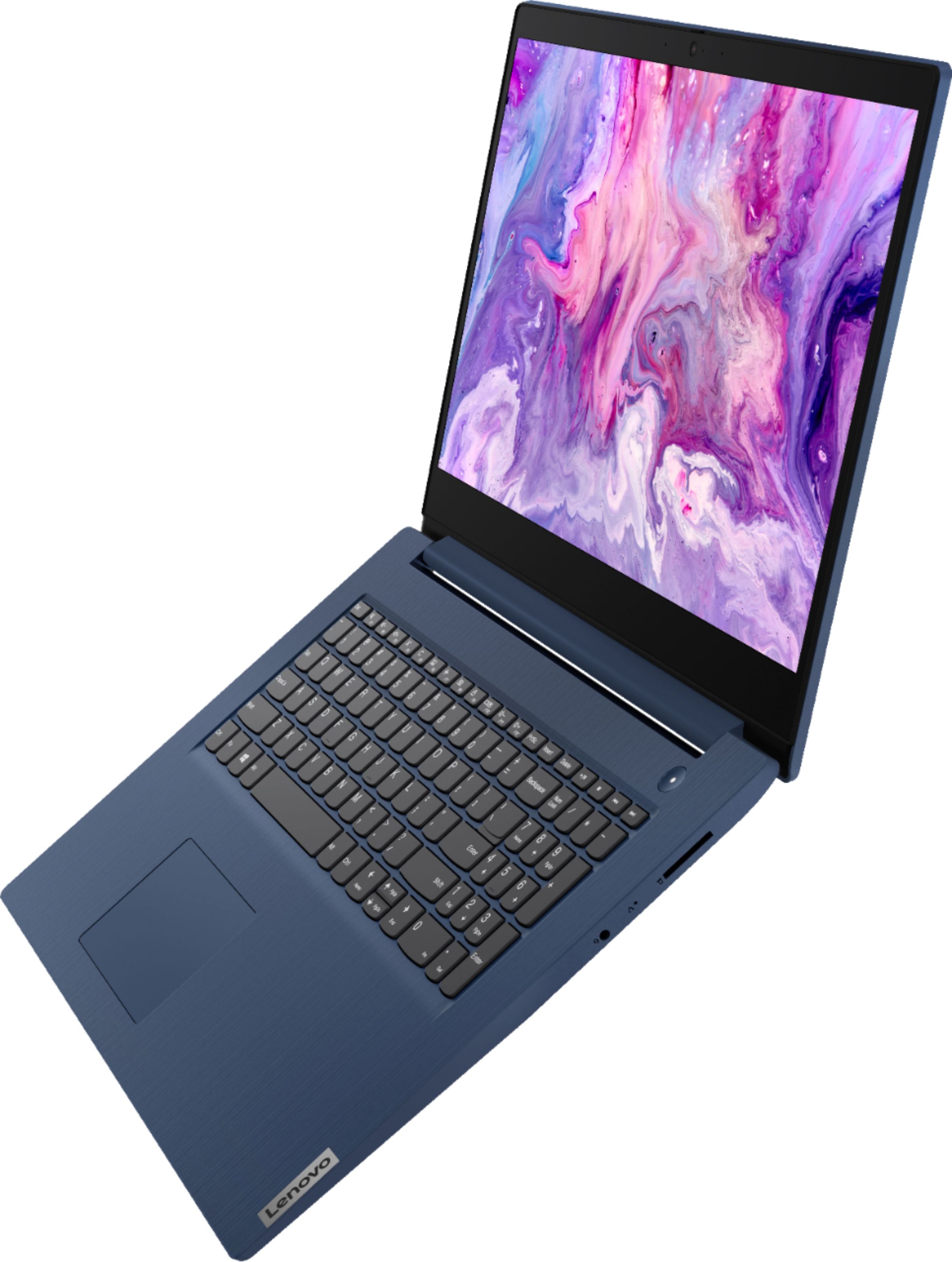
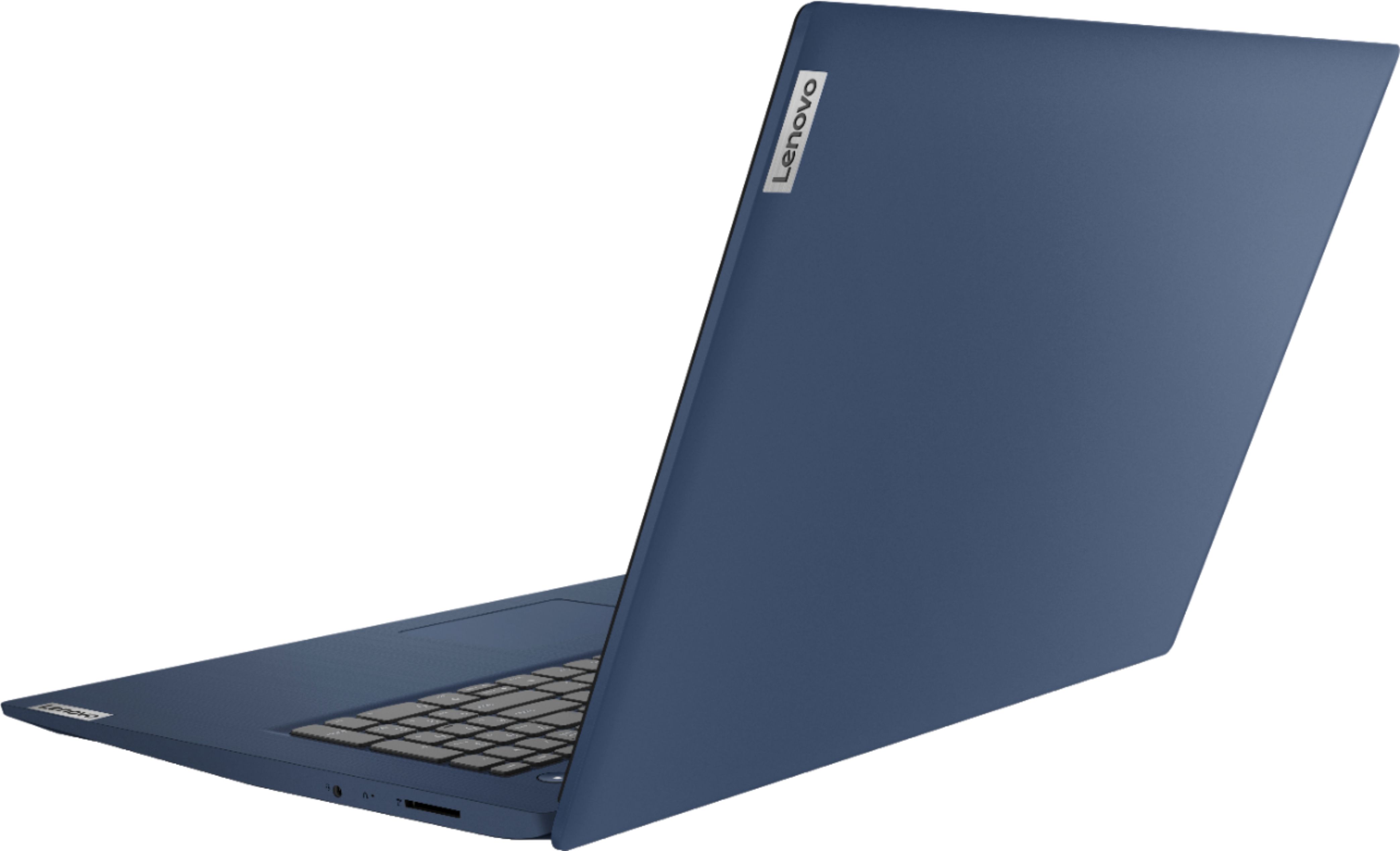
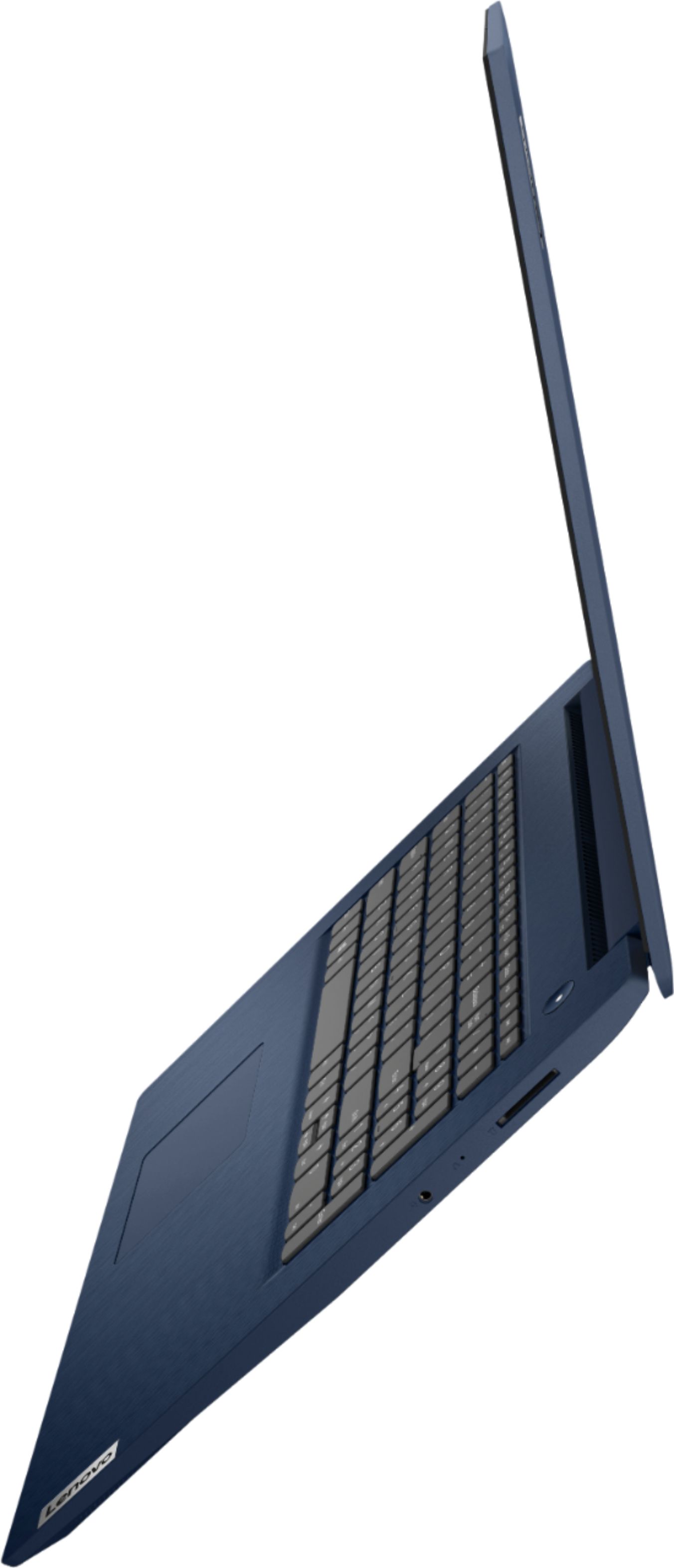
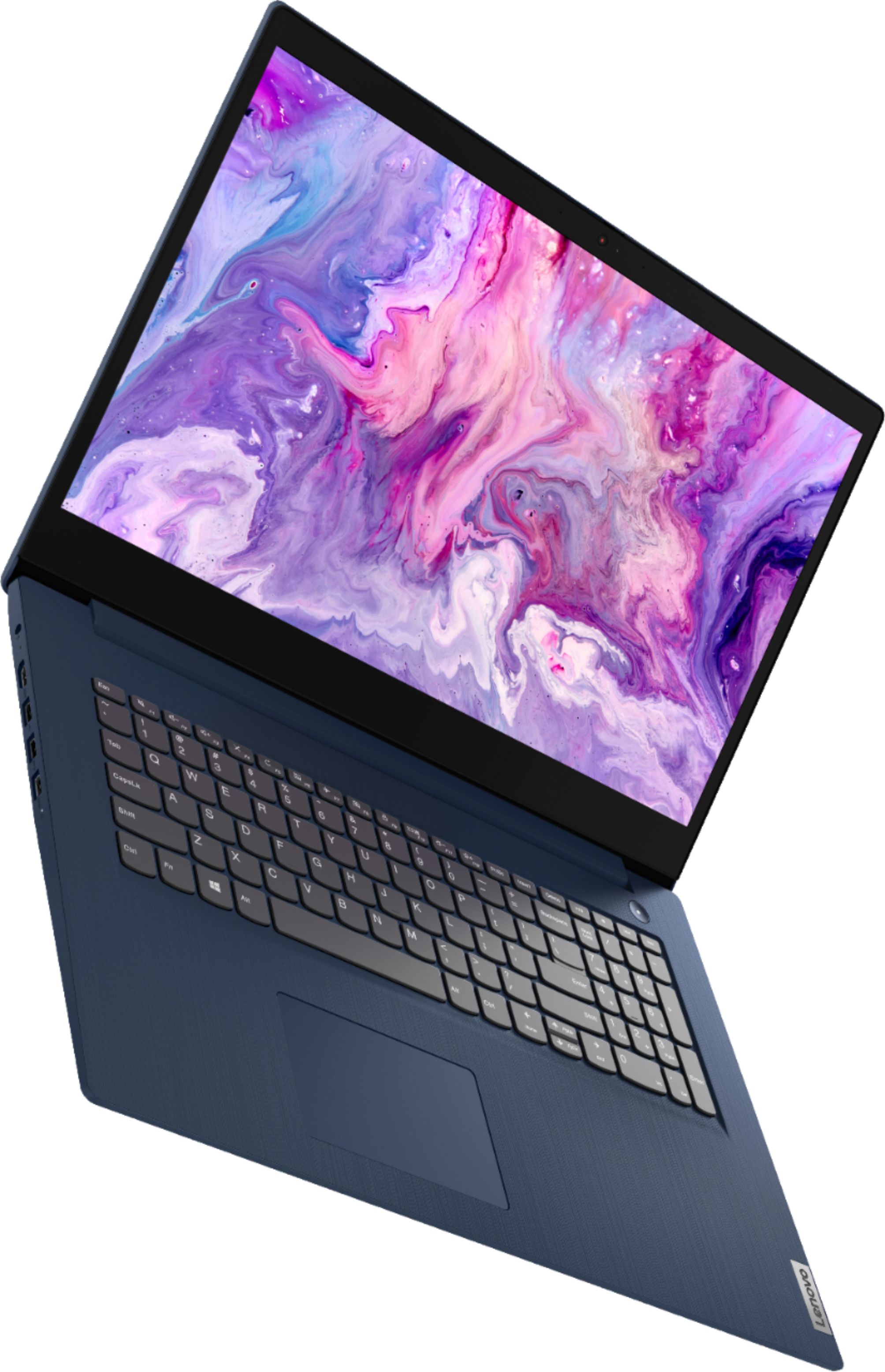
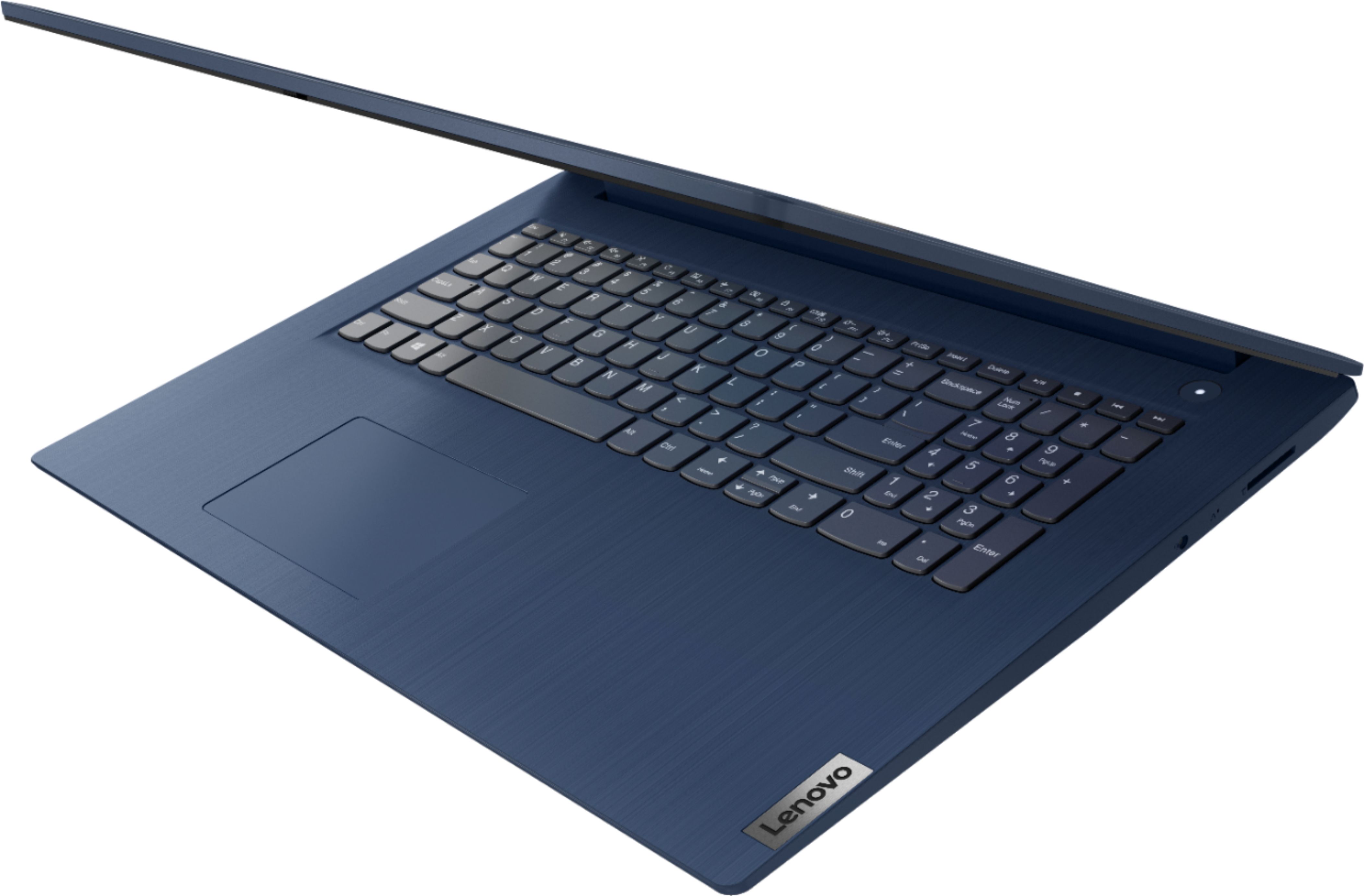
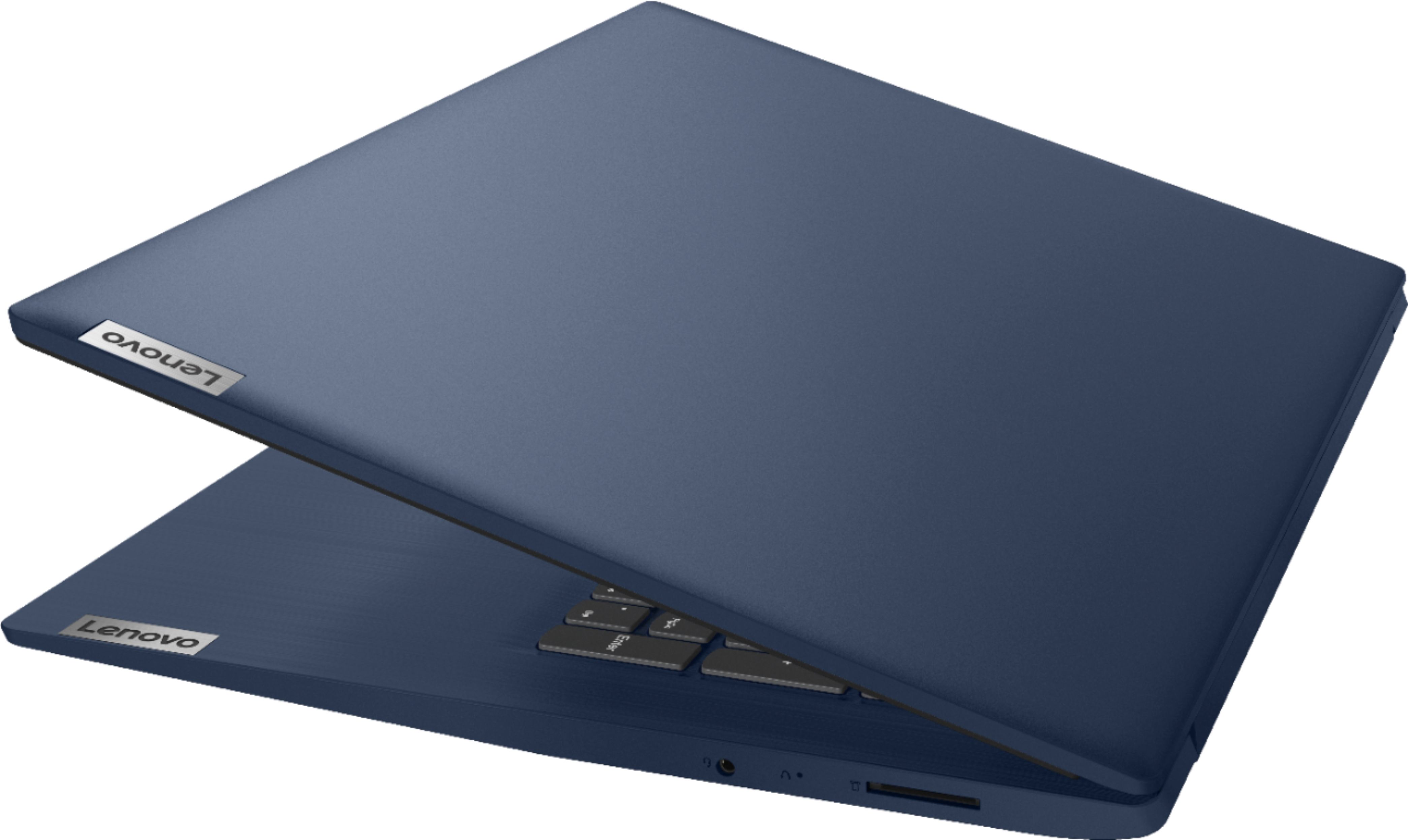
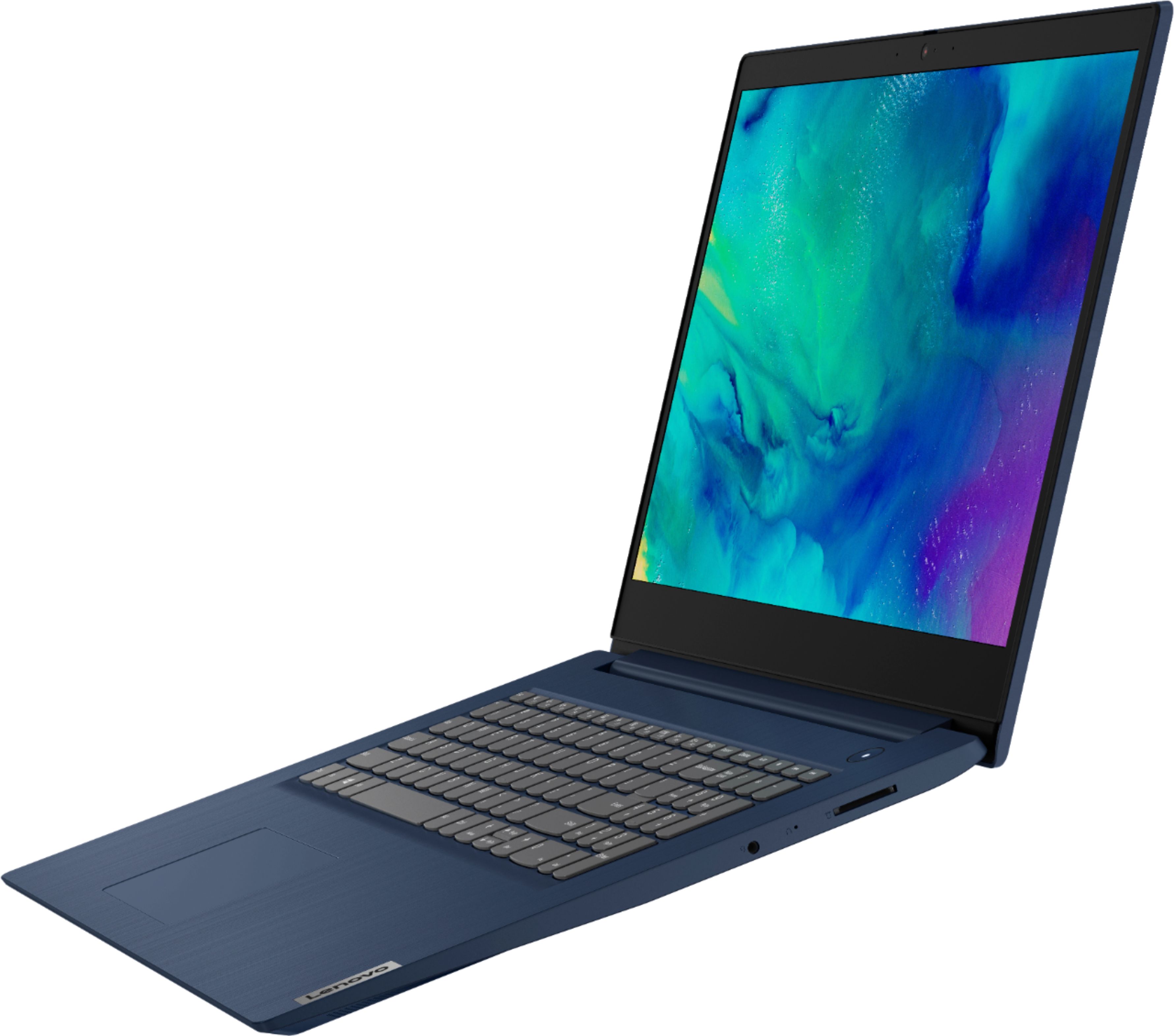

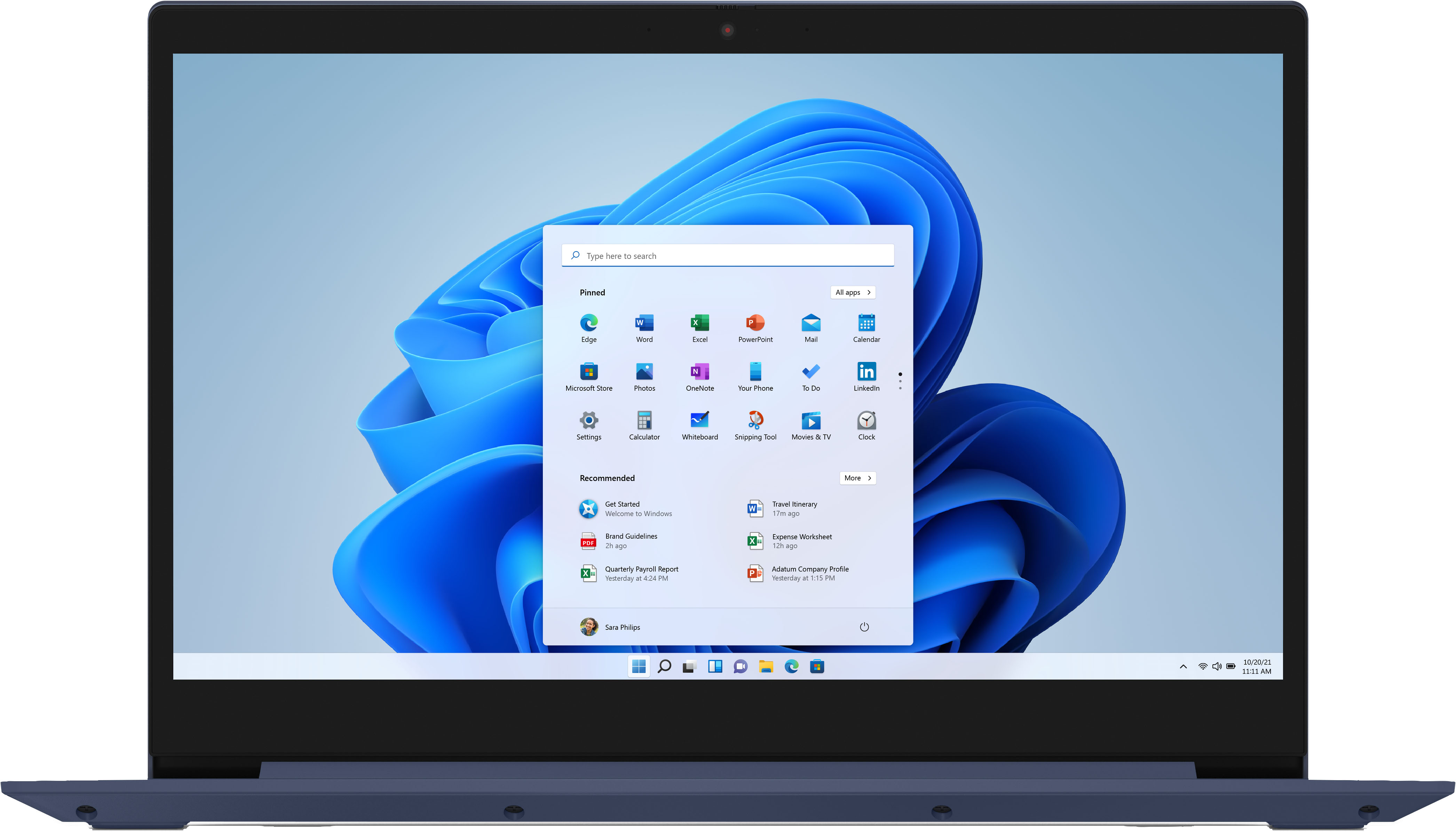
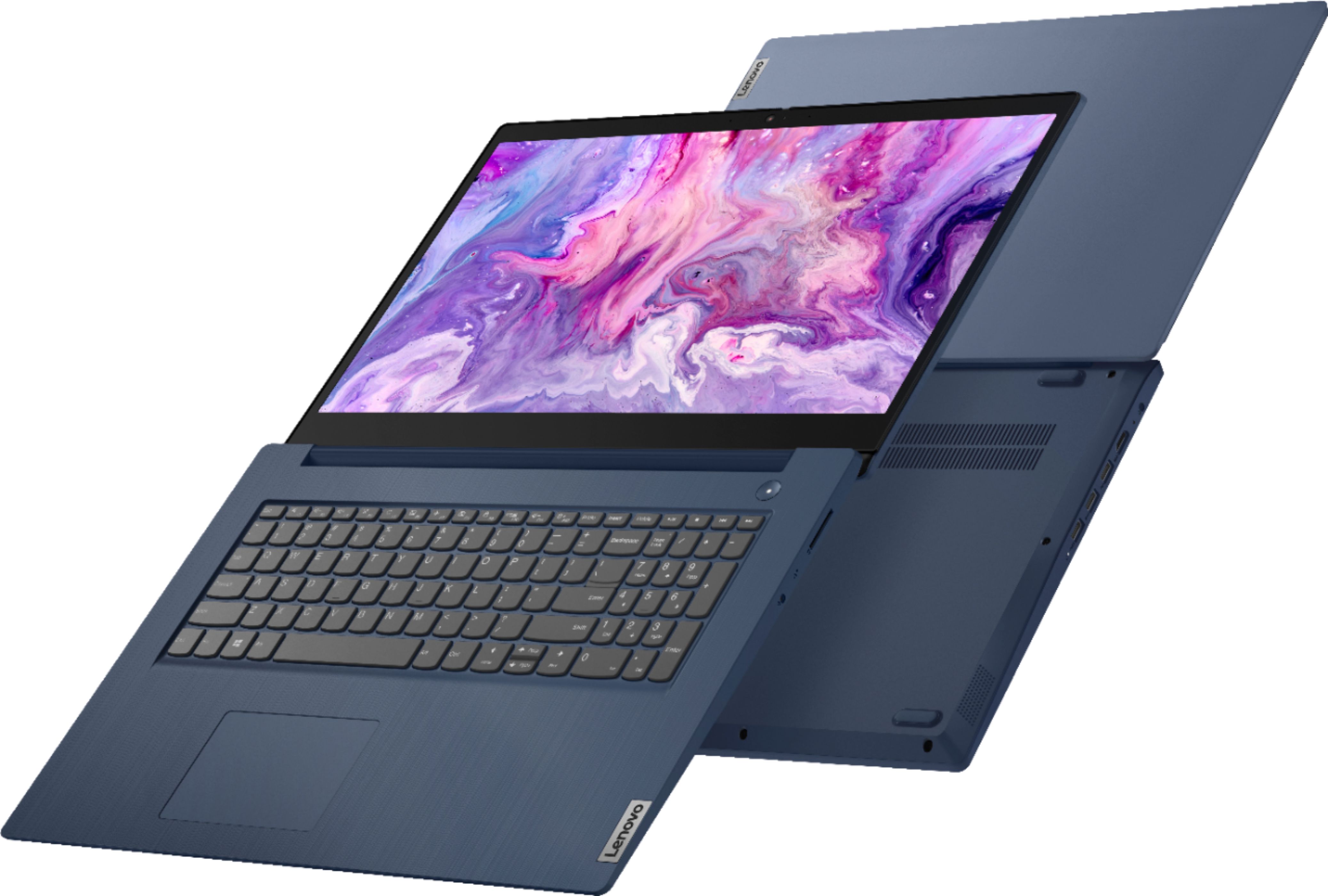
- Model:
- 81WF004CUS
- SKU:
- 6449490
Rating by feature
- Battery Life
Rating 3.8 out of 5 stars
- Speed
Rating 3.2 out of 5 stars
- Display
Rating 3.9 out of 5 stars
Customers are saying
Customers enjoy the large screen, affordable price, and user-friendly nature of the Ideapad 3 17. It is lightweight and suitable for work. However, some users have concerns about its performance, boot time, and battery life.
This summary was generated by AI based on customer reviews.
- Pros mentioned:Large screen
A good laptop for the price
||Posted . Owned for 3 weeks when reviewed.This reviewer received promo considerations or sweepstakes entry for writing a review.Overall the laptop is working well. Setup took quite a while (I'm not an expert), and it ran slowly at first. It seems to be functioning well now a couple weeks later. Microsoft is somewhat obtrusive but I've figured out how to minimize the interference. I like the keyboard, especially after I disabled the touchpad and added a mouse. The screen is nice, bright, and wide. It works well with Zoom.
I would recommend this to a friendBrand response from Lenovo Product Expert
Posted .Thank you for choosing the Lenovo IdeaPad 3 17 Laptop, model number 81WF004CUS. This model ships with easy audio as well as on-screen, step by step setup and initial activation instructions. This model ships with Windows 10 S-Mode 64-bit Operating System. Windows 10 S-Mode provides added security by only allowing APPs available ( and therefore certified by Microsoft) at the Microsoft Store. If you don't need the added security or you need to install APPs not available at the Microsoft Store, you can switch to standard Windows 10 Home 64-bit Operating System, at no additional cost. We are pleased to hear that the IdeaPad 3 17 is working out so well for you.

- Cons mentioned:Speed
Upgrade Laptop Not Delivering!
||Posted . Owned for 1 month when reviewed.This reviewer received promo considerations or sweepstakes entry for writing a review.With gig speed internet I thought this laptop would work well with Windows 11. My laptop takes a long time to wake from sleep mode. It also hesitates when I type things in. It works, but not as fast as my old one with Windows 10. I'm using the old to type this as the new hesitates constantly.
No, I would not recommend this to a friendBrand response from Lenovo Product Expert
Posted .The Lenovo IdeaPad 3 17 Laptop will boot from off to the Windows Desktop Screen in less than 40-seconds. This model will wake from sleep mode in less than 20-seconds. This model ships with WiFi-5, 2x2 802.11ac frequency WiFi for wide range/high speed internet connectivity with a compatible router. If you are experiencing less than expected performance, be sure any software you installed is compatible with Windows 10. There is no need to install Microsoft Office software. The software is already part of the operating system, you just need to activate the software with a purchased product key. If you have installed a copy of Microsoft Office, this is conflicting with the existing copy on the system and this will slow your system down. If you have installed a 3rd party anti-virus program, be sure that Windows Defender is turned off and that the trial version of McAfee Anti-Virus software is uninstalled. There can only be one anti-virus program on the system. You may need to restore your system to original factory default settings if any of the programming errors have occurred. You can do that by typing "restore" in the Cortana search window. Just click on the magnifying glass icon at the bottom left of your Windows 10 Desktop. Click on "Reset This PC" Then click on "Get Started" and follow the on screen directions to restore to factory defaults. If the problem persists, we recommend you contact Lenovo Tech Support at: 877-453-6686.
- Pros mentioned:Large screenCons mentioned:Speed
Large screen soise but slow speed
||Posted . Owned for 1 year when reviewed.This reviewer received promo considerations or sweepstakes entry for writing a review.Large screen laptop. Pretty cool bus somewhat slow
I would recommend this to a friend A adequate emergence backup but not topend
||Posted . Owned for 3 weeks when reviewed.This reviewer received promo considerations or sweepstakes entry for writing a review.I bought the Lenova Ideapad 3 17" I5 on the spear of the moment because it was in stock as a back up so I could keep working as an engineer remotely during the Covid work from home situation, when the Geek expert needed time to fix my 17" HP ENVY I7. I never quickly bought a lap top before. The set of or the Lenova was very easy but I was disappointed at how much slower a laptop with an Intel I5 processors is compared to my I7. But it was an adequate back up while my HP was in for repairs. Fortunately the Geek Squad was able to get my HP back to me in only 3 days so I am back to full operation condition. I am keping the Lenono in case I or the wife ever need an emergency back up again. But as a power user I will never again do a quick buy with out the usual deep dive I do into a computer's performance specs and will make sure I always get a top of the line laptop instead of a lower grade model.
No, I would not recommend this to a friend- Pros mentioned:Price
Online school
||Posted . Owned for 3 weeks when reviewed.This reviewer received promo considerations or sweepstakes entry for writing a review.Needed a labtop for school. The price was right and it worked out great.
I would recommend this to a friendBrand response from Lenovo Product Expert
Posted .Thank you for choosing the Lenovo IdeaPad 3 17 Laptop. We are pleased to hear that the IdeaPad 3 17 meets your computing needs so well.
Nice large screen laptop at good price deal
||Posted . Owned for 1.5 years when reviewed.This reviewer received promo considerations or sweepstakes entry for writing a review.Pro: I got this amazing laptop with incredible price deal. that's because I like the bog screen and specs were not very promising - until I upgraded with 1-TB SSD and 16GB RAM. Now I have pretty decent laptop in a budget that work like a charm. Cons: There's only only M.2, I wish should 2nd m.2 sltot.
I would recommend this to a friendExcellent for what I need it for
||Posted . Owned for less than 1 week when reviewed.This reviewer received promo considerations or sweepstakes entry for writing a review.Love my laptop! I had a Lenovo u530 that I got in 2014 for college, and while it still works wonderfully, I wanted something different. I got this one open box, which I was worried about, but it really did come in excellent condition; the only scratches are on the bottom, but otherwise, it's pristine, fast, and sleek. Also blue, my favourite colour! I see a lot of reviews too about the charger, and my reason for 4 stars is that buying open box, I would have thought it a requirement to have it be returned with the charger. Mine didn't come with one, but because I already have a Lenovo, I went to their website, and bought the correct adaptor to fit the laptop. My previous Lenovo charger is a standard 3 prong, so I got lucky with already having a charger I could use; all I need to do is swap out the end that connects to the laptop depending on which laptop I'm using.
I would recommend this to a friendBrand response from Lenovo Product Expert
Posted .Thank you for choosing the Lenovo IdeaPad 3 17 Laptop. We appreciate your loyalty to the Lenovo Brand and we are pleased to hear that the IdeaPad 3 17 is working out so well for you.
- Cons mentioned:Battery life
ok for now
||Posted . Owned for 1 month when reviewed.This reviewer received promo considerations or sweepstakes entry for writing a review.not bad, I like the speed - so far so good - had 2 put my brothers' in the shop the other day, turned out to be just a software problem but it scary since the laptops R only like 3-weeks from when we purchased them time will tell - the battery is Our most concern - how long will it last under charge verses using it all the time
I would recommend this to a friendBrand response from Lenovo Product Expert
Posted .Thank you for choosing the Lenovo IdeaPad 3 17 laptop, model number 81WF004CUS. This model ships with a 3CELL_42WH_INTERNAL, Lithium Polymer Battery, which within this configuration, has a battery life of up to 9 hours, depending on the work the device is performing.
Ok
||Posted . Owned for more than 2 years when reviewed.This reviewer received promo considerations or sweepstakes entry for writing a review.This thing was on sale so I tried it, worked ok but returned it.
I would recommend this to a friend- Cons mentioned:Battery life
full charge doesnt last more than a couple houres
||Posted . Owned for 1 week when reviewed.This reviewer received promo considerations or sweepstakes entry for writing a review.Just got this laptop less than 2 weeks ago and the battery doesnt hold a charge for more than a couple hrs.I called the store i bought it from and they told me to bring it in to geek squad in about 2 weeks.Im not happy about that at all. For a brand new laptop it should have a lot more battery time than a couple hrs, :(
I would recommend this to a friendBrand response from Lenovo Product Expert
Posted .The Lenovo IdeaPad 3 17 Laptop, model number 81WF004CUS, ships with a 3CELL_42WH_INTERNAL, Lithium Polymer Battery, which within this configuration, has a battery life of up to 9 hours, depending on the work the device is performing. If you are getting substantially less battery life, first, set your screen brightness at less than 100-percent - try 80-percent to start with. Then, be sure Battery conservation Mode is turned off. This power management setting should only be used when the laptop is plugged in all the time. It will prolong overall battery life by only charging the battery to 60-percent of capacity. Here is a link to instructions for turning off Battery Conservation Mode: https://support.lenovo.com/us/en/solutions/ht103159. Also check what programs are running in the background on the computer. Be sure only the programs you want running in the background are. These programs will drain the battery. Here is a link to information about how to find out what programs are running in the background on your Windows 10 computer and how to manage them for better system performance: https://www.windowscentral.com/how-prevent-apps-running-background-windows-10. Then, finally, be sure any software you installed is compatible with Windows 10. Incompatible software will drain the battery at a faster rate. There is no need to install Microsoft Office software. The software is already part of the operating system, you just need to activate the software with a purchased product key. If you have installed a copy of Microsoft Office, this is conflicting with the existing copy on the system and this will slow your system down. If you have installed a 3rd party anti-virus program, be sure that Windows Defender is turned off and that the trial version of McAfee Anti-Virus software is uninstalled. There can only be one anti-virus program on the system. You may need to restore your system to original factory default settings if any of the programming errors have occurred. You can do that by typing "restore" in the Cortana search window. Just click on the magnifying glass icon at the bottom left of your Windows 10 Desktop. Click on "Reset This PC" Then click on "Get Started" and follow the on screen directions to restore to factory defaults. If the problem persists, we recommend you contact Lenovo Tech Support at: 877-453-6686.
- Cons mentioned:Speed
Absolute disgrace
Posted .This reviewer received promo considerations or sweepstakes entry for writing a review.Worse laptop ever please do not invest your time into a laptop so poorly developed and low-tech. The laptop restarts on its own time during word projects without saving work. It’s a complete waste of money and works extremely slow even with all the inconvenient software updates it has during the middle of you doing work. This laptop is so low quality you will be better using a type writer. The laptop is an absolute disgrace and the brand needs revamping.
No, I would not recommend this to a friendBrand response from Lenovo Product Expert
Posted .We are sorry to hear that you are having issues with your Lenovo IdeaPad 3 17 Laptop, model number 81WF004CUS. Be sure any software you installed is compatible with Windows 10. There is no need to install Microsoft Office software. The software is already part of the operating system, you just need to activate the software with a purchased product key. If you have installed a copy of Microsoft Office, this is conflicting with the existing copy on the system and this will slow your system down. If you have installed a 3rd party anti-virus program, be sure that Windows Defender is turned off and that the trial version of McAfee Anti-Virus software is uninstalled. There can only be one anti-virus program on the system. You may need to restore your system to original factory default settings if any of the programming errors have occurred. You can do that by typing "restore" in the Cortana search window. Just click on the magnifying glass icon at the bottom left of your Windows 10 Desktop. Click on "Reset This PC" Then click on "Get Started" and follow the on screen directions to restore to factory defaults. If the problem persists, we recommend you contact Lenovo Tech Support at: 877-453-6686.
Started out bad but ended up good
||Posted . Owned for 3 weeks when reviewed.This reviewer received promo considerations or sweepstakes entry for writing a review.While the computer arrived at the correct time, I was to call and let the tech staff know it was there and they were to load MS office so it was all ready to go. I call four times and was assured that it was all done and ready to pick up. It is a three hour round trip for me and I did not want to have to go down there twice. But once I got there it had not been done and the staff was very nice and tried to rush install everything so I did not have to drive back down the hill. But something went wrong because when I got home it would not let me activate any of the MS programs. I call tech support and two gentleman worked about 3 hours on the computer and all is good for now. I have not used anything yet but at least I can access everything. Everyone from the store staff and the online staff tried very hard to make everything right.
I would recommend this to a friendBrand response from Lenovo Product Expert
Posted .Thank you for choosing the Lenovo IdeaPad 3 17. We are very happy to hear that your issues were remediated, and that the specifications and features of the Lenovo IdeaPad 3 17 meet your computing needs so well.
- Pros mentioned:Large screenCons mentioned:Boot time
Slow
||Posted . Owned for 10 months when reviewed.This reviewer received promo considerations or sweepstakes entry for writing a review.Screen size is great. The length of time it takes to boot up is just depressing.
No, I would not recommend this to a friendBrand response from Lenovo Product Expert
Posted .This Lenovo IdeaPad 3 17 laptop, model number 81WF004CUS, will boot from off to the Windows Login Screen in less than 40-seconds. If you are getting slower boot times, this model configuration ships with Windows 10 S-Mode 64-bit Operating System installed. Windows 10 S-Mode provides added security by only allowing APPs available ( and therefore certified by Microsoft) at the Microsoft Store. If you don't need the added security or you need to install APPs not available at the Microsoft Store, you can switch to standard Windows 10 Home 64-bit Operating System, at no additional cost. Even if you have switched out of S-Mode, be sure any software you installed is compatible with Windows 10. There is no need to install Microsoft Office software. The software is already part of the operating system, you just need to activate the software with a purchased product key. If you have installed a copy of Microsoft Office, this is conflicting with the existing copy on the system and this will slow your system down. If you have installed a 3rd party anti-virus program, be sure that Windows Defender is turned off and that the trial version of McAfee Anti-Virus software is uninstalled. There can only be one anti-virus program on the system. Here is a link to instructions for uninstalling McAfee from a Windows computer: https://service.mcafee.com/?articleId=TS101331&page=shell&shell=article-view You may need to restore your system to original factory default settings if any of the programming errors have occurred. You can do that by typing "restore" in the Cortana search window. Just click on the magnifying glass icon at the bottom left of your Windows 10 Desktop. Click on "Reset This PC" Then click on "Get Started" and follow the on screen directions to restore to factory defaults. If the problem persists, we recommend you contact Lenovo Tech Support at: 877-453-6686.
- Pros mentioned:Large screen, Price
Lenovo reiewe
||Posted . Owned for 1 month when reviewed.This reviewer received promo considerations or sweepstakes entry for writing a review.easy set-up, large screen and fast CPU. This laptop is a good choice for me as a student. The screen has good definition. With a Core i5 CPU, at this price point, it is a great purchase.
I would recommend this to a friendBrand response from Lenovo Product Expert
Posted .Thank you for choosing the Lenovo IdeaPad 3 17 laptop. We are pleased to hear that the value, easy setup, features and performance of the IdeaPad 3 17 meets your computing needs so well.
love it's larger lightweight. installed program
||Posted . Owned for 1 month when reviewed.This reviewer received promo considerations or sweepstakes entry for writing a review.So far there are many things I love about this computer. It arrived within a week of ordering it online and was packed safely. I love the size, weight and look. I don't like that it sometimes just drops me out of a program and the speed isn't the quickest. I really wish written info was given about the updated software because I am so lost and have no idea what I will be able to do with them.
I would recommend this to a friendBrand response from Lenovo Product Expert
Posted .Thank you for choosing the Lenovo IdeaPad 3 17 Laptop, model number 81WF004CUS. This model ships with Windows 10 S-Mode 64-bit Operating System. Windows 10 S-Mode provides added security by only allowing APPs available ( and therefore certified by Microsoft) at the Microsoft Store. If you don't need the added security or you need to install APPs not available at the Microsoft Store, you can switch to standard Windows 10 Home 64-bit Operating System, at no additional cost. Additionally, the Lenovo IdeaPad 3 17 ships with just two adware programs, a 30-day trial of Microsoft Office 365 (as part of Windows 10 operating system) and a 30-day trial of McAfee virus protection. Lenovo computers ship with one of the cleanest factory software installs within the consumer computer industry.
- Cons mentioned:Speed
Slower performance then I'd like
||Posted . Owned for 3 months when reviewed.This reviewer received promo considerations or sweepstakes entry for writing a review.Not a bad laptop, though overly slow at times. It basically get's used for surfing the internet and performance at times isn't great, but given the price I didn't expect it to be blazing. I'd probably spend a little more money the next time for a better laptop, I just deal with it now.
No, I would not recommend this to a friendBrand response from Lenovo Product Expert
Posted .The Lenovo IdeaPad 3 17 Laptop, model number 81WF004CUS, will boot from off to the Windows 10 Desktop Screen in less than 40-seconds. It should provide good speeds when on the internet thanks to its 5G, 2 x 2 802.11ac frequency WiFi. If you are getting slower than expected boot times and/or generally slower than expected performance, be sure any software you installed is compatible with Windows 10. There is no need to install Microsoft Office software. The software is already part of the operating system, you just need to activate the software with a purchased product key. If you have installed a copy of Microsoft Office, this is conflicting with the existing copy on the system and this will slow your system down. If you have installed a 3rd party anti-virus program, be sure that Windows Defender is turned off and that the trial version of McAfee Anti-Virus software is uninstalled. There can only be one anti-virus program on the system. You may need to restore your system to original factory default settings if any of the programming errors have occurred. You can do that by typing "restore" in the Cortana search window. Just click on the magnifying glass icon at the bottom left of your Windows 10 Desktop. Click on "Reset This PC" Then click on "Get Started" and follow the on screen directions to restore to factory defaults. If there is no incompatible software installed but the issues persist, check to be sure you have the latest version of Windows 10 on the computer. Then update all BIOS files and drivers up to that latest version of Windows 10. You can easily accomplish this by scanning the computer with the Lenovo Utility software available on this computer. This system has Lenovo utilities installed to help maintain the health of the device and keep the operating system software up to date. Type "Lenovo Vantage" in the Cortana Search window (if Lenovo Vantage is not installed on your device, you can download the APP and install it now). Select Lenovo Vantage from the list. In the window that opens, click on "Health and Support". In the expanded menu, select "Hardware Scan" In the window that opens, select "Run Quick Tests". This will scan your entire system for errors. Follow any directions that may pop up. If the problem continues after this scan, now click on "System Update". First select Windows update from the menu. Scan your system to be sure you have the latest version of Windows 10. Once that scan is complete, select "Additional Updates". This will scan your device to be sure there are no new BIOS/Driver updates needed. Follow any instructions that may pop up. If the issue still continues after these updates, we recommend you call Lenovo Tech Support at: 877-453-6686 for additional help.
- Pros mentioned:Large screenCons mentioned:Speed
Solid Budget Option
||Posted . Owned for 3 weeks when reviewed.This reviewer received promo considerations or sweepstakes entry for writing a review.Solid budget laptop. The screen is a great size. The i5 is capable of handling normal office tasks. If you dont care about loading speed, this is a hell of a deal.
I would recommend this to a friendBrand response from Lenovo Product Expert
Posted .Thank you for choosing the Lenovo IdeaPad 3 17 Laptop, model number 81WF004CUS. We are pleased to hear that the value and performance of the IdeaPad 3 17 meets your computing needs so well.
- Cons mentioned:Speed
Slow and laggy for an i5 computer
||Posted . Owned for 2 weeks when reviewed.This reviewer received promo considerations or sweepstakes entry for writing a review.Straight out of the box this thing runs slow and doesn't do anything with any sense of urgency. It takes 5 minutes to load in to windows and even after that, everything sits and waits to open or respond. We did all available and optional updates and it remains just as slow. We opted to return this and go with another computer altogether.
No, I would not recommend this to a friend - Pros mentioned:Large screenCons mentioned:Battery life
Nice screen size
||Posted . Owned for 1 month when reviewed.This reviewer received promo considerations or sweepstakes entry for writing a review.The battery life is not very long, but I love the big screen!
I would recommend this to a friendBrand response from Lenovo Product Expert
Posted .The Lenovo IdeaPad 3 17 Laptop, model number 81WF004CUS, ships with a 3CELL_42WH_INTERNAL, Lithium Polymer Battery, which within this configuration, has a battery life of up to 9 hours, depending on the work the device is performing. If you are getting substantially less battery life, first, set your screen brightness at less than 100-percent - try 80-percent to start with. Then, be sure Battery conservation Mode is turned off. This power management setting should only be used when the laptop is plugged in all the time. It will prolong overall battery life by only charging the battery to 60-percent of capacity. Here is a link to instructions for turning off Battery Conservation Mode: https://support.lenovo.com/us/en/solutions/ht103159. Also check what programs are running in the background on the computer. Be sure only the programs you want running in the background are. These programs will drain the battery. Here is a link to information about how to find out what programs are running in the background on your Windows 10 computer and how to manage them for better system performance: https://www.windowscentral.com/how-prevent-apps-running-background-windows-10. Then, finally, be sure any software you installed is compatible with Windows 10. Incompatible software will drain the battery at a faster rate. There is no need to install Microsoft Office software. The software is already part of the operating system, you just need to activate the software with a purchased product key. If you have installed a copy of Microsoft Office, this is conflicting with the existing copy on the system and this will slow your system down. If you have installed a 3rd party anti-virus program, be sure that Windows Defender is turned off and that the trial version of McAfee Anti-Virus software is uninstalled. There can only be one anti-virus program on the system. You may need to restore your system to original factory default settings if any of the programming errors have occurred. You can do that by typing "restore" in the Cortana search window. Just click on the magnifying glass icon at the bottom left of your Windows 10 Desktop. Click on "Reset This PC" Then click on "Get Started" and follow the on screen directions to restore to factory defaults. If the problem persists, we recommend you contact Lenovo Tech Support at: 877-453-6686.
- Pros mentioned:Large screen
Great for seniors
||Posted . Owned for 11 months when reviewed.This reviewer received promo considerations or sweepstakes entry for writing a review.Good product. Had Best Buy do set up. Size of laptop is great for seniors. Screen size easy to see and read. Key board large enough to fit pads of you fingers.
I would recommend this to a friend