Customer Ratings & Reviews

- Model:
- ZA970033US
- SKU:
- 6501836
Rating by feature
- Value
Rating 4.5 out of 5 stars
- Quality
Rating 4.5 out of 5 stars
- Ease of Use
Rating 4.4 out of 5 stars
Customers are saying
Customers find value in the ease of use, great sound quality, and the alarm features of the Smart Clock (2nd Gen). Many appreciate its integration with the Google Assistant and the range of features it offers beyond a simple alarm clock. However, some customers expressed that the screen size is smaller than anticipated. A few also noted the absence of a USB port, a feature present in the previous generation.
This summary was generated by AI based on customer reviews.
Great clock
||Posted . Owned for 1 week when reviewed.This reviewer received promo considerations or sweepstakes entry for writing a review.I like it a lot, it is very useful and i love the sizes.
I would recommend this to a friendLenovo Smart Clock
||Posted . Owned for 1 month when reviewed.This reviewer received promo considerations or sweepstakes entry for writing a review.Overall I rate this item 4 stars, not 5, since there’s time where it’s powered off when plugged. It’s still a great use for telling time , listening to music, especially when the speakers are great!!
I would recommend this to a friendBrand response from Lenovo Product Expert
Posted .We are sorry to hear that you are having issues with your Lenovo Smart Clock 2. If the Smart Clock 2 is plugged in and is powered on, the clock face should always be illuminated and the Google Assistant will be ready to receive a Voice Command. If this is not the case for your Smart Clock 2, we recommend you reset the Smart Clock 2 by holding down both the minus and plus buttons at the top of the Smart Clock 2, at the same time, for 12-seconds. Then follow the on screen instructions. If the issue continues after this reset, we recommend you contact lenovo Tech Support for Smart devices for additional help at: 866-426-0911.

- Pros mentioned:Alarm, Ease of use, Sound quality

More than just a Smartclock
|Posted .This reviewer received promo considerations or sweepstakes entry for writing a review.The Lenovo Smart Clock 2 is the next generation of the Lenovo Smart clocks. Pros - Loud, clear speaker - Easy setup - Great features - Google integration - Functional Cons - still limited with some apps First, the clock's internal speaker is loud and clear. I asked my clock to play music and the vocals were clear and concise. Likewise, alarm tones and overall assistant voices were also clear. For such a small speaker, I was surprised by how clear and loud the volume can be without distortion. Next, the setup was simple. After downloading a minor update and logging in with my Google account, I was able to integrate my already Google Home app linked devices (Nest thermostat, Neat cameras, etc.) With no issues except Nest (Nest was having some issues accessing and linking the cameras to my account initially). Next, there are features that I want to highlight that you will not find in any other smart clock that this does well. First, I am able to change the clock faces with ease. However, what I liked most was being able to link my Google photos account and pick an album that I want to rotate in the background as my clock face (this was a personal touch for me). Likewise, the alarm was simple to set up, and snoozing the Alam was as simple as touching the screen. There is one feature I tried out that was not ideal for my situation (but it can work for others), and that was the ability to have the clock display get brighter before your alarm wakes you up. At some point I woke up with the entire dark bedroom lit up that it disturbed my sleep (I also get up early so this was a feature I ultimately turned off). Additionally, I was able to setup the the weather to display on the clock, as well as linking my Spotify account for music in the morning as I get ready for work. All I have to do is ask my assistant to play my Spotify Playlist and he does it. Also, other functions such as asking what my "day is like" gave me perspective and reminders of meetings I has setup, etc. Again, all of these are great functions that are included in this clock. The Google integration with Google Home and my Nest products was smooth. I am able to check my Nest camera from the clock (which I did by swiping on the screen), as well as checking the temperature in my home. I also asked my assistant to turn up the heat in my home and the clock displayed my thermostat on the screen. Again, a great function and easy integration. However, the only Con I can mention is the limited ability with some other apps, such as Arlo. Arlo does not necessarily work on the device, but you can link certain apps (Samsung Smart Things for instance) to your Google Home Account, but not to the clock itself. In the future, I would like to see the clock incorporate additional smart applications and third-party apps that are not part of the Google family. Overall, the Lenovo Smart Clock 2 is more than an alarm clock. Think of it as another Google Home / Assistant Device that will not only wake you up in the morning, but help you with additional tasks that you did not think you needed, but you are happy that it can.
I would recommend this to a friendBrand response from Lenovo Product Expert
Posted .Thank you for choosing the Lenovo Smart Clock 2. We are pleased to hear that the features and performance of the Smart Clock 2 are working out so well for you.
I love it
||Posted . Owned for 2 weeks when reviewed.This reviewer received promo considerations or sweepstakes entry for writing a review.Excellent product I love it the clock I buy for my room
I would recommend this to a friendGrat
||Posted . Owned for 2 weeks when reviewed.This reviewer received promo considerations or sweepstakes entry for writing a review.Works....great .... absolutely love it . And it looks
I would recommend this to a friendLoses WiFi connection hourly, common issue.
||Posted . Owned for 3 months when reviewed.This reviewer received promo considerations or sweepstakes entry for writing a review.This product is defective, (Google: this clock and WiFi dropping) it has to reconnect to WiFi hourly, and you see the screen “Connecting” like the pictures I show. Save your $ do not by Lenovo “Smart” clocks!!!
No, I would not recommend this to a friendLenovo Smart Clock 2
|Posted .This reviewer received promo considerations or sweepstakes entry for writing a review.I was looking for a new bedside alarm clock and the Lenovo Smart Clock seemed to make the most sense for me since I already have Alexa and Google devices in my home. The look of this is nice! It is small, grey and has a beautiful texture to it. It is small enough to fit nicely on my nightstand but also the display is very easy to read from the bed. It darkens itself automatically and all you have to do is touch it and it brightens back up. You have several options for display, I like having the outside temp/weather on mine with the time. You can setup all of your major smart devices like lights, switches, and other devices like Sonos so that you can control them which is great. I really like that I can stream my Eufy Security Cameras directly to it. They support any device that is certified to work with Google Assistant. I could not find that Ring was supported, that would be great to be able to have that stream to the device too, especially from the bedroom nightstand where I have the clock. Overall I really like, price point is a bit high but it does seem like a good quality device. I would recommend it!
I would recommend this to a friendBrand response from Lenovo Product Expert
Posted .Thank you for choosing the Lenovo Smart Clock 2. We are pleased to hear that the features of the Smart Clock 2 meet your needs so well. Currently, the Google Assistant within this Smart Clock 2 is not compatible with Ring video doorbells.
- Pros mentioned:Sound quality
A nice little clock
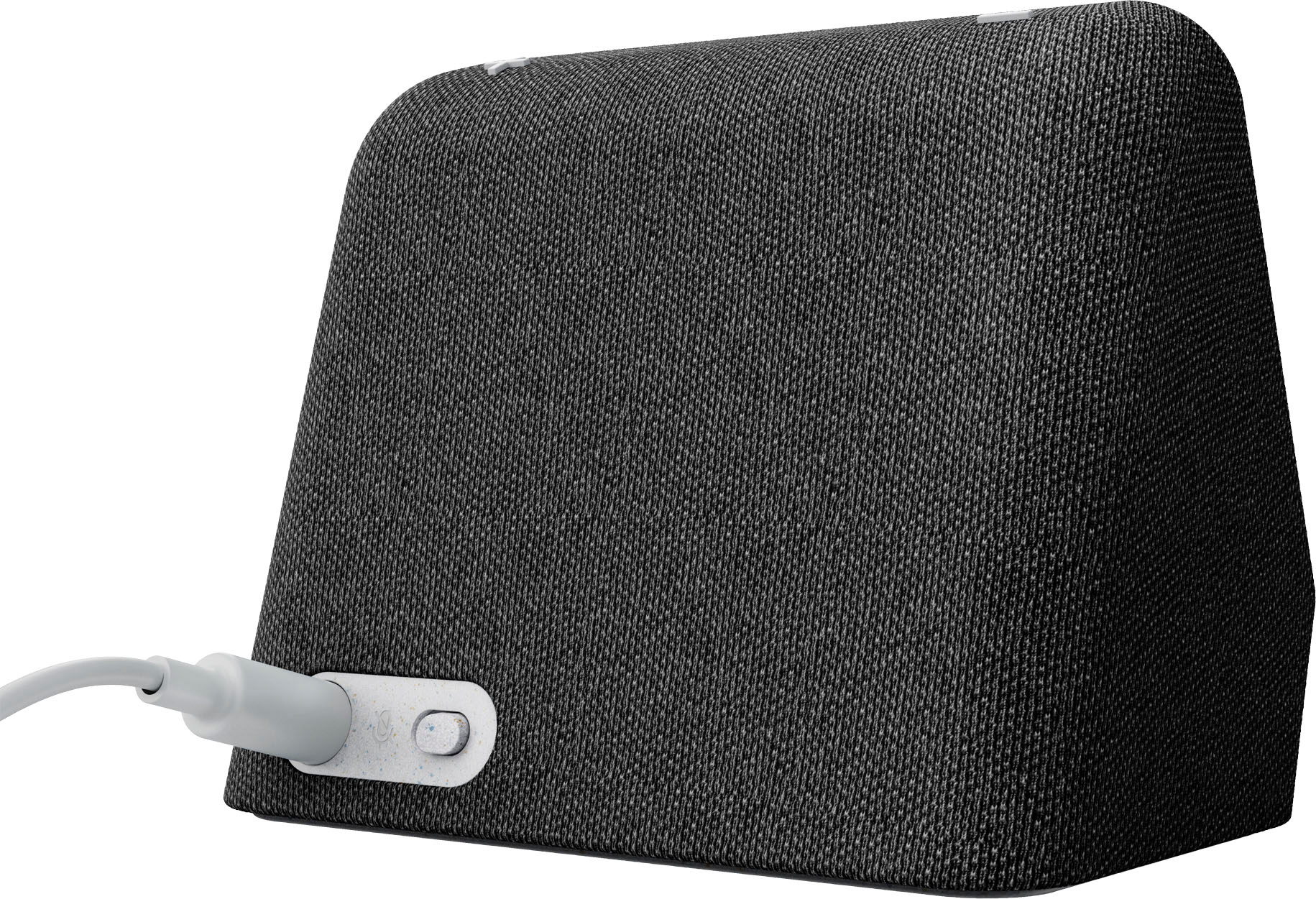
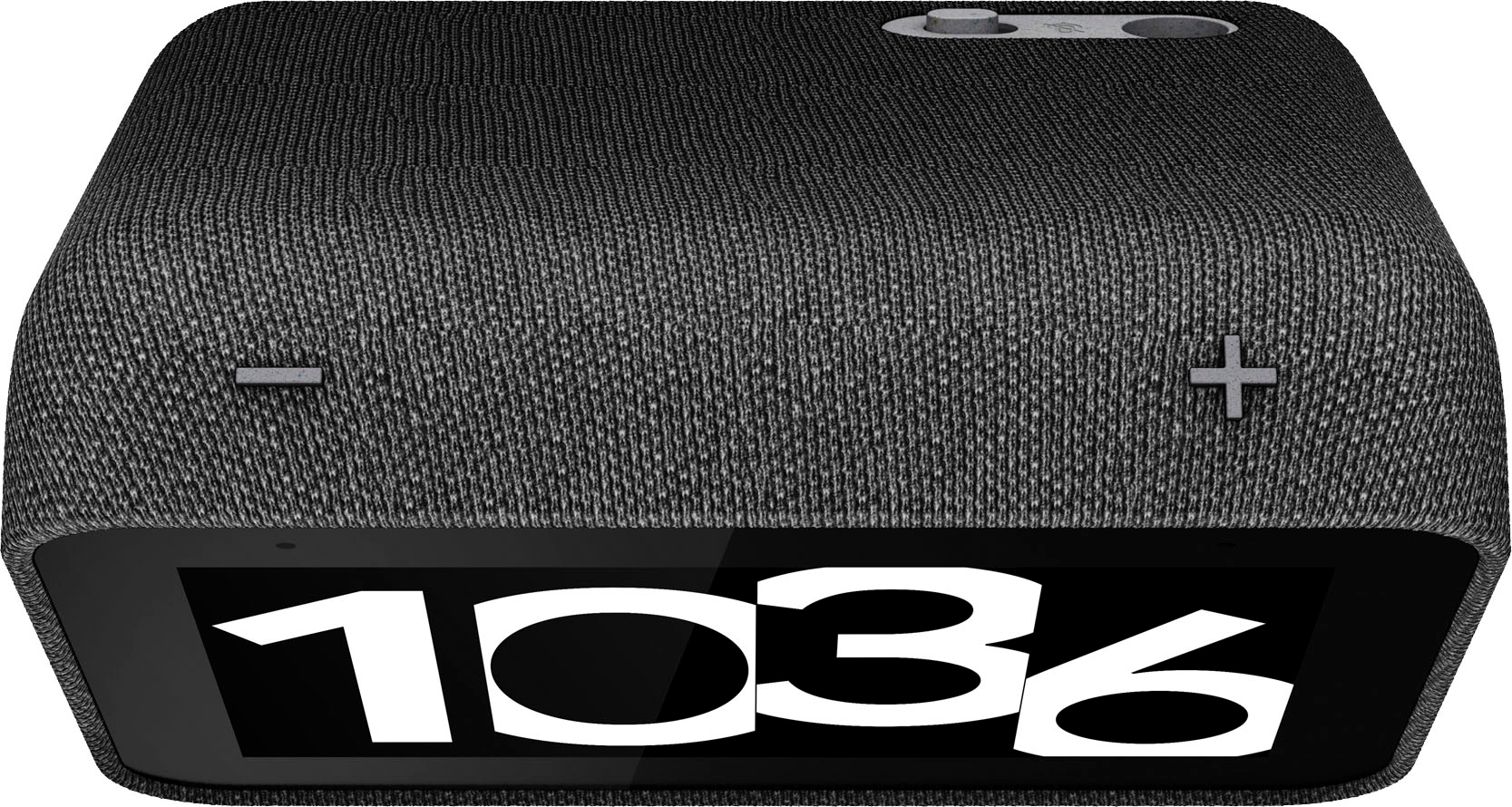
|Posted .This reviewer received promo considerations or sweepstakes entry for writing a review.My house is full of smart devices (over 90). This is my 6th or seventh smart display, I have 8 smart picture frames (2 just for artwork). I love the concept of a small to medium display showing Date/Time/Calander information. I had the original Lenovo, and hated it's limitations until it could display photos. Once I could use it for photos, that changed my opinion of it. Well this Gen 2 device adds bluetooth support, you can stream or cast music to it as a BT speaker. An nice addition, but the quality of the screen is much clearer (more detailed, better colors) than the gen 1 device. It also uses less slightly less power. I have picture frames in all of my bathrooms, and many other rooms. I had an old, but decent sounding clock radio in my guest bedroom. It occured to me this was clearly obsolete in my smart house. So this Lenovo gen 2 goes to to my guest bedroom. My initial set up seemed to go pretty well. Add the google device, tell it what room it's in, let it update it's firmware and then set the streaming music options, video options and then select what photo albums (from Google Photos Library). Well it just would not show me my albums, all I could display were "selected favorites". Nice pictures but not what I wanted. I looked at settings in Google Play, and I didn't see my 'Guest Bedroom Clock' as a display device (with the 4 others I already had). Eventually I removed the device and re-added it; repeated the setup (5m) and it then offered me the options to select from my Google Photo Albums. Now I have 35K photo rotating every minute on my Leveno 'Guest Bedroom Clock'. I set an alarm (for my next guest) to see how the streaming music sounded. And for it's size it's great, it's not stereo but it's loud enough you won't ignore it. A hidden feature is that's not documented (anywhere I could find) was it's snooze bar, tap the middle of the clock and it will snooze for a user programed duration. I did not see this in the documentation, but it seemed obvious, and worked. The top of the clock also has a volume up and down button; and the back has a switch to turn of the microphone. The Google Assistant works as well as it does on any other device (which means better than Alexa or Siri). The clock offers many different dimming levels and night light settings, including off. Quite flexible. Swiping to the right allow you to easily configure the clock face. Swiping up and down allows other configuration changes, including volume and dimming. There are some things that probably will never change, it does stream a few video channels, but its pretty limited (no Amazon video or music). I wish the "industry" would support 'everything' everywhere, but each lives without the others. That being said this is a device you can use a BT speaker or cast to it. This is nice, it would be nicer if it could pair to another BT device, like headphones or another speaker. I'd love to send a song to my wireless earpods from this device..... but not today, I still have to send from my phone. In my opinion this is the biggest missing feature (which could probably be added via a firmware upgrade). All an all a great little "clock".
I would recommend this to a friendBrand response from Lenovo Product Expert
Posted .Thank you for choosing the Lenovo Smart Clock 2. We are pleased to hear that the Smart Clock 2 is working out so well for you.
- Pros mentioned:Sound quality
Great for an alarm clock!
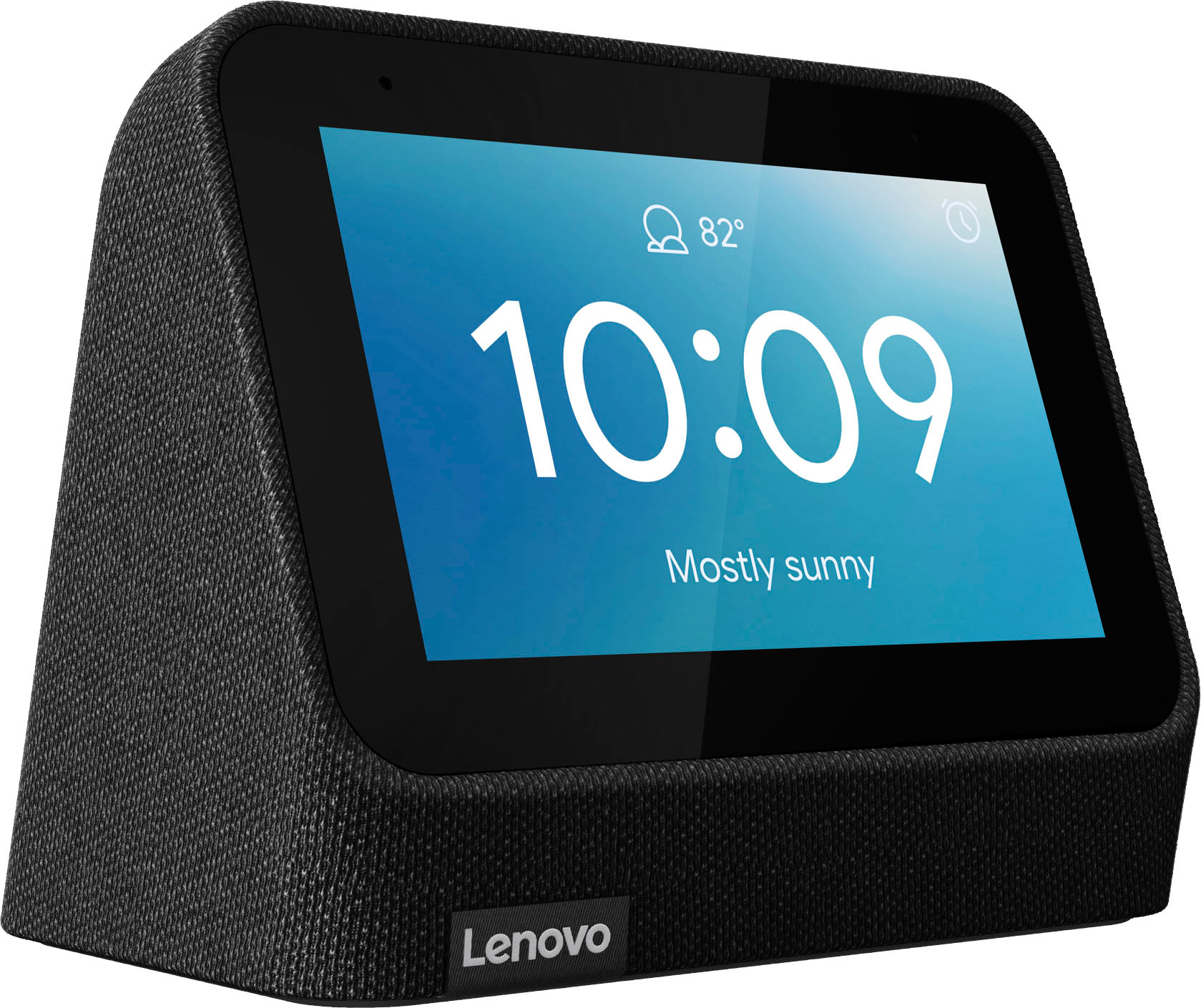
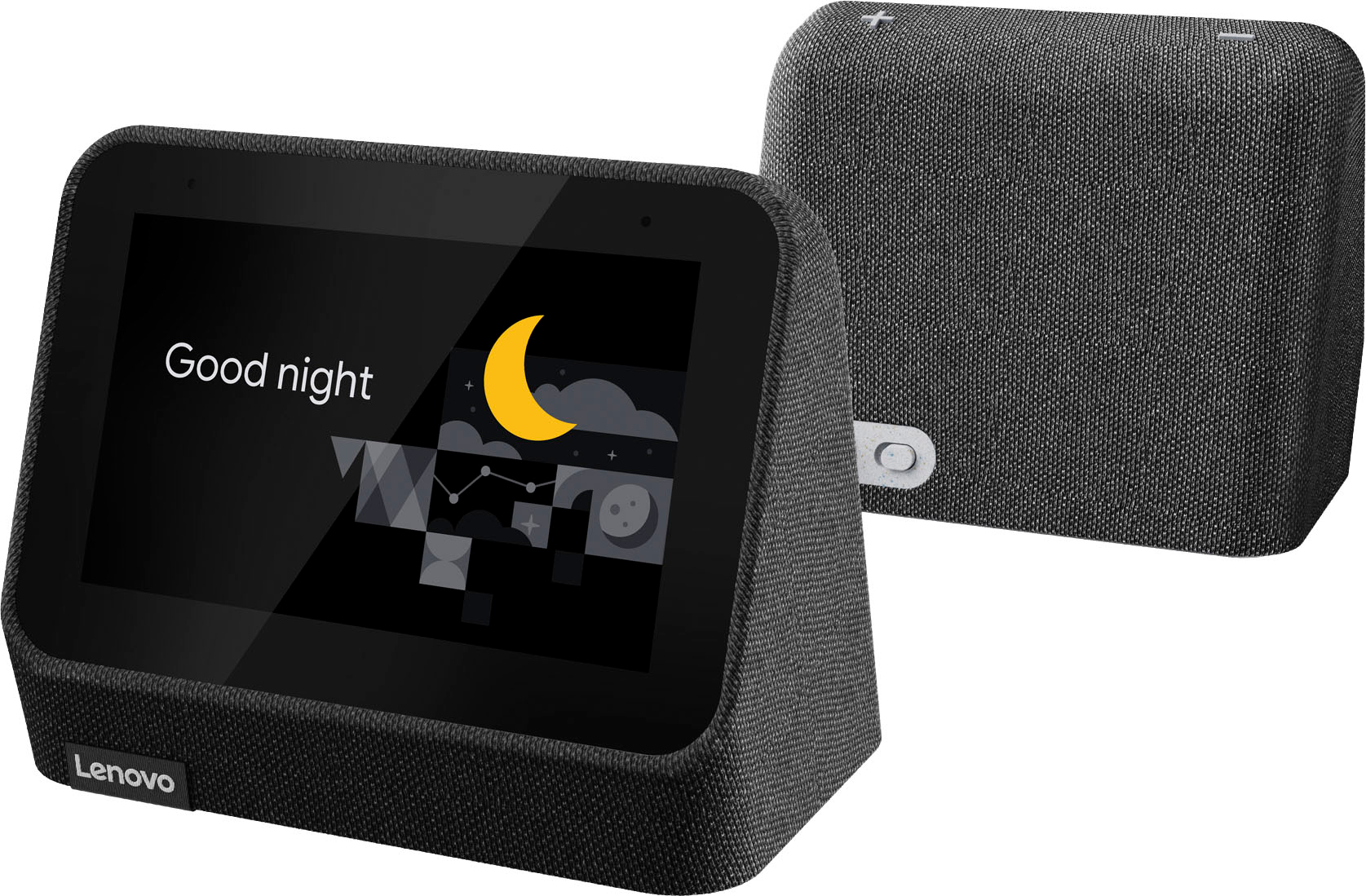
|Posted .This reviewer received promo considerations or sweepstakes entry for writing a review.I was looking for a new clock for my nightstand and thought it would be great if it had Google connectivity. The Lenovo Smart Clock 2 sounded like it had what I wanted. It's a cute little wedge shaped device that looks like a mini Nest Hub with a fabric wrapped body. Set up was as easy as can be; I already have the Google Home app. Once I turned it on, the Home app asked me to connect with it. From there it was easy, the app did everything including downloading and installing the latest updates. The 4 inch screen reminds me of an old cellphone with an 800x480 resolution, but it looks bright and clear. It's not like you're going to watch a movie on it (nor can you). It's great for an alarm clock with voice capability. You can change the watch faces, set different background images, like your personal Google photos. You can set up a nightlight and vary the color and brightness. You can connect it to the Hub and piggyback music from it like a wireless speaker. The speaker sounds good and is plenty loud, though as expected, narrow mid and no bass frequencies. It works almost as good as a Nest Hub, but there's a lot it can't do. If you want to play a specific song, it will suggest a station in no way similar, then force you to listen to the ad after the song even if you swipe it away! I suppose it would be fine if you had a Youtube Music paid subscription. It won't display my Nest camera even though it's supposed to. It won't show google search results or photos related to any search. It doesn't play videos either. About the only thing you can do is look at saved background photos or your own photos, and display the weather. For everything else, it will show the 4 Google dots or a play/pause button. The screen is pretty much useless for anything smart. Given the impracticality of the screen and the lack of sufficient smart features, you probably could find better for the same price. If you don't mind the limited Google assistant functions and suppress your desire to make full use of the screen, this will work admirably and wake you with ease.
No, I would not recommend this to a friendBrand response from Lenovo Product Expert
Posted .We are sorry to hear that you are having issues with the setup of your Lenovo Smart Clock 2. Be sure that you setup the Smart Clock 2 using the same Google Account you use for any music streaming services you have accounts setup for that you want to pair to the Smart Clock 2. The Smart Clock 2 will display Google Nest cameras that are setup through the same WiFi and Google Account. Here is a link to a YouTube video that demonstrates the features and functions of the Smart Clock 2 https://www.youtube.com/watch?v=i9EGOZJSlTI&t=2s. If you continue to have questions about your Smart Clock 2 we recommend you contact Lenovo Tech Support for Smart Devices at: 866-426-0911.
Great Smart Clocks!
|Posted .This reviewer received promo considerations or sweepstakes entry for writing a review.I already have not 1 but 3 Lenovo Smart Clock (originals) already in my house because they are just soooooo awesome to have around. The Smart Clock 2 is a most welcome addition to the home. In the box is the clock itself and power adapter. You will need to use the Google Home app to set it up and get it connected. This "clock" is A LOT more just just a clock. It can do a ton of stuff by asking or telling. Hey Google, how's the weather? How's Traffic near me? Set an alarm for 7:30 AM. While reading or watching TV and I don't understand something, Hey Google, what does X mean? or What is X? Literally so convenient. I have 2 in a bedroom, 1 in a kitchen and this one in my office. Works perfectly with not only my Google Cams but also the Nest Cams too. I can just say, Hey Google, Show me the backyard camera or front door, and it starts live streaming whatever cam you chose. Full color 4 inch screen looks just like how my tablets and phone display it. Touch screen works well albeit there isn't too much to do with the clock itself expect to change a couple of options. But this isn't where the clock shines though. I found myself doing a lot more with these clocks than just reading the time off of it. In the kitchen, I am always saying Hey Google, set a timer for X-min X-seconds. While streaming, Hey Google, Pause/Resume Netflix/YouTube etc. In the bedroom, Set an Alarm for X. In my office, I check my cameras, ask to play certain songs and if I have anything pending on my schedule. These google assistant clocks again are so great and make life just that much simpler for you. I always tell my friends to get these, and those who have love them too.
I would recommend this to a friendBrand response from Lenovo Product Expert
Posted .Thank you for choosing the Lenovo Smart Clock 2. We appreciate your loyalty to Lenovo Smart Devices and we are pleased to hear that the Lenovo Smart Clock 2 is working out so well for you. While the Smart Clock 2 will not display YouTube videos, you can control other devices that display YouTube video that are also paired to the same Google Home APP that you use to setup this Lenovo Smart Clock 2.
- Pros mentioned:Google assistant, Sound quality
Smart and Stylish Addition to Your Bedroom
||Posted . Owned for 1 year when reviewed.This reviewer received promo considerations or sweepstakes entry for writing a review.The Lenovo Smart Clock (2nd Gen) in Heather Grey is a versatile and feature-packed smart display that has quickly become an essential part of my daily routine. With its compact size and smart capabilities, it effortlessly combines functionality with style, making it an excellent addition to any bedroom or living space. First and foremost, the Smart Clock's integration with Google Assistant is a game-changer. From setting alarms and timers to checking the weather and controlling smart home devices, the Google Assistant provides a seamless hands-free experience. The voice recognition is highly accurate, and the responses are prompt and helpful. The 4-inch display of the Smart Clock is just the right size for displaying essential information without overwhelming the space. The visuals are crisp, and the touchscreen is responsive, making navigation smooth and intuitive. I appreciate the customizable clock faces, allowing me to personalize the device to match my preferred style or mood. One of the standout features of the Smart Clock is its ability to function as a smart home hub. With compatible devices, I can effortlessly control my lights, thermostats, and other smart devices with just a few voice commands or taps on the screen. It has greatly simplified my daily routines and added a level of convenience to my home automation setup. The built-in speaker of the Smart Clock delivers surprisingly good sound quality for its size. While it may not replace a dedicated speaker system, it produces clear and balanced audio, making it suitable for playing music, podcasts, or even listening to the news and audiobooks. However, if you're an audiophile seeking a more immersive sound experience, you might consider pairing the Smart Clock with external speakers. The Smart Clock's design is sleek and stylish. The heather grey fabric finish adds a touch of elegance, blending well with any bedroom decor. The compact size ensures it doesn't take up much space on a nightstand or bedside table. It also features a USB port on the back, allowing me to conveniently charge my phone or other devices overnight. While the Smart Clock offers a fantastic user experience overall, there are a couple of minor drawbacks worth mentioning. The lack of a built-in camera might disappoint those looking for video calling capabilities. Additionally, the absence of a battery backup means that a power outage can reset the clock and interrupt scheduled alarms, which could be an inconvenience for some users. In conclusion, the Lenovo Smart Clock (2nd Gen) in Heather Grey is a feature-rich and visually appealing smart display that excels in its role as a bedside companion. Its integration with Google Assistant, smart home control capabilities, clear display, and stylish design make it a valuable addition to any smart home setup. While it has a few minor limitations, the Smart Clock's convenience and versatility make it a worthy investment for those seeking a smart device that enhances their daily routines.
I would recommend this to a friend Google Assistant on my clock
|Posted .This reviewer received promo considerations or sweepstakes entry for writing a review.Lenovo Smart Clock 2 There is no camera on the Lenovo Smart Clock 2 model which means there is no option for video conversations ever on this model. Other systems will provide a camera which means it can function as a video conversation system with others. This device is basically an alarm clock with the Google Assistant that streams music and shows clocks, weather, and a few other features. As the name says, it is basically a clock with some smart features but not all the features that an Amazon Show device offers. We have 2 Echo Show devices in our household and realize that we prefer the Show devices more now that we have the Lenovo Smart Clock 2. It does have a switch that mutes the microphone for total privacy if someone is concerned. The Smart Clock Gen 2 has a 4-inch color touch screen that can show not only the date and time, but also the weather, your favorite photos from the Google Photos collection and live video from various smart cameras. That screen also automatically adjusts brightness depending on the time of day. And because it has the onboard Google Assistant, you can set up various "routines," like a morning alarm coupled with turning on your bedside lamp. Of course, the Google Assistant will answer all inquiries posed to it similar to an Android phone or tablet. The face of the clock is able to display weather, personal photos and other choices. But, it does not support video playback which is sad considering that the lowest priced Alexa Show devices support videos. Maybe in a future update Lenovo and Google will enable that? It does support Google YouTube Music. If it seems that this review is about the deficiencies of the Lenovo smart Clock 2 then so be it because with already 2 Alexa Show devices in our home, which function as Smarter Clocks but control and interact with many home smart functions as well as stream videos and all manner of music and news sources, this Lenovo product is basically a video display clock with weather report capability.
No, I would not recommend this to a friendBrand response from Lenovo Product Expert
Posted .We are sorry to hear that the Lenovo Smart Clock 2 does not meet your need. Here is a link to a YouTube vide that demonstrates the features and functions of the Smart Clock 2: https://www.youtube.com/watch?v=i9EGOZJSlTI&t=14s
- Pros mentioned:Ease of use, Sound quality
Easy to use
||Posted . Owned for 1 month when reviewed.This reviewer received promo considerations or sweepstakes entry for writing a review.Easy to use and set up... if you have set up a google smart speaker before. Small and compact but that filled my need. Nice speakers for the size.
I would recommend this to a friend Very capable Google Assistant smart display
|Posted .This reviewer received promo considerations or sweepstakes entry for writing a review.I like Lenovos Google Assistant smart displays and alarm clock. I now have both. Thjs does anything a Google nest smartdisplay does, only with a much smaller 4" display touchscreen. This can control your smart home devices, su h as my garage door opener, smart lights by Hue, thermastat, robot vacuum, and video DoorBell, etc. This will also show your traffic conditions on your morning drive, give daily weather updates, and answer most any question you throw at it. I notice this can be paired with Lenovo docking smartphone wireless charging dock as well if you so choose separately. I put this in my sons bedroom since the display is so small, which that's my only con of this device. For 69.99 retail itsa good Google Assistant display at a reasonable price . But, during the holidays you can find the 7" nest Google Assistant display for around the same price on sale.
I would recommend this to a friendBrand response from Lenovo Product Expert
Posted .Thank you for choosing the Lenovo Smart Display 2. We are pleased to hear that the ease of use and performance of the Smart Clock 2 meets your needs so well. This Smart Clock 2 has a 4 inch (screen size measured diagonally) touch screen.
- Pros mentioned:Sound quality
Good clock and music player but don't expect more
|Posted .This reviewer received promo considerations or sweepstakes entry for writing a review.If you already deep into Google assist or want a digital wall clock that can play music, the Lenovo clock 2 might be for you. However, I'm more of the "get the most out of it" type of person so I was expecting to be able to install other apps such as Arlo to monitor my security system. Unfortunately, Google home doesn't allow for that but if you have a Nest home product such as the nest thermostat or nest cameras you can easily use them but for other competing brands you're out of luck. I wouldn't recommend this if you like to expand or tinker with your electronics but if you want a digital clock or deep into the Nest Eco system, this clock might be for you.
No, I would not recommend this to a friendBrand response from Lenovo Product Expert
Posted .We are sorry to hear that this Lenovo Smart Clock 2 does not meet your needs. Here is a link to a YouTube video that demonstrates the features and functions of the Lenovo Smart Clock 2: https://www.youtube.com/watch?v=i9EGOZJSlTI&t=13s
Great clock for the price. Great little clock.
||Posted . Owned for 1 month when reviewed.This reviewer received promo considerations or sweepstakes entry for writing a review.I'd rate this clock probably closer to 4.25 stars rather than 4 but definitely not 5 stars. It's a great price... looks nice... and works well. Has great speakers (considering) and a cool touch screen. I got it for around $20 and can't imagine a better smart clock for that price. I use the google voice feature and that works VERY well. It often hears me from the next room over.
I would recommend this to a friend- Pros mentioned:Alarm
Cool smart alarm clock
||Posted . Owned for 3 weeks when reviewed.This reviewer received promo considerations or sweepstakes entry for writing a review.Great little alarm clock with a very good auto-dim setting. The alarm tones are also pleasant and not jarring. The speaker isn't as good as my Echo Dot 3rd Gen, but still sound pretty good. Overall, I recommend, but only while on sale.
I would recommend this to a friend - Pros mentioned:Alarm, Sound quality
Works as advertised.
||Posted . Owned for 1 month when reviewed.This reviewer received promo considerations or sweepstakes entry for writing a review.I used this to replace a Google Home that was doubling as an alarm clock. The addition of a visible clock face is nice, and the speaker is more than adequate for this purpose. 
I would recommend this to a friend - Pros mentioned:Sound quality
Great smart clock!
||Posted . Owned for 3 weeks when reviewed.This reviewer received promo considerations or sweepstakes entry for writing a review.I had the original Lenovo Smart Alarm clock for years and LOVED it. I was so frustrated when it died on me. I had looked to see if Lenovo came out with a newer model before and they not only hadn't but seemed to have discontinued the original. So I was so excited when I saw they had a version 2.0! They've made some small improvements, the biggest I saw was the better screen and the improved sound quality. Now, I don't go listen to music regularly on this but when I do, I see it's better than the original. Love the "hit the top" to snooze as when I'm half asleep and the danged alarm is going off, I don't want to hunt for a button. Definitely worth it and i can highly reccomend it
I would recommend this to a friend - Pros mentioned:Ease of use, Sound quality
Smart clock review
||Posted . Owned for 3 months when reviewed.This reviewer received promo considerations or sweepstakes entry for writing a review.Loved this product, I have four in my Hosea at this time. I even gave one for Christmas to my brother in-law. Quick and smooth easy set up works connects super fast great sound and all.
I would recommend this to a friend